


Fubar512
-
Posts
8,418 -
Joined
-
Last visited
-
Days Won
42
Content Type
Profiles
Forums
Gallery
Downloads
Store
Everything posted by Fubar512
-
-
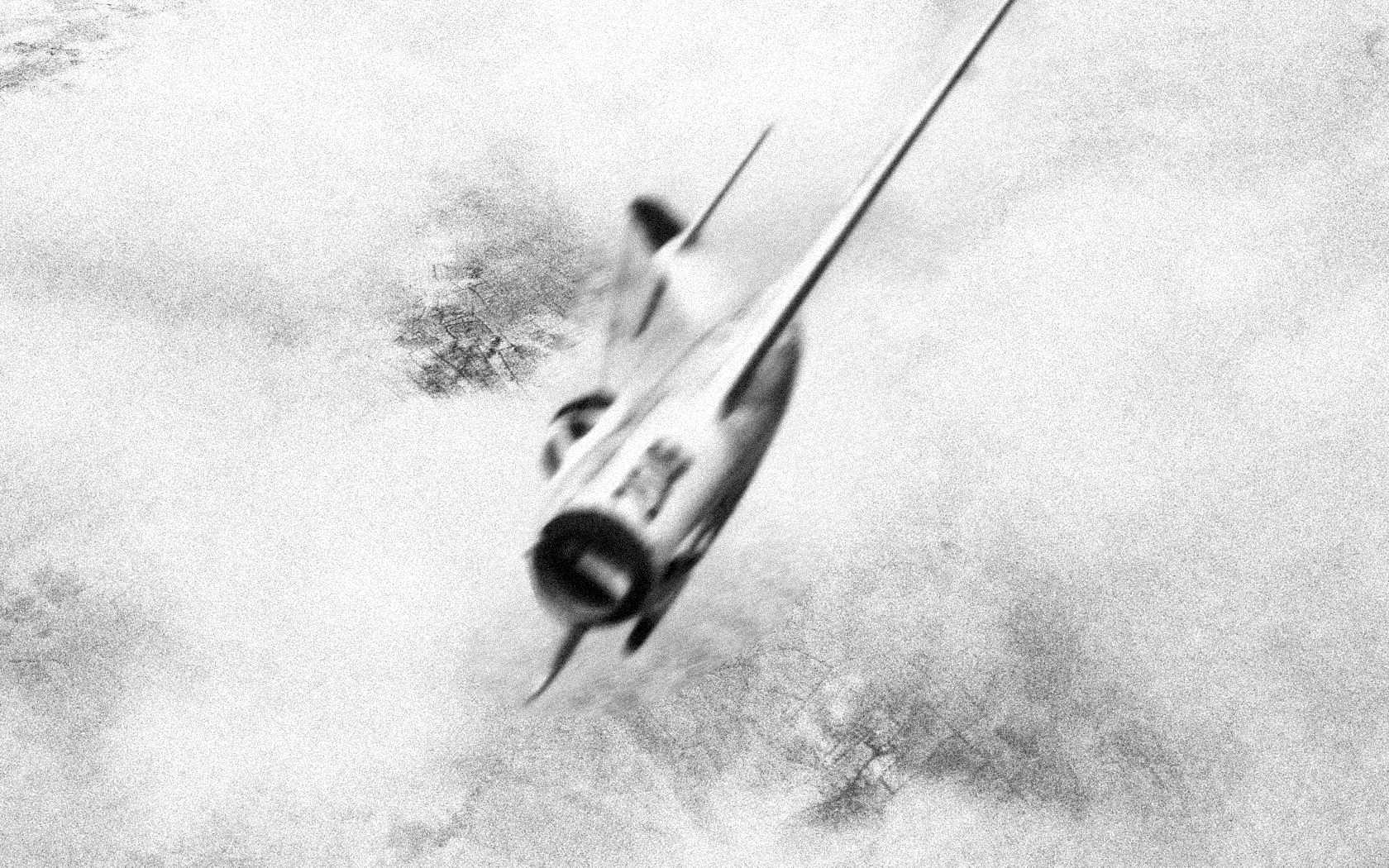
Yes, you should listen to Kevin because he's quite familiar with the whole process. Isn't that right, Mr. Gsh-301, errrr, I meant Wrench...OK?
-
-
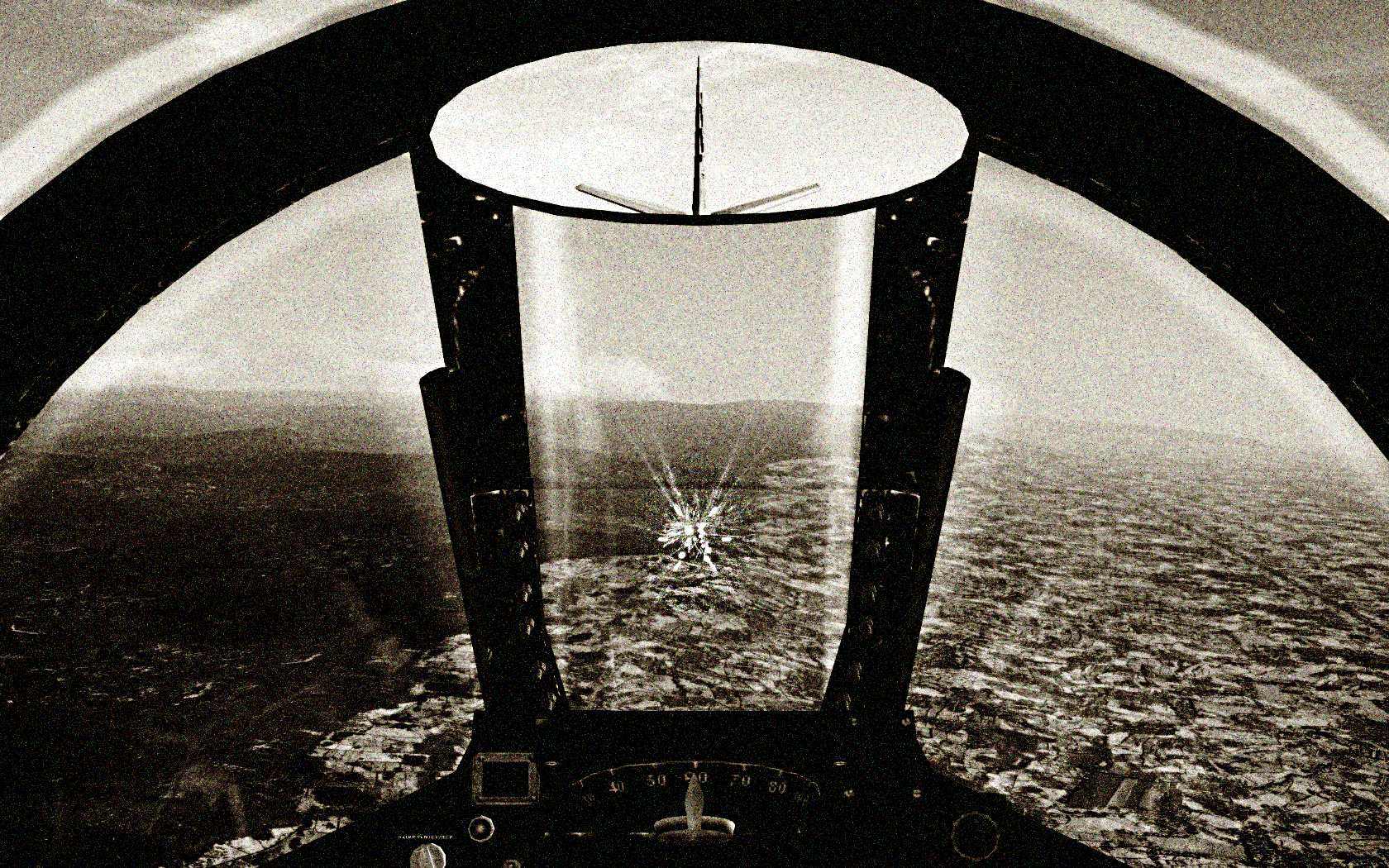
Is this the effect that you were trying to achieve, Xclusive?
-
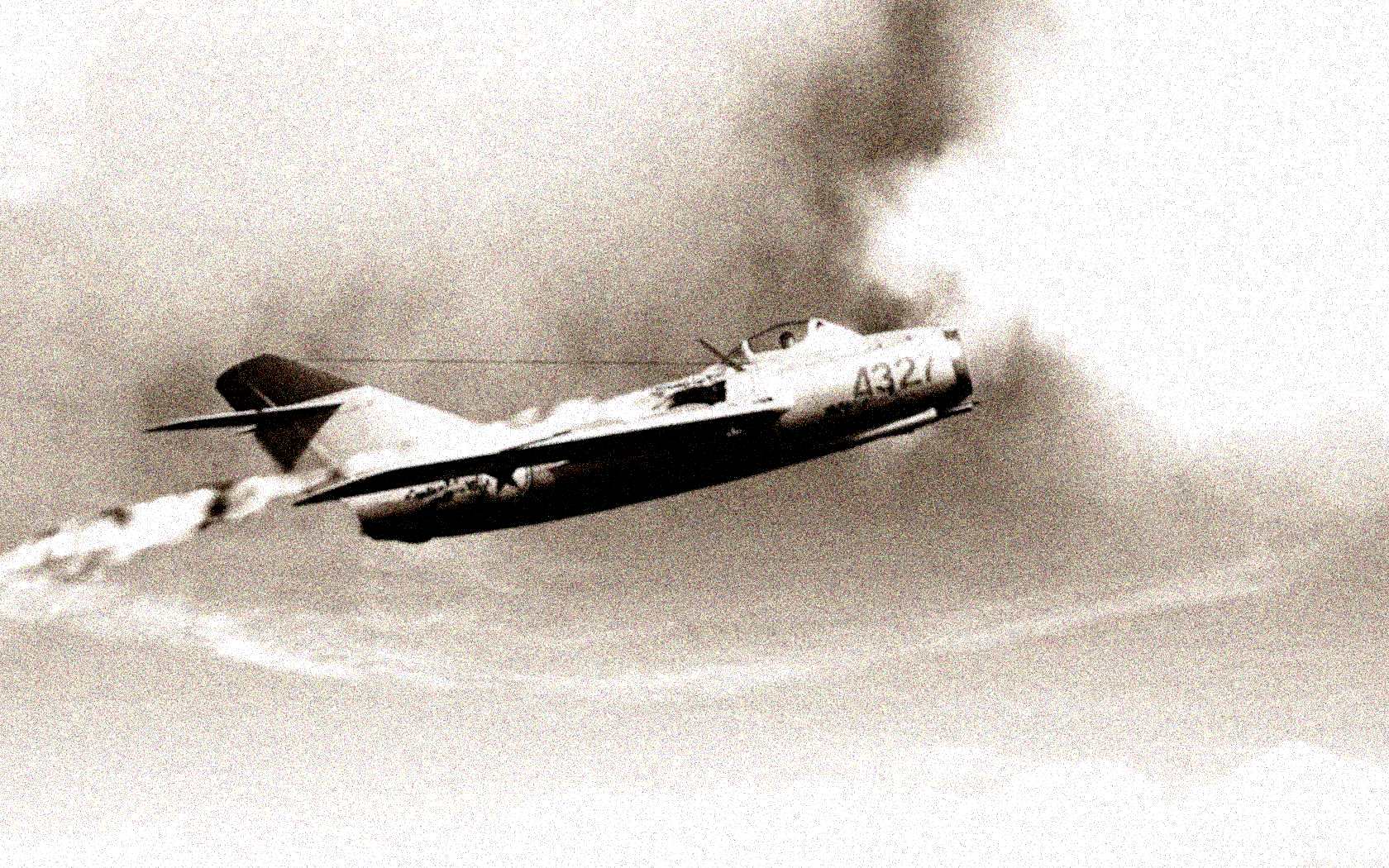
That's it....'21F/'21PF/'21MF-early-21bis
-
The only authentic cockpits, are those by Paladrian for the various MiG-21 variants. The others are substitutes.
-
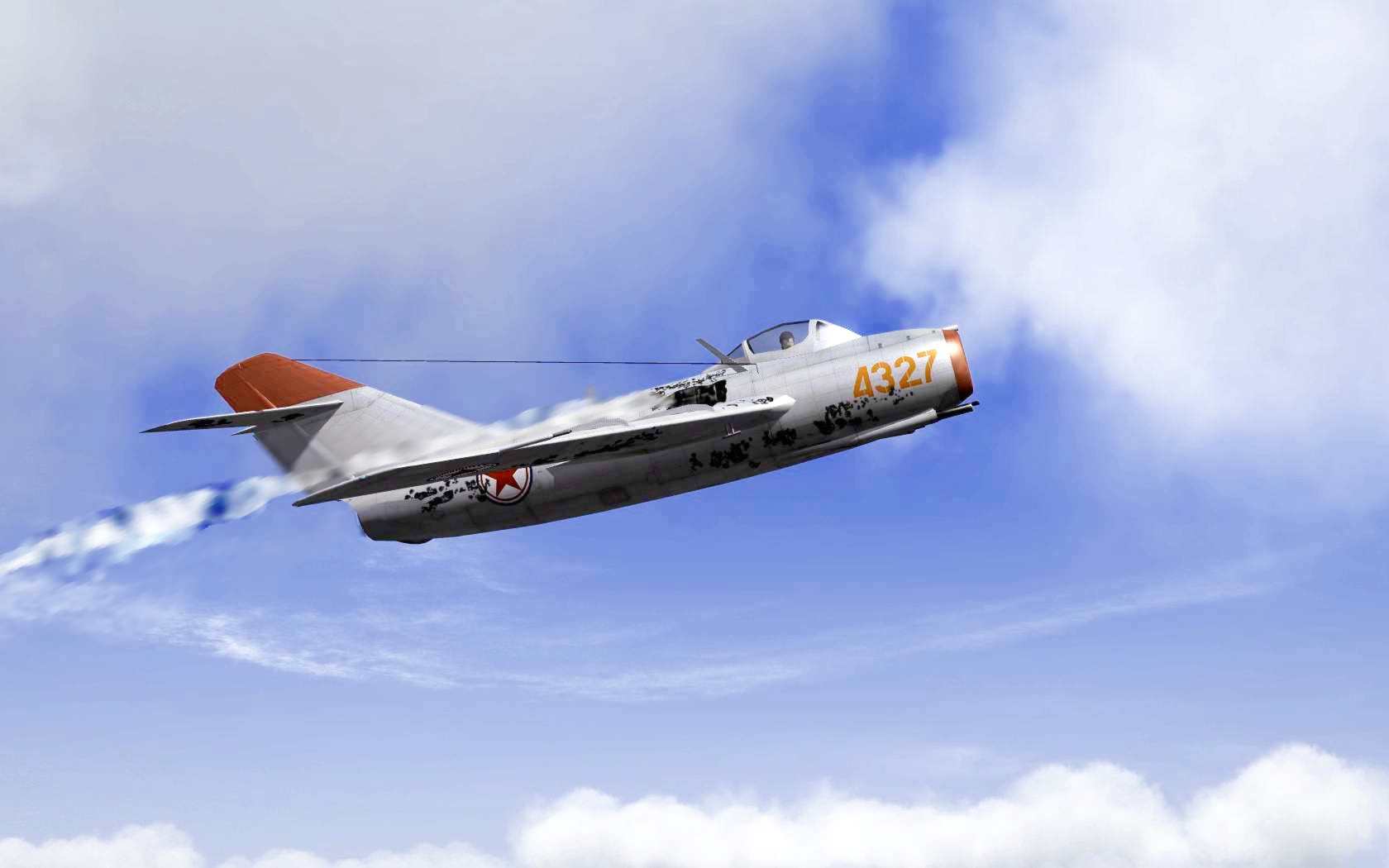
WTF you lookin' at, Kim?
-
http://combatace.com/topic/49849-dx10-effects-shaders-list/
-
Exhaust effects gone haywire in third party aircraft
Fubar512 replied to Freiwillige's topic in General Discussion
http://combatace.com/topic/49849-dx10-effects-shaders-list/ -
Already been done (with AWACs), and no, it doesn't have to be armed with RHMs, or anything for that matter. Just an A2A radar in search mode. Virtual RHMs are needed only if one wishes to see a "dedicated" AWACs symbol on a TEWs RWR screen. The only drawback is that it only works (reliably) in scripted missions.
-
Again, ONLY AIRBORNE RADARS serve to detect other flights BVR. Ground based radars do nothing, other than serve as ARM magnets, and direct AAA (if one knows how to set them up) and/or SAMs of the same type as the radar's network. They DO NOT provide early warning to aircraft. Want to settle this? Ask the question at ThirdWire's site, and see what TK says.
-
Redcrown makes calls bandit calls based on one of two factors: When an enemy flight is within visual detection parameters of a friendly flight, or, when an enemy flight is detected by either you, or one of your wingmen on radar. Ground-based radars have absolutely nothing to do with Redcrown, as I've seen SAMs and AAA engage bandits well before Redcrown acknowledged their presence. And it's been that way since the series came out in 2002.
-
Will I get a performance increase with Windows Seven and DX10?
Fubar512 replied to liamp51's topic in General Discussion
The most RAM that any single 32-bit application can be allocated, is 2048 mb, or 2 gb. -
At least as far as internal guns go, add/edit this line in the aircraftdata.ini: TracerLoading=X
-
Merry Christmas to all!
-
That's 0-100 KPH (as in 62 MPH) in 3.1 seconds. The Bugatti Veyron SS is still the quickest to 100 KPH: http://en.wikipedia.org/wiki/List_of_fastest_cars_by_acceleration
-
Did you add the AirToAir=True line to the rocket's weapondata.ini?
-
You forgot to add the following EXP2 parameter to the mighty mouse rocket data: AirToAir=TRUE
-
The Arizona, Oklahoma, Nevada, and Pennsylvania all had tripod masts by that time. The California, Tennessee, West Virginia, and Maryland still sported cage masts.
-
Very nice....but the USS Neosho was a tanker, not a freighter.
-
Here ya go, Dave:
-
There is no mockery intended. By the same token, are you trolling for trouble? That's in SF2, as evidenced by the bloom effect on the tracers. KS-19s are fixed heavy AAA guns, and as such, are meant to be radar directed. In short, they do not fire tracer rounds, but use altitude-fused HE rounds, instead. Default airfields automatically illuminate at night in this series. If you set them not to, you will have no runway or taxiway lighting when you take off from them, or land on them. This will all but prevent you from flying for either side.
-
Sort of reminds one of the storm scene from "Das Boot". The cruise ship damaged by massive waves this week while returning from Antarctica has made it back to her home port of Ushuaia, Argentina, and first-hand accounts describing a "terrifying" ordeal have begun to emerge. One of the 88 passengers on board the storm-tossed Clelia II, Frank Dougherty, tells the Philadelphia Daily News today he thought he was going to die as the ship fought through monster waves in the Drake Passage that reached 30 to 40 feet high. "I thought this was it," Dougherty, a former Daily News writer, told the news outlet in a phone call from Ushuaia. "I never came so close to cashing it in." One huge wave smashed a railing into the ship's bridge, knocking out all communication, including radar, Dougherty tells the Daily News. The vessel was "violently shaking and twisting," he says, noting the wind was gusting up to 100 miles per hour. Dougherty tells the news outlet he began imagining that if the ship went down, "they'd never find the bodies. You couldn't even think about putting out lifeboats in that sea." The Clelia II reached Ushuaia late Thursday. In a statement, the International Association of Antarctica Tour Operators says a large wave that broke the ship's starboard bridge window and doused electrical circuitry was the cause of widely reported propulsion problems on the ship (the video above, filmed by another expedition ship in the area and distributed by the Associated Press, shows the Clelia II struggling with high seas during the incident). "This caused a temporary loss of communications and affected engine performance," the statement says. "Both engines remained operational and speed was reduced." The association says no passengers on the ship were injured during the incident, although a bridge officer knocked down by the wave that broke through the bridge window sustained minor injuries. The vessel, operated by New York-based Travel Dynamics International and owned by Helios Shipping Greece, will be inspected for damage in Ushuaia. The Antarctic cruise ship forced to declare an emergency earlier this week after being slammed by 30-foot waves limped into port in Argentina overnight. The 165 people on board the Clelia II appeared relieved and smiling. "They treated us well … so we're lucky to be here … happy to be here," one passenger said. "We'll go home with a great story," another passenger said. Linda and Ken Mates said that they were told to expect a rough journey from the moment the ship set sail Nov. 30 from Ushuaia, Argentina. "We had rough seas going down, they were probably 30-foot waves. ... We spent three days going down and then when we came back, we got into some heavier stuff and that's when the captain idled out," Lisa Mates said. On Dec. 7, while returning from the Antarctic, 30- to 40-foot waves pounded the ship as it passed through the Drake Passage, an area known for its rough seas. The waves knocked out communications on the ship and partially disabled the ship's engine. Passengers said that the rough seas created chaos inside the ship, with garbage cans rolling down halls, men and women flipping over in their chairs and being launched out of bed. "The ship rolled and the next thing you know you saw peoples' feet going over even though they were sitting down … the chairs just plain tipped over," one passenger said. The Mates couple said that despite the rough seas, none of the 88 American passengers was injured and only one of the 77 crew members was hurt. "The staff was there to help people maneuver around so that no one would get hurt," Linda Mates said. The galley continued to operate throughout most of the ordeal providing meals to the passengers, she said. Jon Bowermaster, an expert Antarctica adventurer, has taken 20 trips to the region and knows the dangers first hand. "That's like slamming into a three story building repeatedly … it hits the waves, stops, hits the waves, stops. If you're in the boat, you're going to be tossed around a lot," Bowermaster said. The Mates couple said that they knew the risk heading into the cruise and they don't regret the trip. "To go to Antarctica, it was well worth it. We'd do it again," Ken Mates said. The company that owns the ship told ABC News that they plan to charter a plane to fly passengers home tomorrow. All passengers are expected to get a full refund, too.
-
15-30% increase in frame rates between WinXP DX9 and Win 7 DX10. Loading times are 50% faster (66% faster when one adds EXP2). This is on the exact same machine. Make sure that you have at least 4 GB or RAM, as Win7 loads 1 GB worth of files into RAM on startup, in a typical installation where 4 GB is available to it.
-
Is this what you're trying to achieve? Pyongyang.wmv
