


Cliff7600
-
Posts
1,196 -
Joined
-
Last visited
-
Days Won
12
Content Type
Profiles
Forums
Gallery
Downloads
Store
Everything posted by Cliff7600
-
Climbing, diving, climbing, diving... The fun never stops ...unless the dive is too steep
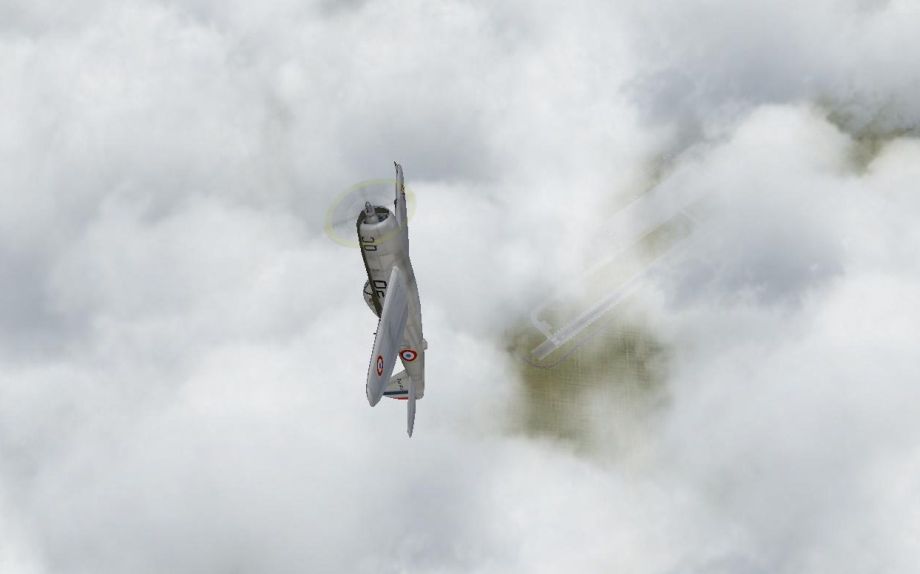
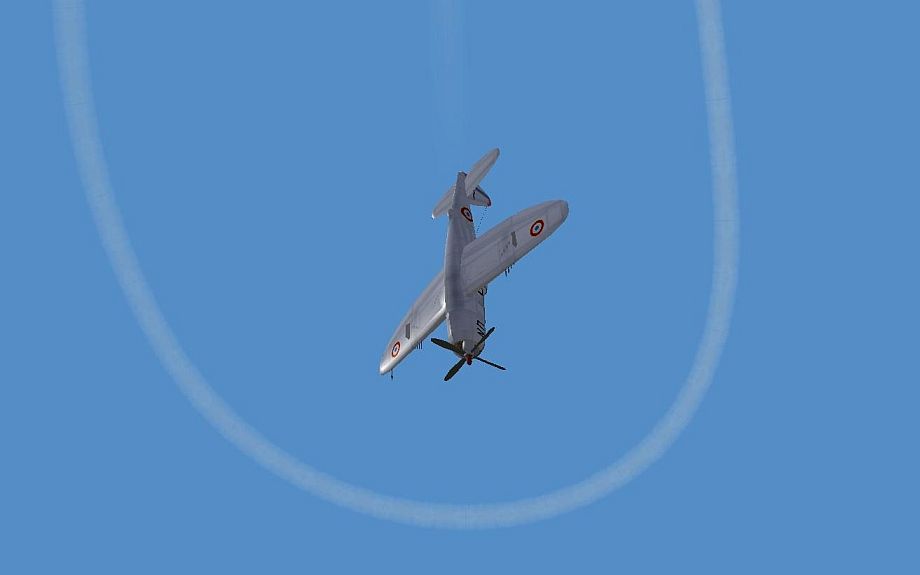
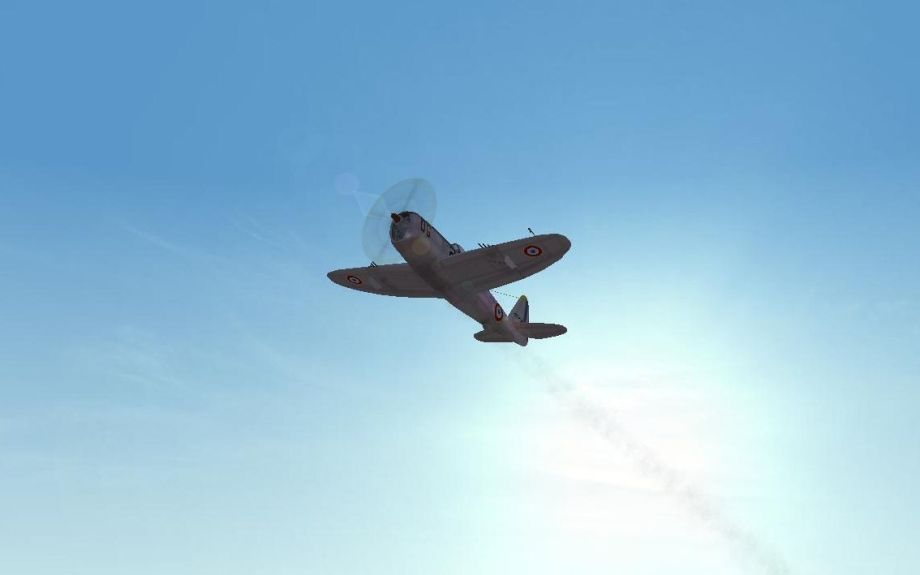
-
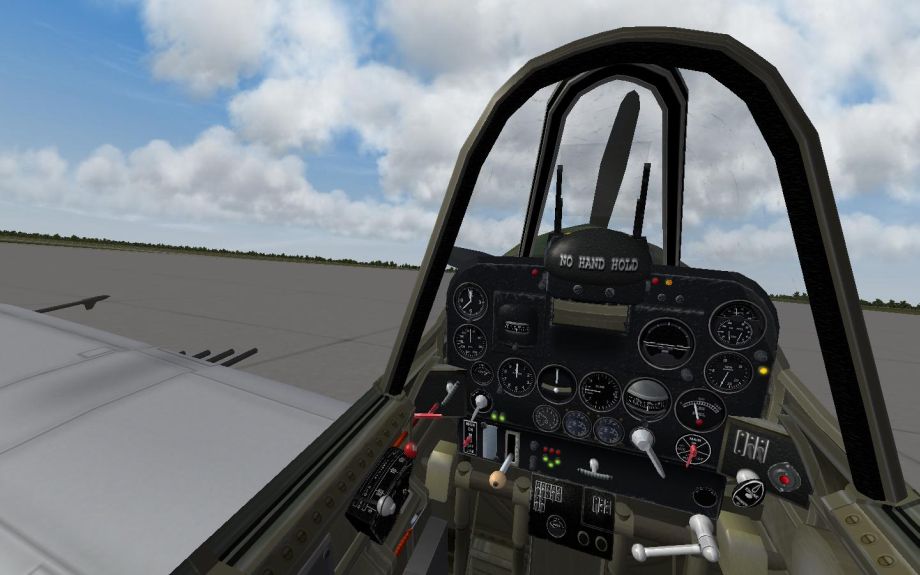
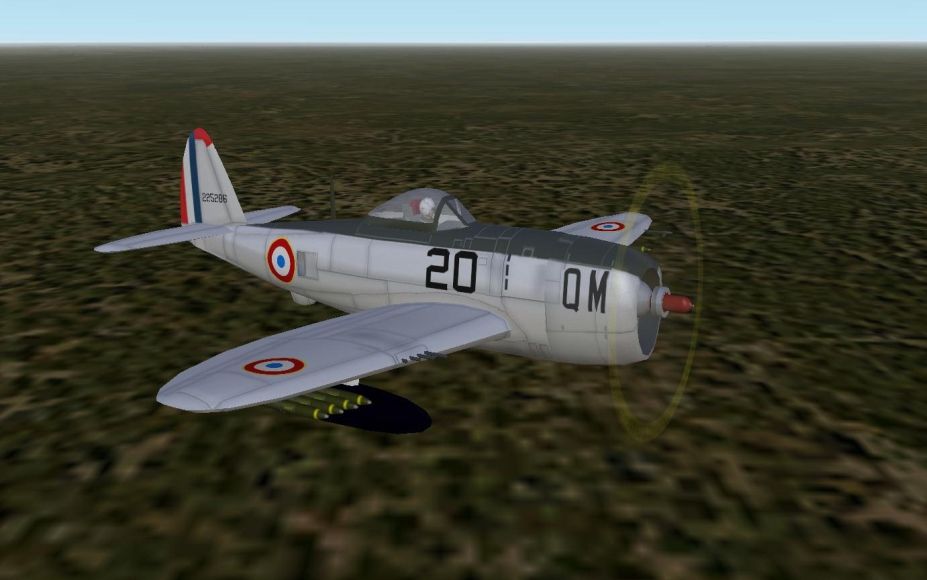
Really enjoying Wolf257's P/F-47D recently released by Wrench after editing, fitted with the LateWW2Cockpit2 by Stary. After few more edits :
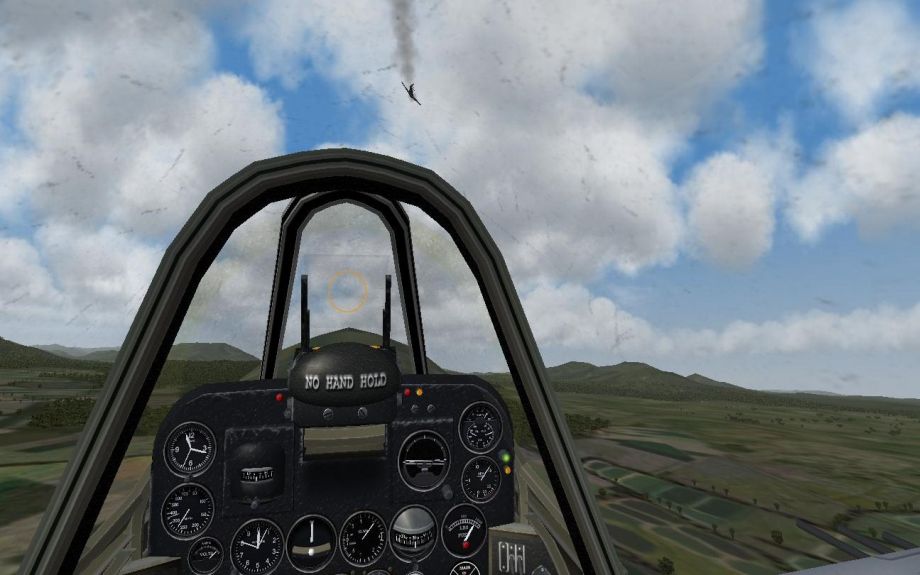
-
About the stick : The Tu-128 cockpit made by ErikGen has a transparent stick, you can see it moving and still can read the gauges behind.
-
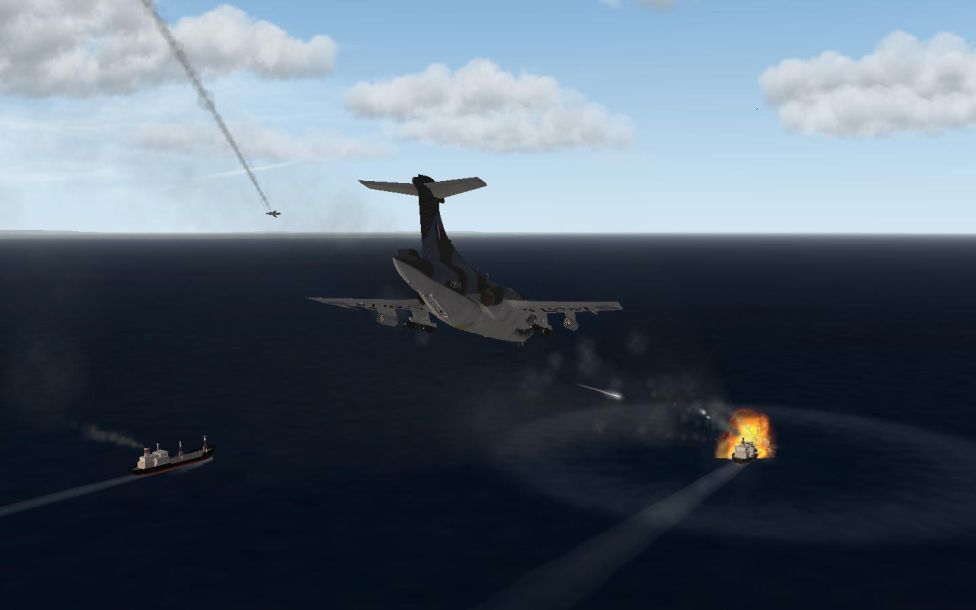
UP LADS, AND AT 'EM!!!
-
Bon Anniversaire! ;)
-
Well, it's going to look very good A cool cockpit for the Vautour :)
-
I'm surprised to see the speedometer in kmph... Look, this photo is supposed to be a Vautour anemometer
-
look the post above, I prefer to lower the sight than rising me ;) You're welcome
-
It's not necessary that the gunsight should be back right in place, it could be a little lower. [Move11] Type=AIRSPEED_INDICATOR NodeName=optical_sight MovementType=POSITION_Z Set[01].Position=8.99 Set[01].Value=0.0 Set[02].Position=8.99 Set[02].Value=1.0 Or it could move with the mild when you select the bombs... surely not realistic, but fun anyway [Move11] Type=HUD_MODE_INDIDCATOR NodeName=optical_sight MovementType=POSITION_Z Set[01].Position=8.99 Set[01].Value=0.0 Set[02].Position=8.97 Set[02].Value=2.0
-
Well, I can't explain what happens actually... it's a kind of "moving this (cockpit frame position=-9) and moving that back in place (gunsight position=9)" because the gunsight seems to be related to the interior_frame01 mesh (the cockpit frame I guess) In the Cockpit.ini file add these lines : Instrument[XXX]=Move11 Change XXX by the proper number in sequence (should be 056...) [Move11] Type=AIRSPEED_INDICATOR NodeName=optical_sight MovementType=POSITION_Z Set[01].Position=9 Set[01].Value=0.0 Set[02].Position=9 Set[02].Value=1.0 then change the cockpit location in order to see through the gunsight without having the head between the wings... something like that : Offset=0.0,-0.08,-0.0045 Position=-0.29,0.94,0.365 or higher or lower, it's a matter of taste. Tell me if it works for you
-
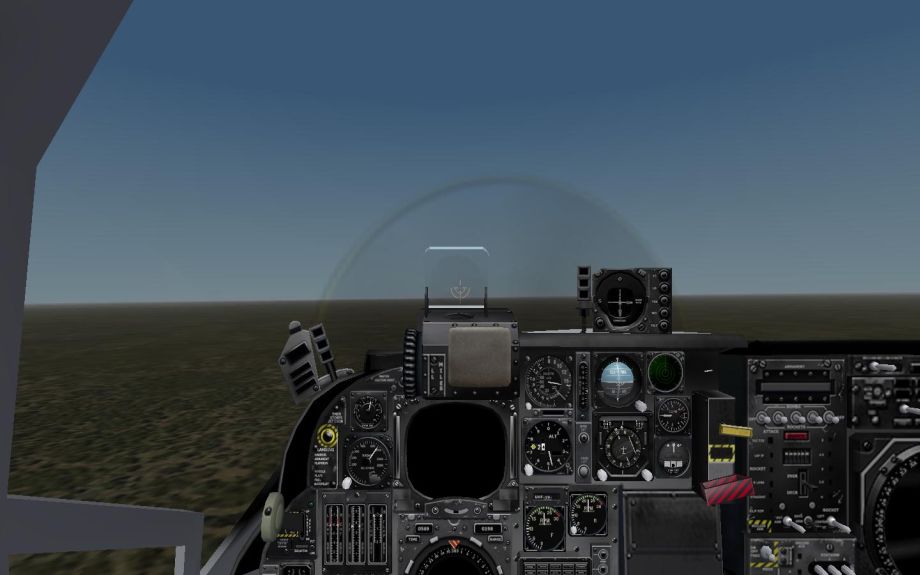
I agree, that's much better with the sight glass ;) (EGT is now CHT, just for the fun of the edit...)
-
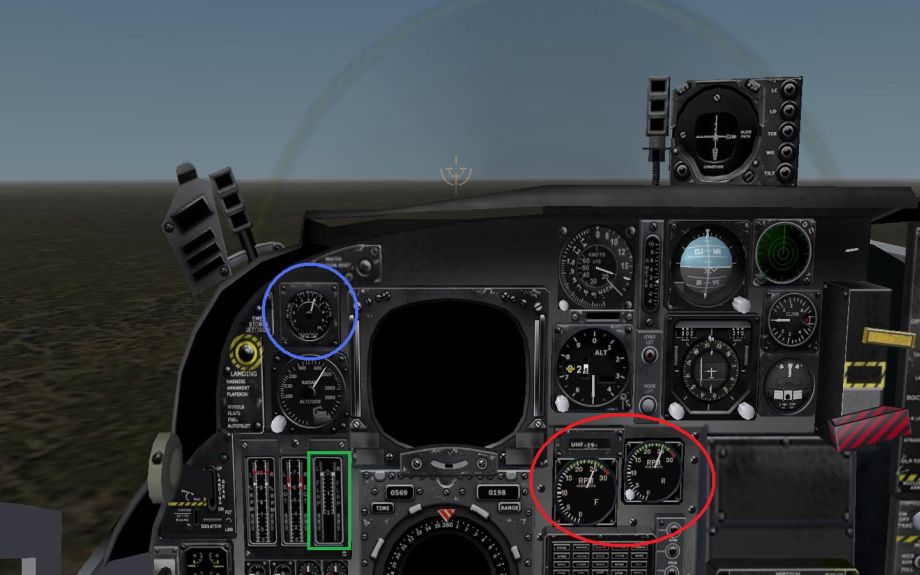
Thank you very much Blade So it looks like that : in red, 2 RPM gauges F for the front engine, R for the rear engine in blue, the fuel gauge in green, flaps indicator I think I'll change EGT to fuel flow... Any comments to make it better for a Cessna O-2?
-
Hi guys :) I would like to know if some one can give me the name of the mesh to remove the handle just above the accelerometer gauge. I'm trying to add a RPM gauge (at least one...) for the O-2 place holder pit. (here, there was a screenshot xD) I guess it could be easy to add a flaps indicator as well (third tape gauge from left...) I was thinking too about using the thrust vector input as throttle for the 2nd engine (maybe that is too far! xD) Thank you!
-
It's 18/36... Never seen 09/27, or others (03/21...) It doesn't matter until you notice it, but it looks really wrong after.
-
RIP
-
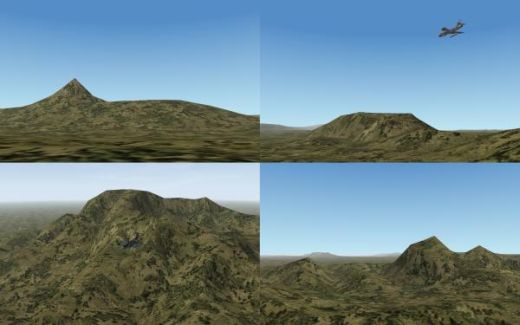
There's cool mountains South-East of the Range terrain, and North-West too. 200 to 300 NM to fly to get there ..................................................................................................................................
-
I would say it's the crossing between a Sukhoi Su-11 and an English-Electric Lightning F3 (XR 722)... ???
-
View File Hunter FR71 and FR74 for WOE This is the WOE version of the Hunter FR.10 SF2 mod by Paulopanz. These are the exported versions for Chile and Singapore. It uses ThirdWire LODs so it works only with Wings Over Europe install. Read the Readme Credits : Project, skins and decals by Paulopanz Dedicated sound by Spillone104 Cameras & ini edits: by Cliff11 Beta testers: Cliff11, Spillone104 & Gaunt Freeware only is allowed, give proper credits. Submitter Cliff7600 Submitted 08/10/2011 Category British Aircraft
-
View File Hunter FR10, FR59, Mk73(FR10) and Mk76(FR10) for WOE This is the WOE version of the Hunter FR.10 SF2 mod by Paulopanz. These are the exported versions of the Middle East (Abu Dhabi, Iraq, Jordan and Sultanate of Oman) It uses ThirdWire LODs so it works only with Wings Over Europe install as it is. It may work with WOI but you have to extract the Hunter cockpit LOD from a WOE install. Read the Readme Credits : Project, skins and decals by Paulopanz Dedicated sound by Spillone104 Cameras & ini edits: by Cliff11 Beta testers: Cliff11, Spillone104 & Gaunt Freeware only is allowed, give proper credits. Submitter Cliff7600 Submitted 08/10/2011 Category British Aircraft
-
143 downloads
This is the WOE version of the Hunter FR.10 SF2 mod by Paulopanz. These are the exported versions for Chile and Singapore. It uses ThirdWire LODs so it works only with Wings Over Europe install. Read the Readme Credits : Project, skins and decals by Paulopanz Dedicated sound by Spillone104 Cameras & ini edits: by Cliff11 Beta testers: Cliff11, Spillone104 & Gaunt Freeware only is allowed, give proper credits. -
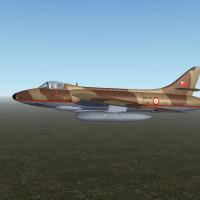
193 downloads
This is the WOE version of the Hunter FR.10 SF2 mod by Paulopanz. These are the exported versions of the Middle East (Abu Dhabi, Iraq, Jordan and Sultanate of Oman) It uses ThirdWire LODs so it works only with Wings Over Europe install as it is. It may work with WOI but you have to extract the Hunter cockpit LOD from a WOE install. Read the Readme Credits : Project, skins and decals by Paulopanz Dedicated sound by Spillone104 Cameras & ini edits: by Cliff11 Beta testers: Cliff11, Spillone104 & Gaunt Freeware only is allowed, give proper credits. -
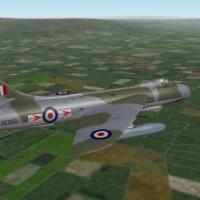
View File Hunter FR10 for WOE This is the WOE version of the Hunter FR.10 SF2 mod by Paulopanz. It uses ThirdWire LODs so it works only with Wings Over Europe install. Read the Readme Credits : Project, skins and decals by Paulopanz Dedicated sound by Spillone104 Cameras & ini edits: by Cliff11 Beta testers: Cliff11, Spillone104 & Gaunt Freeware only is allowed, give proper credits. Submitter Cliff7600 Submitted 08/09/2011 Category British Aircraft
-
208 downloads
This is the WOE version of the Hunter FR.10 SF2 mod by Paulopanz. It uses ThirdWire LODs so it works only with Wings Over Europe install. Read the Readme Credits : Project, skins and decals by Paulopanz Dedicated sound by Spillone104 Cameras & ini edits: by Cliff11 Beta testers: Cliff11, Spillone104 & Gaunt Freeware only is allowed, give proper credits. -

F-16 over runs runway at airshow - oopsy
Cliff7600 replied to MigBuster's topic in Military and General Aviation
Here's few photos of the incident : http://www.wpix.com/...16-incident-015 -
Use the Way Points to go anywhere you want
Cliff7600 replied to Cliff7600's topic in General Discussion
I think it should work with nuclear weapons. The power of the bomb is far enough strong to tolerate a distance error. So is the navigation, if you're few miles too far, you adjust the course. It's a part of the process because in reality winds can make the aircraft drift a lot, and at each turning point you have to "re-start" from where you are... (I don't talk about auto-pilot) But with conventional bombs :/ you won't hit anything unless you bomb a city (WW2 bombing).
