
Flanker562
-
Posts
13,483 -
Joined
-
Last visited
-
Days Won
64
Content Type
Profiles
Forums
Gallery
Downloads
Store
Everything posted by Flanker562
-
Scratch the one in the download, here's a more descriptive CanopyGlassTemplate.tga CanopyGlassTemplate.7z
-
You'd have to ask Wrench it's not my map.
-
https://www.google.com/search?q=gimp+dds+plugin+download&ie=utf-8&oe=utf-8&aq=t&rls=org.mozilla:en-US:official&client=firefox-a
-
1. Drop the file below in your weapons folder. 2. Because the mission is setup as an Air Defense Suppression mission and there isn't any targets to kill, so it gives a Mission Success. 3. http://combatace.com/files/file/8146-southern-california-ver-20/ BTW "SoCal" is a contraction of "Southern California", so if you're opening the SoCal Carrier missin, then it's the Southern California map. GBU-35.7z
-
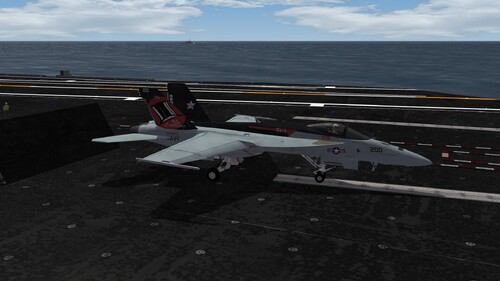
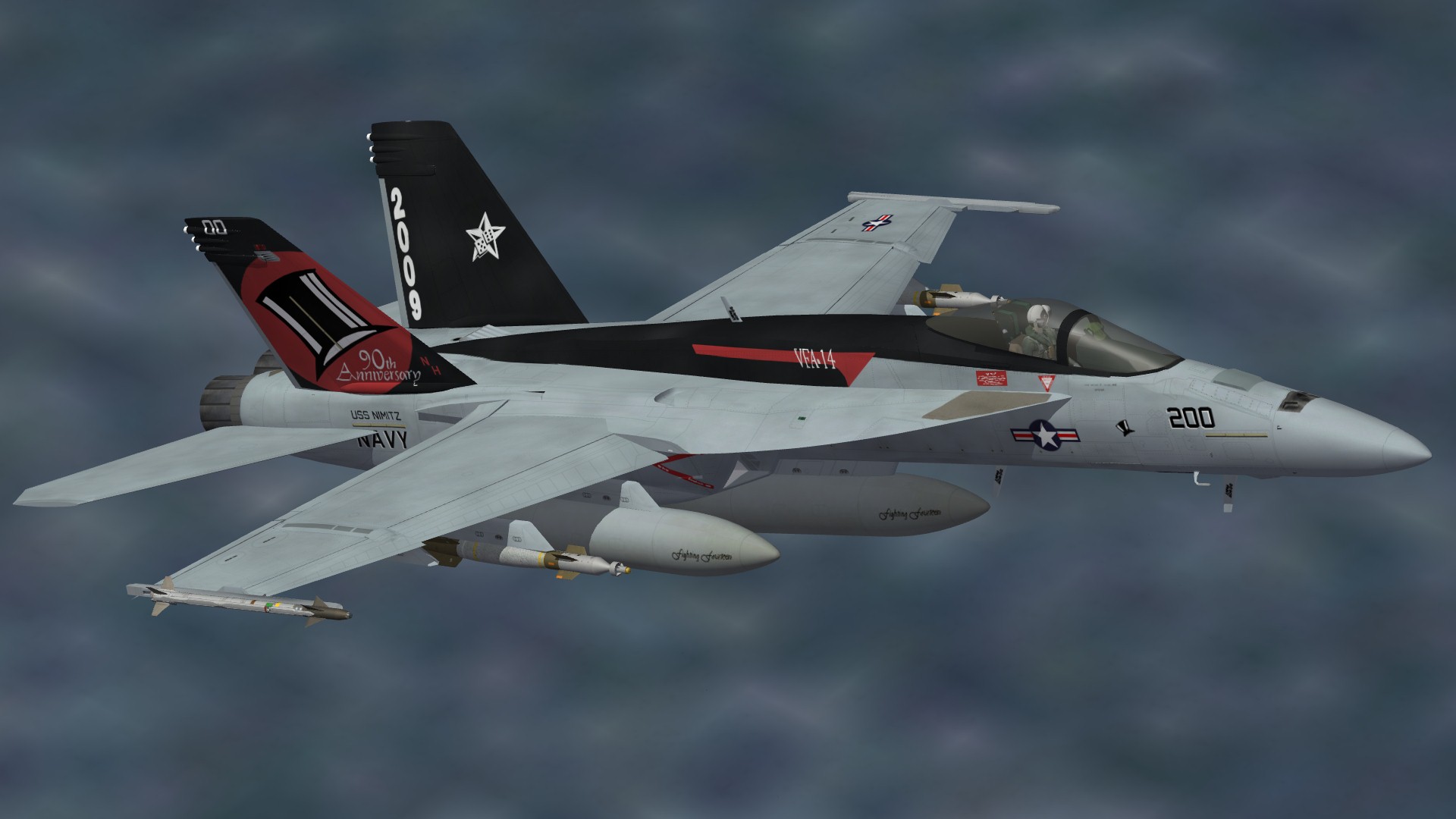
View File VFA-14 90th Anniversary Skin Drop in the FA-18E folder and go fly. Eric Johnson, 2012 Submitter Flanker562 Submitted 07/27/2012 Category F-18
-
78 downloads
Drop in the FA-18E folder and go fly. Eric Johnson, 2012 -
View File F-103 SEA Camouflage What If A "What If" for FC's F-103A Thunderwarrior, depicted being part of a Reconnaissance unit during the Vietnam conflict. Uses the RF-101B decals from the RF-101B from Dave: http://combatace.com/files/file/9300-rf-101b-voodoo-v12-for-sf2/ Drop in your folder and go fly. Eric Johnson, 2012 Submitter Flanker562 Submitted 07/27/2012 Category What If Skins
-

79 downloads
A "What If" for FC's F-103A Thunderwarrior, depicted being part of a Reconnaissance unit during the Vietnam conflict. Uses the RF-101B decals from the RF-101B from Dave: http://combatace.com/files/file/9300-rf-101b-voodoo-v12-for-sf2/ Drop in your folder and go fly. Eric Johnson, 2012 -
Note: the current HUD does not work with SF2:NA, so you cannot use the AvionicsF14A.dll until the new cockpit shows up.
-
Updated to 2.2 standards
-
Look at the top of the page with your comment about the HUD, then look to the bottom right of your comment, and you'll see it, though don't know why somebody did it but...
-
If I understand right, yes delete the CVN-75 folder, or place the CVN75 folder in GroundObjects
-
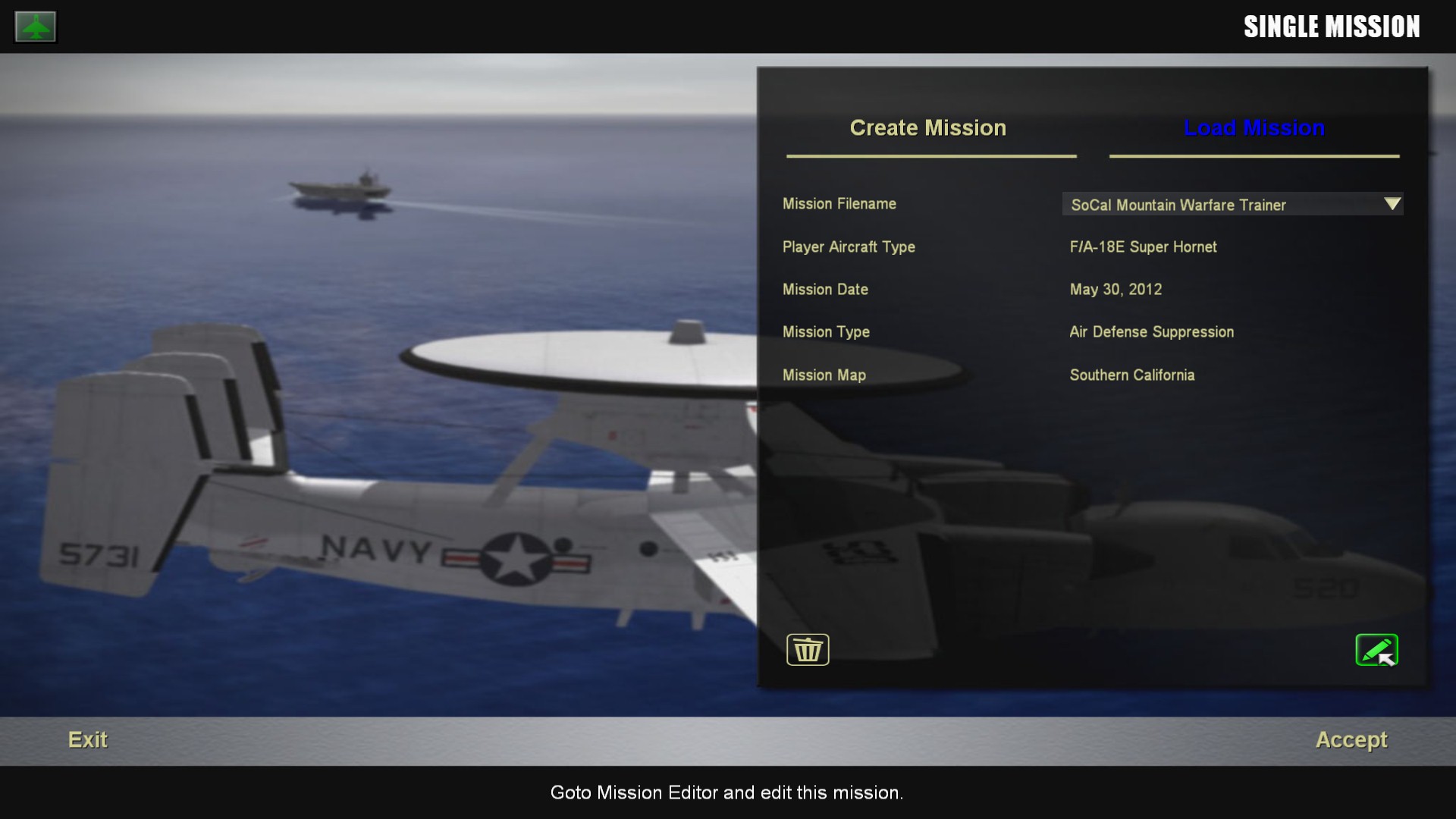
When you look on the Create Single Mission screen before you "Load Mission" look at the bottom right for a pencil, as in the screenshot below. Click on that and you'll be able to edit it. Also for the CVN? Not sure...
-
Not sure how important it really is, but Brain32 has the NATOPS manual for the cockpit so he's working off the real thing...
-
You're having the same problem as Spiff did... download this file and put it in each folder: Downloads.7z
-
Almost finished...
-
Good point, mine is setup for SF2 but not NA yet... Then again I don't know which SF2 he has either...
-
Do you have the SF2 Mission Editor? If you don't then you have to download that and I can help you. Here's a very generic mission I use for bombing practice (the real one has more targets) but this will be good for carrier practice. Just put this in the Missions folder and select it through the "Load Mission" part in Single Mission area. It's a Super Hornet Mission (should be the E) and you'll need Wrench's South California terrain (or I can make it for a terrain you do have). SoCal Carrier.7z
-
I know everybody cracks the joke but so far after some tweaking it's a lot better... You first have to setup a carrier, usually Strike Fighters 2: North Atlantic has carrier use, but if you don't have it, you'll have to download a carrier from the Downloads section and then it will allow you (also check the SF2 Knowledge Base. If it isn't there then let me know.
-
I was part of 1-7 FA out of Bamberg though as an FO I was down in Schweinfurt when I was in Germany... But anyway, the M777 is where it's at though... best weapon I know offhand.
-
Enhanced Laser Guided Training Round (E-LGTR) / SCALPEL?
Flanker562 replied to dtmdragon's topic in General Discussion
BDU-59, MGunny's pack for SF2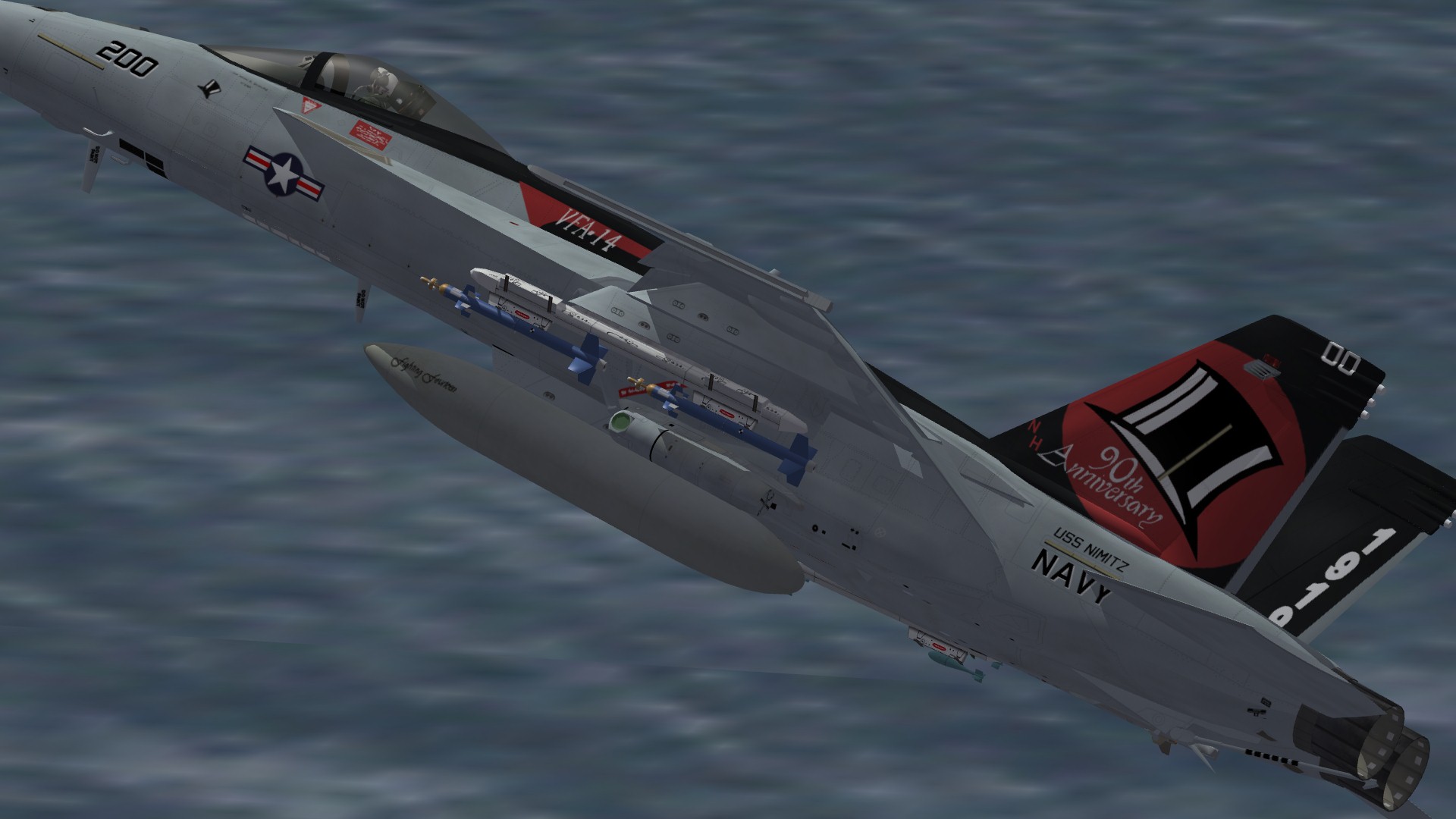
-
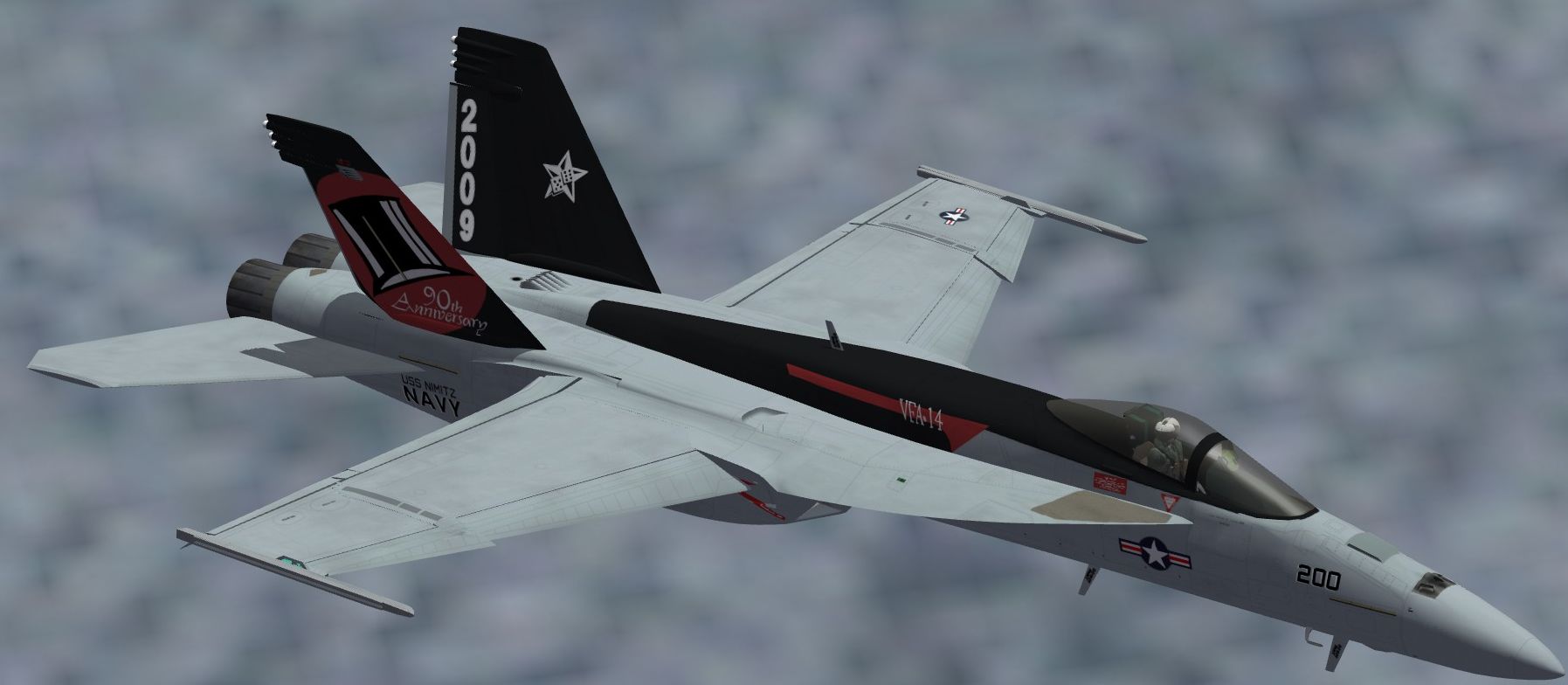
VFA-14 90th Anniversary WIP
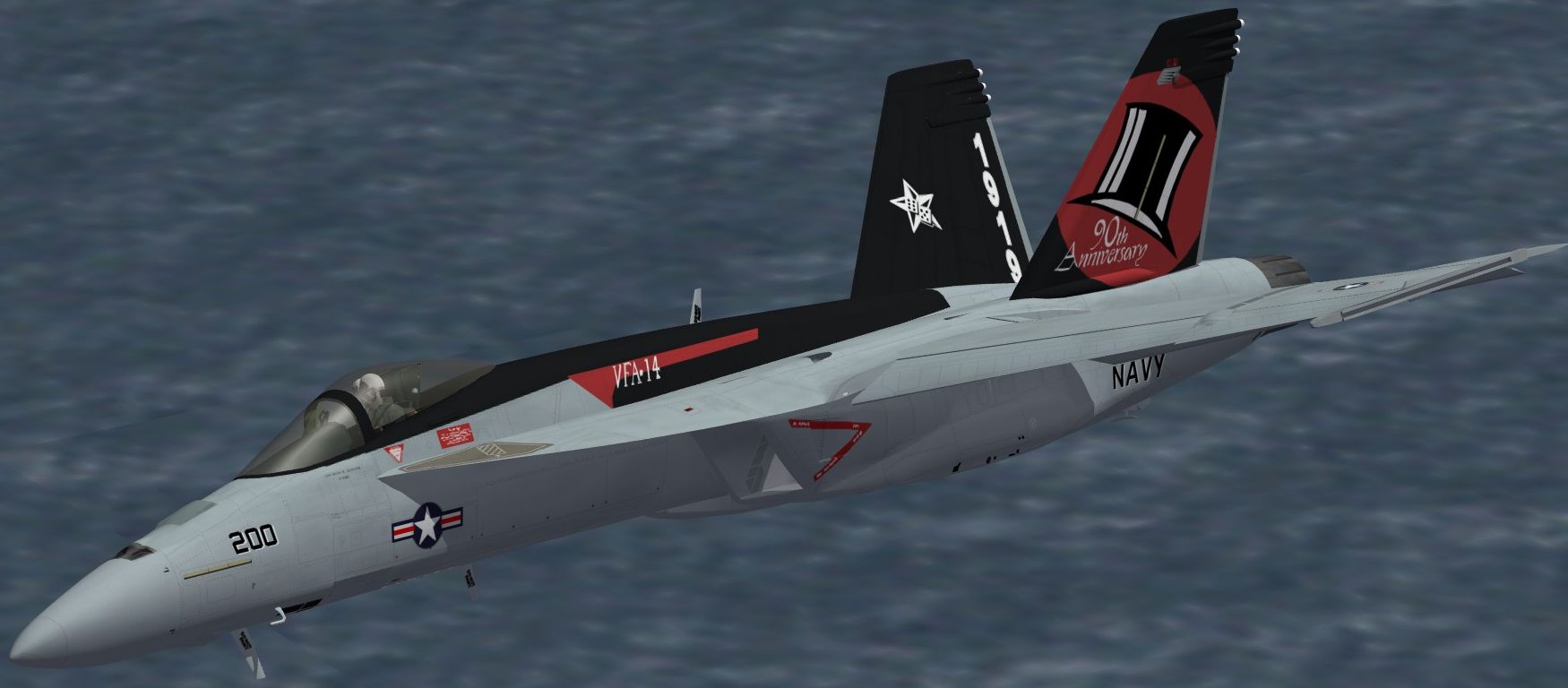
-
Soviet invasion of Afghanistan install?
Flanker562 replied to Stratos's topic in Mission & Campaign Building Discussion
If I didn't have a severe dislike and lack of extreme patience I would have done the country in full years ago, at least while I was there. But if I can add my .02, include the eastern portion of the country plz -
But a better way to do it, is to open the file I uploaded, and then put the template "above" or "below" as a layer for the colors. Color it how you want it and then deactivate the template layer, and save as a PSD so you can keep your work somewhere. Then you can save the file as a .tga (with the Alpha layer there) and then it should work fine.
-
Yep, but to edit it you have to do it in layers rather than saving with the template layer "active", or you'll get the template colors on the canopy.