JamesWilson
-
Posts
181 -
Joined
-
Last visited
Content Type
Profiles
Forums
Gallery
Downloads
Store
Everything posted by JamesWilson
-
 All works perfectly, but some sounds are off and can't hear cannon sound. I also noticed some weapon stations are not selectable in the loadout screen. I just dropped all the files correctly. What's the Add_SOUNDLIST.ini? I have no idea what to do and where to put it... Maybe i've put weapons wrong too? Thanks for helping
 -
 Hey i just downloaded the skins by X RAY and had to try with different Tornadoes and yours is the only one compatible, i don't know if he made those based on yours. The only issue i'm having is by using X RAY's "Sharkmouth" skin, it works but the probe skin is black and doesn't show, maybe you have the fix. Thanks for helping
 -
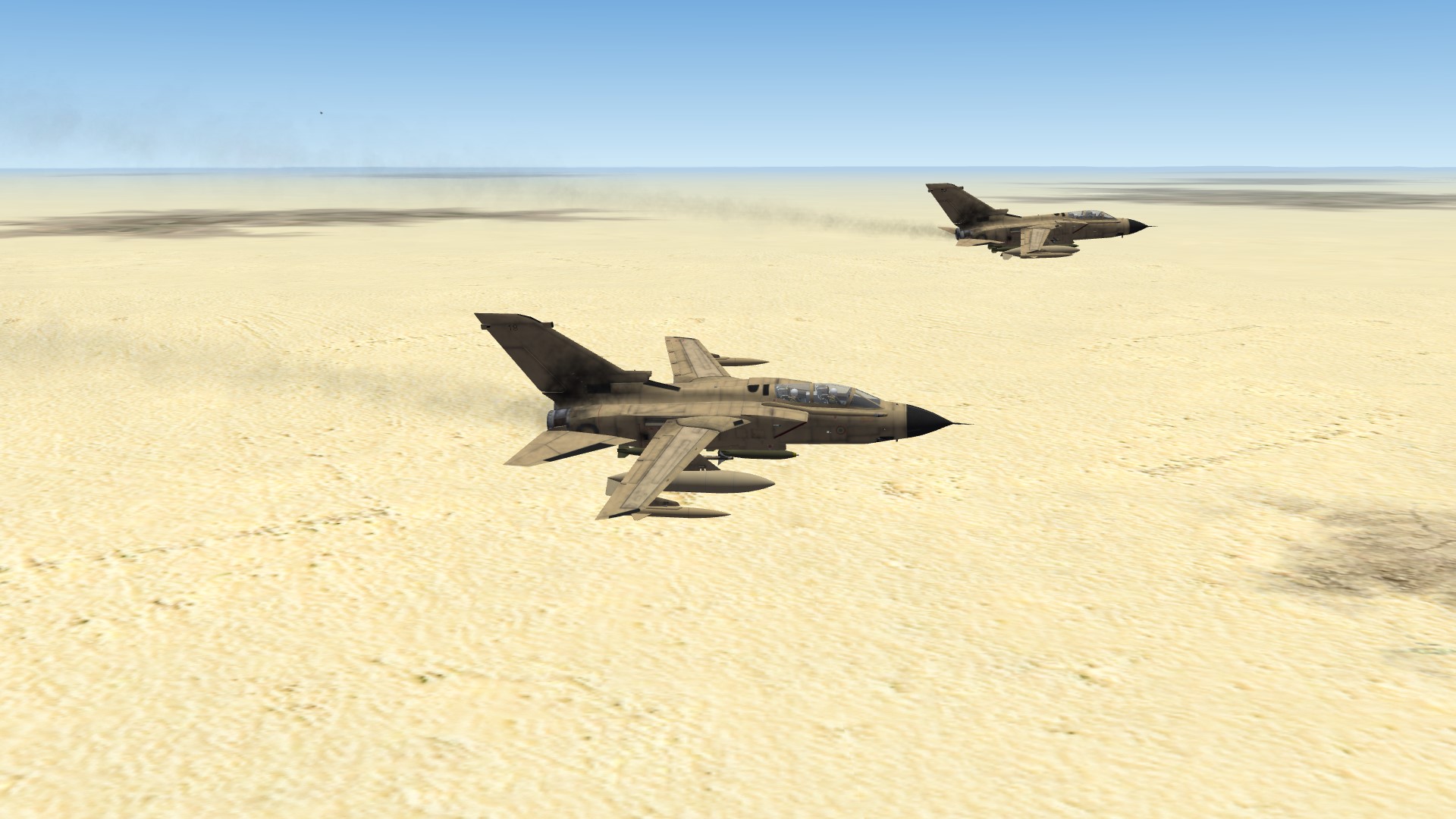
Tornado ECR/ITA IDS/HARM 155 E.T.S. "Sharkmouth"
JamesWilson commented on X RAY's file in Tornado Skins
 It's very nice but i don't know why but the probe texture doesn't show, it's completely black, i have no idea how to fix it. I'm using the Tornado by ianh755, it's the only one that i found compatible with your skins, since you don't specify for which Tornado, i had to try and guess. Thanks for helping
 -
TMF F-14 Speed and Fuel Indicators Wrong?
JamesWilson replied to JamesWilson's topic in General Discussion
Got it, thanks. I won't modify anything then -
TMF F-14 Speed and Fuel Indicators Wrong?
JamesWilson replied to JamesWilson's topic in General Discussion
I'm so sorry for the loss, i completely understand -
TMF F-14 Speed and Fuel Indicators Wrong?
JamesWilson replied to JamesWilson's topic in General Discussion
Btw, can't we just swap the F-14 speed indicator with the F-4 one? They look the same, so wouldn't be unrealistic, plus we'd have a fully working speed indicator -
TMF F-14 Speed and Fuel Indicators Wrong?
JamesWilson replied to JamesWilson's topic in General Discussion
They should have updated the SF1 cockpit with SF2 features, such as this one. With WOX series you mean all the "wings overs ..."? Btw, is there any up to date and better F-14 out there for SF2? -
TMF F-14 Speed and Fuel Indicators Wrong?
JamesWilson replied to JamesWilson's topic in General Discussion
Damn that's a shame, it's such a basic thing to actually see the speed you're going, especially in a plane with no digital speed indicator such as the A and B Tomcats -
TMF F-14 Speed and Fuel Indicators Wrong?
JamesWilson replied to JamesWilson's topic in General Discussion
It's a shame they missed such a crucial and basic feature... -
TMF F-14 Speed and Fuel Indicators Wrong?
JamesWilson replied to JamesWilson's topic in General Discussion
So could be done? -
TMF F-14 Speed and Fuel Indicators Wrong?
JamesWilson replied to JamesWilson's topic in General Discussion
Oh wow, how did you edit the textures? A bit of a shame there's no external fuel valuie anymore, but having Left & Right, plus deleting the "0.1" shown, and using the whole fuel digits, sounds very great. So you had external fuel tanks in this screenshot? If you could explain me how you did that both in texture and ini files would be much appreciated! -
TMF F-14 Speed and Fuel Indicators Wrong?
JamesWilson replied to JamesWilson's topic in General Discussion
Oh so if it means 10 then the total there is 20 thousand? Didn't notice that, thanks. Is that a thing specific for TMF or some Tomcat version? Cause the Heatblur i fly in MSFS has the whole 5 digits -
TMF F-14 Speed and Fuel Indicators Wrong?
JamesWilson replied to JamesWilson's topic in General Discussion
So it's all correct? I play MSFS and there the speed indicator moves both kts and Mach, the latter doesn't in TMF Tomcat. In Heatblur F-14 for MSFS the Mach needle moves as soon as reached Mach 1, this one stays still and have no idea how fast i'm going. And nope, the speed is not shown on the HUD. Only D from late 90s had the HUD showing it, other ones only analogue. If i'm late for TMF, is there any other out there? -
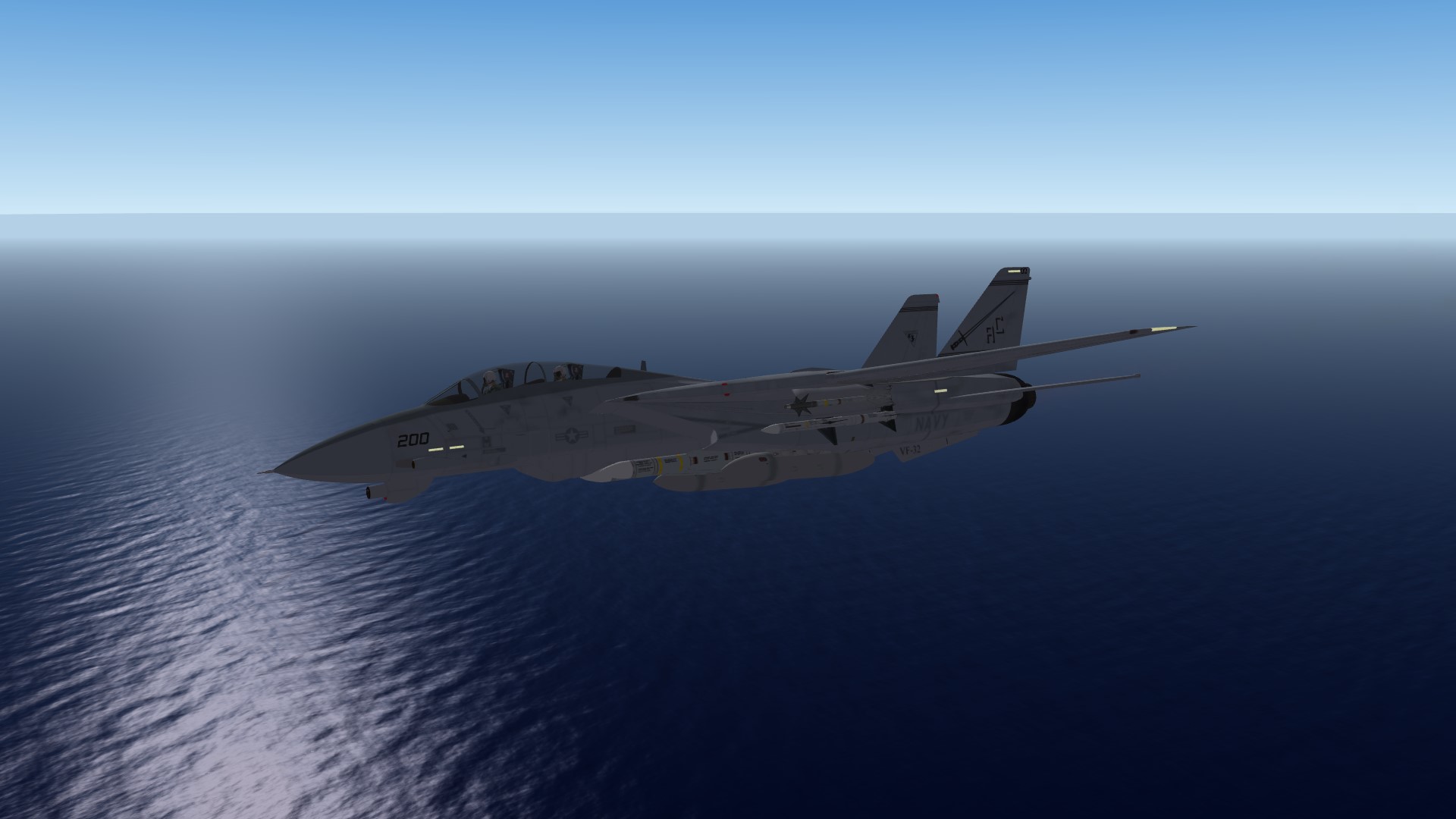
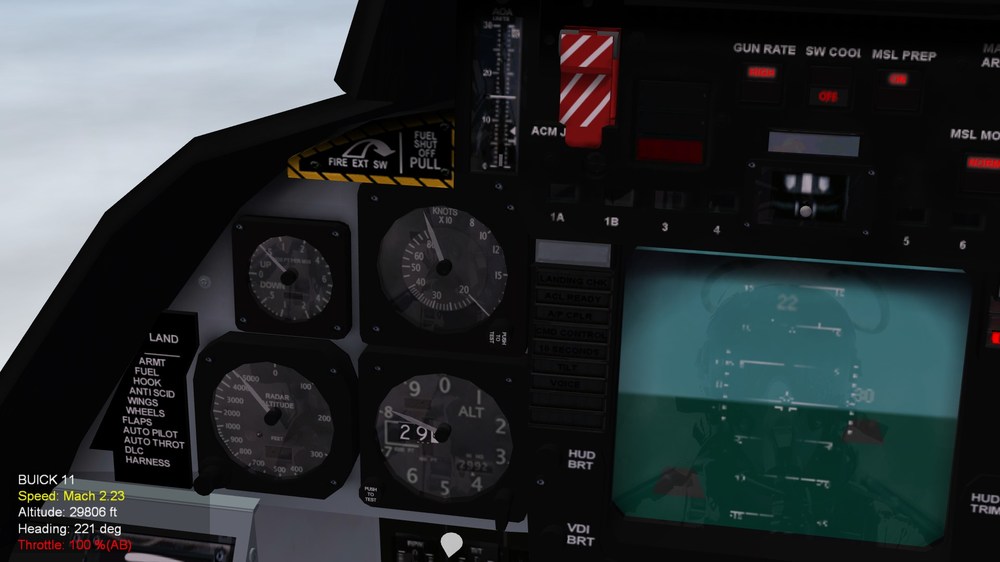
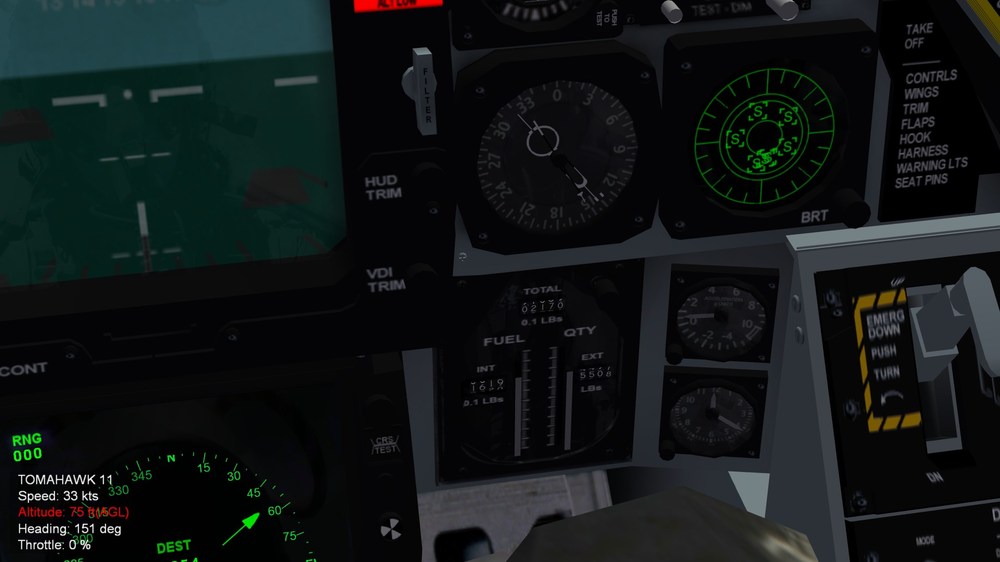
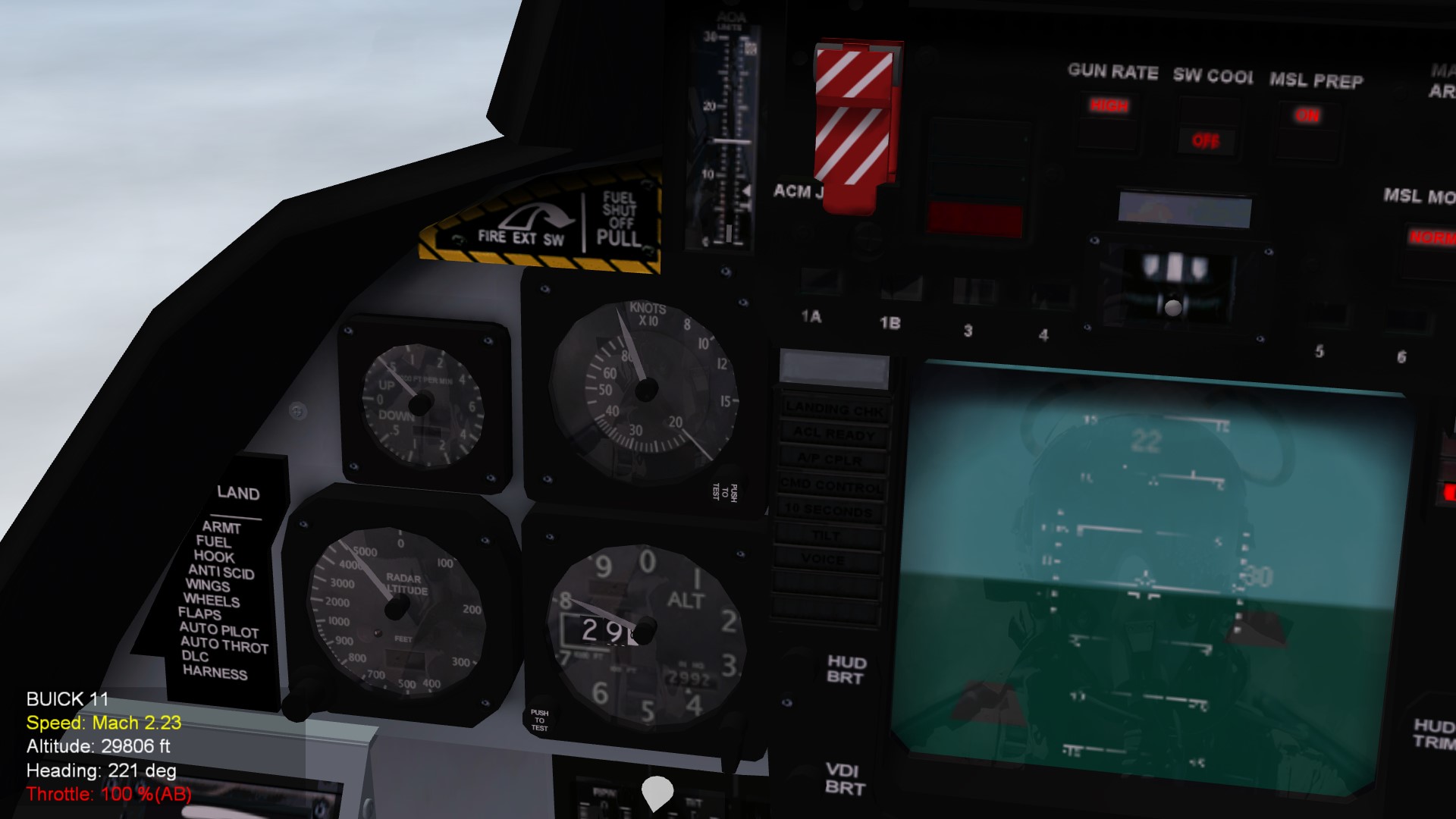
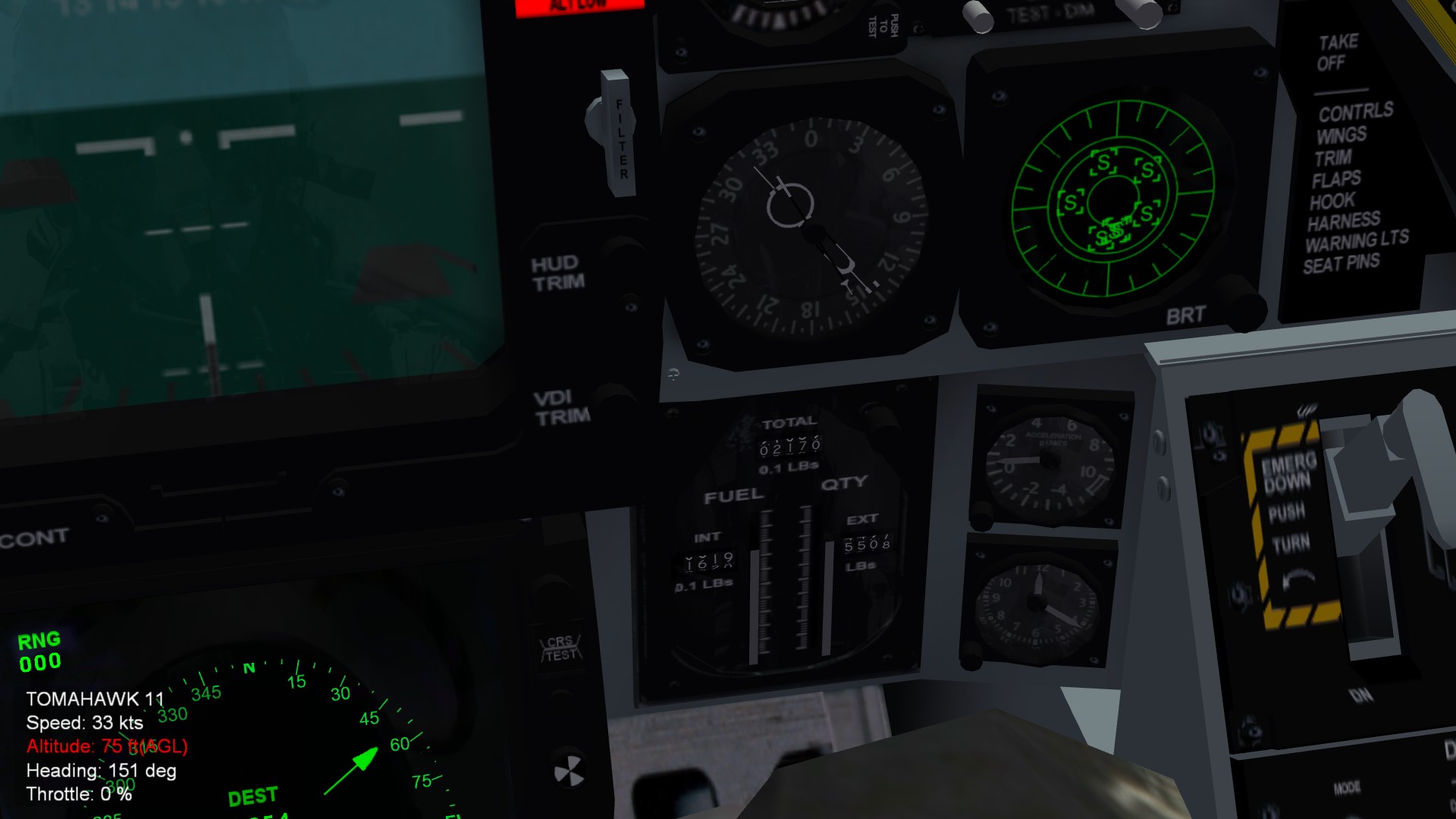
Hi everyone, I just noticed that the speed indicator in the F-14 Tomcat by TMF (TheMirageFactory) only shows up to 800 kts, and the Mach indicator does not move, not letting you know the speed of the aircraft if you have your HUD turned off. As you can see down here, i'm at Mach 2.23, but the indicator only shows 800 kts and doesn't go above. Obviously it adapts to my altitude, so if i'm higher, then the IAS is lower, but still should move, making it impossible flying at high speed without HUD turned on as i have it down here: Another issue, maybe even worse than the previous one, is that the fuel indicator shows wrong numbers, or as i may think, it shows "a number less". For example: if i have 20000 pounds of fuel left, it should show 20000, but it shows 02000. This is a theory on how it works, not confirmed, and i'm gonna explain you why i think it is like that: I hardly think i truly have 2000 pounds of fuel left, cause i choose Fuel 100% and tried climbing and flying for a long time with full afterburner, and the numbers slowly started going down, even reached the point of burning the engine at Mach 2.30and the fuel wasn't gone yet, it showed i had like 00700 left, so i presume it's 20000 in reality, otherwise i would have been out of fuel in no time, since it's a quantity even under the bingo quantity, but i flew for minutes and minutes in full afterburner, and at 8x speed, so. Speaking of Bingo, there's no bingo indicator. Here's a picture of the fuel indicator: I tried the default F-14 cockpit, and even if that one shows correctly both speed and fuel indicators and even if it's a great cockpit, i personally like more and find more realistic and immersive the TMF one. In the end, since these two indicators are crucial, especially for flying without HUD, and the fuel indicator especially, since there's no way to know how much fuel you have left even with HUD turned on other than the cockpit indicator. So, what i'm asking is: Is there a way to fix these? A mod that remakes the indicators? Or another cockpit that is not the default one that i can use to swap this one? Thanks in advance for helping me.
-
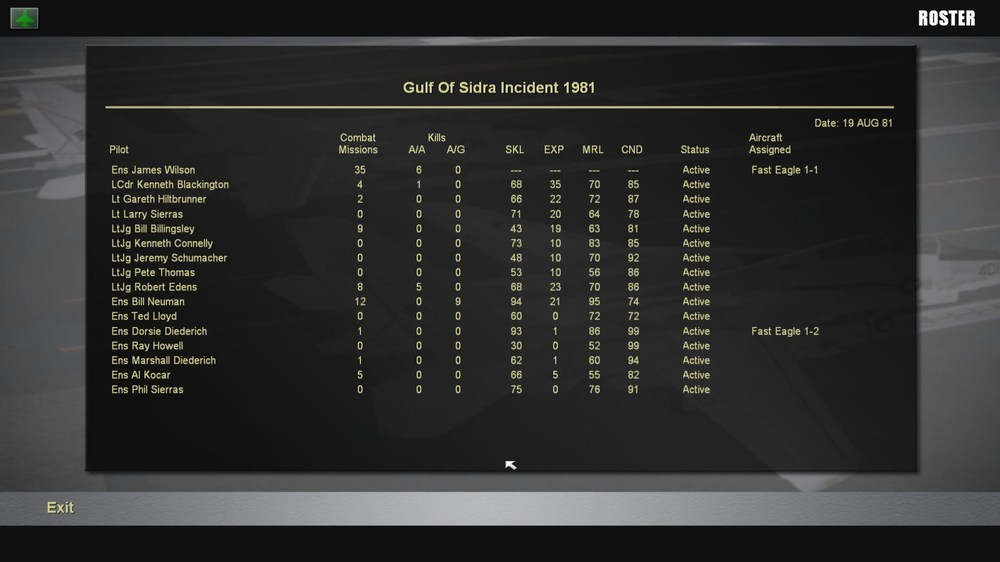
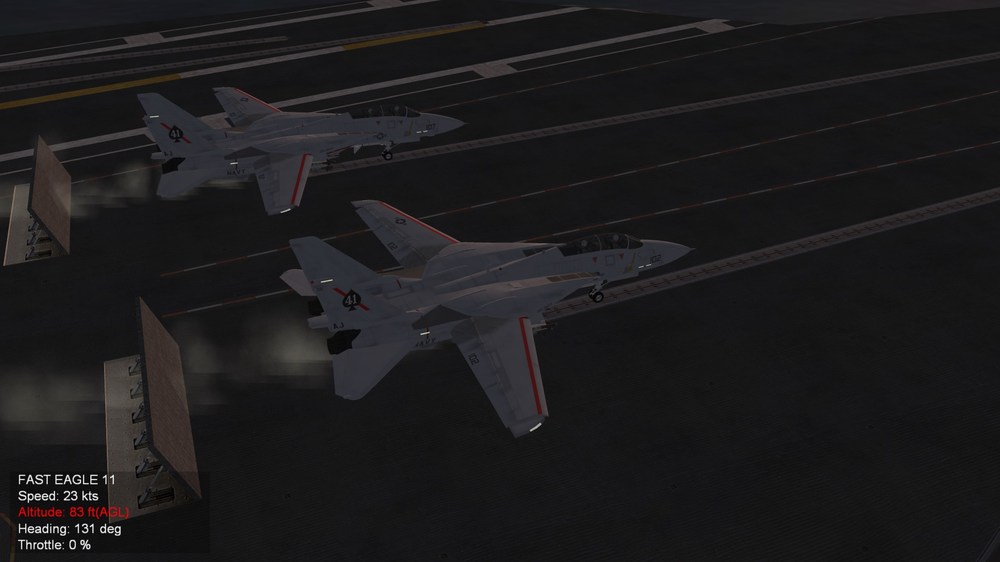
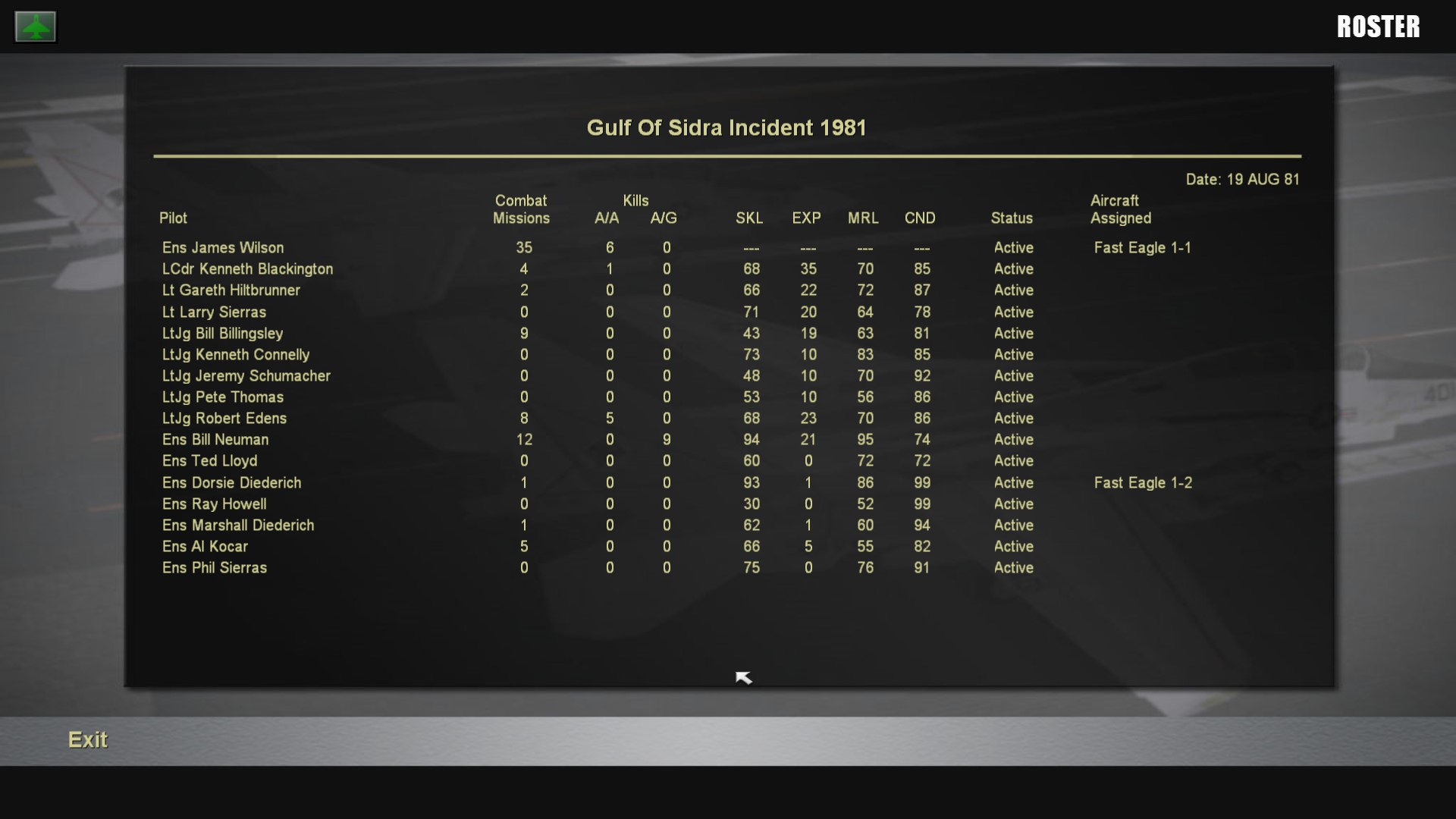
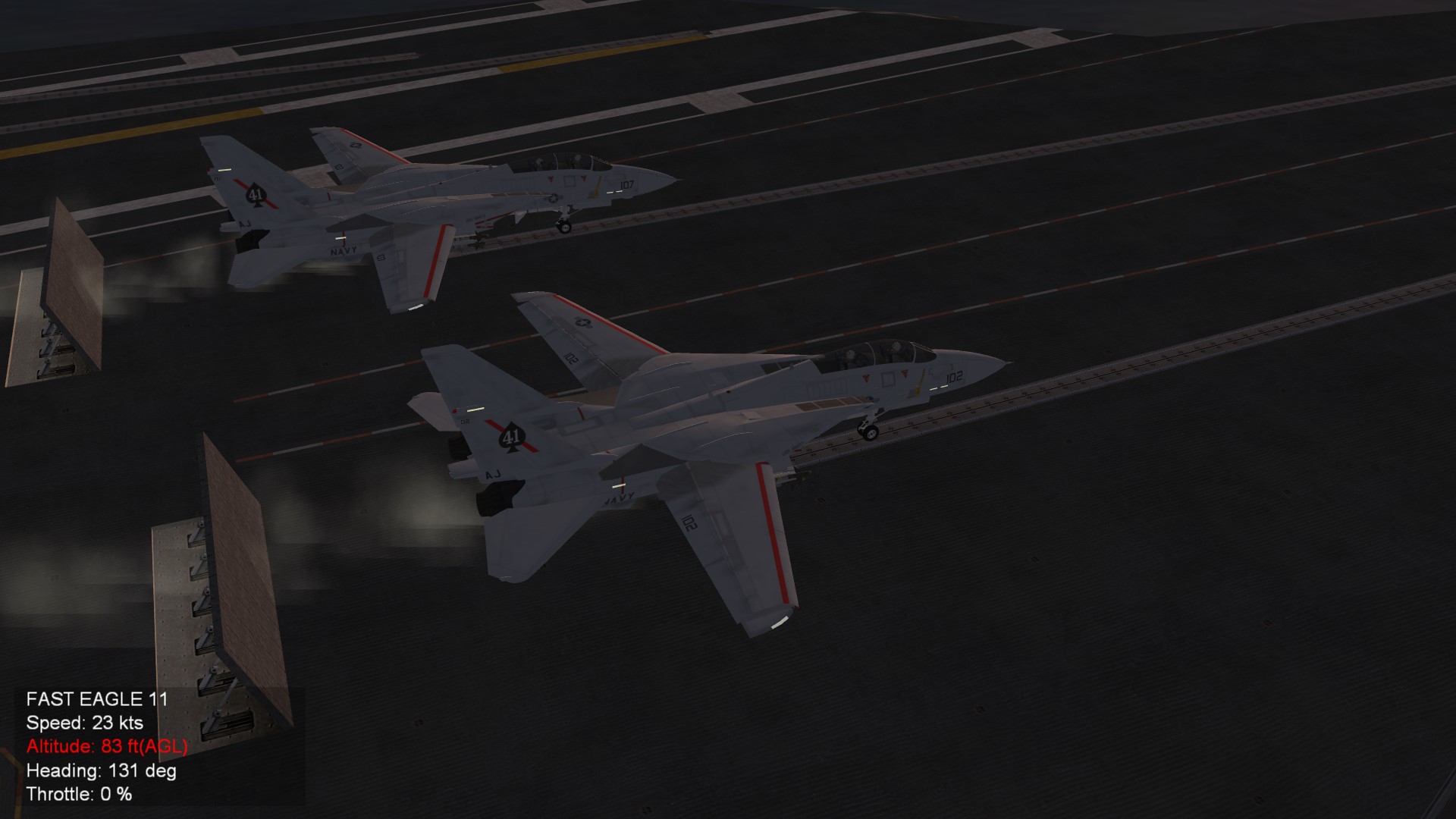
Hi everyone, I was wondering how to customize the numbers after your callsigns, since it always gives me the same ones. I think i managed somehow once, a bit of time ago, but now i forgot and have no idea how to. I'm not talking about how to customize the callsign name, but the unit number after it. As you can see in the Roster and in the picture under, i get "Fast Eagle 1-1" and "Fast Eagle 1-2" Here are some examples: The numbers on the tail, wing and nose numbers are customized, cause i managed how to change them, choosing them individually for each unit in the mission file by changing "AircraftNumber=" and typing the number, like "2" (as for 202). It doesn't change by typing the whole number tho, like 202 by typing 202, but it goes by typing the number that corresponds to the list of numbers you have. For example, In a list that goes from 200 to 400, you will have to type 10 to get 300. Here i just typed "2" and "7" since the list starts from 200 IIRC, in the past i just used to type the Aircaft number just like that, and in-game i had the proper number after the callsign, like "Fast Eagle 102", not just the number displayed on the plane livery. How do i do? I'm pretty sure that it's possible to have "Fast Eagle 102" on my screen HUD and in the Roster Thanks in advance for helping me.
.thumb.png.475217b5351d325e687b2fa0575511df.png)
.thumb.png.6826443e114f333b31a34176008591d1.png)
-
AMX A-1A, AMX-T A-1B and AMX A-1M Brazilian Air Force
JamesWilson commented on denissoliveira's file in Other Origin
 Does this work on SFP1? And can you make a Aeronautica Militare Italiana (Italian Air Force) livery too please? Thx
 -
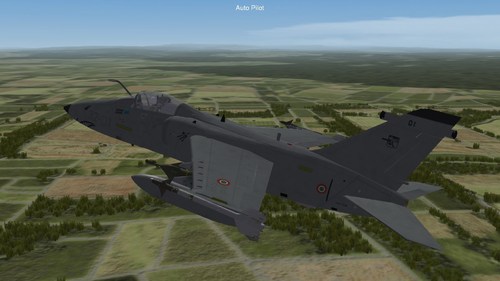 Does this work on SFP1?
 -
i see thanks you man
-
oh thanks man
-
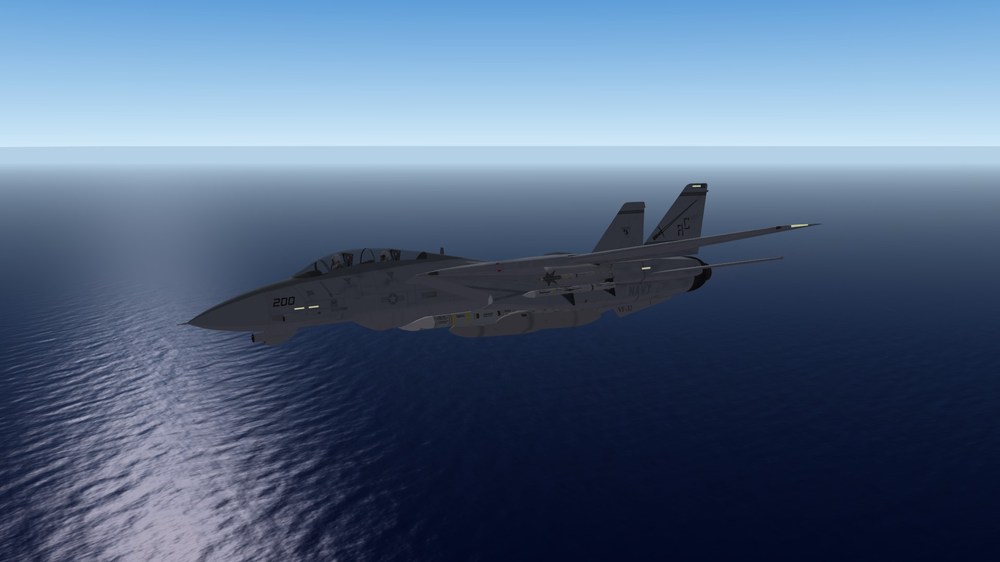
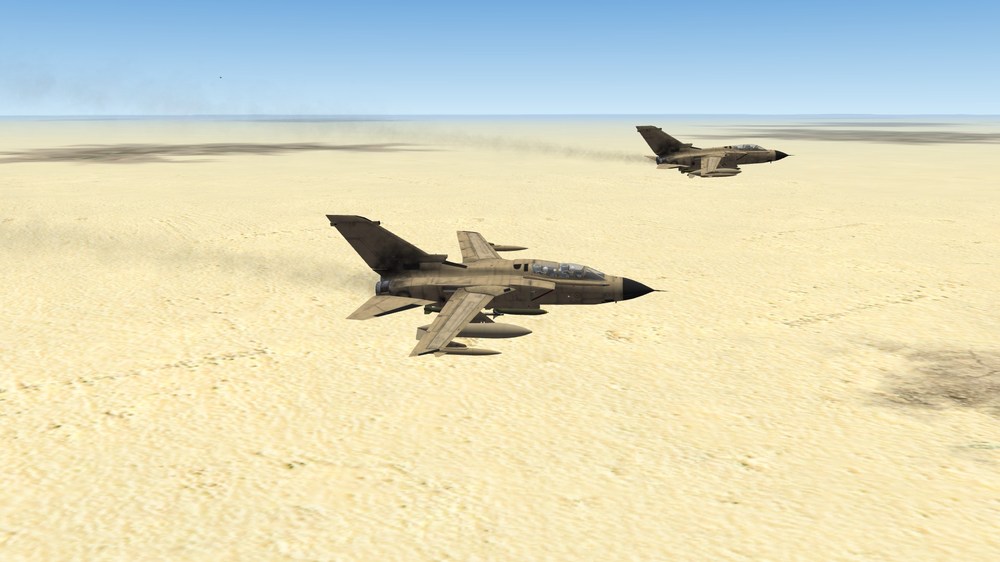
T stands for Tomcat (F-14A Tomcat) and Tornado (Tornado IDS)
-
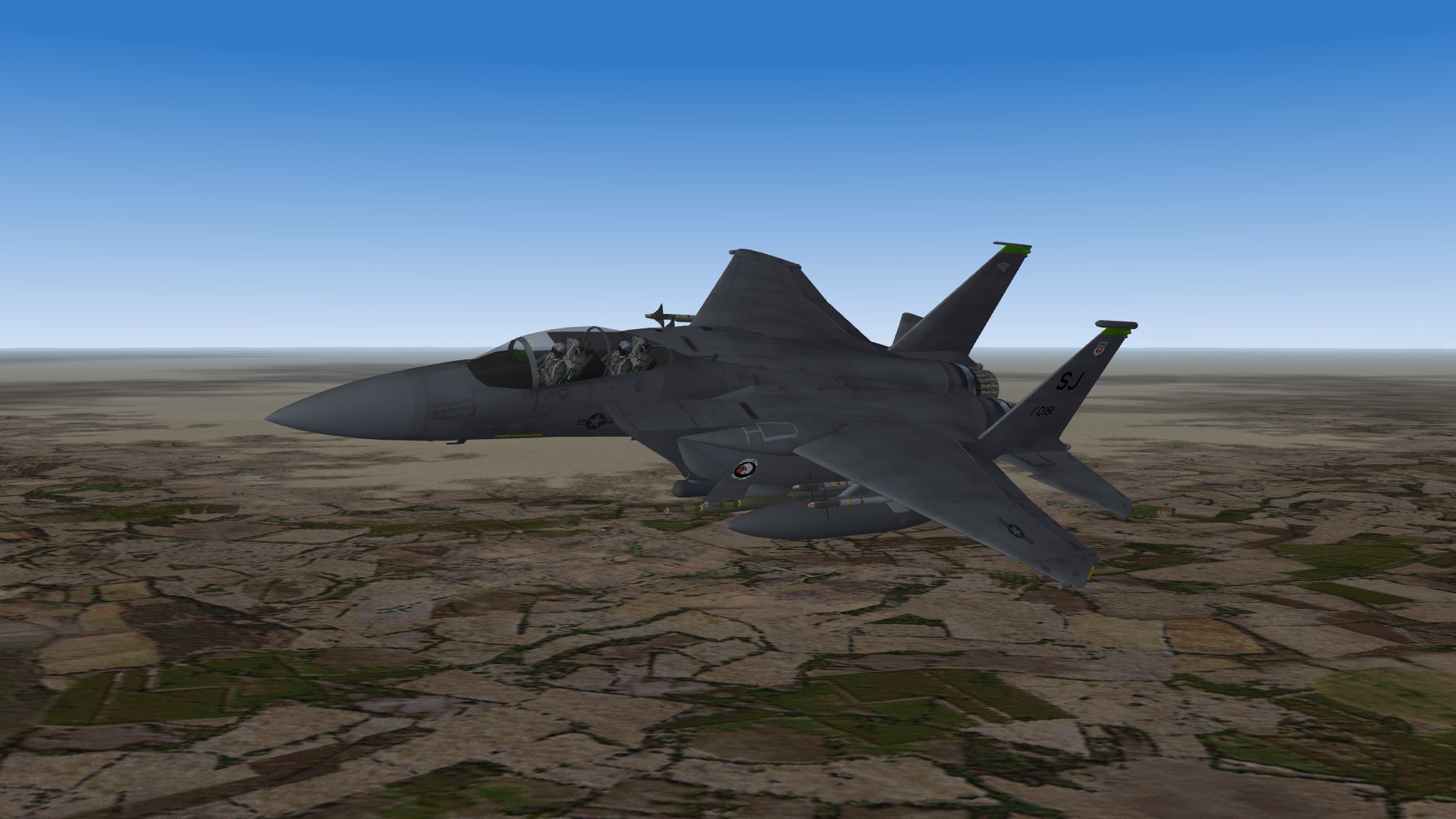
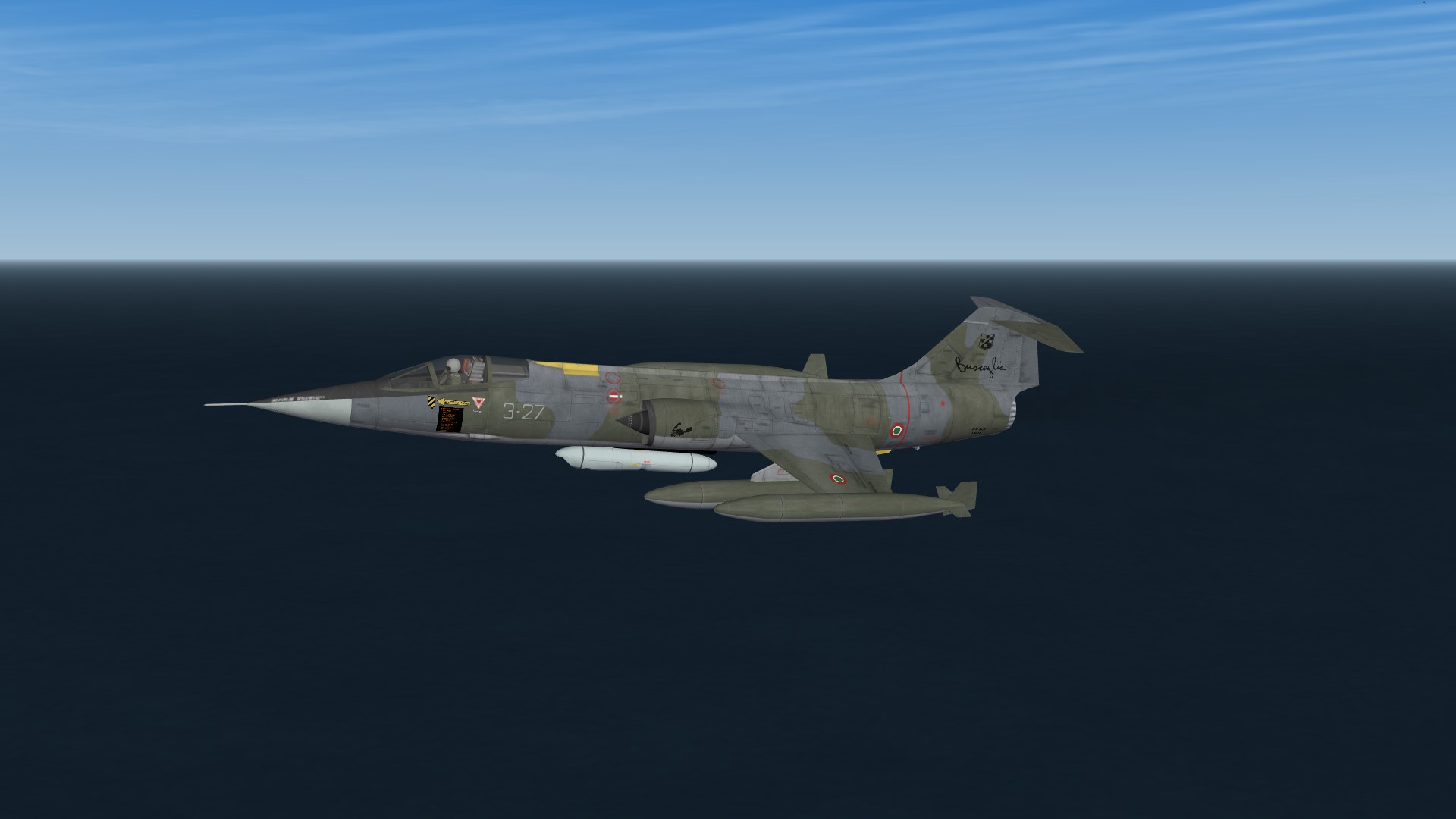
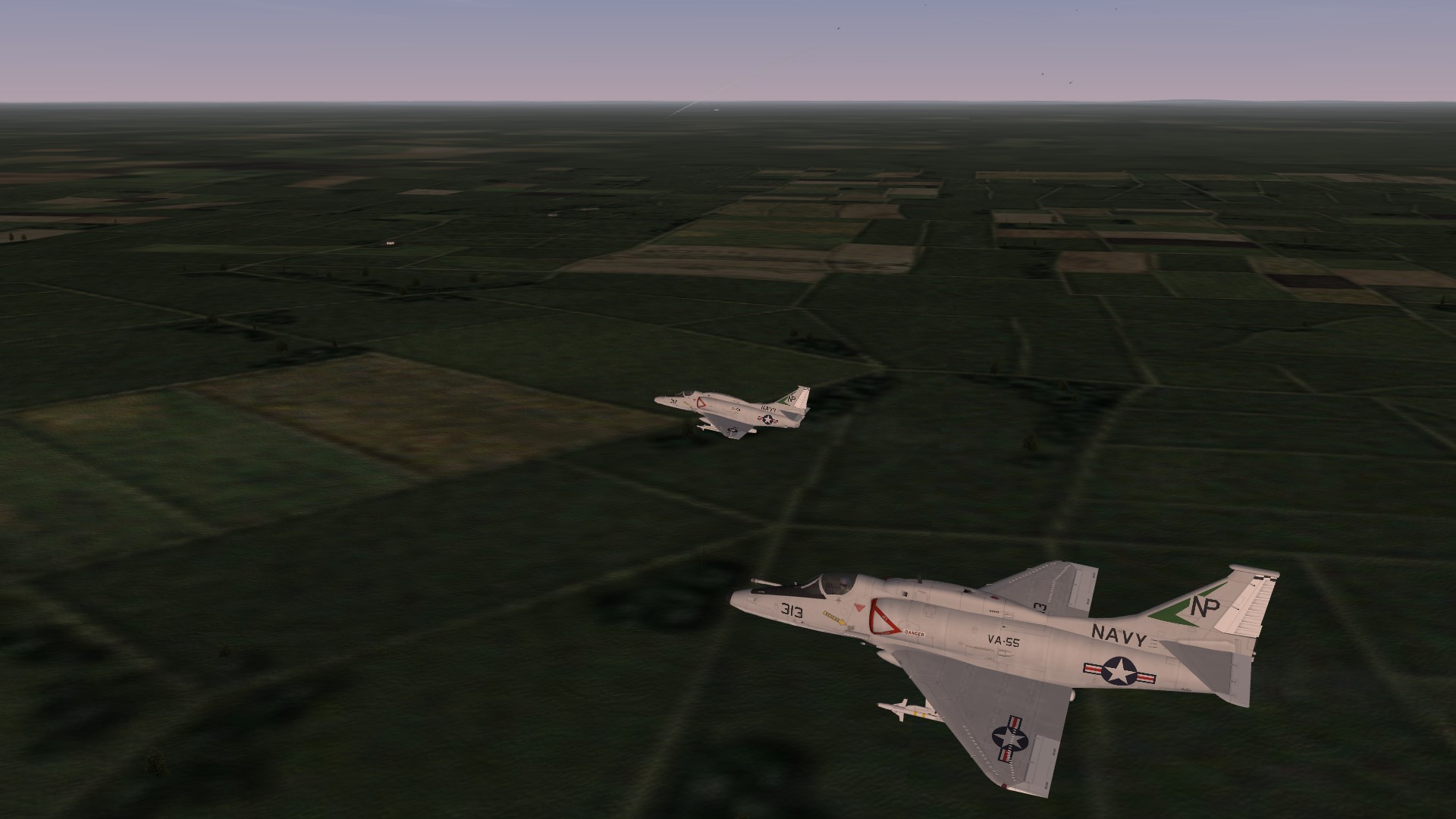
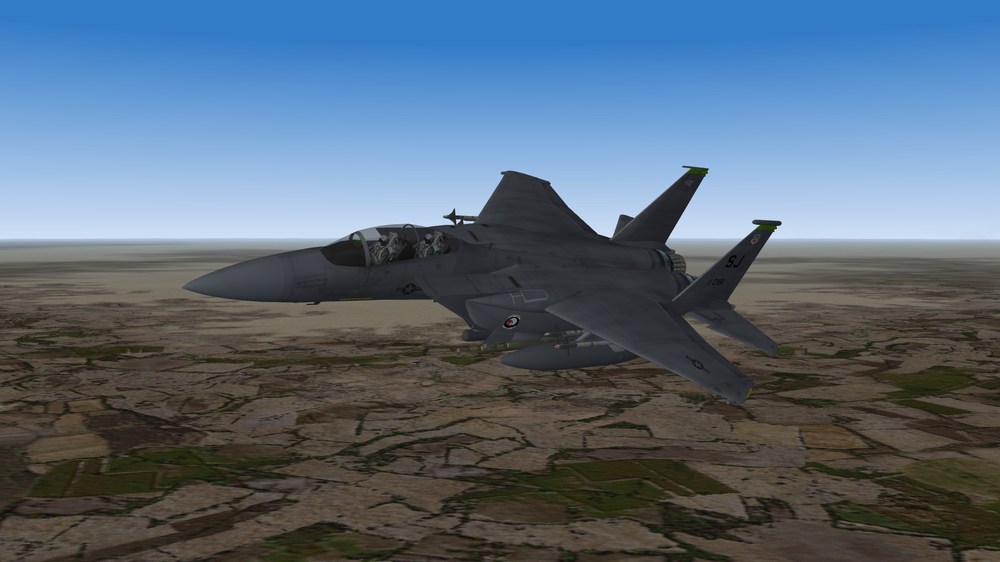
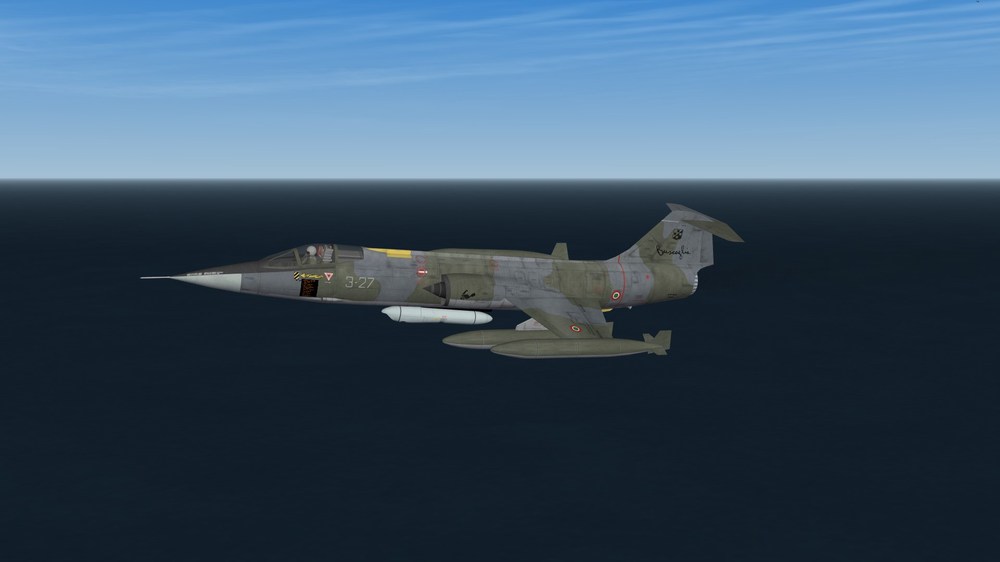
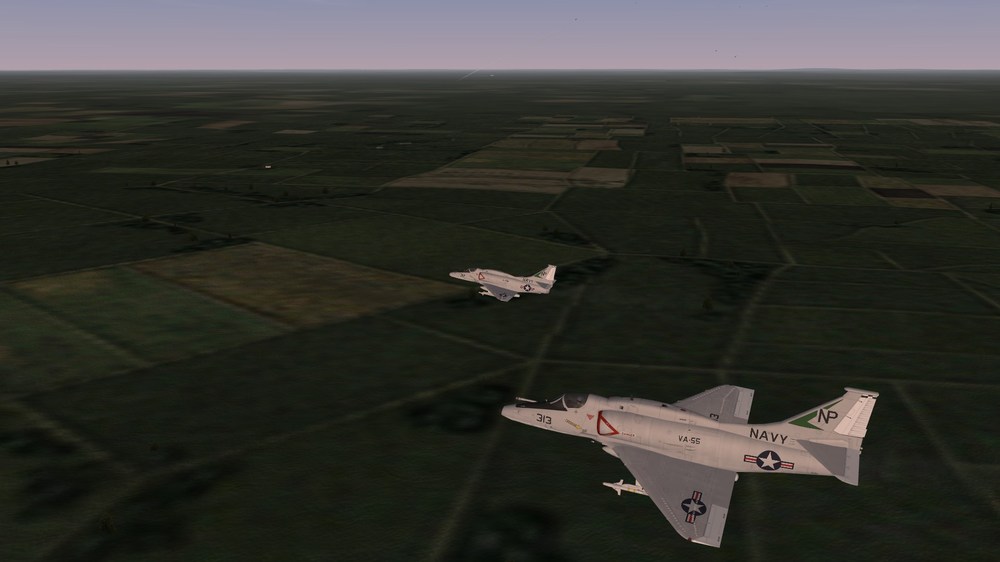
S stands for many aircrafts, such as: Strike Eagle (F-15E Strike Eagle) / Starfighter (RF-104G Starfighter) / Skyhawk (A-4F Skyhawk)
-
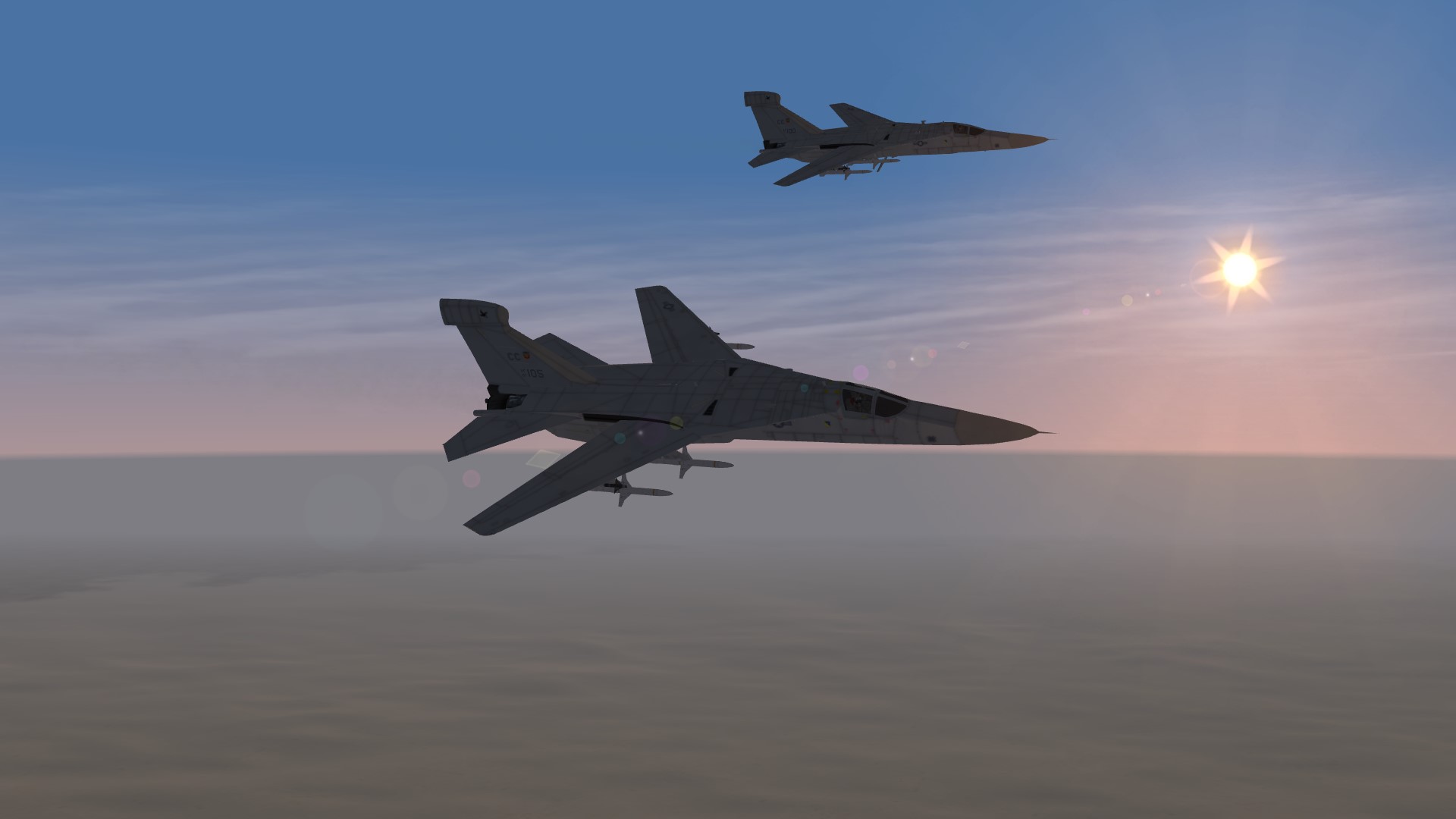
R is for Raven (EF-111A Raven)
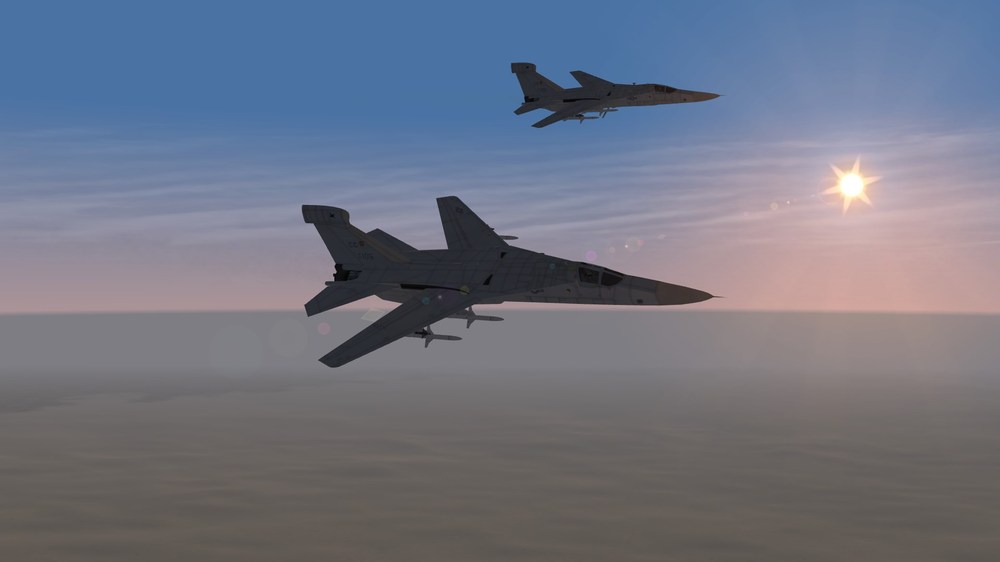
-
nice Thank you man
-
oh so you tweaked the files to make the boom lower?
-
That's great! Thank you a lot man, i'll check the read me's then And amazing screenshots btw Did you just fly close to them or also something else? Looks like the refueling boom is extended in the Eagle pics And do booms have collisions or did you just pause the game when it looked fine to you? Thx again


.png.ee1bafc6ba30c472418e61a23daec23a.png)
.png.fafea2a750f36f69eb065a23e3541bf6.png)