Wrench
-
Posts
28,320 -
Joined
-
Last visited
-
Days Won
188
Content Type
Profiles
Forums
Gallery
Downloads
Store
Everything posted by Wrench
-
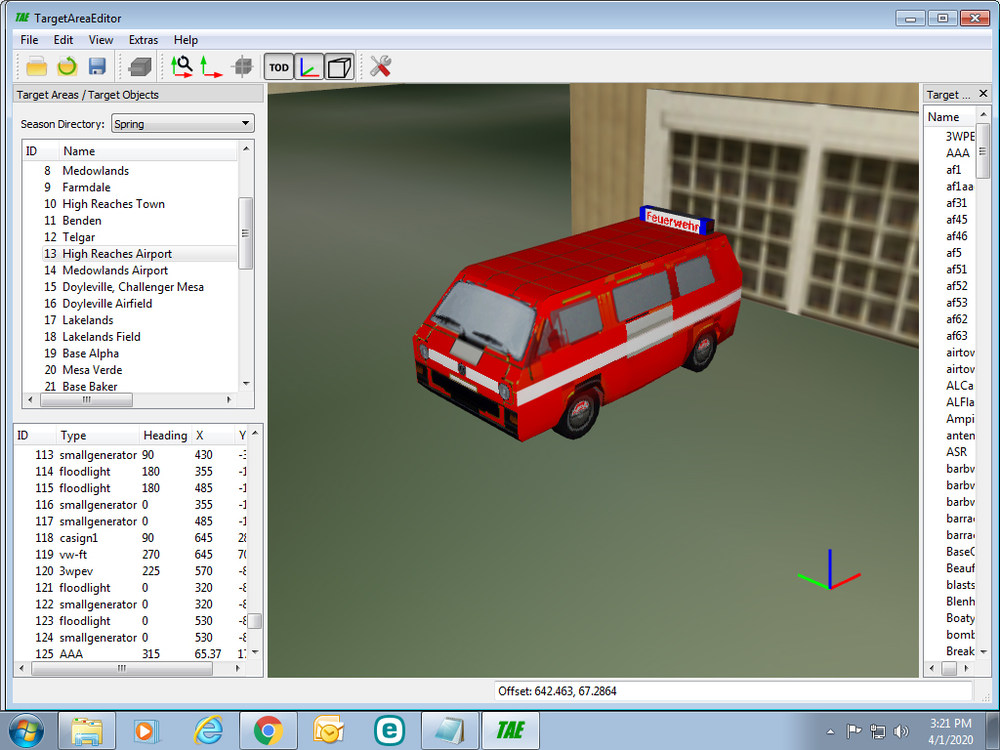
I couldn't find an image of it, but this below is one painted as a 'fire truck' kind of vehicle. Somewhere around here is my "3rd Wire Parking Enforcement Vehcile", but I can't find it!!
-
indeed, Hinchbrooks' Colossus class is very long in the tooth
-
man, that is hella cool!!! nice work!!!
-
thanks, brother!
-
DAMN IT!! won't let me create an account!! I wanted that Hurricane and USN Cruisers book!!! shit!!!!
-
thanks for the video clip! that thing had a FAST elevation!!
-
so the gun and elevate and traverse. I wouldn't think it'd be necessary for the ammo feed drums to move i was wondering if the radar dish spins, or ?? Never found out when I built the stand in!
-
<cough> ww2 EAWEuro ring any bells?? with TODs oh, and you're welcome Jordi!!
-
Kev ...will like this...H-19 Transition vid from 50`s.
Wrench replied to russouk2004's topic in General Discussion
now, that's cool! thanks Russ!! -
I'm sorry to laugh, given the impending horror of the situation, but THAT was funny!!
-
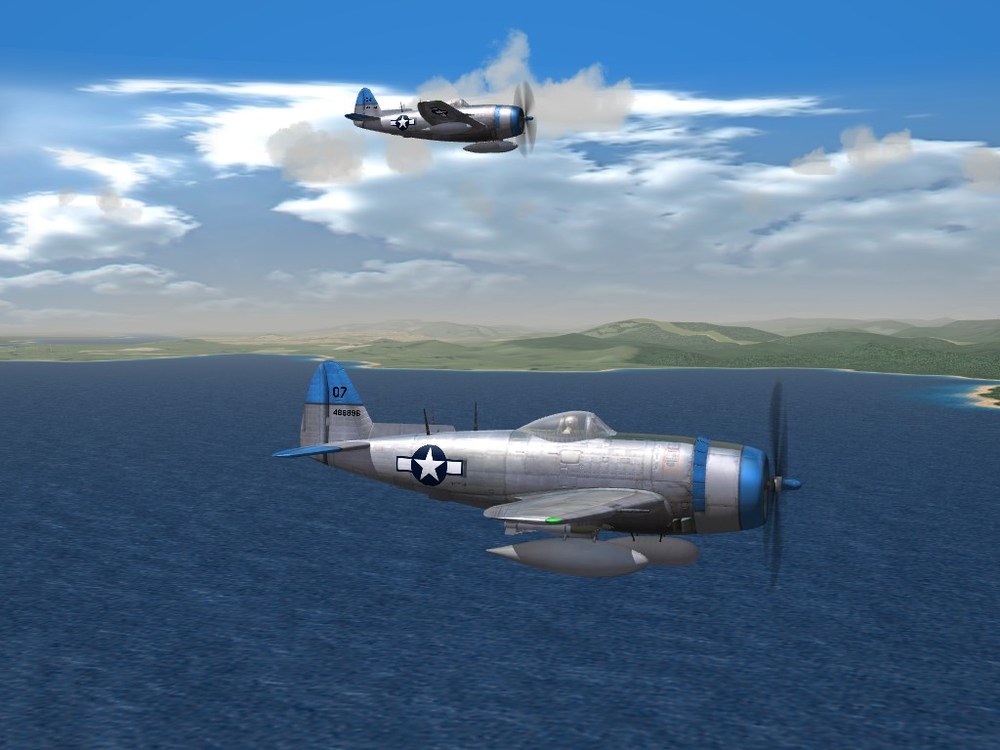
nice to see someone else know's Richard Herman's books!! ---------- required screenshot
-
aint nothing too it! (from the guy that invented the audio=only RWR 'way in the 2000s.) extract the avionics ini fro the Nesher from whatever cat it's in. Also, extract the data ini -- it'll need updating too. place both in the Nesher's aircraft folder open the avionics ini, and add the following lines: [RWR] Type=AUDIO_ONLY TrackSound=RWRTrackSound.wav LockSound=RWRLockSound.wav [RWRTrackSound] Priority=HIGH 3DSound=FALSE Looped=TRUE NumBuffers=1 [RWRLockSound] Priority=HIGH 3DSound=FALSE Looped=TRUE NumBuffers=1 save, and close open the Nesher's data ini, and in the DetectSystem section ---> [DetectSystem] Name= RadarType=RANGING VisualBlindArc=5,6,7 VisualRestrictedArc=4L,8L MaxVisibleDistance=7200.0 HasRWR=FALSE change the FALSE to TRUE. this will give you the beeps! (no direction, but it'll tell you when something is looking at you, and when they shoot)
-
outstanding!
-
why are we necrothreading?? please stop it.
-
Don't know if this'll be of any help, but at least gives another reference book for The Collectors FM44_1 1965- US Army Air Defense.pdf
-
good one, GR!!!
-
because some folks are dumb fucks, that can't/don't/won't follow established procedures. Said procedures are set up by the game itself and how it names and manages folders.
- 7 replies
-
- 1
-

-
- consisistancy
- folder
- (and 1 more)
-
glad to help out, in some small way!
-
here it is like I said, it's a stand in. some of the DetectSystem data may be close, maybe not! (but it does work!0 z-skysweeper.7z
-
Rend's Germany rebuild?? so little to go on, it's almost impossible to answer the question
-
I built a 'fake' stand in one several year ago ... I'll look around for any books or such. If you need the ground object to cross check or use as a basis for yours, let me know and I'll send it over (it uses the British 3.7in AAA gun as the lod -- as I said, it's a stand in!) here's some links https://weaponsystems.net/system/421-M51+Skysweeper https://www.net-maquettes.com/pictures/75mm-m51-skysweeper-walkaround/
-
those look to be a LOT more detailed than the ones we have now, from 2003!!!
-
I guess my all time fav helo is the H-19, probably because of movies like "Battle Taxi", scenes from 'Flgith from Asaiya' and lots of over movies from the 1950s. Also the US Postal Service used them here in LA, and i remember my Dad taking me to see a letter pickup here at Santa Monica Airport when I was VERY young (maybe 5-7 yo??? -- so long ago...)
-