KJakker
-
Posts
1,959 -
Joined
-
Last visited
-
Days Won
1
Content Type
Profiles
Forums
Gallery
Downloads
Store
Everything posted by KJakker
-
Question Maps, Water and Land in Pre SF2:NA vs Post SF2:NA.
KJakker replied to KJakker's topic in Mods & Skinning Discussion
I figured that you were refereeing to things that far back. I have only been playing SF2 since Jan, 2010. I am trying to figure out what is allowing ground objects on one Terrain to be placed anywhere not allowing for the placement of any naval objects at all. -
Question Maps, Water and Land in Pre SF2:NA vs Post SF2:NA.
KJakker replied to KJakker's topic in Mods & Skinning Discussion
Okay, that is interesting. I have only encountered a ship steaming on land one time due to some odd error. In my experience, when Expansion Pack 2 came out with the mission editor I could not place a Ground Object Group (Tanks for example) in the ocean any more than I could place a Naval Object Group (ShipConvoy) ashore. What I was trying to find out is why that was so. -
I know that in SF2:NA there is a "..._water.bmp" file the indicates where water and land are, but as I understand it that only came about because of features in SF2:NA. However even before the SF2:NA water maps existed Tanks could not be placed in the water nor could Patrol Boats be placed on land. So my question is this. In a non North Atlantic terrain how does the game determined the difference between water and land?
-
Good reads about Gulf War air campaign?
KJakker replied to Stratos's topic in Military and General Aviation
You might try Every Man a Tiger by Tom Clancy and General Chuck Horner. http://www.goodreads.com/book/show/1326101.Every_Man_a_Tiger -
Documentary about the Beaufighter with lots of interviews with Australian WWII veterans.
-
SF2 WW2 Northern Europe/North Sea Terrain (v2)
KJakker replied to Wrench's topic in File Announcements
Tried changing the file name, no dice. As you can see in the images below when I right click the menu does not even list Naval or Fleet Objects groups and I can place tanks in the North Sea. -
SF2 WW2 Northern Europe/North Sea Terrain (v2)
KJakker replied to Wrench's topic in File Announcements
Wrench, how does the error with the TW mission editor that you mention in the ReadMe file manifest in game? I would like to know because even though I have activated the "cv-zoned_norway_Water.bmp" in the Norway.INI file I cannot get the Naval or Fleet objects or menus to work properly in the mission editor. In contrast your EuroWW2 Terrain works in the mission editor without any issue. This is how I have the Norway.INI set up. [Terrain] TerrainFullName=Northern Europe, WW2 DataFile=Norway_data.INI TargetFile=Norway_targets.INI TargetTypeFile=Norway_types.INI MovementFile=Norway_movement.INI NationsFile=Norway_nations.INI BriefingText=Norway_briefing.INI DogfightFile=Norway_dogfight.INI DogfightOnly=FALSE Latitude=50.0 Longitude=0.0 //CatFile=..\Desert\Desert.cat CatFile=..\GermanyCE\GermanyCE.cat //CatFile=..\VietnamSEA\VietnamSEA.cat NavalMap=TRUE //WaterMap=Norway_Water.bmp WaterMap=cv-zoned_norway_Water.bmp GroundObjectTexture=Green LimitedNations=TRUE [Map] FilenameFormat=PlanningMap%d.bmp Width=1500000.0 Height=1500000.0 NumZoomLevels=3 [WeatherChance] ScatteredChance=45 BrokenChance=20 OvercastChance=10 InclementChance=10 [AllowedMissionTypes] FriendlyMissionTypes=SWEEP,CAP,ESCORT,STRIKE,SEAD,ARMED_RECON,RECON,INTERCEPT,ANTI_SHIP EnemyMissionTypes=SWEEP,CAP,ESCORT,INTERCEPT,STRIKE,SEAD,RECON,ARMED_RECON,ANTI_SHIP This is how the EuroWW2.INI is set up. [Terrain] TerrainFullName=Europe, WW II DataFile=EuroWW2_data.INI TargetFile=EuroWW2_targets.ini TargetTypeFile=EuroWW2_types.ini NationsFile=EuroWW2_nations.ini BriefingText=EuroWW2_briefing.ini MovementFile=EuroWW2_movement.INI DogfightFile=EuroWW2_dogfight.INI DogfightOnly=FALSE WaterMap=EuroWW2_Water.bmp //CatFile=..\Desert\Desert.cat CatFile=..\GermanyCE\GermanyCE.cat //CatFile=..\VietnamSEA\VietnamSEA.cat Longitude=10.817 Latitude=51.111 GroundObjectTexture=green //NavalMap=FALSE NavalMap=TRUE LimitedNations=TRUE [Map] FilenameFormat=PlanningMap%d.bmp Width=1500000.0 Height=1500000.0 NumZoomLevels=3 [WeatherChance] ScatteredChance=45 BrokenChance=20 OvercastChance=10 InclementChance=10 [AllowedMissionTypes] FriendlyMissionTypes=SWEEP,CAP,ESCORT,STRIKE,SEAD,ARMED_RECON,RECON,INTERCEPT,ANTI_SHIP EnemyMissionTypes=SWEEP,CAP,ESCORT,INTERCEPT,STRIKE,SEAD,RECON,ARMED_RECON,ANTI_SHIP -
Here is another article on the same story with additional details. http://www.theunlikelyreunions.com/sample-page/ Edit: Found this as well. http://www.myenemymyfriend.com/
-
I would be happy to configure the defensive weapons entries in the data file for you. Looking forward to another ship. Edit: I already have a prototype Meroka mount and gun data files that I was testing.
-
The Eager Beavers - My kind of Photographers
KJakker replied to JonathanRL's topic in Pilot Stories and Adventures
http://www.youtube.com/watch?v=w4cksG7JoE8 -
It should be placed in the object folder. "Saved Games\ThirdWire\StrikeFighters2\Objects" for example.
-
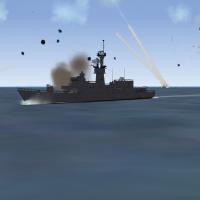
View File SF2:NA US Ship Update FIX Pack This is a fix pack for my "SF2:NA US Stock Ships Data File Mod/Update 1.0" located at the link below. http://combatace.com/files/file/14561-sf2na-us-stock-ships-data-file-modupdate/ When I uploaded the US Stock Ships Data File Update pack I accidentally packed up some of my second to last file versions instead of the final variants I intended to upload. This Fix Pack contains the adjustments that I overlooked when I first uploaded the pack. Just copy and paste into the mod folder that you placed the "SF2:NA US Stock Ships Data File Mod/Update 1.0" into and overwrite when ask. I am also updating the pack to include the changes this pack adds so you don’t need this Fix Pack if you downloaded the "SF2:NA US Stock Ships Data File Mod/Update" after 2/9/2014. Submitter KJakker Submitted 02/09/2014 Category Other
-
Version 1.0
223 downloads
This is a fix pack for my "SF2:NA US Stock Ships Data File Mod/Update 1.0" located at the link below. http://combatace.com/files/file/14561-sf2na-us-stock-ships-data-file-modupdate/ When I uploaded the US Stock Ships Data File Update pack I accidentally packed up some of my second to last file versions instead of the final variants I intended to upload. This Fix Pack contains the adjustments that I overlooked when I first uploaded the pack. Just copy and paste into the mod folder that you placed the "SF2:NA US Stock Ships Data File Mod/Update 1.0" into and overwrite when ask. I am also updating the pack to include the changes this pack adds so you don’t need this Fix Pack if you downloaded the "SF2:NA US Stock Ships Data File Mod/Update" after 2/9/2014.- 2 reviews
-
- 2
-

-

-
- fix pack
- north atlantic
- (and 2 more)
-
You missed on of the rules when uploading this one. "1) A screenshot of the mod; not a photgraph of the RealLife ™ item, but an in-game shot, so people can see what it looks like. For terrains/terrain mods, a shot of your favorite aircaft flying over the terrain, highlighting terrain features is a good one."
-
I have been waiting for these Mirage F-1C-200's. I am downloading now. Can't wait to see how they preform.
-
Sorry, I forgot that the A-6 and F-111 both use Avionics60.dll. I took a look at the Avionics70.dll with a a Hex editor and found these listed. OFF,SEARCH,TWS,STT,ACM,GM,TF,GMT (search, track while scan, single target track, air combat maneuvering, ground map, terrain following,???) Try TF or GMT.
-
You would want something like this. AvailableModes=GROUND_MAP,TERRAIN_AVOIDANCE
-
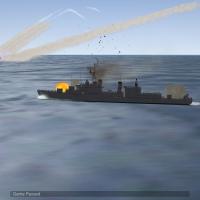
View File SF2:NA US Stock Ships Data File Mod/Update This is a US counterpart my previously uploaded Soviet ship updates. This pack has updated data files for the stock Third Wire SF2:NA United States Navy surface combatants and amphibious ships. /------------------------------------------------------------------ The changes are primarily centered around adjustments to the Elevation and Train of the guns with regard to both the Maximum and Minimum position and rate of movement. A number of other adjustments have also been made related to gunners and guns. The "Alt1" variant of the data files uses stock guns. The "Alt2" version is set to use alternate guns which should improve the effectiveness of the guns in the AA and CIWS role. The alternate Guns have been included. This file has been tested in SF2:NA. /------------------------------------------------------------------ 1.1 includes some minor adjustments that I missed including in the original release. Submitter KJakker Submitted 01/29/2014 Category Other
-
Version 1.1
349 downloads
This is a US counterpart my previously uploaded Soviet ship updates. This pack has updated data files for the stock Third Wire SF2:NA United States Navy surface combatants and amphibious ships. /------------------------------------------------------------------ The changes are primarily centered around adjustments to the Elevation and Train of the guns with regard to both the Maximum and Minimum position and rate of movement. A number of other adjustments have also been made related to gunners and guns. The "Alt1" variant of the data files uses stock guns. The "Alt2" version is set to use alternate guns which should improve the effectiveness of the guns in the AA and CIWS role. The alternate Guns have been included. This file has been tested in SF2:NA. /------------------------------------------------------------------ 1.1 includes some minor adjustments that I missed including in the original release.- 3 reviews
-
- 1
-
-
- data files
- modified
- (and 7 more)
-
I have to go. I will check back with you later.
-
Place the "VIEWLIST.INI" in your SF2:Europe's "Flight" folder. If you don't have a flight folder just create one. (C:\Users\Alex\Saved Games\ThirdWire\StrikeFighters2 Europe\Flight). As for "ObjectData022.CAT" that is where I found the "Lighting6_COCKPIT.INI" file on my install. I looked it up just after you asked me. It is often a good idea to keep an extracted copy of everything from the CAT files in a separate location so that you can easily search for things with out having to stumble through the CAT files them selves. I have a folder on one of my hard-drives (E:\Flight Sims\SF2 Mods\CatPack) just for all the cat packs. I just made the CatPack folder and then extracted all of the CAT in the (C:\Program Files (x86)\ThirdWire\Strike Fighters 2\) directory one by one into it via the Extract All function. Once there you can search them by just going to the CatPack folder and using the Windows search function in the upper right corner to find things of interest. I have extracted and attached all of the stock LIGHTNING6 INI files for you. LIGHTNING6_INI_Files.7z
-
Go to the ThirdWire website download section under "Tools and Utilities" and download the latest CAT File Extractor. Here is a link http://www.thirdwire.com/downloads_tools.htm. Once you have the installed run the extractor and then click Browse and go to "C:\Program Files (x86)\ThirdWire\Strike Fighters 2\Objects" or the objects folder of wherever you have SF2 installed. The Lightning6 INI files should be in "ObjectData022.CAT". Select it and then ether export tho whole cat file or just the Lighting6_COCKPIT.INI it to a place of your choosing and then place the file you need in the "C:\Users\Alex\Saved Games\ThirdWire\StrikeFighters2 Europe\Objects\Aircraft\Lightning6" folder. Then make the adjustments I mention above. You can get the VIEWLIST.INI from the FlightData.CAT in the flight folder (C:\Program Files (x86)\ThirdWire\Strike Fighters 2\Flight). You will still need the extractor mentioned above to do so. I forgot about the VIEWLIST.INI trick. thanks for reminding me.
-
Open the "_COCKPIT.INI" for each aircraft you want to adjust the field of view on. In the file look under [CockpitSeat001]. The example below if from the stock Third Wire F-15A_COCKPIT.INI. Change the yaw numbers for the left and right head movement. The pitch number is for how far up and how far down in the front and back of the cockpit you can look. [CockpitSeat001] ModelName=F-15A_pit.LOD Offset=0.0,0.0,0.0 Position=0.0,6.43,1.06 ViewAngles=0.0,0.0,0.0 MaxYaw=170 <------------------- MinYaw=-170 <------------------- MaxPitch=90 <------------------- MinPitchFront=-45 <------------------- MinPitchRear=-30 <------------------- LightRange=1.5 LightInnerConeAngle=43 LightOuterConeAngle=60 LightAngles=0.0,-35.0,0.0 DiffuseLightFactor=0.5 NightLightOn=0.50 NightLightColor=0.5,0.2,0.3 Gunsight=GunsightFront Edit: A question to staff members. I took a brief look at the KB and though I saw a number of cockpit related post I did not see anything that looked like it was directly related to this type of adjustment. Do we have a post on this in the Knowledge Base?
-
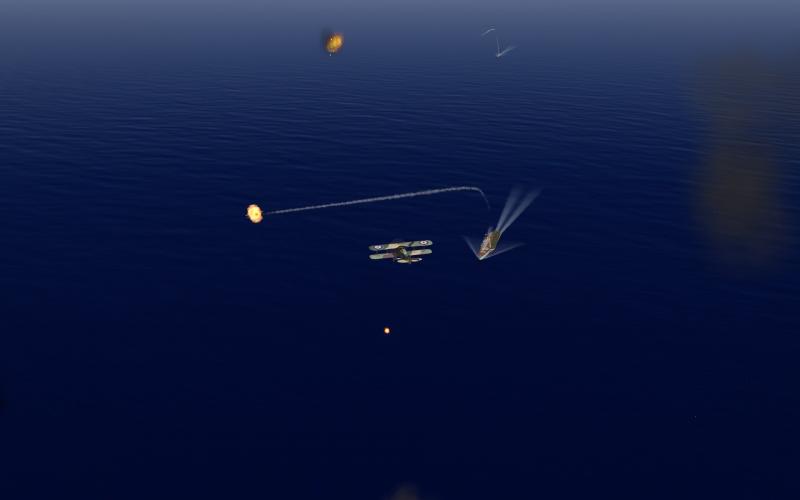
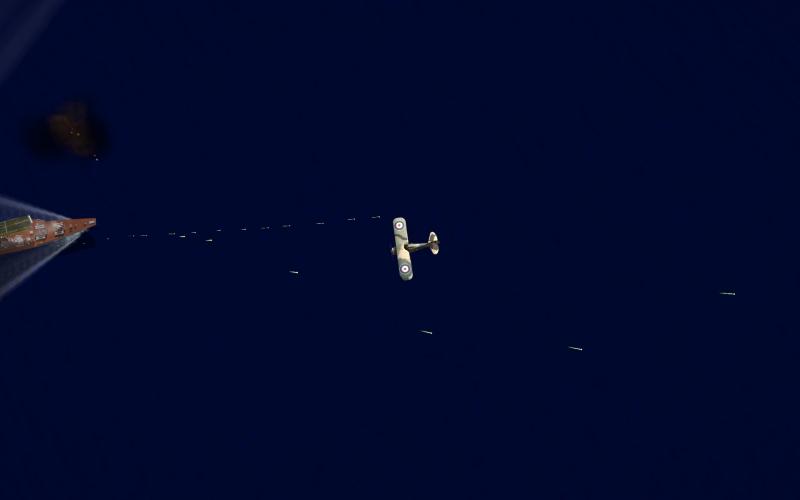
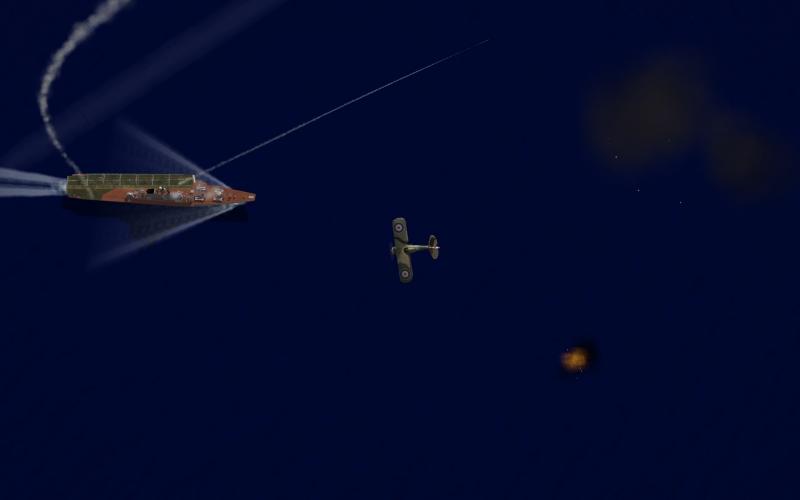
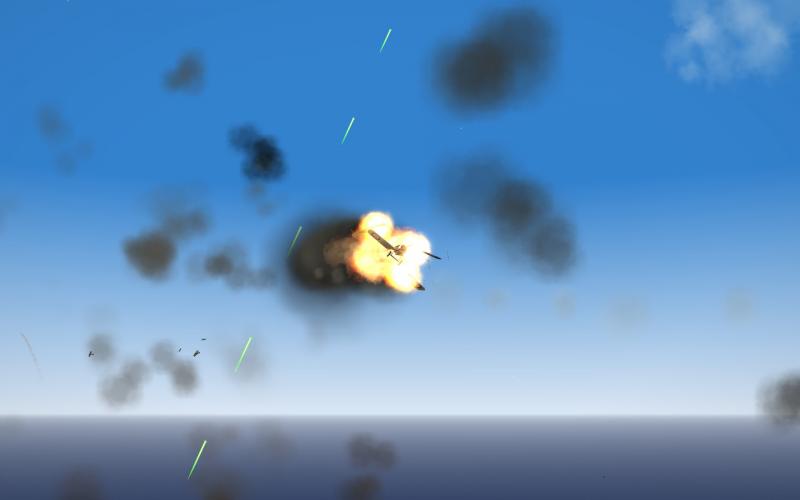
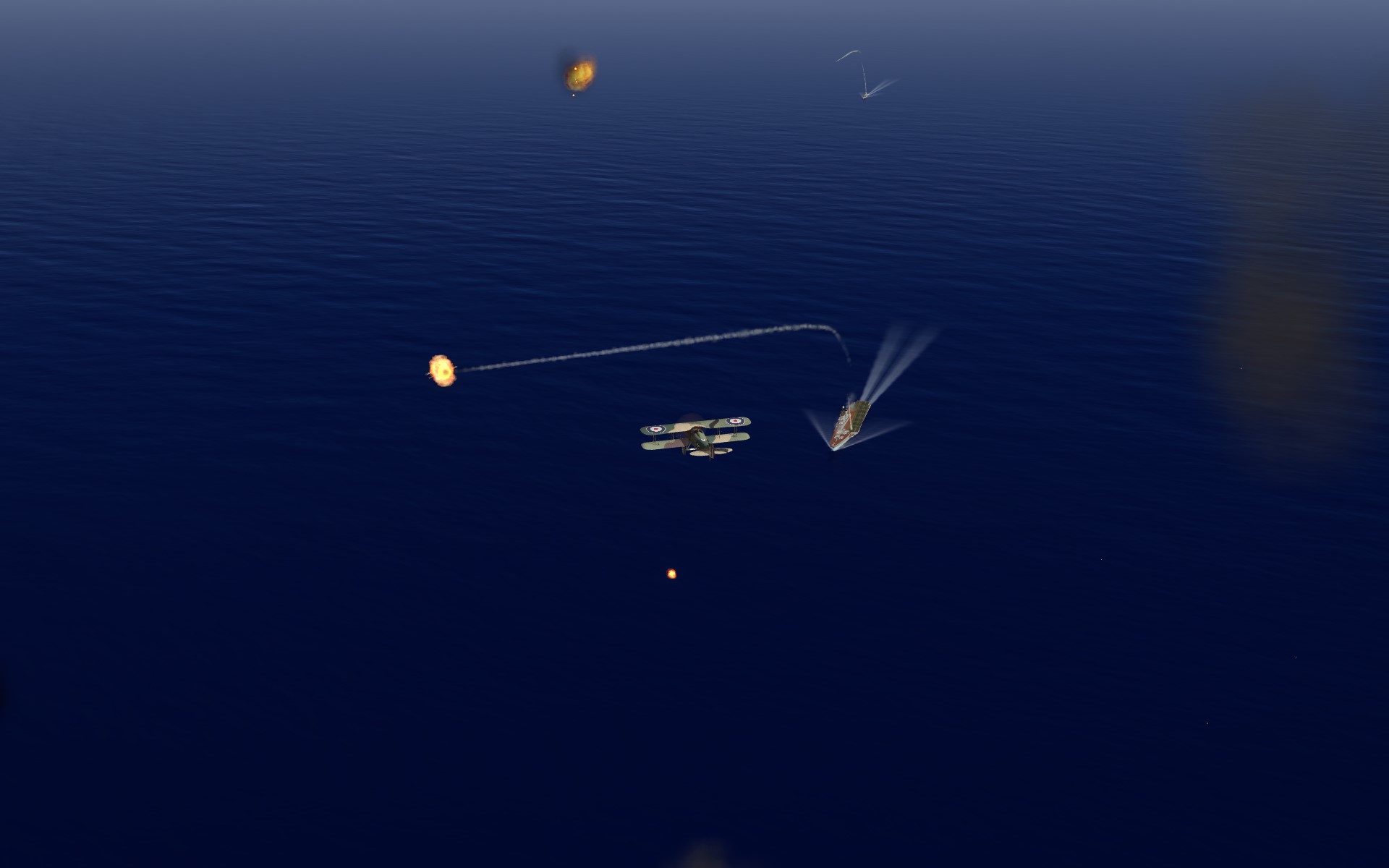
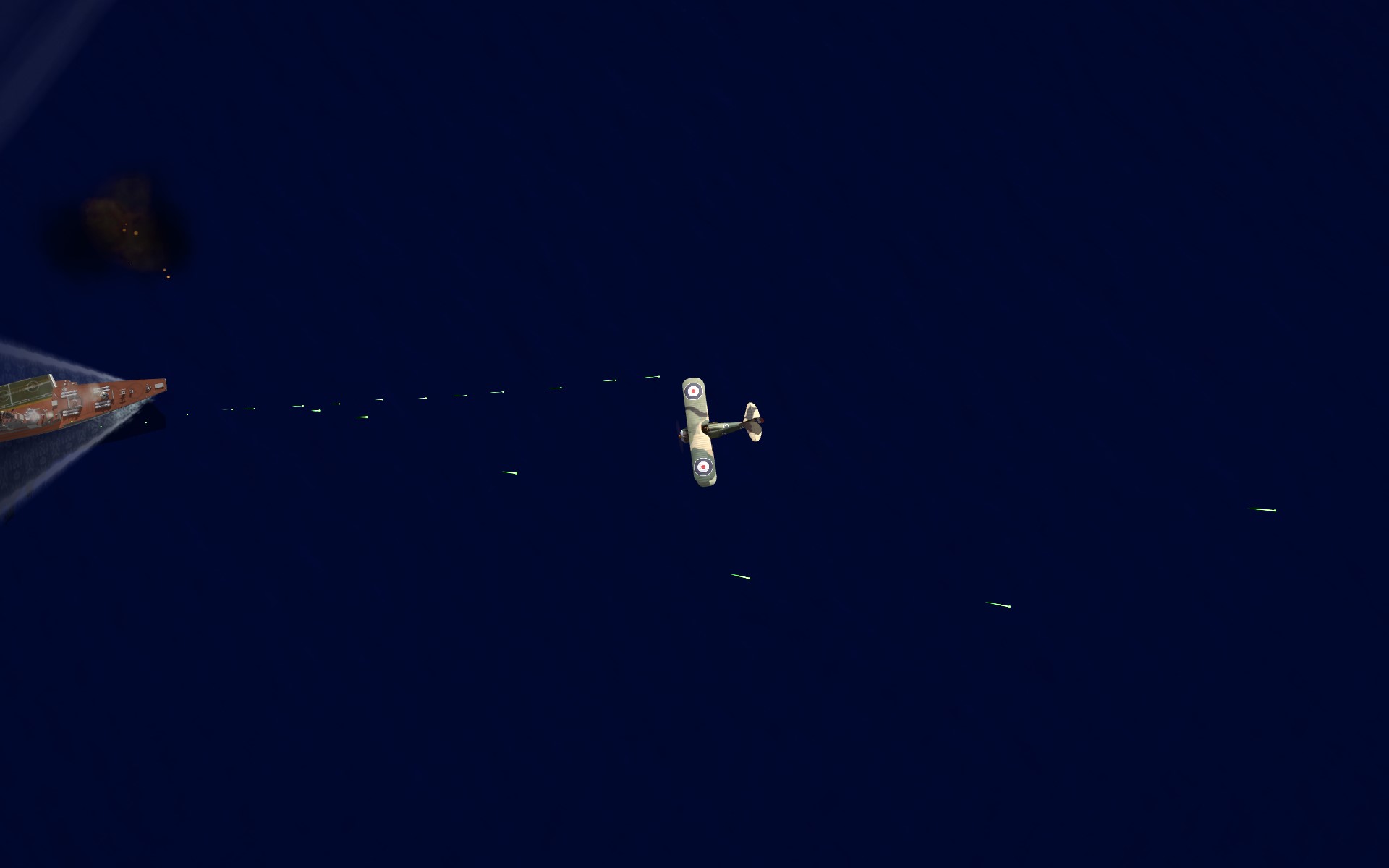
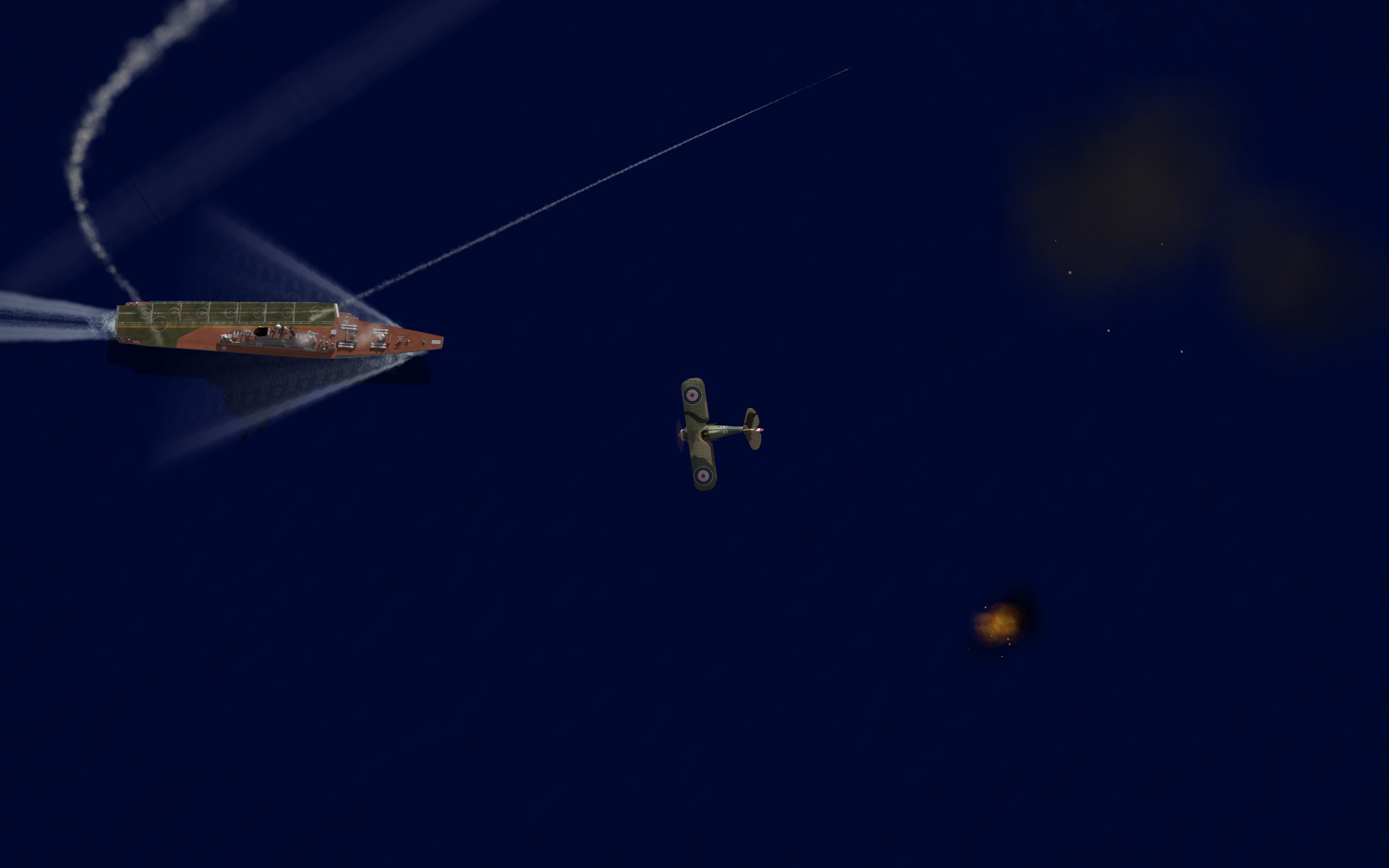
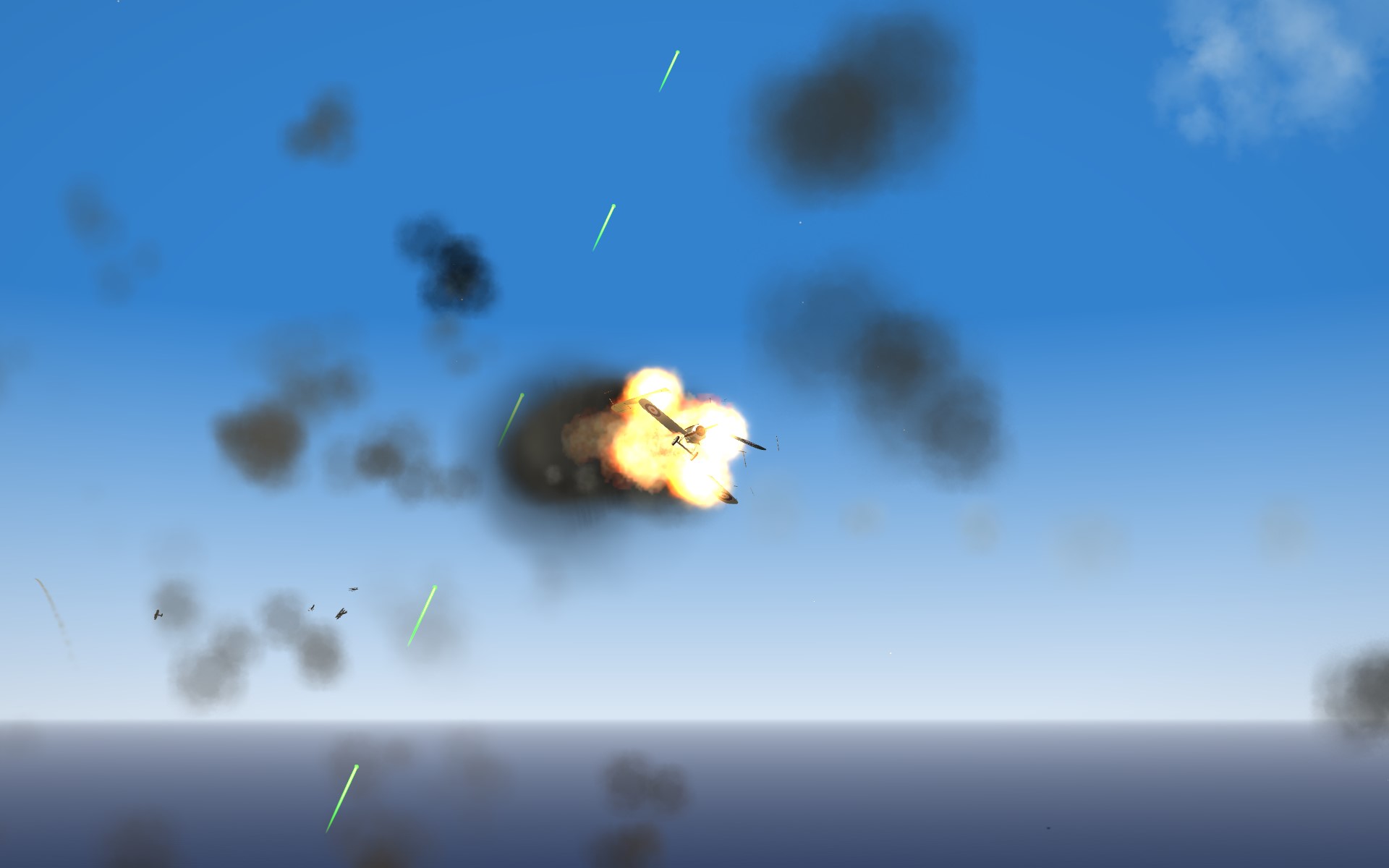
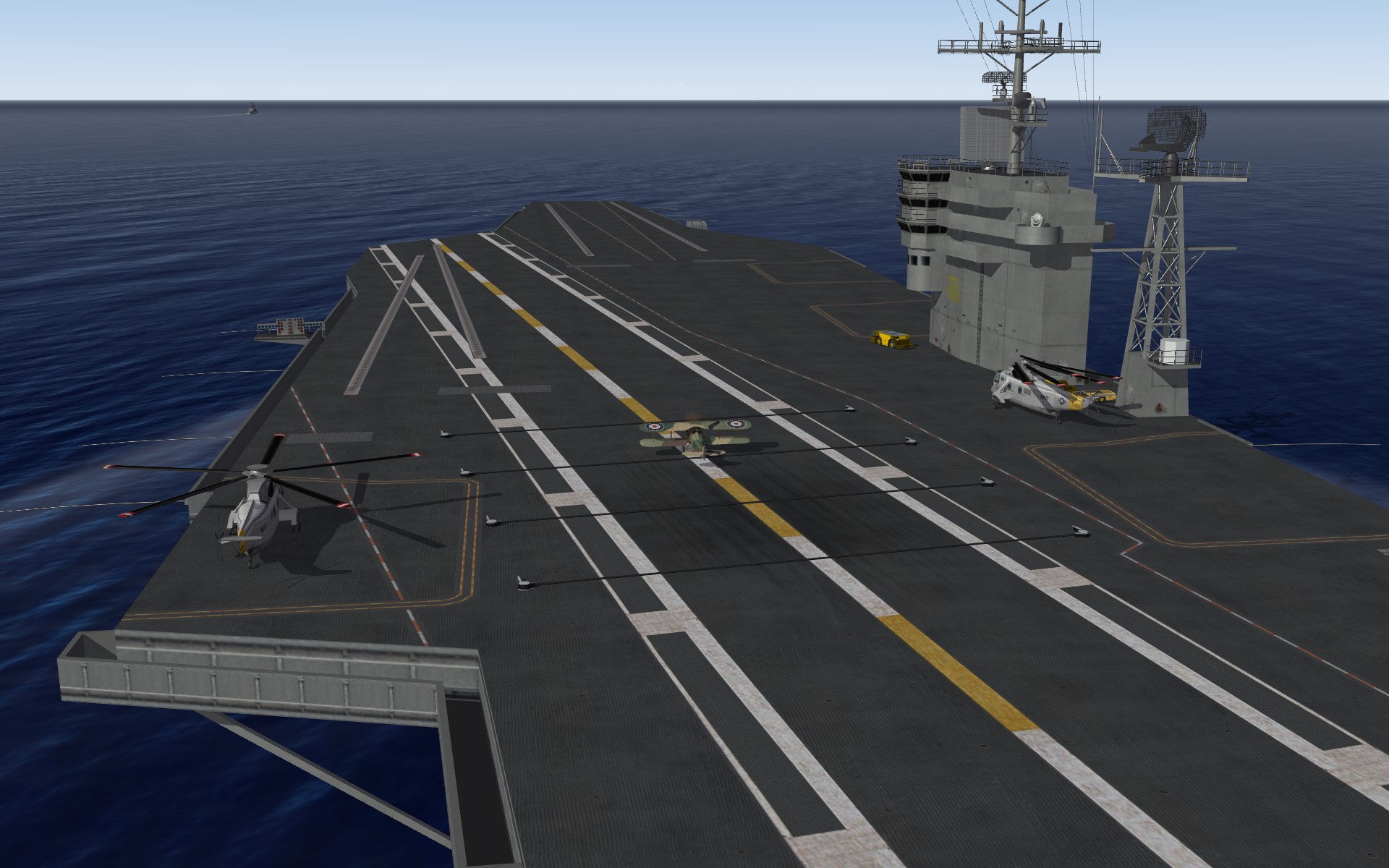
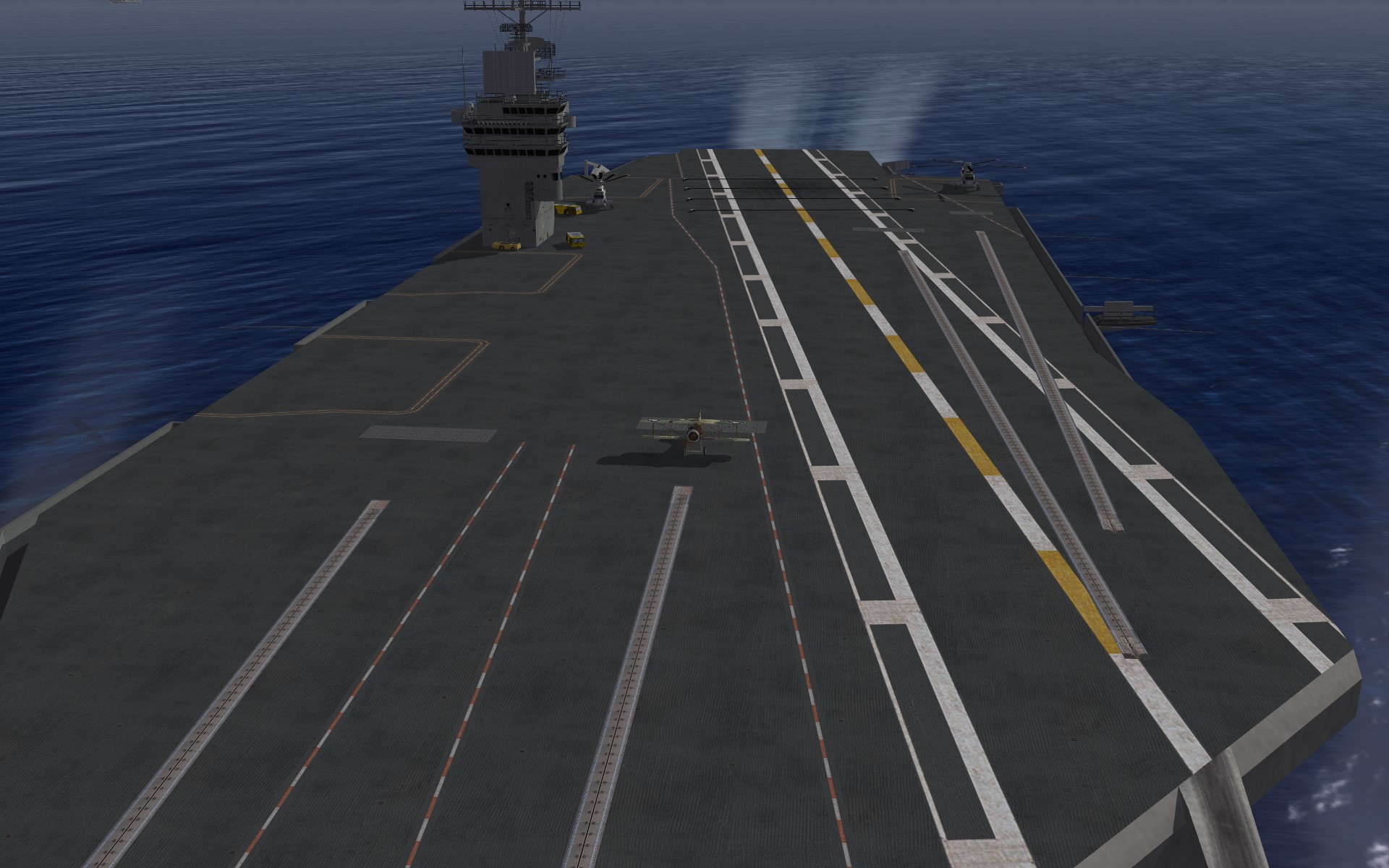
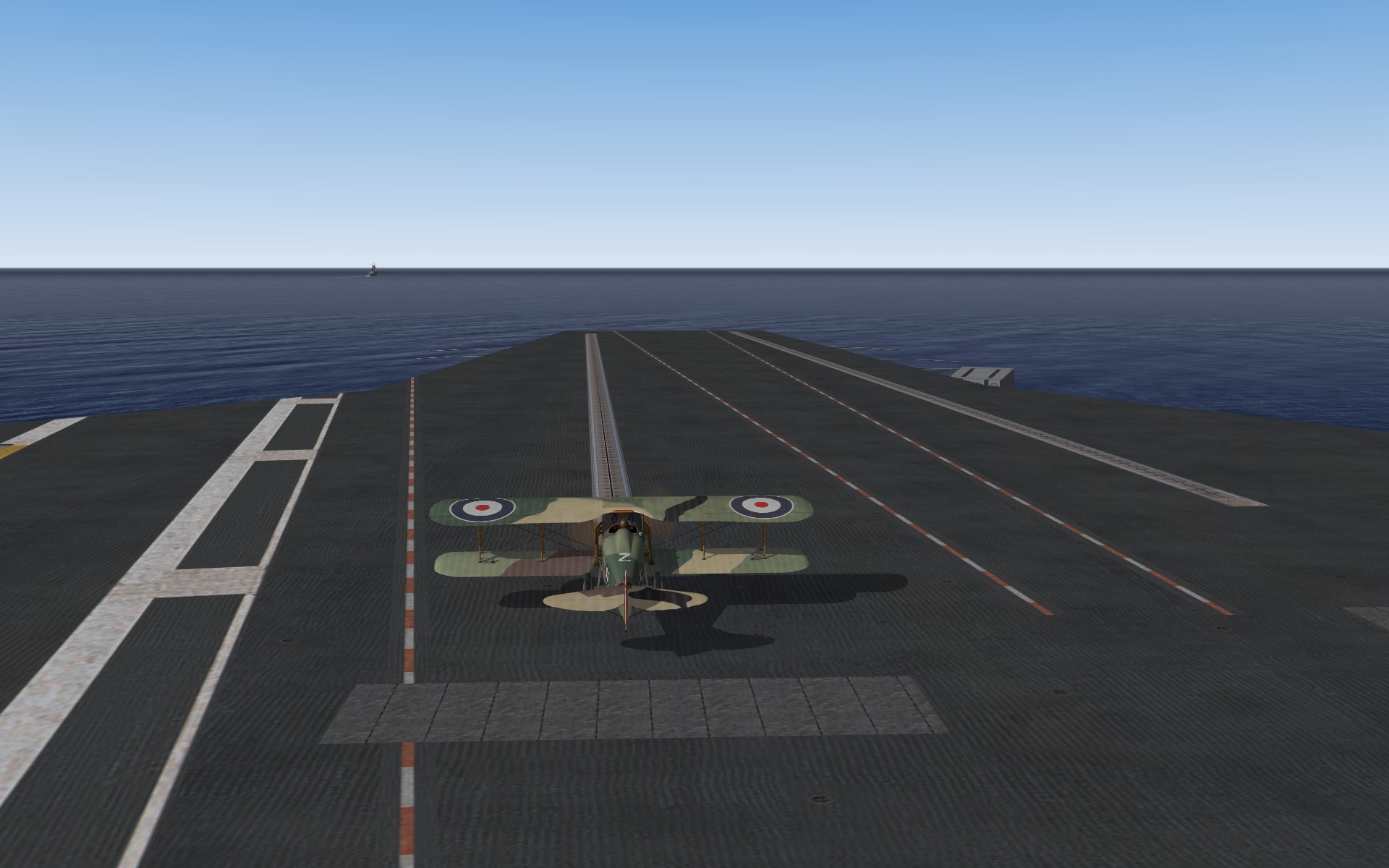
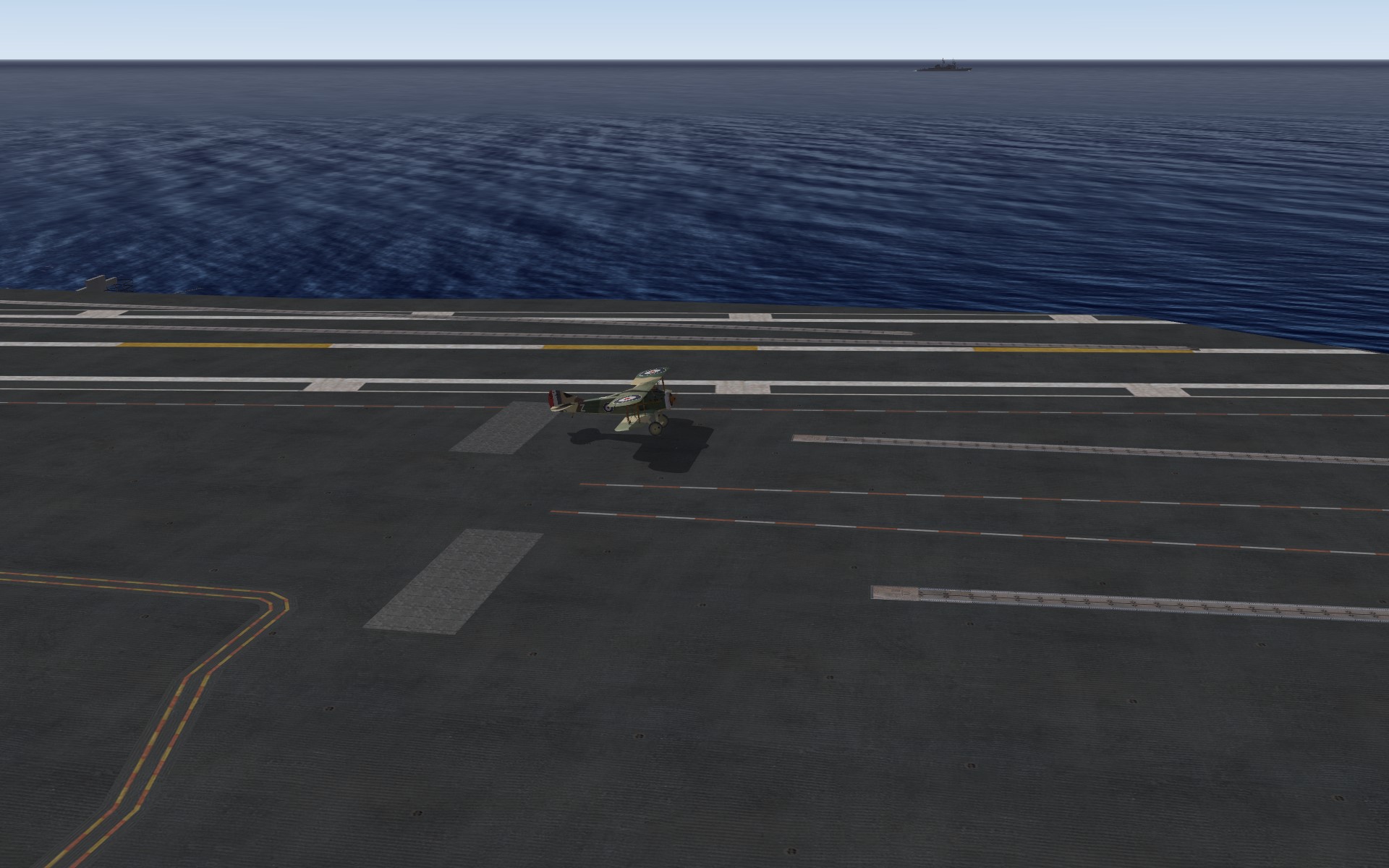
Pictures of an experiment I am working on with SF2:NA & FE2.
KJakker replied to KJakker's topic in Mods & Skinning Discussion
And how Spad XIII's fare around the Kiev battle group.