
Flanker562
-
Posts
12,649 -
Joined
-
Last visited
-
Days Won
63
Content Type
Profiles
Forums
Gallery
Downloads
Store
Everything posted by Flanker562
-
Not bad...
-
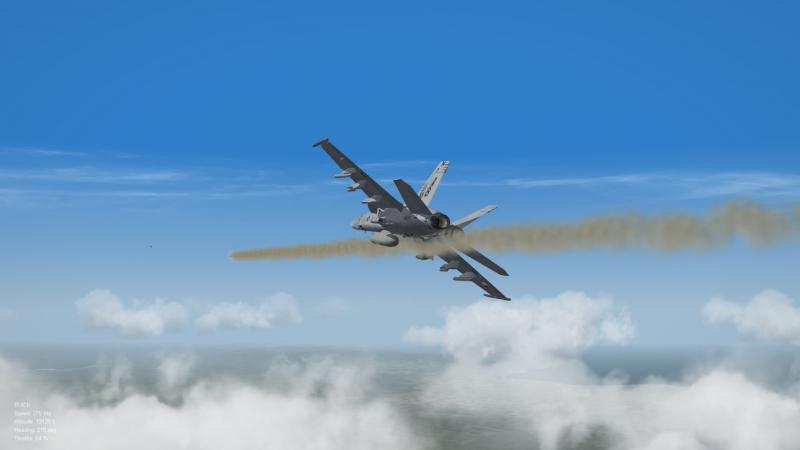
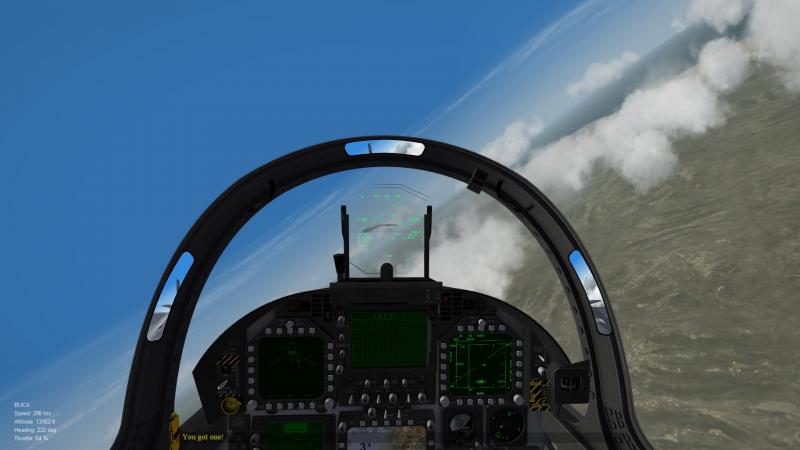
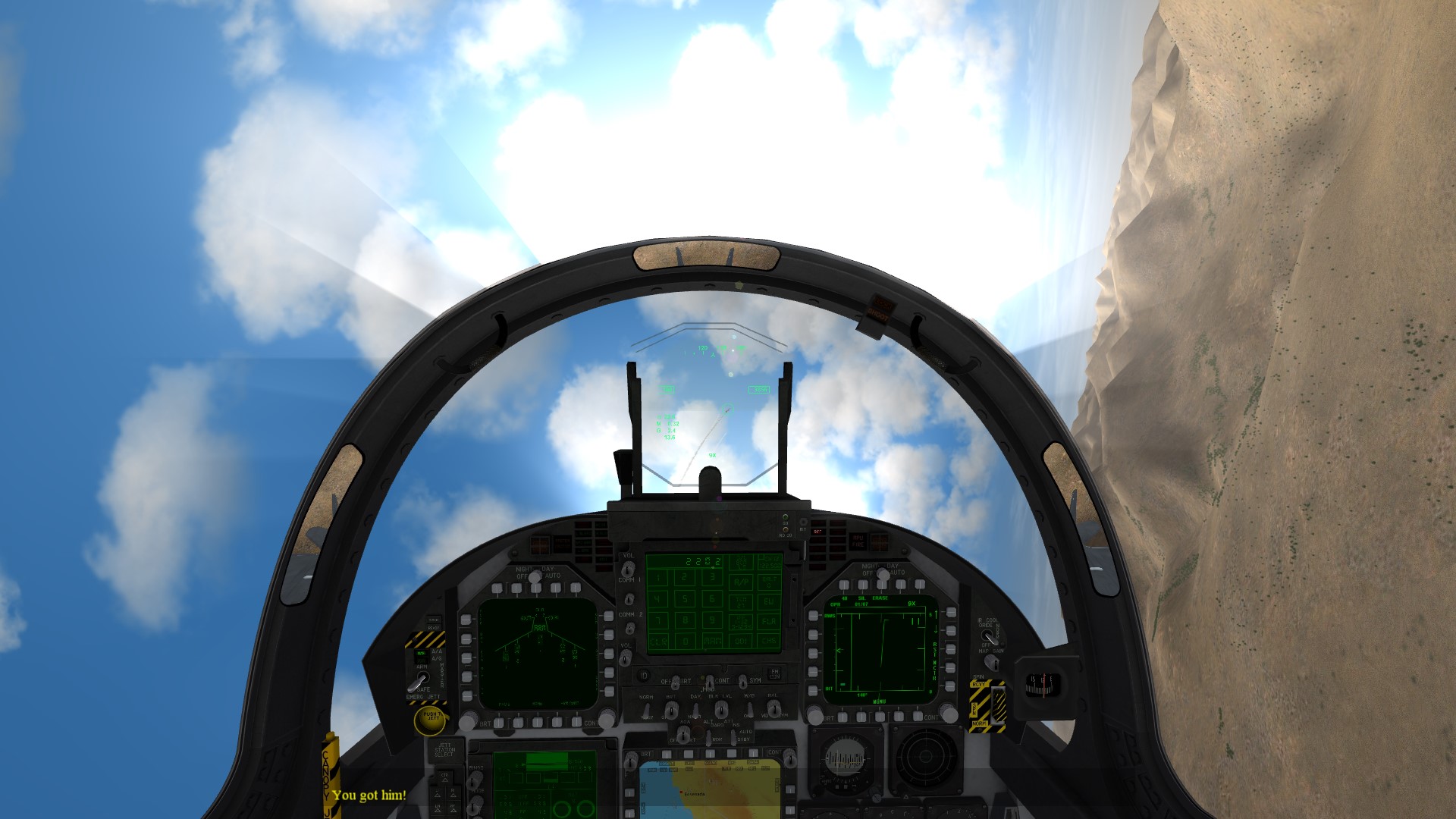
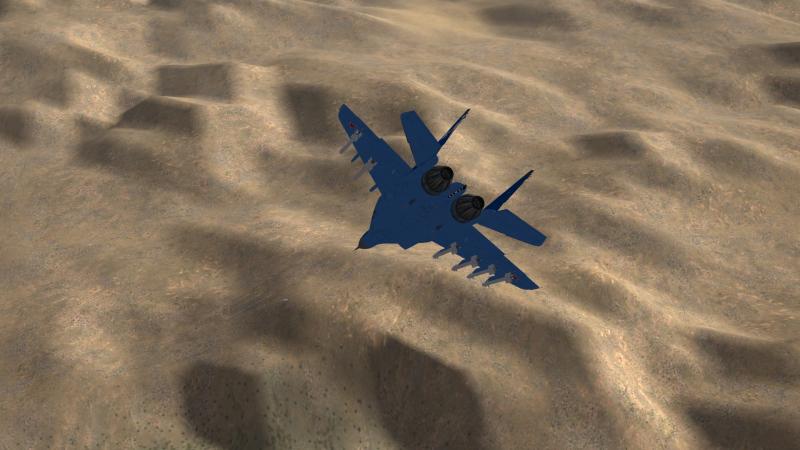
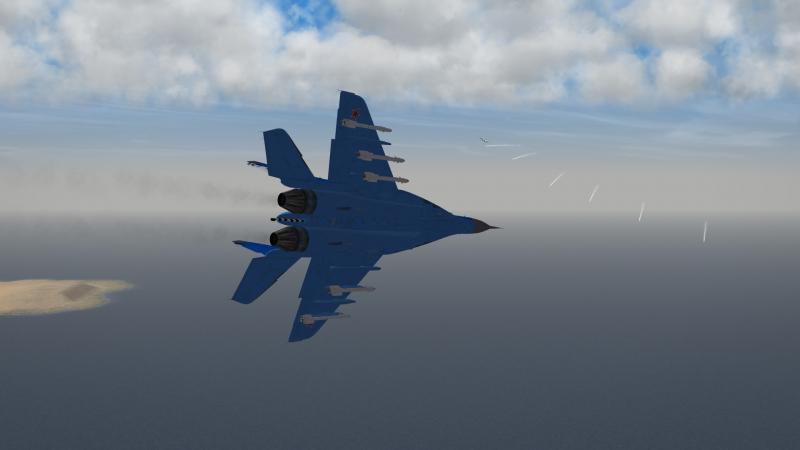
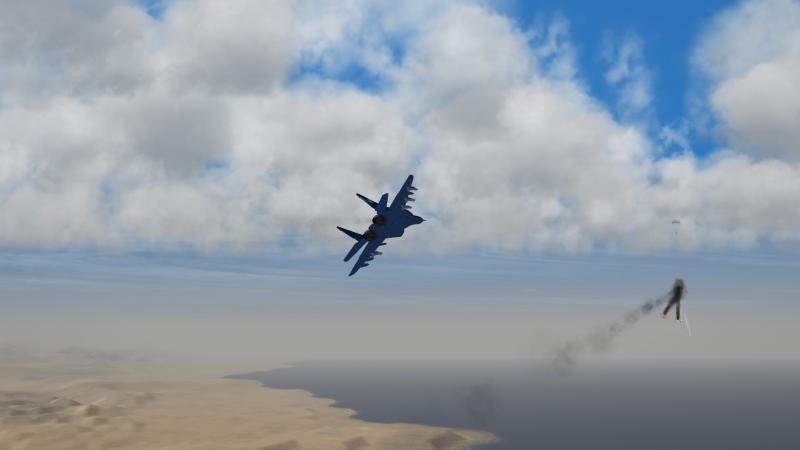
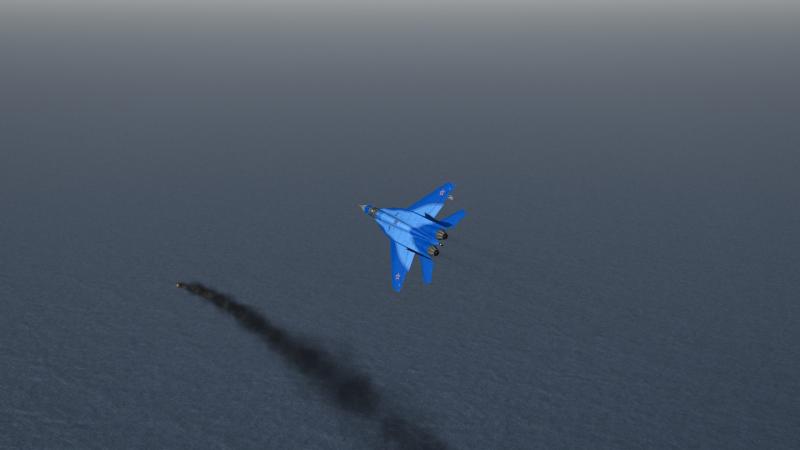
 Me: Mig-29K with 4 x R-73, 4 x R-74EM, gun Opposition: F/A-18C (92) with two AIM-9Ms and 4 x Sparrows, gun (Current Download) At the merge it took the... enemy to finally bite. On my first try I got him to bite, but G-Loc (more discussed later) forced me to dart into the ground, not good. The second try took me a few (more like 6 to 7) minutes to get the Amerikanski to finally dogfight... and it was pretty exhilirating but I ended up in his sights and I managed to go vertical and dodge two AIM-9Ms (I think it was flares as I was too easy to pick off) and came out of the vertical and managed to get the Hornet to maneuver for I would say an R-73 shot and it missed mainly due to maneuvering though flares would have helped this missile launch. He managed to level off and the cursed thing missed (another R-73) and then I fired an R-74, and it missed! So the Hornet driver leveled out and I sent another R-74 up his tailpipe, killing him. Takeaways: G-LOC is a primary concern with this beta FM unfortunately, something experienced with the Rafale as well. Unfortunately the Hornet isn't a laughing matter so you'll probably black out and somehow get out of it (matter of fact i blacked out going vertical and had to use externals to wonder which direction I was going) or plow into the terrain. Sooo... When the FM gets tweaked and bettered I'll have a go at it, but don't get into ACM too much though... Otherwise it is a nice jet...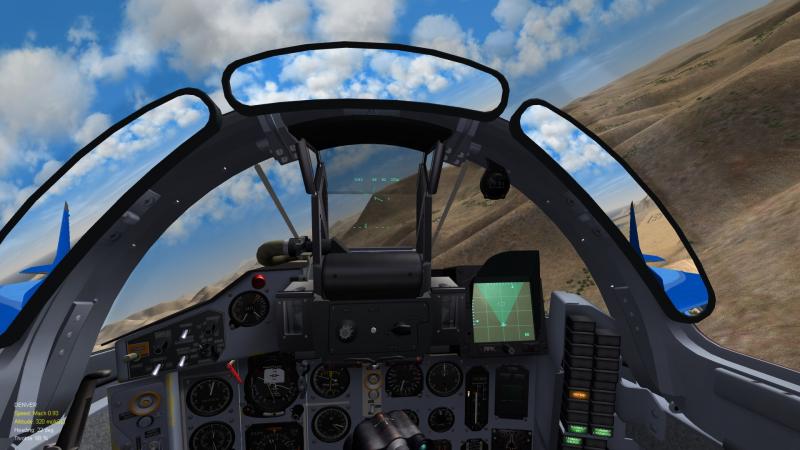
-
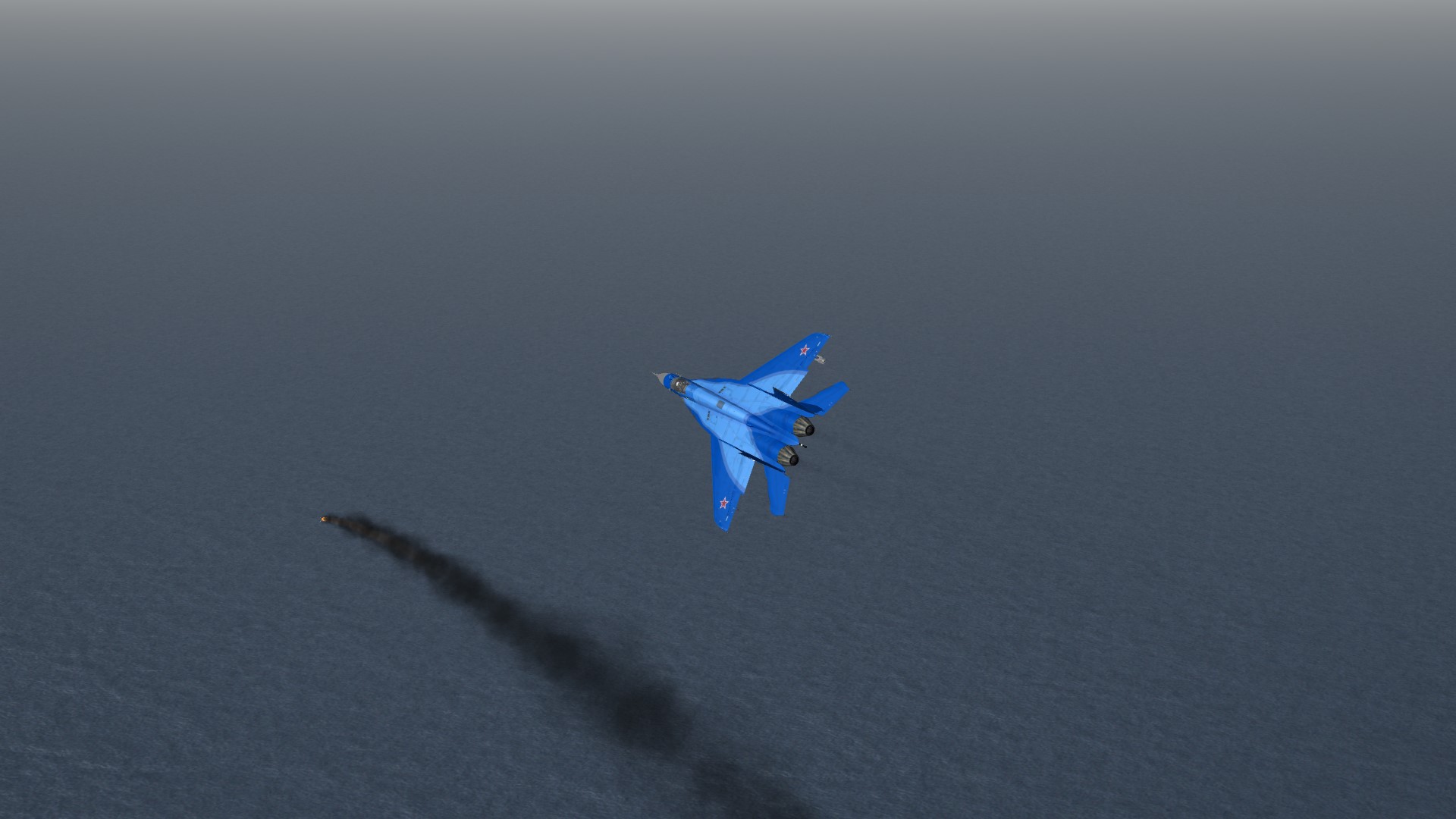
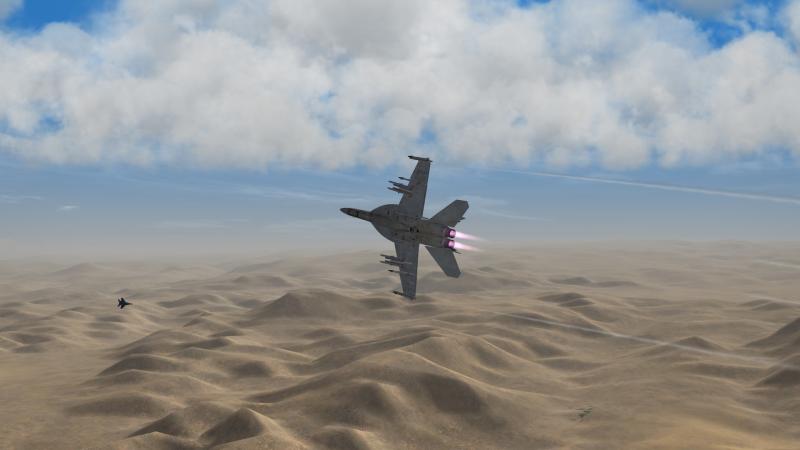
Me: F/A-18F with 4 x AIM-9X, 6 x AIM-120D, gun, tank Opposition: Mig-29K with 4 x R-73 and 4 x R-77, gun Fight started out (like others) with me on his tail, and once he recognized me, tried to shake me until I got a little bored and let him come at me. Once he bit the TIE fighter (though it stunk common Fulcrum) FM came about and he managed to lock me up for a bit (enough to take a shot) but he didn't fire (at least I'm aware of anyway). But after a lengthy energy circle he managed to lose energy and try to outrun me again, so I took pity on him and smoked him with a 9X. It took him a few minutes for him to "die" (so I could get a mission success) but otherwise the lack of rearward vision... got him. Takeaways: I don't want to say the FM is bad, or worse, but it is characteristic of a typical Mig-29. Unfortunately the K should be slightly heavier but overall a tough opponent so far.
-
Formula for estimating missile performance
Flanker562 replied to saisran's topic in General Discussion
I don't think anybody (I don't) takes your work for granted... it's just sometimes I get the more simple Soldier opinion of seeing how it works for real and base your opinions and observations on that. Such as a 5.56mm round has a maximum range of 3,200m or so. Cool to know but doesn't mean anything to me. Now if you said you can kill somebody at 500m then that's more relative and more informative. -
Even in the Super Hornet the Mig-19s aren't very good, one I can deal with but you really have to watch it with two.. I've gotten shot down quite a few times by the UFOs (Mig-19s)
-
I think so, as it adapts for the 5-wet configuration, Id have to take a peek in the NATOPs and doublecheck. I know the FSX one you have to really trim to get it right though. And thanks for the link both!
-
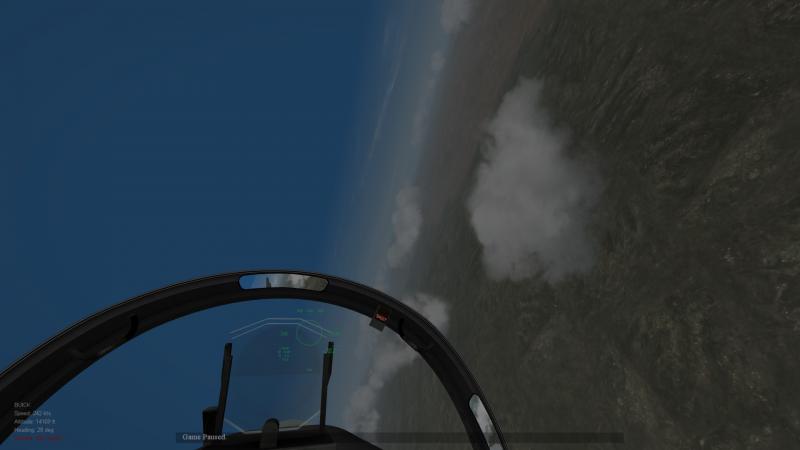
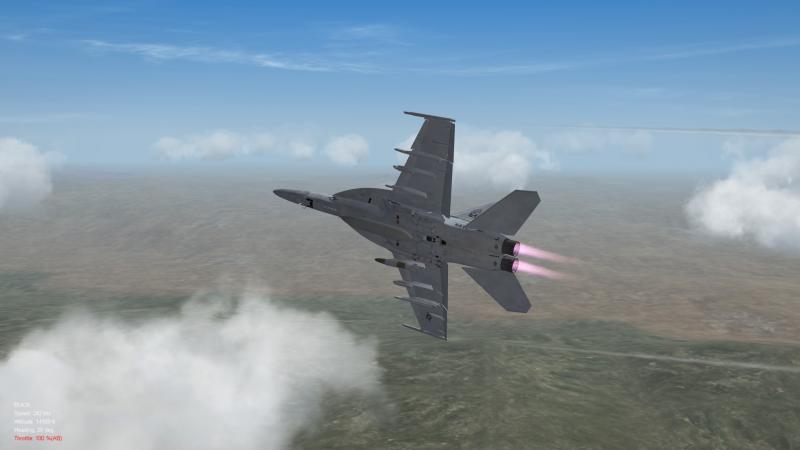
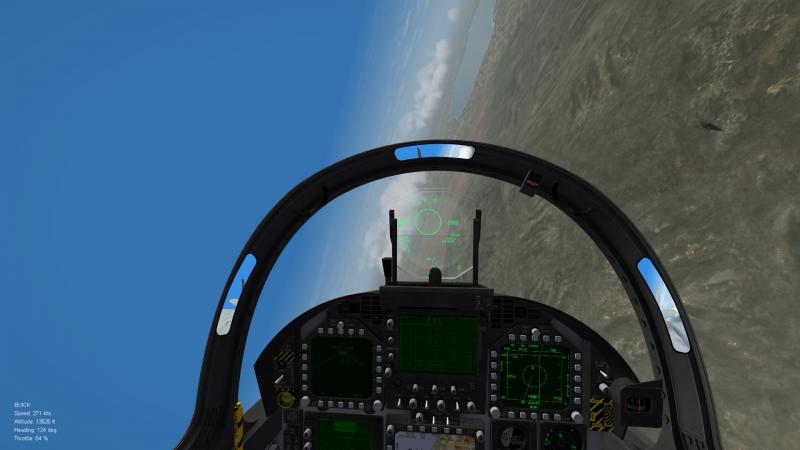
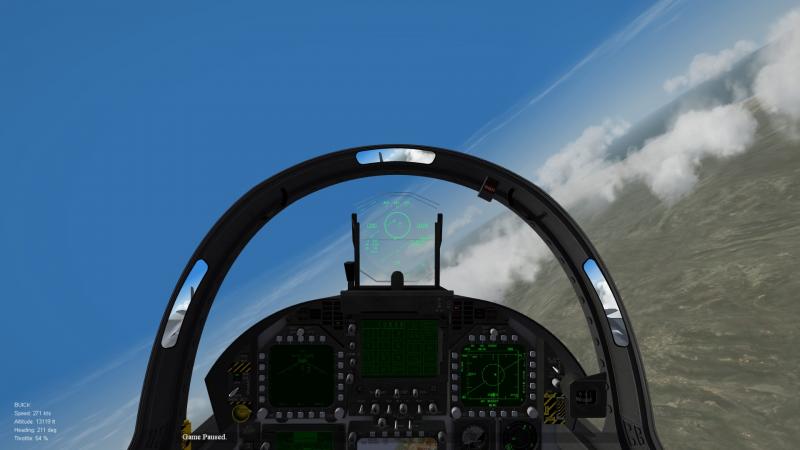
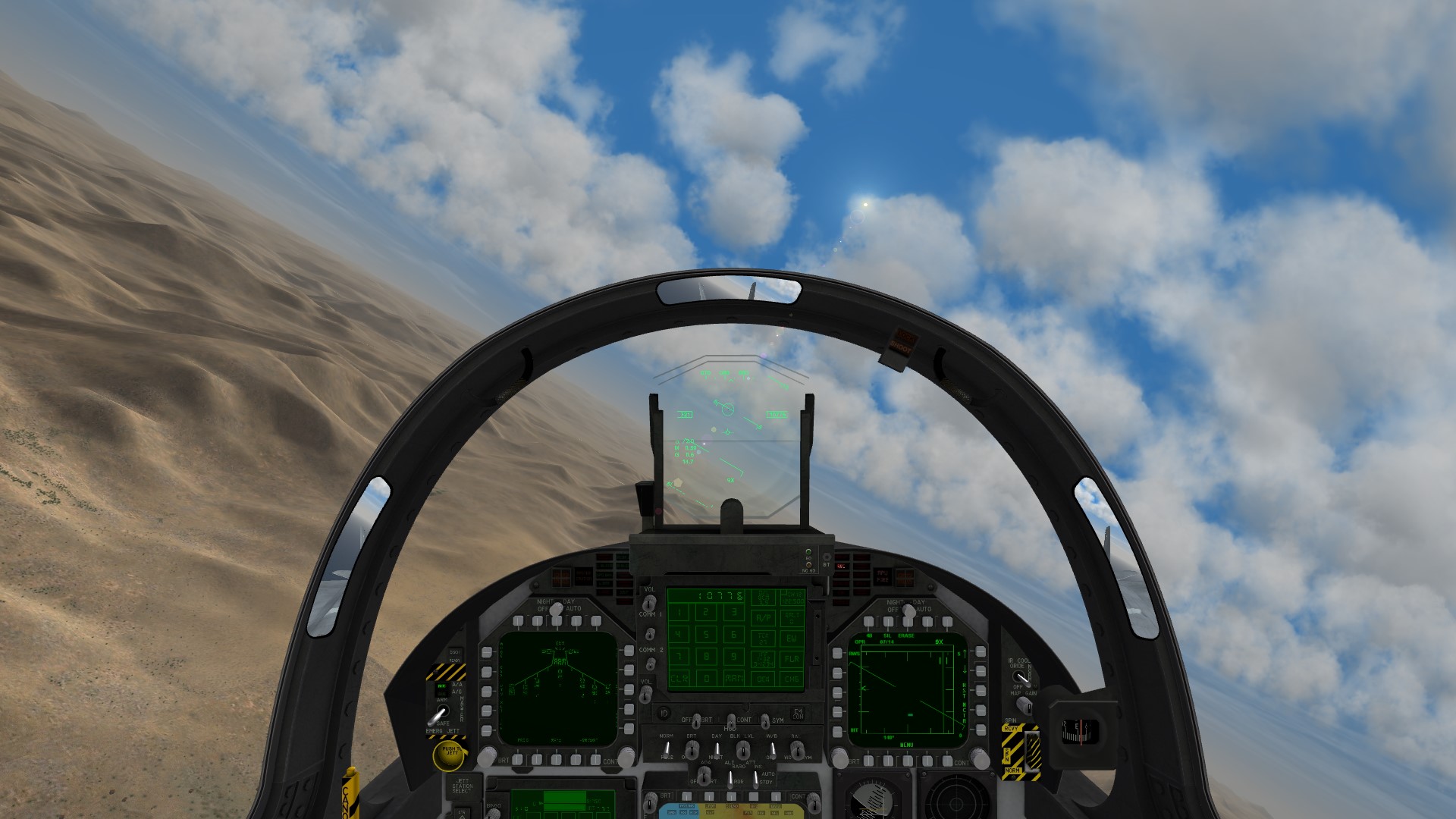
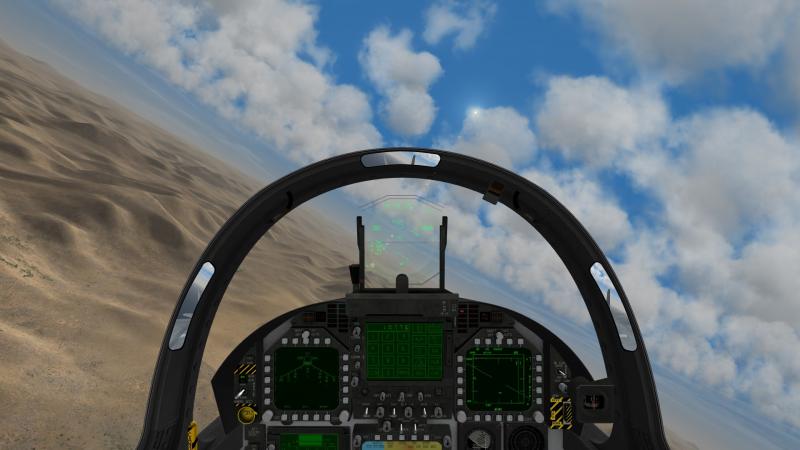
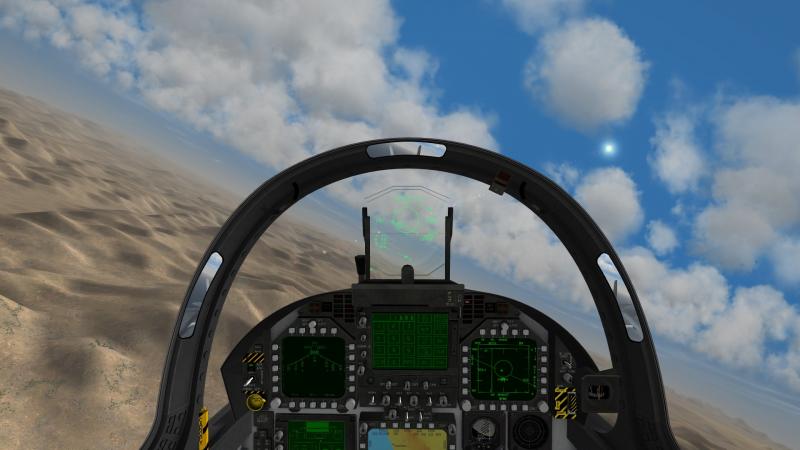
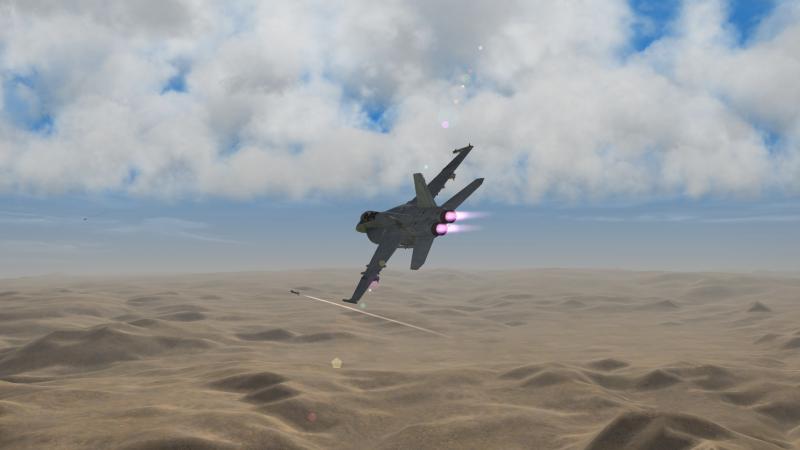
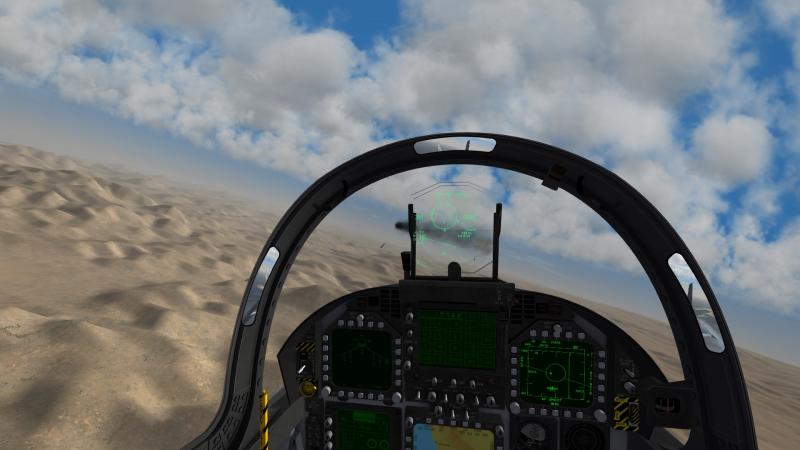
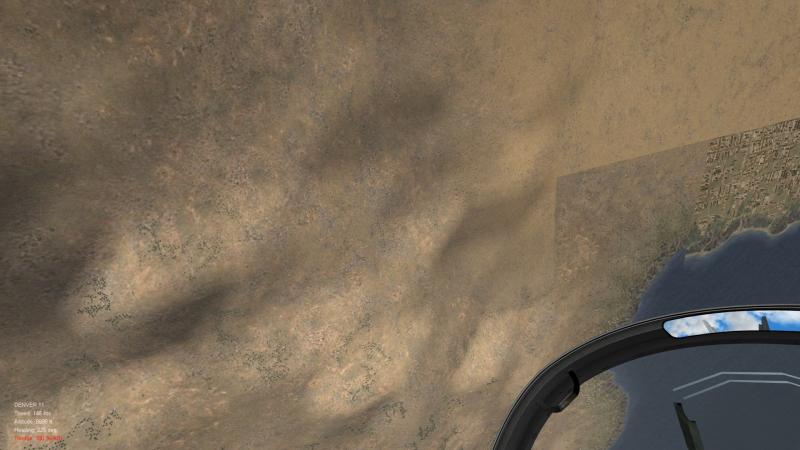
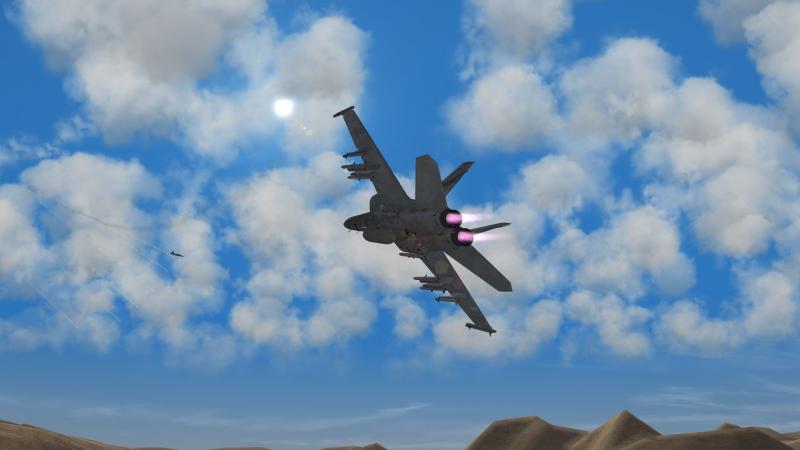
Me: F/A-18F with 4 x AIM-9X, 6 x AIM-120D, gun, tank Opposition: F-5N Tiger II with two L/M winders, guns Started behind him and... nearly ran over him as well but pulled out of it and entered a few energy circles and after a few attempts... couldn't shake him out of it. I tried to lob the missile ahead of him, thinking "easy kill" but was defeated by maneuver and flares (though he was still in the circle so more by maneuver) and after another energy circle he got progressively lower. I thought at first he'd run into the ground but he pulled up and since I was turning into him and took the shot after realizing he was in a better position for me to shoot. Another 9X and it eventually got him. Takeaways. First is the first screenshot, and the point against the Tiger II is where is he? By logic he's in the middle of the screen so even with padlock its still hard to get a clear bead on where he is. Second was the lobbing of the missile. It was a risky shot and I had to try and take it. Other, slower and heavier planes you may get lucky but the energy level on the Tiger II is very high, and the first thing you should plan for is the energy circle if you're heavier. And the last piece is analyzing fighter behavior. Naturally (unless you're a kamikaze) you'd avoid the terrain. The Tiger II pilot did so and I used that to get my shot in.
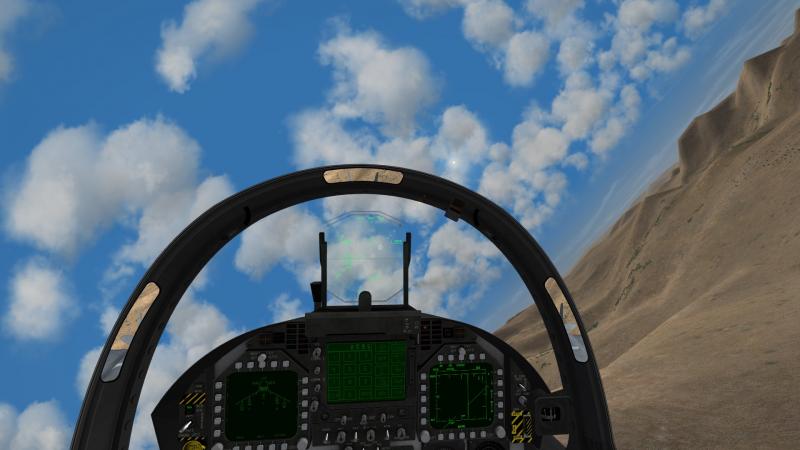
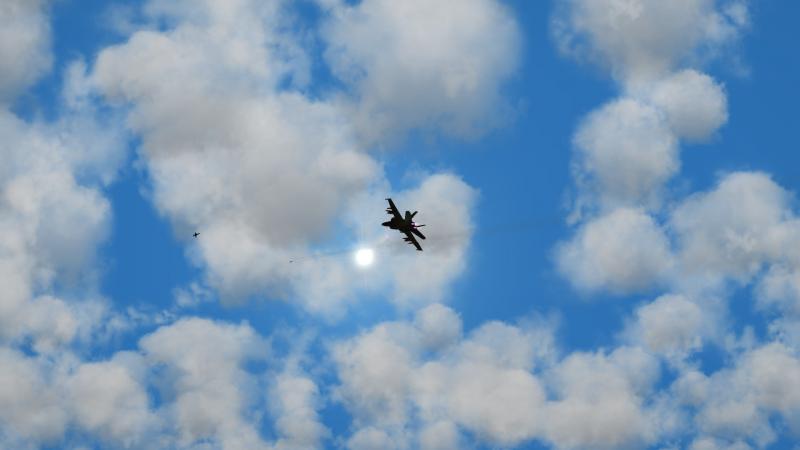
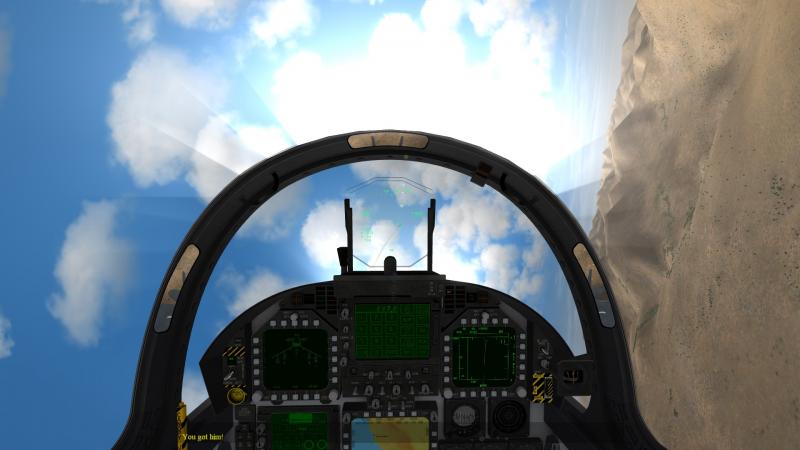
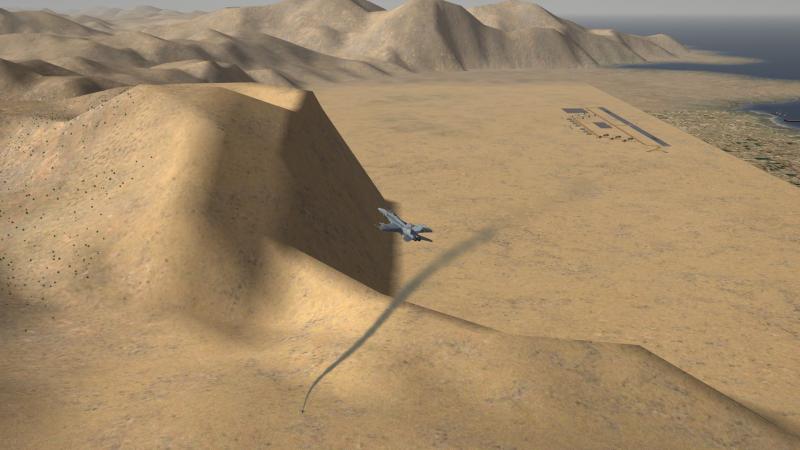
-
Formula for estimating missile performance
Flanker562 replied to saisran's topic in General Discussion
Actually my "debug" is the radar symbology but whatever works -
Formula for estimating missile performance
Flanker562 replied to saisran's topic in General Discussion
Which boils down to shooting at stuff and noting how it works and remembering it. Granted a great read so far but sometimes just getting in game and testing how it works is a different story or is the best way to understand performance because most of the time the hard data isn't always available. -
It was removed due to copyright infringement. I'm sure somebody has it somewhere, it just won't be here.
-
Hey you got a link to your videos Hero? But yeah... but flaps is an entirely different issue when you have auto flaps (like I'm used to) but as soon as your jet stops moving, also wiggle it a bit (nothing serious a good left/right will do) and then apply power, and note your altitude will drop about one, two thousand feet (or more depending on your ability to think it through). Then again I don't deal with stall that much as I have to fly on Normal, or I'd be fighting the jet more than actually flying it (assymetric loads).
-
lol well I'll wait until you upload the finished FM then
-
Apparently he isn't...
-
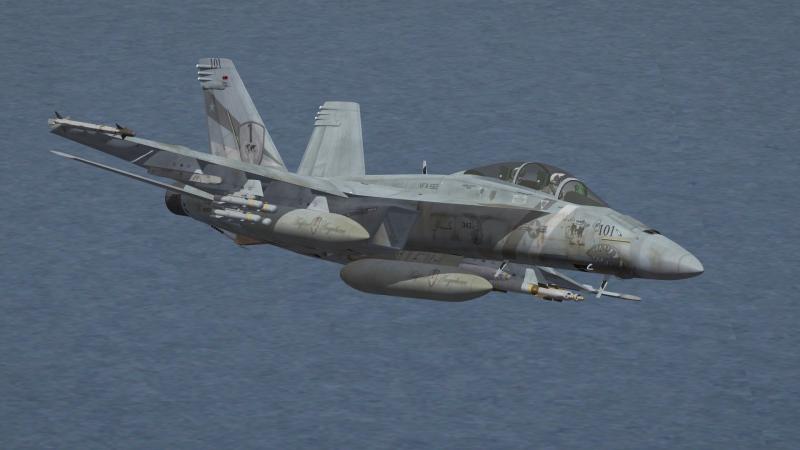
F/A-18F Driver...
-
Usually throttling to idle helped that as well for me, and maybe some rudder input before nosing down though.
-
Sometimes unplugging the stick and replugging it during flight does the trick, I used to have that problem too...
-
Well that pretty much clarifies that...
-
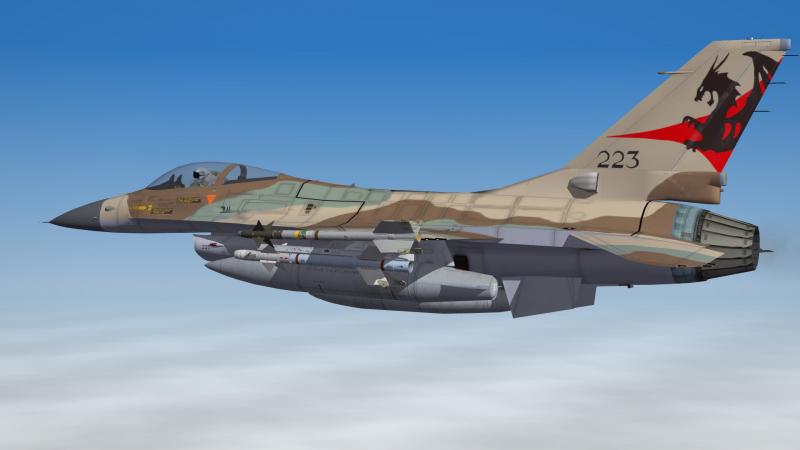
Looking good nonetheless Mandatory screenshot
-
Dels didn't make one if I'm not mistaken...
-
Okay well I did it myself PrimaryRoles=SWEEP,CAP,INTERCEPT,STRIKE,CAS,ESCORT SecondaryRoles=RECON
-
OEF it did CAS missions all the time and probably some strike missions.
-
can you make a NA only install?
Flanker562 replied to whiteknight06604's topic in General Discussion
I have a full five-merged install and only run NA as my game of choice so just if you're trying for a WWII install I'd just remove any modern jets, OR rename one of the exe's and it'll create a specific EXE and like folders (there is an article in the KB on how to do this as well. -
I sent a PM already about it...
-
And unfortunately the Tomcat needs a good benign environment for strike missions, CAS as well. Matter of fact the A,B,Ds should have Strike and CAS as roles as well.
-
Me: F/A-18F with (at that moment) 1 x GBU-32, tank, 1 x AIM-120D, gun Opposition: Chengdu J-7II with two Atoll missiles Decided to check out the new Israel map with a strike mission, and after dropping ordnance on the target and after killing two J-7s (got lost in the details, literally got bounced by them...) with 9X kills, I had one left who... if he had better missiles would have had me dead to rights, and well... he did. But since I had an AMRAAM left I had to go close quarters with him, and basically a refresher on the AMRAAM kill technique. I locked him up and to the pilot's credit, turned inside of me and shot past me on my right, and slowly developed into a rather short energy circle and after a little bit (a few seconds maybe) he settled out and I killed him with my last AMRAAM, making Ace (again) on one mission (two had been killed earlier with AMRAAMs and the two prior by 9Xs). Takeaways: If you're down to your last missile dumb down your radar to the shortest range possible, and if you got a lock, wait until the target is "stable" in your HUD before taking a shot or you may lose him. I never try energy circle shots as the target is moving too fast across your HUD and that means your missile won't track (unless you pull hard and use it to intercept, results may vary). Also to be more situationally aware too...