VonS
-
Posts
1,026 -
Joined
-
Last visited
-
Days Won
2
Content Type
Profiles
Forums
Gallery
Downloads
Store
Everything posted by VonS
-
Also, a brief follow-up - if you are running any of my older "WOFF GPU Tuners" for WOFF (which are BH&H2 compatible too) - recommended then is not to run the "FrankenBHAH Enhancement Package" since, technically, they are not compatible. The FrankenBHAH Enhancement Package, also the addon "Franken Mini Tuner" that loads after the Enhancement Package, tweak things a bit more so that terrains are slightly crisper than was possible using the WOFF GPU Tuners, with no major drop in average FPS over the previous Tuners. Cheers all and happy WOFFing, Von S
-
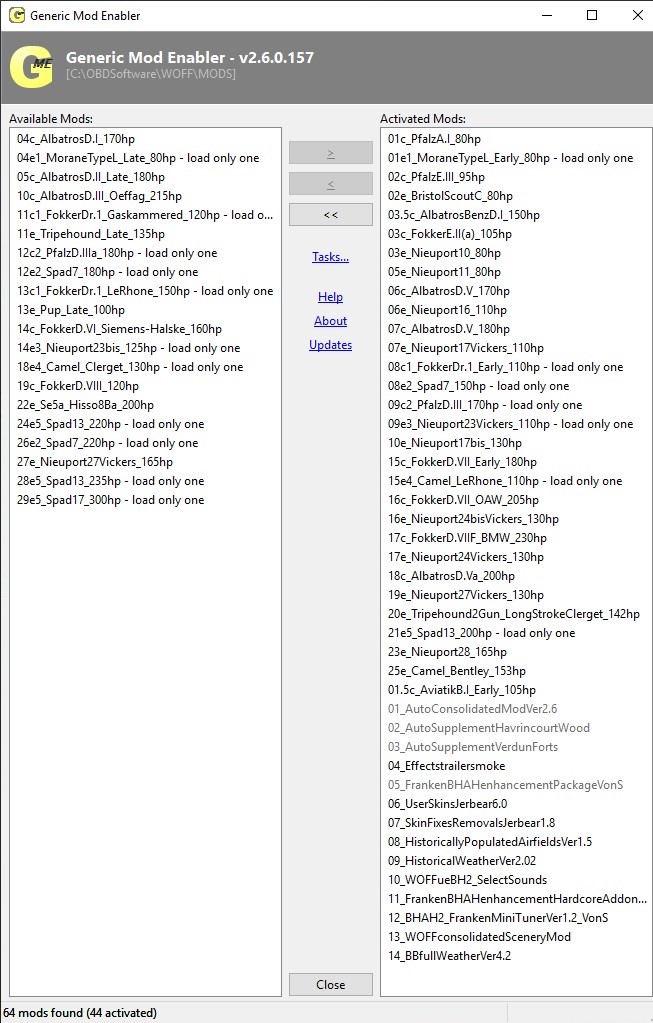
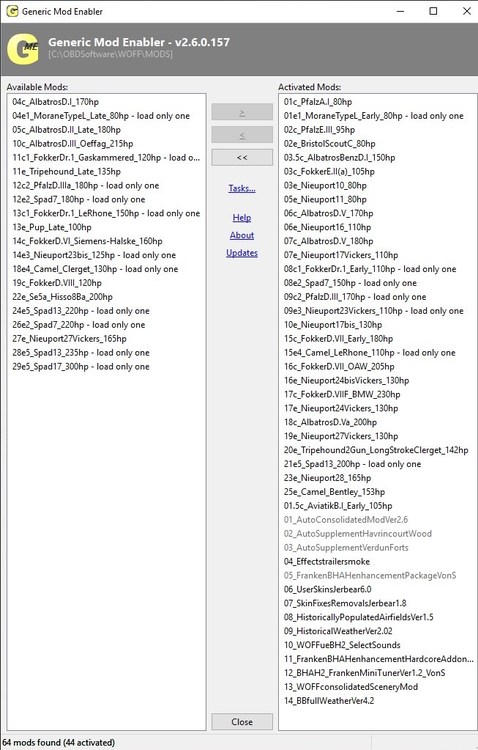
BH&H2 Patch 1.20 (same as for my Patch 1.17 install); will not bother posting my PE/UE 4.18 mods. list (suffice it to say that it's similar and extensive ). Take note that "WOFFueBH2_SelectSounds" and "WOFFconsolidatedSceneryMod" are not available publicly - those are mods. to load UE-era sounds, also UE/PE/4L0M textures and terrains, into my BH&H2 install(s). Such mods. require that simmers own WOFF UE, the PE addon, also BH&H2 - see the last few pages of the "casual campaigns" thread over on SimHQ (WOFF) for representative pics of the terrain mod. and for instructions relevant to that. Also, recommended is to load any custom terrain mods. after the big package of RJW & Company's auto-consolidated and auto-supplementary airfields, objects and terrains mods. - for seamless integration of UE/PE/BH&H2 terrains and tiles. Cheers all & happy mod. loading, Von S
-
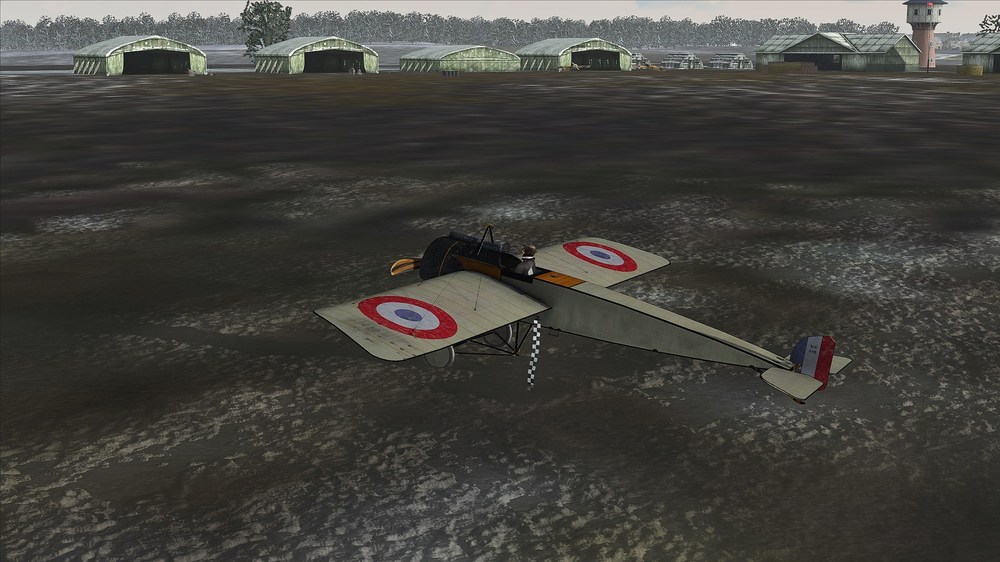
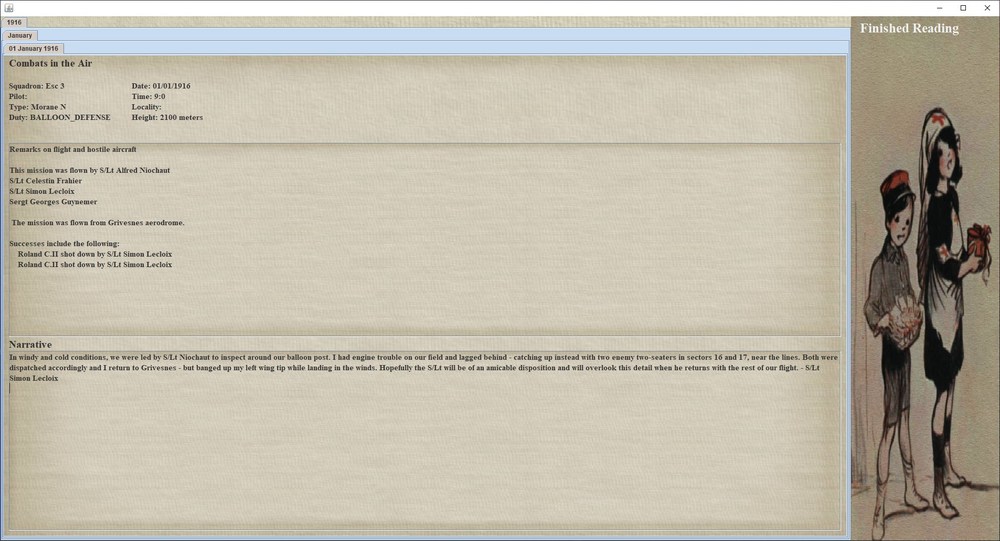
"Morane-Saulnier Type H" trick successful in the PWCG ver. 16.x.x - allows the Entente to fly the Fokk. E.III disguised via any of the relevant, available MS Type G/H skins for RoF. Pleased with the results - more info. and a link to download the tweak available under my AI/DM mod. (consolidated) post for RoF United. Cheers all and happy early campaigning in RoF United, Von S
-

WOFF BH&H 2 Mods-Compatibility Lists, Mod FAQs, etc.
VonS replied to VonS's topic in FAQ / Technical Issues
Brief update to this thread - a small FM Addon Package (Ver. 1.2) has been included for BH&H2 under this post. The package includes an early variant of the Aviatik B.I (replaces the stock B.I and is a bit more historical with regard to top speed, etc.). For the WOFF UE/PE version of the same addon, please see the relevant link under this post in the same thread. EDIT: see top post of this thread for relevant download link(s), etc. Cheers all, Von S -
I sometimes use FaceTrackNoir with my backport WOFF PE/UE 4.18 and BH&H2 (latest patch 1.20) - profiles available at the following link. Perhaps the settings are similar or interchangeable with OpenTrack. Cheers, Von S
-
As far as I know, trueSky is an Unreal and/or Unity engine plugin - good luck plugging that into modified CFS3-era code. And even if possible to plug in, it would probably result in a nasty FPS hit with the legacy WOFF code. Best is to enjoy the painterly 2D clouds present in WOFF as is - patch 1.17 of BH&H2 brought in some nice cloud enhancements that can also be ported to WOTR, and to WOFF UE-era installs, via JSGME packages. Cheers, Von S
-
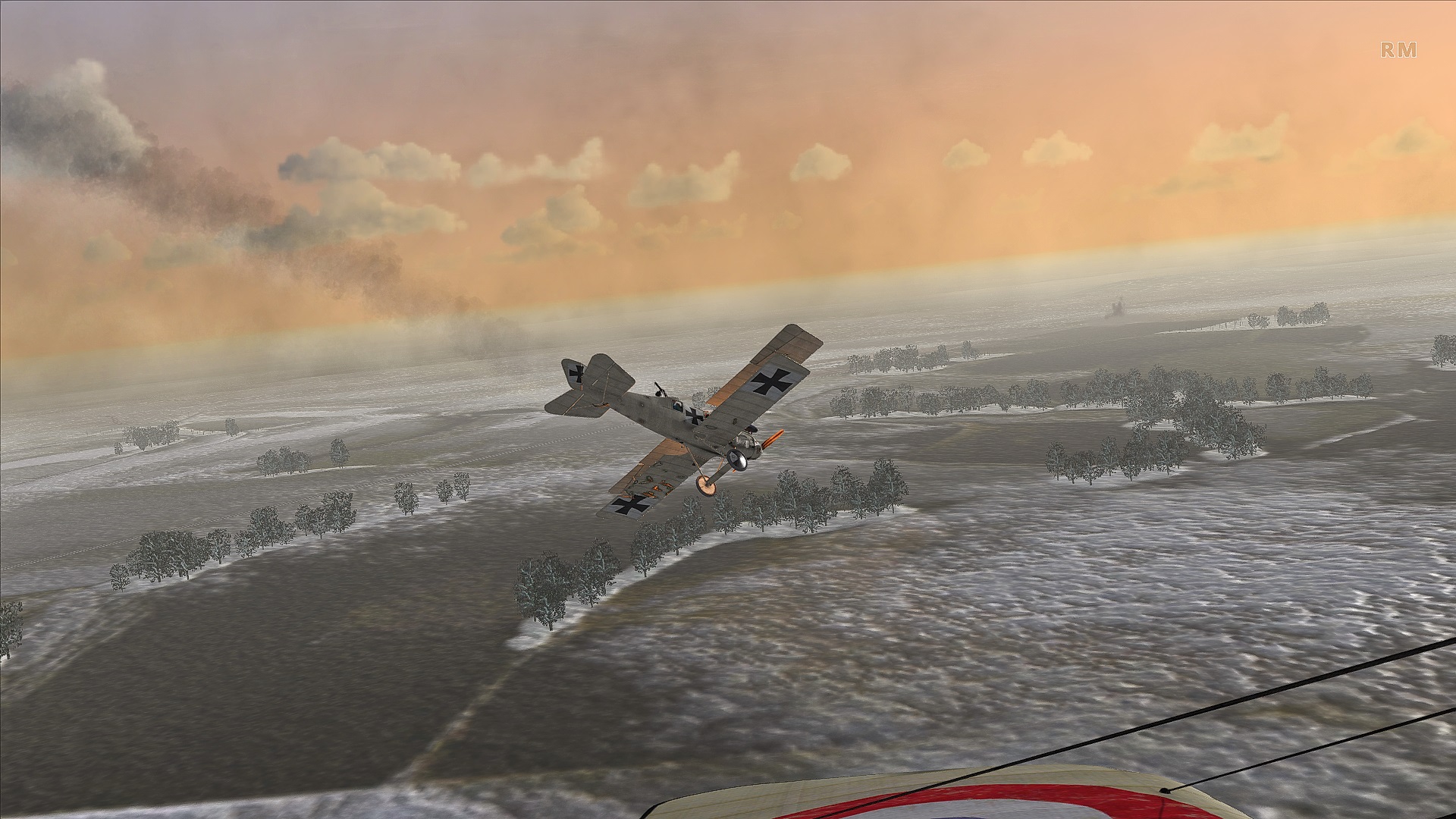
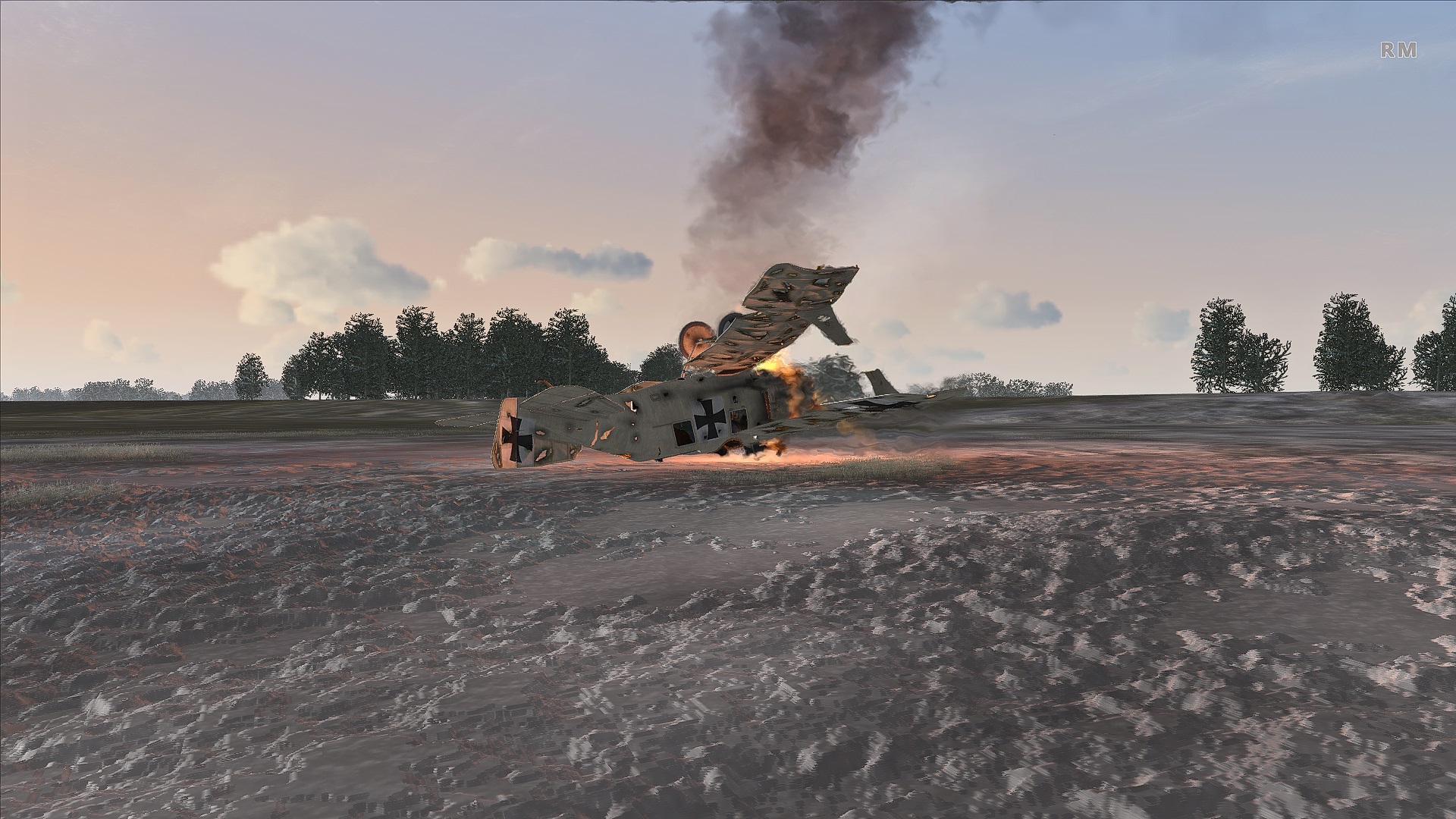
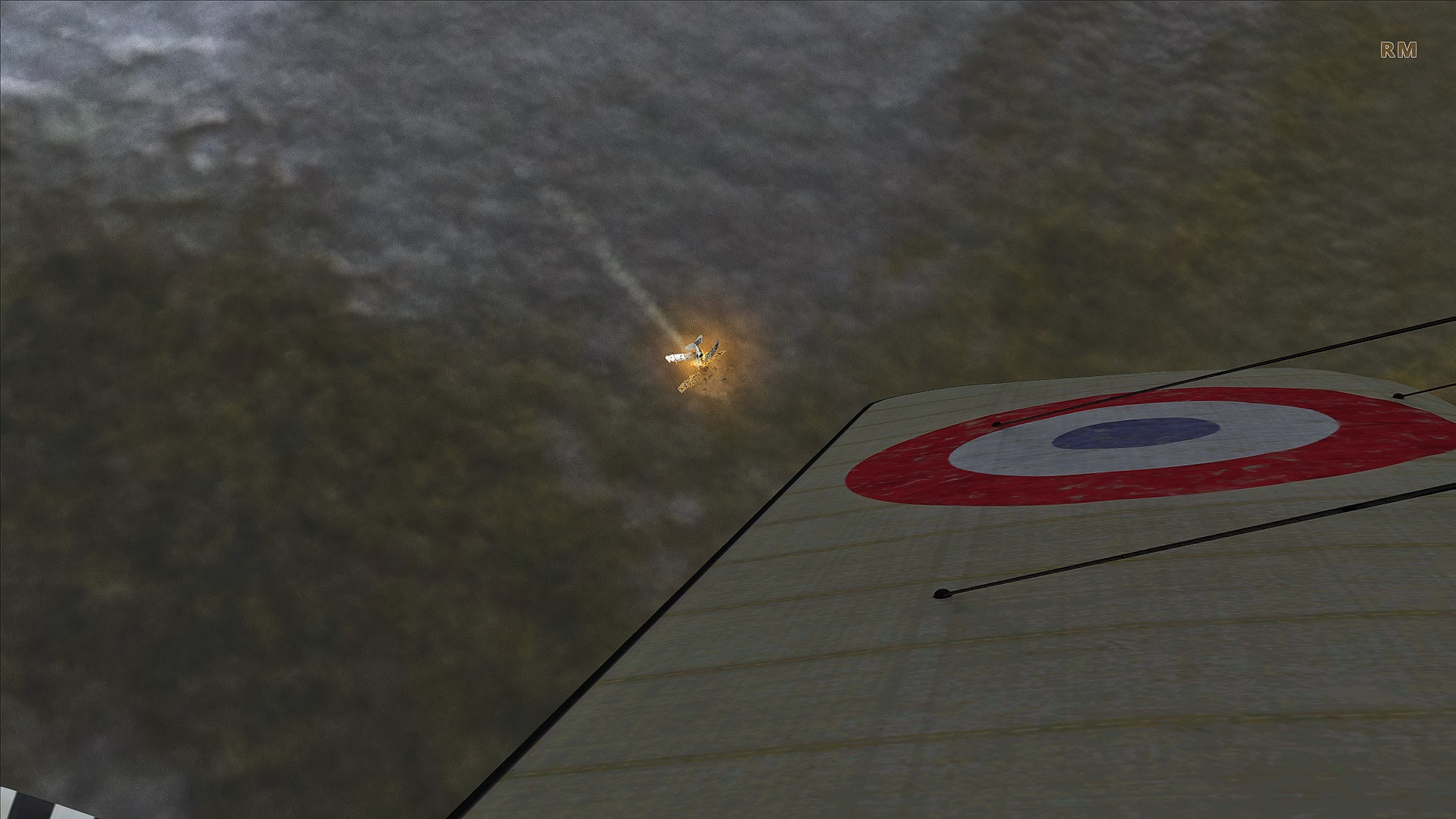
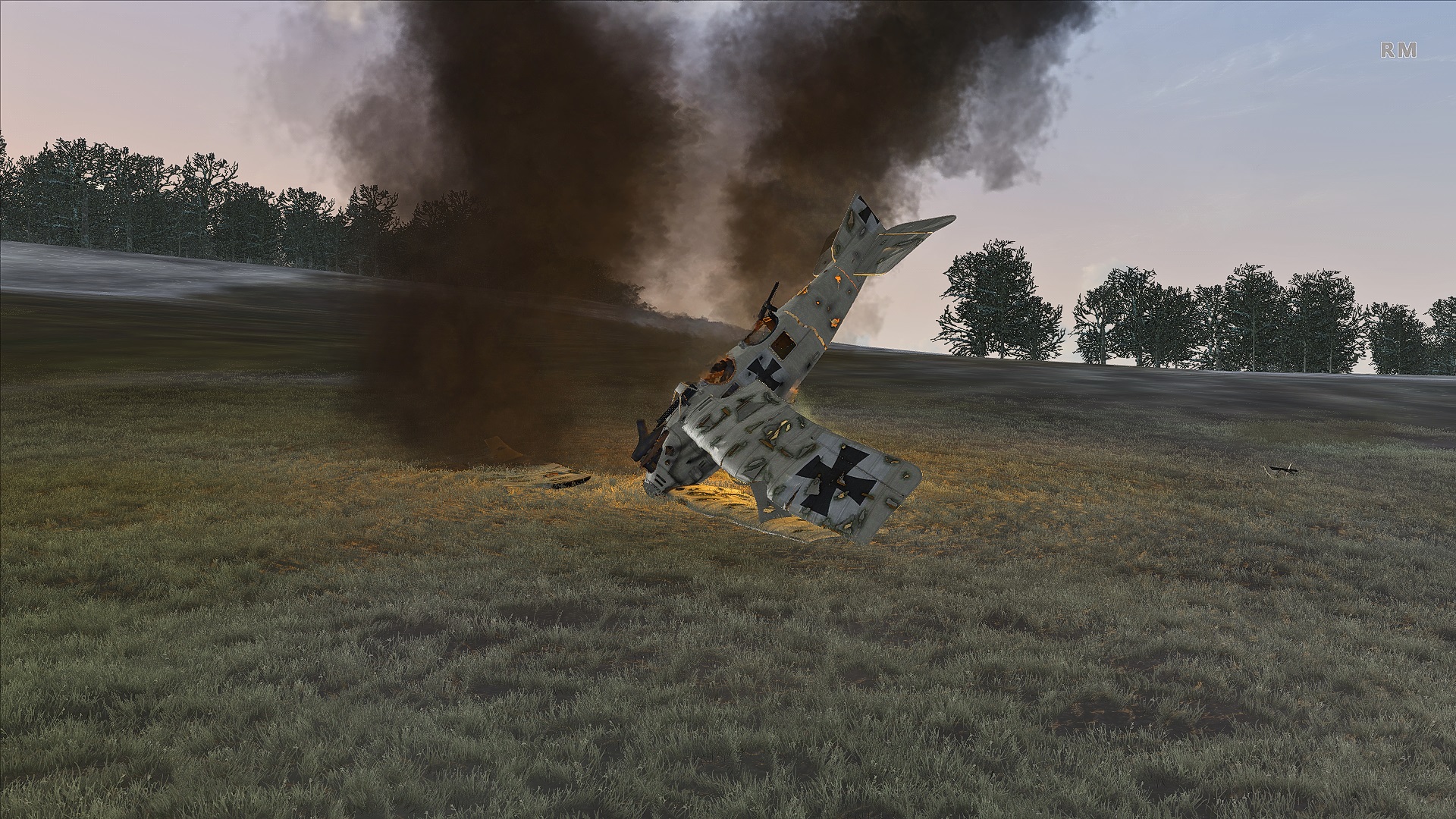
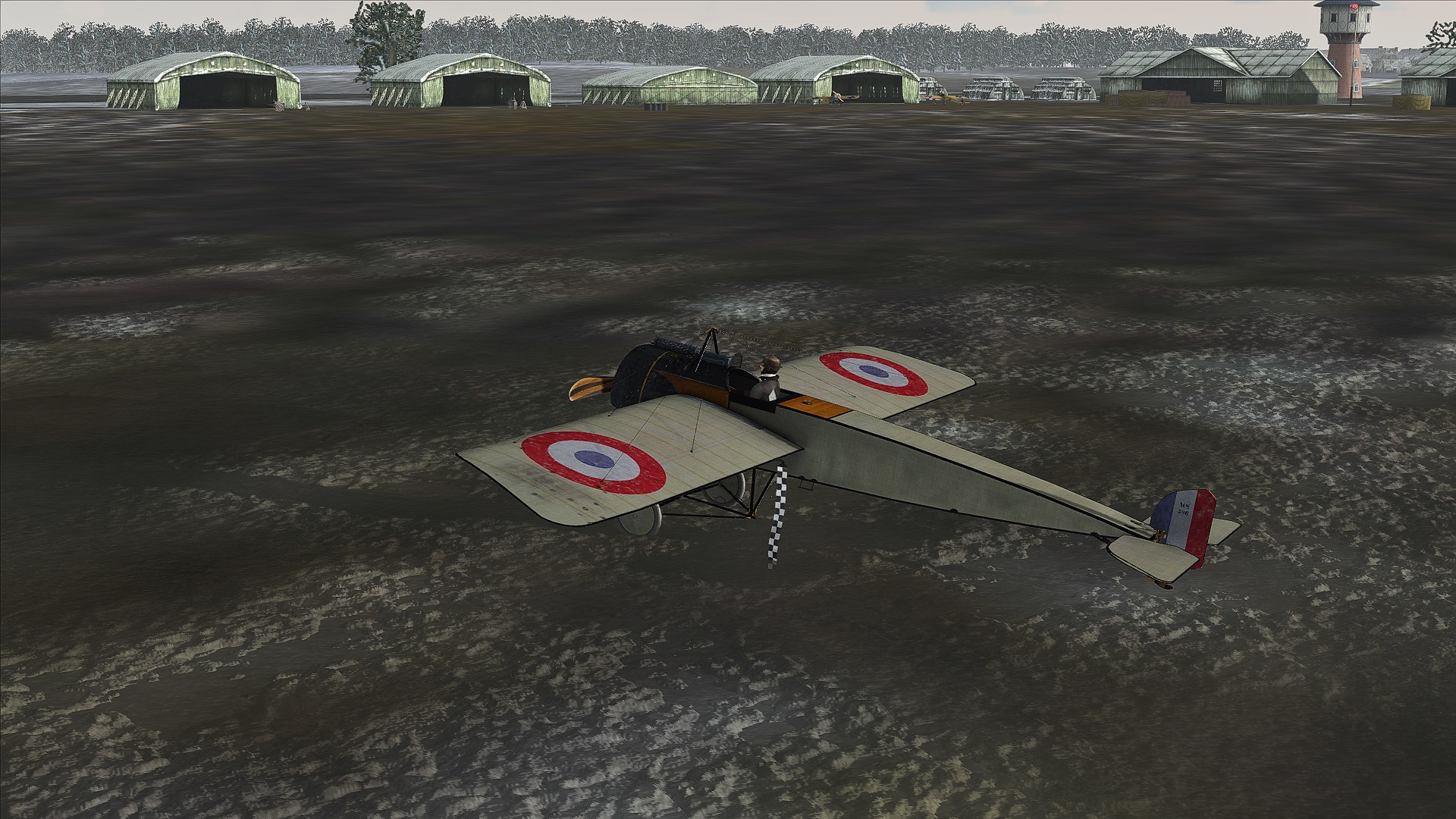
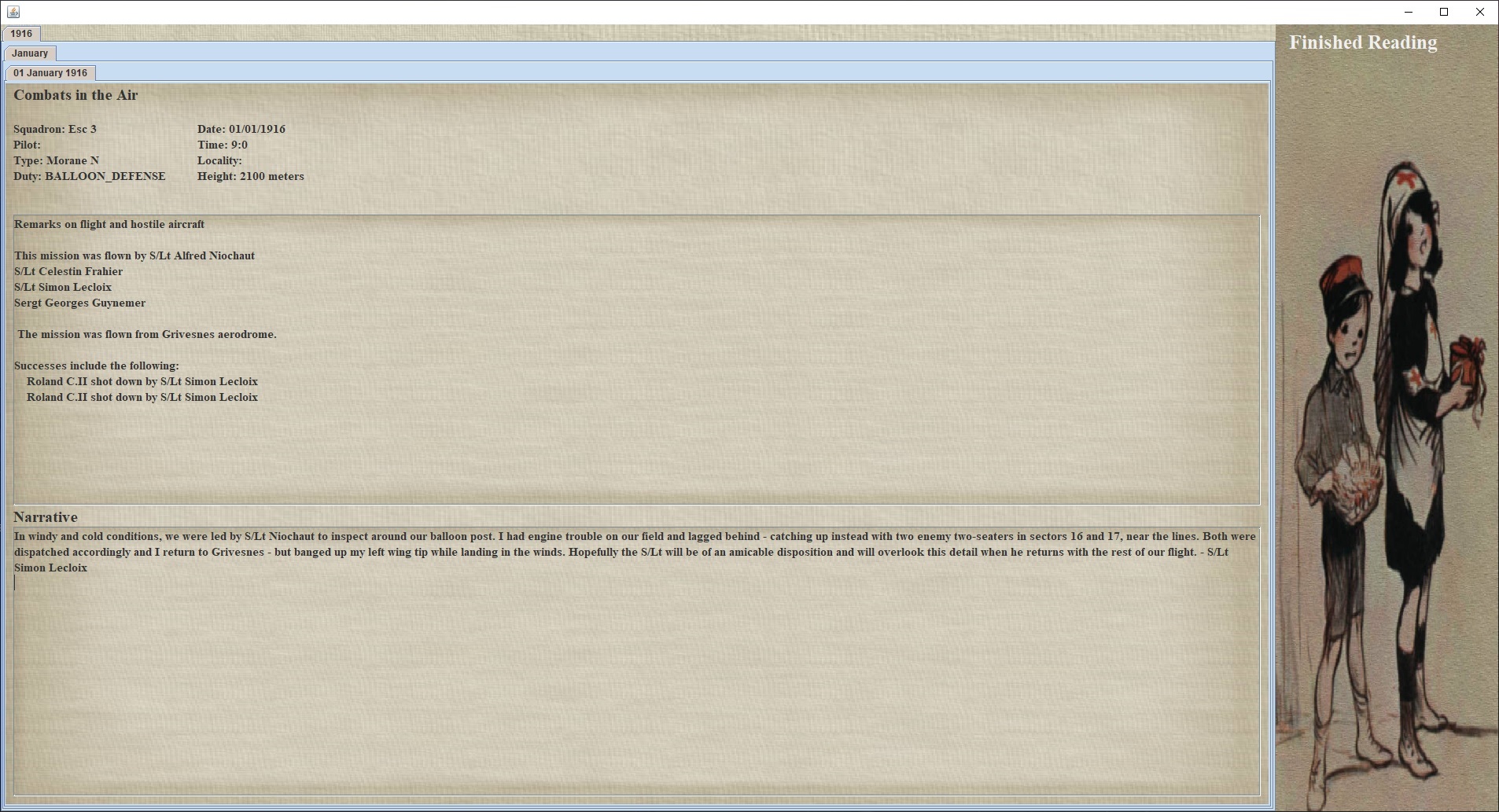
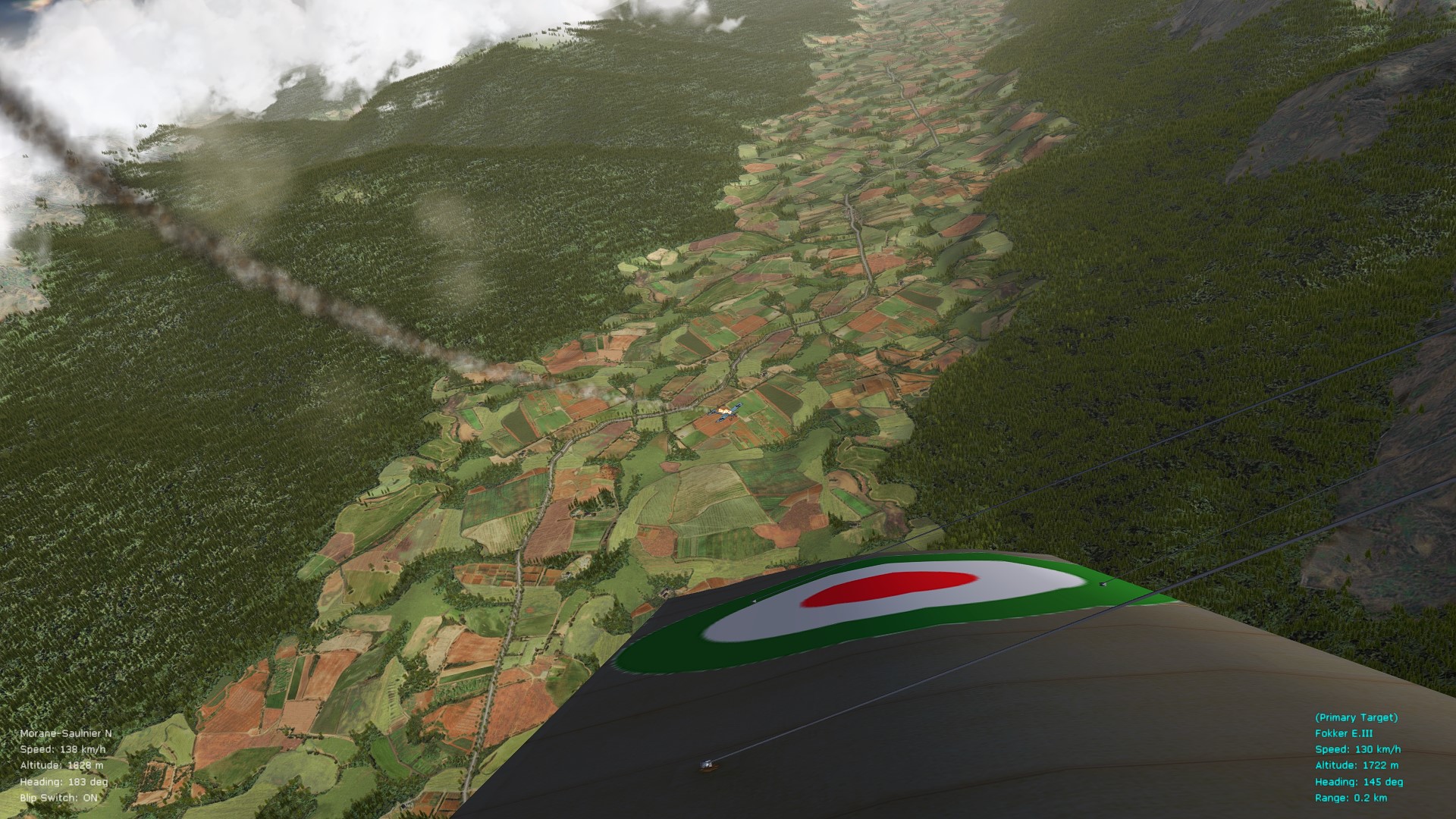
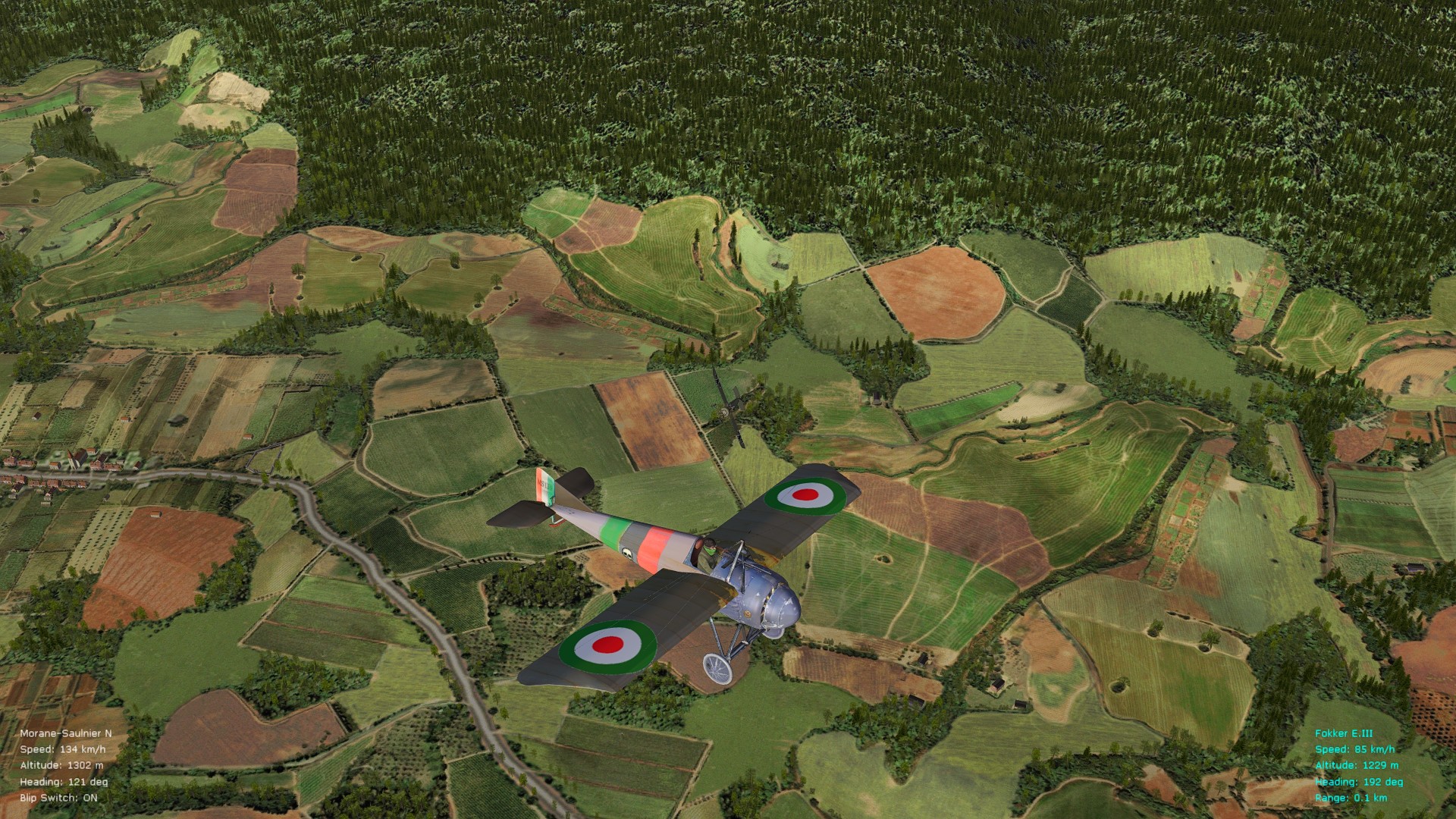
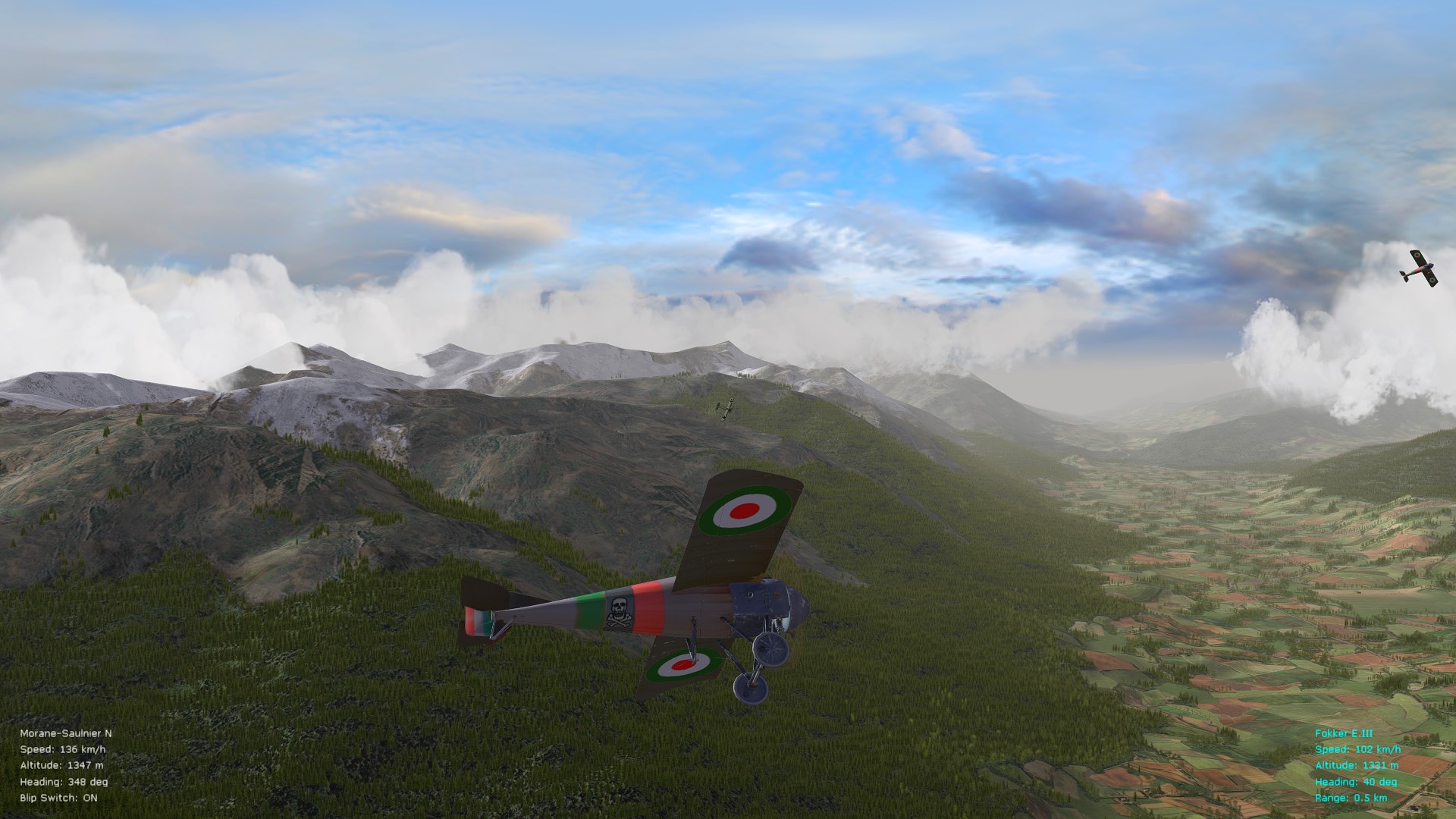
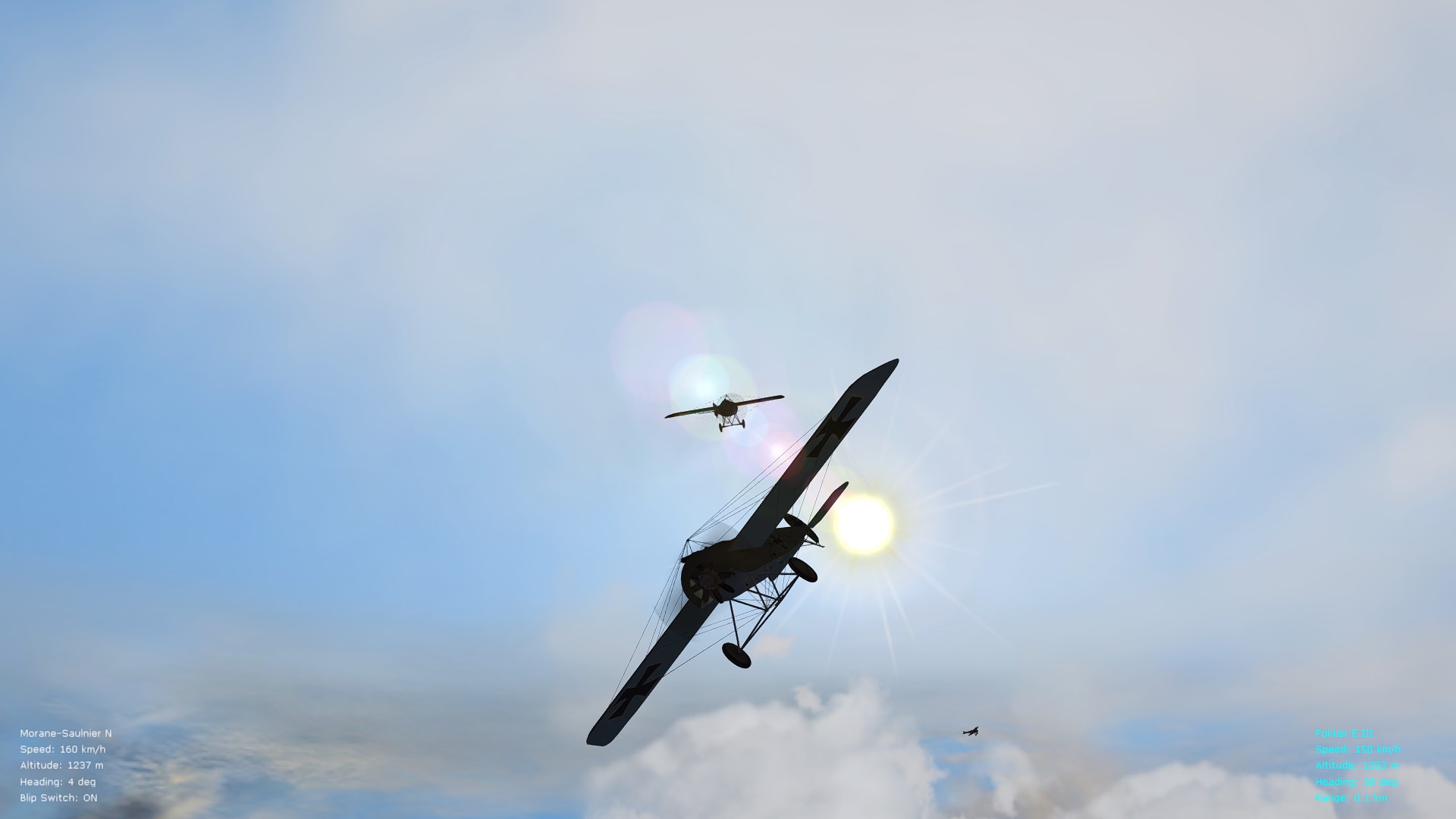
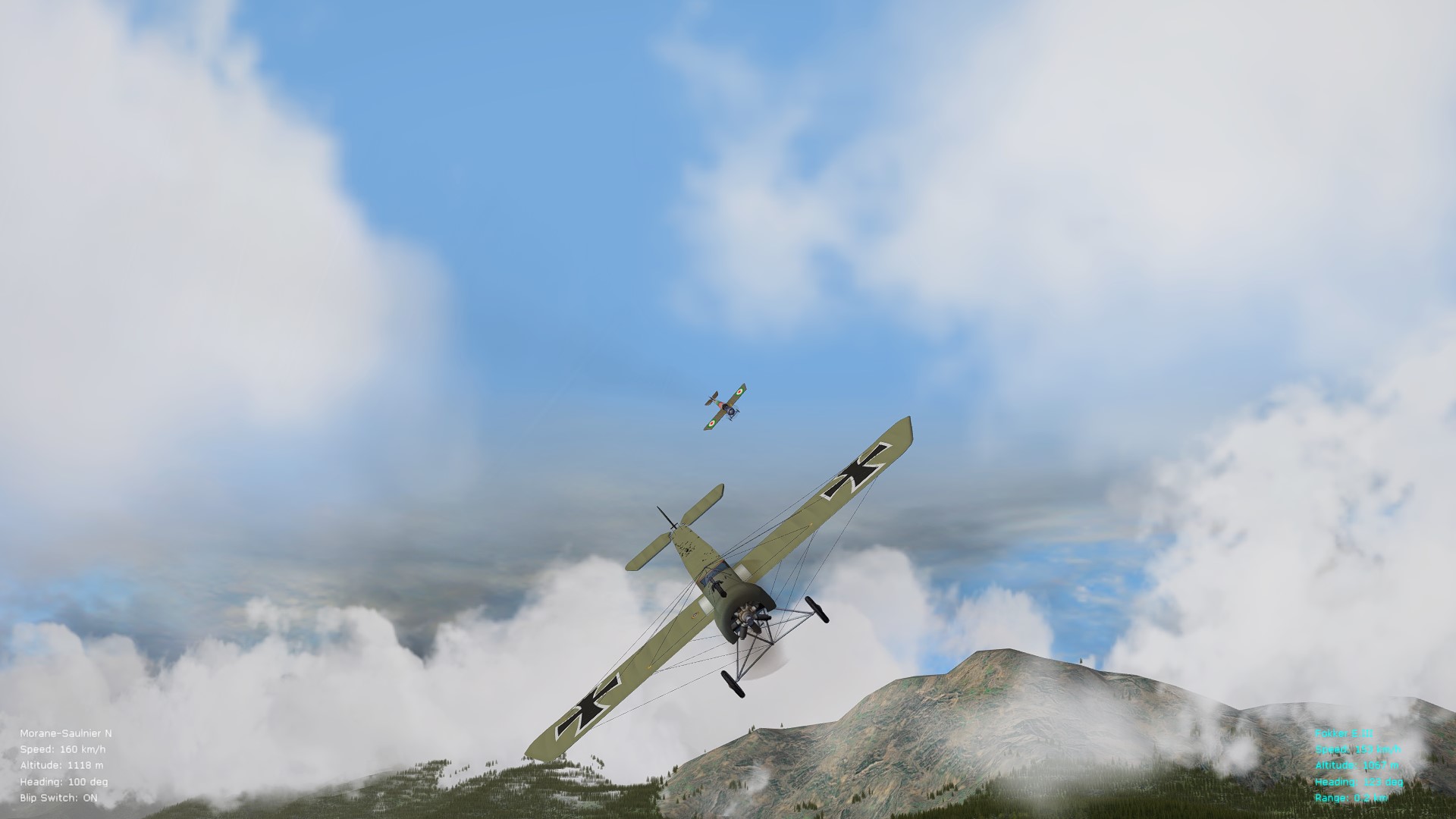
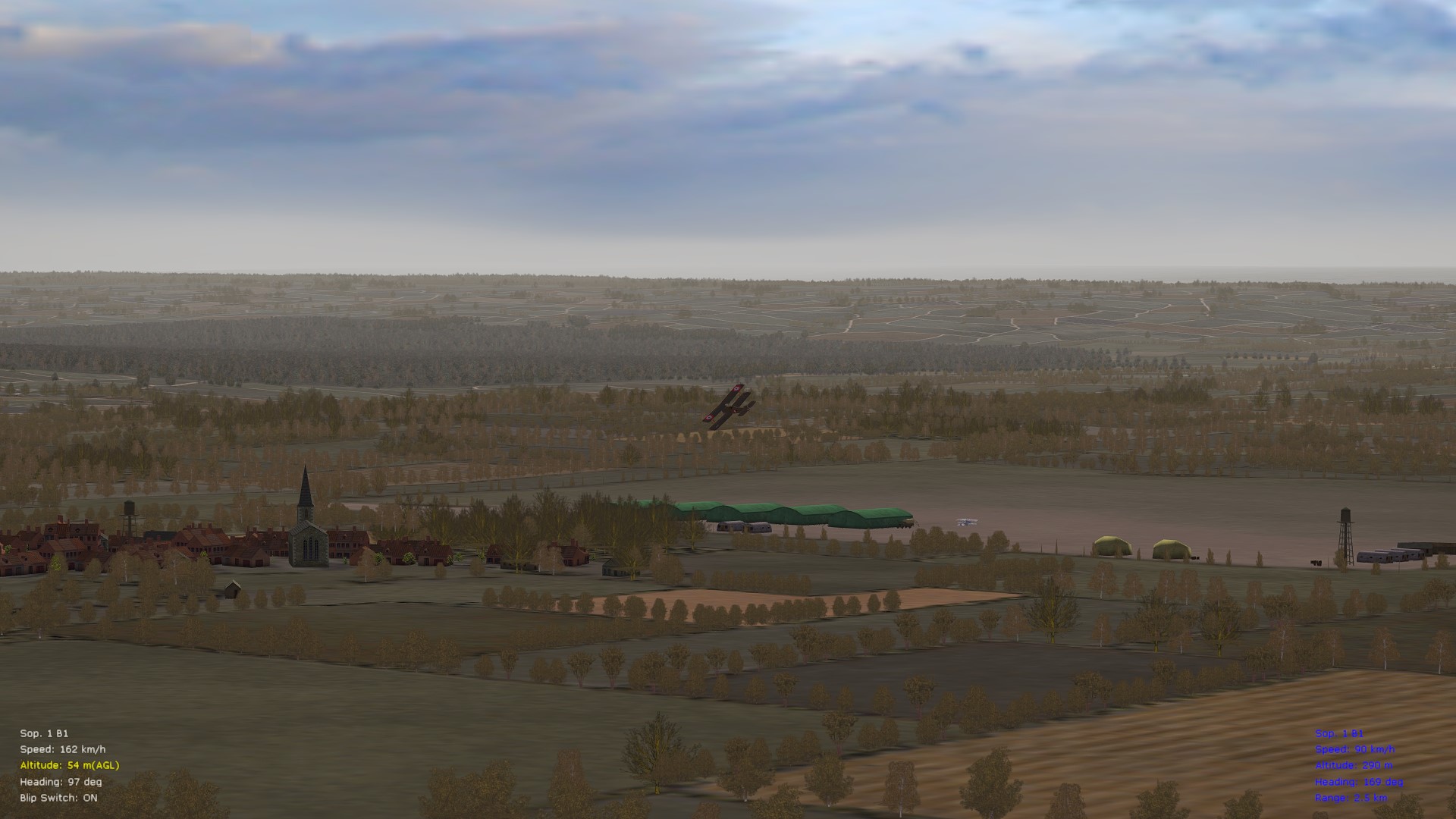
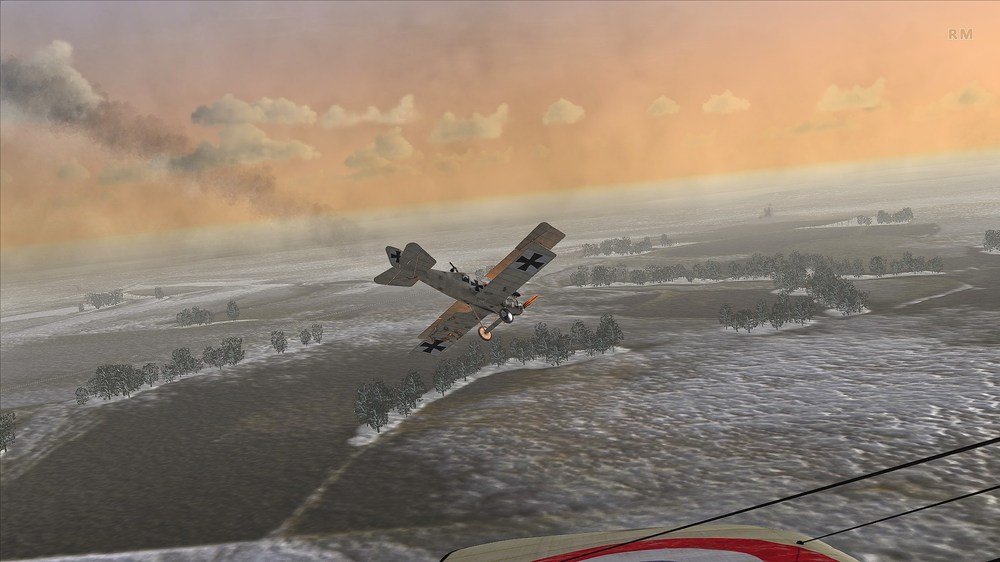
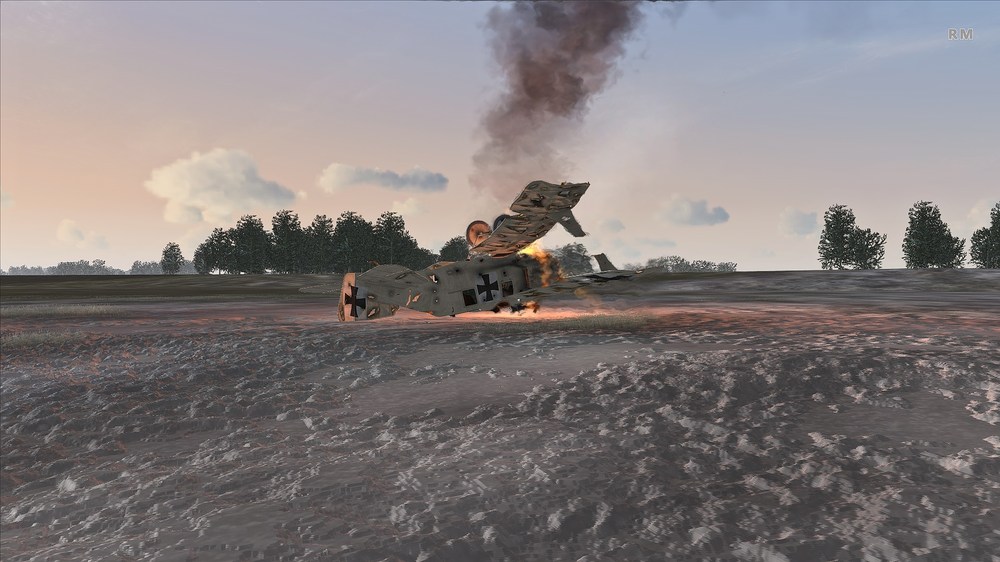
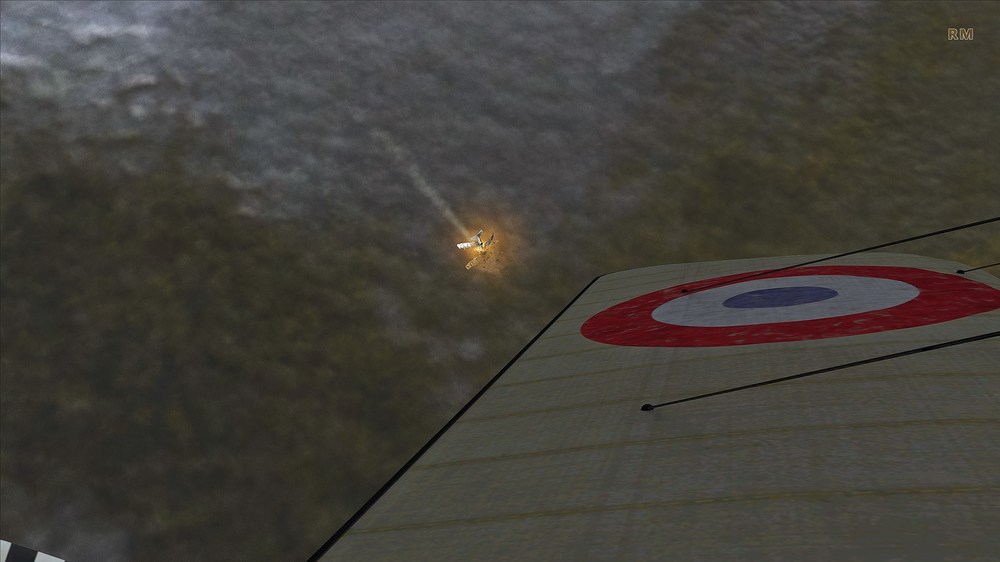
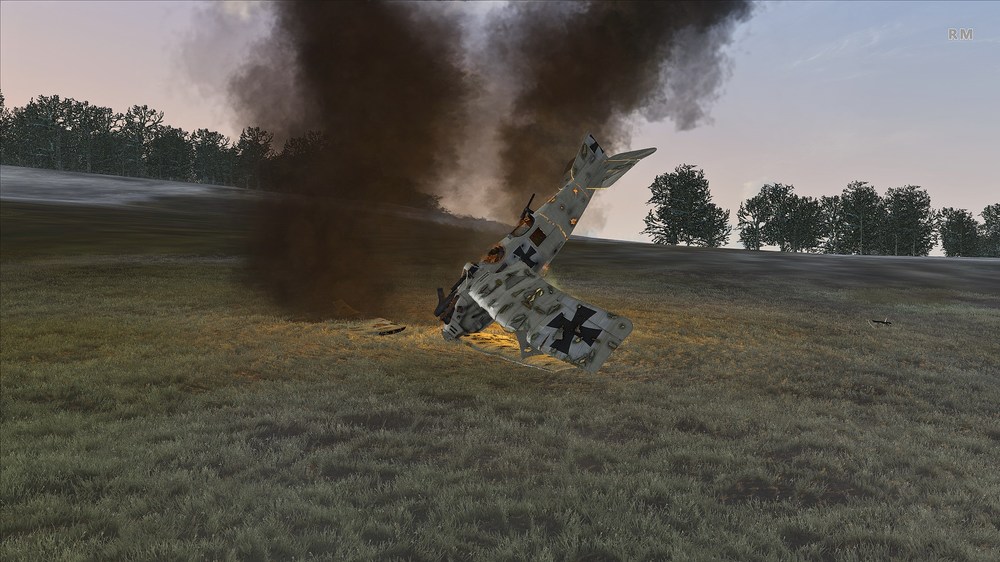
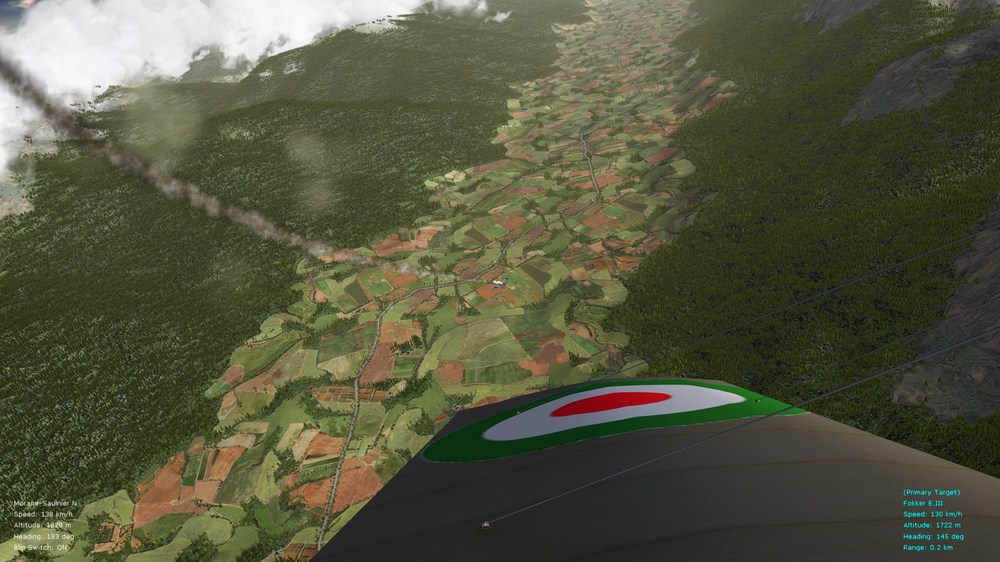
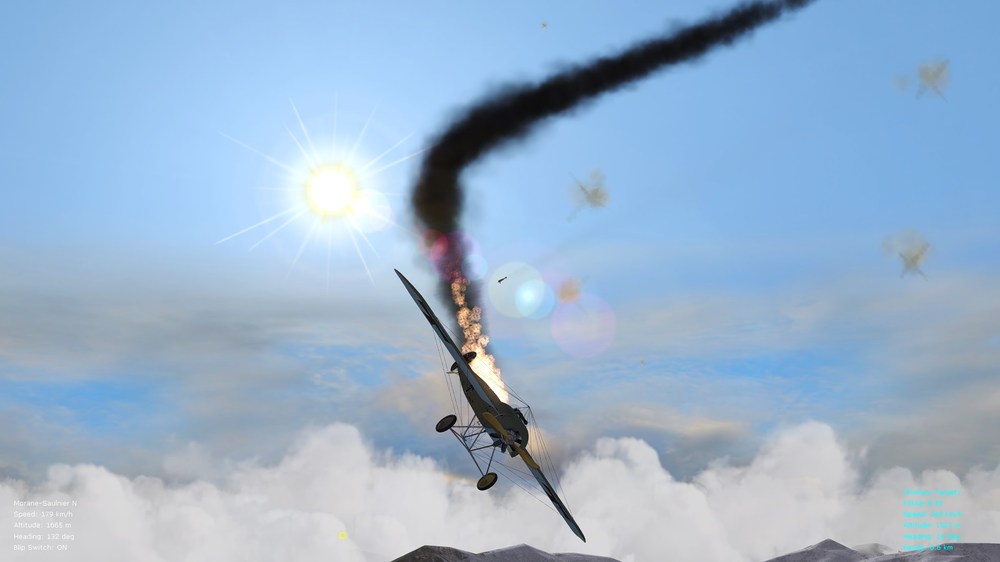
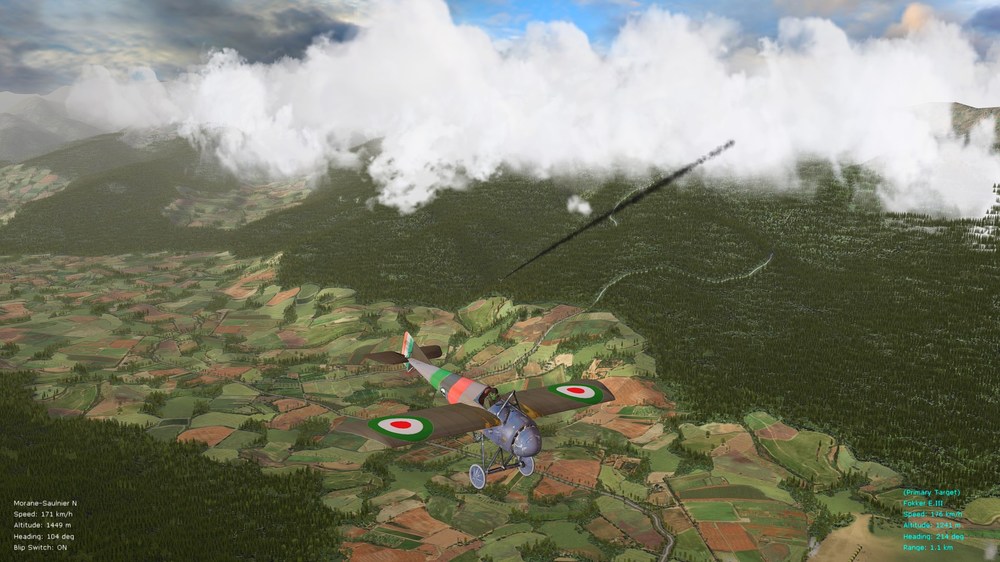
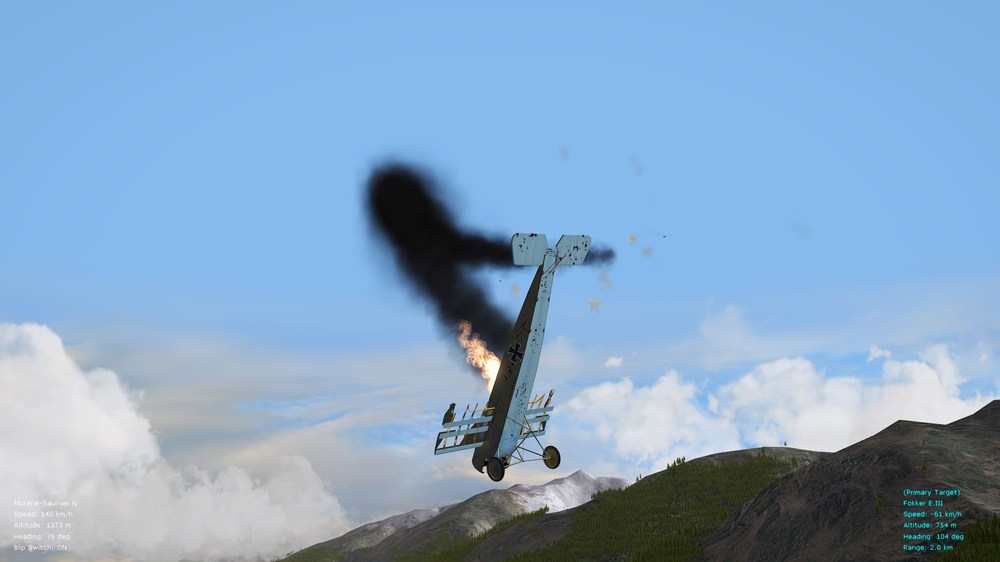
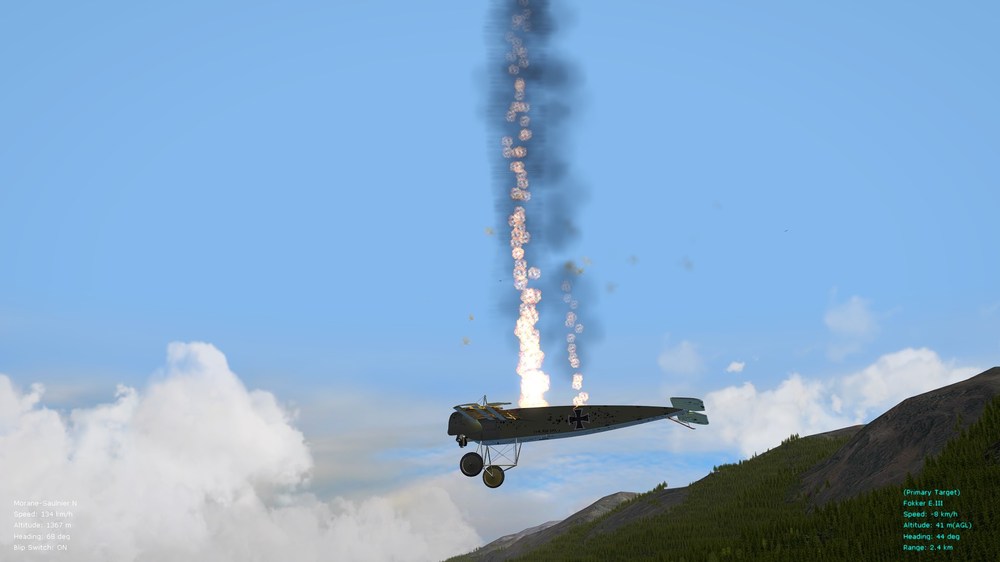
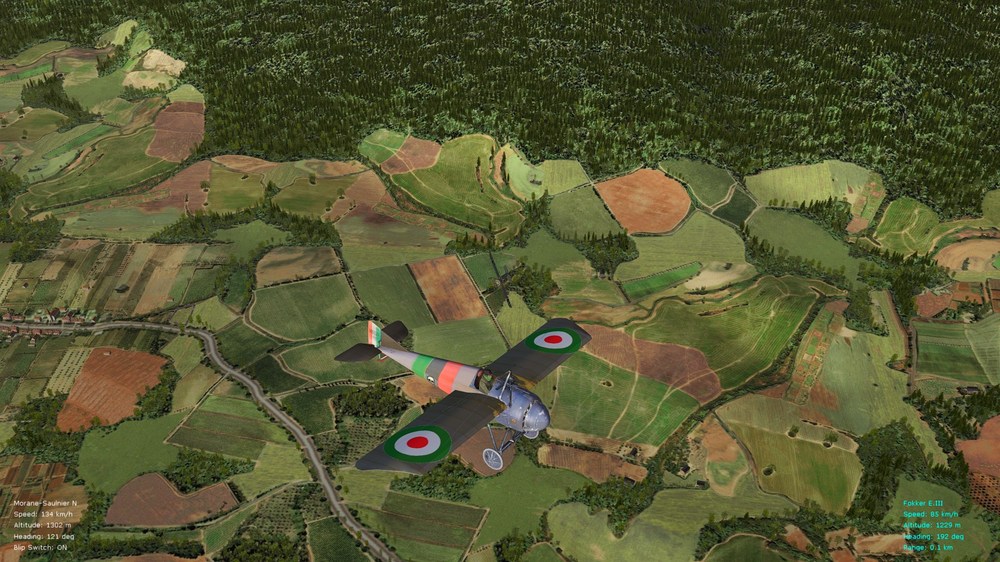
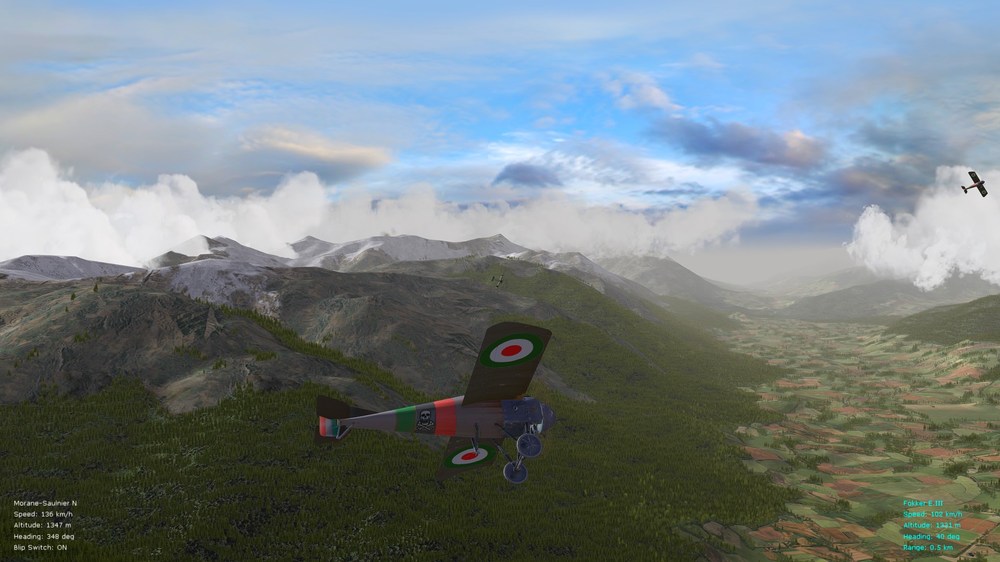
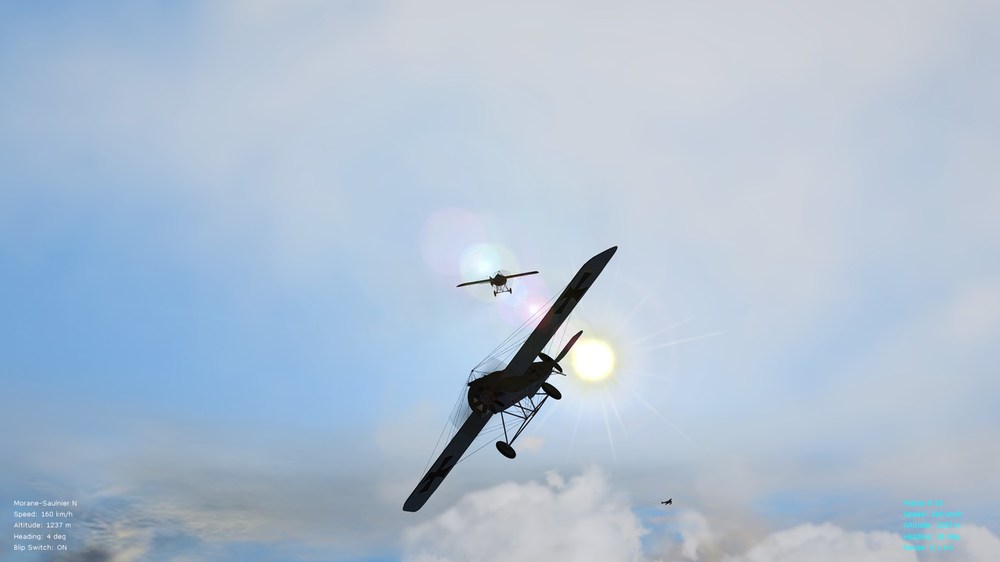
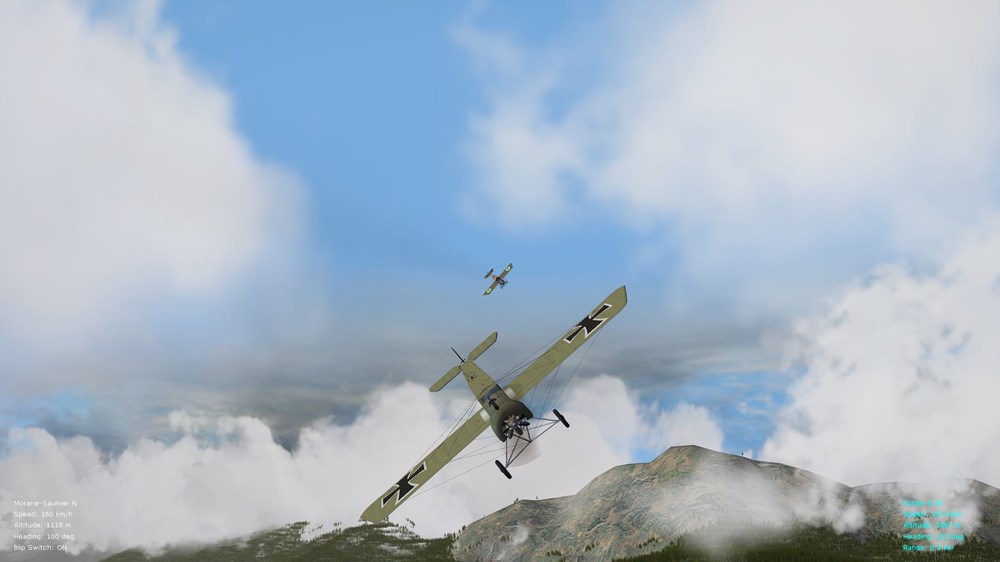
And let's bump up this thread with a few fresh screenies from the new year - I hope to find more free time in the future to return to modding occasionally for FE2 since this, I think, is still one of the best WW1 flight sims when fully modded. Graphics look fine, the FMs are in many ways more realistic/balanced than in RoF - and nothing beats the hands-on action of FE2 with its good AI. While the WOFF series may be the gold standard for campaigns, FE2 really is the go-to sim for quick combat or single missions. And where else can you fly the Morane Saulnier Type N (with the exception of the now ancient Red Baron II/3D). Happy flying all, Von S
-
Thank you for this Harry - one of these days I will roll your improved/refreshed preload.xml file into my various enhancement packs and tuner packages for WOFF/WOTR, since I currently have an older preload.xml file in those - WOFFers/WOTRers can of course replace the slightly older preload.xml file available in my various tuner/enhancement packages with your newer one, if they like, prior to loading said packages via JSGME. Happy flying all, Von S
-
WOFF BH&H 2 Mods-Compatibility Lists, Mod FAQs, etc.
VonS replied to VonS's topic in FAQ / Technical Issues
Technically not a mod. update - but I have now included my tinkered/subtle settings files, for BH&H2/WOTR and WOFF UE (up to 4.18) - and that I use with FaceTrackNoir (Ver. 2.x.x) - under the following post. More info. provided under that post, as well as in the included "Read Me" file. EDIT: see top post of this thread for relevant download link(s), etc. Cheers all, Von S -
DiD IV Campaign - Flight reports & Player instructions
VonS replied to epower's topic in General Discussion
Great opening reports gents - looking forward to more. An excellent initial entry Raine - I particularly like the interlude about Mr. Cust (reminds one of the clumsy Mr. Toad from Wind in the Willows). Happy DiDing all, Von S -
Hello, I am assuming that the AI increases/decreases mixture often while flying, in conjunction with reduction of throttle - depending on altitude. This is (maybe) one of the reasons why they drop speed more quickly since they reduce both power and throttle to the engine at the same time. Possibly try choosing "auto-mixture" if there is such a setting in the in-sim menu - might help to stay in formation more easily with a large flight - instead of manually toggling with mixture at different altitudes. Also worth experimenting with, if you prefer manually to tweak mixture - is to turn off one of the magnetos while you reduce throttle - that might be another trick worth exploring, to reduce speed more quickly. Don't forget to turn the magneto on again once you have decelerated. I need to find more time to fly WOTR -- from memory, I remember also turning off the battery when flying, and only turning it back on before landing, etc. Flaps I tend to avoid using but instead use the one-magneto-on trick when landing - helps to cut power noticeably. Other little oddities that I remember doing - no need to fly at more than 85% mixture, even when flying low - doesn't add any power and only wastes fuel. You might however want to set to 100% (rich) when landing - if you are worried that your engine will conk out. Cheers, Von S
-
Hello, recommended is to scroll towards the bottom of the following post - where you will find two links to performance tips for the Hurricane and Spitfire in WOTR - much of the info. is applicable to the BF-109 too. Cheers, Von S
-
DiD IV Campaign - Flight reports & Player instructions
VonS replied to epower's topic in General Discussion
And so it begins - nice to see more mature WWI pilots (such as the crew from The Blue Max) and some hailing from exotic regions, for DiD IV - will see if I can find enough free time perhaps to join once "1916" rolls in gents' - currently still busy with work and all that jazz. Be careful with those under-powered crates if flying some of the early war FMs for maximal enjoyment in 1915. Looking forward to reports of aircraft barely taking off and (very) long hauls to the front, particularly when the winds are in the opposite direction. And keeping my fingers crossed for a dogfight or two between the early Morane Parasol L and Pfalz A.I early war variants - congratulations to all, beforehand, if you manage to overtake and/or land hits on your opponent in such scenarios. Happy DiDing all, Von S -
A good compromise therefore with the guns mod. may be to increase the various gun range entries by a value of anywhere from 10 to 30 meters or so above current values - which should keep the actual max. shooting ranges (for the AI) fairly close to distances specified/estimated in the initial version of the guns mod. Thinking out loud here but hope that the info. is of help. Cheers all and a happy new year to all fellow WOFFers/WOTRers, Von S
-
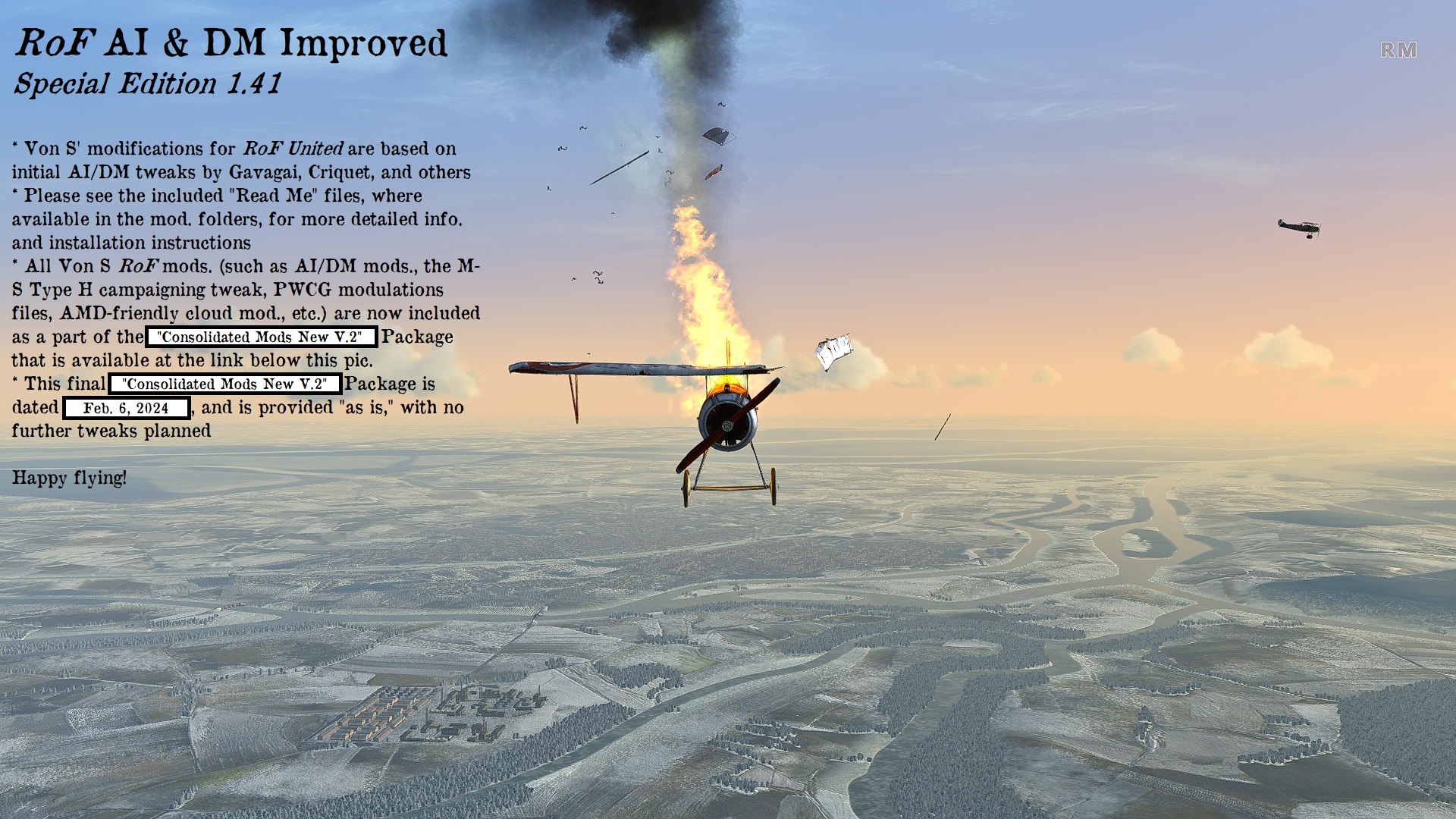
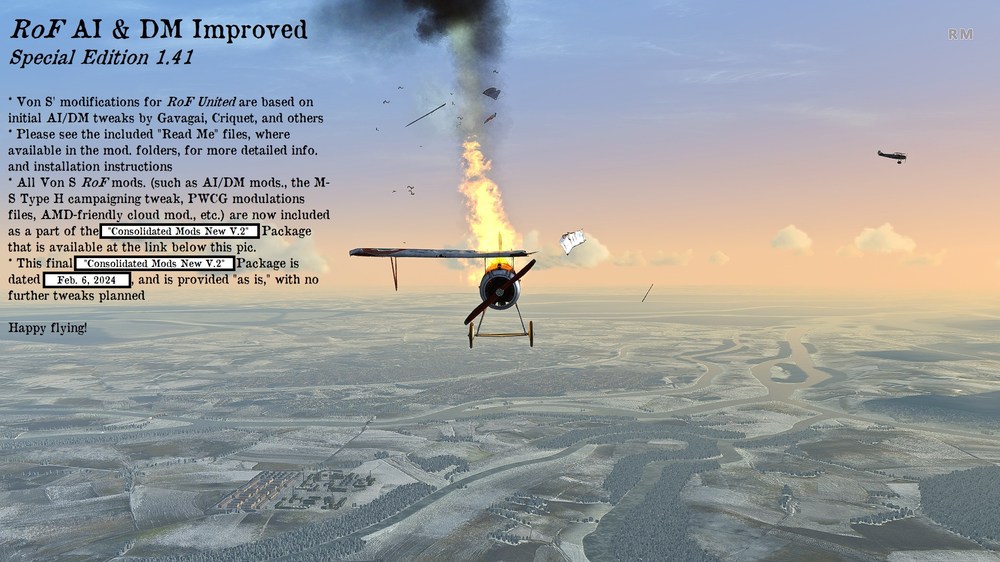
Apr. 17, 2023 Update - Please find, available at the link below, my previously released mods. for RoF United Ed. - this time as a convenient, consolidated package that has been updated with the latest tweaks. Do read the included "Read Me" files, where available, for more info., particularly the "READ_ME_ROF_General_Info" file that is located in the root folder of the package when unzipped. This package is provided "as is," with no active support beyond the included explanatory files. The "Consolidated Mods. New" Package contains the latest AI mod. (ver. 1.4) for RoF United, as well as mods. previously offered separately, such as the "M-S Type H Campaigning Tweak," the "PWCG modulations" files, etc. Apr. 29, 2023 Update - Included below the link to the "Consolidated Mods. New" package is Ver. 3 of the PWCG "modulations" files (to be installed manually in the PWCG ver. 16.3.1; see directions included in the larger, consolidated package). Ver. 3 of the "modulations" files increases wind and turbulence settings, as well as provides greater chance of encountering more capable AI when flying PWCG campaigns, especially if used in conjunction with my newer AI mods. for RoF (such as ver. 1.36 or 1.4, included in the big consolidated package). Important Note: if using the Ver. 3 PWCG "modulations" files, instead of the Ver. 2 ones included in the big consolidated package for RoF -- make sure to change settings, if you choose to change any, from within the modulations, i.e., the RofCampaignSpecific, files themselves -- otherwise, tampering with relevant settings from within the PWCG advanced menu options will automatically delete extra entries for the AI that I've included in the Ver. 3 modulations. This note does not apply to the Ver. 2 modulations since those don't contain any extra AI settings. Feb. 6, 2024 Update - RoF AI mods. vers. 1.36 and 1.4 have been upgraded to vers. 1.37 and 1.41, respectively. The new versions have tweaked the AI's ability to follow commands more quickly and/or properly. Ver. 1.41 also contains further tweaks to safe alts. for the AI, to minimize unnecessary crashes and very low-level dogfighting. The entire consolidated package has been renamed from "Consolidated Mods New" to "Consolidated Mods New V.2" (i.e., Version 2). *** See this post on the FlightGear (FG) forums for relevant download links. Happy flying, Von S
-
Since there is no official sub-thread "wish list" for WOTR - permit me gents to use this one (briefly) as an ad hoc wish list --- here's wishing that WOTR will eventually get the early Mk.I Hurricane (with fabric-covered wings, two-bladed prop., no self-sealing tanks, and about 1000 HP). Possible also is that there was no WEP power option on the early Mk.I (c. 1937 to 1939), but I will let the WW2 specialists do further research into that. The early Mk.I would fit nicely for Battle of France scenarios, obscure pre-WW2 conflicts, as well as for situations having the occasional early Mk.I available for BoB too, for variety. Cheers all and happy WOTRing in early WW2 'crates (also happy holidays to all WOTRers/WOFFers), Von S
-
WOFF BH&H 2 Mods-Compatibility Lists, Mod FAQs, etc.
VonS replied to VonS's topic in FAQ / Technical Issues
Brief update to this thread: a small FM Addon Package (Ver. 1.1) has been included for BH&H2 under this post. The package includes the Benz-powered (early) Alb. D.1, as well as the SPAD 17 (300 hp). For the WOFF UE/PE version of the addon package, see instead this post under the same thread. EDIT: see top post of this thread for relevant download link(s), etc. Cheers all, Von S -
DiD IV Campaign - Flight reports & Player instructions
VonS replied to epower's topic in General Discussion
Brief addendum to this stimulating thread - those looking for my FM packages for BH&H2 are best off checking over this link, since the link contained in the first post of this thread is to the main page for my WOFF UE/PE-only FM package. The link included in this particular post takes you to the support thread for all of my WOFF-related packages, where you may also find the WOFF UE/PE-era FM tweaks ready for download, as well as other WOFF/WOTR enhancement packages and GPU tuners, etc. Cheers all & happy WOFFing, Von S -
Yes, this has been a vexing problem in the FE/FE2 series owing to the nature of the TW sim. engine - WOFF has some random engine unreliability thrown in which is a nice addition (and engine cutoff in negative Gs), but ROF probably has even more realism in that department (with over-revving damage and other engine problems) - although I think that we have overall better FMs than those other two sims (lack of dangerous, sustained spins in WOFF, too much turbulence over-amplification in ROF, etc.). If I ever stumble on some way of introducing engine unreliability into the FE series, I will of course post here --- ideally, I would like to introduce such a feature, if possible, using one of the general ini files that would include parameters for all aircraft --- since it would be cumbersome to implement such tweaks per data ini file. Cheers all, Von S
-
Correct, that is the SVA5 variant that Laton did many years ago. The Balilla had slightly worse performance than the SVA5 (about 10 kph slower top speed and slightly slower rate of climb). Surprising, however, is that the Balilla seems to have been produced longer than the SVA5 - well into the 1920s. Happy flying all, Von S
-
For those who are interested in flying the Ansaldo, there is an old model from 2009 by Laton available for FE/FE2 - the tweaked FM/data ini for it is available in my big ver. 9.9 FM update pack. A few yrs. back Mike Dora (I think?) came up with a fix that got rid of a white patch/square near the propeller hub on that Ansaldo too - all possible fixes were included in the data ini tweak available in the relevant FM update pack. The Ansaldo was one of the fastest WWI aircraft (230 kph top speed near SL, or thereabouts) but, as Crawford has indicated, not the most maneuverable. Since this is turning into a wish list for new aircraft for FE2 - here are a few that I would (ideally) like to see, eventually, somewhere in the production line: Fokker D.I (with inline engine and the vertical tail fin that sits in front of the round comma-shaped rudder) Fokker D.V (yes that one, possibly used in small numbers in combat) Fokker D.VI (maybe, an interesting variant but if I had to choose between the D.VI and D.V, I would go with the D.V since it has a nice spinner and interesting wing shapes/arrangement) Pfalz Dr.I (yes I know that there is an A-team one available, and I've tweaked the FM for that one in my FM update packs --- but that model is old and somewhat blocky-looking) On the Entente side, the only one that pops to mind and that I would like to see is the Morane-Saulnier Type I (with scalloped trailing edges on wings, and with the Vickers M.G. -- the one used largely by the Imperial Russ. Air Service, even more so than the earlier Type N). Anyway happy flying all (also happy holidays to fellow FE2-ers if I don't post again before the new year), Von S
-
@Dornil, speaking from experience in FE2 data inis only -- empty mass is empty historical weight in kg, for the aircraft. Have never bothered to check if mass fraction values in FE2 data inis add up to 1 x empty weight since most of those fraction values were left in stock form in my data ini FM tweaks. Having said that, you will notice that smaller mass fraction numbers, for components, make those components more fragile and easier to destroy. High mass fraction numbers function as bullet-proofing but I don't recommend tampering with mass fraction numbers to achieve such effects - you are better off implementing structural factor, also MaxG values, per aircraft components, if you want to induce limitations or limits (also to narrow down limits) prior to structural damage happening. (As far as I remember, numbers and data entries plugged into different aircraft components, panels, wings, etc., take priority over more general data sections such as "[AircraftData].") Too bad there isn't a one-size-fits-all data ini tweaking manual for the TW sims - but it is what it is. Also take note that the flight engine in FE2 models air density and a few other things (possibly) differently than SF2 does (for example, an F4U Corsair with a top speed of about 750 kph in SF2, dropped into FE2, will have a top speed of about 880 kph -- moral of story, data inis between FE2 and SF2 are not interchangeable -- and it is easier to modify FE2 data inis for SF2 than it is to back-port data inis from SF2 into FE2 -- requires more work to go backwards to FE2). Cheers all, Von S
-
Thank you Stephen for the lovely N. 21 - this one will nicely complement the N. 21 in Geezer's beta pack and I will carry over the FM modifications from that one that I did a while ago, when I find time, to your model as well. The good thing about the Ojcar FMs is that they are very tweak-friendly and it doesn't take too much time to bring the specs. up to historical peculiarities. Always nice to see fresh models coming out for FE2. @Crawford, thank you for that info. regarding 110 hp upgrades for the N.21 -- this has got me thinking about a few possibilities now -- maybe I will upgrade Geezer's N.21 to the 110 hp variant (since if I remember correctly some of his sub-variants of the N. 21 carry the Vickers - been a while since I checked but will look into it) --- and I will tweak Stephen's N.21 around a 90 hp or so variant, since it carries the Lewis. Good times ahead in FE2 where the only limit is our imagination, time constraints, and of course the limitations of TK's sim. engine. Cheers all, Von S
-
Unfortunately no data.ini for dummies guide available, as far as I know - but you might also find this thread and the responses there helpful, regarding yaw instability corrections, rudder tweaks, etc. As well, there is a "doc" file available on CombatAce (for SF Wings over Vietnam), about 50 pages in length, and that contains lots of info. about data inis - click here for that file. In terms of those values you've asked about, here's a snippet, with comments, from the Alb. D.II file for FE2: [AircraftData] EmptyMass=673.0 ---> value in kg, empty weight of aircraft //EmptyInertia=1409.22,2044.98,2815.56 EmptyInertia=564.0,439.6,921.1 ---> these are best not tampered with, since changing these values impacts things like acceleration/deceleration in dives, inertia when looping, etc. (reducing these numbers gives a lighter, floating FM feeling with smaller numbers more suitable for wooden aircraft, and so on; very general rule of thumb is that the inertia values, in the x,y,z string/axes of values, should be of the following sizes - x larger than y by about 10-20%, y smallest, z largest, larger than x by about 30-40% or so - such proportions were tested for WW1 aircraft in FE2 - no guarantees that such ratios work well in SF2 for jet-age stuff) ReferenceArea=24.5 ----> total area, in meters, for the aircraft, including from front to back of fuselage, and from wingtip to wingtip ReferenceSpan=8.5 ----> reference span in meters, from wingtip to wingtip ReferenceChord=1.75 ----> highest value for chord width of wings, in meters, should be used as reference if applying chord values to wing/stab sections and whatnot; the value may change to a slightly smaller number, depending where the chord value is used in what wing section, for left/right stabs, etc., but ideally should never exceed the value included for "ReferenceChord" CGPosition=0.00,0.00,0.00 -----> center of gravity position for aircraft (x,y,z string/axes), best left alone unless you are having trouble with take offs with aircraft too nose-heavy, etc. (this is a helpful value to tamper with on WW1 aircraft, to get their tails up while accelerating to take off --- otherwise best left alone) NOTE: tampering with "CGPosition" to get aircraft to take off/land more smoothly is the crude approach to that problem -- the more "professional" approach is to manipulate "CL0MachTableData" values (usually a series of four, five, or six numbers) located in the LeftStab and RightStab sections of a data.ini file --- recommended is not to touch those table data values if aircraft land/take off well --- since manipulation of those numbers alters pitch up/down capability of elevators, etc. Cheers all, Von S
-
If you note carefully, the following values are different in those two data inis: CLmax=0.29084 AlphaStall=17.50 AlphaMax=18.73 AlphaDepart=22.23 StallMoment=-0.002 StallDrag=0.0227 Easiest way to create a more spin-prone FM is to lower those alpha stall/max/depart values. Of further significance is to pop in a stalldrag value (Capun's data ini has one, the other data ini doesn't). Another interesting bit of info.: those stallmoment values of negative 0.002 are close to no stallmoment value at all - slightly nose-down, mushy stalls when a negative no. is placed there - a nastier, nose-up stall if a positive value is there instead. We have some nicely spin-prone aircraft in FE2 courtesy of toggling and tweaking of the entries listed above. General suggestions: default TW stallmoment value (in FE2) = -0.02 (mushy, nose down stall) never exceed value for harsh, nose-up stalls (have tested this, AI do not like when it goes above this number) = 0.02 recommended values for mushy, nose-down stalls = -0.005 to -0.015 recommended values for harsher, nose-up stalls (such as for WW1 aircraft, also "Widow Makers" (F-104s) and other jet-age pocket rockets) = 0.005 to 0.015 values closer to zero are of course gentler in either range of numbers (positive, nose-up, or negative, nose-down) For more spin-prone wings, check alphastall/max/depart values, also CLmax values, for tip/middle/root sections of wings (also doesn't hurt to check such values for the left/right stab entries too). To induce very spin-prone aircraft, avoid alpha-related values higher than about 13.00 or 14.00. For example: AlphaStall=11.00 AlphaMax=13.00 AlphaDepart=13.50 One more (obscure) tip: the "Chord" values that are included in some data inis, per wing tip/middle/root sections, while not central to spin characteristics, may be manipulated somewhat for a slightly different FM feel. Chord values are in meters, by the way. I see that the chord value used in those entries you've quoted in this thread is "1.11." If you want a narrower chord and more spin-related oddities, pull that value down to about 0.95 or so. Changes in chord of about +/- 0.2 (20 cm added or removed) do impact (in subtle ways) how things like lift, drag, also stall behavior, work. Recommended however is to leave chord values alone if not comfortable tampering with them, and to manipulate alphastall/max/depart values instead, by values of about 2.00 - until you get desired and/or historical, textbook-recorded stall results. It's possible to get good/realistic FMs in the TW series but it takes time. Avoid tweaking "CLmax," by the way, unless comfortable with that - because it can improve wing lift too much, into unhistorical values/ranges - particularly for jet-age stuff. And yes, the AI will "honor" all data ini values implemented in said files - as far as I've been able to see in FE2, there will be no cheating by the AI (except maybe when landing but that's not a major concern). Cheers to all from your friendly neighborhood WW1 aircraft FM factory , Von S