
Flanker562
-
Posts
13,485 -
Joined
-
Last visited
-
Days Won
64
Content Type
Profiles
Forums
Gallery
Downloads
Store
Everything posted by Flanker562
-
But a better way to do it, is to open the file I uploaded, and then put the template "above" or "below" as a layer for the colors. Color it how you want it and then deactivate the template layer, and save as a PSD so you can keep your work somewhere. Then you can save the file as a .tga (with the Alpha layer there) and then it should work fine.
-
Yep, but to edit it you have to do it in layers rather than saving with the template layer "active", or you'll get the template colors on the canopy.
-
I admit the Stuka was a fav of mine, and that splinter camo is killer WTF???
-

Uploading files to "Downloads"?
Flanker562 replied to RogerSmith's topic in Mods & Skinning Discussion
I'd PM Erik or Dave on that issue. -
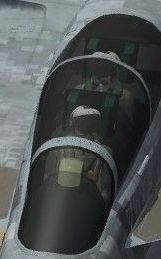
On the top left is the HUD glass (external view) and the first two rectangles (going from left to right are: Inside (facing towards pilot) Outside: (facing towards nose) Next to the right is the large glass, and it's similar: Inside (facing towards pilot) Outside: facing towards nose) Below that is the E rear portion of the canopy Below that is the F full canopy, to include the forward half of the cockpit windshield The circle is the projector The rectangle on the far right of the image is the screen door on the main gear door. The top half is the outside of the screen, the bottom half is the inside. Attached is my current work in progress, but you'll see it when you either put it in the specific aircraft skin folder, or as Brain32 said, in the aircraft main folder. But you edit the file in Photoshop as a PSD and then save as a .tga file, and you get the result in the clipped shot I have: CANOPYGLASS.7z
-
View File VF-2 CAG skin (for the Convair 201) Simply drop in your Convair 201 folder and go fly Eric Johnson, 2012 Submitter Flanker562 Submitted 07/18/2012 Category What If Skins
-
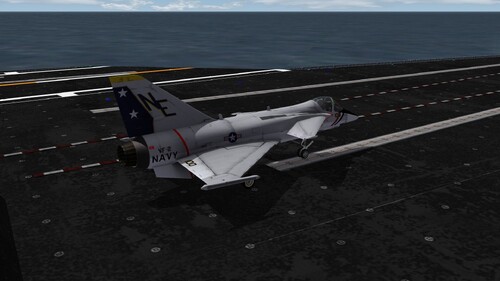
71 downloads
Simply drop in your Convair 201 folder and go fly Eric Johnson, 2012 -
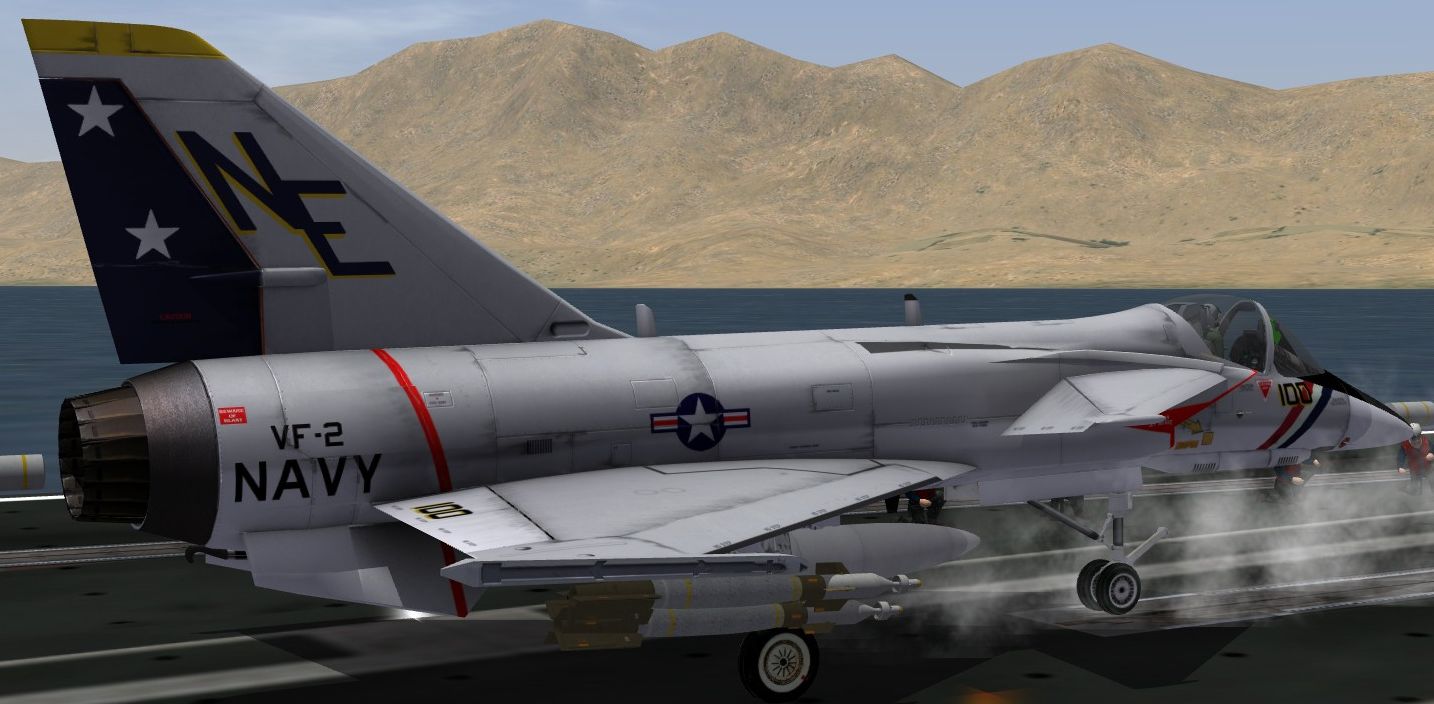
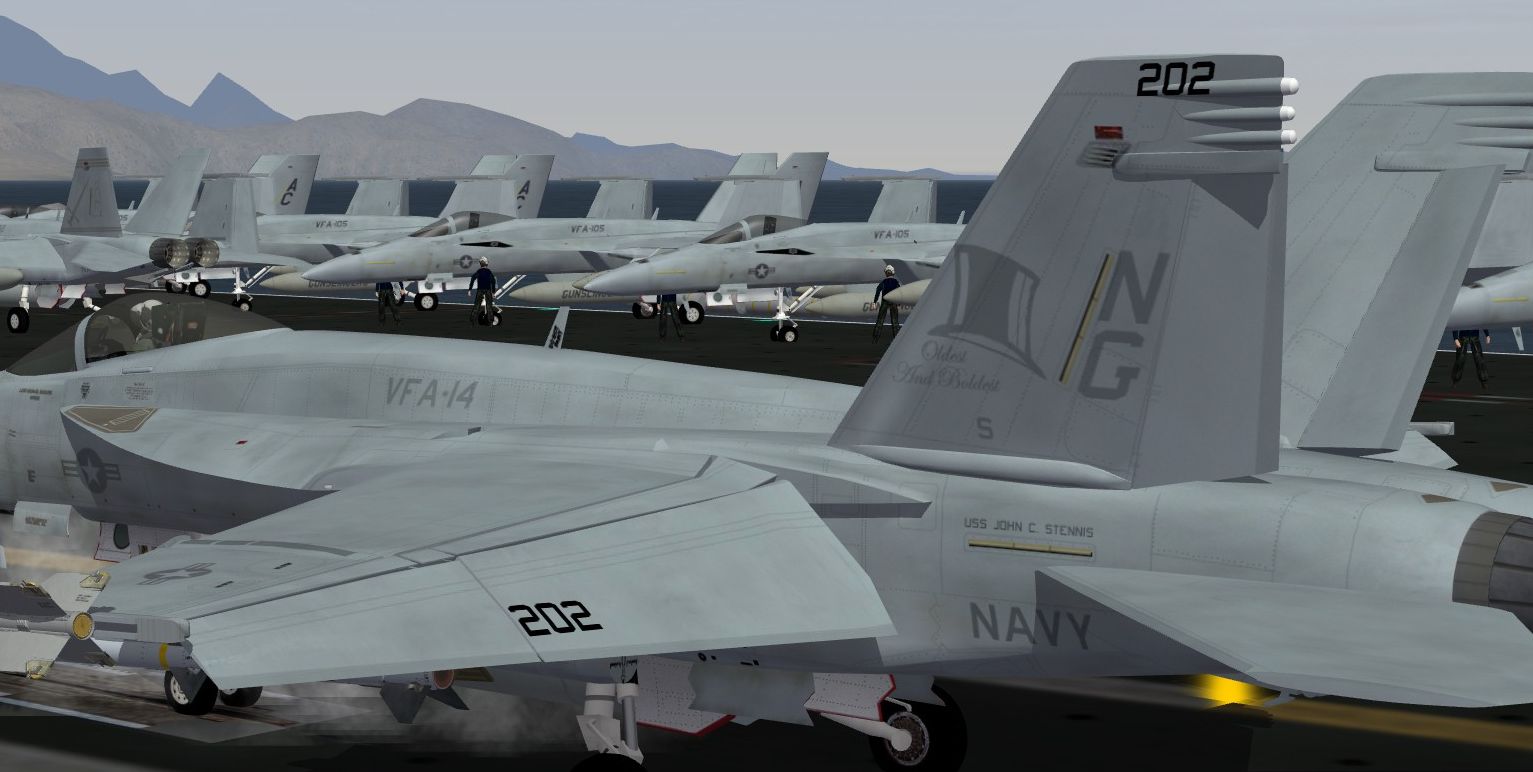
Couple things going on, first a Convair 201 VF-2 CAG scheme, and VFA-14 work.
-
In any case, Spiff just change to Avionics70.dll, if YOU STILL have a gunsight issue, then you need to open the aircraft AVIONICS.ini file, find the appropriate section, copy and paste, and save: [HUD] HUDColor=0.18,1.0,0.48,0.80 HUDMaterial=HUDMaterial BoresightOffset=0.0,0.0 ViewportTopLeft=-0.145,-0.125 ViewportBottomRight=0.145,0.28 unBoresightAngle=0.0 RocketBoresightAngle=0 [HUDMaterial] EffectShaderName=fltHUD.fx DepthBufferCheck=FALSE DepthBufferWrite=FALSE RenderedInOrder=FALSE AlphaTestEnabled=TRUE CullMode=NO_CULL LightEnabled=FALSE UseLightLevel=FALSE SpecularEnabled=FALSE EmissiveEnabled=FALSE FogEnabled=FALSE AmbientColor=1.000000,1.000000,1.000000,1.000000 DiffuseColor=1.000000,1.000000,1.000000,1.000000 ZBufferOffset=0 PriorityLevel=1 BlendOp=BLEND_SRC_ALPHA NumTextureStages=1 TextureStage[01].TextureName= TextureStage[01].MipMap=FALSE TextureStage[01].FilterEnabled=TRUE TextureStage[01].StageColorOp=TEXTURE_MODULATE_DIFFUSE TextureStage[01].StageAlphaOp=TEXTURE_MODULATE_DIFFUSE
-
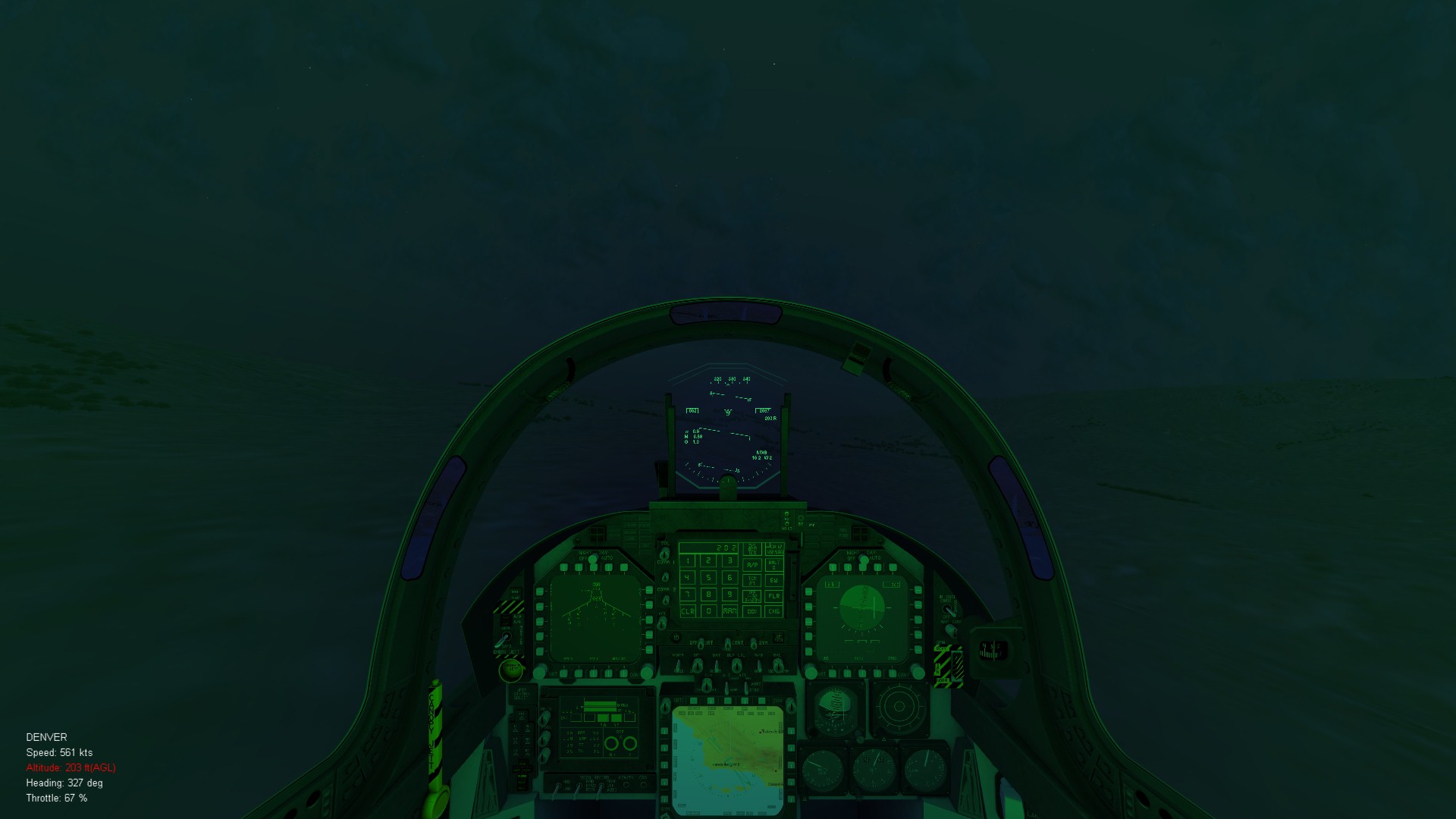
True, but that shouldn't be a HUD issue, I think that Spiff is using the SF1 version, NOT the SF2 version, which accounts for the HUD problem. I use the AvionicsF14 and get a full HUD, as here: If he doesn't have SF2NA, then he should just change the line to Avionics70.dll and things will work. IF he changes it and he still has problems, he needs to But that shouldn't be a HUD issue, I think that Spiff is using the SF1 version, NOT the SF2 version, which accounts for the HUD problem. I use the AvionicsF14A.dll and get a full HUD, as here:
-
Nope, all jets were setup for Avionics70.dll, the 2.2 update only changed the models and skin format. If you're getting a gunsight then you need to check the Avoinics... did you port the Sf1 version to SF2 by any chance Spiff?
-
Boy did I get lucky...
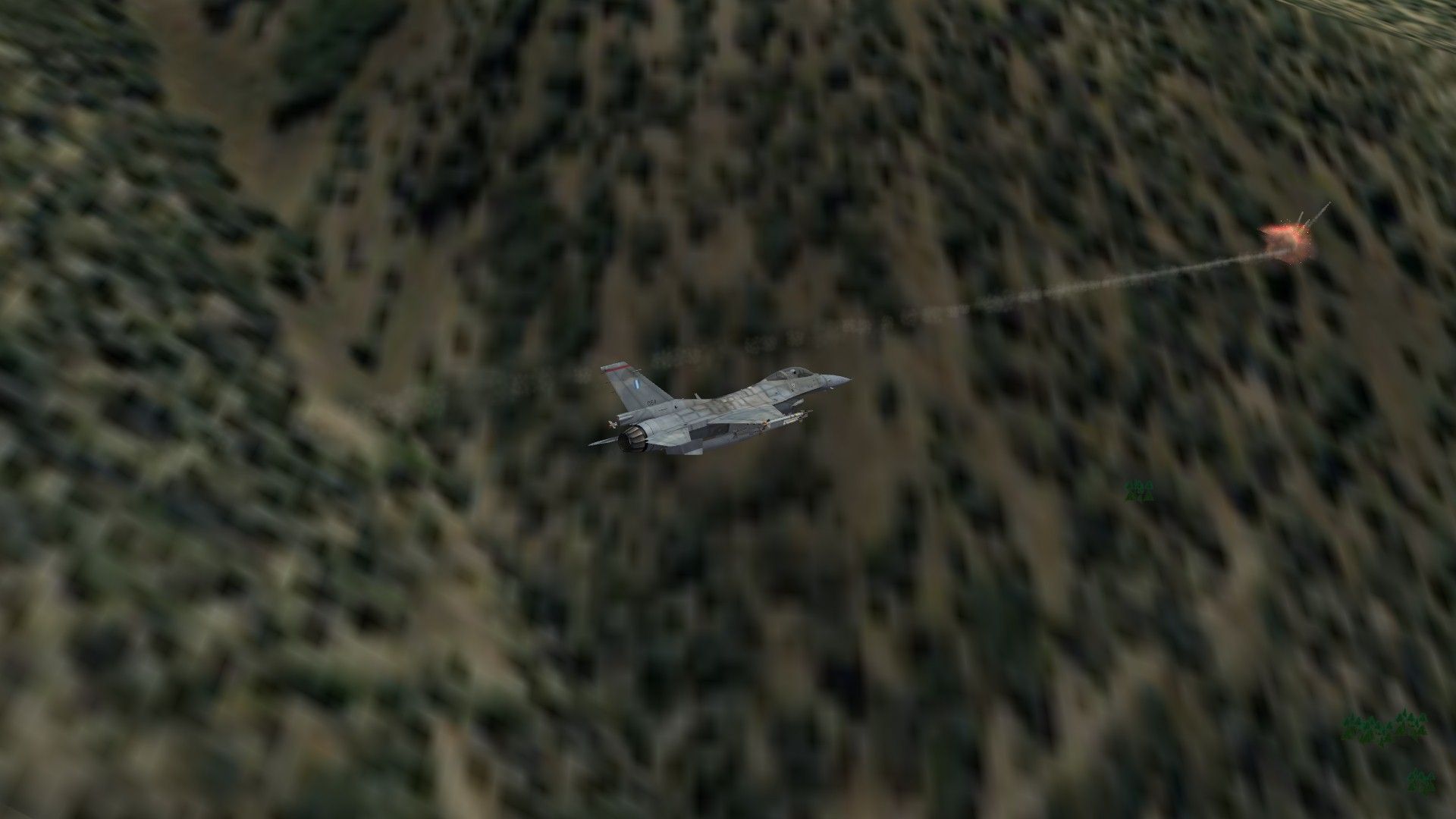
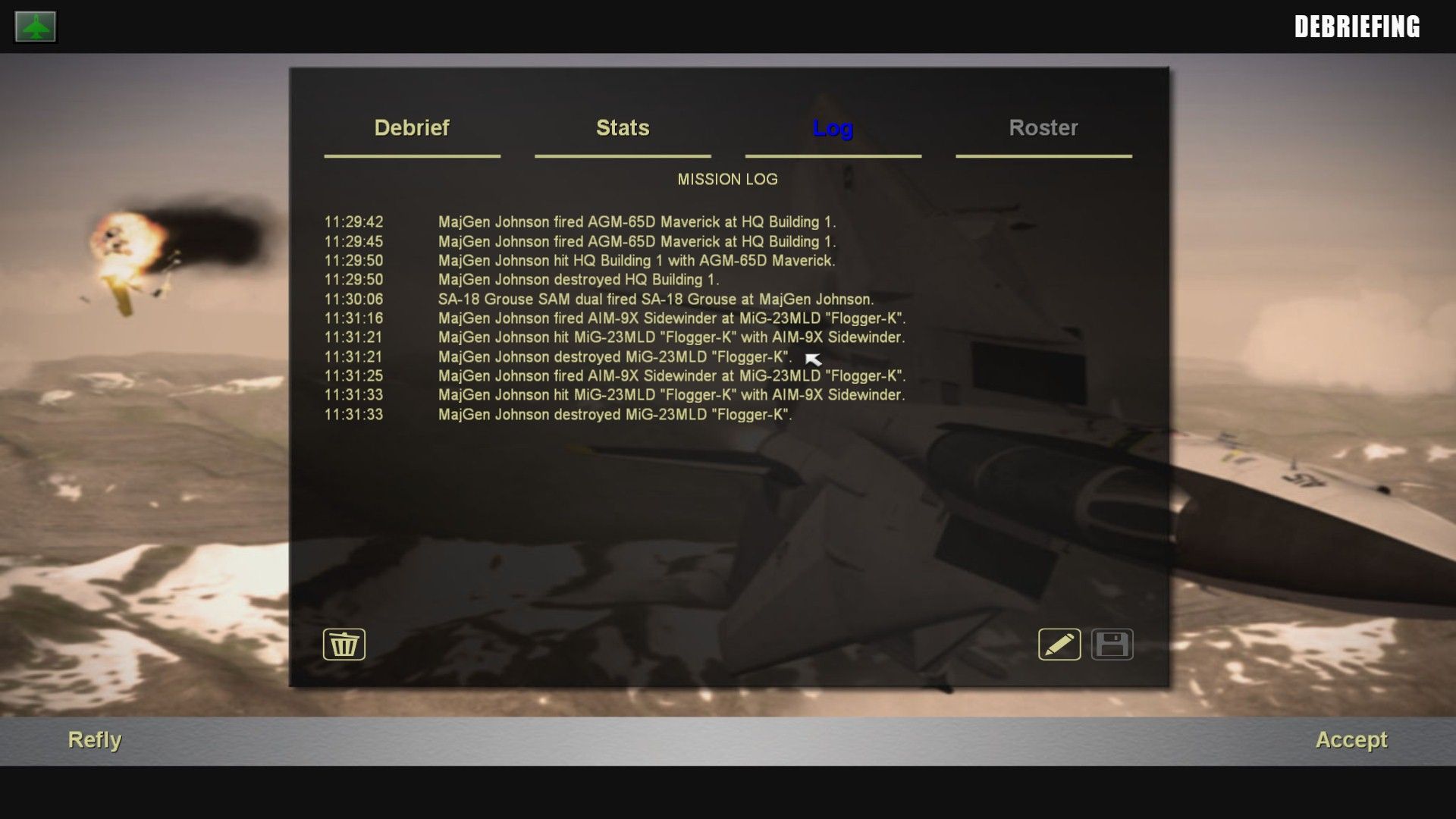
-
Something is MIGHTY FAMILIAR at the National Air & Space Musuem
Flanker562 replied to bubu's topic in General Discussion
DC, matter of fact here's a pic I took: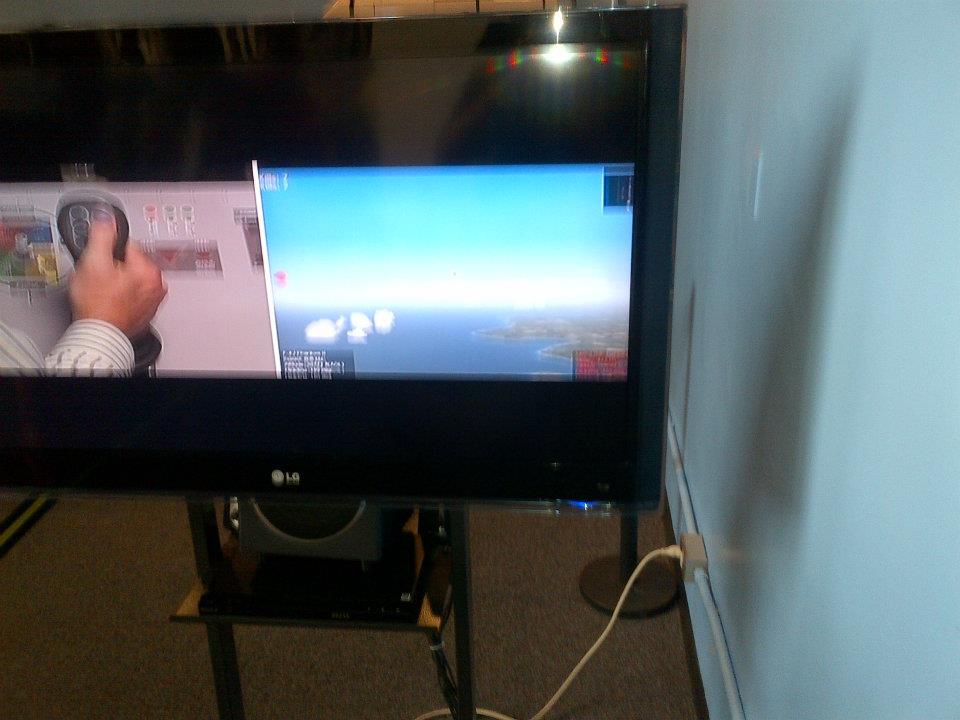
-
Something is MIGHTY FAMILIAR at the National Air & Space Musuem
Flanker562 replied to bubu's topic in General Discussion
Who knows... -
Any free image editor will do that for you, just resize it in half.
-
Something is MIGHTY FAMILIAR at the National Air & Space Musuem
Flanker562 replied to bubu's topic in General Discussion
Maybe, but I'm pretty old skool so I just passed and looked at the exhibits :) -
Something is MIGHTY FAMILIAR at the National Air & Space Musuem
Flanker562 replied to bubu's topic in General Discussion
I had been there a couple weeks ago and saw the same thing, but didn't go in because no sense in paying for something I already play -
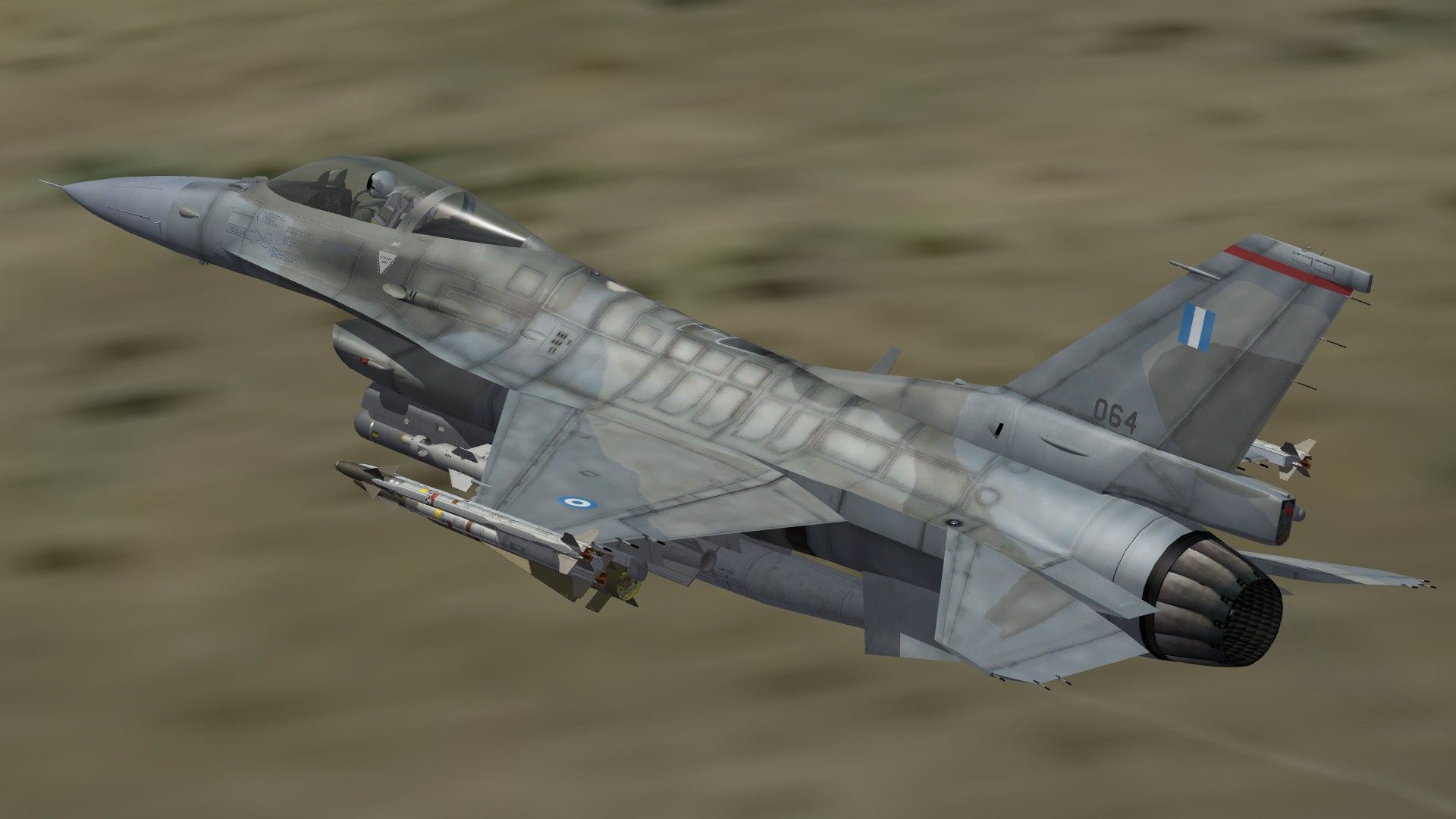
And a Greek Viper
-
MiG-29B Fulcrum Indian AF skins WIP
Flanker562 replied to ghostrider883's topic in Mods & Skinning Discussion
Nice work so far... -
A through D The Super Hornet is a separate project to this one.
-
Ran fine with my laptop, we on a posting restriction for a bit?
-
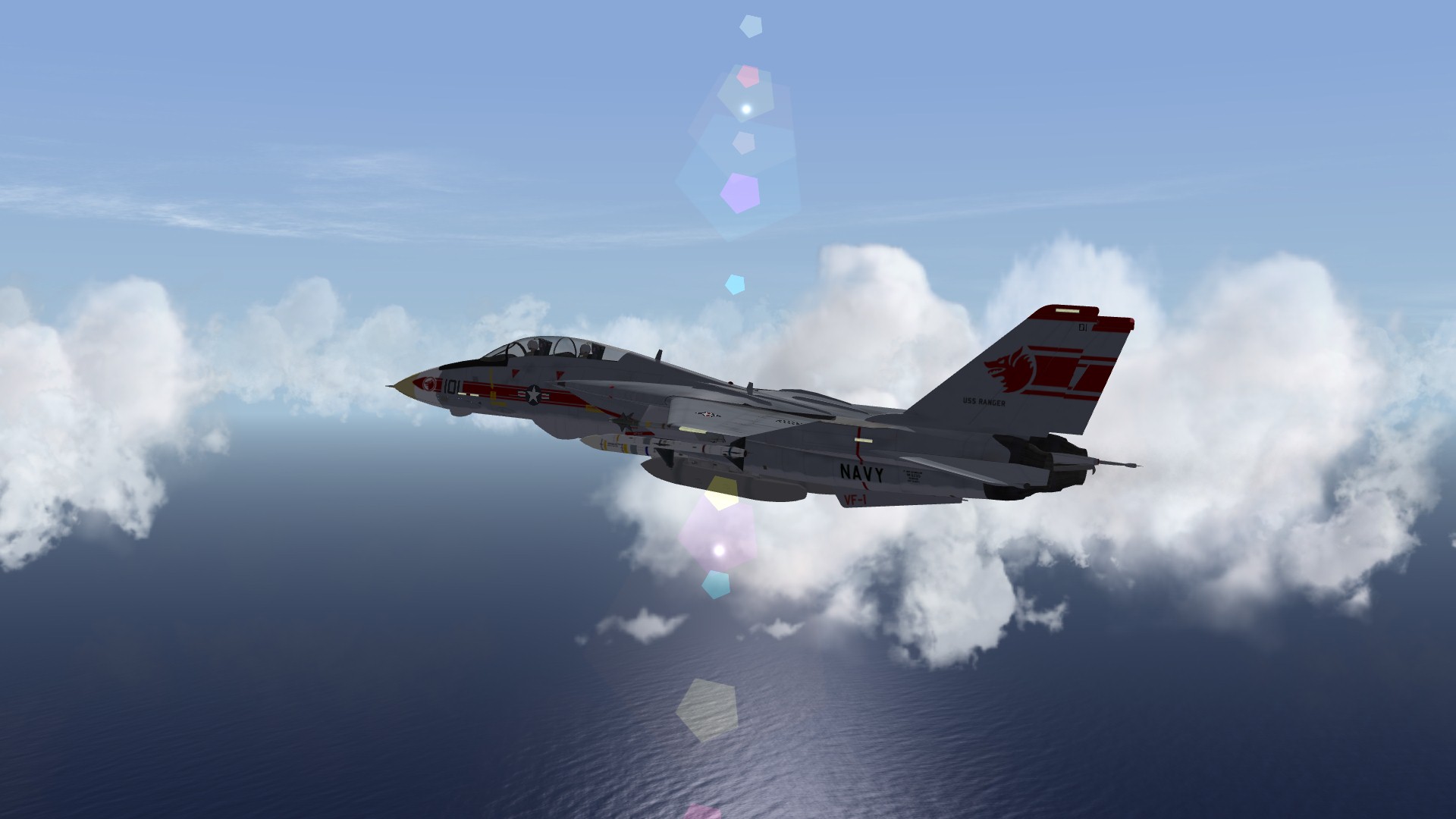
Was taking this while in the Pacific, doing something...
-
View File F/A-18E VFA-27 CAG Jet 2009 This skin represents the VFA-27 CAG jet in 2009, just drop in the FA-18E folder and go fly. Eric Johnson, 2012 Submitter Flanker562 Submitted 07/08/2012 Category F-18
-

145 downloads
This skin represents the VFA-27 CAG jet in 2009, just drop in the FA-18E folder and go fly. Eric Johnson, 2012