
Flanker562
-
Posts
13,487 -
Joined
-
Last visited
-
Days Won
64
Content Type
Profiles
Forums
Gallery
Downloads
Store
Everything posted by Flanker562
-
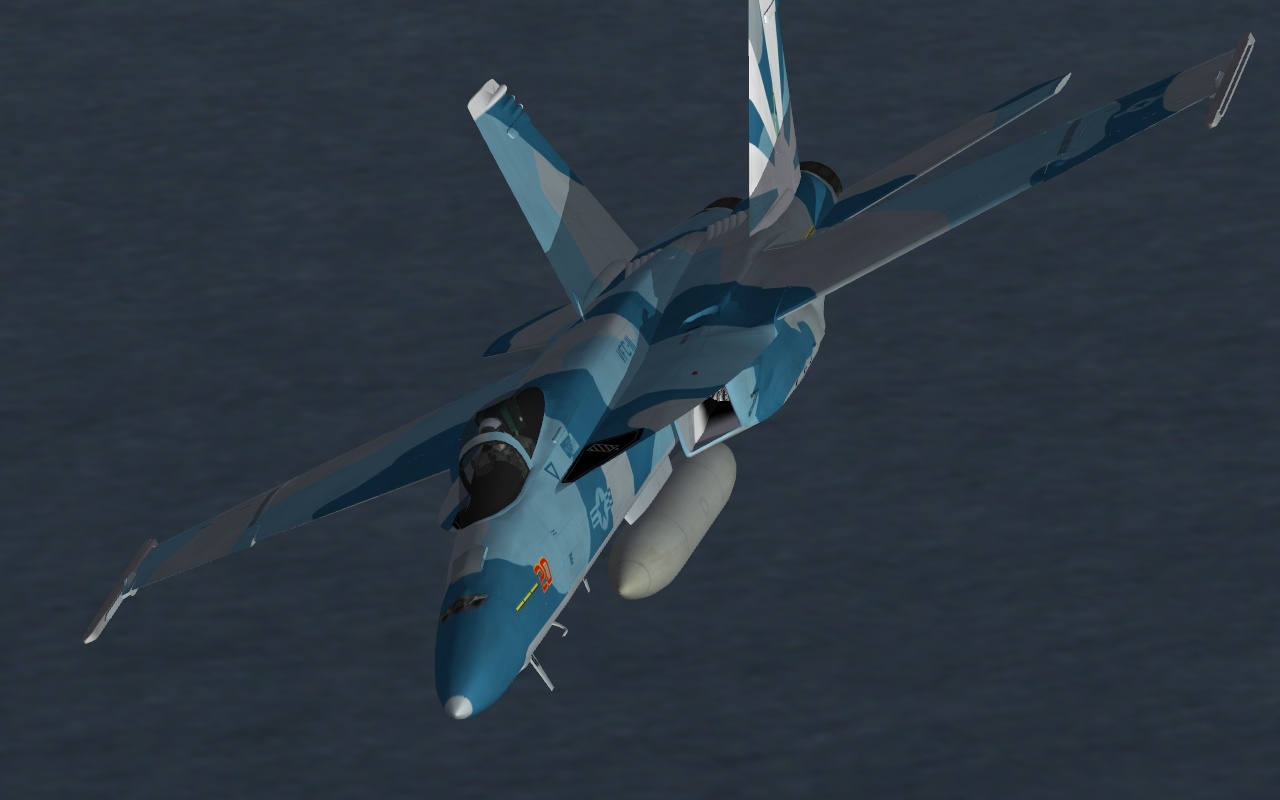
something like this?
-
Okay... for both the E and the F? Or the E or the F?
-

Afghanistan Terrain (Modern -2003 & Later)
Flanker562 replied to Wrench's topic in File Announcements
Whoops! -
Lock On has a higher learning curve but once you get familiar with SFG/WOV but a lot of it is just experimentation. As for the guided weapons? This PDF file should help though the Walleye is a bit more difficult. And the best thing is to download "The Range" so you can practice weapon use without getting shot at. Guided Weapons.pdf
-
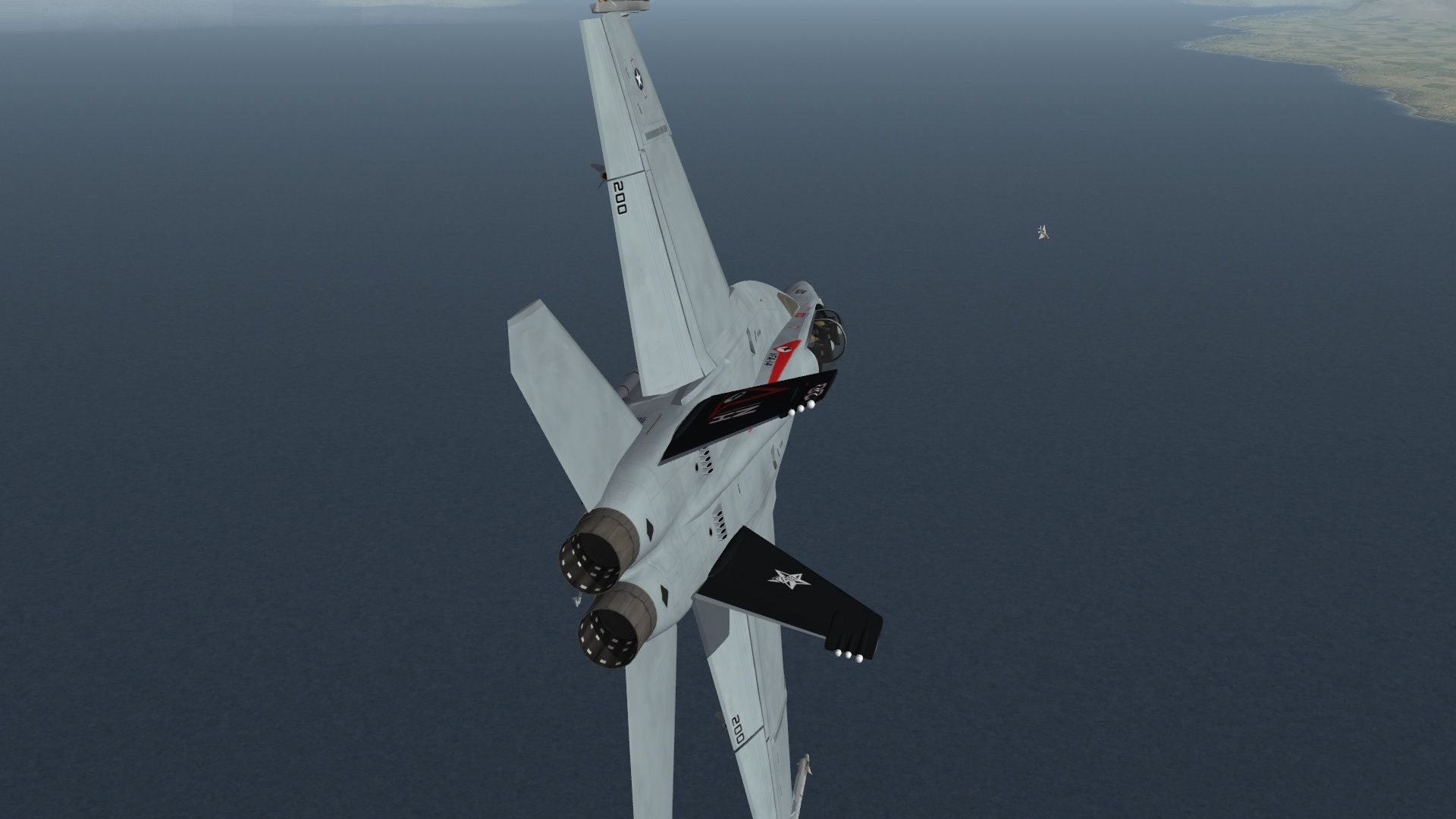
Nice SidDogg! Though part of DACT is to evaluate what he's doing and what you're doing, that's what makes this so fun sometimes, you're doing a lot of evaluating on the fly. Me: F/A-18F EPE with 8 x AIM-120 and 2 x AIM-9X and gun Opposition: MIG-21PFM with GSh-23 and 2 R-13 (older models) Upon taking off the carrier I turned in the direction of the MIG... before I start I will just say that the Wiki combat weight of the PFM is 15,000 pounds and i was at an even 53,000 pounds (that's why they call it the Rhino in case you didn't know). Before the merge the MiG-21PFM decided to shoot me with 23 rounds of gun ammo as i thought I wasn't playing chicken that bad and he couldn't get an angle, well he was angling for me while we past each other in the day. He went high, I went low and pulled vertical (letting the stick go due to blackout) and rolled into him quite easily. In the sense of the word I had an excellent shot and could have taken it but I like to have "fun" with the opposition, it gives me a better feel of the aircraft I'm opposing even though. He managed a circle but he extended as he lost me (the visibility issue of what older MiGs faced). He eventually got me in a horizontal scissors and I managed to stay inside of it (second picture) and he extended. By that time I got tired of playing around and took a shot I would assume even a real nugget could take the shot and get the kill. In retrospect the only thing I have to mention is the weights. At the most I'm over three times the combat weight (100% fuel and gun plus stores) and still rolled into him like it was nothing. Sure the passes are passes but overall like the M2000C it was only too easy to reacquire and engage.
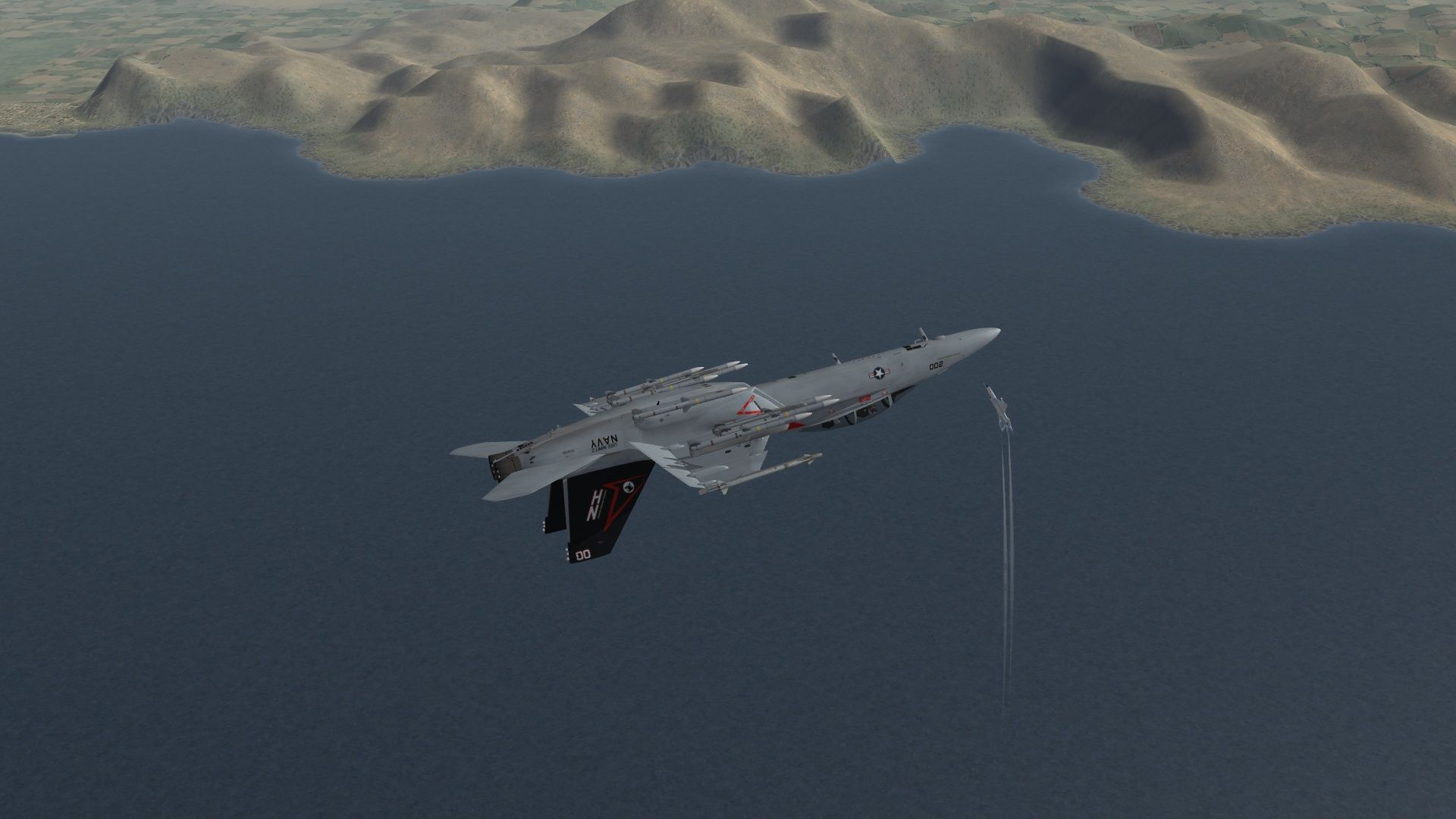
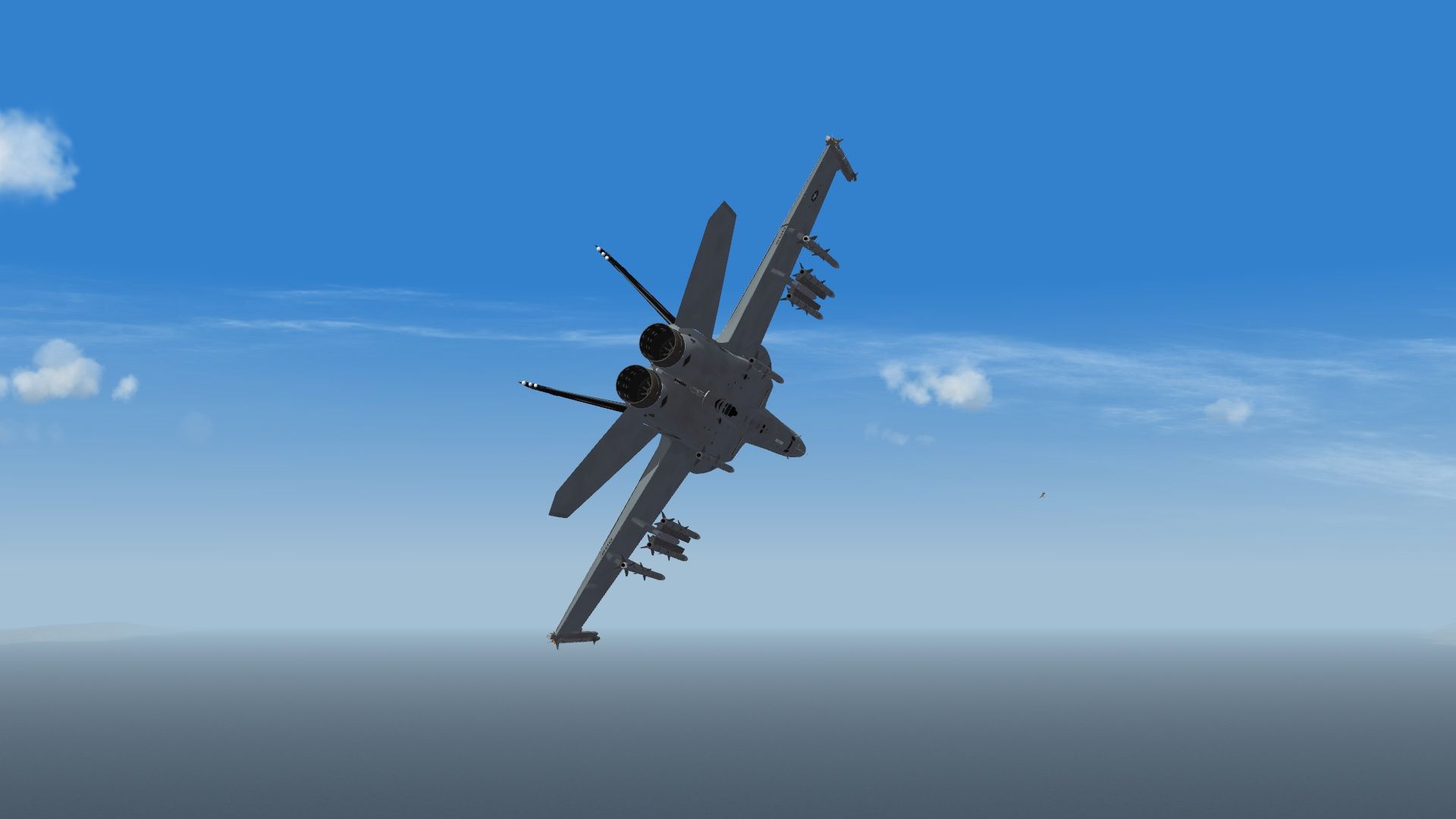
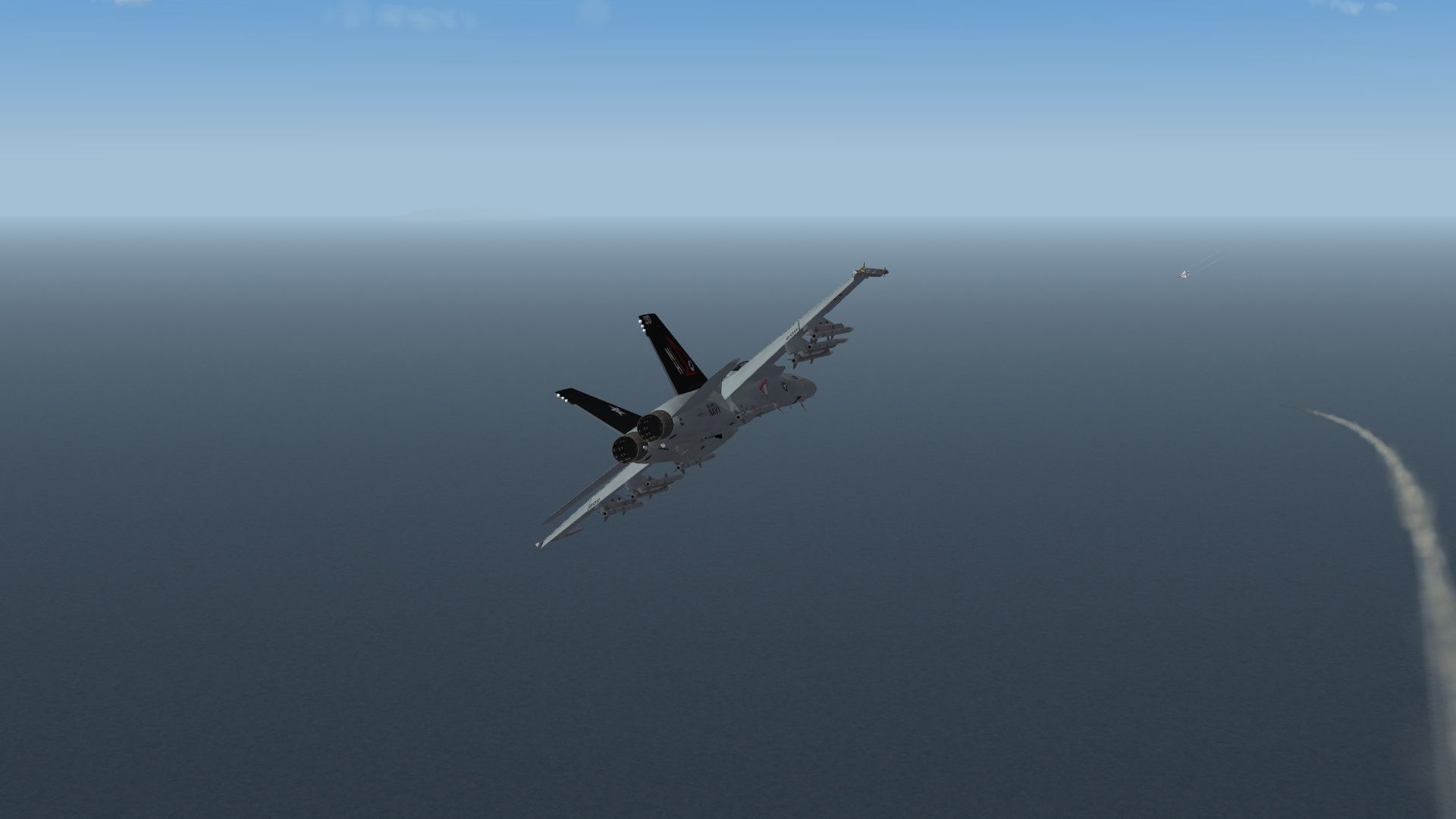
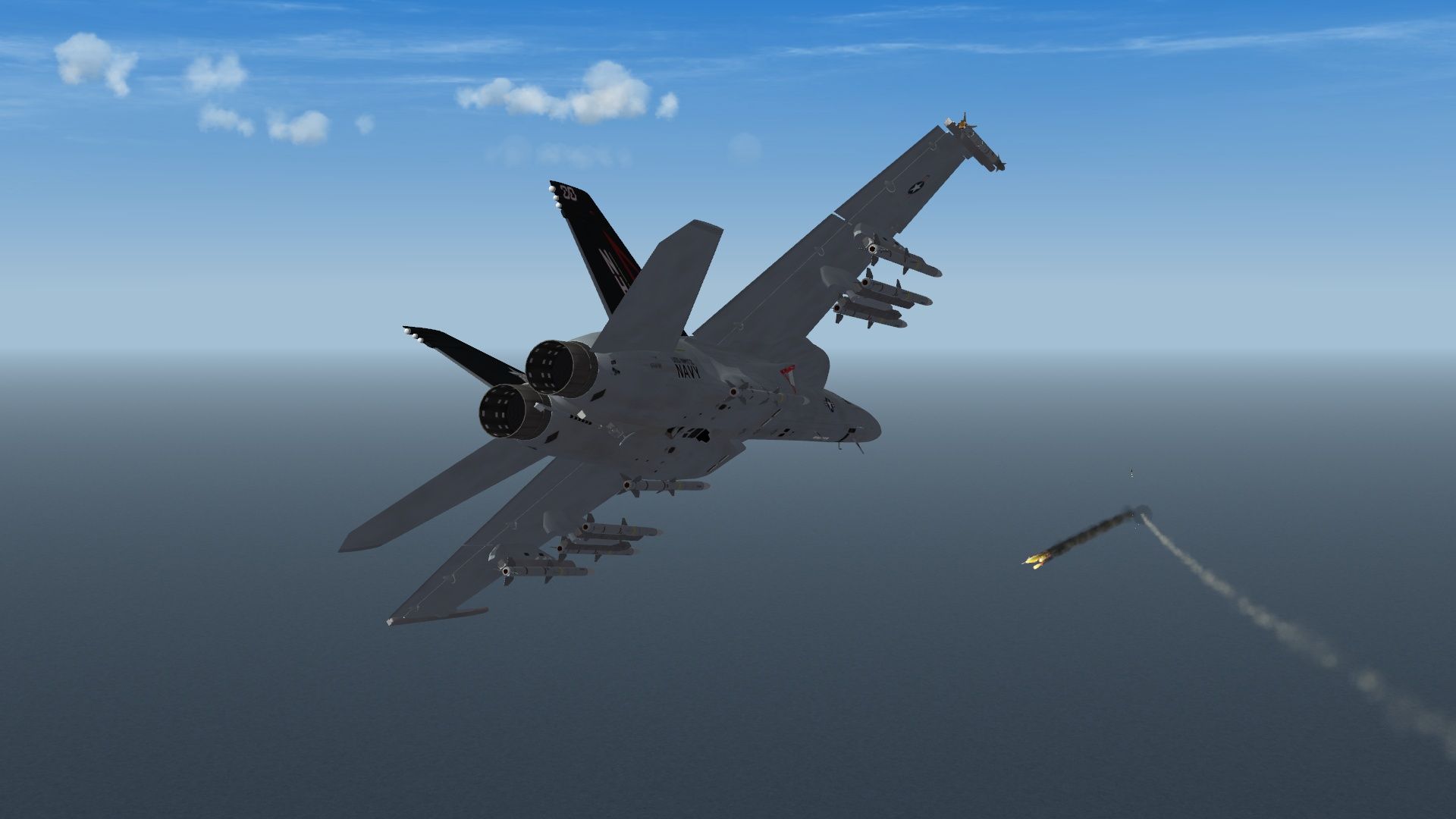
-
It's not required they have them
-
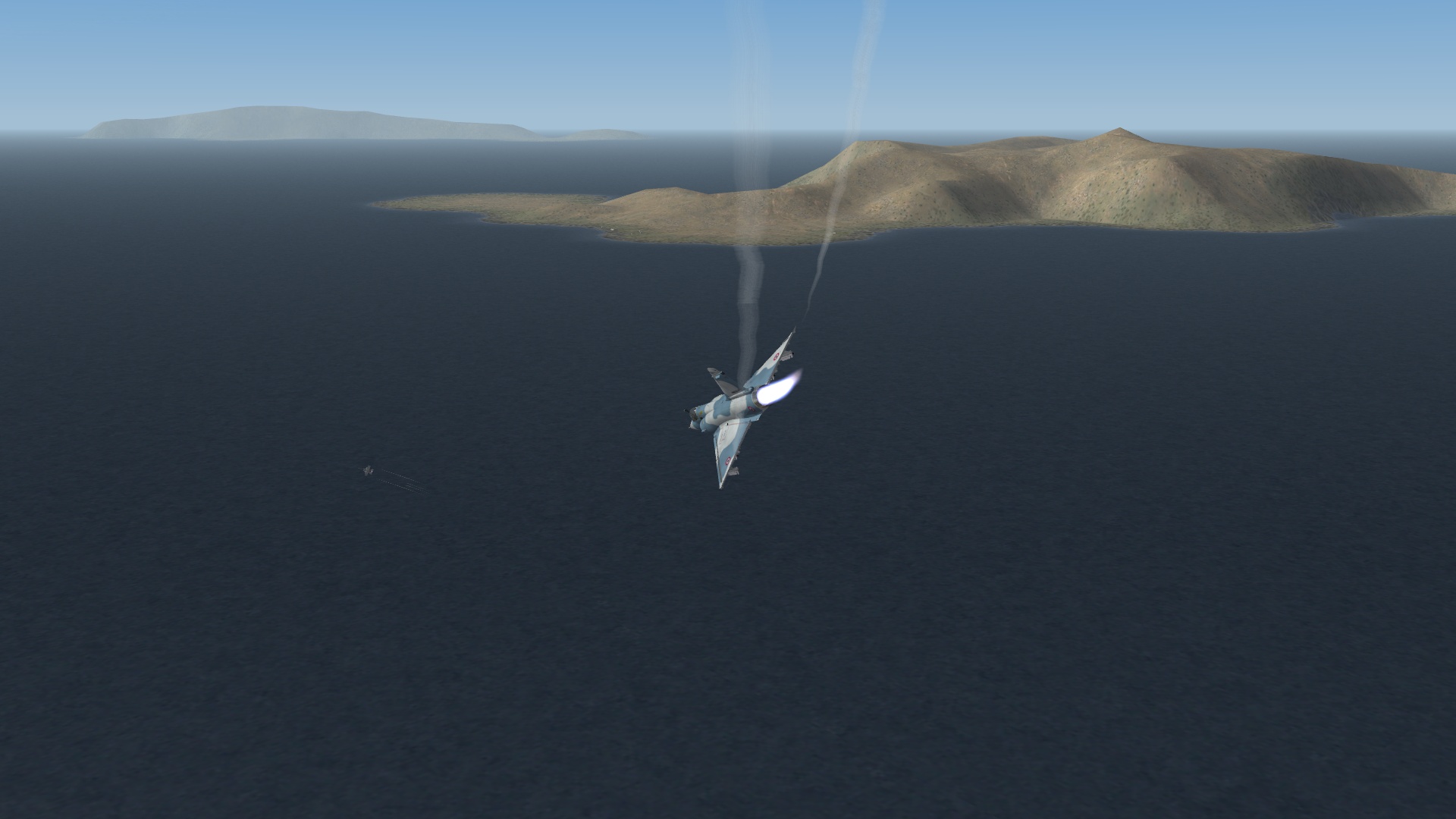
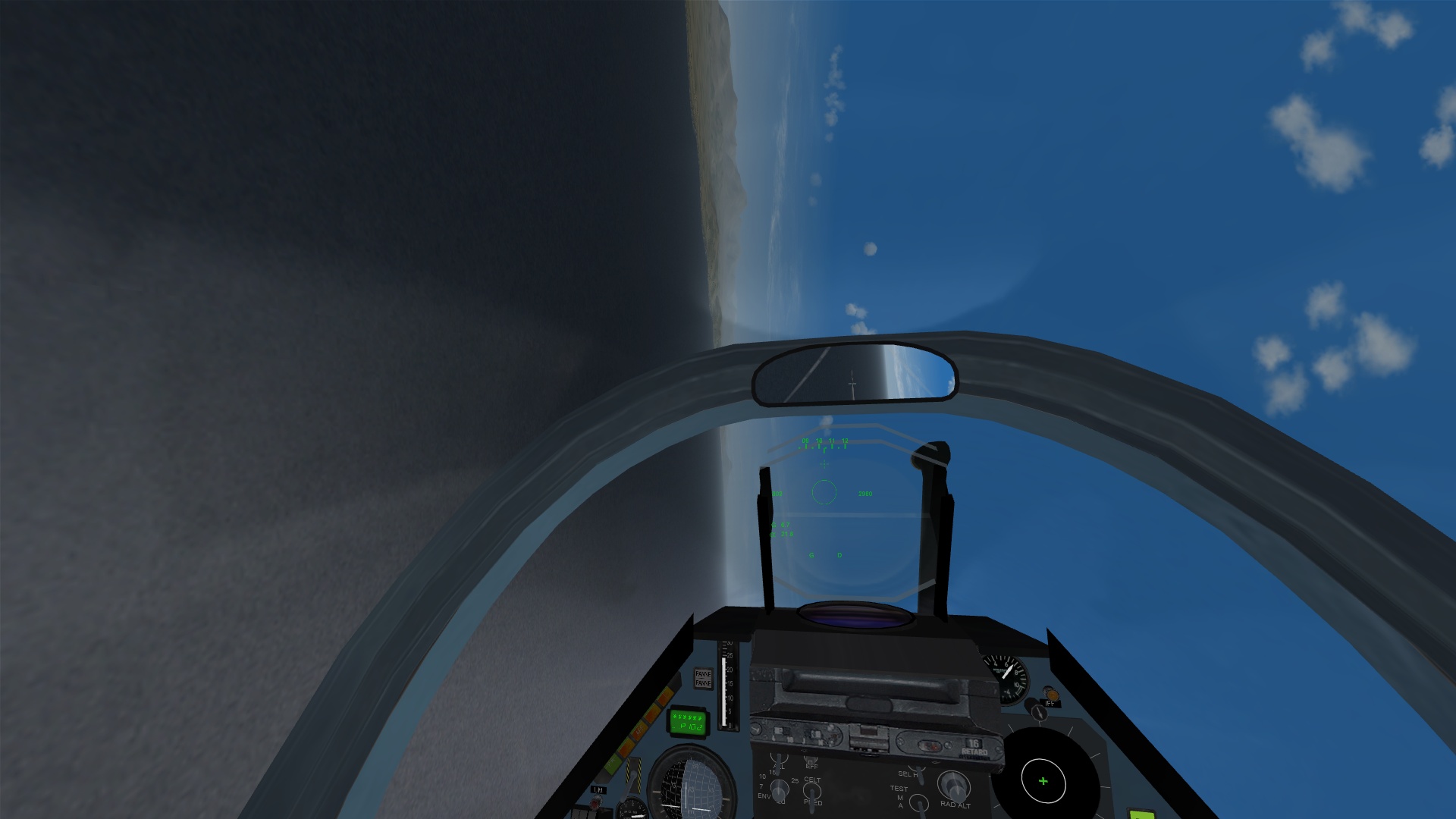
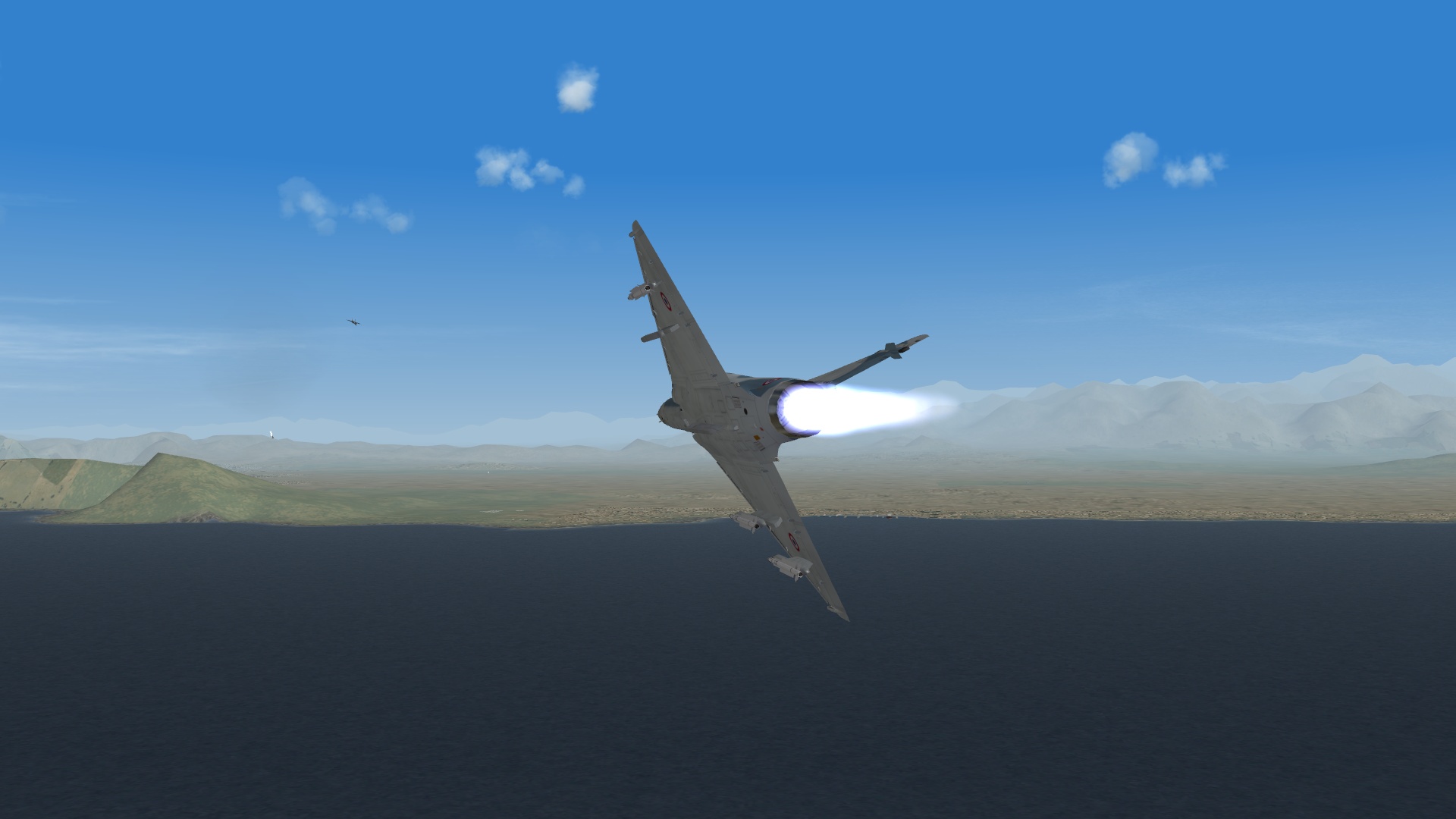
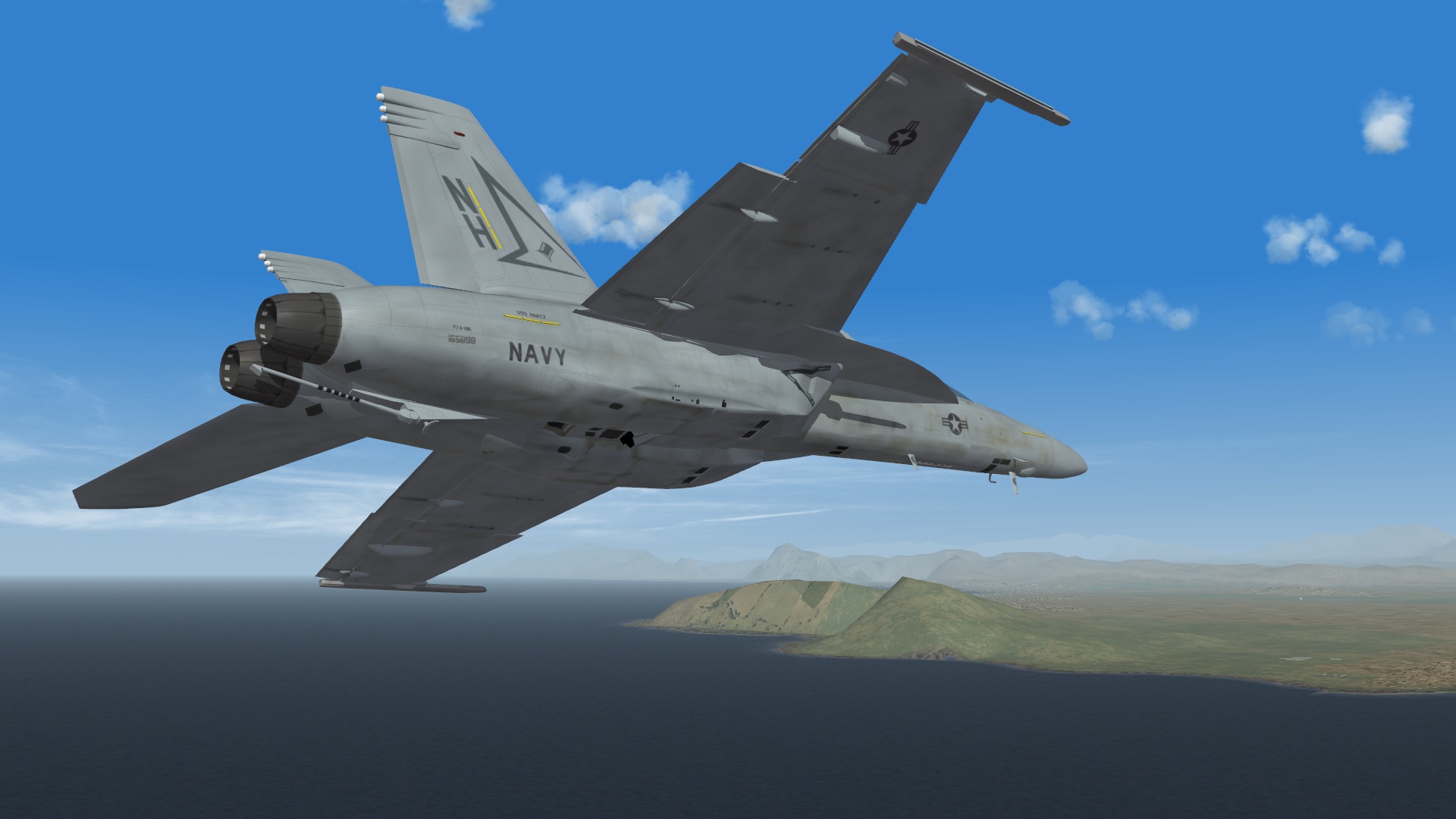
Me: Mirage 2000C S5 with 4 x MICA IR missiles and gun plus tank (ejected before the fight). Opponent: F/A018E Stock with gun only. Quite interestingly this was one of the more interesting fights I have had so far. It's not a "lets knock down the Super Bug" kick but just shows how sometimes it can be a threat, even though it is a lemon (it should be noted the E is the standard lemon version). Anyways before the merge I forgot to have my throttle going as the initial velocity gave me plenty of energy to fly towards the Super Bug and realize "hey, you're throttle is at 0%. Fixed that problem and began the fight as I nosed down and then pulled up into him as he flew past. I entered a half loop and surprisingly turned right into the kill slot of the Bug. I could have taken the shot and hit him, which down the explanation proved some other issues and made it really interesting. Continued some turning and burning but overall despite some blacking out I was on the Bug like flies on meat pies. So I got tired and fired my first MICA, with it tracking and hitting him. So he kept flying missing a tailplane and aileron. So I fired another shot striking him again. Then I followed him around some more hoping he'd just roll over and die. Well he didn't so I shot him again with another MICA. Struck him good but he was still good to go. Then he turned back to the coast and then I shot him again. This time both tailplanes were gone and needless to say I expended all four MICAs and he was still in the fight... so I had to bow down and go about gunning hm down. After a few bursts I managed to throw enough in the air to get him. In retrospect the 2000C is a beast on both ends of the spectrum but on either attempts it wasn't too difficult in bringing either types down. Though the MICA (the "MBDA MIca IR") type I was using could use a better warhead, just saying...
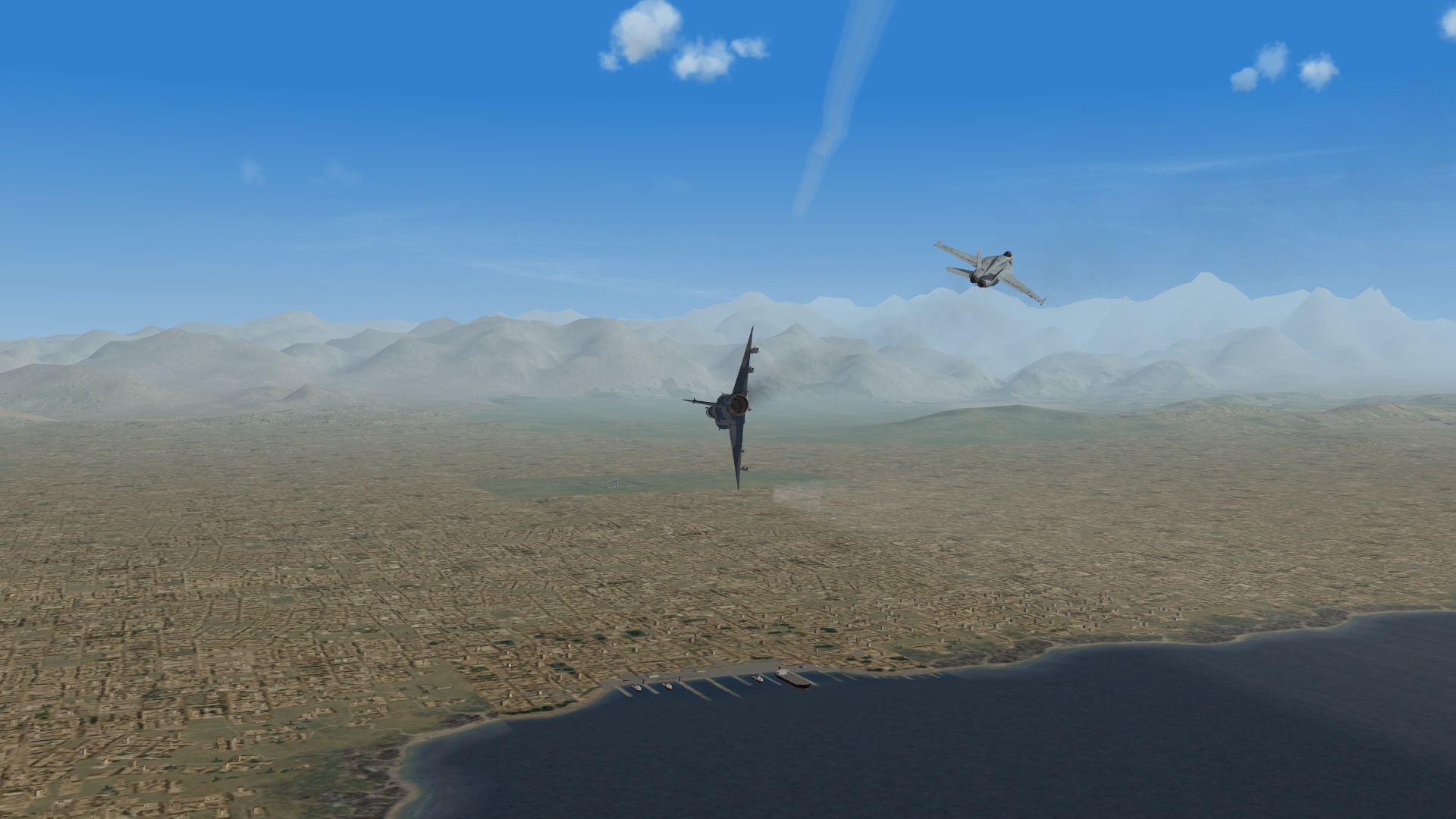
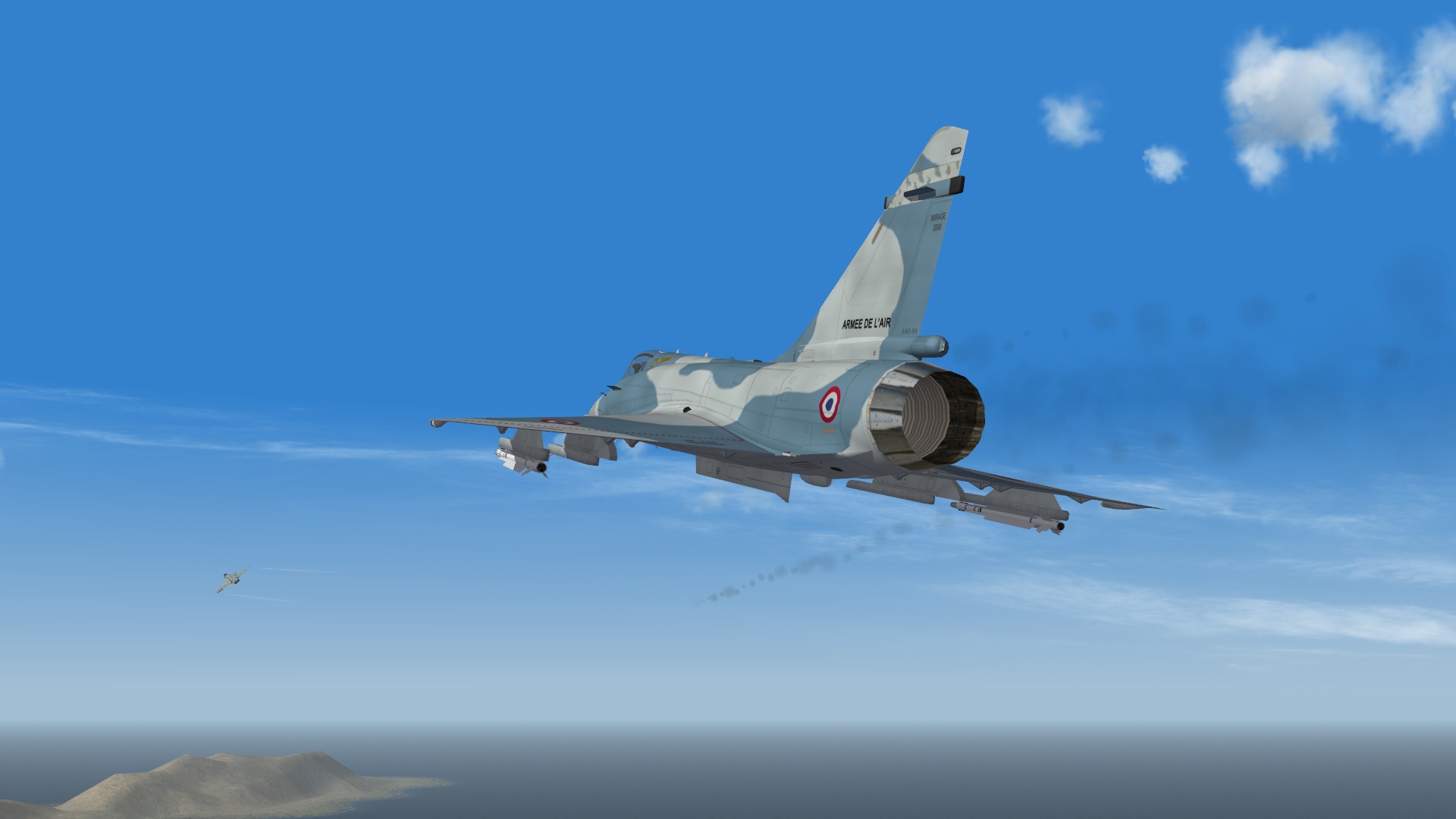

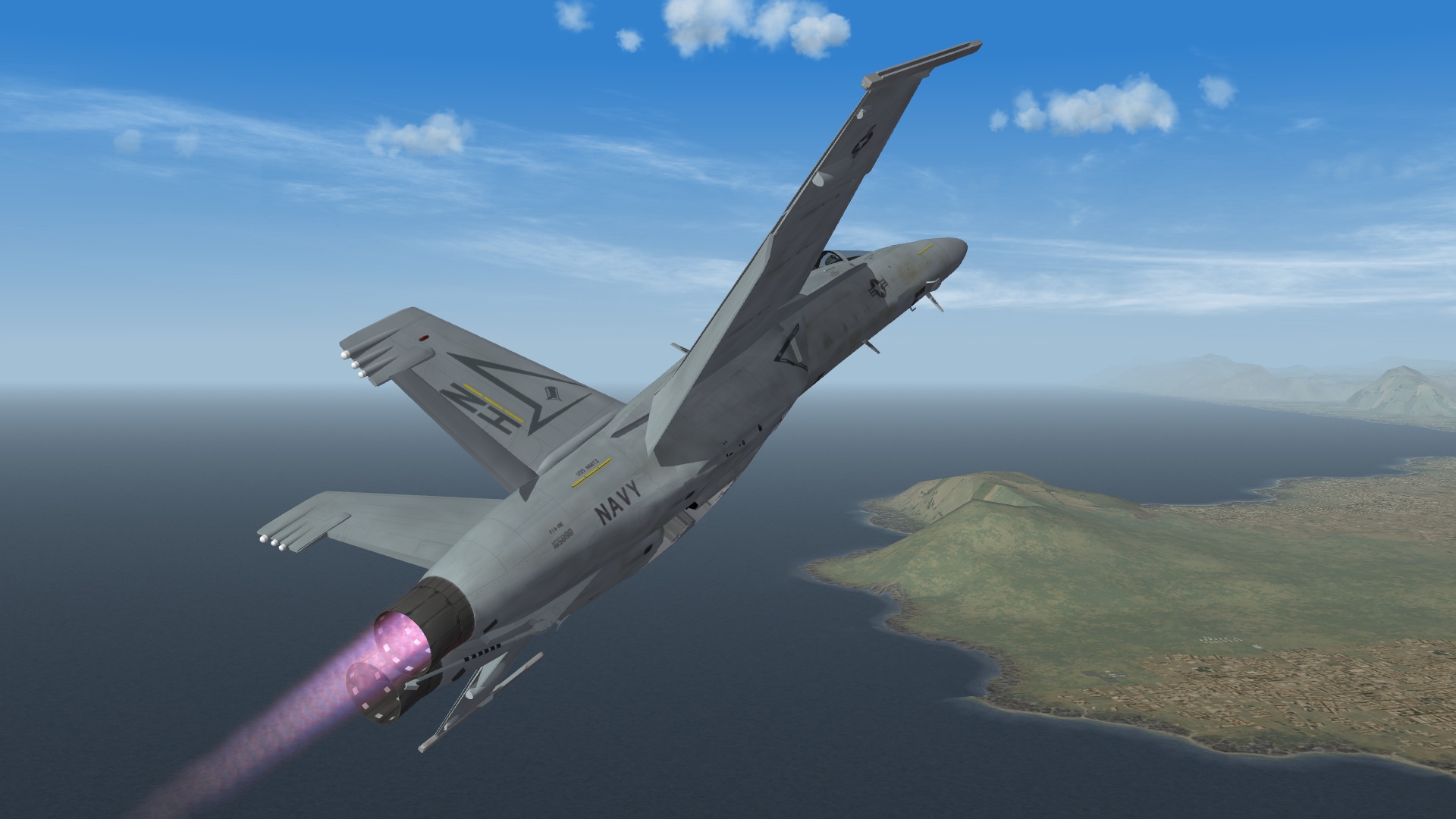
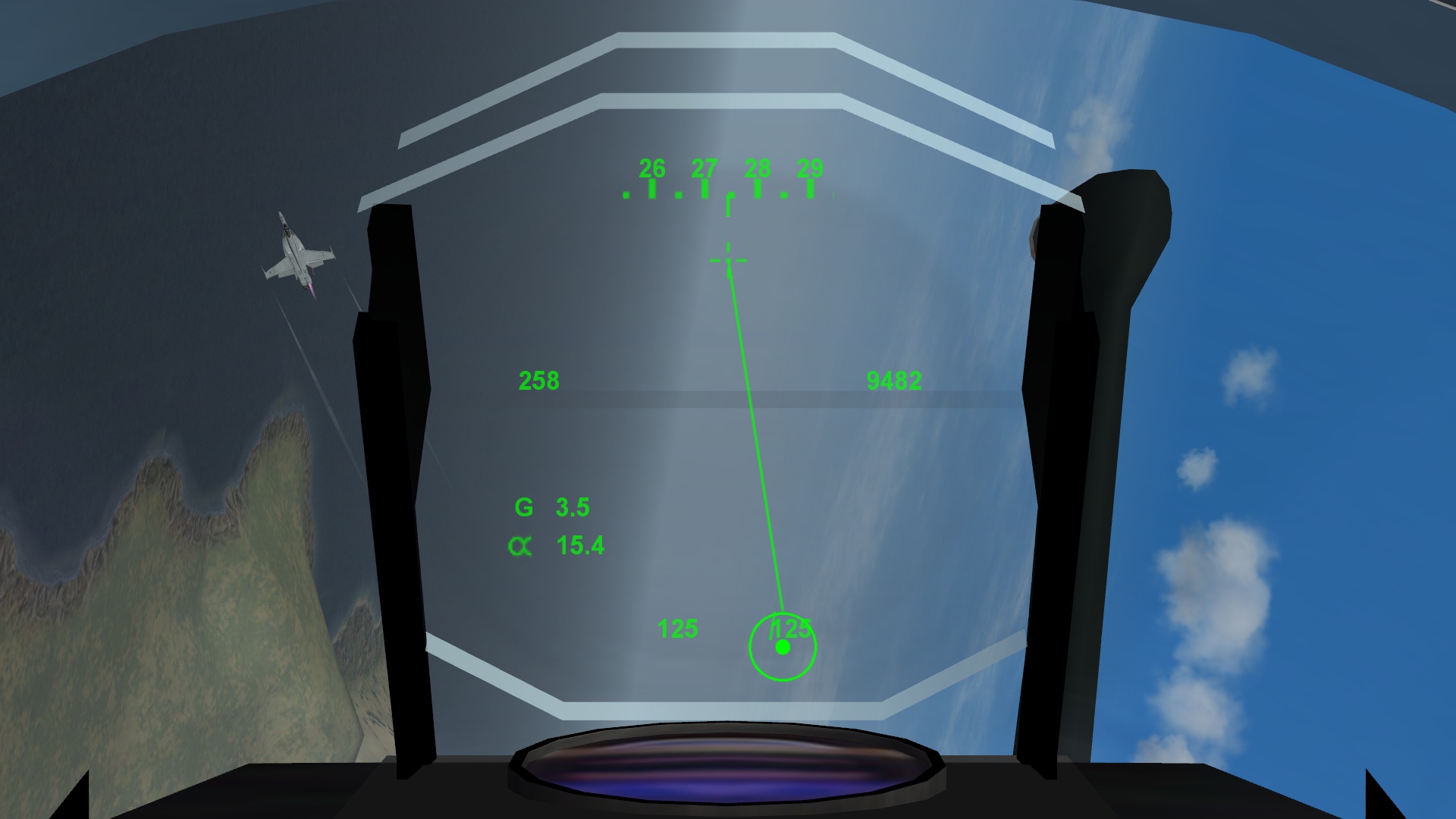
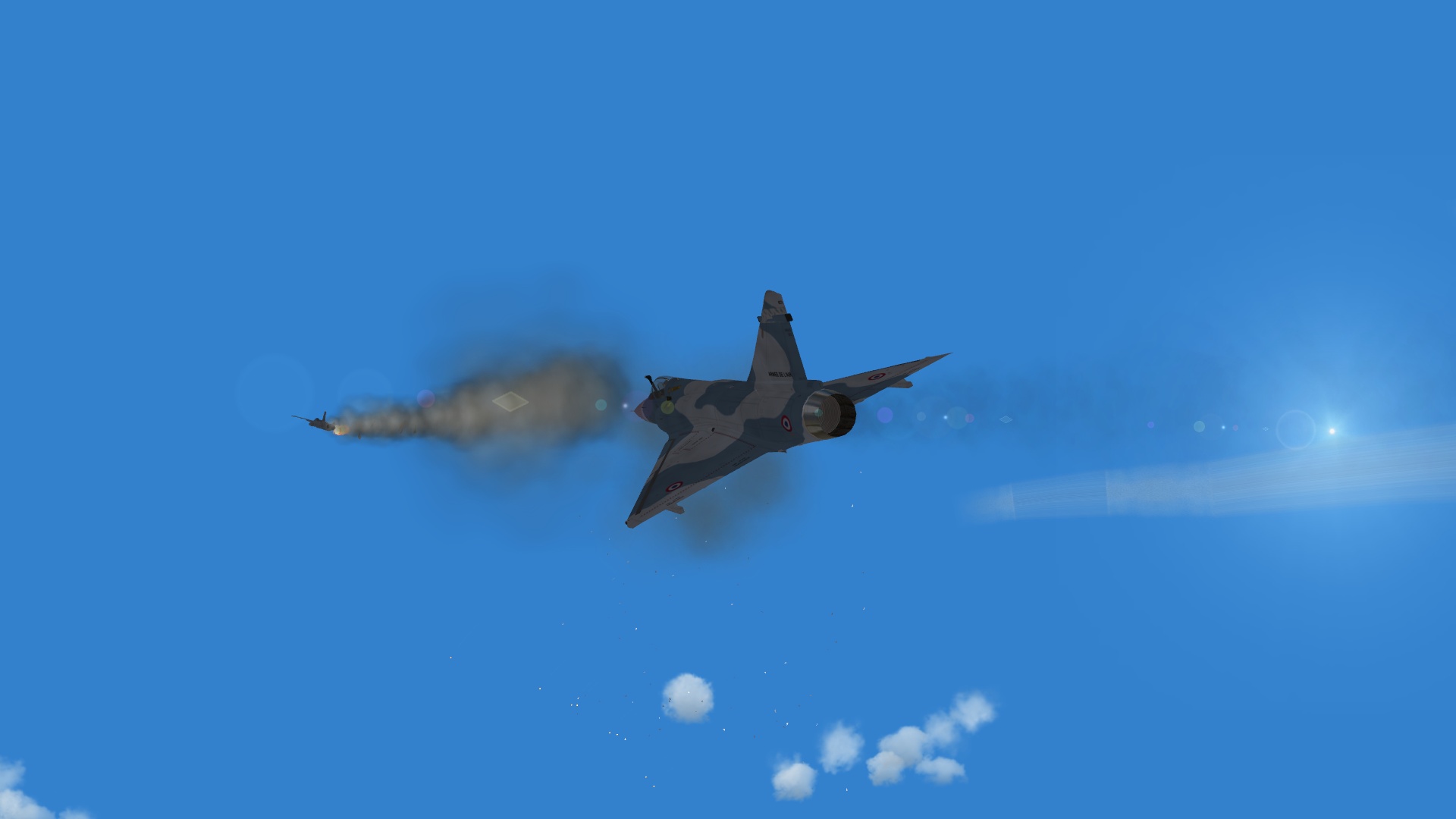
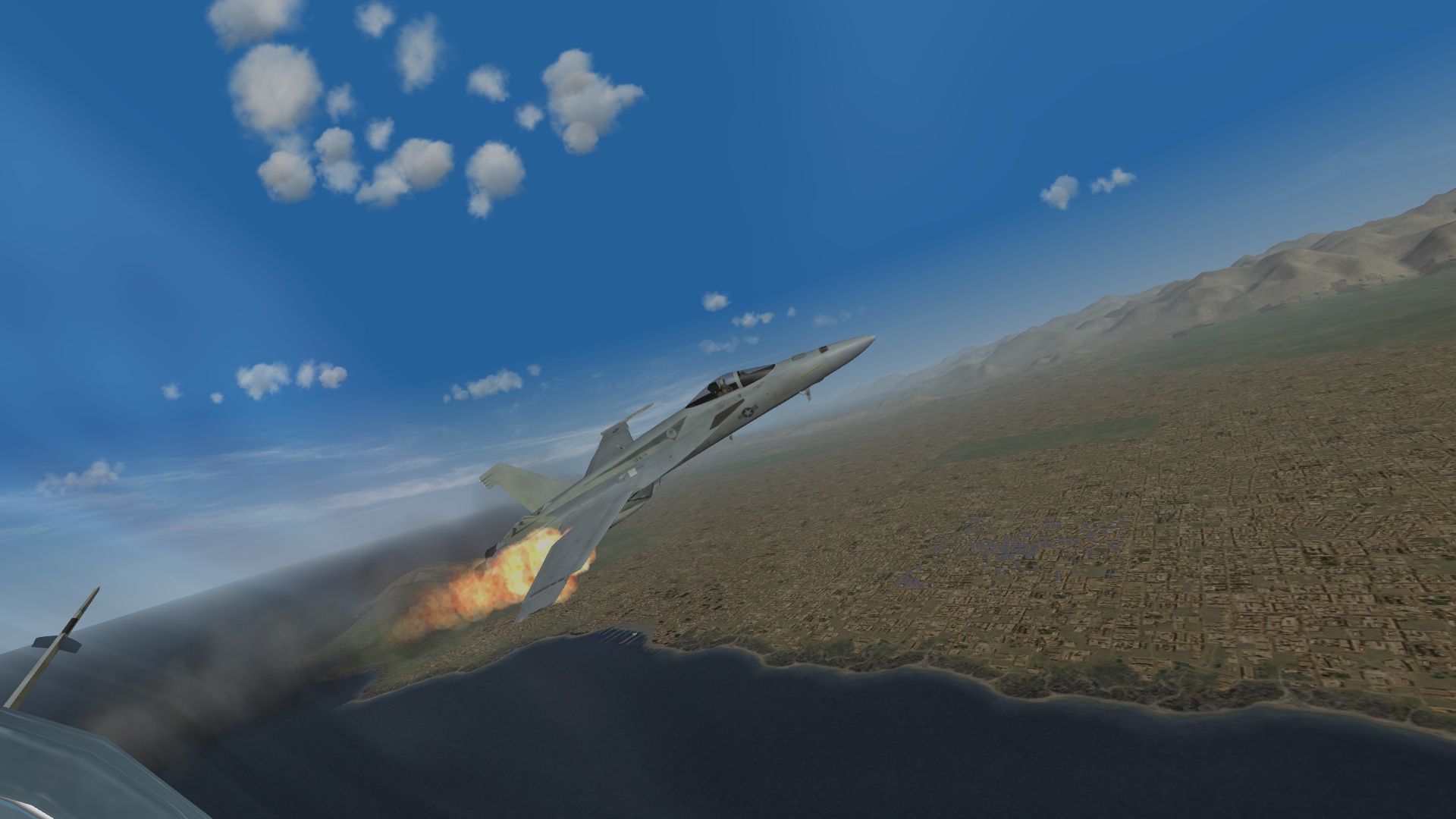
-
I just crack jokes that's all Ceasar as it doesn't matter what it is if it's just a target... but good stuff to read as well.
-
Tried 27209 which is the value for the GR7 and worked fine. The same problem with the Altitude Hold didn't hold. It has a weird tendency to pitch up but that could be I'm at 100% Throttle all the time but flew good.
-
Not sure since I routinely fly 22-25,000 MSL. I would say equivalent (maybe) to the A-10 just as a test.
-
The VFA-2 CO ejects flares while egressing from a strike mission in western Afghanistan. And a KF2 shot while departing one of the airfields in the American Northwest.
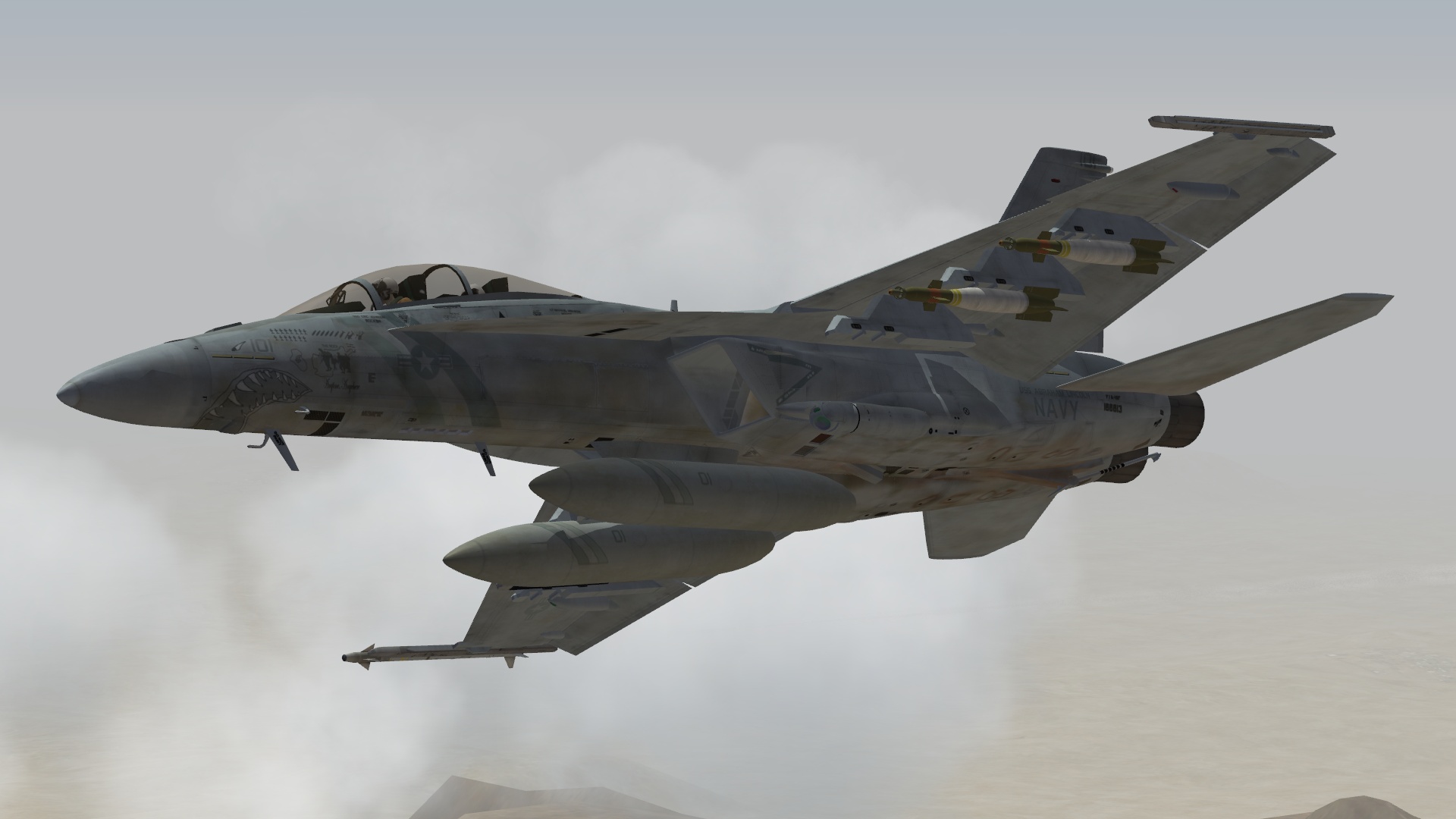
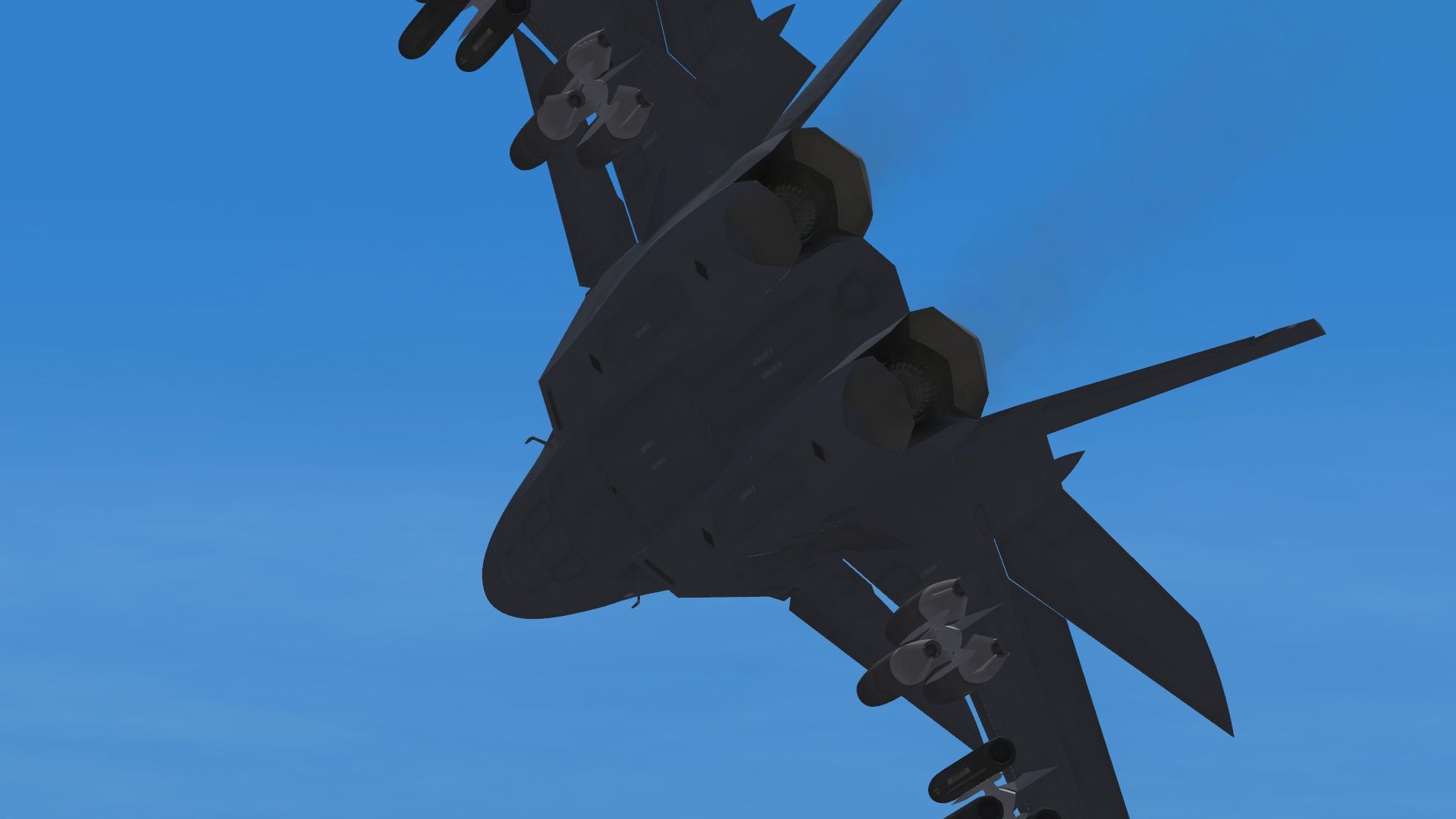
-
Afghanistan Terrain (Modern -2003 & Later)
Flanker562 replied to Wrench's topic in File Announcements
I think I put mine near 2001 or 03 but good enough for government work lol And realistically they should be at NORMAL or EXCELLENT. They're "backwards" for sure but they do know how to fight. -
The biggest problem I've had so far was a strike mission in Afghanistan... took off and as soon as I hit 10000ft MSL it was like the Cylons threw a switch and engine thrust went to zero (just altitude nothing wrong with the FM or anything)... I managed to dodge the Grouse that was fired at me but it needs more power for high altitude ops. I checked the data.ini and yeah it's 2200 so do I just change it and it won't "shut down" like it did.
-
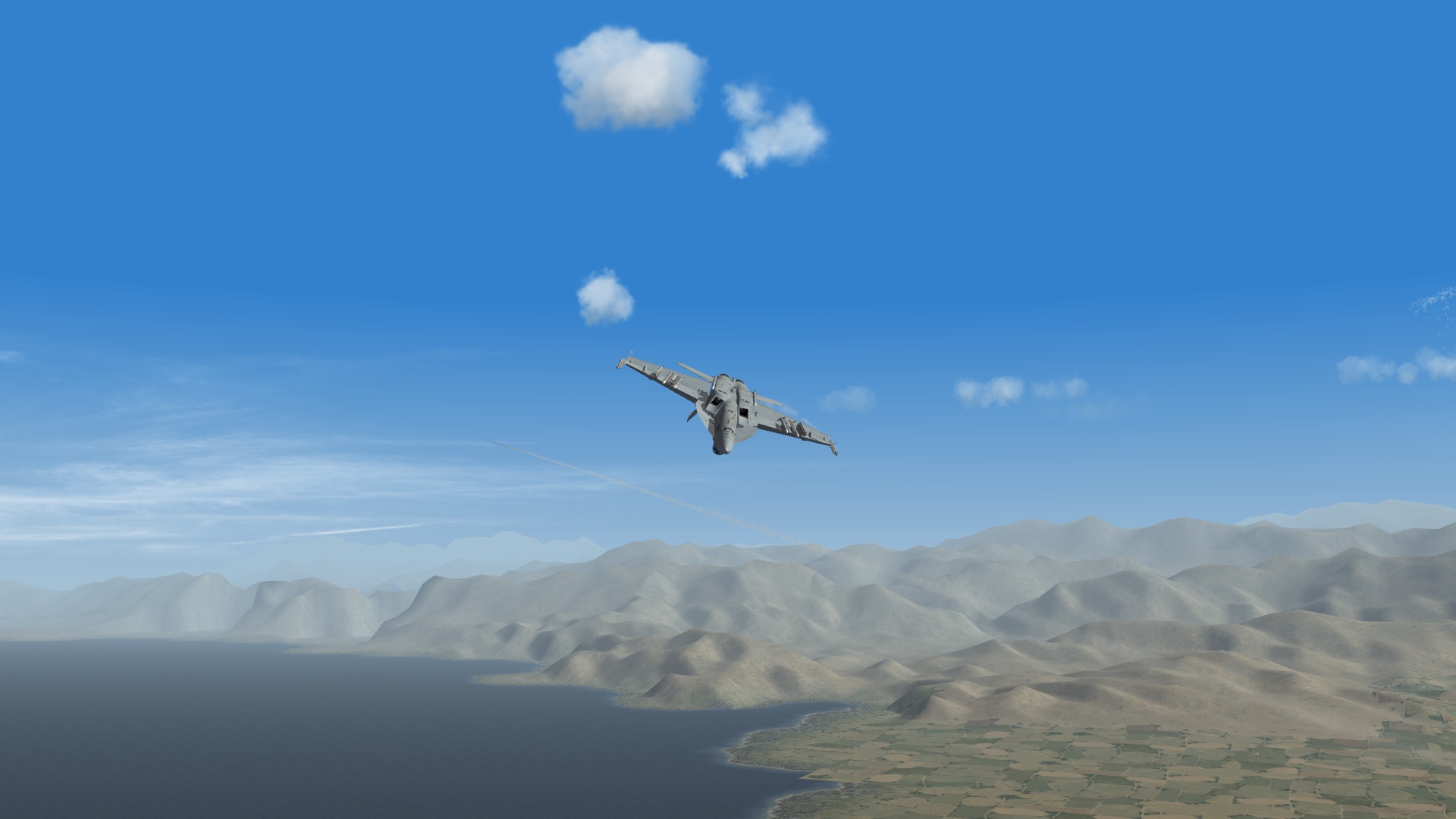
Me: F/A-18E with 4 x AIM-9X and 6 x AIM-120 Opponent: Mirage 2000B ADA S5 with 2 x MICA IR I thought I had selected a more lethal 2000C but instead I ended up with this aircraft instead. The MICA IR didn't maneuver very well after dropping flares and jinking. I wish I kept the screenshot but overall I got one after the other as soon as I was within his range. Since the Mirage 2000B didn't have any guns he didn't press anything except the throttle in which he tried to escape and I shot him down with an AIM-120.
-
Afghanistan Terrain (Modern -2003 & Later)
Flanker562 replied to Wrench's topic in File Announcements
And looking at the targets in KMD it looked like an earlier build so I was able to include more (which is nice as it saved me some work). So I can still update it just now it'll be on this "side" now. The best way is to check online, here was my old list: [LimitedNationList] FriendlyNation001=USAF FriendlyNation002=USN FriendlyNation003=USMC FriendlyNation004=France FriendlyNation005=WGermany FriendlyNation006=RAF FriendlyNation007=USA FriendlyNation008=Ukraine FriendlyNation009=Italy FriendlyNation010=Canada FriendlyNation011=Denmark FriendlyNation012=Netherlands FriendlyNation013=Sweden FriendlyNation014=Norway FriendlyNation015=Belgium FriendlyNation016=Australia FriendlyNation017=Hungary EnemyNation001=Afghanistan EnemyNation002=Taliban But then again the Dutch use F-16s there and Apaches as I've trained with Dutch pilots at Fort Hood prior to my deployment and most had already been there. -
I'd ask the creator of the KF2 for HUD help...
-
Afghanistan Terrain (Modern -2003 & Later)
Flanker562 replied to Wrench's topic in File Announcements
Wow much appreciated!!!! -
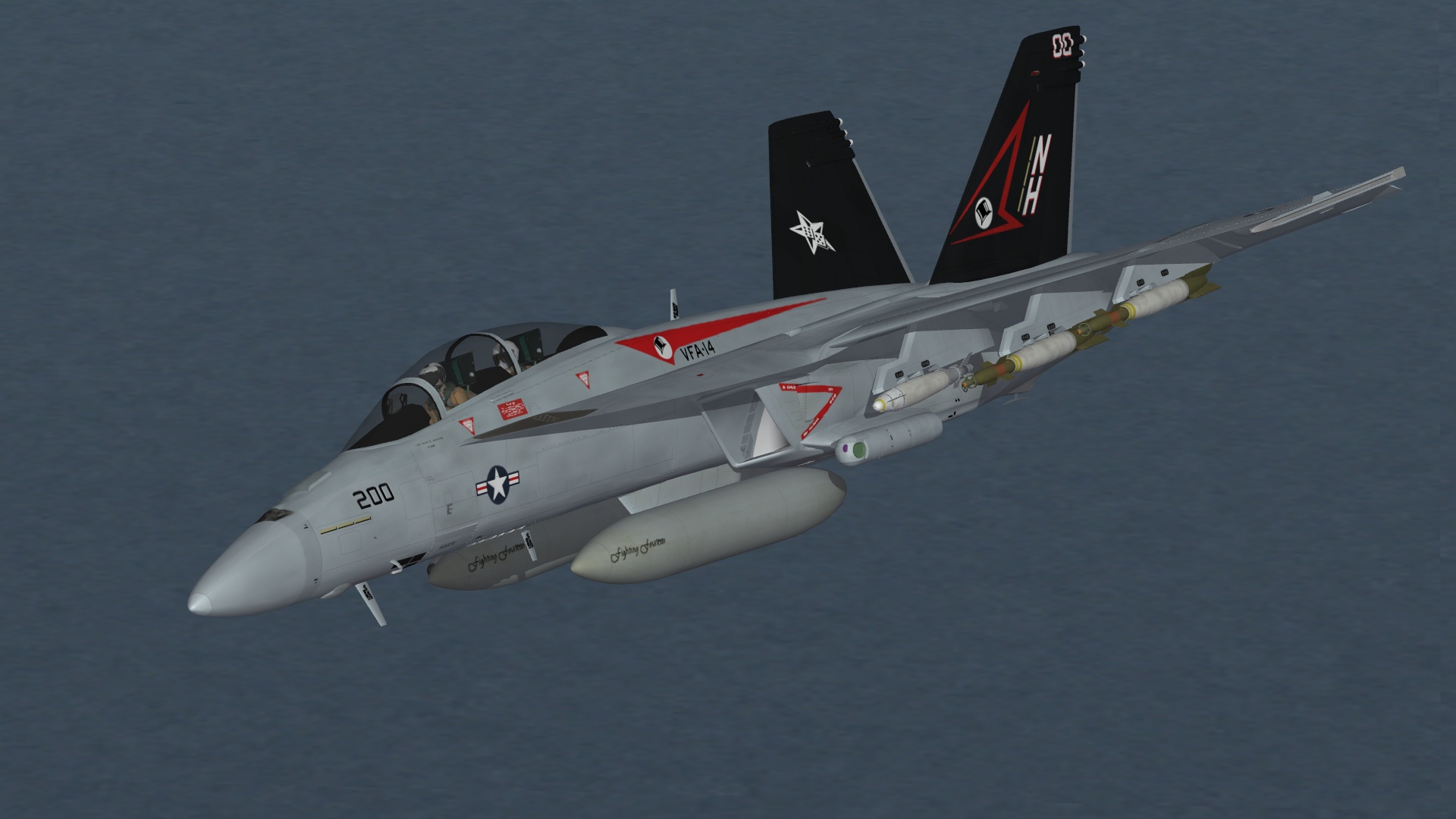
F/A-18F VFA-14 CAG, wanted to see how it looked on the Fox and it looks nice..

-
Yes you have to use the weapon editor to tell the game that it has them: http://combatace.com/topic/9323-adding-weapons-to-sfwovwoe-a-tutorial/
-
This is some practical stuff (the PDF file) but there's stuff in the Knowledge Base that can help shed the light on your predicament. Low Level Flight Tutorial for WOX.pdf
-
-
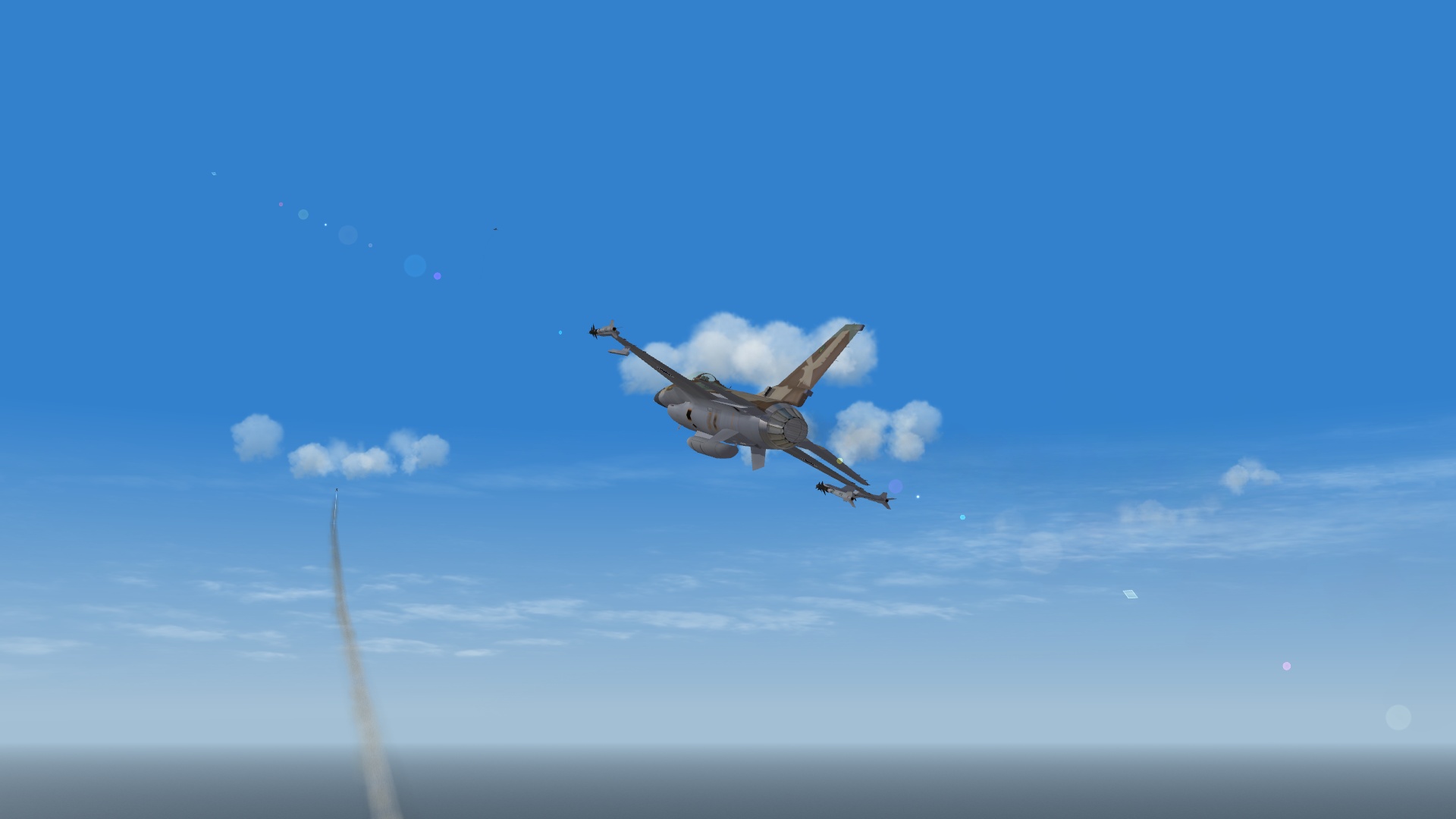
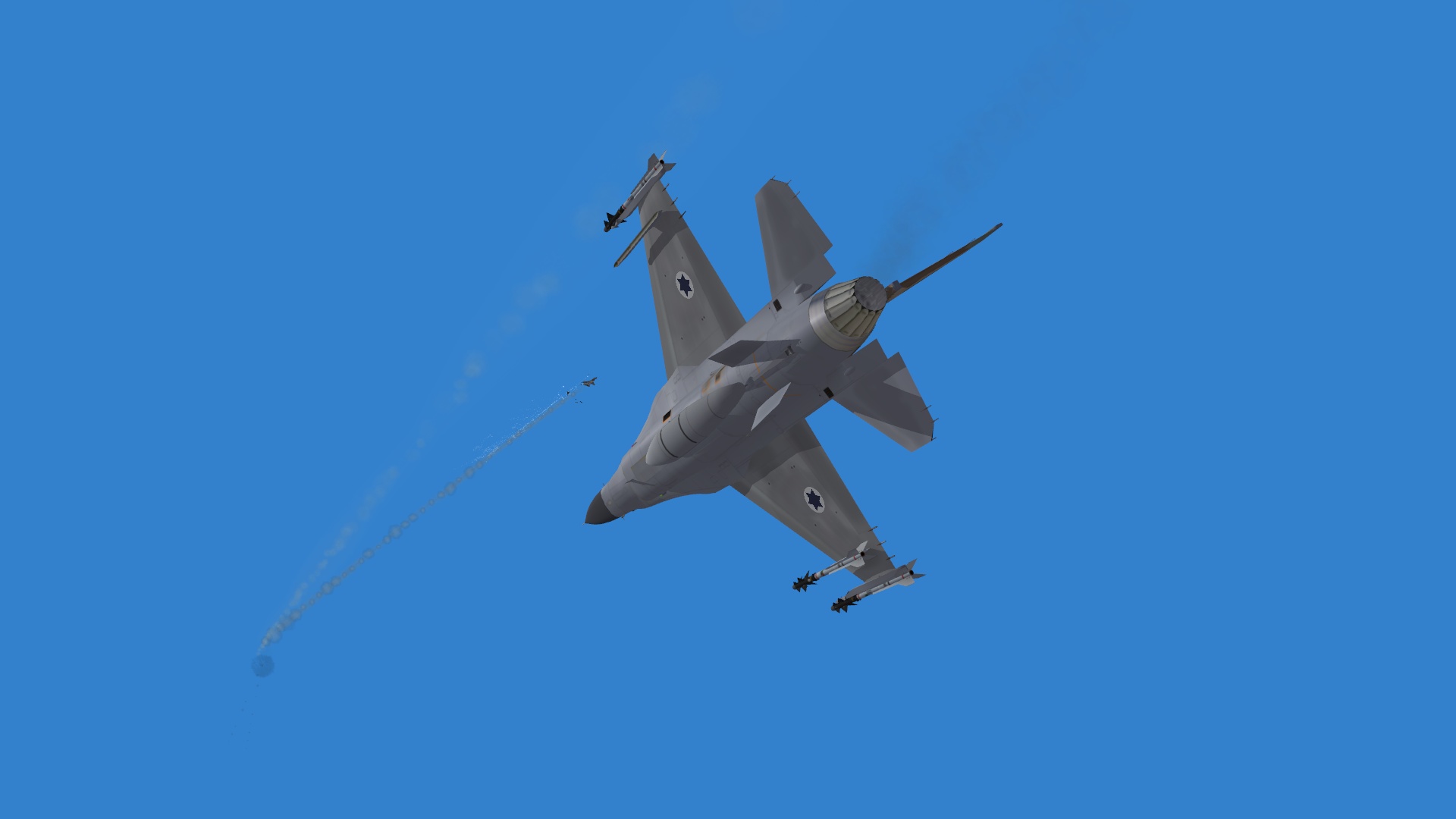
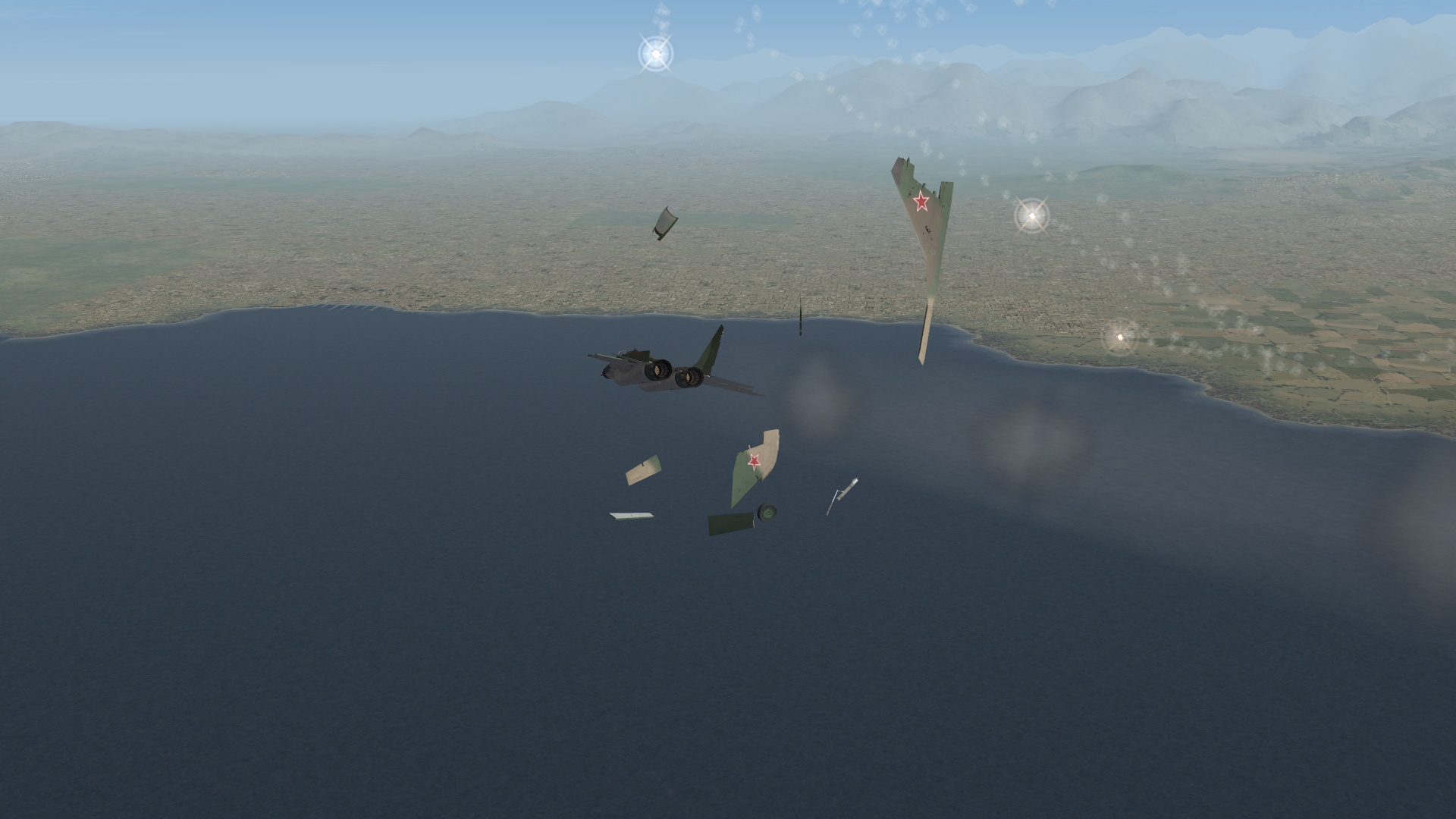
True but the thing is at a certain point the ASPJ on the Super Bug can jam the A's AWG-9 pretty good enough for a long range shot. The Phoenix Sealed ECCM version is very good at defeating the jammer so while I know I can beat any model in the knife fight it's got me cold BVR. And besides it's not to degrade the bird or any for that matter but in some cases I'm seeing some of the things debunked due to just newer aircraft being fielded. Me: F-16A Netz Blk 10 w/ 4 x Python 4 and gun, 1 x 300gal center tank Opponent: MiG-29C -CCCP mit gun Started off the same though before the actual merge I nosed down and brought my Python 4s to bear and could have fired (and probably missed). Did some floundering around a bit and passed by each other quite a bit. He lost sight of me so he extended outwards while I was heading away from him at full burner. Big mistake since by that time he turned back into me (lucky he had a gun or he would have gotten me cold with a heater shot) and I was going Mach 1.32... so I chopped the throttle slowing down and eventually I turned into him to get a good head on shot. Switched to the Pythons (I usually keep the gun most of the time selected so I don't get annoyed by the growl... yes I know you don't have to say it...) and locked and fired on him, killing him with a high off-boresight shot as he was actually above me when I fired.
-
Objects/Weapons folder. A lot of the stuff can be found out here too: http://combatace.com/forum/189-adding-weapons/ that has more information than I can say on how to get things working
-
Damn those Jags are so sexy, makes me want to fly one...
-
Agreed.
