Jump to content

yakarov79

MODDER
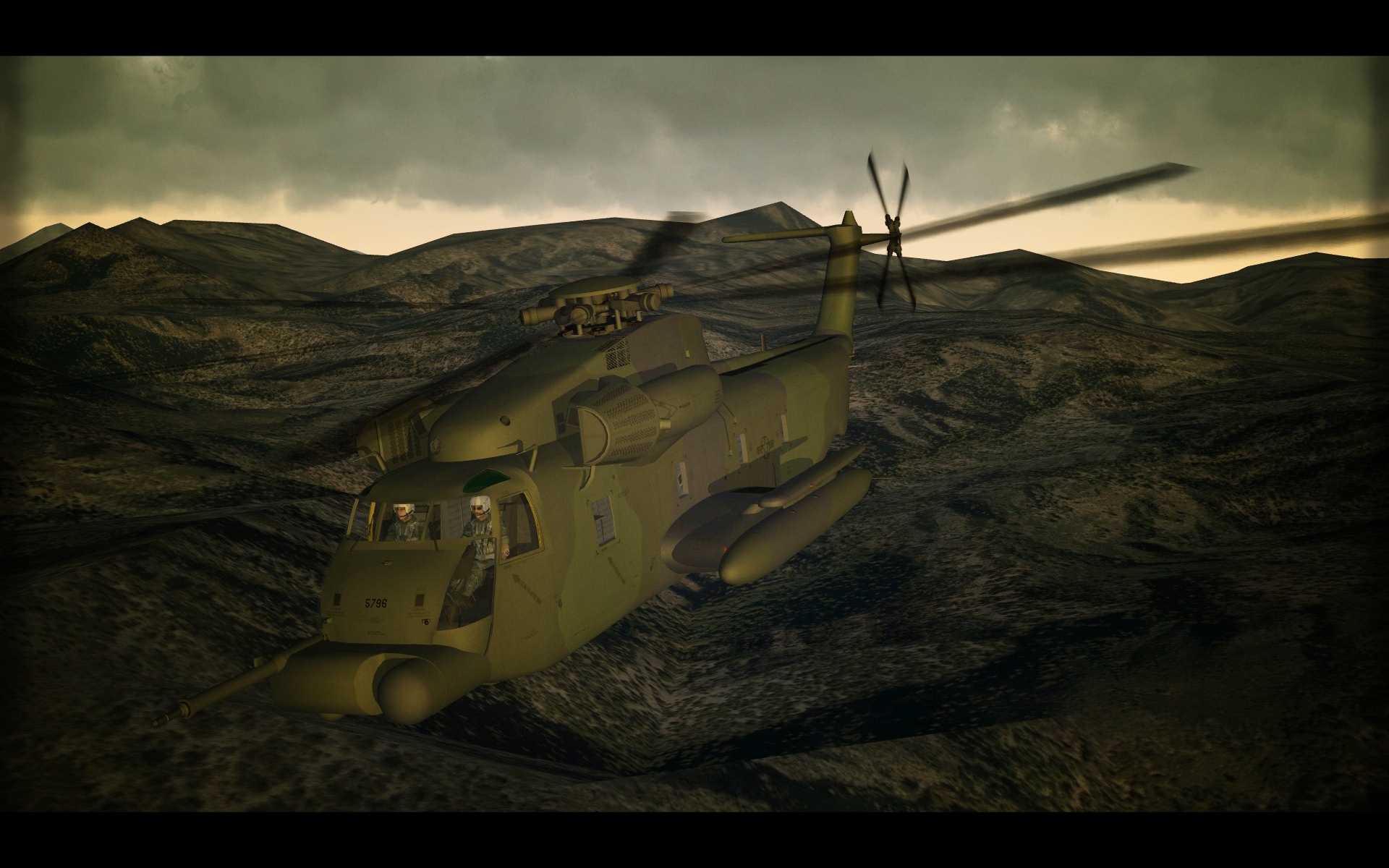
  • Posts

    3,432
  • Joined

  • Last visited

  • Days Won

    261

Everything posted by yakarov79

  1. Don't know why but maybe the problem is in graphics settings of your pc. you can try to resize skins. By default, I'm doing skins in 4096x4096 so the end user can resize to the desired resolution.
  2. Did you add in data in file of weapon (ecm pod) model name lines ? [WeaponData001] TypeName=ALQ-164 FullName=AN/ALQ-164 ECM Pod ModelName= HERE should be name of the lod. currently i don't remember how i named it ALQ-164 ? Mass=159.000000 Diameter=0.405000 Length=3.500000 But of course, you are not using it with my latest Harrier. As new one has pod built in the main model.
  3. I've just uploaded a new 3rd version of a file. (In fact it is 2nd version..but 2nd ver. was never released) Now BM and SM maps added. Small changes here and there. Reworked cockpit. Now it is more correct for Knife / Jolly Green Giant - probably no one cares or will see a difference. But anyway. Read info on the download page. If you have already an old version all aircraft folders must be deleted. After testing with overwrite some errors occurred. Decals/ weapons etc..are all fine. Aircraft must be replaced. kind regards.
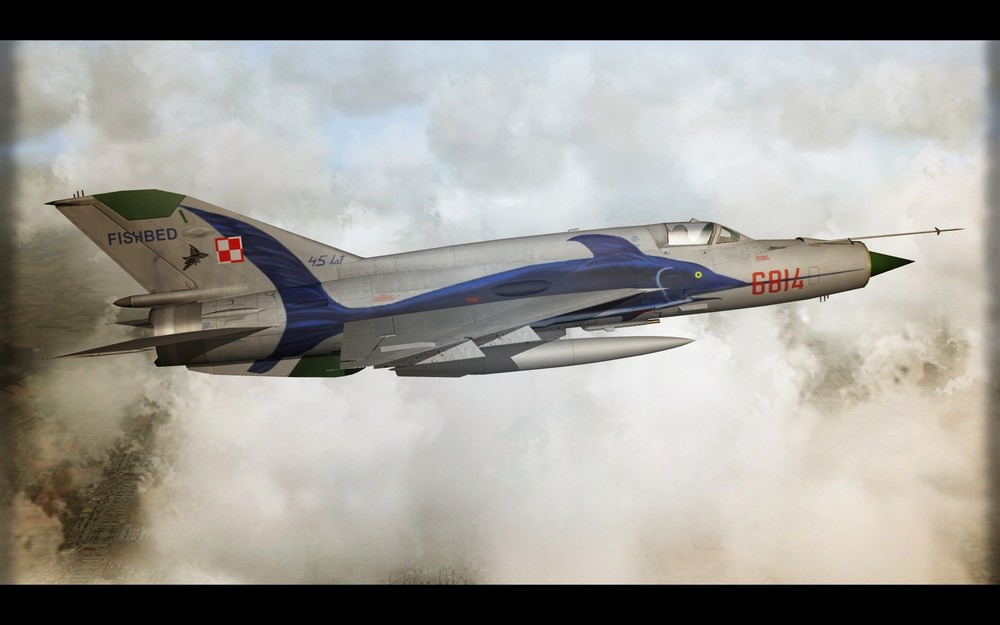
  4. Nose Arts !... Every air force is deadlier with nose arts!
  5. honestly...ask YAP. you paid for it so demand working product. Unless an error is on your side - like weapon names conflict etc... as for ALQ... 5 min mod...alq164.rar but you need to do skin on your own...
  6. or mosquito pit.. generally it is also a fast bomber. @UllyB keep it going. Thing is just a few modders here...and mostly lazzy ones. But seriously all of them are occupied by own projects....so convincing can be a challenge. I know someone who would do such a thing because it's fun but he is mostly into silly choppers and strange stuff...and for sure not on the red side of the game.
  7. early stage.
  8. So at the end of the day, you want to copy weapon or aircraft...or both..or anything. I'm impressed that someone still wants to help out (and actually do). With all effort of checking own data, copying it here etc. etc..probably for another time. Another thing is... this forum is great ..and yes possibly I've asked some stupid questions before here ...but really over years, I found everything in Knowledge Base. Just a matter of learning on your own.
  9. Still I think you shouldn't moderate by deleting posts... quite not ok.
  10. Yes, it does.
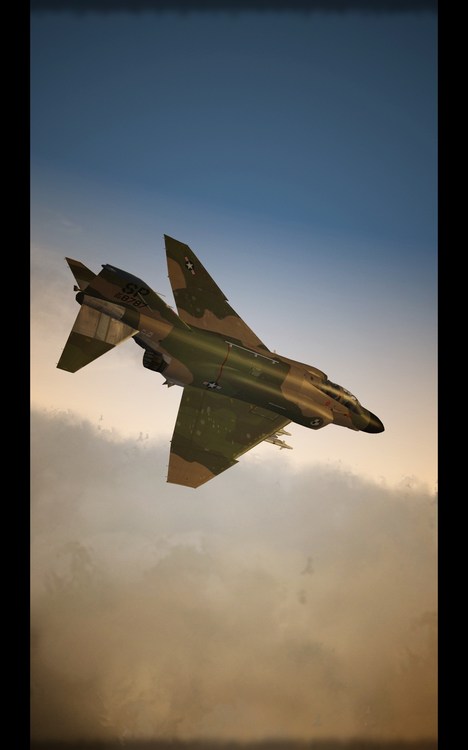
  11. Someone is moderating this ... or you are just removing your own posts? rename your Hangar screen jpg and then change the name of a file in ini file... It will help
  12. Is your *.ini file saved in UNICODE format ?
  13. Are you editing Ini file of aircraft ? In this case F15 baz ?
  14. maybe for start try something that is actually working like this: (BACKUP first your own stuff) then try your own modding skills. Amen.
  15. which missions ..because I'm bit confused now. ok to be clear and since you are talking about transferring to sf2 from sf1 .. so those are sf1 missions into sf2 ?
  16. some folder with some old files nothing important, it is not related to the game in any way.
  17. In objects folder, you need to create new sub-folder - Decals. And inside should be all decals in a proper location described in Decals ini of specific aircraft. Usually, modders are creating decals and putting it into a folder named same as aircraft/skin but don't need to be that way. Most important is a path in Decals ini. - that is in each skin folder. Example: Aircraft Decals entry in decals ini. [Decal001] MeshName=NoseFront DecalLevel=2 DecalFacing=LEFT FilenameFormat=AV-8B-NA_89/MODEX/2Num Position=5.75,-0.475 Rotation=0.0 Scale=0.7 DecalMaxLOD=3 [Decal002] MeshName=NoseFront DecalLevel=2 DecalFacing=RIGHT FilenameFormat=AV-8B-NA_89/MODEX/2Num Position=5.75,-0.475 Rotation=0.0 Scale=0.7 DecalMaxLOD=3 [Decal003] MeshName=FlapLeft02 DecalLevel=2 DecalFacing=TOP FilenameFormat=AV-8B-NA_89/MODEX/2Num Position=-1.1,-2.27 Rotation=0.0 Scale=0.42 DecalMaxLOD=3 [Decal004] MeshName=FlapRight02 DecalLevel=2 DecalFacing=TOP FilenameFormat=AV-8B-NA_89/MODEX/2Num Position=1.1,-2.27 Rotation=0.0 Scale=0.42 DecalMaxLOD=3 [Decal005] MeshName=Tail DecalLevel=2 DecalFacing=LEFT FilenameFormat=AV-8B-NA_89/MODEX/2Num Position=-6.7,2.4 Rotation=0.0 Scale=0.3 DecalMaxLOD=3
  18. go to terrain ini file and change date to desired and enjoy.
  19. Well it's winter...was snowing last few days. Seriously. As always I needed to tweak something here and there... so few clicks and ini editing, and I have 3 seasons imported from Korea terrain. Well, it was more than clicks as I needed to re-create new tiles for some areas, made few changes and a few new tiles.
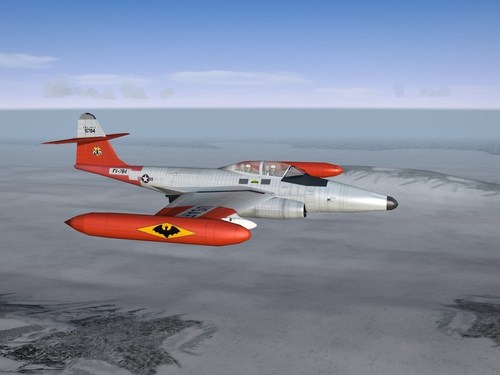
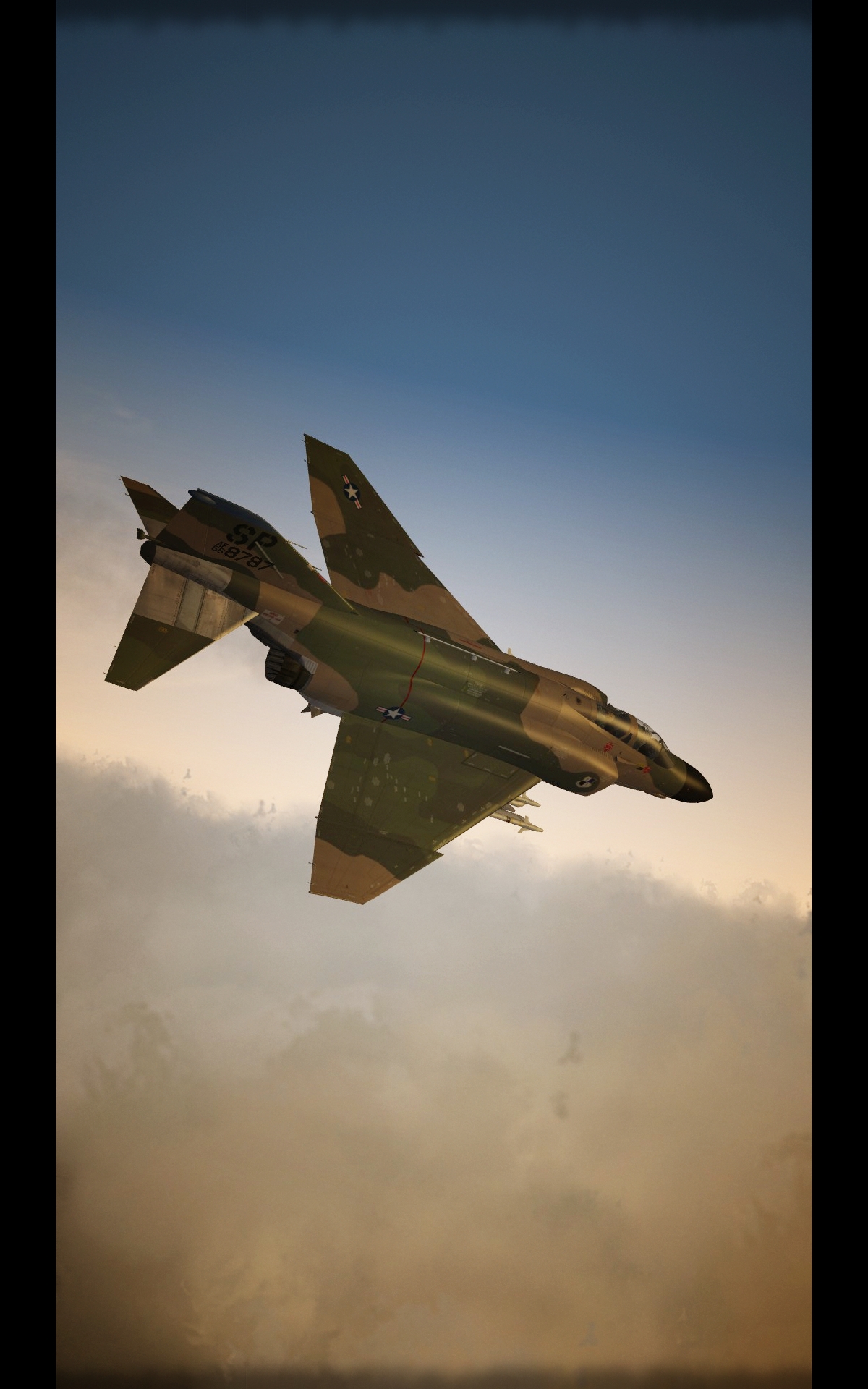
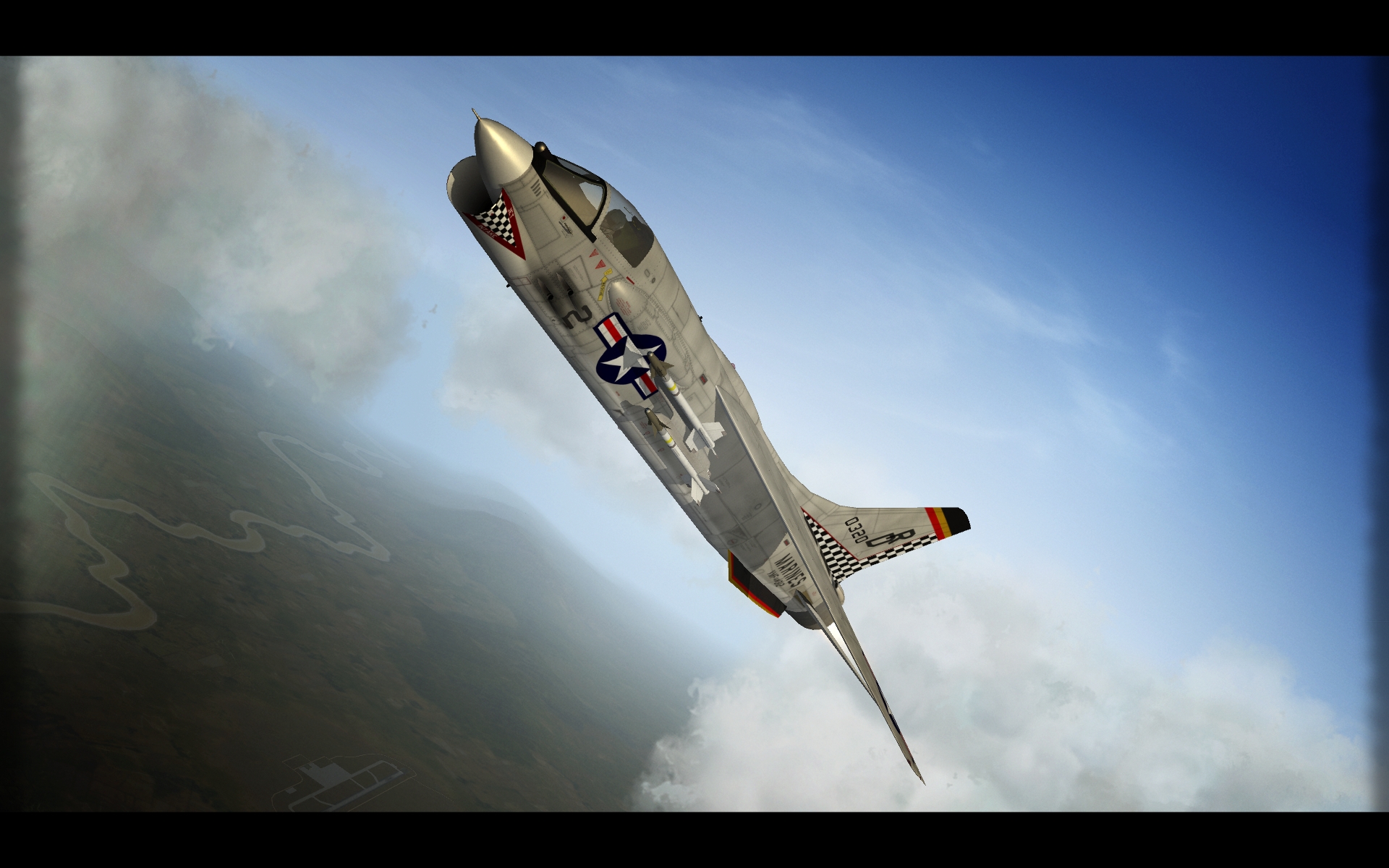
  20. View File F-101A & C VooDoo. SF.2 2019 Redux. Reworked pack of F-101A and C VooDoo. Generally old good VooDoo in new dresses. There are some small changes in data.ini files mostly in weapon stations section - so Backup your original file. You might not like it. Despite VooDoo is extremely sexy aircraft it is much useless. Unfortunately. It was designed to be something different but had to serve in a totally different role. Nuclear Strike Aircraft. Because I'm always doing mods my way - to fit my needs. I wanted to have squadrons that used "fighting 101". So the thing is...this is one aircraft - because squadrons contained a mix of A and C versions and this aircraft had very limited use I decided to make one aircraft to cover both A and C version. By default, I used A version limits. Anyway, differences were only in the internal structure of airframe. Airframe 54-1491 served as CO aircraft in 27th TFW. So in the early sixties, it will pop up in special markings for 78th, 91st, and 92nd squadrons. If you want separate aircraft A and C you will have to do it on your own. Decals/serials for C are marked in numbers.lst with 'dot' . All new skins in 3072x3072 resolution. New bump maps and specular maps. also in 3072.. plus decals to cover A and C models serial numbers. Pack contains 11 skin sets for early use by 27th TFW and then 81st TFW - all squadrons that ever used F-101A / C (from different time periods to cover years of usage). All new decals consisting of 95 serial numbers for block 20-35 of A version and block 40-55 for C version. Backup your original F-101 Folders. Also Decals! Pack also includes the Mk.7 Tactical Nuclear Bomb. New model quickly made for purposes of this pack. And an extra thing for squadron/wing geeks - set of skins for squadron hack. Credits: Original models ErikGen yakarov - skins / decals / some small ini tweak / Mk.7 model Soulfreak - original skin for an extra thing. Have Fun. May the VooDoo be with you. Jarek Hereda Submitter yakarov79 Submitted 01/27/2019 Category F-101
×
×
  • Create New...

Important Information

By using this site, you agree to our Terms of Use, Privacy Policy, and We have placed cookies on your device to help make this website better. You can adjust your cookie settings, otherwise we'll assume you're okay to continue..