Crusader
-
Posts
4,184 -
Joined
-
Last visited
-
Days Won
40
Content Type
Profiles
Forums
Gallery
Downloads
Store
Everything posted by Crusader
-
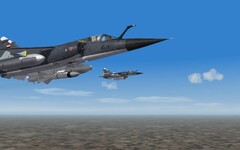
Mirage F1 avionics update info by The Mirage F1 Team
Crusader replied to Crusader's topic in General Discussion
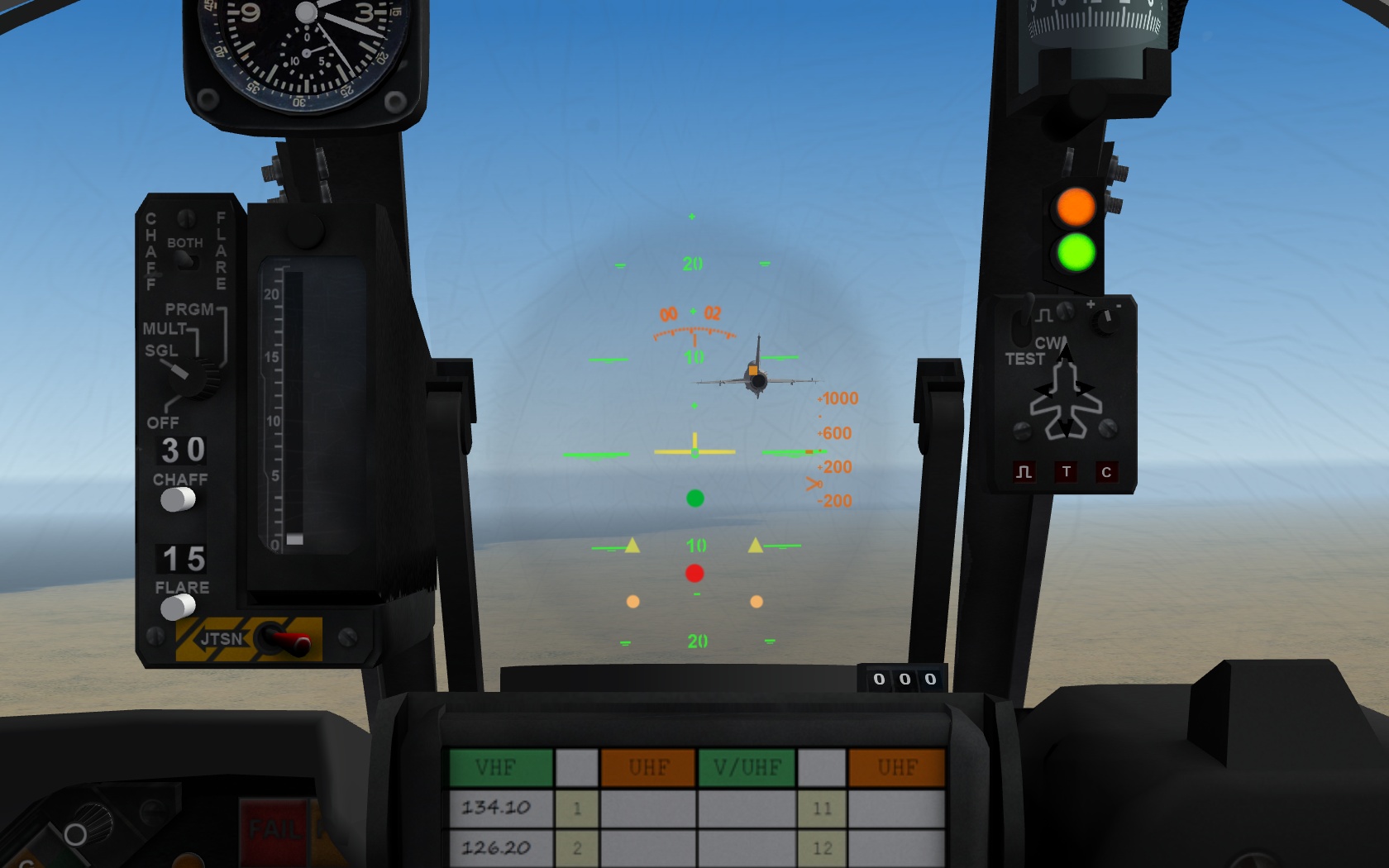
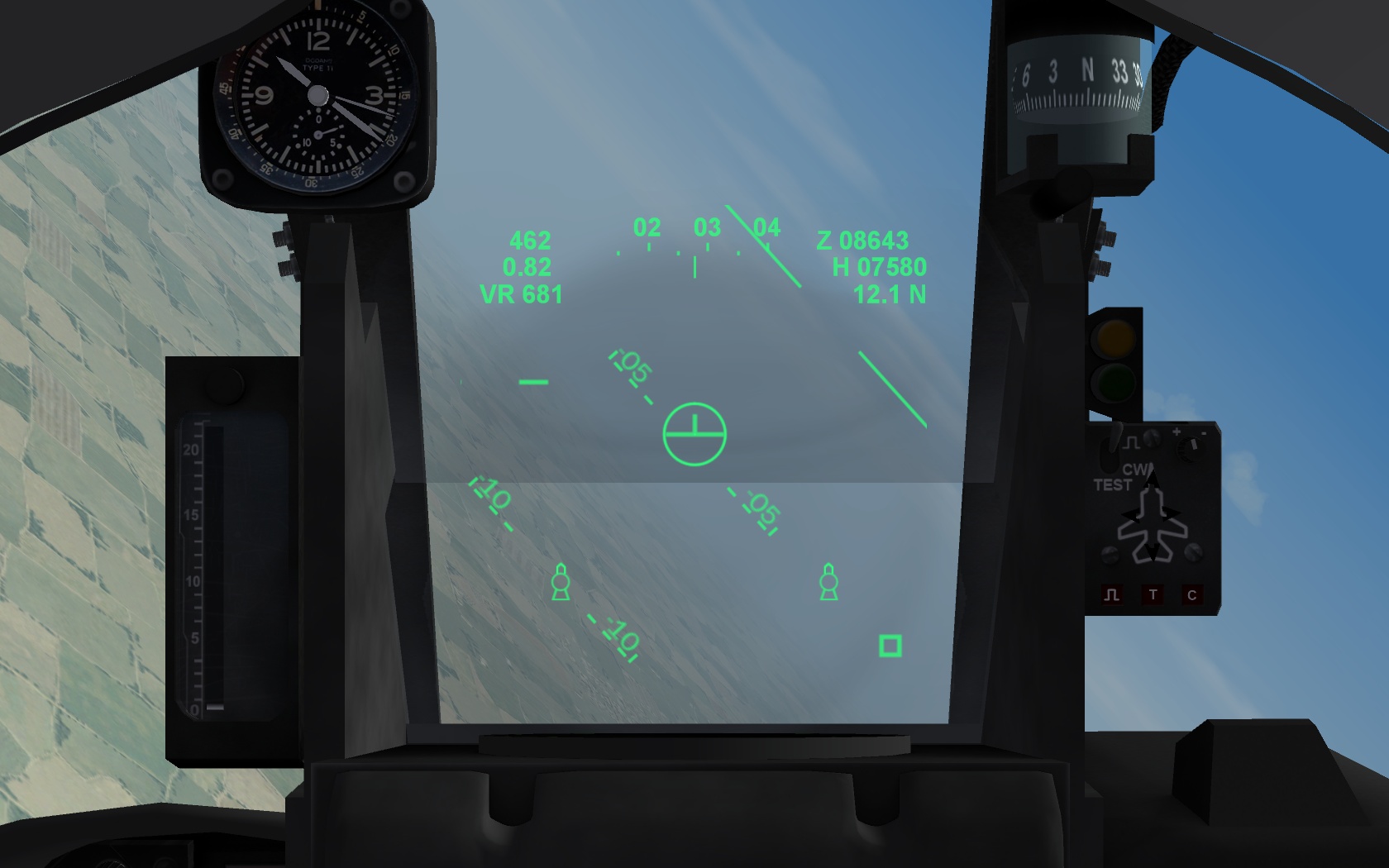
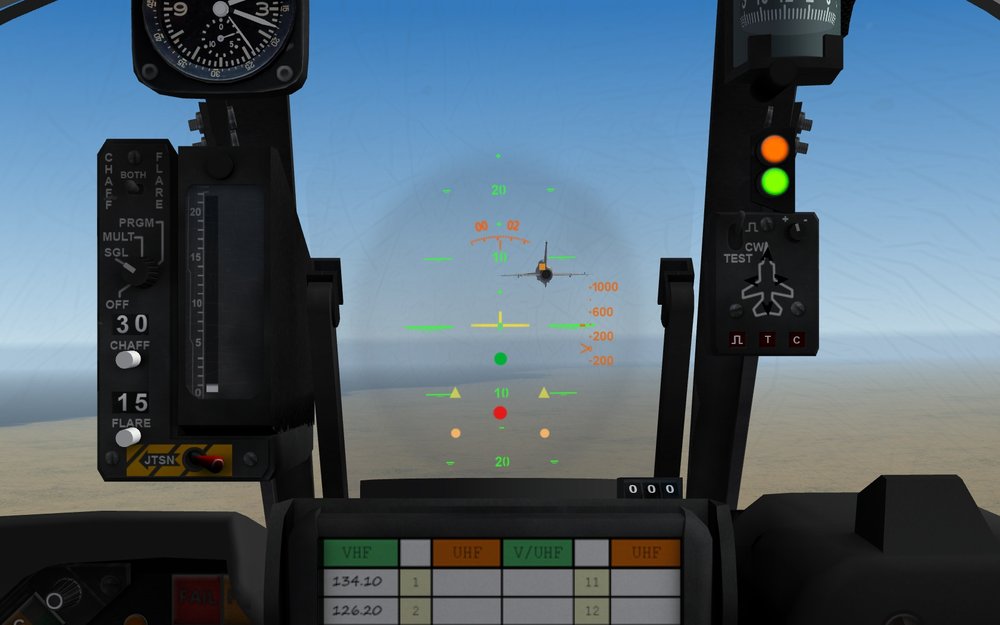
More updates are to be expected soon. There are some changes to the avionics of the F1C HUD type used by the FAF and many exported F1's. Changes compared to the last version from 2014: Nav mode shows - orange magnetic compass scale on top - green pitch ladder which rotates around HUD center New scaling, showing a bigger part of the pitch ladder in the HUD FOV - yellow Flightpath symbol Symbol changed to Vertical Velocity Indicator function - yellow baro altitude scale on the right - gunsight reticle is caged on HUD center gunsight reticle no longer displayed in NAV mode - "inverted T" centered symbol (also the radar boresight reference) A2A modes show Always - green pitch ladder which rotates around HUD center New scaling, showing a bigger part of the pitch ladder in the HUD FOV - "inverted T" centered symbol (also the radar boresight reference) with guns selected - gunsight reticle with default range of 500 meter without radar lock - orange magnetic compass scale on top, with radar lock this becomes radar range indicator, showing distance in NM if range is greater than 1 NM If range is closer than 1 NM the scale is changing to hundreds of meters - a small orange or yellow box is displayed to show target position within HUD FOV - yellow closure speed readout on the right, showing 000 without lock and positive or negative closure with radar lock Replaced, see below - orange closure speed scale displayed on the right, with radar lock only. Scale covers -200 kts to +1000 kts Closure speed is indicated by the moving > shaped caret with missiles selected - yellow radar range readout on top, showing distance in NM Replaced, see below - the orange compass scale/radar range indicator is now displayed with Radar and IR missiles, range indication same as with guns - yellow closure speed readout on the right, showing 000 without lock and positive or negative closure with radar lock Replaced, see below - orange closure speed scale displayed on the right, with radar lock only. Scale covers -200 kts to +1000 kts Closure speed is indicated by the moving > shaped caret - with radar missile the Flightpath (Now VVI) Symbol is displayed, this has the ASE function, center it/fly towards it to lead the target for a missile attack - a small orange or yellow box is displayed to show target position within HUD FOV - with radar lock and inside minimum range for missile launch, a red light/dot is displayed in the lower half of the HUD - if selected missile is within min/max range and launch G-limit, a green light/dot shoot cue is displayed below the center symbol - with missiles selected (radar or IR), two triangle symbols below the center symbol indicate missiles present, symbol is removed with no missiles left - if missile seekers are locked-on to a target, two orange lights are displayed below the triangle missile present symbols- 14 replies
-
- 11
-

-

-
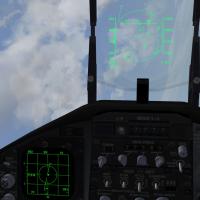 Do you mean visual accuracy (the 2-circle reticle for no-lock LCOS - not possible, only one reticle for A/A)) or gunnery accuracy ?
 -
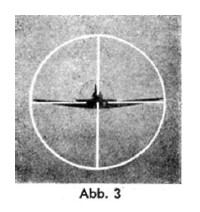
Ta 152 H-1 EZ 42 reticle
-
Battle of the Bulge terrain.......HELP!
Crusader replied to baffmeister's topic in World War II Forum
Best solution apart from editing the tod file. Ive edited only the alpha channel on my modified tga's, but... transparency doesnt work for buildings.. ugh. -
Battle of the Bulge terrain.......HELP!
Crusader replied to baffmeister's topic in World War II Forum
I join the experiments... TodFixPlease_bus+sign_poof(i hope).zip -
Super Hornet shoots down Syrian Su-22
Crusader replied to MigBuster's topic in Military and General Aviation
Lt Cdr Michael Tremel of the Strike Fighter Squadron VFA-87 ‘Golden Warriors’ http://www.savetheroyalnavy.org/up-close-with-a-us-super-carrier-and-the-pilots-fresh-from-combat-operations/ -
Its a chronicle of the Knights of the Orange Tail squadrons YKW missions By yaari, a WSO, he was shot down and rescued by helo.
-
One of the most "funniest" hitboxes of a stock game id the B-52 tailgunner.. the box is about 20 or so meter behind the tail .. and the kite has problems with the engine boxes and the fuselage too, iirc. And yes, I consider the bounding box values just a point to start with hit boxes I take a look at a stock jet similar to the one I want to fix/mod and the boxes on it, to have some consistency.
-
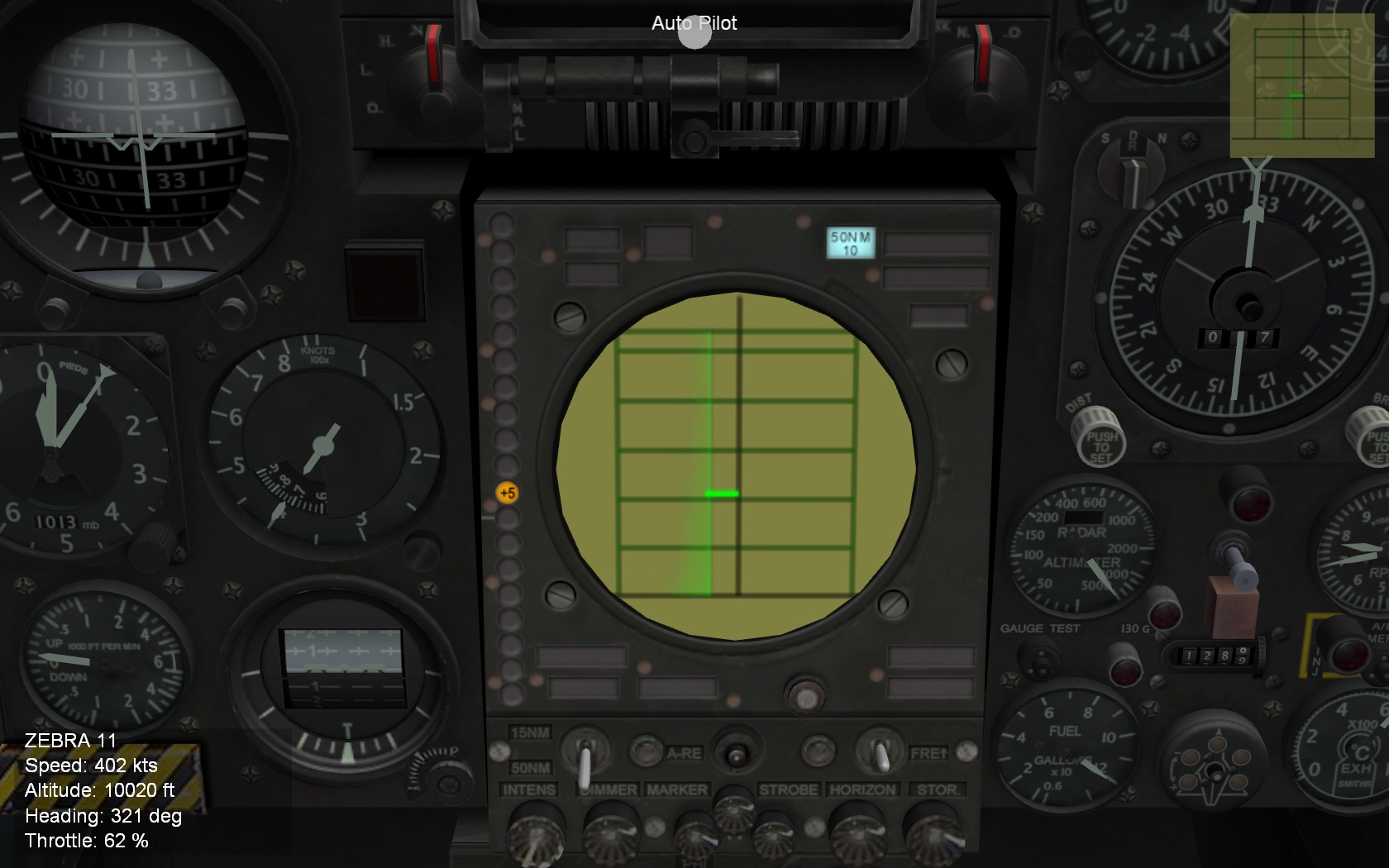
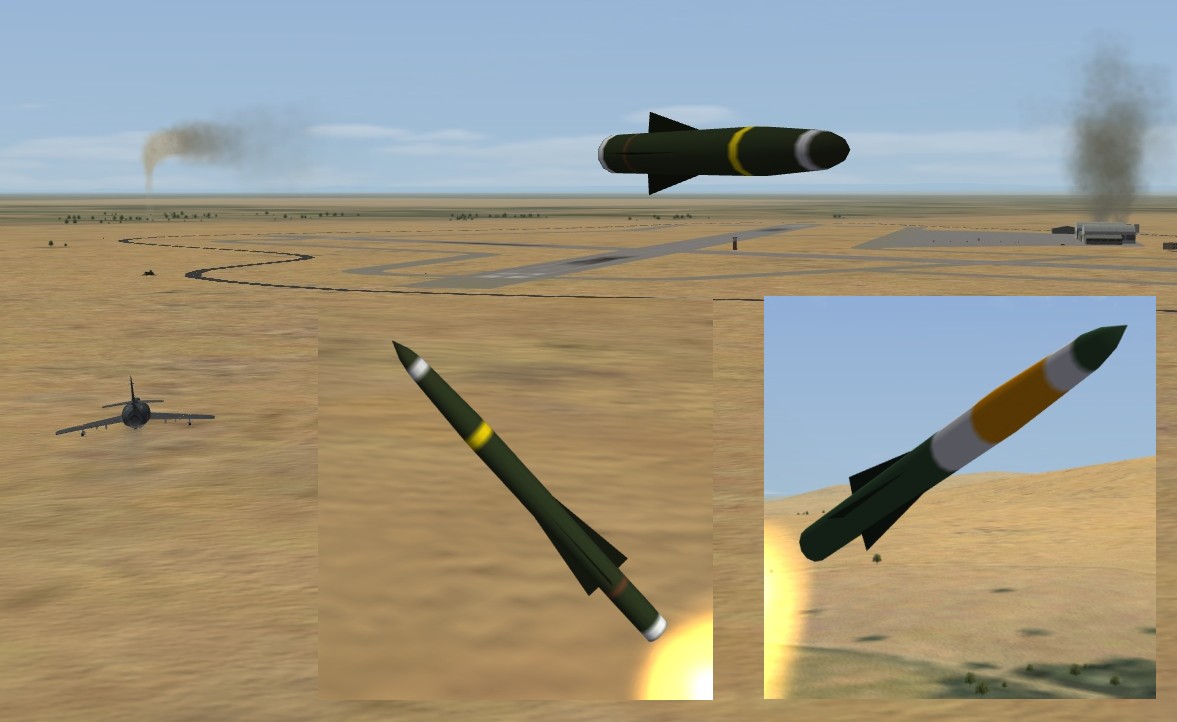
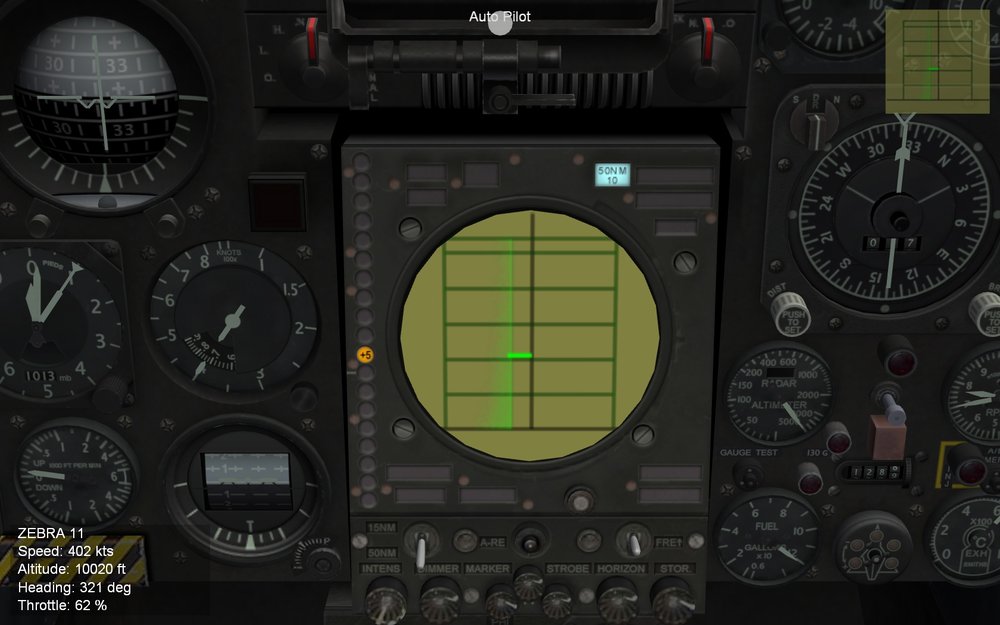
Another ongoing Mirage mod ... radar display More RPK Not just the D, the DE is in the AS.30 business too
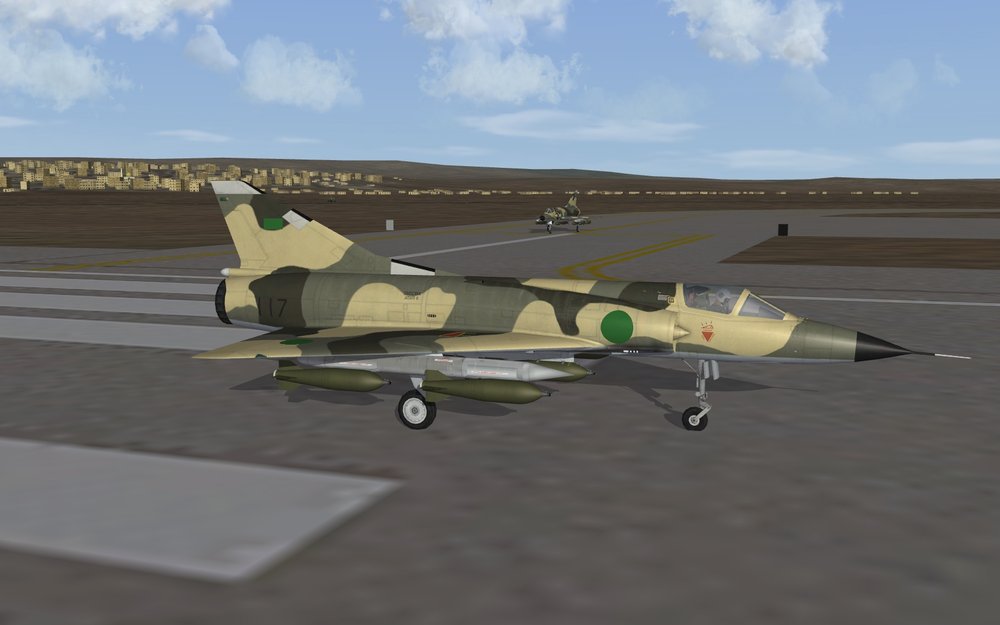
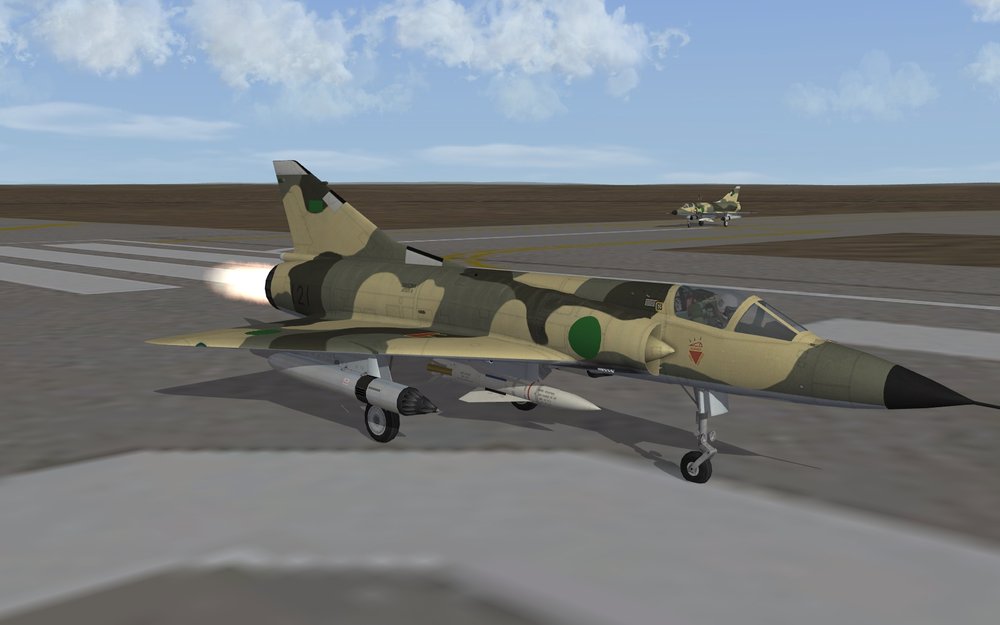
-
Compare the wing's StructuralFactor value of the two planes .. Animations are part of the lod files, cant be moved from one to another nor changed by ini edit
-
Uahh... what to do... so many lights .... and NOTHING about them in the manual!!! ... shoot... or not shoot.... hmmm ....
- 698 replies
-
- 15
-
-
-
bounding box is simply the absolute min/max extension points of a mesh You can pick these from the lodviewer , click on the line of the mesh in the left window and STRG+C to copy then STRG+V to insert into the ini. Needs only small manual cleanup to remove brackets and put the 2nd value into place hit box is the min/max of a component or system , the bounding box values can fit (for components), for systems (fueltanks, pilot, guns, etc) they usually require "custom" min&max values to closely define the position
-
Ah.. the limit entries is a SF2 thing... You can set up a campaign with the planes you want to fight against Or for quick setups, use the Dogfight tool
-
No problem... This entry moves Tube01 mesh 1 meter down (Z-axis) [Move_Sight2_Z] Type=AIRSPEED_INDICATOR NodeName=Tube01 MovementType=POSITION_Z Set[01].Position=-1.0 Set[01].Value=0.0 Set[02].Position=-1.0 Set[02].Value=1.0 HUD mesh which is a child of Tube01 is counter-moved 1 meter up to put it back in the original place The mesh has a different orientation/axis, thats why Y-axis is used to move it [Move_Sight3_Z] Type=AIRSPEED_INDICATOR NodeName=HUD MovementType=POSITION_Y Set[01].Position=1.0 Set[01].Value=0.0 Set[02].Position=1.0 Set[02].Value=1.0 Example is from a cockpit mod of the TMF F-5A cockpit to give it the Canadian CF-5A instrument layout (as close as possible)
-
I made a cockpit mod where I had the same issue, wanted to move a mesh which happened to have sub-mesh which should stay in place. The solution was simple, I moved the mesh in question down(in the specific case) and then counter-moved the sub-mesh parts back up to the original position! For ground objects, one way to "hide" (depending on the model/lod anchor points) a part is to use the missile launcher function (with a fixed, non moving default elevation/rotation) to turn the mesh in question out of sight .... and then counter-elevate/rotate the sub-mesh with a 2nd launcher .... results may vary!!
-
The devs must have had fun programing the UNI and the other French avionics specialties
-
Who's having fun with the Mirage jet ? It isnt fully finished yet, afaik.
-
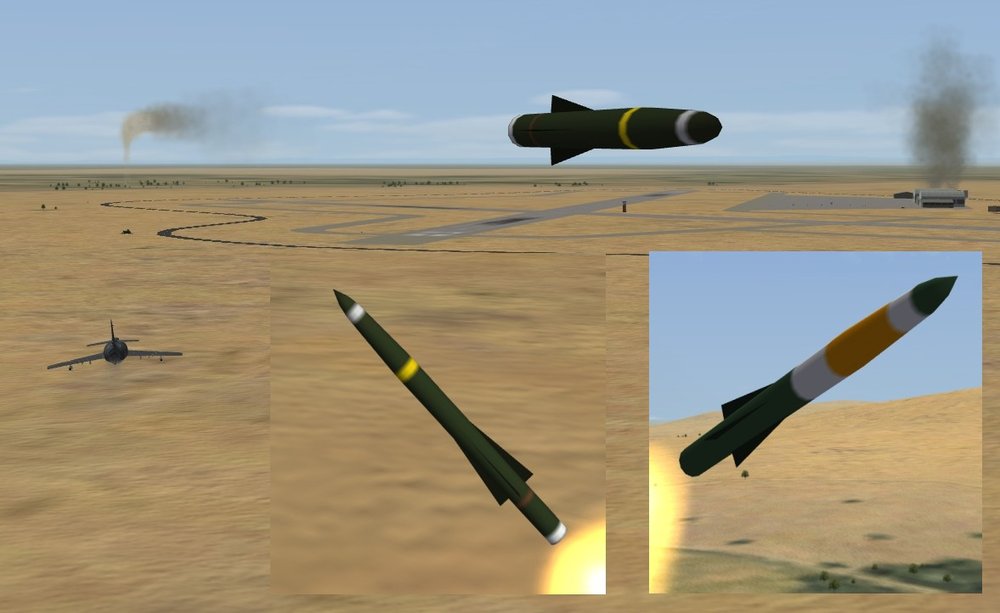
Absolutely hi-res (64px) !!!! The orange-color marked test round ... it had to change! Updated skin in the colors of a live round. roland.zip
-
It was a game-generated mission and I didn't save it. IIRC, it was Benghazi - Cairo, ~ 700 km one way. Played it completely (with time accel.) and landed with ~1800 liters fuel left. #2 was a bit lower on fuel.
-
And more https://www.dvidshub.net/feature/lightattackexperiment
-
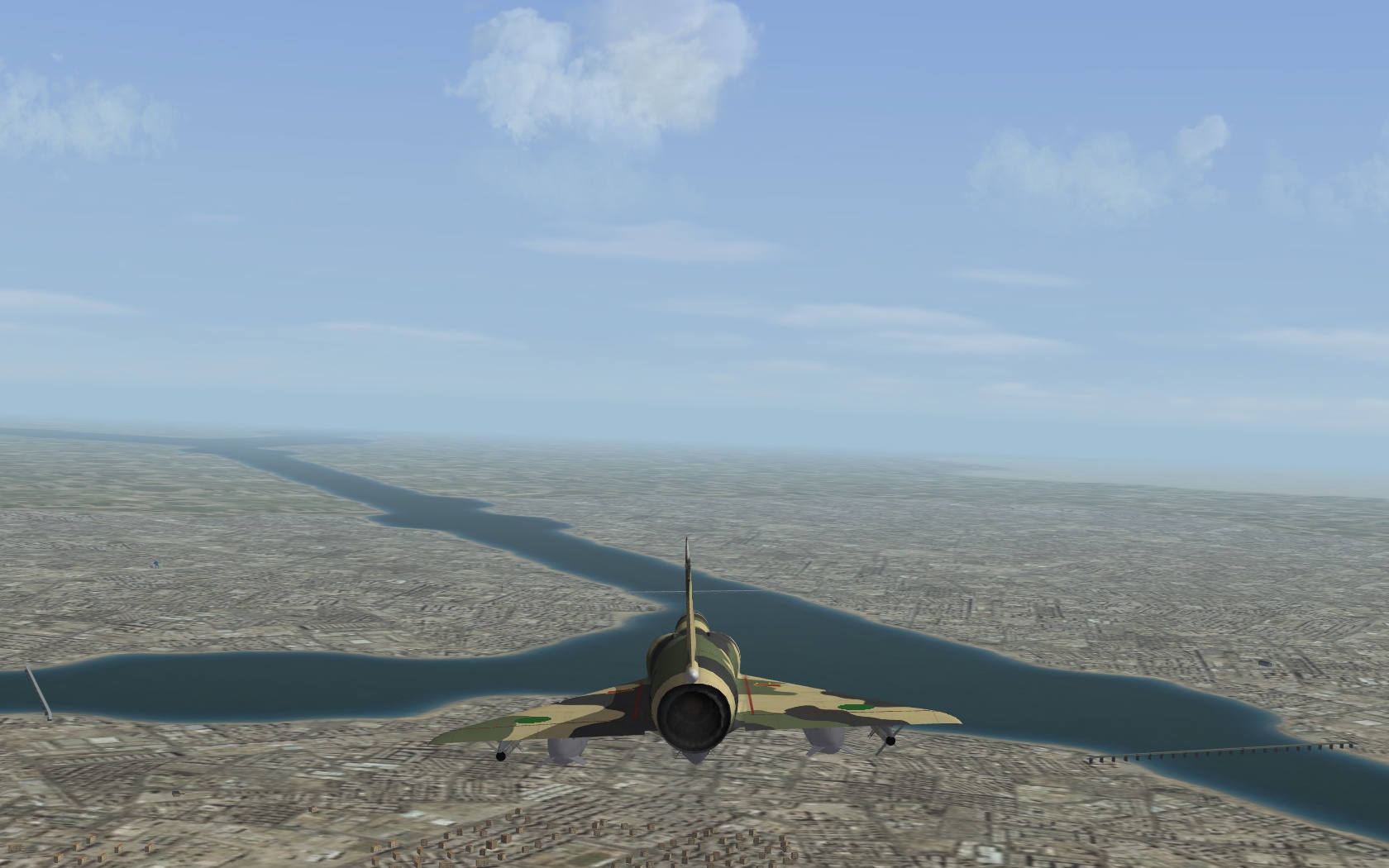
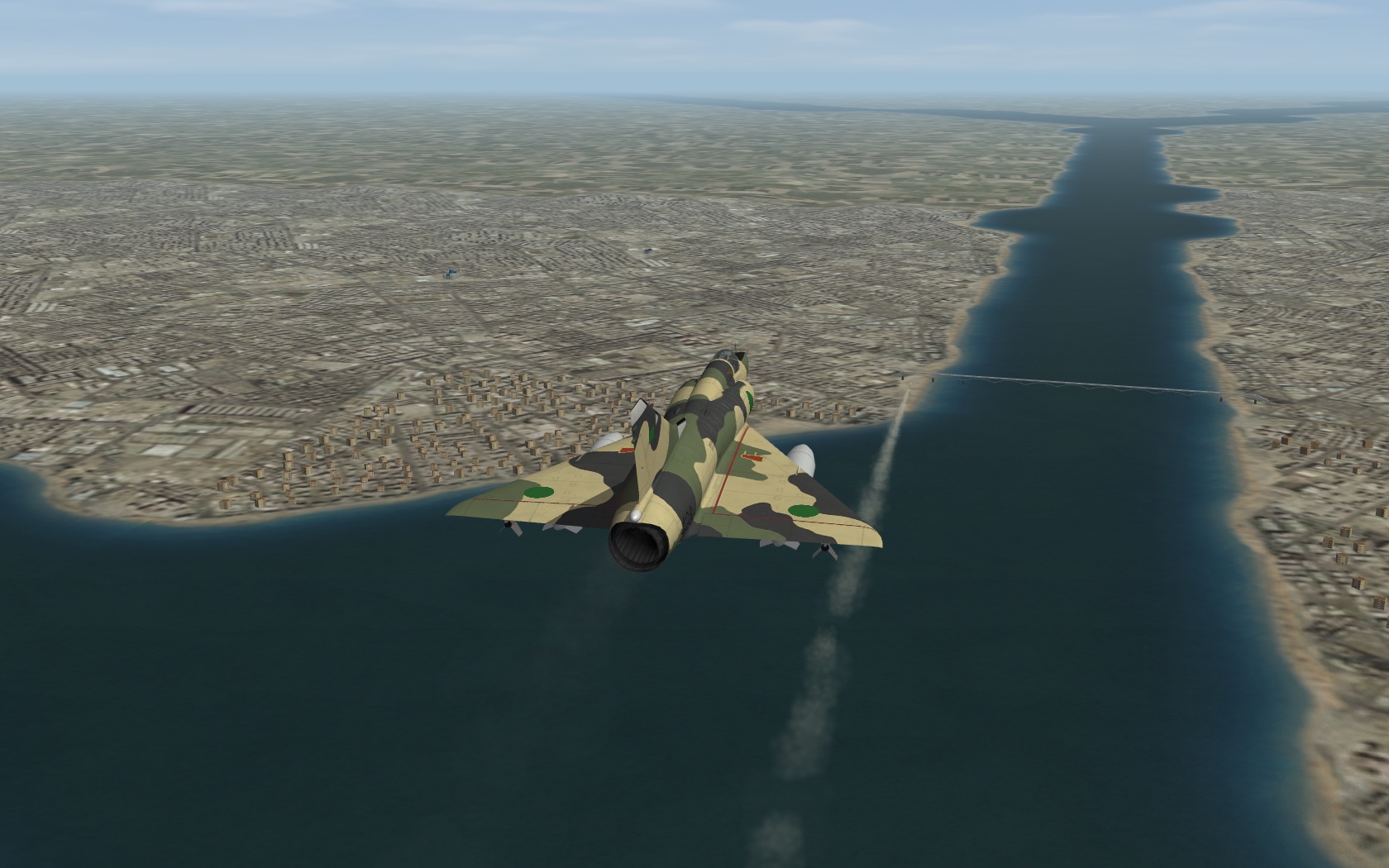
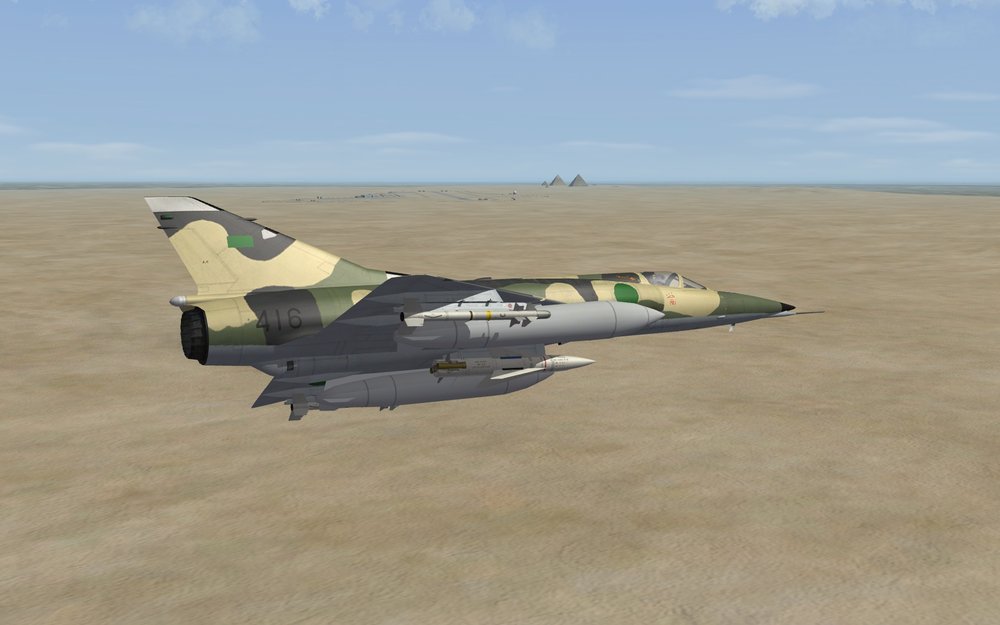
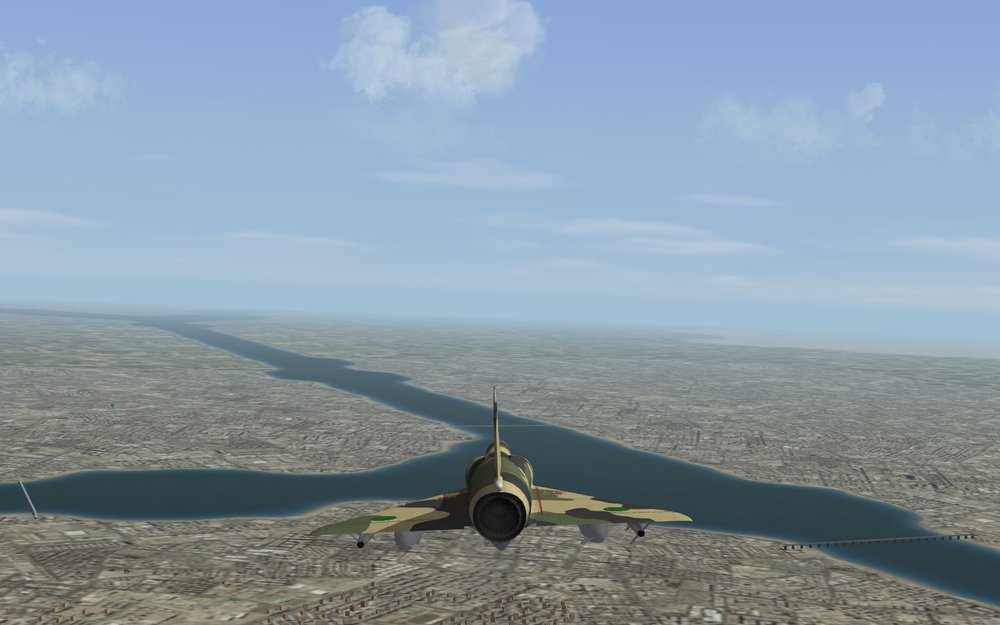
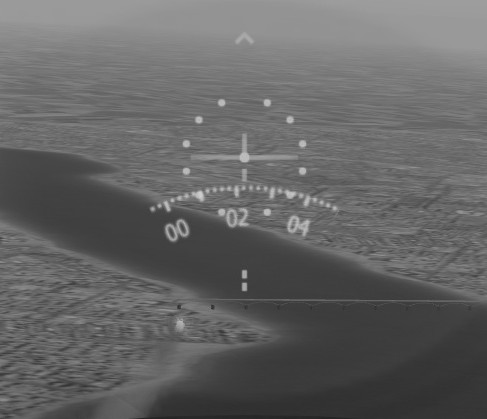
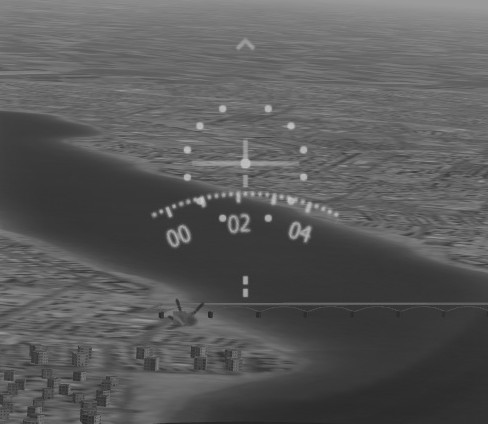
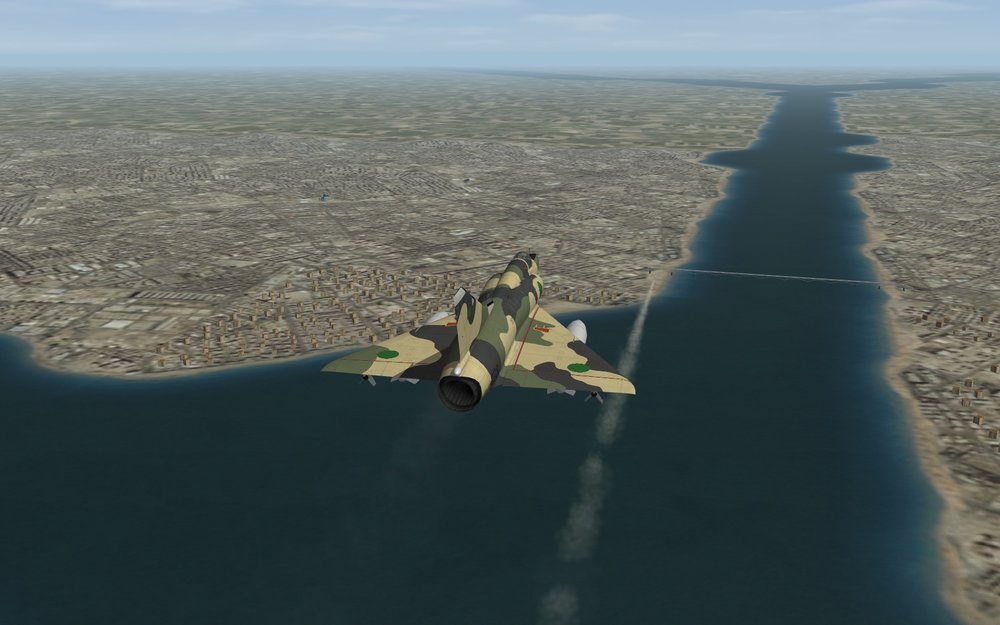
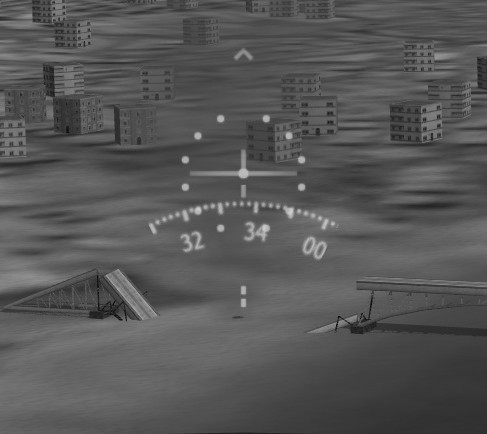
Another uninvited visit to Cairo... Revealing another capability of the Mirage 5D ... Target: Western bridge ramp Firing ..................................................................................................................................... missile failed! So time for #2 to attack... And lead made a 2nd run over the tgt to capture the result Fin.
- 398 replies
-
- 15
-
-
-
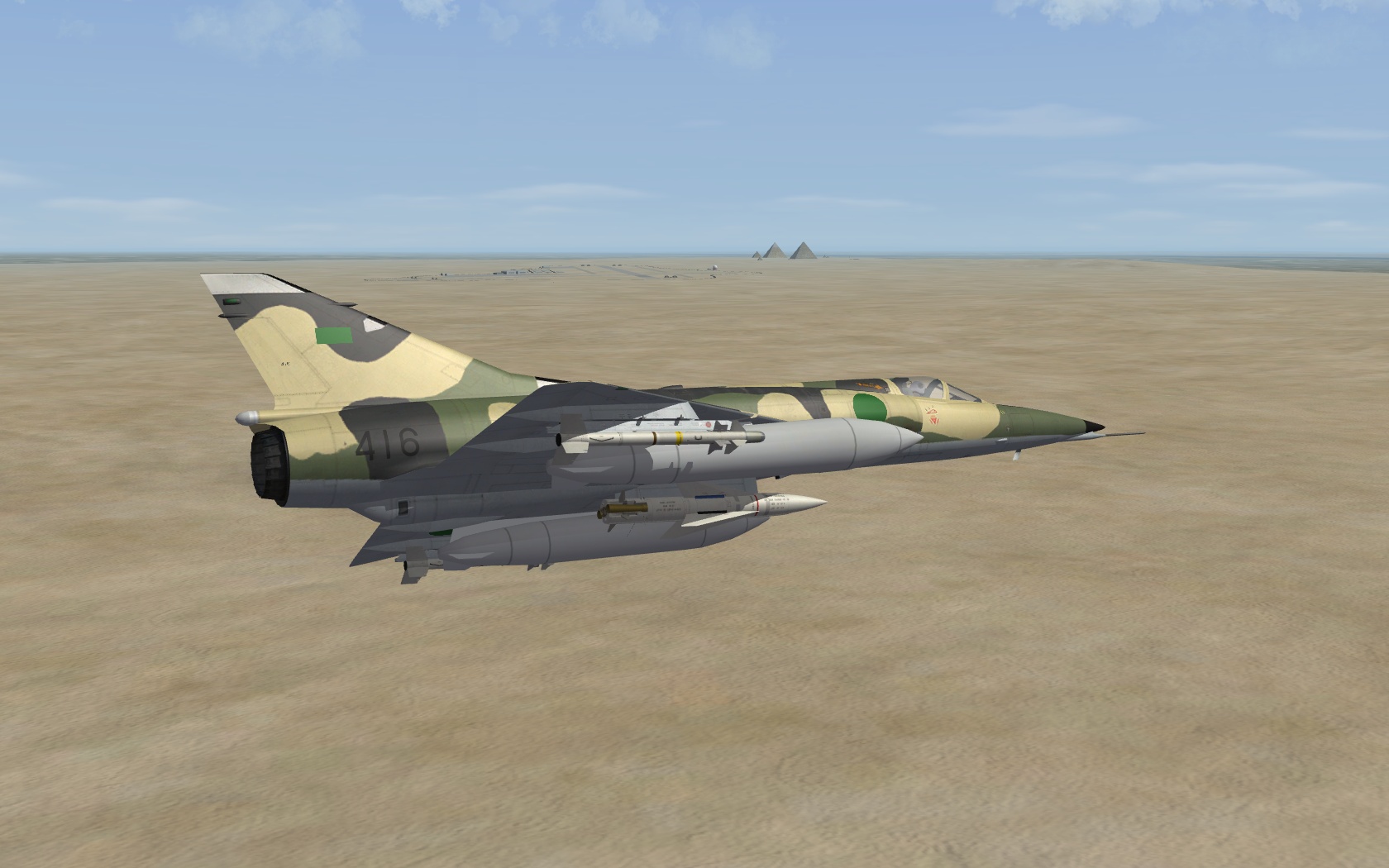
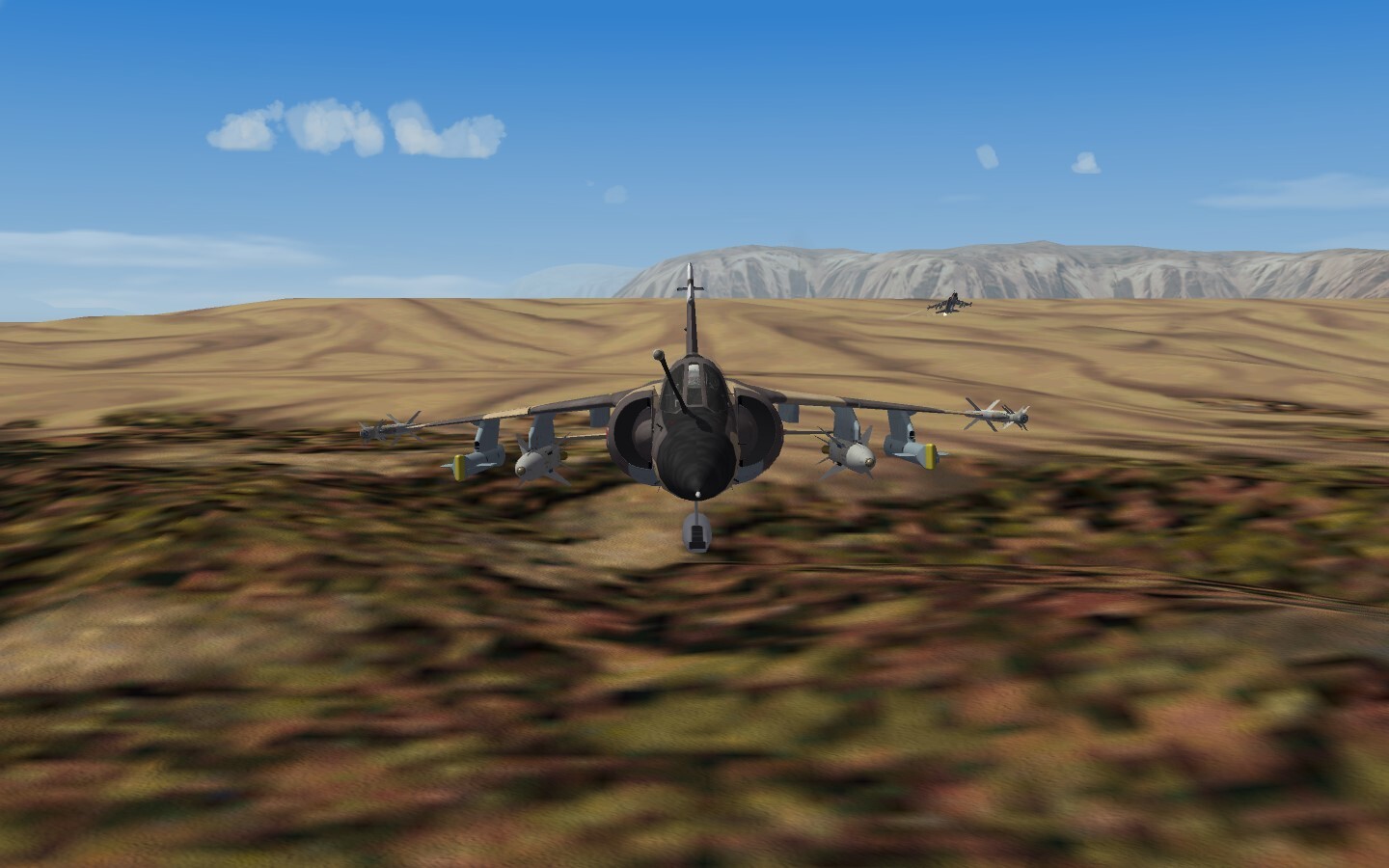
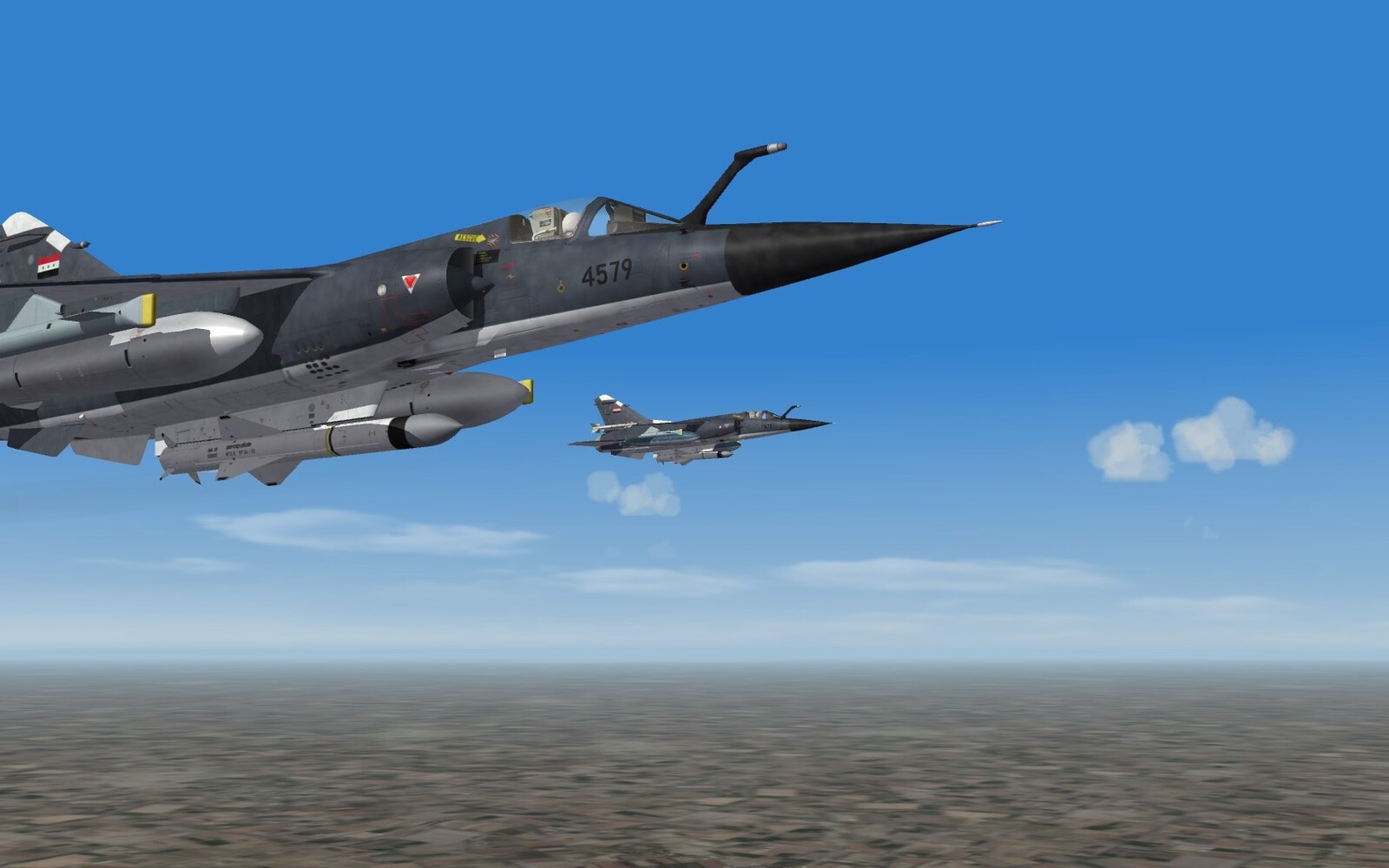
Eastern Mediterranean (slightly modified) is an ideal Delta Mirage playground with both Libya and Egypt using the jet...and a good bunch of MiG's filling in as extras
-
It is, thanks!
-
Updated to v1.1, see change-log for details.