Wrench
-
Posts
27,973 -
Joined
-
Last visited
-
Days Won
163
Content Type
Profiles
Forums
Gallery
Downloads
Store
Everything posted by Wrench
-
iirc, yes.
-
AWESOME!!!!
-
I think they got move elsewhere, so I put them back
-
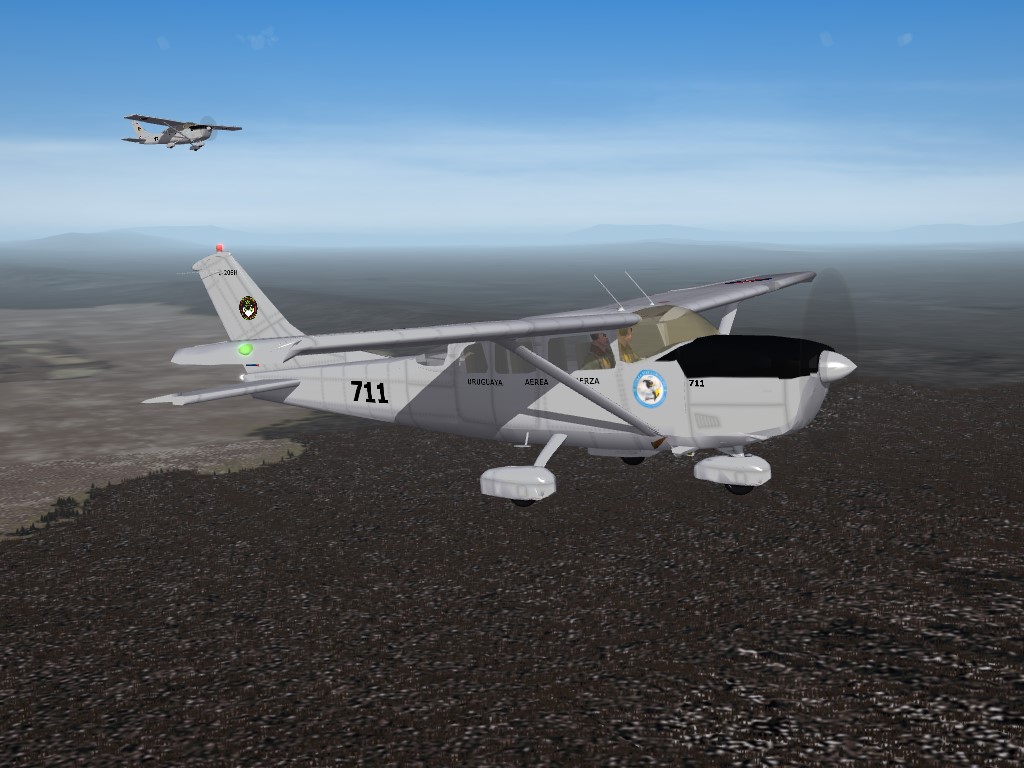
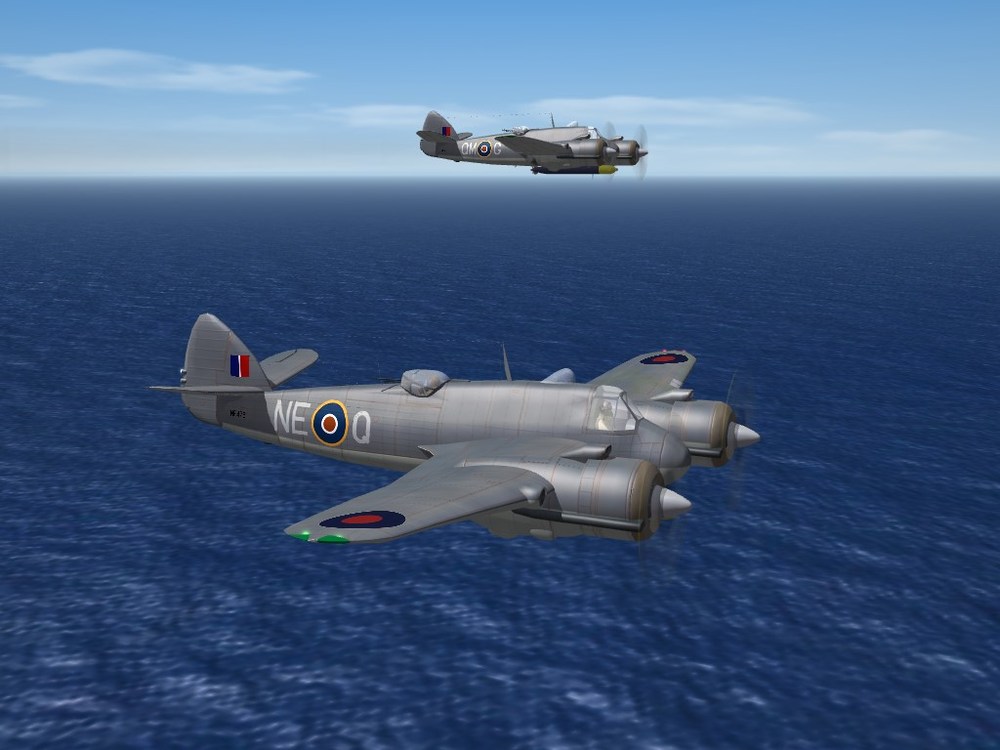
the argentine modder group. under slow development (see spanish language forums) REQUIRED screenshot
-
are the cities I placed still attached to their Thai airfileds??
-
should be right here:
-
Yup, our AC-47s, AC-119s, AC-130s all just fly around like a bunch of dopes as a reminder to dsswan, we've had the AN-12 in this game since 2003, when it first came out. (how can you not know that?)
-
took the words right out of my fingers, Jarek!
-
 no, i'm not a 3d modeler. We have the Gnat/Ajeet, but the model has somewhat "fucked up " animations for the speed brake/gear door. as to the other, I do't work on DAT shit
 -
Version 1.0.0
119 downloads
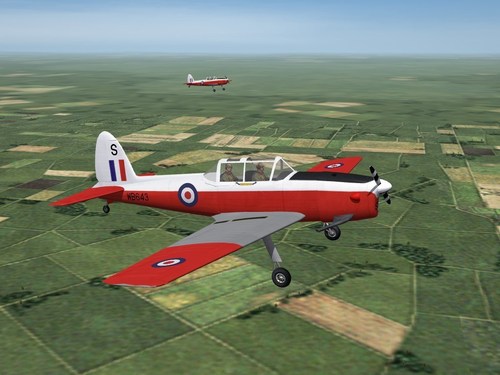
SF2 DHC-1 Chipmunk Pack 2/25/2020 -For SF2, Any and All (Full 4/5 Merged Reccomended, plus Exp 1) This is a remake & reissue of the the DHC-1 Chipmunk trainer aircraft first released in 2008 by "Big Al". It has been reworked to bring it more into compliance with SF2 standards, as best as possbile. Be advised, there are a number of issues & flaws; they are enumerated in the "Notes" section. This is the full aircraft, with all necessary parts. The skin maps, still in bmp format, have been slightly repainted to allow the use of decals for insignia, 'plane-in-squad' letters and serial numbers. Serial numbers, while historically accurate for the version depicted, should be considered generic in nature. Decal randomizaion is TRUE. As exported is TRUE, a user list has been created. It does not list all the Chipmunk's export users. End Users (tm) are encouraged to fill it in as needed. While this is an exceptionally old model, the canopy does work via standard manual animation keystroke (Shift/0 -zero). Expansion Pack 1 is required for the destroyed model (Spitfire). If you do not have it, you'll have to find another to use in it's place. As is always reccomended, unzip to a temp folder or your desktop to give easy access to the rest of this readme for it's install instructions. Please see the "Notes" section for a list of changes to make the aircraft more SF2 compliant, and certain other explinations. The original release readme, from 2008, is included within the aircraft's main folder. Happy Landings! Wrench Kevin Stein -
View File SF2 DHC-1 Chipmunk Pack SF2 DHC-1 Chipmunk Pack 2/25/2020 -For SF2, Any and All (Full 4/5 Merged Reccomended, plus Exp 1) This is a remake & reissue of the the DHC-1 Chipmunk trainer aircraft first released in 2008 by "Big Al". It has been reworked to bring it more into compliance with SF2 standards, as best as possbile. Be advised, there are a number of issues & flaws; they are enumerated in the "Notes" section. This is the full aircraft, with all necessary parts. The skin maps, still in bmp format, have been slightly repainted to allow the use of decals for insignia, 'plane-in-squad' letters and serial numbers. Serial numbers, while historically accurate for the version depicted, should be considered generic in nature. Decal randomizaion is TRUE. As exported is TRUE, a user list has been created. It does not list all the Chipmunk's export users. End Users (tm) are encouraged to fill it in as needed. While this is an exceptionally old model, the canopy does work via standard manual animation keystroke (Shift/0 -zero). Expansion Pack 1 is required for the destroyed model (Spitfire). If you do not have it, you'll have to find another to use in it's place. As is always reccomended, unzip to a temp folder or your desktop to give easy access to the rest of this readme for it's install instructions. Please see the "Notes" section for a list of changes to make the aircraft more SF2 compliant, and certain other explinations. The original release readme, from 2008, is included within the aircraft's main folder. Happy Landings! Wrench Kevin Stein Submitter Wrench Submitted 03/05/2020 Category Other
-
- 2
-

-

-
yes, as has been stated several times above -- they are all seperate buttons -- and cannot be used all at once 1) select guns - fire 2) select missile (sidewinder, sparrow, phoenix) allow/wait for lock fire all different funchitons, requireing different buttons so, map your stick accordingly
-
don't even freeking remind me of WW2 nose arts .... (how many hundreds have I done, and mostly matched to plane and serial???)
-
wait a sec ... you mean to say that gameplay isn't realistic!!!!????
-
another one salvaged...amazing what one can find while cleaning house...
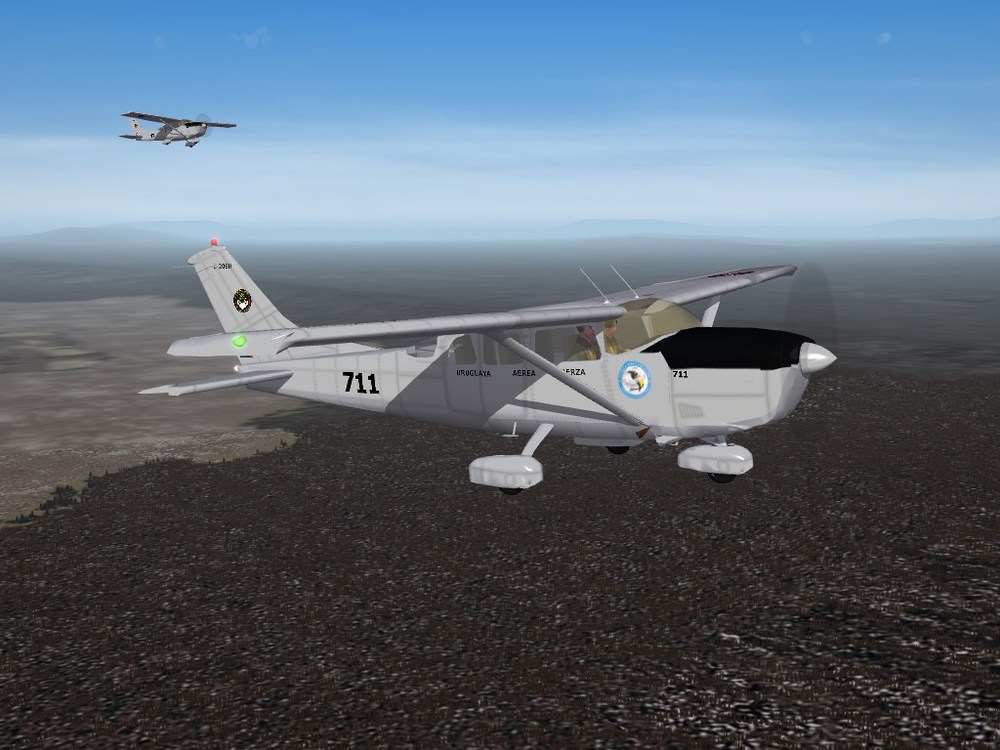
- 471 replies
-
- 10
-
-
-
I wouldn't even worry about it. IME is the only one, of ALL terrain -stock and add ons- that has one. And they all work fine. Trust me
-
here ya go
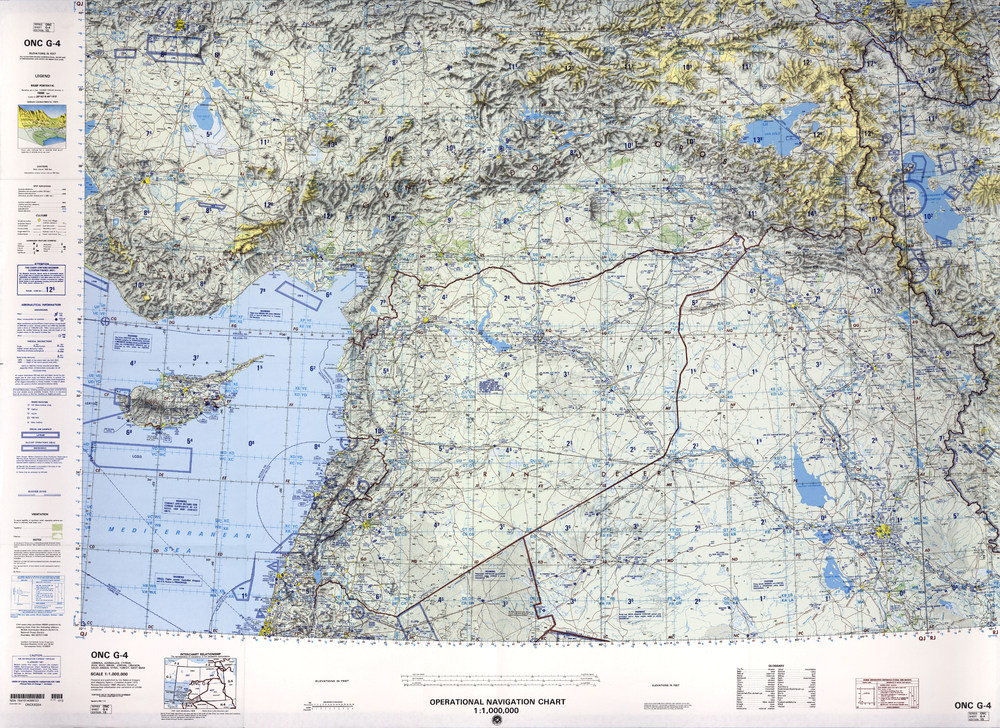
-
ah, yeah. you're placing them in the core install which is never to be touched. You need to put them in the mods folder Might I suggest reading the relevant posts in our Knowledge Base. and perhaps, re-reading any and all included readmes. They contain the install instructions.
-

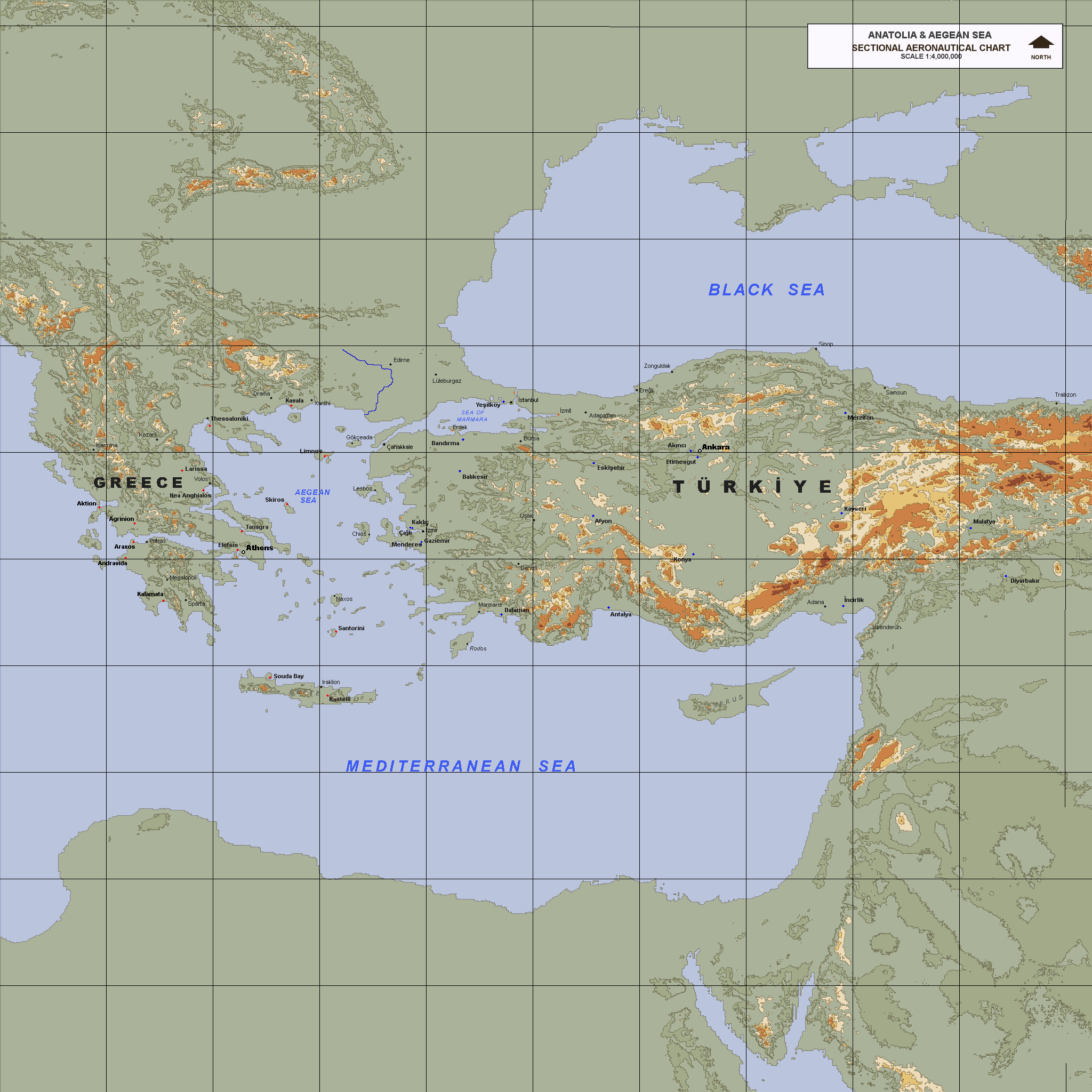
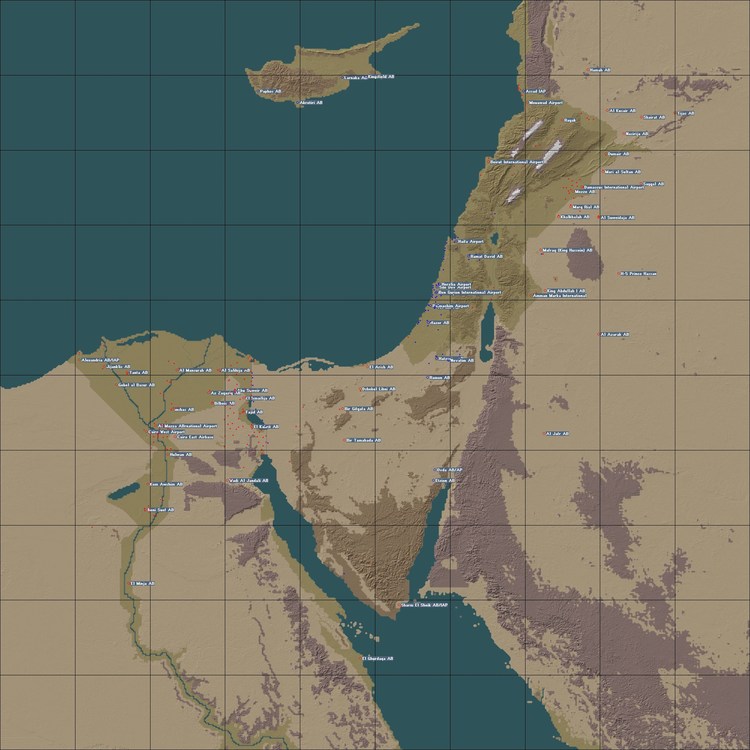
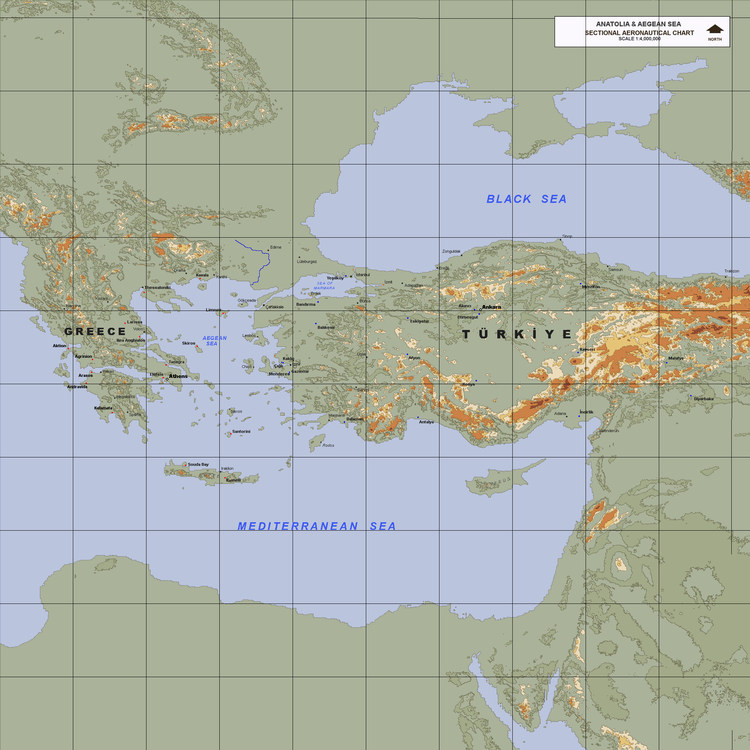
yawn my rebuild of Gepard's Isreal2, while not actually having Turkey, they could concievably fly from Cyprus Let us not forget PureBlue's Anatolia map. Would need a lot of reworking (retiling, retargeting) of course. Looks like that's what Stratos is showing. Sounds like a good learning project for a budding terraformer
-
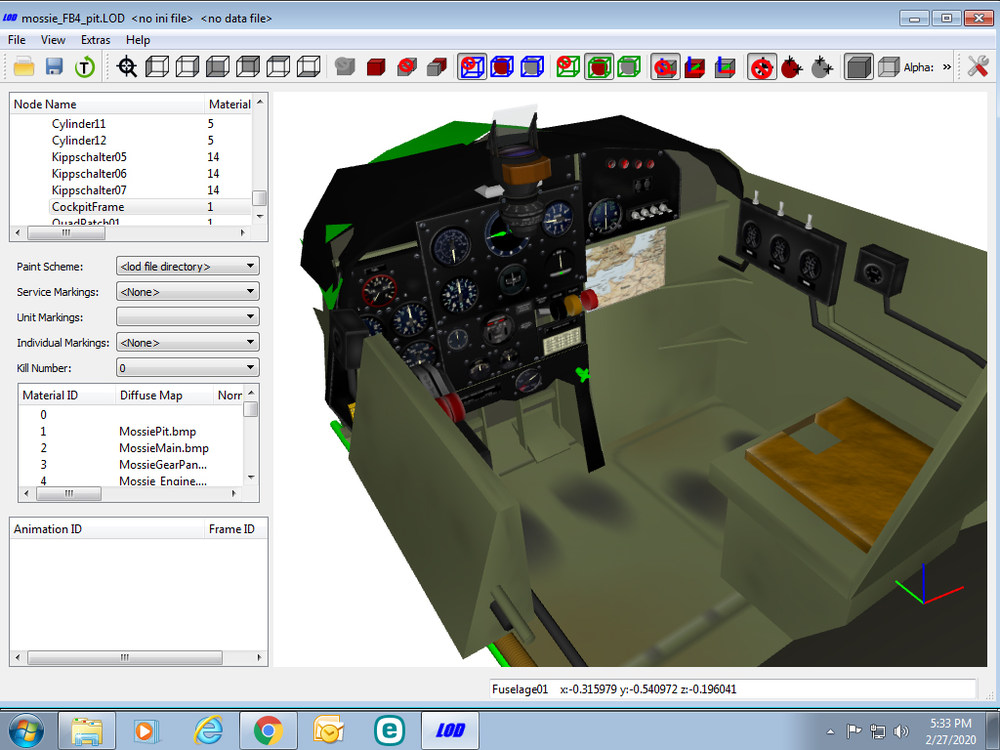
well, Pasko's FB6 cockpit that came with the plane, I should have said. sorry!
-
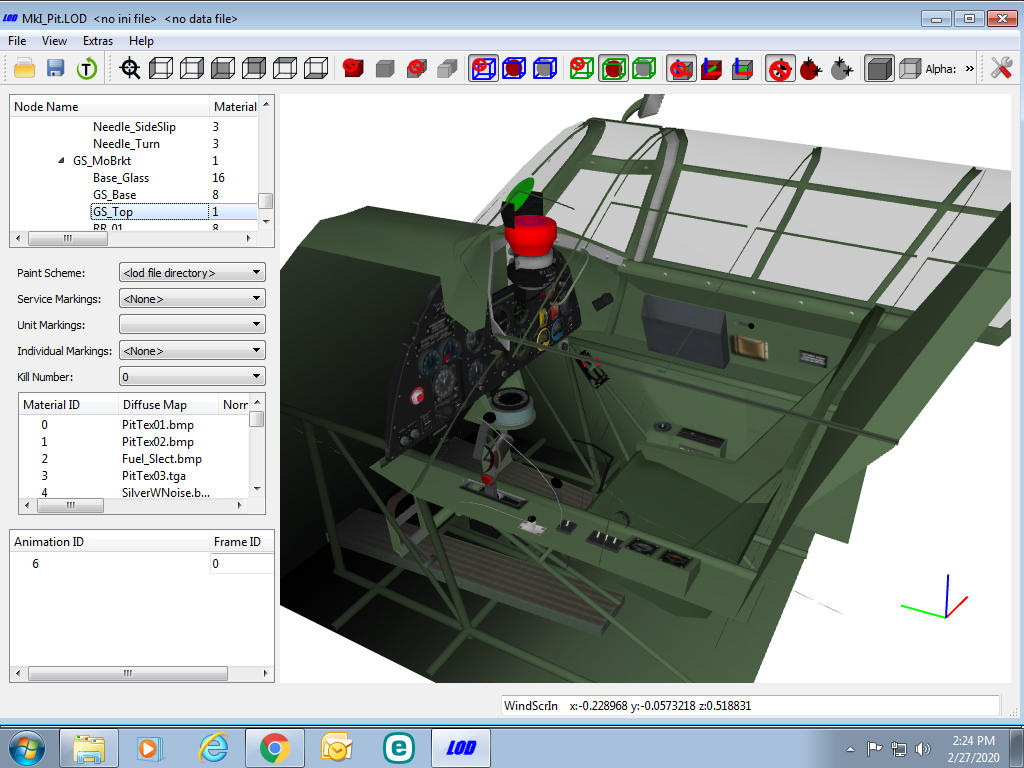
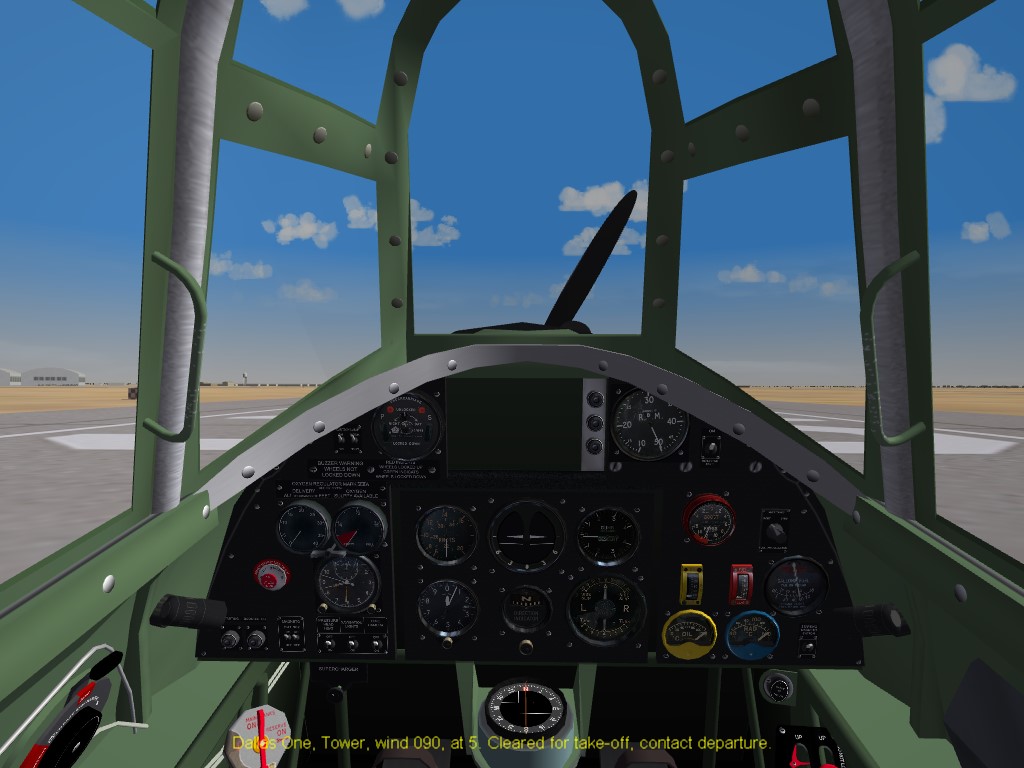
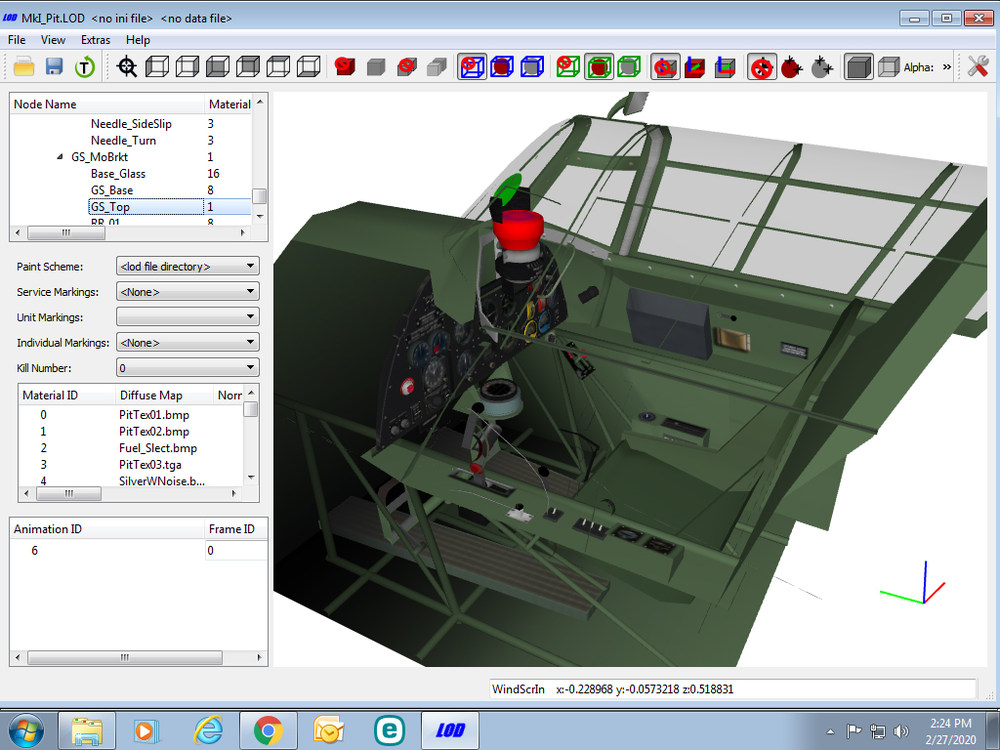
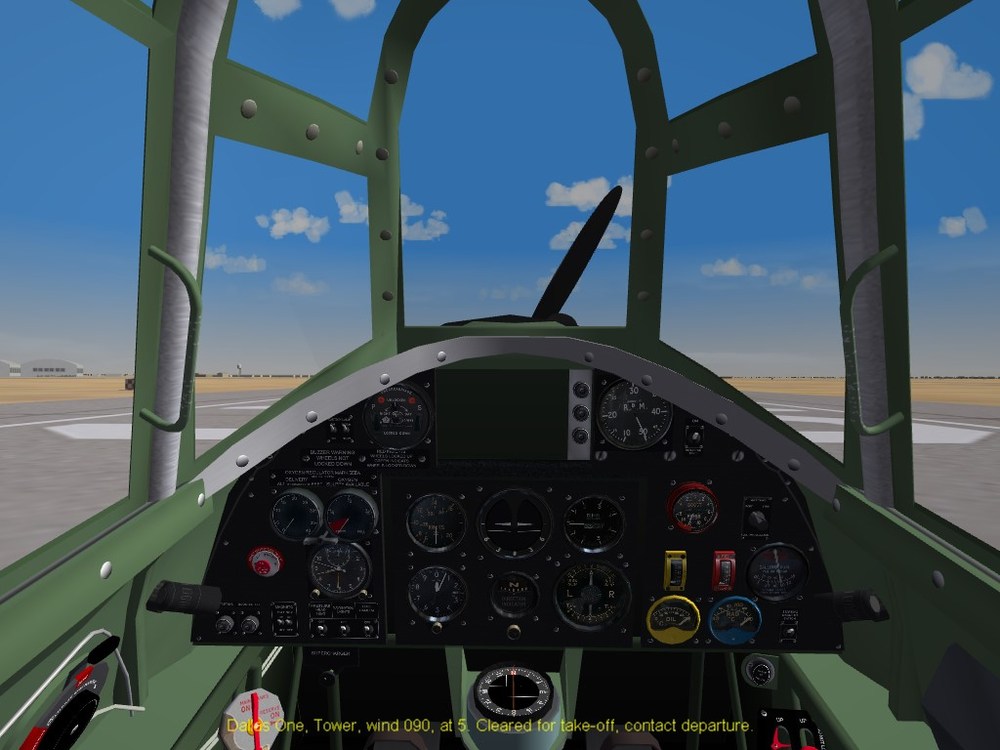
This comes up every once in a while, and even I sometimes don't remembe, and have to look it up. So, what this little tutorial will, do, is show and list the steps necessary to "take things out" of a cockpit, that you really don't need. First off, you really, REALLY, REALLY should have a copy of Mue's Lod Viewer (tm). This will give a perfect view of the cockpit itself, with a full listing of the component meshes & their names. In the image below, you see I'm using Raven's Hurricane Mk.1 cockpit, and have marked part of the gunsight. We'll be removing it, as the aircraft I want to use it on, dosen't have one. You'll also notice the mesh name highlighted, over on the upper left pane. So, now we open the cockpit ini, and we'll be adding "new" insturments, so we can move these meshes out of the way. This part stays the same for all the differing methods, of which I will show you. In the =CockpitSeat01' , or 3rd section down, where all the instrument are defined, you'll add the "new" listing --always in numerical order!!! The actual "named" move sections (keep reading) are added at the bottom of the cockpit ini. [CockpitSeat001] ==-major snippage of uneeded statements== Instrument[029]=StandbyCompass Instrument[030]=ADI2 //--removes or moves --/// Instrument[031]=Move1 Instrument[032]=Move2 Instrument[033]=Move3 Instrument[034]=Move4 <----- Move "instrument" statements Instrument[035]=Move5 Instrument[036]=Move6 Instrument[037]=Move7 Instrument[038]=Move8 Now, the first way we discovered, sometime in the mid-2000s, was to "drop them out of sight". It goes something like this: It used the airspeed values, so as soon as the game starts ( "0" knots") the items vanishes. But, there are better and simpler ways As stated by Cliff7600, you can tell the game the mesh is a light (like a warning light, or light bulb, or whatever) As so below: The 3rd Method, as posted by Yakarov and Wilches, is simply make the mesh "Inactive". As seen below Remember, no matter how many moves you use, they must all be listed in the Insturment section, and must match the names of the moves listed. Save and close the cockpit ini, and go in-game to test the operation. It should look like the image below, with all the meshes of the gunsight removed And that's pretty much it Thanks to whoever first invented this (bpao? armordave?) and to cliff7600, yakarov79 and wilches. Happy Moving!!!
-
- 9
-
-
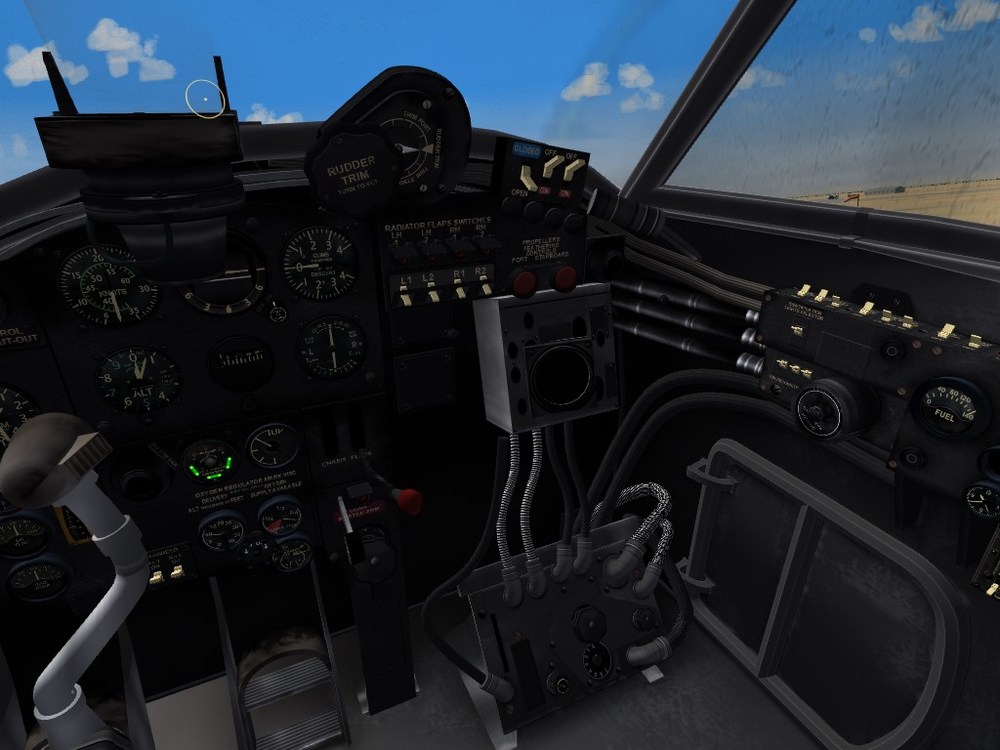
I don't think you can ... but i remember something about moving postions (y or z), but don't remember the code when I was experimenting with usual method, I noticed that Stary actually as the entry hatch down there in the lower right side. now, that's some detail !!! Just curious, wouldn't it be easier to use the "stock" FB6 or B.Mk.IV pits? (although the B pit has the crawlway to the nose, so maybe the FB6 ???)
-
SF2 occasionally stops responding to keyboard
Wrench replied to malibu43's topic in General Discussion
well, shoot! -
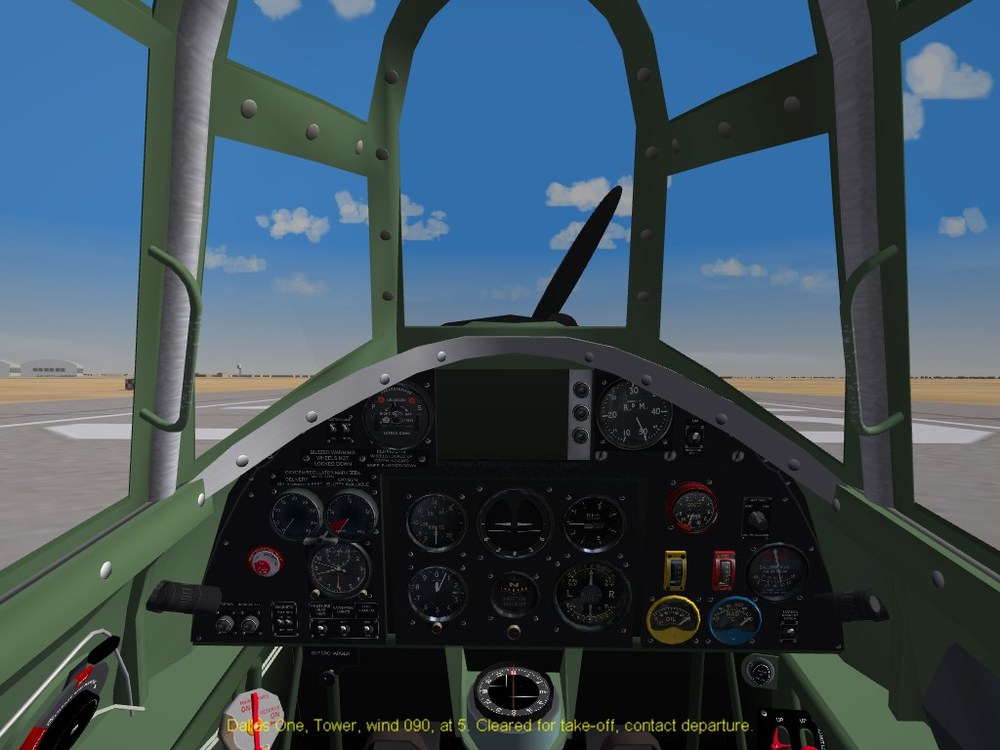
all are in the cockpit ini, I assume? your move statements are incorrect. this is from the "new" cockpit for the Chipmunk, I'm using Raven's Hurri pit, and removing all the gunsight parts list the "insturment" and then at the end the move bits [Move1] Type=AIRSPEED_INDICATOR NodeName=Cylinder02 MovementType=POSITION_Z Set[01].Position=-90 Set[01].Value=0.0 Set[02].Position=-90 Set[02].Value=1.0 NodeName, obviously will be what ever you're trying to move out of visual range. In the image below, all the various compoents have been moved (something like 5 or 6 meshes of the gunsight)
-
SF2 occasionally stops responding to keyboard
Wrench replied to malibu43's topic in General Discussion
have you tried unplugging the keyboard, and letting the OS "find" it again, and reload it's drivers?