Wrench
-
Posts
28,193 -
Joined
-
Last visited
-
Days Won
182
Content Type
Profiles
Forums
Gallery
Downloads
Store
Everything posted by Wrench
-
Version 1.0.0
40 downloads
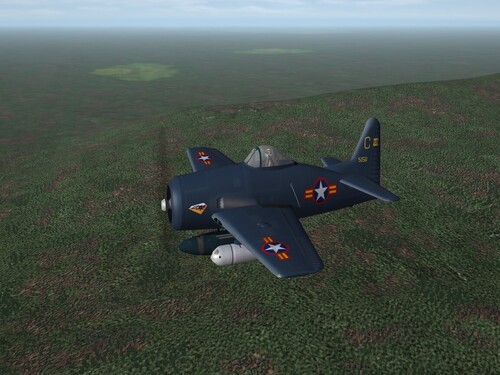
SF2 F8F-1 Bearcat, VNAF 12/31/2025 = For SF2, Any and All, But Designed for SF2:V = Modifications to Geo's Bearcat recreate those as used by the (South) Vietnamese Air Force from the mid 1950s thru the early 1960s. This is a stand-alone, nationalized aircraft mod, with just about everything you'll need. This mod has been 'salvaged' from my unfinished "Vietnam 48" mod (hence the "_FN" suffix, as it was originally for the French). You'll have 2 new skins, created from Geary's excellent template: VNAF = Glossy Sea Blue, <1954 (received from the French) VNAF2 = Natural Metal(ish) Finish <1960 Both skins represent the VNAF's 1st Fighter Squadron. Most markings are decals. National emblems are, however painted on Decal randomization is TRUE for all the serial numbers. There are 26 for each skin. The SF2 date switch is active, and will automatically shift to the NMF skin in 1960 The canopy opens with the Standard Animation Keystroke, Shift/0 (zero). Pilot figures, and WW2 period bombs and drop tanks are included. If you have the Full 7 Merged (with both Expansion Packs), you can change the AN-M64 500 pounders (aka: 500lb_bomb) for the stock 3W version (M64). The 5" HVARs are stock 3W items. You'll also be adding a new engine sound, and this will need to be added to the Sound list ini, so have that extracted (if you haven't already), and in the /Flight folder in you SF2:V Mods Folder. As extra special end-of-the-year-gifts, I've included a modified main ini for the stock VietnamSEA terrain, backdating it to start in 1955, after the withdrawal of French forces, and the partition of the country into North and South. AND!!!! as an Super Extra Added Bonus (tm) You get a new(ish) generic loading screen, for general global use (when no other exists). On the Aircraft Selection Drop Down menu, you'll see F8F-1 Bearcat (VNAF) As is always recommended, unzip to a temp folder or your desktop to give easy access to the rest of this readme for it's install instructions. Please read the Notes section for other possibly useless information, and (hopefully) full credits. Please also take note of changes in the Standard Disclaimer in the "Legal BS" section at the bottom. Wrench Kevin Stein -
no idea. I've never used either one!! but, as Real Sky is a created later, maybe better???
-
of course! give him a hot foot!!!
-
Take THAT Godzilla!!!!
-
Take care of yourself, man! I'll be thinking positive thoughts!!1
-
Look at these lazy bums ... if ya' got time to lean, ya' got time to clean!!!!
-
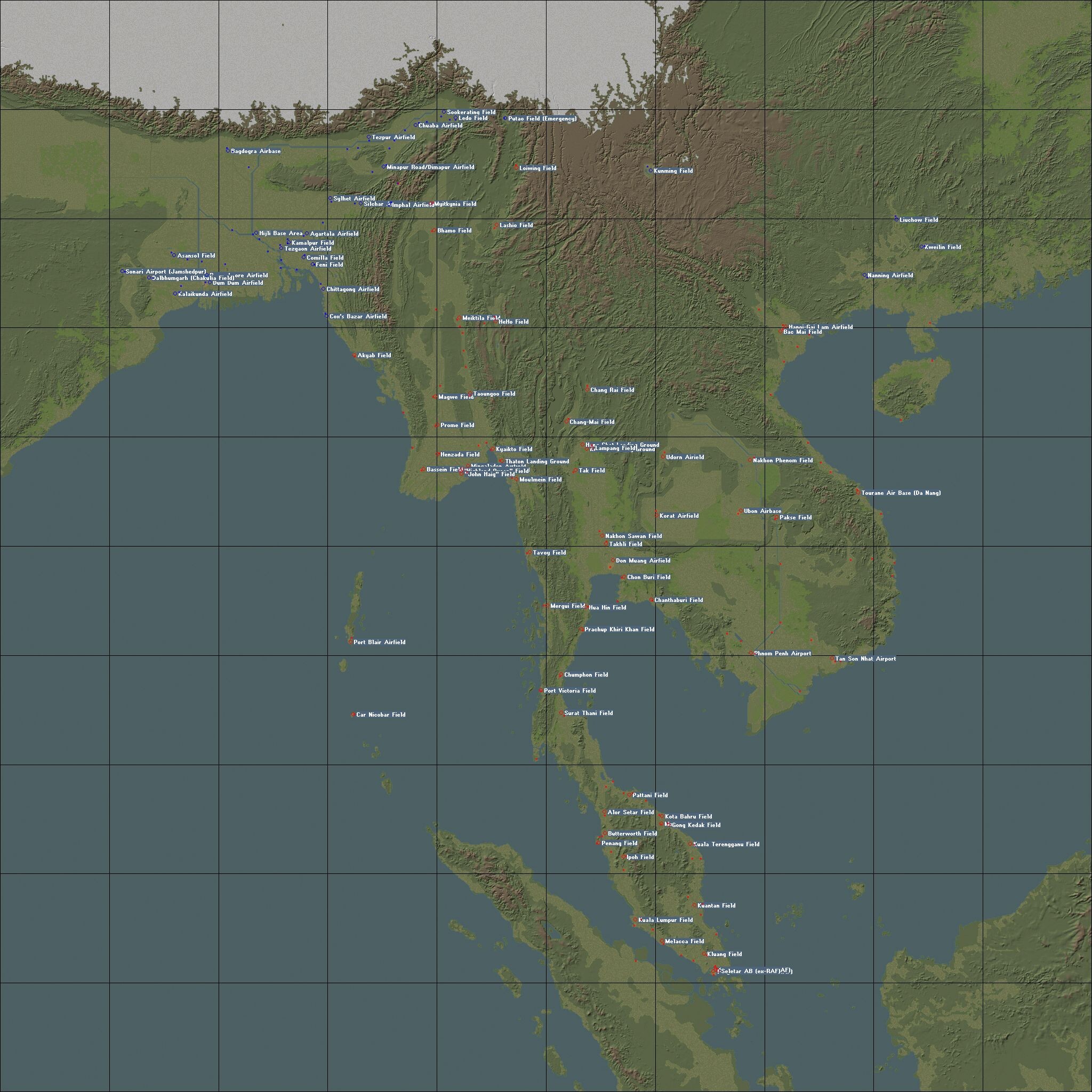
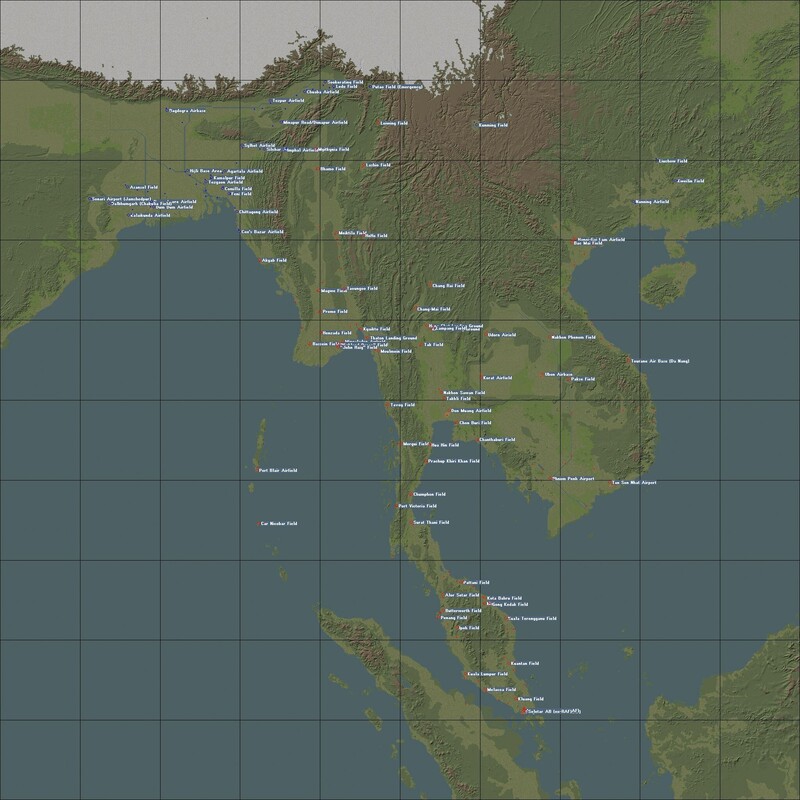
such a huge map exists. the "million meter terrain" or something like that, in the 1stGen downloads. It was never really completed, or worked on much found it: There's also Baltika's & my unfinished China/Burma/India theatre map for WW2. Goes from central India, east to Hong Kong, north (almost) to central China and south to Indonesia. So, yes extensive landscaping is possible. It's when you get beyond a certain latitude north or south that things get weird due to planetary curvature
-
View File SARCASM Sky/Clouds Mod version 1.7 by Stary SARCASM sky/clouds mod version 1.7 by Stary unpack to your Flight folder, overwrite when asked (previous installments of SARCASM mod not required) - with thanks to Nightshade/PR for finding this!! - Submitter Wrench Submitted 12/31/2025 Category Environmental Mods
-
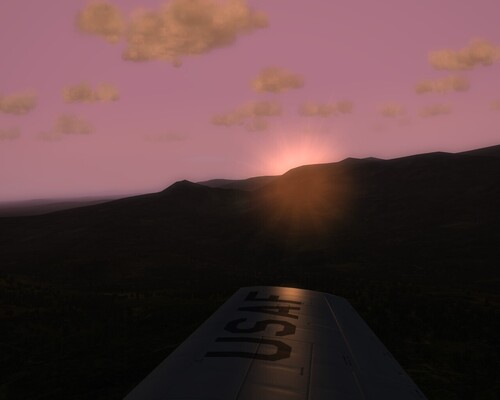
Version 1.0.0
73 downloads
SARCASM sky/clouds mod version 1.7 by Stary unpack to your Flight folder, overwrite when asked (previous installments of SARCASM mod not required) - with thanks to Nightshade/PR for finding this!! - -
Standard maps, and many of the add-ons are 63% of Real Life (tm). That's been a discussion point since 2003!! IIRC, we "assumed" (oh! that word!!) it's the difference between a stature mile and a killometer.
-
There's a New Year coming??? I didn't get the memo!!!! <gr> But seriously, Happy New Year to all!!! Lets hope 2026 will be better than '25!!!
-
Nightshade: if you please, can up upload them here?? thanks!
-
how about your computer specs???? Maybe you're running out of memory? Power supply issues? Overheating??? It ain't always what you see, it can be what's inside.
-
If I may suggest that within the release, you might include the Terran Editor for that terrain, with the necessary tiles and such like. That way, one of our few remaining terraformers could pick it up more easily. Would save a lot of time and effort!
-
Yeah, it 's Russo's Connie. Ok, well cool then! Is there a link? thanks brother!!! EDIT! Never mind, I found it!!! Saves me work!!!
-
that thing is DAMN huge, even without the wings!!!
-
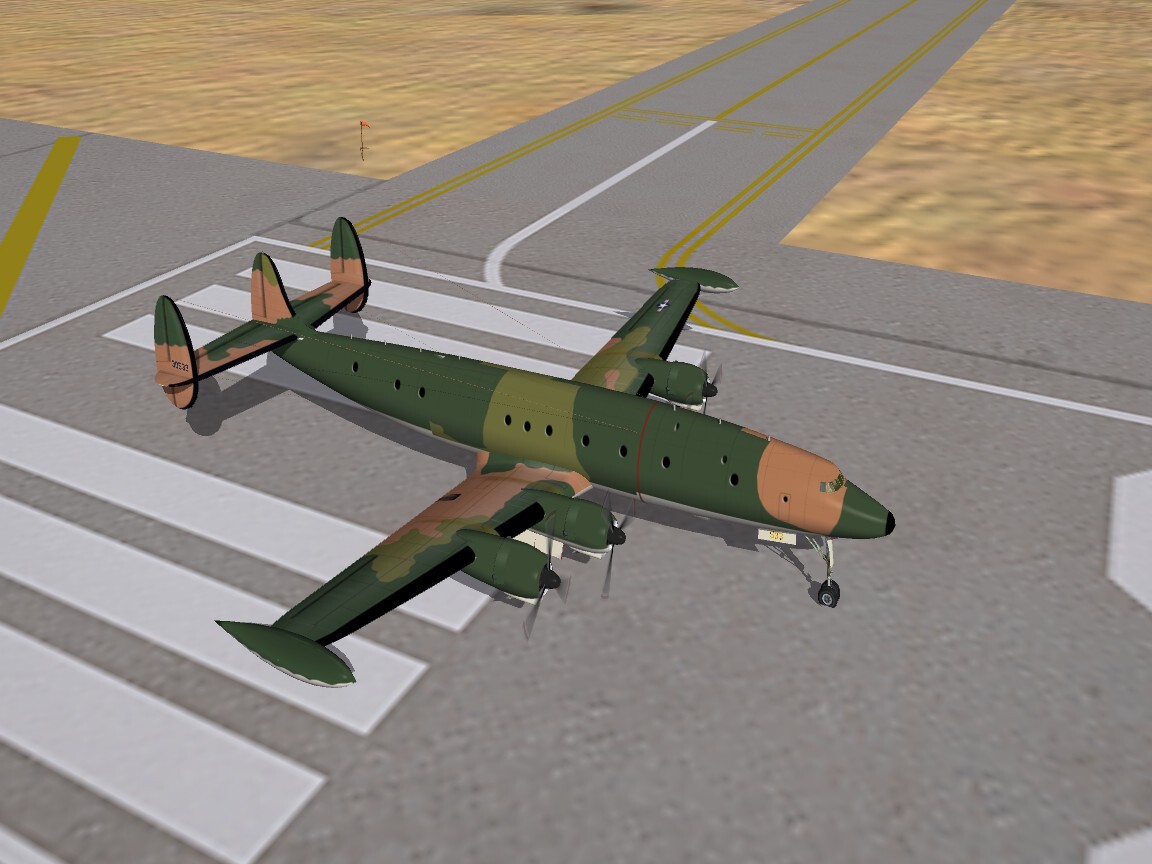
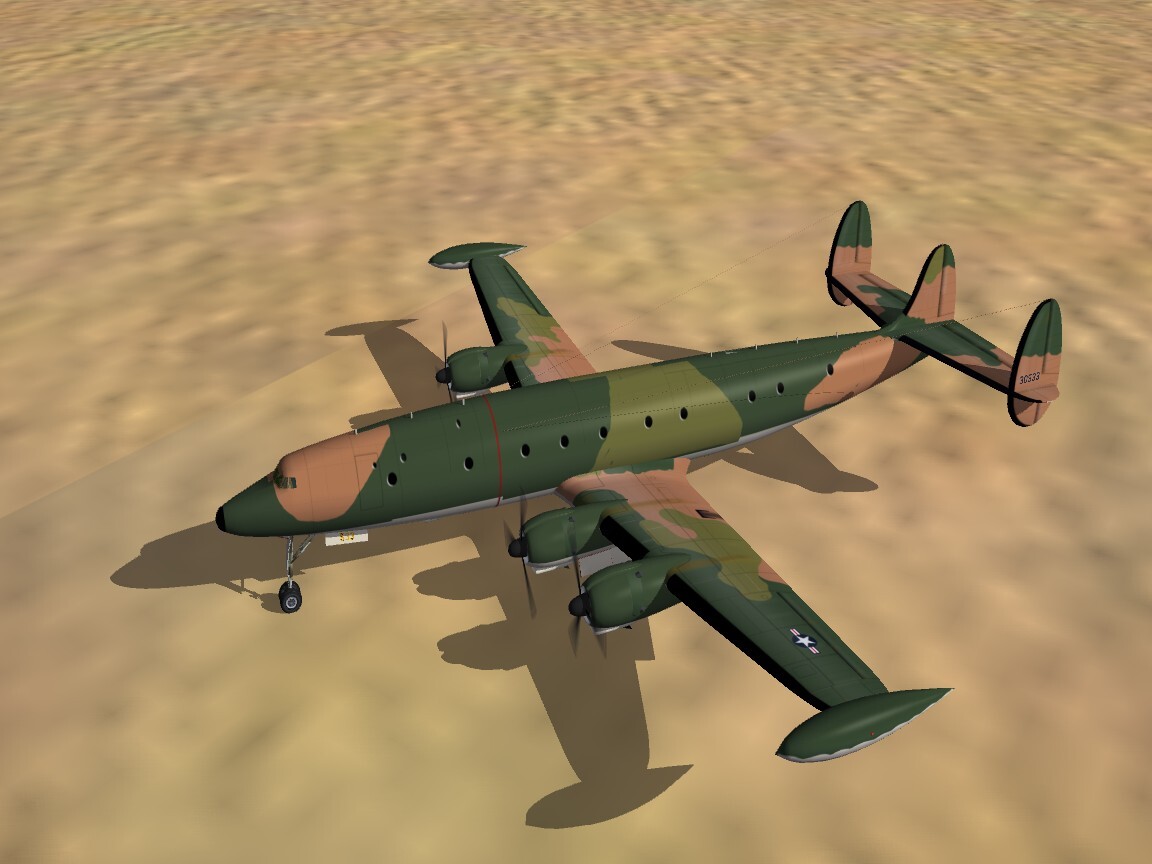
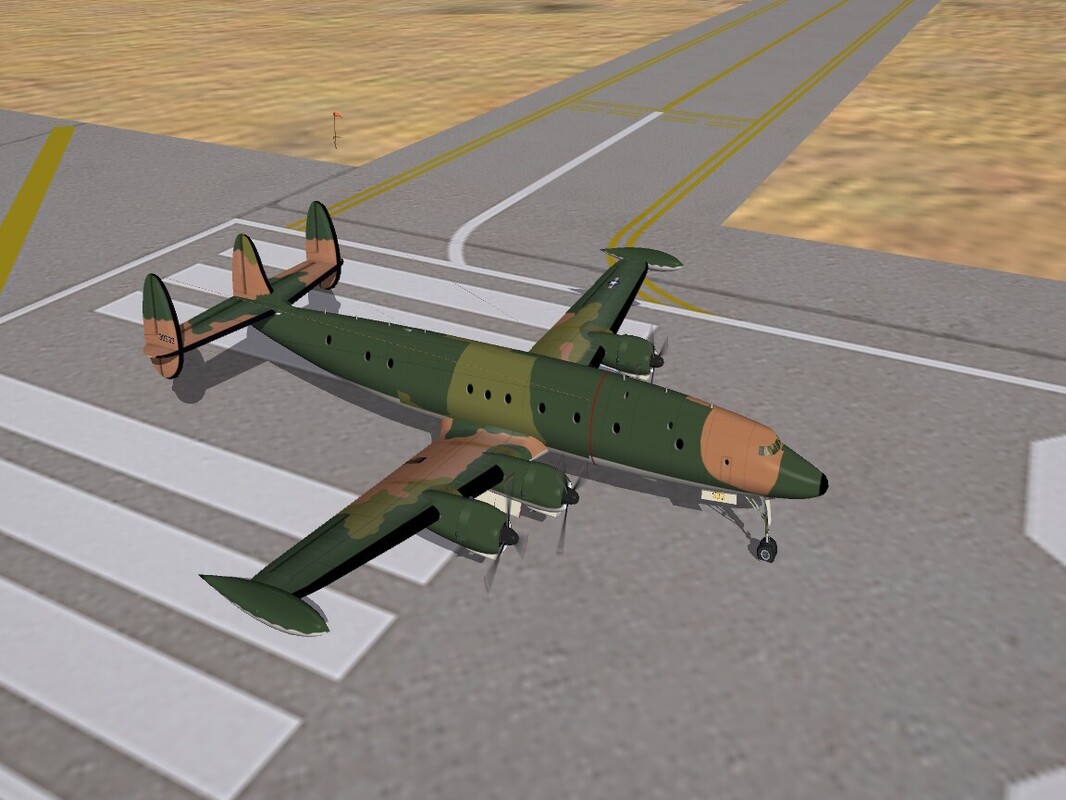
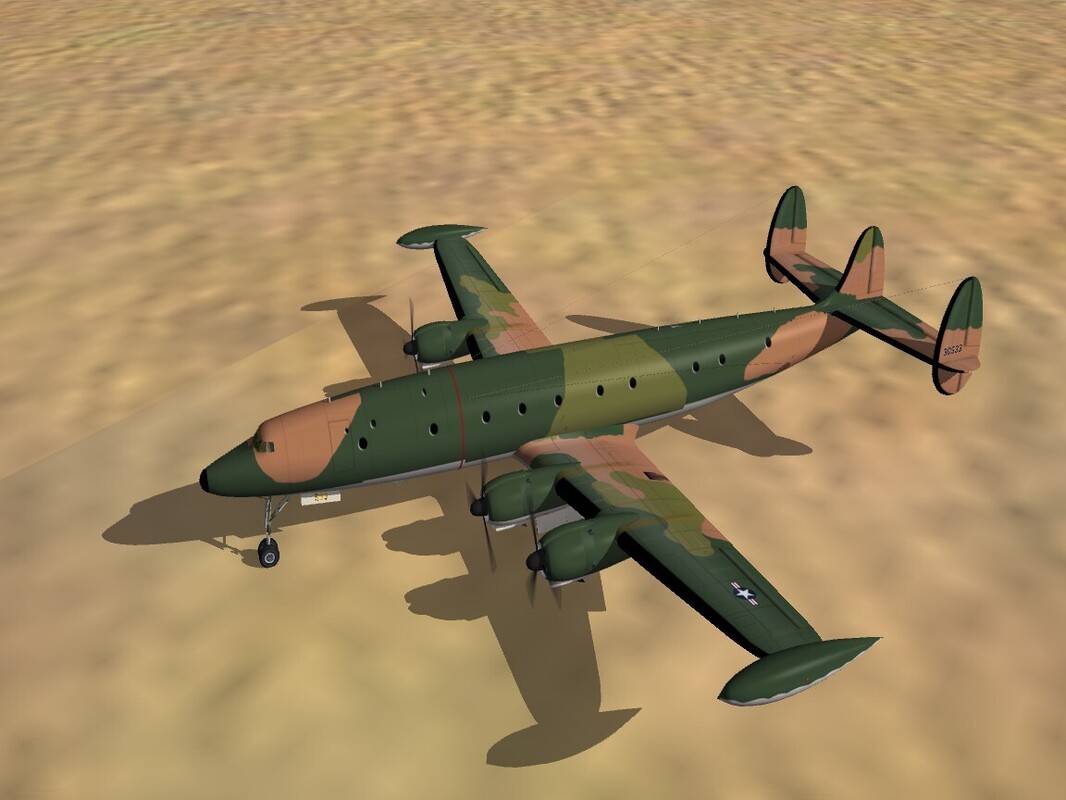
Right. I'm going to do something I usually never do (don't). I'm asking for help in doing an SEA 3 tone camo for the EC-121R "Bat Cats". As you can see from the images below, I made a total hash of it! I was never very good at getting the matching right and left sides!!! I have partial templates for the Connie, and the entire aircraft would be sent whom ever volunteers for this. I just need the paint job, I can easily handle the decaling!! (duh!!) Basiclly, the bird is for Vietnam Eye Candy (tm). But it will look good on the parking ramp and NKP or Than Son Nuht! (on either the stock VNSEA or DRV!!!) Thanks in advance!!!
-
Damn, Gepard!! That's some quick work, even for a Beta!!!!
-
And asking in the Spanish language forum would be a good idea as well. I know the boys have been reworking or making some new stuff for that part of the world.
-
Low-Viz P-3C Orion Armada Argentina SF2 - DAT
Wrench replied to Ariell's topic in File Announcements
I'm gonna take a stab, even without a translator ... "Where can I get the airplane?" Well, sorry to say you'll have to check with the Dev A=Team site. and good luck with that. ===== it's not like it would be hard to (re)make this skin for Florian's Orion. The template is readily available. One would just have to make the proper decals -
Vietnam Community Project Idea: Gulf of Tonkin Incident - Redux
Wrench replied to swambast's topic in General Discussion
You might want to look at the placements for the AAA units (not right now, but in later release). I've found a lot of them, inside cities, that are within the TOD building objects. I mean, great camoflague, but hard to hit!! <g> -
Which we'll be getting any minute now here in Los Angeles!!!
-
Vietnam Community Project Idea: Gulf of Tonkin Incident - Redux
Wrench replied to swambast's topic in General Discussion
Don't even get me started with the "multitude of 6 generic airbases that are neither military nor civil or a combination thereof" -
Vietnam Community Project Idea: Gulf of Tonkin Incident - Redux
Wrench replied to swambast's topic in General Discussion
Thanks Ant!! NOW it makes sense!! I've seen it too, even on stock airfields.