Dels
-
Posts
707 -
Joined
-
Last visited
-
Days Won
30
Content Type
Profiles
Forums
Gallery
Downloads
Store
Everything posted by Dels
-
This is only a small update, but I plan to do that in the future. Glad you like it. As I mentioned above it's only a small update. I plan to do a full T-6A pit in the future when time/motivation dictate. But this will do for now. Dels
-
Minor update. Full details in changelog. Dels
-
Looking at your screen shot, the canopy is visible it's just very transparent. You can try making the Alpha channel of the .tga a bit lighter and see if that works. I deliberately reduced the transparency to remove that "milky" look. Dels
-
Follow these links for my models that I have added canopy reflection to: PC-9A C-123's NC/AC-123K F-23A F-29A F-31A AT-6B Dels
-
Attached files update the canopy to include reflection. Dels AT-6B.7z
-
Rockwell/MBB F-31A Mustang II Version 1.0 for SF2
Dels replied to Dels's topic in File Announcements
Attached files update the canopy to include reflection. Dels F-31A.7z -
Attached files update the canopy to include reflection. Dels F-29A.7z
-
Attached files update the canopy to include reflection. Dels F-23A.7z
-
Attached files update the canopy to include reflection. Dels AC-123K.7z
-
Attached files update the canopy to include reflection. Dels C-123.7z
-
Attached files update the canopy to include reflection. Dels PC-9A.7z
-
Thanks guys, I've got most of those. mppd, I have seen that flight manual before but unless I know it's got good pics in it, I don't want to spend the $19.95. Does anyone have that manual or some pics from it? Dels
-
I haven't forgotten about the refuel probe! It is on my to do list for my C-130 update pack.
-
It doesn't matter what size the texture is as the function used in the _COCKPIT.ini is a percentage. Example: The texture is 400 pixels high and the starting position is the middle of the texture (i.e. 200 pixels down) in the middle of the mesh. So position 0.5 will move the texture up 200 pixels on the mesh (so the middle is at the top of the mesh). Position 0.25 will move it up 100 pixels (so the middle is 3/4 the way up the mesh). Position -0.25 will move it down 100 pixels (3/4 teh way down). Position -1.0 will move it down 400 pixels so the texture will in effect loop. And so on. You can check out any of the cockpits I have made for the functionality as I use the TEXTURE_V all the time. Dels
-
Yep, that was specially for you after you mentioned it! Dels
-
Like the title says: I'm looking for reference pics of the F-117 cockpit and all the photos I can find on the net are crap. The photos I have for the front panel are fine, it's mainly the side consoles that I need. Does anyone live near a museum where there's a F-117? If not, does anyone know of some more detailed photos? (I need to be able to read all the writing on the panels) Even the drawings out of the flight manual would be good. Thanks in advance Dels
-
Hey Dave, I tried PM but it didn't work. I have new lods for the B-1's with shiny glass, how can I send them to you?
-
TEXTURE_V moves the texture on the mesh without moving the mesh. A good example is an attitude indicator. You have a mesh that is the shape of the indicator you want (a ball or something like that) and the TEXTURE_V will move the texture for pitch in the game. The value 0.0 to 1.0 is in effect a percentage of the texture that's moved. So 0.0 is the texture unmoved. 1.0 is the texture moved up by its entire length (so it won't look any different) -1.0 is the texture moved down. For example if the centre of the texture is in the centre of the mesh and it moves up by 0.5, then the centre of the texture will now be at the top of the mesh. Dels
-
We're planning to release the 3d model first so everyone can have a play while I work on the cockpit. Dels
-
Amen to that!
-
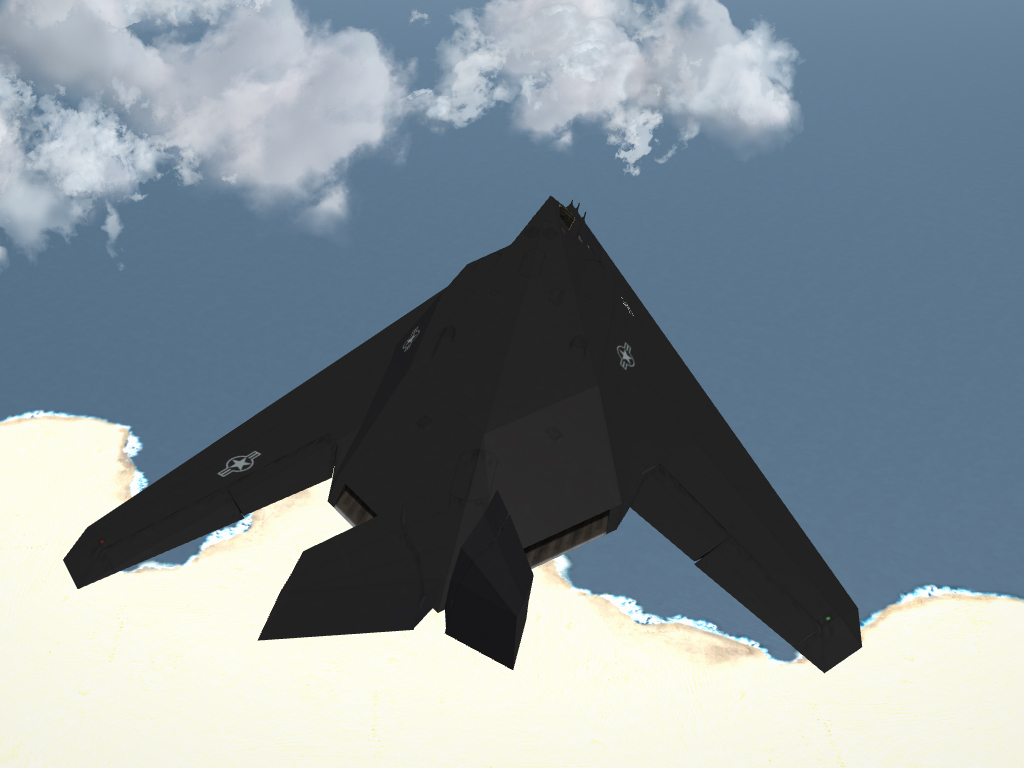
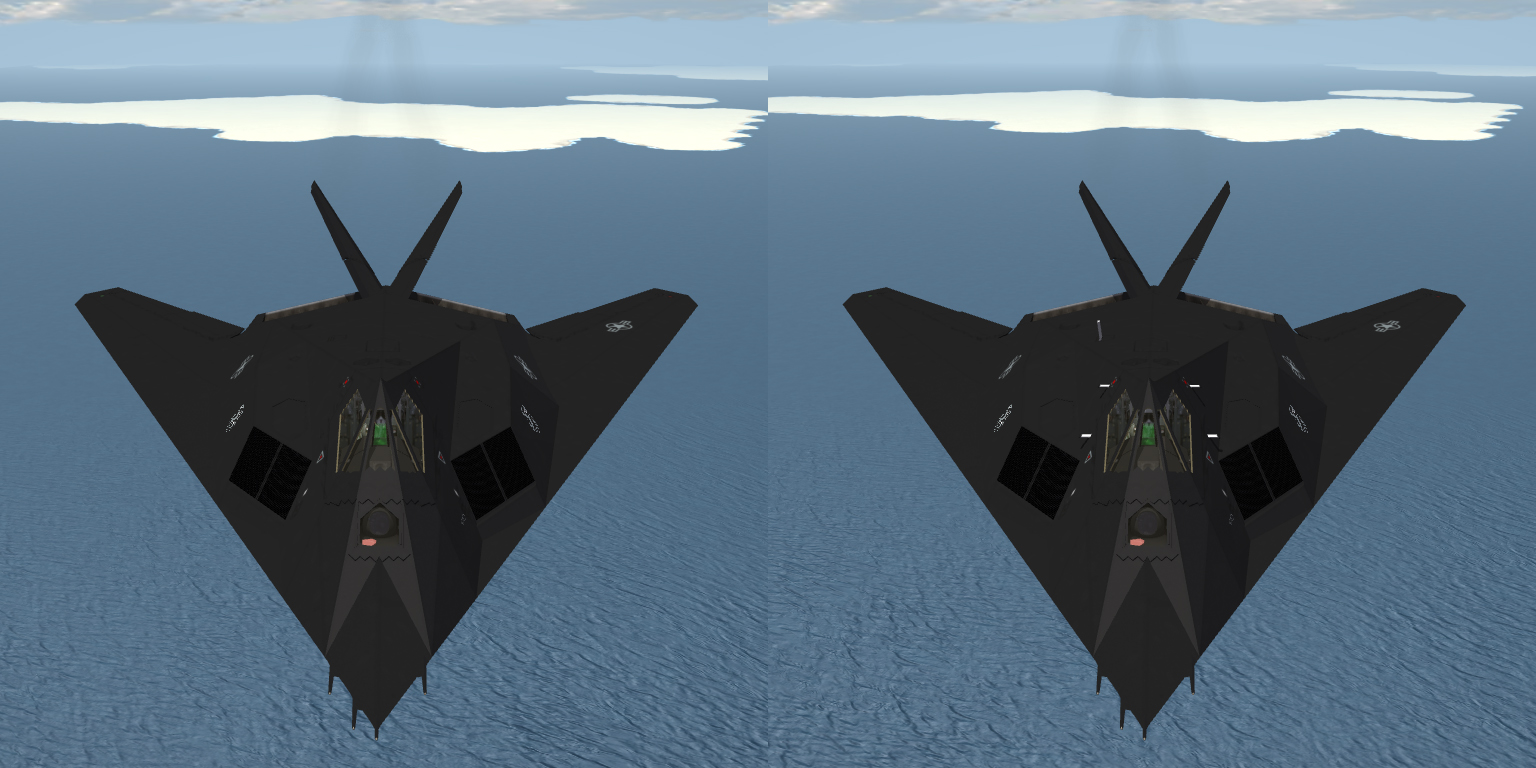
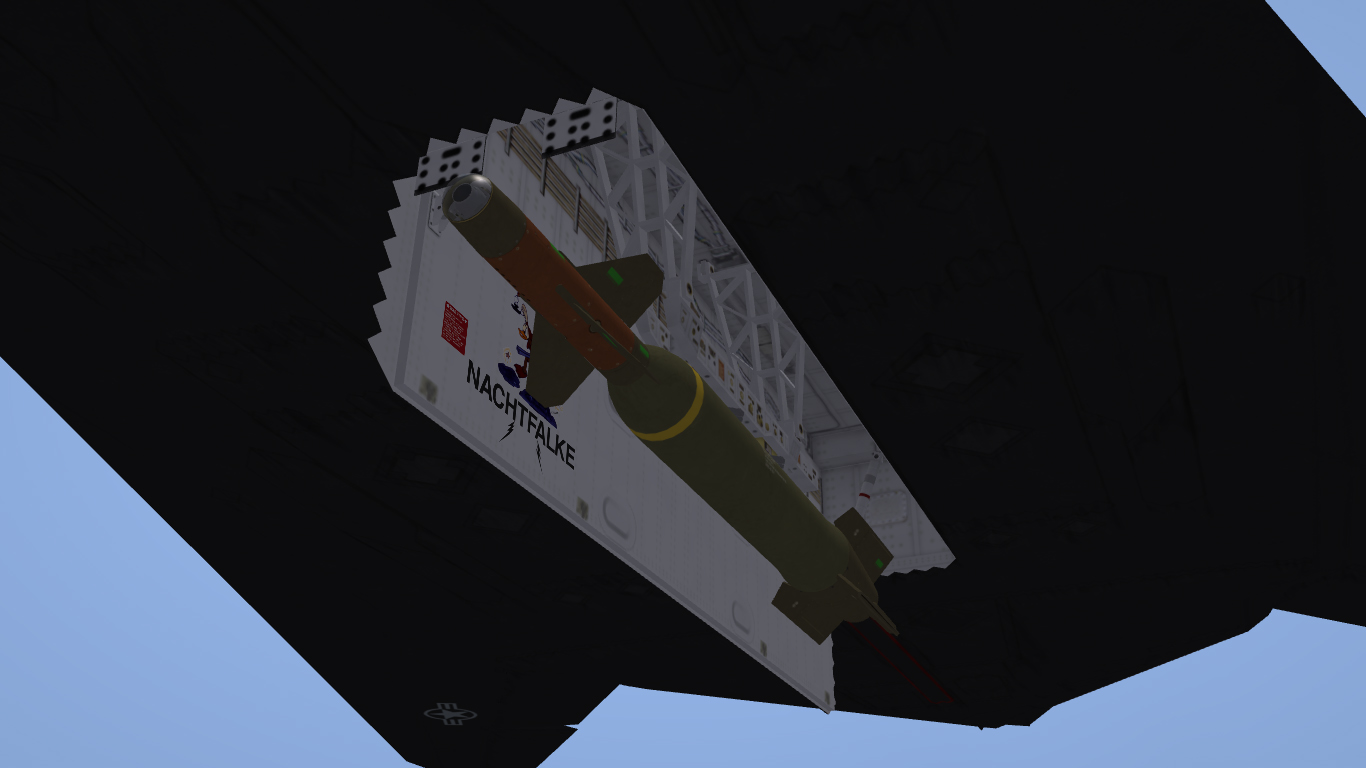
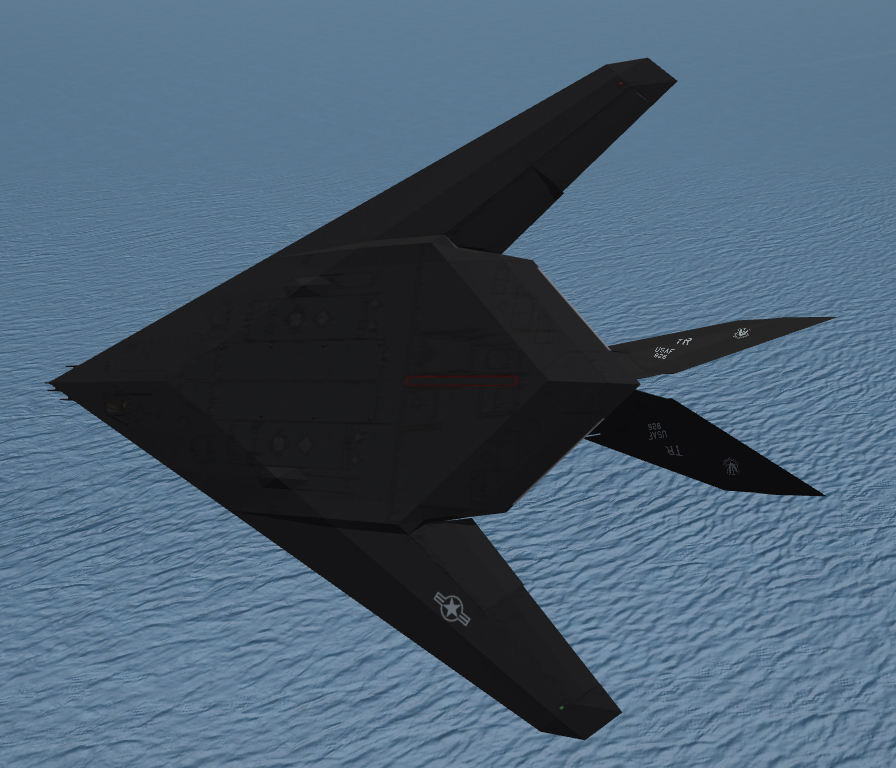
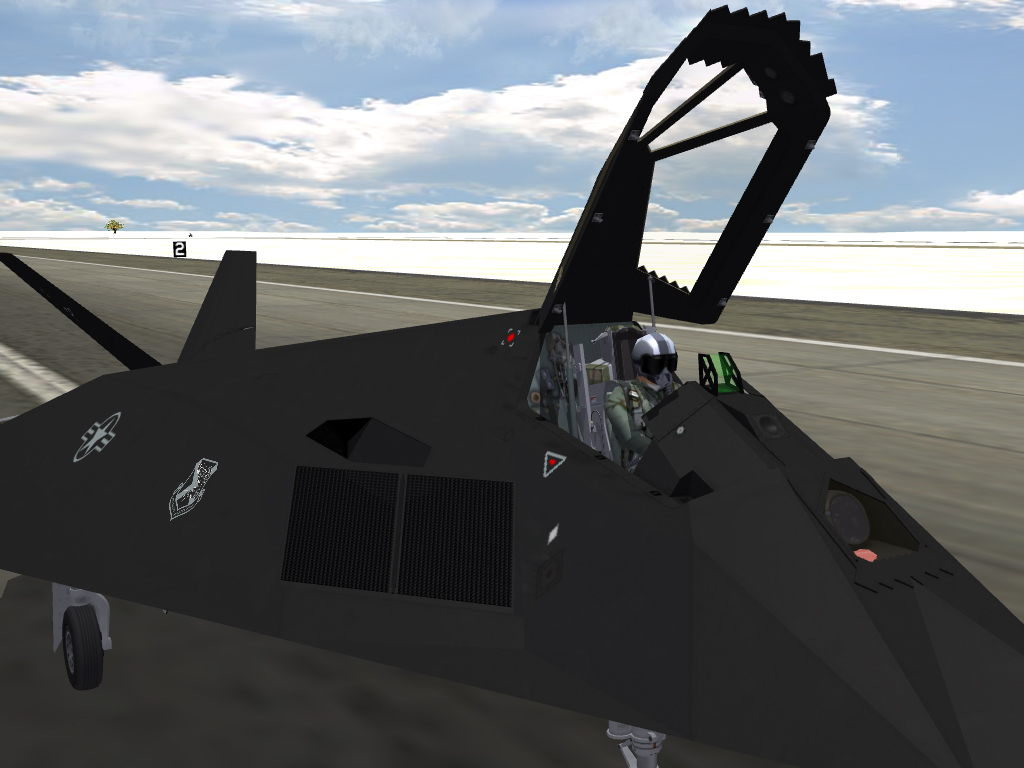
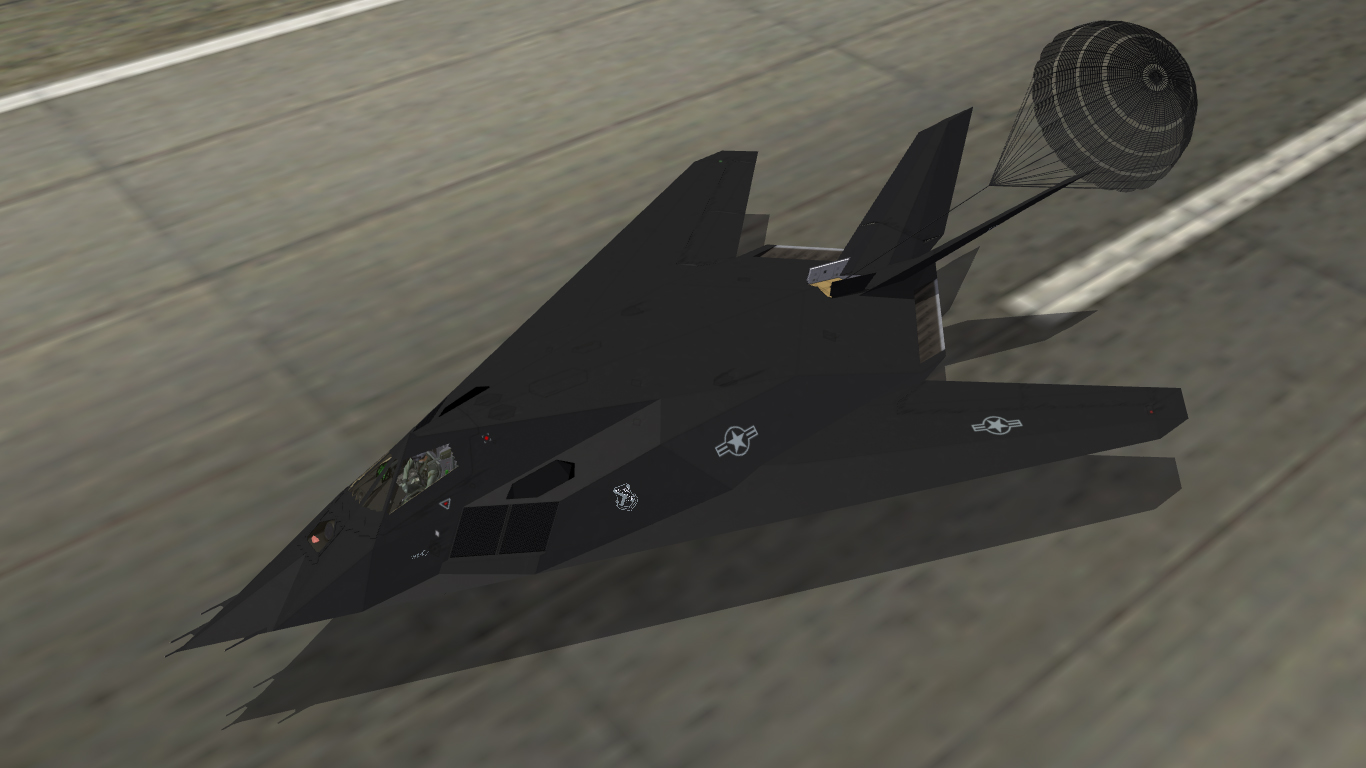
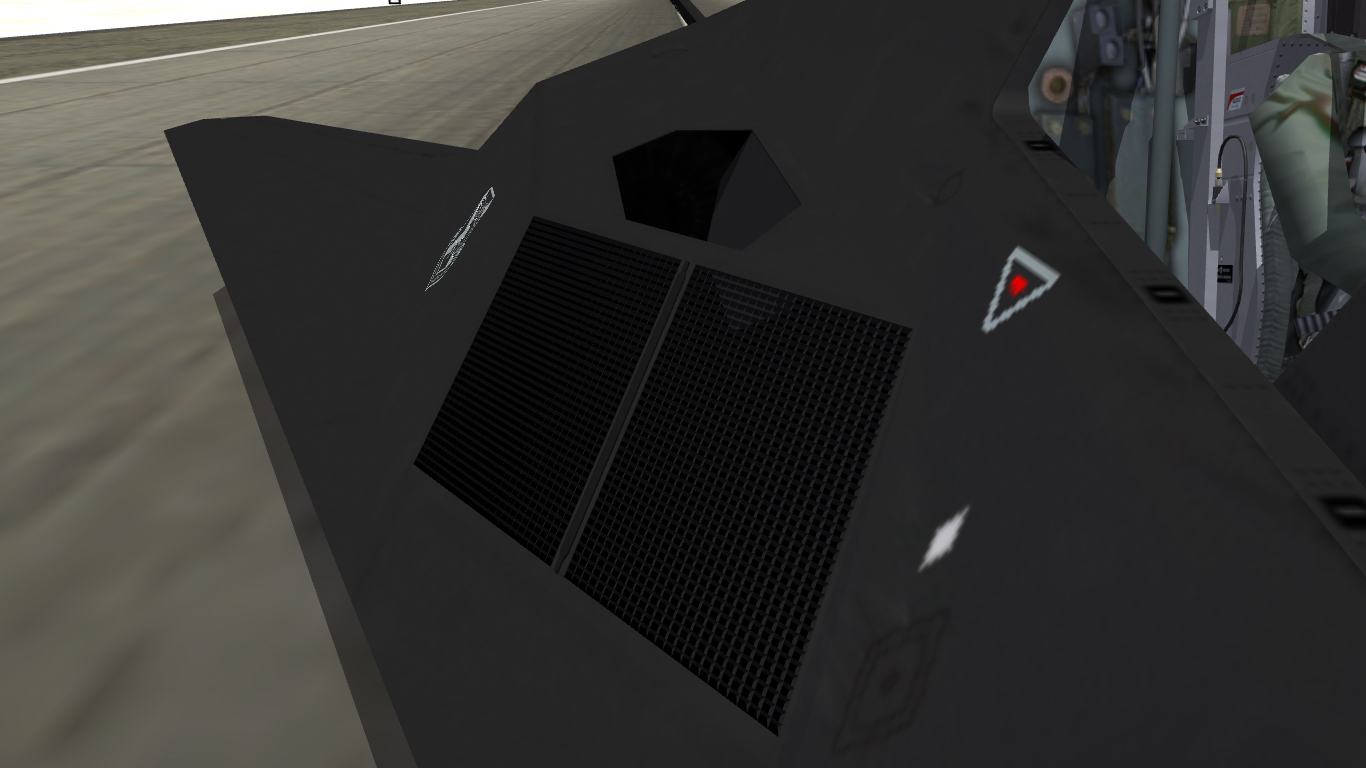
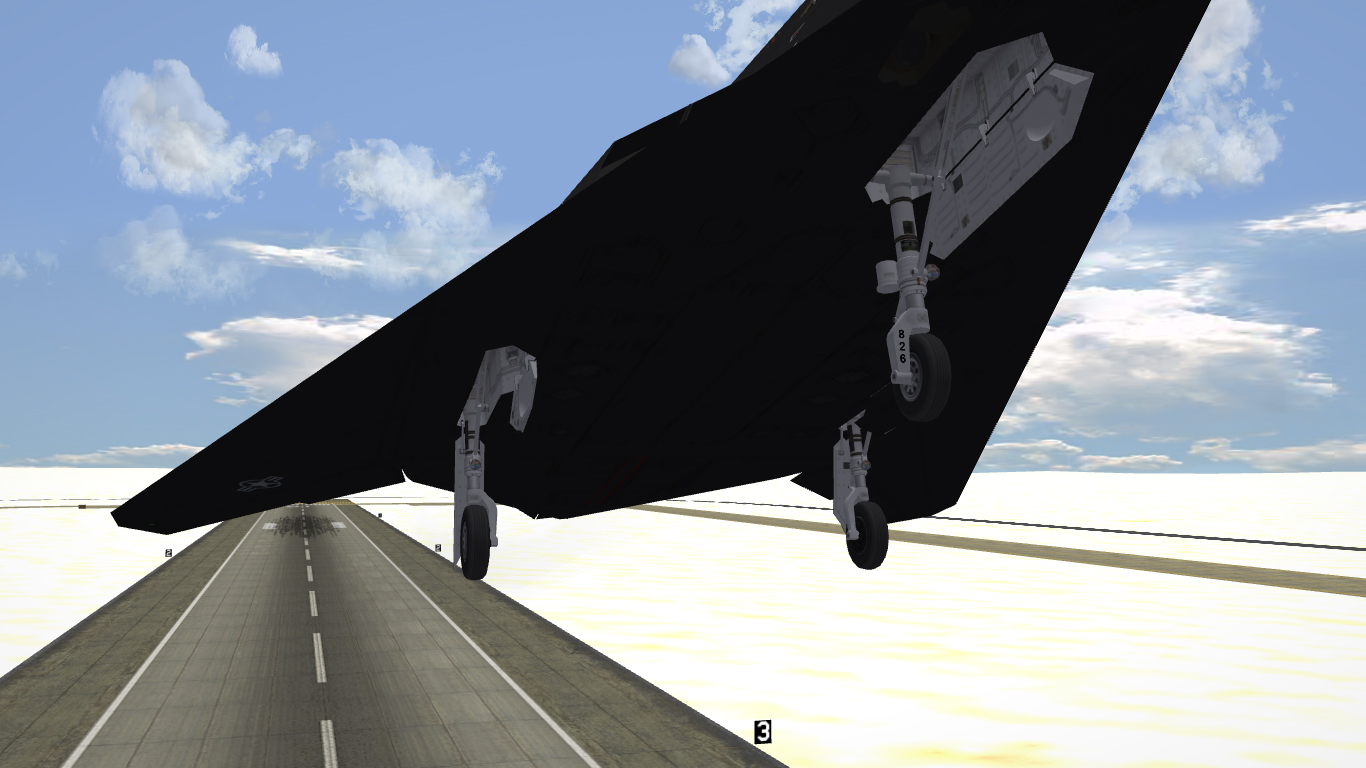
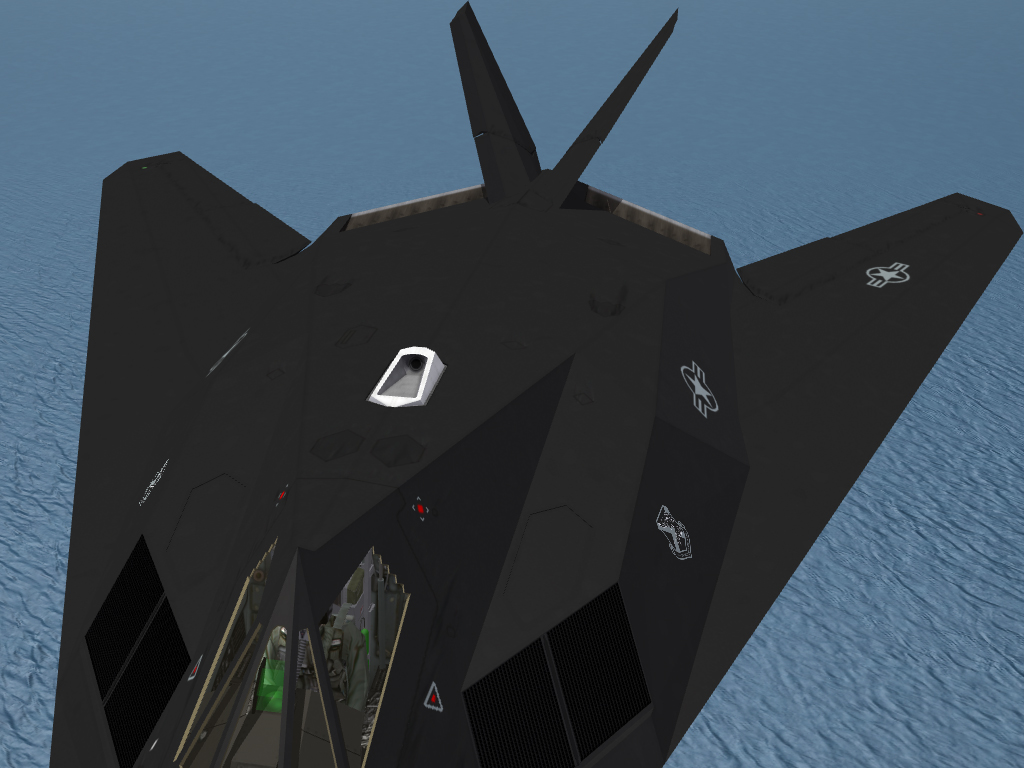
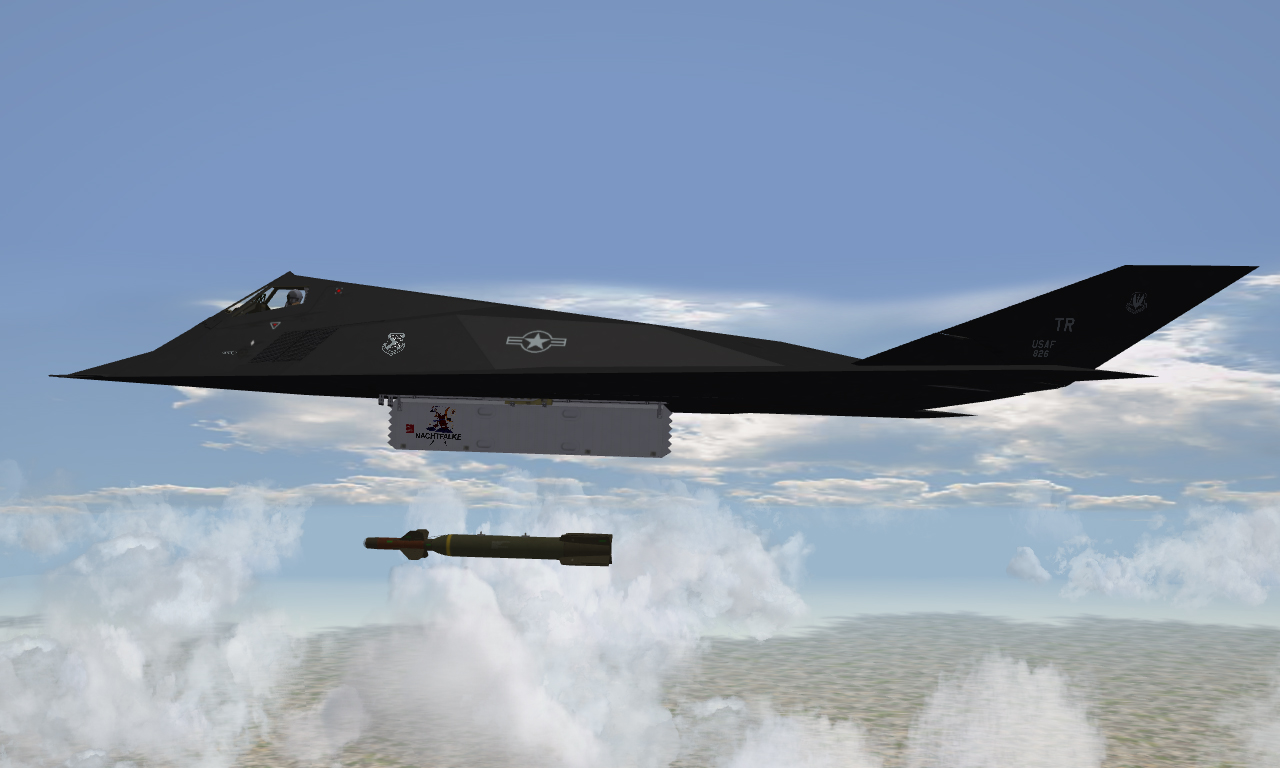
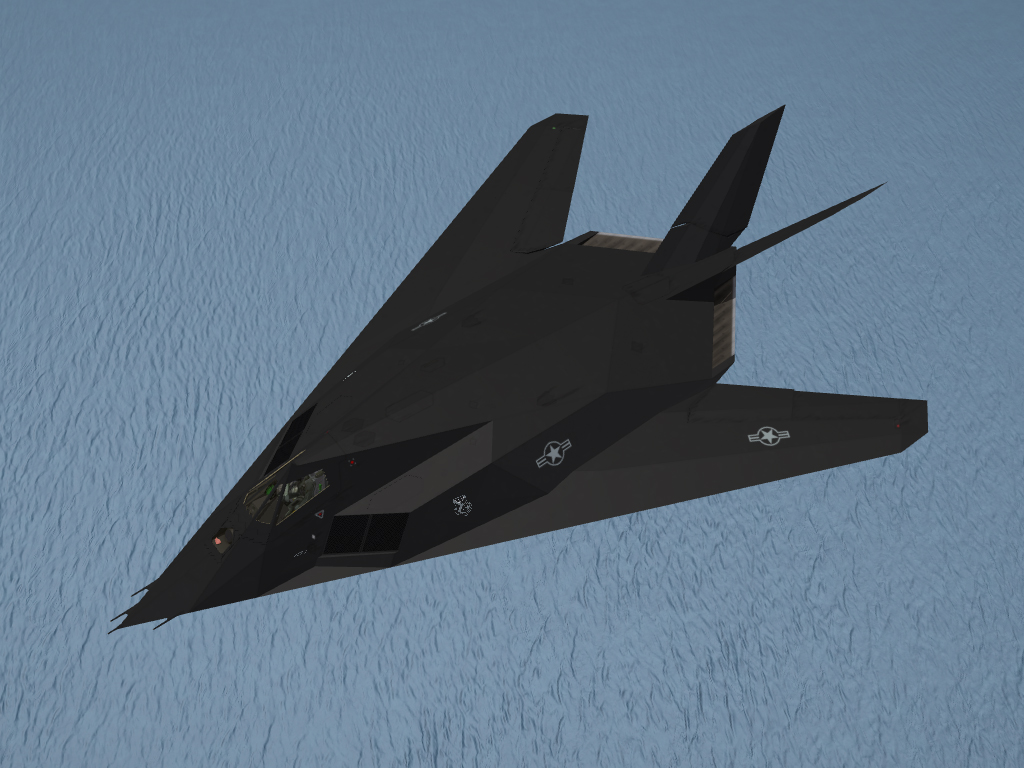
@Dave, yes I have seen those pics, but lets face it: The Black Jet should be Black. Here are some daytime shots. Almost all aircraft have individual bay door art Now you see them, now you don't... Intake bypass doors and brake chute are animated Intake grids are modelled Dels
-
I had a crack at this a while ago and the conclusion I came to was that while the SymbolType was listed, it could not be used functionally as you have discovered. It's bad news, I know. Sorry. Dels
-
Standby for daytime shots, I didn't want to launch straight into them as it didn't fly by day. Dels
-
Wow, talk about taking the jam out of my donut! It's a completely new 3d model. But I guess the differences may only be subtle unless you know the current one well. Dels
-
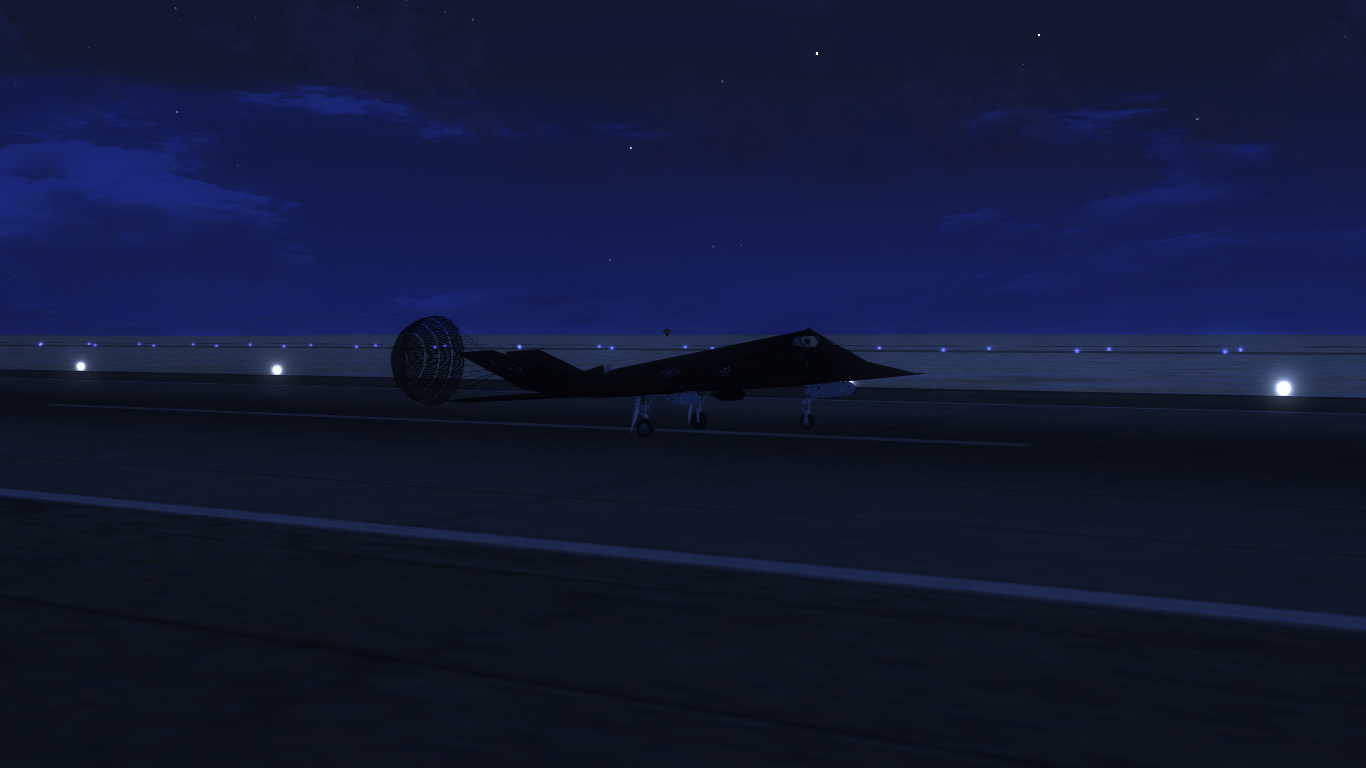
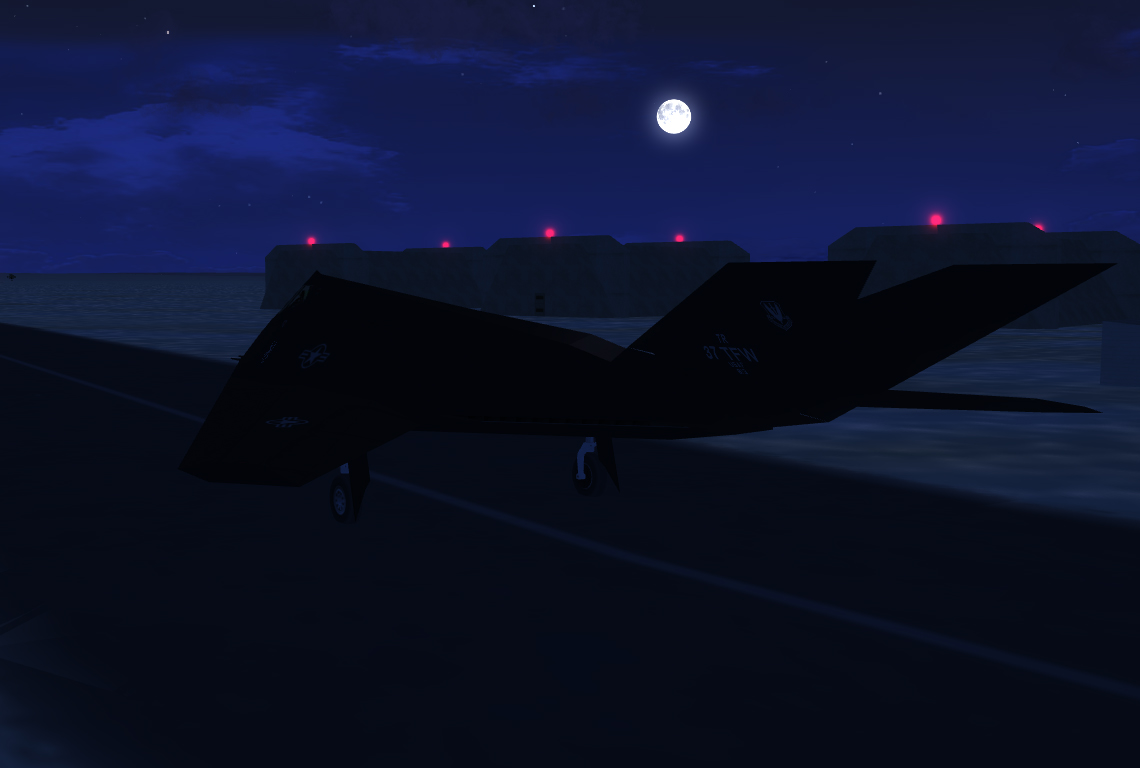
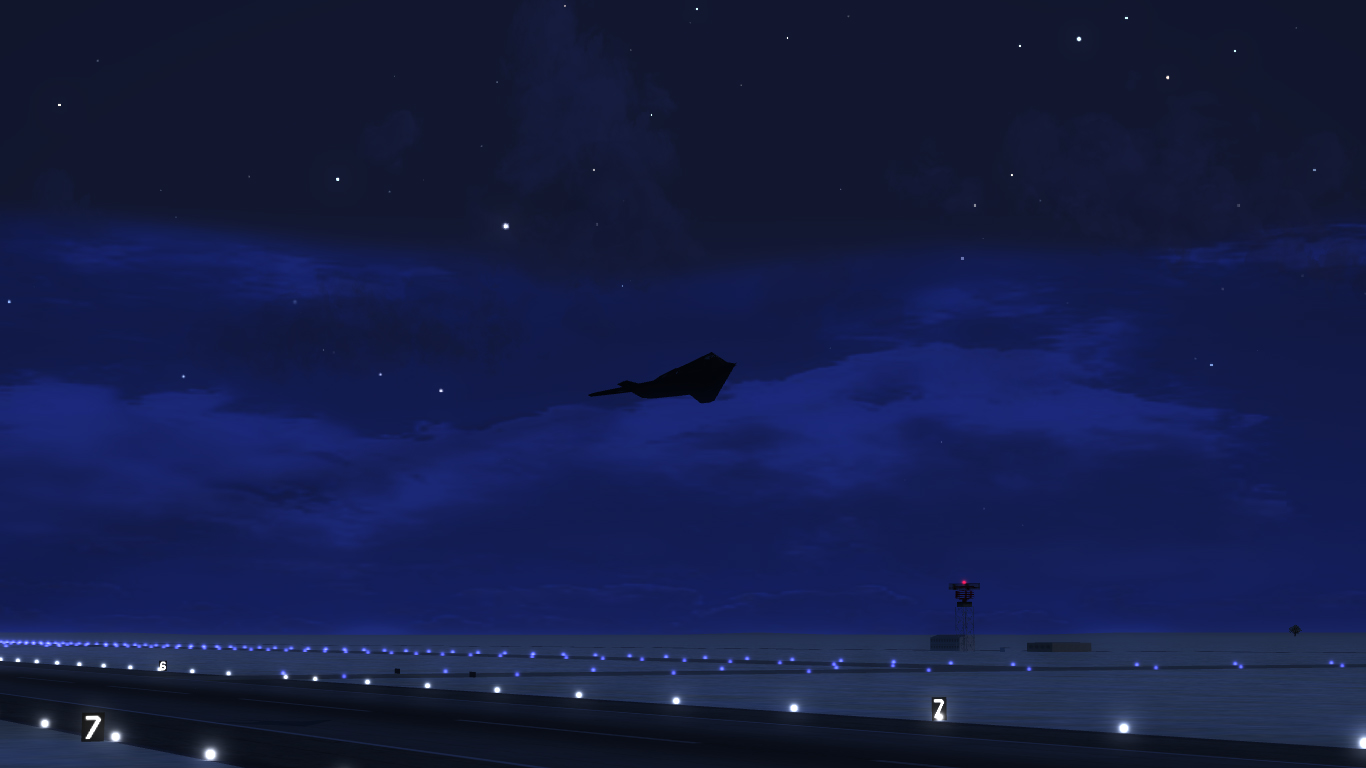
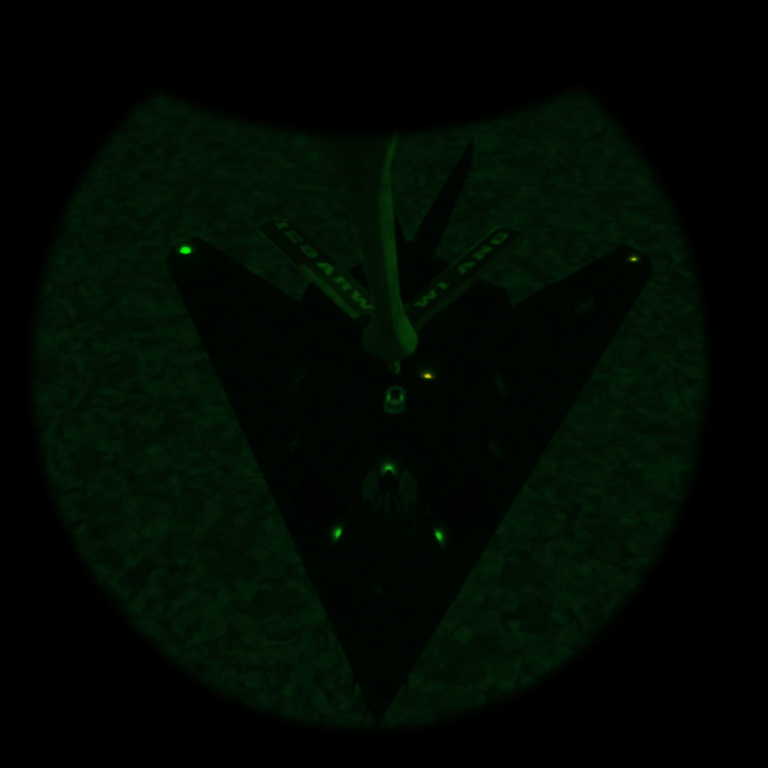
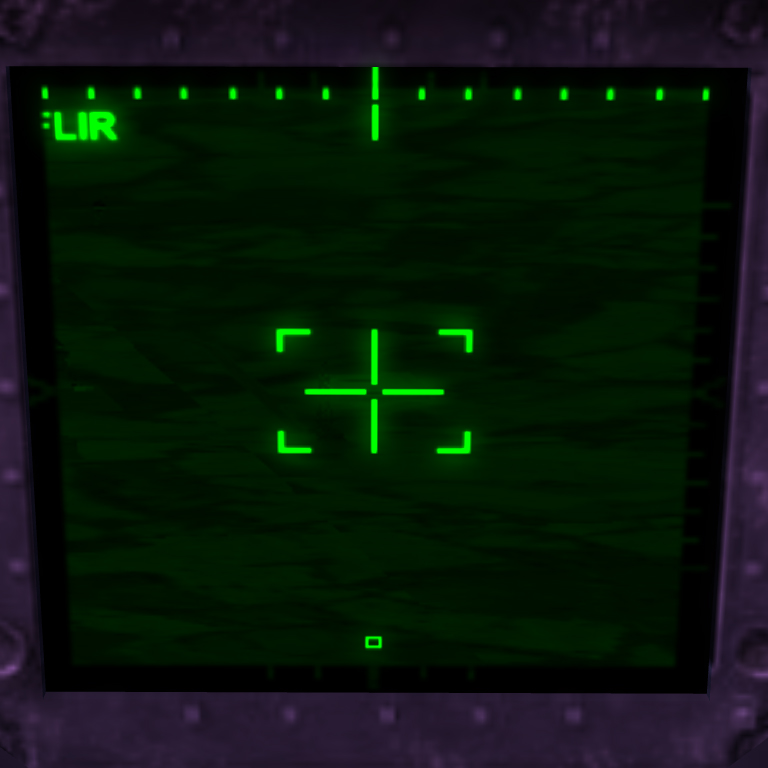
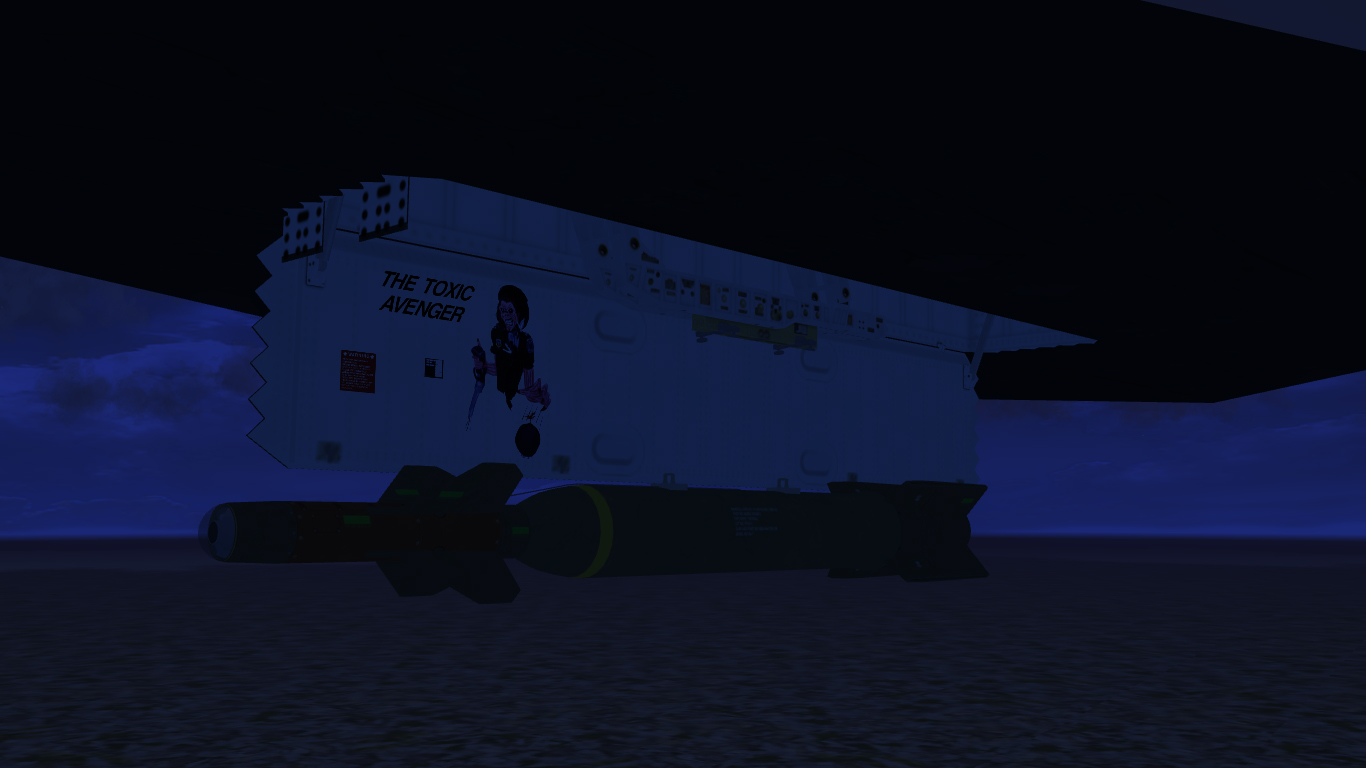
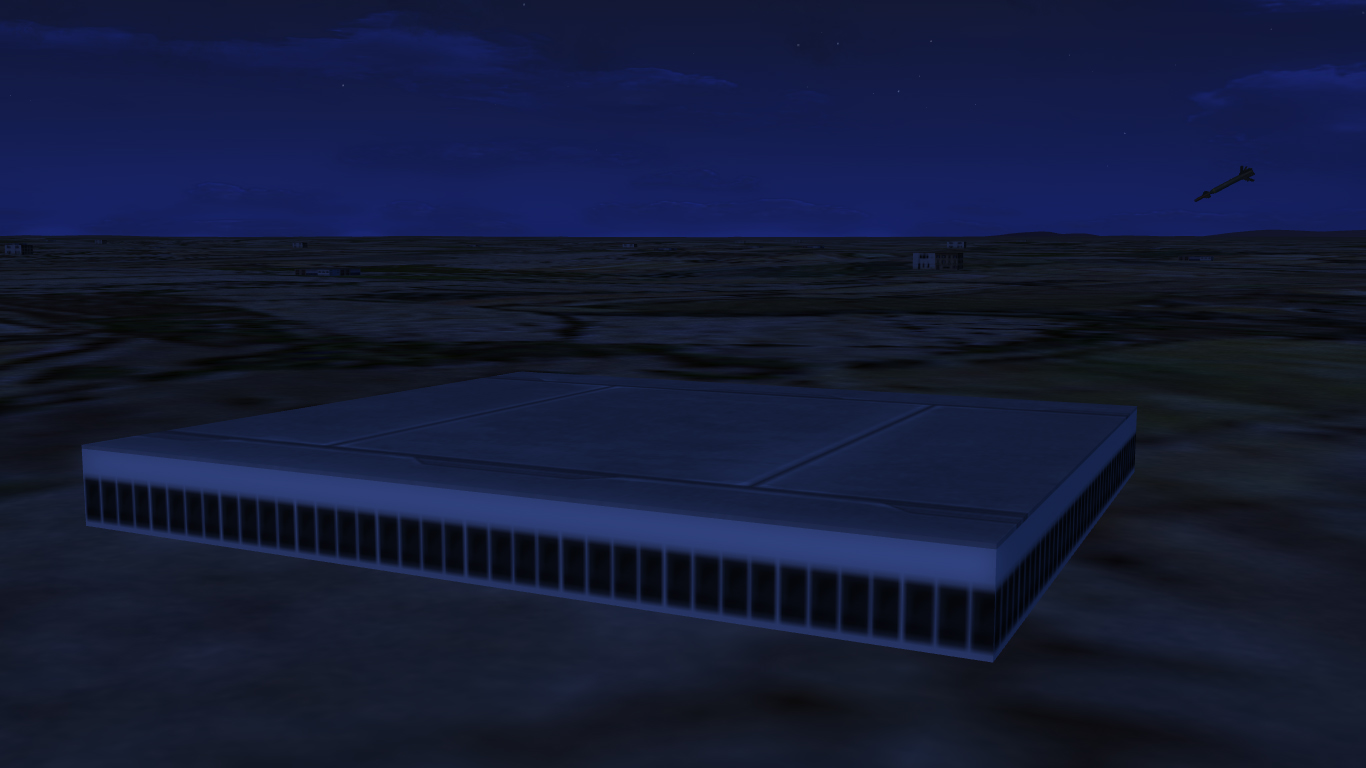
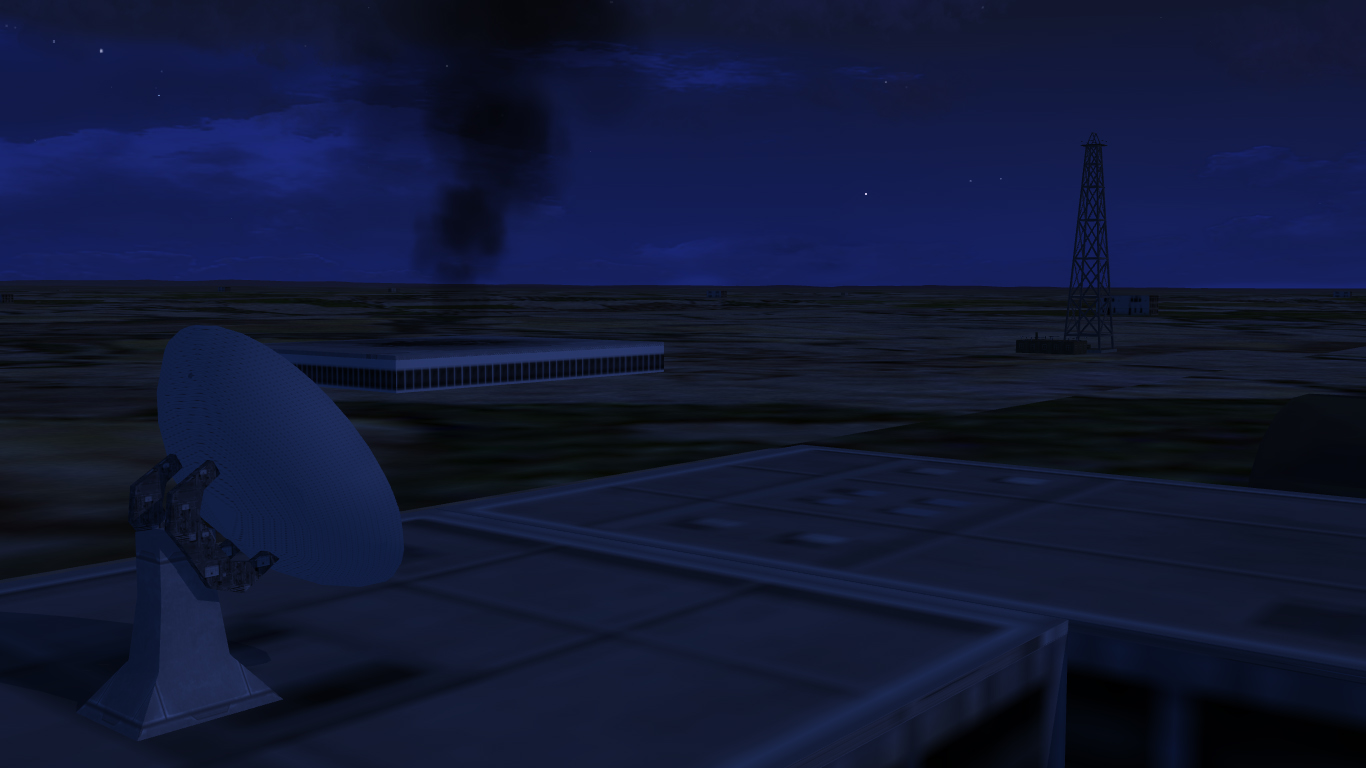
January 17 1991 Taxi at Khamas Mushait Take off into the night...alone Refuel (one of many) Target locked Bombs away Air defence control centre with no idea what's about to hit it... ...and after RTB without a scratch *Disclaimer: Refuel screenshot is photoshopped for dramatic effect* Dels