Major Bloodnok
-
Posts
326 -
Joined
-
Last visited
-
Days Won
6
Content Type
Profiles
Forums
Gallery
Downloads
Store
Everything posted by Major Bloodnok
-

SF2 Westland Whirlwind HAR Upgrade Pack
Major Bloodnok replied to Wrench's topic in File Announcements
Yes, yes, marvellous update. -
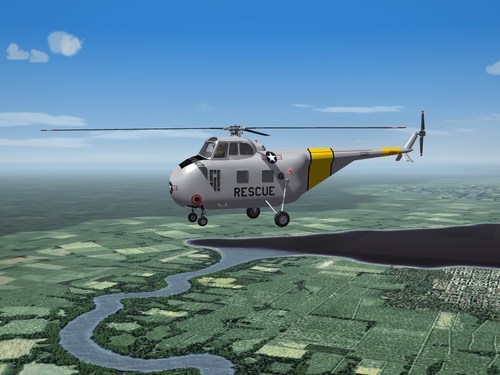 Great, looking forward to the upgraded Whirlwind pack.
 -
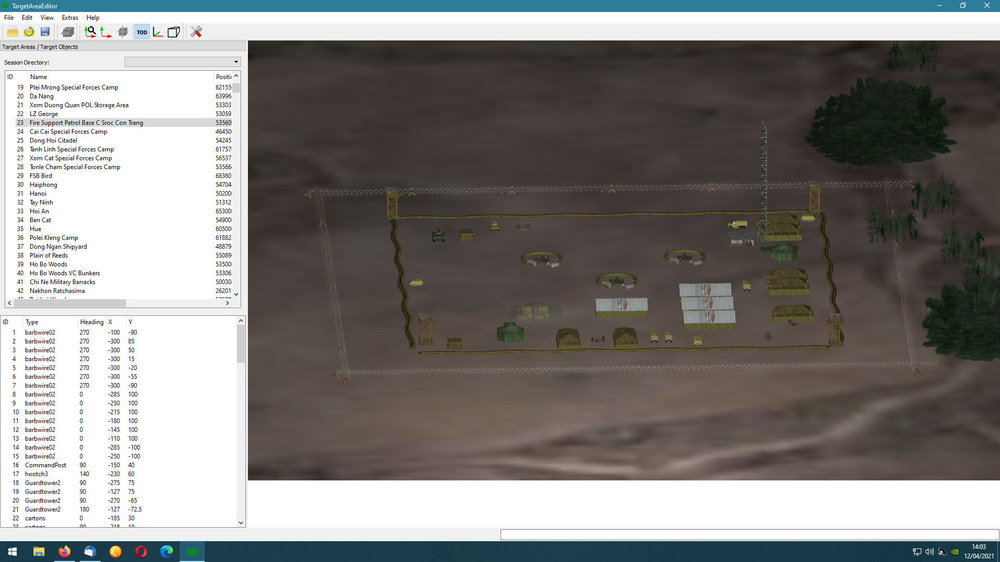
The only thing similar available, is from YAP., as below, so it would be a great addition.
-
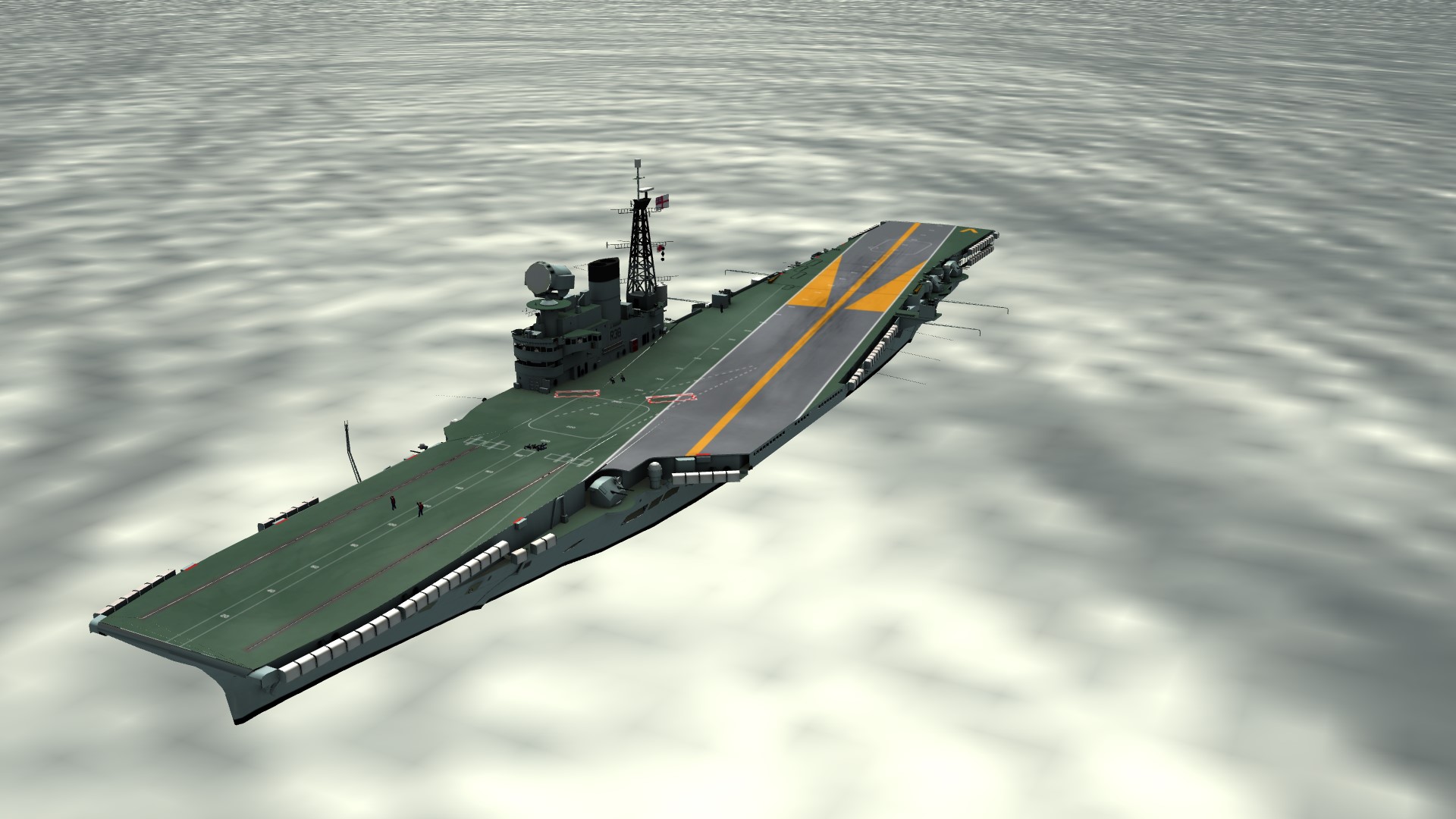
Always amazes me how they managed Phantoms on such a small carrier.
-
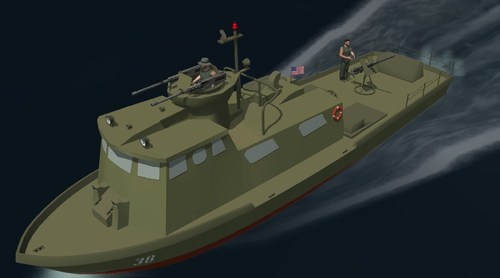 Another great addition.
 -
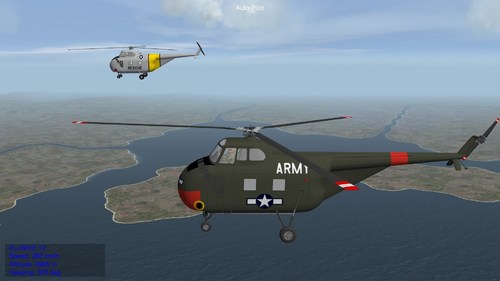 Marvellous package.
 -
Brilliant Package.
- 1 reply
-
- 2
-

-

-
I've got a LOD file...now what !!!
Major Bloodnok replied to crisisloaner's topic in Mods & Skinning Discussion
Some links for you: https://en.wikibooks.org/wiki/Blender_3D:_Noob_to_Pro/Basic_Animation/Keyframing_Introduction https://en.wikibooks.org/wiki/Blender_3D:_Noob_to_Pro https://en.wikibooks.org/wiki/Blender_3D:_Noob_to_Pro/UV_Map_Basics https://conceptartempire.com/blender-animation-tutorials/ As for the inis, have a look at some of the objects you already have. If it is a ship, or a vehicle, or a weapon, or a scenery object. Aircraft inis are way out of my league, unfortunately. -
Magic, fantastic!
-
Avro Shackleton Mk.2 AEW = repacked =
Major Bloodnok replied to paulopanz's topic in File Announcements
Another winning package. -
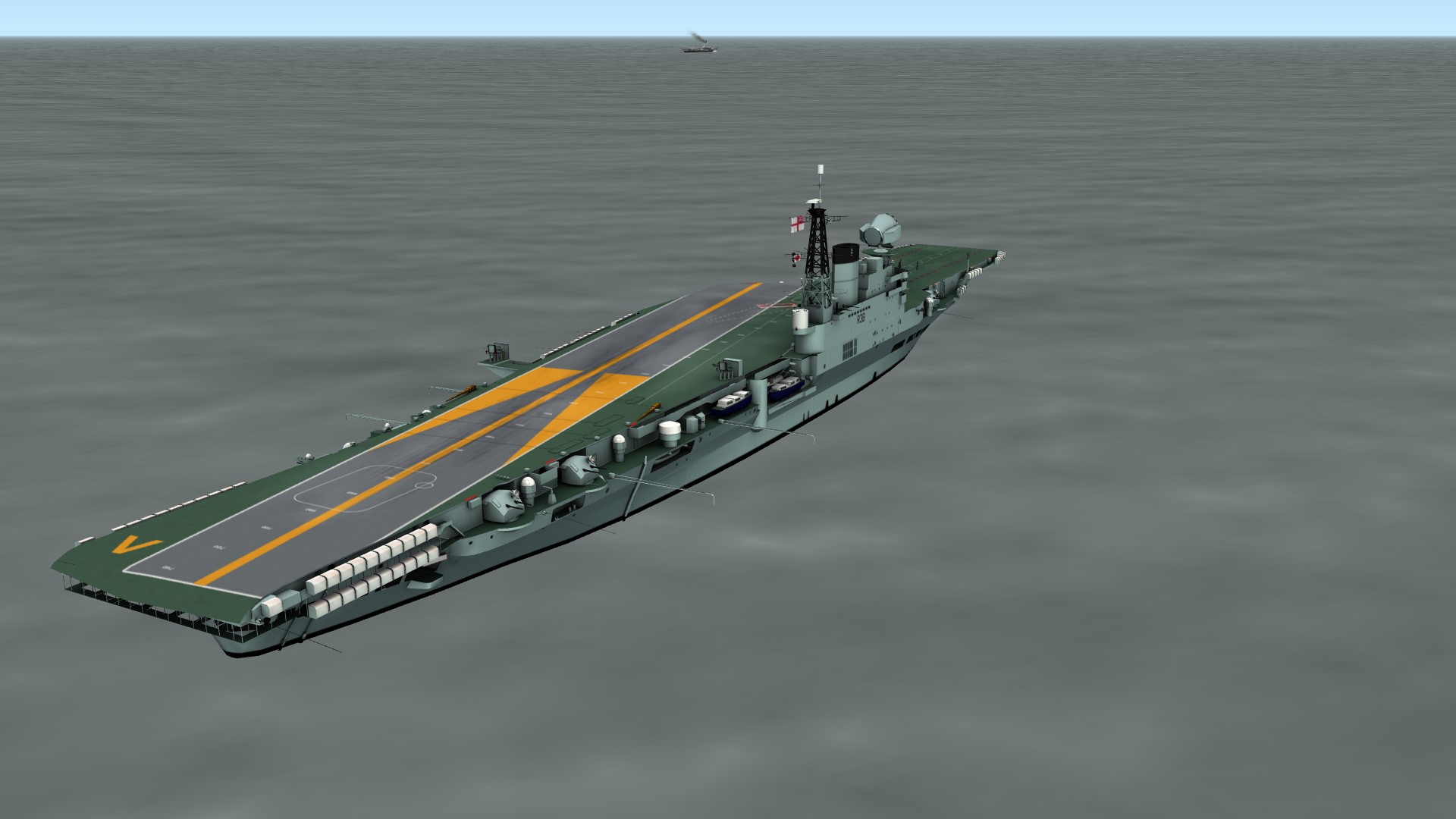
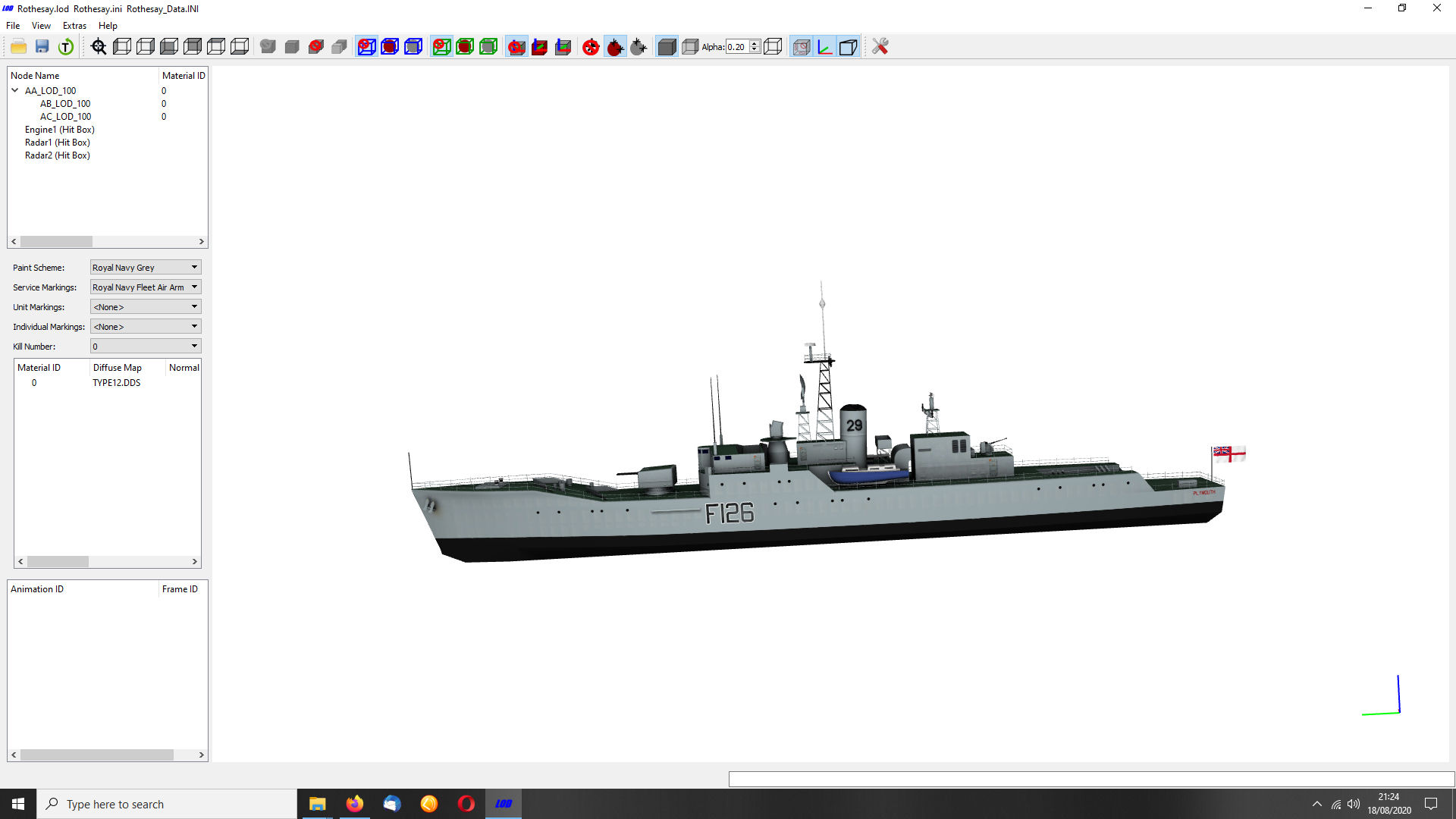
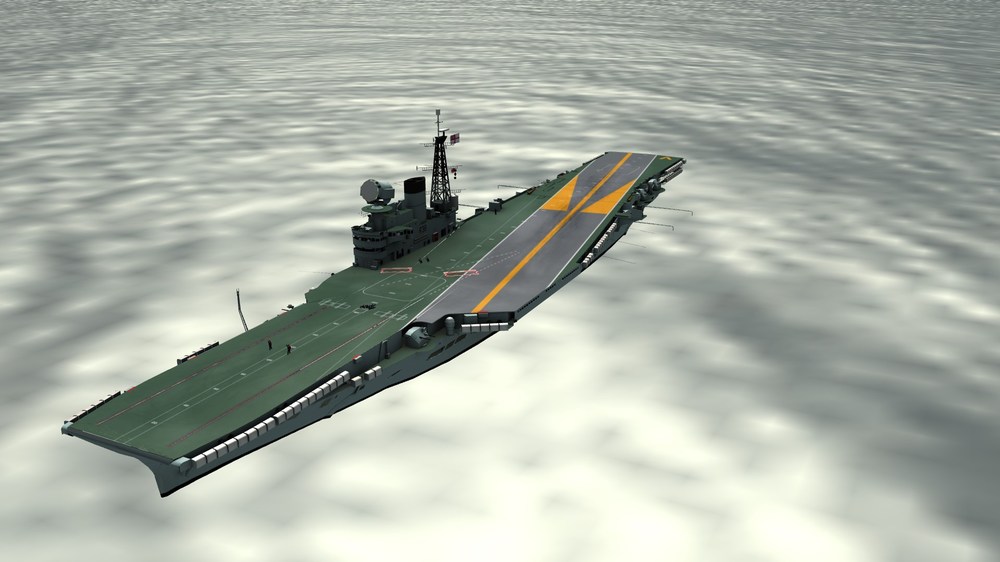
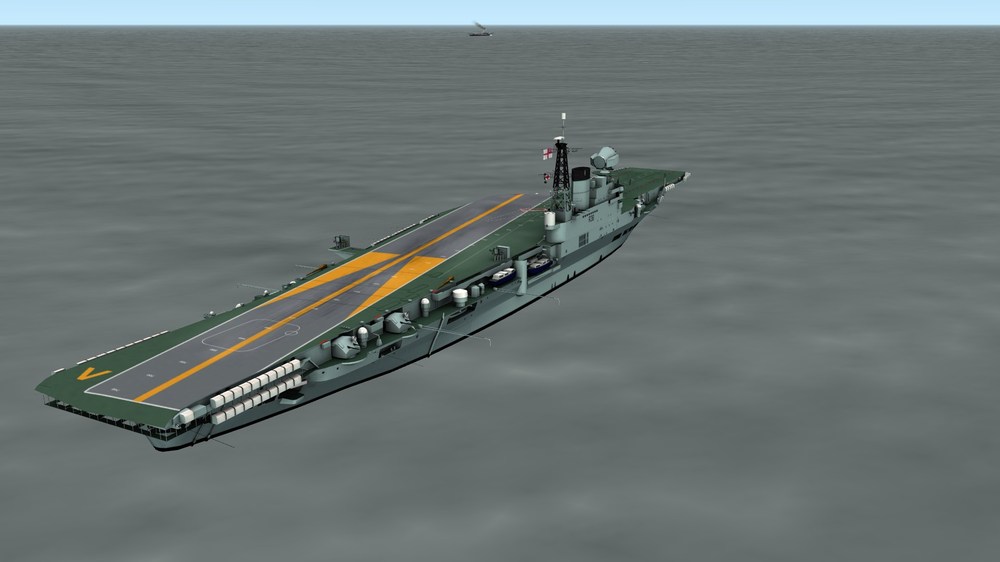
Sea trials after a long refit.
-
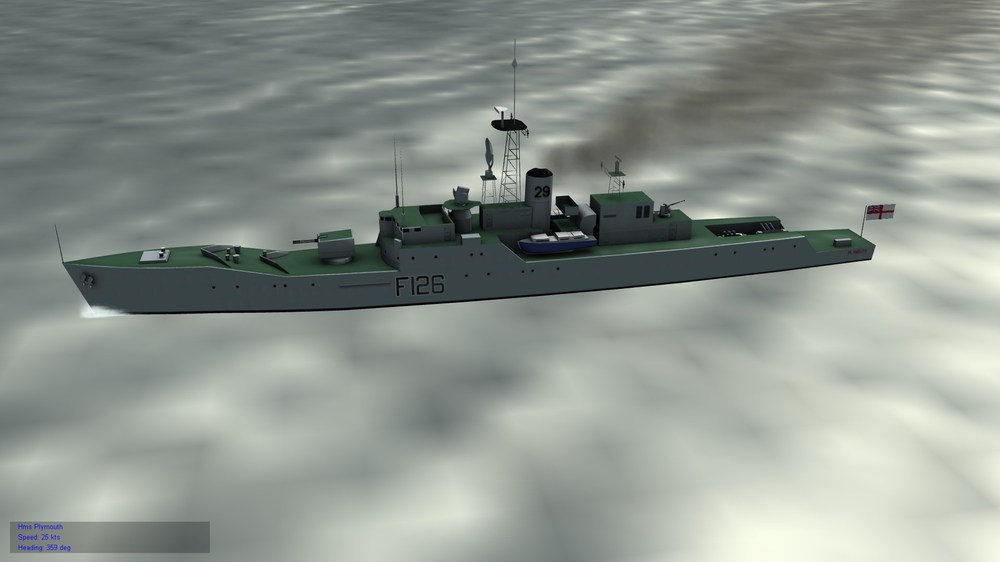
Success: AA_LOD_100 [6869 triangles, 8024 vertices] 0 - mat00 AB_LOD_100 [13 triangles, 21 vertices] 0 - mat00 AC_LOD_100 [14 triangles, 26 vertices] 0 - mat00 1 Materials: 0 mat00 TYPE12.DDS (diffuse)
-
Thanks for the replies. I think it is the ammount of polys. I tried another model and If you see below, all but AI_LOD_100, displayed in the game. Main [2539 triangles, 3333 vertices] 0 - mat09 AA_LOD_100 [26 triangles, 30 vertices] 1 - mat00 AB_LOD_100 [16 triangles, 32 vertices] 2 - mat01 AC_LOD_100 [736 triangles, 526 vertices] 3 - mat02 AD_LOD_100 [2858 triangles, 4085 vertices] 4 - mat03 AE_LOD_100 [22 triangles, 44 vertices] 5 - mat04 AF_LOD_100 [854 triangles, 812 vertices] 6 - mat05 AG_LOD_100 [28 triangles, 56 vertices] 7 - mat06 AH_LOD_100 [1996 triangles, 2893 vertices] 8 - mat07 AI_LOD_100 [16080 triangles, 21259 vertices] 9 - mat08 AK_LOD_100 [842 triangles, 1338 vertices] 10 - mat10 AL_LOD_100 [68 triangles, 121 vertices] 4 - mat03 AM_LOD_100 [68 triangles, 121 vertices] 4 - mat03
-
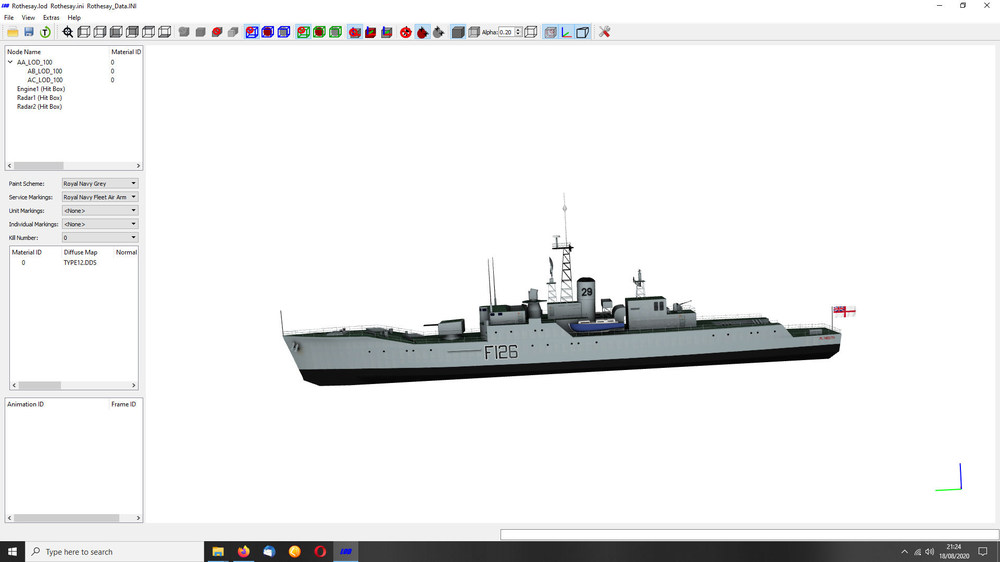
I have converted a MDL file to 3DS and opened it in Blender. I have exported it to a LOD file, but this does not appear in game, but it does in Mue's tool.(see image below) Here is the data from the OUT file. Anyone know what the problem is? AA_LOD_100 [23648 triangles, 25393 vertices] 0 - mat00 AB_LOD_100 [40 triangles, 48 vertices] 0 - mat00 AC_LOD_100 [48 triangles, 58 vertices] 0 - mat00 1 Materials: 0 mat00 TYPE12.DDS (diffuse)
-
Yes, to have them as a terrain target, they must be declared in the Types and Target files. To add them to a target, use this: The static aircraft you mentioned: All files go in the terrain folder, no need for a data.ini, if this is so. The declaration in the Types file will be slightly different, for example: [TargetType251] Name=Wessex-Static FullName=Parked Helicopter ModelName=Wessex-Static.LOD TargetType=MISC ActiveYear=0 TargetValue=20 UseGroundObject=FALSE DamagePoint=0.1 ArmorValue=0.0 ArmorType=0 RepairRate=10.0 StartDetectChance=100 StartIdentifiedChance=0 IncreaseDetectChanceKey=0 MaxVisibleDist=5000.0 DamagedModel=Wessex-Damaged.LOD DestroyedEffect=SmallExplosionEffect DestroyedModel=Wessex-Damaged.LOD SecondaryChance=100 SecondaryEffect=VehicleFireEffect CollisionMesh= ZBufferOffset= FlatObject=
-
Static ships are declared in the types and targets.ini of each Terrain: [TargetType116] Name=Freighter FullName=Freighter ModelName=Cargo02.lod TargetType=MISC ActiveYear=0 TargetValue=300 UseGroundObject=TRUE GroundObjectType=Freighter DamagePoint=500.0 ArmorValue=400.0 ArmorType=0 RepairRate=0 StartDetectChance=0 StartIdentifIncreaseDetectChanceKey=0 MaxVisibleDist=10000.0 DamagedModel= DestroyedEffect=ShipDestroyedEffect DestroyedModel=CARGOSHIP_DESTROYED.LOD SecondaryEffect=MediumOilFire SecondaryChance=100 [TargetArea388] Name=Hon Nieu Island Position=498000.00,658000.00 Alignment=ENEMY Location=3 ActiveYear=0 Radius=10000 Target[001].Type=radio_tower Target[001].Offset=0.00,0.00 Target[001].Heading=0 Target[002].Type=vBarrack1 Target[002].Offset=40.00,10.00 Target[002].Heading=0 Target[003].Type=vBarrack1 Target[003].Offset=55.00,10.00 Target[003].Heading=0 Target[004].Type=AAA Target[004].Offset=200.00,0.00 Target[004].Heading=0 Target[005].Type=AAA Target[005].Offset=0.00,-200.00 Target[005].Heading=90 Target[006].Type=Tugboat Target[006].Offset=-2121.00,-2390.00 Target[006].Heading=220 Target[007].Type=Freighter Target[007].Offset=-1820.00,-481.00 Target[007].Heading=200 Wheras ships that move are declared in a mission or campaign: [GroundMission001] Name=Surface Action Group GroundObjectType=Sverdlov Nation=Soviet RandomChance=100 ObjectiveID=1 RatingForSuccess=50 Size=2 NavalObject=TRUE NavalFleet=TRUE NetworkAirDefense=TRUE Position=709817.062605,865247.738804,0.000000 Heading=262.000000 Speed=15.442583 StartTime=0.000000 Alignment=ENEMY PilotTrainingStandard=EXCELLENT Waypoint[01].Command=WAYPOINT Waypoint[01].Position=595693.497231,838433.464380,0.000000 Waypoint[01].Size=0.000000 Waypoint[01].Speed=15.442583 Texture=SovietGrey ShipNumber=0 Ship[01].Name=Grozny Ship[01].GroundObjectType=Sverdlov Ship[01].ShipNumber=-1 Ship[01].Position=0.000000,0.000000,0.000000 Ship[01].Name=Grozny Ship[02].GroundObjectType=Freighter Ship[02].ShipNumber=-1 Ship[02].Position=-1984.000000,-4039.000000,0.000000 Ship[02].Name=Lzyncya
-
Fantastic!
-
-
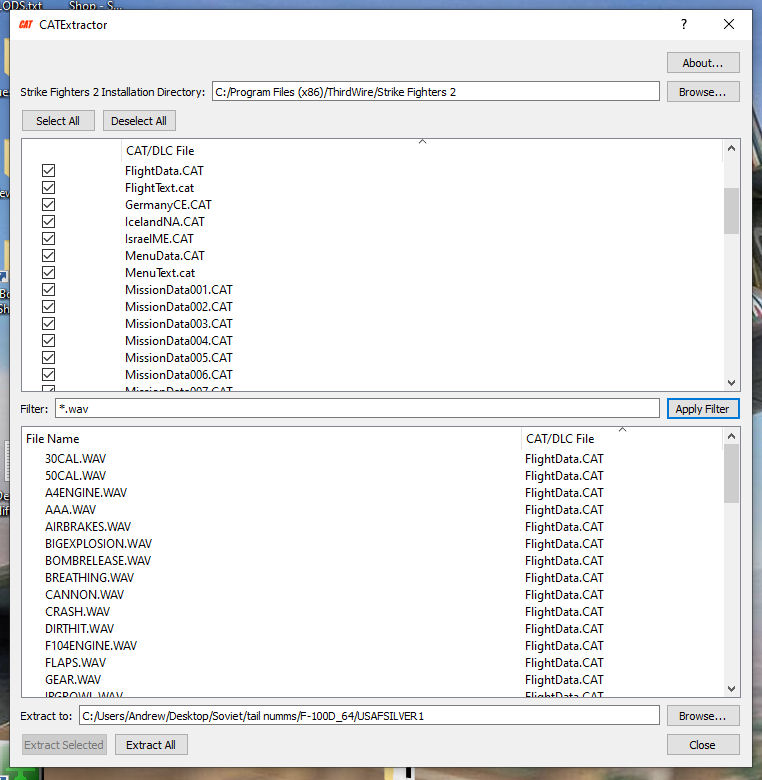
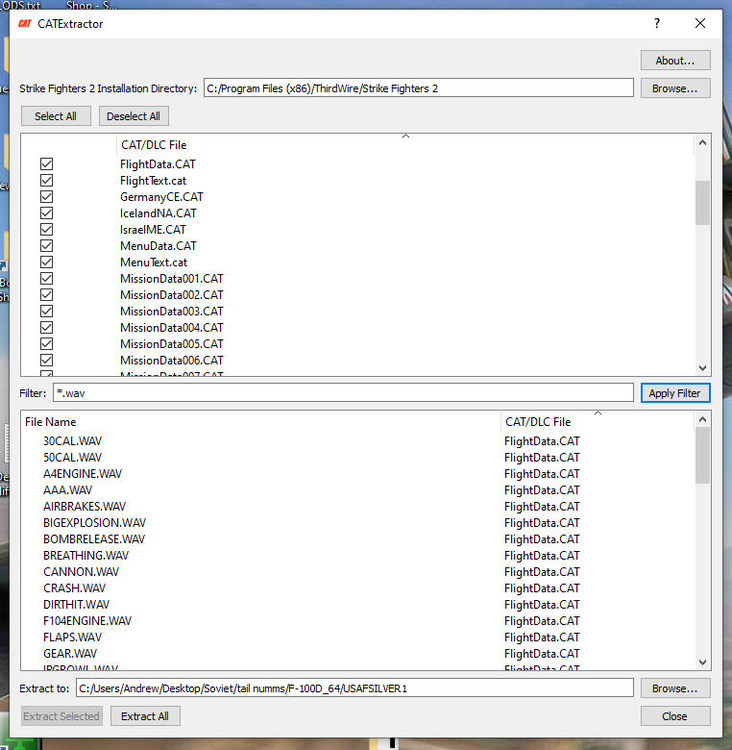
FlightData.cat and there are a few in MenuData.cat
-
For Strike Fighters 2: https://combatace.com/files/category/733-pilot-mods/
-
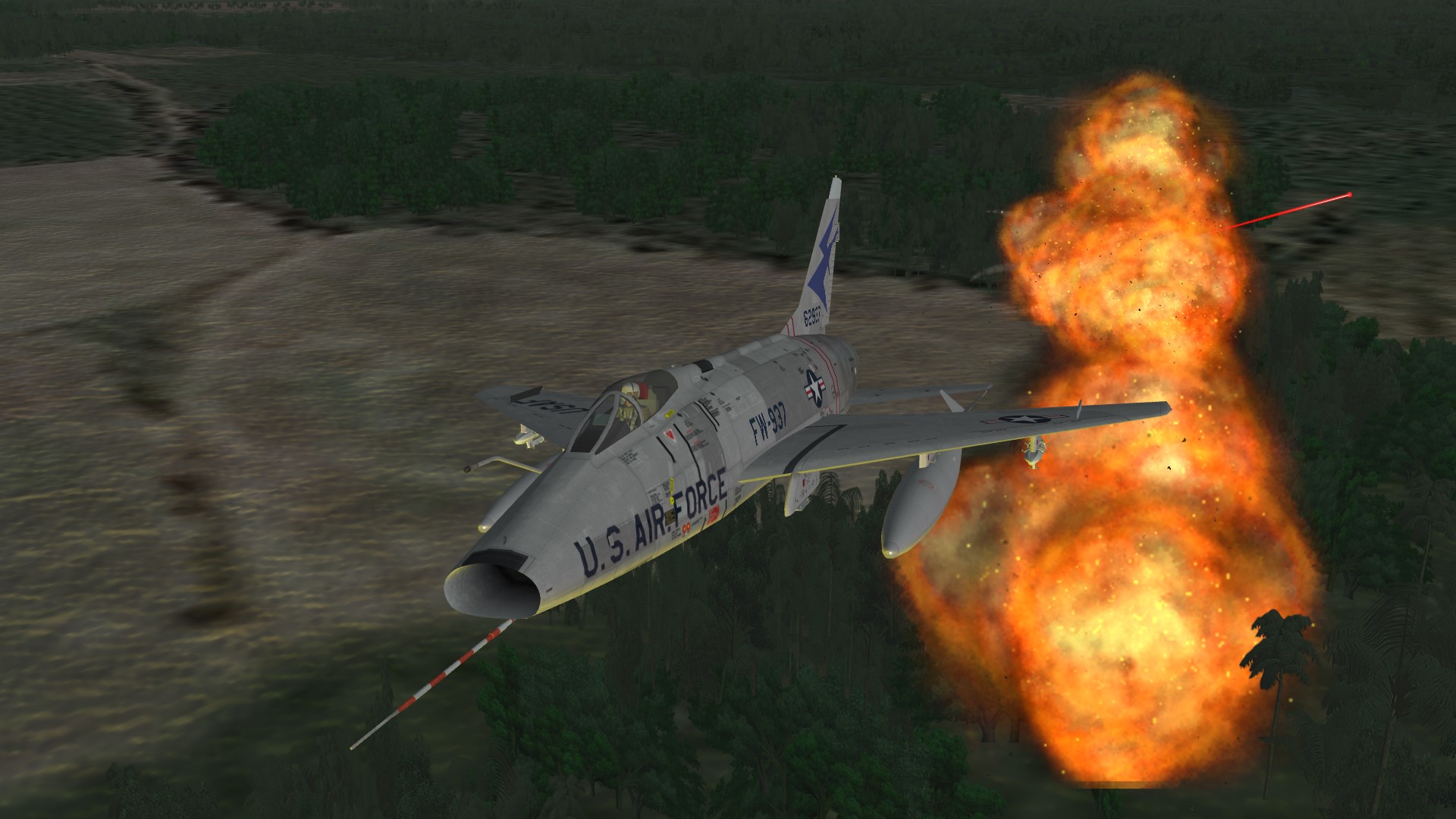
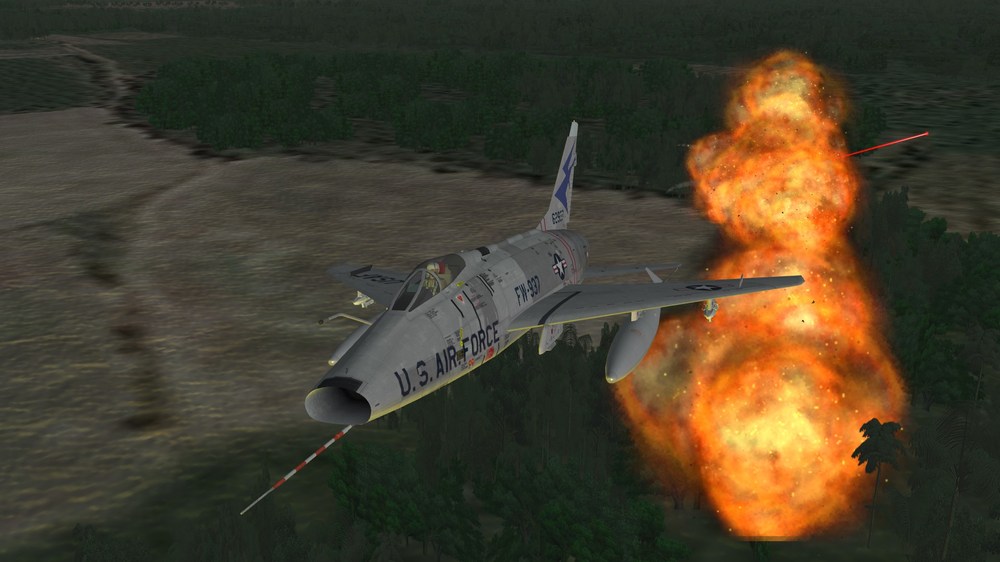
A Hun doing what it does best.
-
Quality work!
-
Meteor Cockpit Question
Major Bloodnok replied to Major Bloodnok's topic in Mods & Skinning Discussion
Here are the files to do this: The ini files go in the aircraft's folder and the bmp goes in the cockpit folder. MeteorNF11_COCKPIT.INI Meteor_NF11_AVIONICS.INI RadarScreen.bmp -
Excellent.
- 1 reply
-
- 1
-
-
Campaign Problem
Major Bloodnok replied to Major Bloodnok's topic in Mission & Campaign Building Discussion
I mean causes this. This happens everytime on a custom campaign.