Flanker562
-
Posts
13,466 -
Joined
-
Last visited
-
Days Won
64
Content Type
Profiles
Forums
Gallery
Downloads
Store
Everything posted by Flanker562
-
SF2 Complete my man as that's the only way apparently in getting it. I doubt it's in the Downloads section as it's an official DLC.
-
 Well apparently this topic has a long title and I don't think DA is Japanese...
 -
It's pretty obvious, Pope AFB
-
Ahh I missed that. But nice title though, can't wait until it gets pinned lol
-
I guess "DA's WIP thread" is too passe huh?
-
As long as he has the Wagner CD I'm down
-
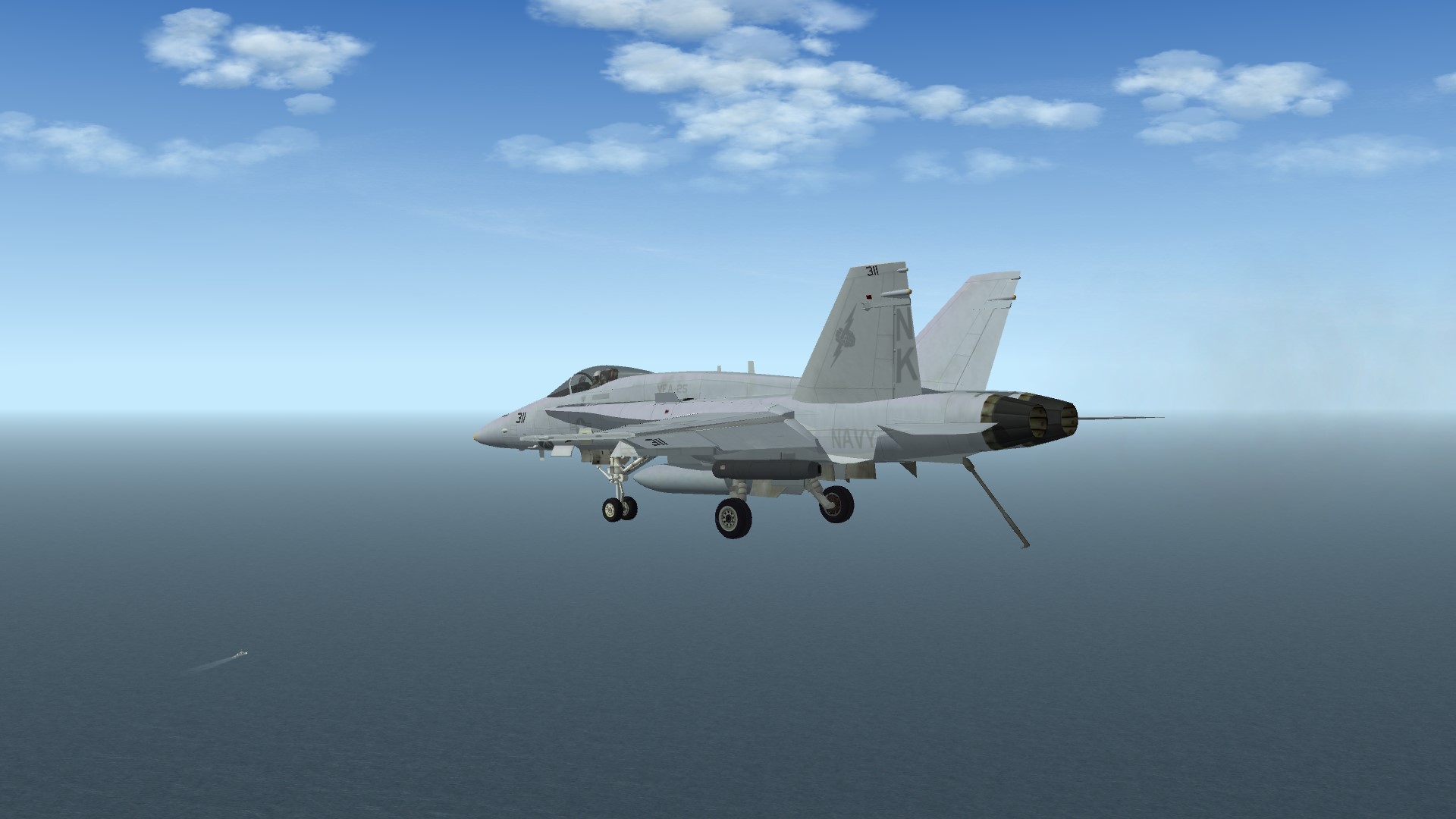
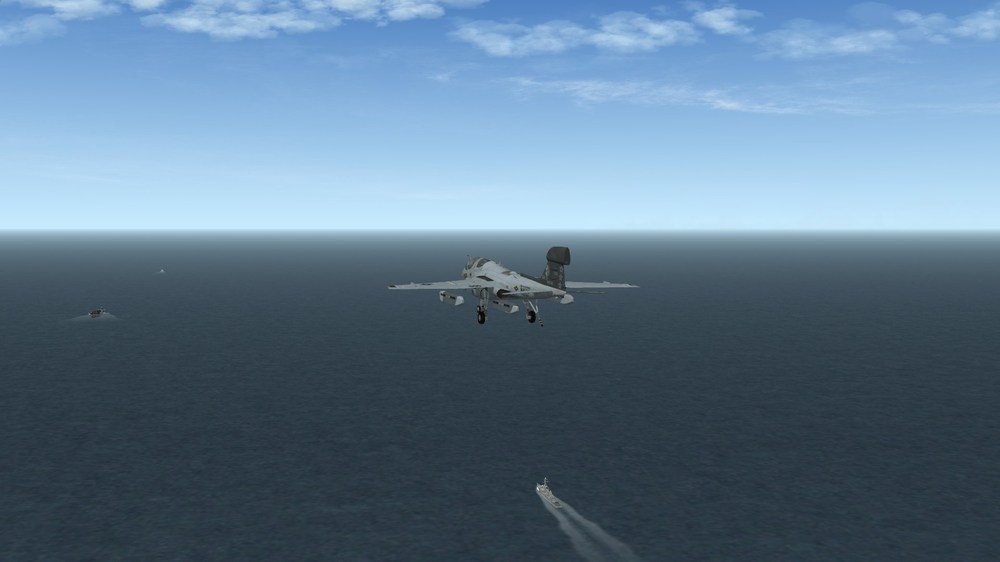
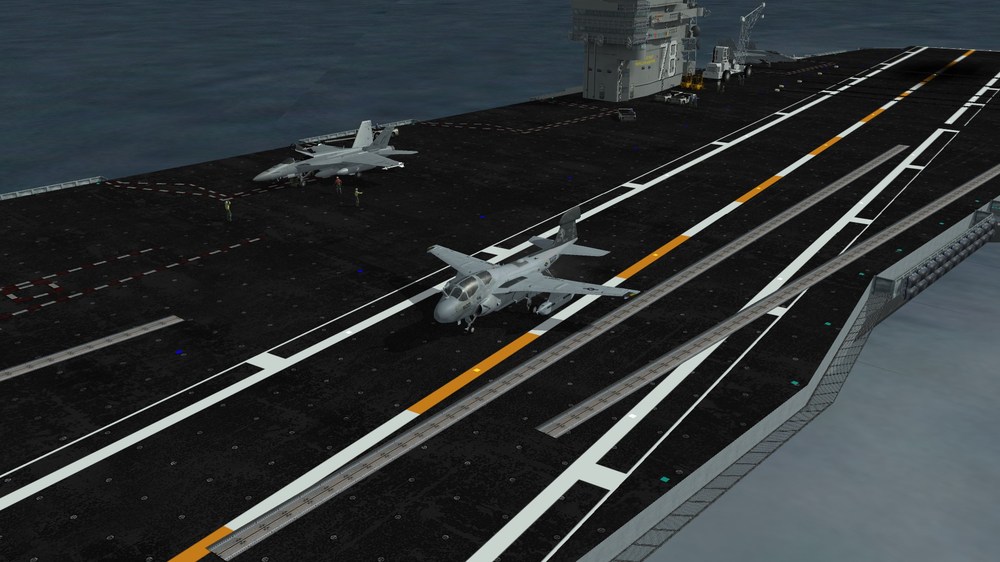
Did alright on the trap, though I probably would have been waved off and frankly should have, but I didn't end up dead either...



-
Yeah I got you. I don't think it'll happen either but maybe we'd get lucky... Not!
-
Where did you hear that from?
-
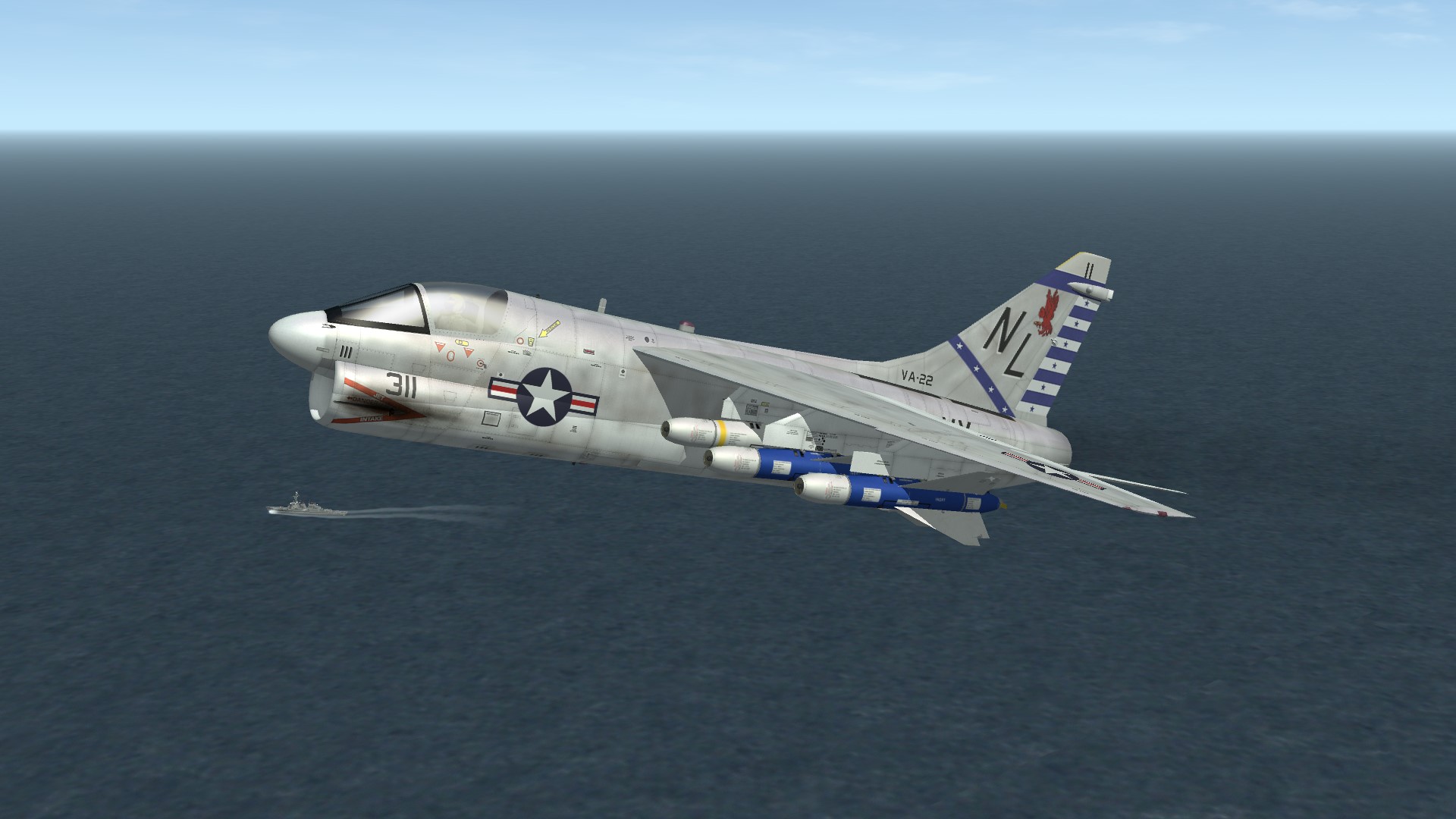
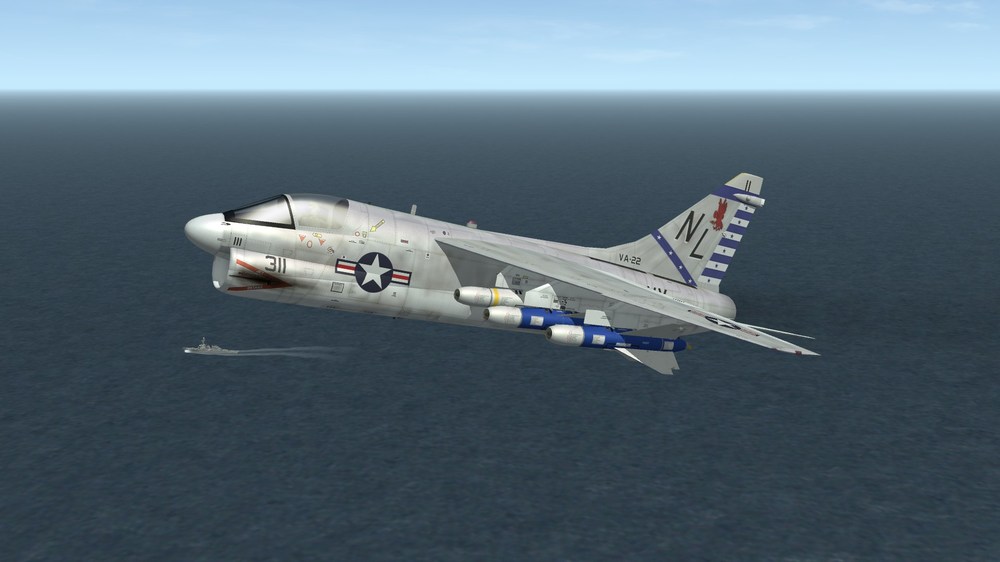
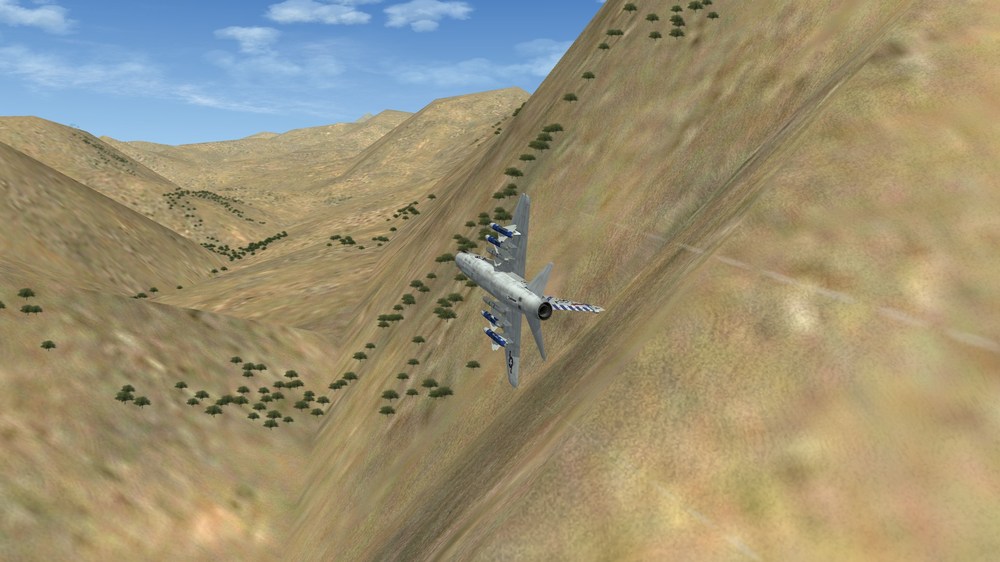
Just playing around with ravenclaw's Walleyes. They're a dream to use and doesn't require scientific calculations to use, regardless of airframe. Using an A-7A for this trip.
-
Anyone know what the Location.bmp file does?
Flanker562 replied to Gatling20's topic in General Discussion
I'd like to know as well, for gp knowledge -
Okay thanks, Menrva, and anunk47, just making sure it wasn't just me then, cool.
-
The 2-4 Cavalry series is about 14 books. The Eagle Hammer Universe series is four books, and the Tales of Baromir is three books, but two of them are pre-order so it's not a full series yet.
-
"We got the Wagner CD!"
-
Either 2-4 Cavalry book 1 for one series, Operation Outreach for anpther
-
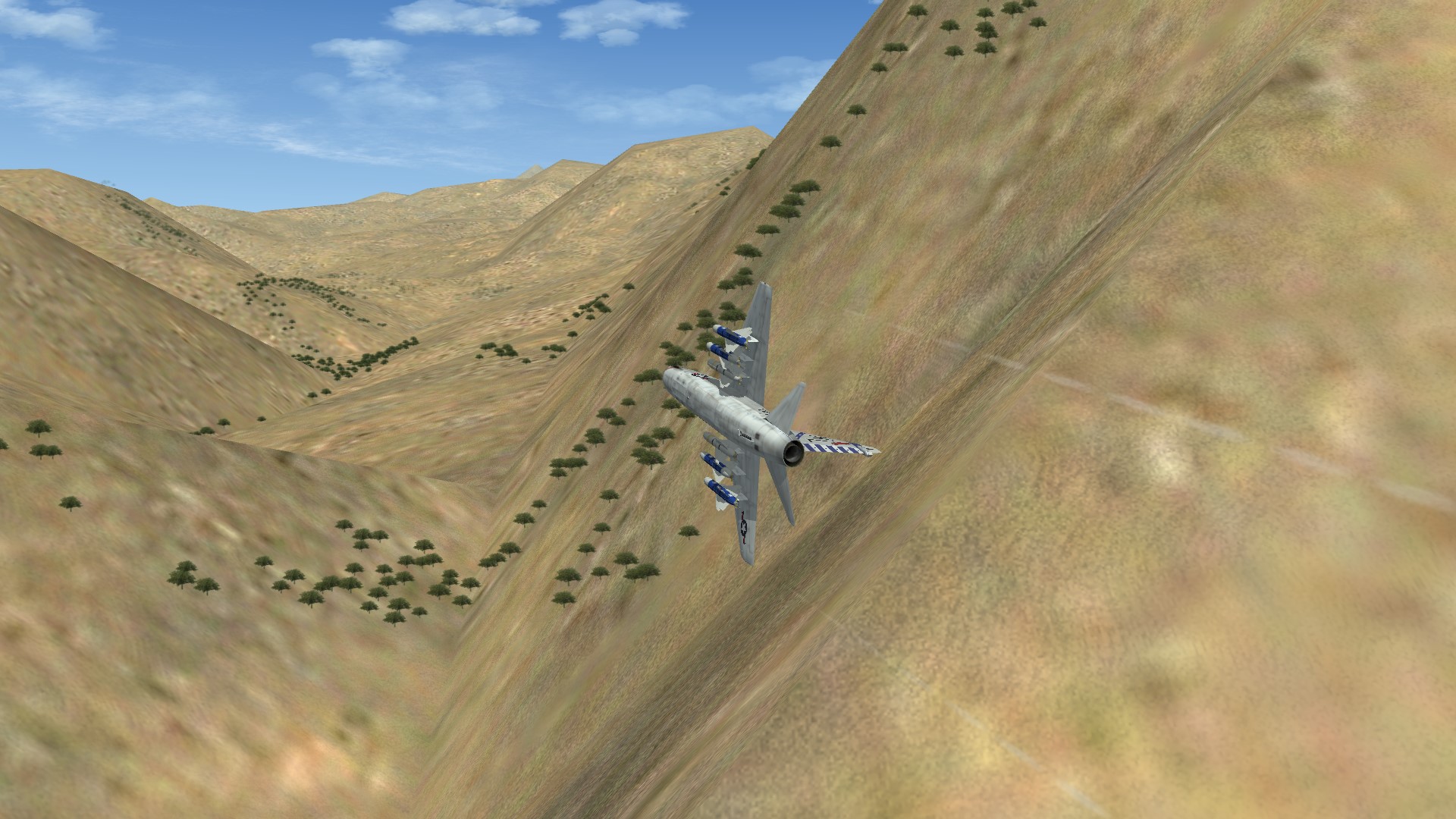
Messing with ravenclaw_007s Walleyes:
-
Actually this is an issue with the EOGB with the TV seeker. When I selected the Walley bombs my framerates would slow to a crawl and sometimes not. If I deselect the Walleyes it would be fine. Does anybody else have that issue? It was on the SoCal map so far when I was in the mountains (I have a small range setup with targets in a valley) bombing the targets.
-
Yeah that was the last time they were used in combat at least before being retired. And yeah that is weird
-
Yeah Wiki lists the F-4 and A-7, and Legacy Hornet, and another couple of planes that I can't remember. Don't know offhand of course but okay.
-
For those who aren't on Facebook or don't have me on Facebook, I write too. Just like Gepard and Skyviper I've put out some books. Most of the time when I'm not gaming I'm back to writing, and working on some fantasy books right now. My links: Kindle Amazon Affiliate Link: https://amzn.to/2Q4Kuaa Website: https://www.ejwriting.info/ Books2Read: https://books2read.com/ap/xeowZv/EricJ562 LinkTree: https://linktr.ee/ericj562 Spotify: https://spoti.fi/3hVMug5 I'm self-published unlike Gepard, so I spend more money and could use the sale of course (wink wink)
- 94 replies
-
- 18
-

-
Wiki on the weapon says the Air Force used them, how much doesn't say, but it was used by both USN and USAF. I mean it's questionable but maybe you can ask around though, and may have to change the stuff on the weapons.
-
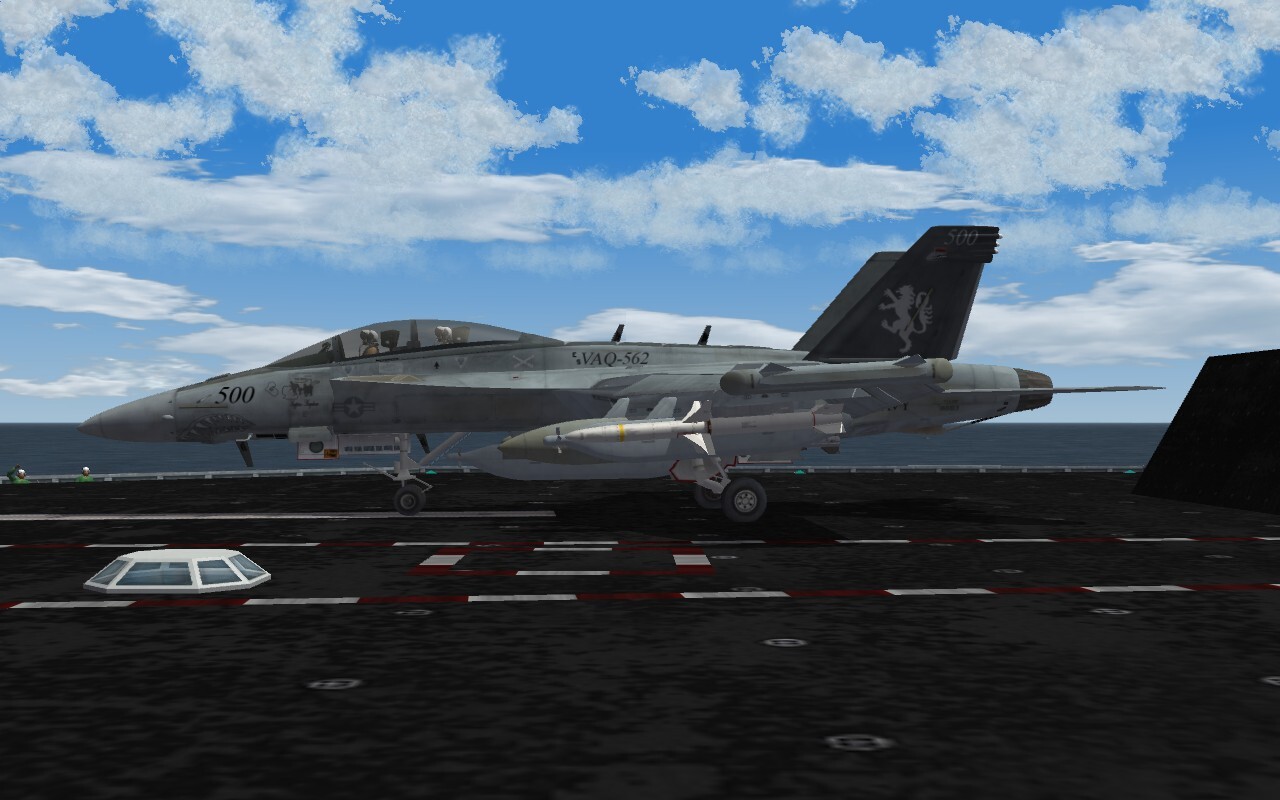
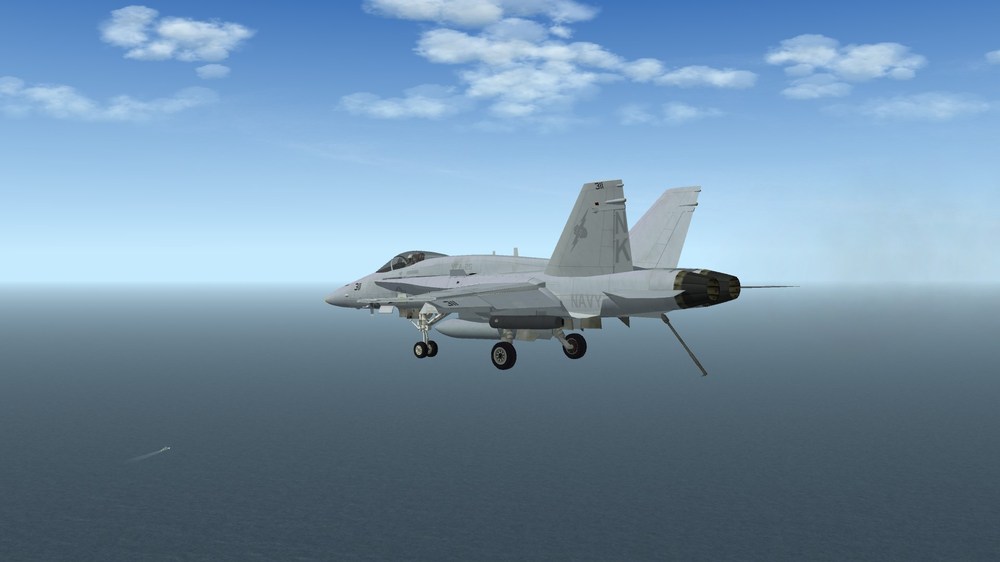
I tend to like approach shots. This time I modded the deck I used to be somewhat slower, as it was going at 38 knots or something like that when I landed on the deck. 20 knots seems more realistic and not too far from normal ops. Since the game puts the deck at max speed I figured that a slower crawl makes it better. Definitely makes lining up better.
-
No problem man, thanks for the opportunity.
-
I'm pretty sure I got them all, both USAF and USN, and worked fine. Sure I missed with a few, but overall they worked. Too bad you can't animate the back of the weapon.
-
So far they're hitting targets and blowing them up, though so far missed one target. I'm under the impression some are USAF? So far I'm testing the USN versions.