yakarov79
-
Posts
3,558 -
Joined
-
Last visited
-
Days Won
267
Content Type
Profiles
Forums
Gallery
Downloads
Store
Everything posted by yakarov79
-
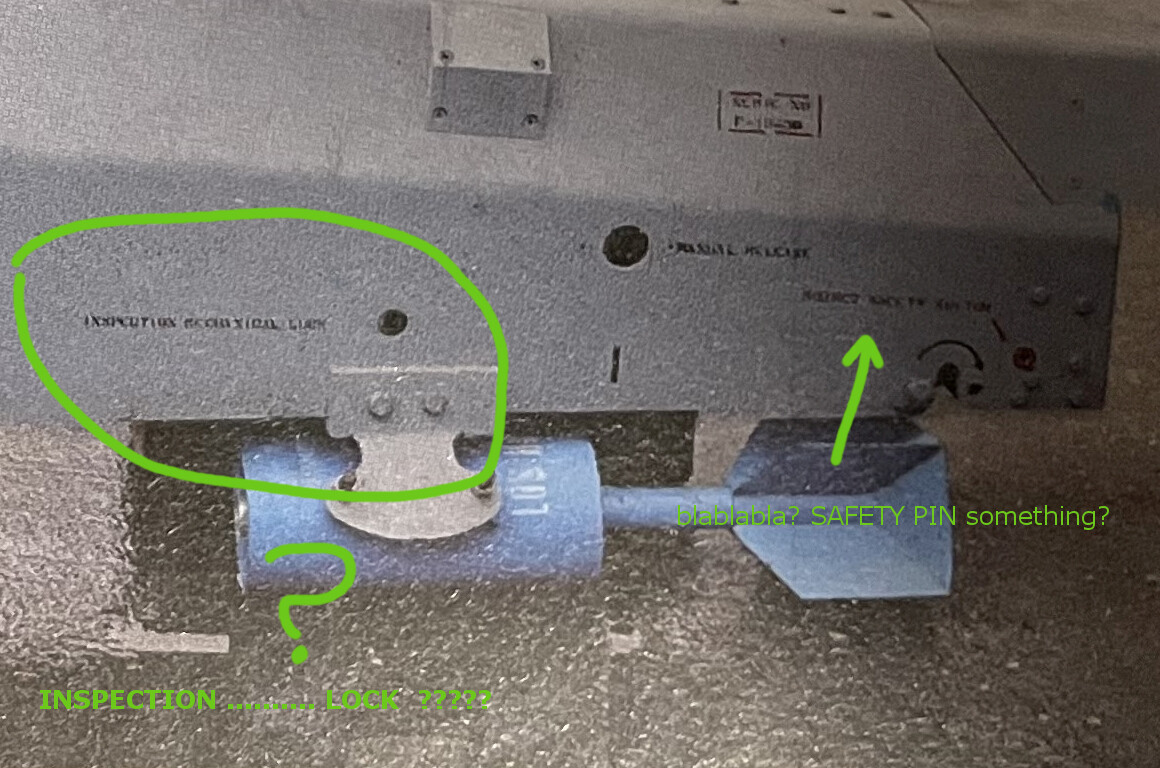
halo... What do you see there....
-
You guys are really irredeemable.
-

How about someone doing Afghanistan or Panama mod?
yakarov79 replied to 1Patriot-of-many's topic in General Discussion
No. Those who remember still care... Maybe we can pimp it a little one day? We have some new assets. One way or another, the Soviet-Afghan war is much better suited for this game. Even if it is a more ground-pounding way. The next invasions of Afghanistan in-game would be way too one-sided. -
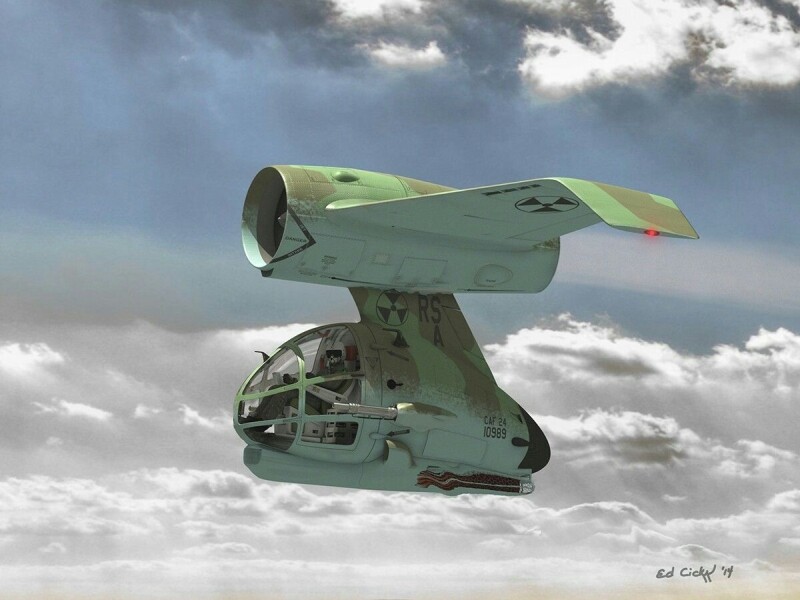
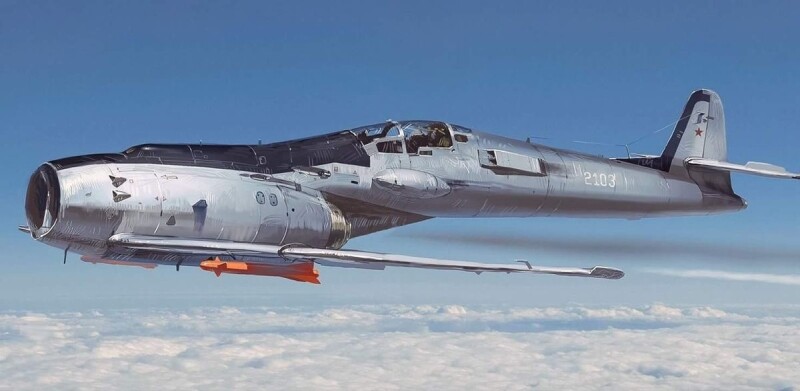
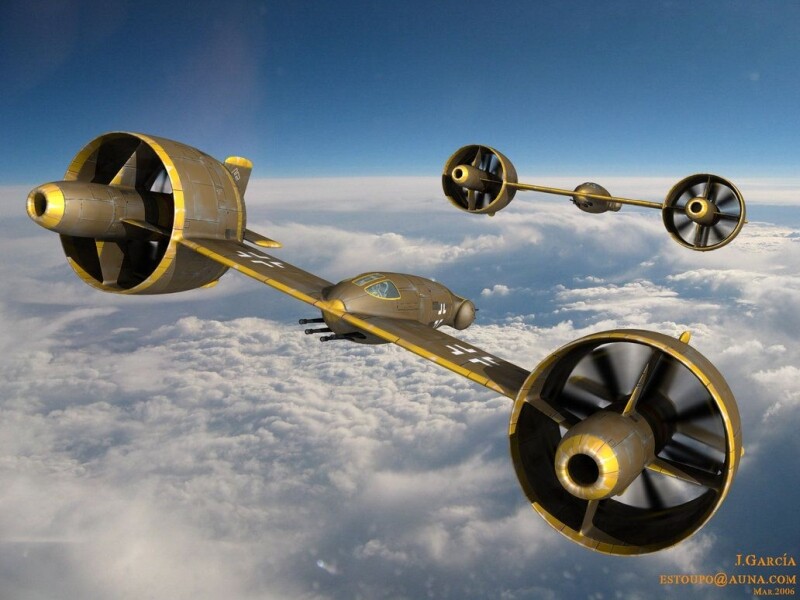
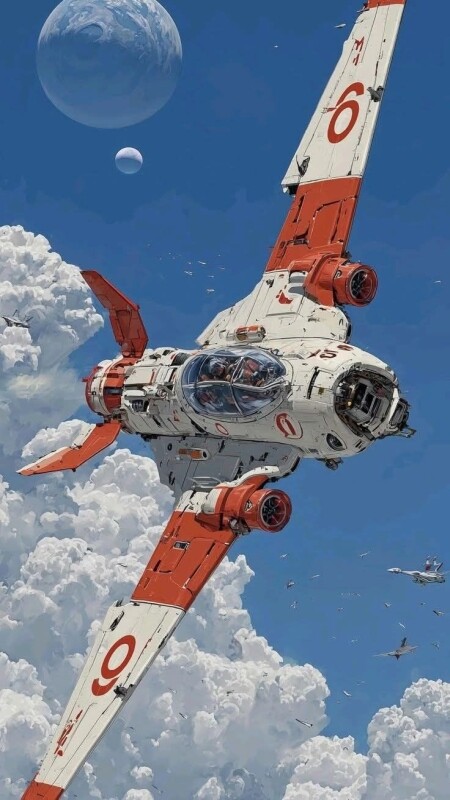
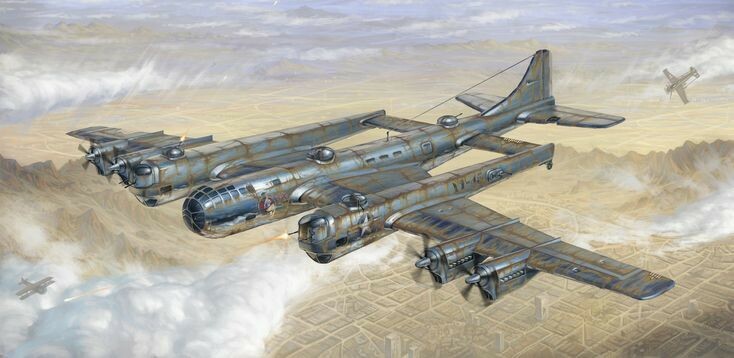
okay....Science Fiction Aircraft...I thought something more like this: not just "near real" mindless drone... based on what we can really have... anyway... sci-fi can be interpreted in many ways.... Have fun..
-
Thinking of making addon jets, where to start?
yakarov79 replied to F5TigerIIGuy's topic in General Discussion
Start by securing a large amount of free work hours. No one is going to pay you for this. You upload a model for free download, and people will still complain because it is not "free enough"...but still, modeling is fun. As for the 3D aspect. Start by collecting drawings, plans, and photos of details, walkarounds, and more free time. There is a topic somewhere about modeling for SF2 with all game engine requirements and restrictions ( If I find it, will copy link. Based on some personal experience... building a model is not that hard (if you know how to maneuver in 3d software). Again, it is time-consuming. But if you strategize the whole process, you can avoid some frustration. But anyway, what pointers do you need on the 3d model exactly? (and texture), since the topic is vast. I can write an essay on how I do models, but it is not going to work for you, because everyone is making something a little different. So you will have to find your way through trial and error. But I can try to help if you have something specific in mind. So it would be better if you ask a direct question - then someone can reply with a particular answer. -
-
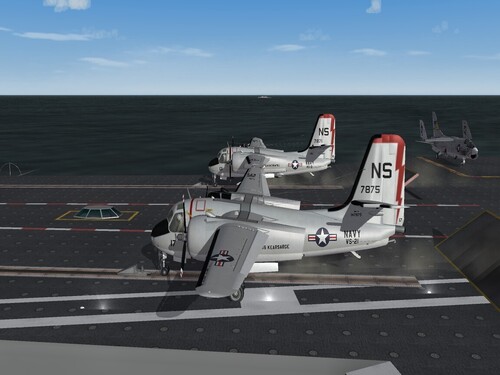
No... this shows only on the outside view. Inside, it is automatic via cockpit.ini entry. It is not ideal, but in my opinion, the best solution given the game engine limitations.
-
-
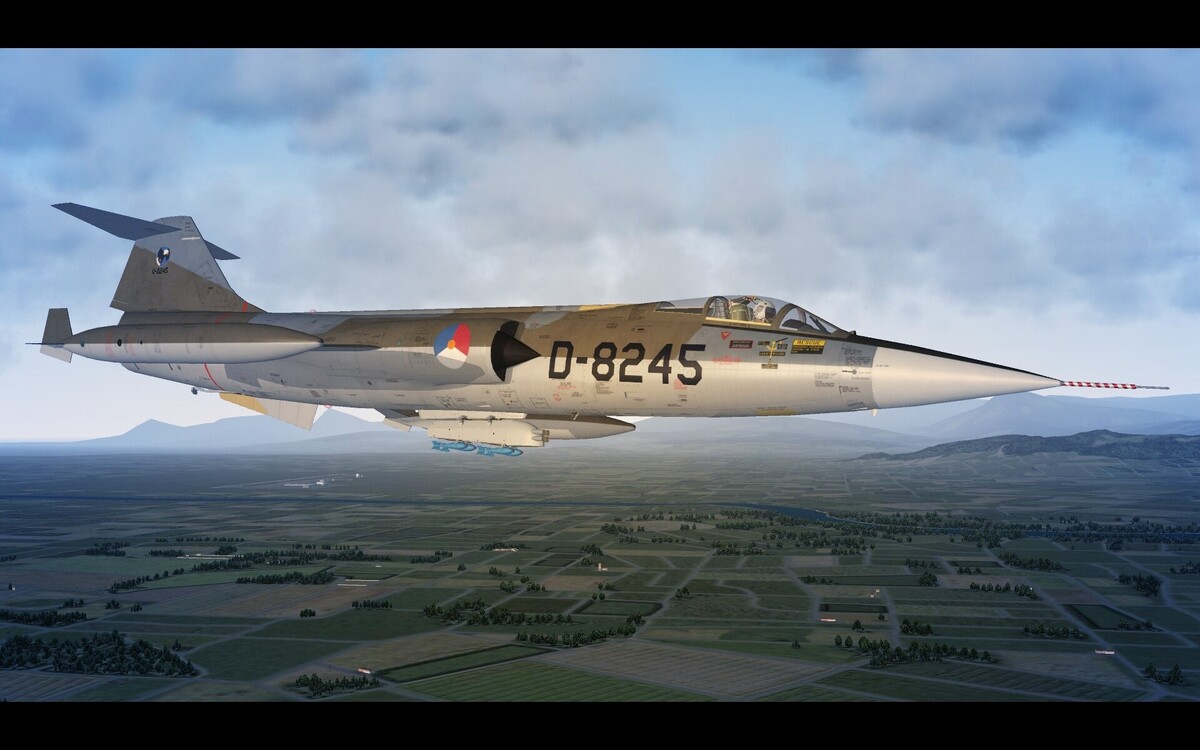
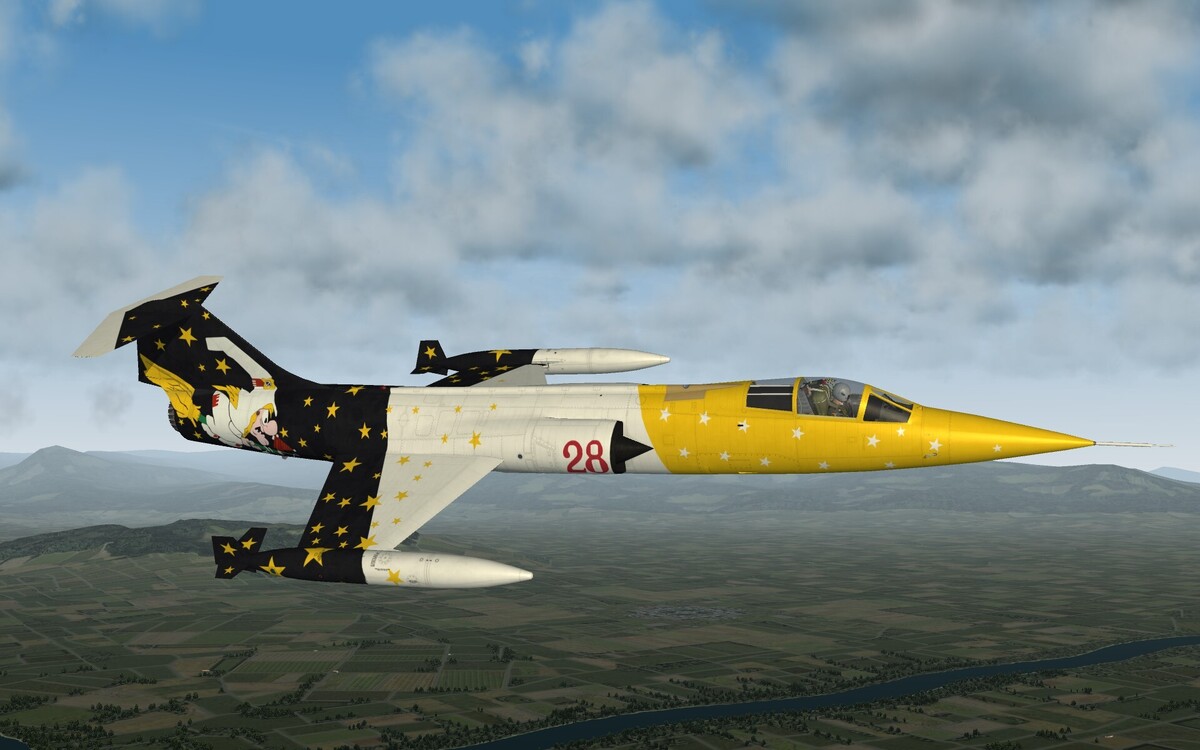
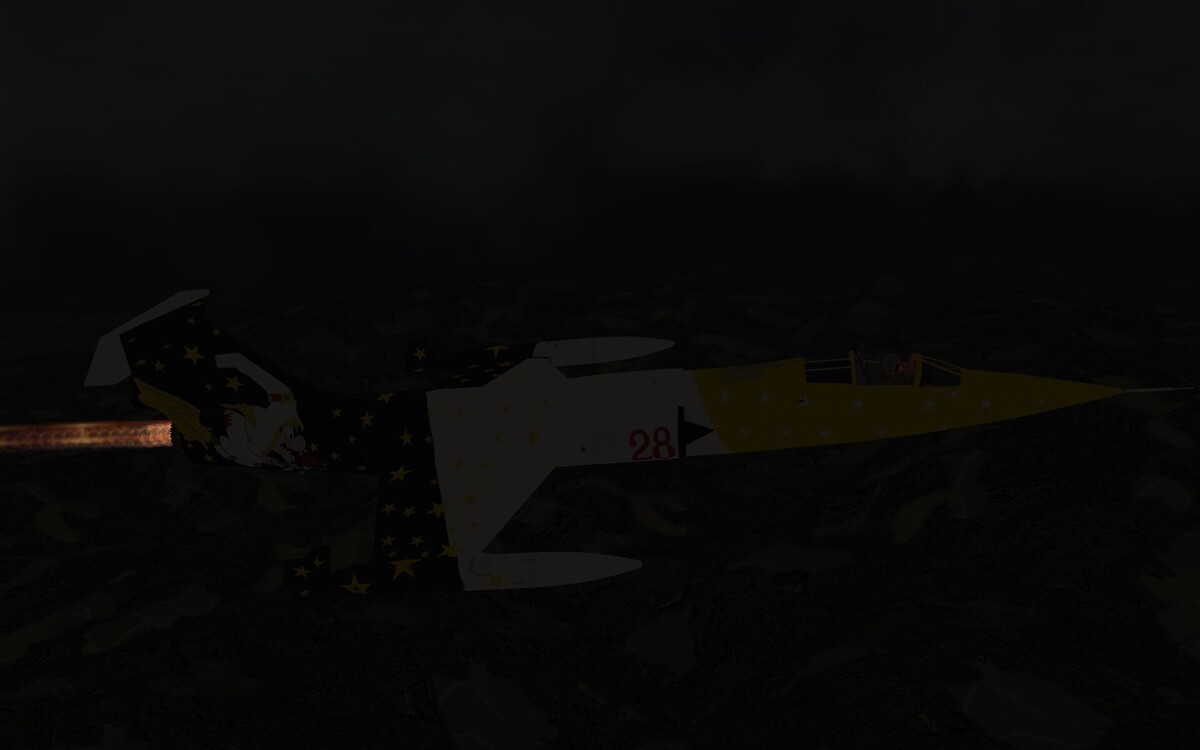
A-6 is not using a light source via SystemType=Light. It is an emitter. Vortex to be precise. Guuruu made this for Tornado and forced us to use it as often as possible. I put this into many data.ini already. example: [AircraftData] ..................... ..................... ..................... Component[011]= Component[012]=PilotCabin_light [PilotCabin_light] ParentComponentName=Fuselage ShowFromCockpit=TRUE HasVortexEmitter=TRUE VortexEmitterName=RedCABINLight_1m_Emitter VortexPosition=0, 6.83, 0.46 <--- external view, somewhere in cockpit VortexG=-5 and into the Effects folder: RedCABINLight_1m_Emitter.rar How it works day night (even if position lights are out)
-
SF2 Vietnam Expansion Pack Install help
yakarov79 replied to daddario76's topic in General Discussion
Hello. Welcome. And hold your horses. I am sure you will find a lot of joy in messing around with the game. But I can only give you some advice based on my experience. See those updates. And release dates. Quite old. But it does not mean they are bad. Just old, and over time, we had many extras that were better than the old updates. First example. Many weapons are already overhauled by our dear Ravenclaw. You see his work, and you do not want to drop those bombs. Many ground objects were updated, and most importantly, many aircraft were overhauled from time to time by modders. So this is where everything is getting crazy. I know that all this modding might be a scary thing, but the truth is, it is not. I would like to recommend some packages to install, but I am not going to do that. Because honestly, as for Vietnam era packs, we had many, and possibly we will have at least one more. But I can recommend one thing. Know the game, get into it, understand game structure, and how mods are living their own life within the game. And then, one step to build your own game mod. Yes, older users here might have a different opinion, but this is just my way of looking at the mods here. And this is how i have my mods installed - I download the mod, unpack, I examine the whole content, and then I pick stuff that I want to have in-game. I played some role in creating Desert Storm mod...yet, my ODS mod was built from zero, based on a mod that was uploaded here. But the Air and Ground Expansions packs are quite impressive mods. Just quite old. Download. And if you know how to mod a game, just pick what is interesting from it and play. One more advice - lot of weapons are updated in WeaponPack v2 by ravenclaw. And More weapons are updated but never officially uploaded in his weapon pack thread. So you got the Air and ground expansion pack. While many things were updated, but never uploaded in the download section. But we are here. ready to help... Even if they are saying that we are close-minded guys on the old forum, and we do not like new users, we are arrogant, and we have problems tolerating piracy it is still fun being part of this forum. I understand and approve your choices If that 76 in your nickname is your birthdate...you are not that old armchair pilot. Imagine, some guys here claim they were playing flight sim while Orville and Wilbur were tinkering in the barn -
Come on. We are not going there. Seriously?
-
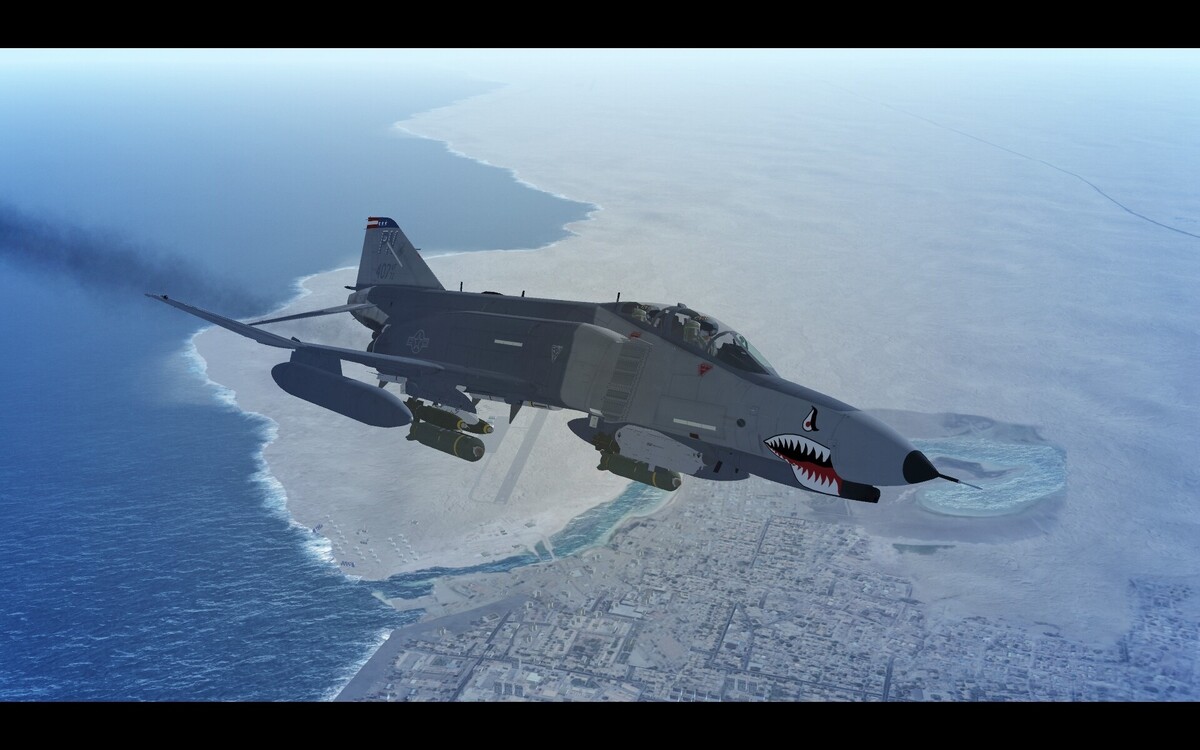
-
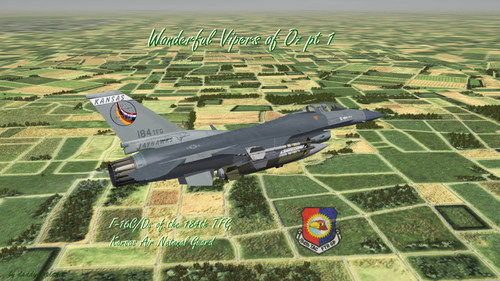
Charlie Vipers on Guard Part 1: Block 25s in the 90s
yakarov79 reviewed daddyairplanes's file in F-16
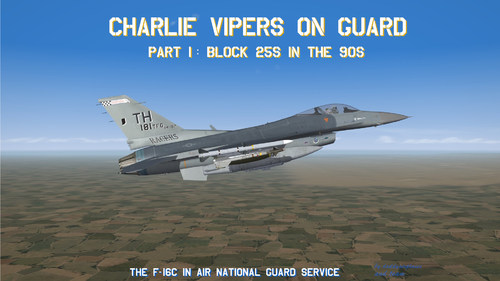
-
Charlie Vipers on Guard Part 2: Block 30s in the 90s
yakarov79 reviewed daddyairplanes's file in F-16
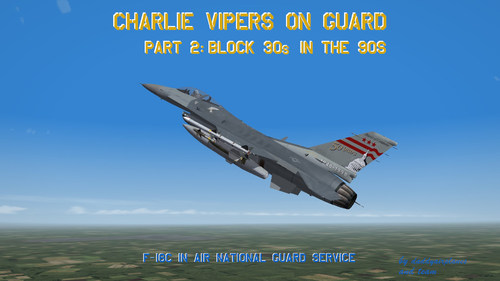 good one.
 -
Charlie Vipers on Guard Part 3: Block 40/42s in the 90s
yakarov79 reviewed daddyairplanes's file in F-16
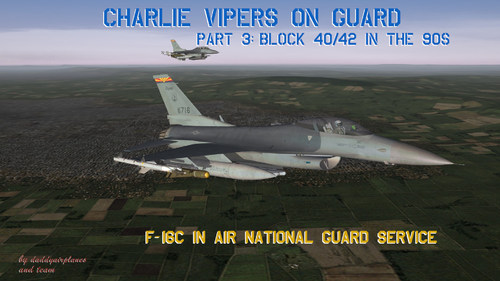 Nice work.
 -
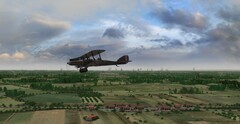 Lovely stuff. Now I want to play with First Eagles too. Or perhaps I should not.
 -
-
Vipers in Reserve F-16s in the USAF Reserves in the 1990s
yakarov79 reviewed daddyairplanes's file in F-16
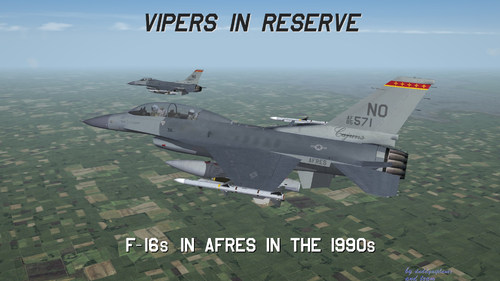
-
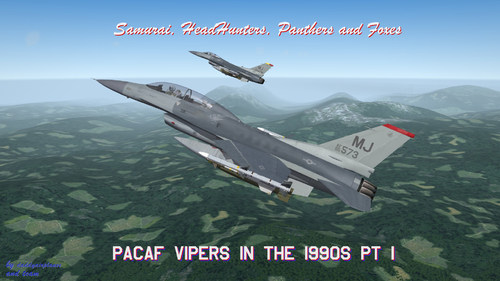 Nice one.
 -
Viper Dawn : First USAF F-16A Block 10s (for TW F-16A)
yakarov79 reviewed daddyairplanes's file in F-16
 I like this kind of historical research work. Nicely done.
 -
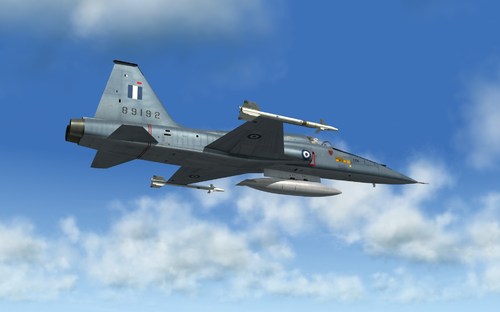 top notch.
 -
 Top!
Top! -
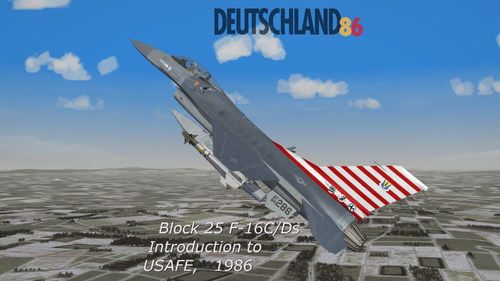
Deutschland 86: Block 25 F-16C/Ds Introduced to USAFE, 1986
yakarov79 reviewed daddyairplanes's file in F-16
-
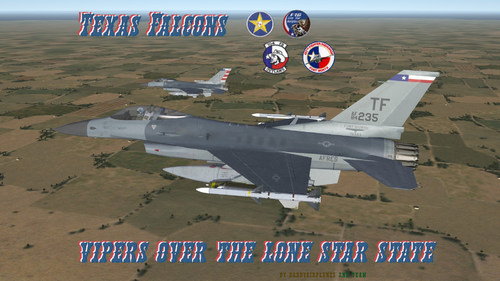
Texas Falcons: Vipers over the Lone Star State (90s Edition)
yakarov79 reviewed daddyairplanes's file in F-16
-