yakarov79
-
Posts
3,435 -
Joined
-
Last visited
-
Days Won
261
Content Type
Profiles
Forums
Gallery
Downloads
Store
Everything posted by yakarov79
-
did you try to assign different material for wheels ? wheels are editable poly or mesh?
-
-
-
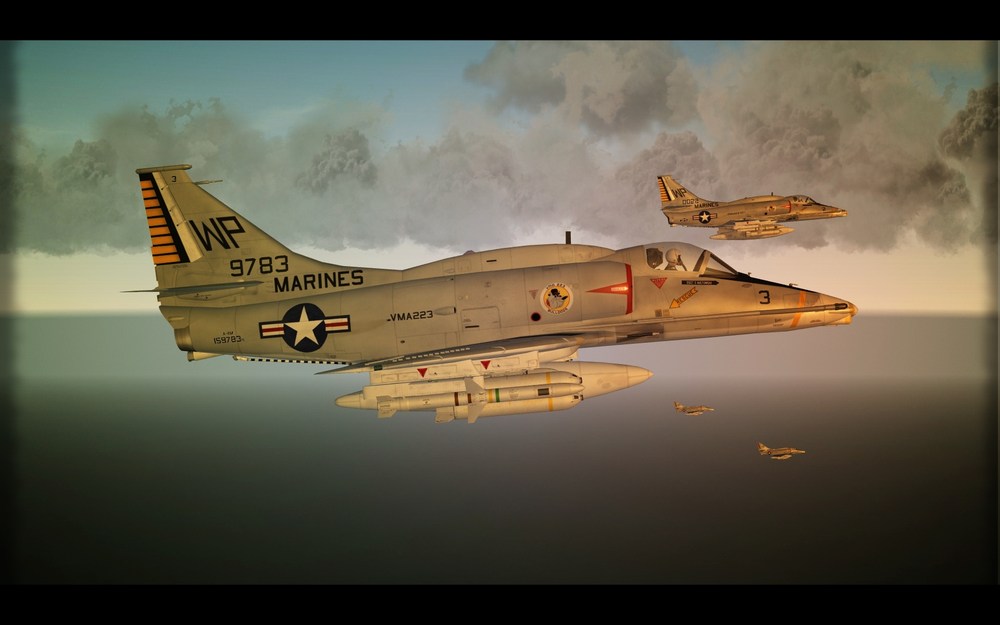
exactly. was about to say the same thing. SF1 ini
-
I am lost .. those are just normal pilots from a pilot folder? the maybe create new aircraft component in data ini [AircraftData] EmptyMass=10900.0 EmptyInertia=197413.39,30260.70,203674.09 ReferenceArea=38.00 ReferenceSpan=11.10 ReferenceChord=3.71 ReferenceLength=17.32 CGPosition=0.00,-1.20,0.15 UseMetricUnit=TRUE Component[001]=Fuselage Component[002]=Nose Component[003]=LeftWing Component[004]=RightWing Component[005]=LeftStab Component[006]=RightStab Component[007]=LeftVertTail Component[008]=RightVertTail Component[009]=LeftOuterWing Component[010]=RightOuterWing Component[011]=placeforpilots then that component... [placefor pilots] ModelNodeName= ShowFromCockpit=FALSE MassFraction= HasAeroCoefficients=FALSE CLa=0 DamageRating=DISABLED SystemName[001]=pilot SystemName[002]=copilot
-
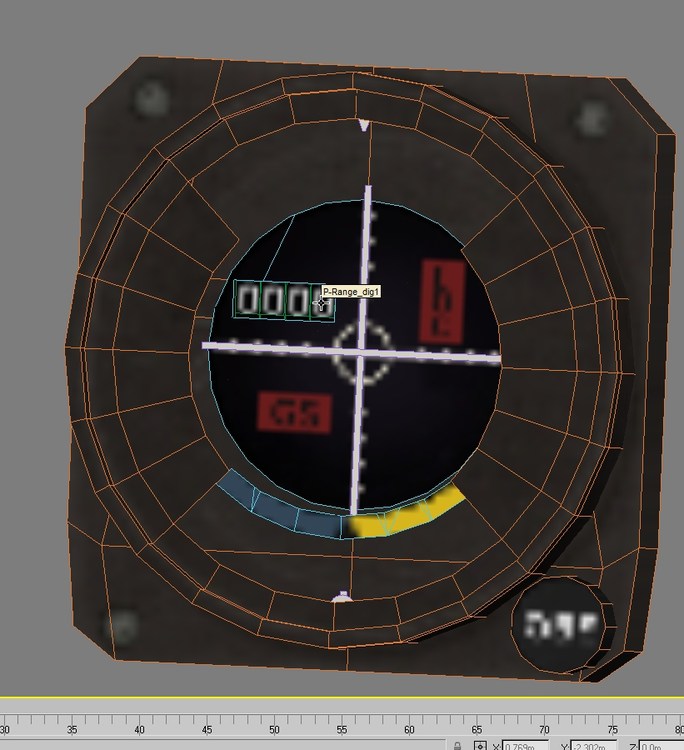
yes and for example 4 dig counter in cokcpit ini. [RadarAltimeter] Type=RADAR_ALTIMETER CounterNodeFormat=RADalt_dig%d MovementType=ANALOG_COUNTER ValueUnit=FEET represent those 4 nodes linked to one parent mesh. Altimeter_box [144 polys, 160 verts] '03' RADalt_dig1 [20 polys, 40 verts] '21b- Default' RADalt_dig2 [20 polys, 40 verts] '21b- Default' RADalt_dig3 [20 polys, 40 verts] '21b- Default' RADalt_dig4 [20 polys, 40 verts] '21b- Default' important is meshes should have names ended by dig1, dig2 dig3, dig4 last number on counter is dig1 where a higher dig(4/5/6) is the first number on the counter
-

SA-7 Grail / 9K32 Strela-2 MANPADS Pack
yakarov79 replied to tiopilotos's topic in File Announcements
good idea... It all also depends on the damage model of particular aircraft. -
SA-7 Grail / 9K32 Strela-2 MANPADS Pack
yakarov79 replied to tiopilotos's topic in File Announcements
One of the most common missiles launched at me. Somehow easy to avoid if you are fast...but if few appear in area...It is getting harder. Very effective against slower aircraft. The only issue is that often fires at targets at maximum range...so effective shots decrease as it is easy to avoid. -
yap F-100F uses Tank335-F100C and Tank335_F100C (silver and camo) both should be included in yap set. Each bitmap skin should be in the weapon folder not in aircraft skin folder (tank is not a part of airframe) look for errors in aircraft.ini loadout.ini etc. maybe there is a misspell or something.
-
In Regards to Custom Skin Making
yakarov79 replied to A48Racing's topic in Mods & Skinning Discussion
I think you just need to launch the game...for all ini entry to be updated.. Quit program and LOD viewer will see all skin sets. -
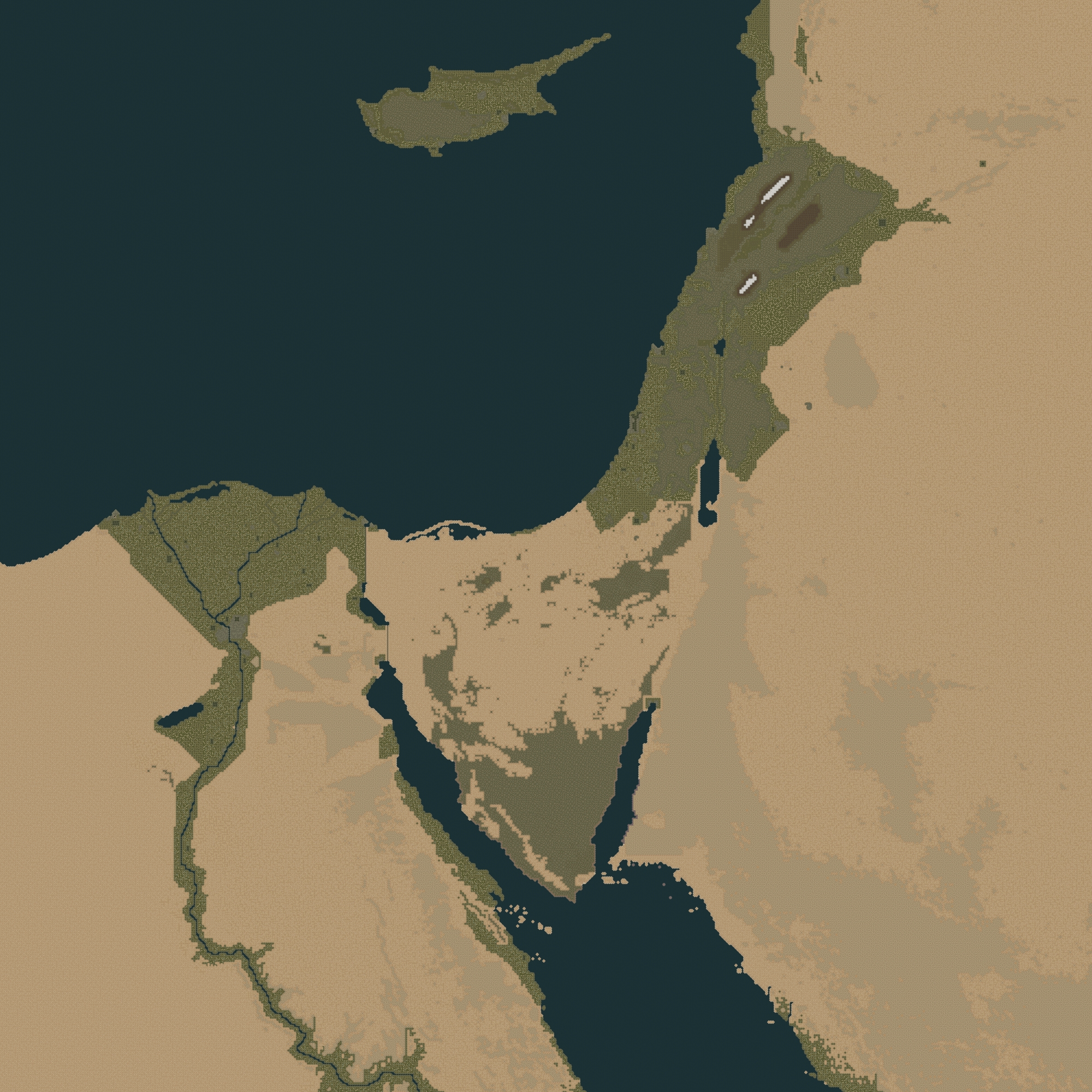
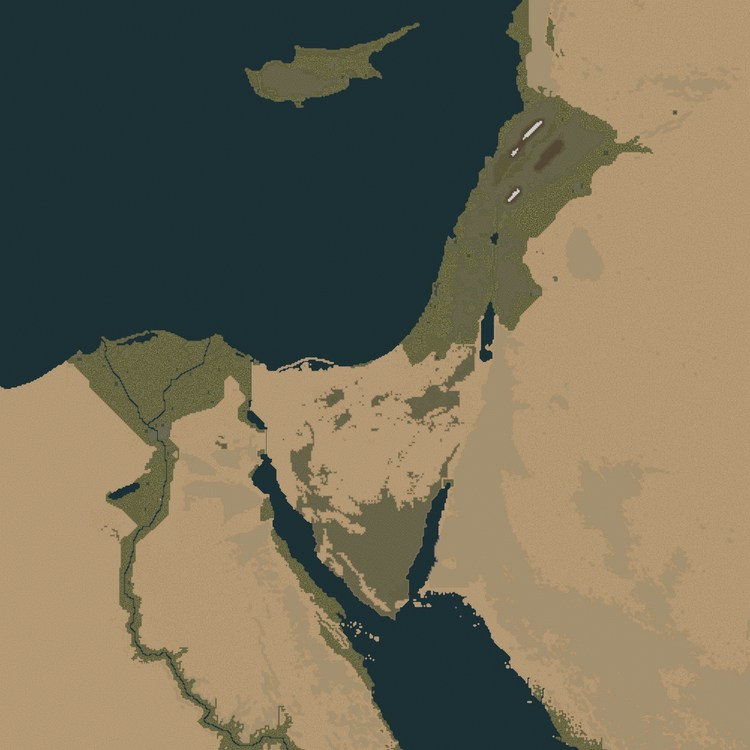
Do not get me wrong. I am aware of read_me. But still, i did a shitload of work to convert stary's tiles to your terrain. including adding more than 60 new tiles. few things are not finished (and perhaps never will be..but for home use, this terrain now is quite a prefect)
-
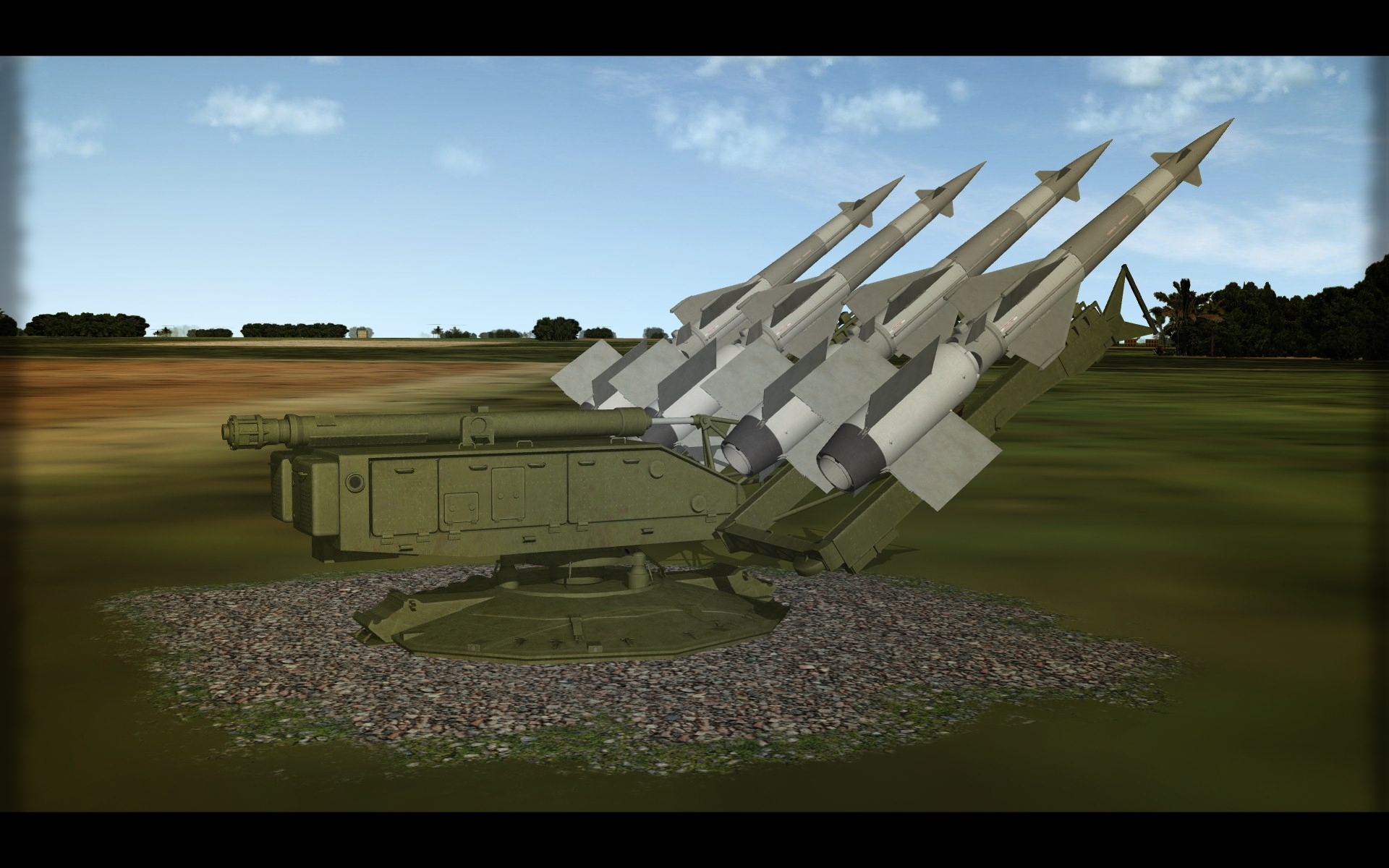
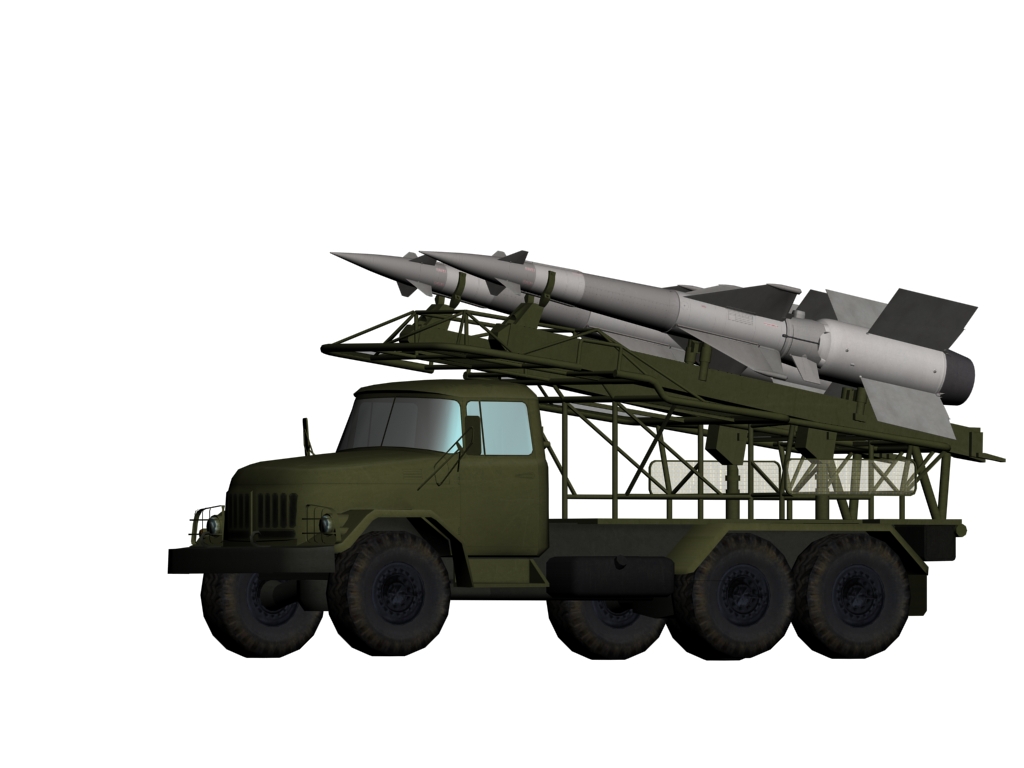
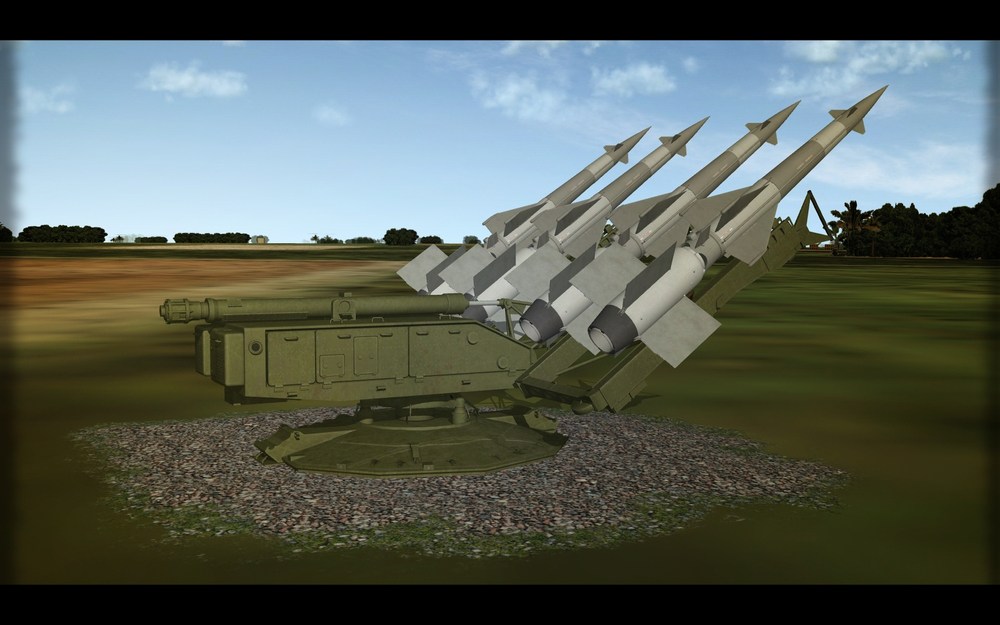
Bored with flyers... so moved back to targets...just Labour Day laziness... to add to my SA-3 system... 5P73, 5W27, and PR-14A
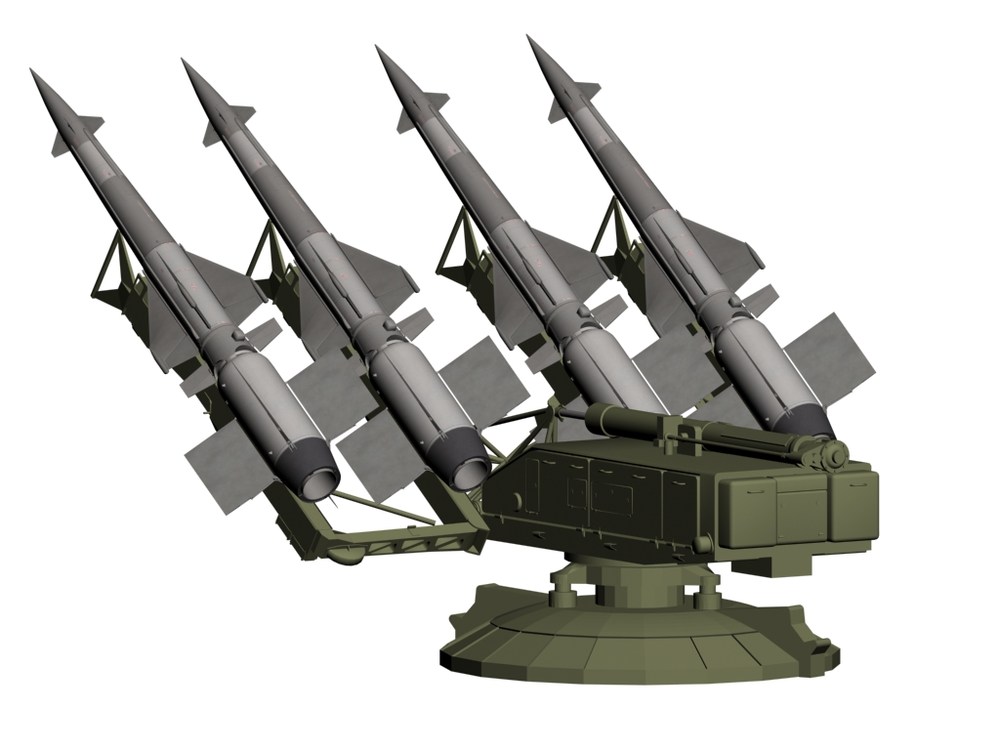
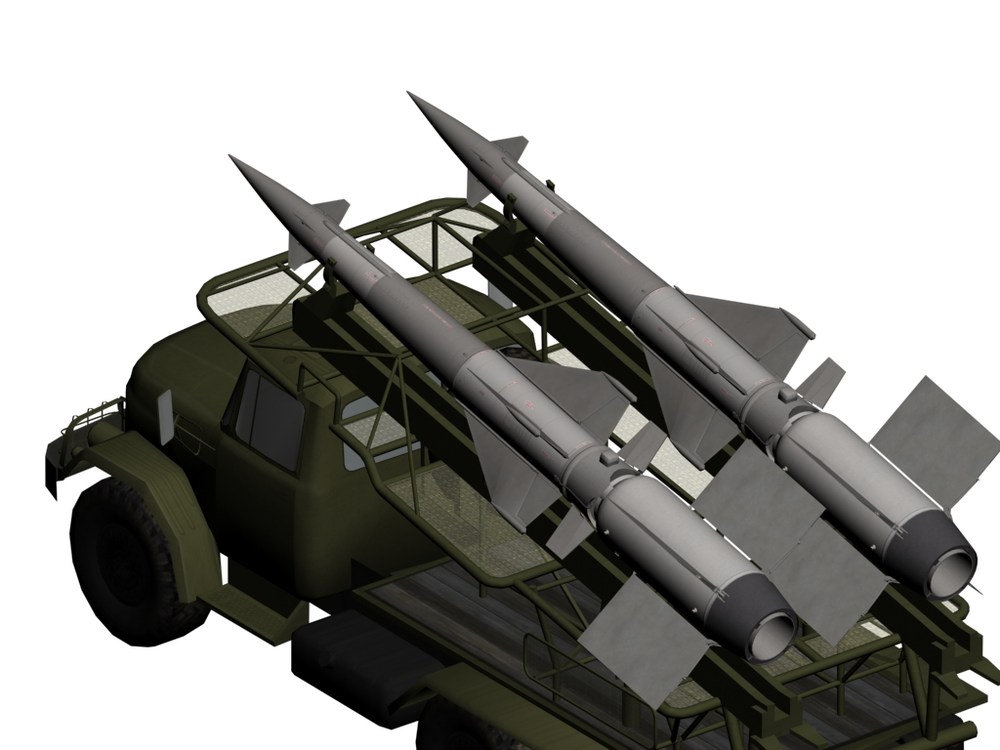
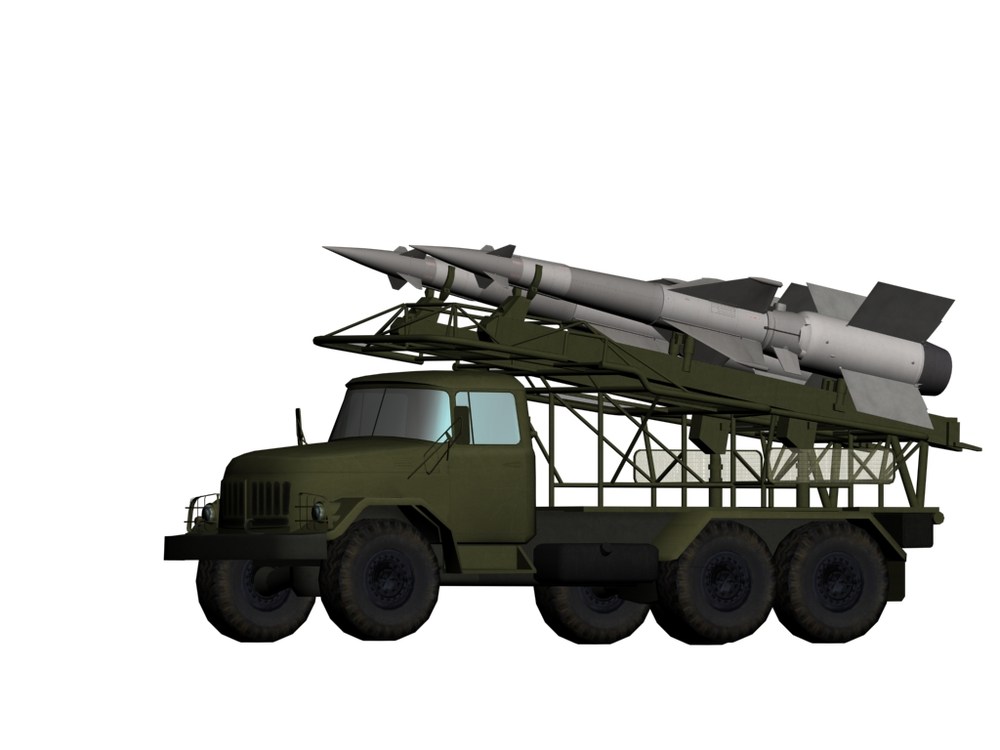
-
you need to map. Like anything else.. So if you want 'reflection' of pilot on canopy top left-right front..you have to map those positions on a bitmap. Reflection actually, in my opinion, is quite a fuzz in SF2. It is still image....so despite your position and position of the sun...reflection is always the same.... That is why I am not sure if some detailed reflection is good on gauges..etc...just my personal preference. despite the environment, you will have 'reflection' there Could be better to do just glass with some cool glossiness.
-
You can put Stary's tiles on Wrench/Gepard terrain. Lots of work. But. Works for me.
-
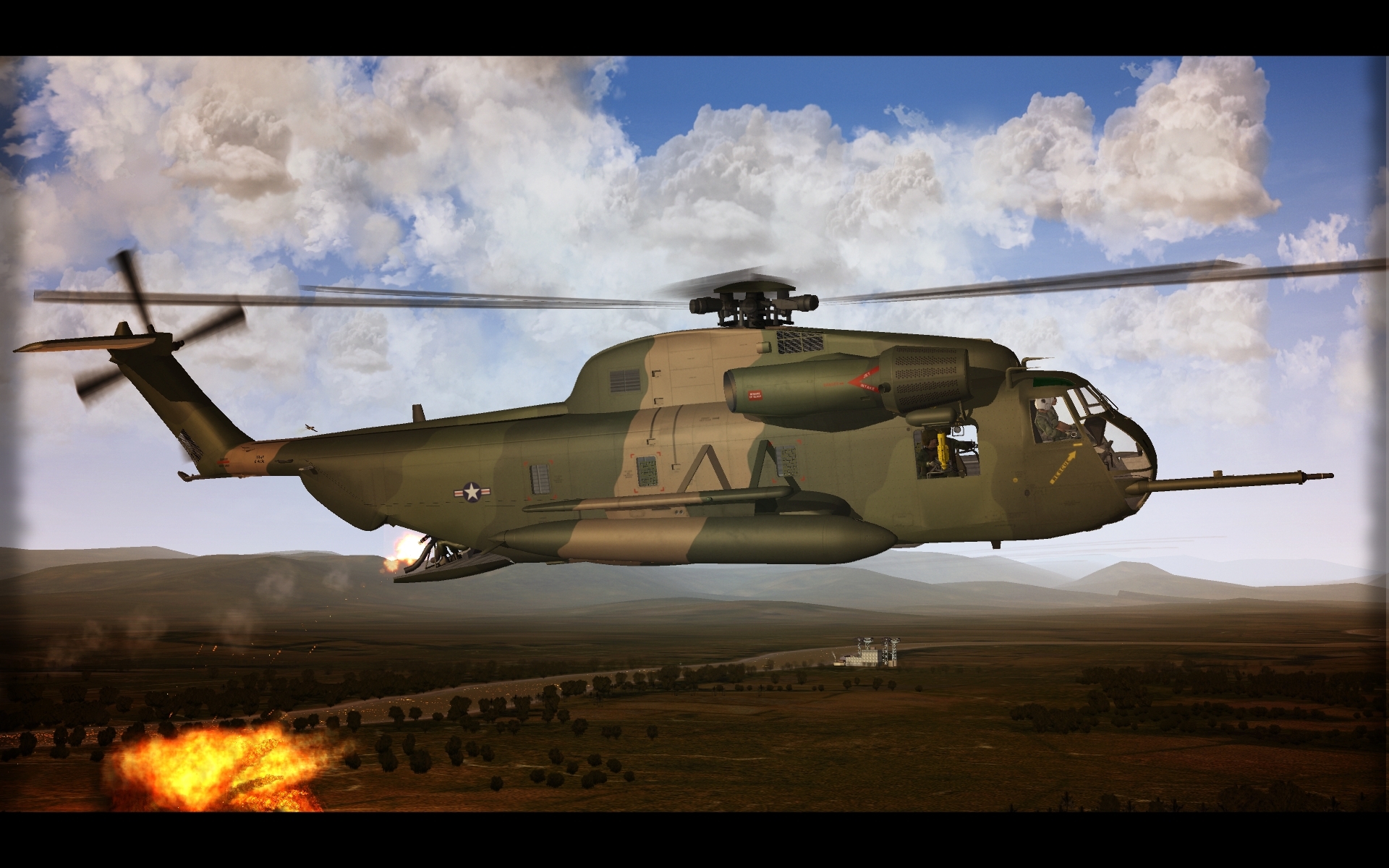
Super Jolly Green Giant
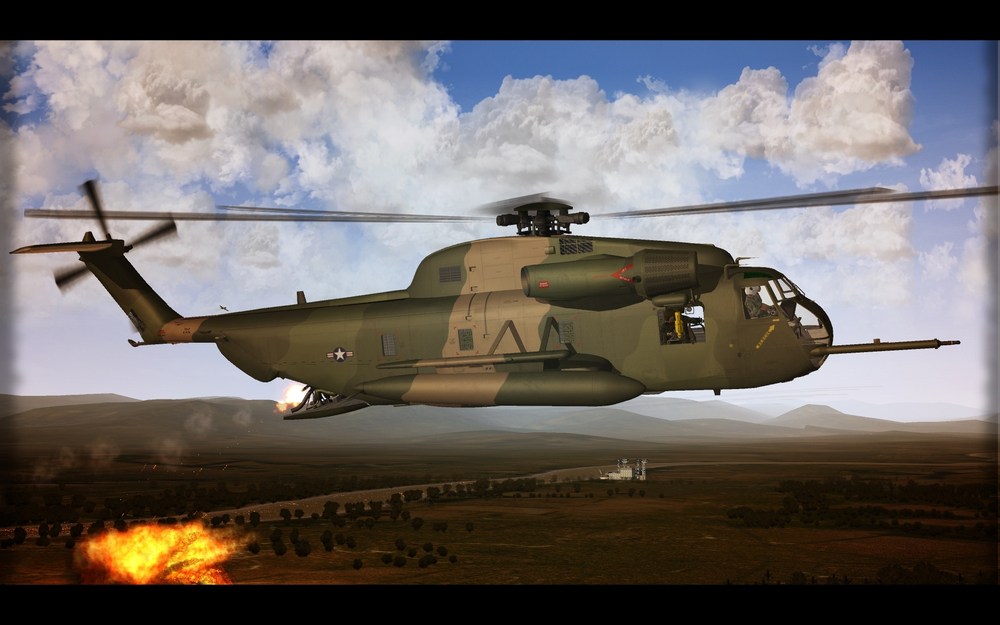
-
-
oh? how about BUFF and Albert ...not really younglings.
-
High Detail Cockpits in SF2
yakarov79 replied to ravenclaw_007's topic in Mods & Skinning Discussion
little below 7Mb. switch to a position via hook indicator (or any of the empty/unused /not important indicator) and one animation in 3dmax. In fact you are not switching position in the cockpit - you are moving the whole cockpit to a different position as a point of view is defined in cockpit ini. my way in my two-position cockpits (Cobra, Loach, TAV-8) Type=ARRESTING_HOOK_INDICATOR MovementType=ANIMATION AnimationID=10 AnimationTime=1.0 Set[01].Position=0.0 Set[01].Value=0 Set[02].Position=1.0 Set[02].Value=1 but can be also (if you have an empty animation slot in the external model) by adding and animating some hidden mesh in an external model. Then cockpit animation can be done as tornado-guuruu way [Co_pilot] Type=EXTERNAL_ANIMATION_LINK NodeName=whatever you are moving -top mesh in a hierarchy. MovementType=ANIMATION AnimationID=1 ? ItemNumber=4 ? -
High Detail Cockpits in SF2
yakarov79 replied to ravenclaw_007's topic in Mods & Skinning Discussion
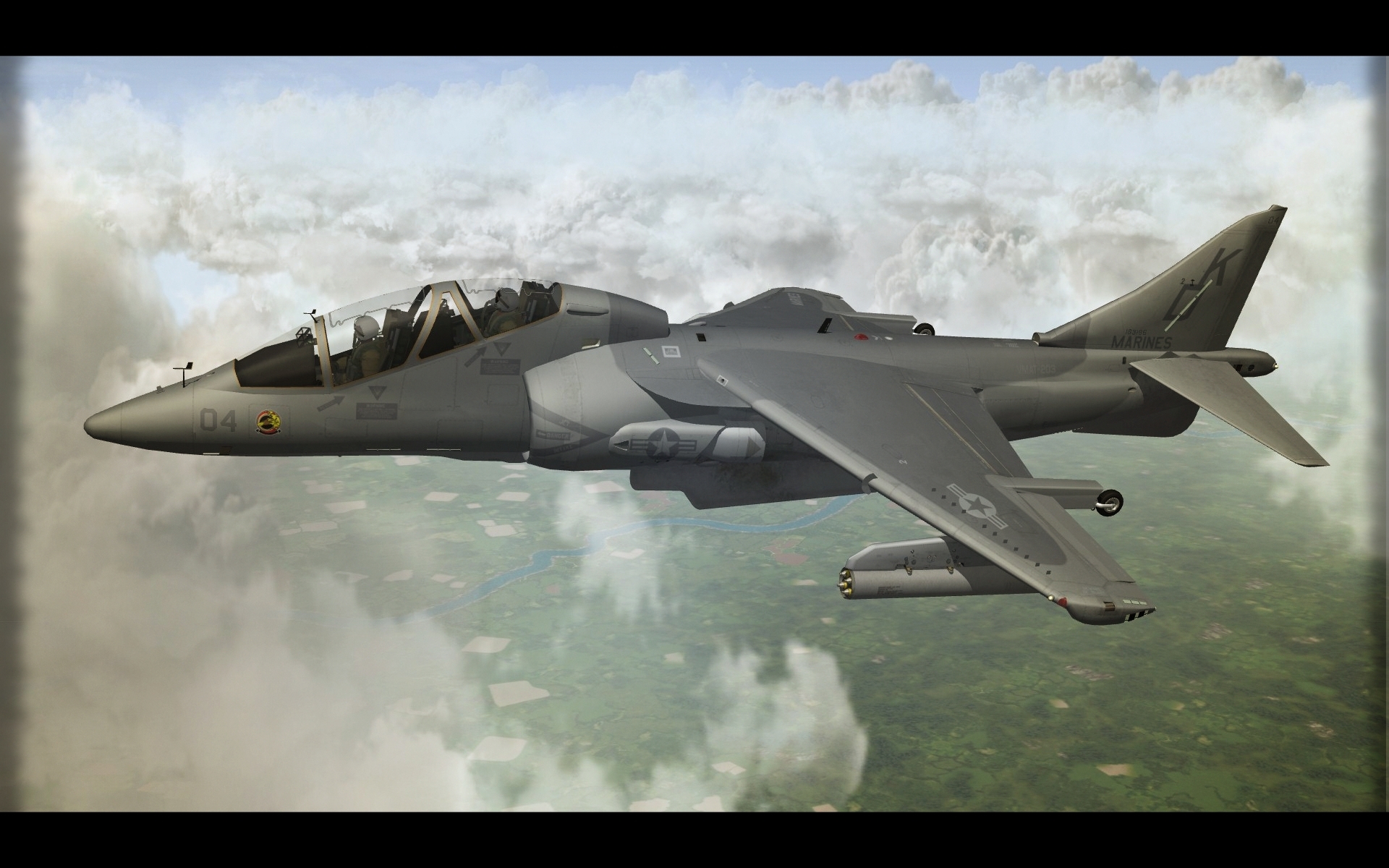
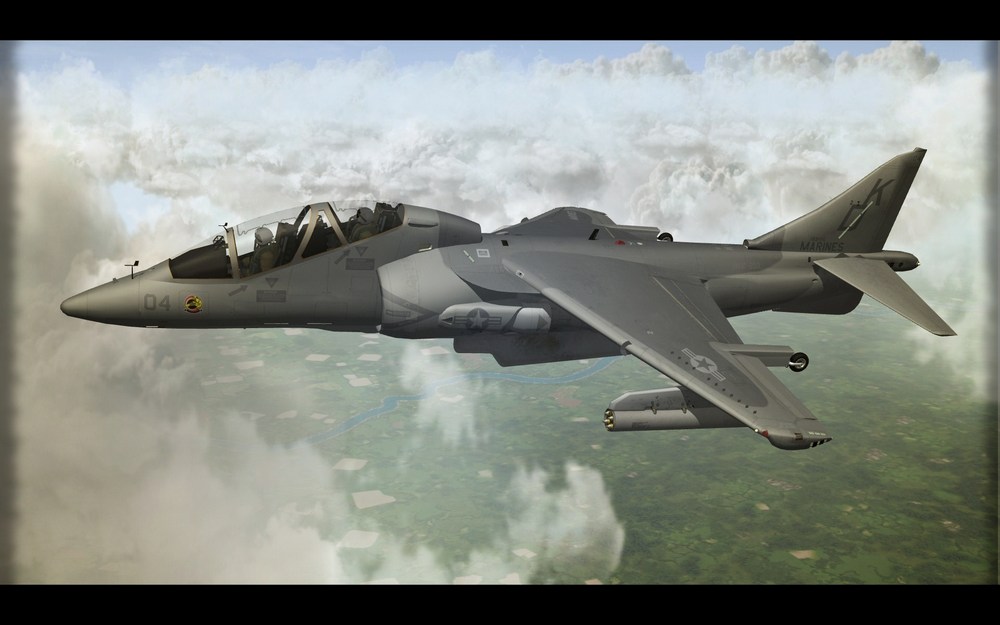
In my twin-seat harrier after transferring to back seat - cockpit ini moves whole front panel (and some other nodes that are not really visible from the back seat) to the back behind back seat - so generally it is not in point of view from 2nd seat. This is still a prototype mambo jambo..but in fact form back seat you are not seeing front panels...so move them out of POV. -
High Detail Cockpits in SF2
yakarov79 replied to ravenclaw_007's topic in Mods & Skinning Discussion
now we are talking about which one performs better or visual difference? Fly ravenclaw's F-4G and then stock F-4/C/D/B...and tell me that there is no visual difference in the cockpit. And then Ravenclaw just wasted time because he could just paint all stuff on texture instead of making meshes. All looks the same, obviously for some. anyway. @ ravenclaw - there is no sign of temptation to make backseat at all? -
High Detail Cockpits in SF2
yakarov79 replied to ravenclaw_007's topic in Mods & Skinning Discussion
Yes. But still, switch with normal texture will still be flat mesh. And switch made as 3d mesh will be 3d mesh. And if you are saying that it shouldn't make a big difference then I prefer 3d mesh than bumped texture. -
High Detail Cockpits in SF2
yakarov79 replied to ravenclaw_007's topic in Mods & Skinning Discussion
I flew a test mission. No issues with loadouts all is well as in the previous version of Weasel. So the user shouldn't have any problems if all installed correctly. I noticed that you reduced polycount (and size of the cockpit) compared to that one uploaded previously. As for the test. On highly modified Korea terrain. Two SEAD escort for four of my Harriers loaded with your bombs, escort with 8th of your F-4E, some additional fighter sweep with F-4S. A lot of enemy intercepts. All my red radars are from my mods..so also high details. And full loads of aircraft on airfield flightline. A lot of SAMs, explosions, smoke etc... I didn't have any problems with graphic performance. Only time screen was choppy occurred during landing when I was looking at a few parked Sea Stallions. So the mission was in a highly detailed environment. So please do not change a bit . The ejection seat (or lack of it) is not an issue. But could be a nice touch... -
High Detail Cockpits in SF2
yakarov79 replied to ravenclaw_007's topic in Mods & Skinning Discussion
No. You can create an illusion of 3d objects on flat texture using a bump map. But it is still an illusion. No texture with a bump map will give you the effect of 3d mesh. Flat mesh with extra hyper texture will still be flat mesh. No matter what. Maybe it is not so obvious in external model, but in the cockpit where POV is much closer to objects, the difference is noticeable. But perhaps I am wrong I am not a 3d artist or graphic designer. Just my observations. I am quite good at baking by the way. -
High Detail Cockpits in SF2
yakarov79 replied to ravenclaw_007's topic in Mods & Skinning Discussion
I do not have Anatolia terrain. But on other terrains it is quite ok. Of course, there are some fps drops if encountering some specific cities/bases but nothing drastic.