yakarov79
-
Posts
3,567 -
Joined
-
Last visited
-
Days Won
267
Content Type
Profiles
Forums
Gallery
Downloads
Store
Everything posted by yakarov79
-
internet connection ?
-
We can wait 2 weeks for full set, aircraft and pit...
-
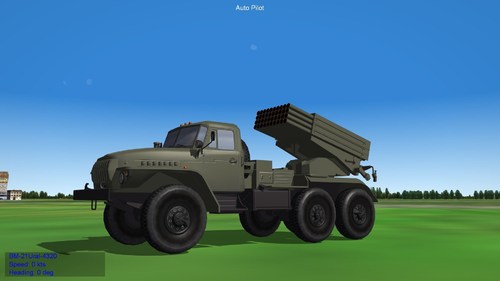 Nice! Good job!
 -
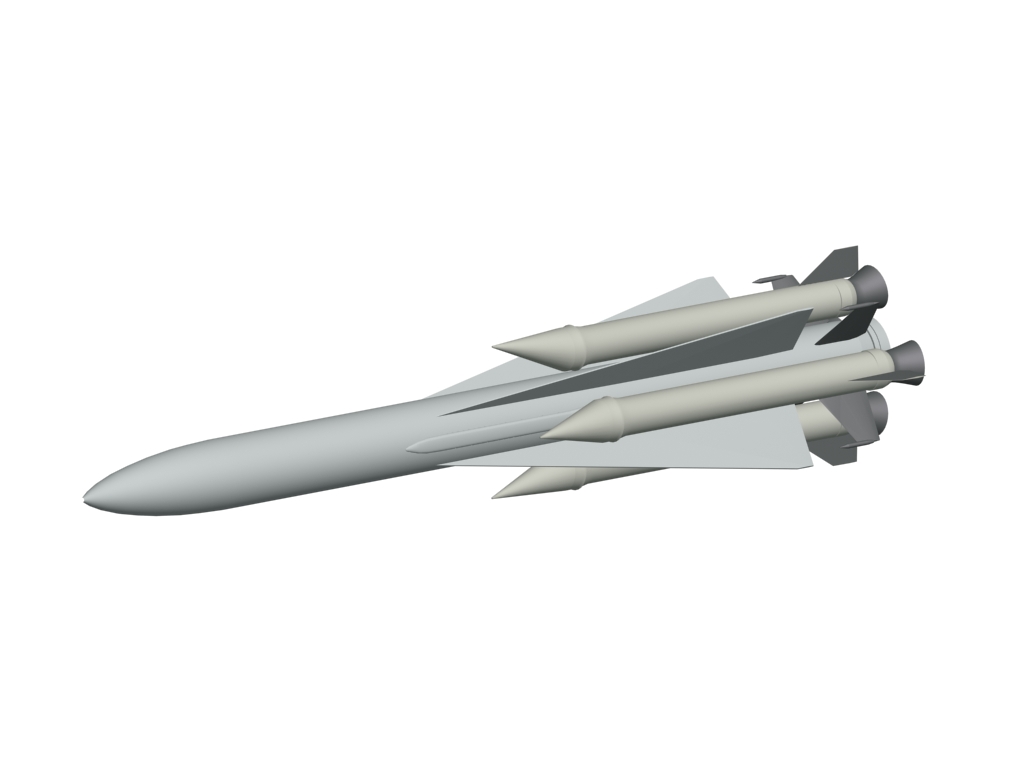
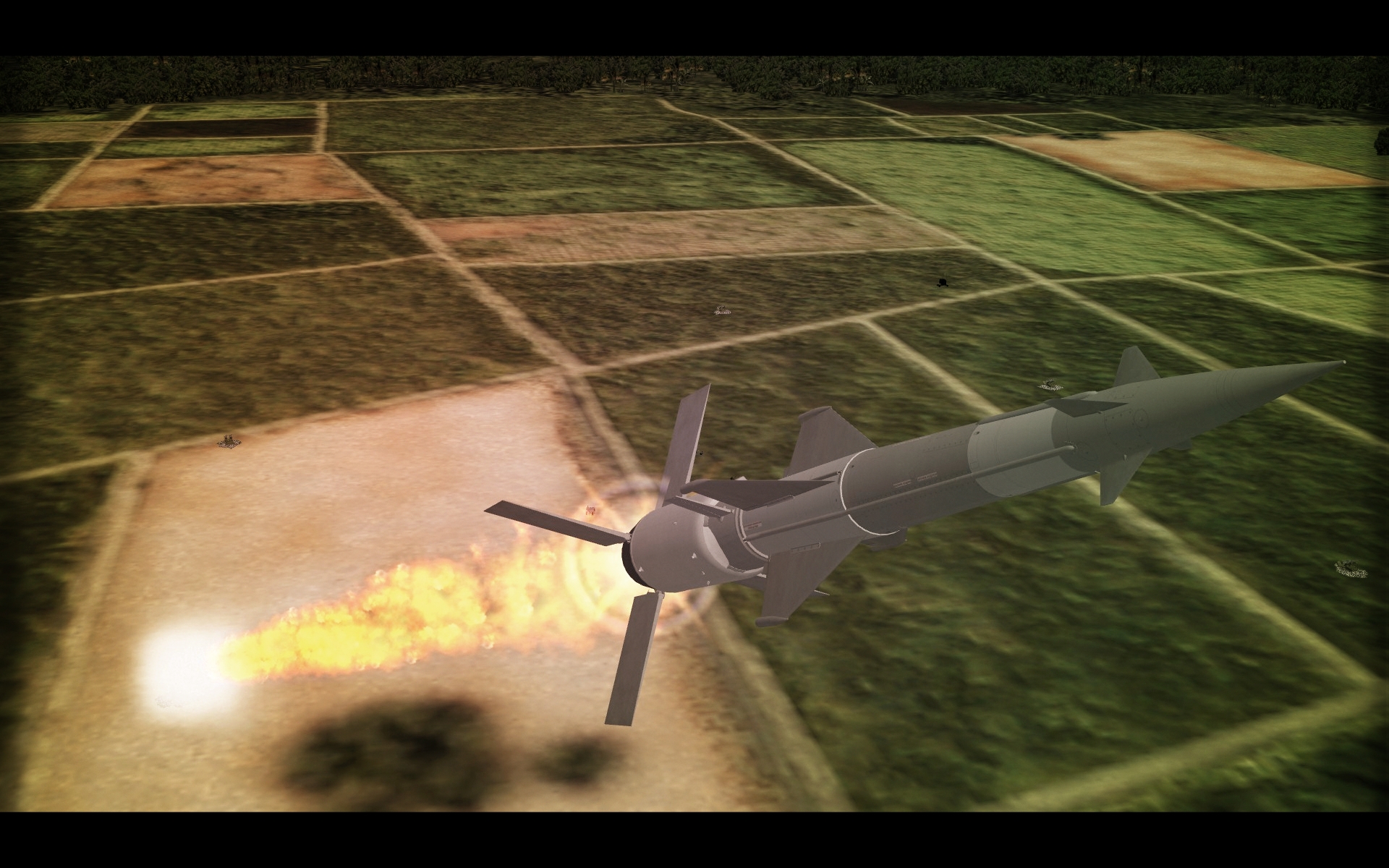
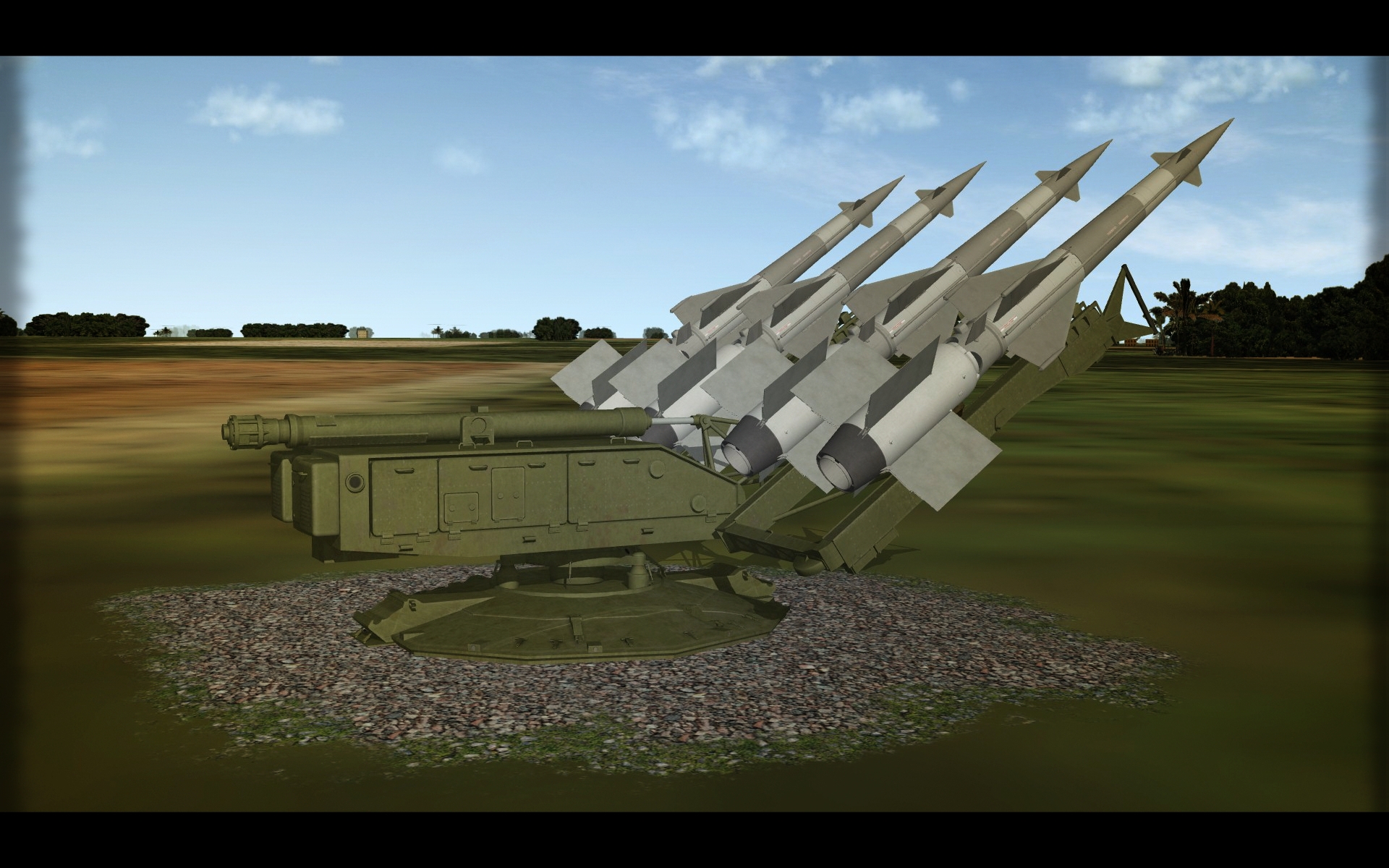
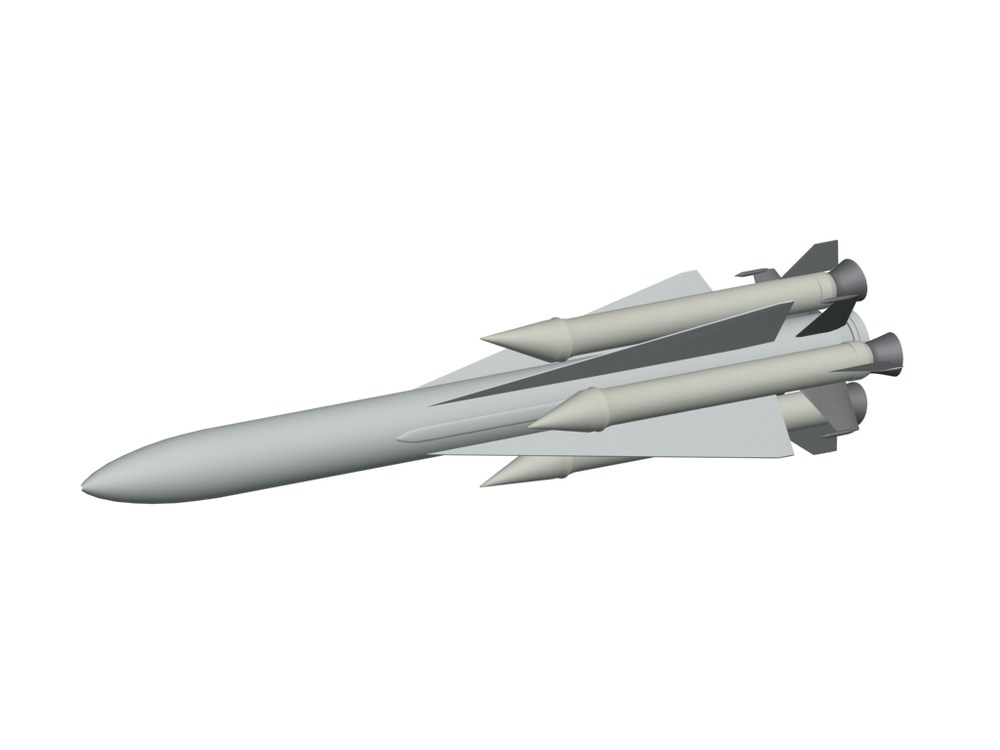
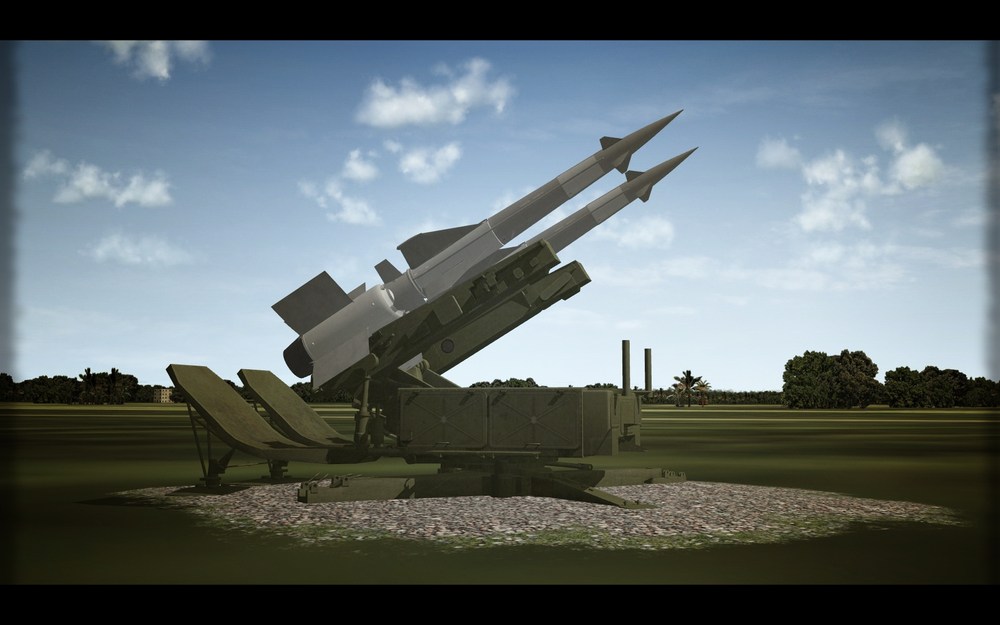
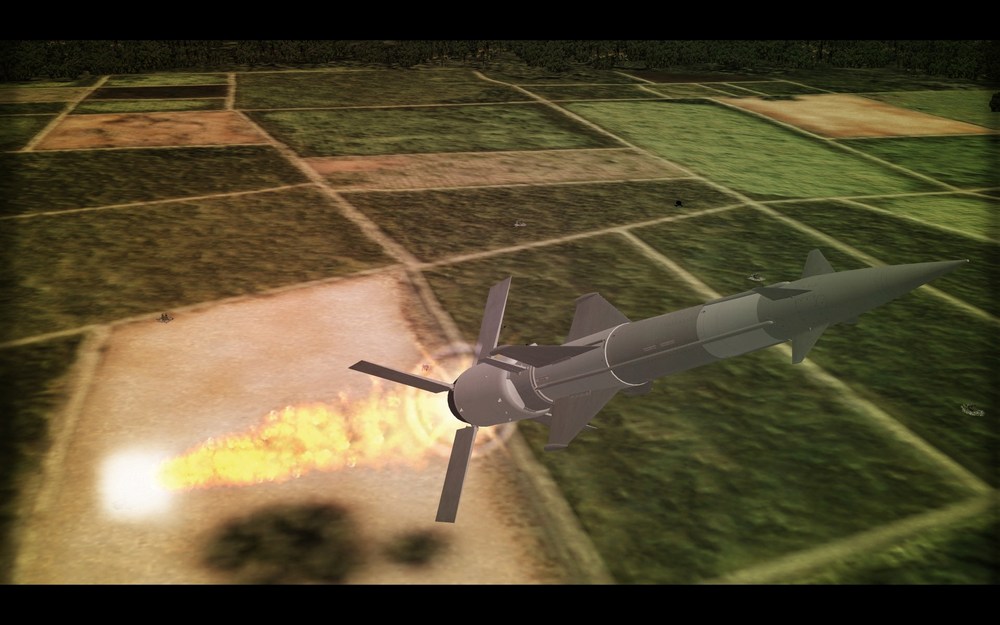
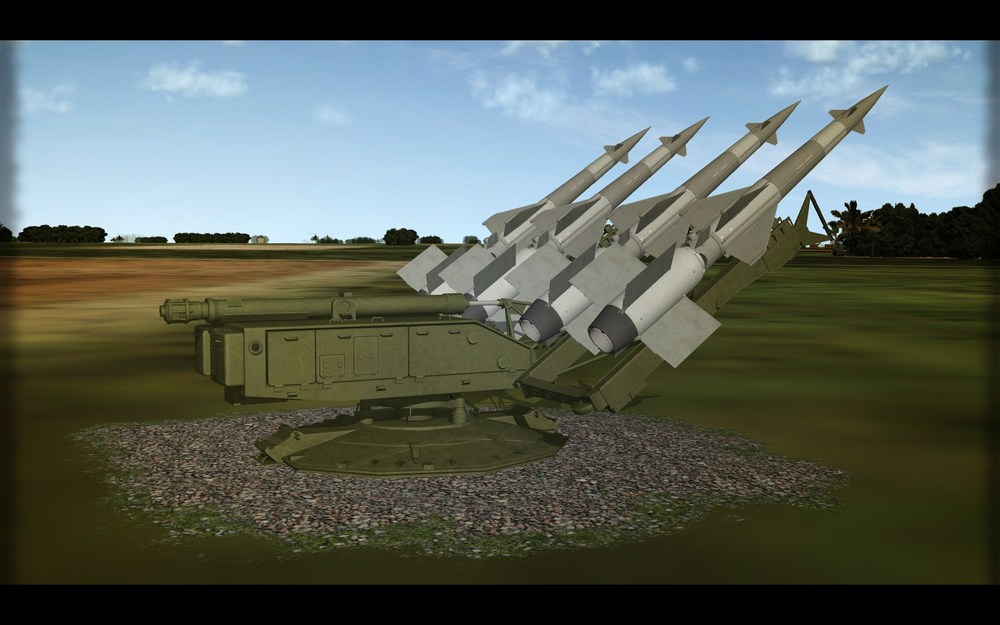
Ракета 5В21А there is light in the tunnel for Vega.
-
View File RF-101A & C VooDoo. SF.2 2020 Redux. Reworked pack of RF-101A and C VooDoo. Generally old good VooDoo in new dresses. There are big changes in FM model thanks to baffmeister in data.ini files - so Backup your original file. You might not like it. In game you will find new aircrafts under names *RF-101A VooDoo *RF-101C VooDoo '58 *RF-101C VooDoo '66 note that RF-101C '58 uses non-RWR - VooDoo A cockpit. All new skins in 3072x3072 resolution. New bump maps and specular maps. also in 3072.. plus decals to cover A and C models serial numbers. Pack contains several skin sets for both models. With all research, I was trying to be correct as much as possible. RF-101A have also one skin/decal set which contains few decal skin sets to cover experimental camo trials conducted in mid 60s. Regarding colorful aircraft serial numbers: 54-1513 some say it was dark green some that really black. more info goes towards black so I painted it black (like Rolling Stones in 1966) 54-1514 first was painted similar as represented in this pack, then it was repainted with adding some brown colors. 54-1512 green/black camo with added brown during tests. All this skin set with experimental camo trial is quite complicated and hard to put correctly in-game but I hope it will work fine for you. I did not include skin sets for VooDoo operated over Vietnam. This will come in a separate package. Eventually. One day. All new decals consisting of serial numbers for block 20-35 of A version and block 45-75 for C version. Backup your original RF-101 Folders. Also Decals! Credits: Original models ErikGen yakarov - skins / decals / some small ini tweak baffmeister -new flight model. Soulfreak - original skin for an extra thing. Have Fun. May the VooDoo be with you. Jarek Hereda Submitter yakarov79 Submitted 05/17/2020 Category F-101
-
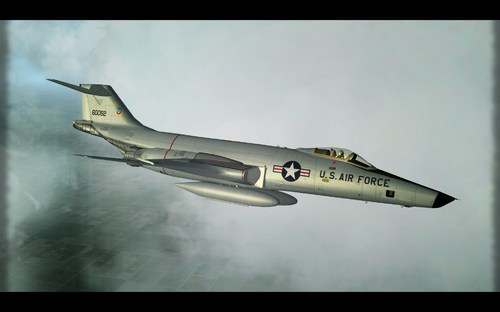
Version 1.0.0
369 downloads
Reworked pack of RF-101A and C VooDoo. Generally old good VooDoo in new dresses. There are big changes in FM model thanks to baffmeister in data.ini files - so Backup your original file. You might not like it. In game you will find new aircrafts under names *RF-101A VooDoo *RF-101C VooDoo '58 *RF-101C VooDoo '66 note that RF-101C '58 uses non-RWR - VooDoo A cockpit. All new skins in 3072x3072 resolution. New bump maps and specular maps. also in 3072.. plus decals to cover A and C models serial numbers. Pack contains several skin sets for both models. With all research, I was trying to be correct as much as possible. RF-101A have also one skin/decal set which contains few decal skin sets to cover experimental camo trials conducted in mid 60s. Regarding colorful aircraft serial numbers: 54-1513 some say it was dark green some that really black. more info goes towards black so I painted it black (like Rolling Stones in 1966) 54-1514 first was painted similar as represented in this pack, then it was repainted with adding some brown colors. 54-1512 green/black camo with added brown during tests. All this skin set with experimental camo trial is quite complicated and hard to put correctly in-game but I hope it will work fine for you. I did not include skin sets for VooDoo operated over Vietnam. This will come in a separate package. Eventually. One day. All new decals consisting of serial numbers for block 20-35 of A version and block 45-75 for C version. Backup your original RF-101 Folders. Also Decals! Credits: Original models ErikGen yakarov - skins / decals / some small ini tweak baffmeister -new flight model. Soulfreak - original skin for an extra thing. Have Fun. May the VooDoo be with you. Jarek Hereda -
View File F-4D Phantom II in ANG Service. This is a skin/decal set for Phabulous Phantom. Basic modding skills are required to run this mod. (copy/paste, mod folder structure etc.) Pack contains skins and decals representing all F-4D users amid Air National Guard units. Skins are made for stock F-4D_78. F-4D was used between 1977 -1990 in ANG and these skins are fitting in 13 years of service. Mostly all serial numbers are correct for specific dates and units. If you will find some errors please feel free to send correction notes. No ini files for this as this is only skin sets. Just simply add skin folders to your favorite F-4D_78. Or create a new, specific one for ANG use. You will find that some aircraft wear kill marks as in real life. If you want to have your own kill marks you have to modify decal.ini file. To fully enjoy this skin set you need to have ThirdWire F-4D_78. All skins are done in 2048x2048 based on Sundowners and Ravenclaw's work. Brand new Bump files in 2048x2048. All decals made by me. Enjoy. Regards. Jarek Hereda Submitter yakarov79 Submitted 05/16/2020 Category F-4
-
- 2
-

-

-
- air national guard
- f-4d
- (and 1 more)
-
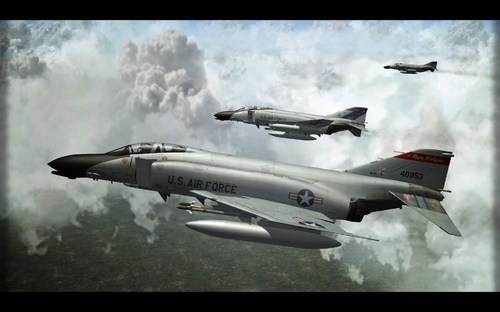
Version 1.0.0
206 downloads
This is a skin/decal set for Phabulous Phantom. Basic modding skills are required to run this mod. (copy/paste, mod folder structure etc.) Pack contains skins and decals representing all F-4D users amid Air National Guard units. Skins are made for stock F-4D_78. F-4D was used between 1977 -1990 in ANG and these skins are fitting in 13 years of service. Mostly all serial numbers are correct for specific dates and units. If you will find some errors please feel free to send correction notes. No ini files for this as this is only skin sets. Just simply add skin folders to your favorite F-4D_78. Or create a new, specific one for ANG use. You will find that some aircraft wear kill marks as in real life. If you want to have your own kill marks you have to modify decal.ini file. To fully enjoy this skin set you need to have ThirdWire F-4D_78. Here is the second part of Phantoms in ANG. F-4C. All skins are done in 2048x2048 based on Sundowners and Ravenclaw's work. Brand new Bump files in 2048x2048. All decals made by me. Enjoy. Regards. Jarek Hereda- 4 reviews
-
- 11
-
-
-
- air national guard
- f-4d
- (and 1 more)
-
it is on my long to-do list.
-
Use sundowners templates - works better for C/D. I am using for D Sundowners with chopped Ravenclaw's bits from E. ANG research is a pain in the ass especially the late 70s early 80s....I did recently all Phantom D ANG squadrons. Some years show usage of 2-3 schemes at the same time. are you doing Hawaiian 199th ? As far as I remember they were using standard SEA, SEA wraparound and ADC grey at the same time. Even if it was TFS its main role was air defense may be a reason for keeping ADC grey on many aircraft. I found a picture from 1984 still with standard SEA. But haven't seen (or do not recall) seeing Hawaiians in Hill grey.
-

RAF Transport Command's Desert Dakotas
yakarov79 replied to Spinners's topic in Sci-Fi/Anime/What If Forum
the white top of the pilots cabin would be more royal-transport-commandish. Transport command didn't recognize this pattern as a specific desert pattern..as it was the only pattern they used until the mid-70s. -
-
all ways are good. One way or another... But If you will clone and rotate, your 'new' object will have rotated pivot points...(not important in this particular object but still) yes you can rotate via element but if your object has few elements..then rotating this way is futile. if you will clone and mirror... your new object will have rotated pivot points also...plus fliped polys. - of course, you are flipping it..but still...(again not important here) If you will use symmetry pivot points remain the same all the time. Not important here...but in some other model might be useful.
-
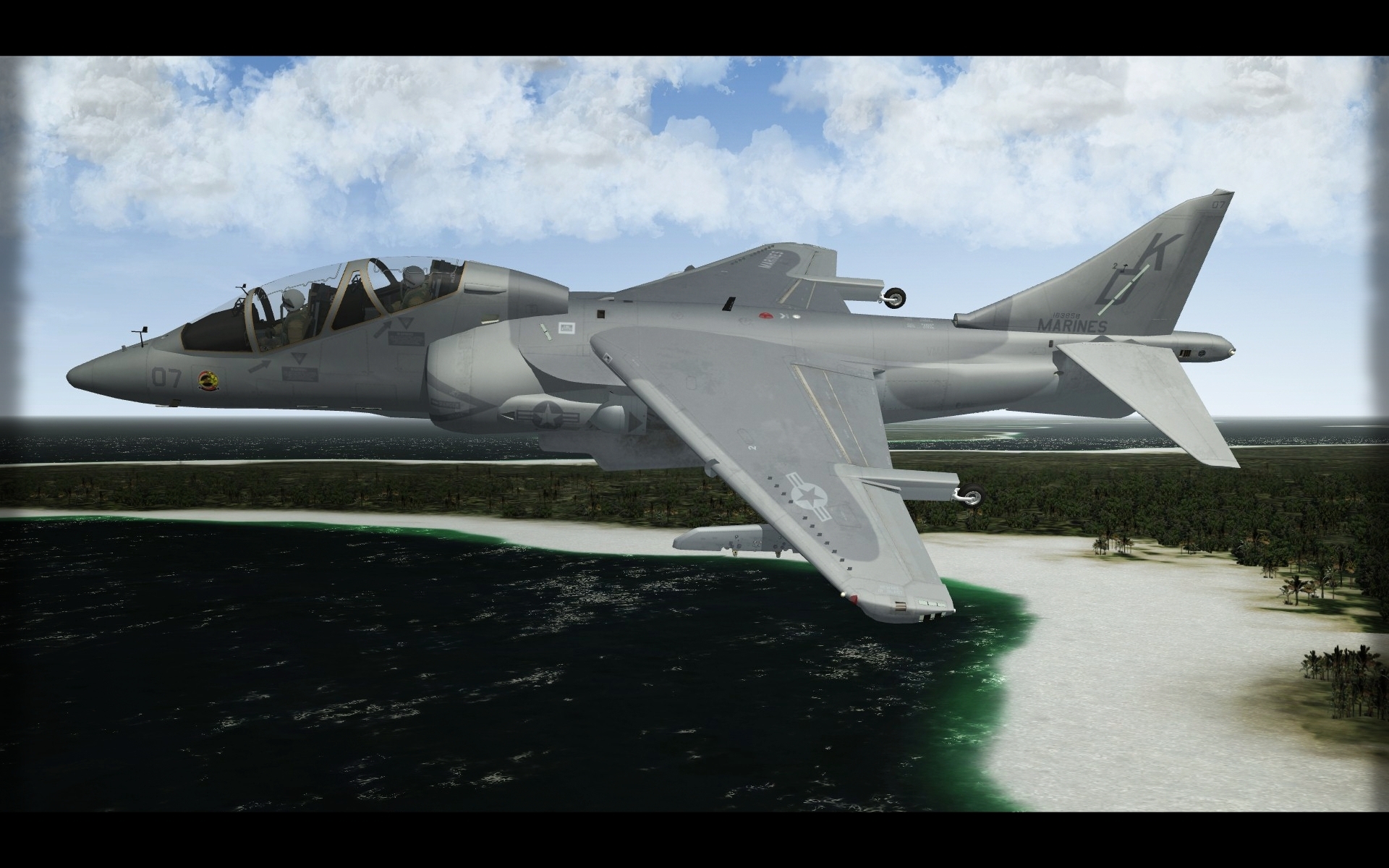
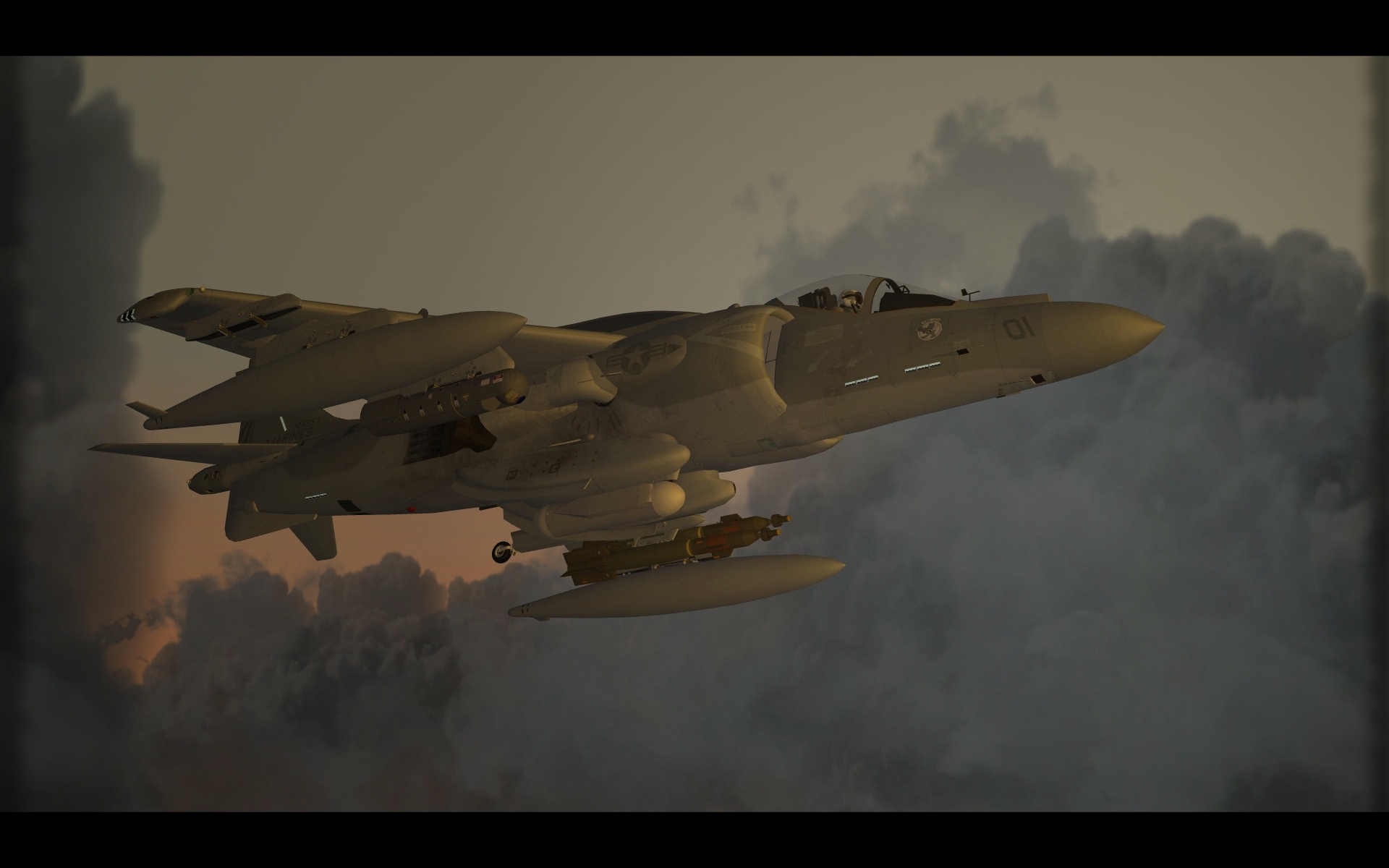
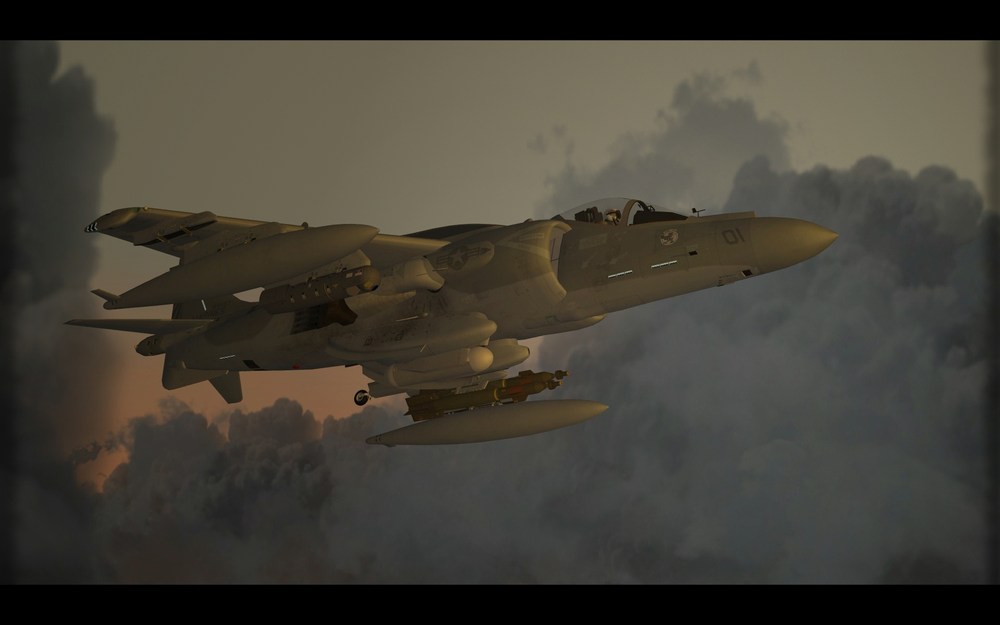
As soulfreak said this pod TIALD is only for left LID station in British Harrier GR.7 and 9. The model is intended to use only on that station, not on wings. Modder should limit that weapon and weapon stations by specific station code...but it was a long time ago and many things happened since then. Another thing is Marine Harrier can not carry TIALD. But this applies only to fetish and orthodox players. AN/AAQ-28 should be more appropriate.
-
-
Nope. or you can add lights via effect emitter. In this case, the effect is quite cool but it does not really give illumination ahead...rather than glowing bulb ...but looks better than those tgas shaped into light cones. (or maybe someone can work on emitter effect that will give proper light effect) I am using one of the aircraft carriers emitter effects. during the day... and night...


-
better to use symmetry. make a wheel , resetxform, uvmapp, set pivot point to X=0, apply symmetry on x axis. then again symmetry on y axis. You have 4 wheels. fast and easy.
-
Nope. It is already in the freezer. Not gonna bother me now...one day perhaps.
-
must be part of model...no animation, only movement via pitch and yaw of mesh... no as far as i know...it drift left or right but no steering as we know it... only animation for a ground object is reload animation I think...(not even sure if it works) Nope. You can add 'tga lights' like me or killerbee added to flightline objects...but the thing is it will appear 24h .....so no point really.
-
does not matter. assign a different material to wheels only. if you clone and then mirror etc...and then resetXform..you have to flip polys.
-
did you try to assign different material for wheels ? wheels are editable poly or mesh?
-
-