
Stary
-
Posts
8,500 -
Joined
-
Last visited
-
Days Won
100
Content Type
Profiles
Forums
Gallery
Downloads
Store
Everything posted by Stary
-
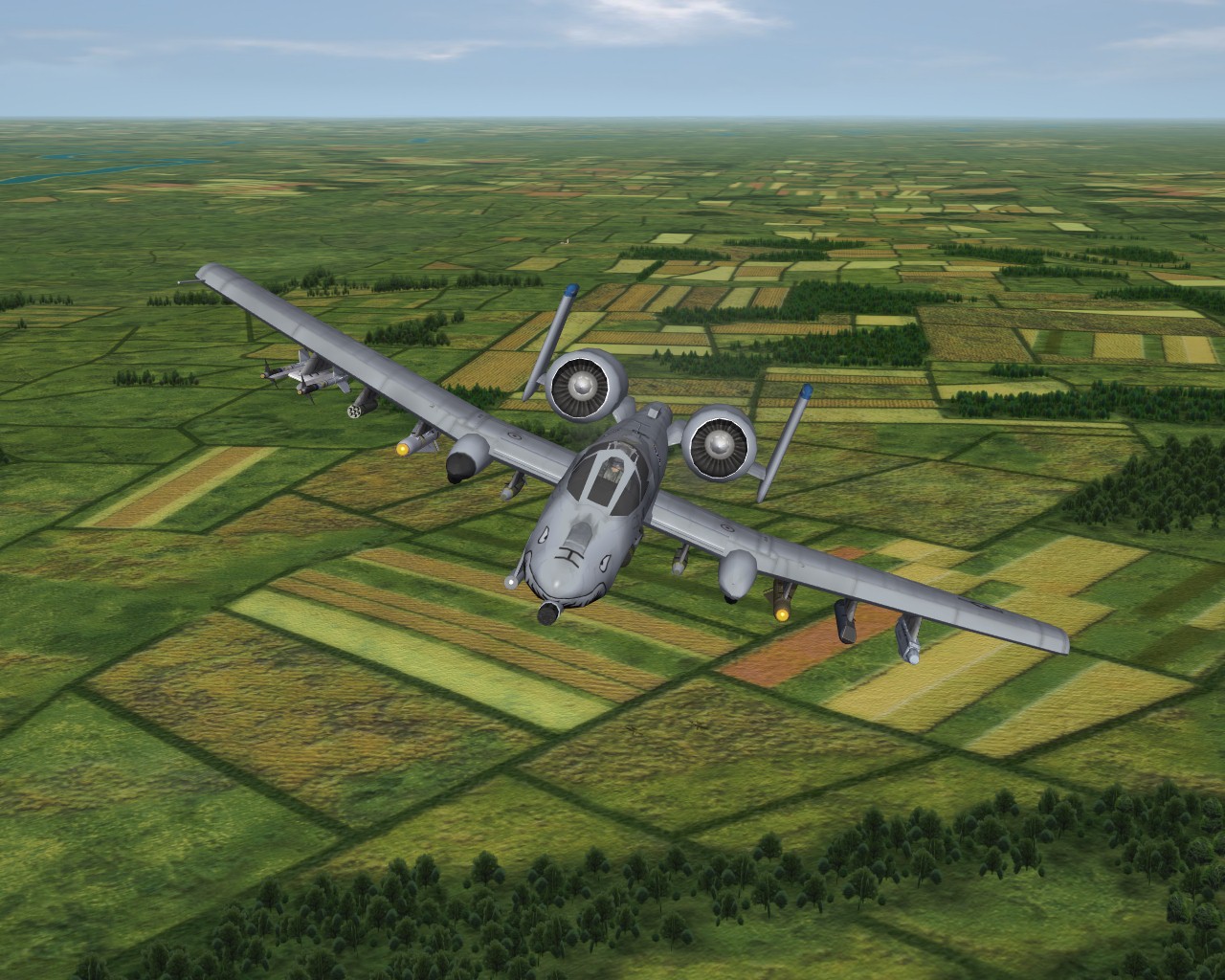
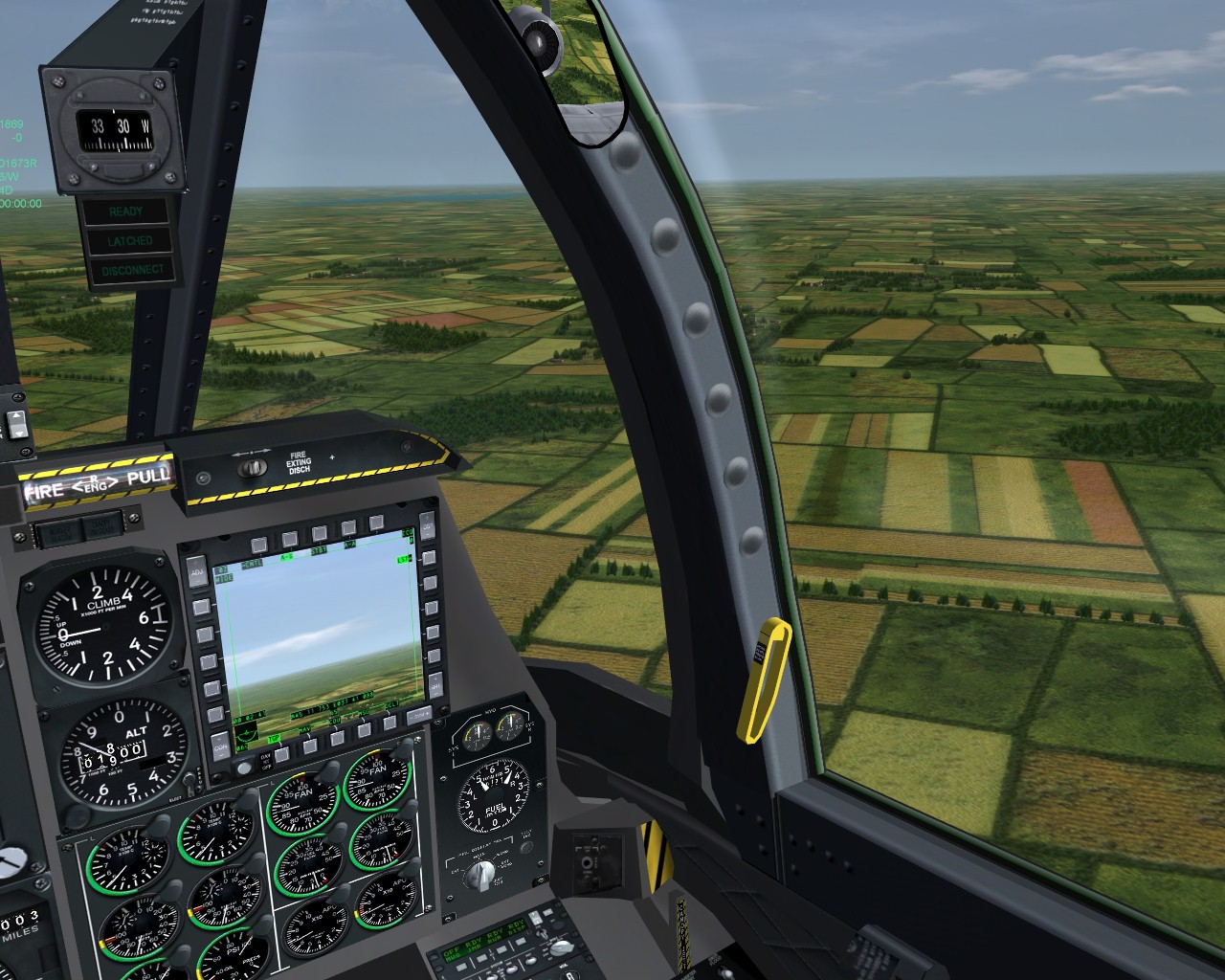
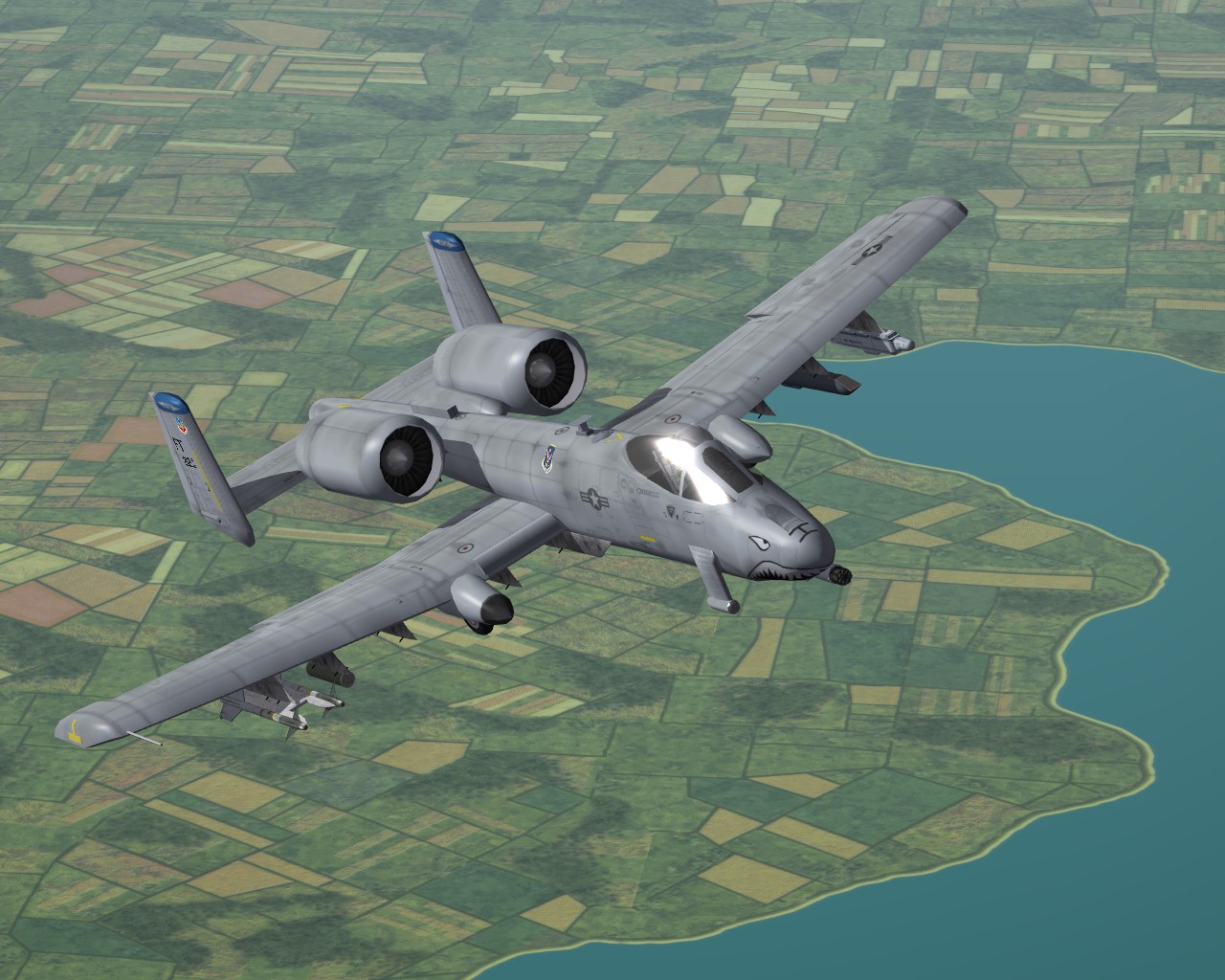
so how does 6 dollars looks like? Broke till tomorrow I'm toying with my recent Sweden tileset to tweak it for GermanyCE: almost DCS A-10C, almost


-

about trees fading again... with tweaked shaders
Stary replied to Stary's topic in Mods & Skinning Discussion
I'll look into the solid objects (houses) tomorrow, right now I do experiments to see if we could increase clouds fading similarily as for the trees shaders, the last one (from folder "ObjectsFade=FALSE gently fading") needs balance between it's "output.a *= (1.0 - smoothstep(0.0f, distance in meters(?), input.pos_w.w));" and one's DetailMeshSize= value but the value I provided works fine for anything above DetailMeshSize=8 for me -
Hello slick cowboy, yes, the files from the SARCASM 1.3 go into your Flight folder
-
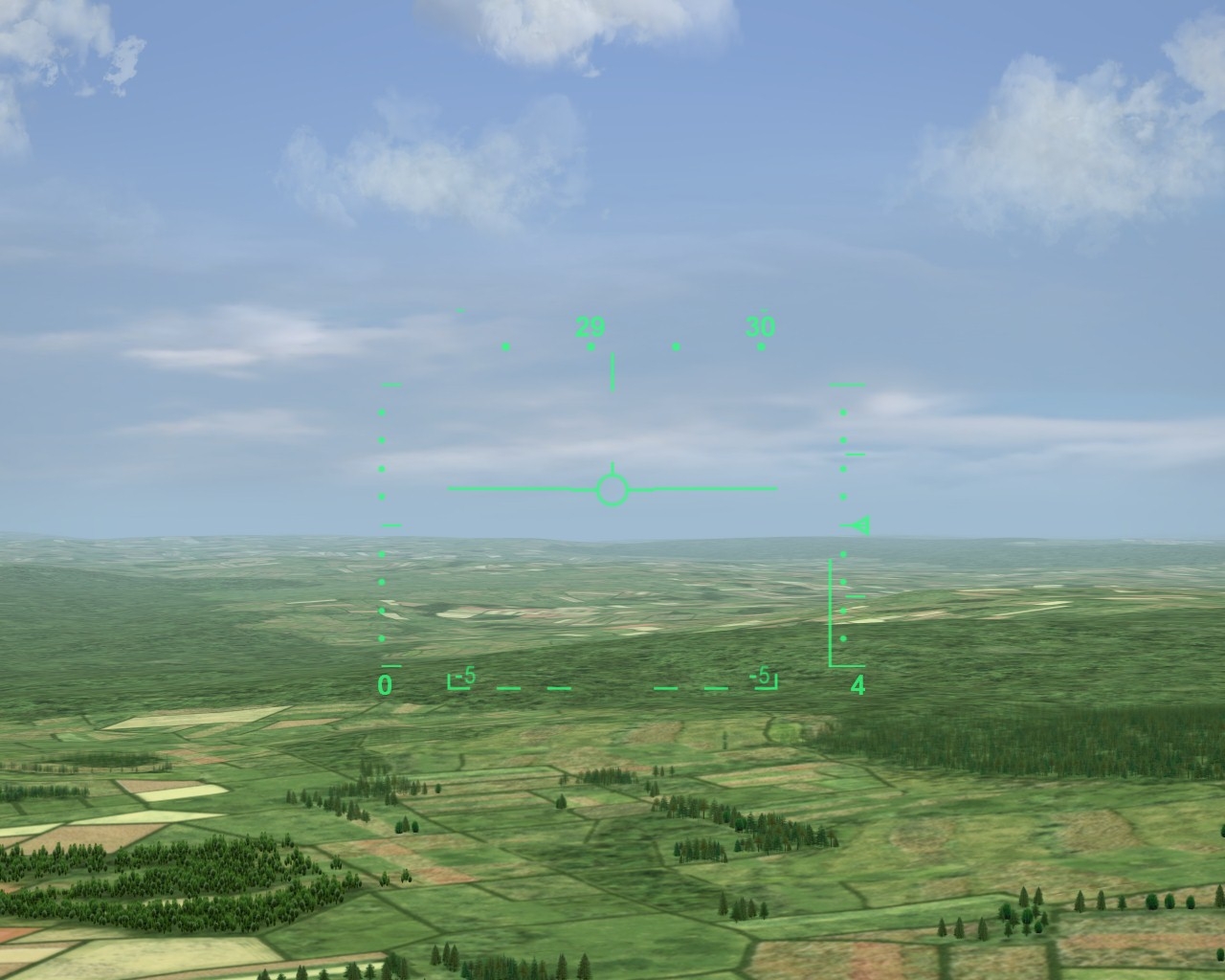
Early in 2011 TK introduced neat feature that allowed us to have trees and buildings (the ".TOD" user-placed objects populating tiles) fade with distance. The only problem is the quite short distance at which these objects disappear, which is seen here is standard "F3" zoomed-in view: Soo, I've spend quite a time (hours to put it mildly) banging my head against the wall to figure what part of the TERALPHAOBJECT.fx shader regulates that range -please note I have absolutely no programming skills nor experience, also suck at basic match calculations. Right now user can select the following: -set ObjectsFade=TRUE in Options.ini to have these objects fade as pictured above or -set ObjectsFade=FALSE in Options.ini and customize the distance at which objects show via entry in Flightengine.ini -the DetailMeshSize= value (which is in kilometers still would be my guess) The only issue with the longer distances and lack of shader-computed fading is the rather ugly "poping-up" of whole tiles full of objects as the camera's point of view closes by, seen here with DetailMeshSize=12 So, I banged my head once more and decided to do finally something which would allow me to have these damn trees fade at longer distance. NOTE: Due to shaders (.fx files) being locked or unseen by CAT extractor tool since NA release I use older shaders I keep save just in case as a backup (of, say, TK going nuts and locking meaningless shader files.. oh, wait!) Method one: Use ObjectsFade=TRUE but increase the fading distance as seen here compared to first screenshot: or slightly further from camera as seen here: The picture above shows one rather ugly problem -the distance at which tiles are preloaded and pre-populated is locked (I assume it's the lowest default DetailMeshSize= value of 2) thus pushing away the fading line shows some not preloaded and populated tiles (as seen on the patch of forest in the center to the right) for those of you power-users this is the part of the TERALPHAOBJECT.fx shader I was toying with, example from "OBJECTSFADE=TRUE even longer" folder: //-------------------------------------------------------------------------------------- float fade_with_distance(float FadeDist) { float fade_alpha = 1.0; const float fd = FadeDist - g_FadeDistance.x; ///const float fd = FadeDist - g_FadeDistance.x; if (fd > 0.0) { fade_alpha = clamp(0.0, 1.0, 1.0 - 0.25 * (fd * g_FadeDistance.z)); ///fade_alpha = clamp(0.0, 1.0, 1.0 - (fd * g_FadeDistance.z)); } return (fade_alpha); } //-------------------------------------------------------------------------------------- feel free to experiment further. Method two: Use ObjectsFade=FALSE but introduce the fading with distance as seen here, taken with ObjectsFade=TRUE, DetailMeshSize=12 Solution? You won't believe -part of ENVRAIN.fx rain shader, this one to be more precise: // fade it out with distance, say 2 km? output.a *= (1.0 - smoothstep(0.0f, 2000.0f, input.pos_w.w)); all thanks to a commentary left to the developer by shaders guy (thanks pal!) so the part of the TERALPHAOBJECT.fx got this: //-------------------------------------------------------------------------------------- // PixelShader //-------------------------------------------------------------------------------------- float4 PS( PS_INPUT input ) : SV_TARGET { float4 output = float4(0.0, 0.0, 0.0, 0.0); if (input.pos_w.w < g_FogDistance.y) { const float fade_alpha = fade_with_distance(input.pos_w.w); if (fade_alpha > 0.0) { output = g_MaterialTexture.Sample(g_LinearSampler, input.uv); if (output.a > 0.0) { output.rgb *= compute_per_pixel_ambient_diffuse(input.pos_w.xyz); output = add_fog_fade_alpha(output, input.pos_w.w, input.pos_w.z); output.a *= (1.0 - smoothstep(0.0f, 12000.0f, input.pos_w.w)); ///output.a *= fade_alpha; } output = saturate(output); } } return output; } //-------------------------------------------------------------------------------------- which is more or less fading distance in meters Now the hard part -all this work for trees shader only, have yet to peek into buildings one (TERSOLIDOBJECTS.fx) here be shaders, all of the mentioned examples in easily recognizable folders: trees shaders.ZIP to use grab the shader version you desire and drop to your favourite terrain (YES, every terrain recognises and loads own version, or default if none present) further help, funny jokes etc appreciated Stary
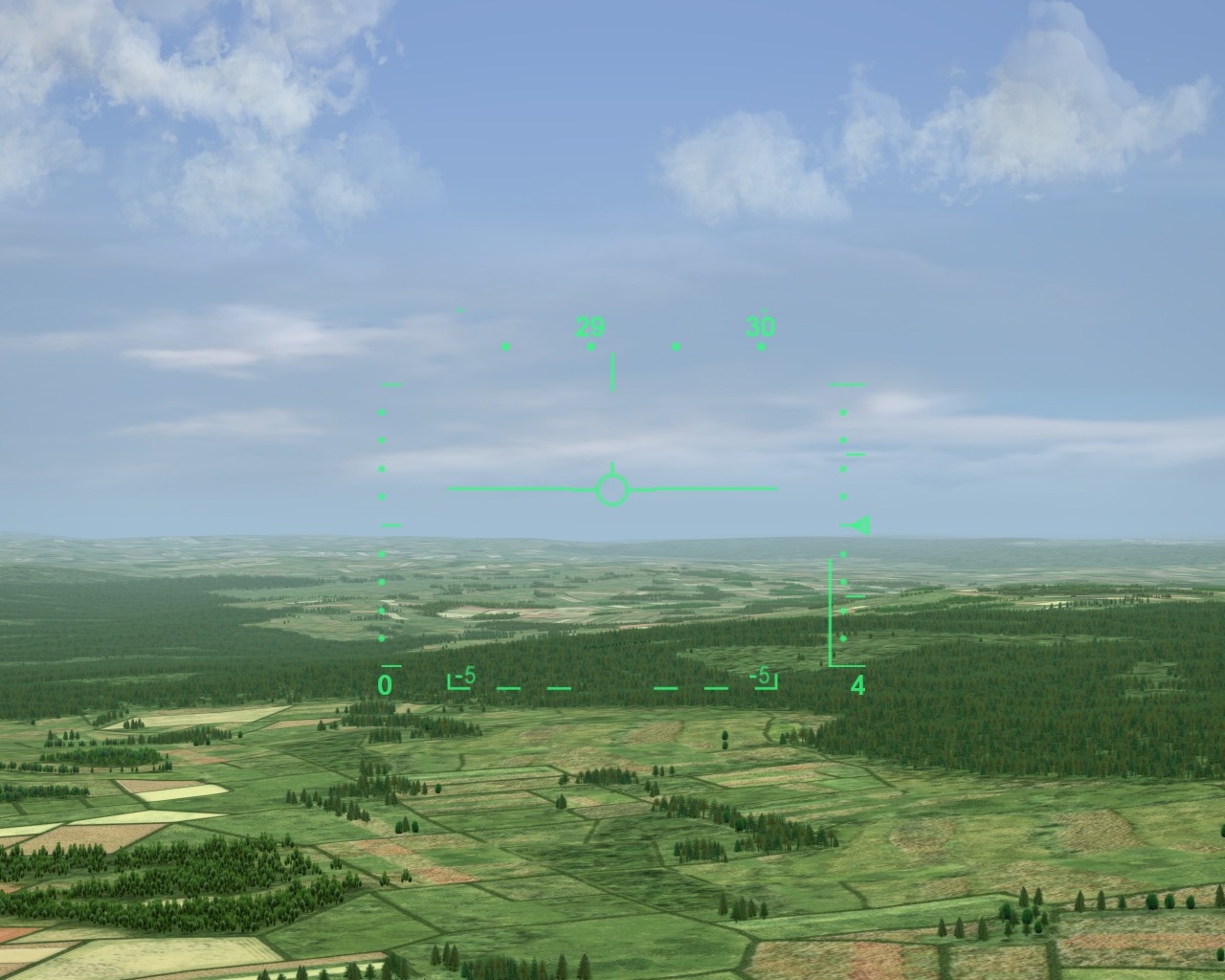
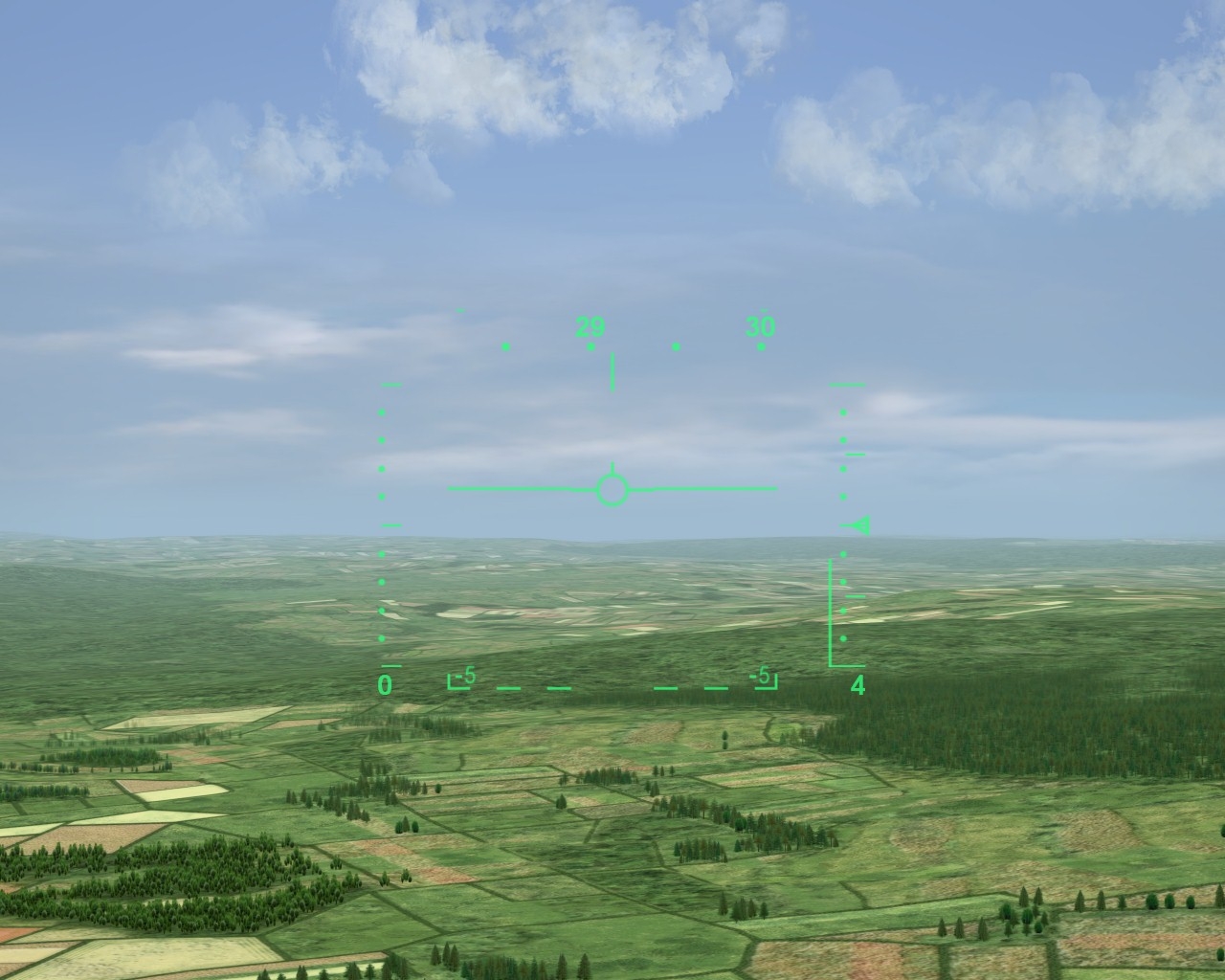
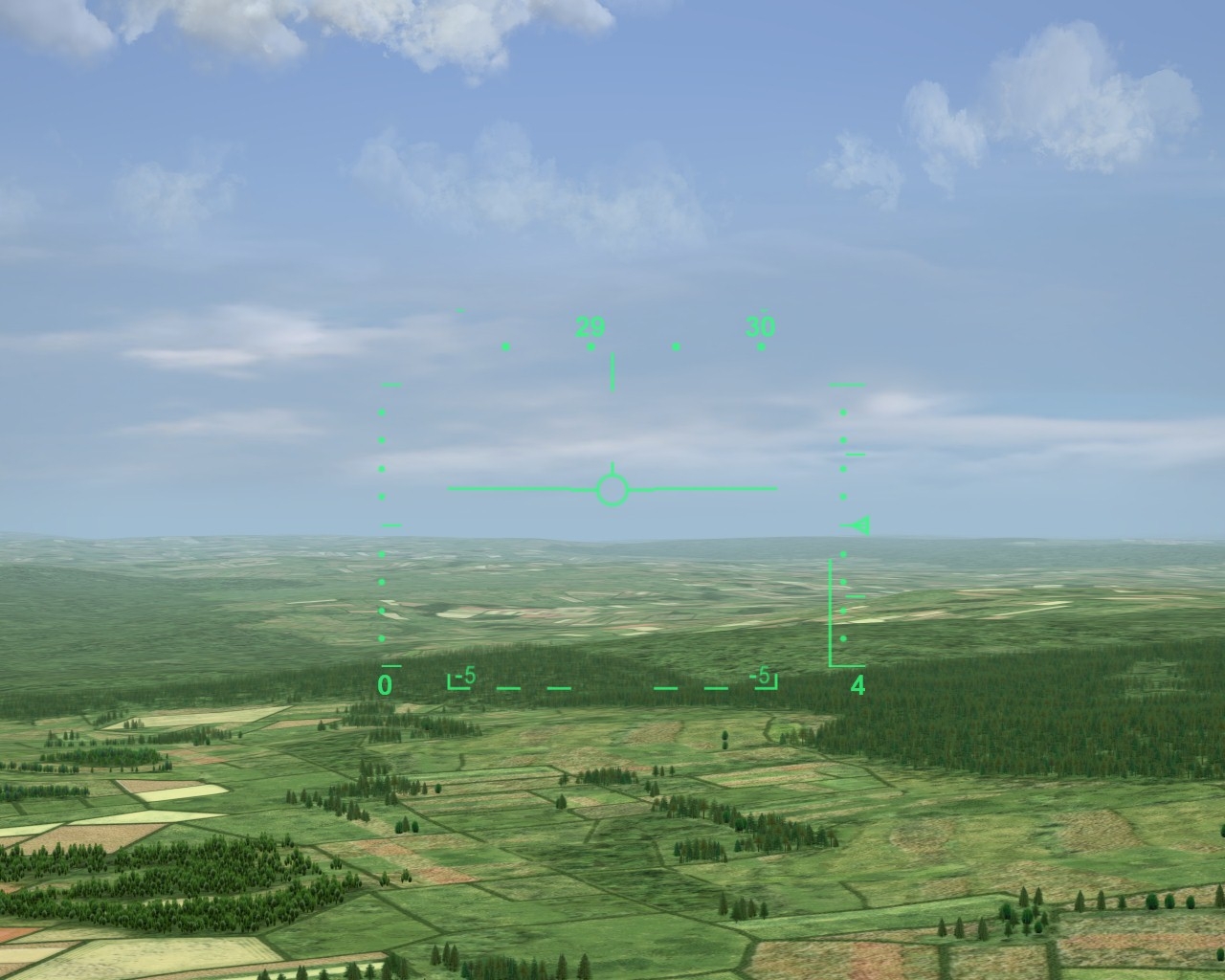
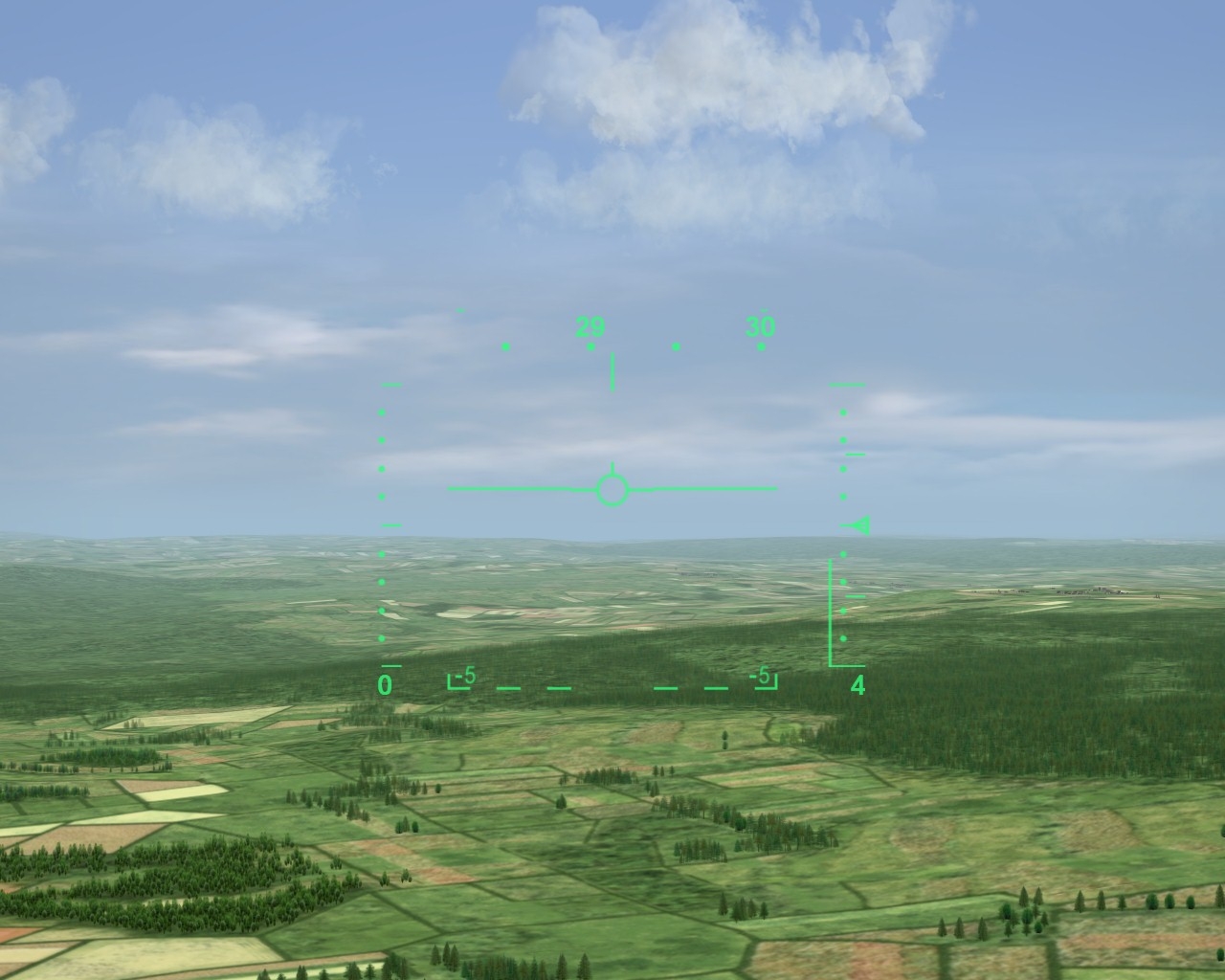
-
I think I'm cornering the infamous "trees fading distance". It's in the shader, of course, and YES, some things are dead locked, would you believe that? ;)
-
will have to check it then, curious about the framerates
-
hmm, I'd separate from the mesh some top and botom polys (to separate mesh to be mapped later) and map as flat
-
have no idea to be honest, but I think it could be done -not to mention it would require helluva ini works
-
or fly with 70s avionics tuned to look like (faked into) 60s ones have no idea really, ATM I fly either pre-radar or past 1990 planes
-
FINALLY
-
their logo seems like that guy's logo back then (the first FG scam) dunno
-
hmm, go ahead, be betatesters, I'll wait
-
I was leaving you out of my eqation for comparision sake
-
exactly, it's the format for new terrains is as for today completely useless without some kind of assembly tools TK might have developed for him old format makes one squish working decent map in days/weeks instead of months the new format seems to be
-
-
thinking of it Brain32 is right
-
DCS will loose the realism requirements for 3rd party mods to an extend IIRC
-
I don't post recently, my last posts due to RL issues have been enough offensive towards TK and some of the community (which I apologise for) but such decisions aren't the best business model IMO. I know, who the hell I am to know the business models? I just know that modding is what keept me and some 90% of active TW customers for years, else it would end around Wal-Mart fiasco (which I know only from veterans stories) I really hope for good quality stock DLC mods to surface, but seeing as single F-1 is still before WIP state after all the months, dunno
-
he's still alive. As much as I hate violence IRL I'd [edit: gladly] shoot this guy remember the innocent fallen
-
Blown away by the whole DCS World package
Stary replied to streakeagle's topic in General Discussion
I like the quick missions in A-10C, it's allways that Shilka near the brigde dammit! Ok when I get past that it's the tanks in the fields. Bummer. Ever been shoot down by a tank in the other simulation? Ok, I know, Tornado, but we're not that deep into archeology, are we? -
Blown away by the whole DCS World package
Stary replied to streakeagle's topic in General Discussion
Have DCS World with A-10C merged, can't merge FC2 for obvious reasons DCS despite some flaws (and going ultra-realistic way is one of them; it's a sophisticatd but computer game after all) does soo many things right, from the flight modeling (but is it only me that finds Thirdwire better in some aspects?) through weapons delivery systems to fabulous ground units modelling. Only thing that I can't stand no longer is poor Georgia terrain -time for other scenarios where we could more plausibly put the available planes to use, maybe some kind of Belarus vs Ukraine with NATO involvement? Or Baltic States? Complete lack of Polish forces is a bummer for me but I'm biased here -
feel threatened..?
-
see, there's real life outside games, I prefer that
-
nitpicker
-
welcome to Eurozone hope he will get "the big one" soon