Wrench
-
Posts
28,314 -
Joined
-
Last visited
-
Days Won
188
Content Type
Profiles
Forums
Gallery
Downloads
Store
Everything posted by Wrench
-
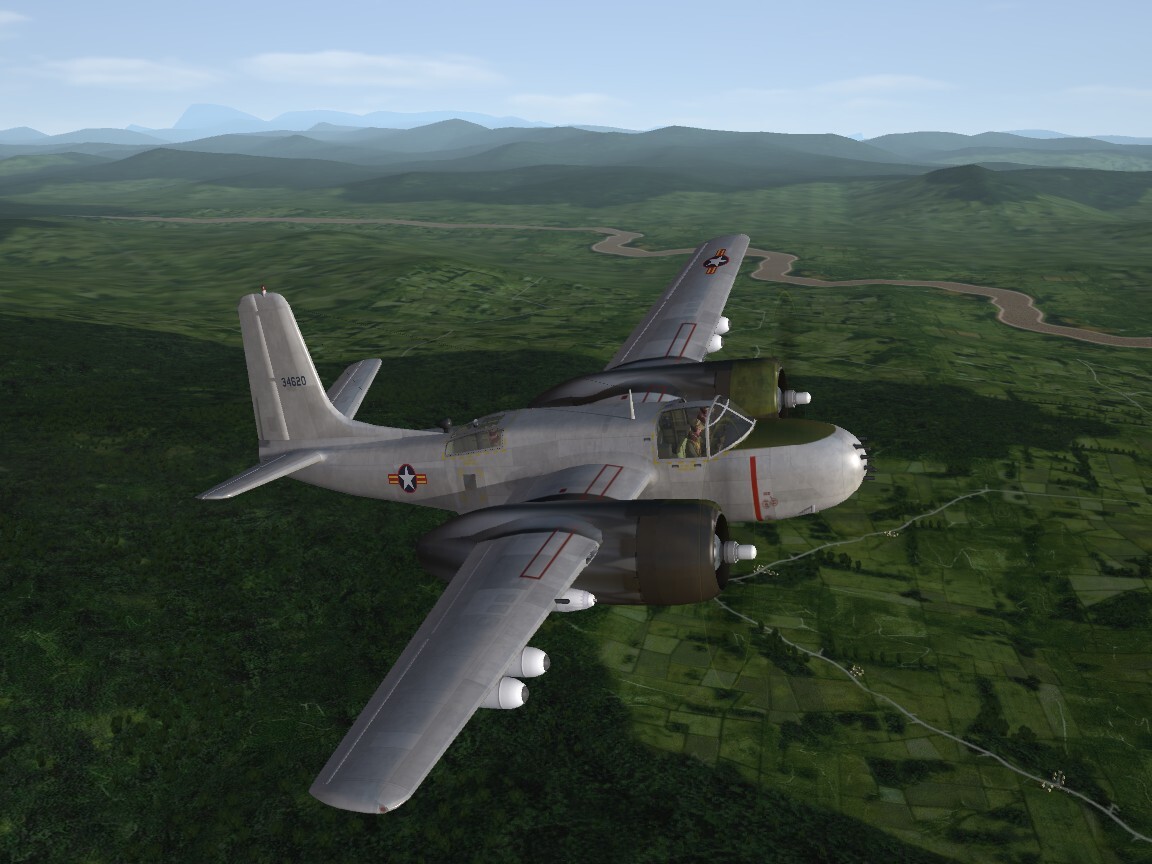
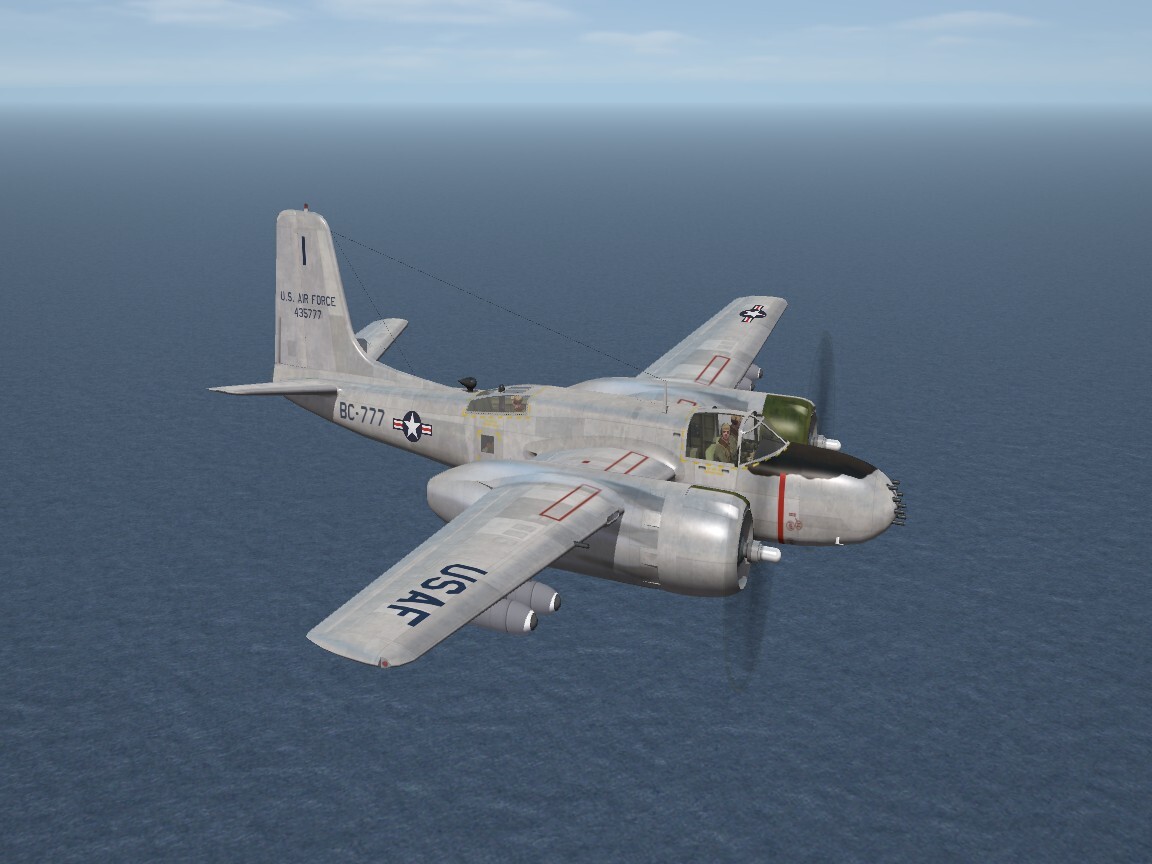
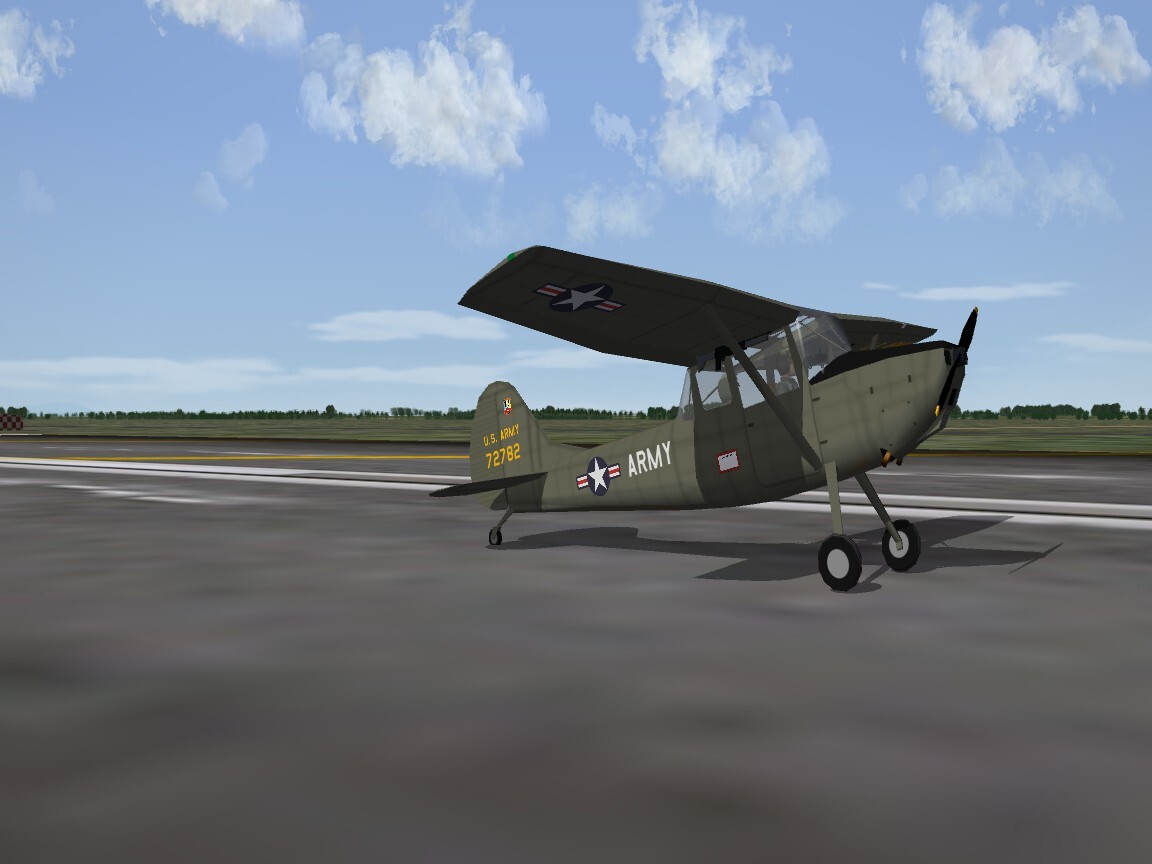
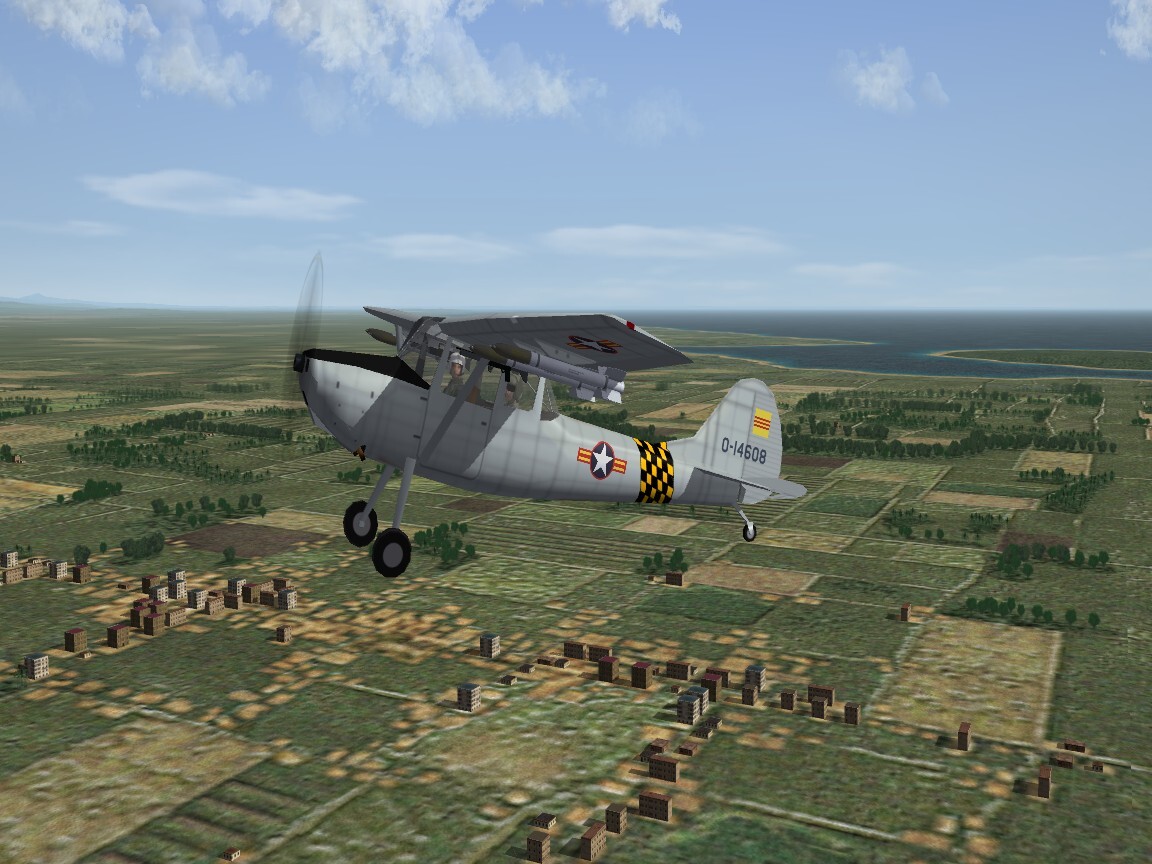
View File SF2 Cessna O-1E Bird Dog Remod Pack -for 3W O-1E- ver.3 12/19/2025 SF2 Cessna O-1E Bird Dog Remod Pack -for 3W O-1E- ver.3 12/14/2025 = For SF2, Any and All, Designed for SF2:V = **This mod is designed to replace, in total, the version I did in 2011. If you don't have that mod, not to worry, everything -and MORE- is included in THIS one!!! ** This is a major overhaul of the stock 3rd Wire 1stGen O-1E Bird Dog with a new, functioning cockpit, all NEW skins from Brand New Home Grown Templates (tm), which are included within the main aircraft folder. All new semi-historically accurate serial numbers (meaning: generic in nature, representing no particular unit, but mostly correct for the time frames for each skins operational years and country assigned). All skins are now in jpg format, at 1024x1024. When discoverable, the read me for the original 1stGen skin is included with that skin folder. The skins included herein represent --- Canada: CDN Army (CO-119) <54 Pakistan: Pak Army Green <72 US Army: US Army Aviation L-19/O-1A <1949 (USArmy1 folder) 73rd Aviation Co "Warriors" (USA) <63 (USArmy2 folder) USAF: 20th TASS <61 VNAF: 112th Liaison Sqdn <1962 (OD w/LtGrey upper wings) 112th Liaison Sqdn <1970 (overall LtGrey) Decal randomization is TRUE for all. Skins have either 16, 20, 24 or 26 serial number decals, depending on Air Force and time frame used. The SF2 Date Switch is active for the 2 US Army & VNAF skins. As you can see above, the year tagged is their start date. Skins are now in the (mostly) correct colors as seen in Real Life (tm). The aircraft uses stock HVARs, but for fun I've included the M-60 underwing machine gun. So you can shoot stuff up. A new User list.ini is supplied, with most of the Dog's users. New pilot figures are used, too! Be advised, the US Army Aviation units depicted here are still tagged with "USAF" as their Nation of Origin. See "Notes" for adding US Army to you Nations.ini, if you aren't using DaddyAirplanes expanded one. You'll have to extract the Nations.ini, if you haven't already, and place it in you /Flight folder. You'll also have to edit the TextureSet ini for those skins, in either case. Again, instructions are below. You'll also be adding a new engine sound, and this will need to be added to the Sound list ini, so have that extracted (if you haven't already), and in the /Flight folder in you Mods Folder of choice (ie: SF2:V) Because there are several differing Bird Dogs wandering around, I've used a unique folder & displayed name to differentiate it from them. On the Aircraft Selection Drop Down menu, you'll see O-1E Bird Dog (3W) The (3W) names it as the stock SFP1/WoV 3rd Wire aircraft. As is always recommended, unzip to a temp folder or your desktop to give easy access to the rest of this readme for it's install instructions. Please read the Notes section for other possibly useless information, and (hopefully) full credits. Please also take note of changes in the Standard Disclaimer in the "Legal BS" section at the bottom. Have Fun!! Woof Woof!!! Wrench Kevin Stein Enjoy this early 2025 Christmas Present!! Submitter Wrench Submitted 12/19/2025 Category Other
- 1 reply
-
- 3
-

-

-
Meow???
-
Decal Level =2 same as serial numbers, "plane in group" letters, nose art, etc. the simpelst and and easiest way
-
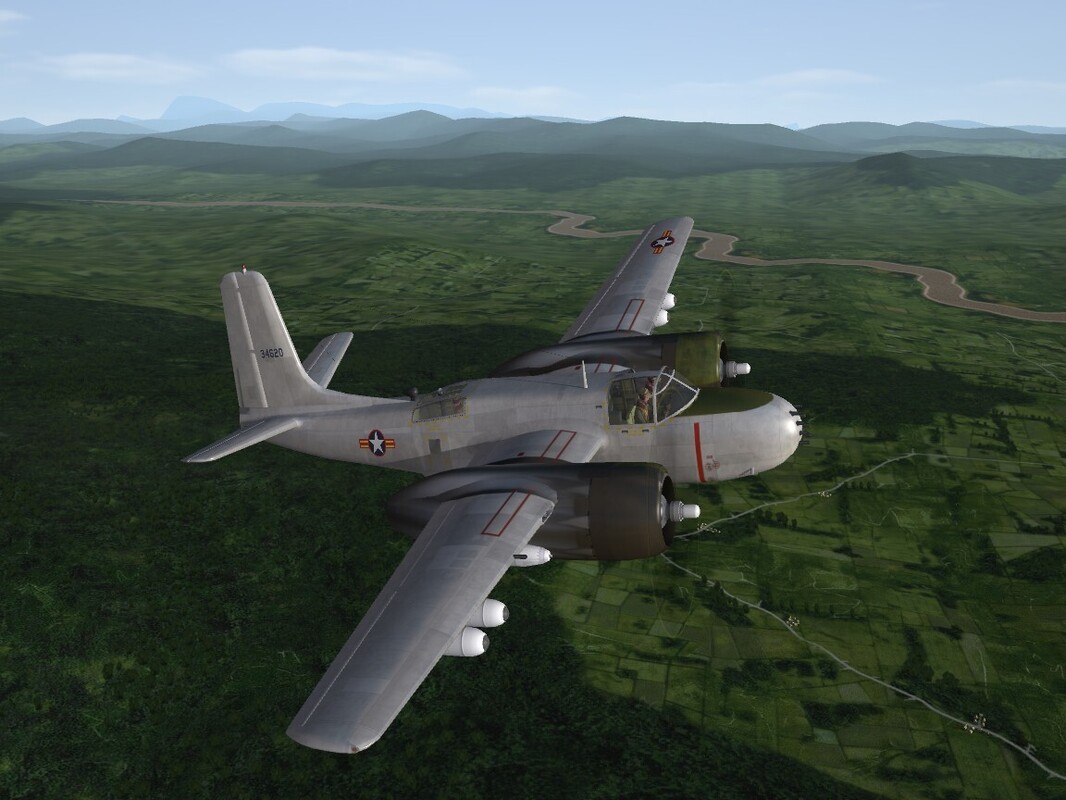
Alright, who did it?? Who did it?? Who left the Farm Gate open???? (with apologies to Mr. Roberts)
-
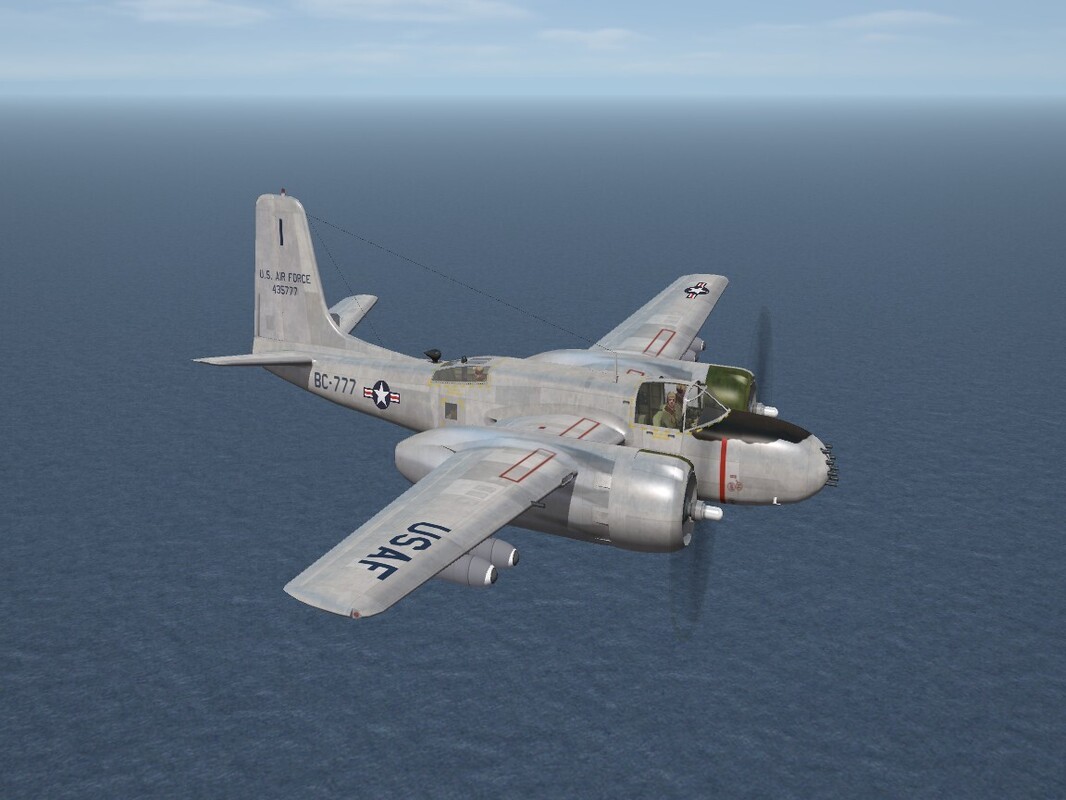
Heading out to the Hulbert Gunnery Range
-
In a lesser known fact, "2 weeks" after the Wright Brothers flight, people were STILL waiting for the first Flight Sim to come out!!!
-
(Semi-fictional) Vipers over the Apeninnes
Wrench replied to ValAstur's topic in Sci-Fi/Anime/What If Forum
That looks SHARP! in the Euro camo!! -
December 17, 1903. Kill Devil Hills, North Carolina. We left the bonds of earth for the first time in powered flight. Thank You Wright Brothers

- 2 replies
-
- 15
-
-
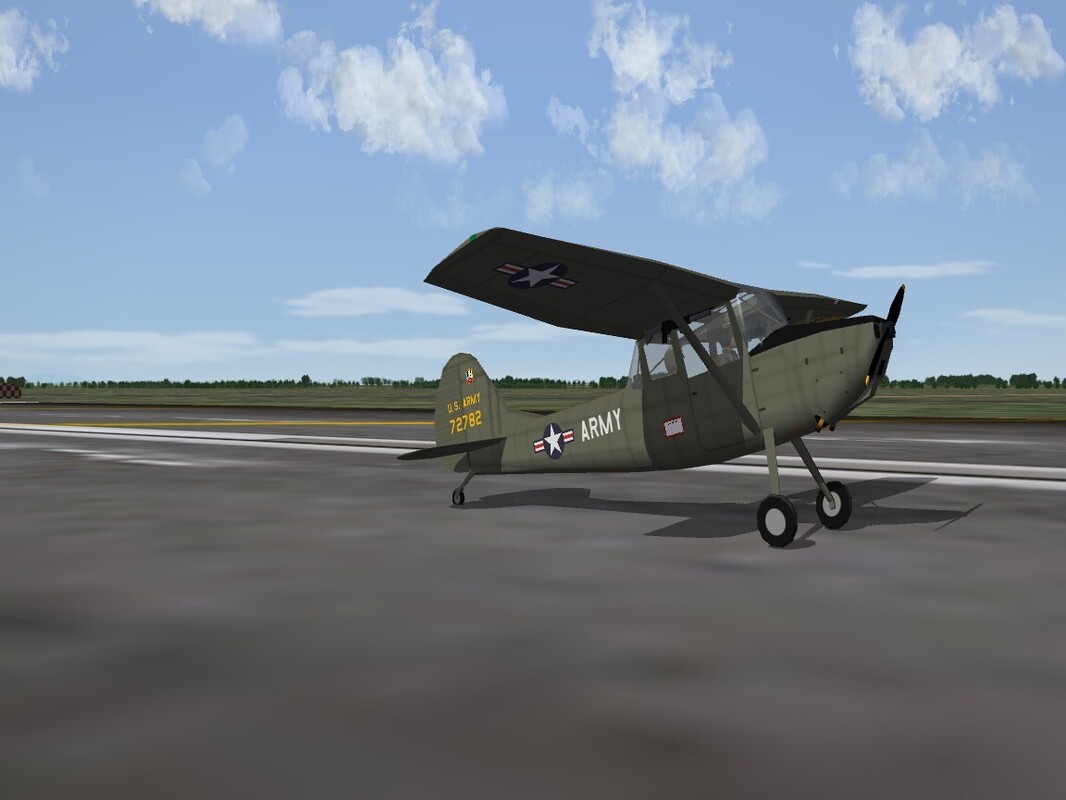
Can't get it started ??? Would it help if I got out and pushed????
-
I can't download mods to my SF2
Wrench replied to GUSGUS19's topic in Site Support / Bug Reports / Suggestions
Read -- -
Getting a message to reconfirm email
Wrench replied to PCastro's topic in Site Support / Bug Reports / Suggestions
The Boss (tm) is just making sure things are all up to date. As long as you're current, all should be good -
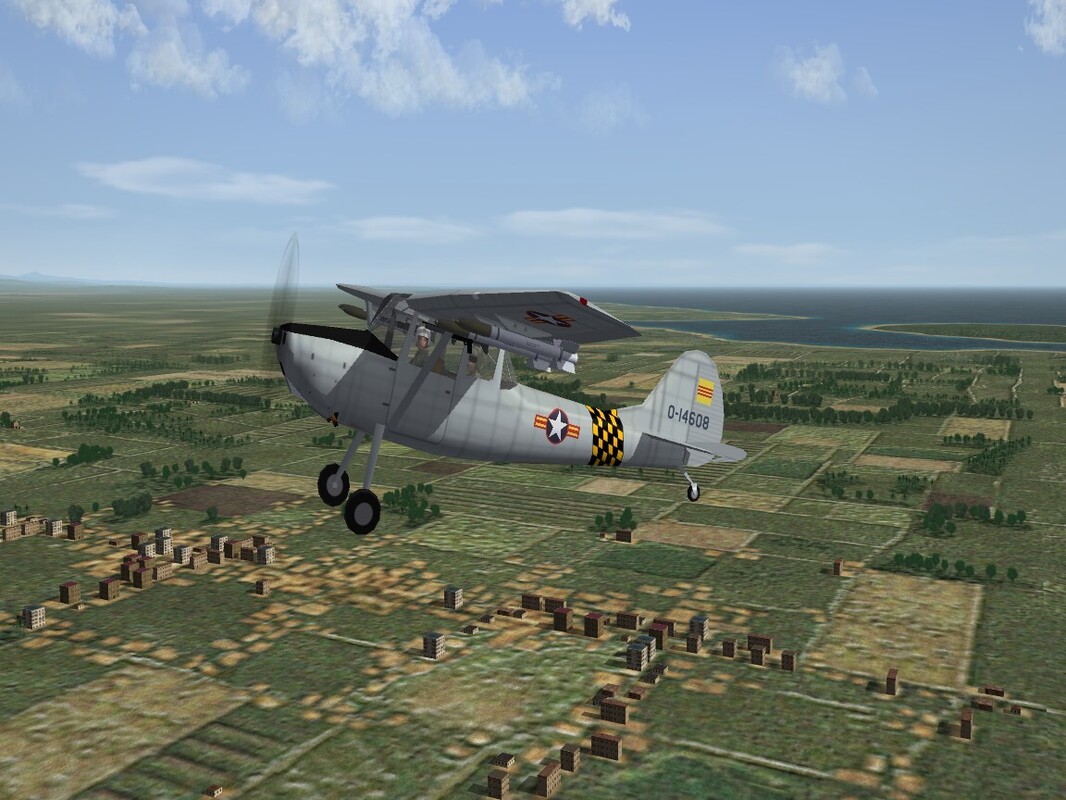
In for a major overhaul -- the 3W Bird Dog. Everything is being rebuilt, updated, upgraded and what can't be, "is covered by a new coat of paint"
-
Excellent! I was beginning to worry you'd forgotten about it!! Thanks brother! An early Christmas present for the community!!!
- 8 replies
-
- 1
-
-
- f-35
- f-35 lightning ii
- (and 3 more)
-
Version 1.0.0
57 downloads
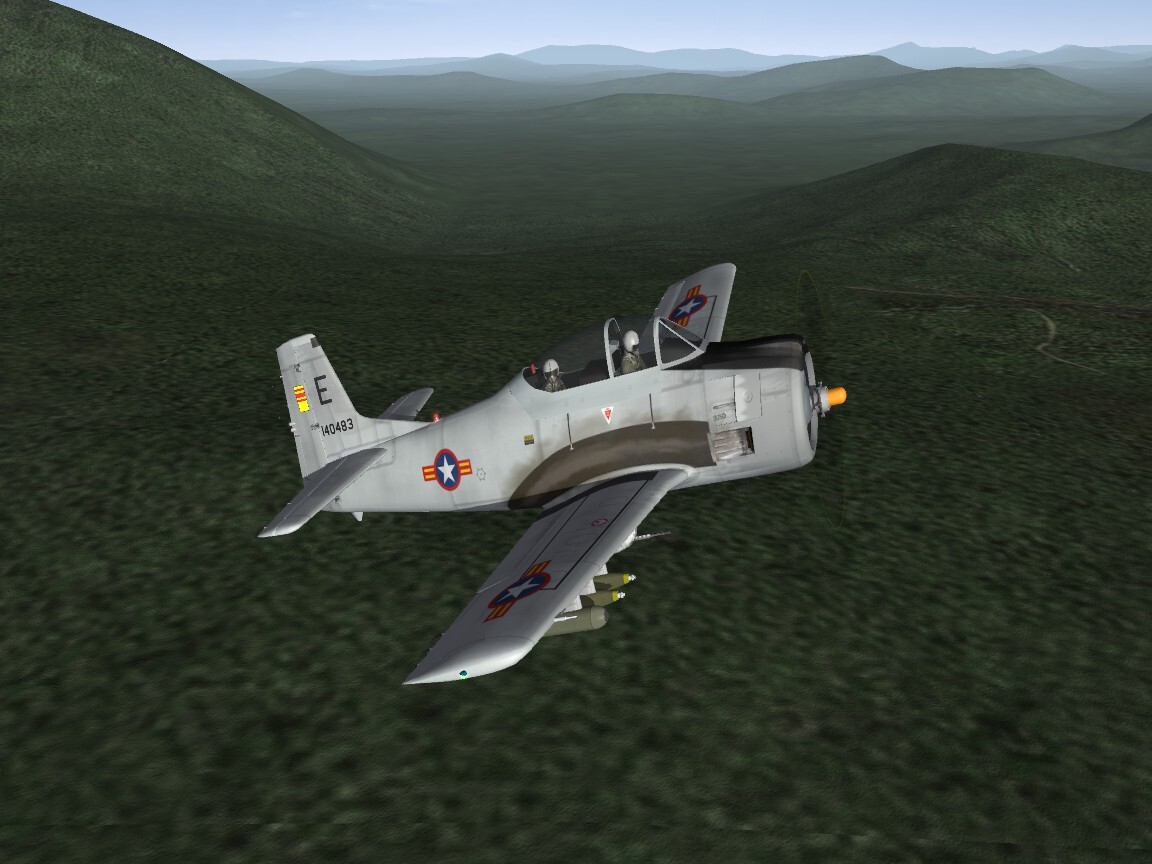
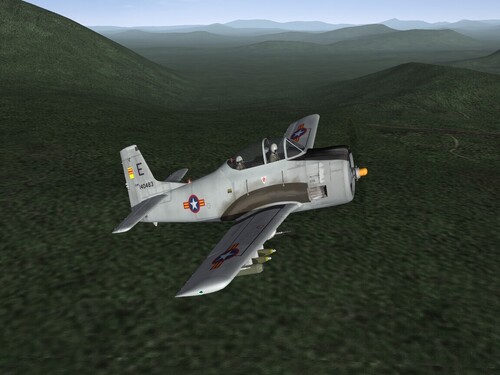
SF2 T-28D Trojan Upgrade Pack for YAP-RW 12/9/2025 What we have here is an upgrade pack for the YAP-RW T-28D "Trojan" trainer/close support aircraft. This full aircraft mod is being released with permission from the YAP-RW Team, and I extend special thanks to Andrea "Ralph" Richini for his help, support and approval. This package includes the original 3 skins, with all new decals, some data ini modifications (mostly adding armor), a new engine sound is also included. Be forewarned! You will be adding the new sound to your game/mod folder's Soundlist.ini. Full instructions are in the "To Install" below. All weapons are stock, in-game items. Both canopies open with the Standard Animation Keystroke (tm), Shift/0 (zero). The 3 skins are: USAF: 4400th CCTS Vietnamese Air Force (South): 2nd FS/516th FS <1962 Royal Laos Air Force: RLAF <1963 Most markings are decals, but due to the fuselage/tail fin being one mesh, all fuselage national markings are painted on. The USAF and VNAF each have 24 serials. As I was unable to run down particular squadron usages, the VNAF serials are "generic" as in "these were assigned to the VNAF". USAF is also generic. The 16 RLAF serials are 100% hysterically correct. The years seen above are the start dates for these units/skins. So, the 'SF2 Date Switch is (mostly) active. If installing this to well, any mod folder including YAP-RW, you'll see on the aircraft selection drop-down menu: T-28D Trojan (Y) "Y", of course is for YAP, differentiating it from any others (?). Be advised, I did NOT change the folder name. Only the displayed name. So it should NOT effect anything if used in a YAP-RW mods folder. But that's not guaranteed! In a normal SF2:V mods folder, will have no effect (unless you have somebody else's Trojan in there?). If you HAVE YAP, maybe want to backup your original for Safety's Sake (tm). As is always recommended, unzip to a temp folder or your desktop to give easy access to the rest of this readme for it's install instructions. Please read the Notes section for other useless information, and (hopefully) full credits. Please also take note of changes in the Standard Disclaimer in the "Legal BS" section at the bottom. Good Hunting & Happy Landings! Wrench Kevin Stein Don't forget to visit the Yankee Air Pirate Reworks page at the following URL: https://www.yap-revamp-works.com/- 1 review
-
- 3
-
-
-
View File SF2 T-28D Trojan Upgrade Pack for YAP-RW 12/9/2025 SF2 T-28D Trojan Upgrade Pack for YAP-RW 12/9/2025 What we have here is an upgrade pack for the YAP-RW T-28D "Trojan" trainer/close support aircraft. This full aircraft mod is being released with permission from the YAP-RW Team, and I extend special thanks to Andrea "Ralph" Richini for his help, support and approval. This package includes the original 3 skins, with all new decals, some data ini modifications (mostly adding armor), a new engine sound is also included. Be forewarned! You will be adding the new sound to your game/mod folder's Soundlist.ini. Full instructions are in the "To Install" below. All weapons are stock, in-game items. Both canopies open with the Standard Animation Keystroke (tm), Shift/0 (zero). The 3 skins are: USAF: 4400th CCTS Vietnamese Air Force (South): 2nd FS/516th FS <1962 Royal Laos Air Force: RLAF <1963 Most markings are decals, but due to the fuselage/tail fin being one mesh, all fuselage national markings are painted on. The USAF and VNAF each have 24 serials. As I was unable to run down particular squadron usages, the VNAF serials are "generic" as in "these were assigned to the VNAF". USAF is also generic. The 16 RLAF serials are 100% hysterically correct. The years seen above are the start dates for these units/skins. So, the 'SF2 Date Switch is (mostly) active. If installing this to well, any mod folder including YAP-RW, you'll see on the aircraft selection drop-down menu: T-28D Trojan (Y) "Y", of course is for YAP, differentiating it from any others (?). Be advised, I did NOT change the folder name. Only the displayed name. So it should NOT effect anything if used in a YAP-RW mods folder. But that's not guaranteed! In a normal SF2:V mods folder, will have no effect (unless you have somebody else's Trojan in there?). If you HAVE YAP, maybe want to backup your original for Safety's Sake (tm). As is always recommended, unzip to a temp folder or your desktop to give easy access to the rest of this readme for it's install instructions. Please read the Notes section for other useless information, and (hopefully) full credits. Please also take note of changes in the Standard Disclaimer in the "Legal BS" section at the bottom. Good Hunting & Happy Landings! Wrench Kevin Stein Don't forget to visit the Yankee Air Pirate Reworks page at the following URL: https://www.yap-revamp-works.com/ Submitter Wrench Submitted 12/12/2025 Category Other
-
- 1
-
-
Vietnam Community Project Idea: Gulf of Tonkin Incident - Redux
Wrench replied to swambast's topic in General Discussion
what about the Horizon settings off the Options menu? -
I got a message from him this morning, saying he wants to concentrate more on the WW2 Pacific, and VN later.
-
ok it's been approved for release! So, give me the usual time frame to write the read me and assemble the package. Before Christmas for sure!
-
Thanks guys! Last night I went to their FB page, as I mentioned above, and I'm now a member!!! I've requested permission for the release of the Trojan, and of course offered it to them first if they wish to incoporate it into YAP (well, just just ini edits and decals, really) So, we wait to the reply! thanks all! If it goes, it'll be a fun addition for use on stock VietnamSEA and Gepard's DRV terrains!
-
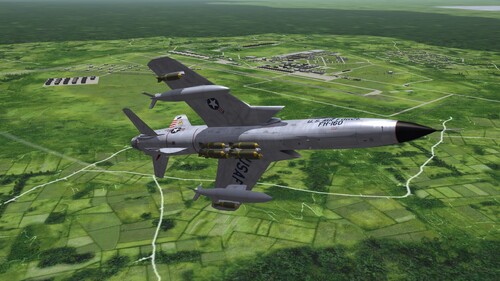 Awesome!!!
-
I requested a 'join group' on FB, now jus waiting for the approval. Then I'll ask about our Trojan Man
-
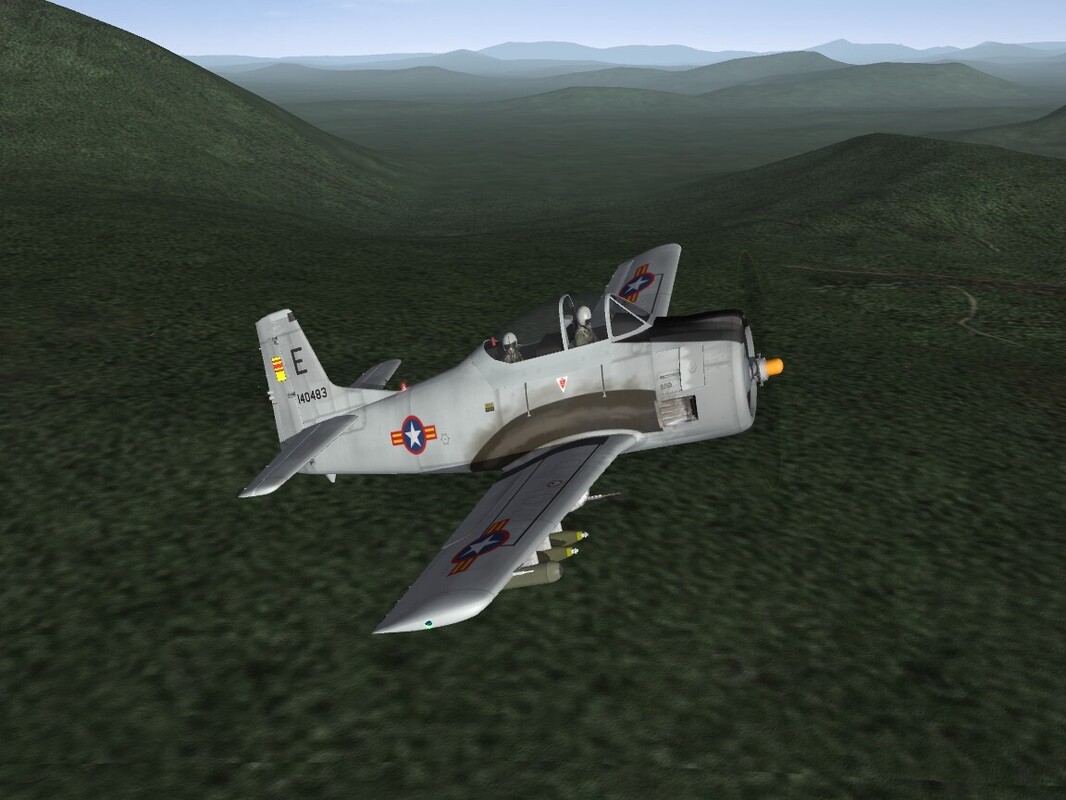
Is the only way through their FB page? I put in a request to join, as I want their permission to release the reworked T-28 Trojan that I've been messing around with as a 'stand alone' mod. Also want them to know it's theirs to use as well for their purposes within YAP RW. got all new decals for all 3 services, (most) of them historical (well, at least for VNAF and RLAF). So, if anyone knows another way, please let me know! This little bird looks very good on Gepard's DRV terrain <gr> Hopefully, it they are here reading the CA boards, give me a shout! Please! And Thank You!
-
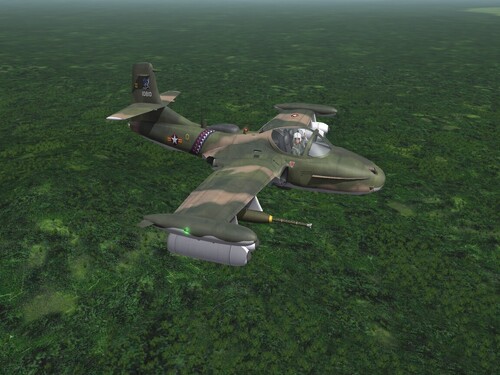
Version 1.0.0
44 downloads
SF2 A-37B Dragonfly VNAF Skin Pack 12/7/2025 -For SF2 =ONLY= (Any & All, Full 4/5 Merged Recommended) Designed for SF2:V!!! What we have here are 2 new skins for Centurion & Co's. A-37B Dragonfly. These 2 skins represent those as used by the Vietnam Air Force (South). These skins were to have been done by Eole, as the fuselage squadron bands were found ready to use on the template included with the aircraft download. Speaking of which, you can find the full aircraft, if you don't have it already, at the following URL: https://combatace.com/files/file/16196-usaf-a-37b-pack/ The skins herein represent the following VNAF units: 516th FS, VNAF <68 (blue w/white stars fuselage stripe) 524th FS, VNAF <69 (blue w/red & white chevrons fuselage stripe) The SF2 'date switch is NOT active for these 2 skins. The dates shown are just for historical clarity. Almost all markings are decals, excepting the aforementioned fuselage ID bands. Both skins use a pool of 24 serial number decals. I was unable to match individual numbers to specific units, but all these serials WERE used by VNAF Dragonflys. Decal Randomization is TRUE. I've also included an updated Userlist and Data inis, adding the missing VNAF, and adjusting the Exported start and end dates. To be safe, you might wish to backup the original Data ini before installing. Just because, even though nothing else has been changed. No sounds, weapons or pilots are included. It uses all from the original package. As is always recommended, unzip to a temp folder or your desktop to give easy access to the rest of this readme for it's install instructions. Please read the Notes section for other useless information, and (hopefully) full credits. Please also take note of changes in the Standard Disclaimer in the "Legal BS" section at the bottom. Good Hunting & Happy Landings! Wrench Kevin Stein- 1 review
-
- 7
-
-
-
View File SF2 A-37B Dragonfly VNAF Skin Pack SF2 A-37B Dragonfly VNAF Skin Pack 12/7/2025 -For SF2 =ONLY= (Any & All, Full 4/5 Merged Recommended) Designed for SF2:V!!! What we have here are 2 new skins for Centurion & Co's. A-37B Dragonfly. These 2 skins represent those as used by the Vietnam Air Force (South). These skins were to have been done by Eole, as the fuselage squadron bands were found ready to use on the template included with the aircraft download. Speaking of which, you can find the full aircraft, if you don't have it already, at the following URL: https://combatace.com/files/file/16196-usaf-a-37b-pack/ The skins herein represent the following VNAF units: 516th FS, VNAF <68 (blue w/white stars fuselage stripe) 524th FS, VNAF <69 (blue w/red & white chevrons fuselage stripe) The SF2 'date switch is NOT active for these 2 skins. The dates shown are just for historical clarity. Almost all markings are decals, excepting the aforementioned fuselage ID bands. Both skins use a pool of 24 serial number decals. I was unable to match individual numbers to specific units, but all these serials WERE used by VNAF Dragonflys. Decal Randomization is TRUE. I've also included an updated Userlist and Data inis, adding the missing VNAF, and adjusting the Exported start and end dates. To be safe, you might wish to backup the original Data ini before installing. Just because, even though nothing else has been changed. No sounds, weapons or pilots are included. It uses all from the original package. As is always recommended, unzip to a temp folder or your desktop to give easy access to the rest of this readme for it's install instructions. Please read the Notes section for other useless information, and (hopefully) full credits. Please also take note of changes in the Standard Disclaimer in the "Legal BS" section at the bottom. Good Hunting & Happy Landings! Wrench Kevin Stein Submitter Wrench Submitted 12/08/2025 Category Other
-
Operation Desert Storm: 30th Anniversary Edition
Wrench replied to Menrva's topic in File Announcements
what that means is, you need to make a seperate, stand alone, ODS ONLY mods folder. You do not mix the ODS mod with anything else. IIRC. there should be instructions in the download that not only recommend that, but give the steps needed. (but I could be wrong!)- 277 replies
-
- 1
-
-
- coalition
- desert shield
- (and 8 more)