Wrench
-
Posts
27,731 -
Joined
-
Last visited
-
Days Won
156
Content Type
Profiles
Forums
Gallery
Downloads
Store
Everything posted by Wrench
-
Do we have these anywhere?? Been looking at all the BUFF mods and can't seem to find them. yes, i'm looking at the stock 3w D for some minor upgrades. TIA!
-
I feel your pain!!!
-
awesome!!! more eye candy for airbases is MORE than welcome!!!!
-
that is pretty damn cool!!!
-
Editing Campaign Missions
Wrench replied to cuisinart8's topic in Mission & Campaign Building Discussion
they're not saved. but, isn't there a way to save individual missions with the mission editor?? (don't really know, just guessing) -
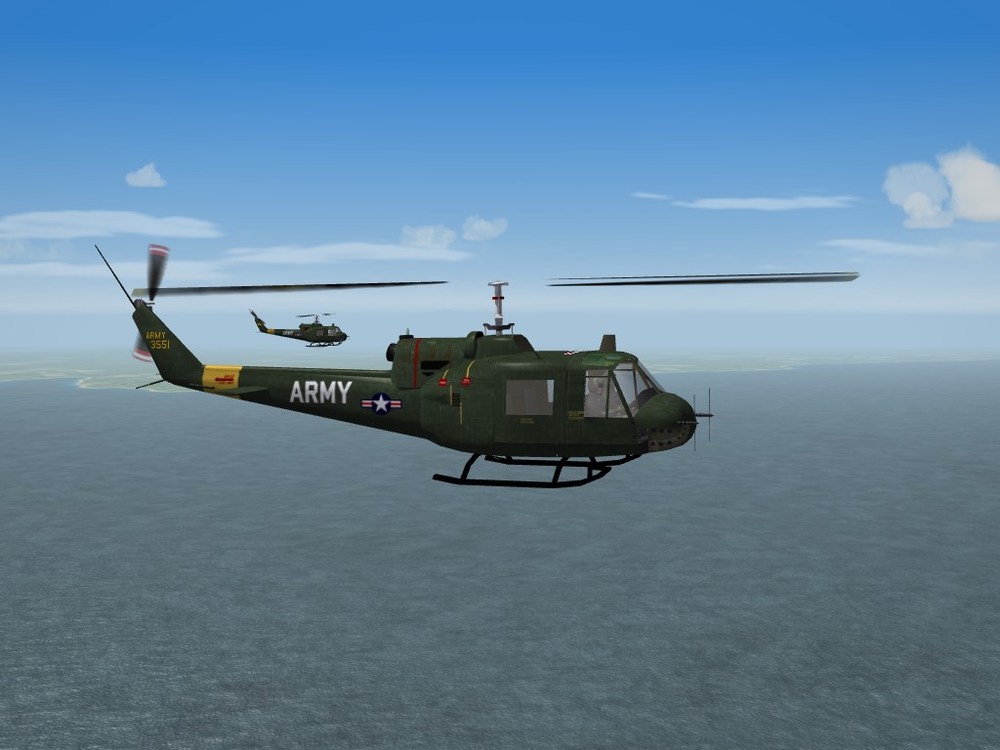
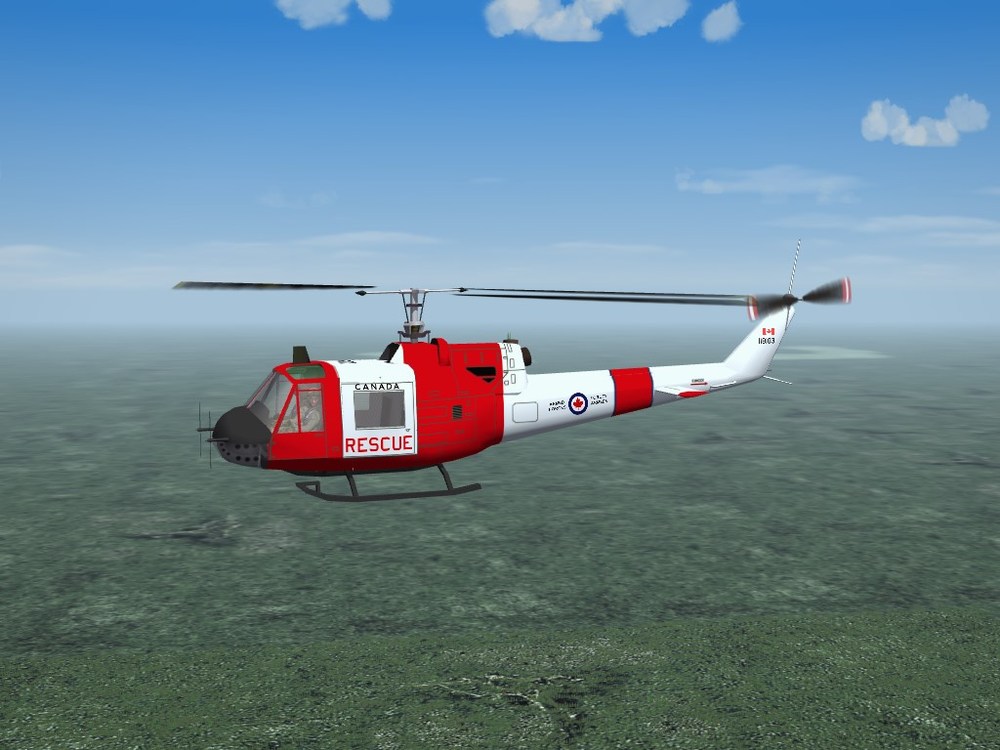
*still have time before the midnight line is crossed into Thursday .... * not just the Hogs, but the Slicks as well
-
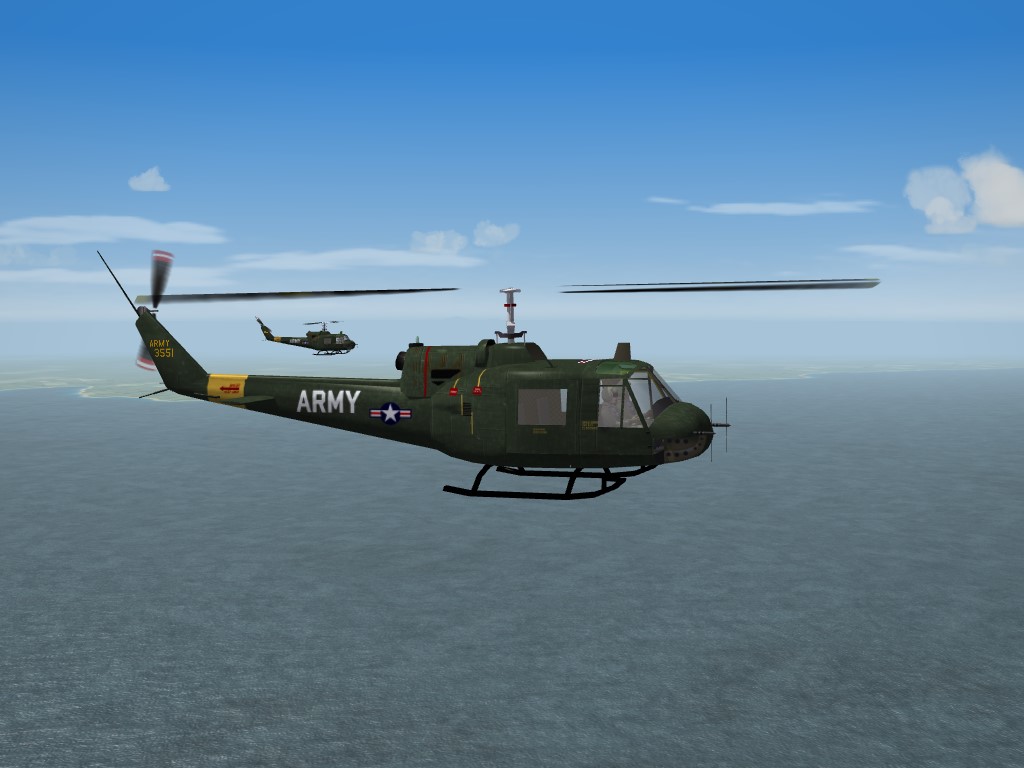
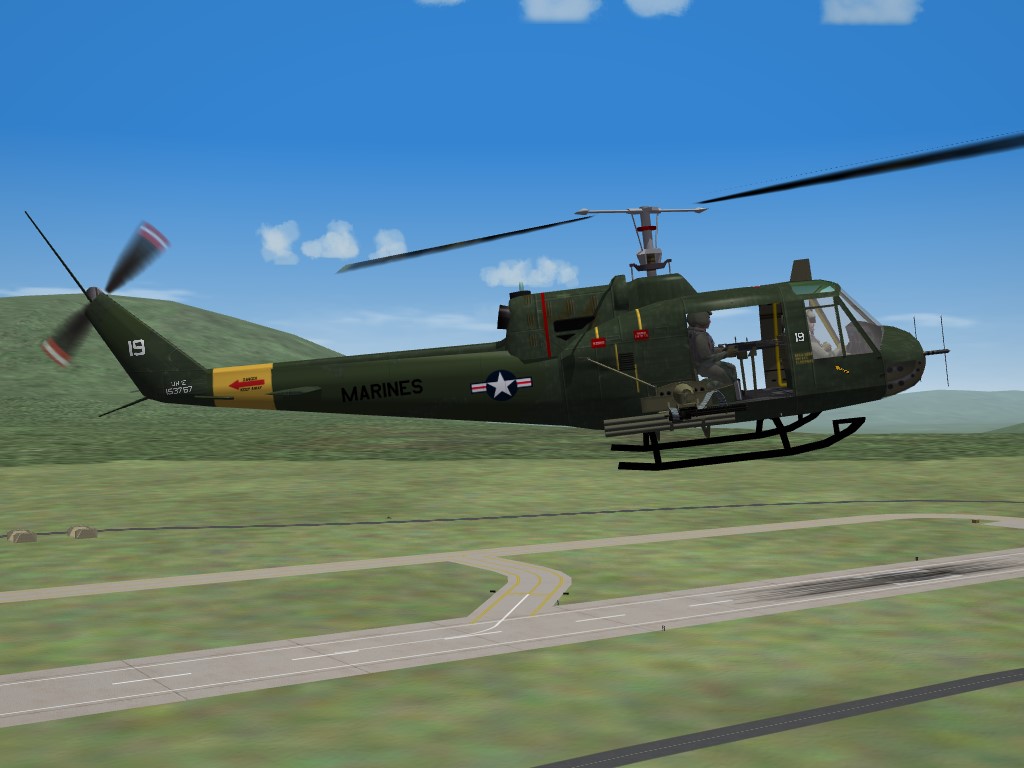
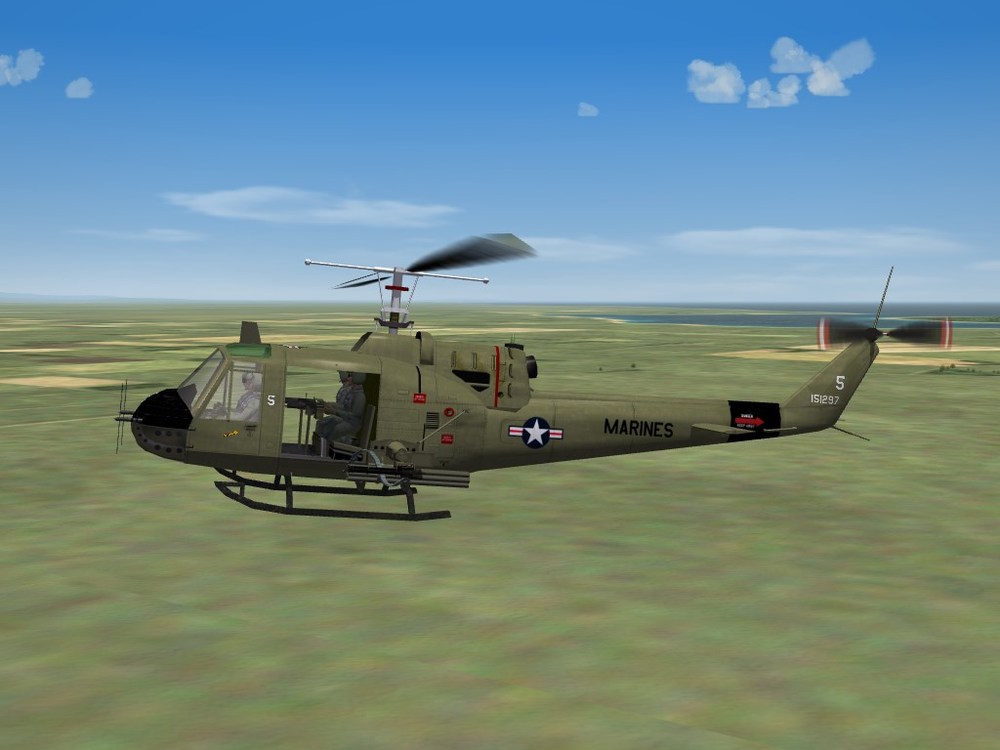
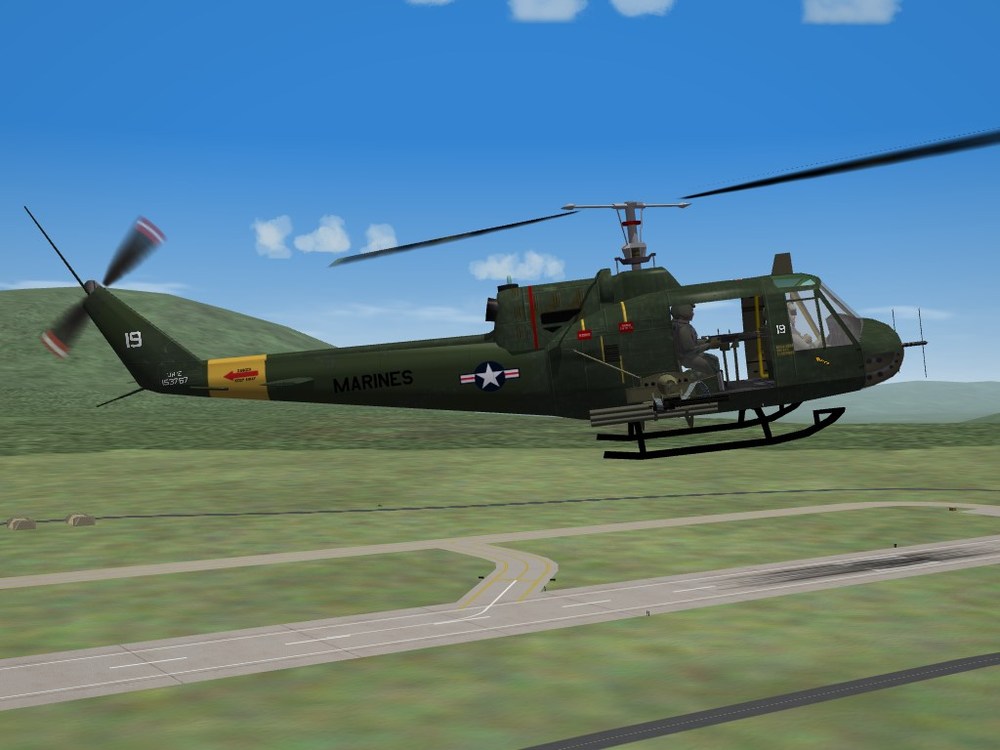
HML-167 (top) VMO-6 (bottom) on the prowl for Charlie (revamps of Pasko's UH-1B. coming "soon")
-
re: sunset picts what? no green flash??? ducks and runs ..............................................................................
-
I like the photo stuck to the dash! Nice touch!!!
-
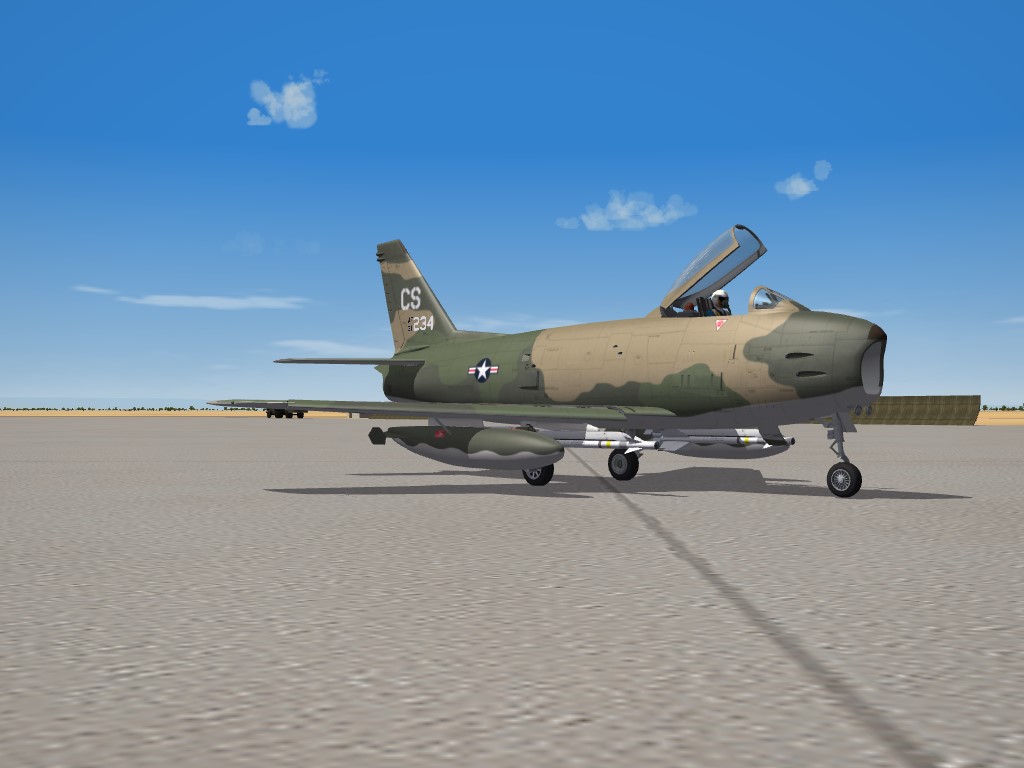
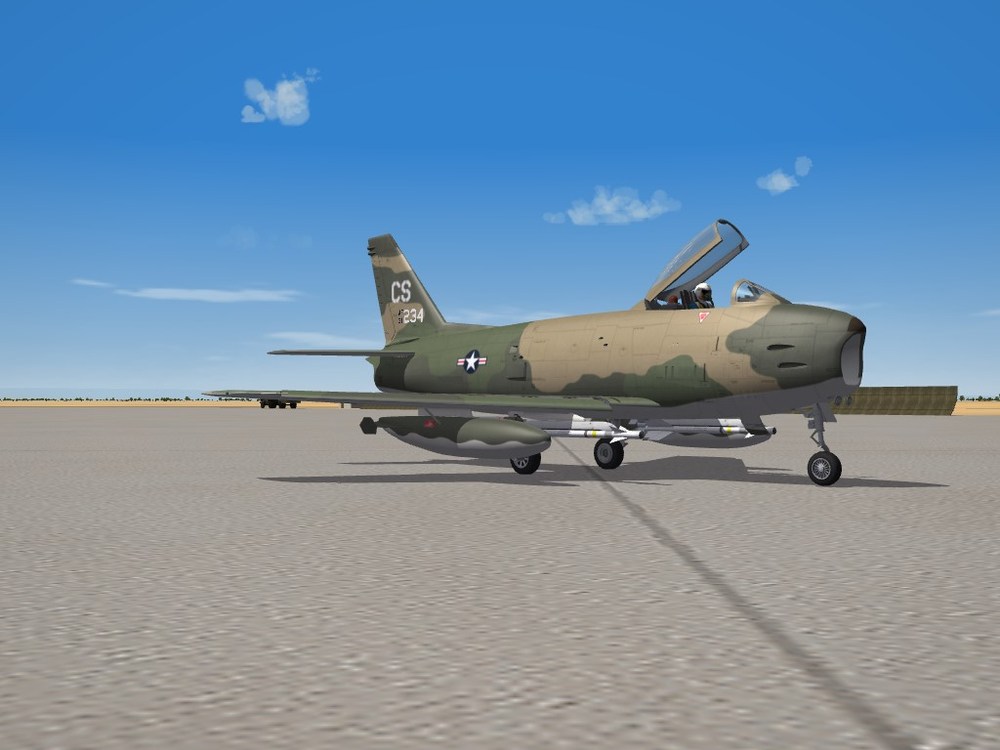
View File SF2 F-86H "Sabre Hog" Pack by Zur, Yakarov79 & Wrench SF2 F-86H "Sabre Hog" Pack by Zur, Yakarov79 & Wrench 8/29/2022 -For SF2 (Full 4/5 Merged Reccomended)- The final culmination of a project that started 'way back in 2012 by Zur. Somewhere along the line, I recieved his max files and couldn't find anyone to finish the job. Fortunately for the SF community, Yakarov stepped up and took the challenge in the spring of this year (2022). That final result you see here! We present to you the North American F-86H Sabre; the last of the Hot Rods!!! You have a good selection of skins for various time frames in it's service life: USAF "Front Line" Units" 50th FBW, USAFE (1953-57) Hahn AB, Germany 10th FBS 81st FBS 417th FBS 533rd FDS, 83rd FBW (56-58) Seymour Johnson AFB NC A generic NMF skin to build other units from. It carries the TAC badge on the tail fin. The decal ini is easily edited. As the squadron markings are decals, there is one set of NMF skins used by all. Air National Guard: There are 2 versions of each of the following skins; one with "regular" markings presentation, the others with tail codes and Vietnam era serial presentations. The later VN style skin is as seen during the Pueblo Crisis when these ANG units were Federalized, and Based at Cannon AFB, NM from 5/68 through 12/68. All 4 skins are in SEA 3-tone camo. 104th TFS, Maryland ANG 138th TFS New York ANG While national markings are 'painted on', all others are decals. All serial numbers are 100% historicley correct for the units shown, with only 1 exception -- for the 104th, I couldn't find the full 26, so the last 4 are marked with a (+) plus sign; consider these 'generic'. Decal randomization is TRUE for all skins. The SF2 date switch is active on pretty much all the skins. For those squadrons listed in the game's SquadronList ini, their displayed name has been activated by my "Fake SqTail decal" (patent pending) To diferentiate =THIS= Sabre Hog from the other one (if you're able to obtain it), you'll see the following on the Aircraft selection drop-down listing: F-86H Sabre Hog (Y) The (Y) is for Yakarov, as he finished off the model. All other necessary parts are included; sounds, drop tanks (built into the LOD), pilot figure, hangar and loading screens. All weapons use stock 3W items. As is always reccomended, unzip to a temp folder or your desktop to give easy access to the rest of this readme for it's install instructions. PLEASE read them, before installing!!! Happy Landings! Wrench Kevin Stein Submitter Wrench Submitted 09/05/2022 Category F-86
-
- 4
-

-

-
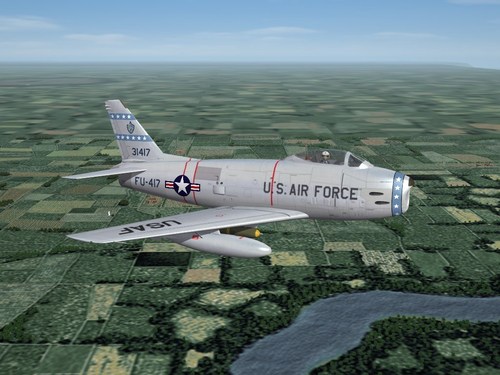
Version 1.0.0
340 downloads
SF2 F-86H "Sabre Hog" Pack by Zur, Yakarov79 & Wrench 8/29/2022 -For SF2 (Full 4/5 Merged Reccomended)- The final culmination of a project that started 'way back in 2012 by Zur. Somewhere along the line, I recieved his max files and couldn't find anyone to finish the job. Fortunately for the SF community, Yakarov stepped up and took the challenge in the spring of this year (2022). That final result you see here! We present to you the North American F-86H Sabre; the last of the Hot Rods!!! You have a good selection of skins for various time frames in it's service life: USAF "Front Line" Units" 50th FBW, USAFE (1953-57) Hahn AB, Germany 10th FBS 81st FBS 417th FBS 533rd FDS, 83rd FBW (56-58) Seymour Johnson AFB NC A generic NMF skin to build other units from. It carries the TAC badge on the tail fin. The decal ini is easily edited. As the squadron markings are decals, there is one set of NMF skins used by all. Air National Guard: There are 2 versions of each of the following skins; one with "regular" markings presentation, the others with tail codes and Vietnam era serial presentations. The later VN style skin is as seen during the Pueblo Crisis when these ANG units were Federalized, and Based at Cannon AFB, NM from 5/68 through 12/68. All 4 skins are in SEA 3-tone camo. 104th TFS, Maryland ANG 138th TFS New York ANG While national markings are 'painted on', all others are decals. All serial numbers are 100% historicley correct for the units shown, with only 1 exception -- for the 104th, I couldn't find the full 26, so the last 4 are marked with a (+) plus sign; consider these 'generic'. Decal randomization is TRUE for all skins. The SF2 date switch is active on pretty much all the skins. For those squadrons listed in the game's SquadronList ini, their displayed name has been activated by my "Fake SqTail decal" (patent pending) To diferentiate =THIS= Sabre Hog from the other one (if you're able to obtain it), you'll see the following on the Aircraft selection drop-down listing: F-86H Sabre Hog (Y) The (Y) is for Yakarov, as he finished off the model. All other necessary parts are included; sounds, drop tanks (built into the LOD), pilot figure, hangar and loading screens. All weapons use stock 3W items. As is always reccomended, unzip to a temp folder or your desktop to give easy access to the rest of this readme for it's install instructions. PLEASE read them, before installing!!! Happy Landings! Wrench Kevin Stein -
I'm glad you added the weeds. looks more 'natural' that way!! Good work!!! looks great!!
-
right now where I live and melt (hehehehe)(
-
ok, which one of these buttons turns on the motor, and closes the windows???
-
Now, I can't get the Robotech theme music out of my head!!! Thanks a lot!!!
-
have you tried folding the wings???? like a bird flapping!!!!
-
Oh, folks ... I forgot to mention do NOT look inside the "z-store" folder in the main aircraft folder. thank you
-
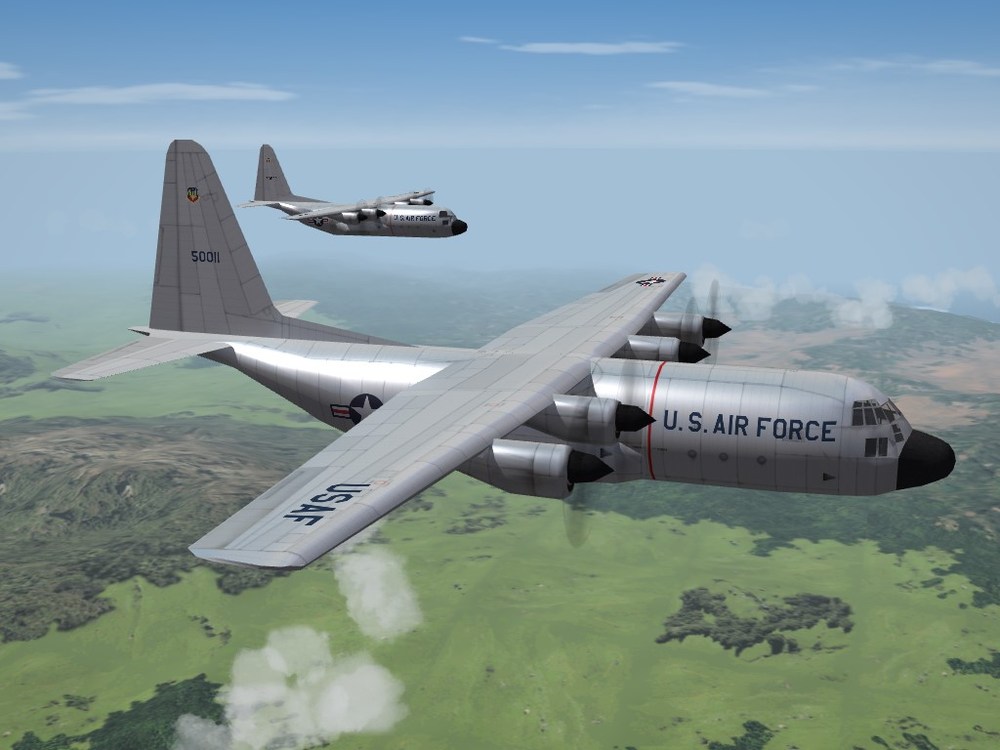
View File SF2 C-130A Hercules (3w) UPgrade Pack SF2 C-130A Hercules (3w) UPgrade Pack 8/29/2022 -For SF2 (Full 4/5 Merged Recommended) This package contains various bits to upgrade the stock 1stGen 3rdWire C-130A "Hercules" to something a bit more then just eye candy. Although, it WILL improve the eye candy. Be advised, that the LODs for the aircraft are =NOT= included, so End Users (tm) will have to extract them (there are 5 lods) from the SF1, WoE or WoV main Object cats. See "Notes" below for their actual file names. If at some point in the past, you have already extracted and imported the 3W Herk in your SF2 installs, be advised THIS mod uses a unique folder name identifer. You'd be well advised to use =this= one, as all the pathways have been written with the unique name in mind. AND as such the Game Engine (tm) will not overwrite a stock AI-only aircraft made player usable, and it will remain player flyable. Included skins are: "USAFSilver1" - stock NMF, a generic skin "USAFSEA2" - a 3-tone VietNam era camo, representing 21st TAS "Desert" - generic Desert camo "TN" - 118th AW, TN ANG (late light grey) All skins remain in their original bmp format. All National Markings are decals (stock). New decal sets were created using historically correct "A" model serial numbers. While correct, they should be considered 'generic' in nature, representing NO particular unit(s). Decal randomization is TRUE for all. The NMF and Desert use the same pool of 26 serials. The SEA camo uses 26 in the correct VN era style. I was unable to run down those serials for aircraft in the 21st TAS, so like the others, are generic in nature, but correct for the model and style presentation. The SF2 date switch IS active for the SEA came (1967) and the TN ANG (1980). The desert and NMF are selectable via the loadout screen. A full cockpit (albeit not quite a Herk pit), all necessary inis, sounds, etc are included. However, a 'Userlist.ini' is NOT. Exportation is TRUE, so expect to see them parked wearing various and sundry markings. When in game, you'll see: C-130A Hercules (TM)3W On the aircraft selection drop-down menu. This will ID it as the stock aircraft, seperate from the (superb!) model done by Dels. As is always reccomended, unzip to a temp folder or your desktop to give easy access to the rest of this readme for it's install instructions. PLEASE read them, before installing!!! Also, the Notes section has more details on the changes. Happy Landings! Wrench Kevin Stein Submitter Wrench Submitted 08/28/2022 Category C-130
-
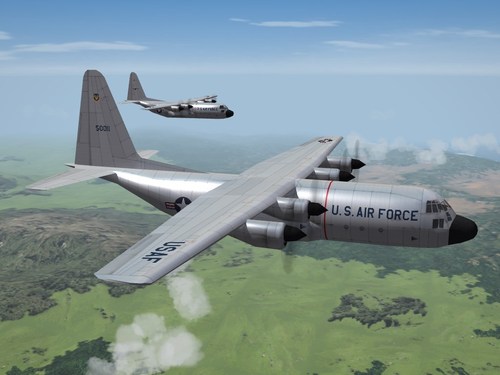
Version 1.0.0
78 downloads
SF2 C-130A Hercules (3w) UPgrade Pack 8/29/2022 -For SF2 (Full 4/5 Merged Recommended) This package contains various bits to upgrade the stock 1stGen 3rdWire C-130A "Hercules" to something a bit more then just eye candy. Although, it WILL improve the eye candy. Be advised, that the LODs for the aircraft are =NOT= included, so End Users (tm) will have to extract them (there are 5 lods) from the SF1, WoE or WoV main Object cats. See "Notes" below for their actual file names. If at some point in the past, you have already extracted and imported the 3W Herk in your SF2 installs, be advised THIS mod uses a unique folder name identifer. You'd be well advised to use =this= one, as all the pathways have been written with the unique name in mind. AND as such the Game Engine (tm) will not overwrite a stock AI-only aircraft made player usable, and it will remain player flyable. Included skins are: "USAFSilver1" - stock NMF, a generic skin "USAFSEA2" - a 3-tone VietNam era camo, representing 21st TAS "Desert" - generic Desert camo "TN" - 118th AW, TN ANG (late light grey) All skins remain in their original bmp format. All National Markings are decals (stock). New decal sets were created using historically correct "A" model serial numbers. While correct, they should be considered 'generic' in nature, representing NO particular unit(s). Decal randomization is TRUE for all. The NMF and Desert use the same pool of 26 serials. The SEA camo uses 26 in the correct VN era style. I was unable to run down those serials for aircraft in the 21st TAS, so like the others, are generic in nature, but correct for the model and style presentation. The SF2 date switch IS active for the SEA came (1967) and the TN ANG (1980). The desert and NMF are selectable via the loadout screen. A full cockpit (albeit not quite a Herk pit), all necessary inis, sounds, etc are included. However, a 'Userlist.ini' is NOT. Exportation is TRUE, so expect to see them parked wearing various and sundry markings. When in game, you'll see: C-130A Hercules (TM)3W On the aircraft selection drop-down menu. This will ID it as the stock aircraft, seperate from the (superb!) model done by Dels. As is always reccomended, unzip to a temp folder or your desktop to give easy access to the rest of this readme for it's install instructions. PLEASE read them, before installing!!! Also, the Notes section has more details on the changes. Happy Landings! Wrench Kevin Stein -
we've had trucks with working headlights. unfortunately, they're on all the time; day or night. IIRC, Pasko did those (zil????)
-
started this 15-18 years go, finally chose to finish it. correct serial decals for the stock 3w IstGen Herc (and a couple of other "A" model skins for it also with corrections)
-
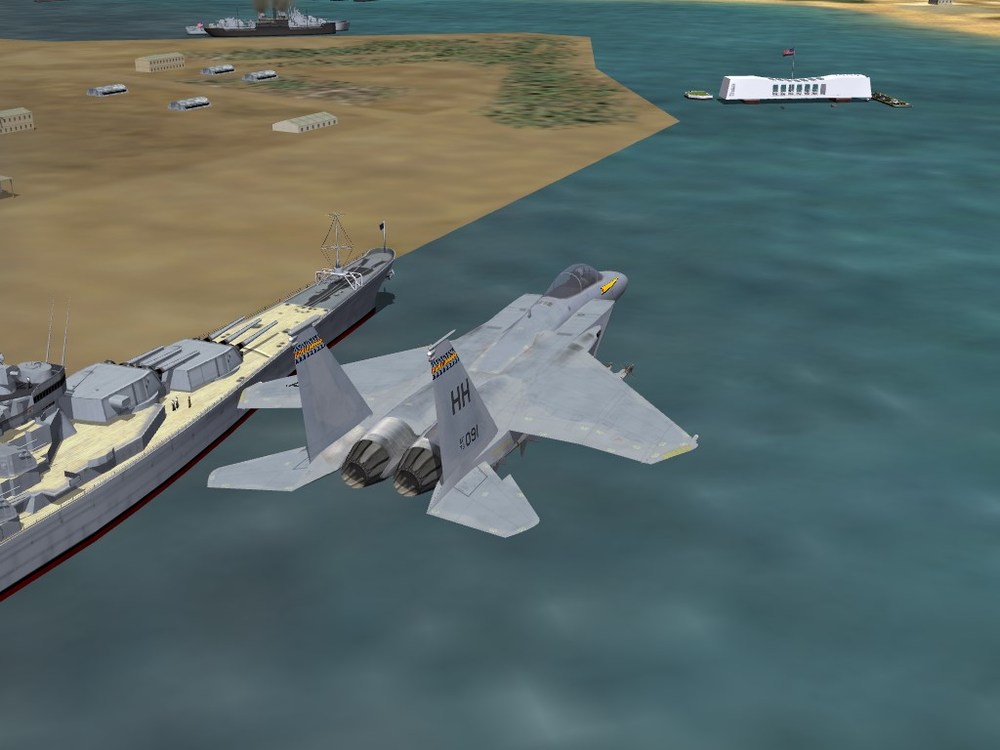
Actually, looks more like Bering Straits. I should know -------- mandatory screenie
-
holding my breath I am not TK is long done with SF. We have what we have.
- 17 replies
-
- 2
-
-
-
- chaffs
- countermeassure
- (and 5 more)
-
Moved to correct Forum. Please do NOT post in the Knowledge Base -- as to you question, I can't really answer it but someone else may come along with more info.
-
is it even possible with a 20+ year old engine????
- 17 replies
-
- 3
-
-
- chaffs
- countermeassure
- (and 5 more)