
daddyairplanes
-
Posts
9,011 -
Joined
-
Last visited
-
Days Won
175
Content Type
Profiles
Forums
Gallery
Downloads
Store
Everything posted by daddyairplanes
-
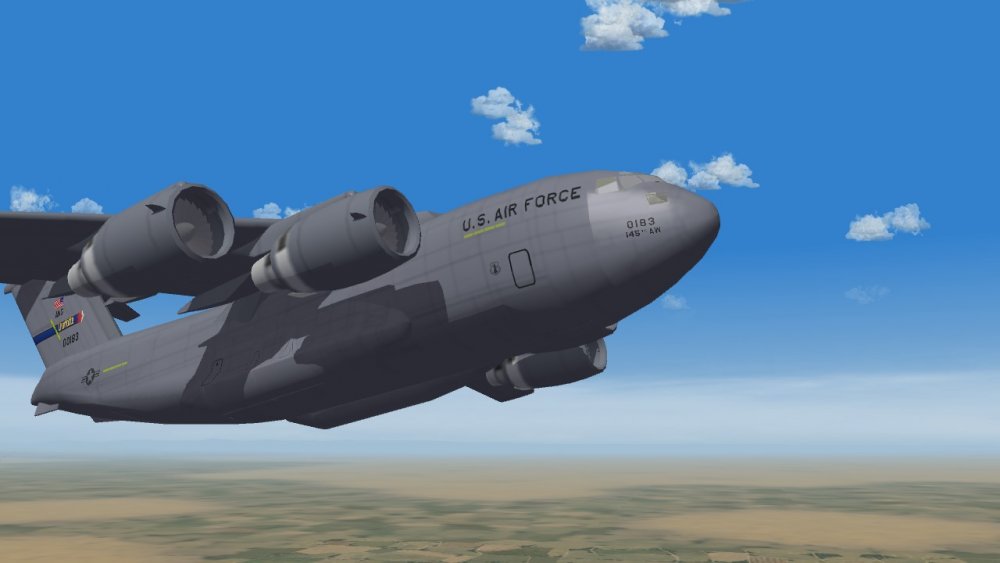
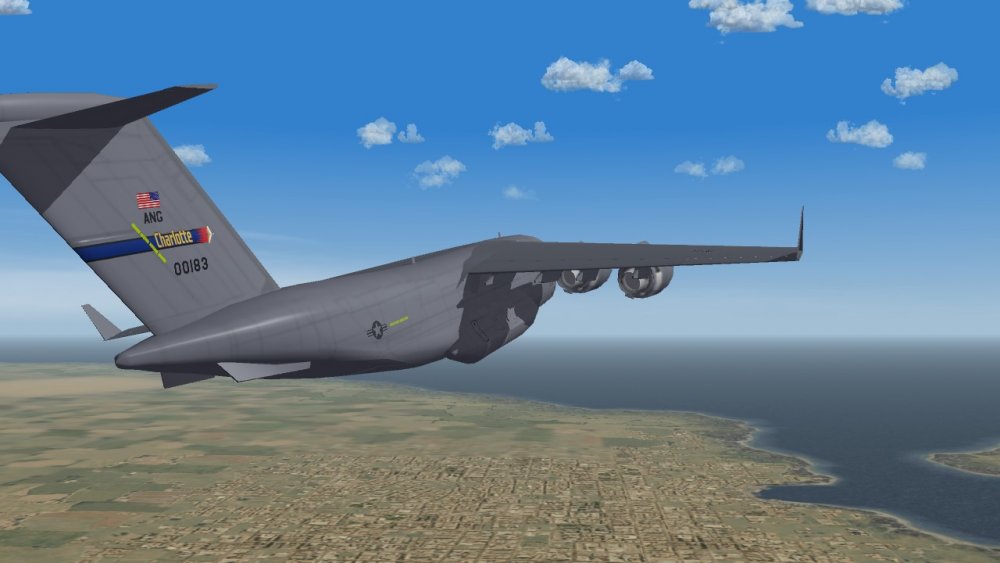
brief break bumping BUFFs
-
without looking couldnt tell you about the mesh name. however that position seems too far back.-4.2575 is how far left the decal goes out(for a top facing tga),-3.0 is how far back it goes. one should start with 0.0 first then work your way around, and on a fighter size aircraft -3.0 seems rather far back. you may want to scale up as well until you get it better into position, and drop the decalmaxlod to 3 (its my default setting most of the time)
-

Adding a rotating light to a building
daddyairplanes replied to GKABS's topic in Mods & Skinning Discussion
i forgot about those. the best way i help; post what i think is a good idea only to have an expert give a better answer! -
Adding a rotating light to a building
daddyairplanes replied to GKABS's topic in Mods & Skinning Discussion
down load this, study the entries, adjust as needed for your use. somewhere also is an post about adding smoke to buildings (like powerplant exhaust stacks). that should also have some relevant clues. not sure if one can make a light rotate, but it can be made to blink and the blink rate can vary. best advice until someone else posts -
no, it was in the wingtip, not wingtank
-
SF Project-1 VS SF2: Should I Keep Project-1?
daddyairplanes replied to RIBob's topic in General Discussion
no can do, the lods for them (SF1 pits) are TW copyrighted and verboten to upload here by community rules and US law. there are threads that mention how to load them i believe, way back in the archives from when SF2 was shiny and new. -
SF Project-1 VS SF2: Should I Keep Project-1?
daddyairplanes replied to RIBob's topic in General Discussion
i thought we had a pit for the 104, shortly after SF2E came out as to the Intruder, which version? WOV? and slightly off topic, the TW store and DL center is offline again. but at least with a message that they are doing maintenence -
hope you all are enjoying this fourth Thursday in November
-
not saying she's old but... You've been..................
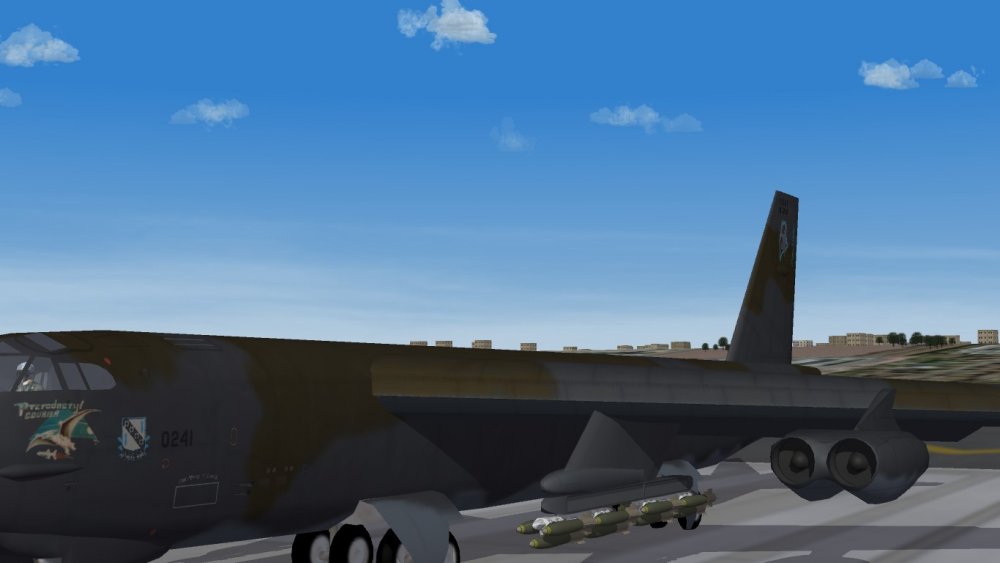
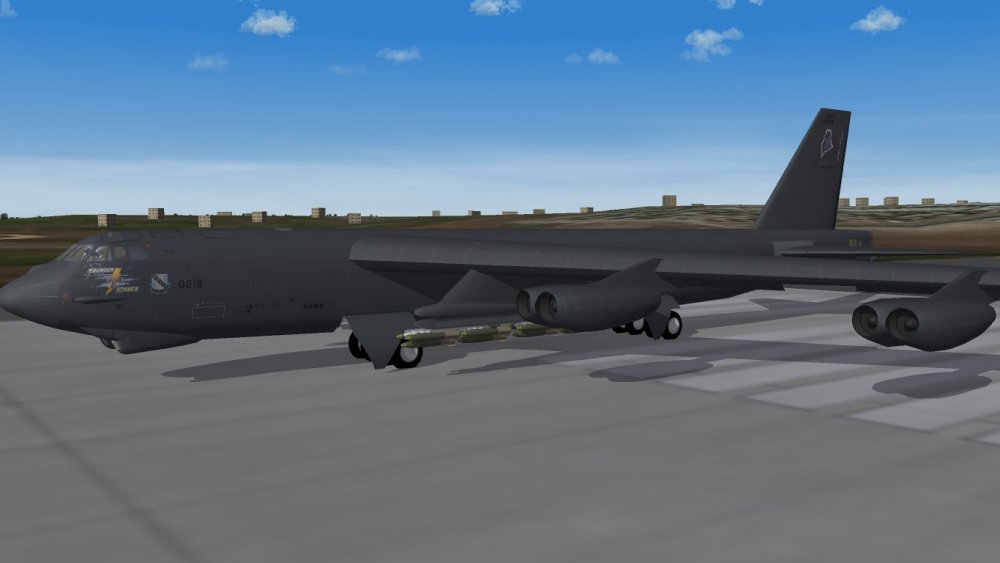
-
one skin, many camo's? who does such madness? US insignia and squadron tail markings on the F-102 were one of the things that moved my opinion towards tga. but yes if you have a larger scaled skin insignia (and not a whole lot of varied camo tgas) it can work just fine on skin.
-
much appreciated! of course now i gotta do alot of data.ini editting!
-
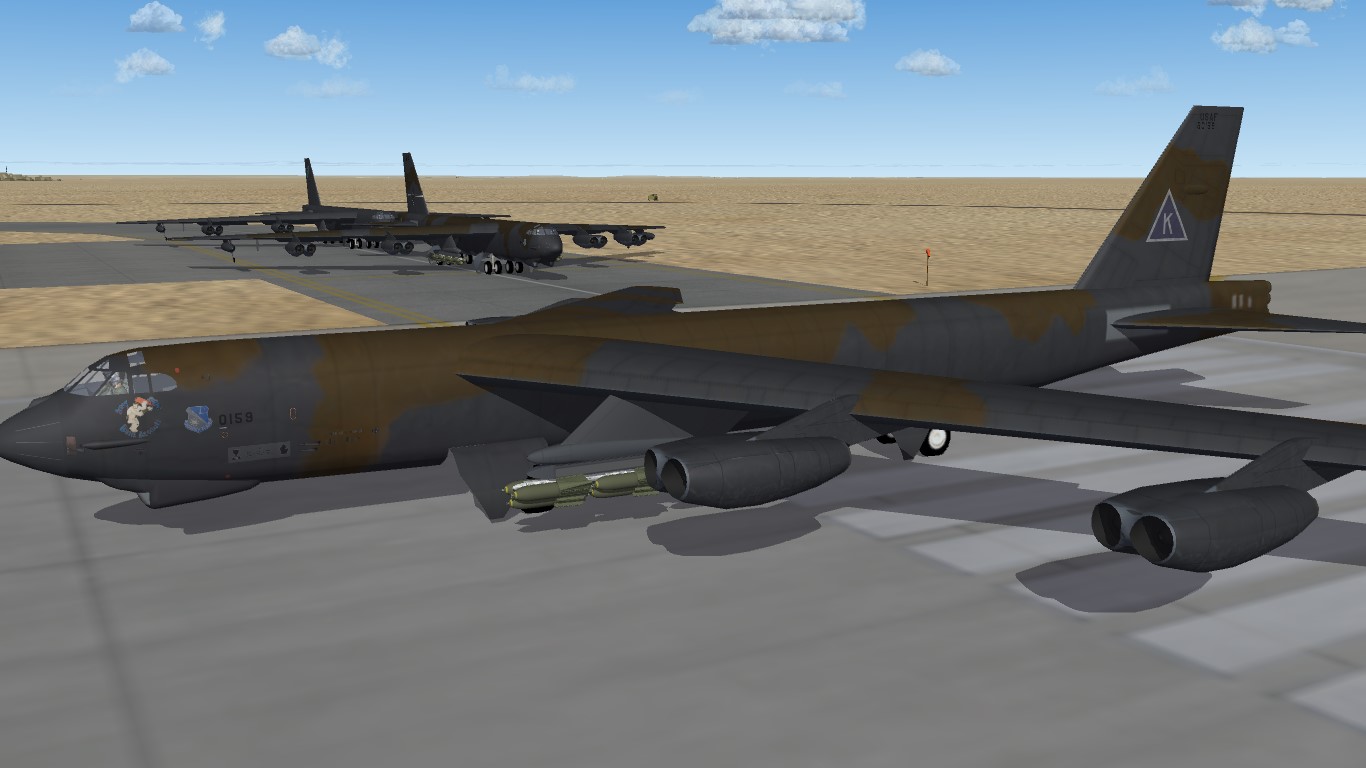
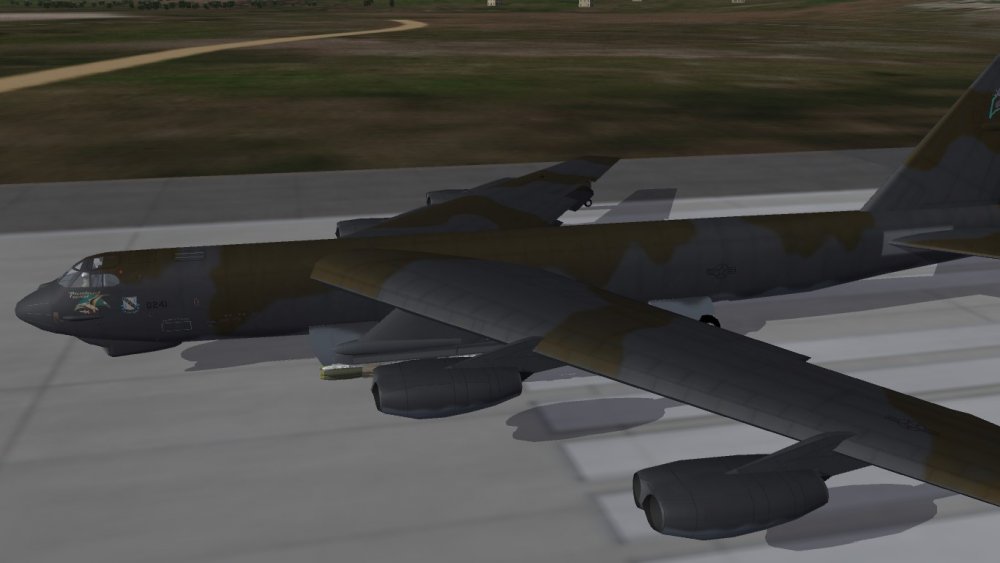
[Decal001] MeshName=Fuselage ---------------- actual node it goes on. limit 3 tga per (your viewer make this sooooo much easier for the likes of me to find this out) DecalLevel=2 ---------------------------- 4 different levels. O ties to nation, 1 ties to unit, 2 is serialized and unique to each aircraft, 4 is kills iirc. 2 is normally used for serial numbers but can be used for individual schemes/camoflage or nose arts DecalFacing=RIGHT ----------------- self explanitory. all basic directions included TOP, FRONT, LEFT etc FilenameFormat=B-52G_89/DiegoGarcia/D/FuseR naming convention. game starts looking where guruu pointed out and does not need included in this line. the D folder in this is not really needed, but a habit amongst the senior modders that i picked up Position=-2.75,0.0 Rotation=0.0 Scale=48.00 ----------------------------------------------- not usually this big. can be either side of the decimal point, mine are often huge due to a tga covering the whole fuselage side or wing. but one could make a bigger tga with high detail and scale below 1.0 to place on model DecalMaxLOD=3 --------------------- Wrench can explain better than me, but iirc has to do with distance visible biggest issue often encountered is typo's in the fileformat and position being off model. DecalMaxLOD can cause some issues too, again not THE expert on that. I usually default to =3 on most of my work. the ini can be huge. the displayed project is already at 130+ entries and I am going to add two more showing the EVS in better detail personally i prefer tga for many markings to on skin. it seems to show detail better in some instances than skins (esp when the original skin is smaller; 512 rather than 2048 or 4096) one other trick that can be done with 2 level decals is to have a base decal and then one or two specials. example thisDecal as a base then thisDecal000 as a CAG bird. the other however many will just use that default. HOWEVER, i found with the tankers i did that more than two individuals caused issues. i wound up having to create a tga for every single one and even then there were oddities past 10 aircraft loaded. hope this is useful information. just some observations from a guy that plays quite a bit with the tga file.
-
decisions decisions...
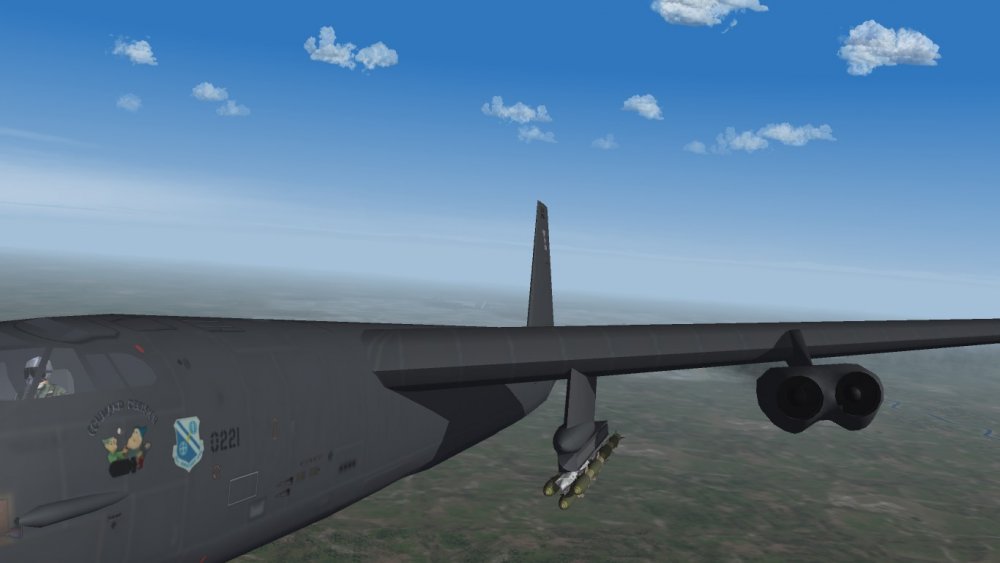
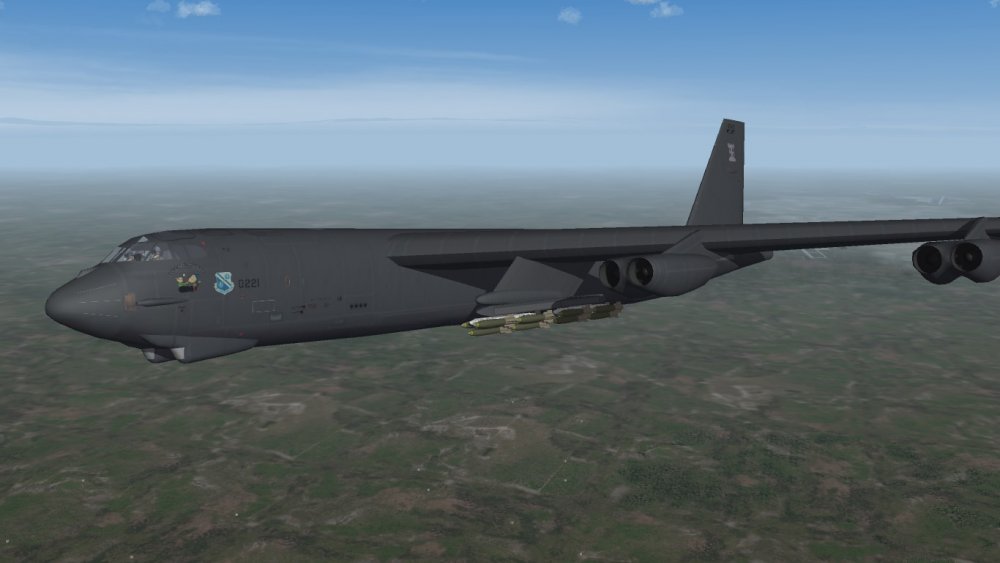
-
Quick question to the staff if I may?
daddyairplanes replied to Dogzero1's topic in Site Support / Bug Reports / Suggestions
hey youre a junior member but been around 2004. its kind of like that Private that has 9+ years worth of (legitimate)service stripes looks odd, gets the attention and the old man has some interesting stories to tell! -
Trying to graft GBU-40s to the JAS-39 Gripen
daddyairplanes replied to JosefK's topic in Mods & Skinning Discussion
did you check nations in the BRU-61? it may help just to have it set with Sweden included also whats the math on the bombs plus pylon? (looking at load limit) sorry if not helpful, will check back later when can give more than a cursory glance (after work) -
Quick question to the staff if I may?
daddyairplanes replied to Dogzero1's topic in Site Support / Bug Reports / Suggestions
with multiple awards even -
Quick question to the staff if I may?
daddyairplanes replied to Dogzero1's topic in Site Support / Bug Reports / Suggestions
there was but i dont recall seeing it since some site upgrades earlier in the year. you can PM Erik (HMFIC of the site) or repost the question in the site bugs section. he'svery good about responding quickly (at least same day, sometimes within a couple hours) -
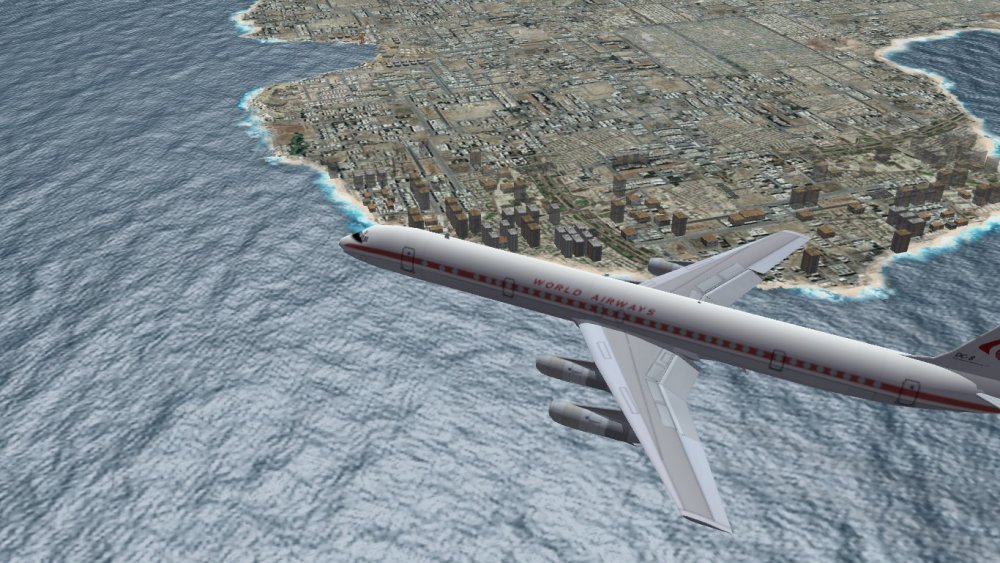
it also never fails to amaze when you see your work pop up in the thread mandatory screenie
-
as shown above but question is why bmp rather than jpg? smaller is better and it was pointed out to me once upon a time that jpgs in a dozen skin folders was less space than one common bmp folder in the main aircraft folder (plus two unique individuals) but you may have a reason, so im asking out of curiousity
-
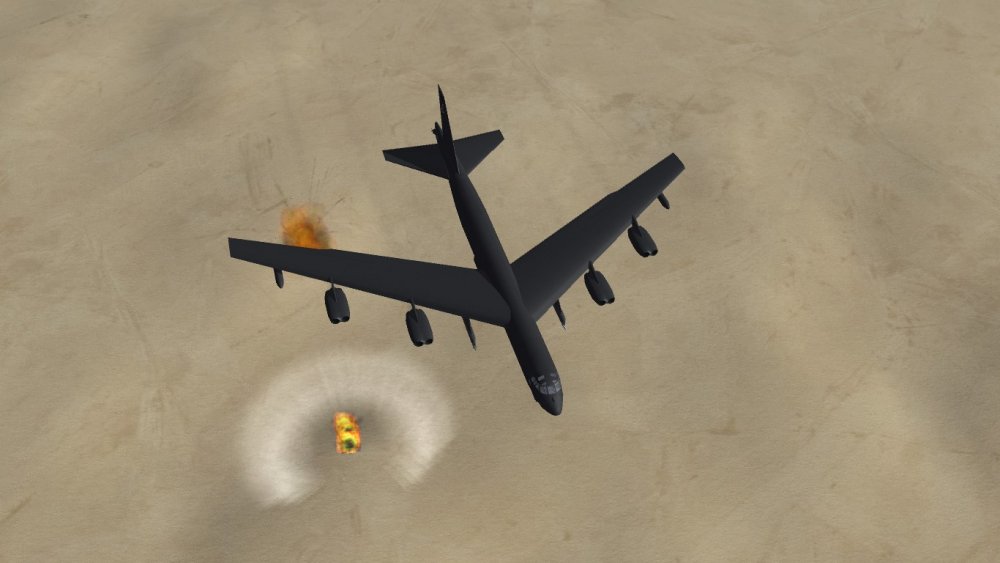
whats your lead time look like jeanba? wanting to get the AN-12s and IL-76 in Iraqi Air knocked out for ODS after i finish the Buffs, but that will honestly be turn of the year (will be doing 1980s G model after ODS, plus RL interuptions as always). still shouldnt be too different for 80-88 than it was in 91 mandatory screenie
-
i agree. but once the family is ok and its determined that there was no likelihood of bodily harm, anger over the car is highly likely. esp if the driver did something dumb (text and drive, not clear an intersection) to cause the accident as to the video, all them shots and so few hits reminds me of this (consider it a backup plan if things continue to go south)
-
could this be the link ? and the gentleman with the FB page from turkey has had some skins that were photorealistic metal. my observation was that they were photos of hte real thing that were overlayed on the appropriate texture (this was post Mue lod viewer iirc)
-
probably many methods that I can think of either play with brush type, size and opacity and make your patterns OR a solid but very transparent layer then same advise as the brushes but with the eraser. looks more like weathering to me, and have done both to weather skins (though brushes are more common)
-
so thats where mine came from!!!!
-
alley oop.....