KJakker
-
Posts
1,967 -
Joined
-
Last visited
-
Days Won
1
Content Type
Profiles
Forums
Gallery
Downloads
Store
Everything posted by KJakker
-

The Mysteries of Effective Artillery
KJakker replied to Piecemeal's topic in Mods & Skinning Discussion
I don't think the game can use a proper arching trajectory. All guns are just that, guns, in other words direct fire weapons not howitzers or mortars. Also we have the problem on only having one ballistics model in the game. -
The Mysteries of Effective Artillery
KJakker replied to Piecemeal's topic in Mods & Skinning Discussion
Increasing the GunRange= only changes the range at which the AI starts shooting. -
The Mysteries of Effective Artillery
KJakker replied to Piecemeal's topic in Mods & Skinning Discussion
Try cutting the diameter of the projectile to half the gun's real bore size and changing the muzzle velocity to about 1000m/s +- 20m/s. Here are a few that I worked on myself, all naval artillery. KJakker LR Guns.7z -
The combat statistics for all the aircraft currently in use
KJakker replied to X8X8X's topic in Military and General Aviation
I wonder what a chart like this for WWII fighters would look like. -
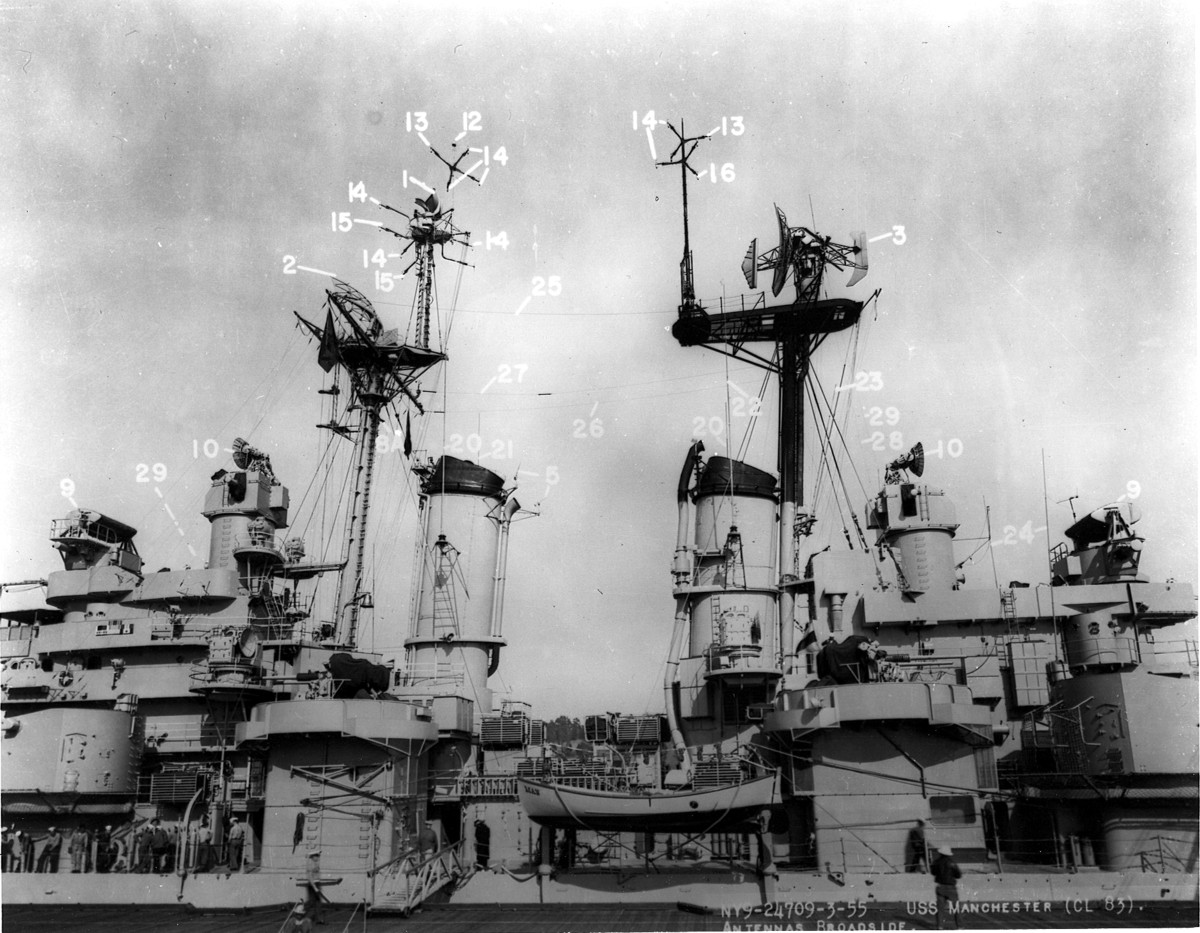
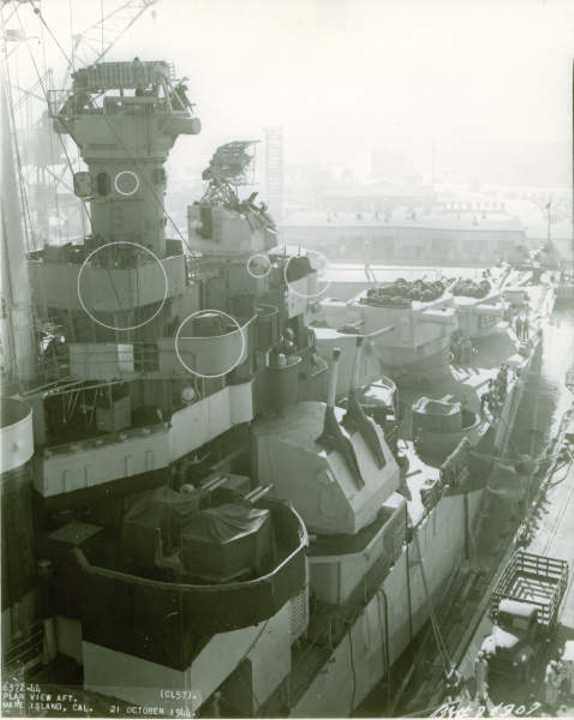
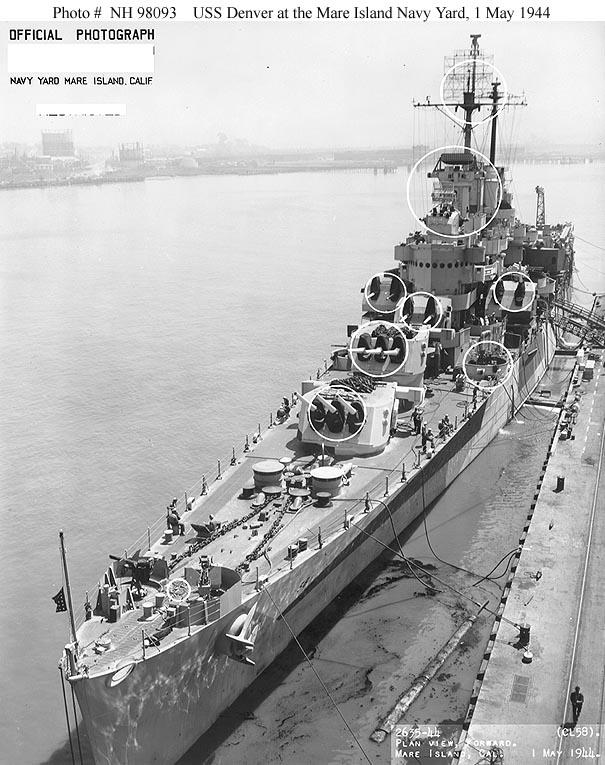
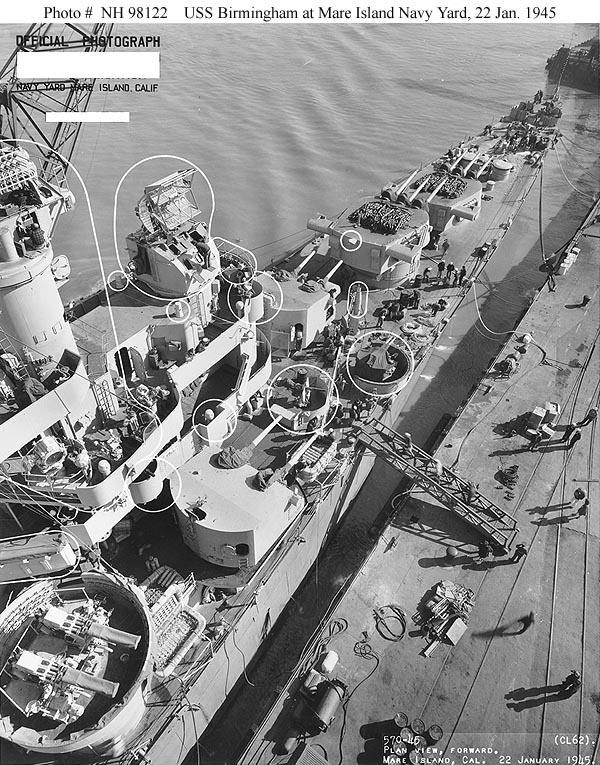
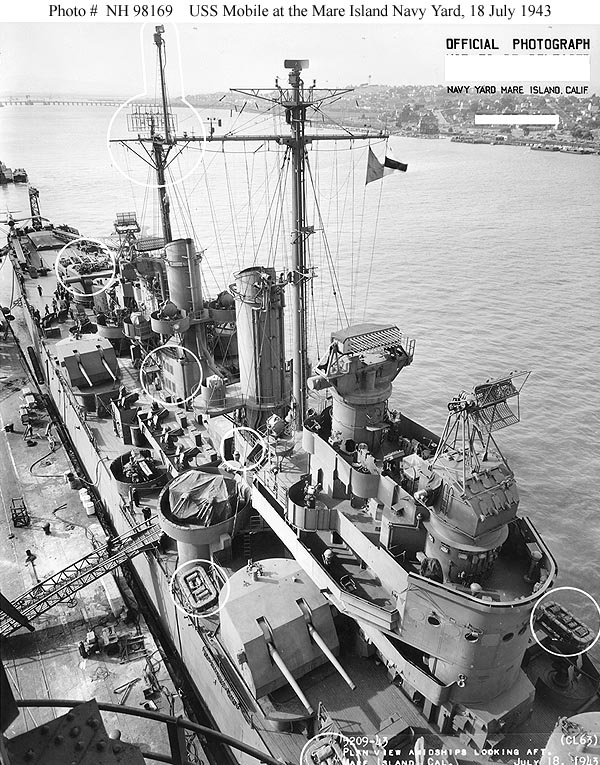
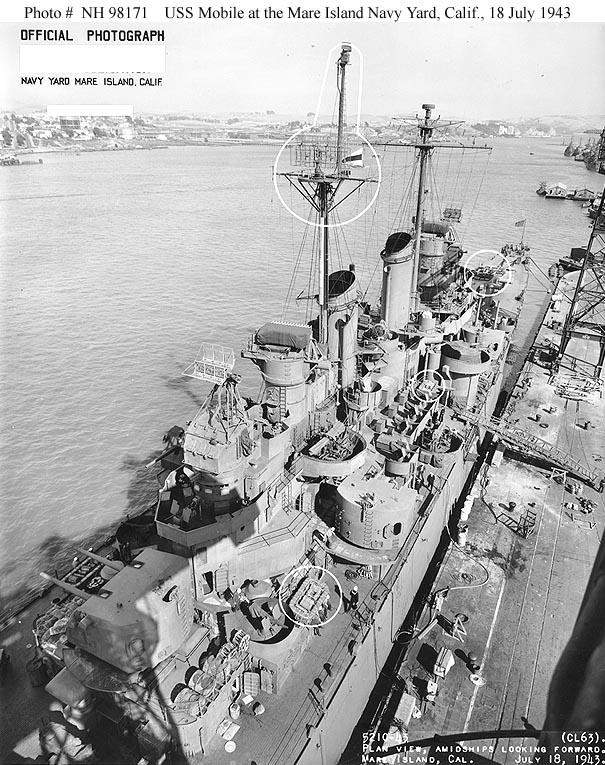
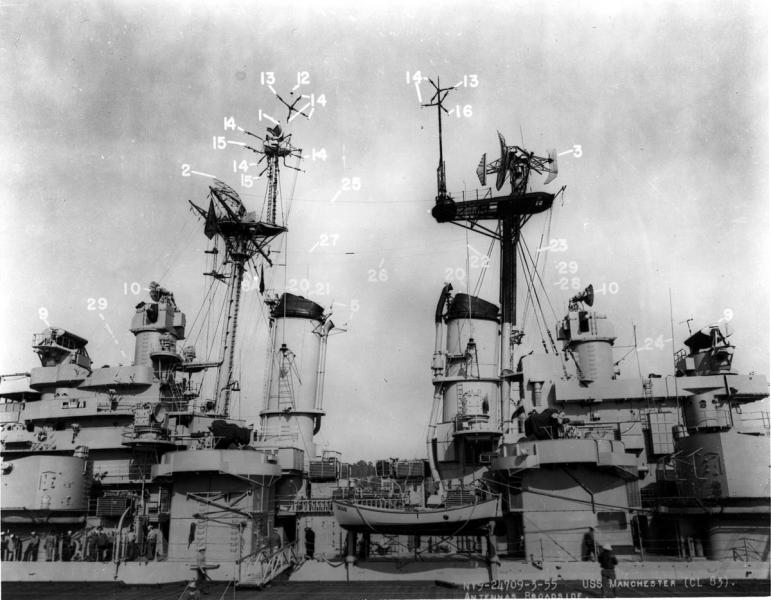
You are right about the USS Manchester, it does have the Mk 37 above the main gun director. The link to where I got the photos from. A lot of photos of US Navy ships there. http://www.navsource.org/
-
Those radars are positioned wrong. Take a look at these photos for proper director arrangement.
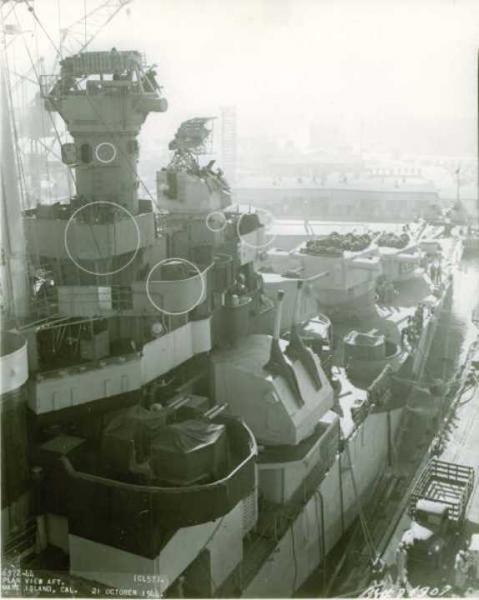
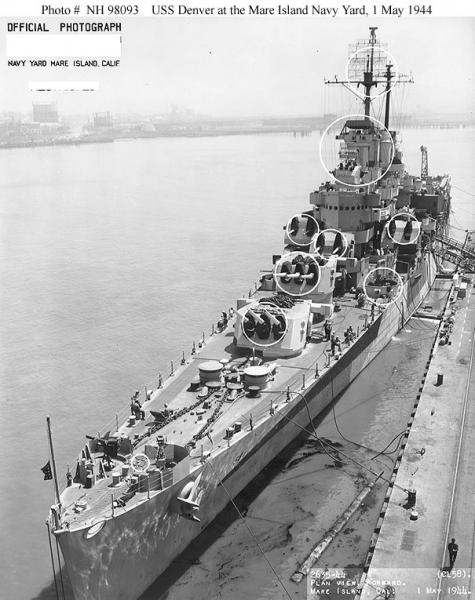
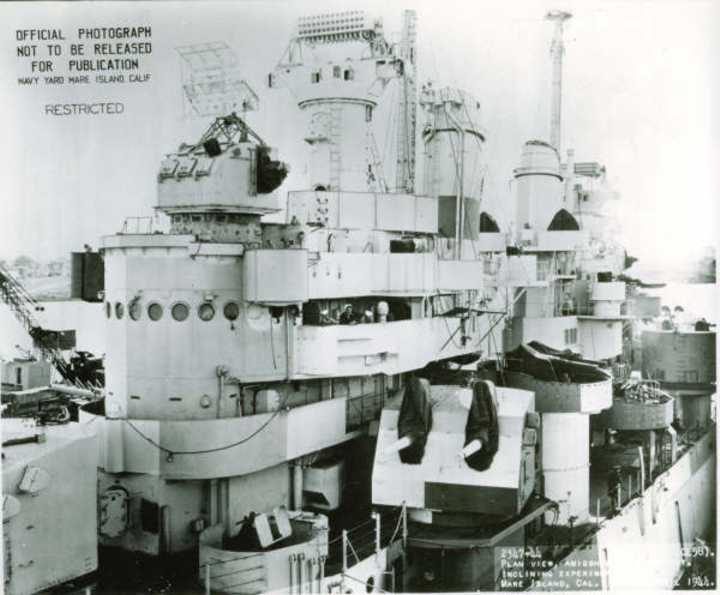
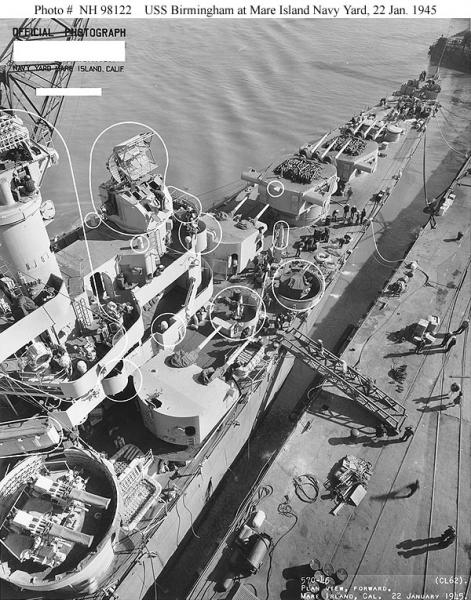
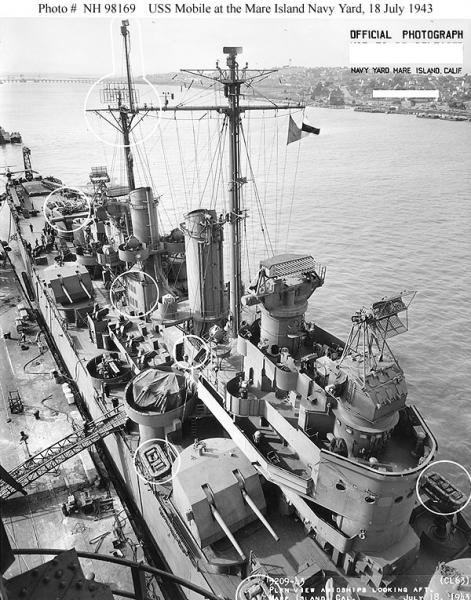
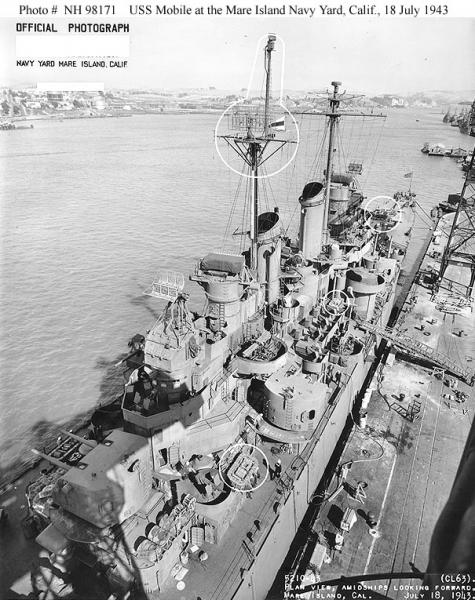
-
Do335, I already have an updated Atlanta data.ini so if you want to PM the ships to me I can probably get you a good working one in short order.
-
I thought you Korea guys would like this. No Guts, No Glory by Frederick C. Blesse. NGNG.pdf
-
I just put "Range" in to the search box and set it to search downloads and came up with these four SF1 terrains below. http://combatace.com/files/file/2658-bombing-range-terrain/ http://combatace.com/files/file/6164-modern-range-and-red-range-upgrade/ http://combatace.com/files/file/15395-winter-red-range/ http://combatace.com/files/file/15410-test-range/
-
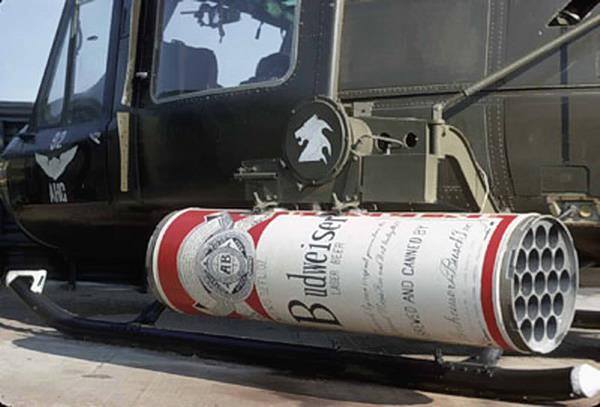
Maybe this will help.
-
In the "F-22A.ini" file switch the "AvionicsDLL=Avionics70.dll" to "AvionicsDLL=AvionicsF14A.dll". Then open the "F-22A_AVIONICS.ini" file and find where is says [TargetTWS]. Add the lines "ShowPriorityTarget=TRUE" and "ShowTargetDesignation=TRUE" under it. That should work with AMRAAM's, note that by changing the AvionicsDLL you will lose the Ground Map radar function.
- 1 reply
-
- 1
-

-
Given the usefulness of Mue's Target Area Editor and LODViewer I was wondering if a similar tool could be made that could see the PARTICLESYSTEM.INI, the BMP, DDS, INI, & TGA, files in the Flight and Effects folders, and be able to run selected effects so that they could be viewed without having to run the game? I was thinking something like the LODViewer with the TAE's reload function for when one is editing an effect. Have the ability to adjust the appearance of the display area so the user can see what an effect looks with different background colors and light levels. I suppose it could even have an edit function for effects INI files in the same way that the TAE and edit *_target.ini files. Please comment if anyone thinks it is possible or of interest.
-
Be sure to back up your B-52 data file first. Once that is done try putting the system names with the appropriate component, [Fuselage], [LeftWing], etc... ...then put the lights below at the end of the data file and see how it works.
-
No completion date at this time as it has been sitting mostly untouched for months but I would be interested in working together with you on it.
-
I was working on a fix for all stock aircraft hit boxes. These are the ones I did for the Harrier. They are untested but here you go. Harrier HitBox edits.7z
-
I found a link to this video in the YouTube comments on the "Two minutes of sheer terror" video MigBuster posted. Thought everyone here would be interested.
-
Thanks for the heads up, I will have the check my DVR.
-
MH-X Stealth Black Hawk helicopter
KJakker replied to MigBuster's topic in Military and General Aviation
I would be willing to bet that had the one not crashed these aircraft would still be secret to this day. -
How do you alter number of aircraft assigned to a single mission?
KJakker replied to alexis99's topic in General Discussion
MigBuster & DEVIL11 have it right. Also you can open the single mission with the mission editor and change the number of aircraft assigned to your aircraft group. You could also try backing up and then editing the Target Values in the SINGLEMISSION.INI file so that you don't get as large a strike size for a given target value. Edit: I missed that this was for SF1. -
I would like to ask for some help. I am trying to make a Missile Test Facility for testing SAM's out of a modified Rang/Mescalero Proving Grounds terrain but I am having trouble trying to get a complete SAM site with EW_Radar, SAM_Radar, and SAM_Launcher ground objects to all show up together. What I am trying to do is make it so that by changing the date of the mission by month it will swap out one SAM site for another allowing for easy swapping of the associated radars and launchers.
-
Are you thinking of this thread? http://combatace.com/topic/88688-ais-utterly-pathetic-shooting-abilities/
-
And then the Mig-28.
-
How low must a subsonic passenger jet fly in order for its engines to be heard on the ground? I am asking because I was just doing some work outside my house and while I was in the garage I started to hear jet engine noise and stepped out to see if I could see any A-10's from the ANG base which is about 60 miles south of where I live, they are the only jets that I normally hear, but when I looked up I saw an airliner that had just passed overhead heading about NNE, it appeared to be low as I could clearly make out the fuselage, wings, and horizontal stabilizers yet it still had contrails coming off its wings. Unfortunately I could not get to a camera before it was out of sight. Hearing and seeing it like that just seemed odd as there are no airports near enough for it to be in a lower attitude holding pattern, everything that is not military or small private aircraft stays up high enough I can usually blot it out with the tip of my little finger. So here's the question, being 650 ft above sea-level and with the following conditions... Wind: NE Wind Speed: 9mph Temperature: 40°F Humidity: 52% Pressure: 29.77 in UV Index: 0 Cloud Cover: 88% Ceiling: 11500 ft Dew Point: 18° F Visibility: 10 mi ...What altitude could this aircraft have been at? PS. I just a thought, I can't remember the color of the aircraft's belly but it could have been one of the tankers out of the Air National Guard base.
-
Thought people might be interested in these two films produced during WWII.
-
Haegar, the "EffectClassName=VeryLargeBombEffects" in the MK84_data.INI is not pointing to the Effects folder. It is referencing the MISSILEOBJECT.INI file. That is the file that controls which effect from the Effects folder is used by a given effect class. I recommend that you download Mues Toolbox and use the "CATExtractor" the extract the "MISSILEOBJECT.INI" file from the "ObjectData001.cat" file and place it into your Objects folder. Then open it and take a look at how the effect classes are set up.