
Viper63a
-
Posts
1,584 -
Joined
-
Last visited
Content Type
Profiles
Forums
Gallery
Downloads
Store
Everything posted by Viper63a
-
Final flight into the clear sky....RIP...
-
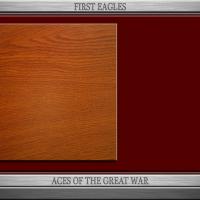
View File FE2 First Eagles2 1024x768 PhotoShop Menu Templates FE2 First Eagles2 PhotoShop 1024x768 Menu Templates By Viper A set of "Aces of the Great War" Flight and Menu Templates for First Eagles2. Requirement: Photoshop or other graphics program that can edit Photoshop PSD files. You can created your own FE2 menus. Load the Menu Template you want to customize into Photoshop. Load the picture you want into Photoshop. Copy the picture and place it over the Red Background layer. Merge all layers and save as a jpeg (jpg). Copy the new menu screen to the FE2 Menu folder. Done... Also included: 2 minute Prop plane wave in the Flight Folder. A collection of WWI Pilot photos in the Pilotdata folder. Enjoy! Viper Submitter viper63a Submitted 04/05/2015 Category First Eagles - General Files - Hanger, Menu Screens
-
Version Version 1
33 downloads
FE2 First Eagles2 PhotoShop 1024x768 Menu Templates By Viper A set of "Aces of the Great War" Flight and Menu Templates for First Eagles2. Requirement: Photoshop or other graphics program that can edit Photoshop PSD files. You can created your own FE2 menus. Load the Menu Template you want to customize into Photoshop. Load the picture you want into Photoshop. Copy the picture and place it over the Red Background layer. Merge all layers and save as a jpeg (jpg). Copy the new menu screen to the FE2 Menu folder. Done... Also included: 2 minute Prop plane wave in the Flight Folder. A collection of WWI Pilot photos in the Pilotdata folder. Enjoy! Viper -
High Flight Oh! I have slipped the surly bonds of Earth And danced the skies on laughter-silvered wings; Sunward I've climbed, and joined the tumbling mirth of sun-split clouds, — and done a hundred things You have not dreamed of — wheeled and soared and swung High in the sunlit silence. Hov'ring there, I've chased the shouting wind along, and flung My eager craft through footless halls of air. . . . Up, up the long, delirious burning blue I've topped the wind-swept heights with easy grace Where never lark, or ever eagle flew — And, while with silent, lifting mind I've trod The high untrespassed sanctity of space, Put out my hand, and touched the face of God. — John Gillespie Magee, Jr I didn't know him, but we are brothers of the air...My condolences... = Viper =
-
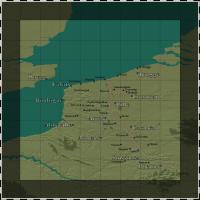 Very nice. Standardizes the maps! Worth it for Flanders alone!
 -

Realistic Sky Mod First Eagles 2
Viper63a commented on Panama Red's file in Terrain and Environmental Mods
 Excellent! So far, the best sky I've seen for FE2! Thanks!
 -
Realistic Sky Mod First Eagles 2
Viper63a commented on Panama Red's file in Terrain and Environmental Mods
Why are there 2 downloads? Do I need both of them? -
View File SF2 "Aces over Vietnam" Hi-Res Silver Border 1024x768 Menu Screens and Music! SF2 "Aces over Vietnam" Hi-Res Silver Border 1024x768 Menu Screens and Music! By Viper Special thanks to Homefies, Spectre8750, Stary and eburger68 for their contributions to Combatace! This mod includes custom "vietnam Era" themed menu screens, pilots and (w/ 60s) music. This package also contains optional/alternate/upgraded Campaigns screens for both stock and expansions. There are many alternate screens in the Menu folder, so take a look and if you like some thing better, rename them to default names and use them instead. If you choose to install these screens, I recommend that you back up your CAMPAIGNS, FLIGHT, MENU and PILOTDATA folders in the SF2 Mod folder you're installing this mod into. Just in case you want to go back to your original setup. Also note: If you are able - meaning, if you don't already have something in the Menu folder that you want to keep or is needed by some other mod you installed. It would be better to "Rename" your original Menu folder and let this package installs cleanly. Only if you can... *** To install... Note: My StrikeFighter2 mod on Win97 64-bit was..(yours may be different)... C:\Users\<your_id>\Saved Games\Thirdwire\StrikeFighter2 Vietnam\ 1) Backup/Copy your CAMPAIGNS, FLIGHT, MENU and PILOTDATA folders in your StrikeFighter2 Vietnam mod folder. 2) Uncompress the new Menu package and browse the content. As usual, there are alot of alternate screens in the Menu folder you may like better. 3) Copy the FLIGHT, MENU and PILOTDATA folders in your StrikeFighter2 Vietnam mod folder. *** Optional Campaigns screens... 1) The "Campaigns" folder contain new images for the Stock Vietnam Campaigns. This is optional, but I think they look better than the stock pix. Copy the Campaigns folder into your StrikeFighter2 Vietnam mod folder. 2) The "!Optional" folder contain new images for the Vietnam Expand Air and Ground War. Read the "Read-Me" in that folder for more detail. Copy the Campaigns folder from the !Optional folder into your StrikeFighter2 Vietnam mod folder. That's it... *** To Uninstall... 1) Delete the CAMPAIGNS, FLIGHT, MENU and PILOTDATA folders and restore the ones you backed up. That's it! Enjoy! Submitter viper63a Submitted 03/21/2015 Category Menus
-
Version Version 2 (Final)
137 downloads
SF2 "Aces over Vietnam" Hi-Res Silver Border 1024x768 Menu Screens and Music! By Viper Special thanks to Homefies, Spectre8750, Stary and eburger68 for their contributions to Combatace! This mod includes custom "vietnam Era" themed menu screens, pilots and (w/ 60s) music. This package also contains optional/alternate/upgraded Campaigns screens for both stock and expansions. There are many alternate screens in the Menu folder, so take a look and if you like some thing better, rename them to default names and use them instead. If you choose to install these screens, I recommend that you back up your CAMPAIGNS, FLIGHT, MENU and PILOTDATA folders in the SF2 Mod folder you're installing this mod into. Just in case you want to go back to your original setup. Also note: If you are able - meaning, if you don't already have something in the Menu folder that you want to keep or is needed by some other mod you installed. It would be better to "Rename" your original Menu folder and let this package installs cleanly. Only if you can... *** To install... Note: My StrikeFighter2 mod on Win97 64-bit was..(yours may be different)... C:\Users\<your_id>\Saved Games\Thirdwire\StrikeFighter2 Vietnam\ 1) Backup/Copy your CAMPAIGNS, FLIGHT, MENU and PILOTDATA folders in your StrikeFighter2 Vietnam mod folder. 2) Uncompress the new Menu package and browse the content. As usual, there are alot of alternate screens in the Menu folder you may like better. 3) Copy the FLIGHT, MENU and PILOTDATA folders in your StrikeFighter2 Vietnam mod folder. *** Optional Campaigns screens... 1) The "Campaigns" folder contain new images for the Stock Vietnam Campaigns. This is optional, but I think they look better than the stock pix. Copy the Campaigns folder into your StrikeFighter2 Vietnam mod folder. 2) The "!Optional" folder contain new images for the Vietnam Expand Air and Ground War. Read the "Read-Me" in that folder for more detail. Copy the Campaigns folder from the !Optional folder into your StrikeFighter2 Vietnam mod folder. That's it... *** To Uninstall... 1) Delete the CAMPAIGNS, FLIGHT, MENU and PILOTDATA folders and restore the ones you backed up. That's it! Enjoy! -
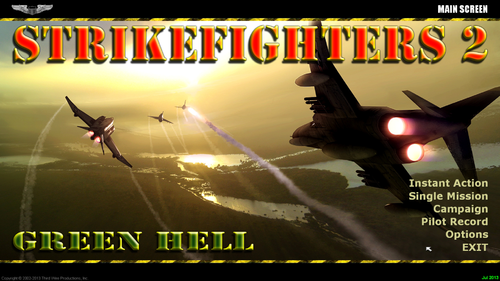 In the first release, I just couldn't find enough hi-res color pix of the era. So, I released the package with black and white pix. In the second release, I decided to add some color menus comprised of digital artwork of the era. Hope you like them!
 -
View File SF2 "MiG Alley" Wings Over Korea (KAW v1.1) Hi-Res 1920X1080 Menu Screens and Music! SF2 "MiG Alley" Wings Over Korea (KAW v1.2) Hi-Res 1920X1080 Menu Screens and Music v7 By Viper 04/26/2020 Note: I removed all the nation sounds from this Menu packs for size reasons. If you intend to install the "VIPER63A HQ Menu Sounds" pack, please install that pack first. Installing the HQ Sound pack over the Menu pack may overwrite some of the menu specific music files. You can always re-install this menu pack to get the menu specific theme music back. I made these upgraded alternate "Korean Air War" themed Menu screens to go with Do335's "SF2 Wings Over Korea" package! Pleae unzip the compressed file and preview the new screens before installing them. I recommend doing this as there are some alternate screens I have in there that you might like better. If you choose to install these screens, I recommend that you back up your FLIGHT and MENU folders in the SF2 Mod folder you're installing this mod into. Just in case you want to go back to your original setup. To install, simply unzip and copy the uncompressed FLIGHT and MENU folders to your StrikeFighter2 mod folder. My StrikeFighter2 mod on Win10 64-bit was..(yours may be different)... C:\Users\<your_id>\Saved Games\ThirdWire\Strikefighter2 Korea\ Enjoy! Submitter viper63a Submitted 03/15/2015 Category Menus
-
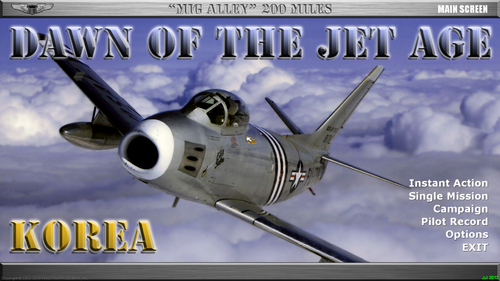
Version Version 7
228 downloads
SF2 "MiG Alley" Wings Over Korea (KAW v1.2) Hi-Res 1920X1080 Menu Screens and Music v7 By Viper 04/26/2020 Note: I removed all the nation sounds from this Menu packs for size reasons. If you intend to install the "VIPER63A HQ Menu Sounds" pack, please install that pack first. Installing the HQ Sound pack over the Menu pack may overwrite some of the menu specific music files. You can always re-install this menu pack to get the menu specific theme music back. I made these upgraded alternate "Korean Air War" themed Menu screens to go with Do335's "SF2 Wings Over Korea" package! Pleae unzip the compressed file and preview the new screens before installing them. I recommend doing this as there are some alternate screens I have in there that you might like better. If you choose to install these screens, I recommend that you back up your FLIGHT and MENU folders in the SF2 Mod folder you're installing this mod into. Just in case you want to go back to your original setup. To install, simply unzip and copy the uncompressed FLIGHT and MENU folders to your StrikeFighter2 mod folder. My StrikeFighter2 mod on Win10 64-bit was..(yours may be different)... C:\Users\<your_id>\Saved Games\ThirdWire\Strikefighter2 Korea\ Enjoy! -
View File StrikeFighters2 Vietnam Hi-Res 1920x1080 Menu Screens and Music! SF2 Vietnam Hi-Res 1920x1080 Menu Screens and Music v5 By Viper 05/17/2020 Note: I removed all the nation sounds from this Menu packs for size reasons. If you intend to install the "VIPER63A HQ Menu Sounds" pack, please install that pack first. Installing the HQ Sound pack over the Menu pack may overwrite some of the menu specific music files. You can always re-install this menu pack to get the menu specific theme music back. This mod includes custom "vietnam Era" themed menu screens, pilots and (w/ 60s) music. You should unzip this package and preview the new screens before installing them. I recommend doing this as there are MANY alternate screens I have in there that you might like better. 1) Backup (copy) your FLIGHT, MENU and PILOTDATA folder. I "highly" recommend that you (if you can) "RENAME" your Menu folder and let this mod create a new Menu folder for you. If you had installed any other menu mods, that may conflict with this Menu mod. 2) To install, simply unzip and copy the uncompressed FLIGHT, MENU and PILOTDATA folders to your StrikeFighter2 mod folder. Don't forget to back up before loading any mods! My StrikeFighter2 mod on Win10 64-bit was..(yours may be different)... C:\Users\<your_id>\Saved Games\Thirdwire\StrikeFighter2 Vietnam\ 3) To uninstall, delete the folders updated by this mod and copy (rename) your backed up folder to FLIGHT, MENU and PILOTDATA. Enjoy! Submitter viper63a Submitted 03/15/2015 Category Menus
-
Version Version 5
384 downloads
SF2 Vietnam Hi-Res 1920x1080 Menu Screens and Music v5 By Viper 05/17/2020 Note: I removed all the nation sounds from this Menu packs for size reasons. If you intend to install the "VIPER63A HQ Menu Sounds" pack, please install that pack first. Installing the HQ Sound pack over the Menu pack may overwrite some of the menu specific music files. You can always re-install this menu pack to get the menu specific theme music back. This mod includes custom "vietnam Era" themed menu screens, pilots and (w/ 60s) music. You should unzip this package and preview the new screens before installing them. I recommend doing this as there are MANY alternate screens I have in there that you might like better. 1) Backup (copy) your FLIGHT, MENU and PILOTDATA folder. I "highly" recommend that you (if you can) "RENAME" your Menu folder and let this mod create a new Menu folder for you. If you had installed any other menu mods, that may conflict with this Menu mod. 2) To install, simply unzip and copy the uncompressed FLIGHT, MENU and PILOTDATA folders to your StrikeFighter2 mod folder. Don't forget to back up before loading any mods! My StrikeFighter2 mod on Win10 64-bit was..(yours may be different)... C:\Users\<your_id>\Saved Games\Thirdwire\StrikeFighter2 Vietnam\ 3) To uninstall, delete the folders updated by this mod and copy (rename) your backed up folder to FLIGHT, MENU and PILOTDATA. Enjoy! -
View File SF2 FirstEagles2 Silver Series Hi-Res 1024x768 Menu Screens SF2 FirstEagles2 Hi-Res Silver Series 1024x768 Menu Screens By Viper This package contains a new version of my 1024x768 FE2 menus that are in the new Silver Border format like my 1920x1080 menus. This mod includes custom WWI Air War themed menu, campaign and pilot screens. No other (Hangar, Loading) screens or INI files are changed. You should unzip the file and preview the new screens before installing them. I recommend doing this as there are MANY alternate screens (Inlcuding some vintage black/white version) I have in there that you might like better. If you choose to install these screens, I recommend that you back up your MENU, FLIGHT, CAMPAIGNS and PILOTDATA folders in the SF2 Mod folder you're installing this mod into. Just in case you want to go back to your original setup. To install, simply unzip and copy the uncompressed MENU, FLIGHT, CAMPAIGNS and PILOTDATA folders into your FirstEagles2 mod folder. Recommendation: I recommend that you RENAME your original MENU folder. The new copy from my package will then install cleanly and not conflict with any other mod you may have installed into the MENU folder. My Win97 folder was..(yours may be different)... C:\Users\<your_id>\Saved Games\ThirdWire\FirstEagles2\ Enjoy! Submitter viper63a Submitted 03/12/2015 Category First Eagles - General Files - Hanger, Menu Screens
-
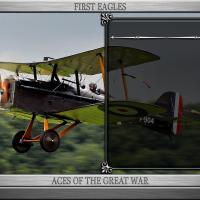
Version Version 2 (Final?)
60 downloads
SF2 FirstEagles2 Hi-Res Silver Series 1024x768 Menu Screens By Viper This package contains a new version of my 1024x768 FE2 menus that are in the new Silver Border format like my 1920x1080 menus. This mod includes custom WWI Air War themed menu, campaign and pilot screens. No other (Hangar, Loading) screens or INI files are changed. You should unzip the file and preview the new screens before installing them. I recommend doing this as there are MANY alternate screens (Inlcuding some vintage black/white version) I have in there that you might like better. If you choose to install these screens, I recommend that you back up your MENU, FLIGHT, CAMPAIGNS and PILOTDATA folders in the SF2 Mod folder you're installing this mod into. Just in case you want to go back to your original setup. To install, simply unzip and copy the uncompressed MENU, FLIGHT, CAMPAIGNS and PILOTDATA folders into your FirstEagles2 mod folder. Recommendation: I recommend that you RENAME your original MENU folder. The new copy from my package will then install cleanly and not conflict with any other mod you may have installed into the MENU folder. My Win97 folder was..(yours may be different)... C:\Users\<your_id>\Saved Games\ThirdWire\FirstEagles2\ Enjoy! -
SF2 FirstEagles2 Hi-Res 1920x1080 Menu Screens
Viper63a commented on Viper63a's file in Hanger, Menu Screens
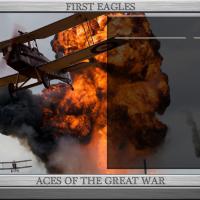 Enjoy!
 -
View File SF2 FirstEagles2 Hi-Res 1920x1080 Menu Screens SF2 FirstEagles2 Hi-Res 1920x1080 Menu Screens By Viper This mod includes custom WWI Air War themed menu, campaign and pilot screens. No other (Hangar, Loading) screens are changed. You should unzip the file and preview the new screens before installing them. I recommend doing this as there are some alternates of the screens in there that you might like better. If you choose to install these screens, I recommend that you back up (copy) your MENU, FLIGHT, and PILOTDATA folders in the SF2 Mod folder you're installing this mod into. Just in case you want to go back to your original setup. My Win97 mod folder was...(Yours may be different)... C:\Users\<your_id>\Saved Games\ThirdWire\FirstEagles2\ * Menu Install... To install, simply unzip and copy the contents of the "To_Mod_Folder" (and not the folder itself) into your FirstEagles2 Mod folder. To uninstall, simply delete the current MENU, FLIGHT, PILOTDATA folder and rename your backed up copies to be the active folders. * Optional Campaign Screens install... In the "Optional" folder, I have some upgraded Campaign screens. These are just the screens, nothing else is changed. Also, I've not tested them, so use them at your own risk. If you back up (make a copy) your "Campaigns" folder, there shouldn't be any risk. Copy the Optional "Campaigns" folder to your FirstEagles2 Mod folder and over write if asked. My Win97 mod folder was...(Yours may be different)... C:\Users\<your_id>\Saved Games\ThirdWire\FirstEagles2\ If you don't have a "Campaigns" folder, then you're running the stock Campaigns. If this is the case, you can just copy the optional "Campaigns" folder into your FirstEagles2 Mod folder. If you don't like or want them, you can just delete the "Campaigns" folder from your FirstEagles2 Mod folder and the game will go back to using the stock Campaign screens. Enjoy! Submitter viper63a Submitted 03/11/2015 Category First Eagles - General Files - Hanger, Menu Screens
-
Version Version 1
119 downloads
SF2 FirstEagles2 Hi-Res 1920x1080 Menu Screens By Viper This mod includes custom WWI Air War themed menu, campaign and pilot screens. No other (Hangar, Loading) screens are changed. You should unzip the file and preview the new screens before installing them. I recommend doing this as there are some alternates of the screens in there that you might like better. If you choose to install these screens, I recommend that you back up (copy) your MENU, FLIGHT, and PILOTDATA folders in the SF2 Mod folder you're installing this mod into. Just in case you want to go back to your original setup. My Win97 mod folder was...(Yours may be different)... C:\Users\<your_id>\Saved Games\ThirdWire\FirstEagles2\ * Menu Install... To install, simply unzip and copy the contents of the "To_Mod_Folder" (and not the folder itself) into your FirstEagles2 Mod folder. To uninstall, simply delete the current MENU, FLIGHT, PILOTDATA folder and rename your backed up copies to be the active folders. * Optional Campaign Screens install... In the "Optional" folder, I have some upgraded Campaign screens. These are just the screens, nothing else is changed. Also, I've not tested them, so use them at your own risk. If you back up (make a copy) your "Campaigns" folder, there shouldn't be any risk. Copy the Optional "Campaigns" folder to your FirstEagles2 Mod folder and over write if asked. My Win97 mod folder was...(Yours may be different)... C:\Users\<your_id>\Saved Games\ThirdWire\FirstEagles2\ If you don't have a "Campaigns" folder, then you're running the stock Campaigns. If this is the case, you can just copy the optional "Campaigns" folder into your FirstEagles2 Mod folder. If you don't like or want them, you can just delete the "Campaigns" folder from your FirstEagles2 Mod folder and the game will go back to using the stock Campaign screens. Enjoy! -
Sure...I'm in...let me know.
-
My Bitchin Betty sounds like a chipmunk...?
Viper63a replied to Viper63a's topic in General Discussion
Thanks all, I added the wav to the soundlist.ini file like Stick said and that did the trick. Looking into that FrequencyControlled parm to see what that does... =Viper= -
My Bitchin Betty sounds like a chipmunk...?
Viper63a replied to Viper63a's topic in General Discussion
Thanks, let me give it a try... -
Do clouds cast shadows in SF2? Just noticed that....
-
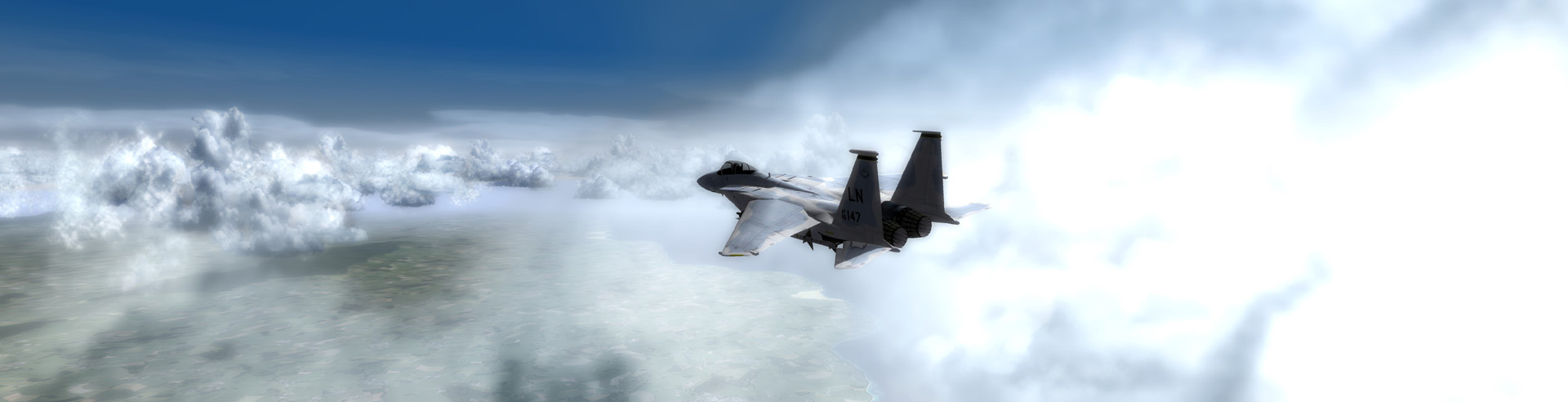
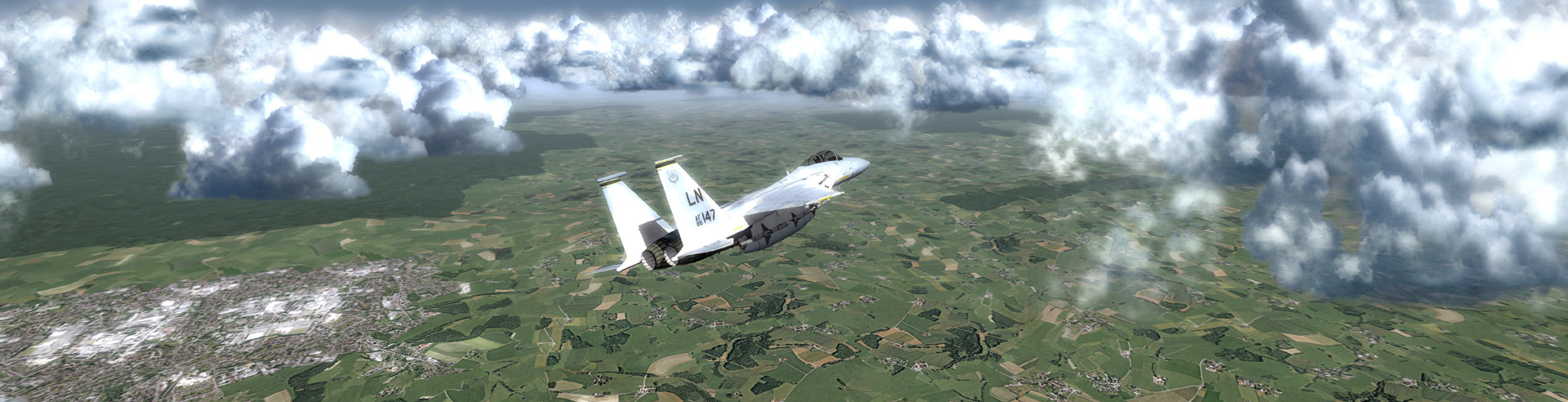
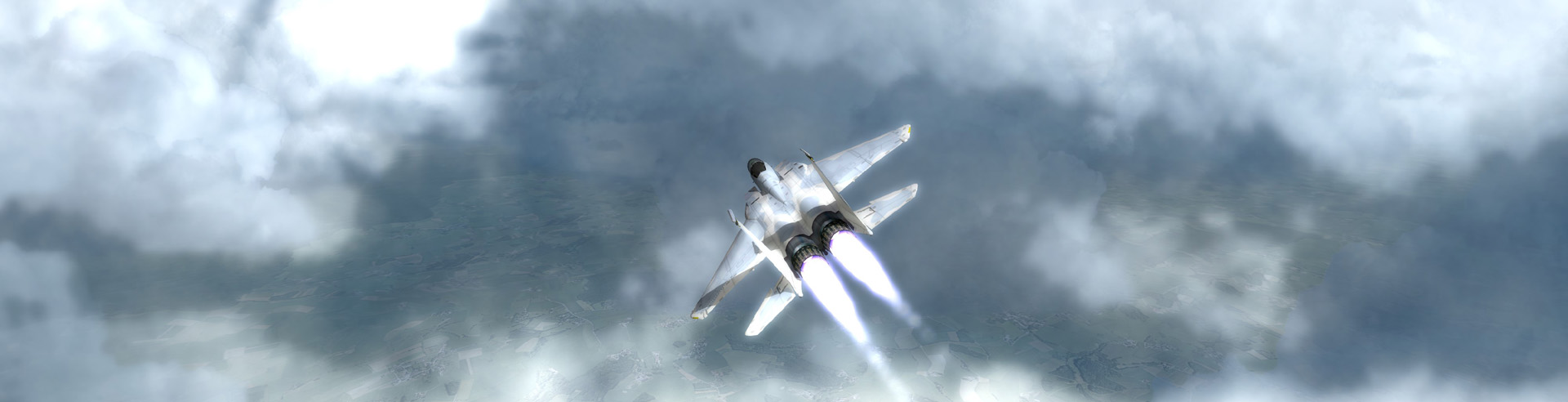
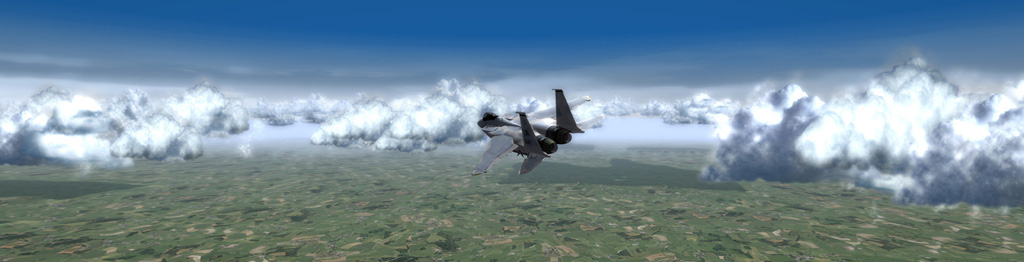
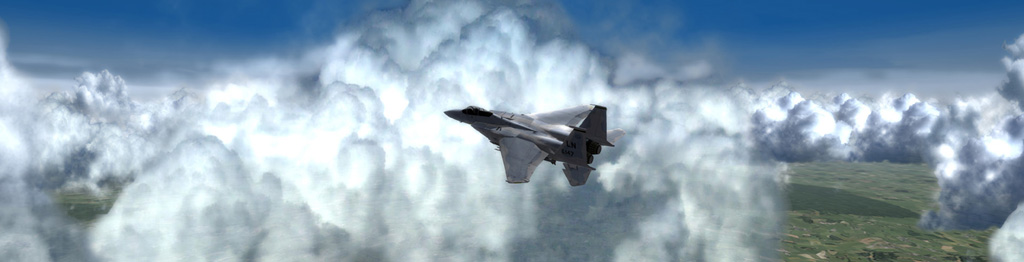
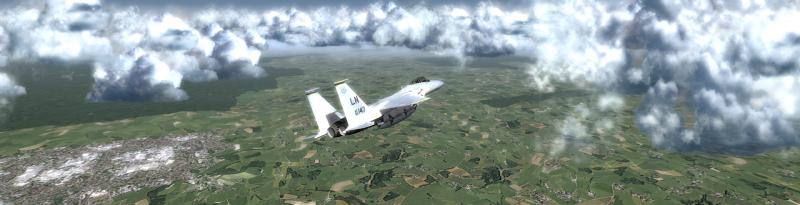
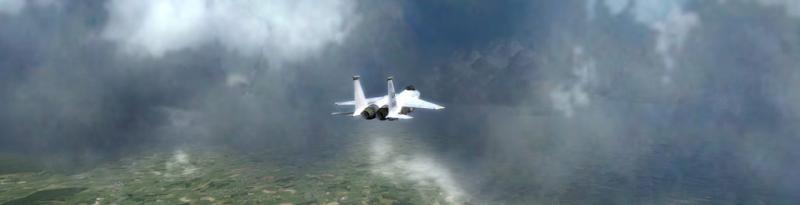
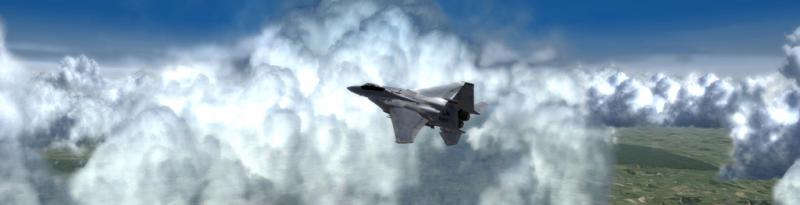
Punching holes in the clouds with my Reaper! Beautiful! Oops, too big, Scaled it down to 1920 and 1024...Still beautiful!!!



-
 Let me look into that.... =Viper=