russouk2004
-
Posts
5,278 -
Joined
-
Last visited
-
Days Won
148
Content Type
Profiles
Forums
Gallery
Downloads
Store
Everything posted by russouk2004
-
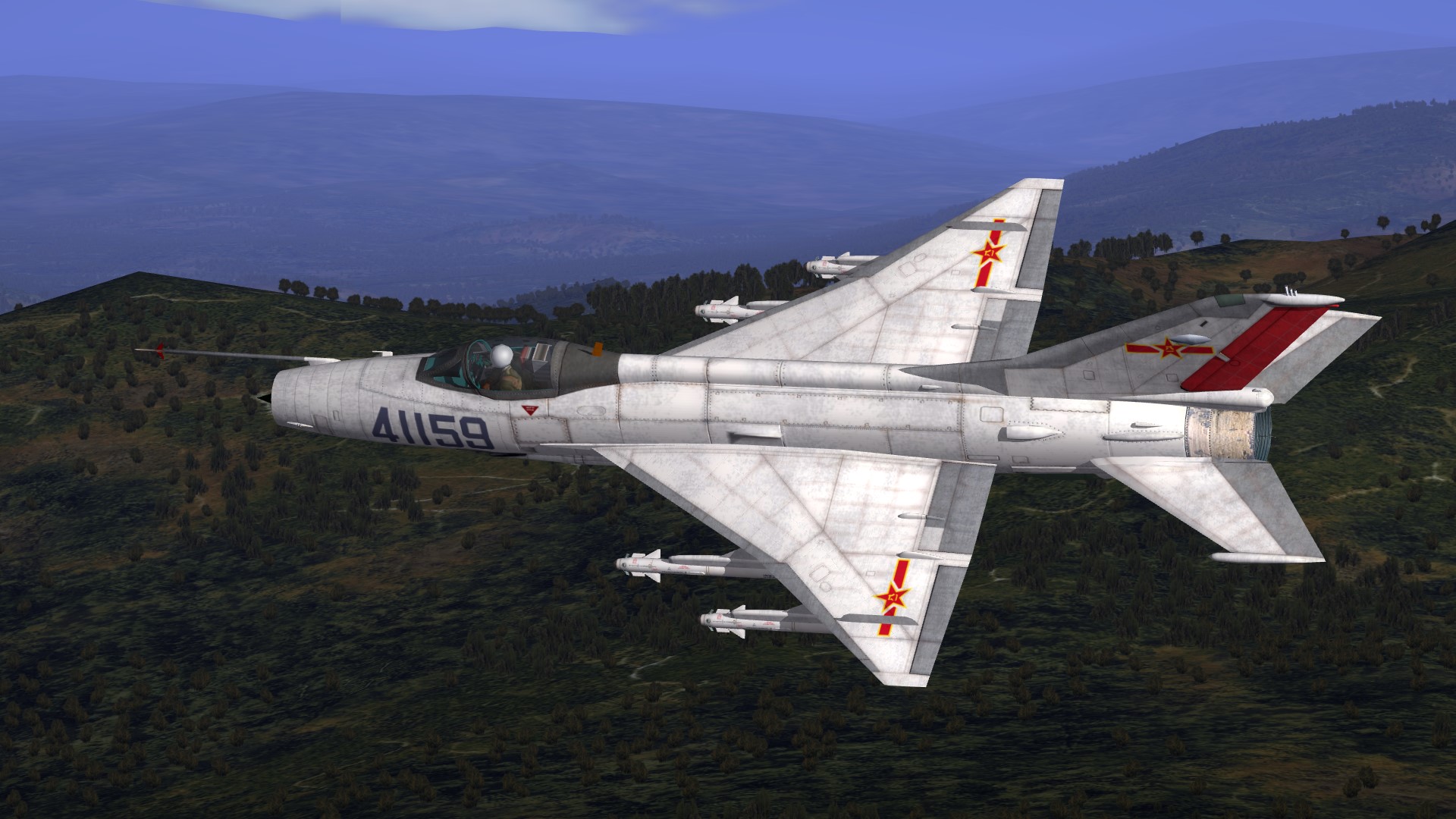
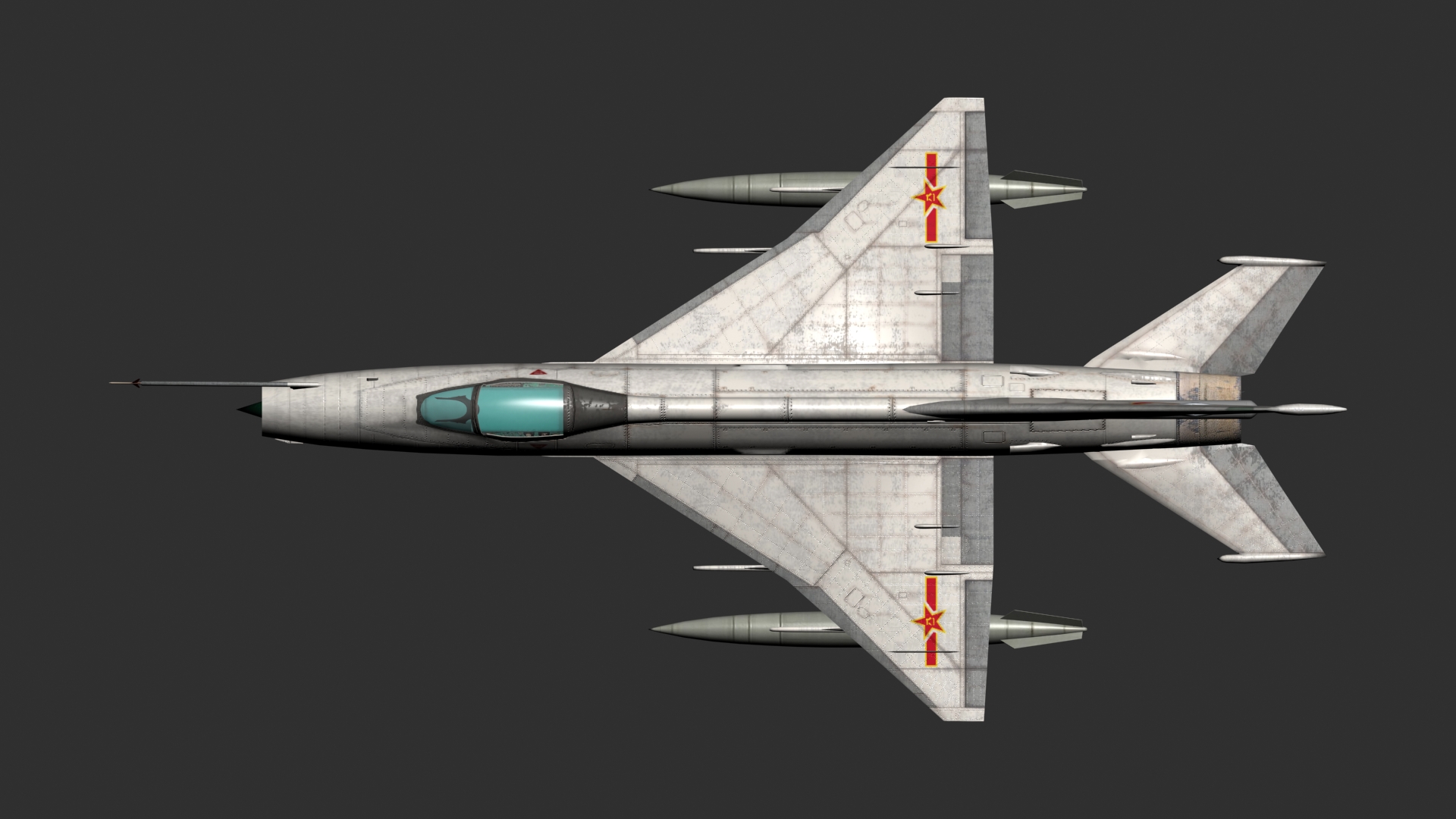
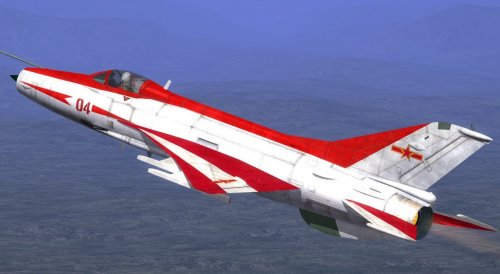
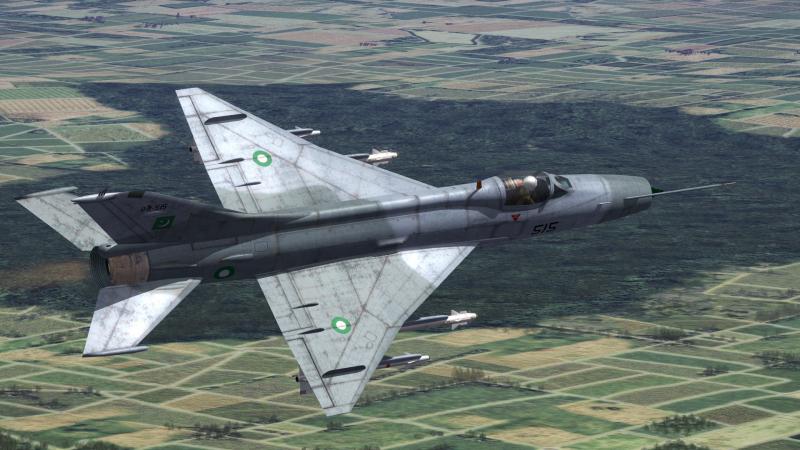
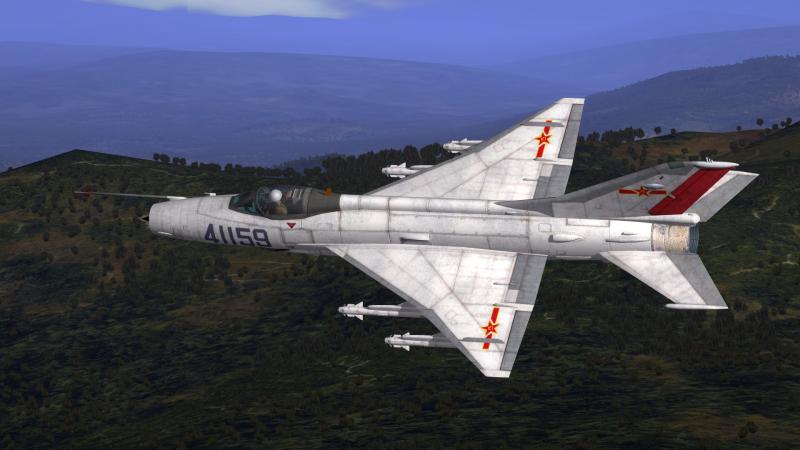
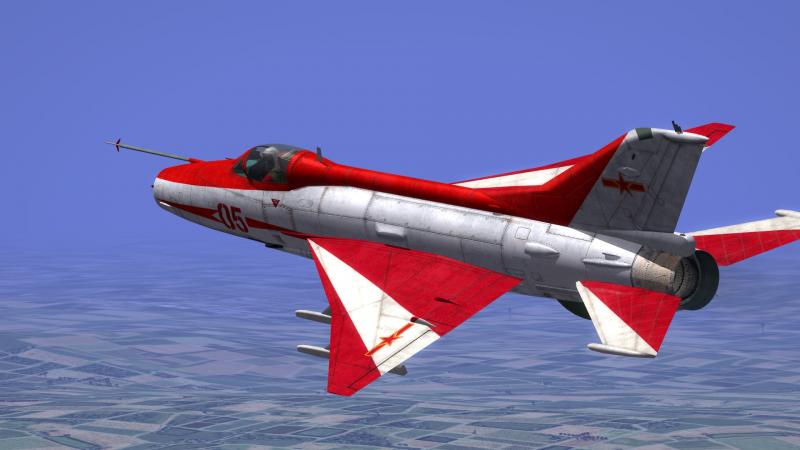
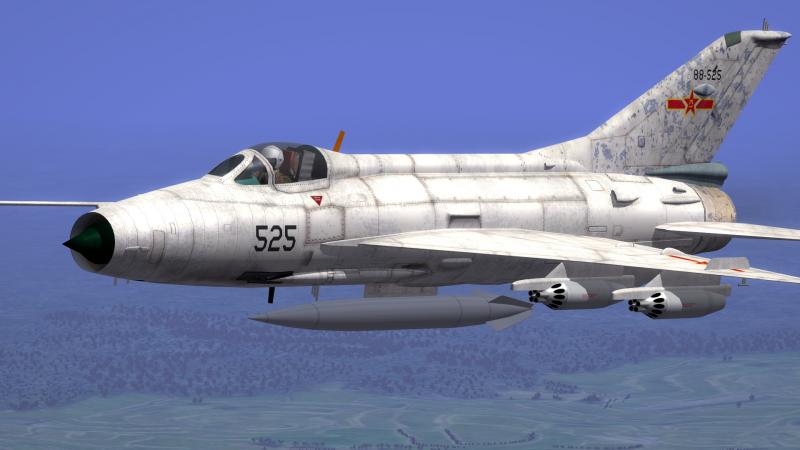
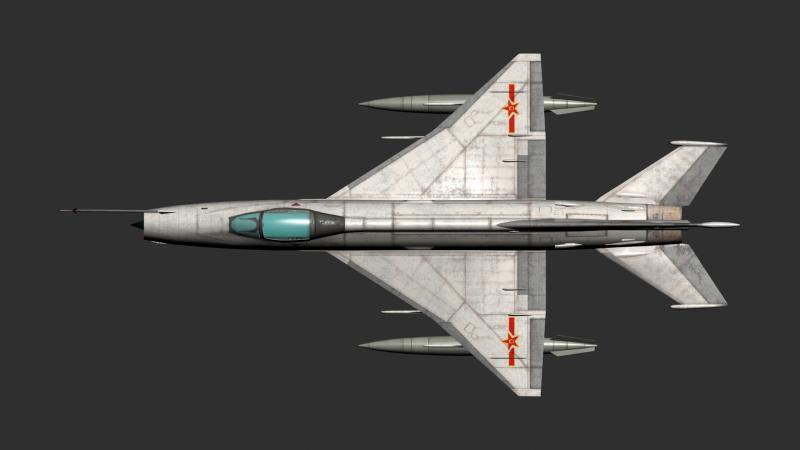
View File J-7 Series Fighters J7 pg J7 B and j7pg Reds Chinese display team planes....some of the loadouts need checking as I was half way through doing them based on one.....B model has integral tanks in the aircraft lod.....the Pg and Reds has ordinary tanks (weapons folders supplied.) all have drag chutes etc... there are some issues as i said with loadouts as I abandoned it half way through....so its up to users to sort ,sorry...any 3d problems let me know...should be fine though... you are lucky to get them at all lol...j/k contact me if any serious 3d issues...anything else is your problem...lol...j/k...im sure theres enough knowledge here to fix and small probs... Cheers Russ Submitter russouk2004 Submitted 02/20/2019 Category Other
-
Version 1.0.0
585 downloads
J7 pg J7 B and j7pg Reds Chinese display team planes....some of the loadouts need checking as I was half way through doing them based on one.....B model has integral tanks in the aircraft lod.....the Pg and Reds has ordinary tanks (weapons folders supplied.) all have drag chutes etc... there are some issues as i said with loadouts as I abandoned it half way through....so its up to users to sort ,sorry...any 3d problems let me know...should be fine though... you are lucky to get them at all lol...j/k contact me if any serious 3d issues...anything else is your problem...lol...j/k...im sure theres enough knowledge here to fix and small probs... Cheers Russ -
no m8 it need mapping completing I think..ive been v busy if get chance will try do ones that are close to completion
-
Thanks logan will take the dat and add soon as I have completed 3d stuff thnx @wilches no m8 hawk T1a
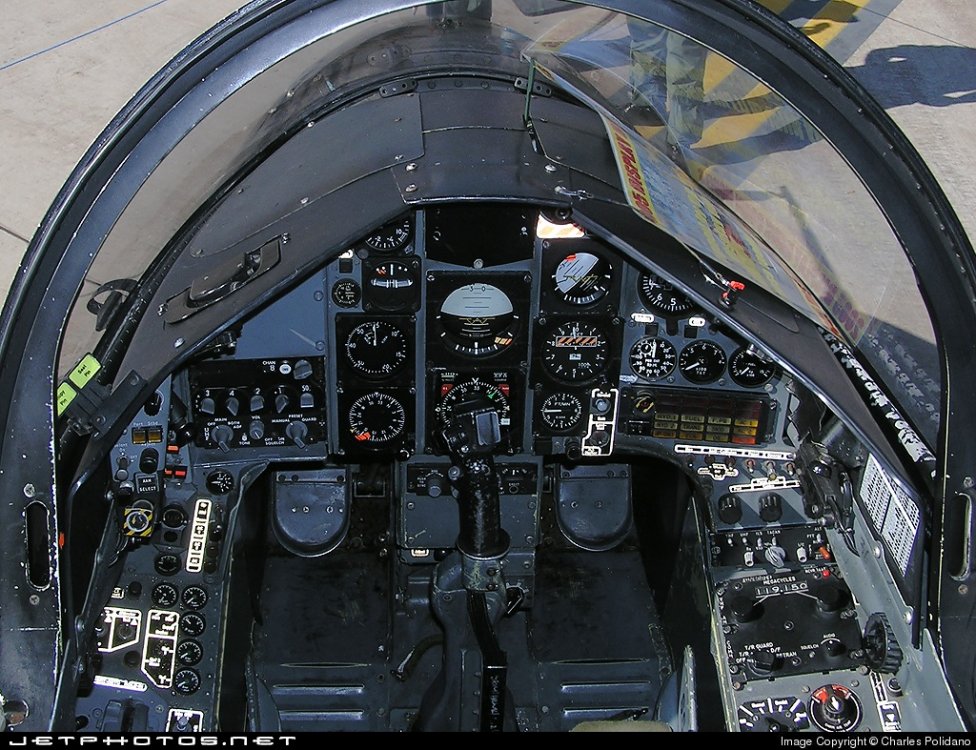
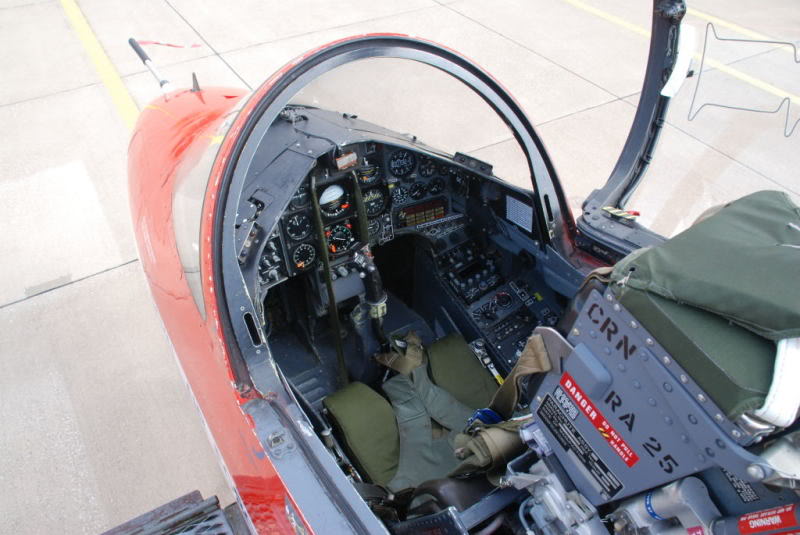
-
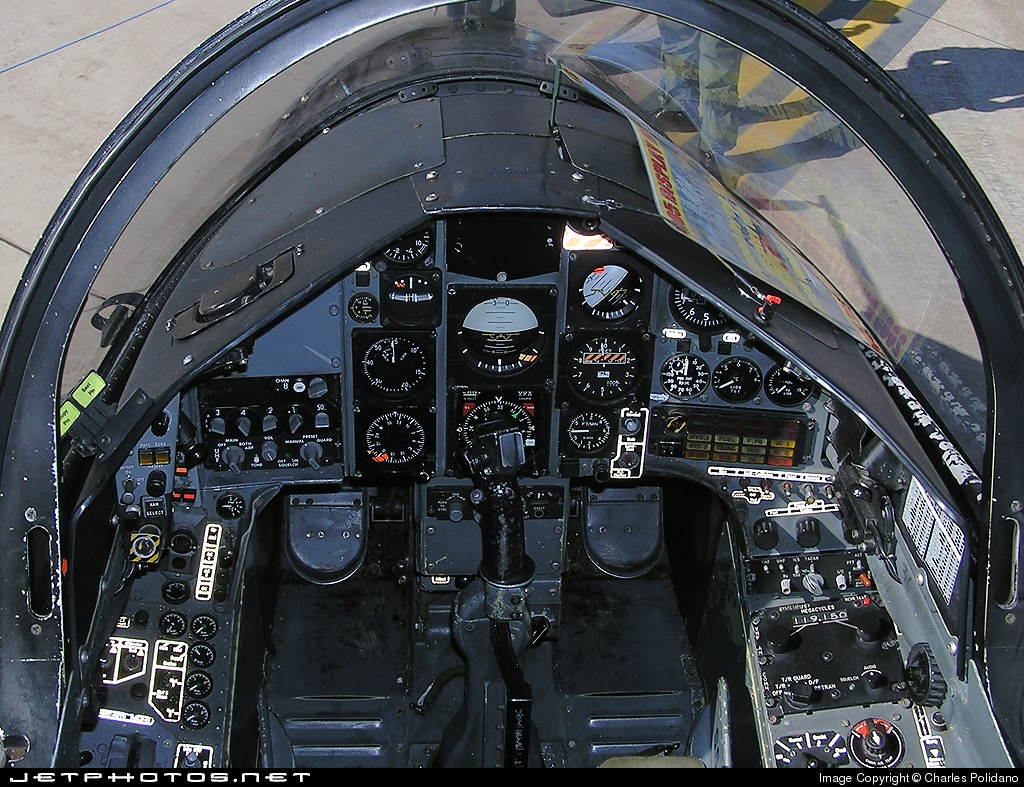
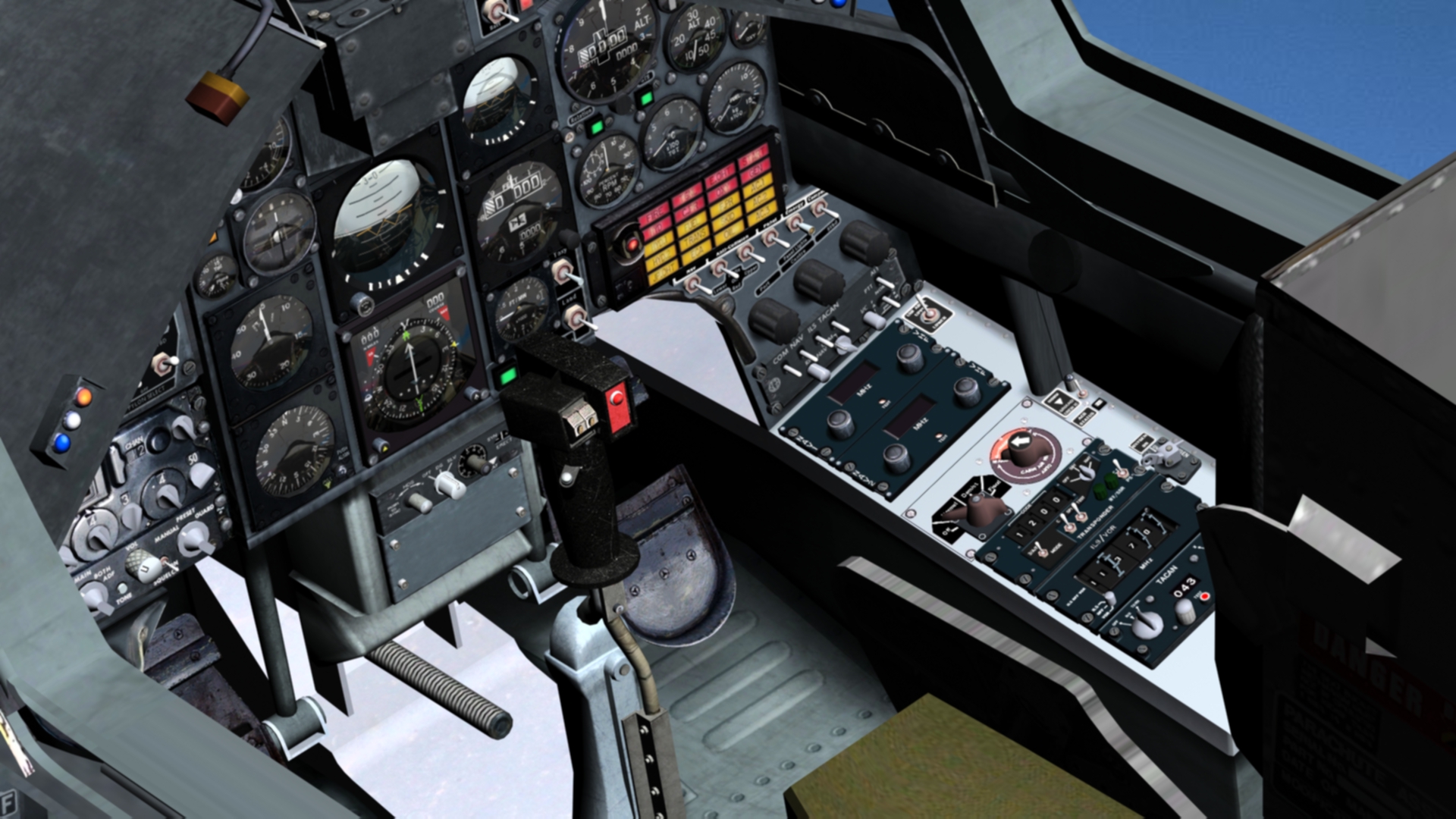
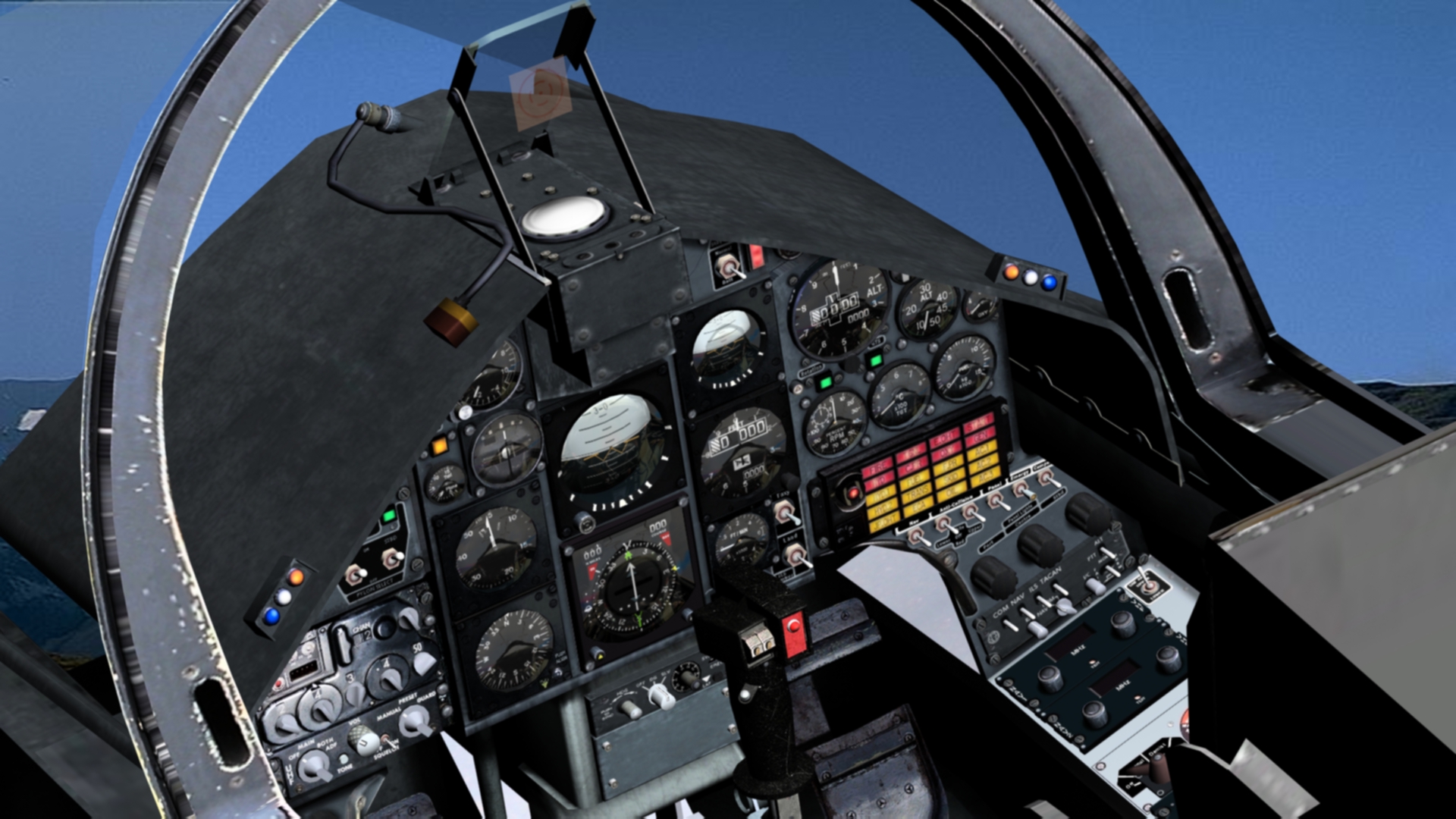
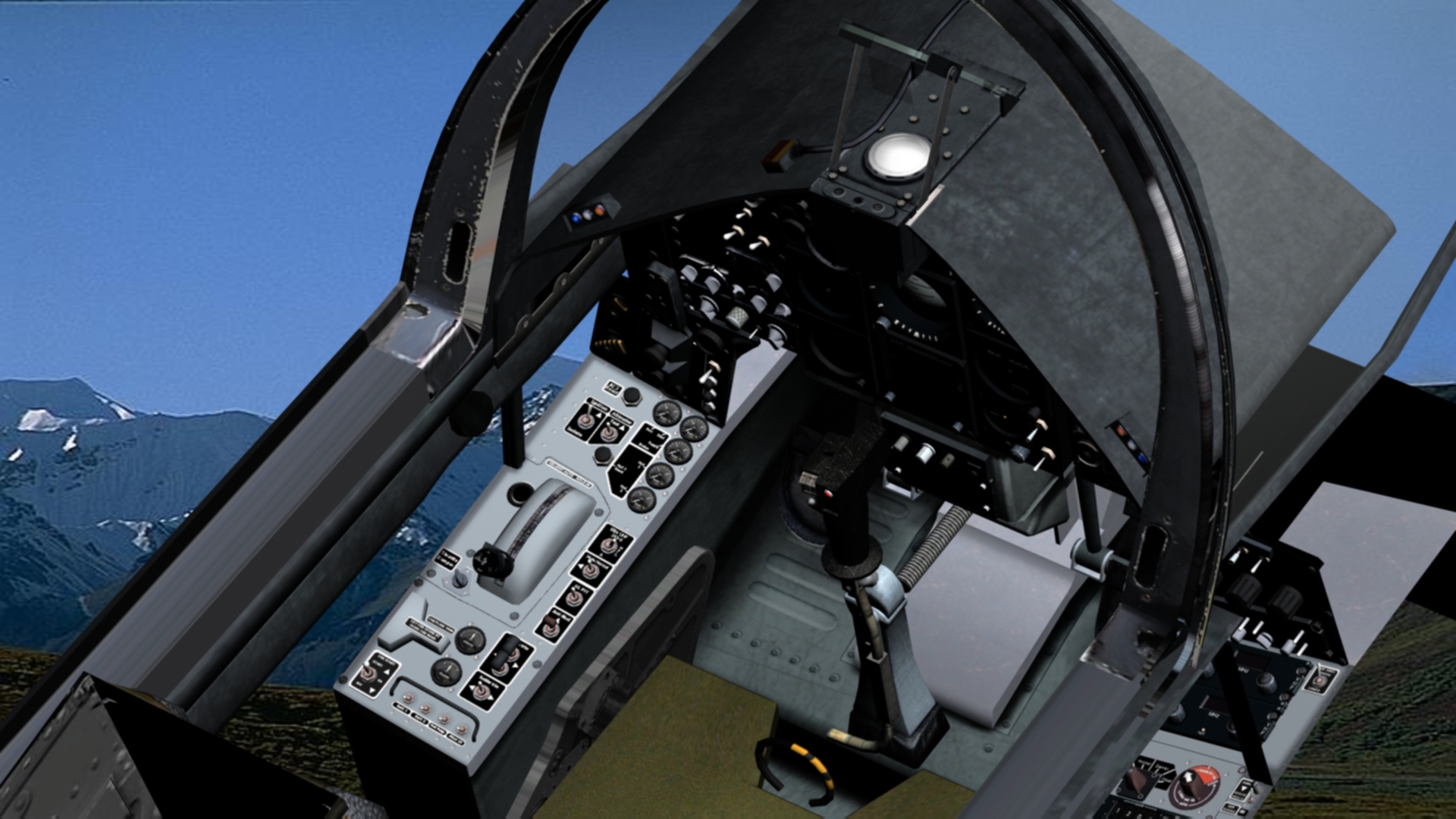
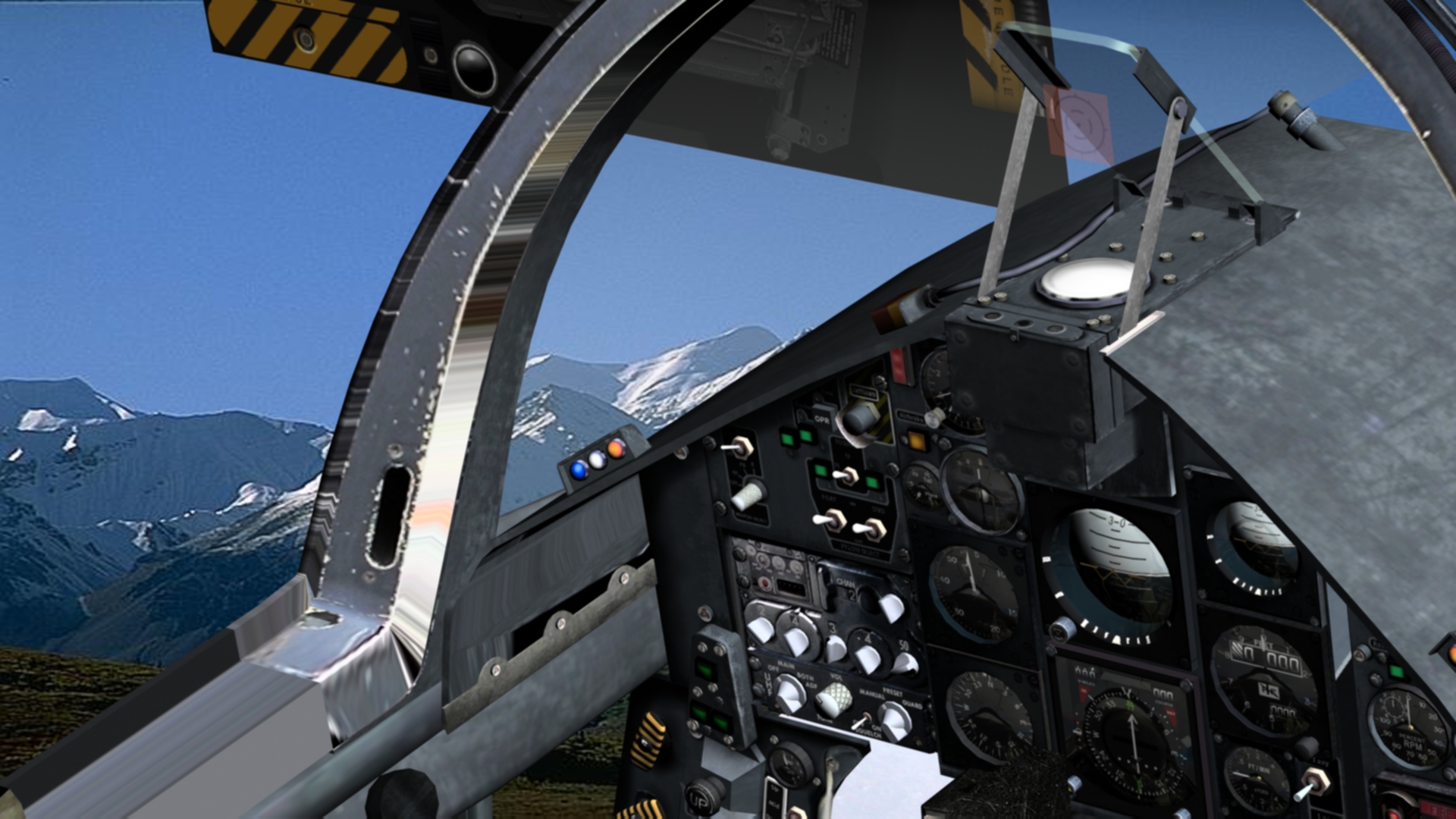
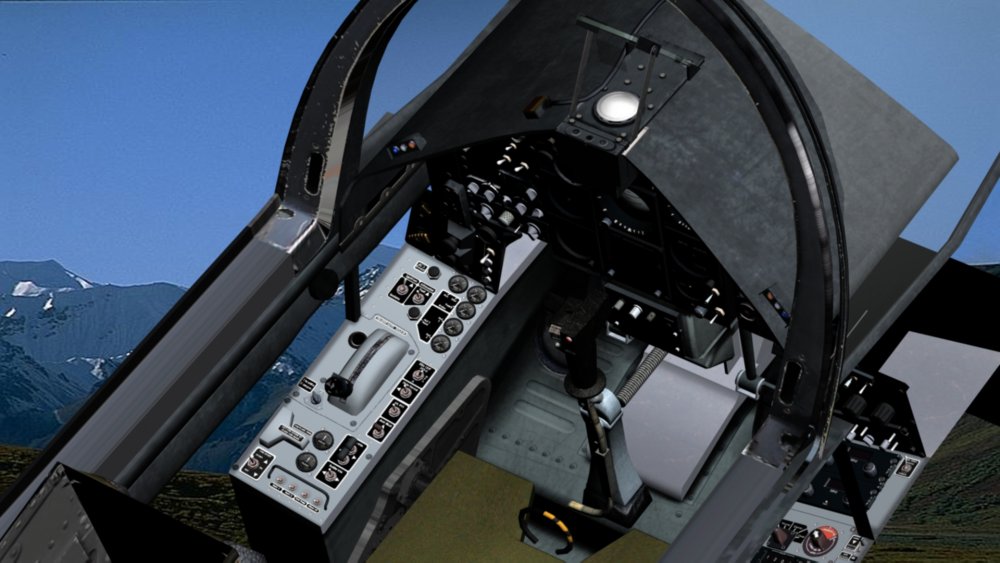
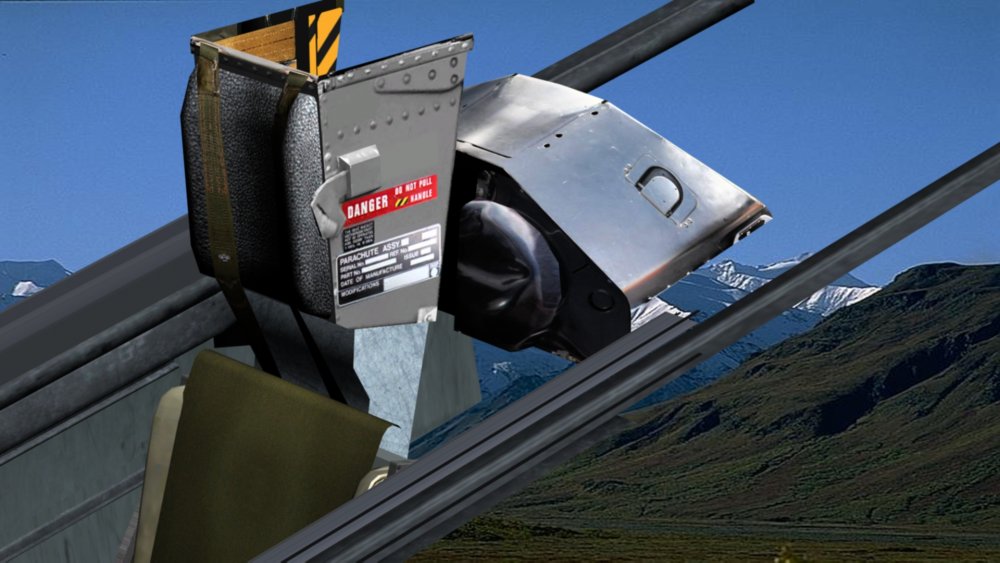
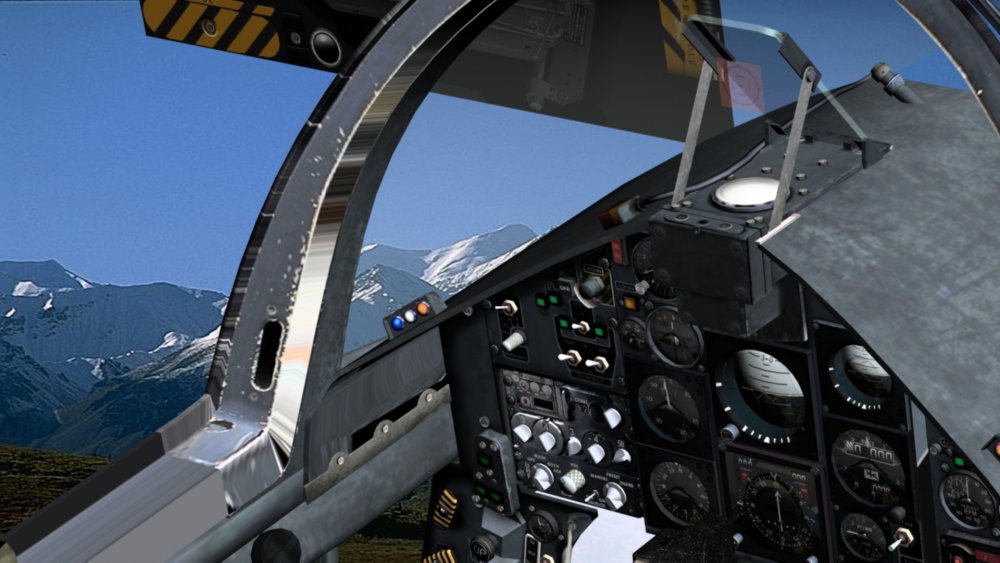
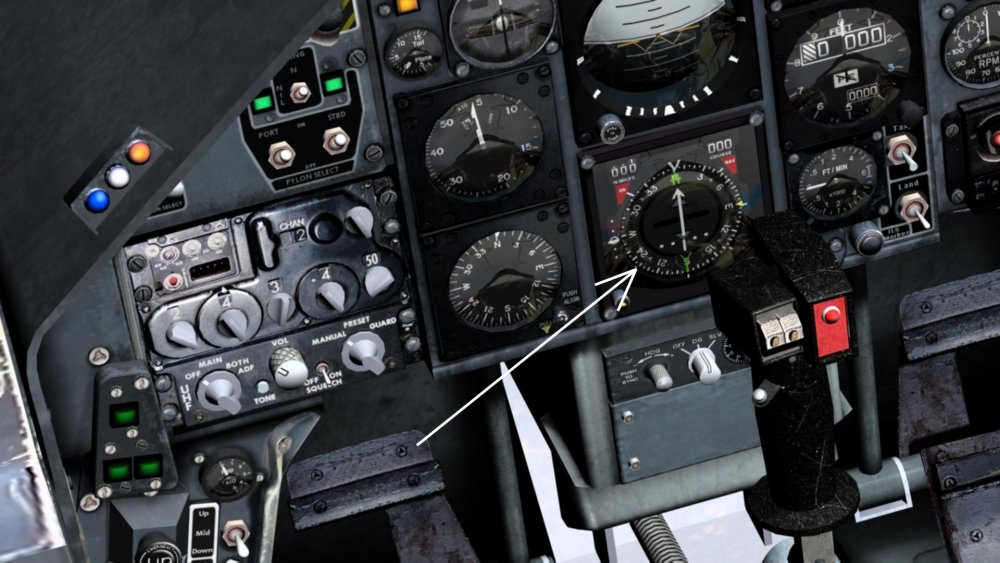
speaking of cockpits reminded me of this....anyone know how to set the compass arrowed in 6th pic?..most of other stuff I know how to set up the ini for...
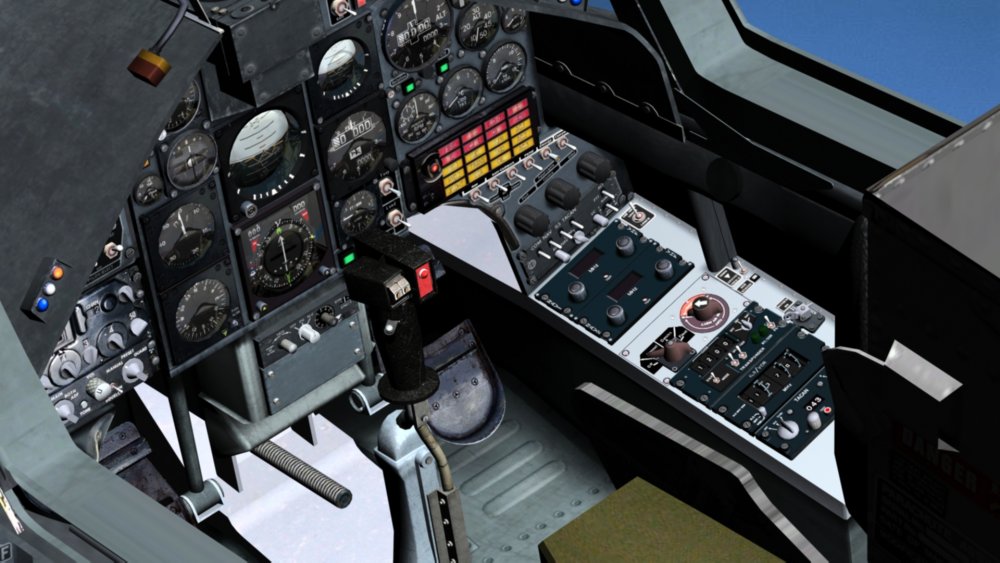
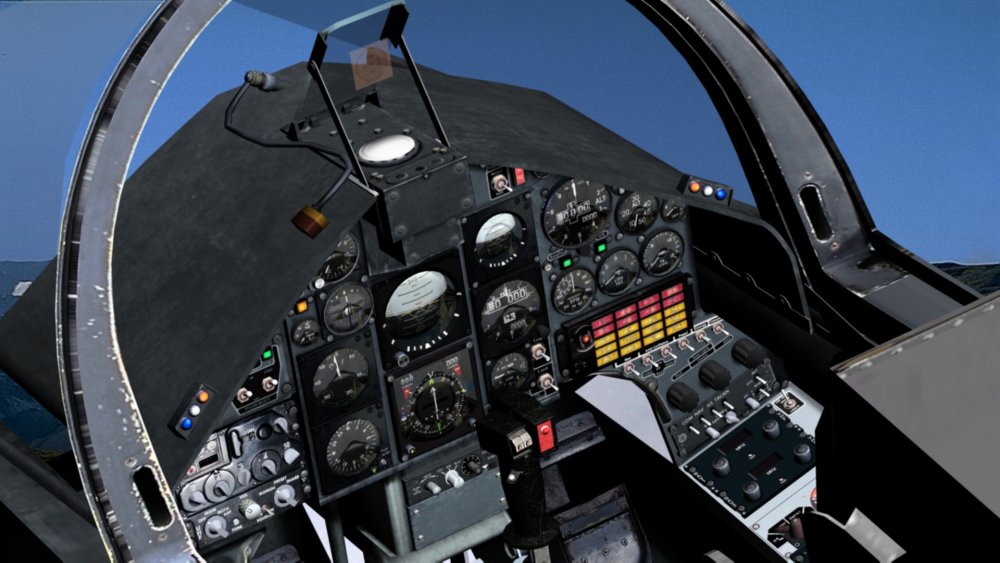
-
ok I will get it in game,and flying....then hopefully someone with some aerodynamics and avionics nous can get it flying as should be...all it needs I think is basics flight skills...its up to the mision entries etc then that make it mission ready...will try do asap.
-
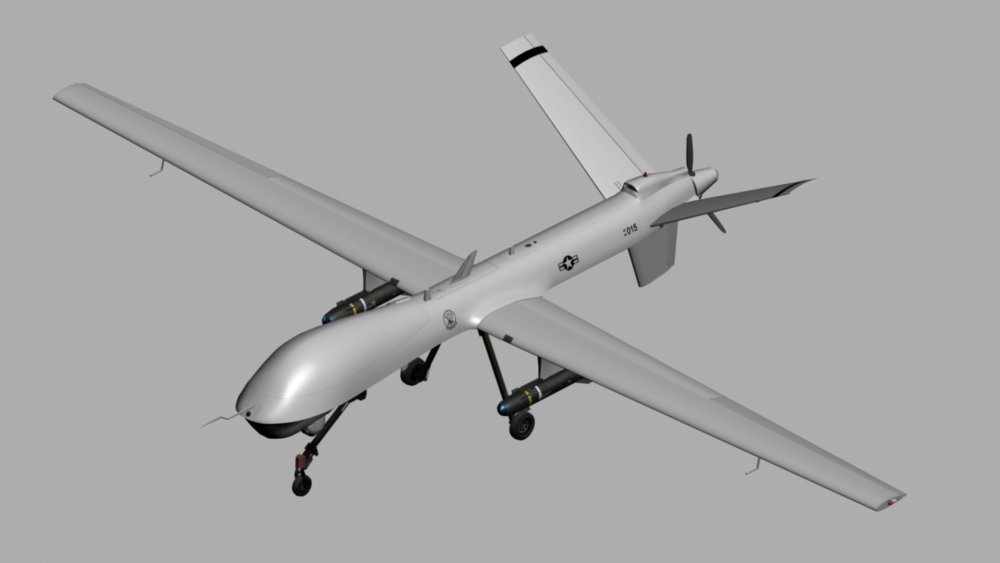
Is there one already in sf2 ?....if not I will get this into game, as long as someone can do data.ini for it afterwards...etc
-
Only this....quite a few pics of resin cockpits to help..click some of the flanker links to see guy building the pits..https://www.britmodeller.com/forums/index.php?/topic/234982666-172-ai-mikoyan-e-152a-m-flipper-by-modelsvit-e-152a-e-152m-released-e-152-1-released-mini-world-upgrade-sets/&page=2
-
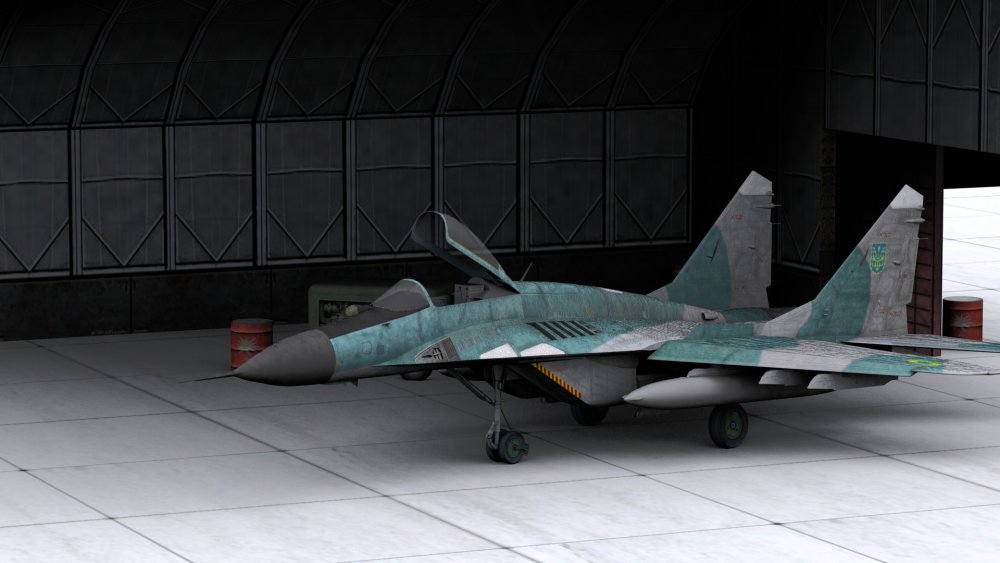
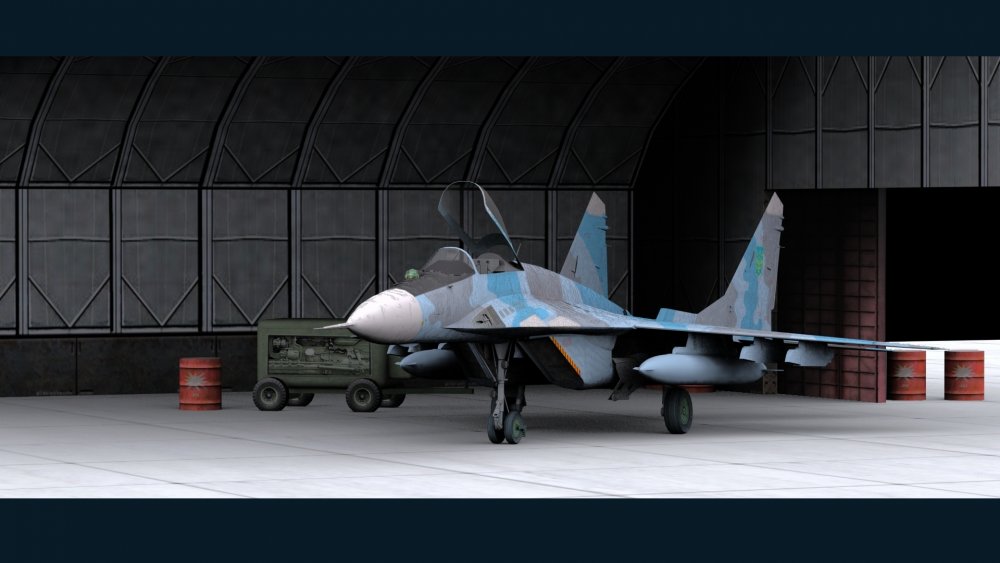
if you place a hangar file image in each skin version of the same plane....did you know you get different skins to show in hangar screen ?...just to add some confusion lol
-
ive never changed anything to start at any time of day or night....odd
-
I customise my decal folders so it saves looking thru 1000`s of images for the ones i want I put my missions in erm missions folder ? .lol sounds should be certain quality yes...cant recall what... custon menus?...check the ini files for typos...? check aircrafts ini file that it states jpg ....silly but easily overlooked.
-
I ll try and get these checked and uploaded soon too..
-
dmtdragon and crew has the single seaters to do some stuff for you as ive no time....give em time lol
-
dunno why bother trying to help
-
Nah....time travelling crash test dummies...that went back 6 years lol
-
you have to set a horizontal rotating mesh...like a radome as a propeller and move the x axis so it becomes the z axis....check my sukhoi awacs data.
-
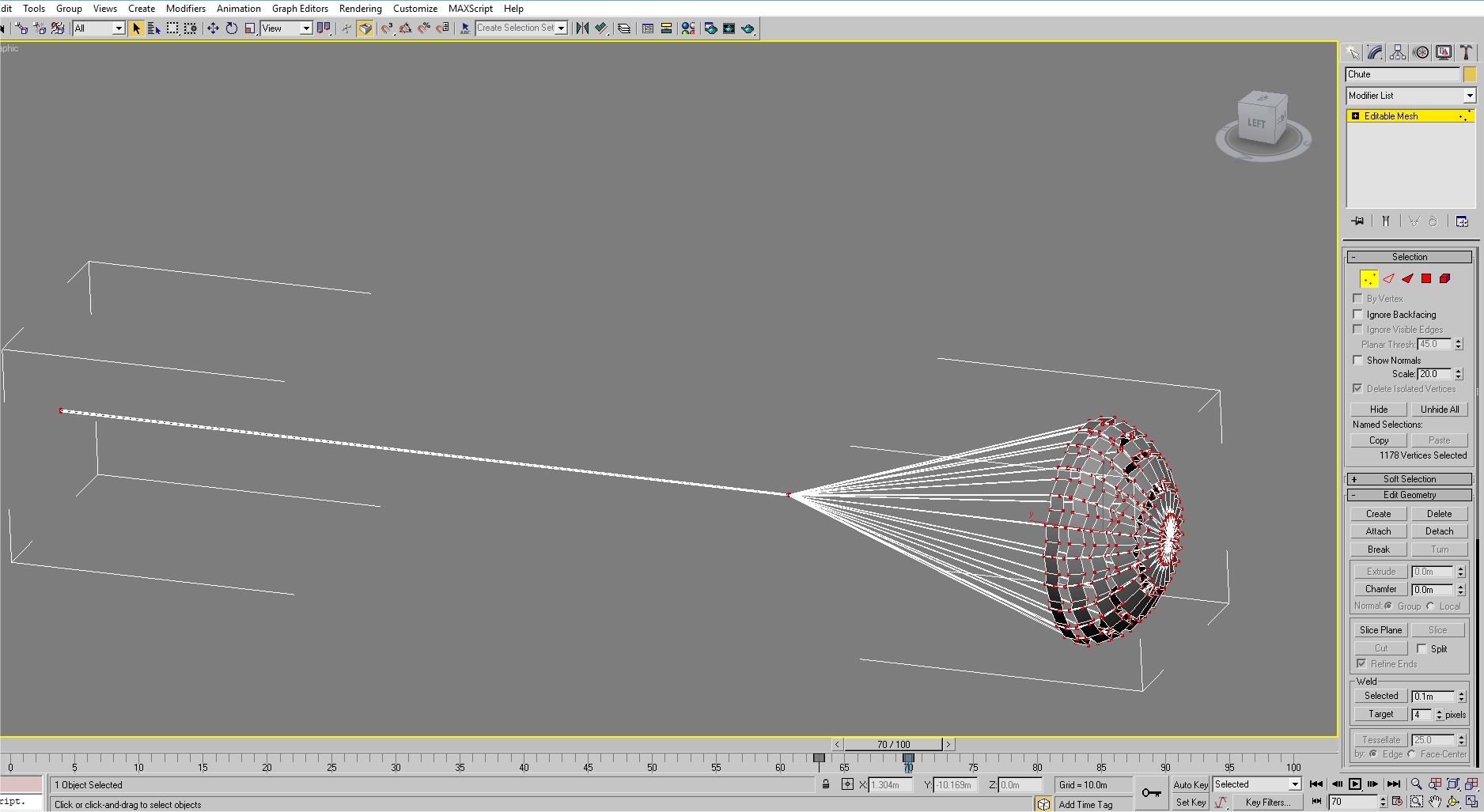
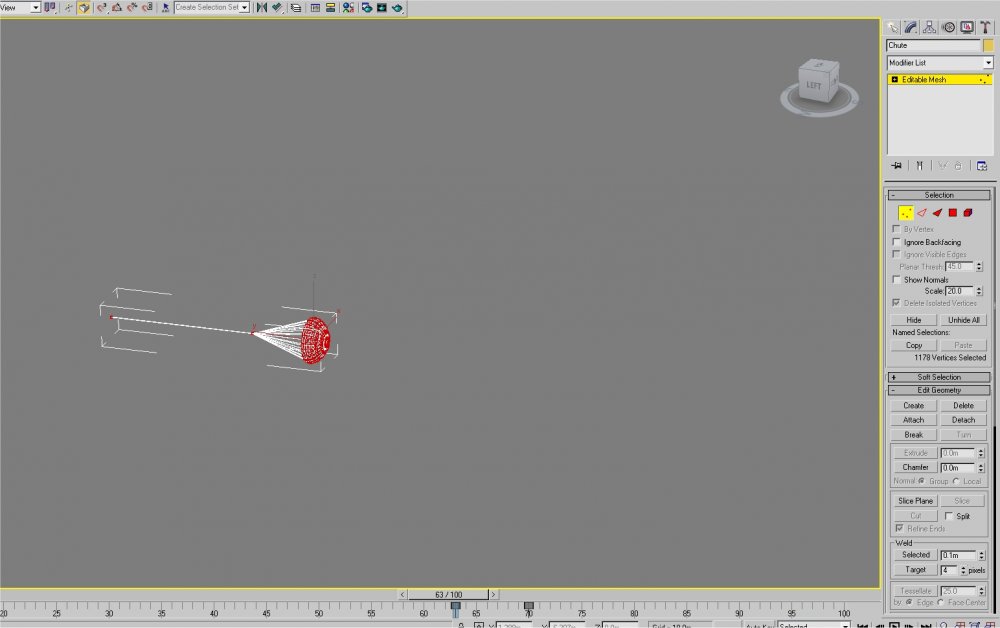
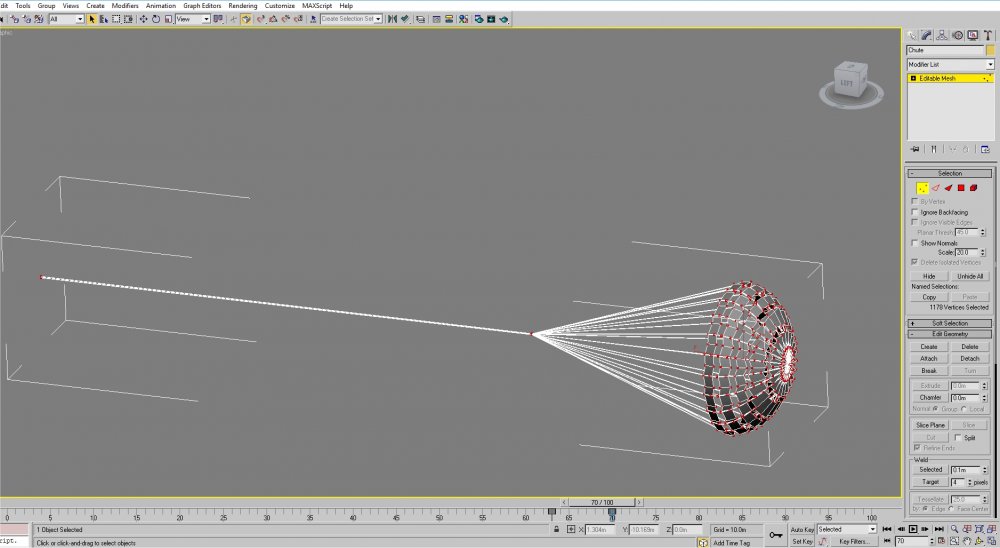
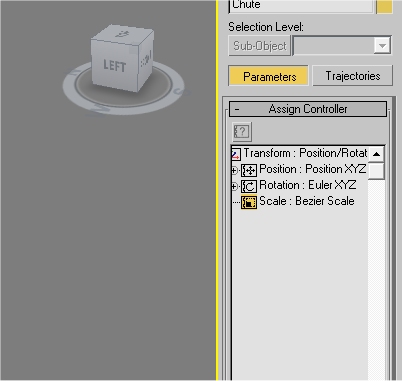
For drag chute...you animate the vertices of the chute to make it close\open,to activate it you need a controller mesh.(invisible box) to link it to to animate that opening the chute.(moving it,and controlling the open \close and placement.)..I did a tutorial video in the dl section...also i think for vertice scaling anims on things like nozzles. for chute notice controllers are set not to TCB
-
Little trick with max 2009 on windows 10...if it crashes a lot.....copy the max2009.exe and run from the copy shortcut....wont crash dont ask me why...lol you still having vertex animation problem?...I use it a lot and it can be a pain...when you map a part thats got animated vertices,animation will vanish no idea why...always edit \map before you animate vertices.
-
From what i remember,if a\c you 1st choose has no cockpit you wont load up properly......
-
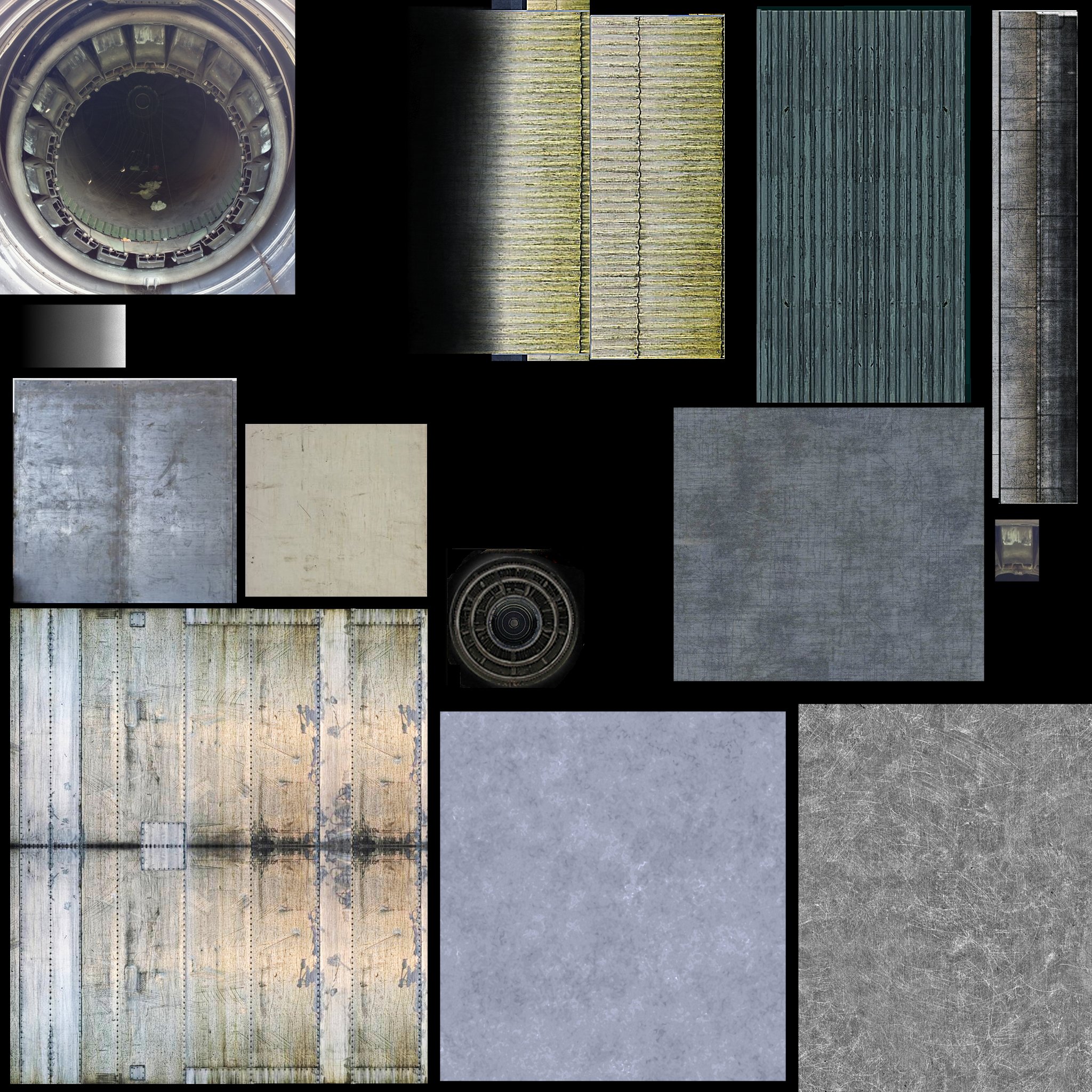
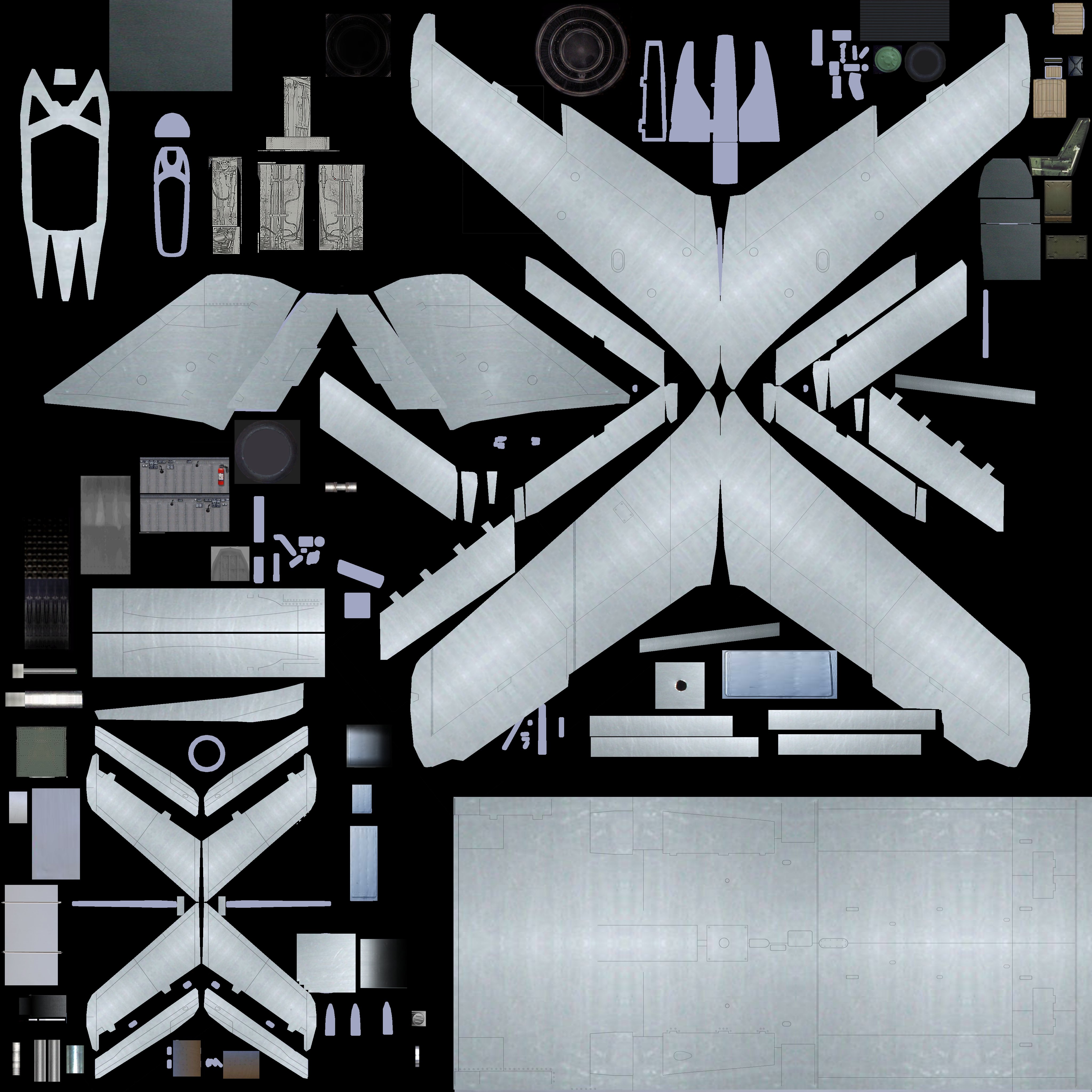
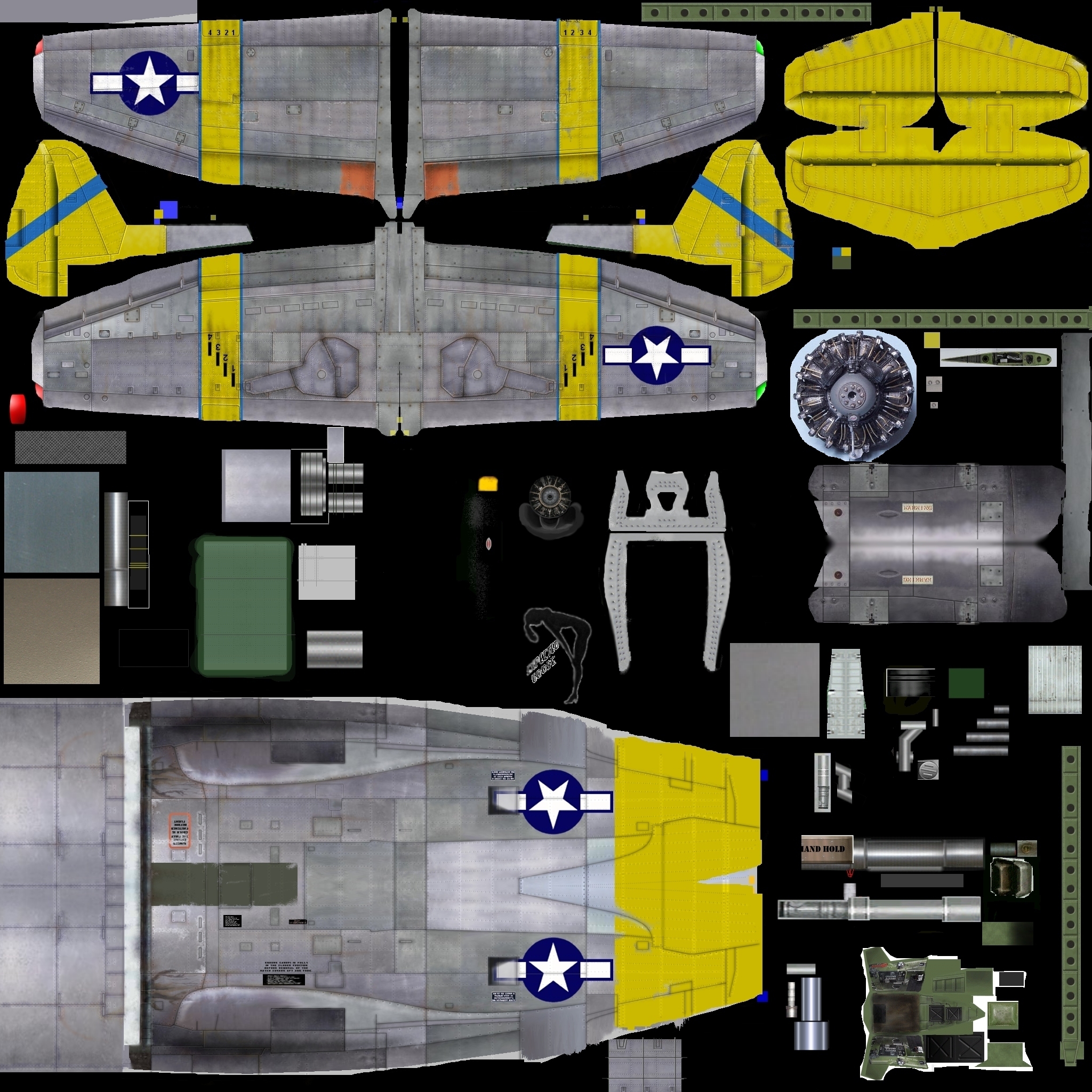
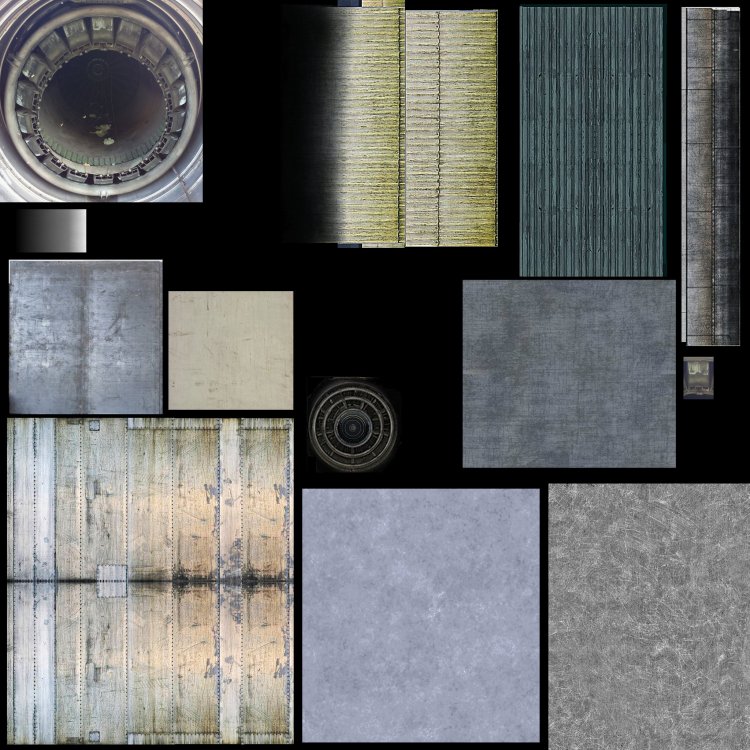
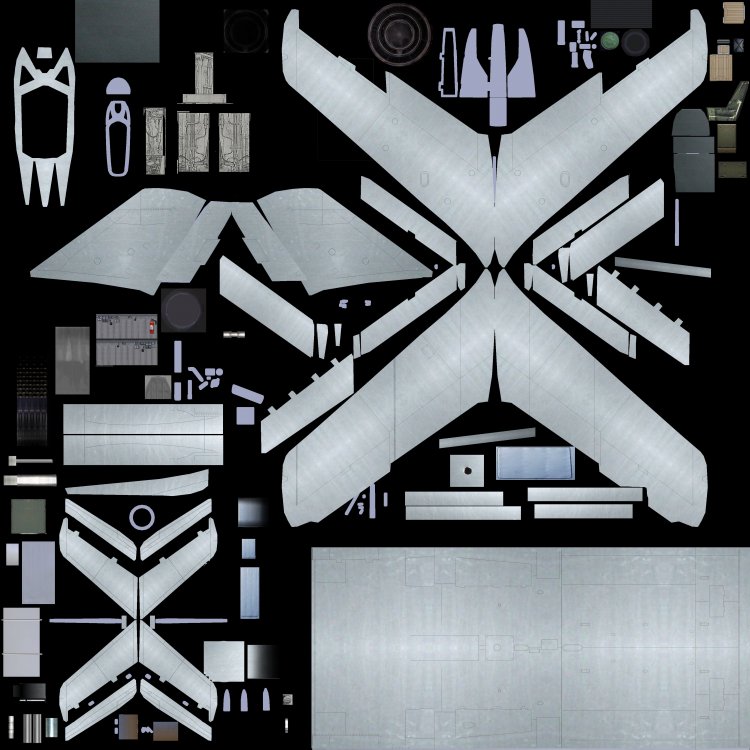
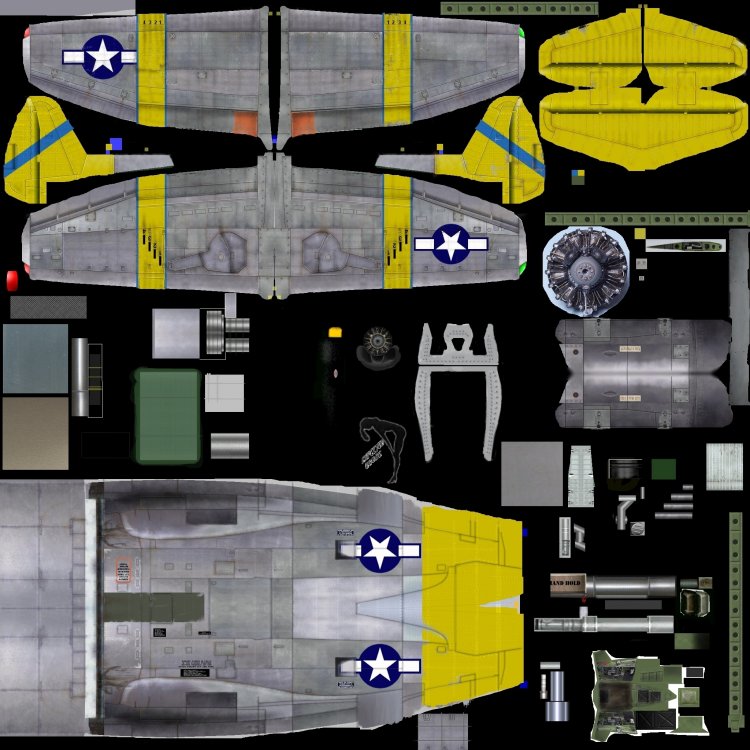
Cant remember where,but I showed how I make metal textures easily...like so for the P47 all I did was find metal texture images online and cut bits out and paste them in the jpg where the fuselage is mapped,then smooth out joins add panel lines,rivets,dirt wear and tear etc... First image for the Mig was same way bits of images cut etc..top middle bit on F7M is believe it or not metal corrugated roof panels...recoloured to make the nozzle interior texture.. Th fantail image is the same...texture of metal sheet with some lighting effect...usually spray painted in a vector layer.....game does rest with settings to give the polished metal look...and added bump map for theextra details such as dents,rivets etc.
-
fbx textures in 3dsmax material editor
russouk2004 replied to stuntman's topic in General Discussion
What version max you using....as I have some models you can look at if its Max 2009 -
I made original,yeeeeeeeaaaaaars ago
-
Yeah,I had the superjet 100,and thought would make a good awacs for reds.
-
no just dl and open readme shud tell you instructions
-
I rarely touch my models these days,so its all really academic...