Crusader
-
Posts
4,184 -
Joined
-
Last visited
-
Days Won
40
Content Type
Profiles
Forums
Gallery
Downloads
Store
Everything posted by Crusader
-
OK, Explain SF2 Stealth Values to Me...
Crusader replied to PFunk's topic in Mods & Skinning Discussion
The stock TW F-16A_Netz data is using this: [DetectSystem] ... BaseRCSModifier=0.2 ... Cant remember if there are more examples in stock aircraft. -
Images, manual, documentation of cockpit Mirage variants
Crusader replied to denissoliveira's topic in General Discussion
The Elkan cockpit The British HUD symbology was very similar to F-16 symbology, there are several vids on yt which show AA and AG CCIP etc The 50CN/DN Pantera was just like a Kfir C7 -
TW Puts a SuperBug in StrikeFighters ........
Crusader replied to SkateZilla's topic in General Discussion
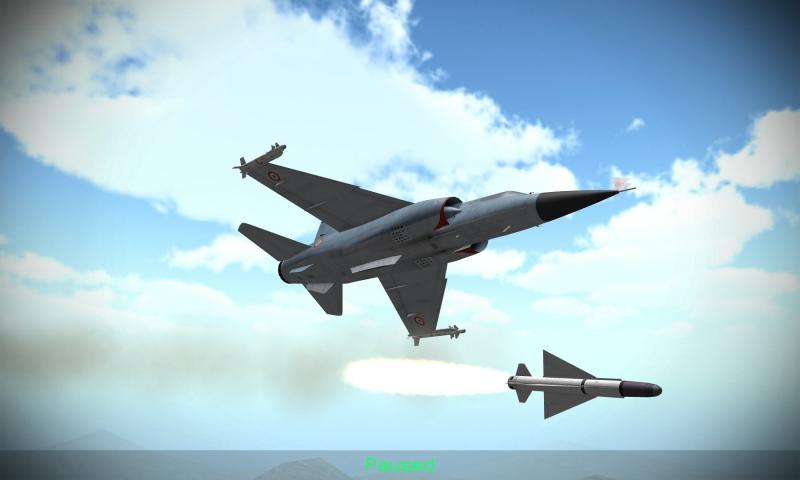
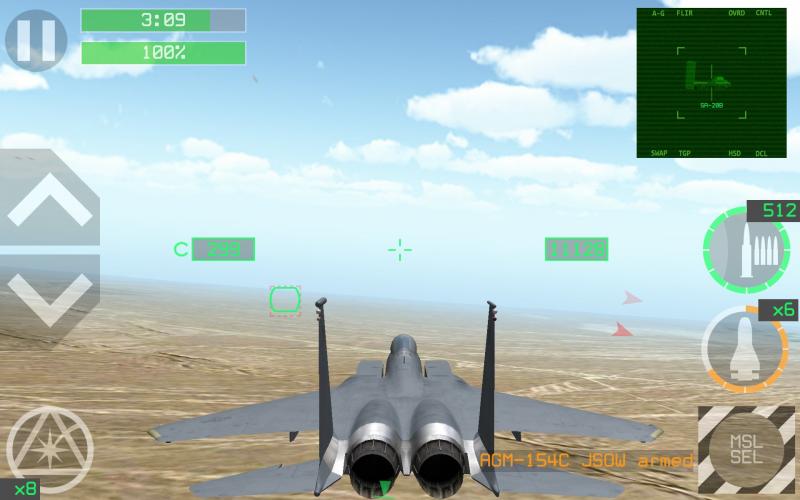
I think he has the SH already a little longer in one of his mobile games.. And ive seen screenshots of F1's, French and Iraqi, and a bit more fancyness lately on his twitter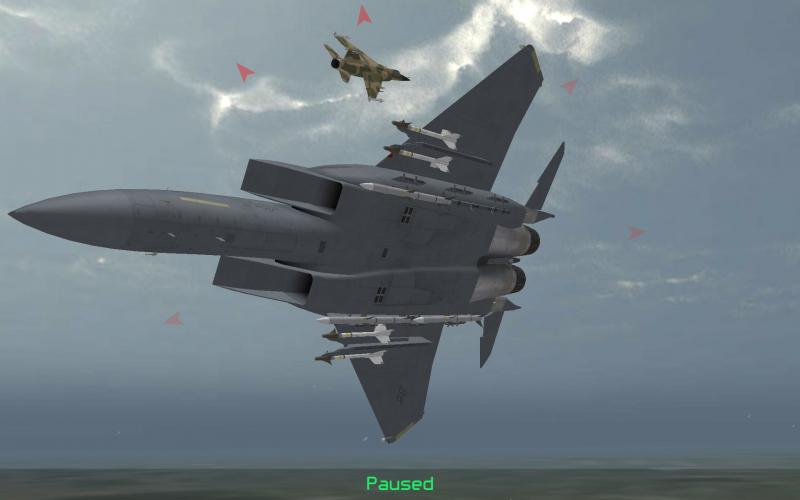
-
Several more vids on yt if you search for Mirage Pantera and Elkan
-
Images, manual, documentation of cockpit Mirage variants
Crusader replied to denissoliveira's topic in General Discussion
I will look through my books for early IIIS http://www.airteamimages.com/p1url-mirage-v_t26-1600.html Mirage 50DV cockpit photo in this gallery And SAAF Mirages had the fuel counters and indicators in gallon ( like Australian Mirage ) -
Images, manual, documentation of cockpit Mirage variants
Crusader replied to denissoliveira's topic in General Discussion
http://www.isra.ch/walkaround.htm Swiss Mirages used the metric system. Airspeed and all distance readouts on instrument and radar was metric. Altimeter was in feet, at least after the service upgrade. -
GroundObjectRole=CARGO_SHIP Availability=VERY_COMMON use Cargo_Ship role for warships
-
Syrel and Remora Stations for TMF Mirage 2000H (and H5) Entries below is set up for split outer wing hardpoints to allow mixed loads of pods and Magic missiles Ive attached the 2000H5 data ini which has all StationGroupIDs changed Its a old data, not up to date FM-wise but the complete station info can be copied from it if somebody wants it. The data also has shell ejection enabled for the guns M2000H_DATA.zip // ----------------------------- Syrel [CenterPylonSyrel] SystemType=WEAPON_STATION StationID=18 StationGroupID=6 StationType=EXTERNAL AttachmentPosition= 0,-0.457,-1.05 AttachmentAngles=0.0,0.0,0.0 LoadLimit=1150 DiameterLimit=0.455 LengthLimit=3.75 AllowedWeaponClass=NP AttachmentType=FRANCE ModelNodeName= PylonMass=0.0 PylonDragArea=0.0 SpecificStationCode= // ------------------------------Remora [LeftOuterRemora] SystemType=WEAPON_STATION StationID=19 StationGroupID=1 StationType=EXTERNAL AttachmentPosition=-3.299,-1.61,-0.99 AttachmentAngles=0.0,-0.0,0.0 LoadLimit=175 AllowedWeaponClass=EP AttachmentType=FRANCE ModelNodeName= PylonMass=0.0 PylonDragArea=0.0 SpecificStationCode=Remora_M [RightOuterRemora] SystemType=WEAPON_STATION StationID=20 StationGroupID=2 StationType=EXTERNAL AttachmentPosition=3.299,-1.61,-0.99 AttachmentAngles=0.0,-0.0,0.0 LoadLimit=175 AllowedWeaponClass=EP AttachmentType=FRANCE ModelNodeName= PylonMass=0.0 PylonDragArea=0.0 SpecificStationCode=Remora_M
-
For stock TW Mirage (the M5E2 for example) Change StationID and StationGroupID to fit the particular aircraft By default they are both Group 1 , but its possible to change the groups to be able to load 2 different Remora pods or one Remora with a Magic etc... // ----------------------------- Syrel [CenterStationSyrel] SystemType=WEAPON_STATION StationID=15 StationGroupID=4 StationType=EXTERNAL AttachmentPosition= 0.00, 0.60,-1.03 AttachmentAngles=0.0,0.0,0.0 LoadLimit=1150 DiameterLimit=0.455 LengthLimit=3.75 AllowedWeaponClass=NP AttachmentType=FRANCE //ModelNodeName=center_pylon PylonMass=0.0 PylonDragArea=0.0 SpecificStationCode= // ------------------------------Remora [LeftOuterWingStationRemora] SystemType=WEAPON_STATION StationID=16 StationGroupID=1 StationType=EXTERNAL AttachmentPosition=-3.07,-1.80,-0.90 AttachmentAngles=0.0,-0.0,0.0 LoadLimit=175 AllowedWeaponClass=EP AttachmentType=FRANCE ModelNodeName= PylonMass=0.0 PylonDragArea=0.0 SpecificStationCode=Remora_M [RightOuterWingStationRemora] SystemType=WEAPON_STATION StationID=17 StationGroupID=1 StationType=EXTERNAL AttachmentPosition= 3.07,-1.80,-0.90 AttachmentAngles=0.0,-0.0,0.0 LoadLimit=175 AllowedWeaponClass=EP AttachmentType=FRANCE ModelNodeName= PylonMass=0.0 PylonDragArea=0.0 SpecificStationCode=Remora_M
-
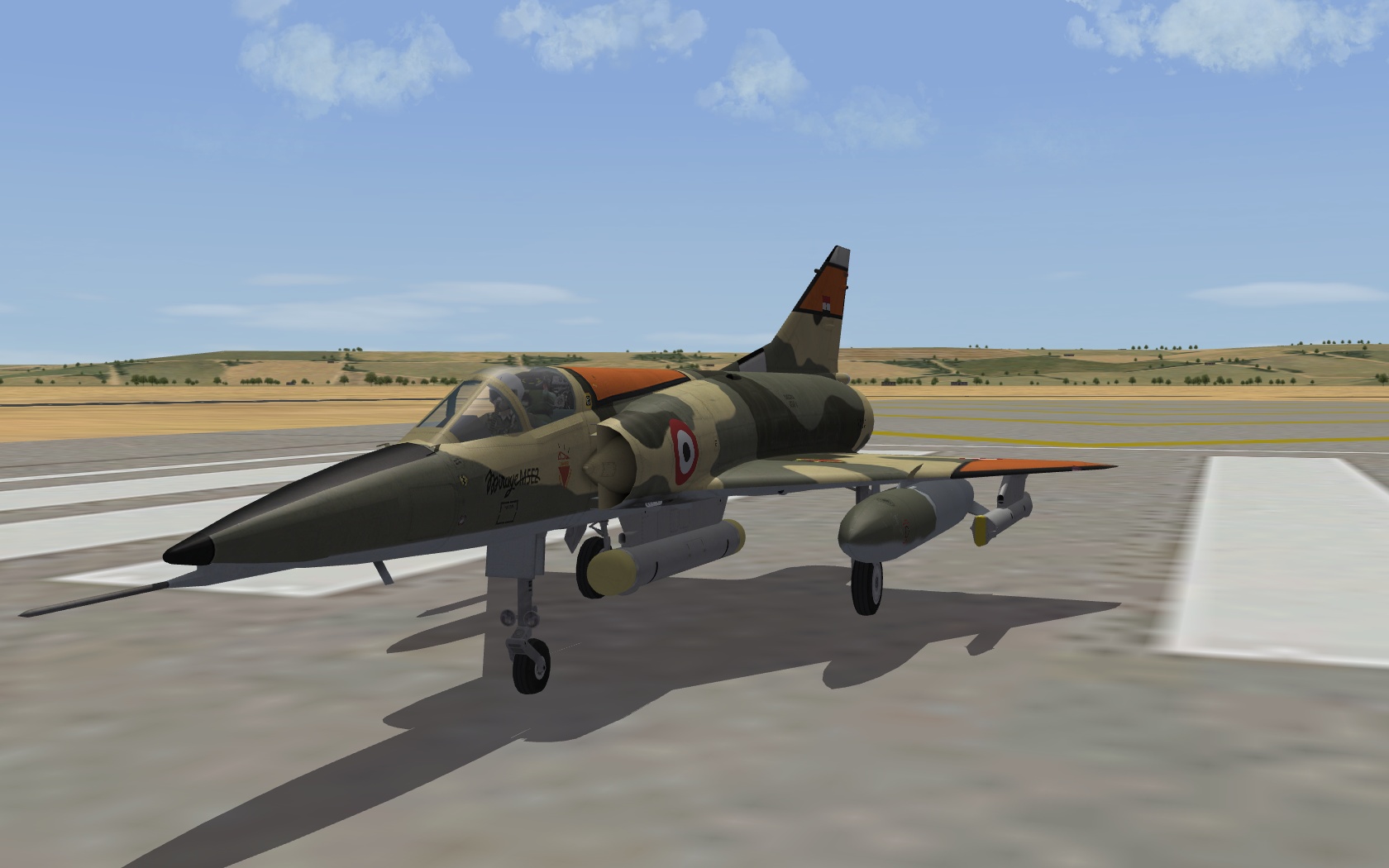
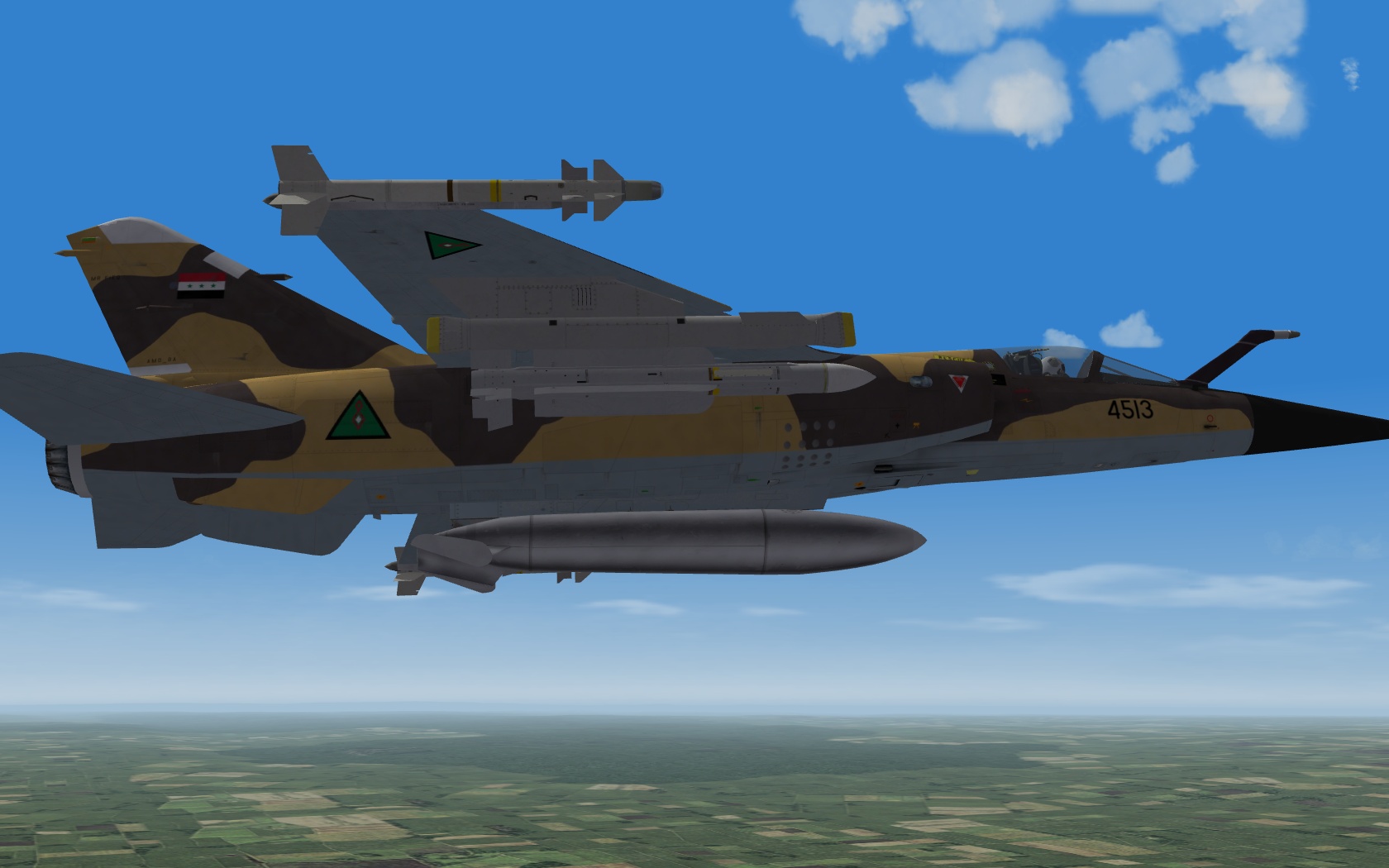
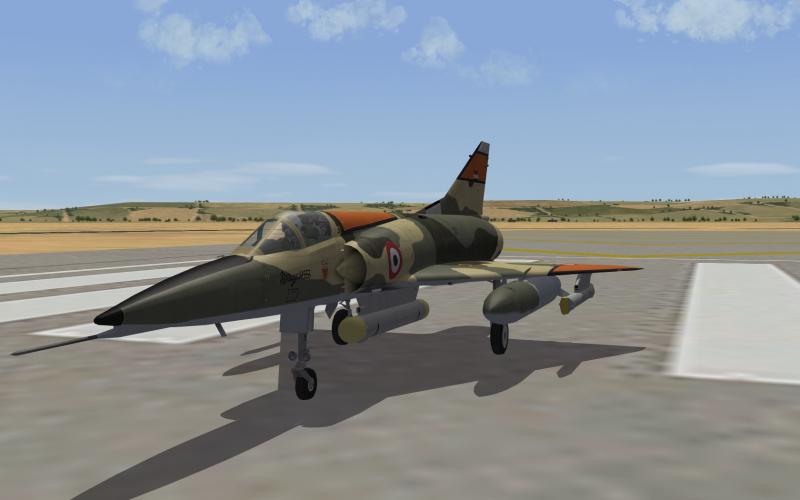
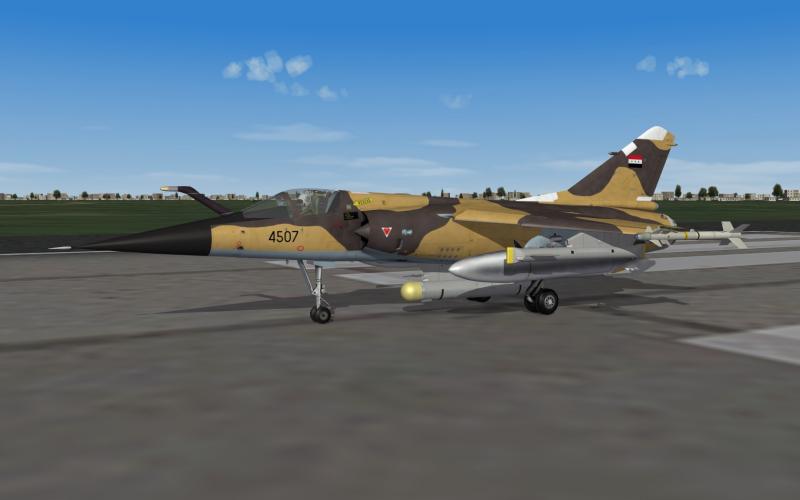
Egyptian Mirage 5E2 PylonMass and PylonDragArea = 0 for specific Remora and Syrel stations
-
Every single spot hand-painted, right... ;D
-
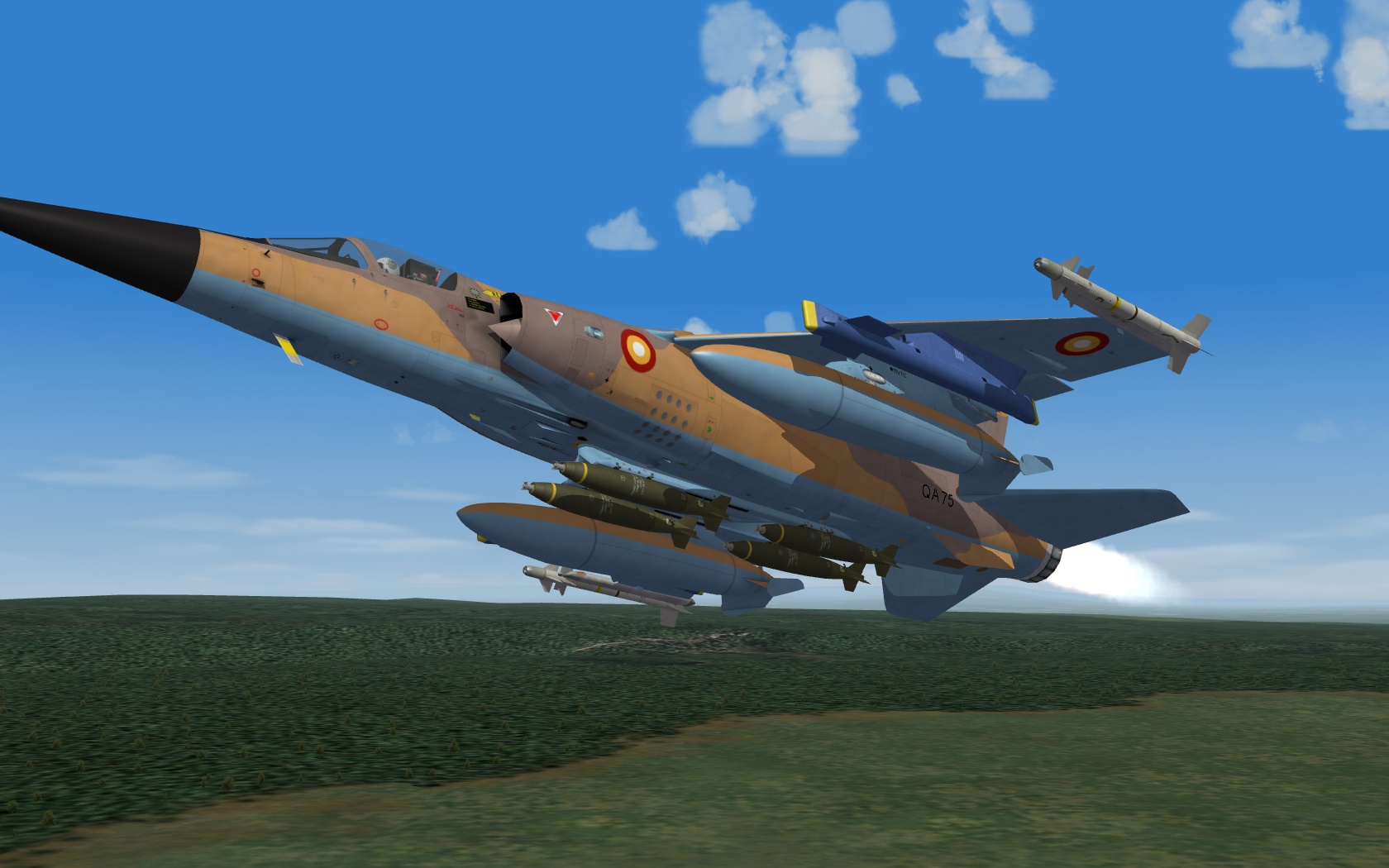
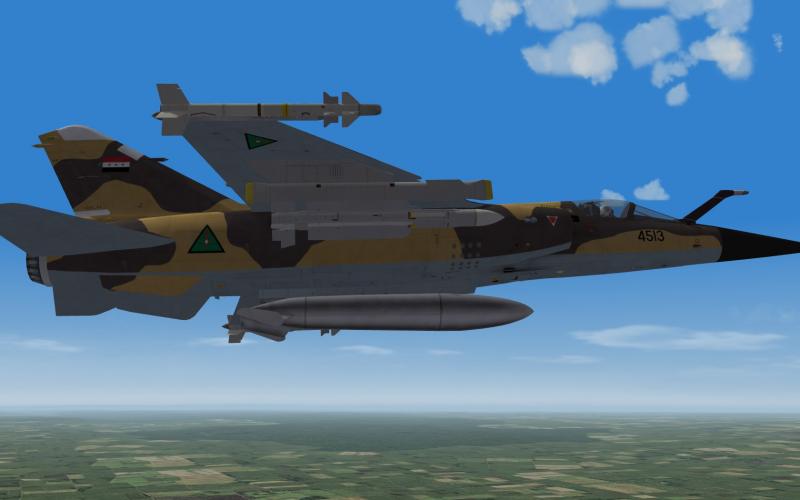
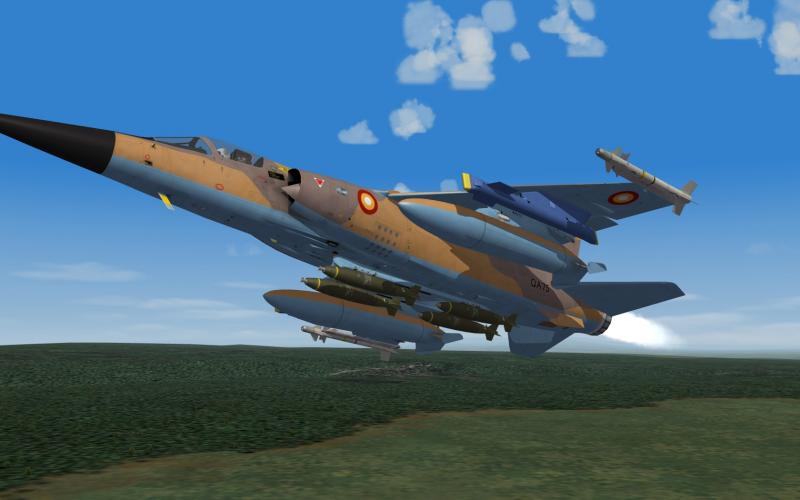
Test flights in Istres, France .... Testing ravenclaw's masterclass for all kinds of equipment aircraft can carry and drop... Not much progress lately.

- 698 replies
-
- 12
-

-
oooo das sieht gut aus... Danke für die ausführliche Info
-
Ich war drauf und dran zu fragen ob es von Dir ist :D Wie technisch ist es den, z.B. Visiersysteme , LFK-Lenksystem .. ? Gratuliere Dir zur Publikation, dann noch in dem Verlag Habe dutzende MBV-Bücher... .. früher immer den monatlichen Flyer in den Briefkasten bekommen ...
-
Very great :D
-
Weapon number indicator on HUD or elsewhere?
Crusader replied to tn_prvteye's topic in Mods & Skinning Discussion
Avionics70 HUD has a weapon count function [HUD_WeaponCount] SymbolType=WEAPON_COUNT_TEXT TextPosition=-0.120,0.120 HorizontalAlignment=RIGHT VerticalAlignment=CENTER TextFormat=%01d ;GunRoundMultiplier=0.01 and for selected weapon types [HUD_AGModeText2] SymbolType=SELECTED_WEAPON_TEXT Text= GunText=GUN BombText=CDIP RocketText=CDIP EOText=GUIDED LaserText=TGTPOD ARMText=HARM NoWeaponText= TextPosition=0.095,0.165 HorizontalAlignment=LEFT VerticalAlignment=CENTER [HUD_WeaponReady] SymbolType=SELECTED_WEAPON_TEXT TextPosition=-0.140,0.120 HorizontalAlignment=LEFT VerticalAlignment=CENTER GunText= HeatText=S RadarText=M ActiveRadarText=M A taken from a F-15 HUD file, which has them split in AA and AG sections but you can combine all xxxxText= types into one section -
Tornado, pit console to far away.
Crusader replied to Madfox01's topic in Mods & Skinning Discussion
the cockpits are from different modellers, thus a different setup... in the cockpit ini, look for the Offset line This allows to move the players POV position adjust the values to your liking ( add the line if it isnt there ) values are metric, axis are left/right, forward/aft, up/down with a - used for left,aft and down e.g. 1.55 is 1 meter 55 cm [CockpitSeat001] ... Offset=0.0,0.0,0.0 ... -
Flight manual http://www.avialogs.com/index.php/item/56059-an-01-40fba-1-flight-handbook-f4d-1-skyray-aircraft.html and supplement with performance stuff http://www.avialogs.com/index.php/item/56060-an-01-40fba-1a-supplement-to-flight-handbook-f4d-1-skyray-aircraft.html
-
Here is my F5A_TKLW silver-color wingtip tank(s) set up for SF2 F5A_TKLW.zip In the data ini, make sure that both wingtip stations use FuelTankName=F5A_TKLW In the Loadout.ini, same, both wingtip stations use WeaponType=F5A_TKLW Loadout[01].WeaponType=F5A_TKLW Loadout[01].Quantity=1 Loadout[02].WeaponType=F5A_TKLW Loadout[02].Quantity=1 The inis call for the left-hand tank and the data ini of the tank calls the right-hand lod for it The fank's folder also has the right-hand lod ini to enable shadows for it. 150 gal tank is attached too, in SF2 format F5A_TKW.zip
-
What skins/textures come with SF2 F-4D/E download from Thirdwire?
Crusader replied to Slant6's topic in General Discussion
SF2 DLC F-4 USN/USMC Skin Pack 1 SF2 DLC F-4N Phantom II -
What skins/textures come with SF2 F-4D/E download from Thirdwire?
Crusader replied to Slant6's topic in General Discussion
Some pics from the TW fb, USAF skinpack 1 -
SAAF Mirage IIIB/C/D/E/RZ Cheetah C-D-E Superpack (*)
Crusader replied to paulopanz's topic in File Announcements
Yep, their avionics are very similar to Kfir avionics and thus its only a ranging radar, at best. -
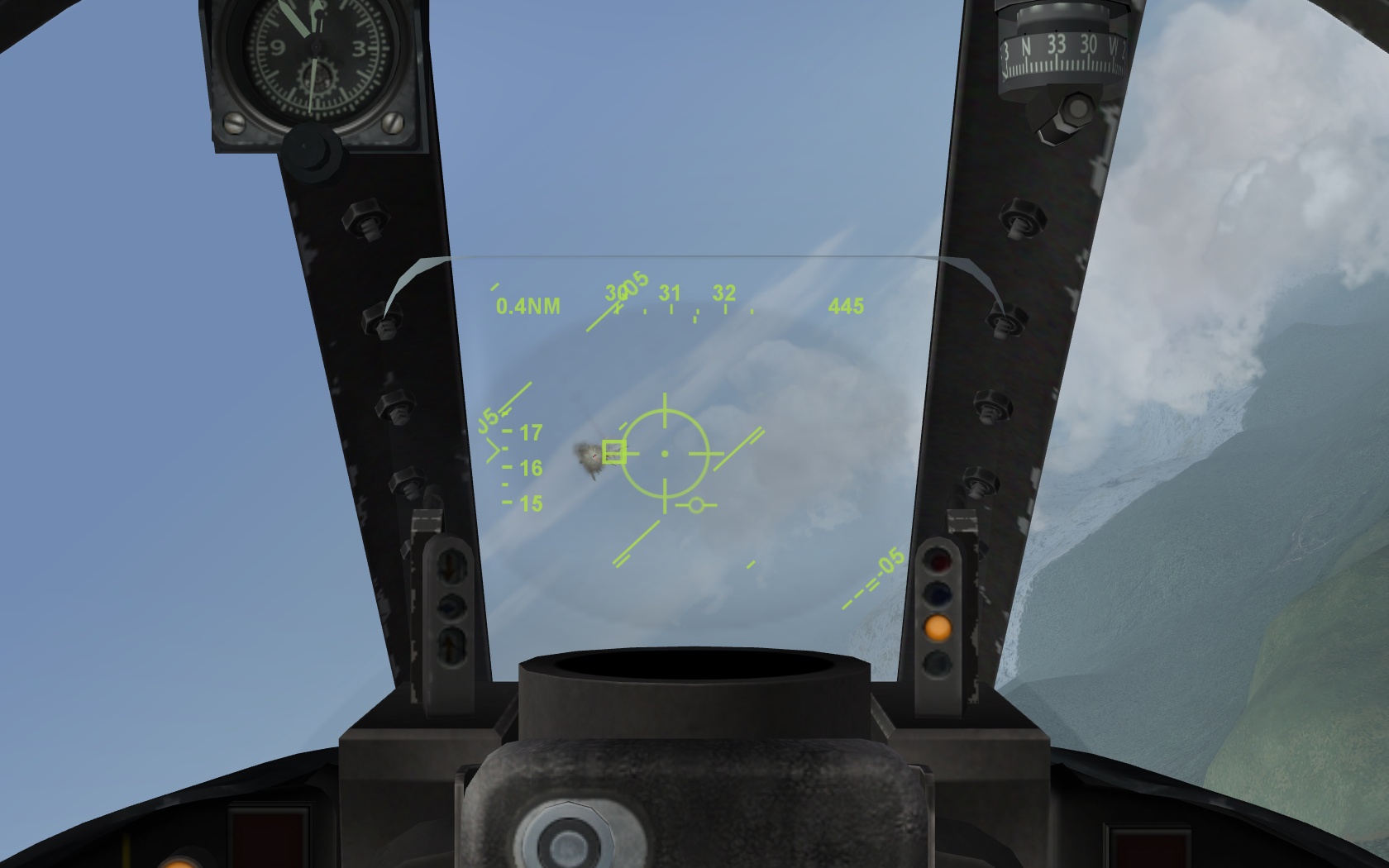
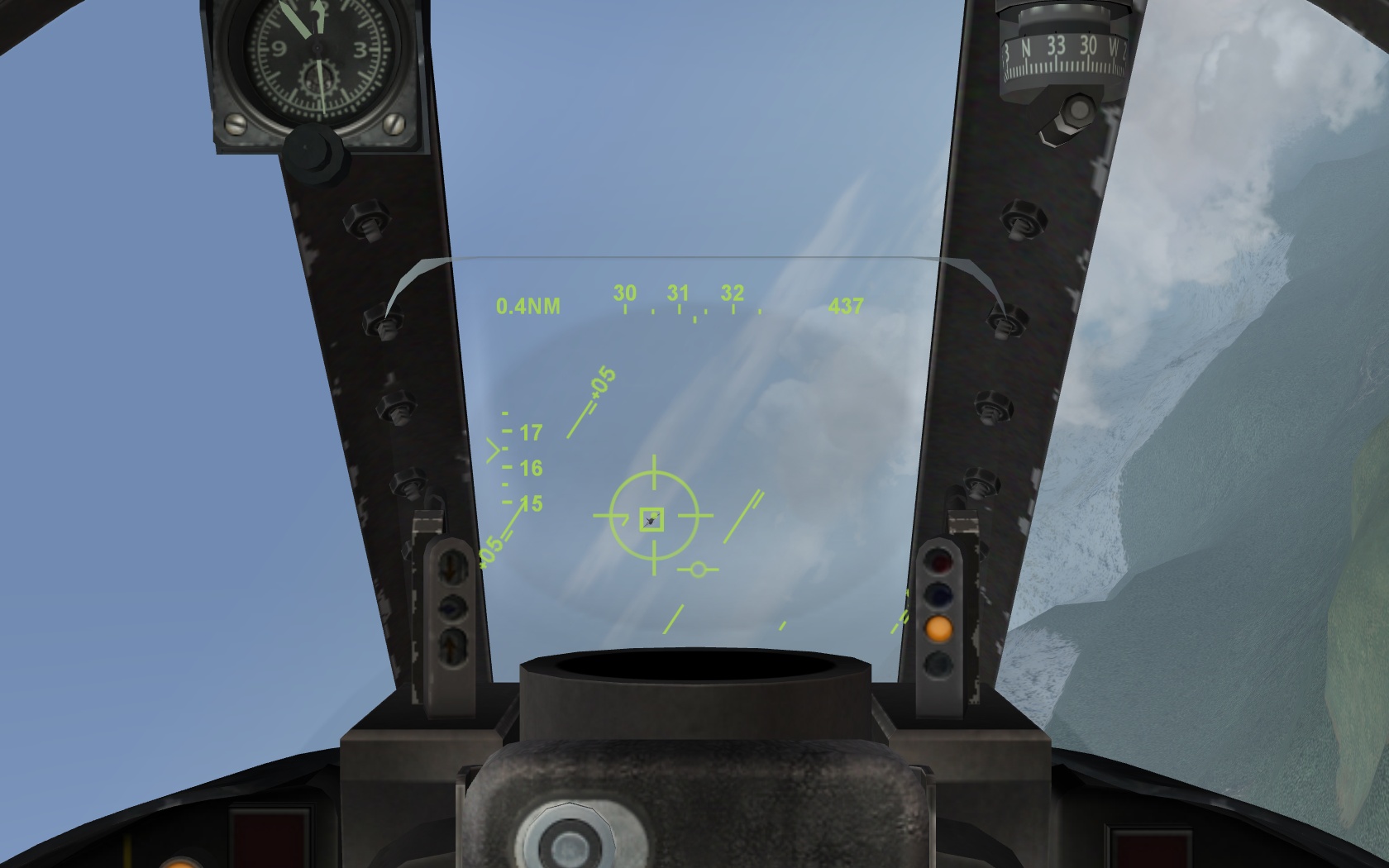
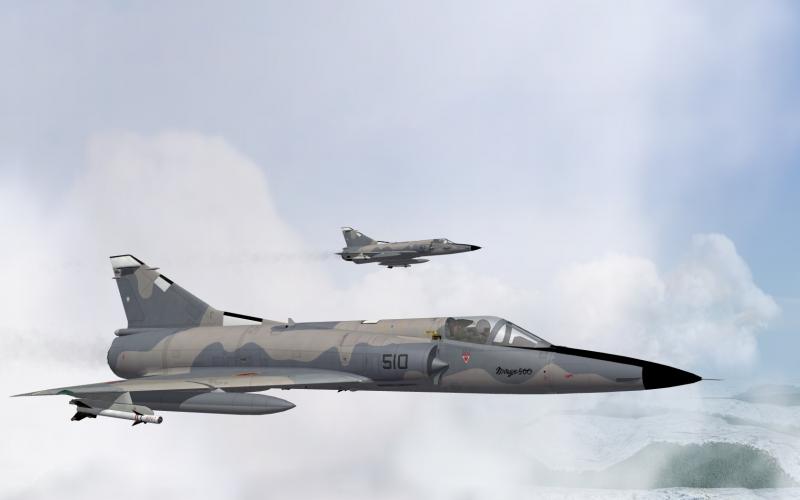
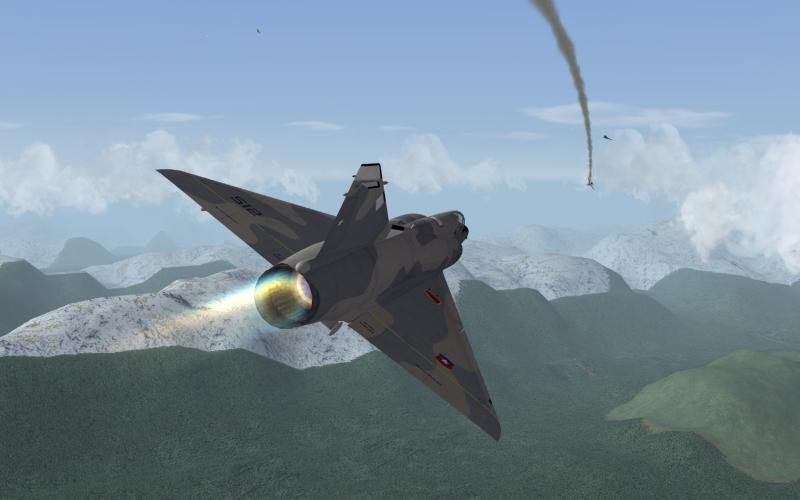
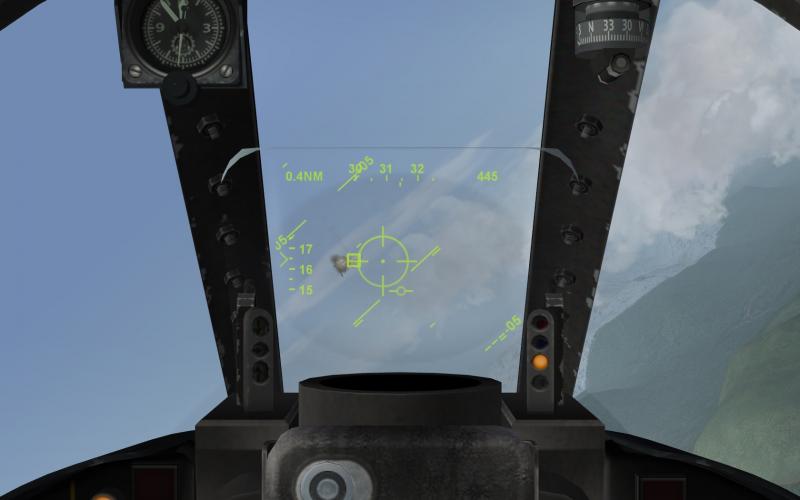
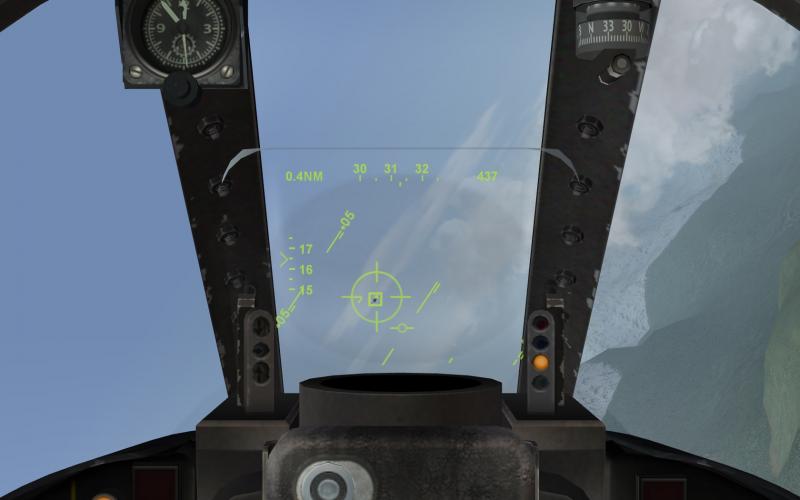
Long range gun kill with Mirage 50C and VE-110 HUD
-
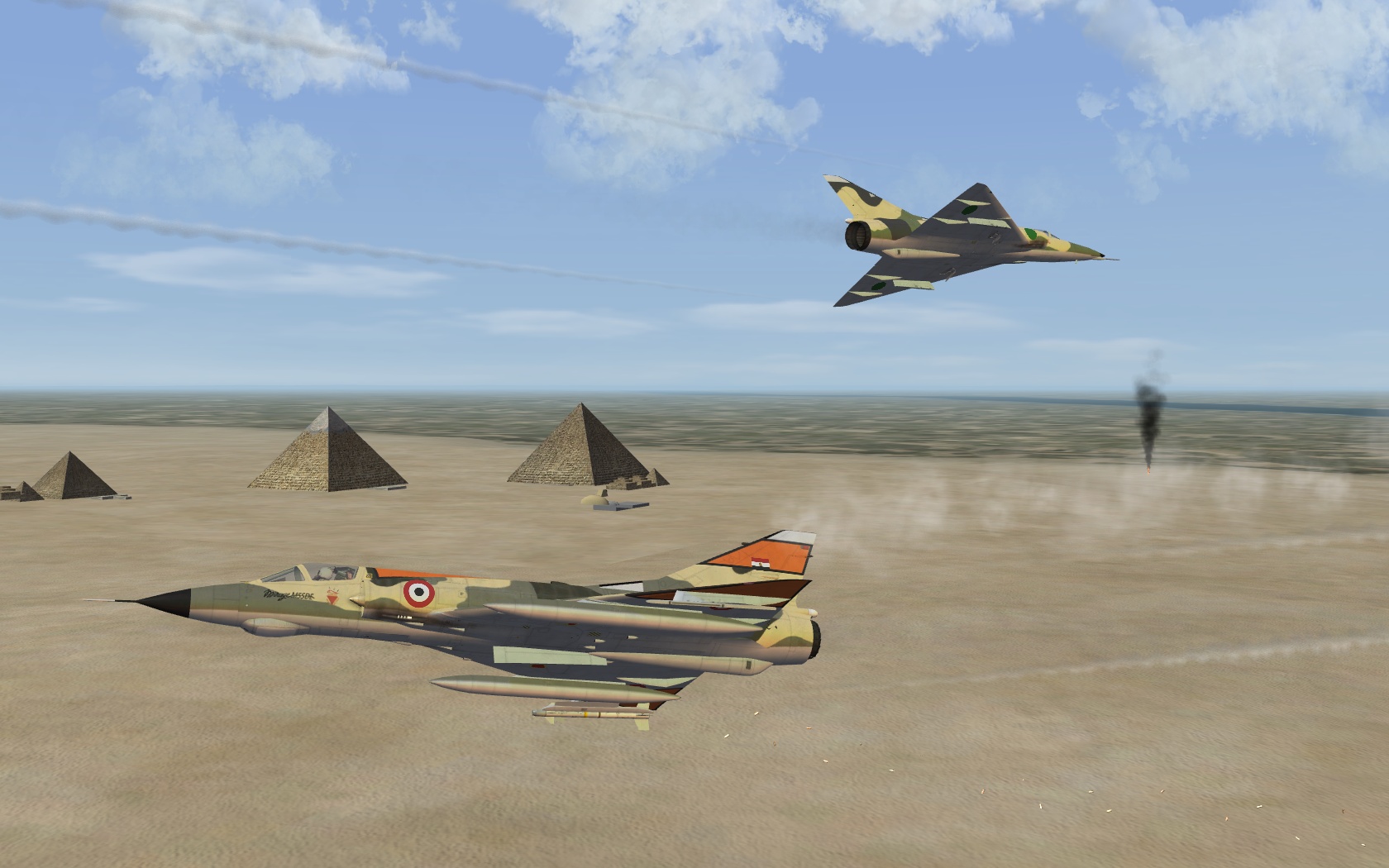
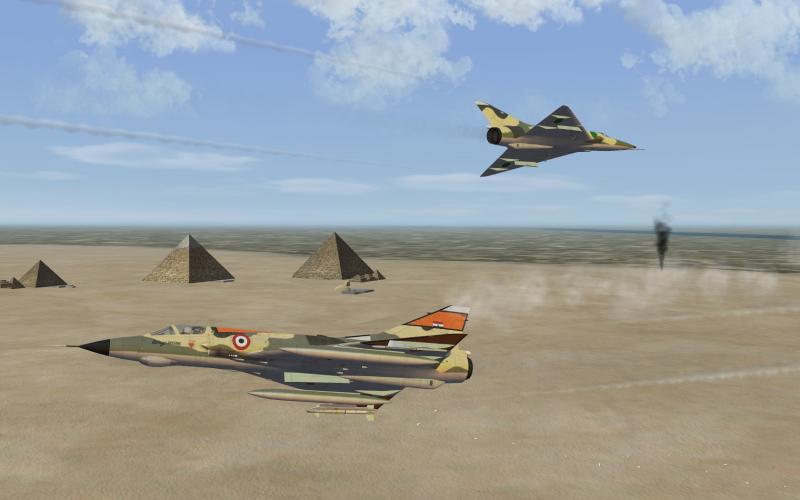
Battle for the pyramids... ?
-
Essential reading over at SimHQ http://www.simhq.com/_air/air_055a.html http://www.simhq.com/_air/air_055b.html You can adjust/pre-set the depression to get the desired value/result for aircraft with depressed sight In the cockpit ini, there are three lines in the [GunsightFront] section ... DefaultDepression=70 RocketDepression=55 GunDepression=20 DefaultDepression is always there (and used with all types of bombs), the other two have to be added GunDepression is only used if the gun is selected with "next air to ground weapon" command The depression settings above is what Im using in the TW Mirage IIIC / CZ.