VonS
-
Posts
1,001 -
Joined
-
Last visited
-
Days Won
2
Content Type
Profiles
Forums
Gallery
Downloads
Store
Everything posted by VonS
-
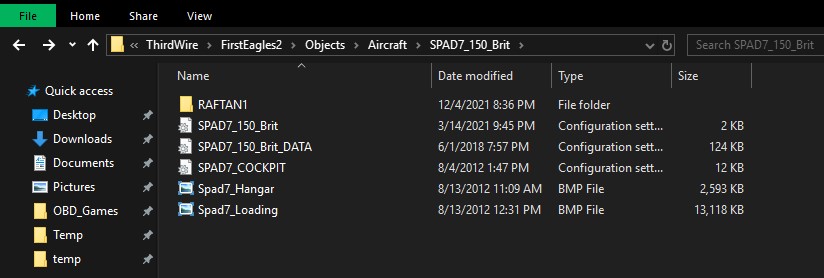
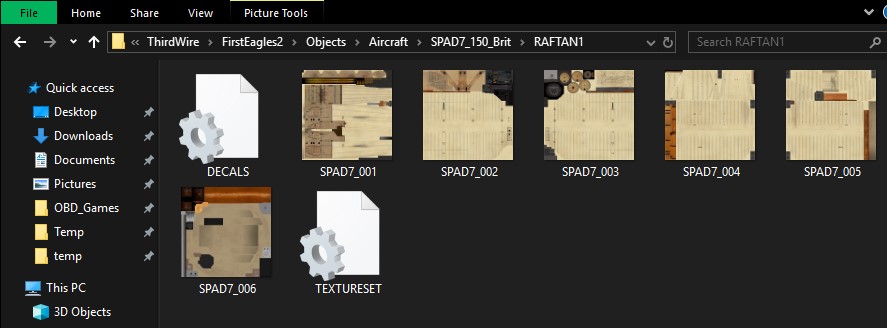
No need to uninstall such a fine sim as FE2 - keep at it when you find some free time and eventually, once you've tuned your install to your liking, you'll have one of the best single-player WWI flight sims that are currently available -- with good flight models, excellent AI, and solid scenery too. In terms of the continuing skin/camo problem for the Spad VII -- double-check the file organization indicated in the two pics. provided in this post. Couple of important things to note, so that skins show up on aircraft properly, are as follows: a) the skin files need to be in a separate folder, not thrown directly into the main level of the aircraft folder (e.g., my skins for aircraft "SPAD7_150_Brit" are located in "RAFTAN1," not directly placed into the 150_Brit folder) b) continuing with the example mentioned above, both the "TEXTURESET" file located within "RAFTAN1" and the general "SPAD7_150_Brit" initialization file (the latter is located in the main aircraft folder itself) need to contain correct info. that corresponds with the actual folder that houses the skin files (with the "RAFTAN1" folder in this case) In "TEXTURESET," there is the following entry: [TextureSet] Name=RAF Tan Nation=RAF Squadron= StartDefaultDate=1916 Specular=0.400000 Glossiness=0.150000 Reflection=0.200000 In "SPAD7_150_Brit," there is the following entry: [TextureSet001] Directory=RAFTan1 Name=RAF Tan Nation=RAF Squadron= StartDefaultDate=1916 Specular=0.400000 Glossiness=0.150000 Reflection=0.200000 Particularly important is to make sure that "SPAD7_150_Brit," to continue with the same example, contains the "texture set" section listed immediately above. Same rules apply for all other aircraft too that have custom skins, or extracted stock skins, installed. So, in short, missing "texture set" entries in the general initialization file for any given aircraft, as well as skin files not being placed into a separate folder within an aircraft folder, etc. - will create the kinds of problems (such as aircraft missing skins) that you've mentioned in this thread. Anyway, I hope that some of this info. proves helpful. I might not be logging into the FE2 forums over the summer but hope to drop in again semi-regularly sometime by Sept. or so. Cheers & happy flying in FE2,
-
When the cat extractor opens, there should be a split window arrangement present. The top half should show a few (compressed) files, but in order to display all of the contents of each cat file within the second window (located below the main one), make sure to check the small box that is to the left of whatever compressed cat file is visible in the top window - might take about 10 or 20 seconds after that, but a long list of files should then become visible in the lower window. Also make sure, in the first place, that you are navigating to the correct install directory with the cat extractor, to view the relevant cat files. The correct path is ThirdWire/First Eagles 2/Objects/ - once you navigate into "Objects," you'll find the relevant cat files there: ObjectData001.CAT, ObjectData002.CAT, ObjectData003.CAT, and ObjectData004.CAT. Cheers,
-
For any aircraft that were originally AI-flown in FE2, and then later made flyable via tweaks, mods, etc. -- best is to extract skins for said aircraft using the excellent program called "Mue's Cat Extractor" -- see this link for instructions and other important info. regarding the cat file(s) extractor. I also recommend, when you find time, going over the entire "New in FE2" thread since it's a good intro. to modding in FE2 -- the link to that thread is over here. By the way, stock skins for the Spad VII (150 and 180 hp variants) are found in "ObjectData003.CAT" -- see the cat extractor link above for more info. on where those various cat files are located (in short, they are found in the actual FE2 game install folder, not in the FE2 user folder located under "Saved Games"). For illustrative purposes, see the pics. below that show extracted Spad VII skins and that I have then loaded into my middle eastern theater install, for a British-built 150 hp Spad VII. Pics. below point to the ThirdWire folder in "Saved Games," by the way (where all mods. and/or extracted files from the stock sim should be placed, etc.) -- not to the actual game install folder for FE2. Happy flying,
-
Might be possible to solve that video effects/artifacts problem by using a third-party dx9 DLL (driver) solution. It's worth an attempt at any rate. See the details in this post to try the custom solution (disregard any references to WineSkin in that post). The attempt involves downloading a third-party dx9 driver and placing that driver into the main folder directory of your First Eagles 2 install (where the game is actually installed -- not into the user's FE2 folder located under "Saved Games"). If that doesn't solve the problem, one other attempt involves opening the "Options.ini" file that is located in the Saved Games/ThirdWire/FirstEagles2 directory and setting the entries indicated below (located under [GraphicsOptions]) as follows: AntiAliasing=2 UseAdvancedShaders=0 ForceDX9=TRUE ForceVSyncOff=TRUE Cheers,
-

DiD IV Campaign - Flight reports & Player instructions
VonS replied to epower's topic in General Discussion
Excellent tales gents - happy to pop into the DiD IV thread occasionally to see the latest reports. I was particularly immersed in the last two entries from Bell-Gordon’s journal, Raine (right up there in quality with the Capt. Collins adventures from DiD III). Nice to see Bosta 2’s old haunt at Ghistelles in that pic - a good reminder that I should one of these days revisit my casual campaigns in WoFF that have been in storage for a couple of years. And that Huntington fellow - very entertaining indeed, the airman’s version of Kenneth Grahame’s Mr. Toad. I’m sure he will enjoy corresponding with Apollonia Willing. Cheers all. -
Broken link for "Downloads" on main WOFF website
VonS replied to Madmatt's topic in General Discussion
Thought I'd pop in here with my own two (three?) cents on the topic gents - it seems that the function of that download button is being interpreted differently. In other words, when you hover over the download button with your mouse, and that grey dropdown window appears that reads "WOFF Between Heaven & Hell II" -- make sure to scroll down with your pointer to that window, and then to click on the dropdown window itself. Clicking on the main button that says "Downloads" does nothing and may look, in some browsers, like a JavaScript error or broken link. Edit: @BB, only saw now that your post explains the confusion but I'll leave my post up too. By the way, the "Downloads" button was probably less confusing before, when there were three dropdown options present, one for the latest patch to BH&H2, another for the latest patch for WoFF UE, and a third for the latest patch for the WoFF PE addon - the latter two patches have now gone into the annals of WoFF history. Cheers all & happy clicking, -
RoF United Ed. AI/DM & Other Mods. (Consolidated)
VonS replied to VonS's topic in File Announcements
Quick bump to this thread -- the "Consolidated Mods. New" Package has now been released for RoF United. Among other things, the package includes the latest, "Special Edition" AI mod. (ver. 1.4) for RoF, as well as my various mods. that were previously offered as separate downloads (such as the "M-S Type H Campaigning Tweak," etc.). See the info. and pic. in the top post of this thread for more details. Cheers all, -
@C.Pascal, Recommended is to try one of the following three variant entries for the [SolidObjectTextureMaterial] entry of your terrain data ini file: and older variant that I used several yrs. ago [SolidObjectTextureMaterial] EffectShaderName= //terSolidObject.fx DepthBufferCheck=TRUE DepthBufferWrite=TRUE RenderedInOrder=FALSE AlphaTestEnabled=TRUE //FALSE CullMode=NO_CULL //CLOCKWISE LightEnabled=TRUE SpecularEnabled=FALSE EmissiveEnabled=FALSE FogEnabled=TRUE AmbientColor=1.000000,1.000000,1.000000,1.000000 DiffuseColor=1.000000,1.000000,1.000000,1.000000 ZBufferOffset=5.000000 BlendOp=BLEND_SRC_ALPHA //ONE NumTextureStages=1 TextureStage[01].TextureName= TextureStage[01].MipMap=TRUE TextureStage[01].FilterEnabled=TRUE TextureStage[01].StageColorOp=TEXTURE_MODULATE_DIFFUSE TextureStage[01].StageAlphaOp=TEXTURE //NO_OP a modified variant that works well if you are not using an AMD video card with older vid. DLLs (best suited probably for team green, i.e., nVidia) [SolidObjectTextureMaterial] DepthBufferCheck=TRUE DepthBufferWrite=TRUE RenderedInOrder=TRUE AlphaTestEnabled=TRUE CullMode=CLOCKWISE //NO_CULL LightEnabled=TRUE SpecularEnabled=FALSE EmissiveEnabled=FALSE FogEnabled=TRUE AmbientColor=1.000000,1.000000,1.000000,1.000000 DiffuseColor=1.000000,1.000000,1.000000,1.000000 ZBufferOffset=5.000000 BlendOp=BLEND_SRC_ALPHA NumTextureStages=1 TextureStage[01].TextureName= TextureStage[01].MipMap=TRUE TextureStage[01].FilterEnabled=TRUE TextureStage[01].StageColorOp=TEXTURE_MODULATE_DIFFUSE TextureStage[01].StageAlphaOp=NO_OP //TEXTURE AMD-video-card-friendly variant that I currently use (will give a ghost/hologram city effect when flying close to alpha buildings - looks fine when further away and no shimmering) [SolidObjectTextureMaterial] DepthBufferCheck=TRUE DepthBufferWrite=FALSE RenderedInOrder=TRUE AlphaTestEnabled=FALSE CullMode=NO_CULL LightEnabled=TRUE SpecularEnabled=FALSE EmissiveEnabled=FALSE FogEnabled=TRUE AmbientColor=1.000000,1.000000,1.000000,1.000000 DiffuseColor=1.000000,1.000000,1.000000,1.000000 ZBufferOffset=5.000000 BlendOp=BLEND_SRC_ALPHA NumTextureStages=1 TextureStage[01].TextureName= TextureStage[01].MipMap=TRUE TextureStage[01].FilterEnabled=TRUE TextureStage[01].StageColorOp=TEXTURE_MODULATE_DIFFUSE TextureStage[01].StageAlphaOp=TEXTURE Also recommended is to download/install Mue's tweaked FE2 terrain shaders since they work with the modified ZBufferOffset value indicated in the entries above -- click on the top link in my post over here to get to Mue's modified shaders (make sure to download the FE2 shaders when looking over Mue's post, not the ones for SF2). If all else fails, try out my AMD-vid-friendly terrain data inis located inside my large FM/realism pack (ver. 10.0) for FE2. For a more organized, step-by-step variant of what I've posted here in this lengthy post -- see this compressed one that's under the FE2 help thread. Happy flying,
-
The other great thing about SF2 is that you can also create mini-WWII theaters for yourself and there's a good selection of WWII aircraft as well. If on the other hand you are still stuck in WWI but are enjoying SF2, might I recommend also checking out FE2, that other flight sim. by ThirdWire. The main FE2 forum is located at this link, by the way. Happy flying with props, turbines, and other forms of propulsion too,
-
Quick update to this thread. Those who have installed Phase Two (BoF) of WoTR, and if interested in running my small FM tweaks package and/or various GPU Tuners for WoTR (that were tweaked in a Phase One install of WoTR) -- are highly recommended first to check this post (regarding the FM tweaks), and this post (regarding the GPU Tuners). Also relevant is this post (and this follow-up post). Cheers all & happy flying,
-
Thank you Julio -- yes I like the fire effect too (it is present in the ver. 10.5 FM update addon for the Strutters, but the fire effect disappears in the 10.6 "proof of concept" addon, by the way, which gives limited rpm control for some of the Strutter sub-types). Speaking of limited rpm control on the rotaries, I have in the meantime experimented further with that -- so far I have enabled limited rpm control from about 1000 to 1200 rpms on the Fokk. Eindeckers series I through III -- I will consider also including such tweaks to the Morane Bullet, also the Nieups. 11 through 27 or 28, and the early and "gaskammered" variants of the Fokk. Dr.1. Other types, such as very early ones and/or types with poorer reputations (M-S Type H, M-S Parasols, the Pfalz Eindeckers and Parasols, etc.), I will leave at default (fully on or off), for the sake of variety. Limited rpm control will also be applied to the early Camel and Clerget Camel, as well as to the early and later one-gun Tripe variants (the two-gun Tripe variant, also any other higher HP rotaries and Siemens-Halske types, such as later Pfalzes -- will be left with full throttle capabilities as previously tweaked). If interested, click on the pic. below to see a 10 min. clip of testing with the Fokk. E.III, and other relevant details. One of the changes I particularly like with limited rpm control implementation present is that there is nice wing bobbing now present just before the engine goes into the blip switch "on" spectrum -- nice representation of gyroscopic effects from the rotaries that way. Once you push further towards full throttle, within the limited rpm control band, the effects become smoother and wing bobbing less noticeable. The AI also takes advantage of the limited rpm control band for smoother landings. Bit busy with work currently but I hope to cover all of the changes in a few months -- and will release them as FM update pack version 11. [EDIT: removed clip of limited RPM control - all latest tweaks now available in the ver. 11 FM/Realism package for First Eagles 2.] Cheers all & happy flying in FE2,
-
@C.Pascal, as far as I am aware, the only mods. from the FE1/FEgold generation that are compatible with FE2 are older aircraft models (for example I run several FE1-era aircraft in FE2). Other mods., such as objects, terrains, etc., are best run in the generation of FE for which they were built. For terrain and other mods. that are suitable for FE2, have a look under this link. Good terrain mods. that are compatible with FE2 include Caporetto and Caporetto Ver.2, Galicia and Galicia Ver.2, Vosges and Vogesen2, also Italian Terrain. As well compatible are Palestine Terrain (by Stephen1918, not the older Palestine terrain that is available), and North Sea Terrain. As well compatible is the package called First Eagles Seasonal Tiles (by Jan Tuma). As far as I know, of those custom terrains -- only the package by Jan Tuma includes terrains for several seasons. Obviously, stock terrains in FE2 always include seasonal changes. If you prefer running stock terrains in FE2 to some of the modded terrains, recommended also is the First Eagles Stock Terrains Visual Upgrade (by Stary) -- the upgrade may have been intended for FE1/FEgold but works just as well in FE2. In terms of visual anomalies such as black terrain tiles, missing tiles, shimmering objects, buildings, etc., recommended is to check over the info. and links in the top half of this post. Cheers & happy new year, Von S
-
Excellent news -- and if you ever find that mainstream Firefox is starting to slow down and/or use too much memory on your Windows 7 rig -- permit me to recommend a variety of Firefox "forks" that are usually lean and fast, and remind one of Firefoxes and Netscapes of yore (some representative ones to check out include Palemoon, Seamonkey, as well as the little-known ArcticFox that comes with a WinXP build but should be compatible with Win7 too). In the worst case scenario -- if you find yourself unimpressed by those various browsers, fire up a small VirtualBox install of a simpler Linux distro like LinuxMint, and run an updated Firefox, Opera, or anything else -- from within the virtual OS system itself -- but go down the VirtualBox route only if you have enough RAM on your rig -- recommended min. of 10-12 GB RAM if you want to juggle a virtualized OS install smoothly. Cheers all & happy browsing in lesser-known browsers, Von S
-
Quick bump to this thread -- good news: Swambast has managed to retrieve all of the Bleriot XI files after a hard drive crash of last fall. Next up are some final additions to the model, and then proper mesh splitting, pivot point adjustments, and other related features. After that comes the ini file crunching phase and FM testing. This will all of course take several more months -- ideally, I hope to have a working beta model, and that flies, by sometime next spring -- but it all depends on how the project develops further since both Swambast and I are also busy with other duties and real work. Will post again under this thread when important developmental milestones are reached with the Bleriot. Pic. below is one of the latest Bleriot renders done by Swambast. Cheers all, Von S
-
"multiplayer" sections in mainscreen & options.ini
VonS replied to OncomingStorm1984's topic in General Discussion
Most of the code in SF2/FE2 (for multiplayer) is still there. The problem is that the Microsoft service (DirectPlay) that was necessary for MP to work disappeared sometime around Windows 7 and/or Windows Vista. Hamachi as far as I know does not work with SF2/FE2 so, theoretically, you would have to re-install and/or re-enable DirectPlay in Win7/8/8.1/10/11 in order to get MP working in SF2. DirectPlay, by the way, is required both for MP over the internet and for LAN. So, without DirectPlay, there is no LAN capability either. Here is a lengthy thread detailing a long (and failed) attempt to get DirectPlay working again in SF2 (as far as I could tell from the thread, it requires an awful lot of DLL editing and whatnot). If you wish to experiment using some of the info. in that lengthy thread, recommended is to download the "dplay.dll" (DirectPlay driver that's missing from later vers. of Windows), unzip it, and pop it directly into the game folder for SF2 (not into the user mods folder) -- and then continue experimenting. (No guarantees however that any of that tinkering will work.) The missing DLL is available here (at dll-files.com), if you want to experiment with a possible, working LAN in SF2 -- unfortunately I can't offer any more info. since I abandoned bothering to tinker with MP in FE2 (in my case) yrs. ago -- it just wasn't worth the hassle. Cheers, Von S -
"multiplayer" sections in mainscreen & options.ini
VonS replied to OncomingStorm1984's topic in General Discussion
While the multiplayer "components" are still a part of the SF2 (and FE2) code, the connection service that made everything work is long gone (was a part of older versions of Windows). See this helpful post for more info. Cheers (and happy flying in single-player mode in the TW sims.), Von S -
According to these posts the WoFF series (UE/PE/BH&H2) should work on Linux, but will require some tinkering. Recommended, as seen in that thread, is WINE (a faster compatibility layer than emulation software - in layman's terms, use WINE instead of installing Windows in a virtual machine on Linux, for gaming). Also, as indicated in those Linux-related posts, you will probably have to check over my lengthy WoFF-on-Mac post too, for further tips on "Winetricks," etc. Cheers, Von S
-
Interesting points gents - as far as I remember, "wilmartson" attempted to incorporate several FE/FE2 aircraft into SF2 a few yrs. ago -- a gallery of representative pics. is located over here (scroll right to see the rest of the pics.). While there may be some action-view benefits to that, you lose the higher-res terrain and more subtle lighting/sfumato effects, cloud effects and whatnot, of FE2, by moving everything over to the SF2 engine. One other (oddity?) to keep in mind is that the FM engine in SF2 is not identical to the one in FE2 (for example, the F4U post-WWII Corsair has a top speed in the 750s kph in SF2; throwing the same data ini into FE2 gives an inaccurate top speed in the 880s kph). In short, air density seems to be modeled differently in FE2, to display better the lighter-handling qualities of WWI aircraft. Theoretically, it is possible to upgrade all FE2 FMs for SF2. I have, for example, upgraded the FE2 data ini for Geezer's Mk.I Gladiator for SF2, for one of my early WWII FM packs - but I would certainly not bother upgrading the 220+ data inis in my big FE2 FM packs, for SF2 - not worth the trouble in my opinion since I fly FE2 (and WoFF) mostly, anyway. General rule of thumb - the SF2 FM engine is better suited for jet aircraft, but may be made "to work" acceptably for WWII prop aircraft and 1930s stuff too. The period from the dawn of flight up to about 1920s barnstormers is better modeled (the floating quality of wooden aircraft, etc.) in FE2. I think that there were some (beta-stage) attempts to create inter-war scenarios for FE2 too several years ago (Geezer made some 1930s bomb packs, etc., also the Gladiator and one or two other aircraft) -- but as far as I know there was no further development in those areas. It's of course possible that some users are flying early WWII (or inter-war) scenarios in FE2. I've gone in the other direction, of keeping such scenarios for SF2, since many of the data inis for WWII aircraft were done for SF2 anyway (less work that way, to tweak things within the sim they were initially tweaked for). Cheers all and happy flying (in FE2 and SF2), Von S
-
Last update patch for FE2 is dated July, 2010. SF2 received another couple of updates after that, sometime around 2012, and then a last patch in 2013. So, technically, SF2 received two or three more patches than FE2. I am assuming that the additional patches offered for SF2 were regarding DX10 shader upgrades. FE2 also has DX10 shaders, but they are not as fully implemented, for all effects, as in SF2. If I've missed some information, I'm sure that any patch update specialists lurking on these forums will be willing to pitch in with more technical details. In terms of the action view (from SF2), I don't think that it works in FE2. It is easy to test, though; simply copy the action view setting from your SF2 Controls/Default.ini file into the same file in FE2, choose a key combination for the entry, save, and test. I may have tested that out a few years ago but I don't think that I had any results - otherwise I would have posted regarding the test. Cheers, Von S
-
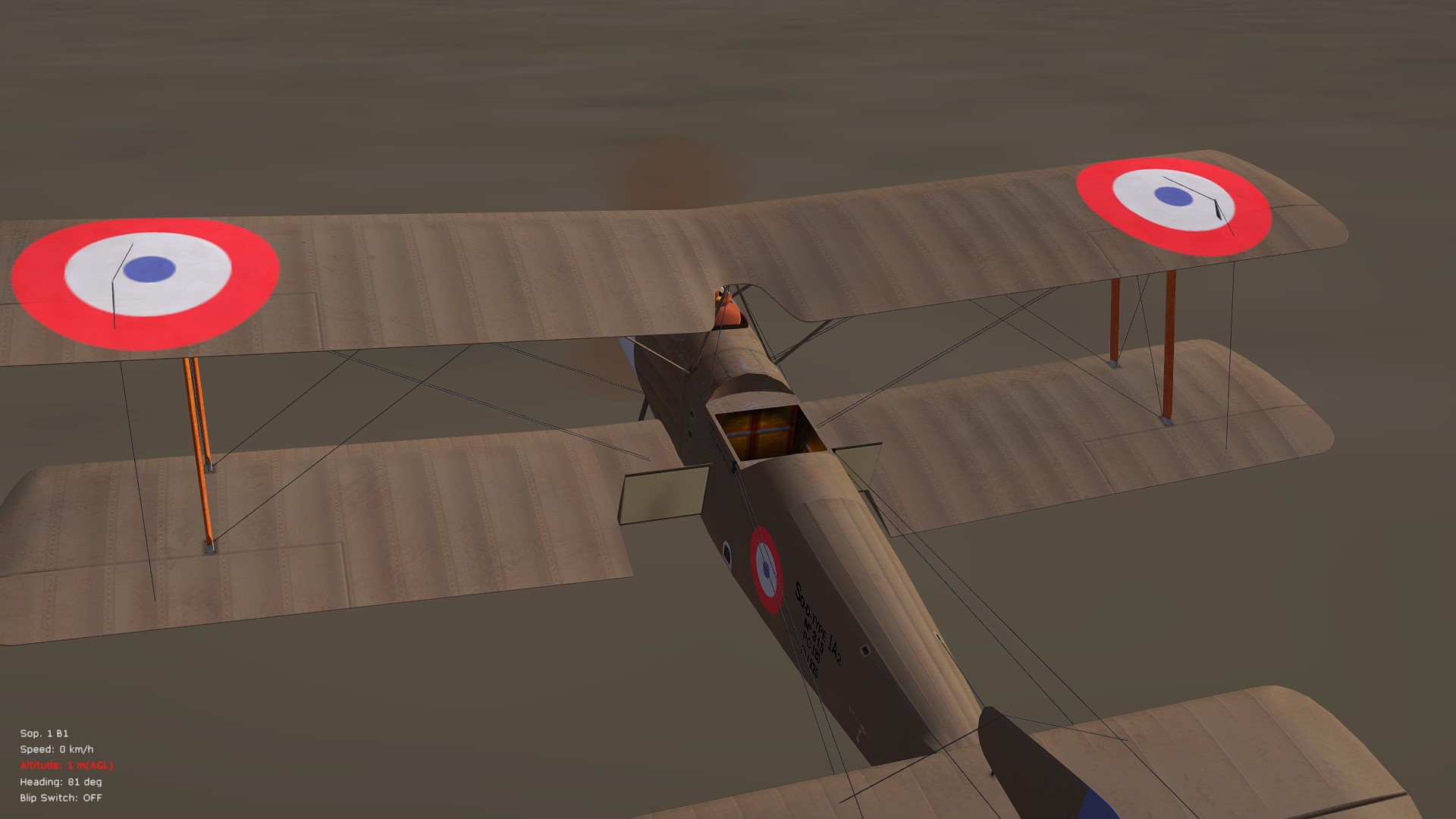
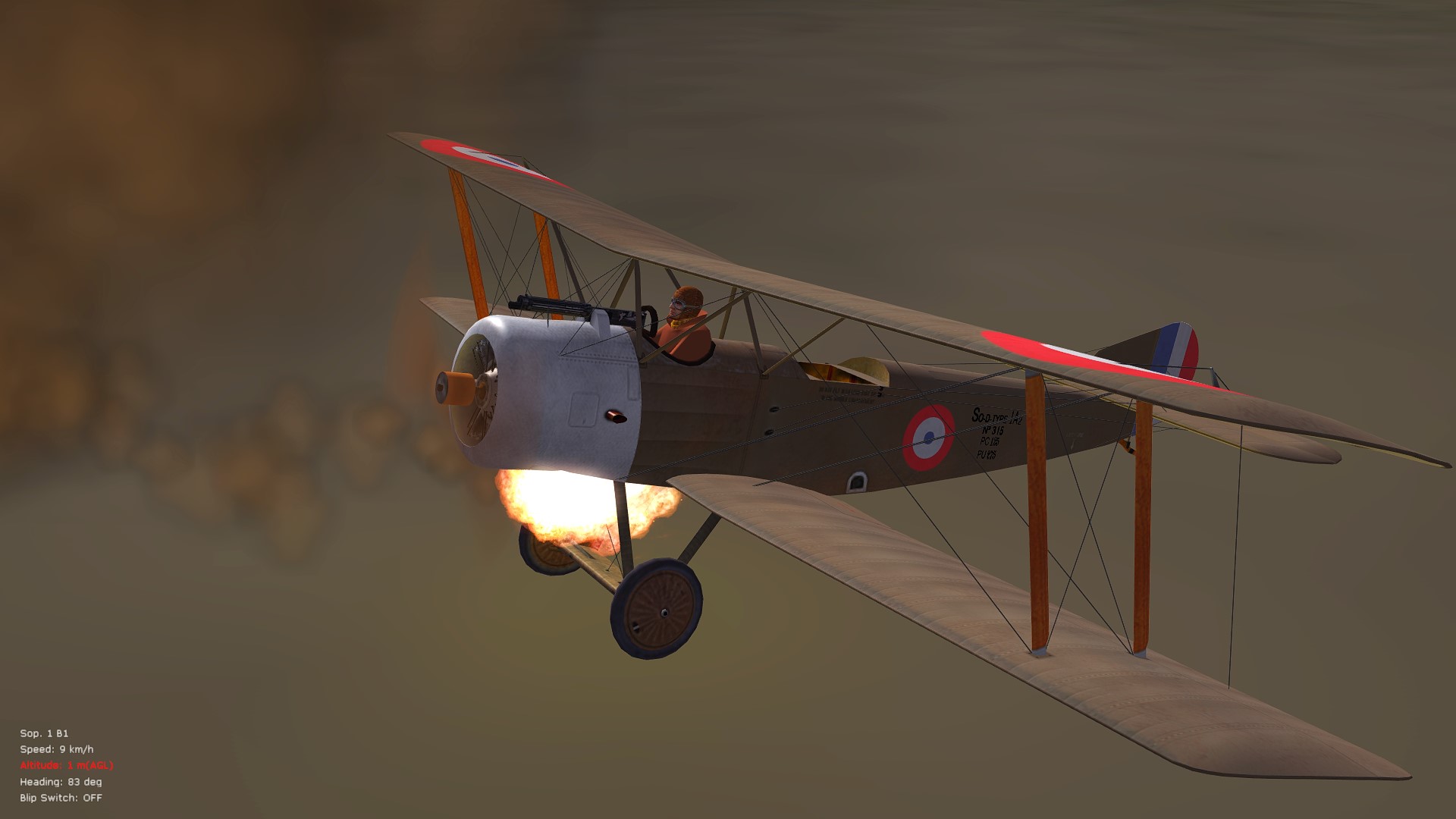
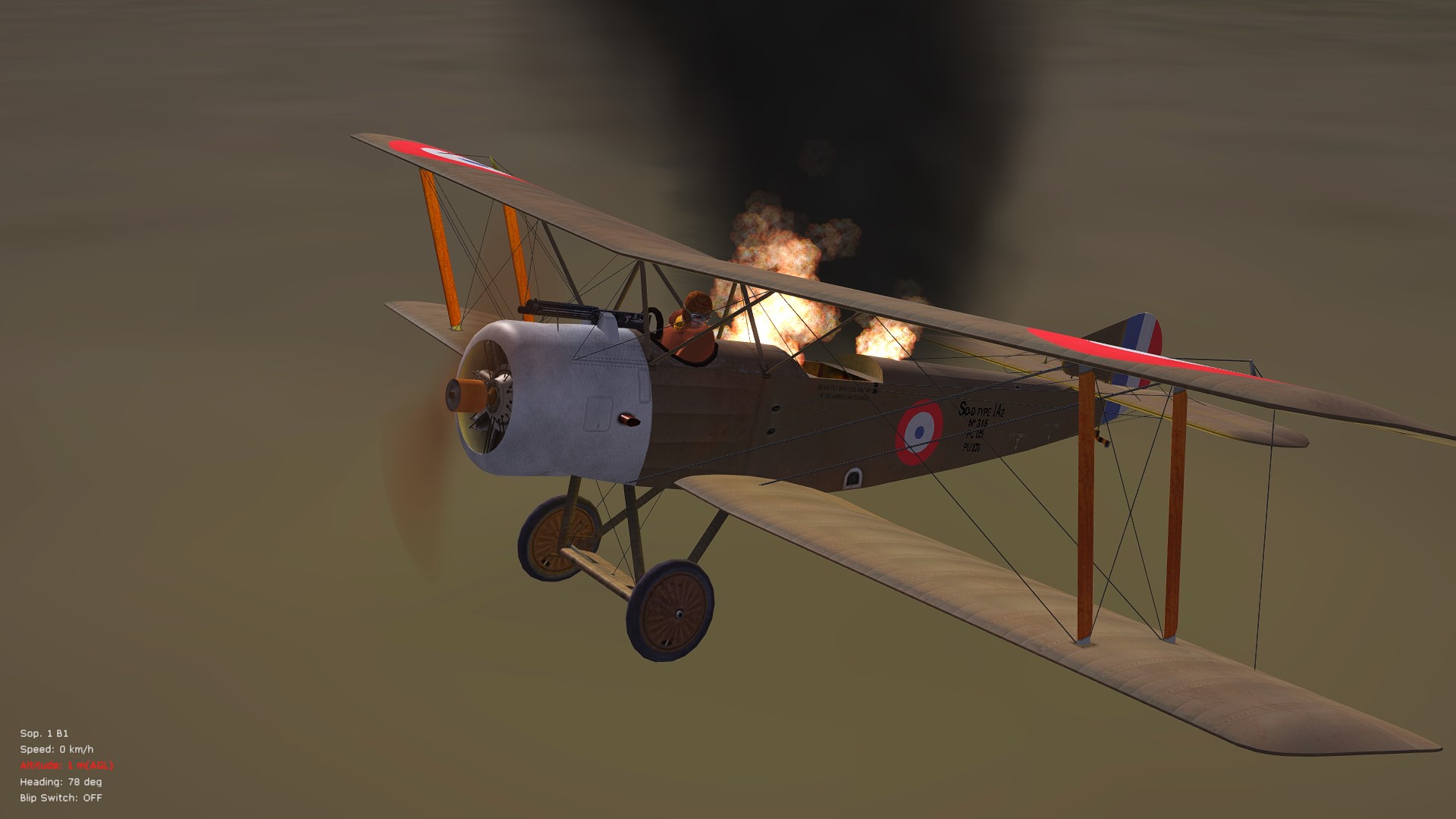
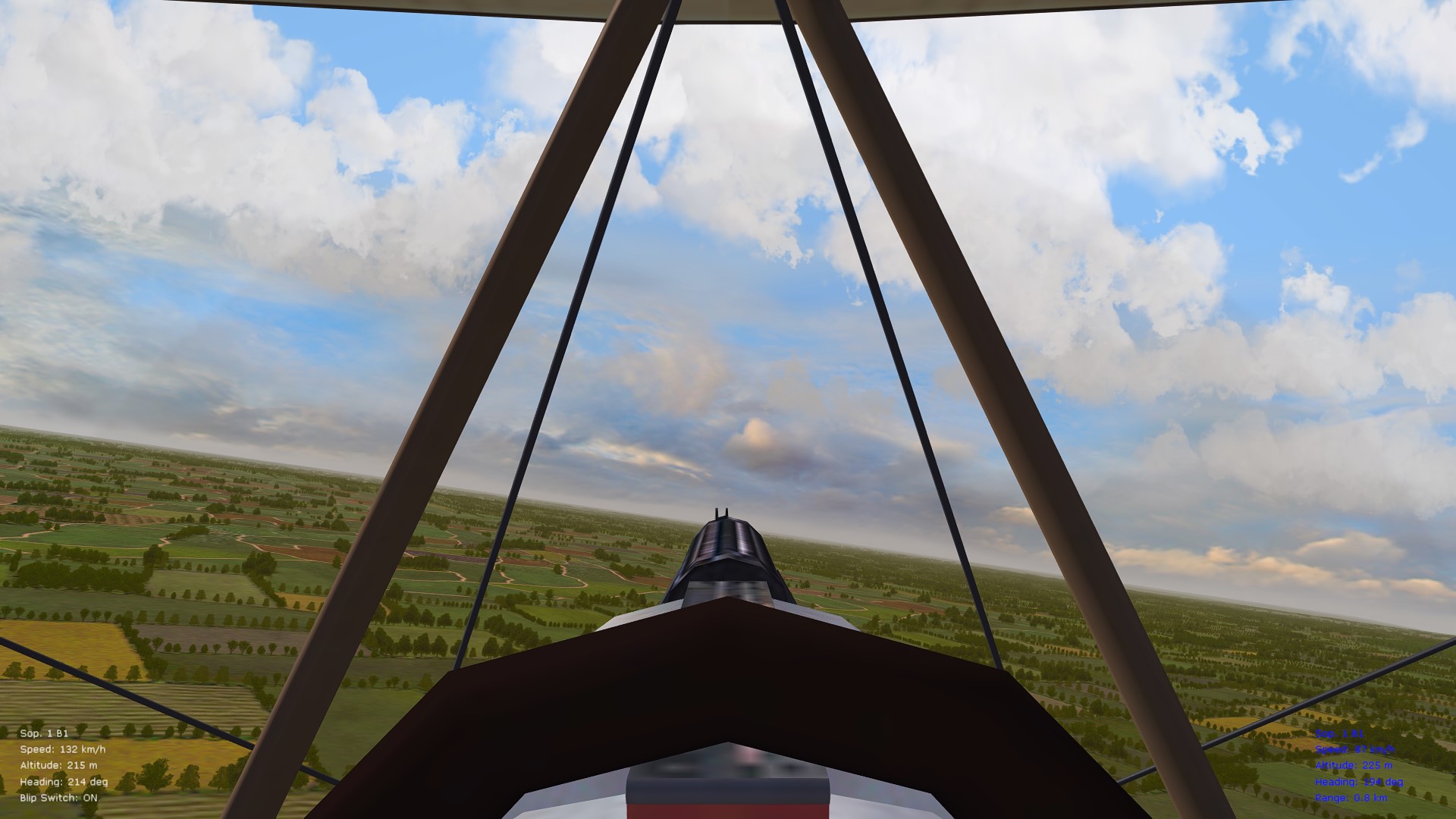
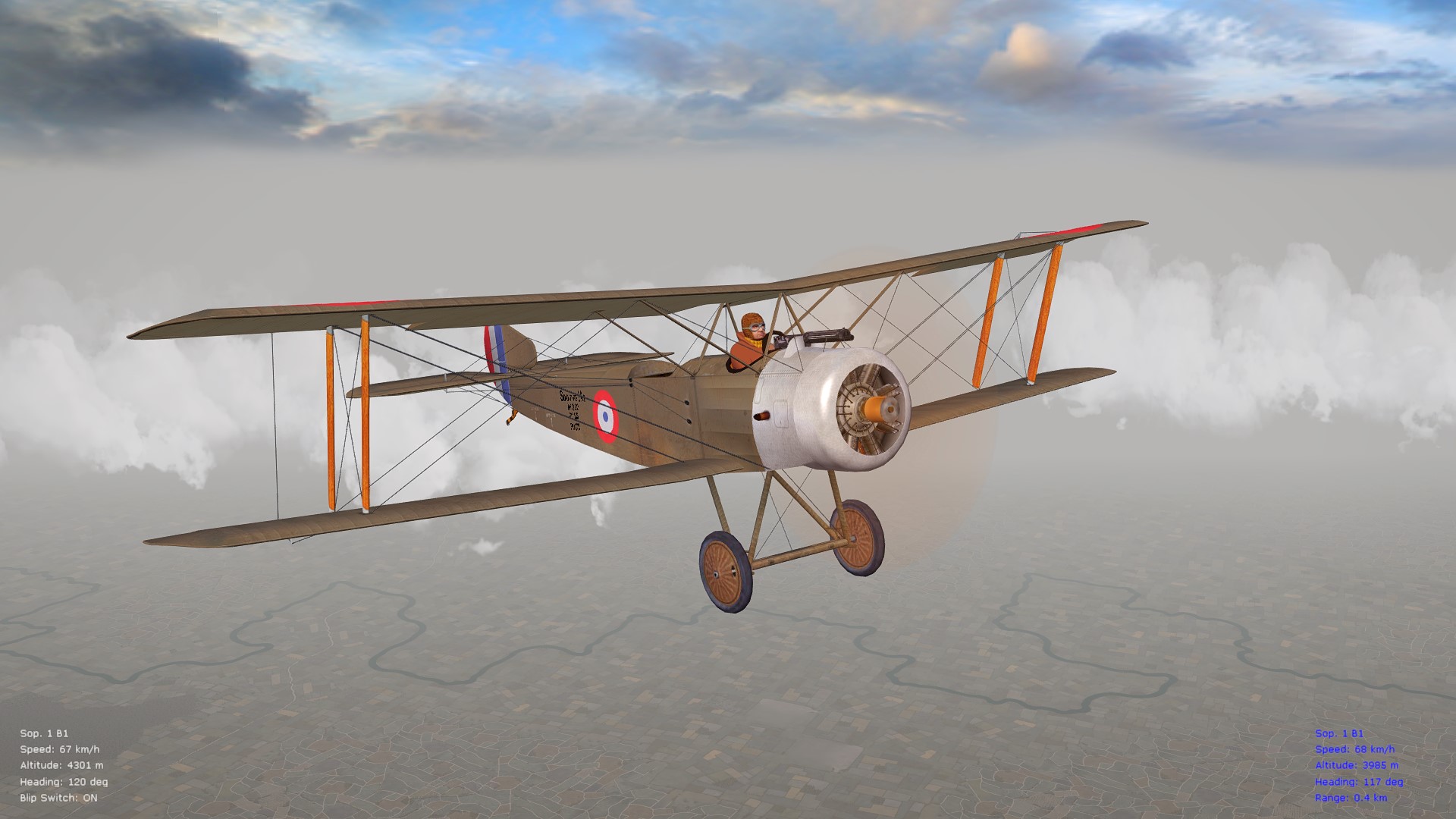
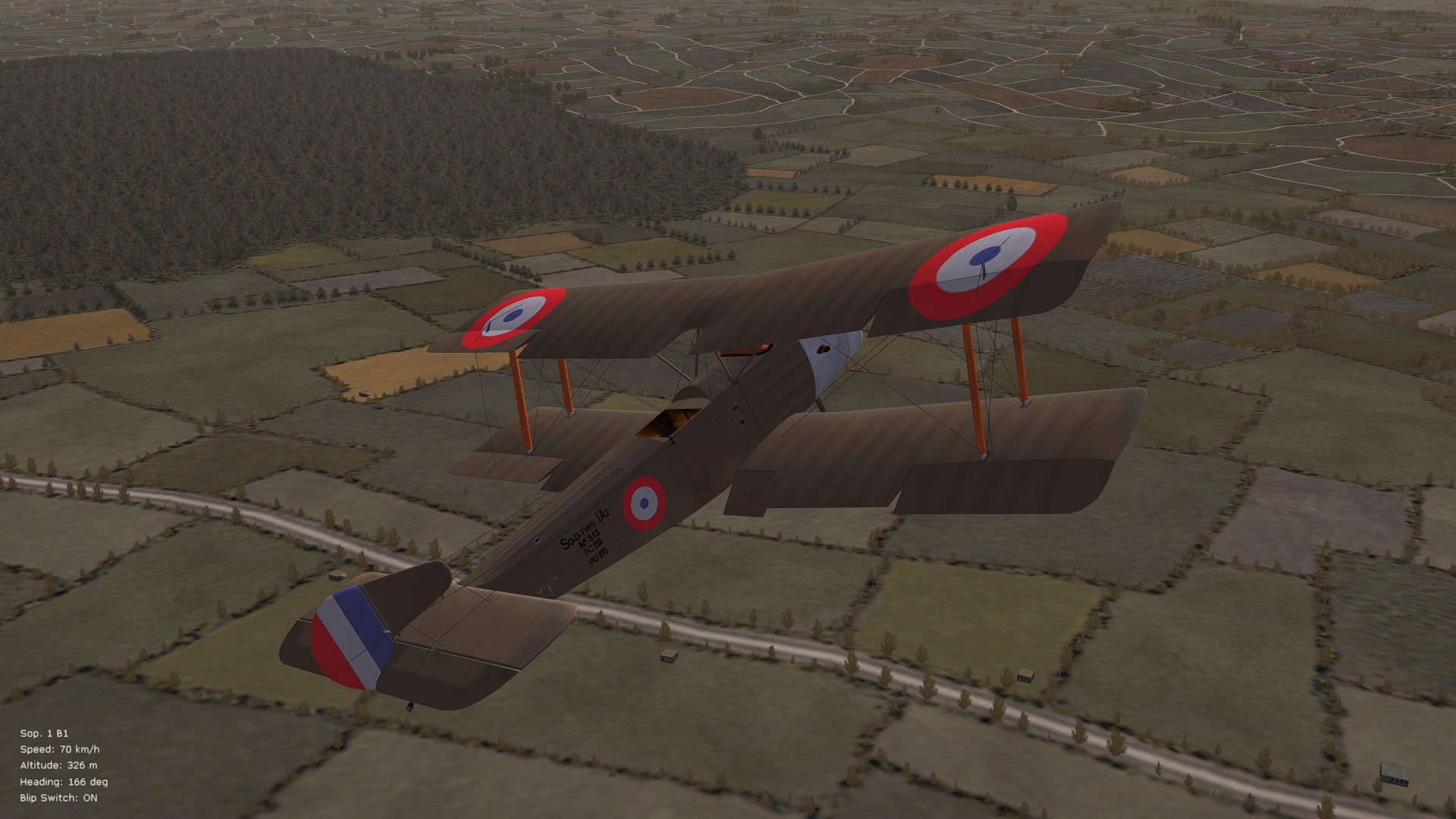
Almost done with the upgrades but I have to spend a day or two packaging everything -- more studying of the flaps/brakes system on the Strutters, in the meantime, has resulted in some more tweaks -- they function more so as a drag/braking system than lifting device (I initially thought that they provided drag/lift as traditional, small flaps). See the linked YouTube movie for a good illustration of how they actually work. Use of the airbrakes therefore requires that you include the following entry in your Controls/Default.ini file, since they are manually operated: AIRBRAKES_TOGGLE= (choose key combo. of some kind) Have also attempted implementing the brakes strictly as an inverted lift device but they then remain open constantly on AI-flown aircraft since the AI can't handle them properly. I've instead now combined some lift data that would otherwise be used for lift entries and, together with "SystemType=Airbrake," the data seems to work well - use of the airbrakes gives shorter landing distances and also a faster sink rate when flying at idle. Also good is that the airbrakes, when fully extended, cut down on the climb rate by about 30% or so (based on various tests at full throttle climbs). Will update again once the ver. 10.5 addon FM pack is released. Cheers all, Von S Airbrakes fully extended (in their correct position) Avoid prolonged blipping of the LeRhone 120-125 hp on the Sop 1B1 - tends to catch fire... And then spreads quickly...
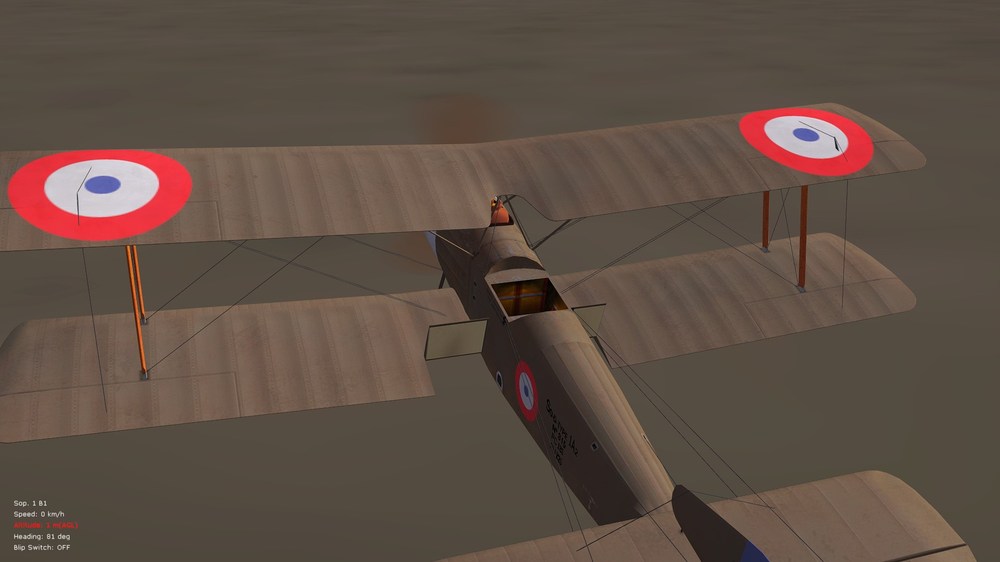
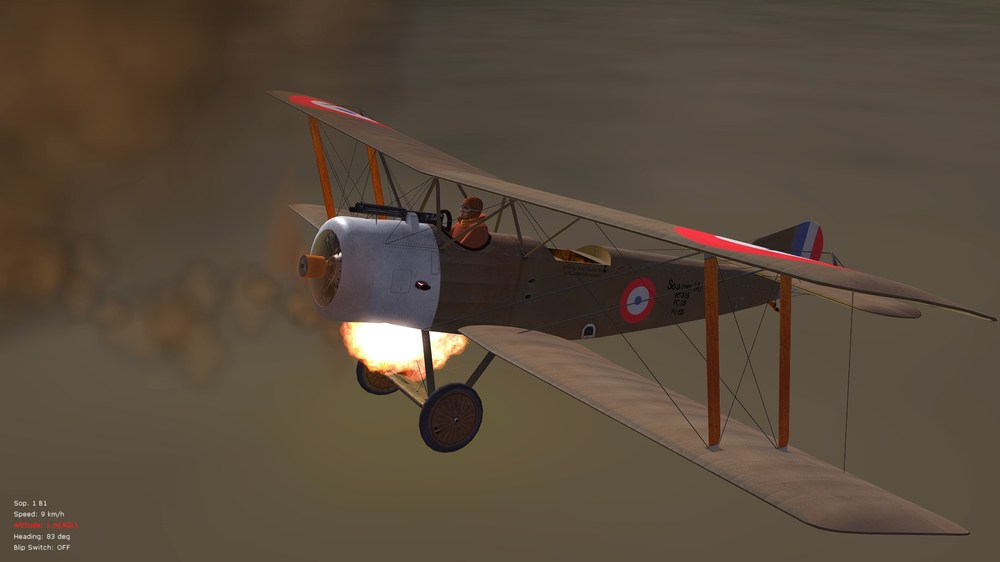
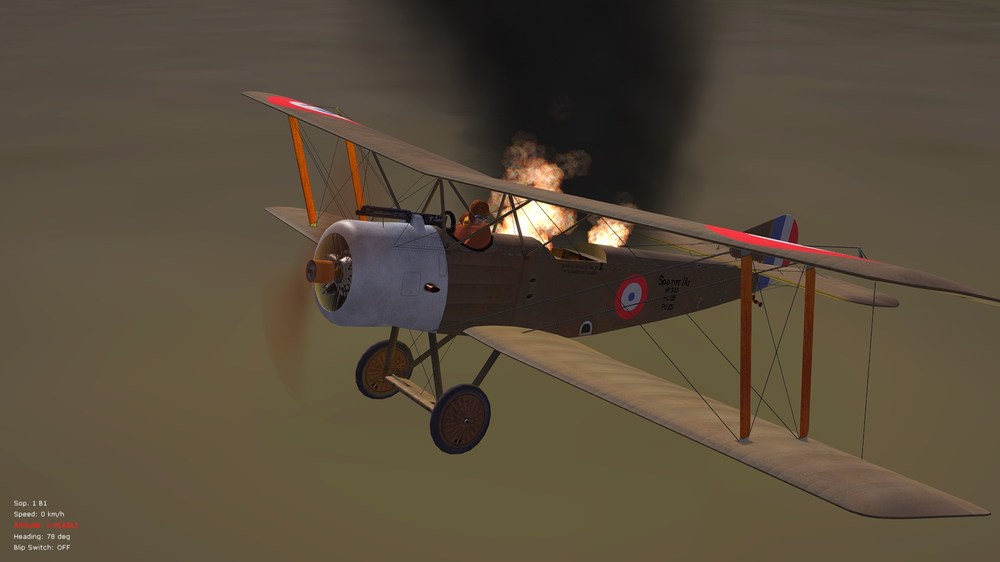
-
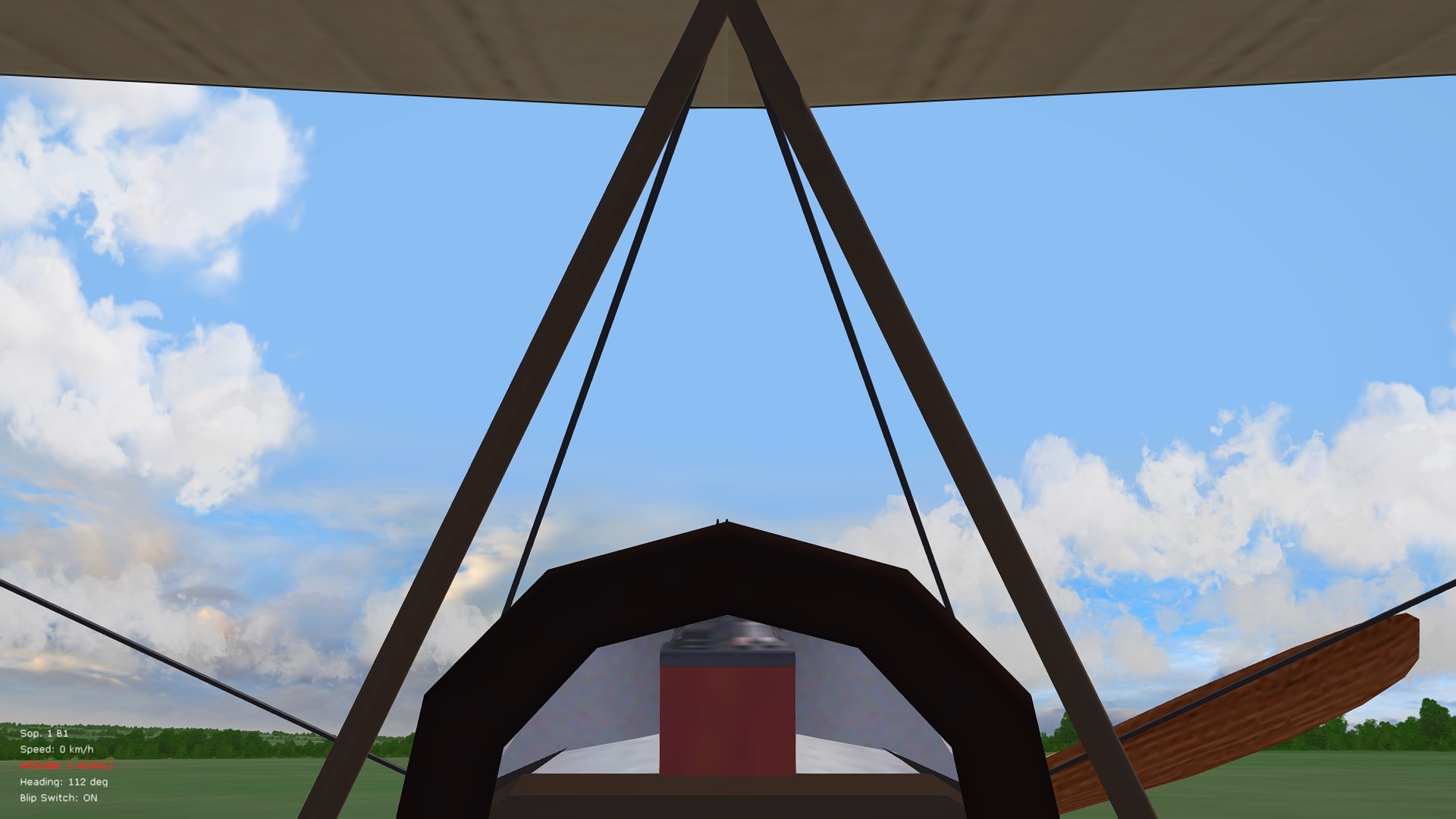
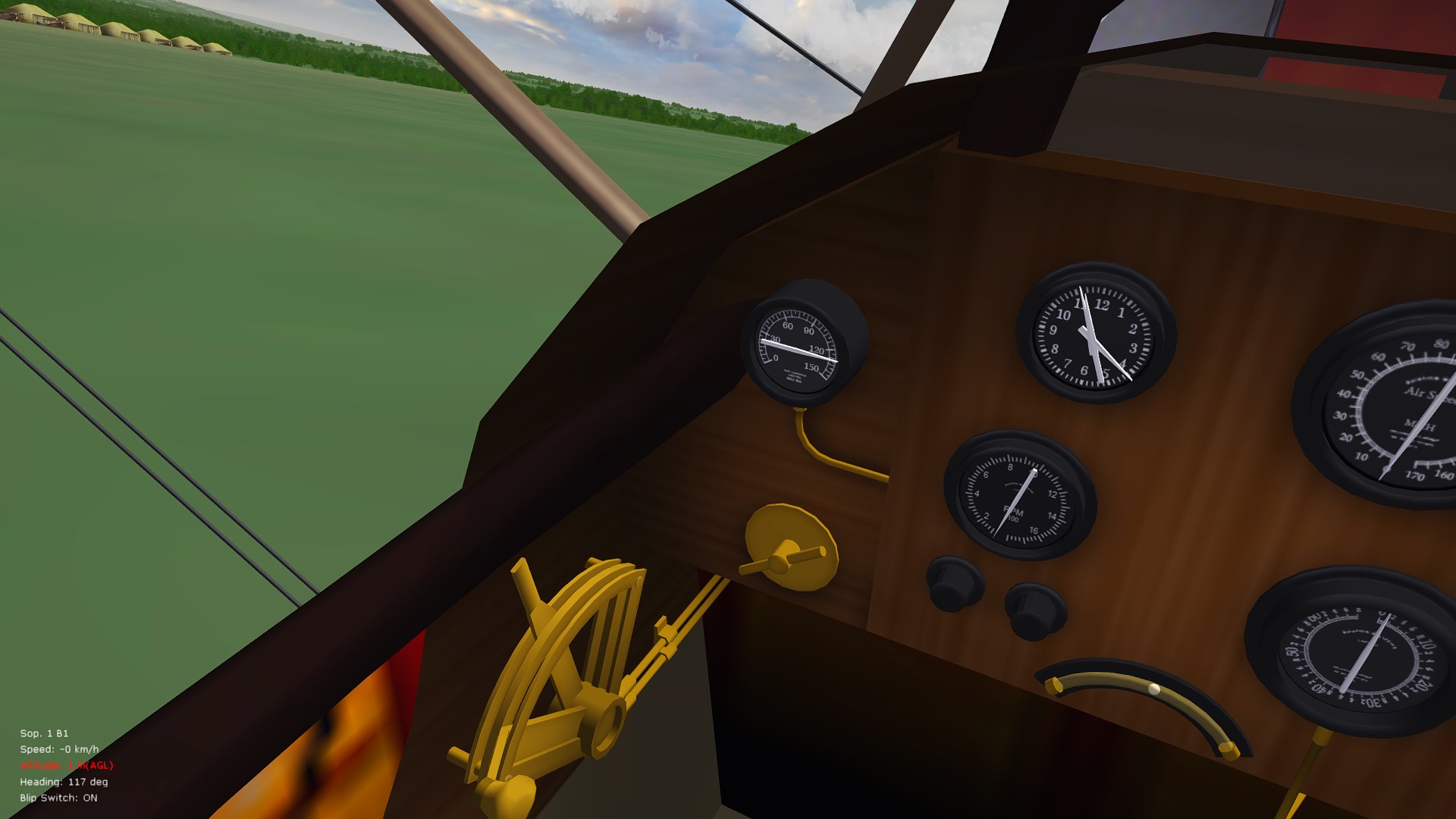
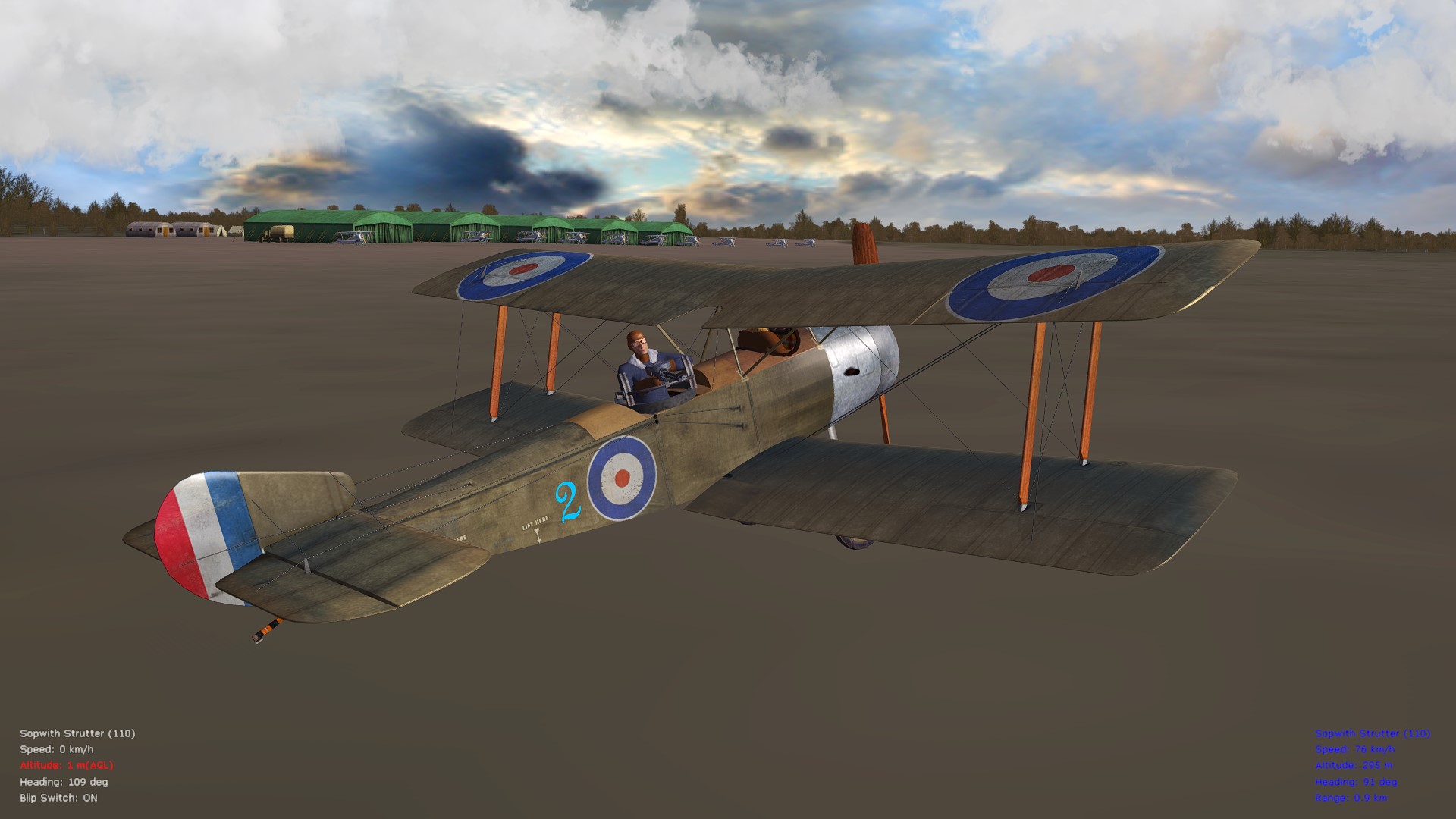
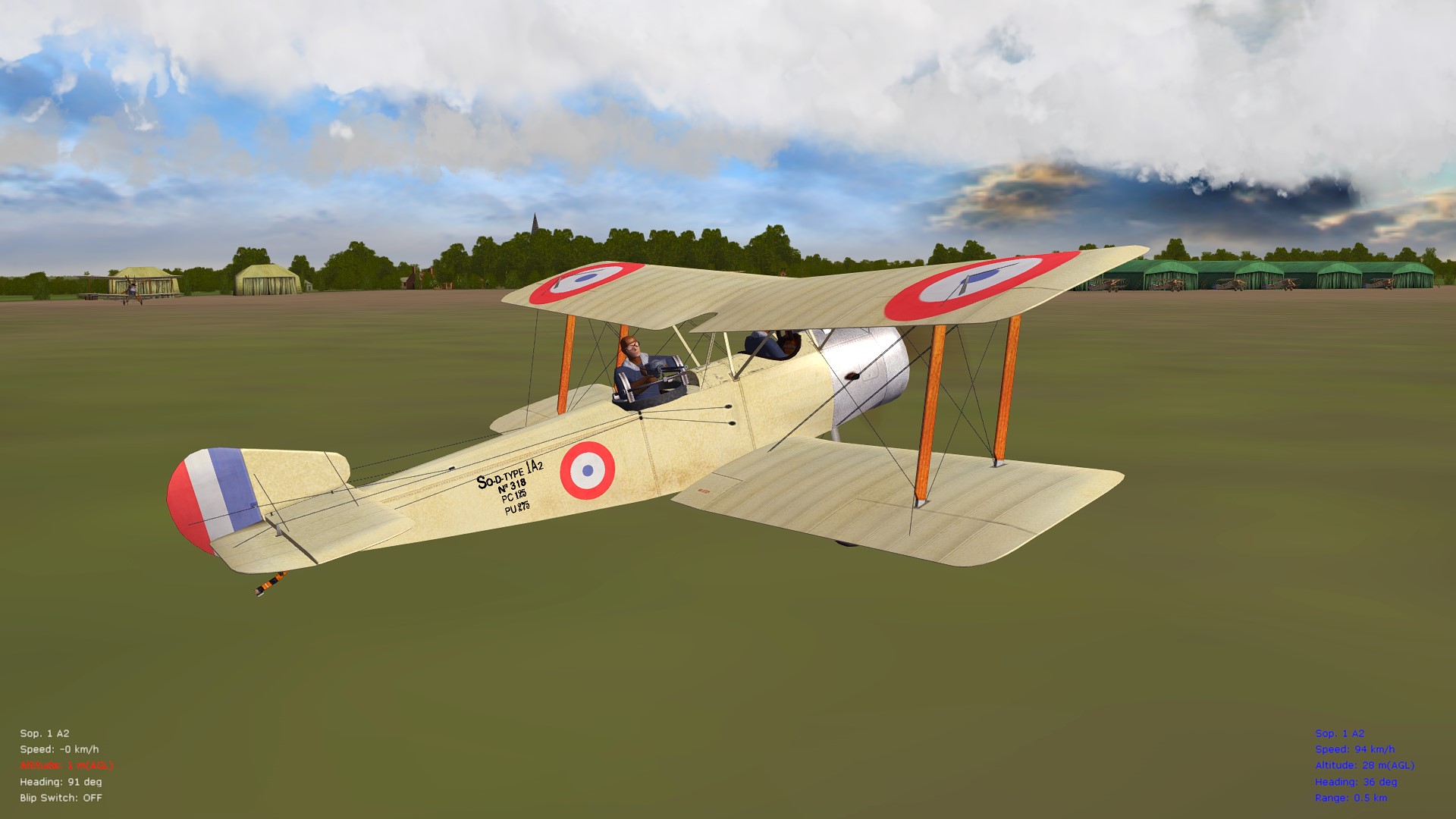
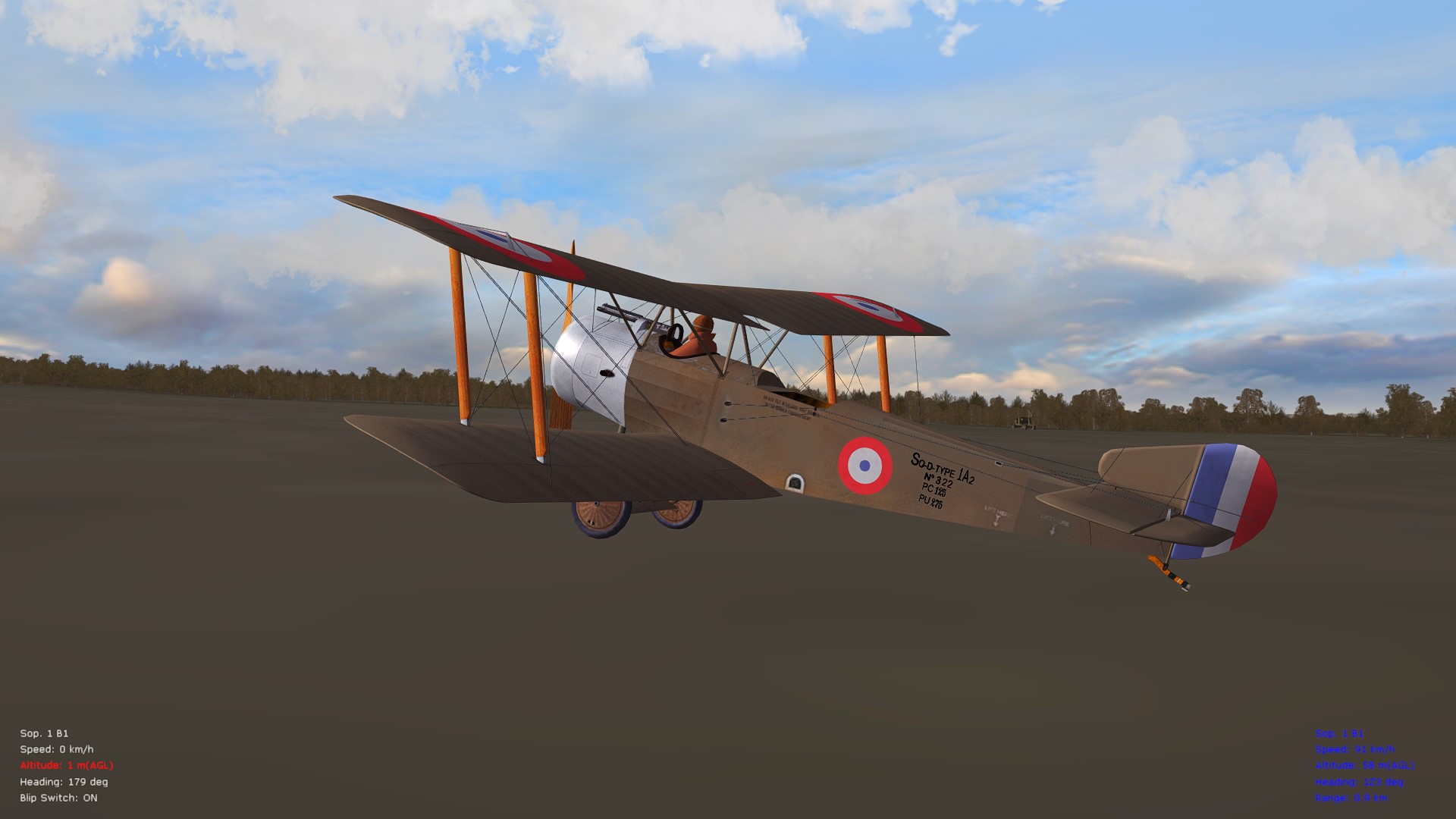
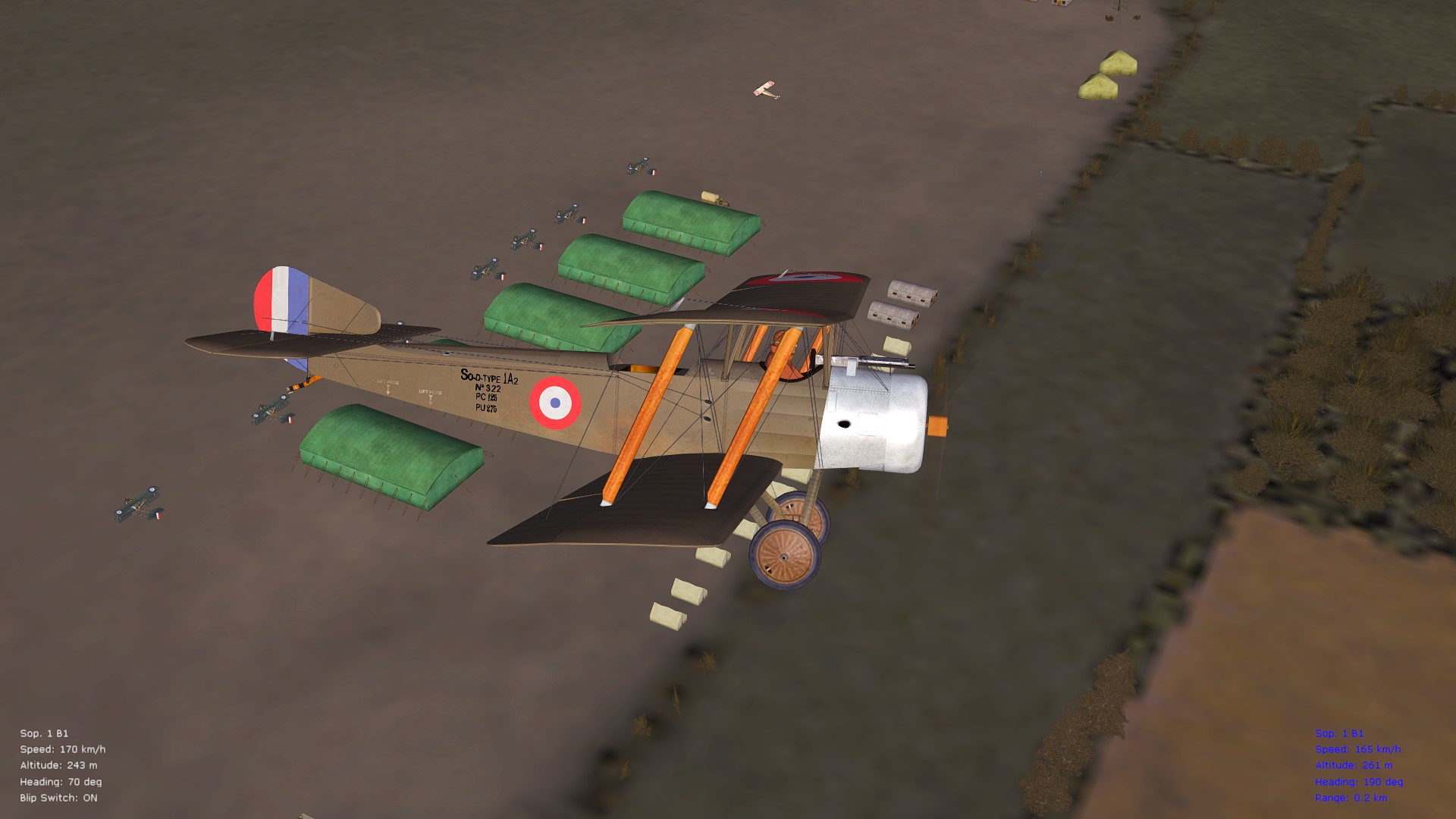
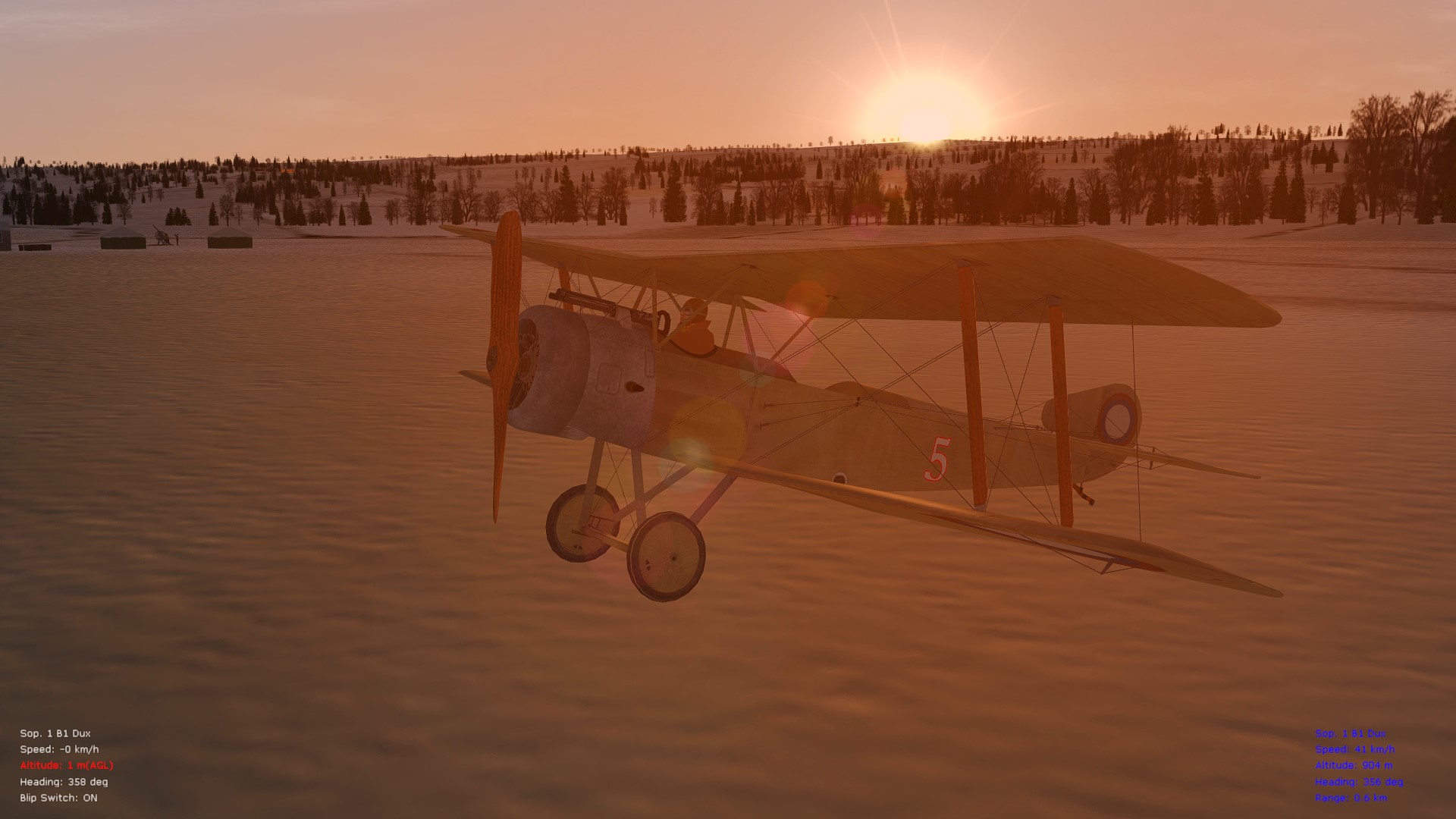
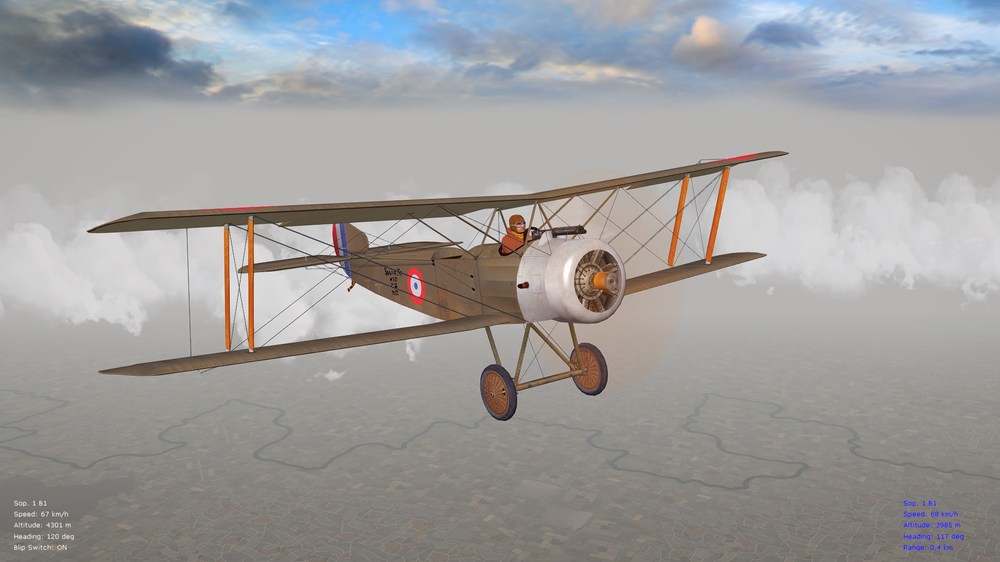
Some representative pics. of the latest tweaks - looking over the stock Strutters in FE2 and currently including various changes. The "Sop 1A2" and "1B2" will largely have similar data inis, since they are attack and bomber variants, although I've included a more unreliable interrupter (Challenger) mechanism on the 1A2's front M.G., as well as for the "Strutter 110." More info. and performance specs. and details will follow in the "Read Me" file for the ver. 10.5 FM addon package. Cheers all, Von S Tweaks to the included cockpit.ini from the older Sinbad Strutter package feature more correct pilot seating position near the leading edge of the bottom wings Views toward the front, with the tweaked (Sinbad) cockpit.ini (that uses the stock cockpit position on the Strutters) Alternate, tweaked cockpit.ini file will be provided that works with Stephen's excellent cockpit from the B.E.2c series - view towards the front (slightly lower than with the Sinbad cockpit.ini but you can still barely make out the sights on the M.G.; otherwise Stephen's cockpit doesn't fit well) Further modified in Stephen's cockpit.ini is removal of several components such as the cockpit "cage," the B.E. series windscreen, etc., for it to blend a bit more effectively with the stock Strutters (don't forget to include the cockpit folder too, from Stephen's B.E.2c series, in your Strutter aircraft folder - if you choose this option - otherwise the tweak is incomplete - if you prefer the position/views of the tweaked Sinbad cockpit.ini, use that one instead - but that one works without a cockpit folder, so you get no dials in the stock cockpit) Addon package will feature FM overhauls for the RFC "Strutter 110" and "Strutter 130" (thanks Eugene for the great Strutter skins) Also included will be overhauls of the FMs for the French-built "Sop 1A2" and "1B2" Have decided to include a French-built "1B1" as well Also a Dux-built 1B1 FM, for the eastern-front FE2 flier Enjoying some performance tests with the French-built 1B1 FM (has a higher ceiling than the 1A2 and 1B2, among other things; have as well tweaked the FM on the 1B1 around a 120-125 hp LeRhone upgrade - and will include that for the 1B1 Dux too - the 1A2 and 1B2 will be 110 hp on the other hand, as well as the Strutter_110, while the Strutter_130 will get the 130 hp Clerget - should be plenty for variety of Strutter types that way)
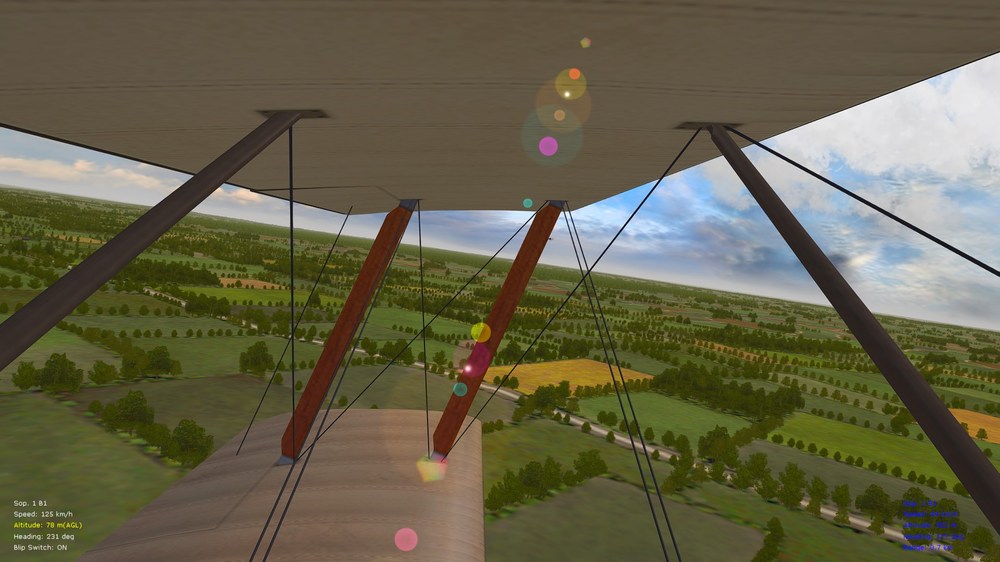
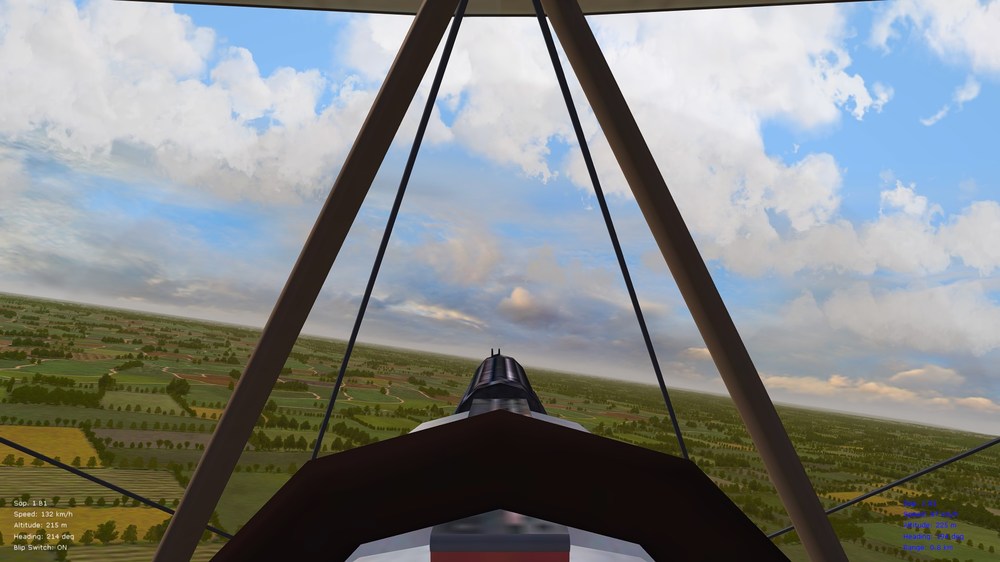
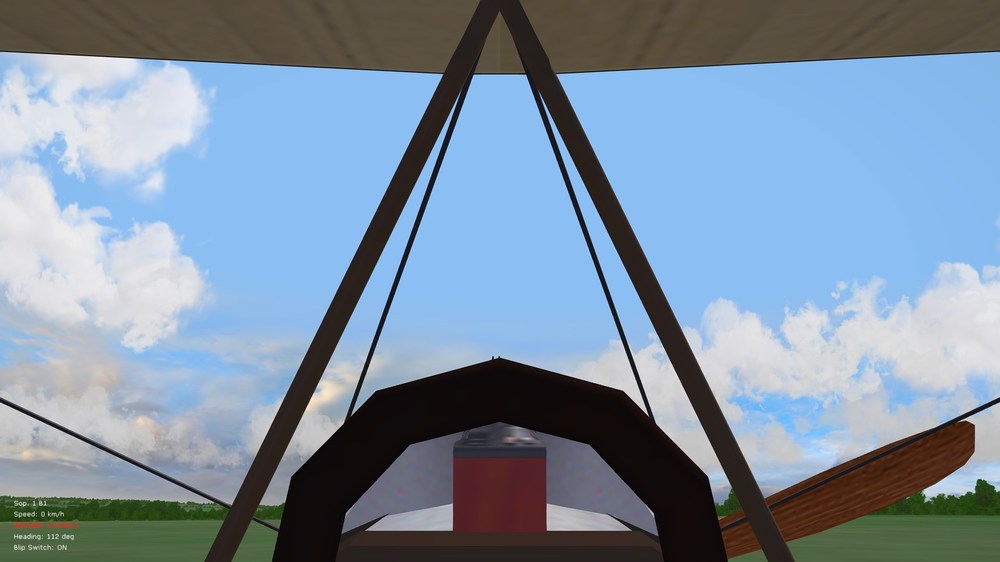
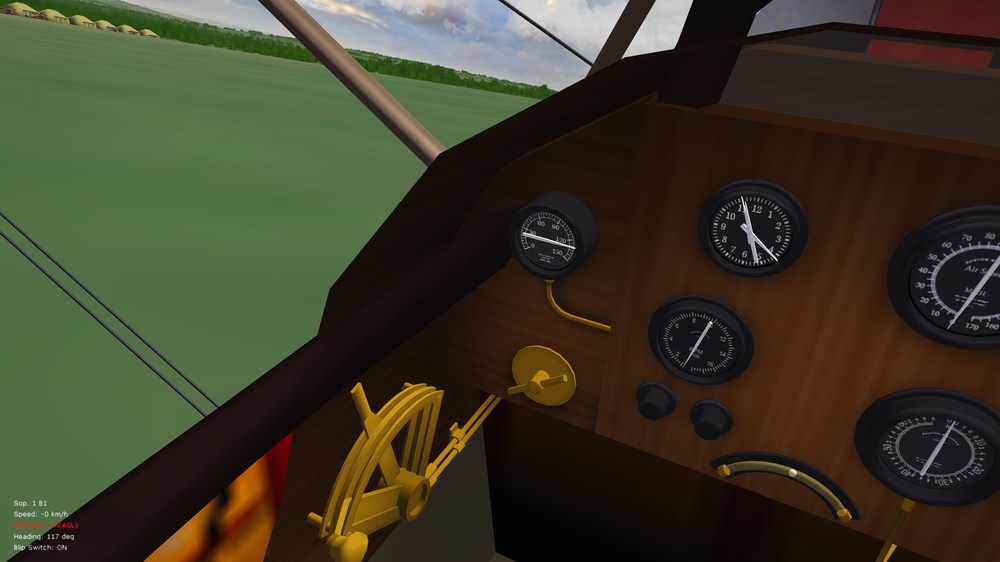
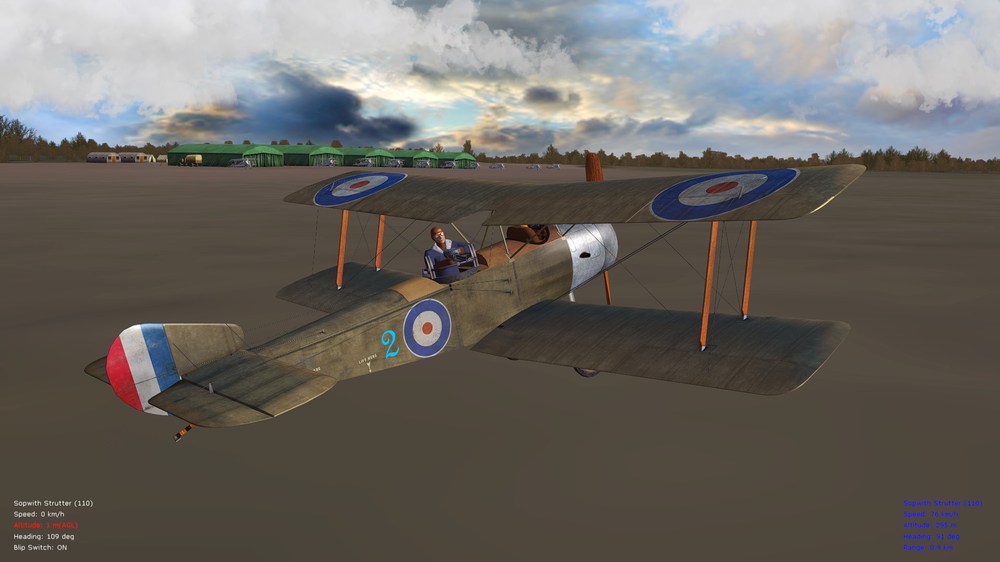
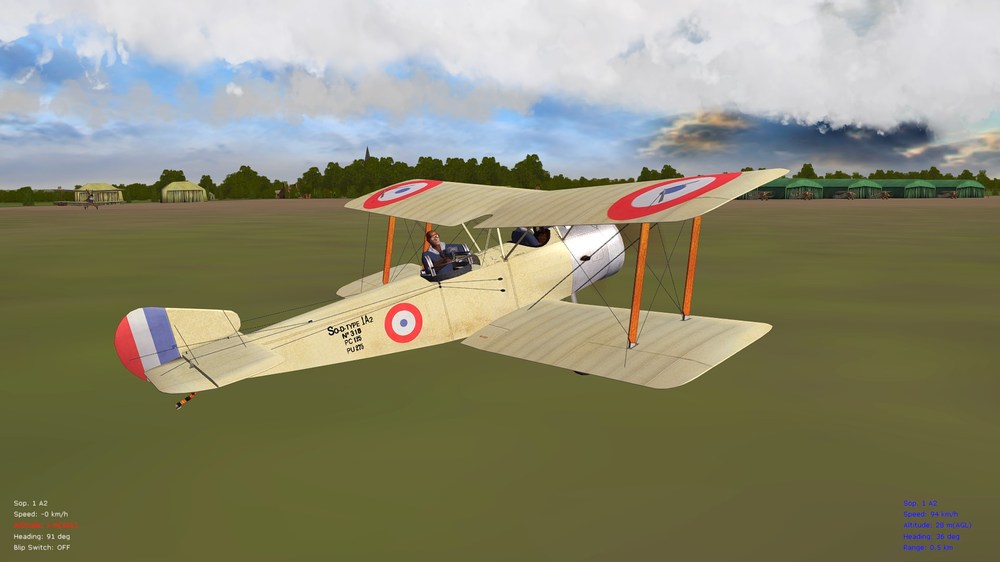
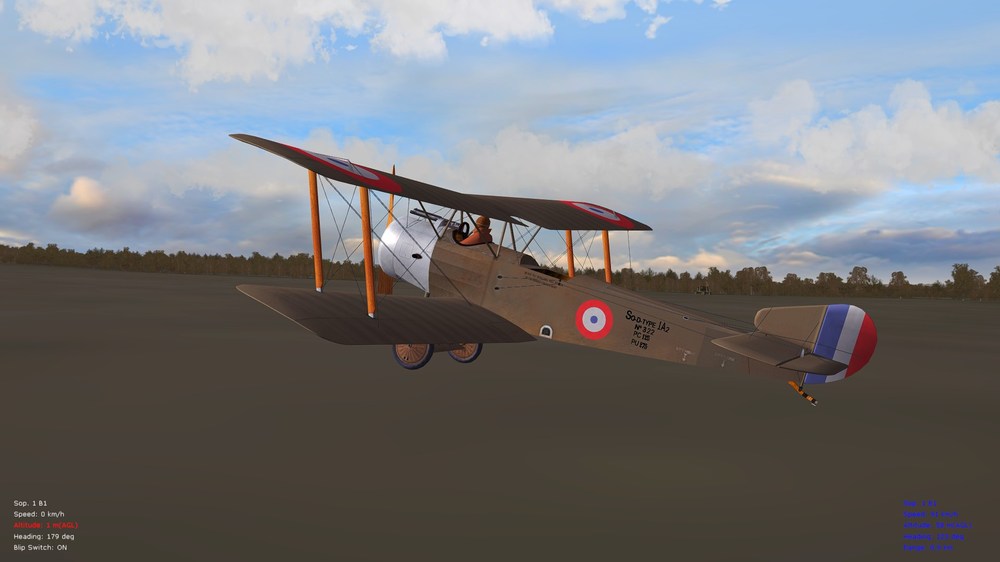
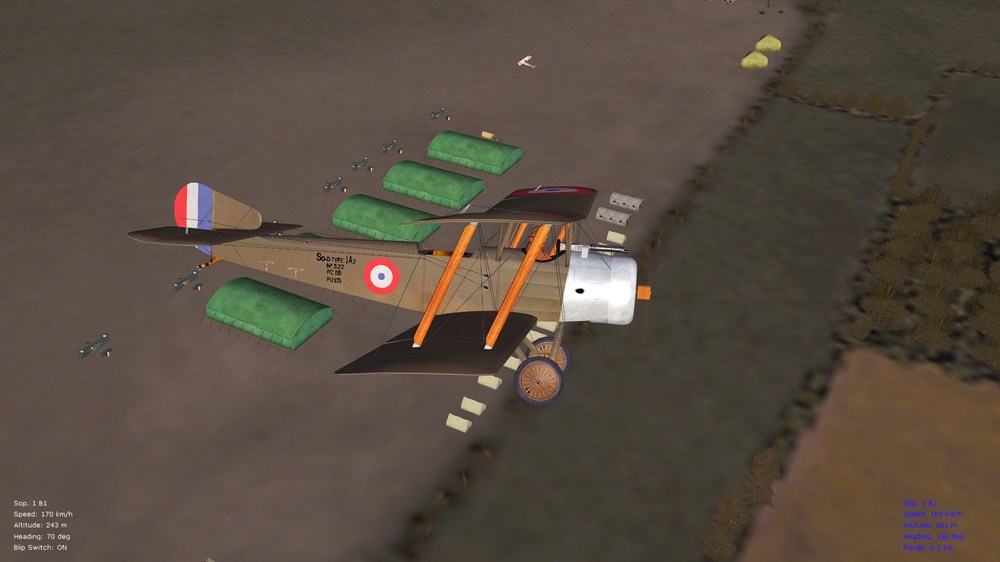
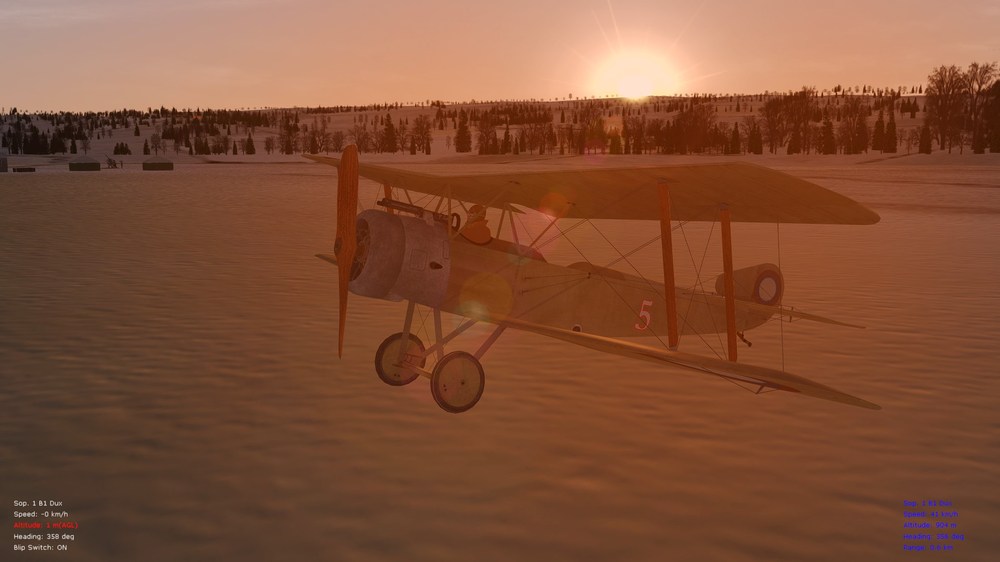
-
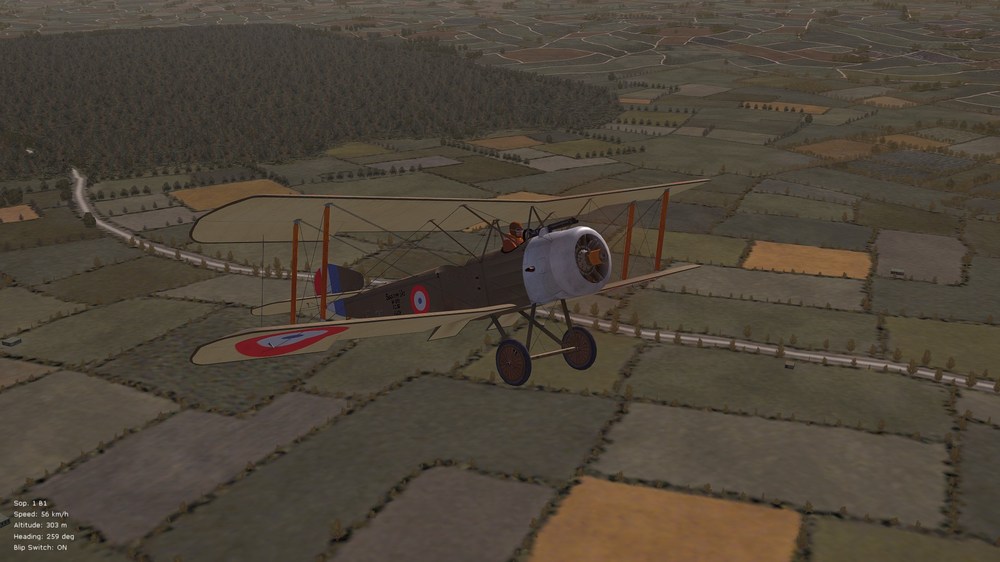
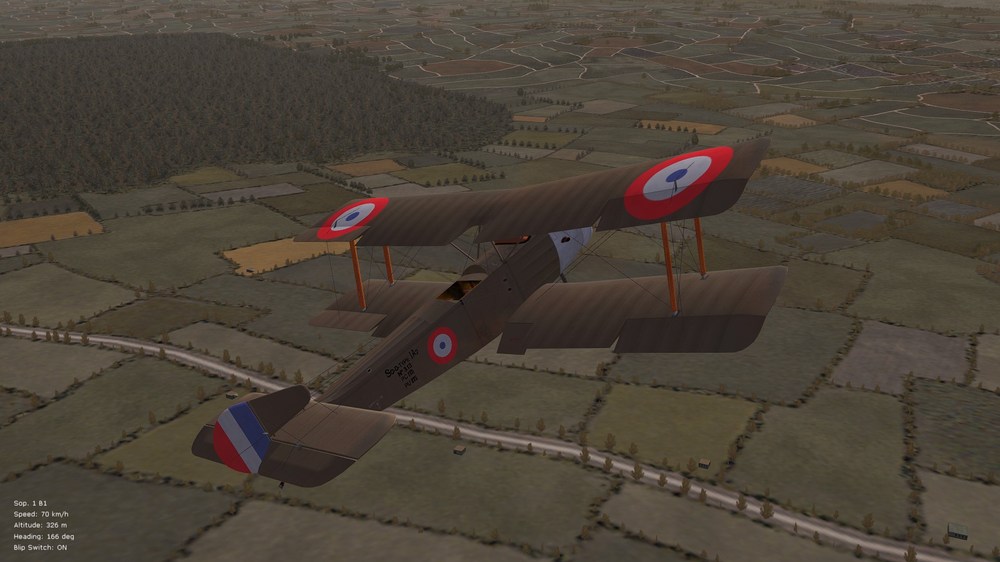
Coming soon -- a ver. 10.5 addon pack for the big FM/realism pack, with stock Sopwith Strutter overhauls (now that I've made them player-flown for myself - haven't bothered with that until now***). FM tweaks will include the "Strutter 110," "Strutter 130," "Sop 1A2," "Sop 1B2," and additional "Sop 1B1" and "Sop 1B1 Dux" variants. Pics. below of the French-built 1B1 being tested - animated and functional flaps now included on the 1B1, and to be included on all of the variants. More pics. available under the FE2 pics. thread. Cheers all and happy flying, Von S Flaps auto-deploy/retract around 90 kph, for shorter landings *** NOTE for FE2-ers: stock Strutters are only AI-flown unless made player-flyable with the addition of a tweaked cockpit.ini file and/or both cockpit.ini and cockpit folder.
-
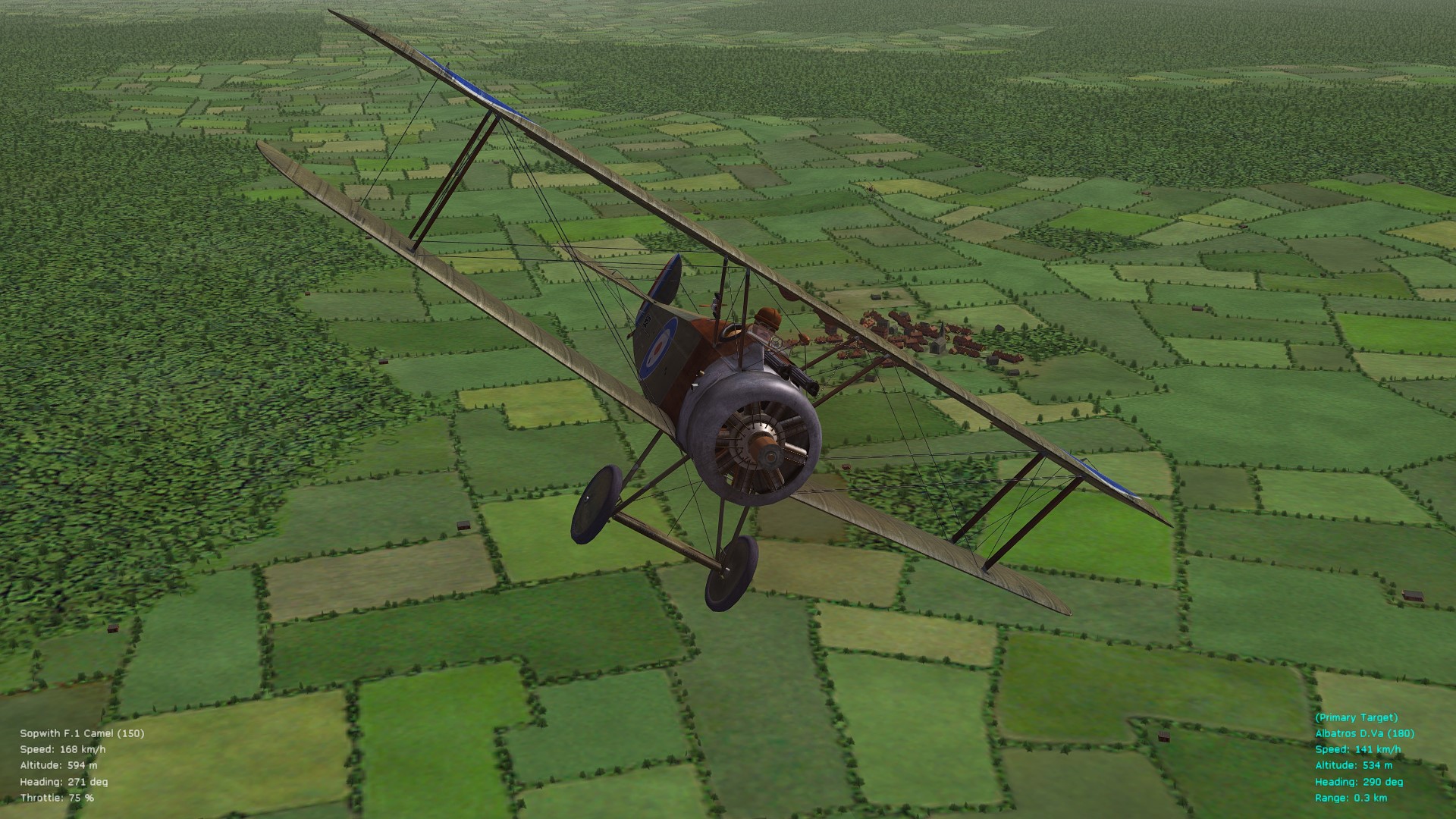
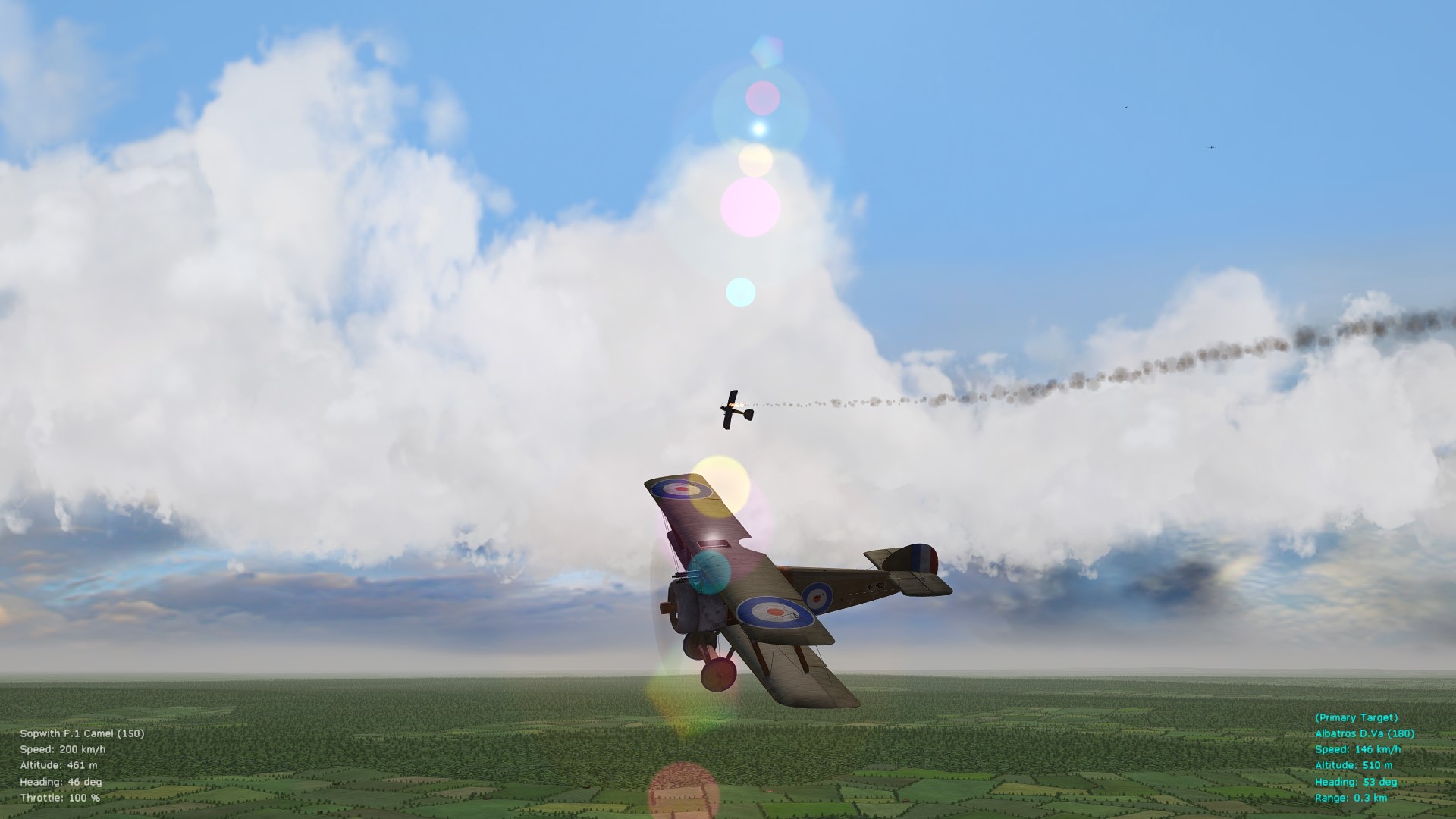
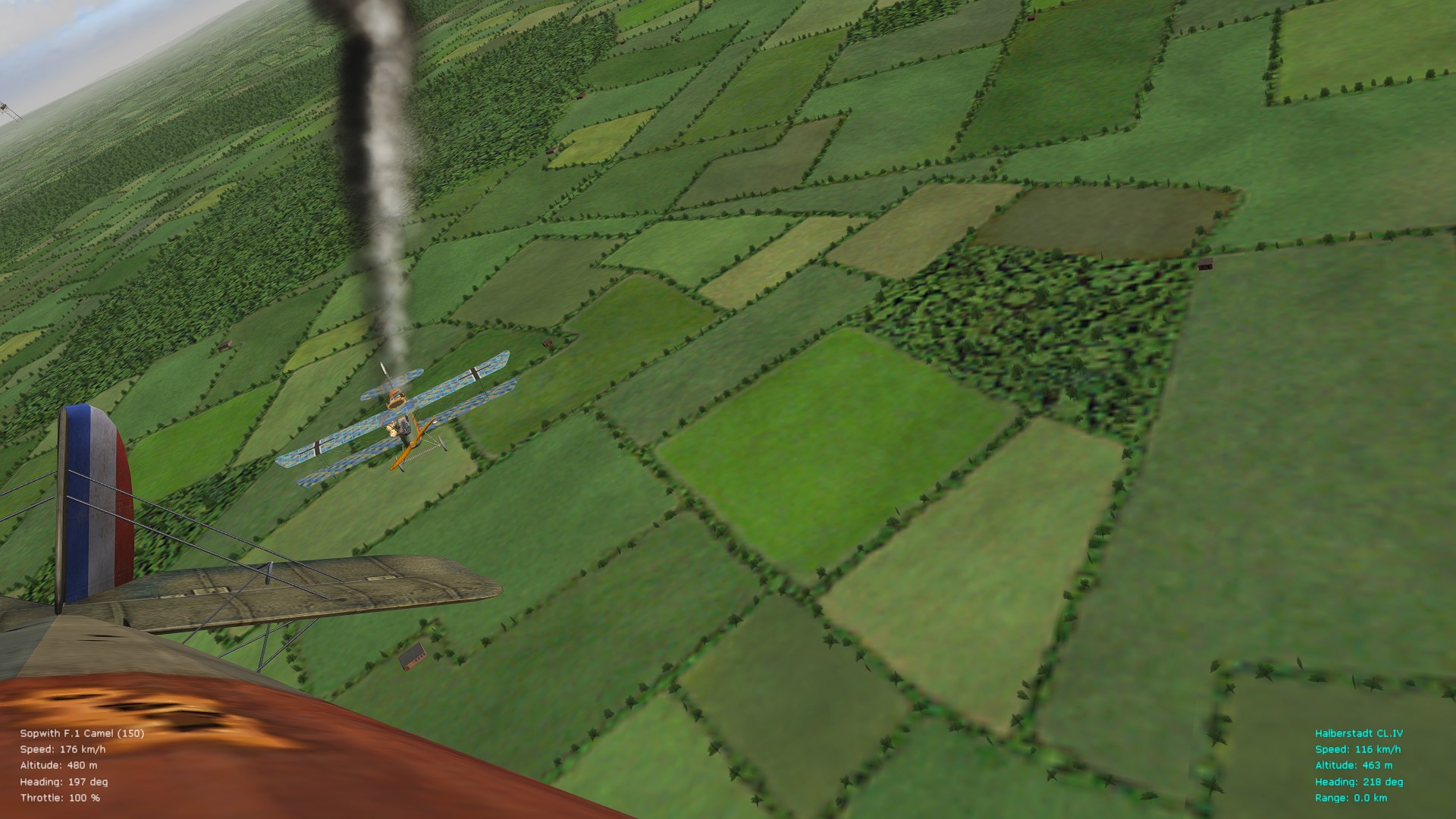
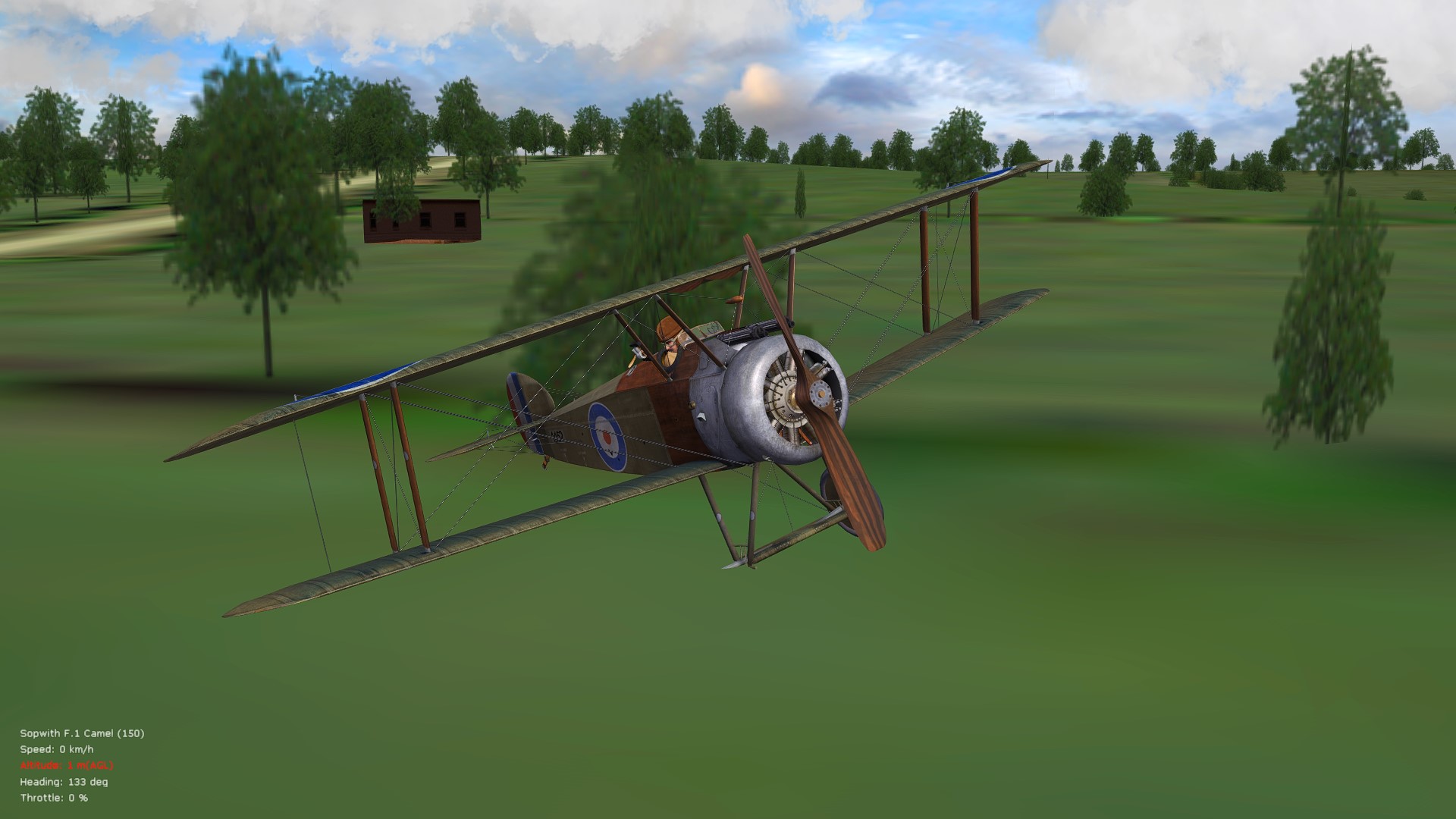
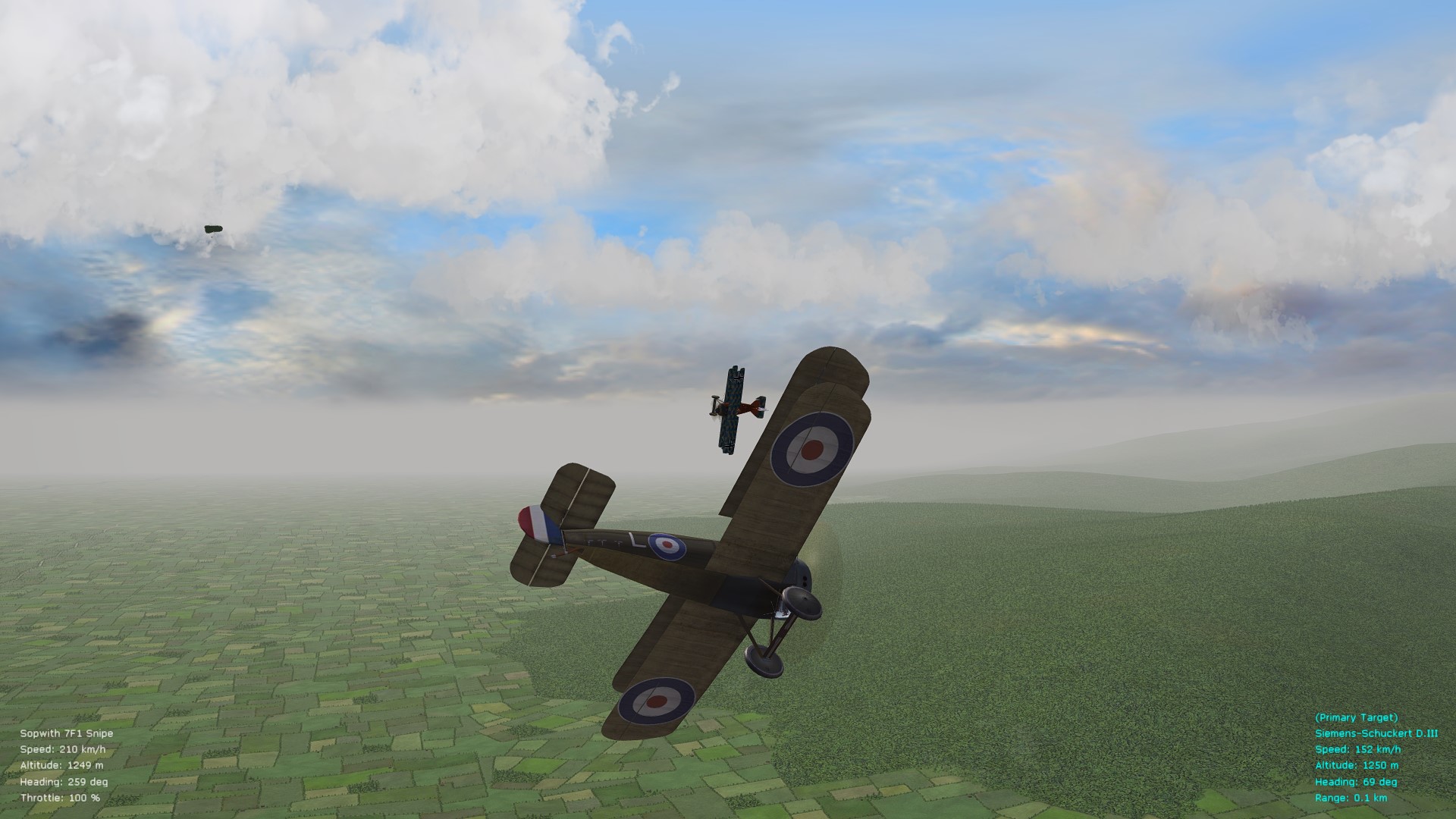
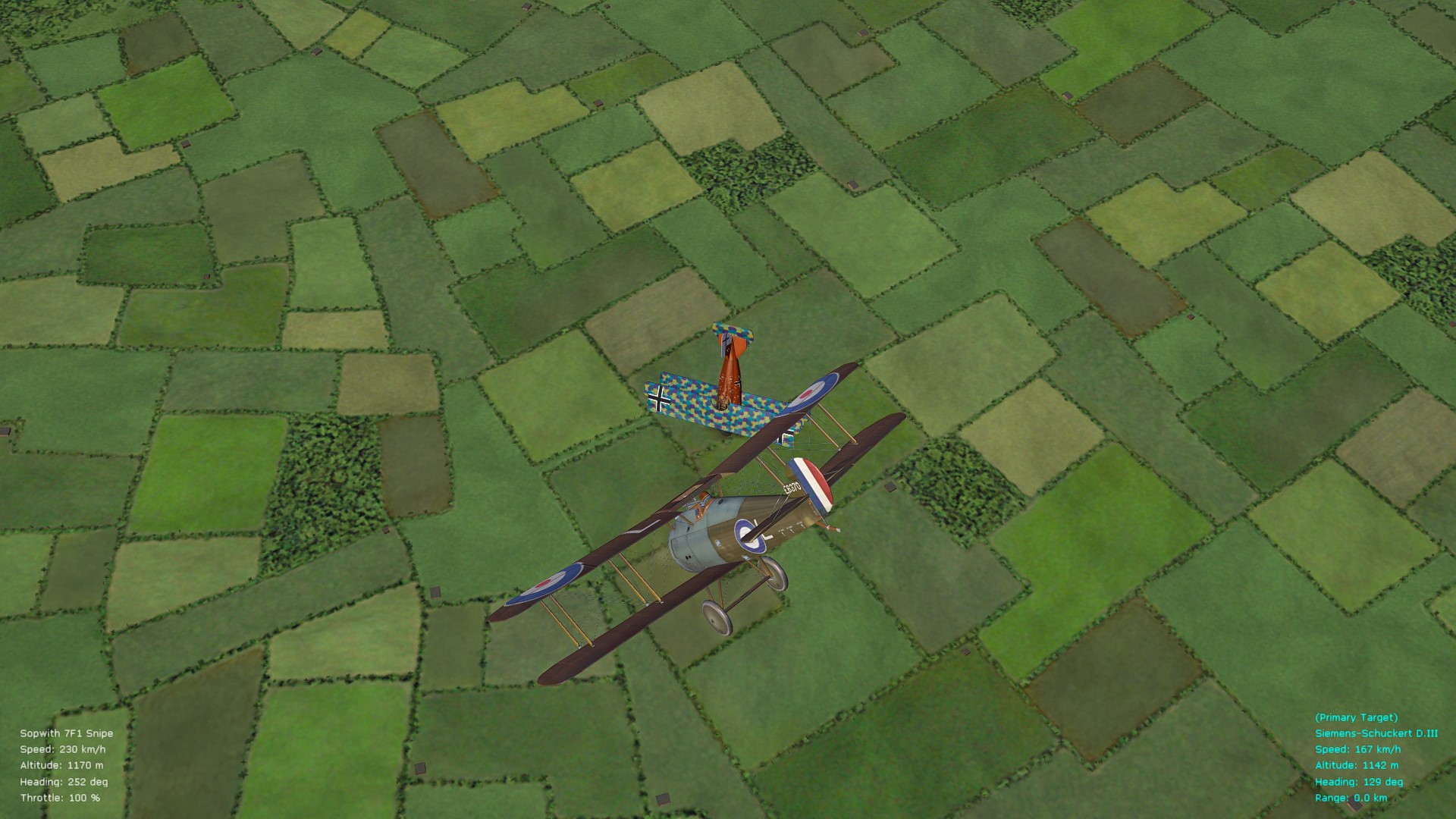
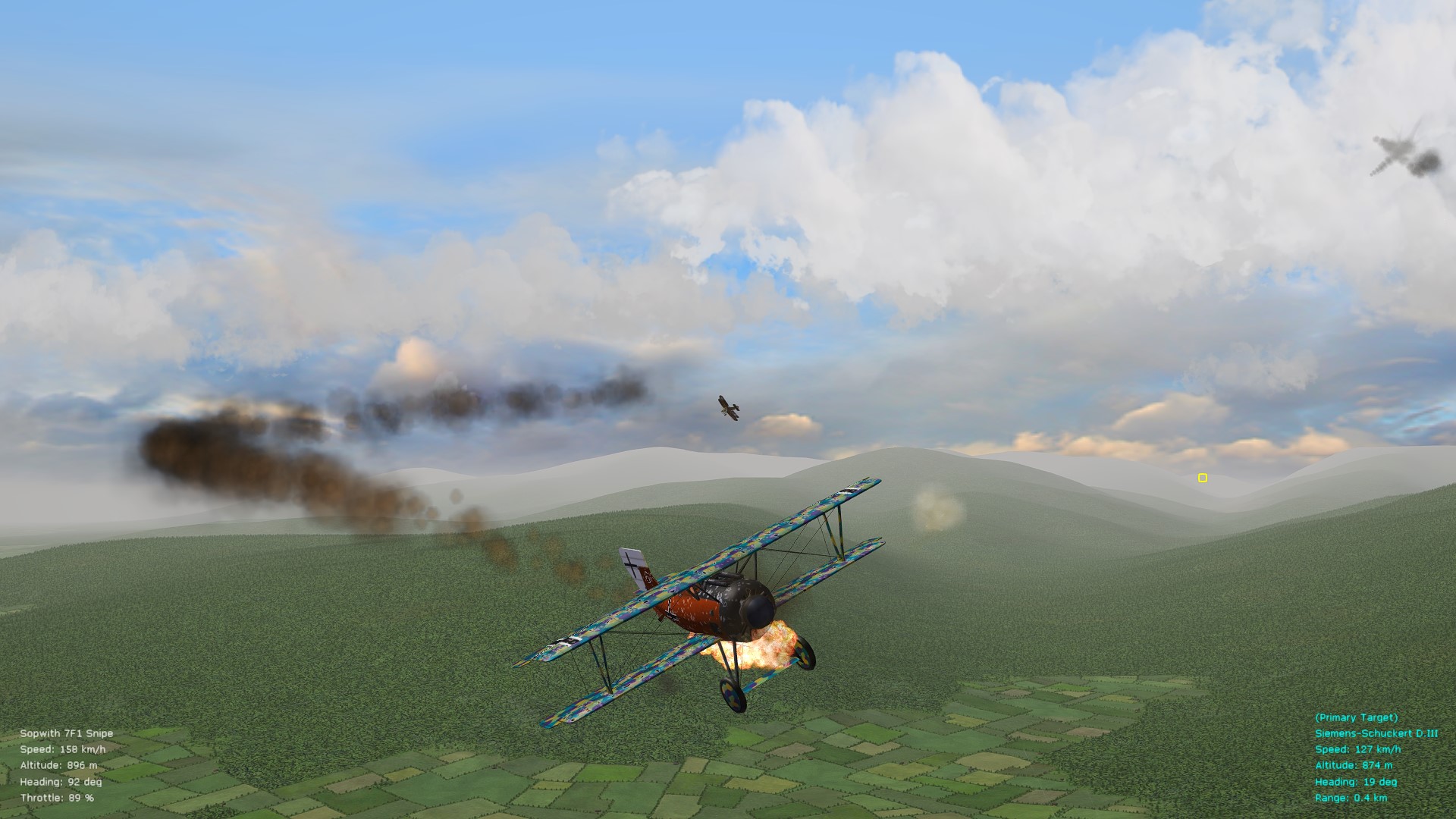
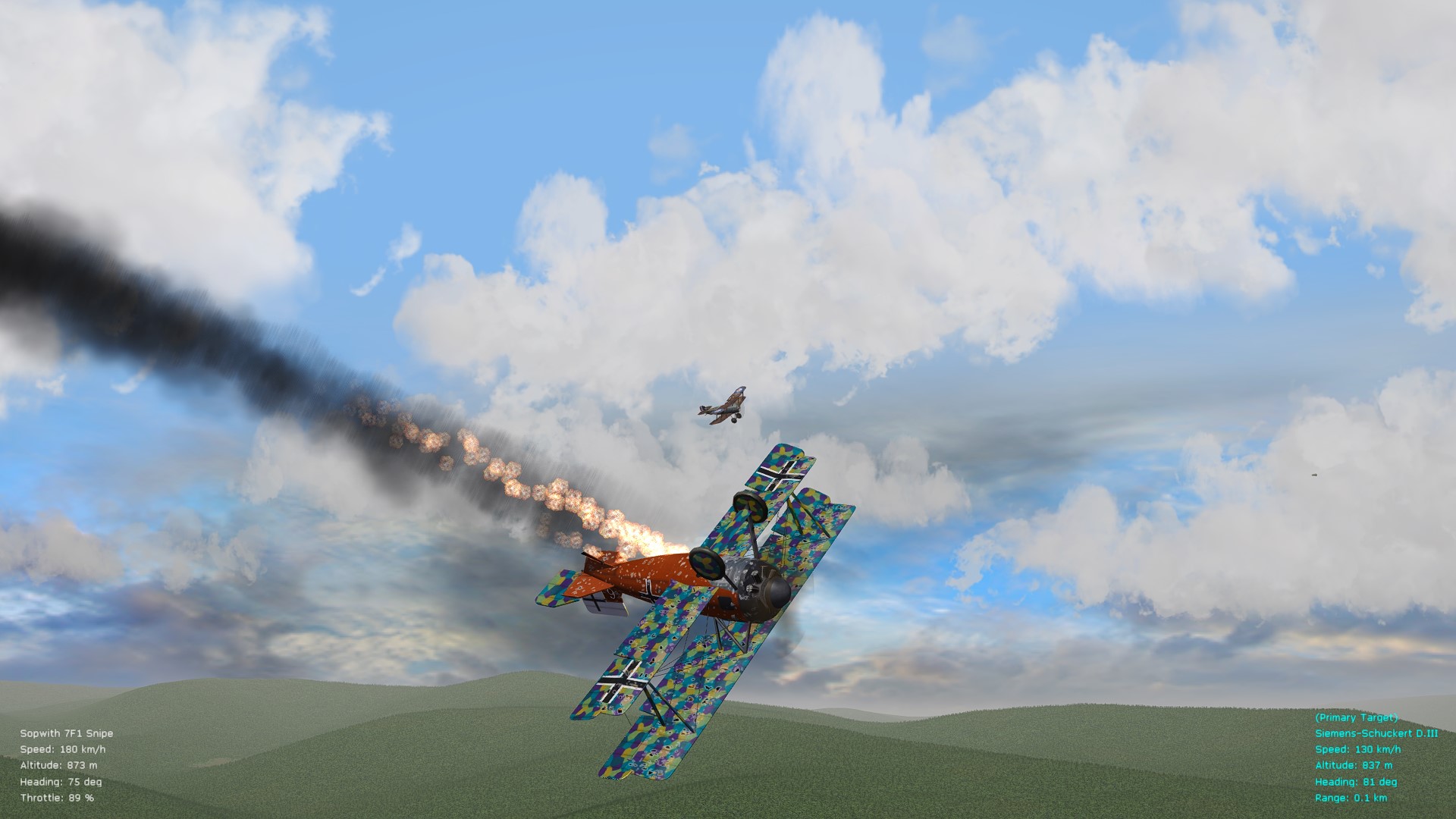
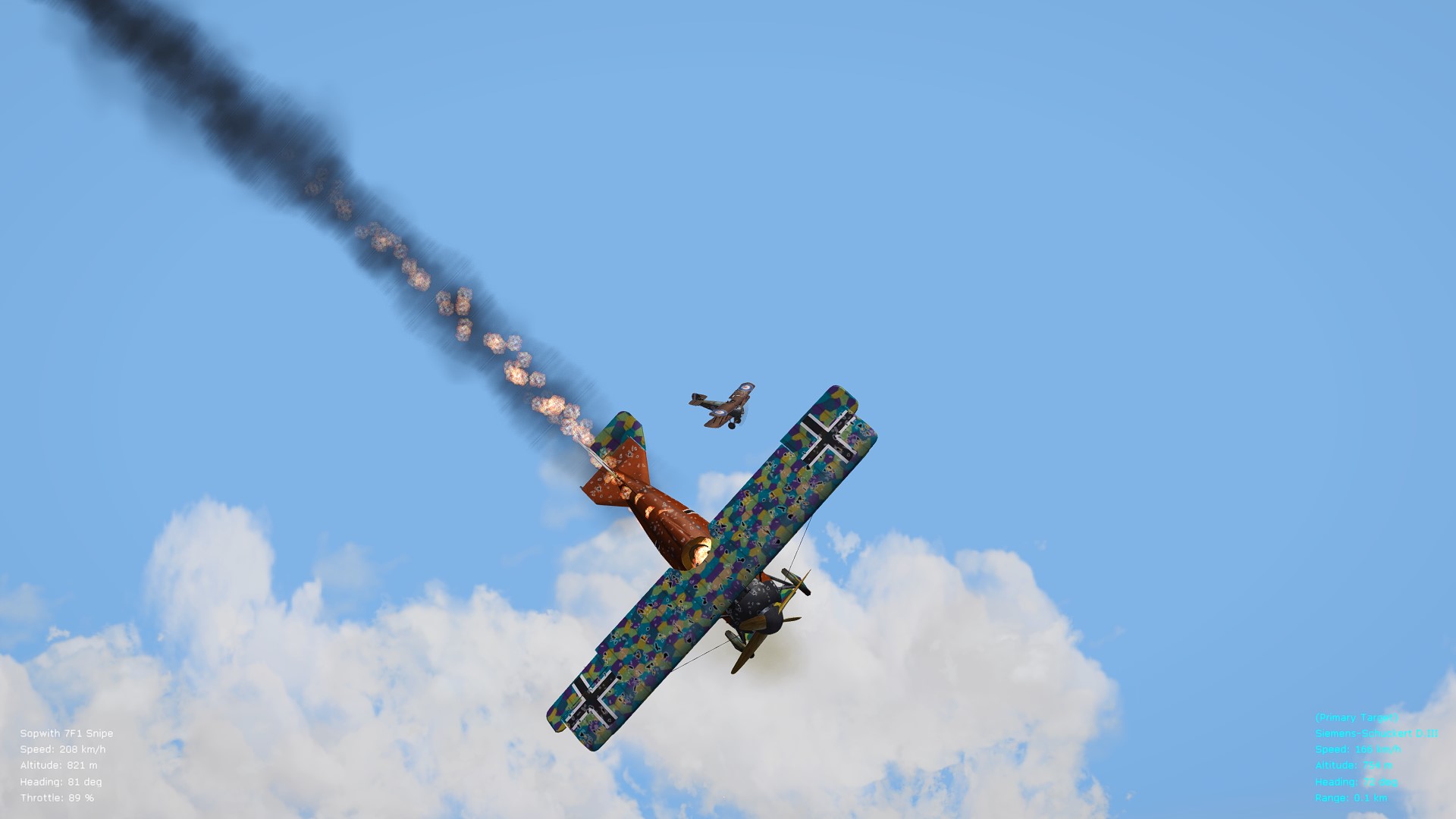
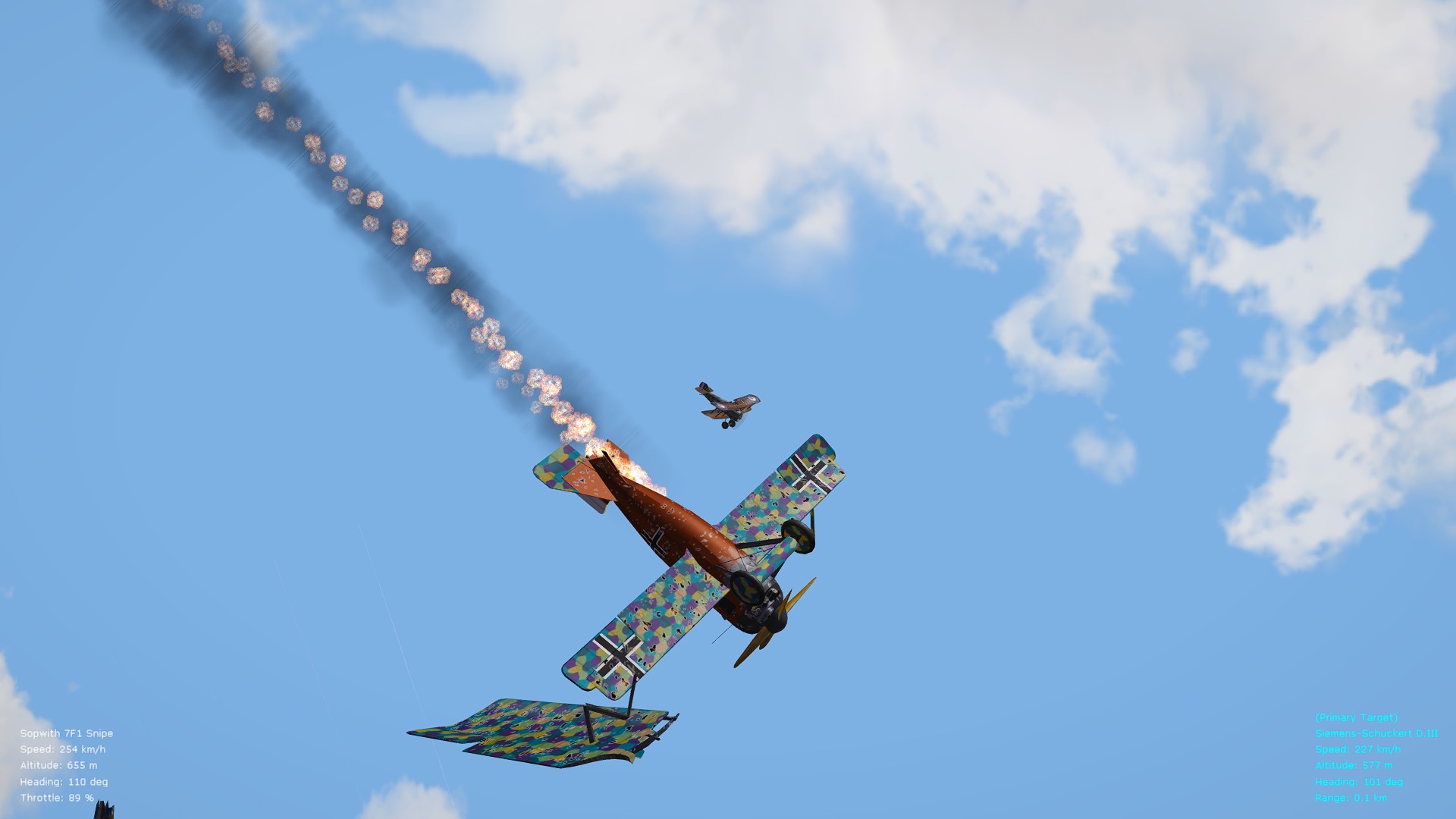
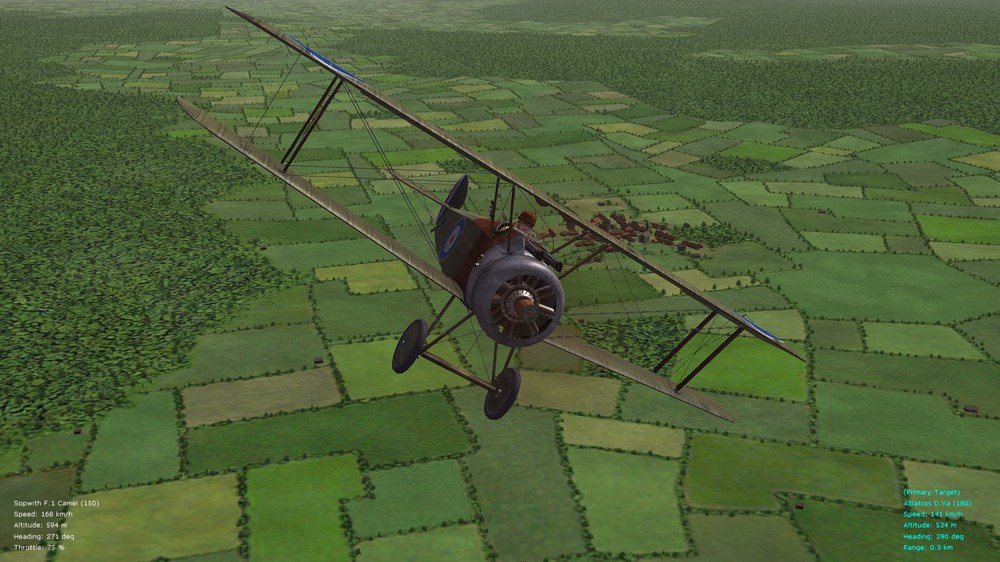
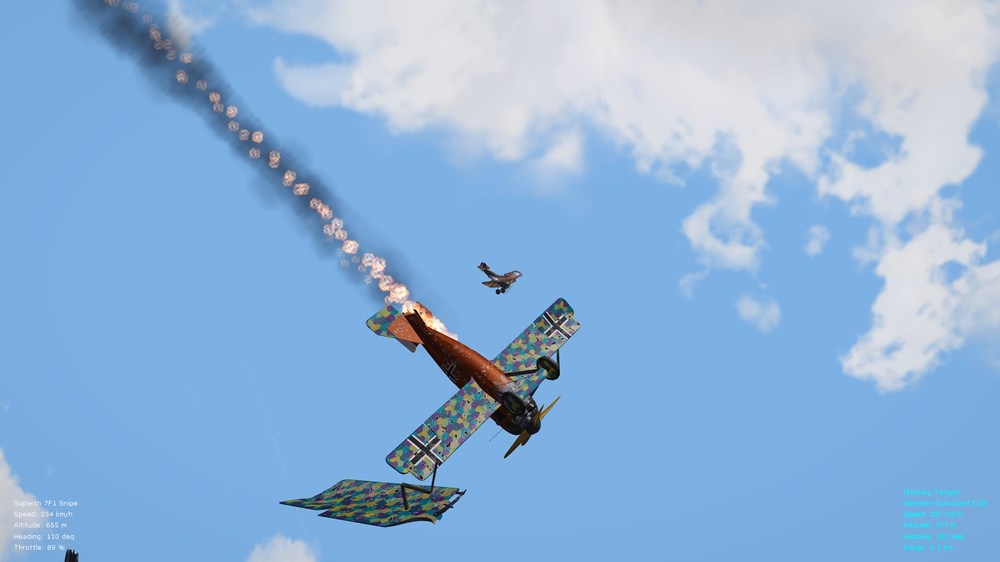
And one more post with a few other, representative pics. of latest tests for a ver. 10.0 of the FM/realism pack. Cheers all & happy flying, Von S While tweaking the FM for the Snipe, it was also necessary to re-visit the Bentley BR.1 Camel (150 hp) too - both that Camel and the Snipe now have slightly over-compressed engines The Bentley Camel, performance-wise, is now nearly identical to the Snipe, but more slippery (which can be a good thing too) Watch landings in the Bentley Camel, to avoid spinning and losing a wheel, or two Action shots of the tweaked Snipe tangling with that craft of "beaucoup speed" (the SSW D.III, model by A-Team in this case) NOTE: a big thanks to Eugene for the excellent Snipe and Camel photo-realistic skins. Also, the improved shaders preset that I am using in FE2 has been re-packaged with the big, ver. 10.0 FM/realism update pack (previously it was available as a separate download on the last page of the support thread for the FM/realism package).
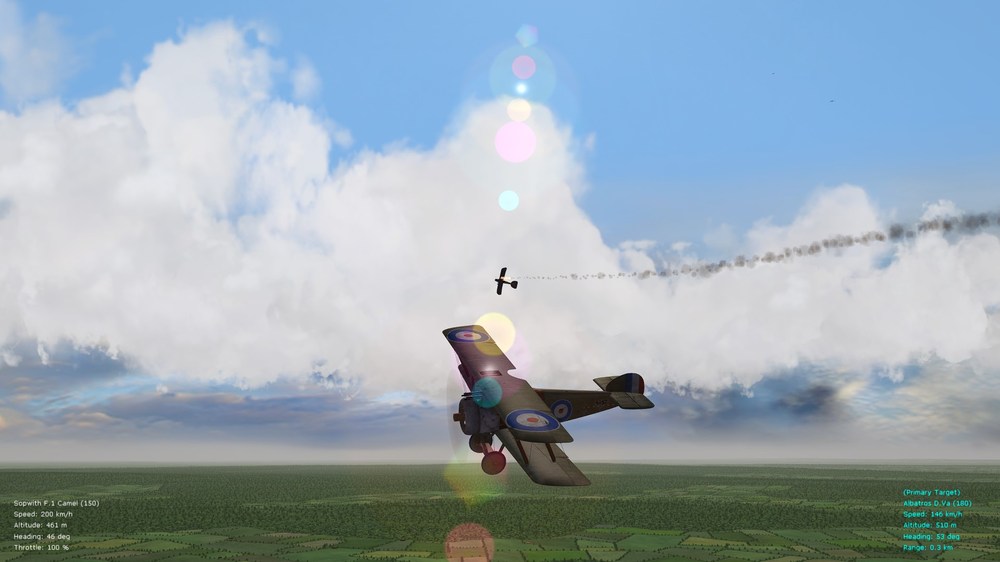
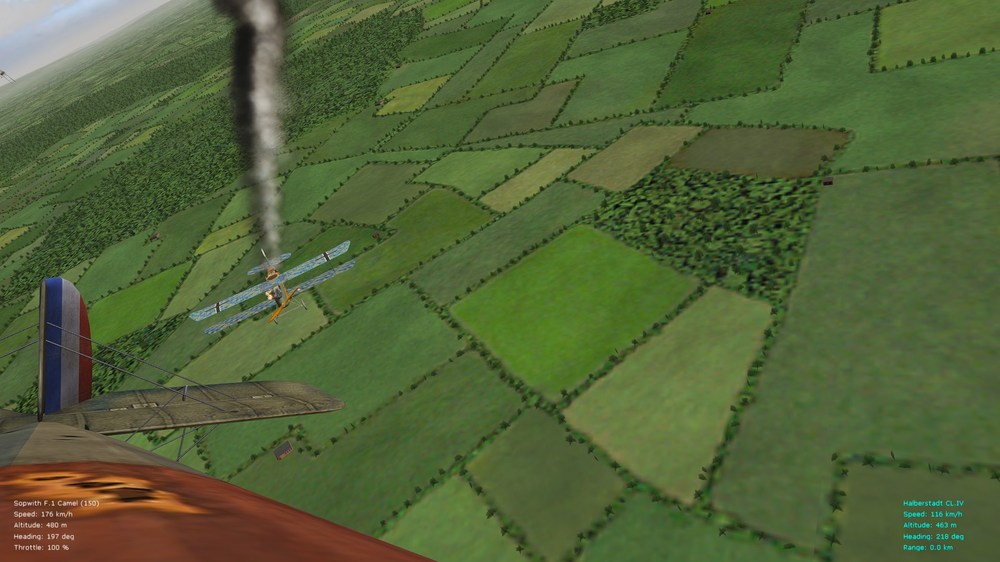
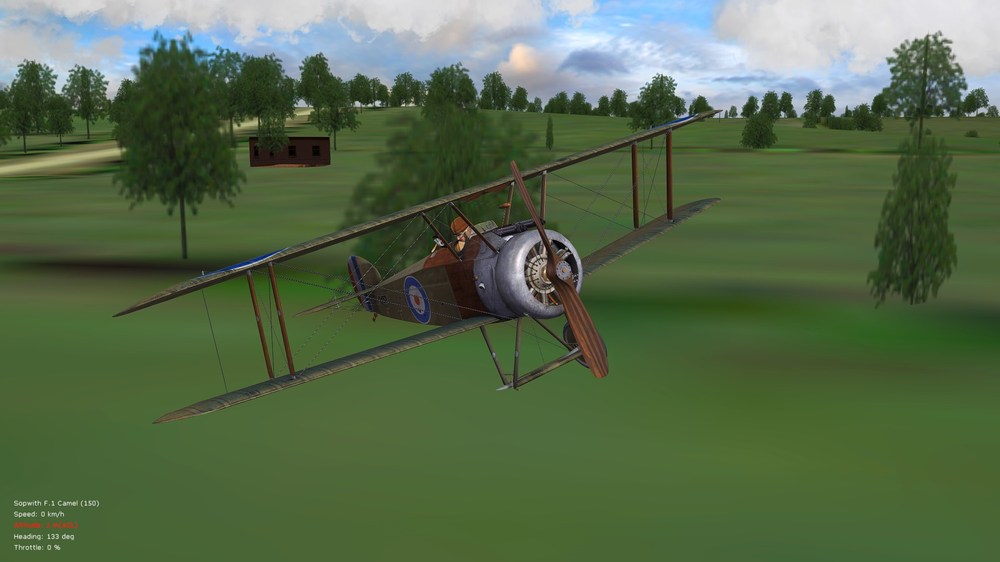
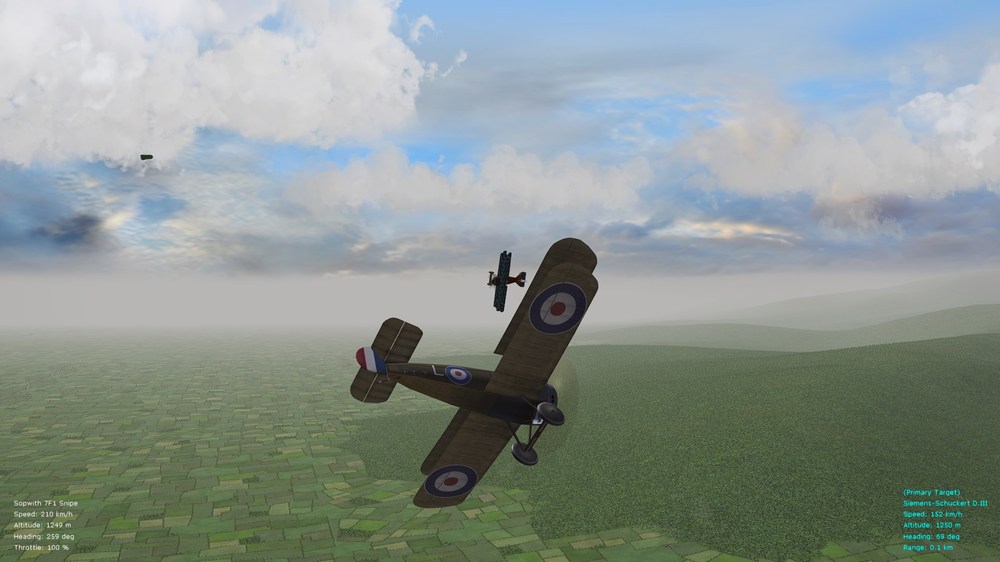
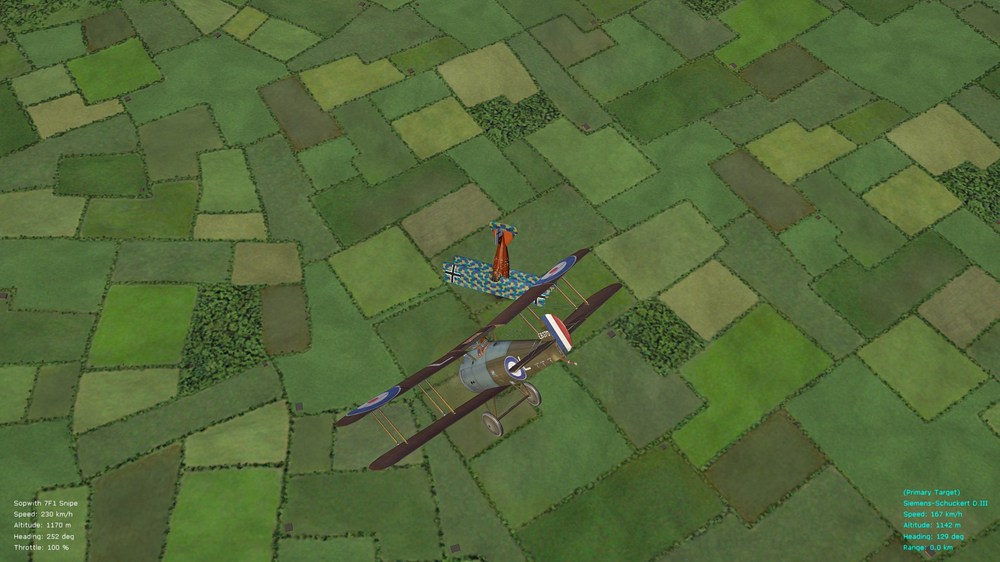
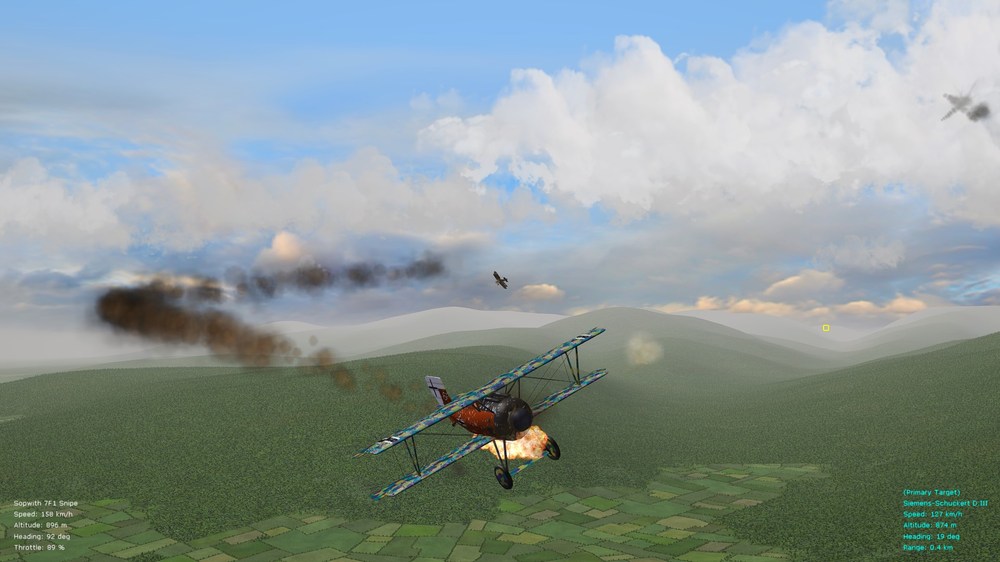
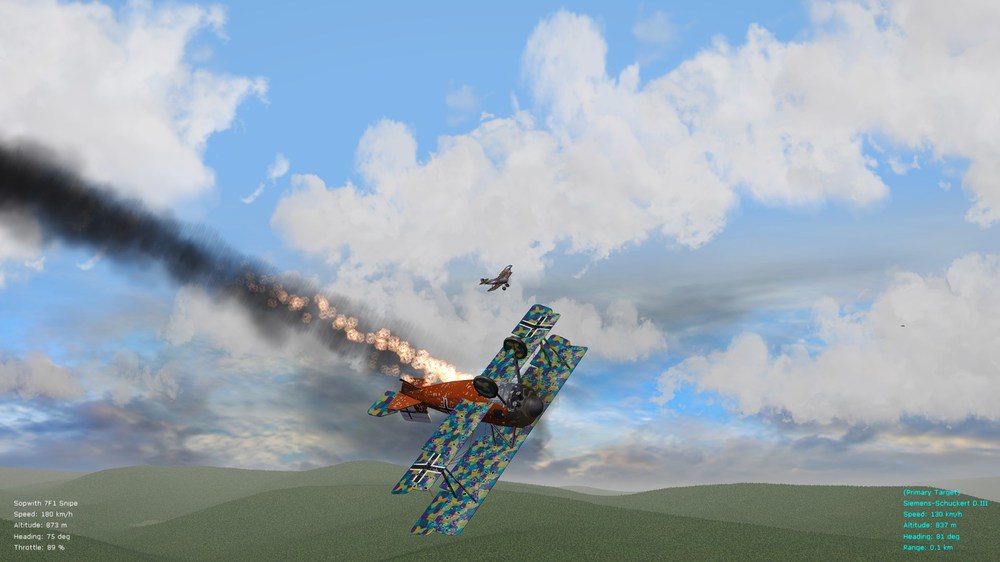
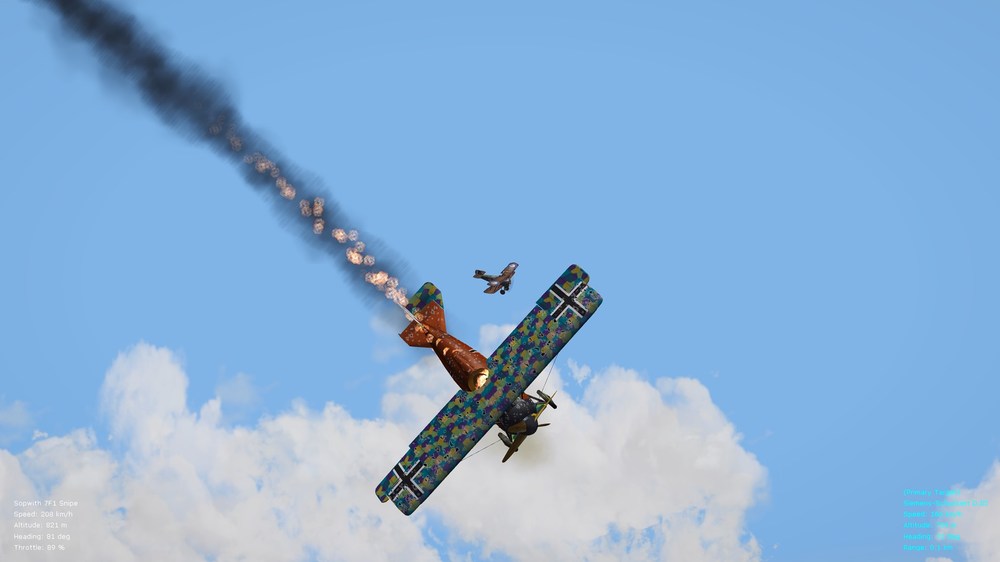
-
Superb pilots - looking forward to their release. Should help to add even more immersion to FE2! Cheers all, Von S
-
Hi Silberpfeil, Improved shaders for FE2 (and SF2) are located at the following link (they are the shader presets that I released a while back, but I will include them in the ver. 10.0 FM update pack since I have too many separate packages currently under the support thread for the FM pack). All FE2 pics. that I have been posting over the last several months (year?) are with the ReShade custom preset loaded up. [EDIT: shader preset files for FE2/SF2 now included in the big, ver. 10.0 FM/realism package for FE2.] In terms of those various pilot models, the only ones I have are the seven or eight models that Geezer made available privately about two years ago, and that I may have PM-ed you a while back - that package includes the Bruno Stachel model. Julio did release a Max Immelmann pilot for the Eindeckers, also the US pilot as available in each of the three Nieup. trainer packs that he released (link here), but other than that I don't think that any new pilots have been recently released. One of Geezer's pilots was released, as allowed by him, publicly with the BE.2a FM upload (see the support threads for the FM pack - last page, p. 8, of that thread), and his pilot with the green scarf was also to be released publicly (as blessed by Geezer) with the Bleriot model and FM (unfortunately that project is currently frozen until/if Swambast manages to retrieve his lost Bleriot files). Cheers, Von S