Wrench
-
Posts
28,322 -
Joined
-
Last visited
-
Days Won
188
Content Type
Profiles
Forums
Gallery
Downloads
Store
Everything posted by Wrench
-
iirc, jet thrust is in Newton Meters; not sure about prop planes --?. also, iirc, fuel weights are kg, for internal tanks. all other physical measurements are Metric. have been since day one. some speed statements MAY be in Meters/Sec (MPS). I think those are the ones in the -FlightData- section at the top. you're taking about individual meshes, and how the interact with each other. In the image below, for the Harrier 1, you can see the blue bounding box, with IS the actual mesh X/Y/Z parameters, and the green Hit box (and the fact they don't even match!! Seen this plenty of time of stock aircraft, too) IIRC this correctly, the Min/Max describes the extents of the bounding box, the actual size of the component. Obviously, the Hit Box (green) is where damage is taken (collision points) From the fuselage section of the 3W Harrier 1: MinExtentPosition=-0.74,-6.68,-1.00 MaxExtentPosition= 0.74, 1.26, 0.97 CollisionPoint[001]= 0.00,-6.67,-0.20 CollisionPoint[002]= 0.00,-2.61,-0.93 CollisionPoint[003]= 0.00, 1.25, 1.00 CollisionPoint[004]= 0.00,-6.68, 0.70 CollisionPoint[005]= 0.54,-4.98,-0.40 CollisionPoint[006]=-0.54,-4.98,-0.40 as you can see, there IS a tail mesh, but the Fuselage HB has been extended to cover it. Kinda weak, imho.
-
my suggestion would be to keep the poly count as low as possible, IF even possible!
-
bridges need to be placed on flat ground or they don't line up (see my original ASW Texas/Mexico terrain along the Rio Grande. Seriously messed up bridges) Adding objects like this isn't new -- Russ experimented with it in the 1stGen series, and my WW2 Hawaii terrain sports a Ford Island that's a single piece lod (courtesy of Geezer). It's a great way to add specific types of objects.
-
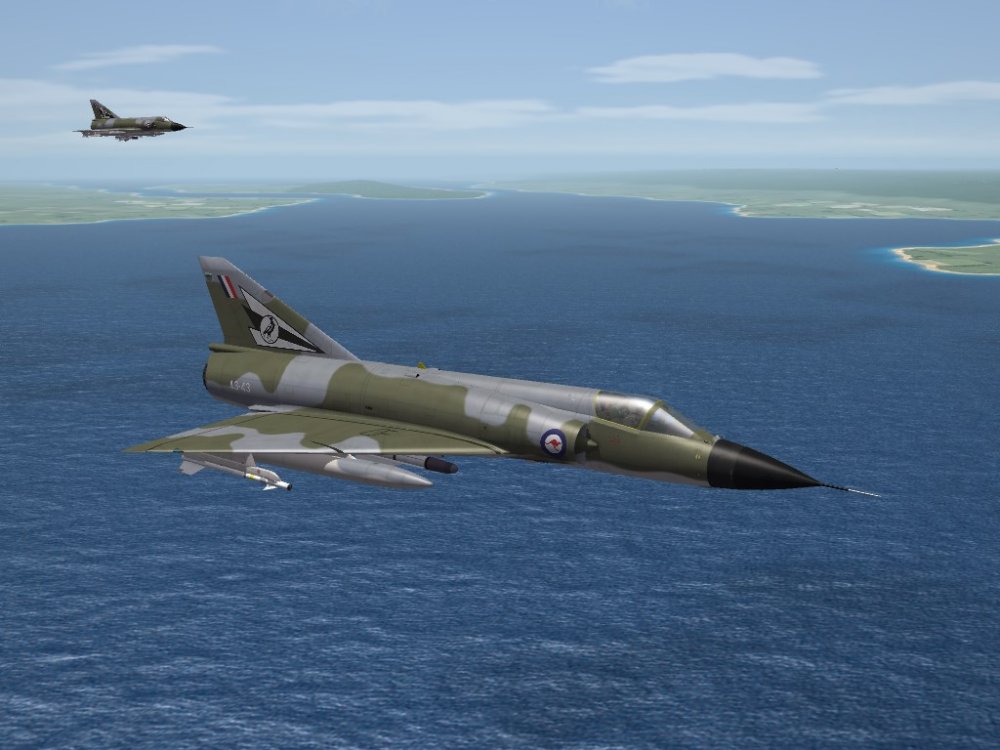
Gents, FIRST & FINAL WARNING!! take discussions to the MAIN Forums, that's why they exist. This is for Screenshots =ONLY=. Next time this happens, the posts will be deleted, and you're personal warning levels will be raised. ------------ required screenshot
-
one can assume several dozen faults like that! (just thinking the USAF/USMC/USN all changed national insignia in 1947, as an example)
-
Mods for SF2 not having sufficient installation instructions
Wrench replied to 1Patriot-of-many's topic in General Discussion
I'm just curious to know if these "non working" campaigns are designed for a stand-alone mods folder (like KAW or TSF or ODs or..or...or), and the end user is just dumping them into an "all is everything" mods folder. Which, 99.999999999999999999999% of the time simply don't work. And yes, there are massively varying levels of details in read mes. Always been my personal peeve. Tell the end user what the fuck it's for, if it's designed merging with **** game, or is a seperate, stand alone mods folder is required. AND the part about "having to edit the options ini" is flagging, to me at lease, said campaign mods REQUIRE seperate installs. Just thinking out loud. Of course -
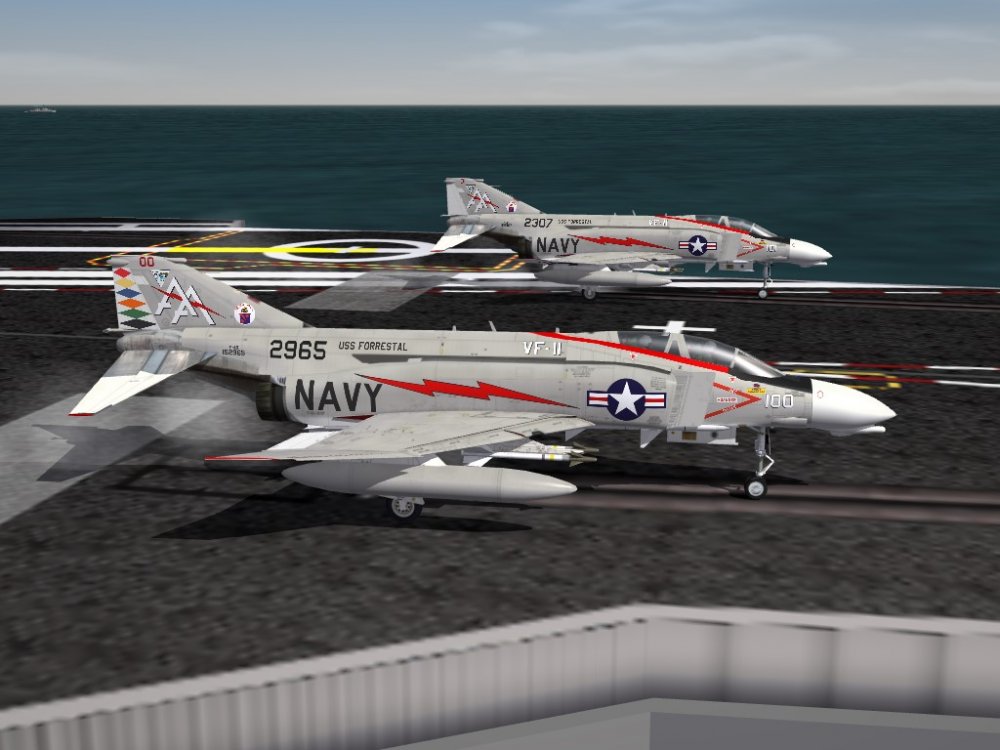
re: underwing radar pod for SPADs... anyone bother to check the KAW mod for the AD-4N???? hint hint APS-31 -- requred screenshot
-
Marineluchtvaartdienst Supermarine Attackers
Wrench replied to Spinners's topic in Sci-Fi/Anime/What If Forum
Indeed! MLD is much easier to say!! -
ODS Redux carrier missions buggy on my end
Wrench replied to zeitgeist's topic in Mission & Campaign Building Discussion
delete the mods folder, NOT the exe!! (unless you used an exe other than the NA one) When you (re)start your ODS.exe, it'll rebuild a new mods folder. Then, you all the ODS stuff from you downloaded. Since they're carriers involved, I'd HIGHLY recomend building it from the SF2:NA executable. Better carrier coding in that exe -
I simply cant get the guns of my plane to fire.
Wrench replied to MiG29Fulcrum's topic in General Discussion
it's also been observed over the years, that the control ini sometimes get re-written by the game. I've had this happen on and off in various mods folders for at least 4-5 years. One could try editing by hand, getting the set up the way you want, and then change the properties of the control ini to "read only". And like Gepard said, check that the gun you're trying to shoot actually exists. Also like he said, check ALL stock player-flyable aircraft The first thing we learned in (automotive) diagnostics: Common to one, or common to all?? -
it should be in the same place as the RAAF serials on their Mirage IIIs. Almost identical in size, and mesh names be the same. ( Tail -4.60, 0.10)
-
Souli: Yes. One at a time, my brother! SAAF Impala first.

-
locked away in objectdata002.cat. as are ALL Lods. use Mue's Lod Viewer to "view" the aircraft, and you'll get the coordinates from there
-
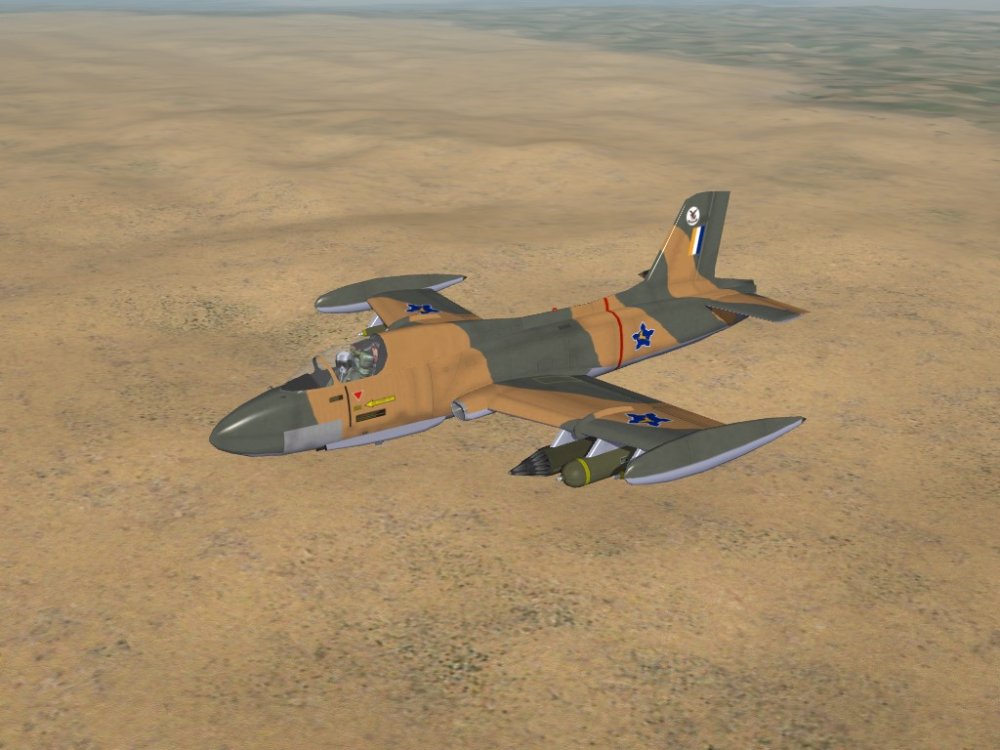
Found in the storage archives ... needs a lot of work to get SF2 ready. It'll be out when it's out. So don't go whining
-
one of the most missed things, when I came over from Fighters Anthology in 2003, was that nice descriptive briefing. Was a great way to tell the story
-
yah, I did them. They're in the KAW aircraft packs edit: looking over the archived KAW mods folder (still haven't finished rebuilding everything after the HD crash in December), it looks like I had started to assemble a package from just the AT-6Gs. Maybe, if you're really lucky, and ask really nice , I'll try and finish putting it together in the next few days.
-
other than the model was Marcello's (Marcfighters) and he'd pulled it, and didn't want it released a long time ago. I should know, I released it and got a ration of shit about it. But... as he has long left since the community, it is considered "abaondon ware" . Fix it up and release it. The Admins say it "ok"
-
most assuredly, test on another terrain. the Himialya's is exceedingly small, and has many issues with The Wall (tm)
- 7 replies
-
- 1
-

-
- early floggers
- flight models
- (and 5 more)
-
it would most DEFINATELY be theirs. Unless they bought the MAX files from Bobrock
-
did you try renaming the data ini, so it reverts to stock, and see if the issue disappears? An error might have occured during the copy/paste operation. Those images look like you've hit "The Wall" at the map's edge. have you tested on ALL terrains? That visual shift has been known to happen like that. Please post the url to the download link. There are/have been more than one Flogger available (other than TKs) and knowing what the read me says might be of assistance
- 7 replies
-
- 1
-

-
- early floggers
- flight models
- (and 5 more)
-
I fixed it! Odd that the OFF guys didn't catch it! (odd to have have Chinese MIGs flying over flanders fields!!!)
-
Also found the URAL trucks, in 1stGens. again, will need conversion to SF2 styles. Both truck will need userlists ... I know I'd built some, but have to browse my mods folders and backups (still haven't fully rebuilt since the HD crash in December)
-
Matt, looking for GAZ or HAVE GAZ???? (I crack myself up sometimes!) Did you check the 1stGen dowloads?? Here: You will need to update all the inis to SF2 style, but here ya go!
-
the TAE can only read HFD based terrains. As IcelandNA is lod based ... it don't work. If you want to do things to it (like I did, and it's in the D/L section) you have to do it the old fashioned way (tm).
-
Why do some mods show enemy planes in map mode
Wrench replied to 1Patriot-of-many's topic in General Discussion
renaming those 2 files will also return the icons. (ie: xHUDDATA.ini) ------------------------------------- usually, and hopefully, the mod maker says something in their read mes to the effect "this mod contains modified inis that remove enemy icons from the in-flight map". Unfortunately, that's not always the case