Nyghtfall
-
Posts
976 -
Joined
-
Last visited
-
Days Won
20
Content Type
Profiles
Forums
Gallery
Downloads
Store
Everything posted by Nyghtfall
-
Limited Nations File in Terrains Folder
Nyghtfall replied to Mike Dora's topic in General Discussion
Thanks! Never seen them before...I thought this was a joke. P.S. And sorry for hijacking the thread! -
Limited Nations File in Terrains Folder
Nyghtfall replied to Mike Dora's topic in General Discussion
I'm really interested, what type of planes Mordor is currently flying. -
For safe and easy use thats correct. But it's not really needed, as the length actually _can_ differ. You just have to watch carefully, how the characters etc. are coded. The pattern in the picture is character, followed by "00" (the dots in the right column). Add those "dots" on the left side by typing 00....if you hit the "dot-key", you will get the hex-value of the actual dot, which is not "00". Follow this pattern and don't overwrite stuff other than "00" and it will work with longer or shorter names too.

-
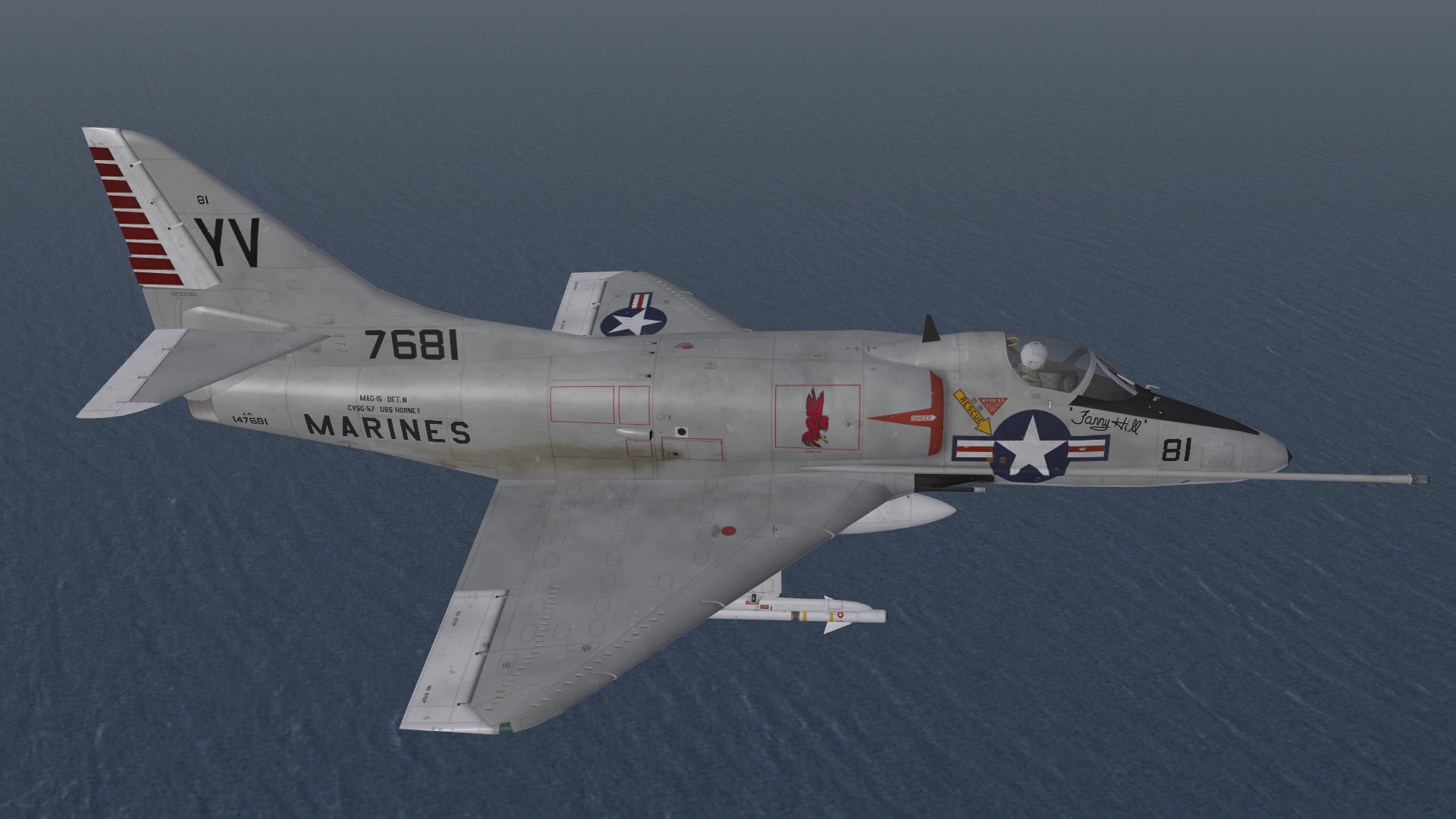
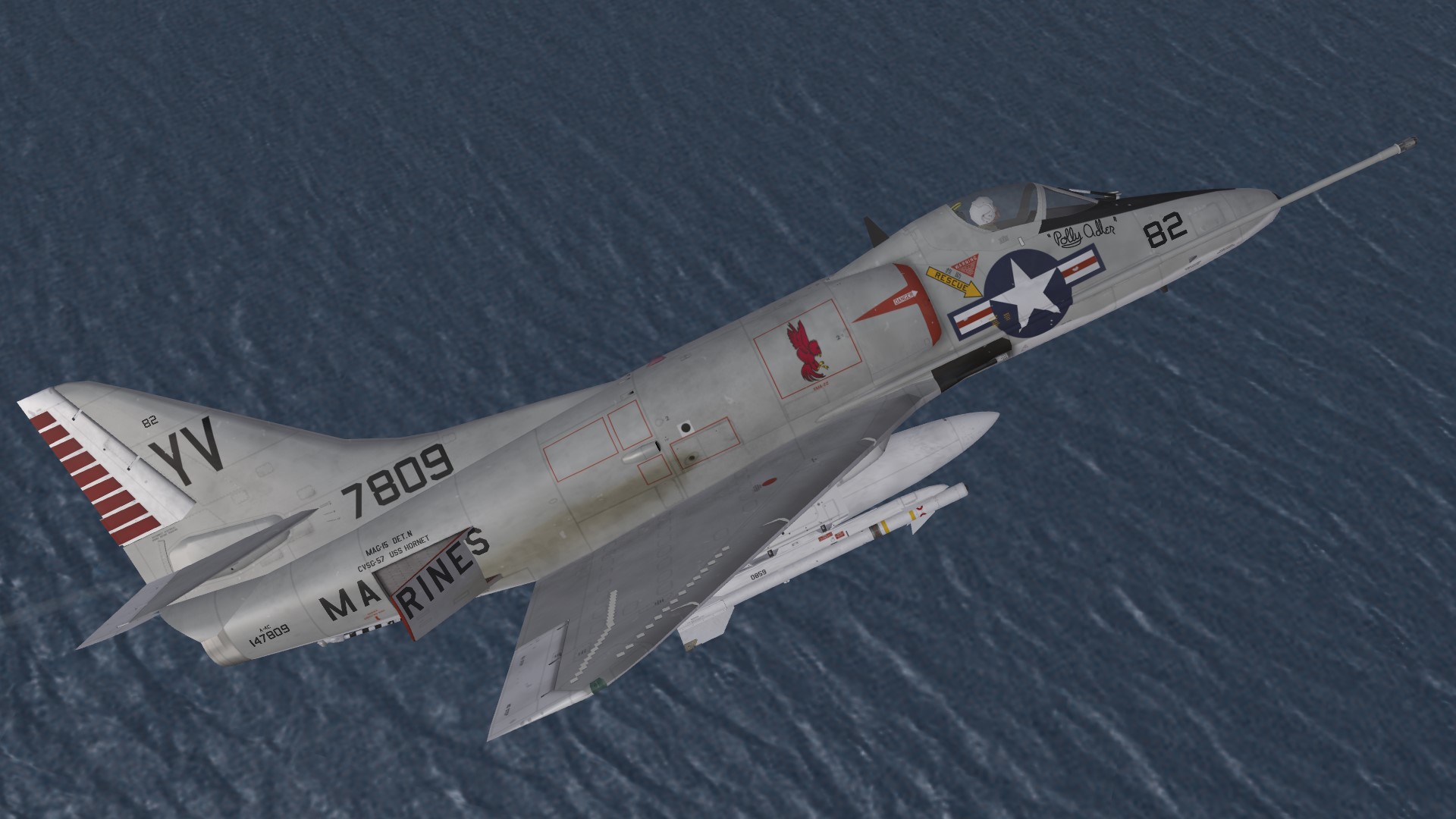
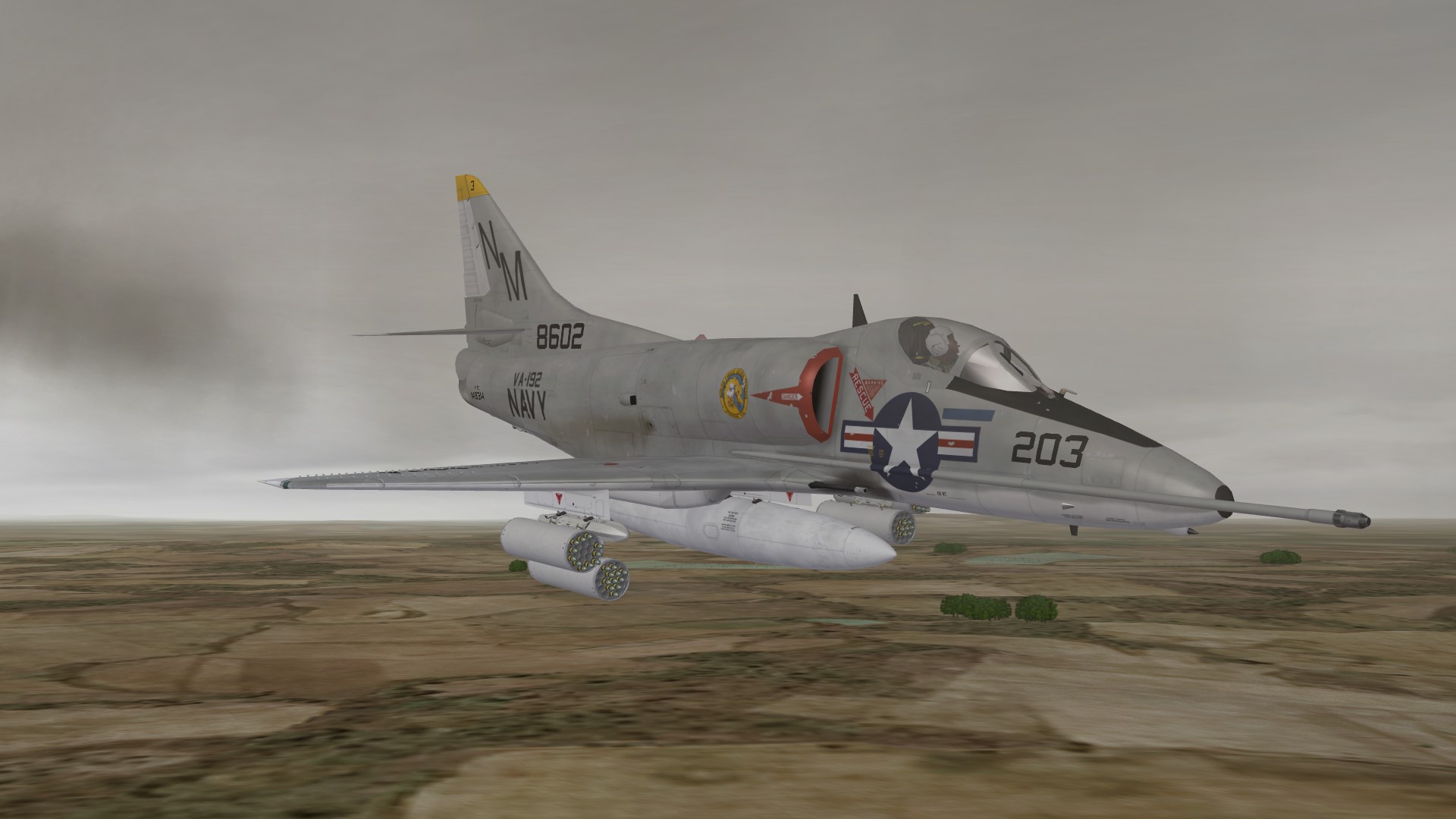
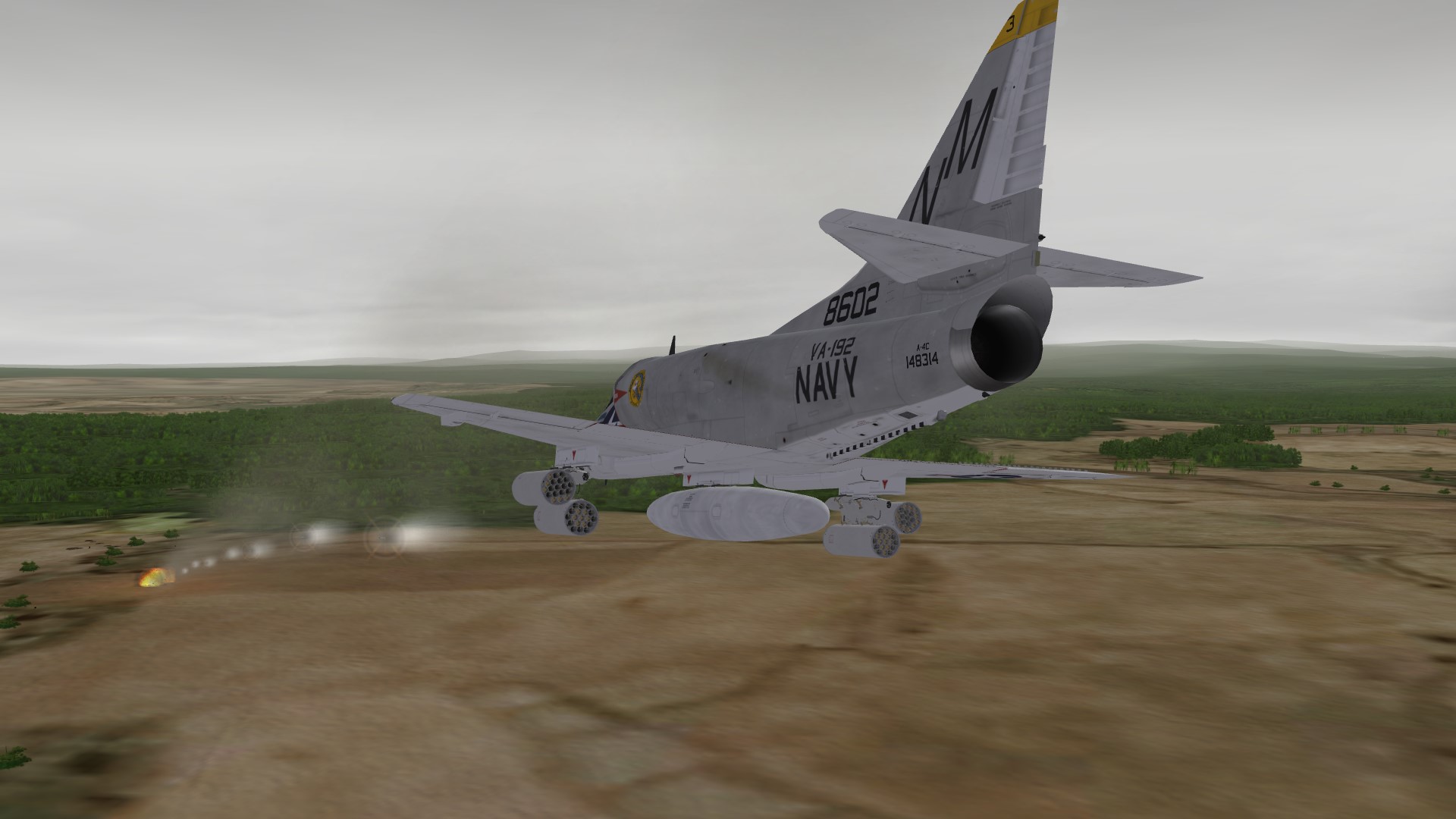
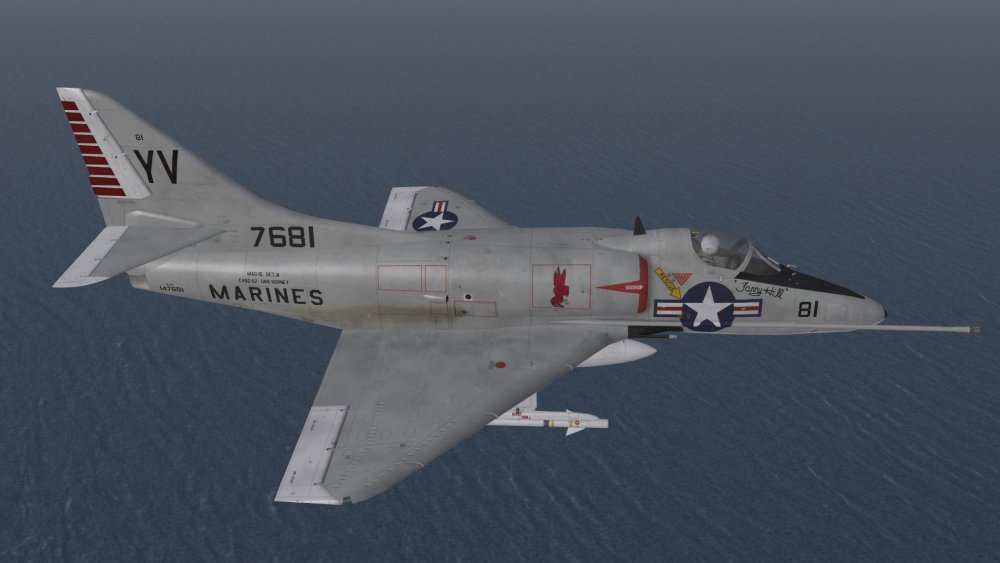
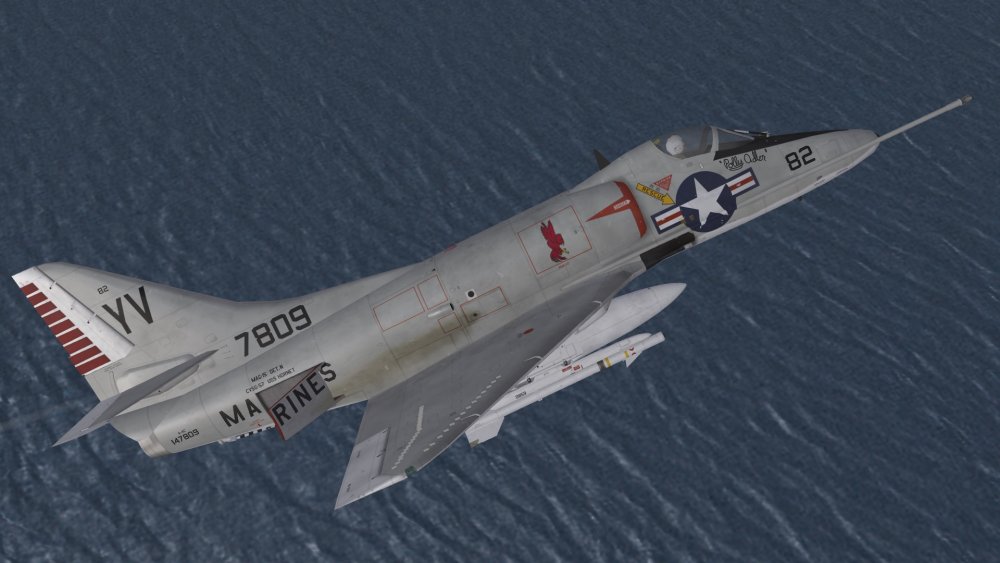
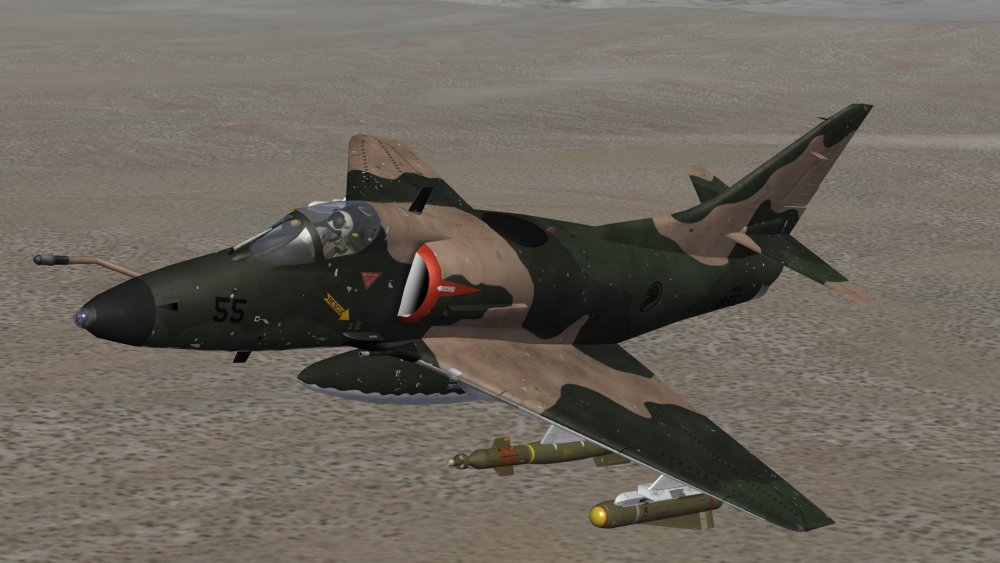
Some more Air-Defense Skyhawks from ASW-Carriers 2 of the 4 shady Girls of H&MS-15 on USS Hornet in 1965/66 Fanny Hill... and Polly Adler.
-
You should look for a place to land right after takeoff or have a personal refueler on the way to your targets. ;)
-
whats your modding plans for the new year?
Nyghtfall replied to daddyairplanes's topic in Mods & Skinning Discussion
Only 1 goal for this year for me - get enough motivation to do some useful SF2-modding again... -
Any RGB site for aviation camo colors?
Nyghtfall replied to Stratos's topic in Mods & Skinning Discussion
Another way is to look for a photo of good resolution without to much sun, pick the colors from there and adjust them here and there to get a good result. -
All A-4E-based Cockpits are repainted and have updated inis (all E, F, G, H, K). A-4A to C and L are still missing. I started work on the B though.
-
Looks good, thanks!
-
FRONT and BACK are correct.
-
There are several similar pics on the net. If someone landed on the wrong carrier, the plane was "decorated" in special ways. ;)
-
I don't know if SF2 alone is enough - trial and error here I guess. I just reinstall all games, delete the clean stuff in the directories and copy the old modded stuff in those directories. You only need options.ini and versions.ini in the users-directory at c:, everything else therein can be deleted, if you move the mod-folder to another location.
-
You can do a clean install of all SF2 games to a directory you want, start them once after that to let them create the files in the user-folder. Then change the options.ini to your needs. All other stuff (except versions.ini) in the users-dir can be deleted then. Then copy your modded stuff then to the directory you named in the options.ini.
-
nice work! you've got a spelling error on the mentioned sticker - greather - get rid of the "h" and another 2 in the second to last one - befor --> before, and separaded --> separated sorry for nitpicking
-
The Sticker says: "WARNING HERMETICALLY SEALED UNIT DO NOT SUBJECT TO PRESSURE DIFFERENTIAL GREATER THAN 15 PSI" Here's the template for the old Walleye model I once did. Maybe it helps a bit. Template_WalleyeI_NF.7z
-
Hi Ravenclaw from Aotearoa New Zealand
Nyghtfall replied to KiwiBiggles's topic in Mods & Skinning Discussion
Here you go, repainted LAU-7-Rail Have Fun! LAU-7_A4K.7z -
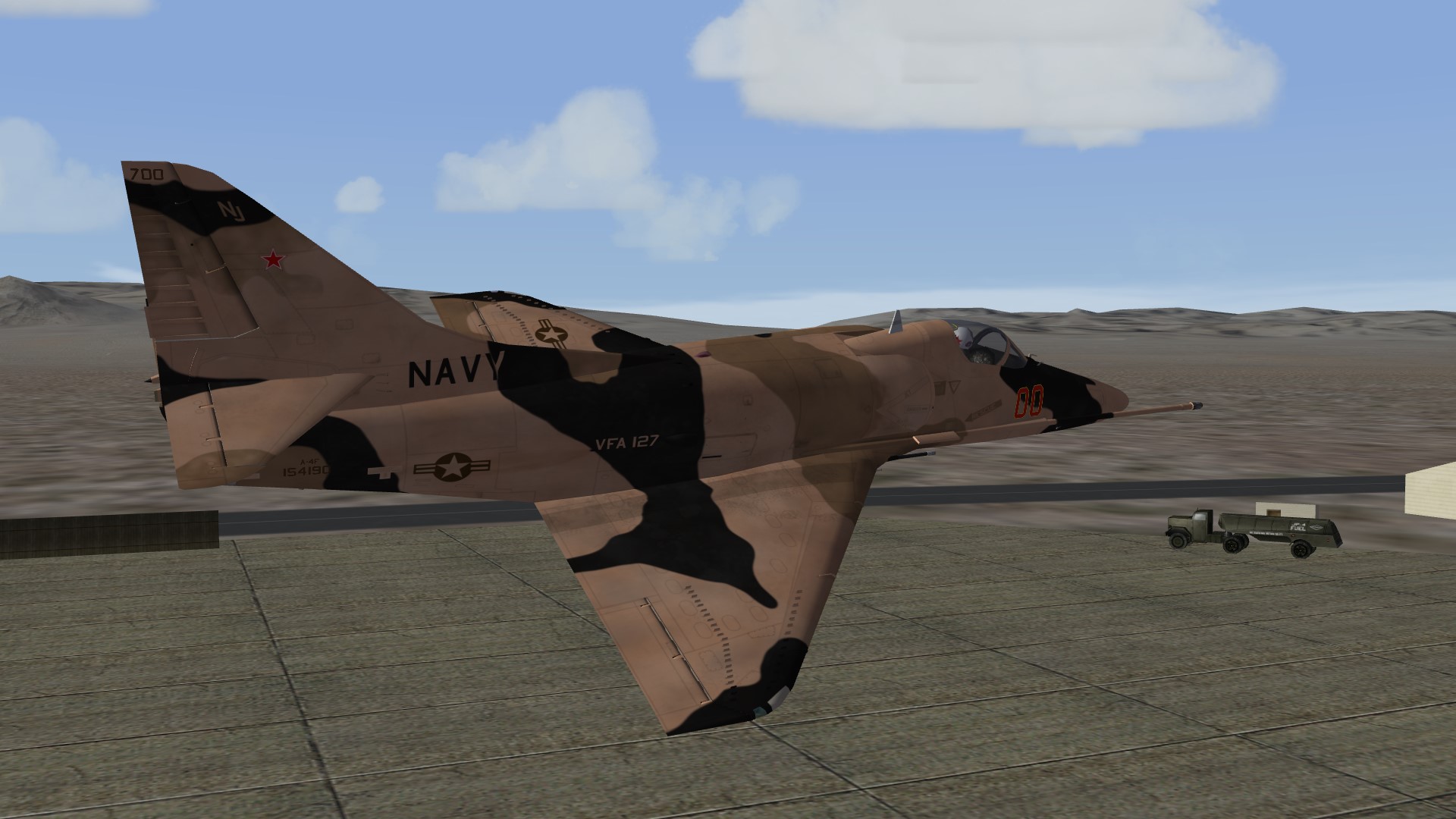
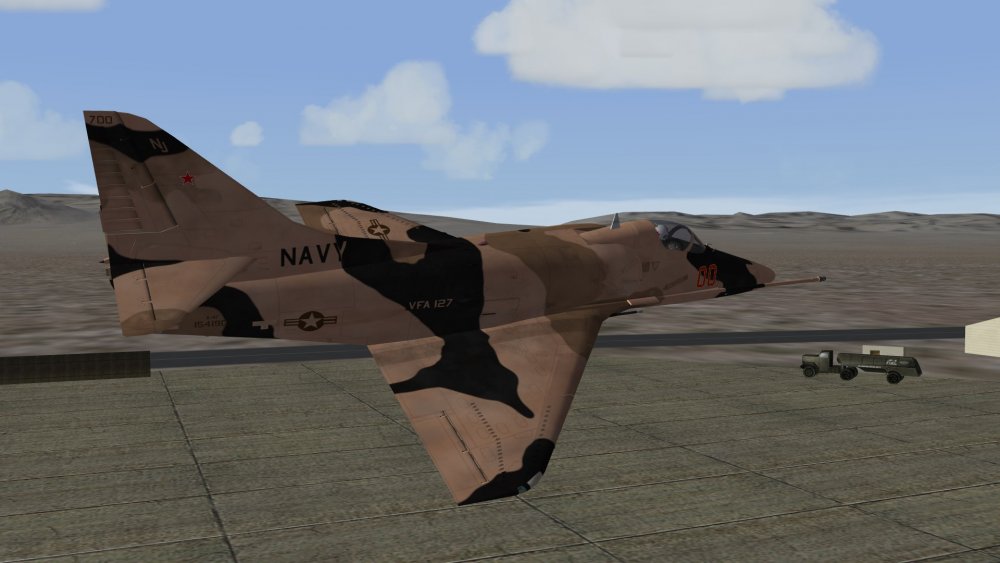
VFA-127, Double Nuts, 1986
-
Your tga seems to be fine. It works perfectly as a decal on a plane - only the tower is visible. Pure guesswork here: Maybe tgas (or transperency of tgas) do not work as texture-file on a 3d-model?
-
A quick look in some stock plane inis showed that loading-screens are always referenced for stock planes as <name of plane>_loading.jpg (<name of plane> is the same as the foldername of the plane). TW just didn't put a separate picture in there. So if you put a picture in the plane's mainfolder, it should work.
-
twin rocket-pods assembly , left and right
Nyghtfall commented on ravenclaw_007's file in Weapon Packs
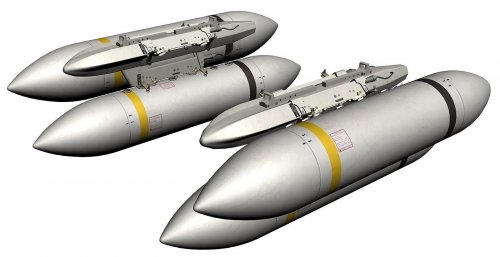 Probably a typo or something like this on your side. This works also for the Israeli-Skyhawks. Check if you changed exported=true and the according export-years for both pods.
 -
twin rocket-pods assembly , left and right
Nyghtfall commented on ravenclaw_007's file in Weapon Packs
Thanks a lot! Nice work. -
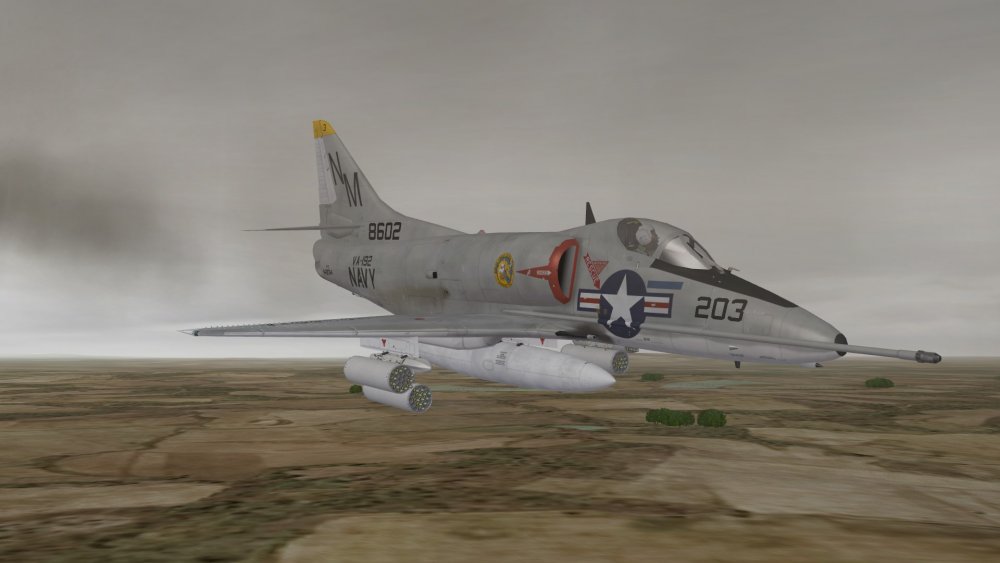
Thanks for the Pods!
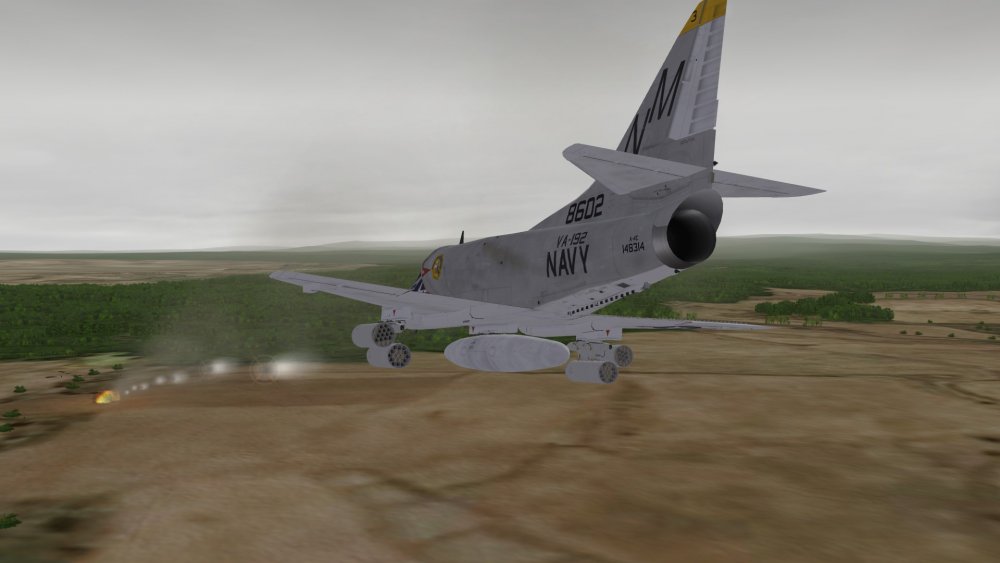
-
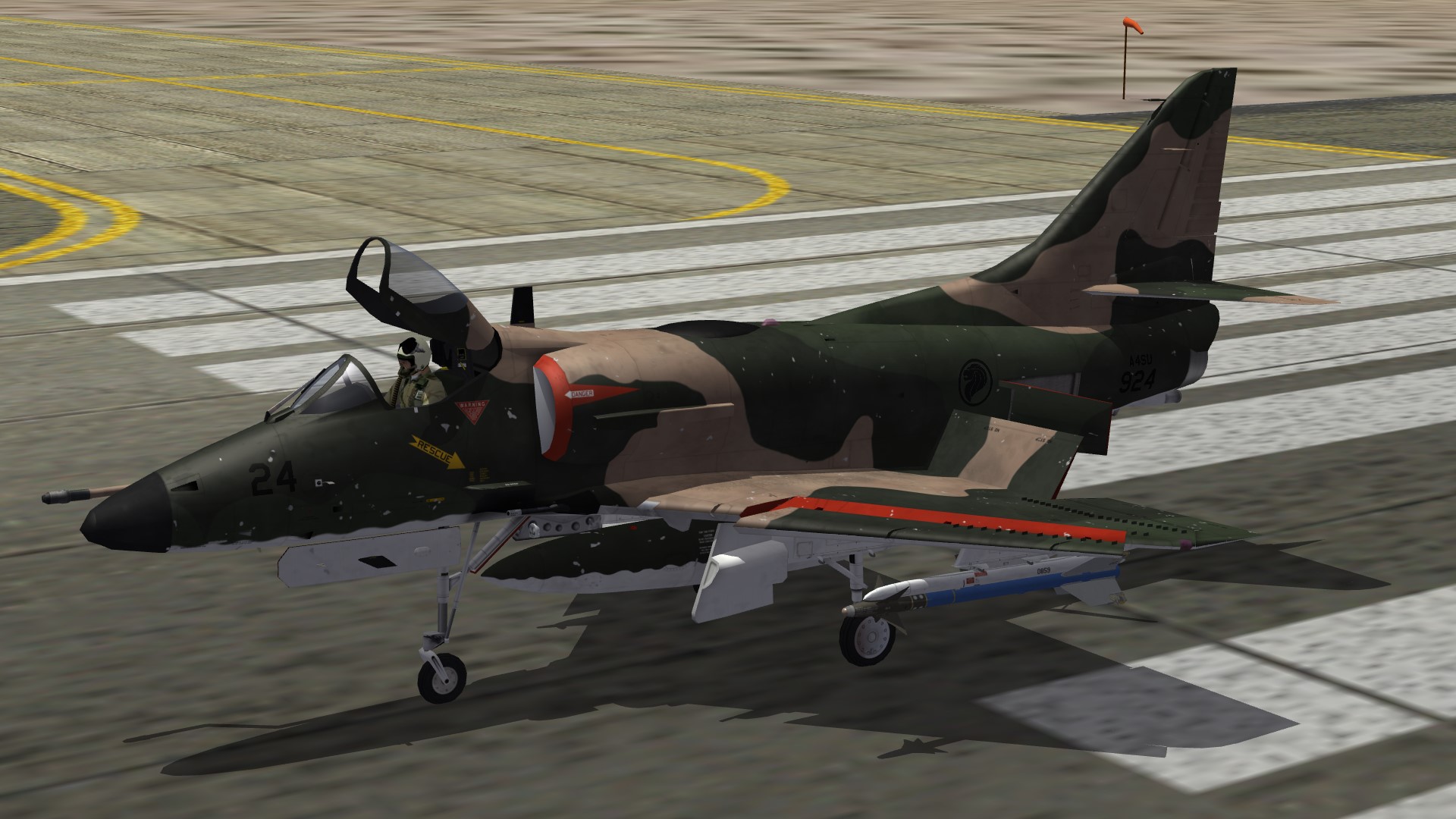
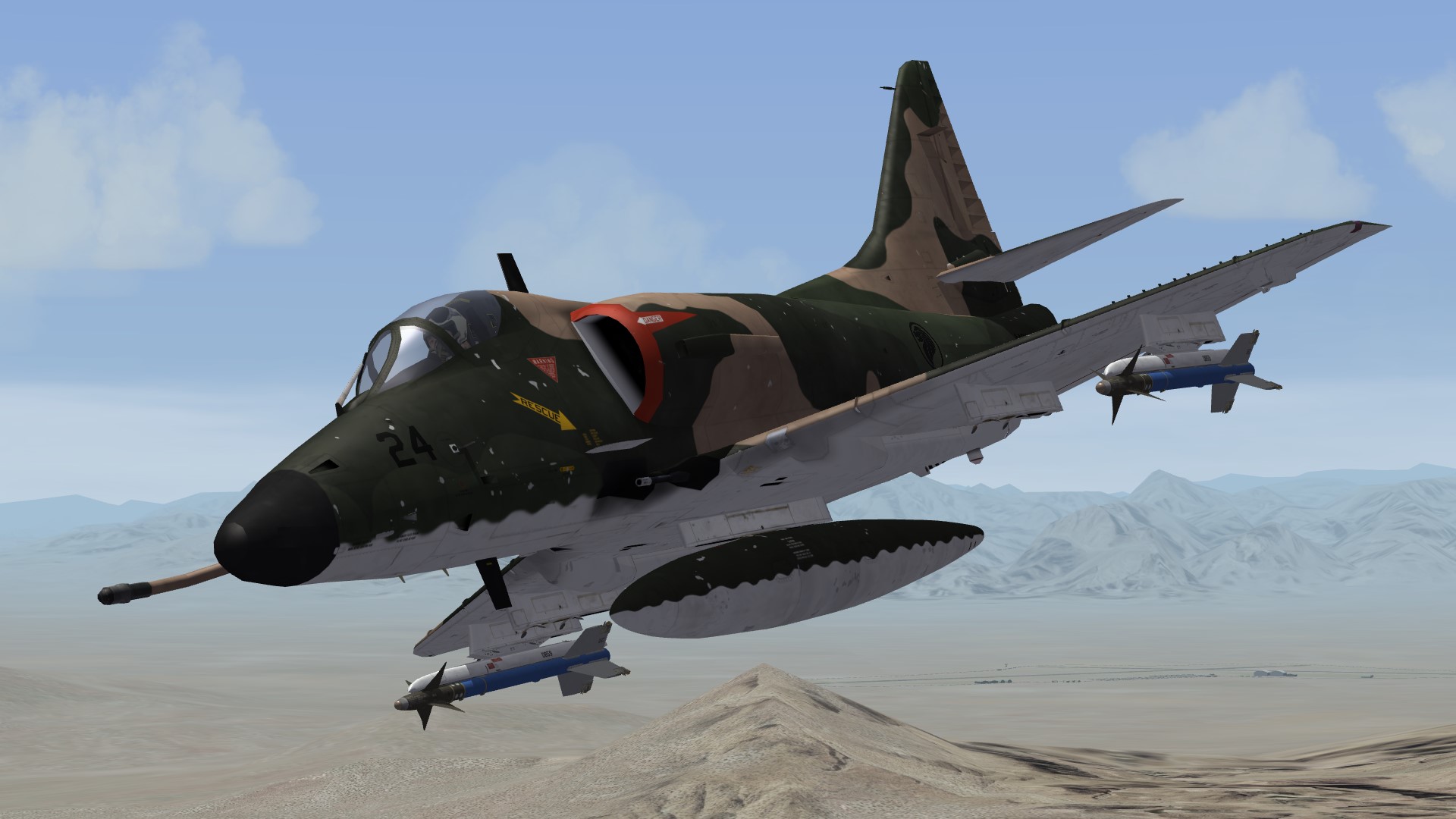
Training flight in the Super Skyhawk:

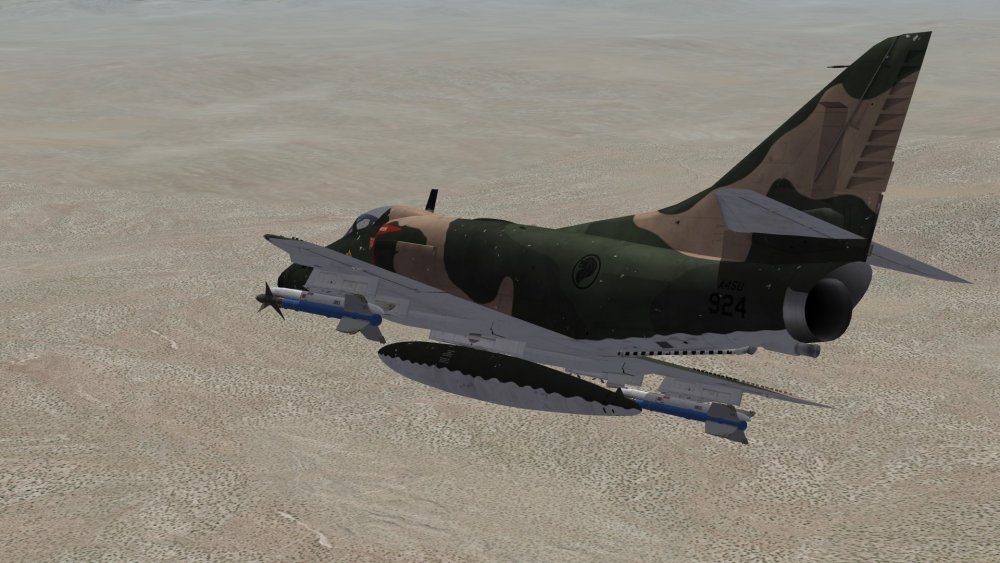
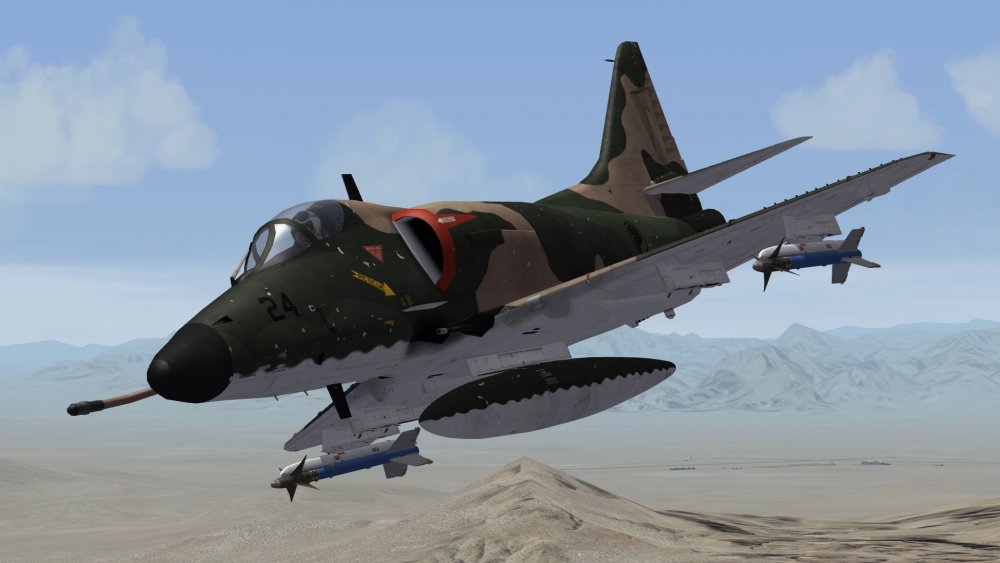
-
How to add a plane AFTER the campaign has started?
Nyghtfall replied to beachav8r's topic in General Discussion
Good choice! -
Nice work, I like reading your reports! It just makes me wanna start a merc-campaign (never played any) and actually play the game, rather than do skins or other stuff for it. Please continue!