Nyghtfall
-
Posts
976 -
Joined
-
Last visited
-
Days Won
20
Content Type
Profiles
Forums
Gallery
Downloads
Store
Everything posted by Nyghtfall
-
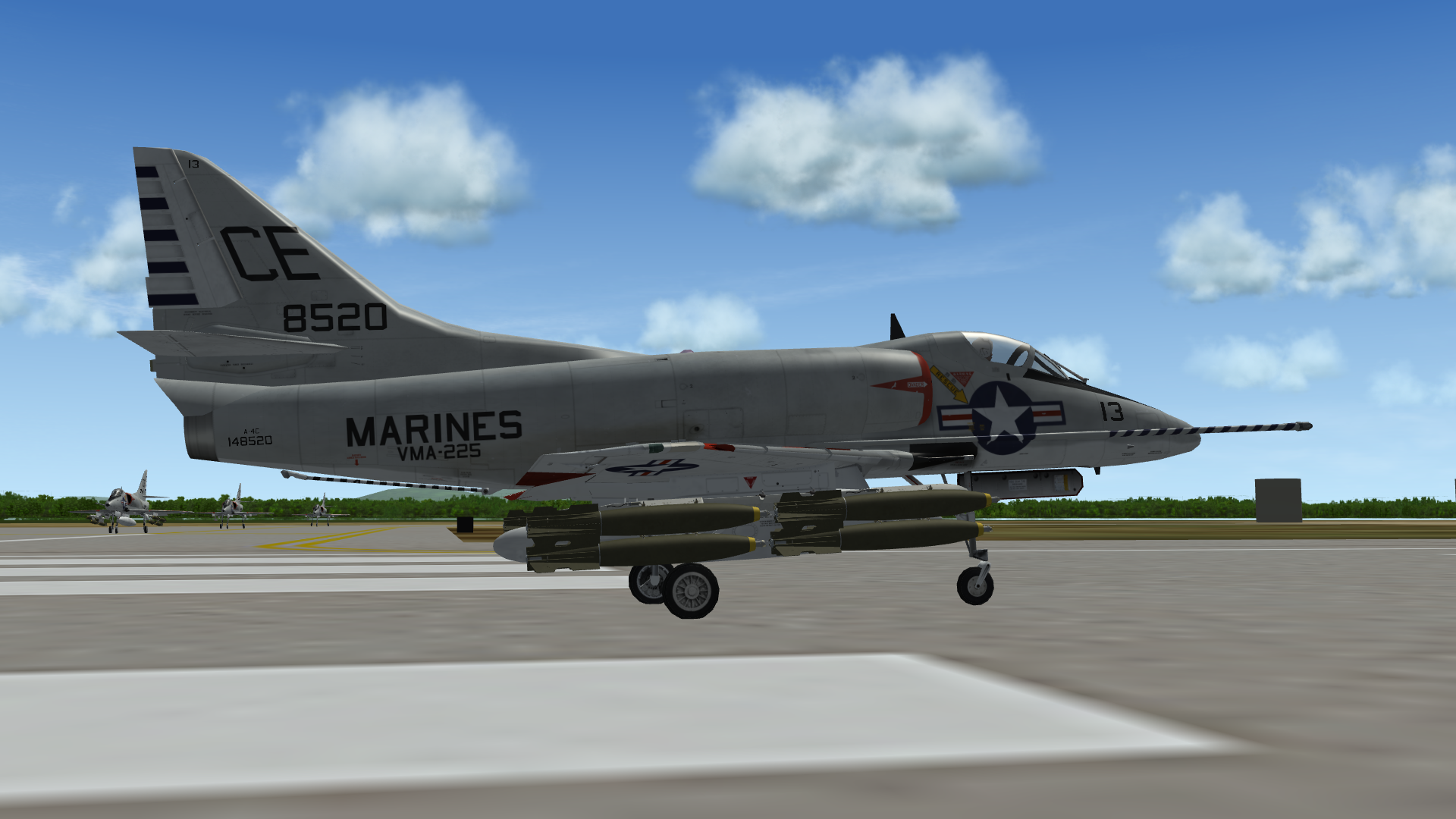
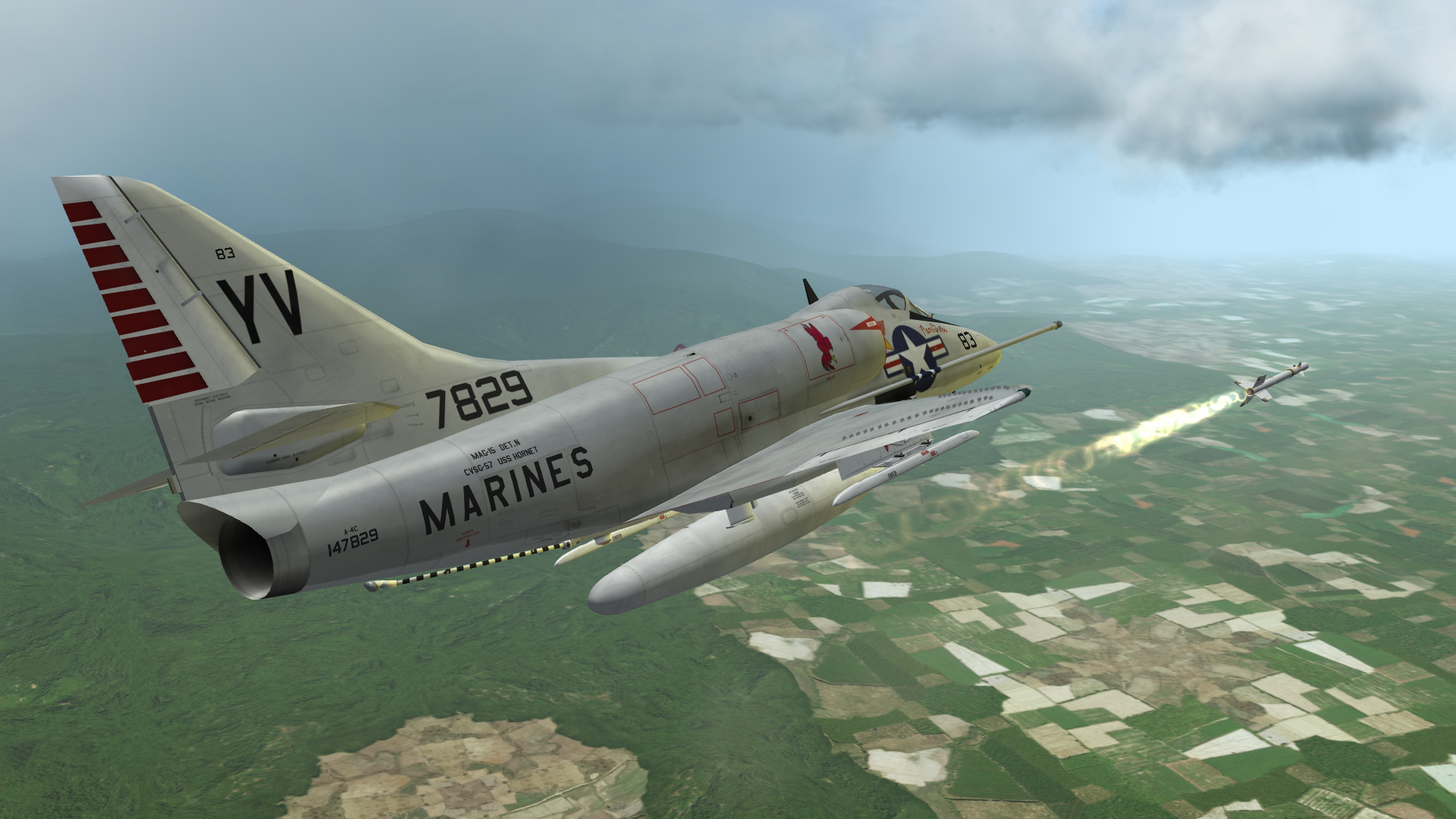
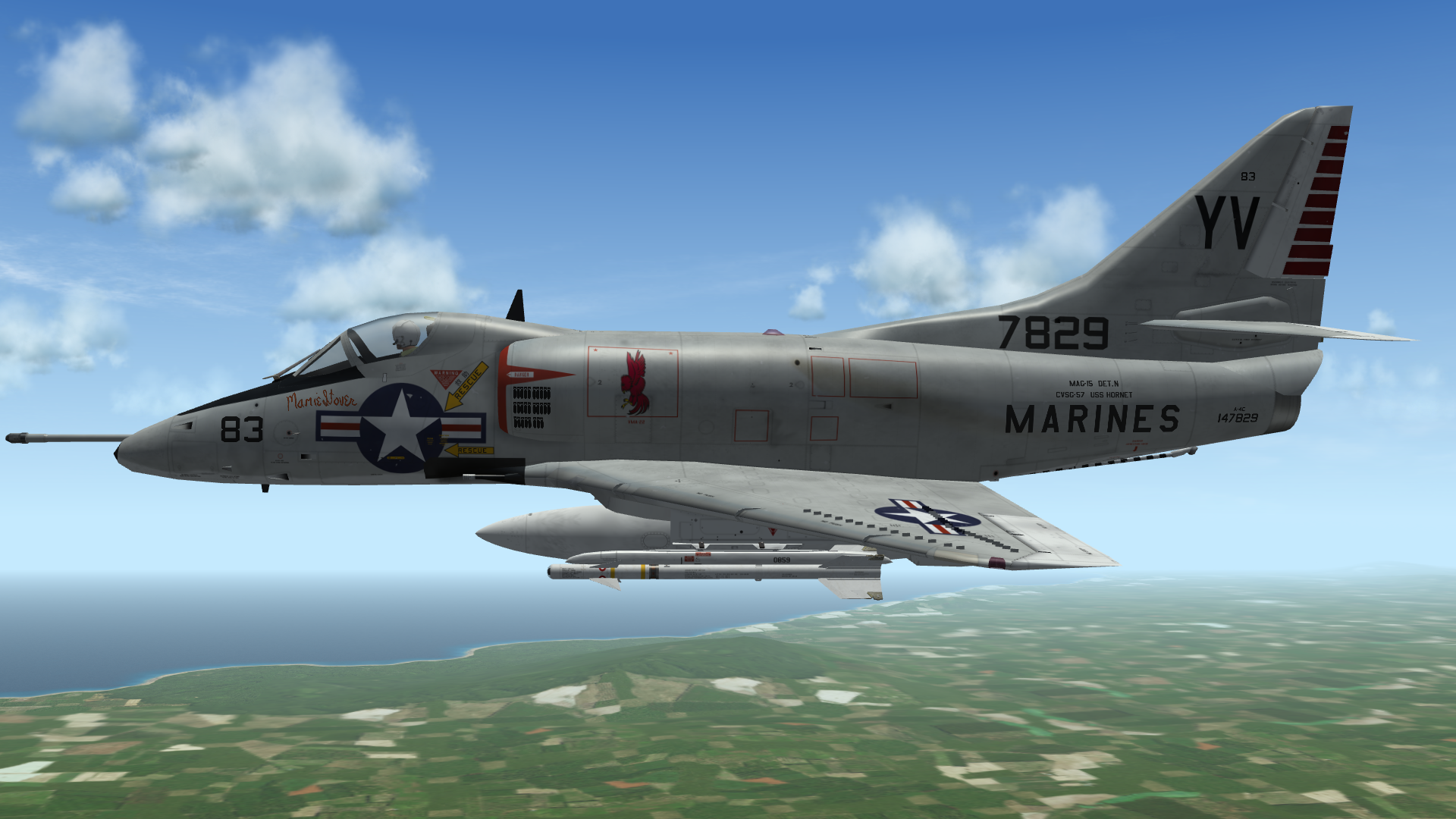
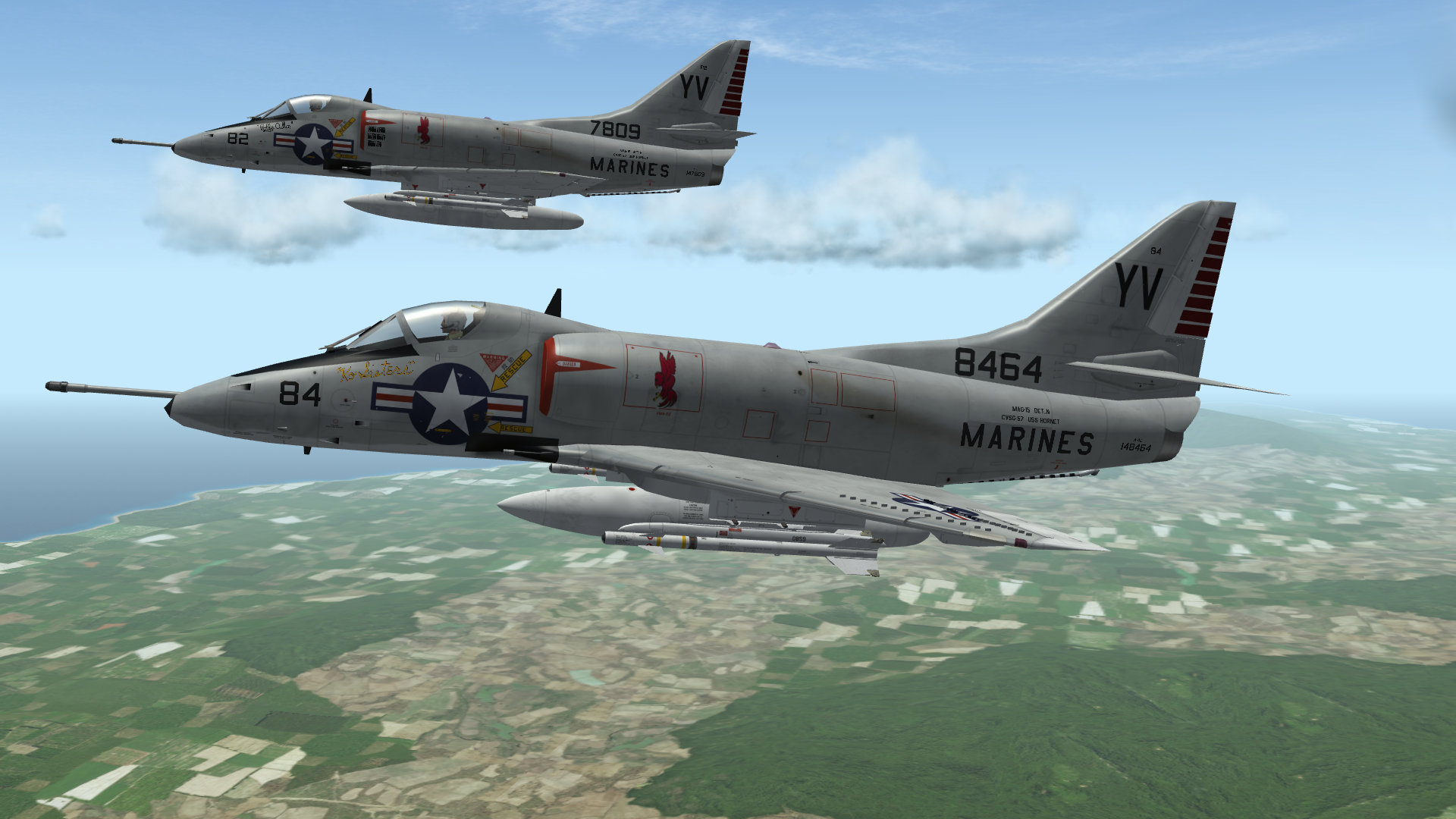
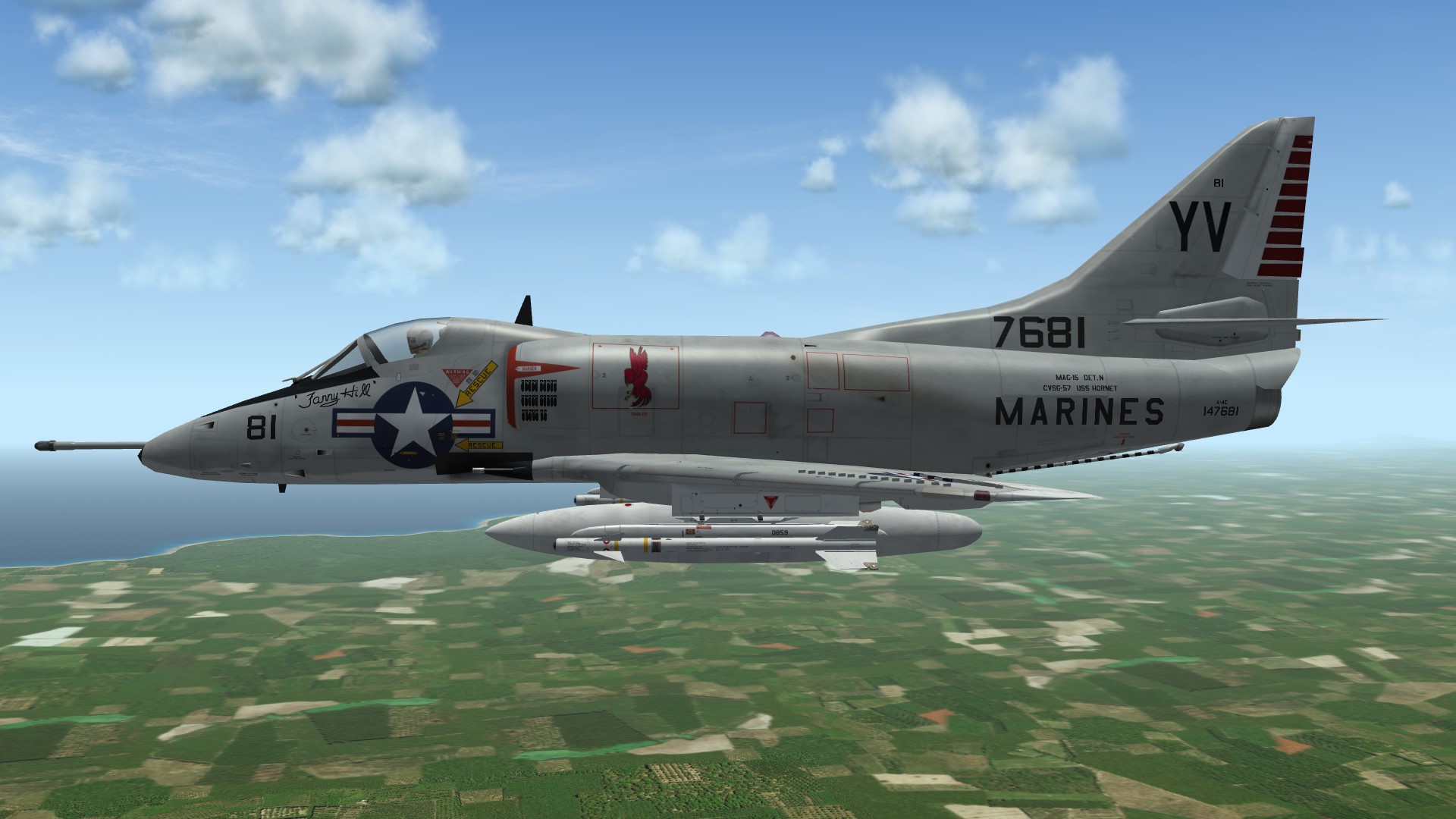
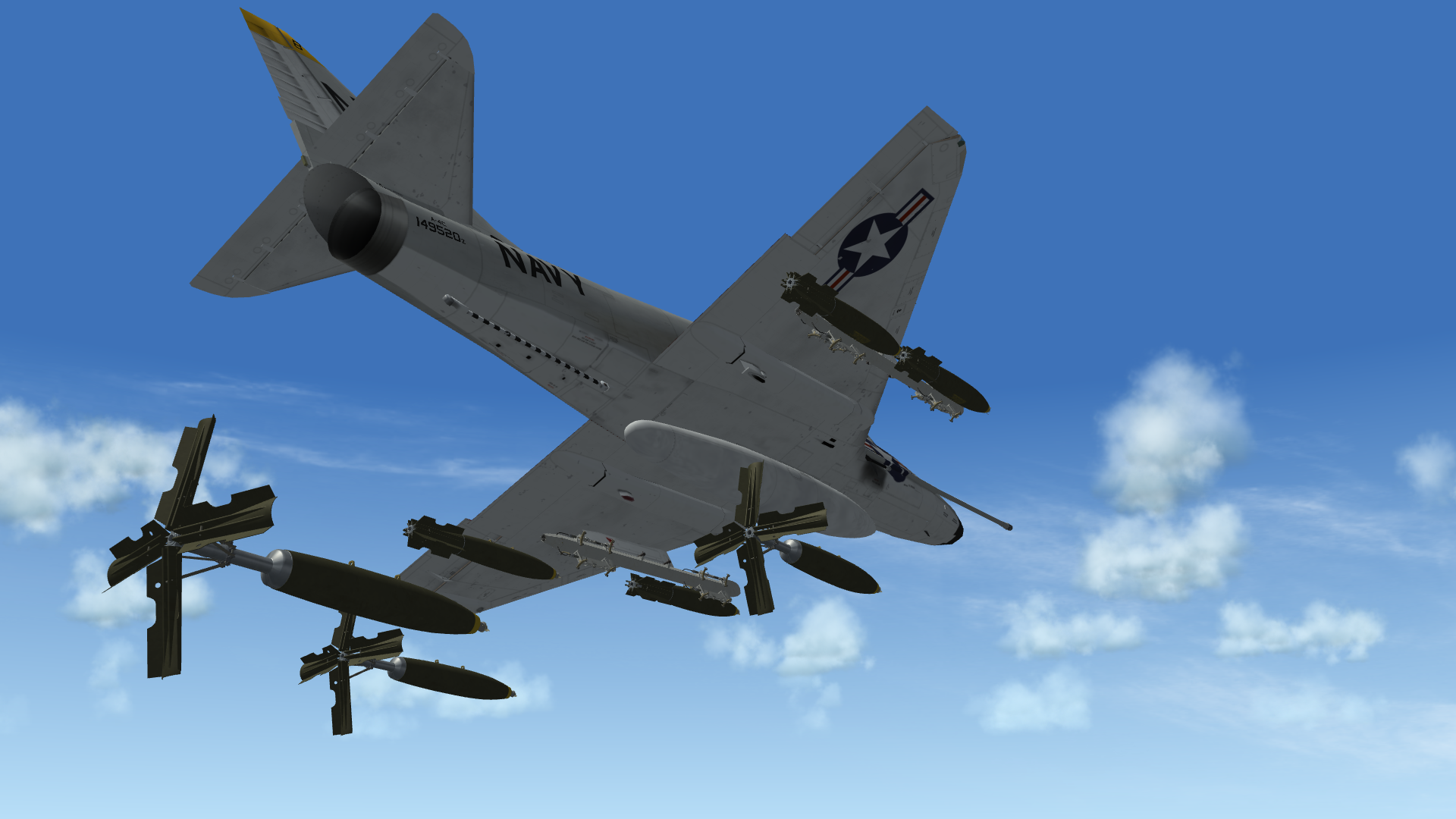
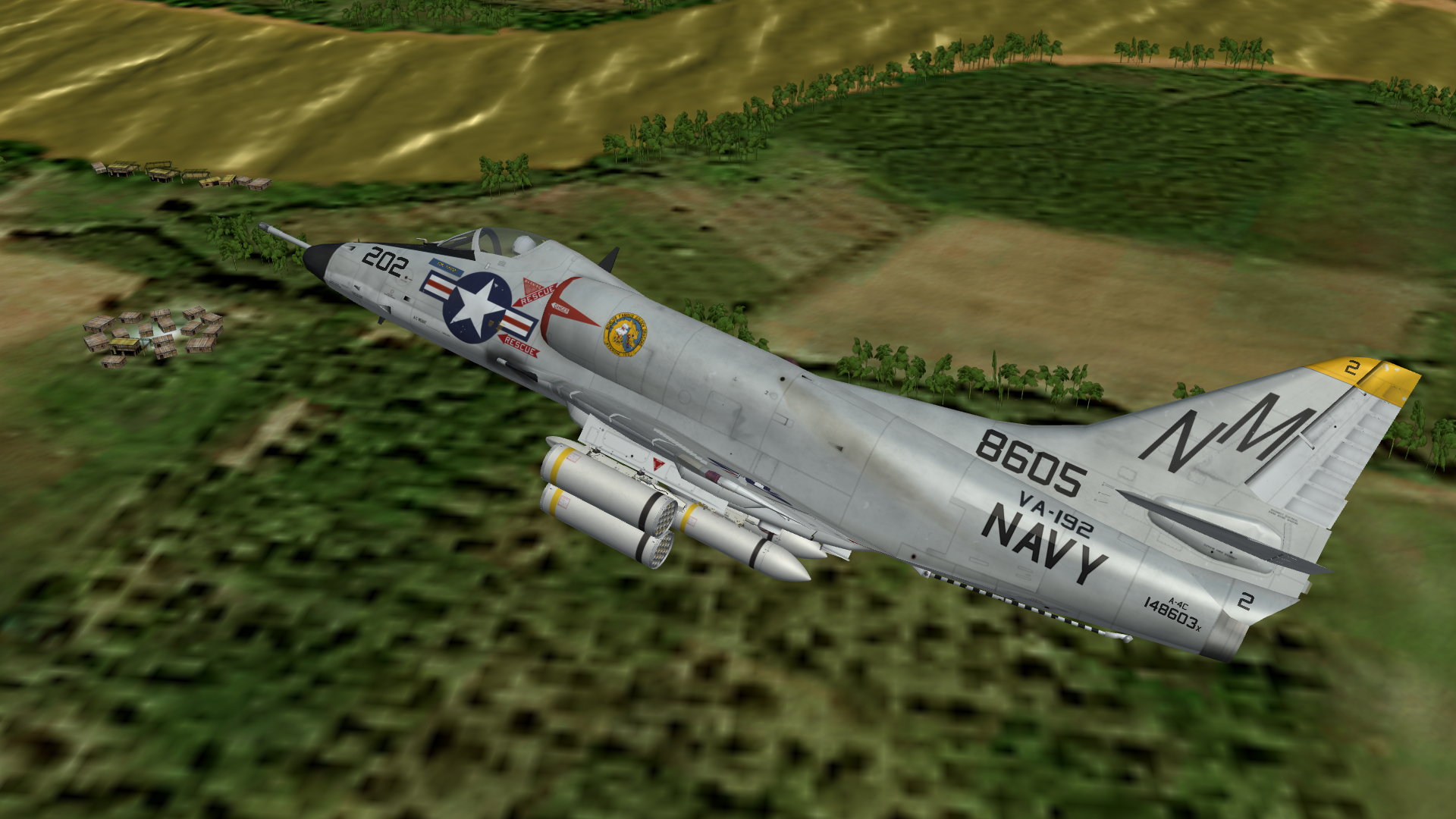
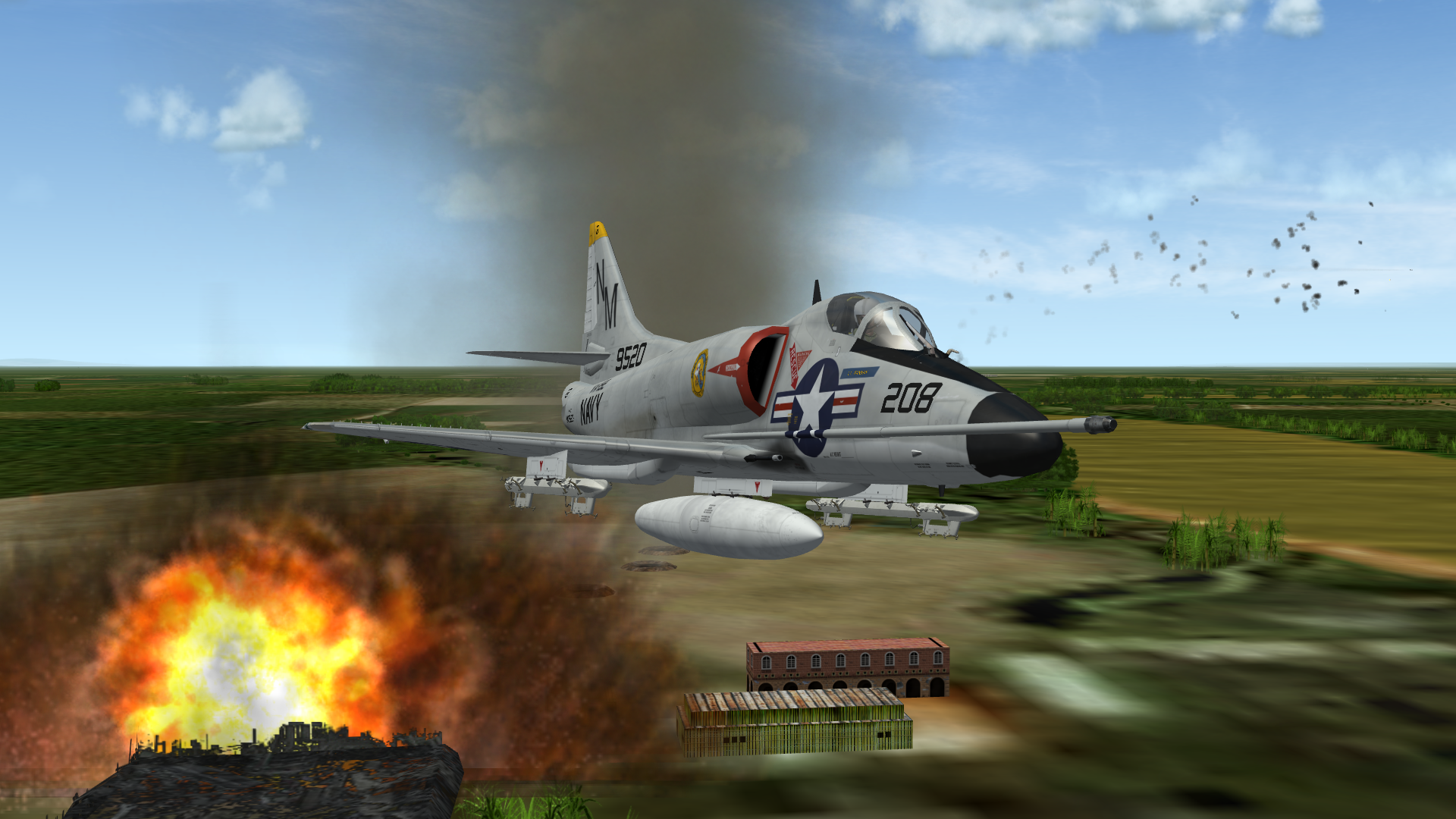
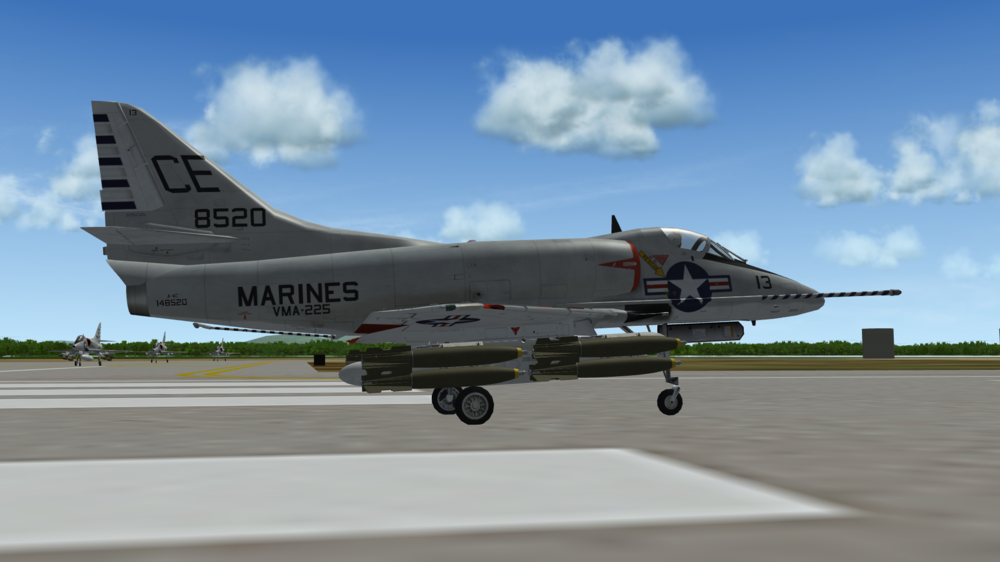
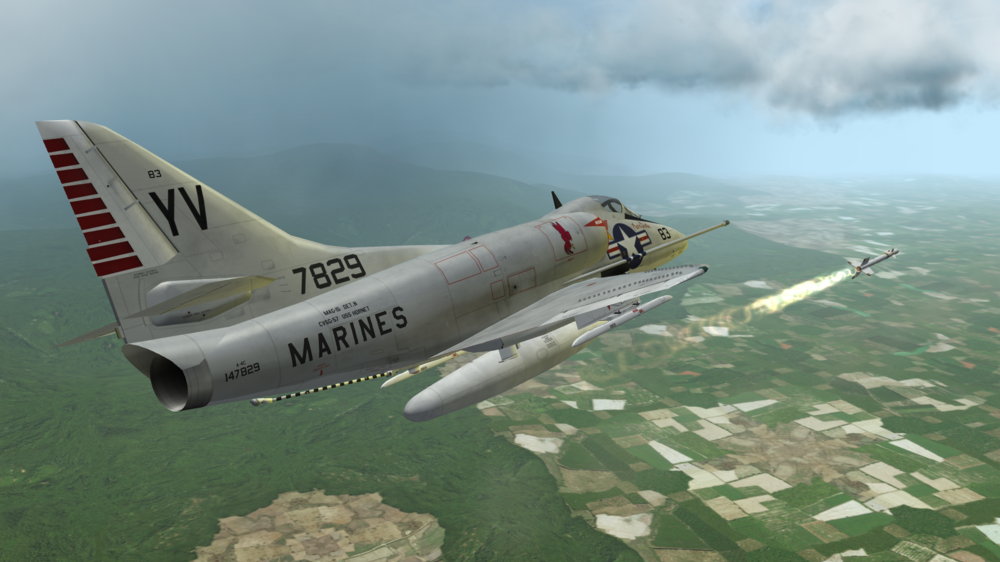
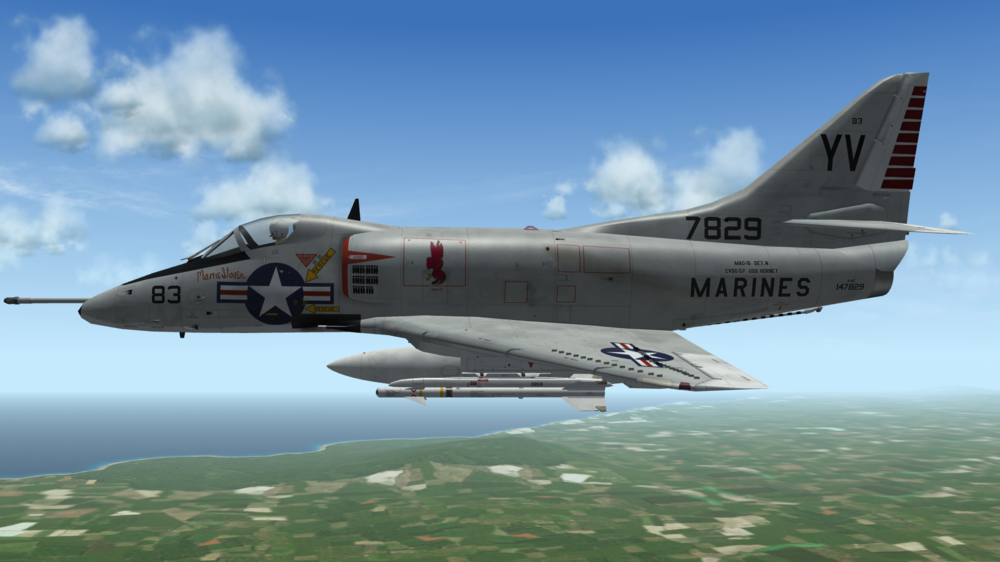
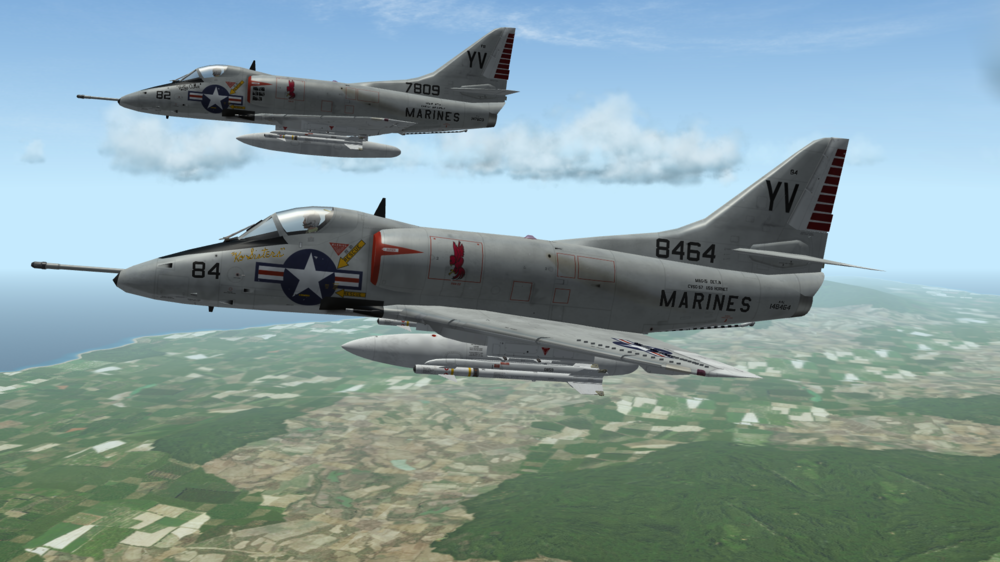
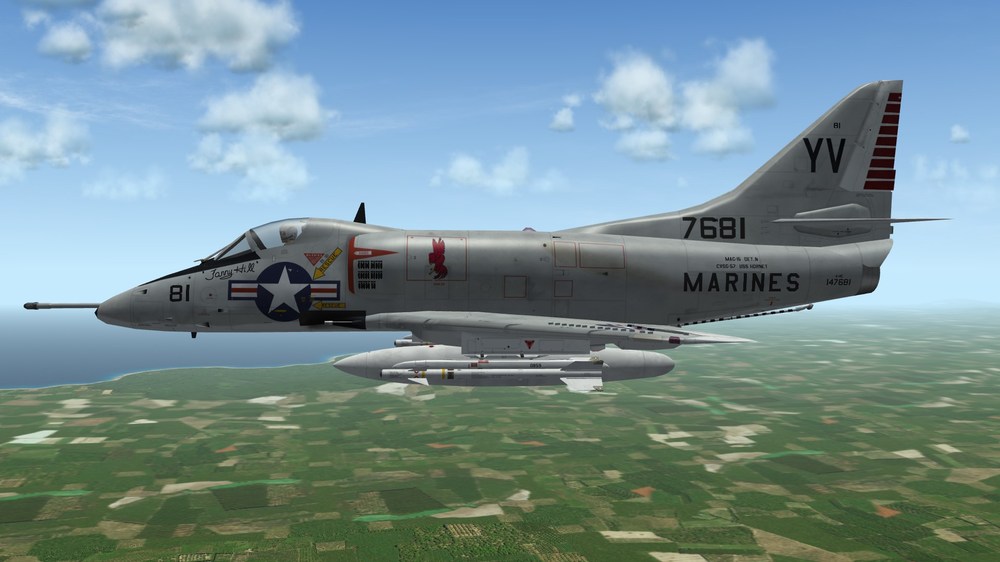
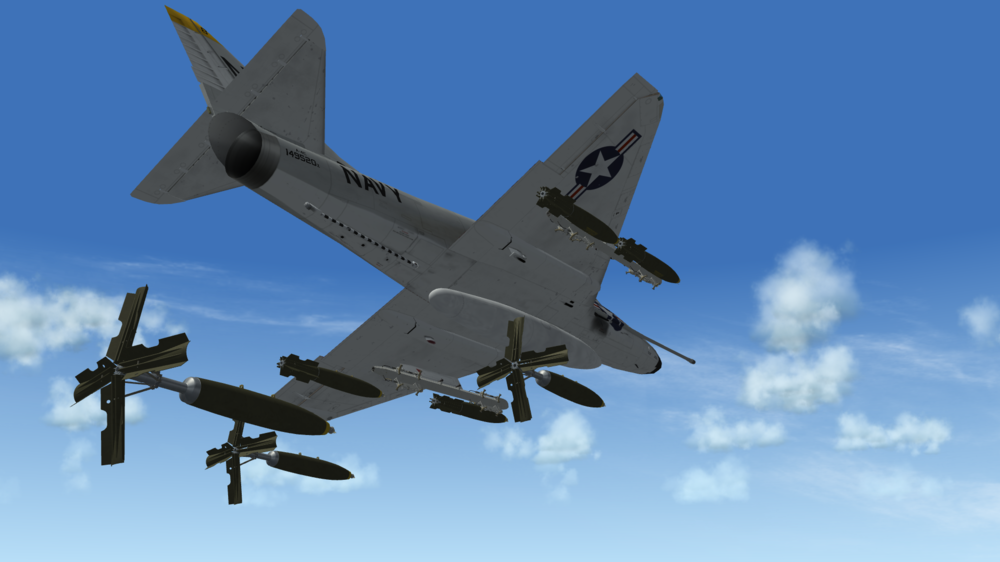
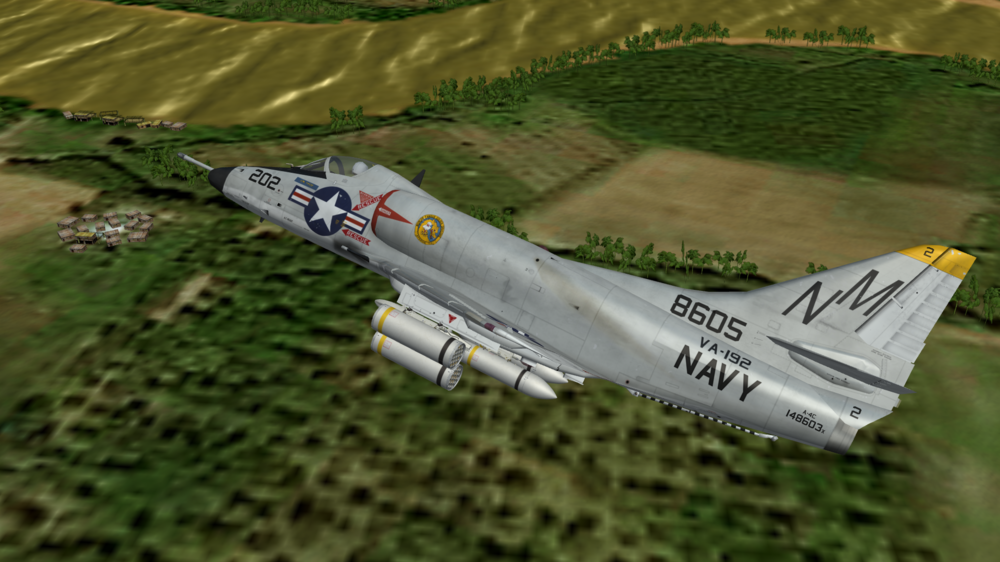
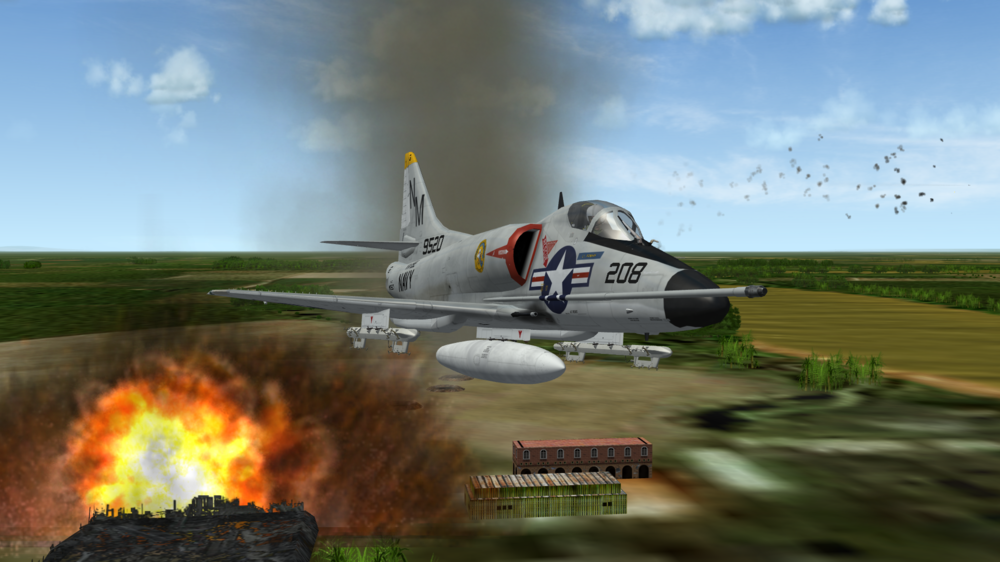
Some Scooters: VMA-225 Vagabonds H&MS-15 Angels (Detachment on USS Hornet - all 4 planes were named after "shady girls") "Mamie Stover" "Polly Adler" and "Ko Sisters" "Fanny Hill" VA-192 Worlds Famous Golden Dragons - Always amazing, what level of detail is still possible in SF2 -> ravenclaws great weapons! ...and a final "BOOM"
-
Afaik there is none - you just can set up a maximum, not a minimum. I encountered the problem on another case. AGM-12 Bullpups - the small one (B) uses a rail (and therefore has a different position on the pylon), the big one (C) does not and there was no way to rule one out on a station since both are CGR. I ended up using a special weaponstation for just the big missile with a "specificstationcode="-entry for the station and created a copy of the weapon with that code. Not beautiful, but it worked.
-
Live and let live. If he likes the design, why not. It's a what-if forum in the end...
- 9 replies
-
- 6
-

-
- 5th generation
- airforce
- (and 4 more)
-
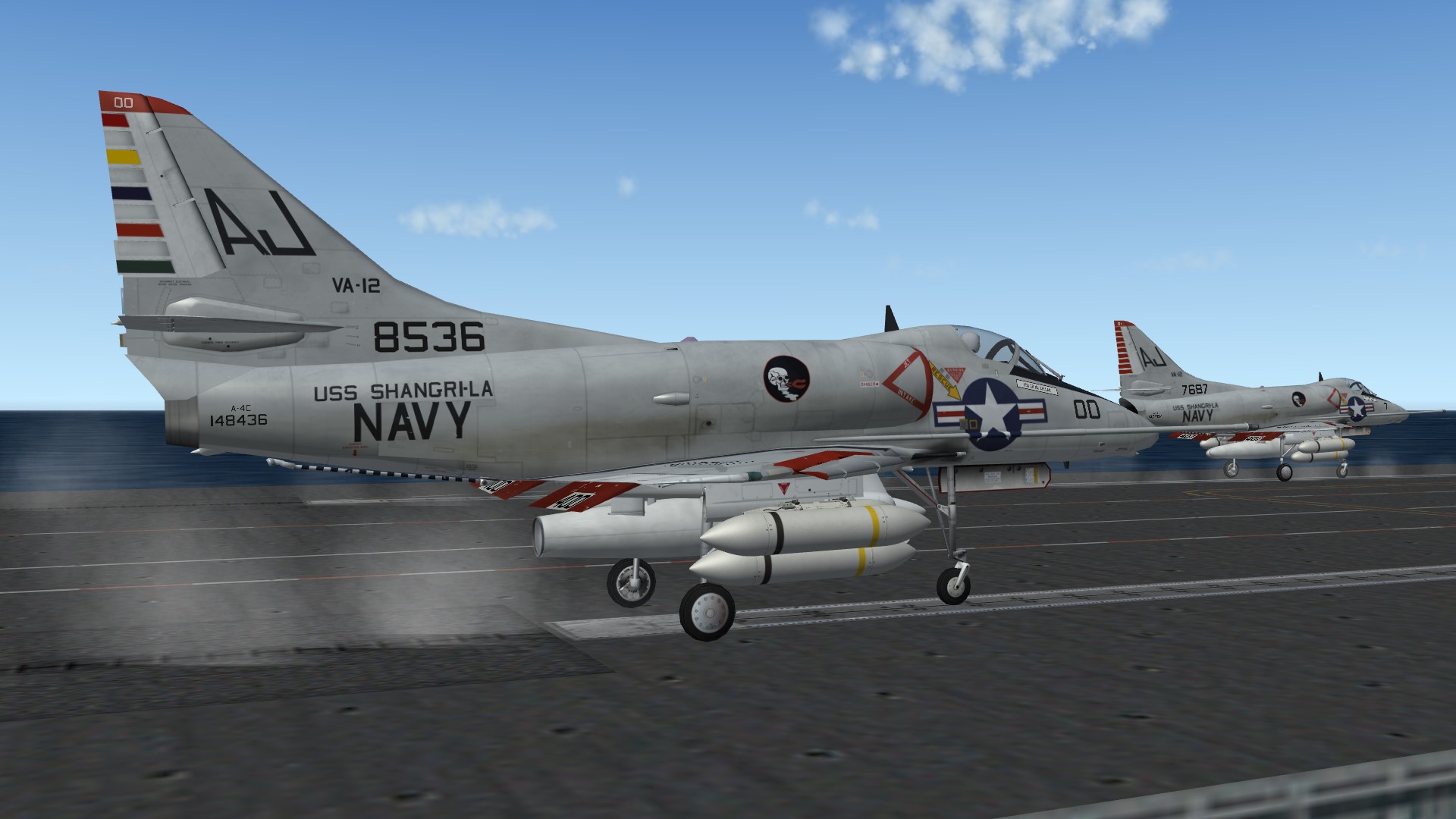
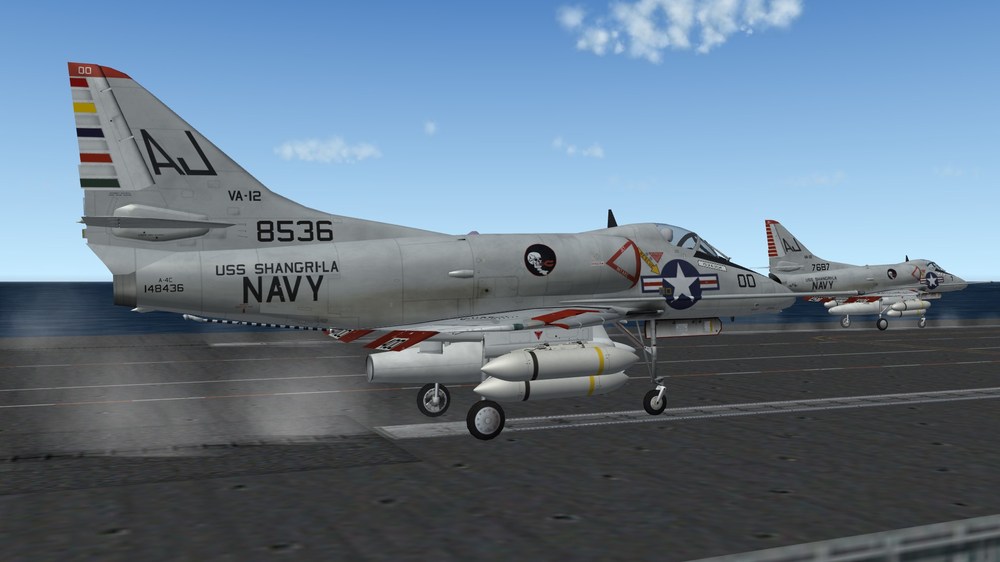
A-4C from VA-12 Flying Ubangis in 1970. The last A-4C in Vietnam (together with the ones from VA-172 on the same Carrier).
-
You could use an available Fitter-model, deactivate the swingwings and add some pylons and stuff via fakepilot. Seems to be not to complicated from a first view.
-
That sounds awful. Sorry to hear that. Alternate is a webshop I can recommend for your next shopping. Never had any problem with returning an item. I once bought a SSD, that died after 2 days and I got another one without any porblems. That one died too after 3 days due to some sort of incompatibility and even for that one I got a replacement (which I used in another PC and it worked well then).
-
 Thats true, but for that we need either TK or someone to play with the code. And up until know he has shown little interest...no options are few.
 -
Although I welcome further developement of SF2, this "Project" is still somewhat shady to me. It seems that the 25k is just for new DirectX-Support. I don't have a clue about VR or that stuff, that maybe needs that Support, but I doubt that the vast majority is using it. I think I will spend some money, but I think there are things more important to take care of, than VR-Support, as the game runs well on W10 already and the engine will still be limited as it was. I also agree with Spinners on the F-14/Mirage F1 bit. I remember a poll, where the aircraft was asked, that Exp.3 should be centrred around and the F1 won. Shortly after that, there was info on a F1 from the community. I always asked myself why TK should invest more money in Exp.3 and a new model then. Lately the 2 new Tu-160 models are an equal situation, although not involving TK. I also do not fully agree with the "let modders handle models" theory. One thing for sure we have very talented modders here and I admire their skills! But there are many limitations: number and free time of modders, personal interest to name 3. And so I always welcome any additional models from other sources, than CA-modders. I'd rather have 3 models, that are 85% accurate, than 1 that is 99%. See it that way...in the first case, you leave room for other people to start modding or improve their skills in modding, trying to make a good model better. Although it is much easier today to add models to SF2 through mue's Blender-Exporter (again and again a big Thanks!!!), it is still difficult to "just" make a new plane. I have started several and I lack the skills here and there to find a solution for some problems of modelmaking. To make a long story short. TK gets some money, although I'm not really convinced
-
DecalNumberBlockSize is the amount of Numbers used (--> numbers.lst) If you have decals for 10 planes, you can use DecalNumberStart= 0 to ...End=9. Blocksize would be 10. Same as for 30 to 39 for example. You can not select single numbers spread on the list though (for example 2,6,10,45, etc.)....just following numbers. And you can use the same numbers.lst-file for different skins and use just sections of numbers from it (0 to 9 for Skin/Plane1, 10 to 19 for Skin/Plane2, etc.) I've used it on the Kuwaiti Skyhawks for example (1 list and 1 folder for decals for both A-4 and TA-4)
-
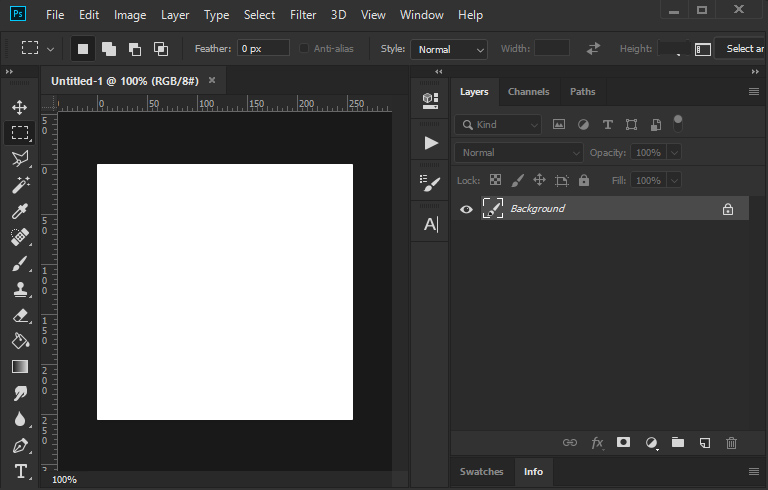
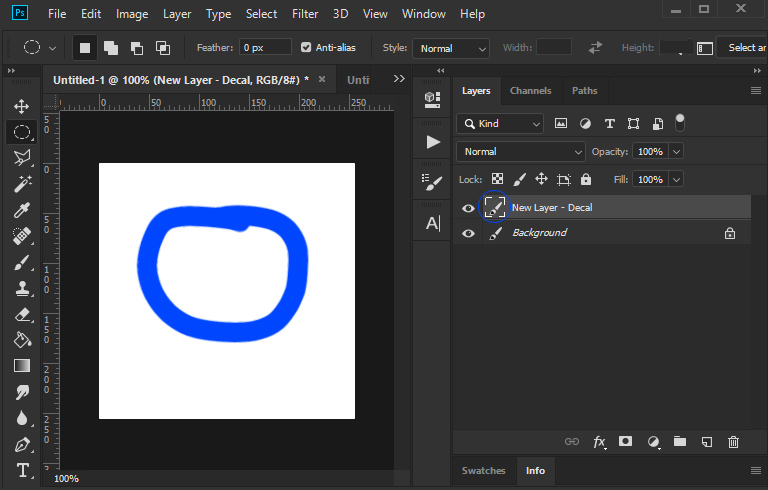
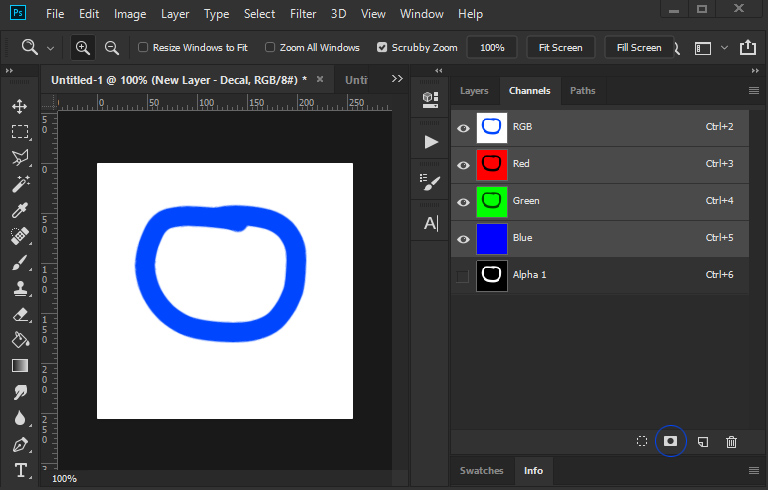
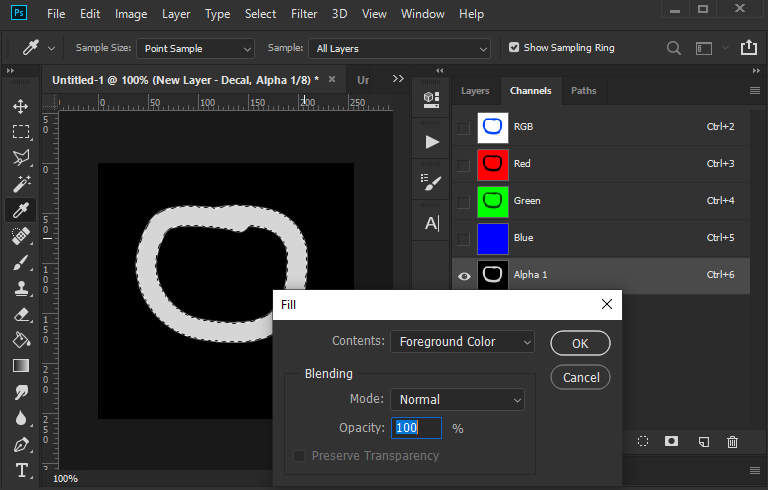
Here's my way to do decals (I'm sure there are easier ways out there): 1. Create new picture 2. Make a new layer for your decal (Blue Circle in this case) 3. Hold CTRL and left-click on the Pencil-Square-thing on the decal-layer of the layers-tab to select the decal-shape 4. Go to channels tab and left-click on the rectangle with the hole inside at the tabs bottom to save the selection as alpha-channel 5. Select the Alpha-channel (all other channels are not visible then --> eye-symbol only on alpha-channel). The Decal is all white (hex #ffffff), that means the decal has 0% transparency. If it is all black (hex #000000) like the background, than it is 100% transparent. All you have to do is to adjust the "color" of your decal. Select a foreground-color (to get a similar blackish tone like TK, I use color hex#d6d6d6, that has a slight transparency) and use "Edit->Fill..." from the menus, select in the "Fill"-window "foreground color", normal and 100% and hit ok. The Decals color on alpha-channel should change now (but not on the color-channels). Save as .tga and make sure "Alpha-Channels" is selected. The key to transparent decals is the color of your decal on the alpha-channel...black = 100% transparent, white = 0% transparent/opaque. grey-tones are in between, the darker - the more transparent 6. Thats it! You have to do more steps to get a transparent decal in PS than in gimp and afaik tgas from PS always (must) have a background. But the steps above can be used in "Actions". These are makros, where you can record the above steps and just hit "play" to do a new decal - nice and easy. Set it up properly once and make things easier for you in the future.
-
He wants the fakepilot-mod above, but without the 2 pylons - so just the pitot-tube and the afterburner.
-
I'm at work right now, but can send you step-by-step pics when I'm back home, no problem. To make it a bit easier, you can also set up "Actions" in PS - it's some sort of makro. So with one click, you have done your decal.
-
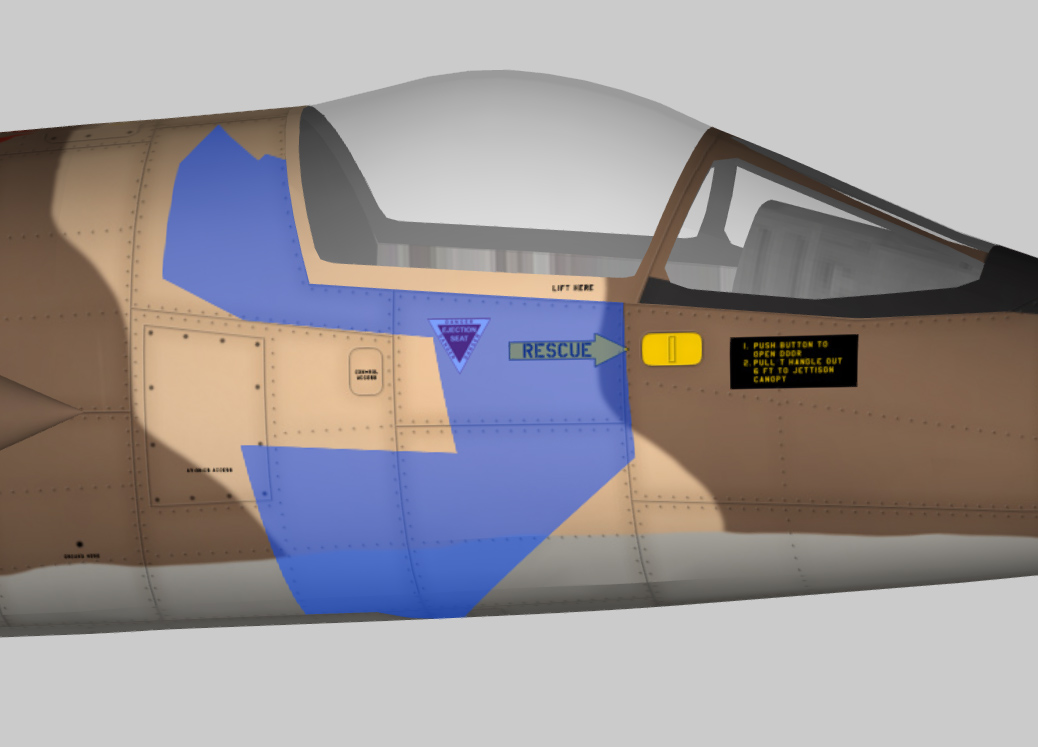
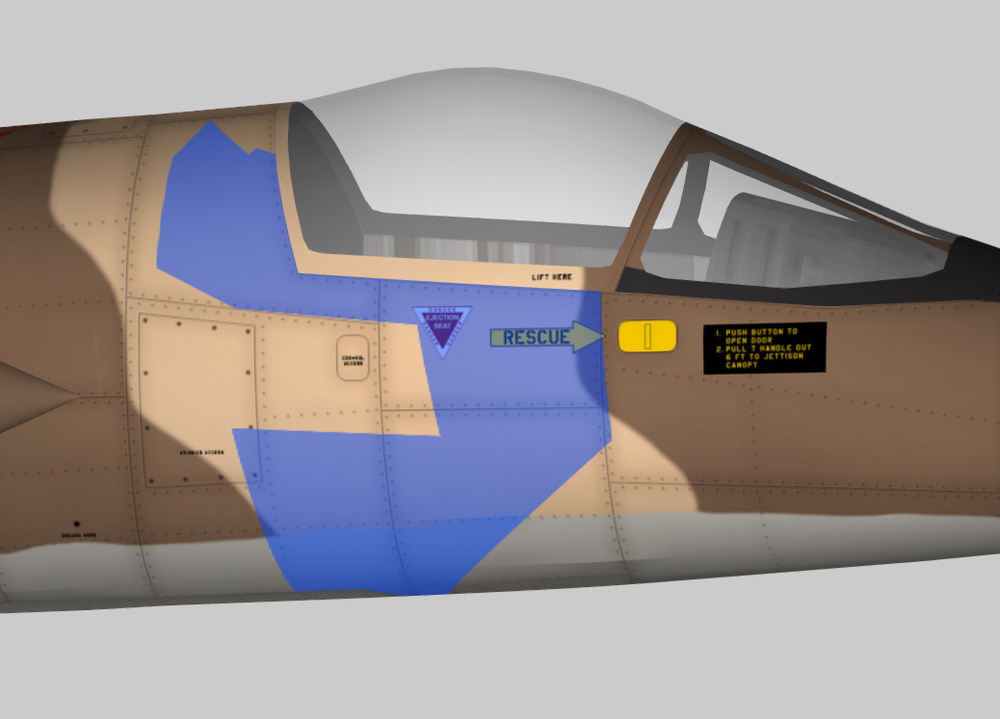
I've used PS CC2018 the last years and never had a problem with transparency on tgas. It just works. Here's a quick test decal I just made with CC. test_decal.7z and the result (the blue area):
-
I haven't seen the show. I am pretty sure, that there's life somewhere in the universe, probably even on many different planets. Life has so many faces and comes in so much variation just on this planet, that I refuse to believe, that this "living"-thing is unique to our planet. But I don't really think, that any species out there has met "us" yet.
-
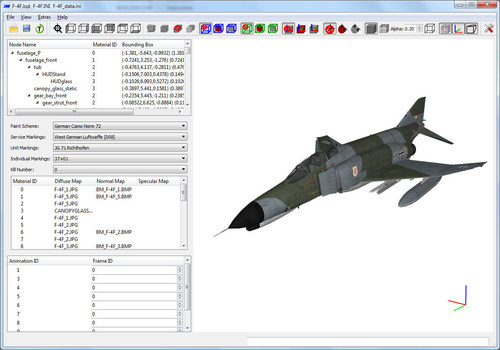 Absolutely amazing. Thanks mate, this tool is priceless!
 -
I guess, the wingtanks are not jettisonable, so they stay were they are.
-
Su-9 Fishpot (not Su-11, as those had only 2 missiles, afaik)
-
Maybe one of the "tacan" has a space after or in front of the name (--> "tacan " or " tacan" or " tacan ")? I think it is not possible to name 2 meshes with the exact same name, so there has to be a difference. Not having the Nesher available at the moment, so I cannot have a look myself.
-
When I look at the nose I would say Pinocchio or a close relative.
-
L-39ZA/ZO?
-
Sorry to hijack the thread. Small correction: the "Bottom_Thing" is the fuelvent + fueldump (the larger part is the dump and was also not there from the beginning of A-4B-production). Meshname for the Radar-Altimeter is "Rightwing-skid" - the naming is equally strange though.
-
Jaguar GR.1A or GR.3. Don't know, if there are visible differences.
-
MiG-35?
-
To add some useless Information: The first few A4D-2 (A-4B) also had no refueling probe initially and the Radar altimeter under the left outer wing (barely visible in the picture) came with the A4D-2N (A-4C).
-
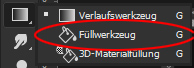
The bucket (Füllwerkzeug) is grouped together with the Gradient-tool (Verlaufswerkzeug in german) in newer versions. Edit: You can also arrange the menu according to your needs and have it ungrouped in newer versions.