Crusader
-
Posts
4,184 -
Joined
-
Last visited
-
Days Won
40
Content Type
Profiles
Forums
Gallery
Downloads
Store
Everything posted by Crusader
-
Adding spread to the GPU-5 gun pod?
Crusader replied to Stratos's topic in Mods & Skinning Discussion
Gun Group selection command is the solution ... -
Adding spread to the GPU-5 gun pod?
Crusader replied to Stratos's topic in Mods & Skinning Discussion
Select the gun you want to shoot with the "Next/Previous Gun Group" command..? -
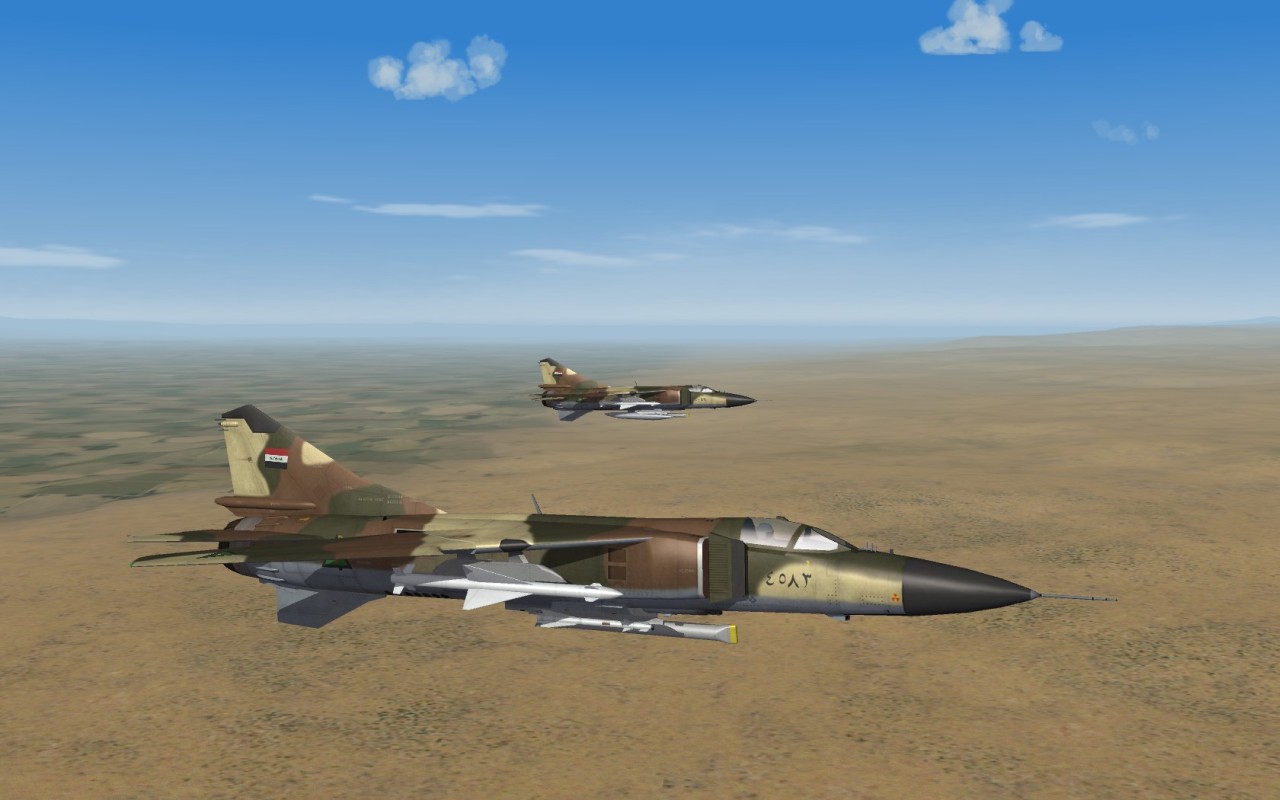
Updated decals ini for "Irak Camo" skin. This restores the serial numbers on the nose. Cause is a wrong path to the files. decals.zip
-
Click on the mesh at the position you want, then use CTRL-C to copy the coordinates and paste them into the data (needs some additional final editing) SAM systems with a separate radar and launcher (like SA-2, HAWK) do not work with them placed as objects in single missions. Only if they are placed by the game engine on targets ini defined SAM_Radar / SAM_Launcher positions. To force a specific system .. my way (if testing things) is to give them the VERY_COMMON availability, disable stock systems, move out other systems from the GroundObjects folder ... set Air Defense to High in the options menu Choose a terrain with many SAM sites and select single mission SEAD ..
-
You can add more aircraft to your own/players flight in the Roster menu .. click on the pilot lines to add/remove them.
-
Games downloaded from TW website are up to date, no updates/patches required. And the games can be installed in any order for combined installs.
-
There were some attempts to do that (SF Crimson Skies) many years ago... around 2003-05.
-
The 450 gal wing tanks came in 2 variants. One with integral pylon and one for mounting to the existing inboard pylon.
-
Operation Nickel Grass F-8J (Nearly Happened!)
Crusader replied to dtmdragon's topic in Sci-Fi/Anime/What If Forum
You could add more paint patches on the nose, wing and flap areas of the USN numbers system.. IDFAF would have used their tailfin numbers only, no ? -
Much activity there...
-
-
And if your own flight has a wingman assigned by the game engine, then go to the Roster menu where you can remove/add wingmen. Done by clicking on the respective line(s).
-
Ive run missions with EA-6B doing the ESCORT_JAMMER missiontype .. didnt affect player A2A... dont know vs SAM yet. IIRC, the SF2NA Soviet aircraft with ESCORT_JAMMER as primary mission.. the dont have any internal jammers in the data (July 2013) Equipped a EA-6B with three strength 100 noise jammers - the thing was totally invisible on the F-4E radar
-
Ive tested AI ECM. With a July 2012 game install. ECM pods and decoy pods - both do not work. Ive set up a mission with 3 F-4E_75 in a line in ~55 nm distance. Player aircraft is an F-4E_75 as well. Missions (ECM Test F-4).7z Desert terrain v1 Target configs north to south (left to right from cockpit view, looking East) are: - F-4E_75 without loadout - no ECM - F-4E_75 with strike loadout - ALQ-119 dual-mode jammer - F-4J with internal jammer - deceptive mode I can lock-on both F-4E at max lock range - ALQ-119 makes no difference F-4J must close the distance to about 30-25 nm until I can lock it - internal ECM does work. v2 - same as above, with a 3rd F-4E_75 positioned a short distance in front of the F-4J. Intention was to test if internal ECM prevents acquiring targets flying nearby the jamming aircraft. No problem to lock the F-4E = Internal ECM is just for self-defense. Latest game version is July 2013 - mission needs to be run with it ....
-
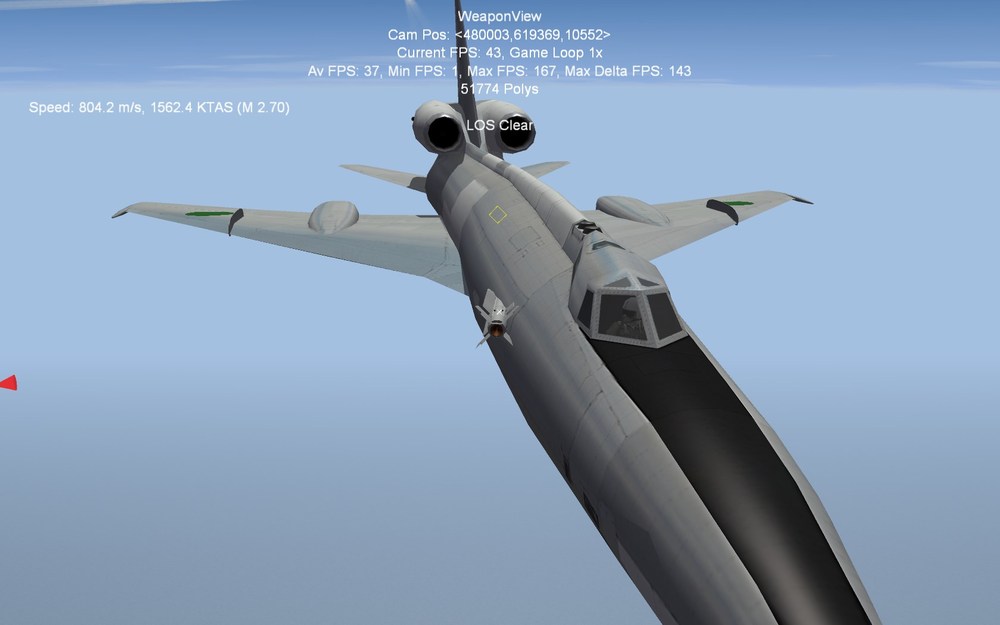
One fraction of a second until confetti....
-
Inthe loadout ini, some headers are not valid [NavalAviationIntercept] [NavalAviationInterceptLongRange] To use custom headers, you must add some definition lines e.g. [NavalAviationIntercept] Nation=SOVIET (if other than as set in data ini or specific export loadout) StartDefaultDate=M/D/Y format, to make the specific loadut start from a set date DefaultFor=INTERCEPT (( CAP, SWEEP,ESCORT )) to define the mission types this loadout is used with
-
AA-6D data SpecificStationCode=AA6 Means The wing station must have the same line to be able to load the missile. Or both station and missile must be without the code.
-
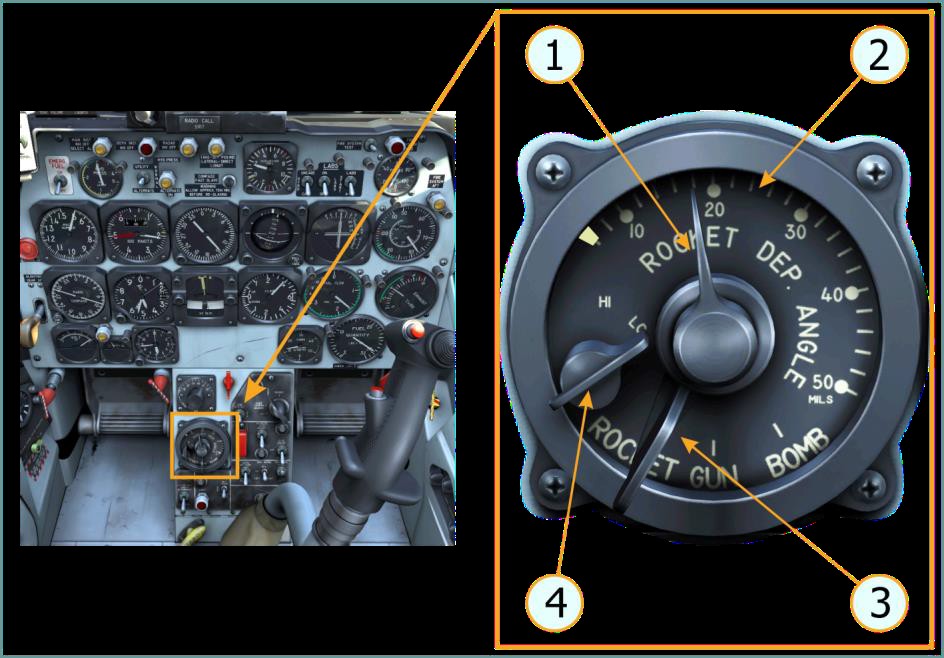
Sight Selector Unit From DCS F-86F manual
-
Two more surface to air missile projects
Crusader replied to GKABS's topic in Mods & Skinning Discussion
Crotale aka Cactus in South African service -
https://combatace.com/forums/topic/89095-water-line-tear-trough-mercalos-proving-grounds/?tab=comments#comment-720013
-
Cant recall exactly, but... SF2 series game installers do not require a fixed install order anymore.. if they are from 2013 (??) and later. Think somebody posted a install order list somewhere for the old installers.
-
Yep, if the cone is positioned/animated in the retracted position... I had to change the values compared to the fix for the TMF Mirages... different 0 position/animation setup.