Crusader
-
Posts
4,184 -
Joined
-
Last visited
-
Days Won
40
Content Type
Profiles
Forums
Gallery
Downloads
Store
Everything posted by Crusader
-
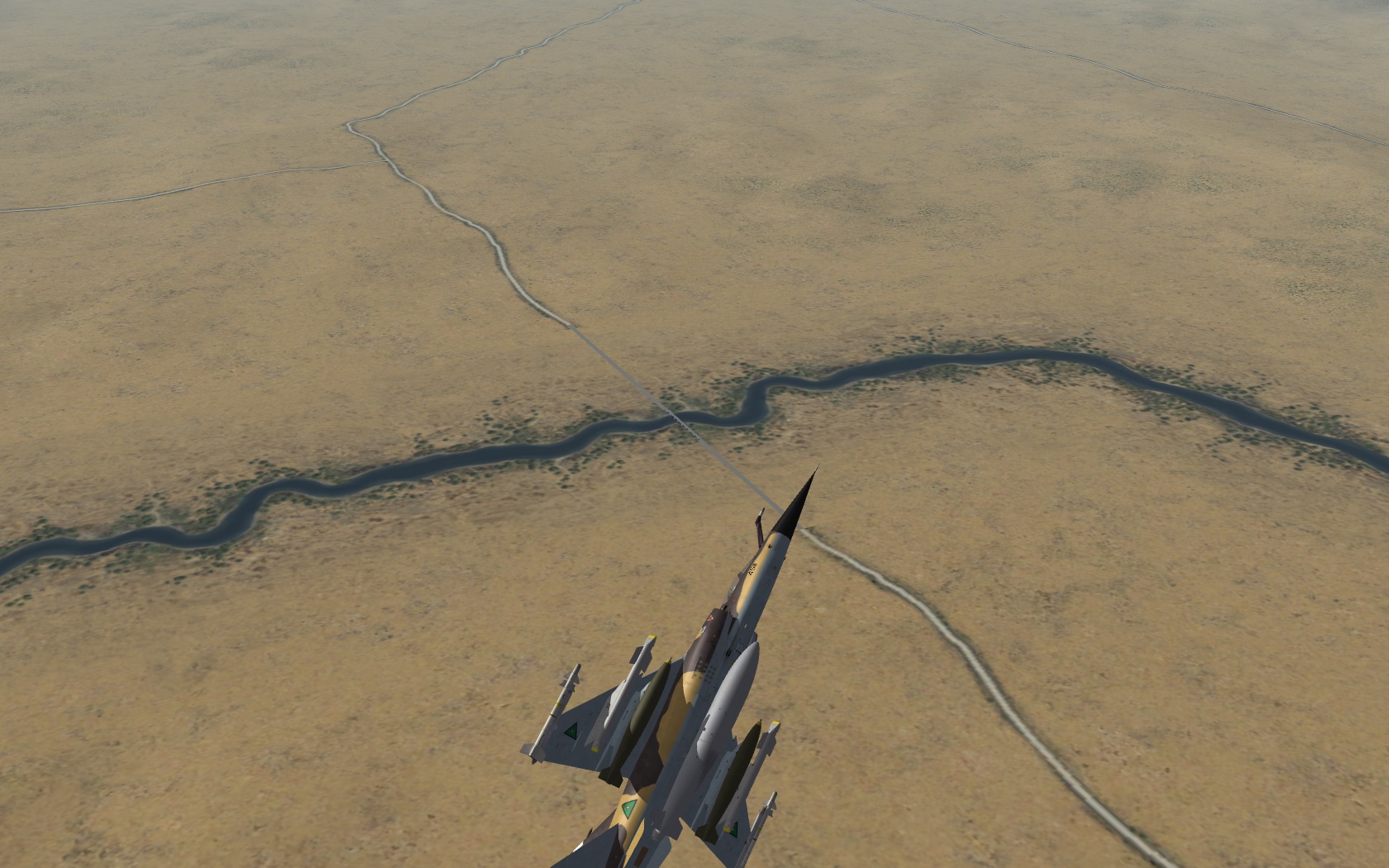
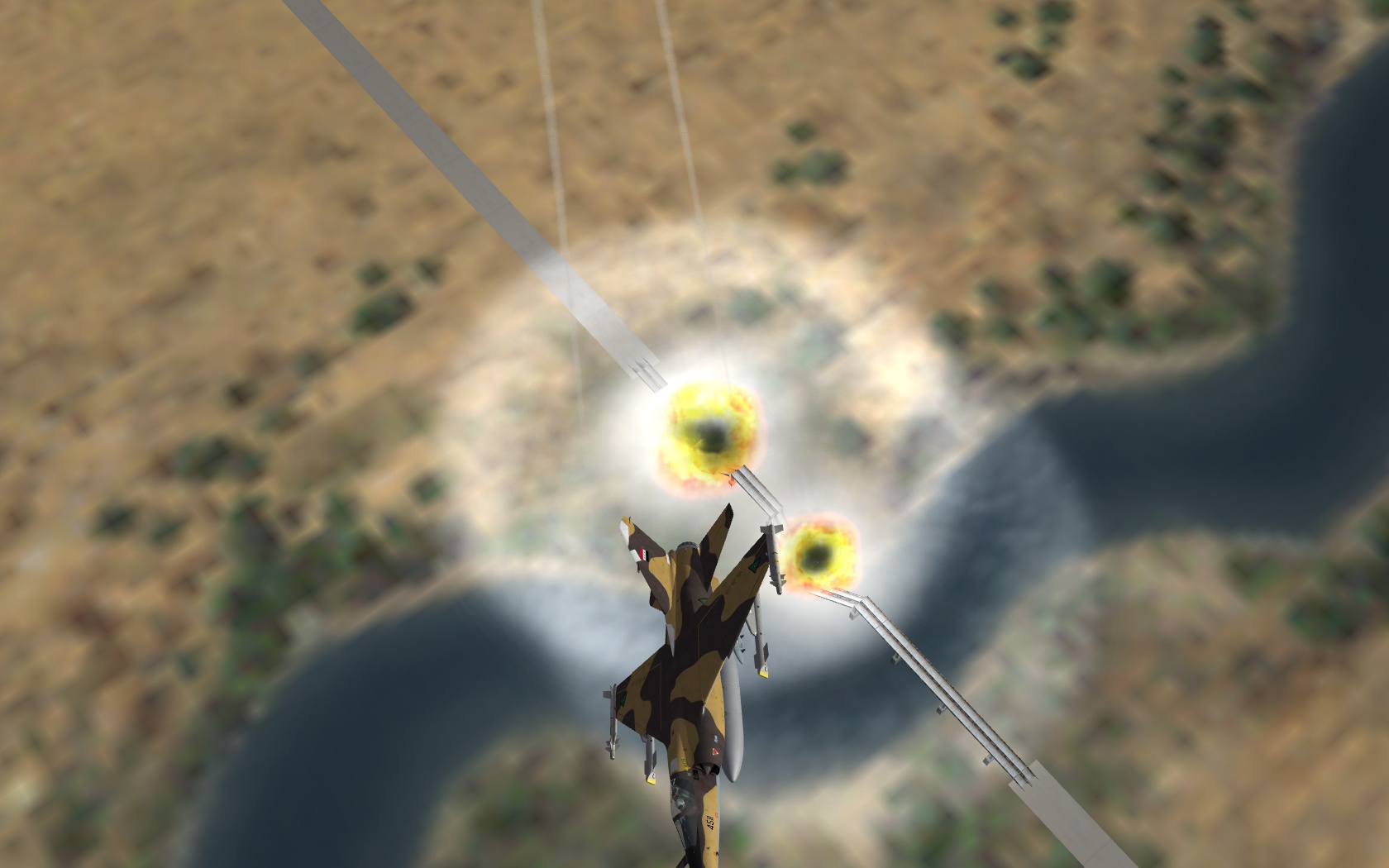
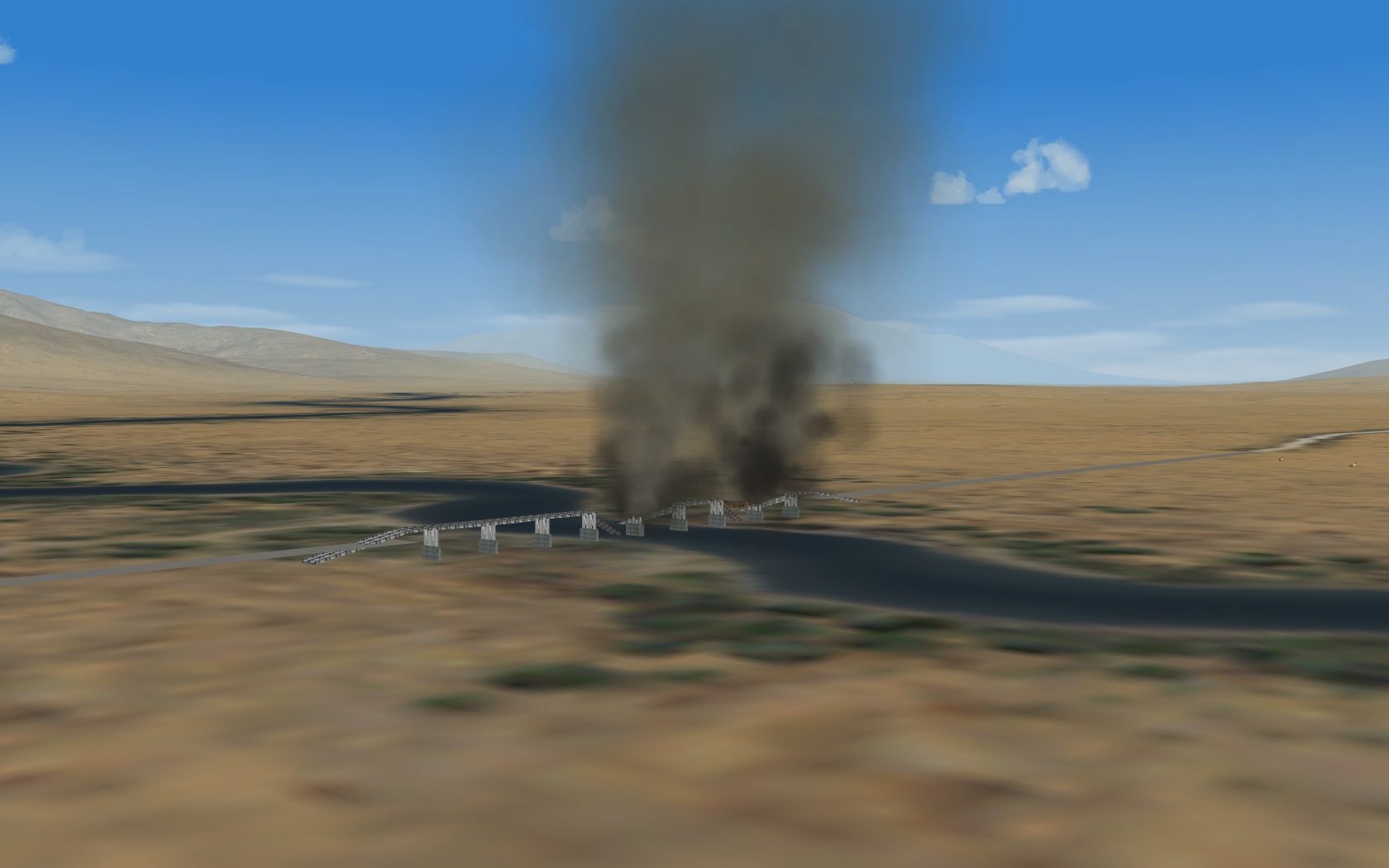
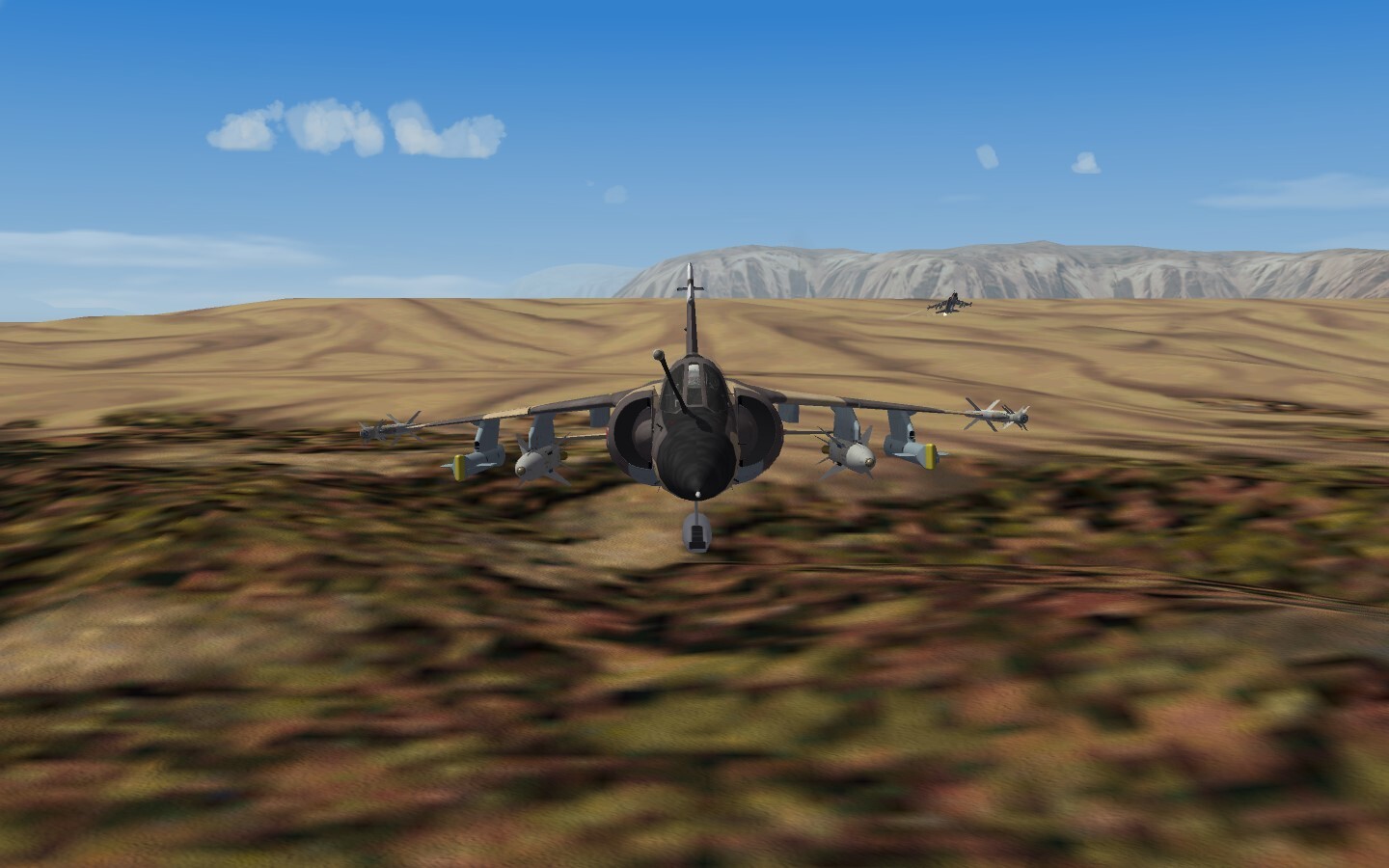
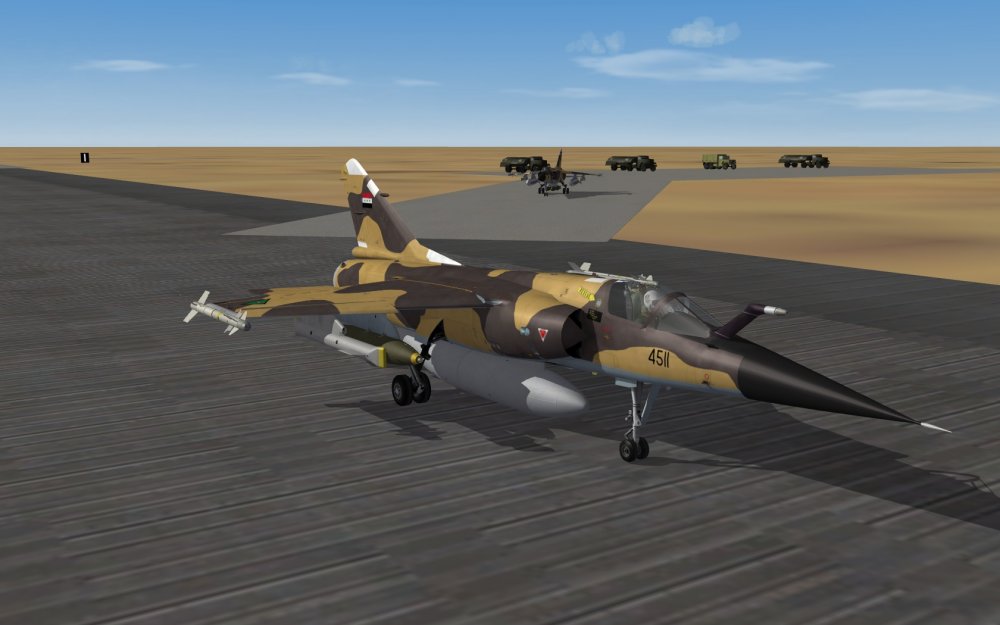
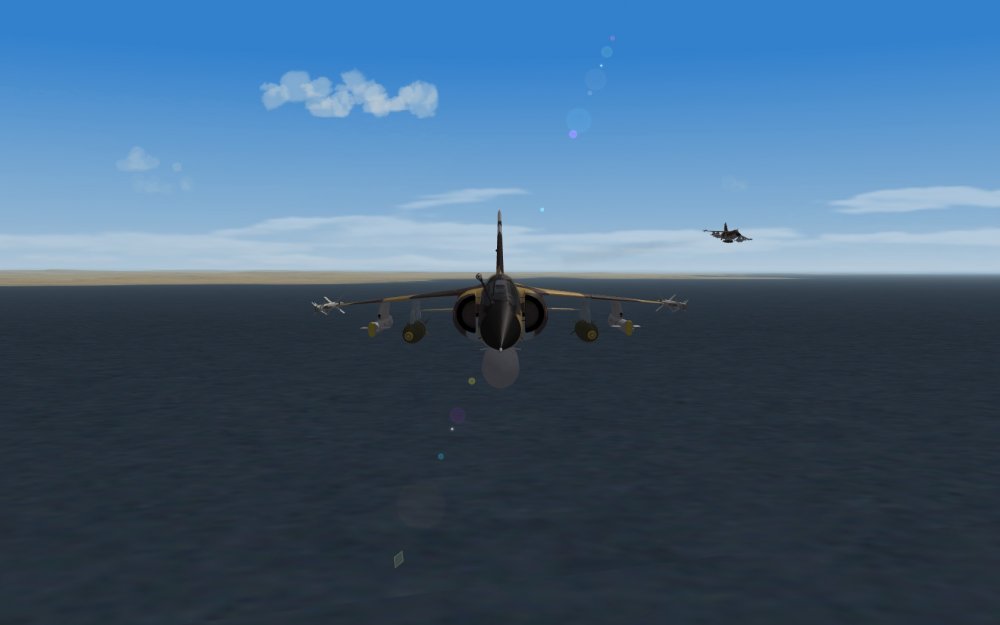
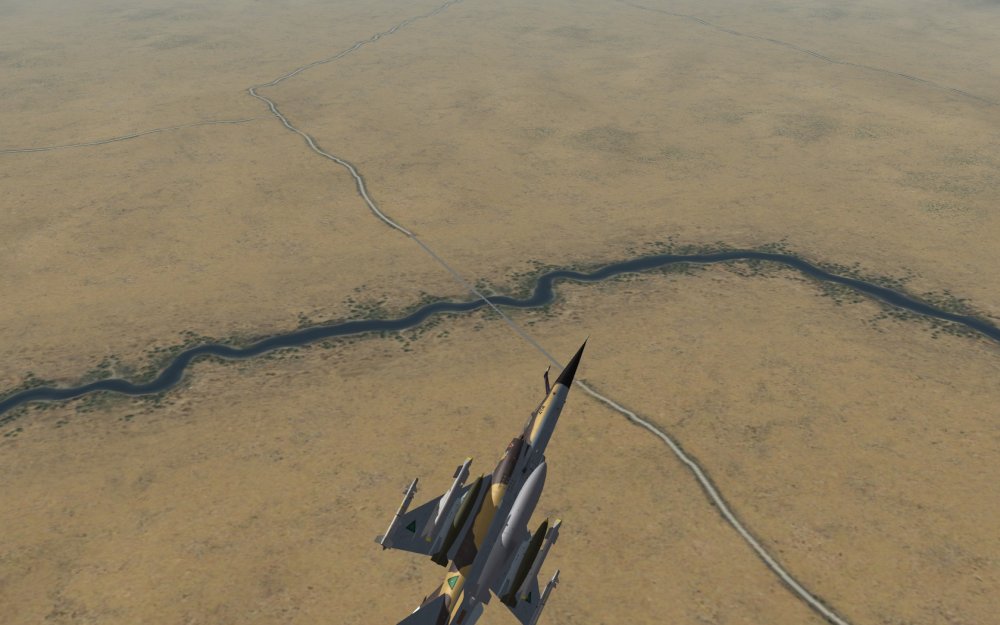
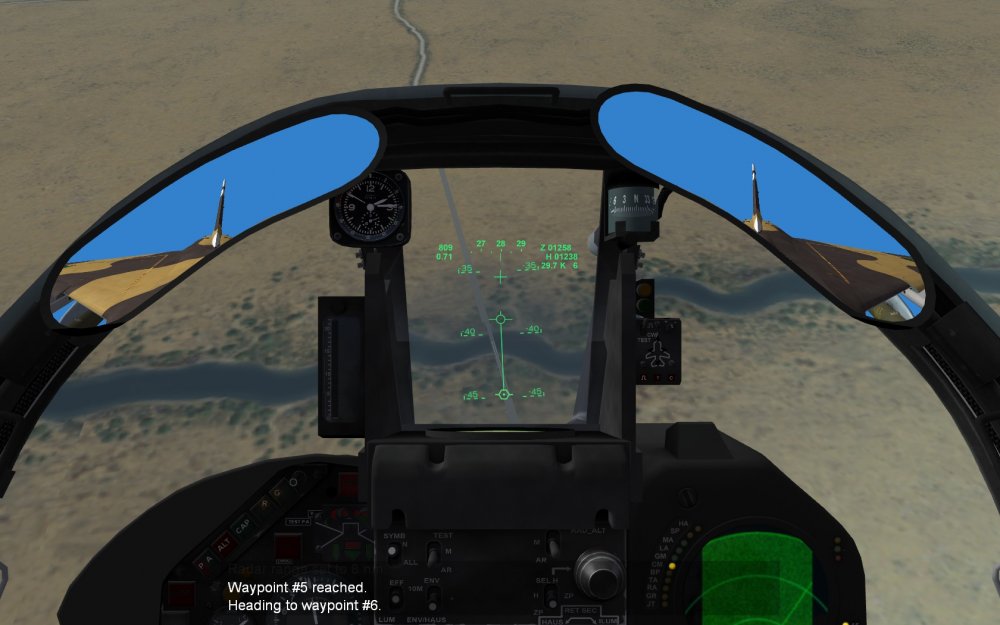
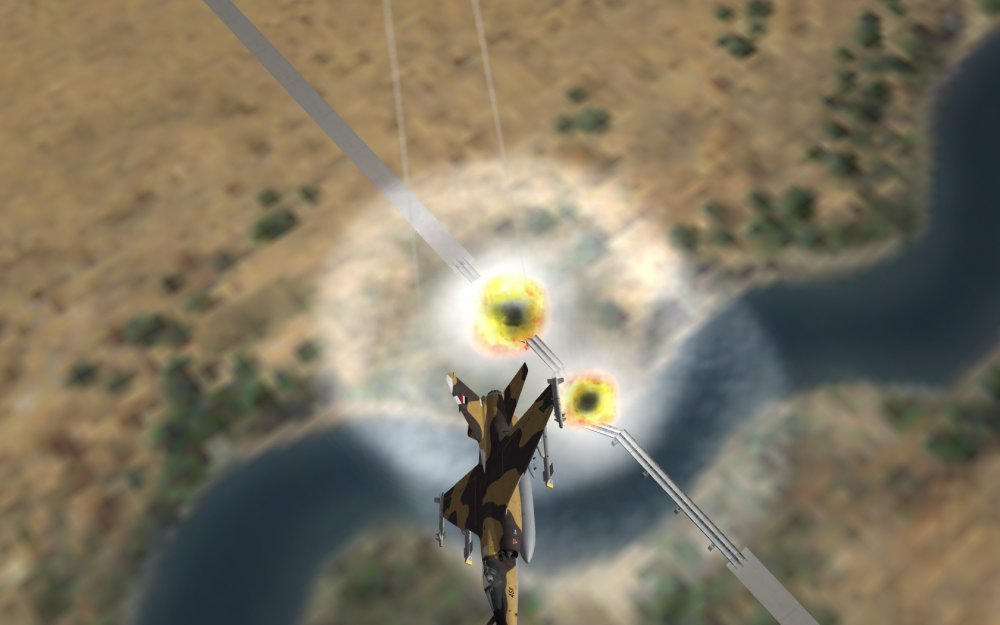
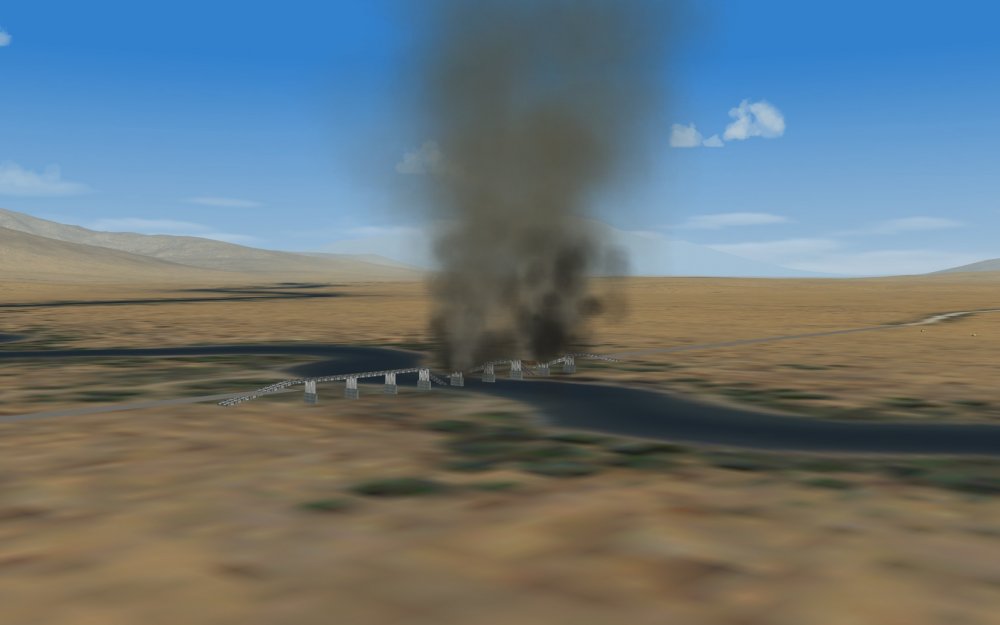
Some bridge busting.. somewhere north of Hormuz
-
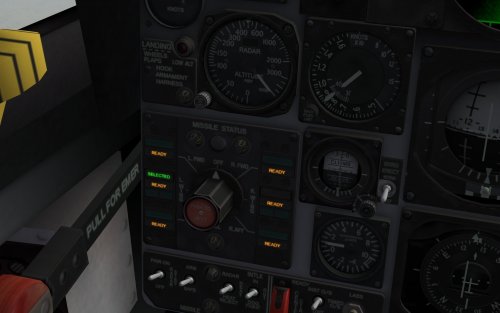 Sparrow wing stations, could be the case, perhaps when the ac were modified with SEAM ... I can always update :) The first (iirc) two USN MiG kills in SEA were achieved with AIM-7 fired from wing stations, though. Rail launched, much better ignition reliability.
 -
Lets say it is done "the lite" way, originally :D All missiles were indicated (the status), as I have modded it. Not just the selected missile and station - gives no overview about how many are left. Thus the USAF variants could be modified too, but without the wing Sparrow stations. Reminds me, I didnt check If I have updated the AIM-9 stations .... I started this mod 2 years ago or so, with just one jet for trials..
- 2 replies
-
- 1
-

-
- f-4b phantom
- f-4j phantom
- (and 1 more)
-
View File SF2_USN_F-4B_J_MissileStatus_v1 Modified cockpit and data ini files for the SF2 F-4B, F-4B_65, F-4B_67 and F-4J Phantom II aircraft. Based on SF2 July 2013 ini files. Adds AIM-7 Sparrow capability to the inner wing hardpoints and new missile status panel function to indicate all available air-to-air missiles. Cockpit ini files: - increased sight diameter value to 60 mil - modified missile status panel lights All available a2a missiles are now indicated by the amber RDY lights. No light = empty station Green missile select light is available for all a2a missile stations Data ini files: - new inner wing stations (ID 17 + 18) for AIM-7 Sparrow SAHM missiles. Missiles are rail-launched, not ejected. - gun pod capability on the outer wing hardpoints added Weapon menu notice: When loading Sparrow missiles on the wing stations, unload the AIM-9 missiles (or it looks ugly ;) ) Submitter Crusader Submitted 04/16/2018 Category F-4
- 2 replies
-
- 3
-

-
-
- f-4b phantom
- f-4j phantom
- (and 1 more)
-
Version 1
272 downloads
Modified cockpit and data ini files for the SF2 F-4B, F-4B_65, F-4B_67 and F-4J Phantom II aircraft. Based on SF2 July 2013 ini files. Adds AIM-7 Sparrow capability to the inner wing hardpoints and new missile status panel function to indicate all available air-to-air missiles. Cockpit ini files: - increased sight diameter value to 60 mil - modified missile status panel lights All available a2a missiles are now indicated by the amber RDY lights. No light = empty station Green missile select light is available for all a2a missile stations Data ini files: - new inner wing stations (ID 17 + 18) for AIM-7 Sparrow SAHM missiles. Missiles are rail-launched, not ejected. - gun pod capability on the outer wing hardpoints added Weapon menu notice: When loading Sparrow missiles on the wing stations, unload the AIM-9 missiles (or it looks ugly ;) )- 5 comments
-
- 3
-
-
- f-4b phantom
- f-4j phantom
- (and 1 more)
-
Load more bombs ;D In the data ini, you can change ShockStroke= (value of 0.40 is 40 cm) SpringFactor= DampingFactor=
-
No designator pod required for Strike missions, the main strike tgt is always "lased" by the game engine. But its the AI aircraft which cant use LGBs (only the player wingmen can), eventually we have to exchange the default loaodut for "dumb" LGbs, like it has been done for the Desert Storm mod... Makes AI flights more useful, but the player has to change his config to real LGBs manually...
-
Mirage F1 avionics update info by The Mirage F1 Team
Crusader replied to Crusader's topic in General Discussion
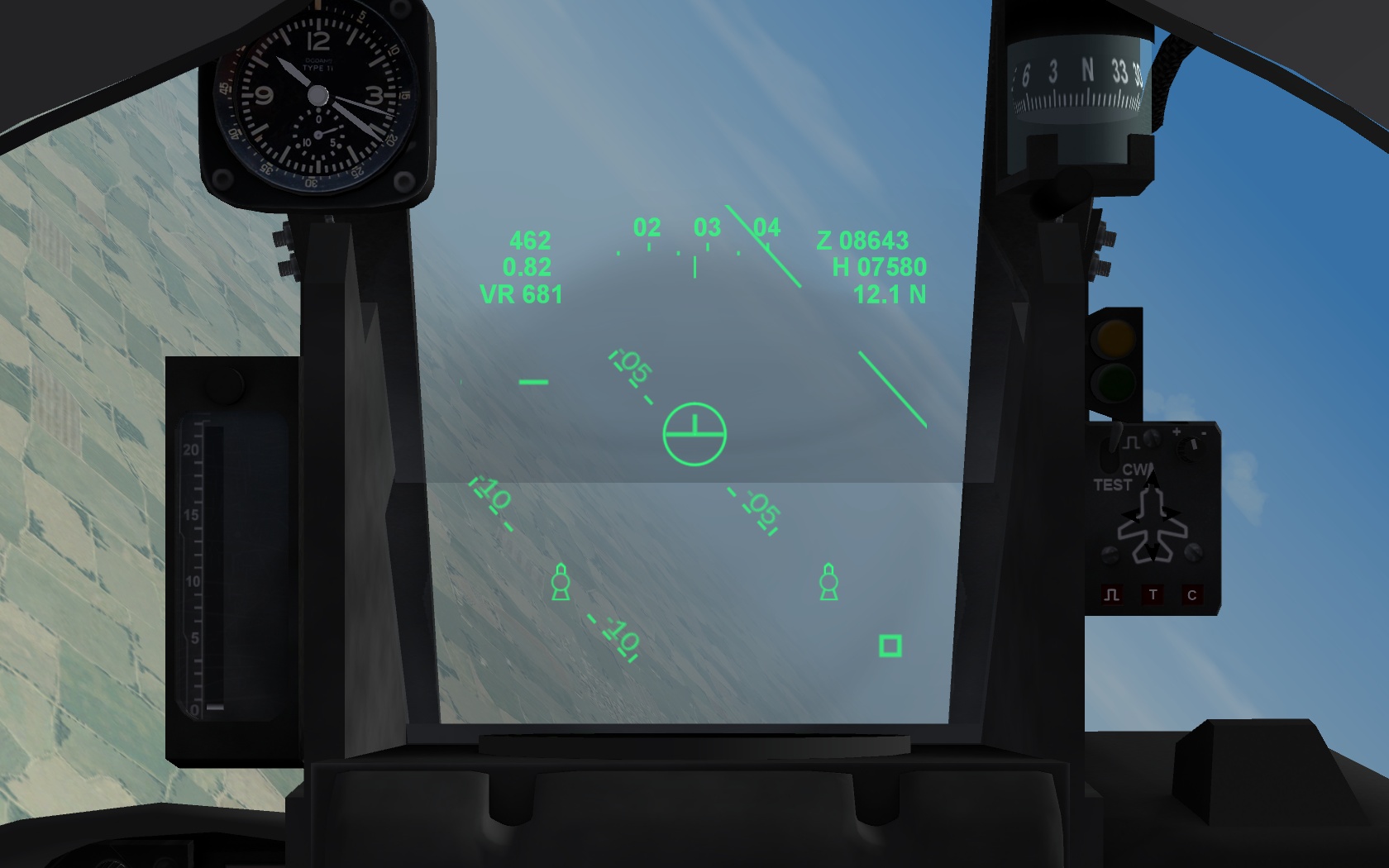
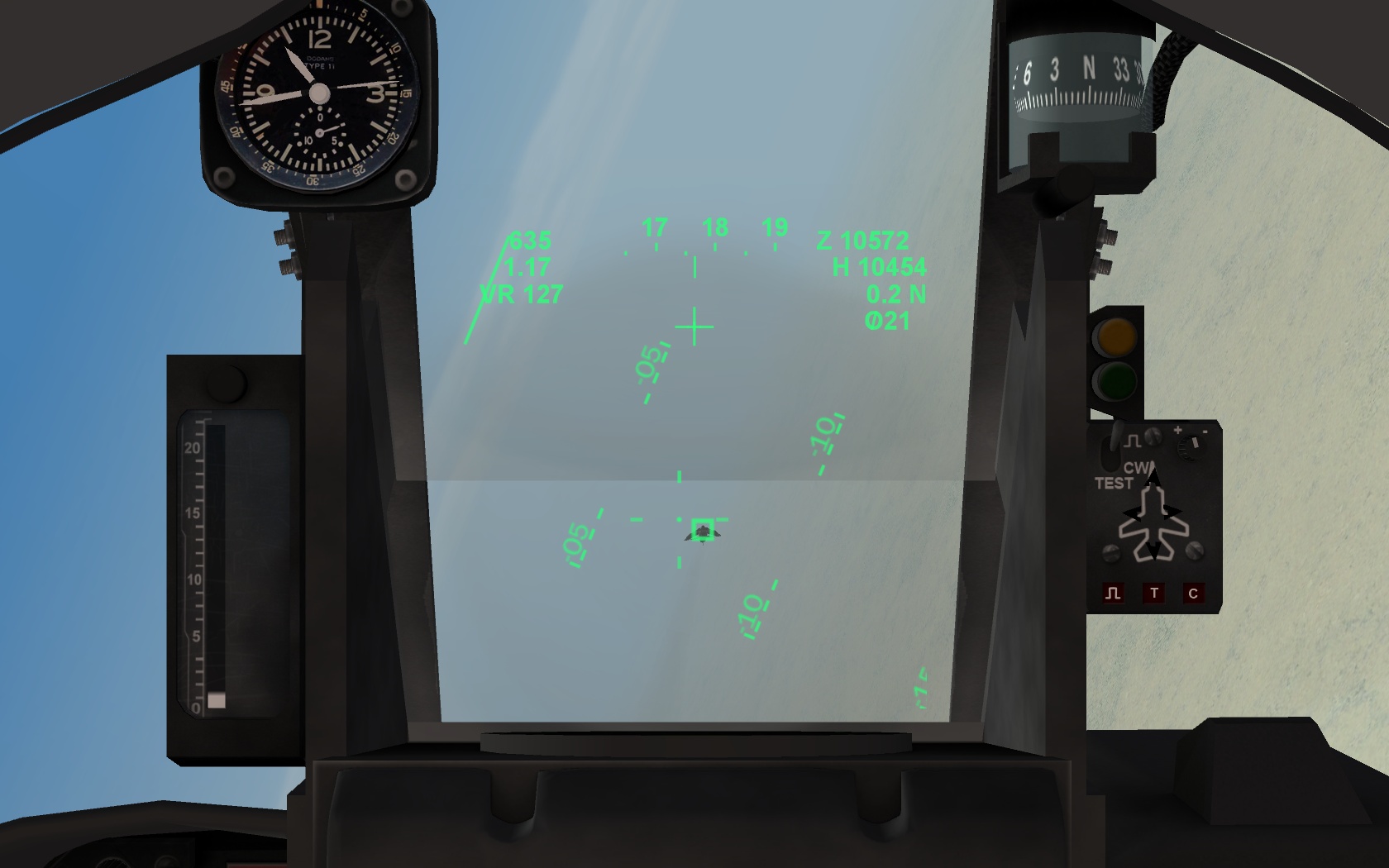
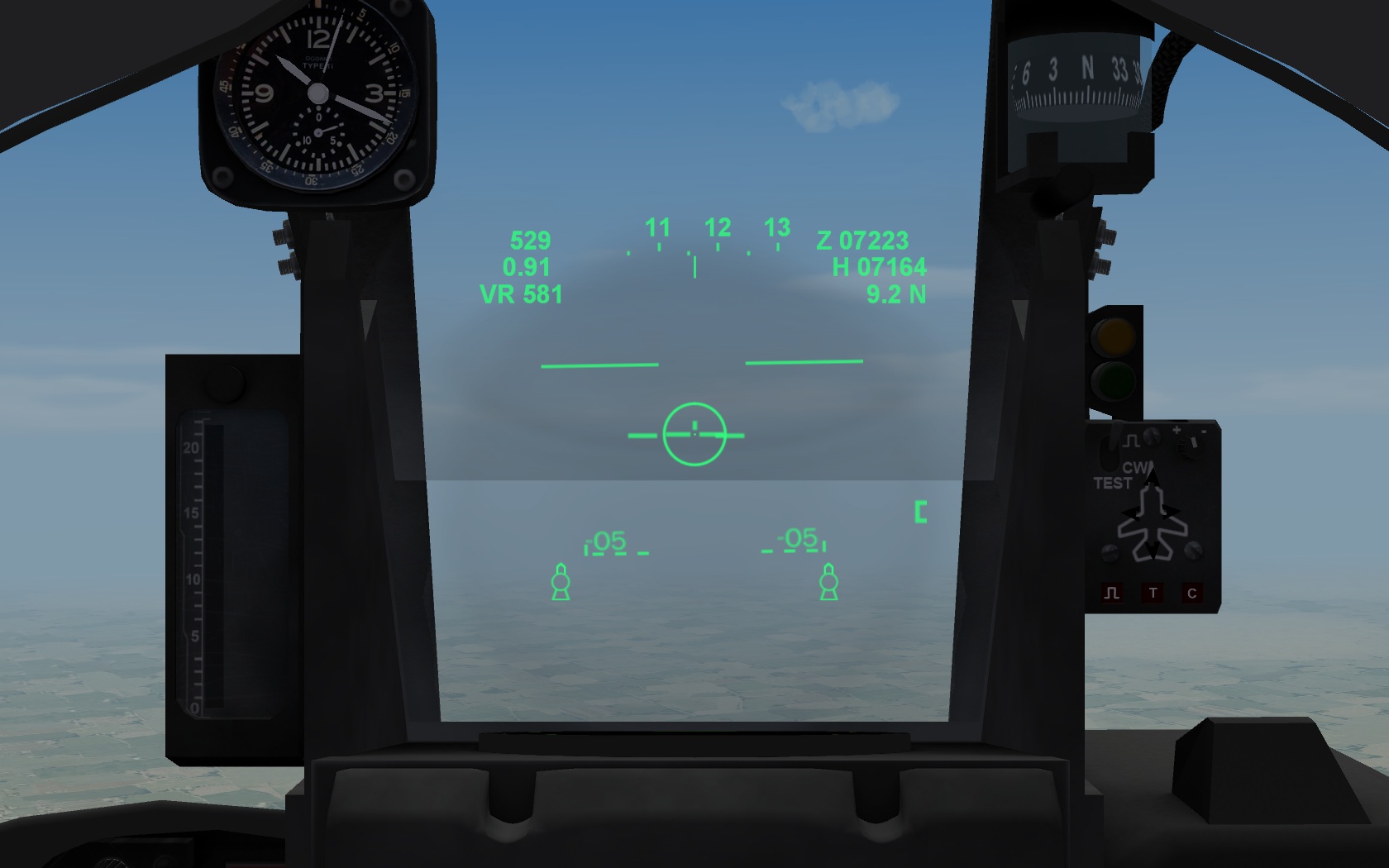
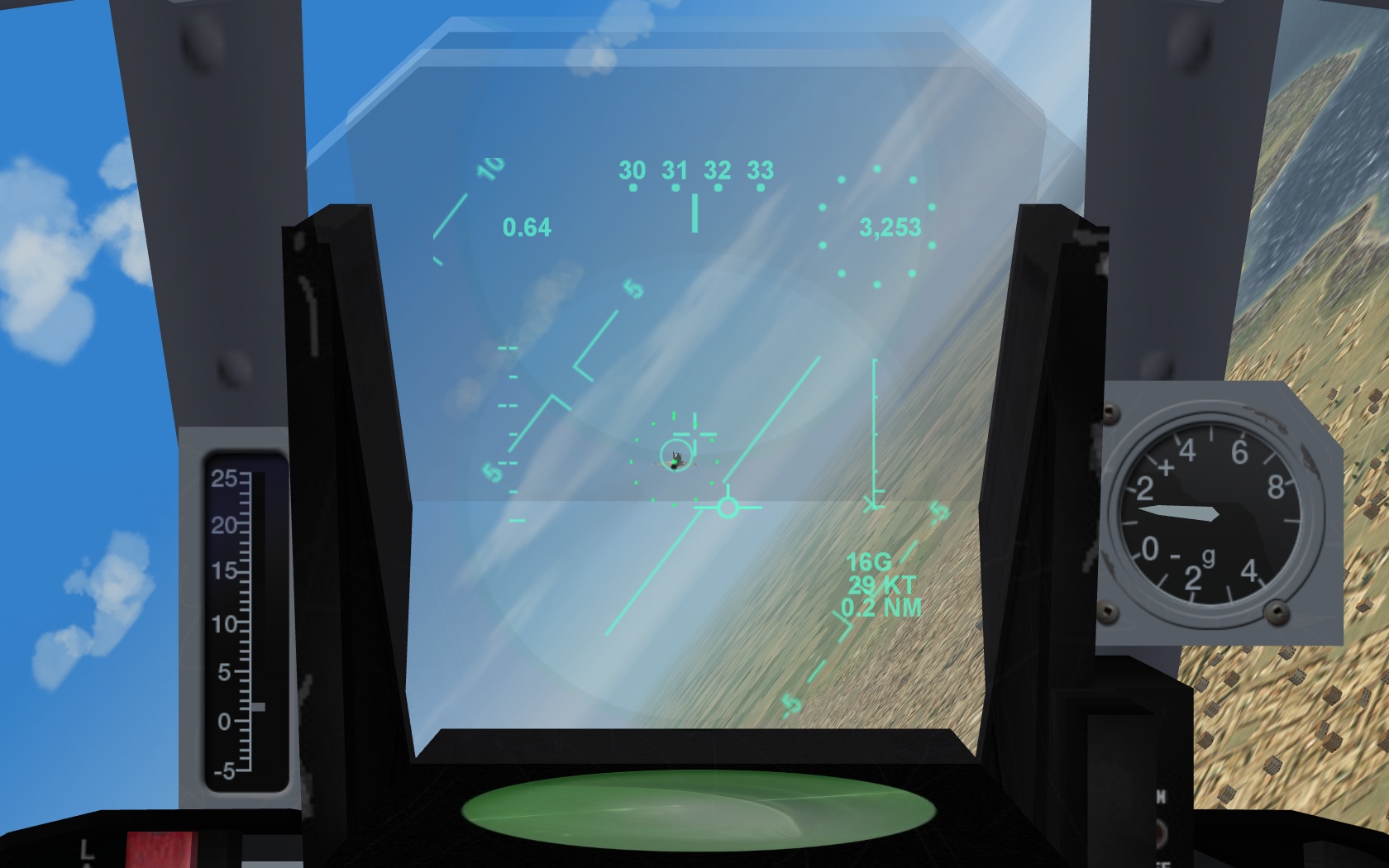
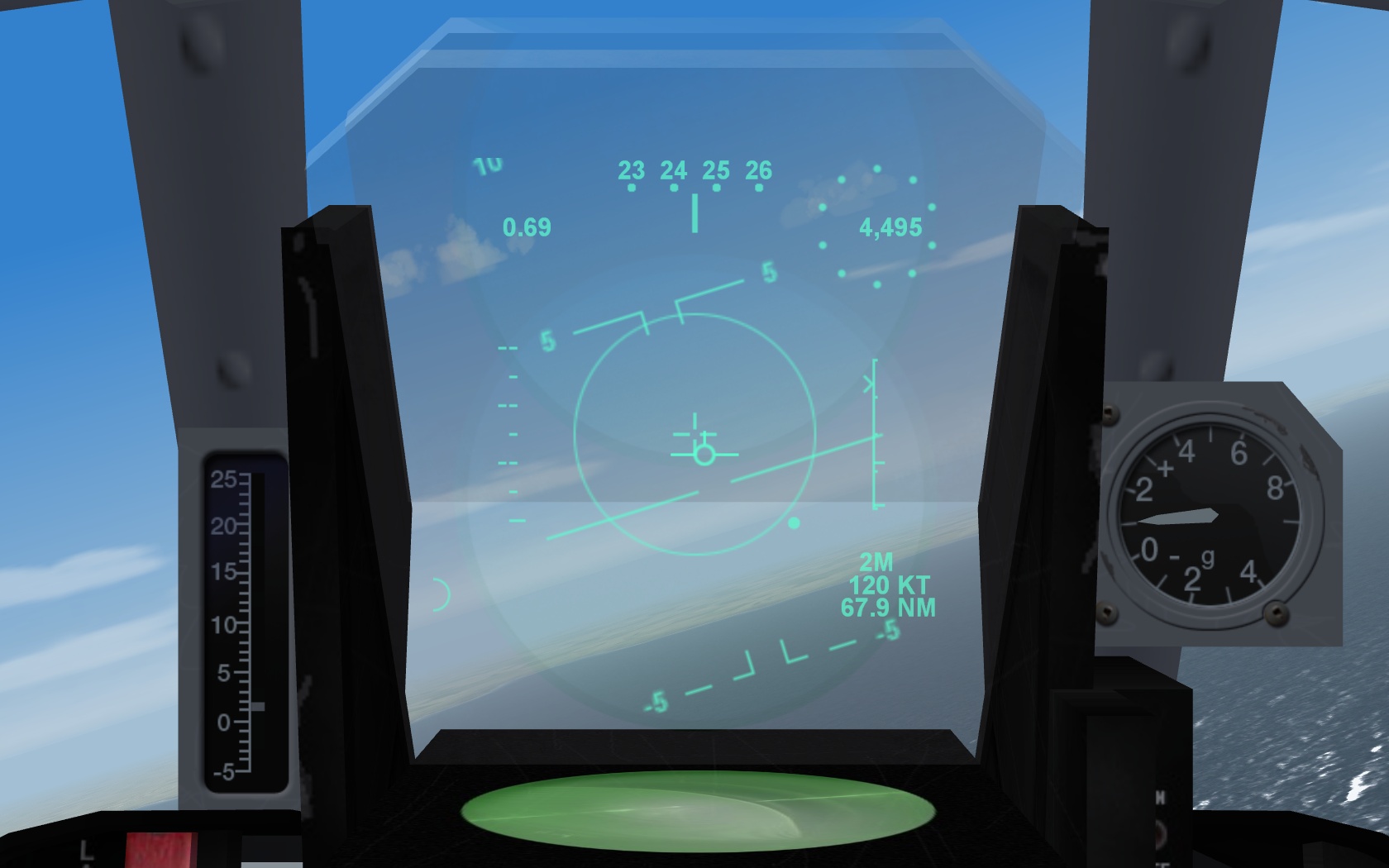
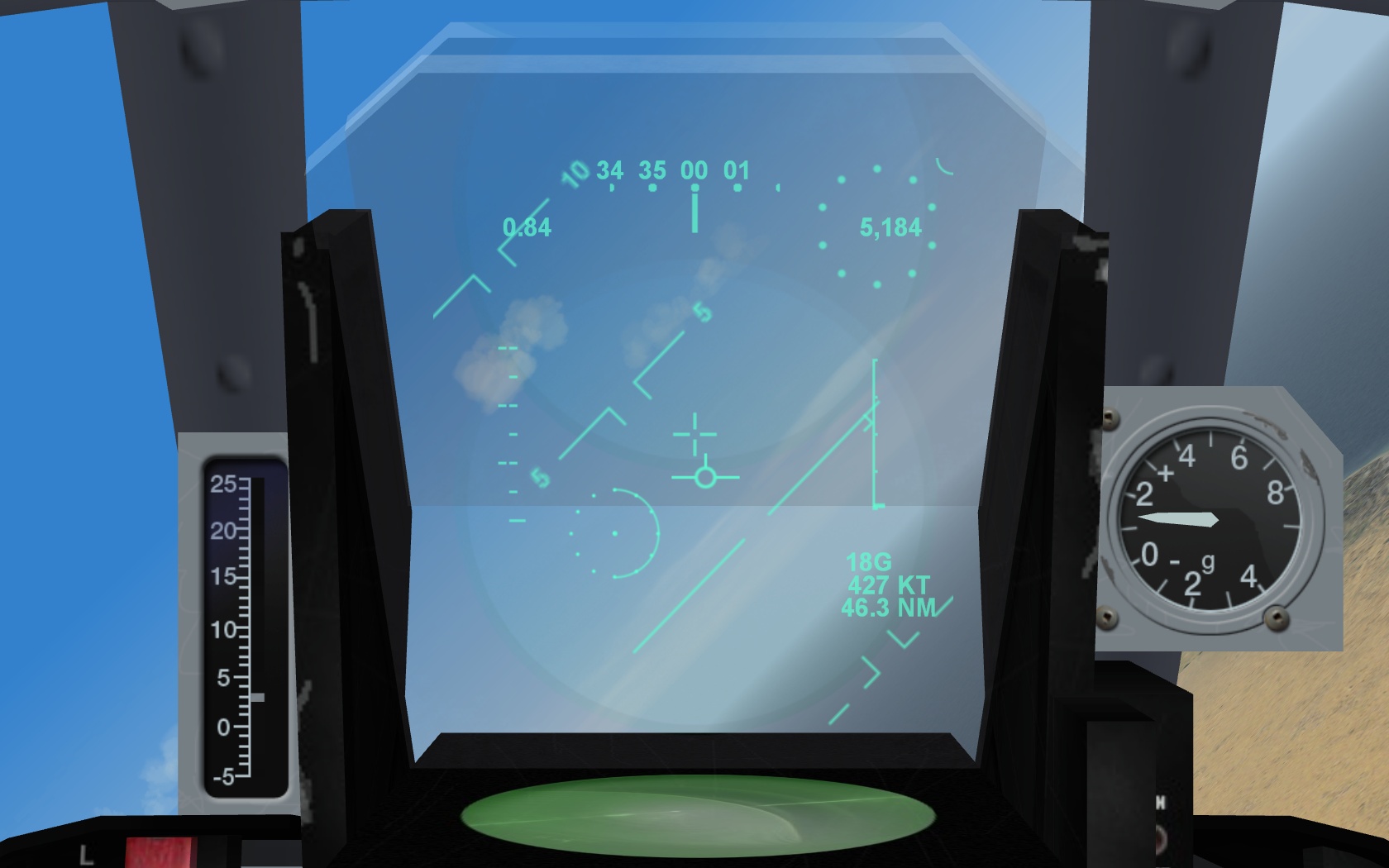
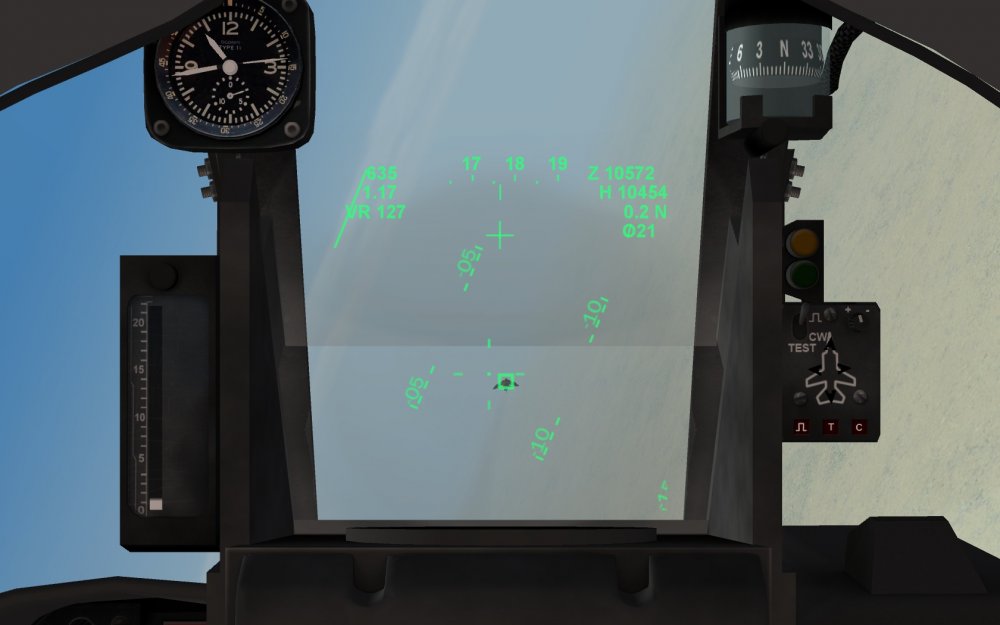
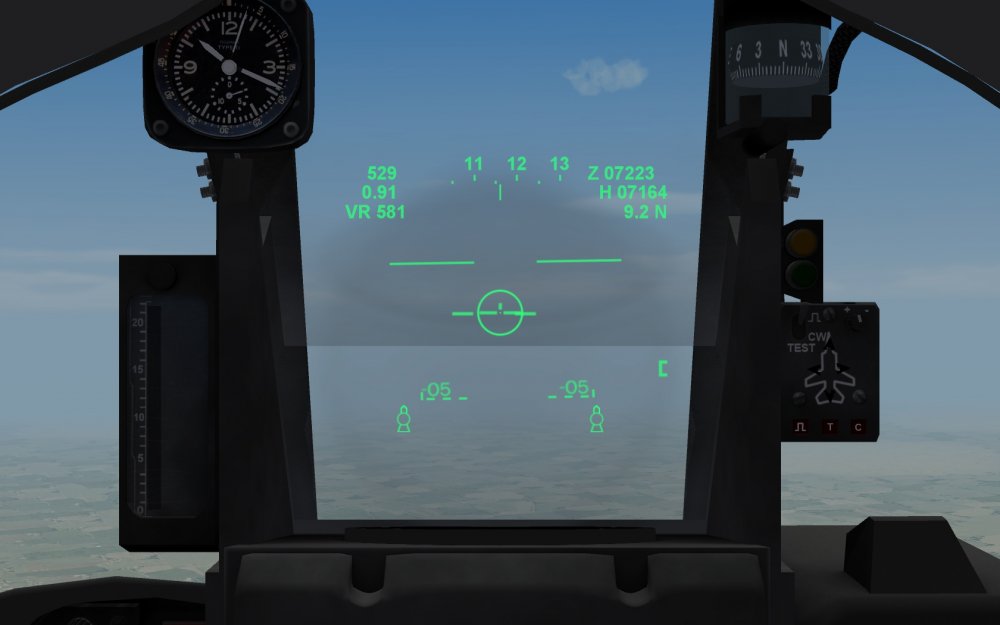
(Preliminary) Info for the HUD of the F1CR, CT, EH Digital readouts on the top: airspeed KIAS ___________ heading tape ____________ baro altitude mach number _____________________________________ radar altitude (NAV and A/G) tgt closure speed (kts, with rdr lock) _____________________ range to next WP and WP #, OR tgt radar range in NM windshield-mounted radar lock and weapon shoot lights are inactive or limited (in-range/shoot light will work with LGB ARM only - certain types) HUD changes with missiles: - missiles selected, you have the inverted T "aircraft" symbol to show where the boresight radar and missile seeker look and below it, 2 missile symbols: two small circles with a "tail" - indicate missiles present and ready if the missile seeker sense a target a seeker acquisition symbol appears on top of the missile rdy symbols (shaped like a "house") if inside range and G-limits a in-range circle will appear around the aircraft symbol (this is the new Shoot indication) - With last missile of a particular type (radar or IR) fired the missile ready and seeker symbols will disappear = no missiles left - Gunsight reticle doesnt have the rangebar anymore (a trade-off for having the HUD missile and shoot symbols) - CCIP rocket elevation adjusted for ravenclaws SNEB missiles (used by LR F1, 2 and 4 pods) KNOWN issues : Cockpit layout is a mix of several types (for now). The available weapon indicator lights are working only partially (its WIP) The stand-by compass is not working (set to be fixed) 1000 other things ... Have fun HUD with AA Gun (VR = vitesse rapproché , closure speed) HUD with Super 530F selected, shows the -- -- bar with gap (ASE circle function, shoot cue (circle) and missile rdy and lock symbols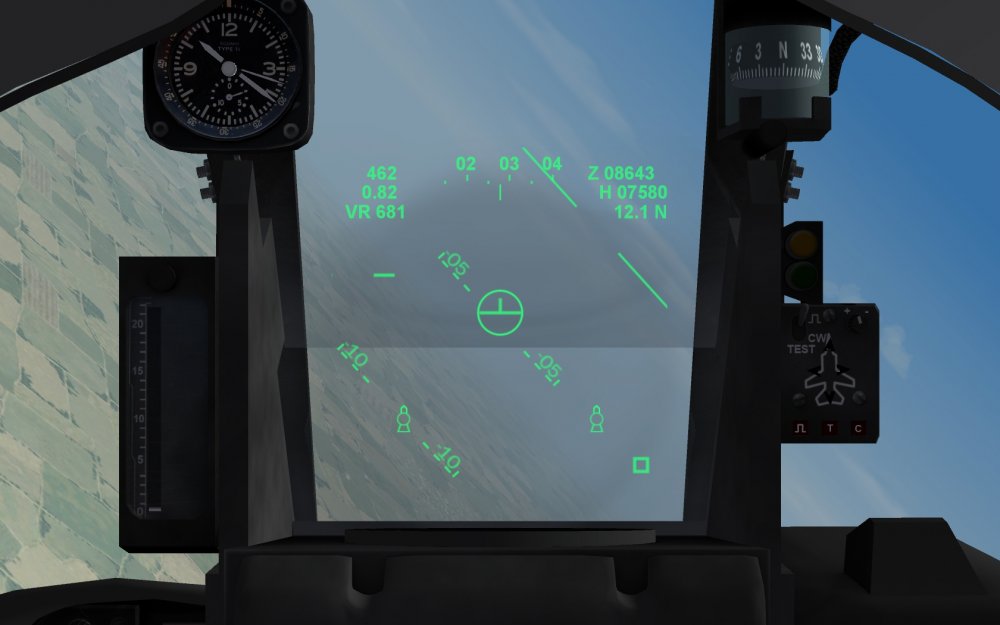
-
Ahhh... ja richtig.. ist ja "Sprit" ...
-
Voll unrealistisch.. der ganze Hangar voller Kisten mit ERSATZTEILEN... sowas ham wir doch gar nicht...
-
-
Im talking about the correct ID setting in the cockpit ini Example: [Canopy] Type=EXTERNAL_ANIMATION_LINK NodeName=GlassBack MovementType=ANIMATION AnimationID=3<<----------------------------------this is the animation number/slot used in the cockpit lod ItemNumber=3<<----------------------------------this refers to the animation number/slot used in the aircraft lod and must be set to the correct ID used for the canopy animation You can check the animations from within the lodviewer tool
-
lol Its probably this: the entry in your cockpit ini (the animation link) refers to another animation (slats maybe) which deploy/retract in flight... and thats causing your wild canopy movement. Change the value to 7 if this is the canopy animation ID of the aircraft model Further, to prevent the canopy from opening in flight. add following to the [Canopy] section in the data ini: MaxDeploySpeed=5 This sets a limit of 5 m/s (about 10 knots / 18 km/h) and the canopy will close automatically if this speed is exceeded. You can double the value if you want to taxi faster with the canopy open. And for info, the CanopyNodeName=Canopy entry in the [Pilot] section tells the game which part of the aircraft is jettisoned when the crew ejects. For some aircraft (eg the Mirage F1) the canopy glass node is used there, if ejection (on the real thing) is through the canopy without jettison it first.
-
FakePilot.zip FakePilot.zip
-
Id say the main purpose of the CEP function in SF is to generate the random bomb/weapon impacts. With CEP 0 the impacts are all lined up, iirc. When updating older weapons I always take the value from a matching stock weapon.. to have continuity.
-
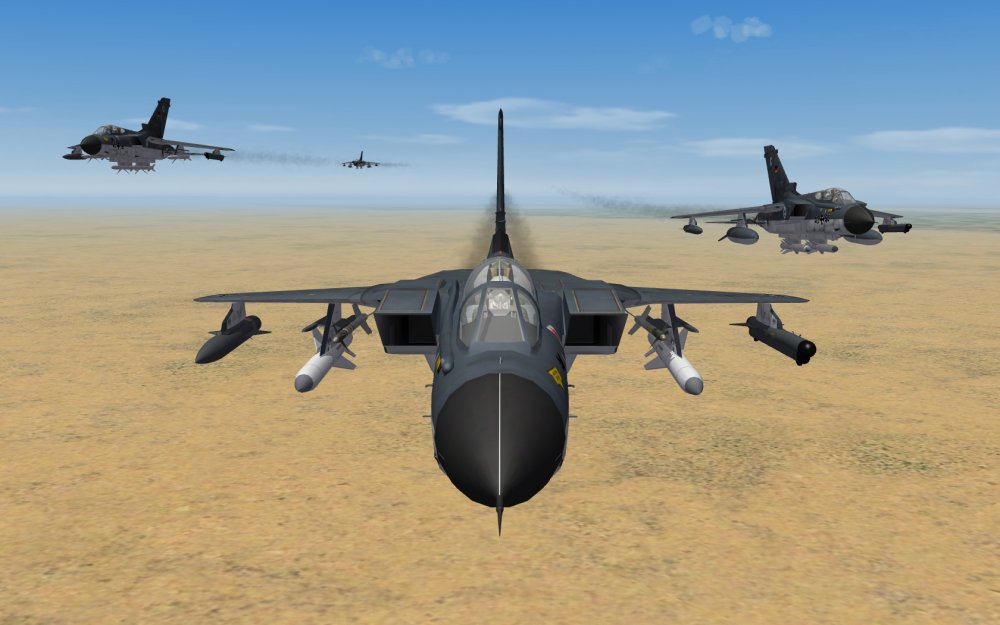
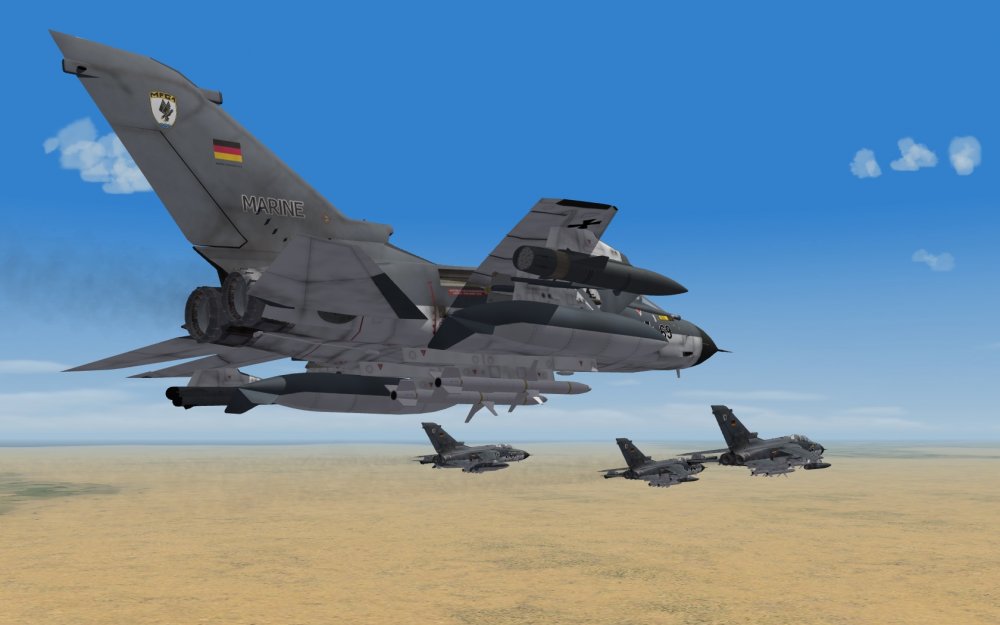
Looking for... boats...
-
https://en.wikipedia.org/wiki/Circular_error_probable http://thanlont.blogspot.de/2009/09/why-laser-guided-bombs.html
-
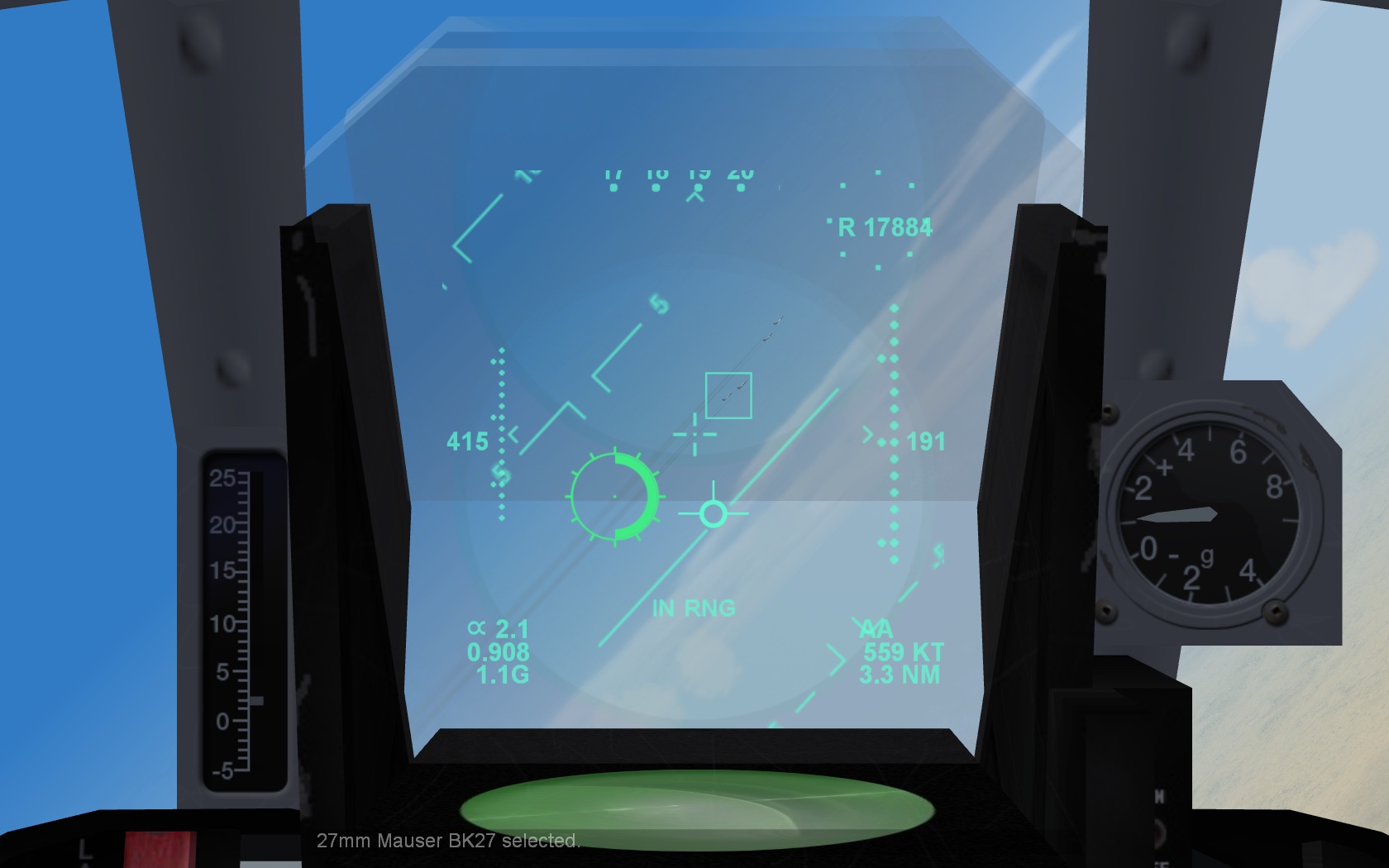
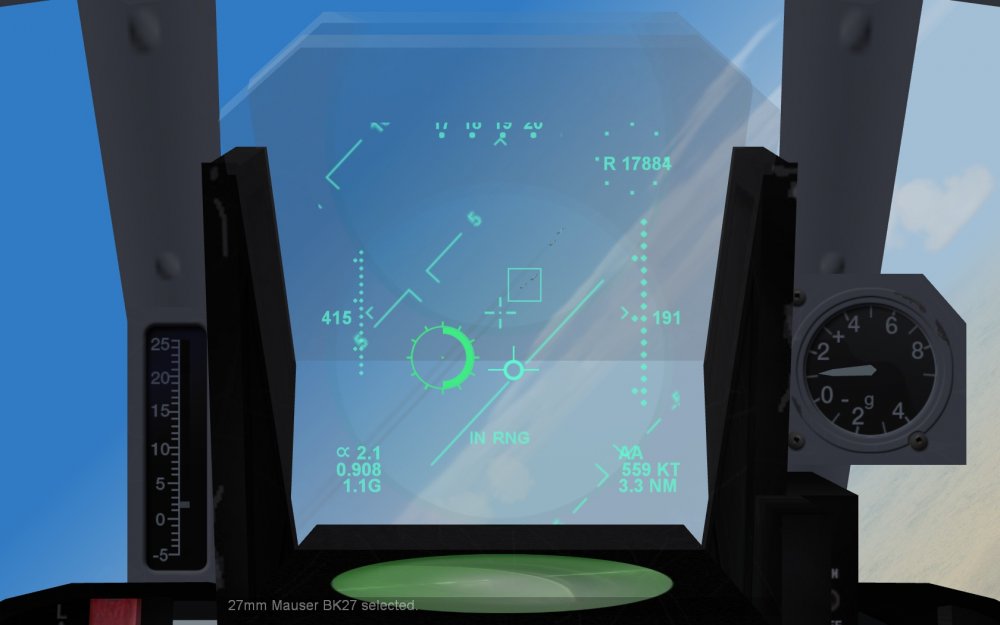
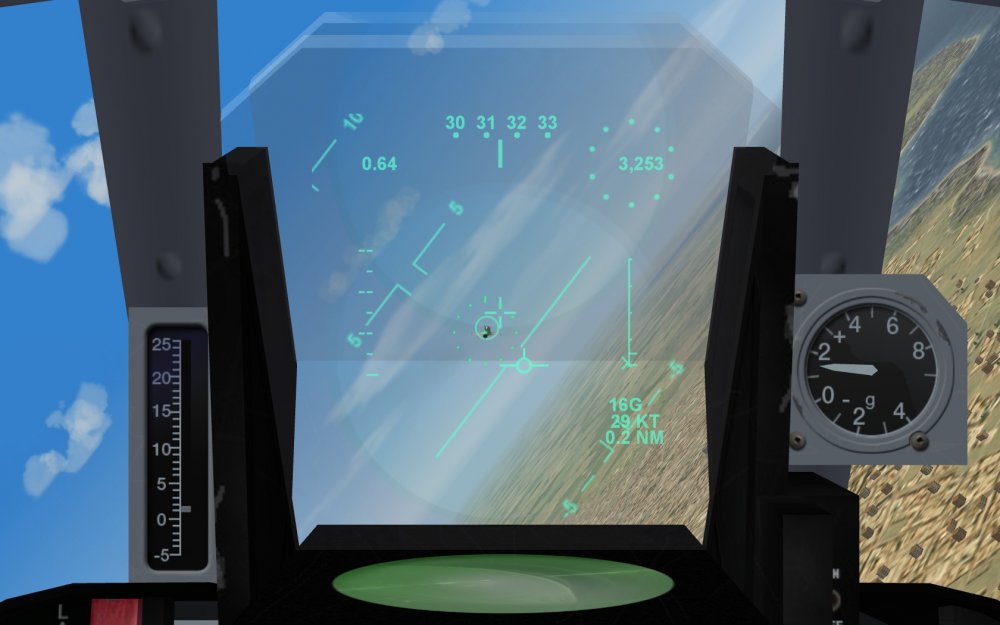
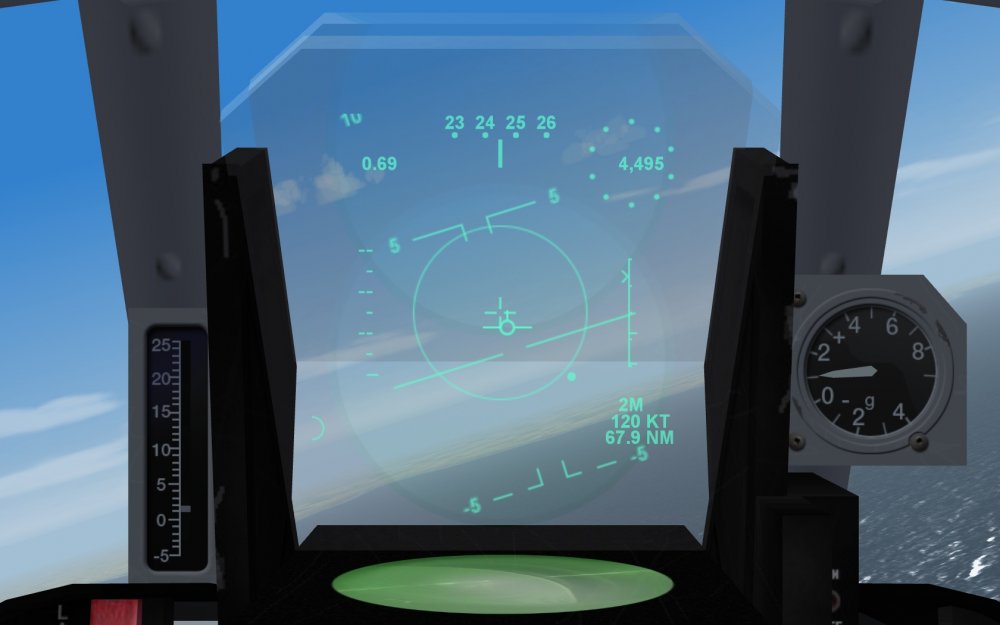
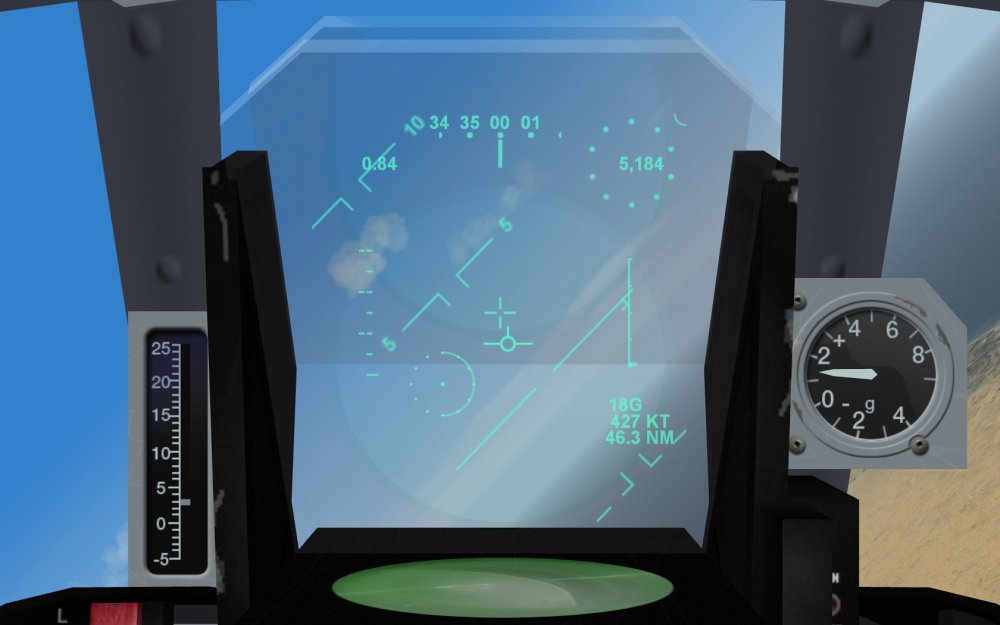
Tonka F3 HUD from this to this (with wip new gunsight) repainted new gunsight and MRAAM Skyflash mode (2M = 2 MRAAM remaining, also counts SRAAM and gun ammo) What started as a quick new gunsight mod went out of control...
-
A few questions about the F-5s
Crusader replied to tonipm99's topic in Military and General Aviation
CL pylon is removable. USN/USMC Aggressors usually didnt use them. The flat shark nose and extended LERX are late-production F-5E features, I used to have details/dates on that when I researched F-5's some years ago. Nice website where you can look around for the modifications... http://www.the-northrop-f-5-enthusiast-page.info/index.html- 9 replies
-
- 2
-
-
- f-5
- many questions
- (and 1 more)
-
Very very great
-
The Mi-24P beta, right? And you are using the "Oprional Data From Marcfighter.rar data ini ? This optional file is missing the Tailhook system in the SystemName list in one of the components. The other data has it in the Fuselage component section, SystemName[010]=Tailhook , thats why it works with one file but not with the optional file So add the Tailhook to the SystemName list and make sure that it has the correct number.
-
Well yes, the CCIP function described in that thread is the F-4E with digital ARN-101 nav/wpn system modification. This did not change the HUD itself, just added CCIP function by using the existing gunsight reticle. For a more advanced and really tested, through never implemented F-4E HUD, see this mod:
-
If you see the gun firing effect from cockpit view but the gun is not mounted anywhere near it, then it usually means that the cockpit position is wrong.
-
Regarding CCIP : With example for F-4E_78
-
page 308 http://www.avialogs.com/viewer/avialogs-documentviewer.php?id=1694