Cliff7600
-
Posts
1,197 -
Joined
-
Last visited
-
Days Won
12
Content Type
Profiles
Forums
Gallery
Downloads
Store
Everything posted by Cliff7600
-
In game there's no call like "On l'a rentré" xD (nor "enc... p... de ta r...")
-
By the loadout.ini file. There's too many weapon stations for the loadout menu, max is 6. You can have more than 6 in the data.ini but they will be set by the loadout.ini file and not the loadout menu. In the data.ini it's the weapon stations with "StationGroupID=7"
-

Nodding donkey, Seesaw, bounce, oscillation
Cliff7600 replied to alexis99's topic in Mods & Skinning Discussion
For the rolling radius of the wheel it should be the number issued of the 3D model. It needs to be calculated from the coordinates of the wheel. But the ShockStroke value will affect the visual result if the shock animation (if used) has a more little displacement on the 3D model. As far as I know it won't solve poor behaviours on ground. But it needs to be set. I experimented lately that the CG value can improve the handling when taxiing, by increasing the weight on the wheel, as you said. But it won't solve the bounces. And Yakarov is right, at least moving the CG values will change the cockpit position. You'll have to adjust it to have it back where it was, like an offset setting of the cockpit. (And there's also a "Cockpit set CG position" or something like that...) First, the wheels must be symmetrical between left and right. It's a 3D model matter, and if the model has this issue you can stop trying to fix it by ini (or maybe creating fake wheels by ini only ?) Then there's many parts involved : EmptyMass, MassFraction, Reference values, Min/MaxExtentPosition, ShockStroke / SpringFactor / DampingFactor for each wheel, center of the 3D model (3D related), CGposition as you did, and some lift values of components if not set as they should (TW flight models are not optimised for taxiing, just take-off and landing runs), fuel tanks position and weight, and probably other things I forget. As an ini guy the worst for me is the 3D model because I cannot move it. And most of the time there's some Min/MaxExtentPosition values that are correct for the 3D model but makes the ini model touches the ground because of the angle of rotation or the stance on the ground. If the box made from the Min/MaxExtentPosition values touches the ground it can produce bounces. So I would say, check all structural entries using the famous Mue's LOD viewer and then all the FM values that has an effect on the ground (at 0 speed there shouldn't be any lift or drag but that will affects the FM - take-off / landing / stalling / departing / maneuvring and TW's FMs are not optimised for being realistic when not flying) I mentioned TW FM's because they should be taken as a model for third party aircraft, as a starting point at least. In the end, you have no certitude of solving the problem, but that's the deal ^^ -
Hello You can do it : SystemType=CONTROL_SURFACE InputName=THRUST_VECTOR_CONTROL MaxDeflection=50.0 or any value you want MinDeflection=0.0 ModelNodeName= ---> if two wings not animated / requires one "control surface" part for each wing or AnimationID= ---> if the wings are animated RotationAxis=Z-Axis or Y-Axis or X-Axis (maybe and only if not animated) ReverseModelOrientation=TRUE / FALSE (maybe and only if not animated) and maybe other entries for the movement It doesn't include the aerodynamic entries The reason it never has been done is the thrust vector control key is used only by the player aircraft. The AI / the wingmen aircrafts won't use it.
- 1 reply
-
- 3
-

-
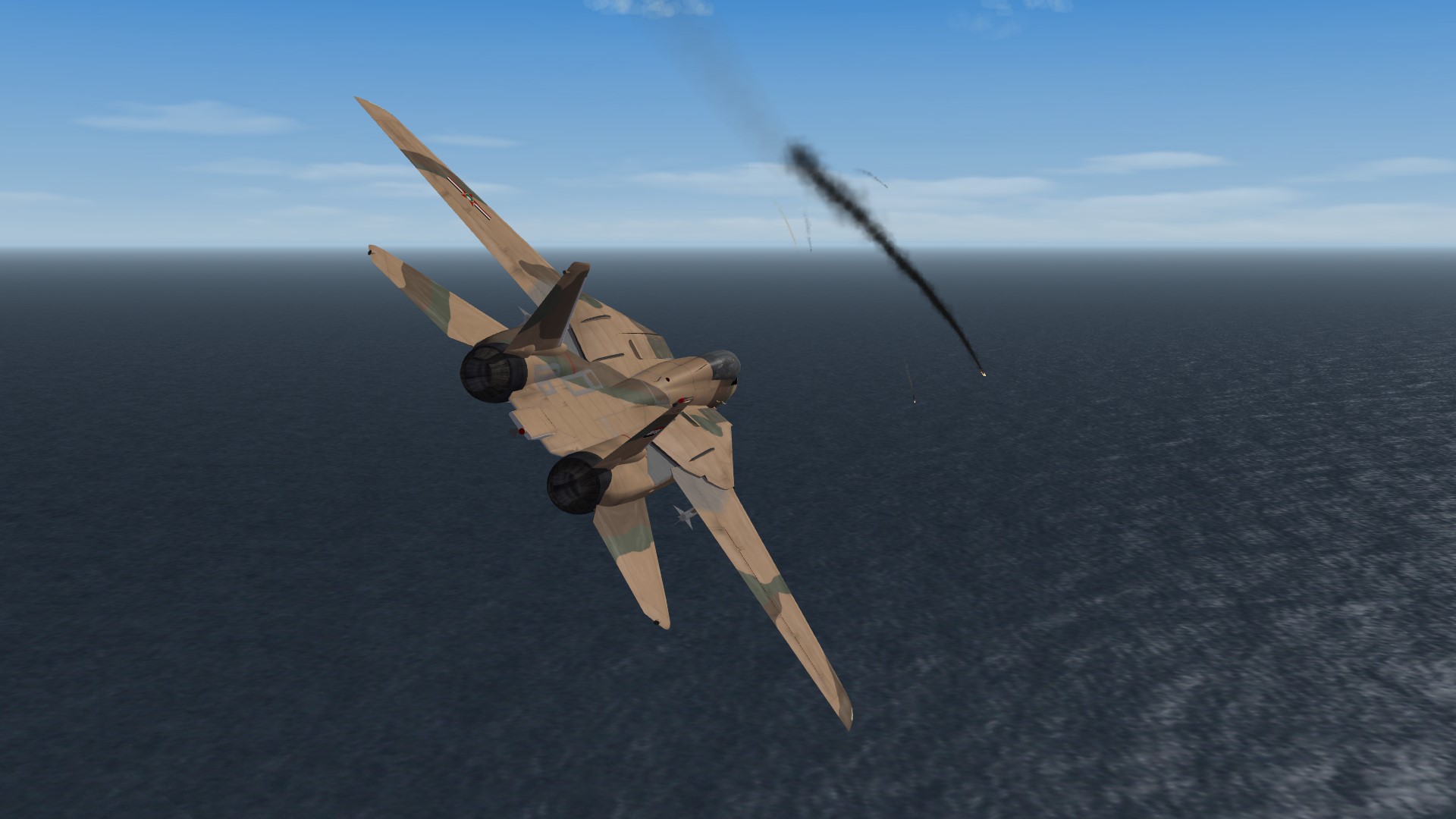
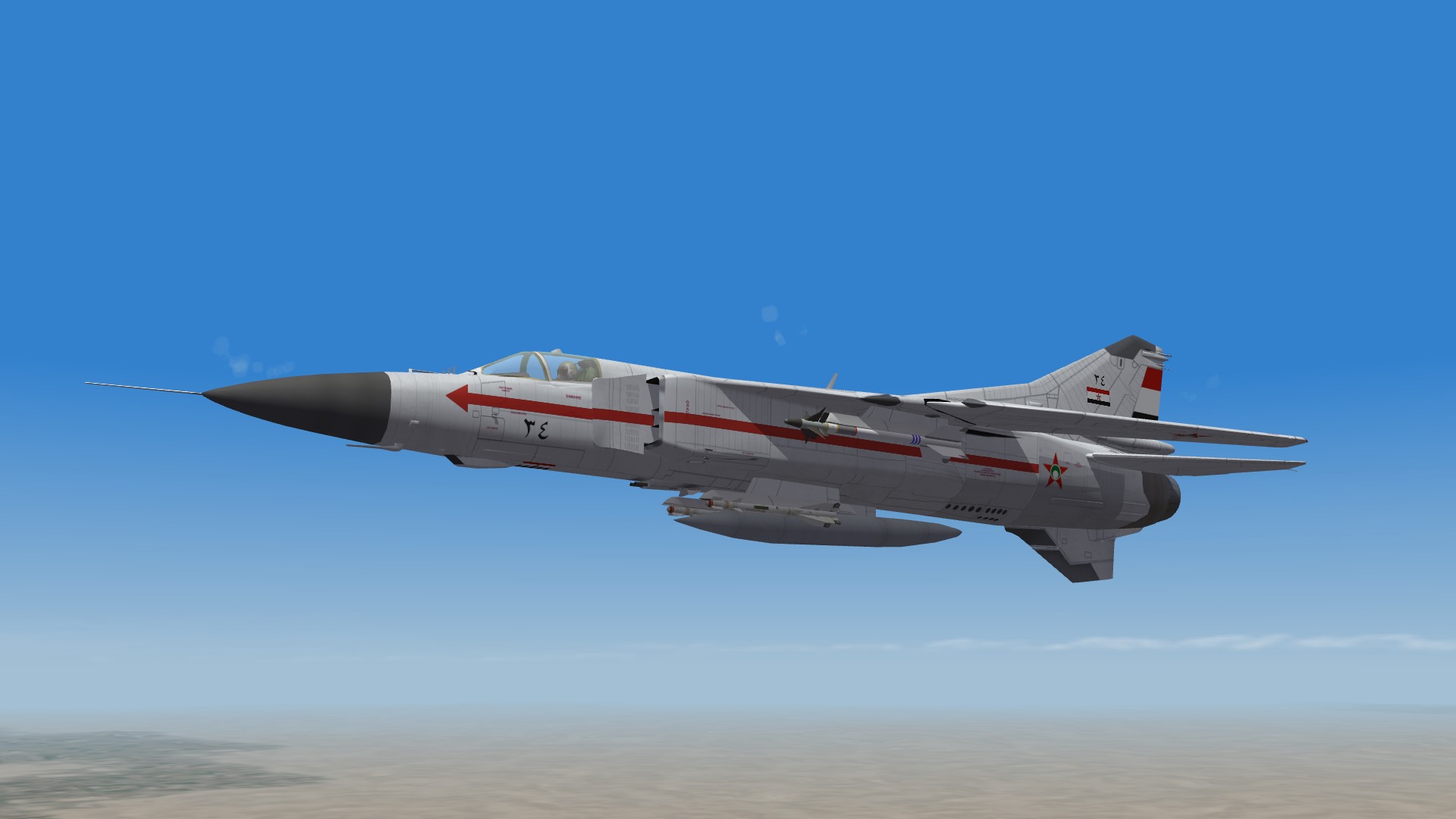
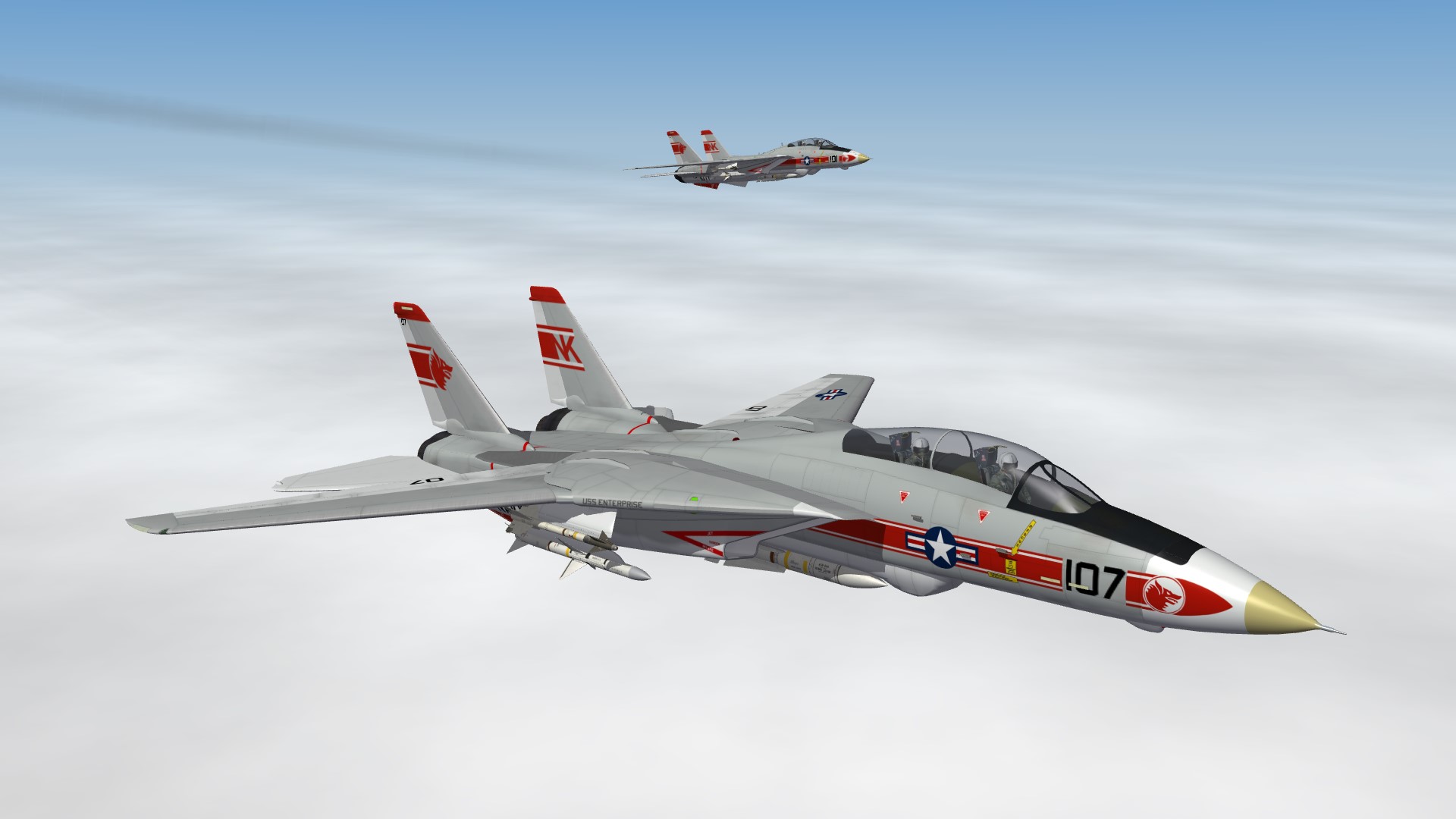
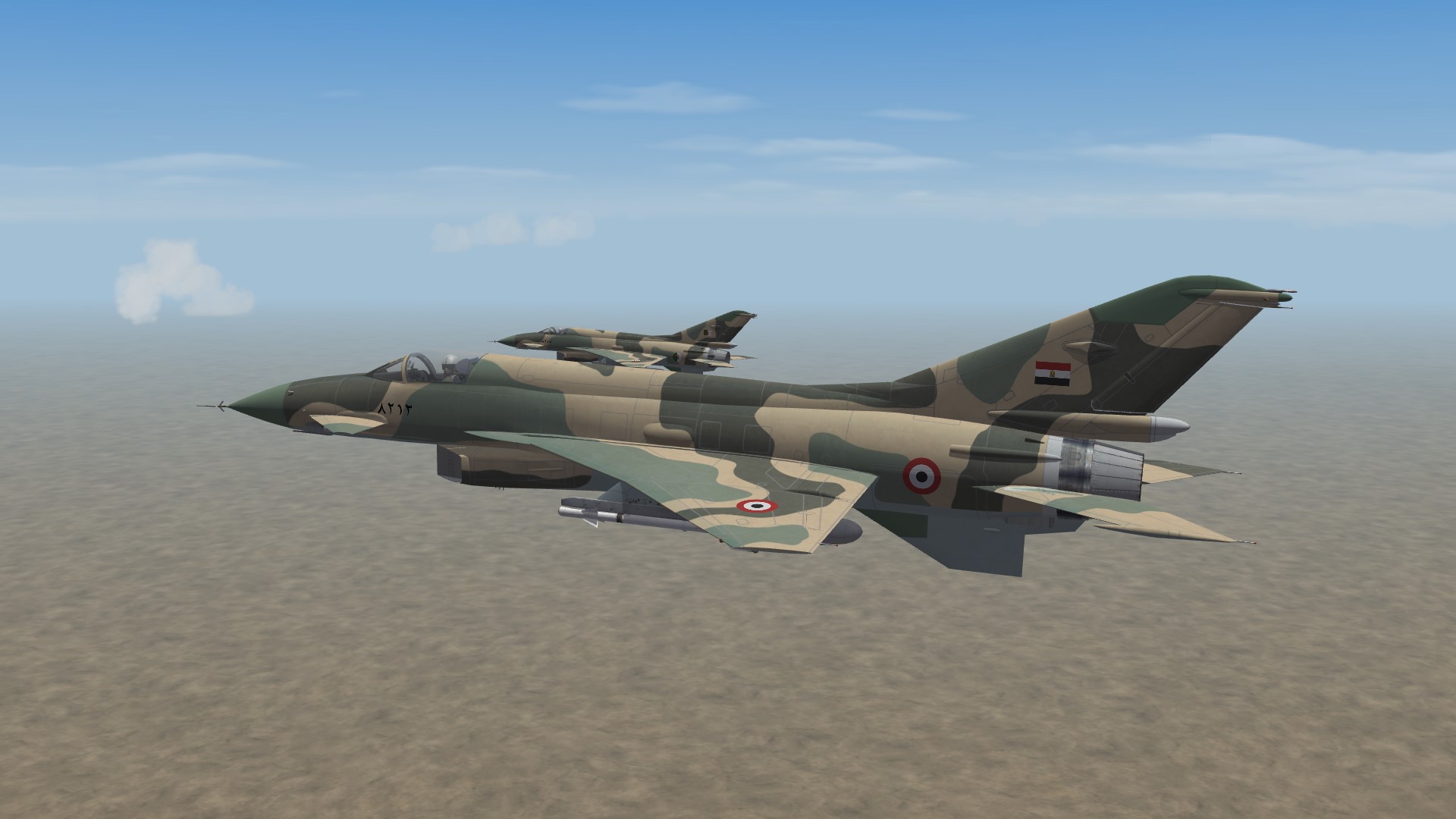
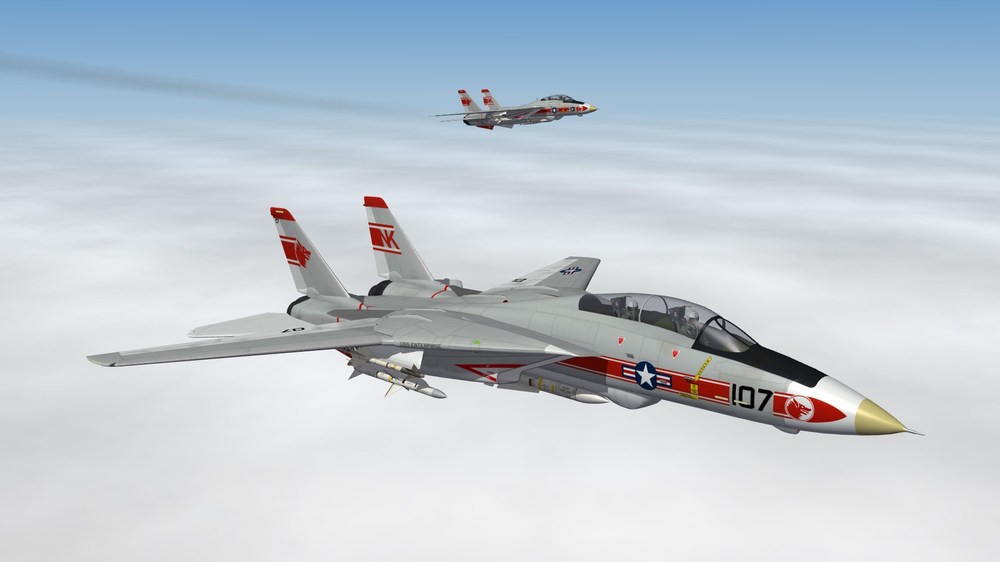
Battles in the parani sky A F-108 shot down my wingman Two F-101s crossed our border (or maybe it's us). Both wingmen kill each other I quickly maneuvered the leader and it's a gun kill No we don't have F-14s, just like Dhimari don't have AIR-2 nuclear rockets A lonely MiG-23 on patrol
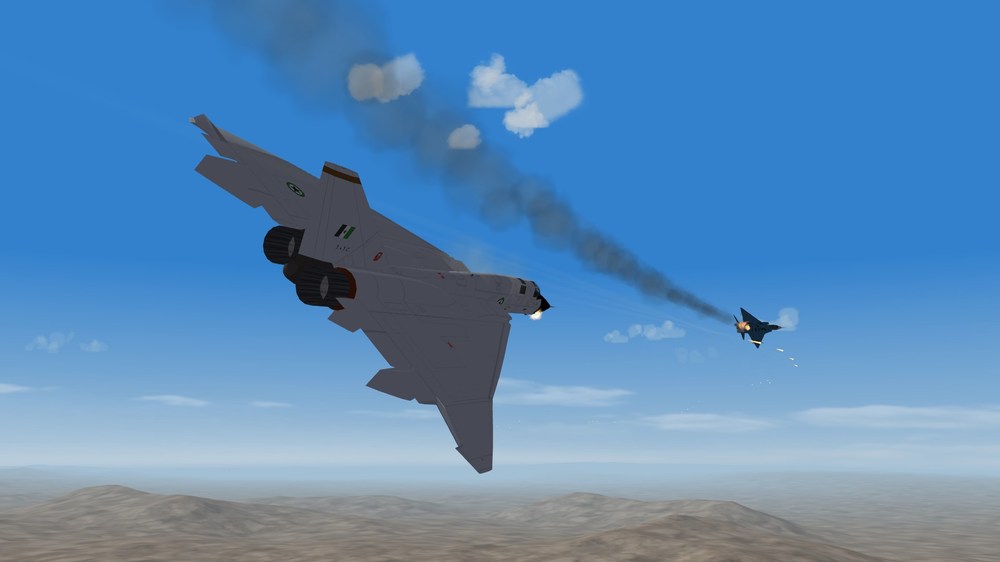
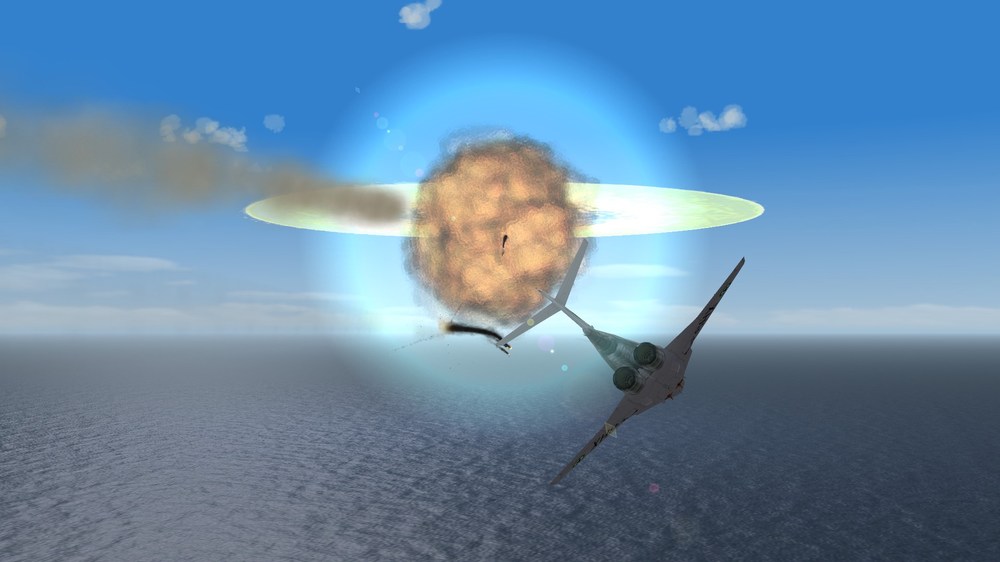
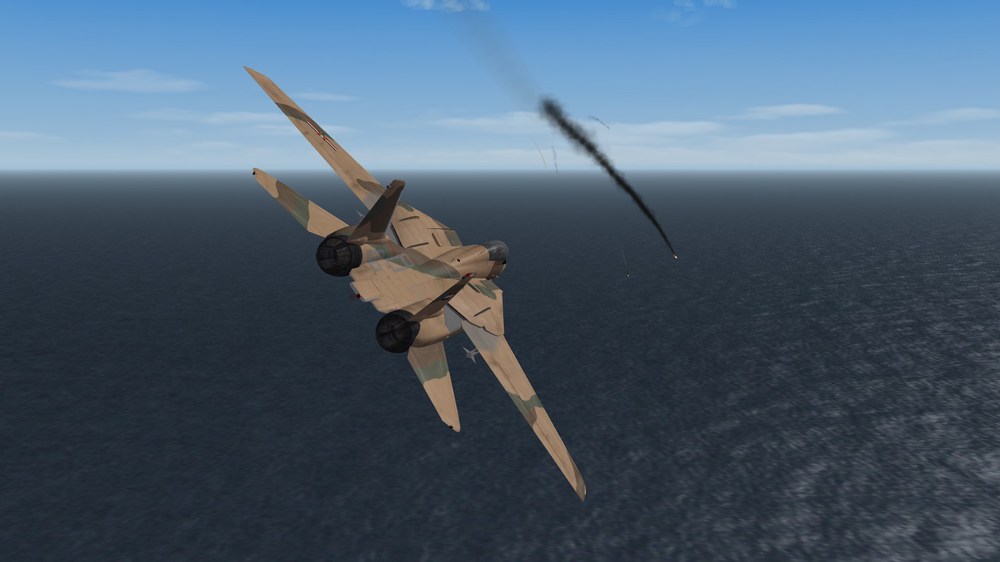
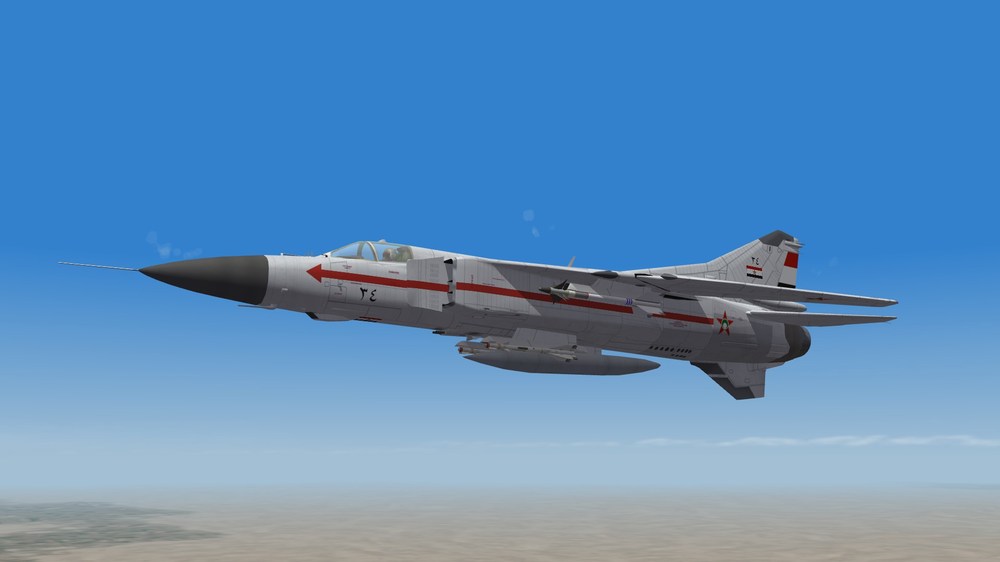
-
Not a 3D guy myself, but the ini entries are correct. So I would say it's a pivot point issue in the 3D model. Check the pylons first.
-
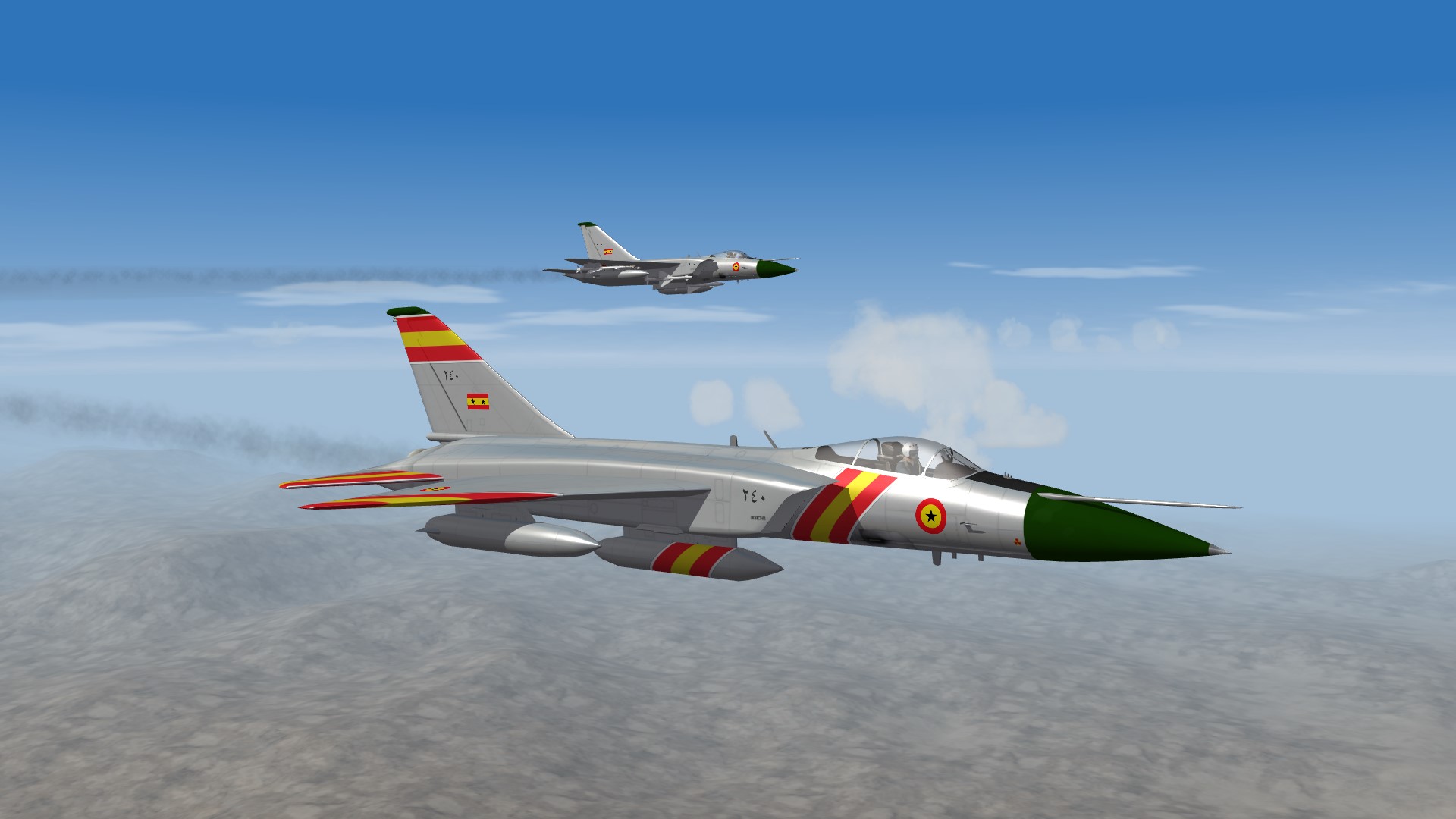
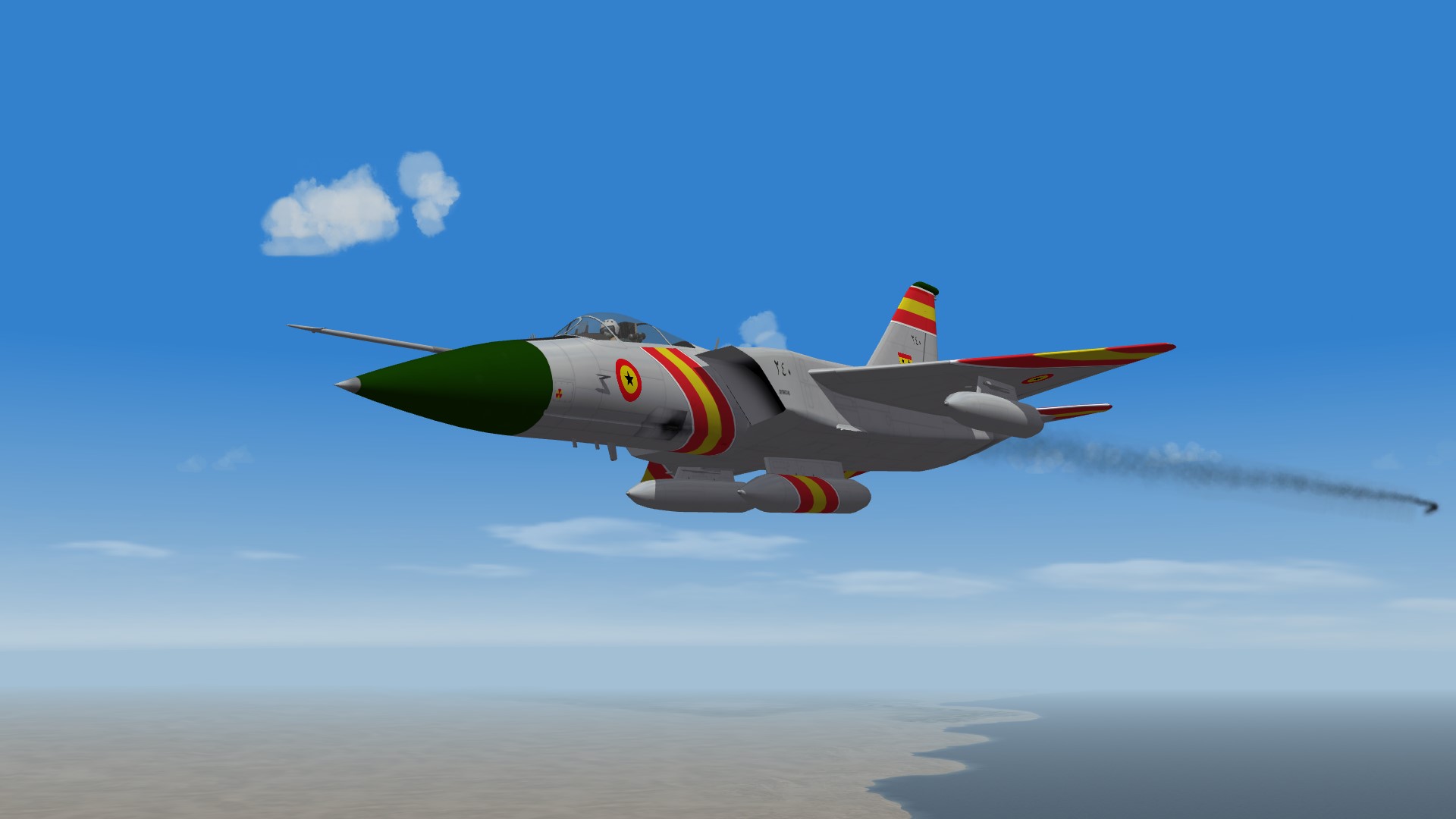
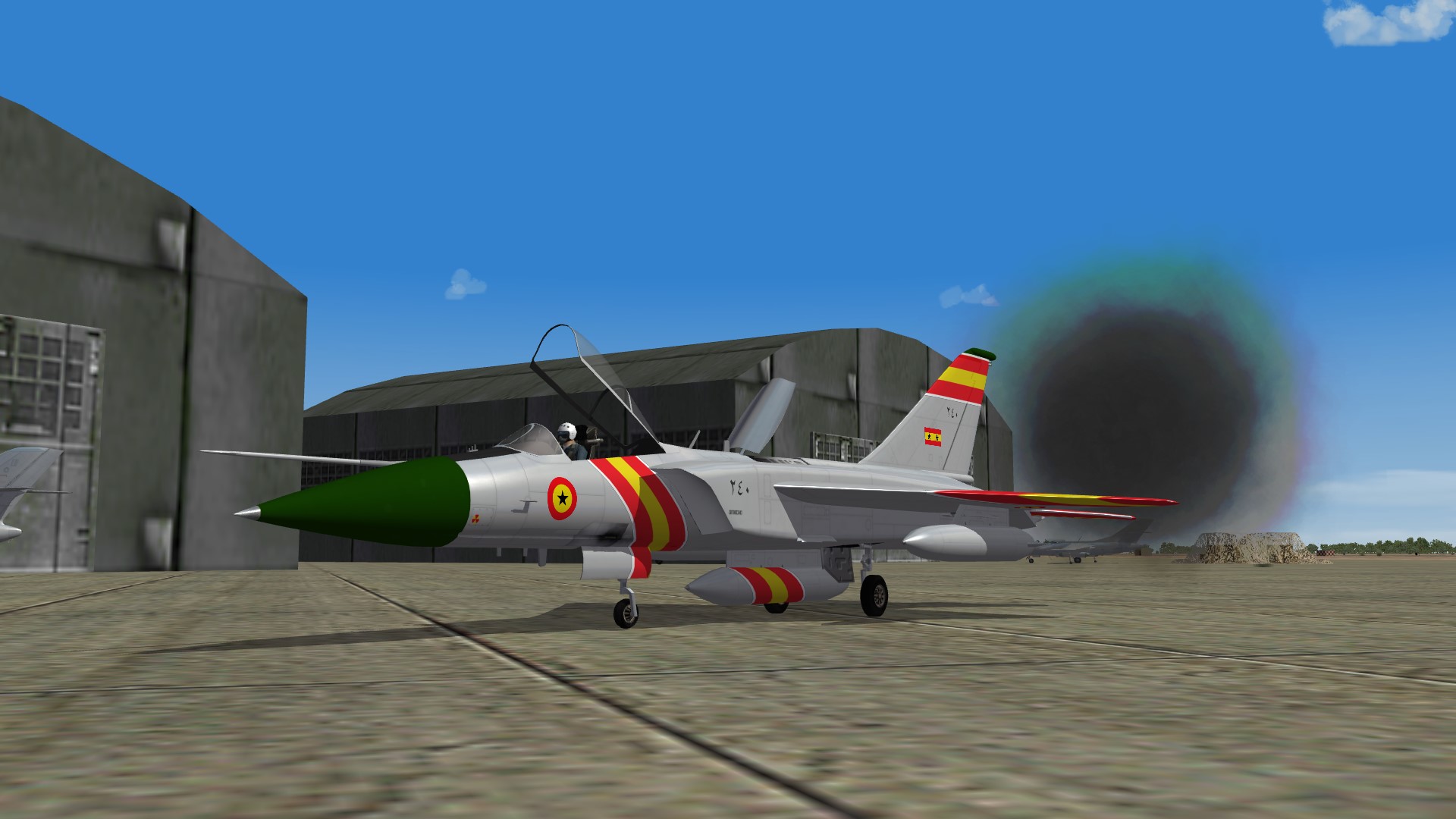
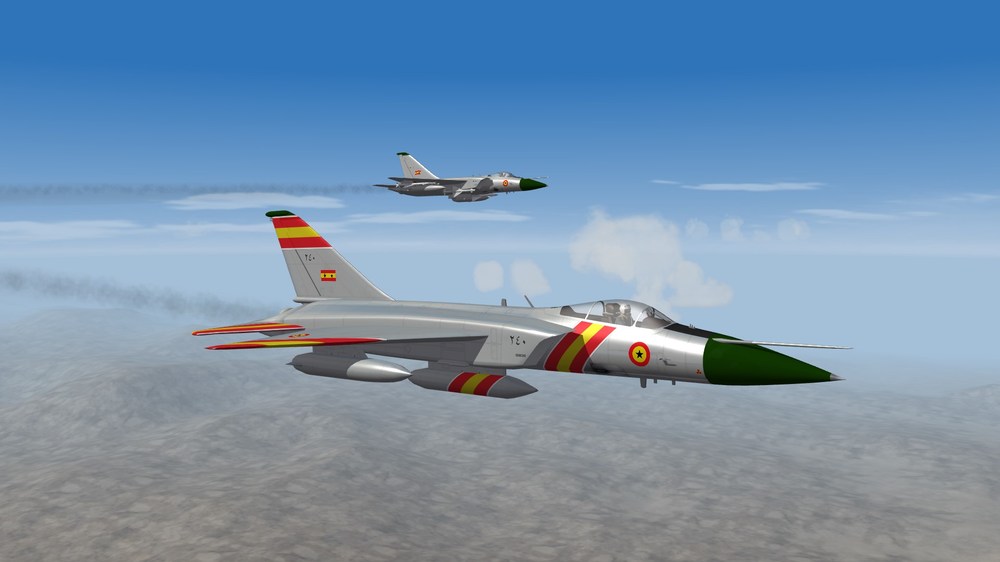
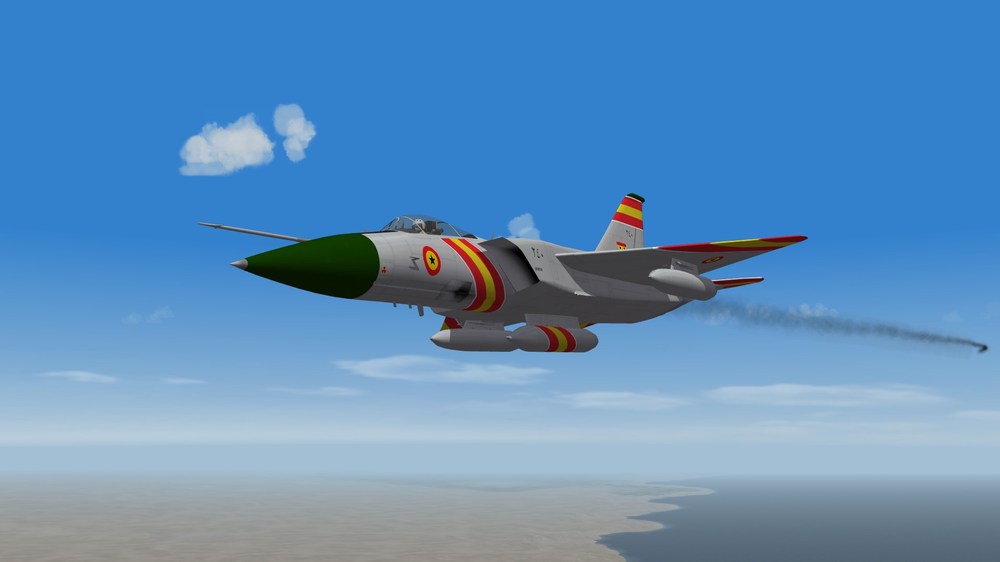
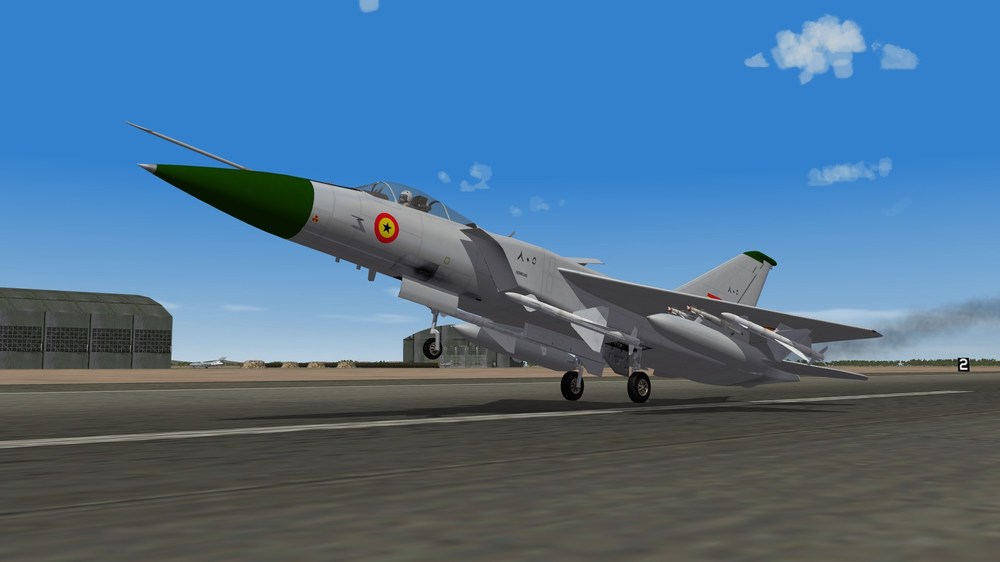
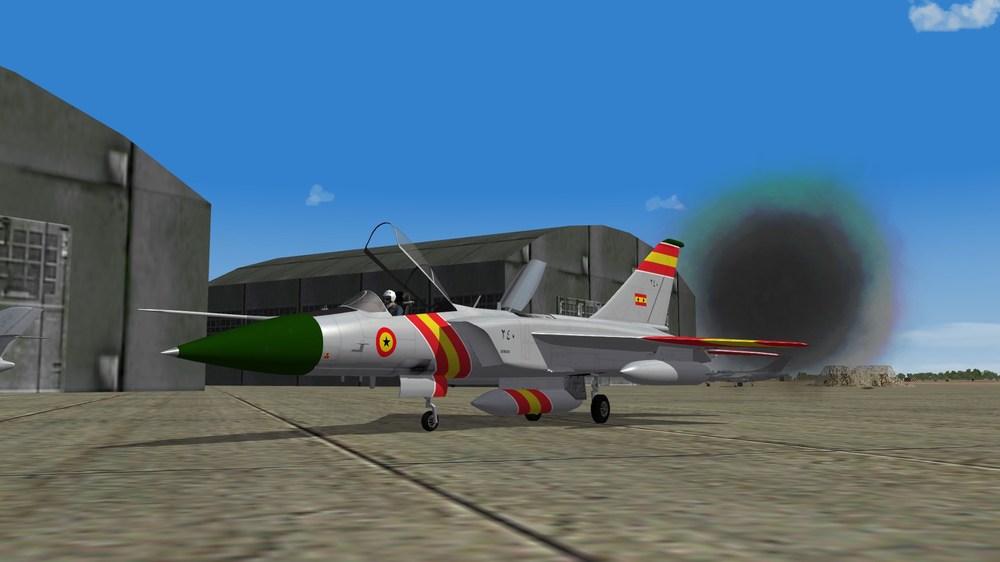
Dohari Su-21s arriving at P12 for the annual Horreya airshow Seriously, is there any way to stop these guys from doing this ?!
-
There are their fathers ^^
-
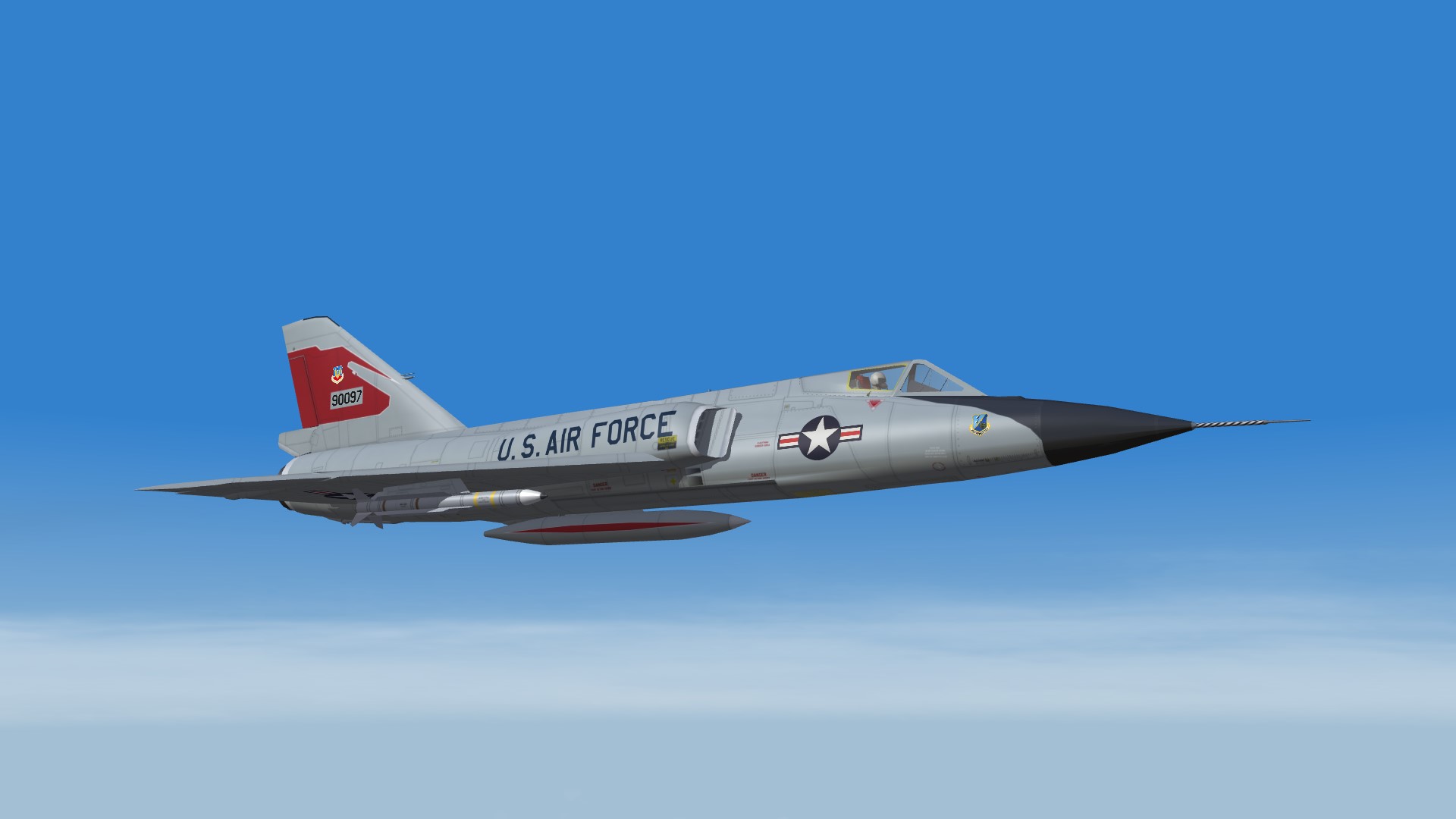
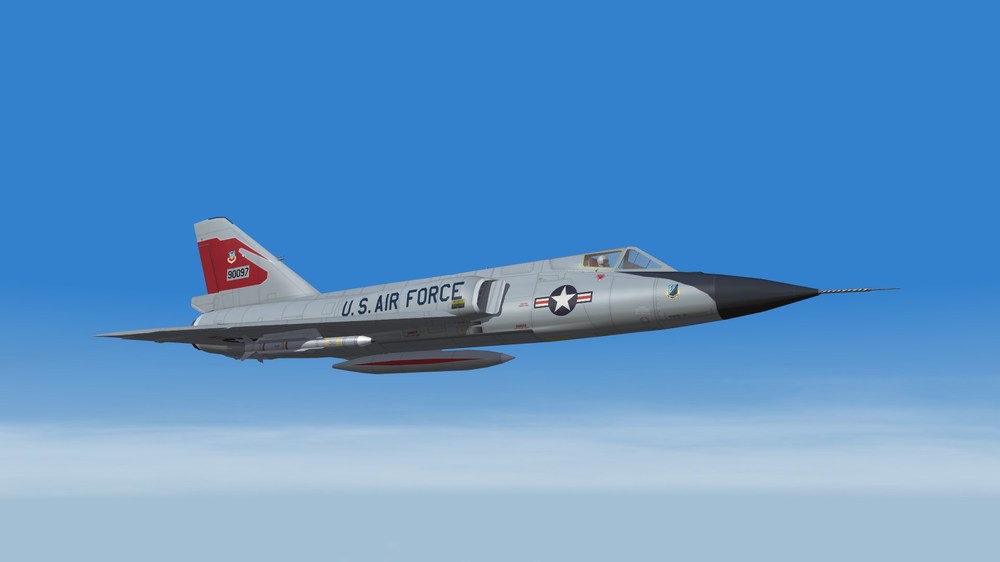
Thanks @Coupi Great addition to the F-106 as well !
-
SystemType=CONTROL_SURFACE InputName=PITCH_CONTROL ... MaxControlSpeed= <--- the speed at which the controls are blocked, in meters per second LockOutSpeed=TRUE If there is the "LockOutSpeed=TRUE" entry the MaxControlSpeed is the speed at which the control won't move anymore until the aircraft has slowed down. ------------------------------------------------------------------------ If there's not the "LockOutSpeed=TRUE" entry the MaxControlSpeed is the speed at which the control surface has the maximum effect (before the MachTable values apply). It's the setting for almost all the flight models.
-
I have been messing with the F-106 model by Pasko since forever. Yet I only found out yesterday that the canopy could be opened also in the cockpit view. In the data.ini : [Nose] ... SystemName[004]=Canopy [Canopy] SystemType=ANIMATION InputName=ANIMATION_10 DeploymentMethod=MANUAL AnimationTime=6.0 AnimationID=9 MaxDeploySpeed=15 ------------------------------------------------------------------------------------------------------------------------------- In the cockpit.ini file : Instrument[054]=Canopy1 Instrument[055]=Canopy2 [Canopy1] Type=EXTERNAL_ANIMATION_LINK NodeName=CanopyFrame MovementType=ROTATION_Z Set[01].Position=0.0 Set[01].Value=0.0 Set[02].Position=50.0 Set[02].Value=1.0 ItemNumber=9 [Canopy2] Type=EXTERNAL_ANIMATION_LINK NodeName=CanopyFrame MovementType=POSITION_Z Set[01].Position=0.0 Set[01].Value=0.0 Set[02].Position=1.0 Set[02].Value=1.0 ItemNumber=9
-
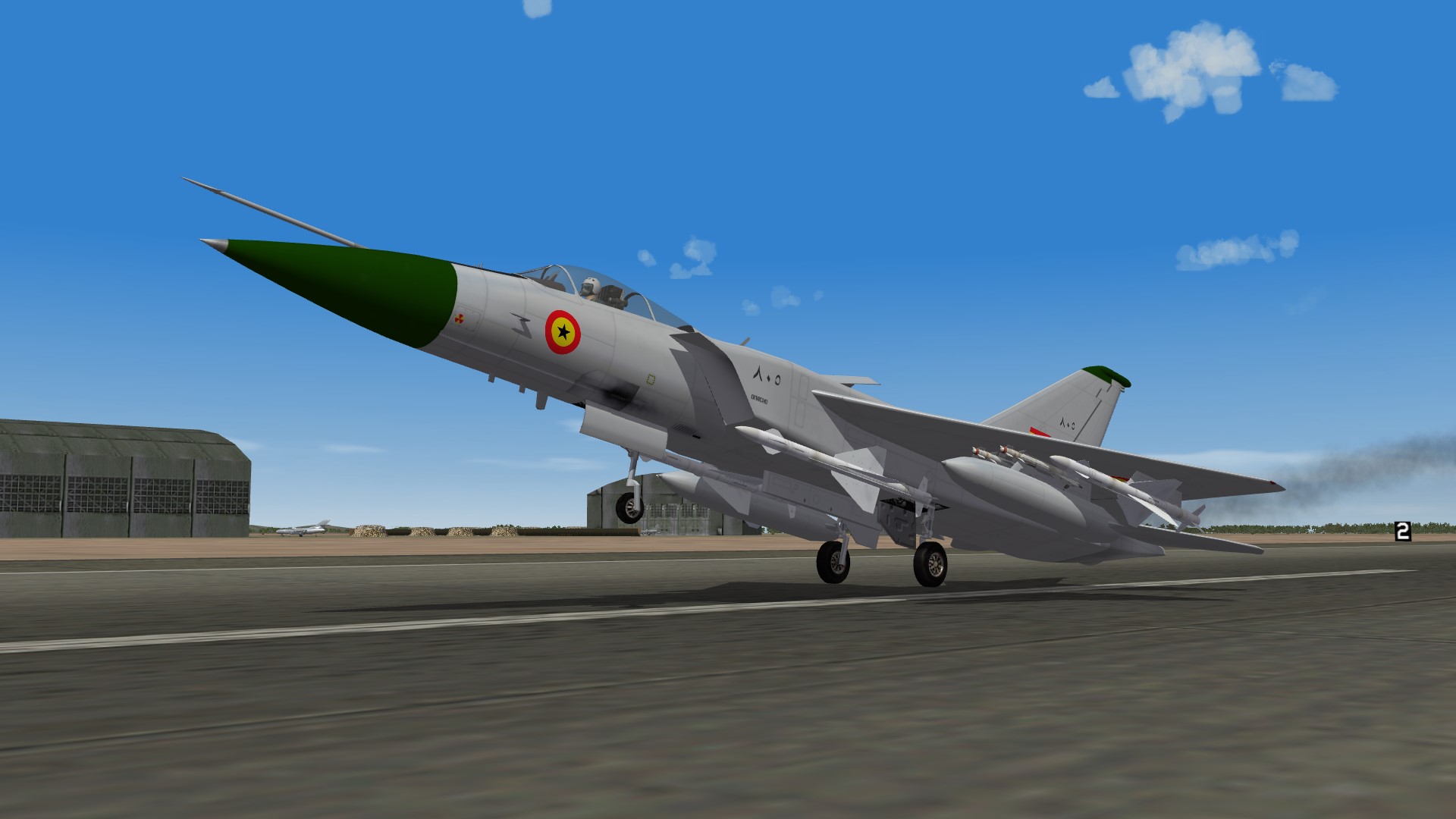
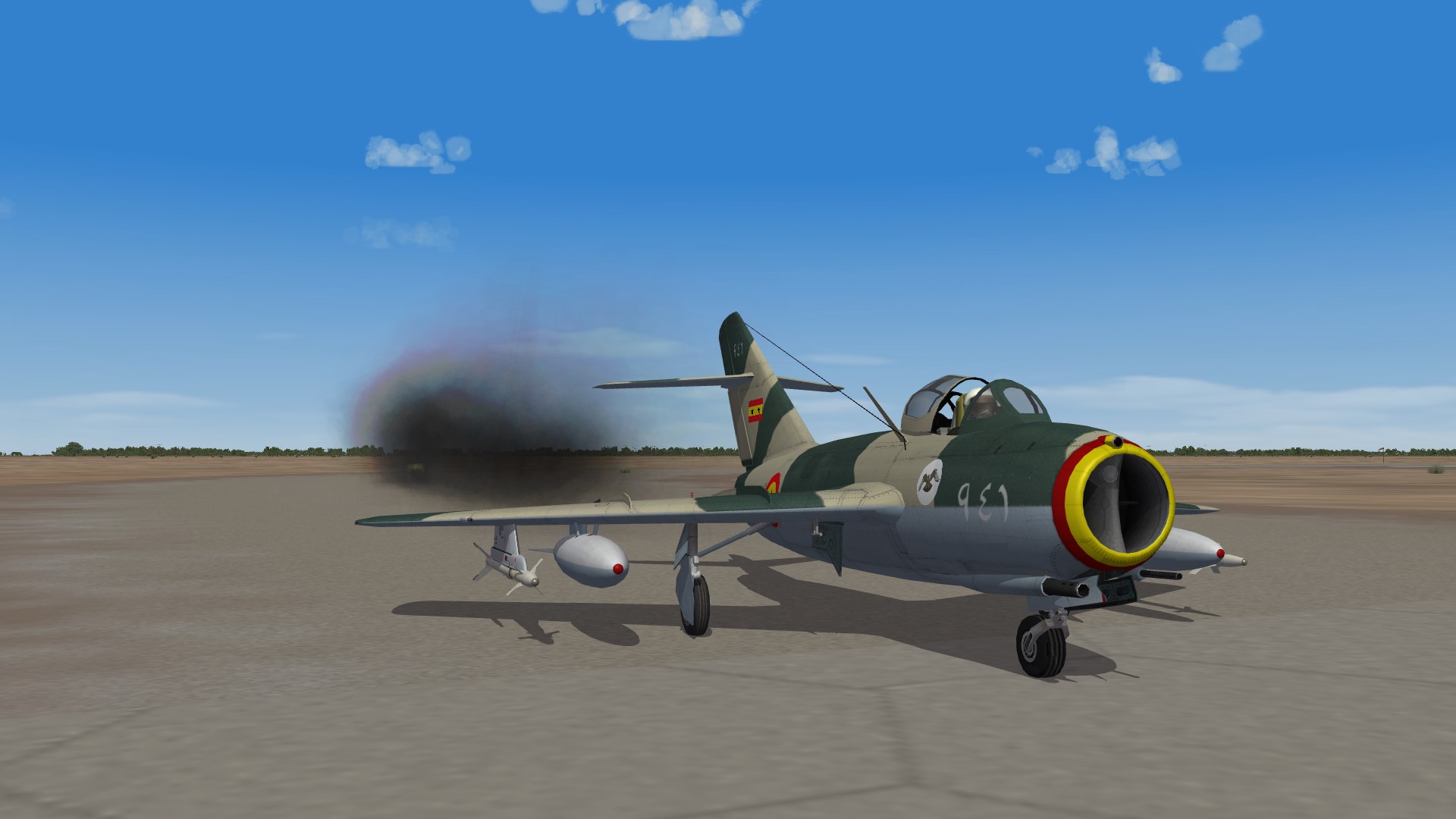
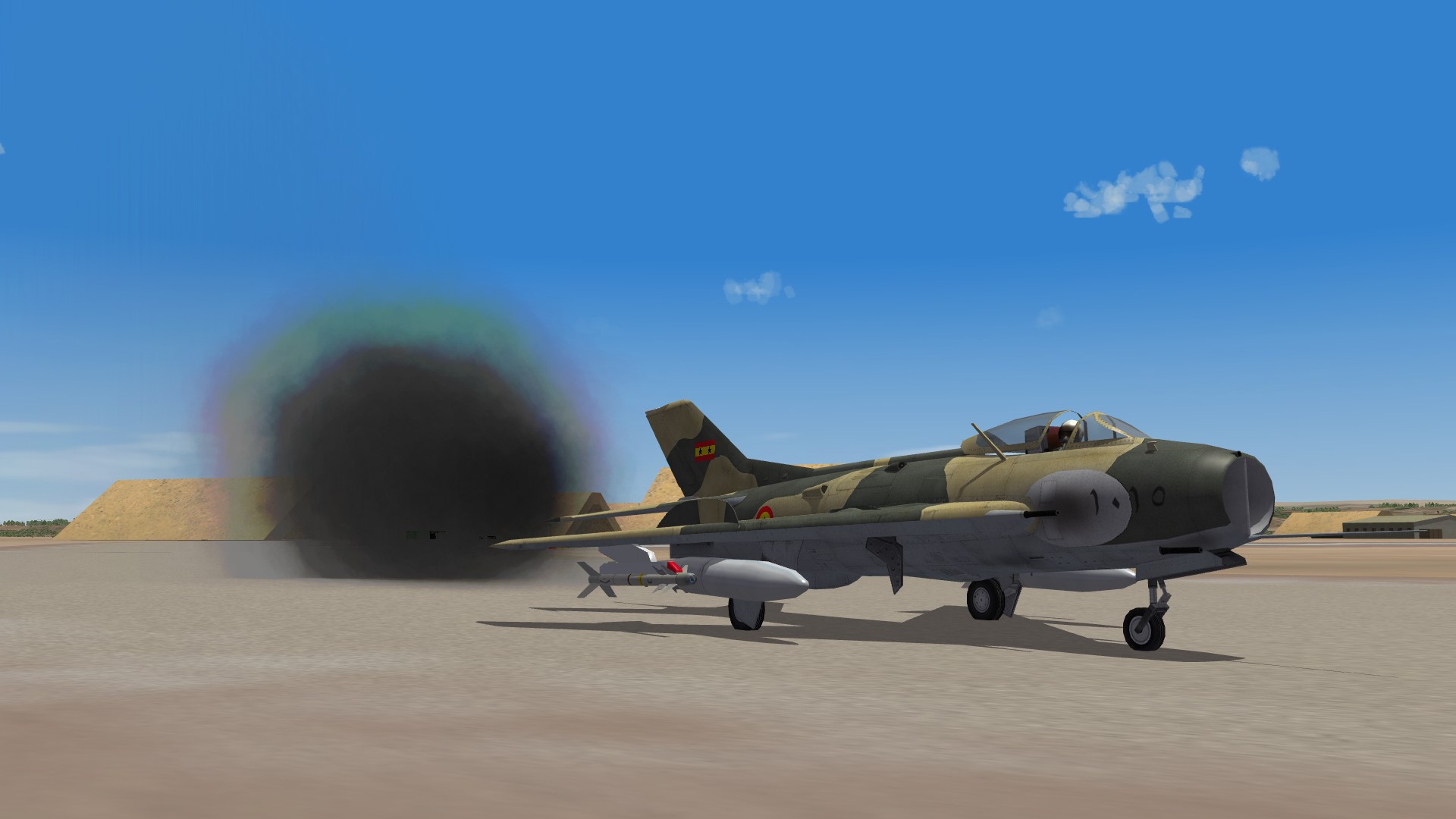
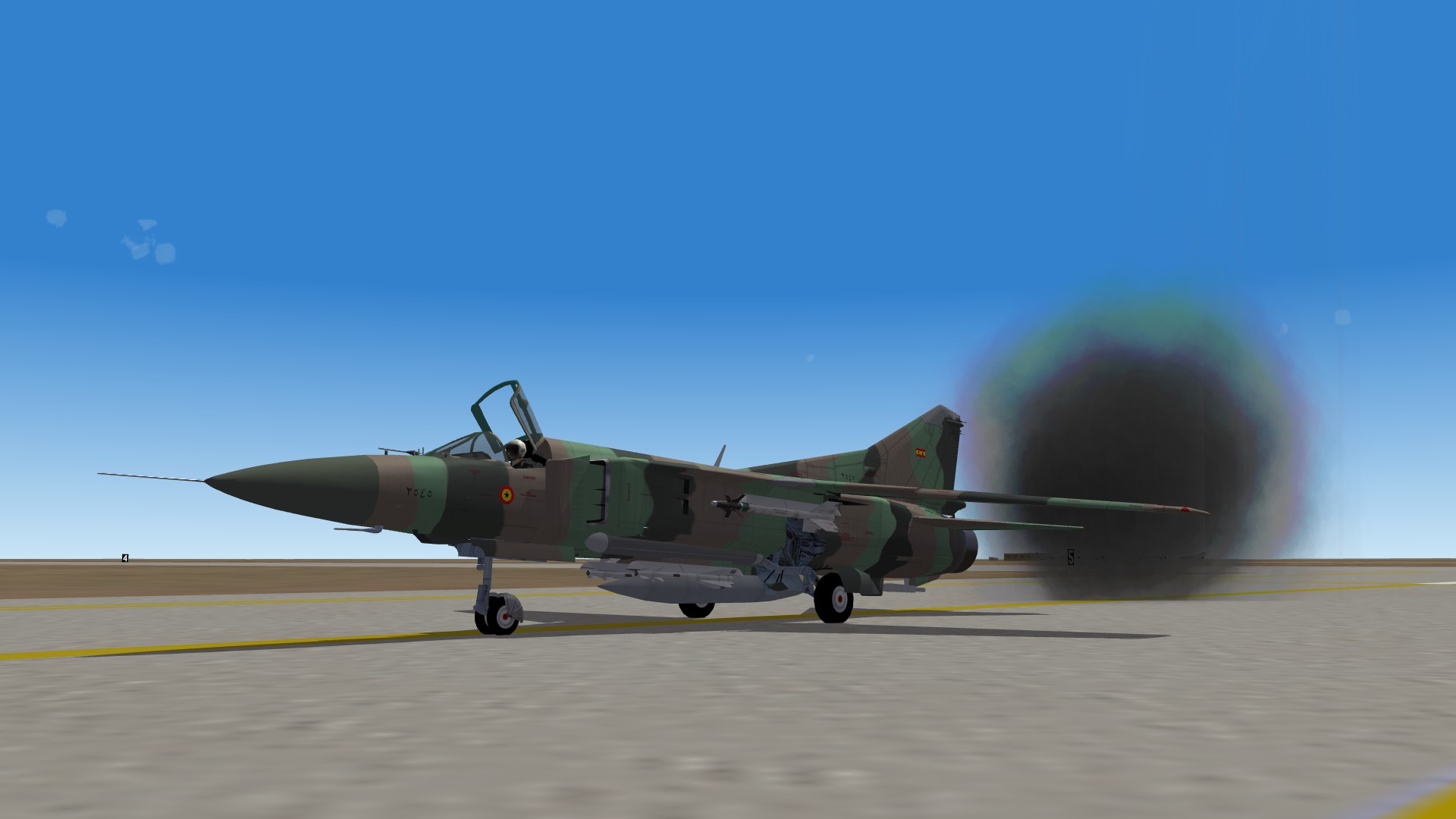
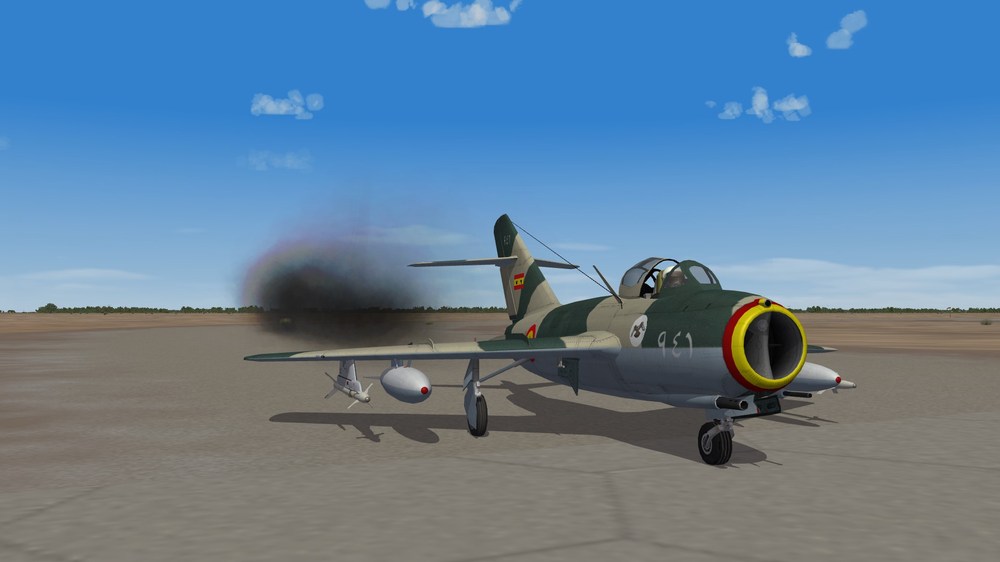
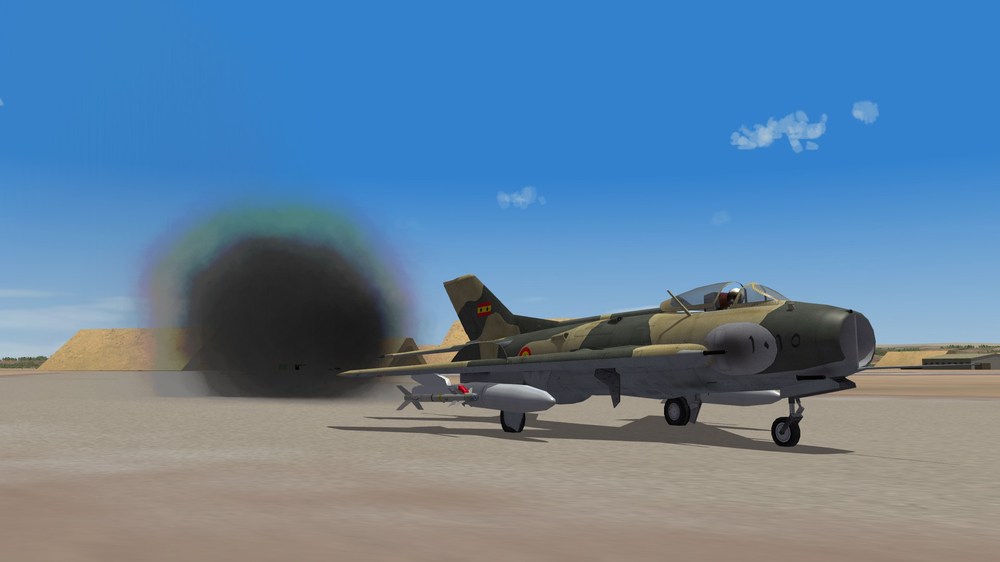
Dohari aircrafts at Parani airfields ...but, is that a mark of disrespect ? MiG-15F F-6C MiG-23MF And a half-red Parani F-2
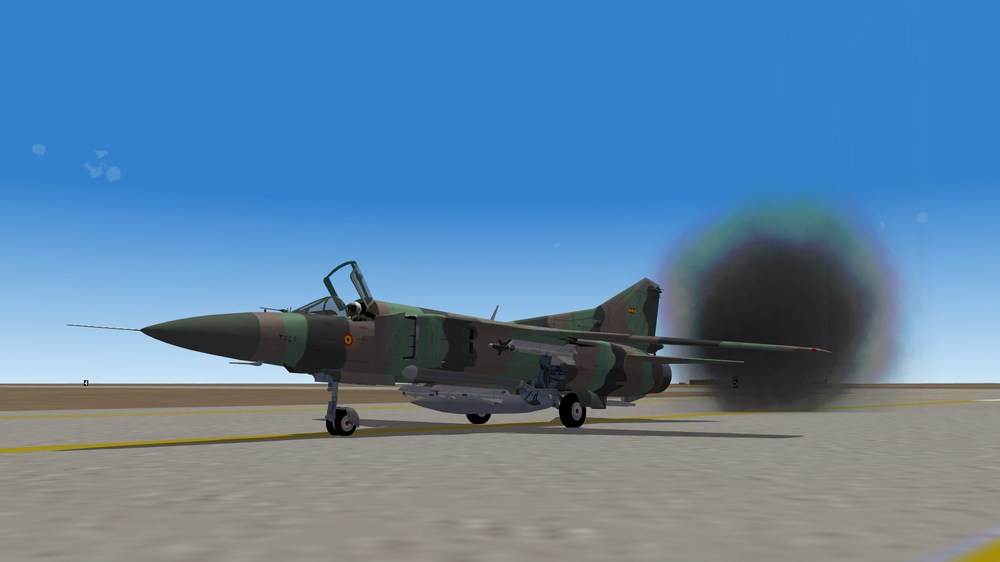
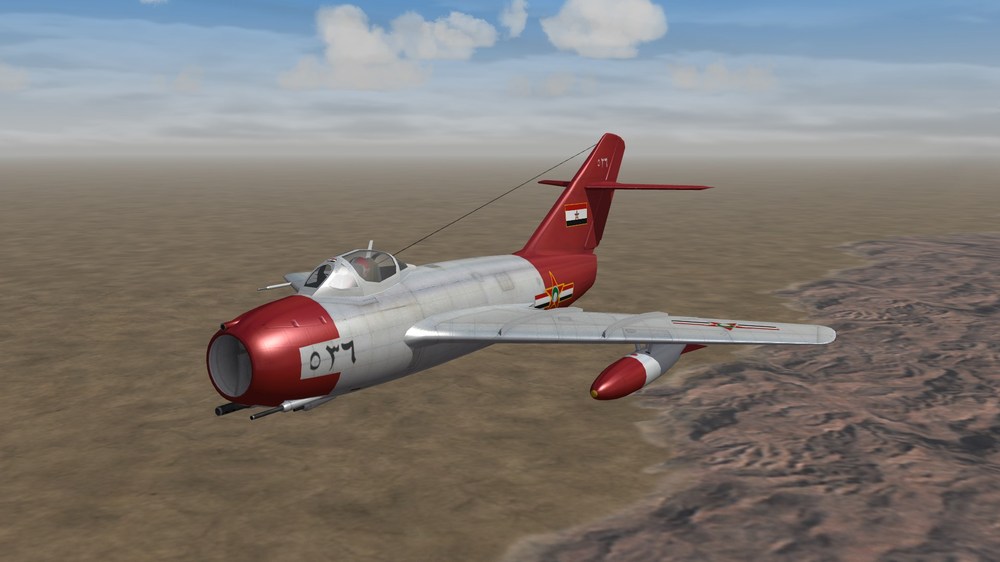
-
Not relevant for a road map, but definitely not made yet. I mean, it's more "don't do that" but if you do then call me for the data.ini files. X-15 just for the fun of high speed / high altitude / gliding back to airfiled (-> the NF-104 and F-103 ThunderWarrior can already do it) F2Y Sea Dart and any seaboat SE 5000/5003 Baroudeur ---------------------------------------------------------------------------------------------------------------------------------------------------------------- And on a more realistic note (operational aircraft with actual landing gear) F-94C Starfire ( -> the CF-100 Canuck and the F-86D Sabre can already provide the challenge of an only-A2A-rockets armed fighter) But anyway X-15 and F-94C are beautiful aircrafts ! ---------------------------------------------------------------------------------------------------------------------------------------------------------------- For the WW2 aircrafts Ju-188 and Do-217K/M with a cockpit, for the glass nose view.
-
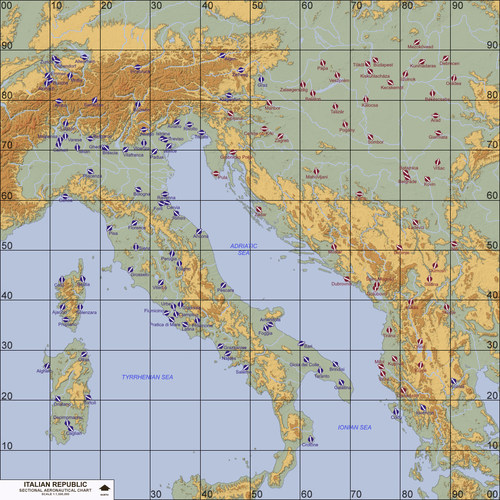 Nice terrain ! Awesome work
 -
This is how it's supposed to be. Then it might be on the decals.ini or texture.ini file in the skin folder ? The nation should be in the texture.ini and there's more potential issues in the decals.ini file. But if it works for Dhimar there's no reason. Check also if you have the nation showing up in the roll out menu in game.
-
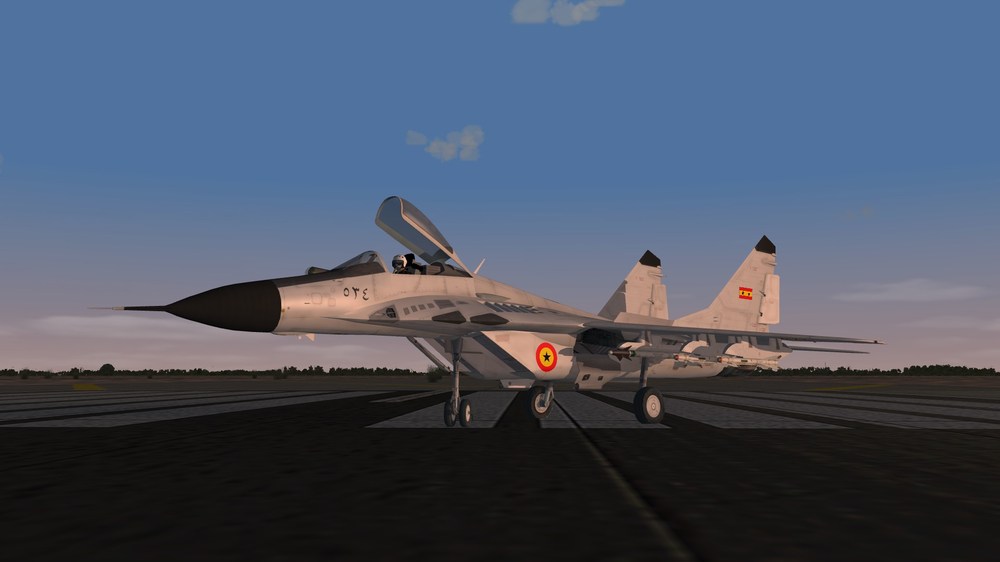
IIRC Dohar is not TW's idea. It's from @whiteknight06604 . He made a MiG-19 skin in the SPF1 download section. Tell me if I'm wrong. I redone the decals for my own use : (Edit : I reload them because the Insignia decal was bleeding, sorry for that) Dohar Decals replicas.7z But you have to create the Dohar air force in the Nation.ini file. In my install it's "Insignia218" and "FinFlash218" but it depends on your nation.ini file content (the number of the nation). Sharnak is a British protectorate so the RAF and RN should rule their sky lol If you create a Sharnak air force, please share it ! (and in my install Mercenary is an ally and flies for Dhimar)
-
Hawker Hunter FG Mk.61 - Dhimari Air Force
Cliff7600 commented on Piecemeal's file in What If Hangar
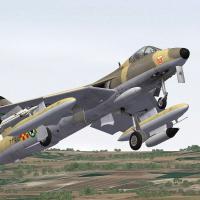 In the data.ini file there's : ---------------------------------- [Engine] [Engine] SystemType=JET_ENGINE ... ---------------------------------- Delete the entry " [Engine] followed by return ", and let the " [Engine] followed by the engine entries ".
 -
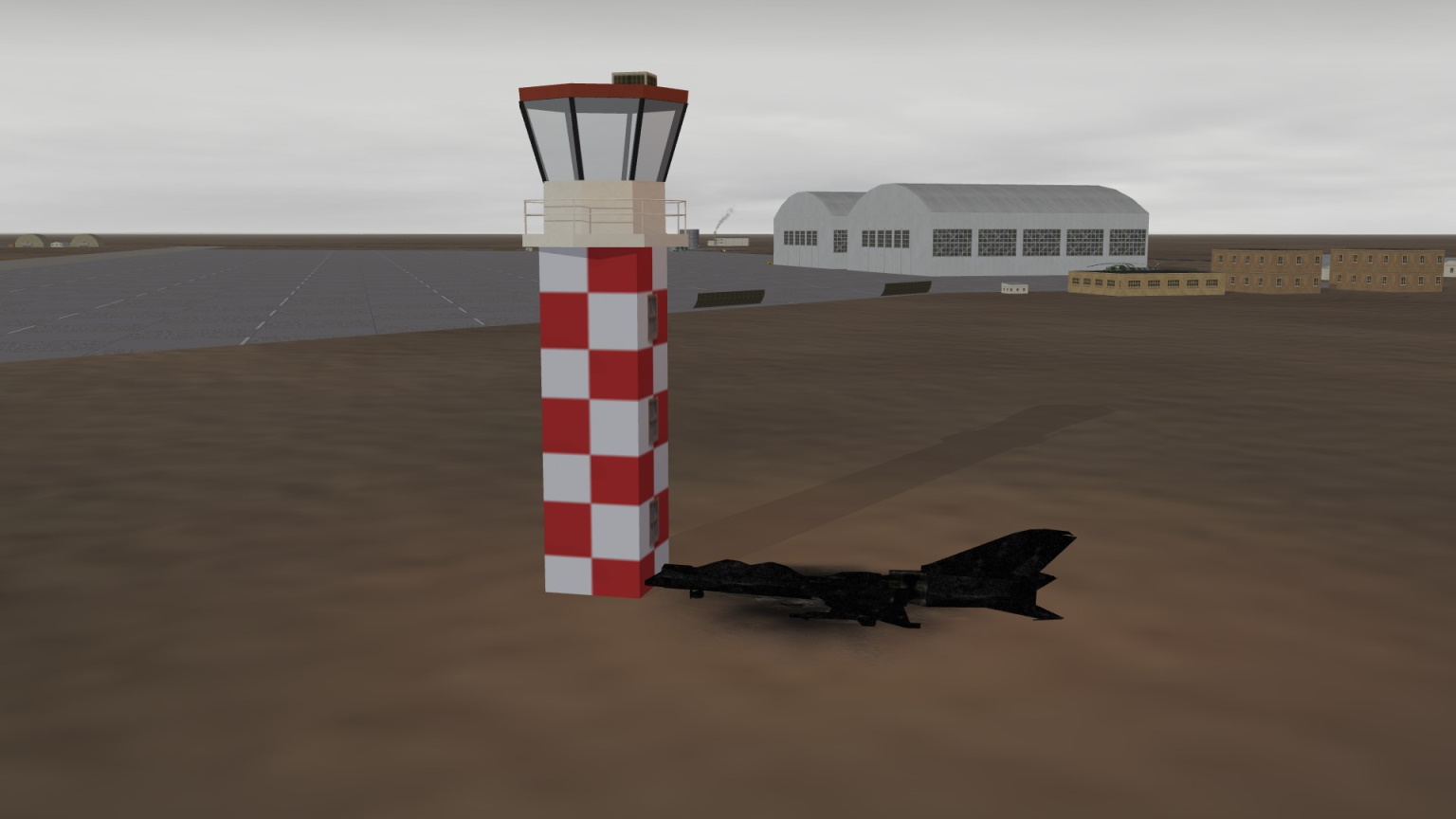
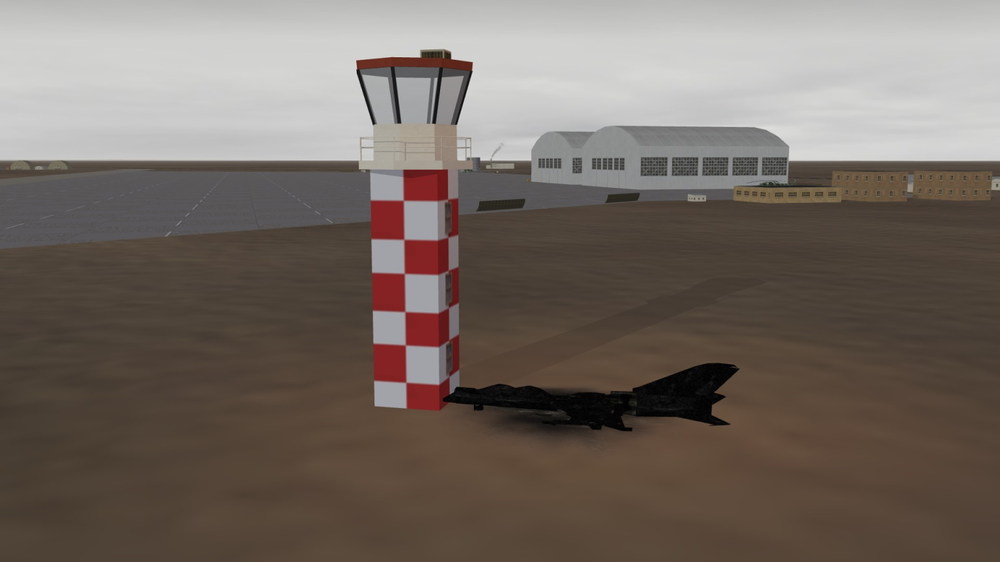
It's better not to ask Sometime, things are not what they seem. More often than you think. The control tower has nothing, invisible scratches on the paint, no-one will notice. I could definitely explain. It's classified you know. You moved it since the last time I went, don't you ? Metal junk value has skyrocketed lately, we'll sure have a good deal. I'll pay for the cleaning. Send me the bill. Frankly, I don't remember. Shock absorbers tuning
-
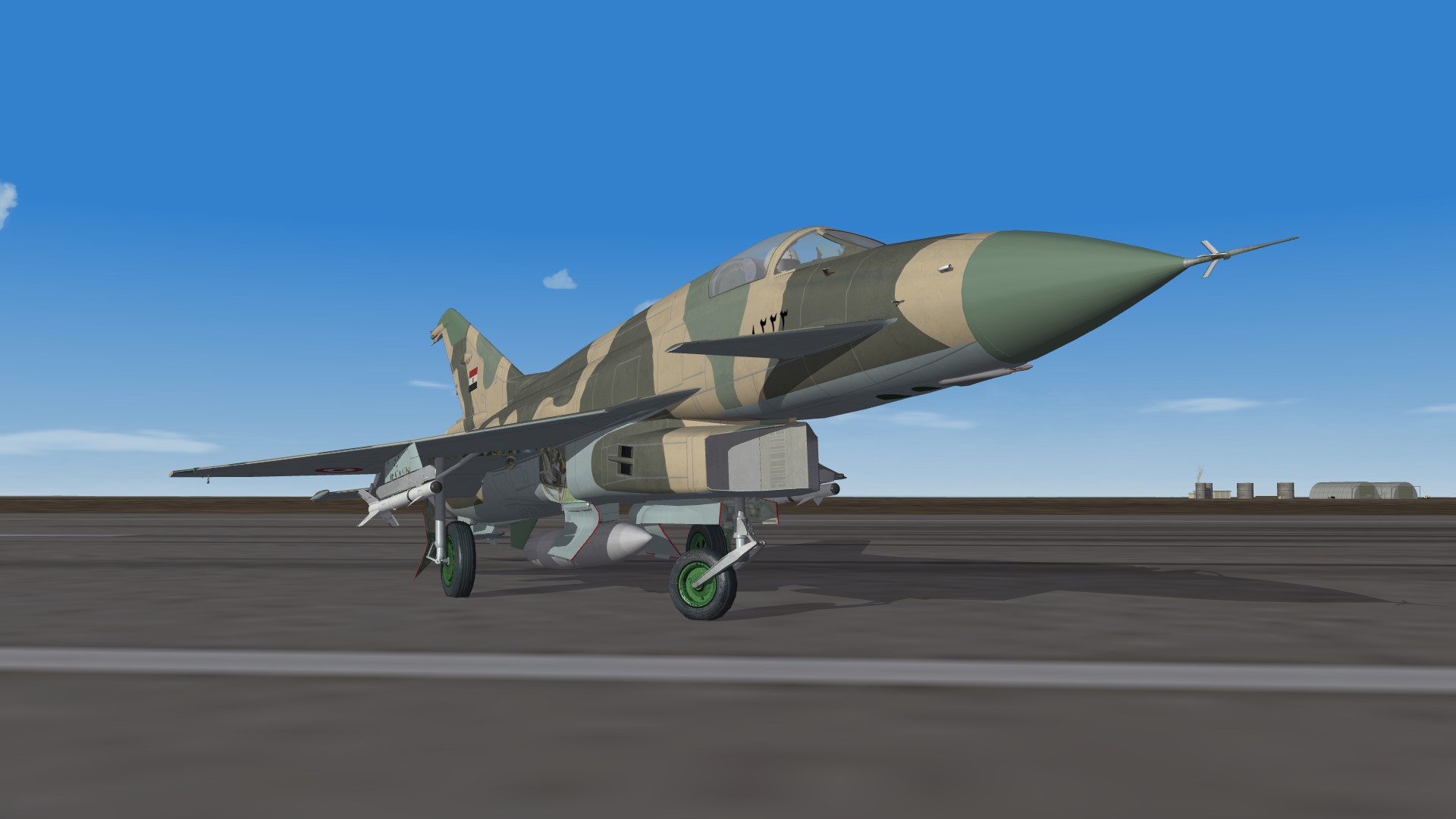
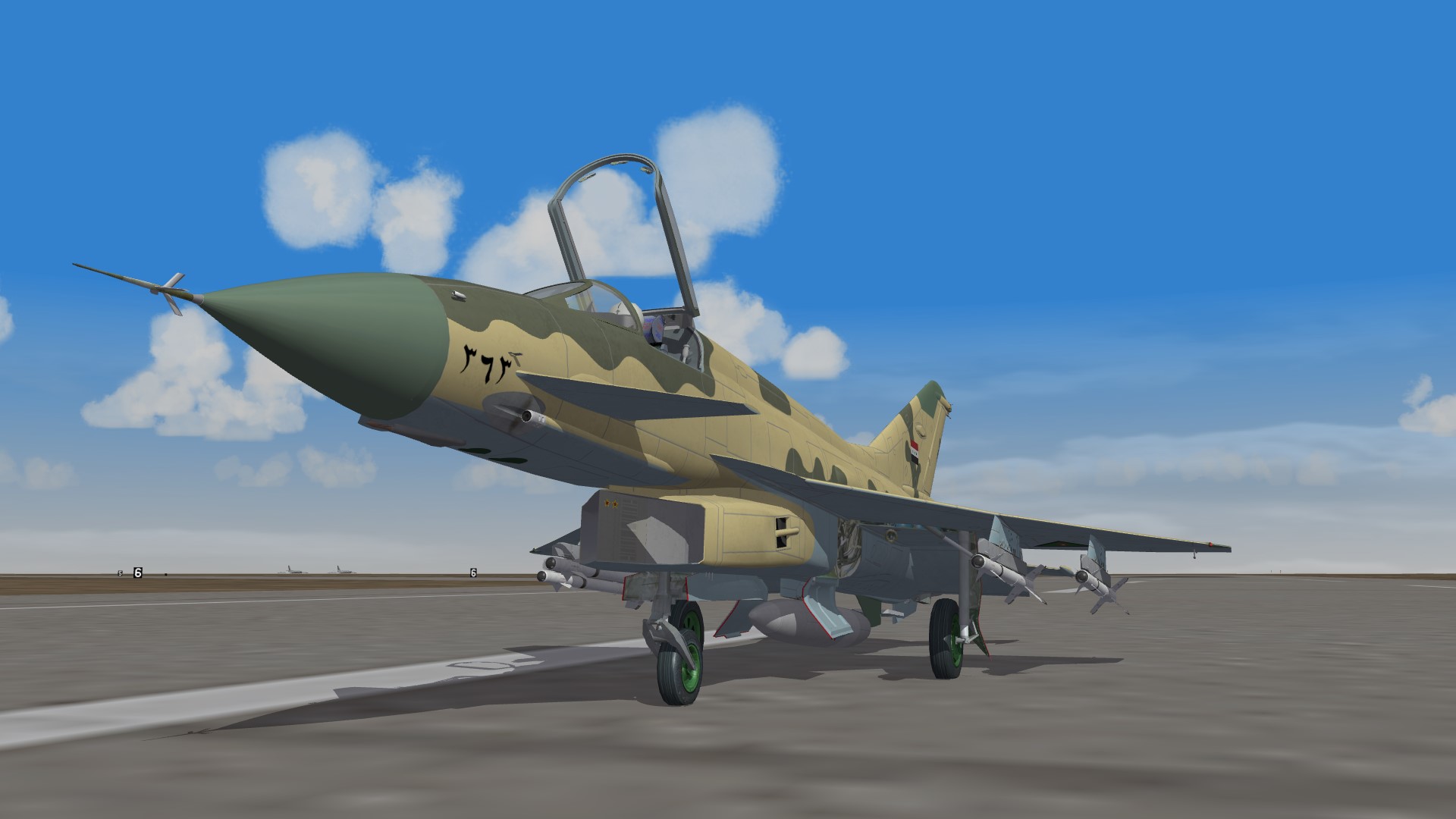
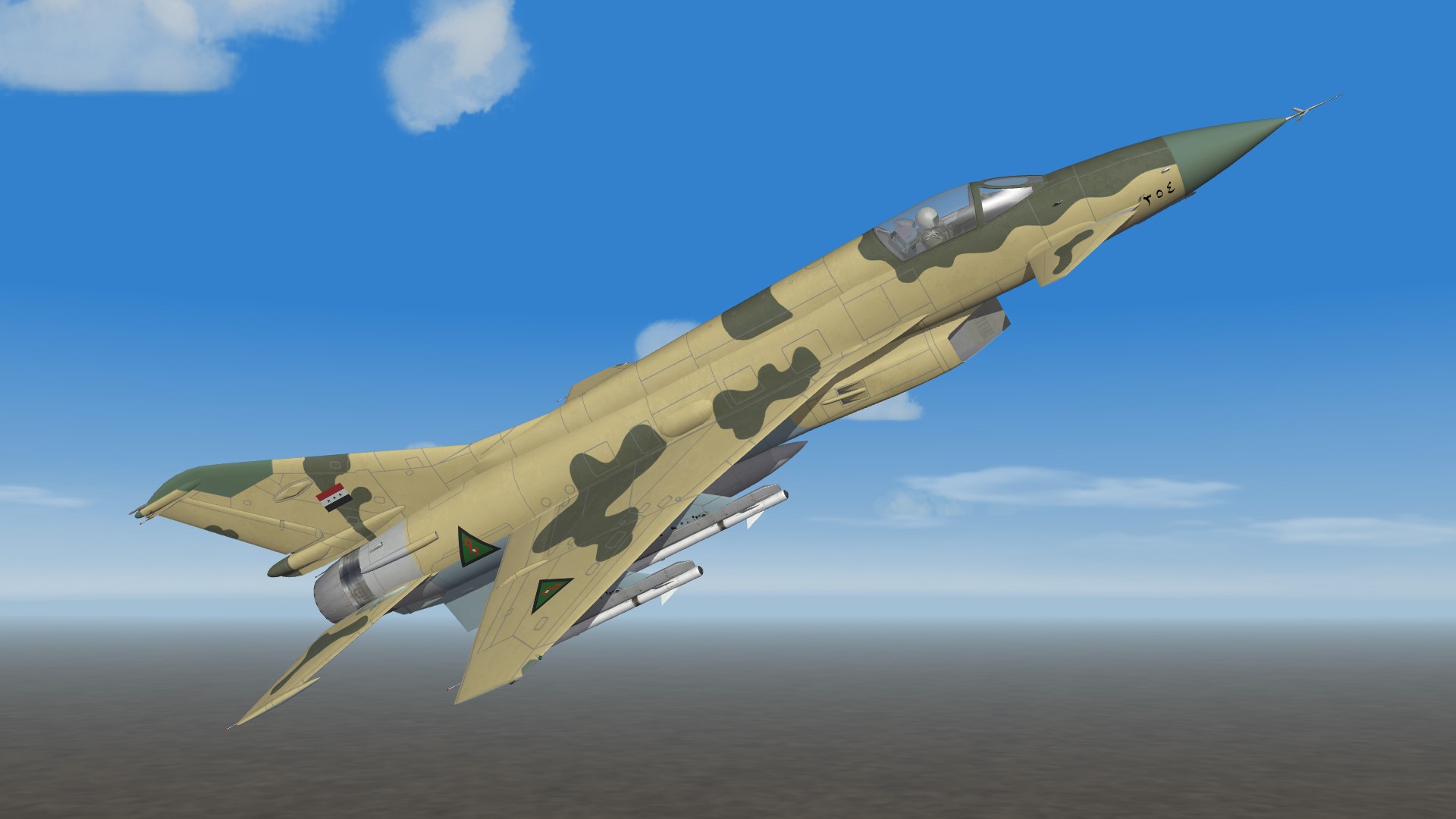
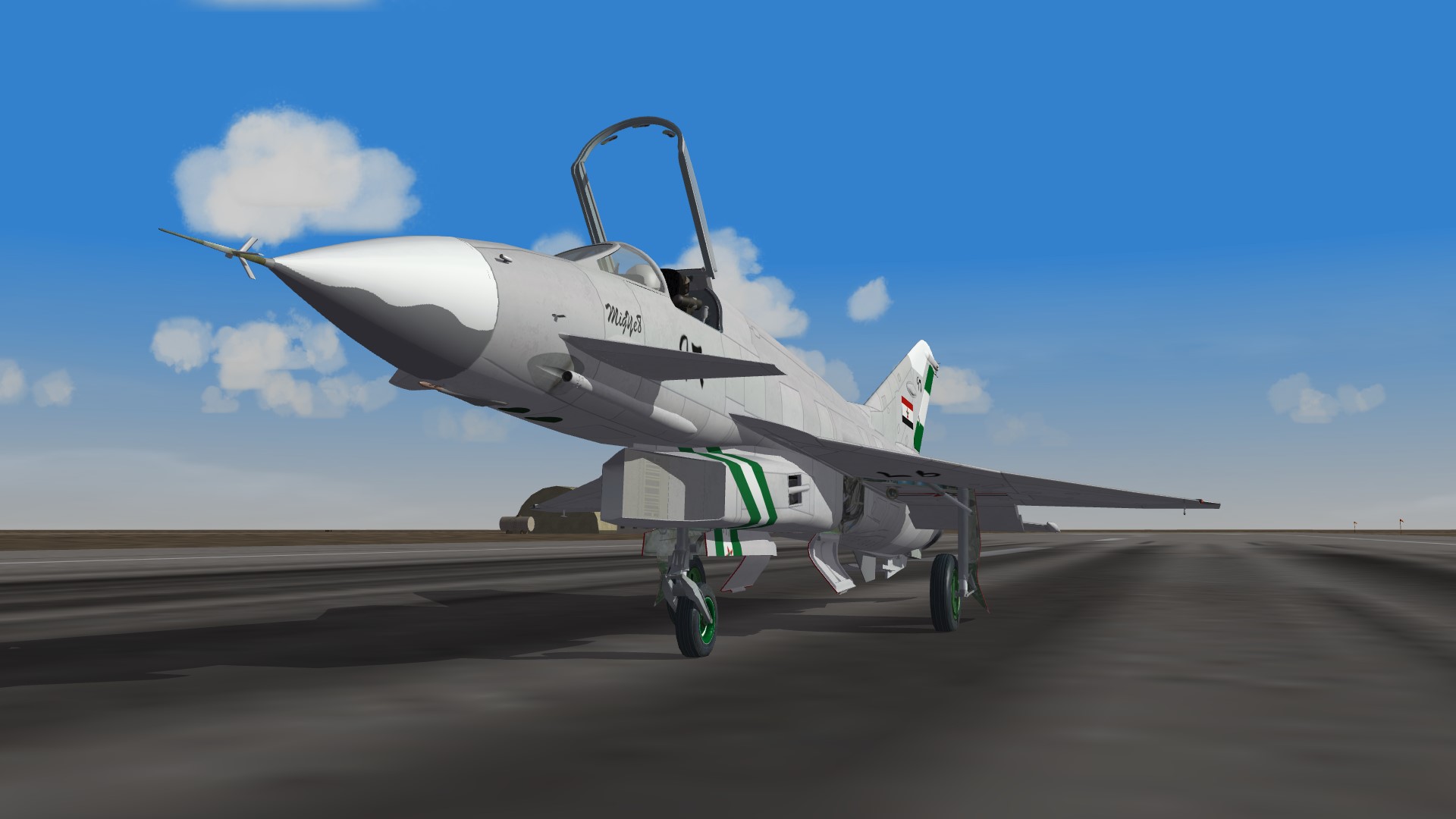
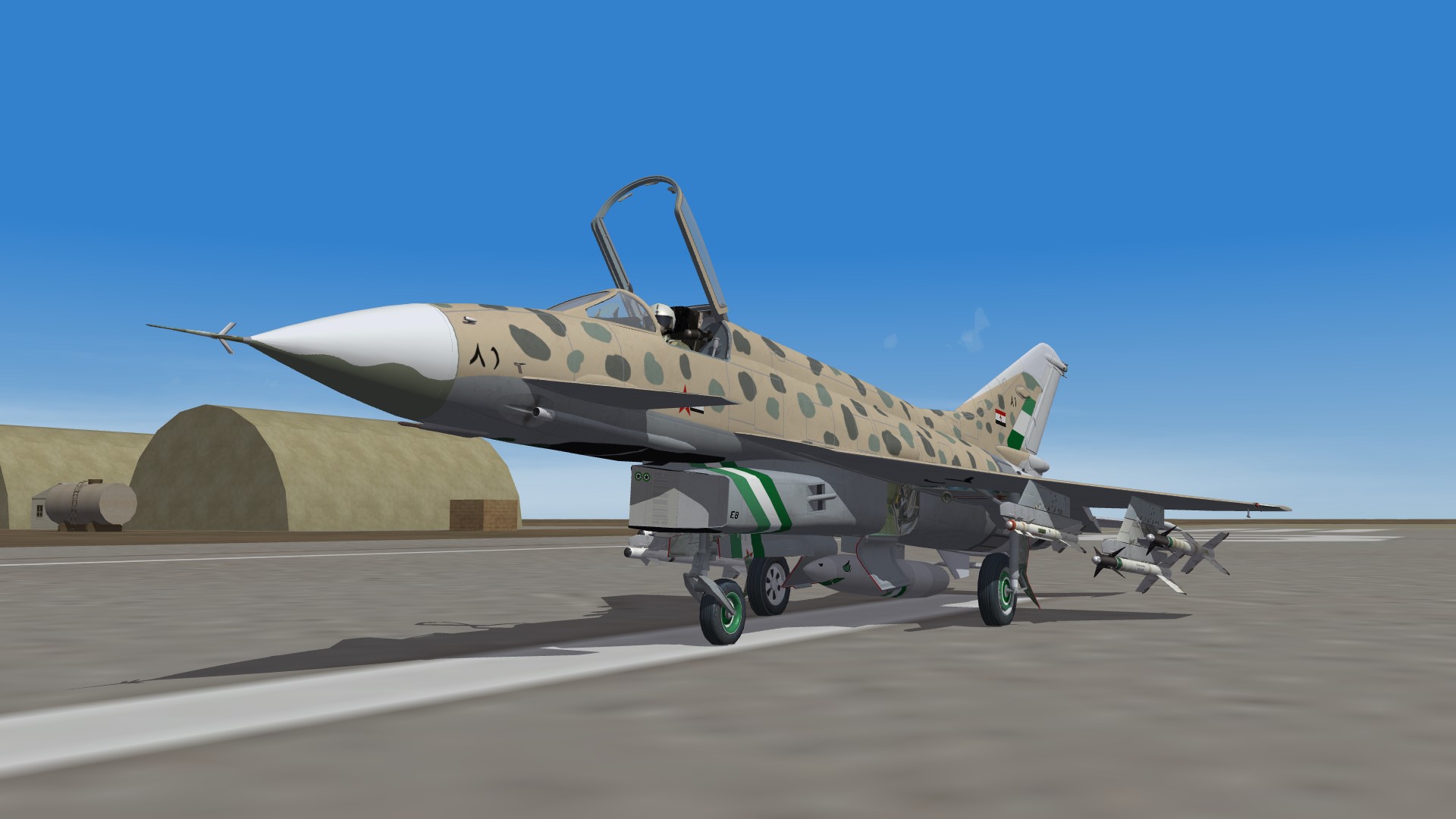
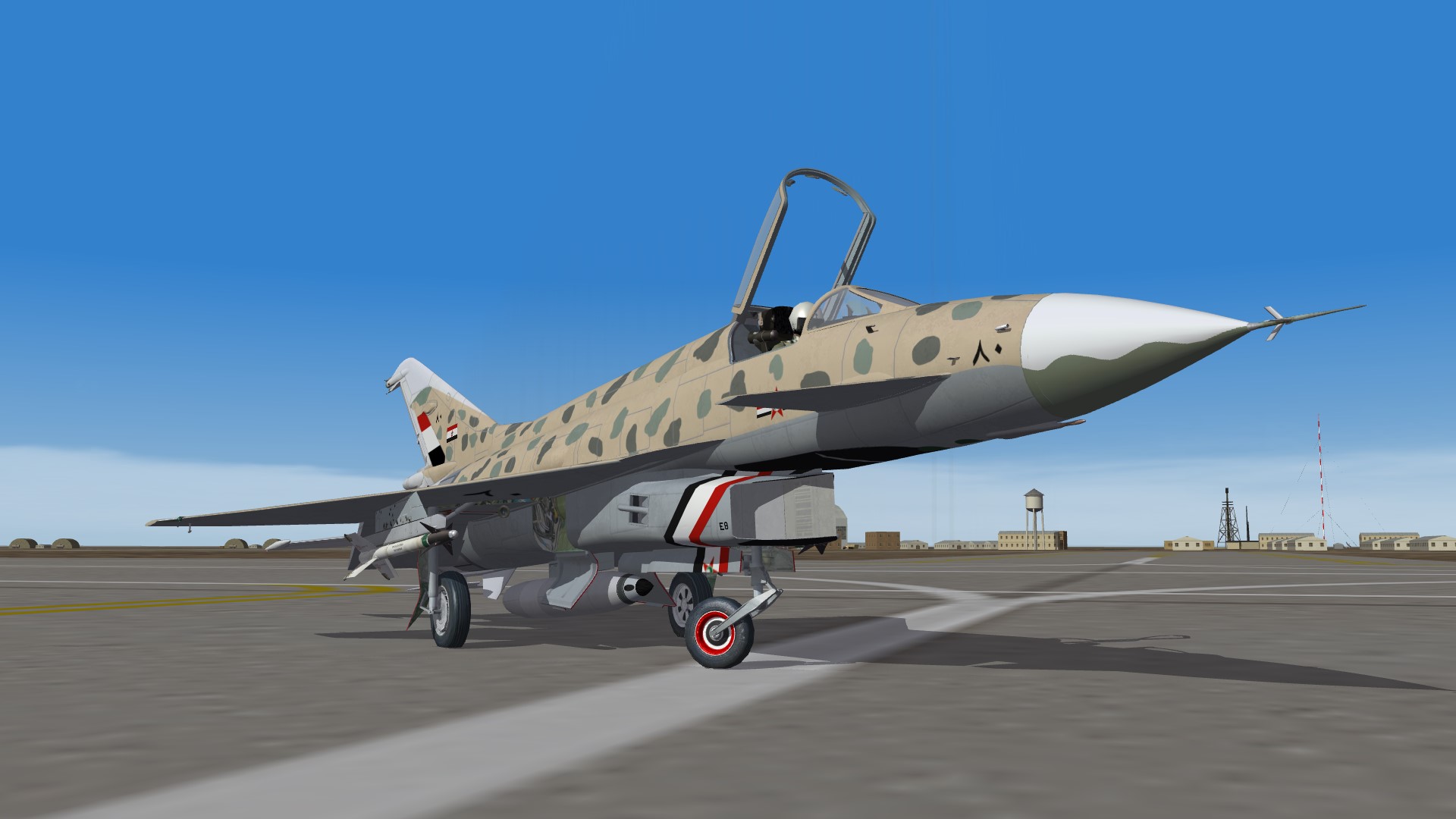
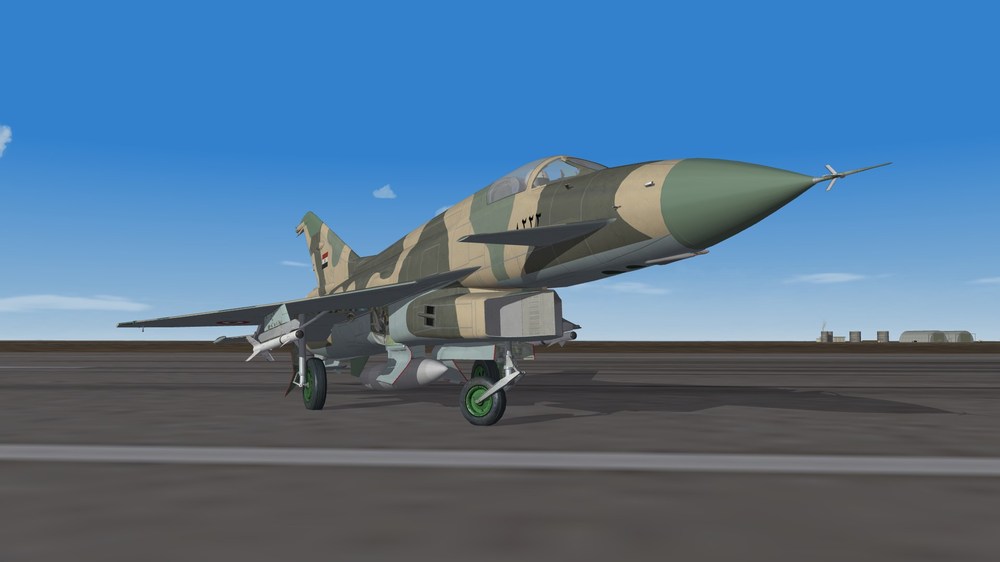
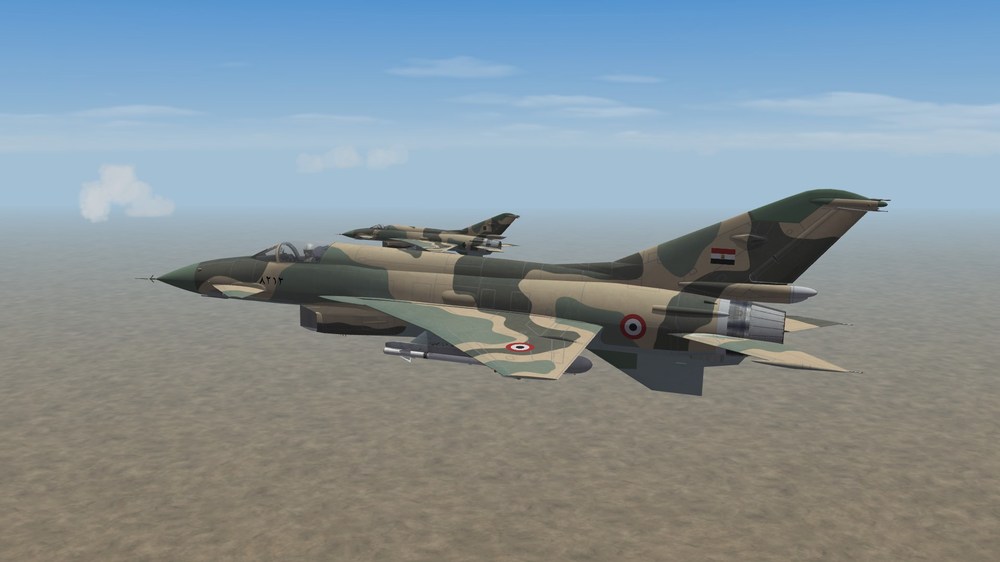
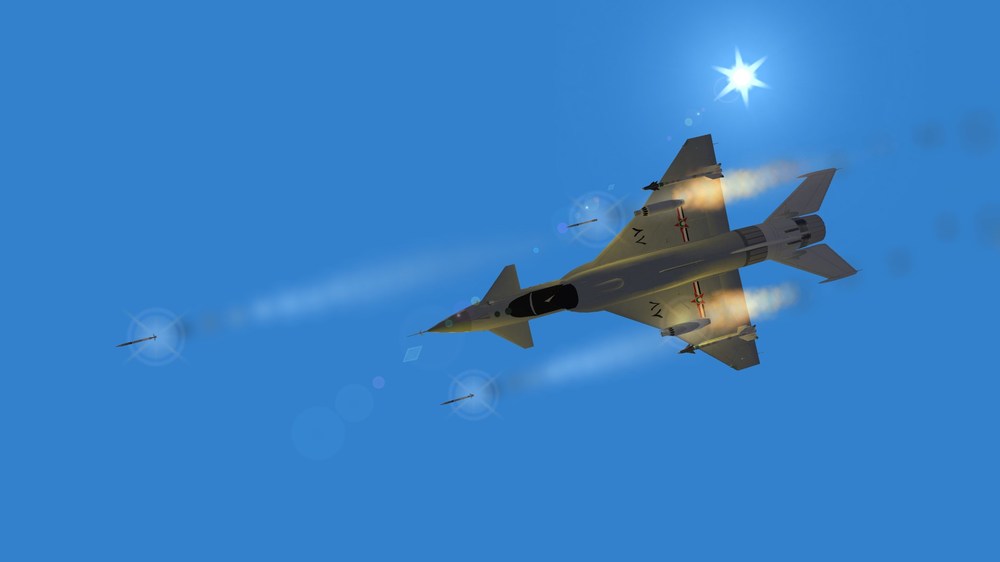
Exported MiG-Ye8s showing off their pointy nose, colourful wheels and camouflage The parani case...
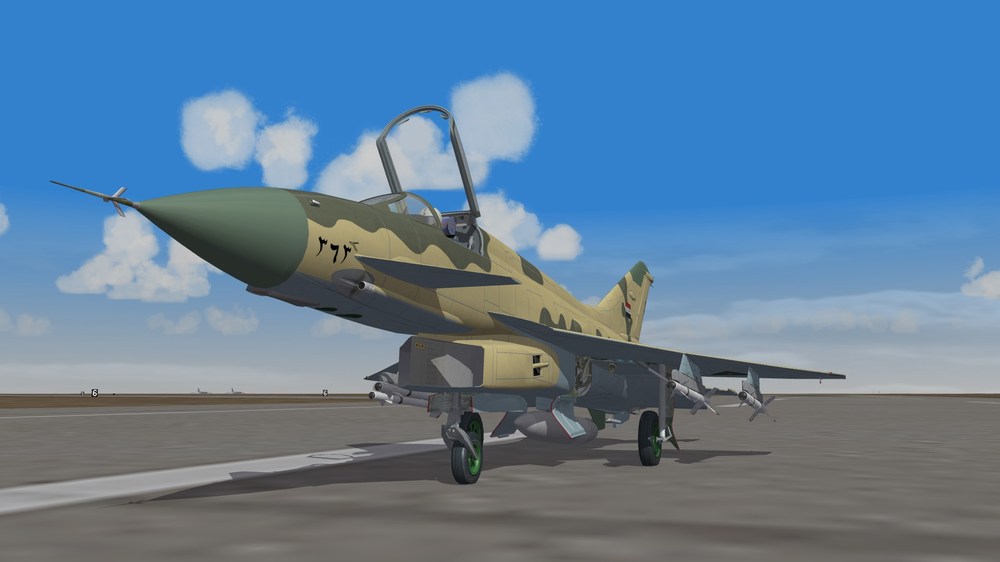
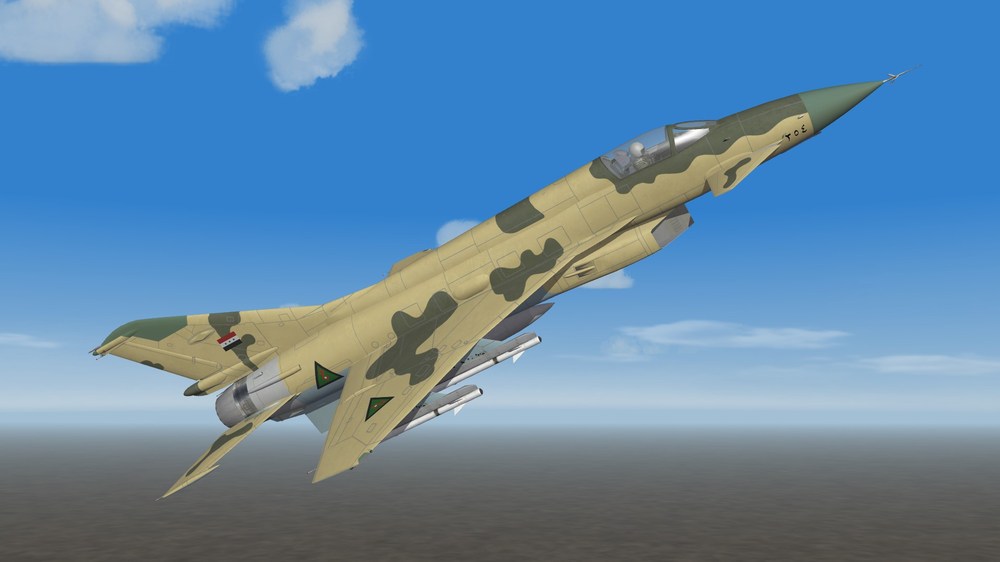
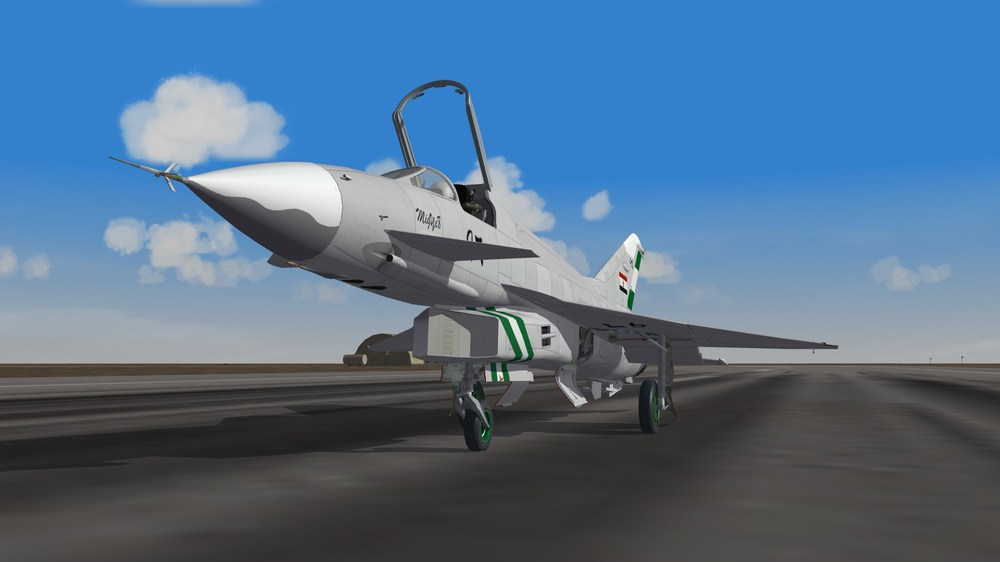
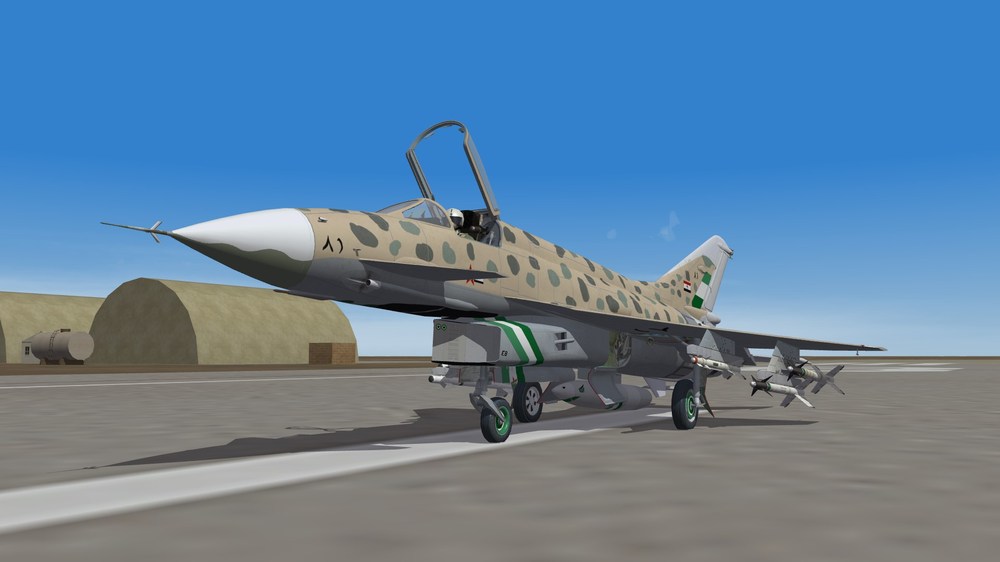
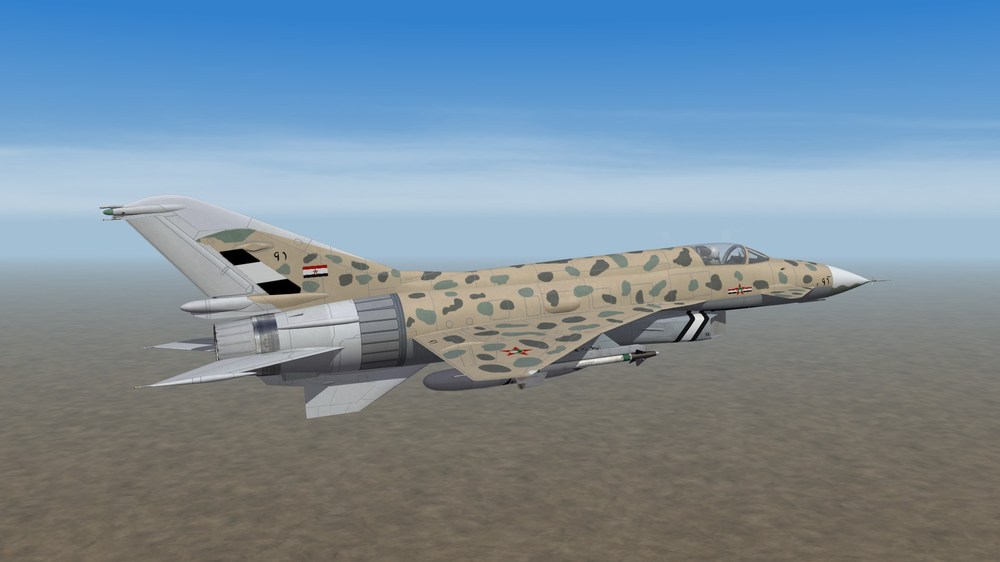
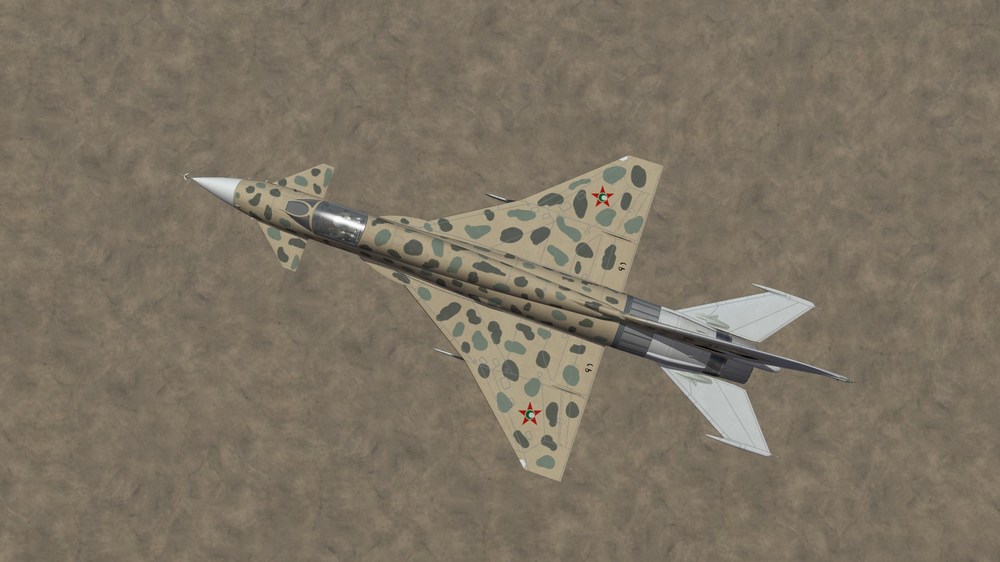
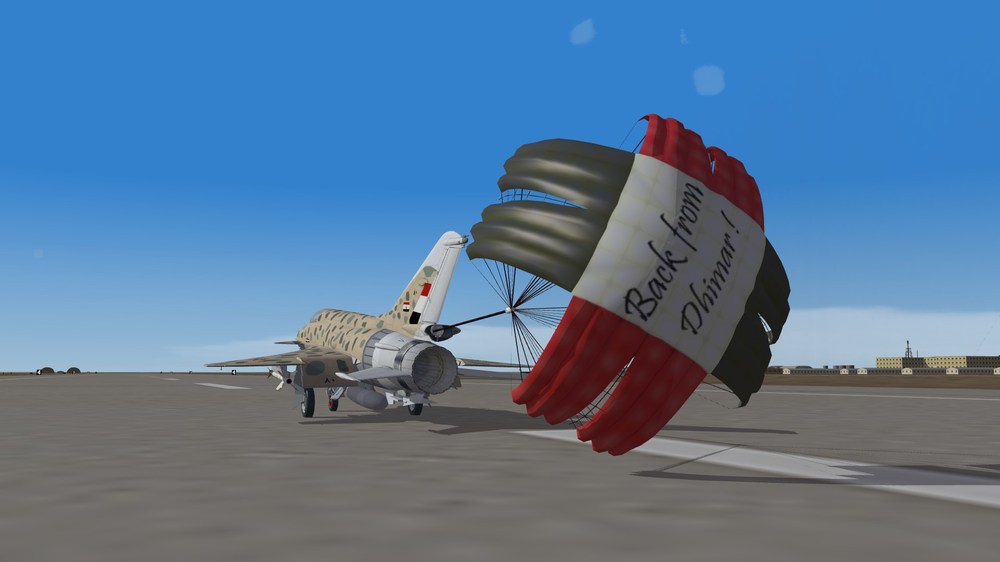
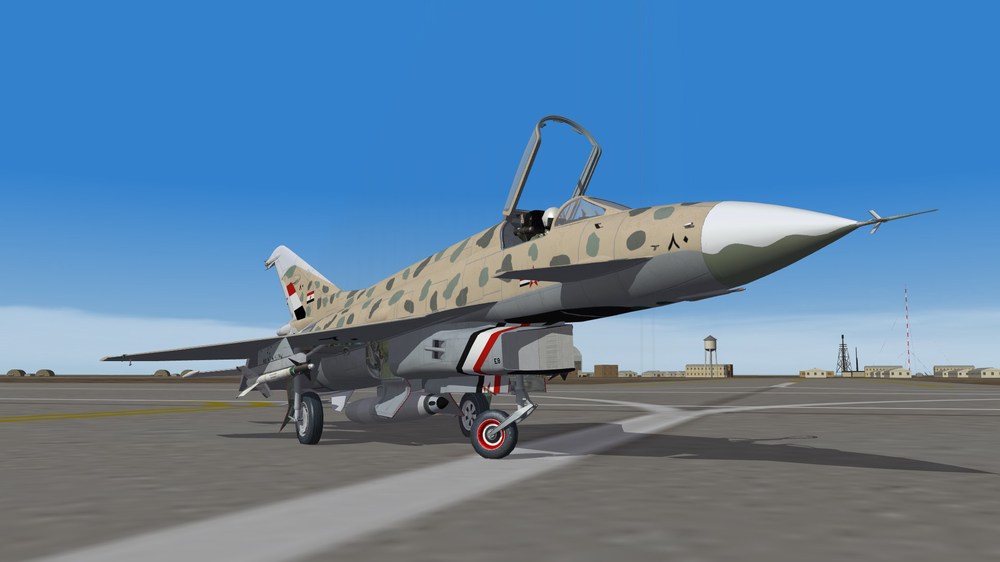
-
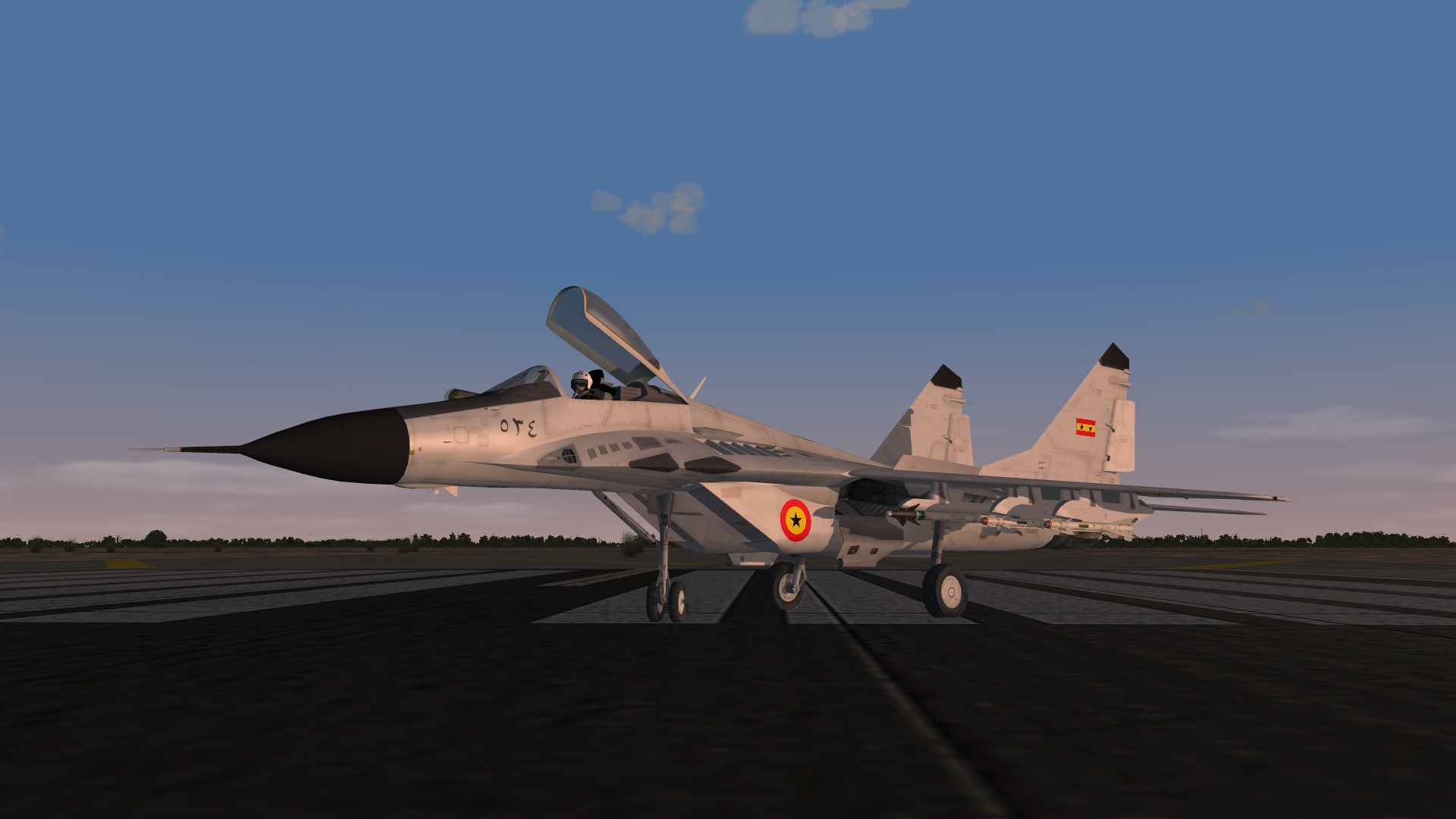
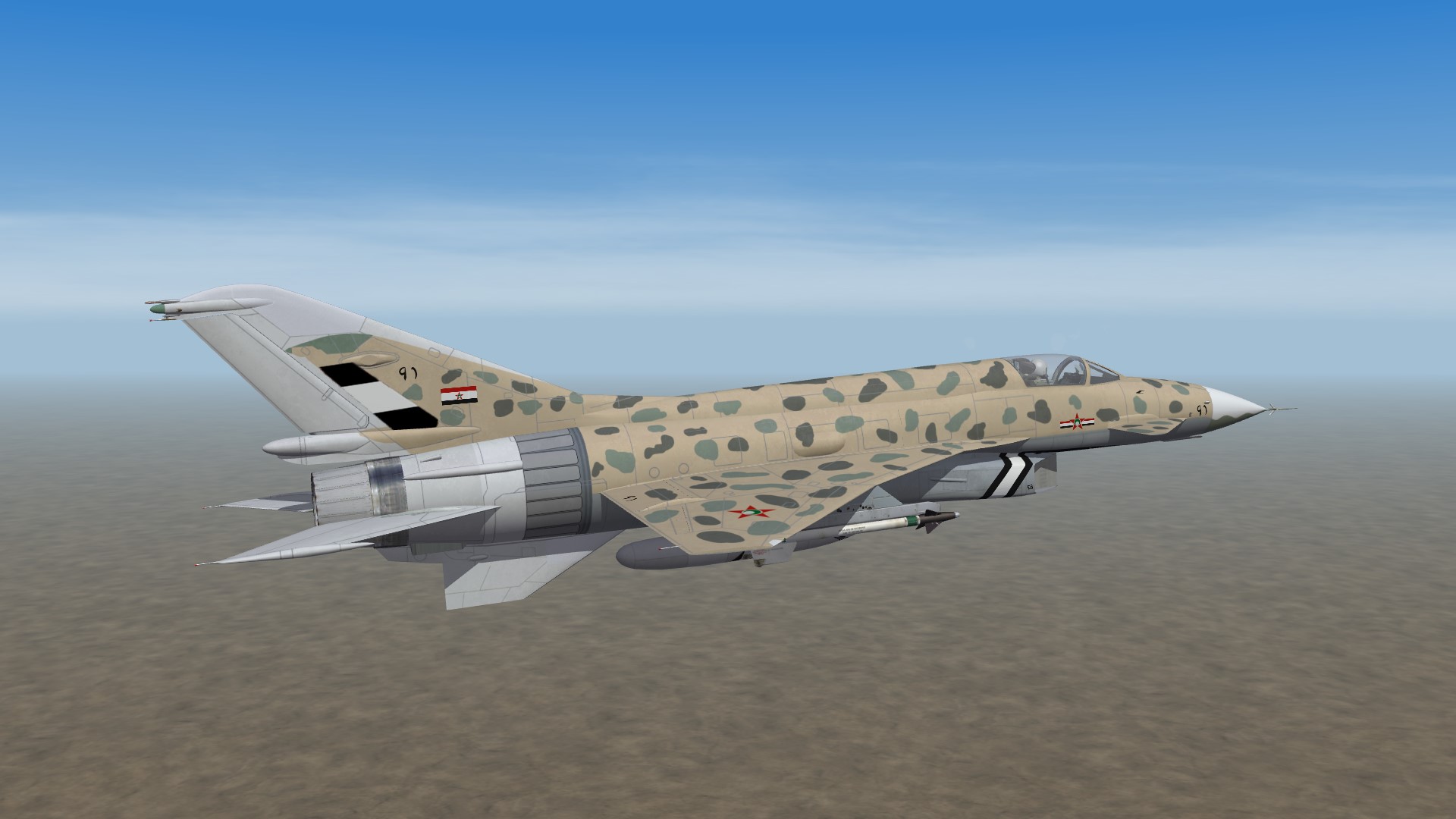
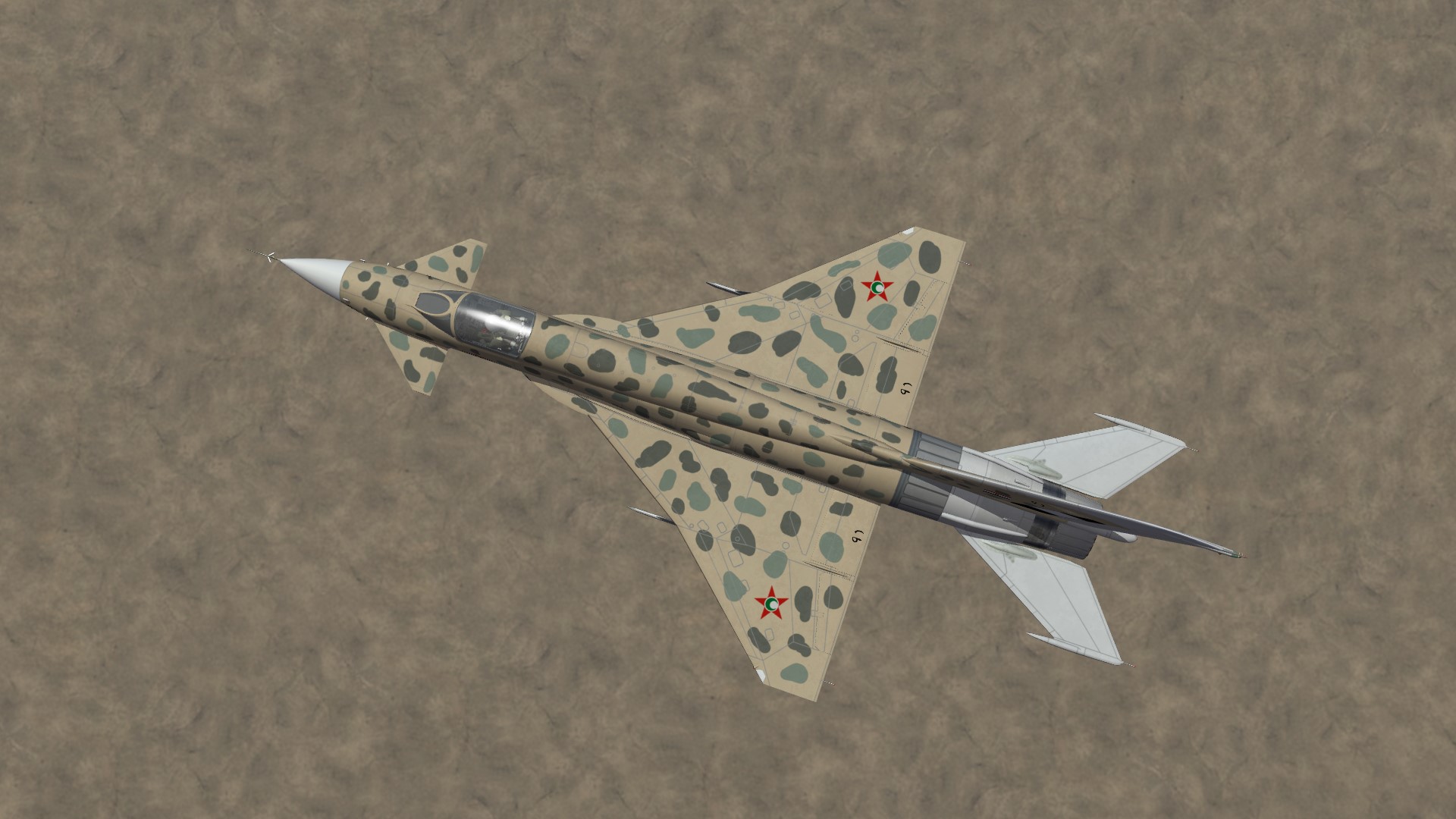
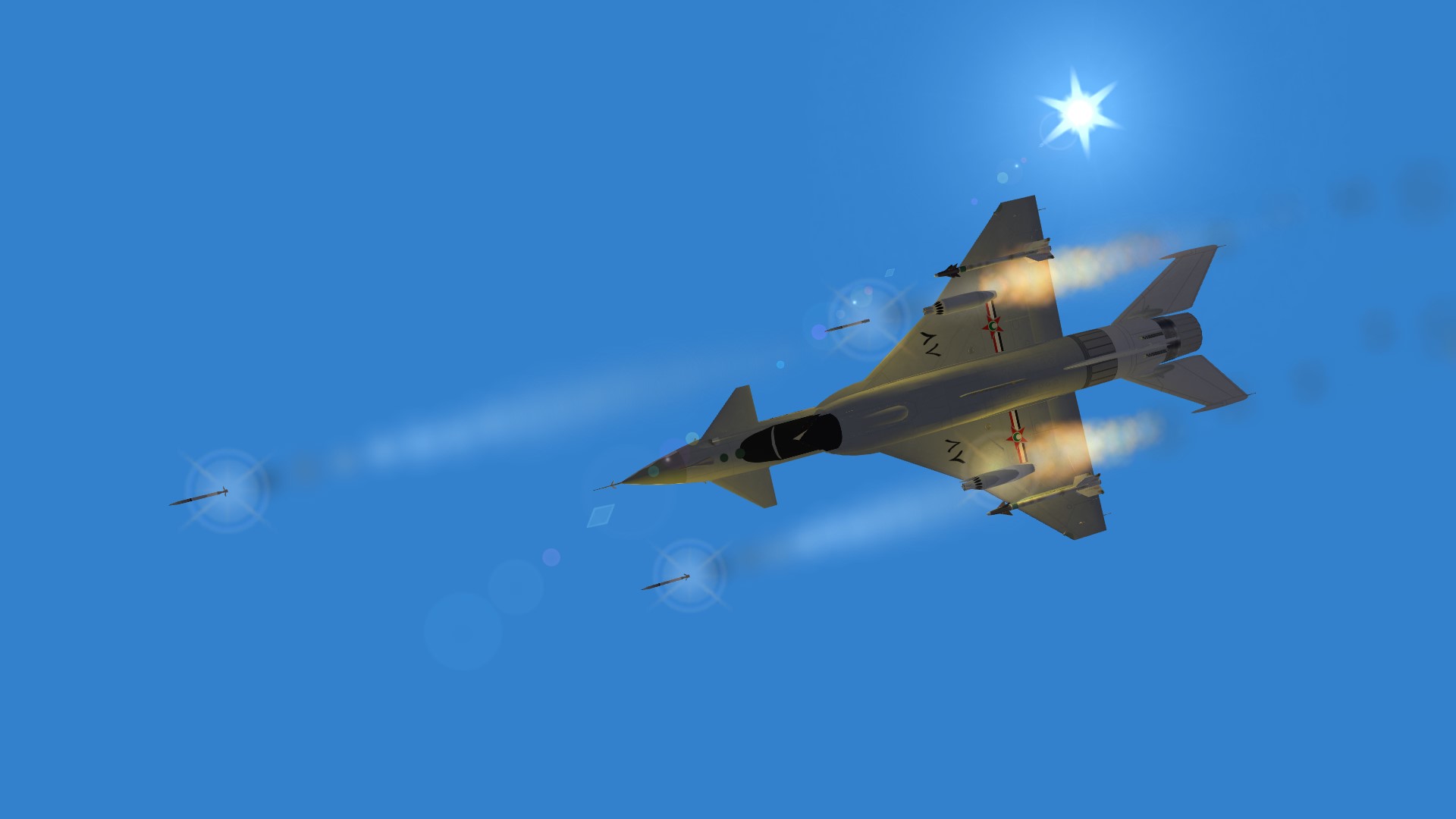
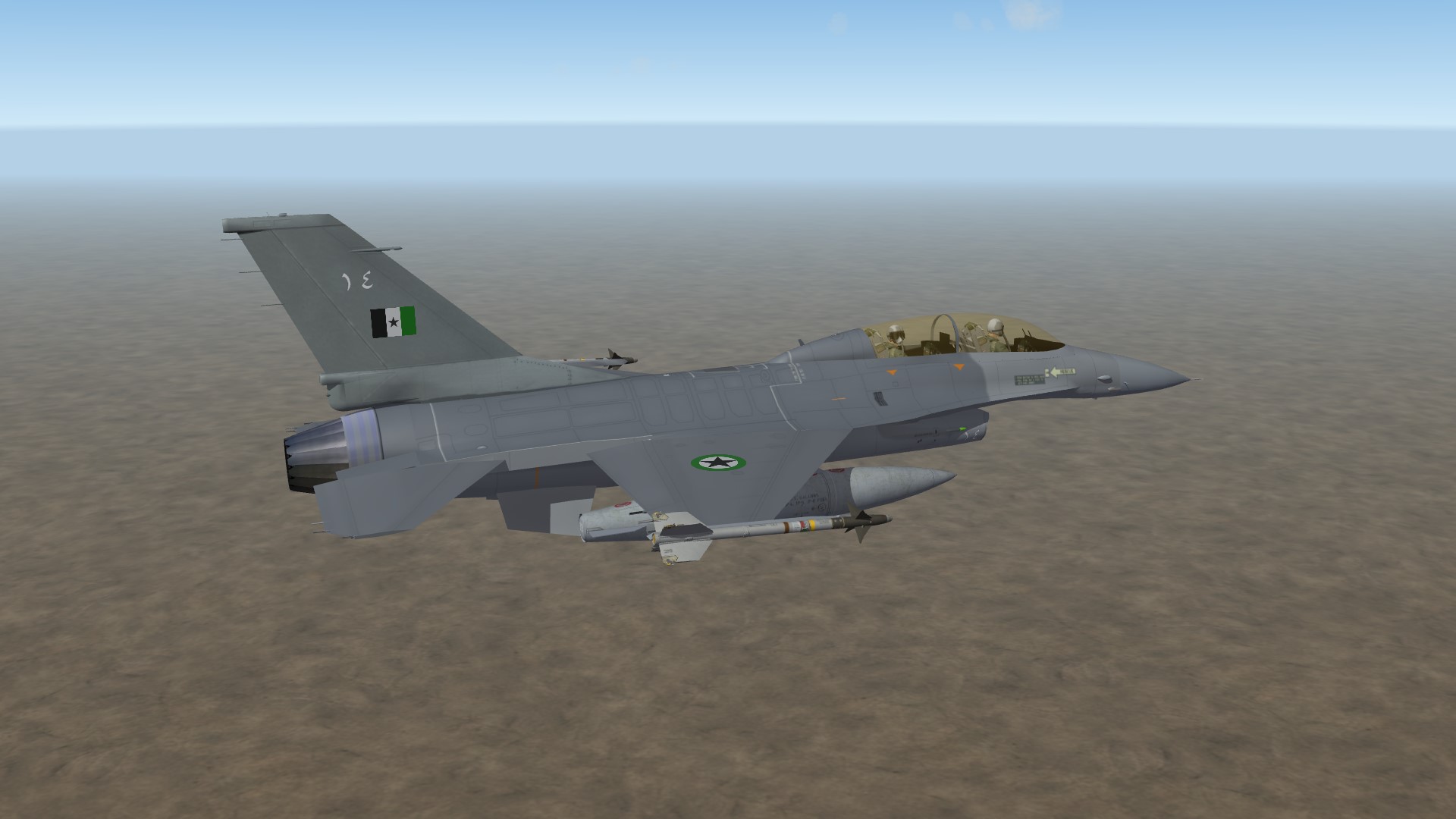
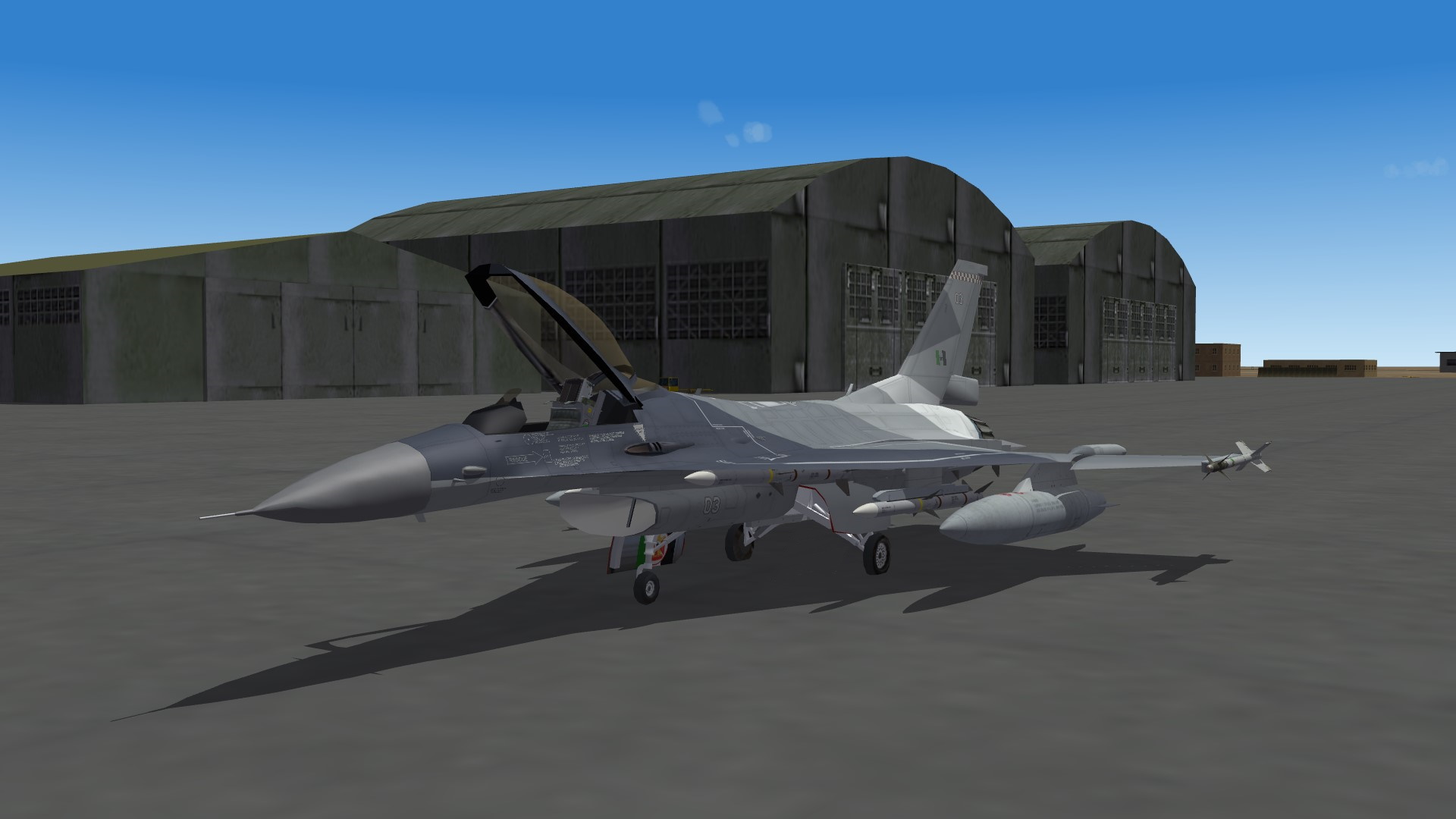
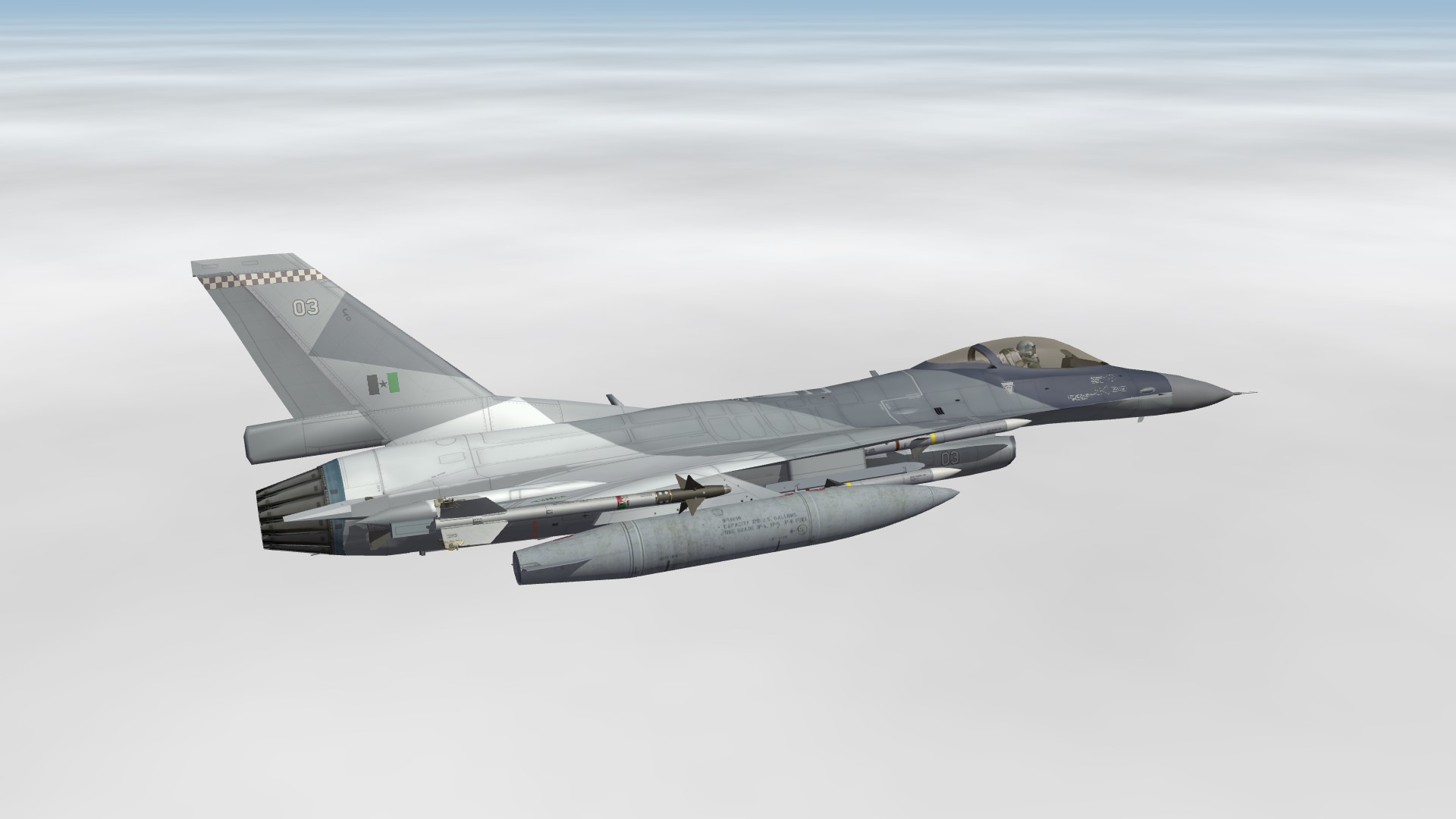
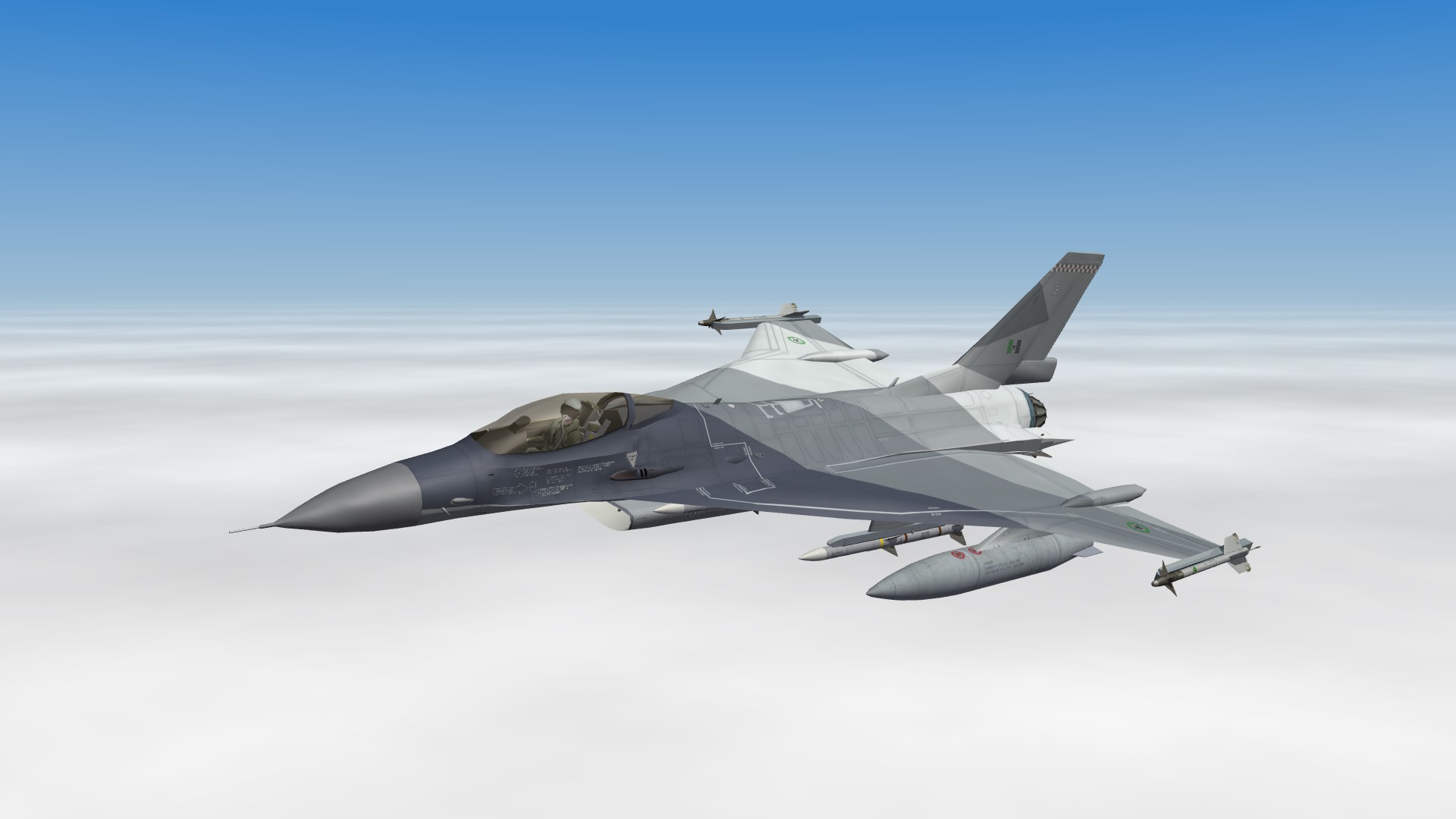
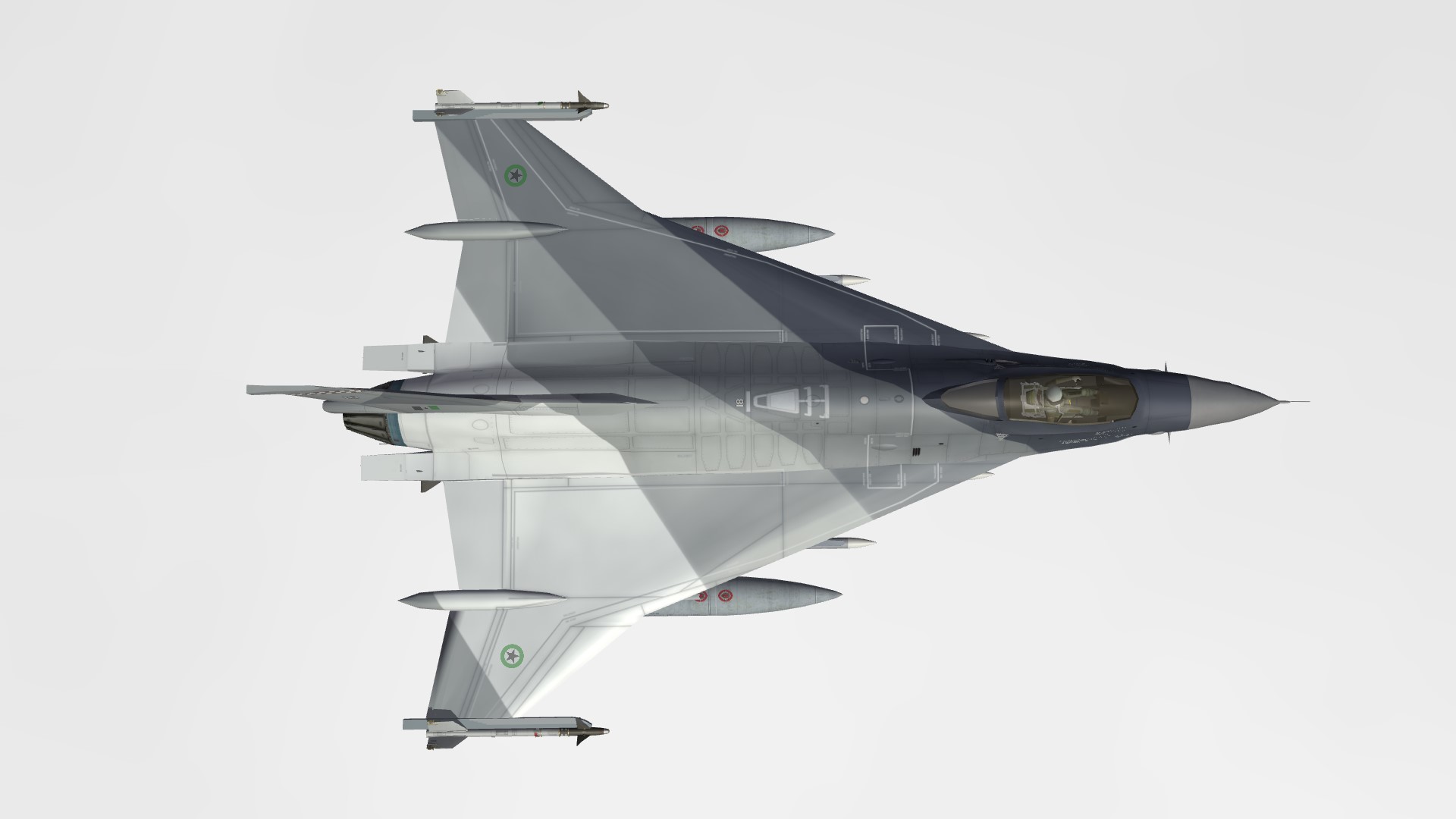
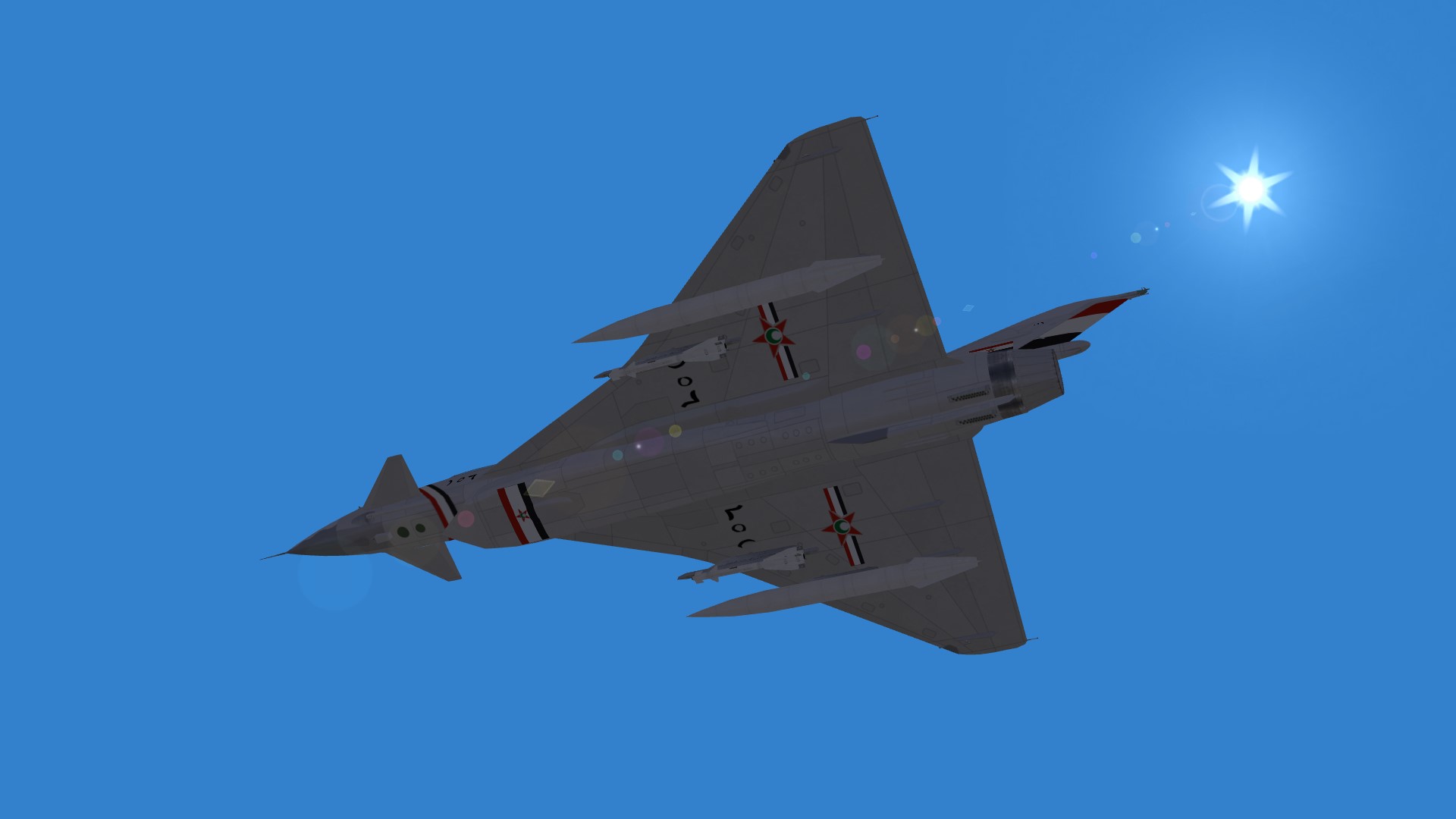
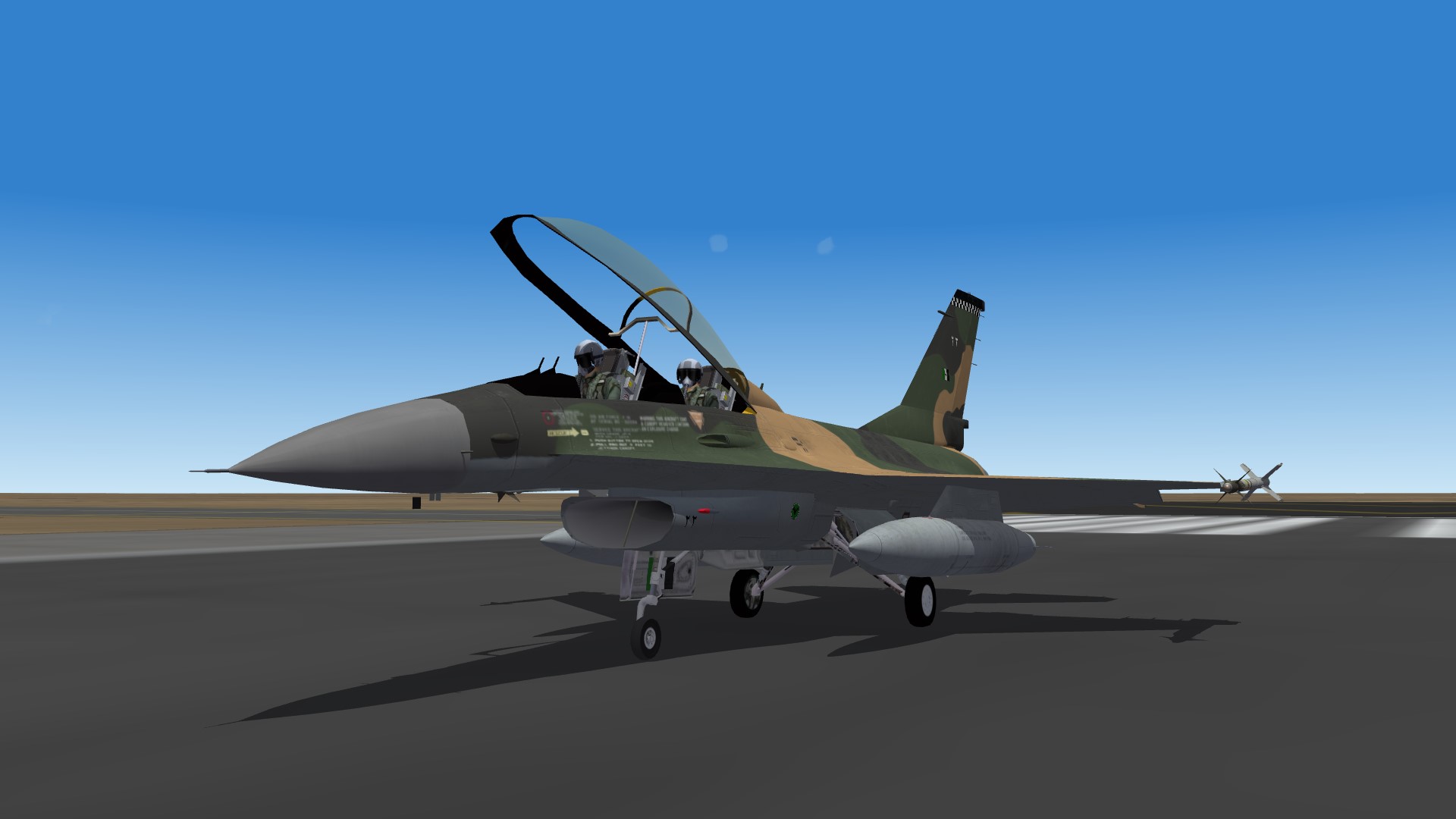
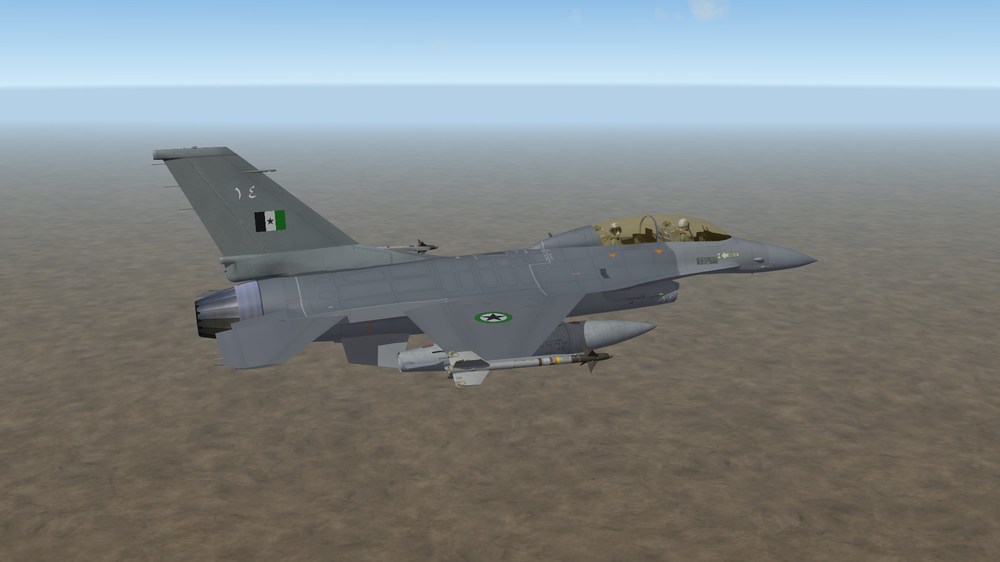
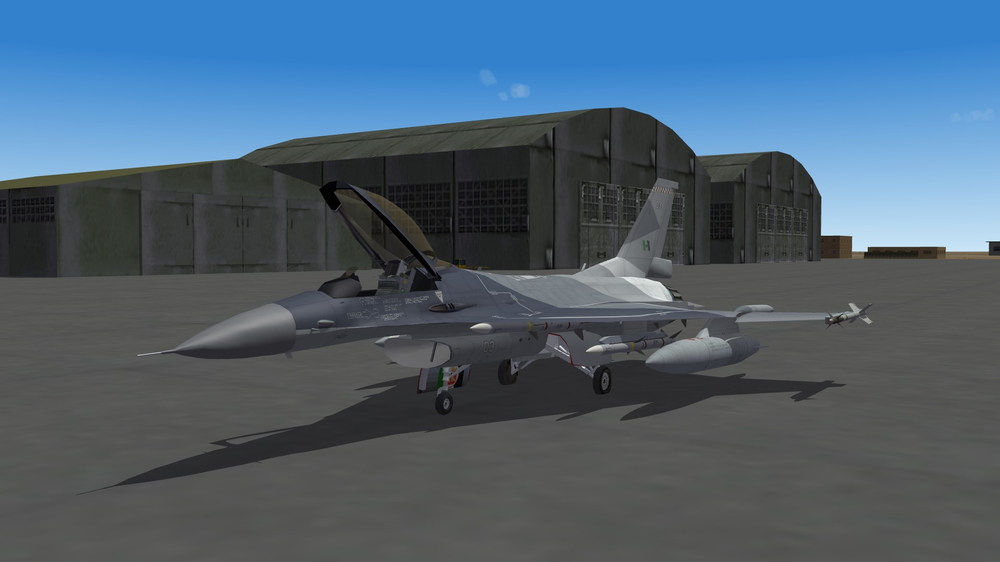
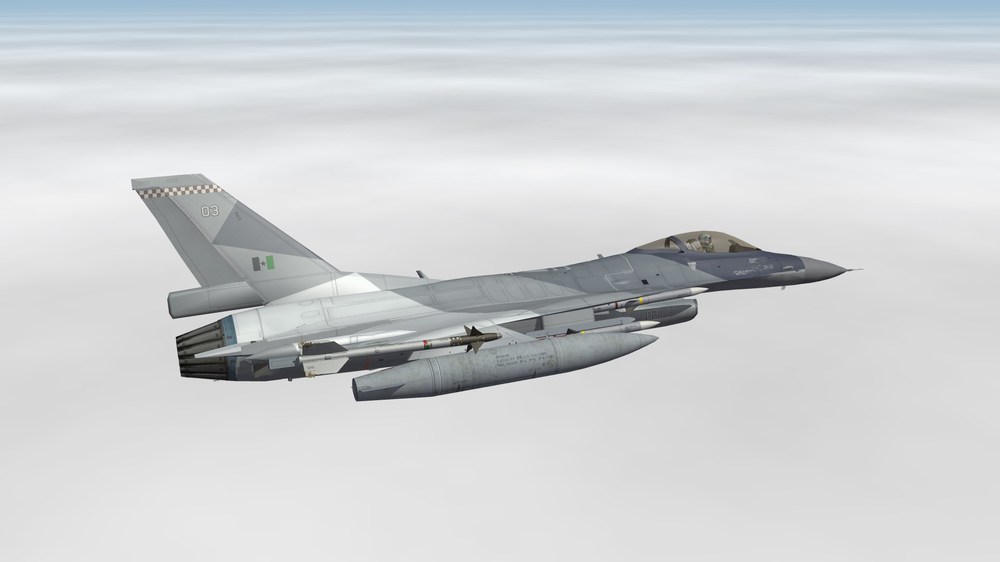
The F-16 protecting the Kingdom of Dhimar Some old F-16B for training, used but in perfect condition Brand new F-16EXL block 62 In flight The shape of this aircraft is very specific View from above Another angle from under, slightly blinded by the bright sun of Dhimar
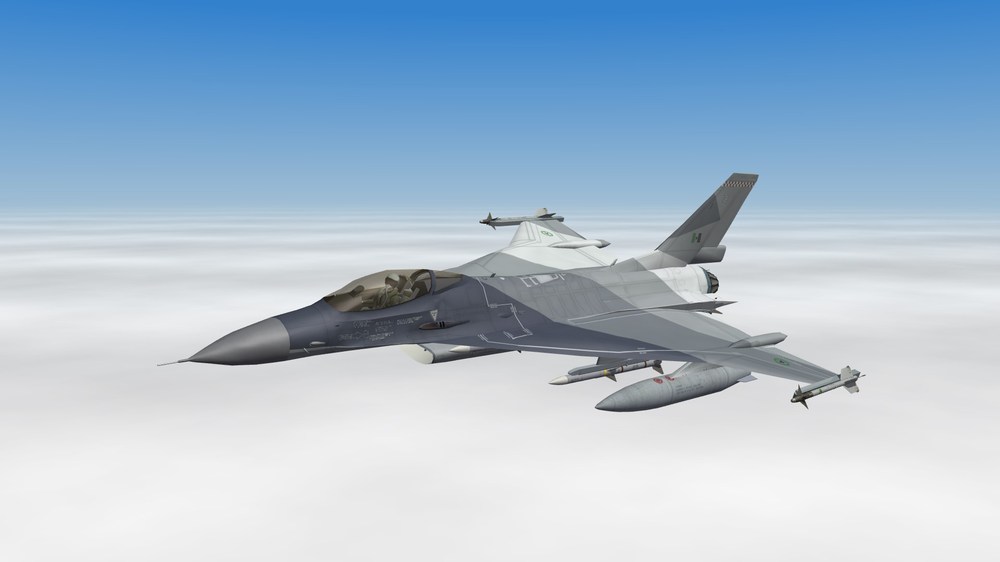
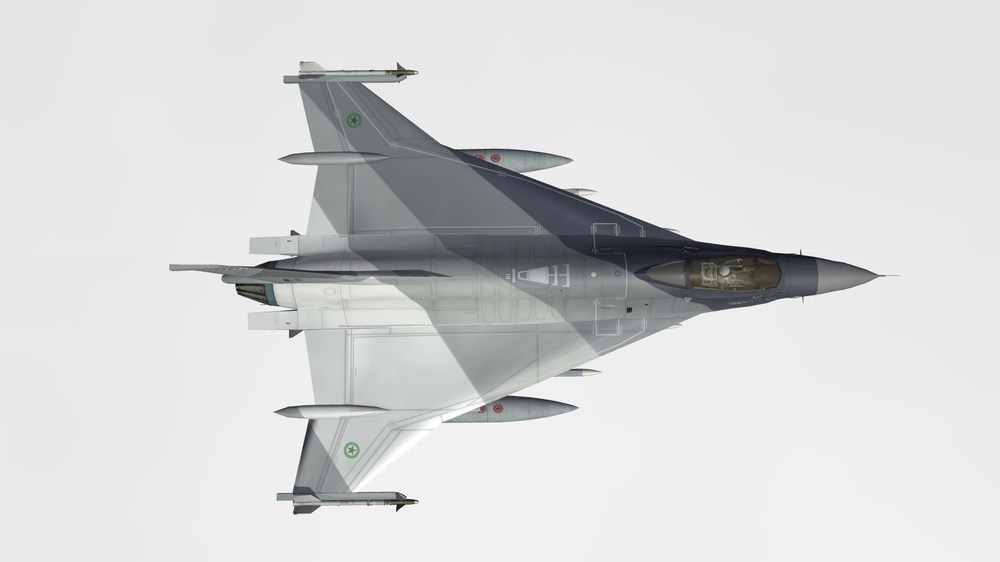
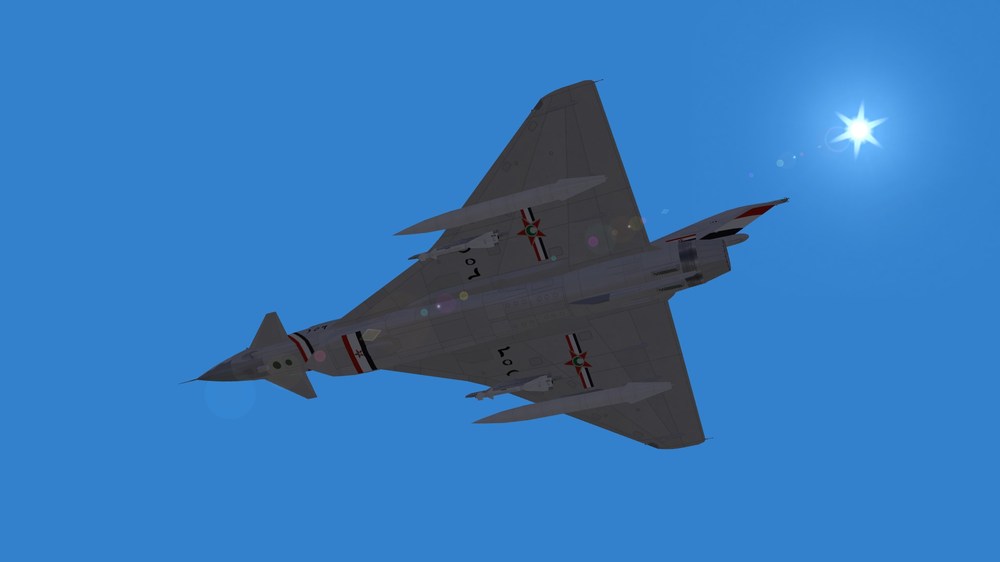
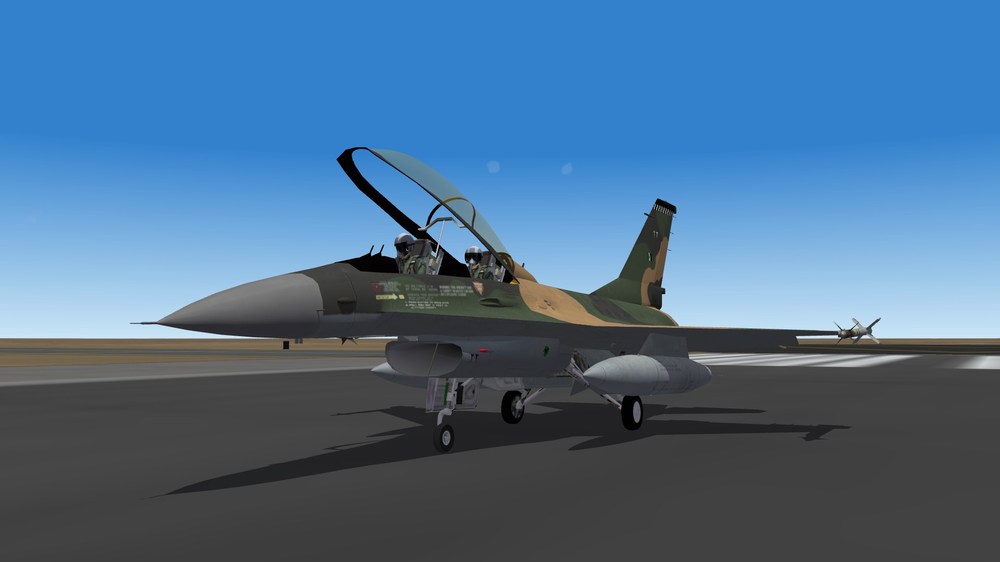
-
Hello To me it seems an easy fix, but I just can't find the "Stock TK Maxx Hawker Hunter F6" so I can't reproduce the issue and solve it. MaxRPM is 1.0 Sometime you have a value over 1.0 but it's FullABRPM=, meaning the use of the afterburner increase the RPM. So if the max RPM is 3450 it's MaxRPM=1.00, or max RPM 8500 it's MaxRPM=1.00, or max RPM 10000 it's MaxRPM=1.00. It's the basis setting. The difference will be in the cockpit file. If you use the stock Hunter cockpit, the RPM gauge is set to max at 8000 RPM. To have 8500 as max RPM it should be edited in the cockpit ini file. The jump from 6500 to 8000 is because you changed the RPM value but not the Throttle values. What I would do is : use the original TW values for the engine part in the data.ini file, to avoid the RPM jump (Extract? and) edit the RPM gauge to set it to 8500 as the max value If not enough, rewrite the engine part with the values you want but every value should be checked (idle / cruise / military / max / FullAB when needed - Throttle / RPM /Nozzle)
-
According to my memory and the SF1 download section, I would say it's FastCargo. In fact, Paco and Wpnssgt are credited for the original model.
-
Alternative sound file by AvHistory and suggested by Wrench can be found here : Alternative cockpit by Stary and suggested by Coupi can be found here : But I recommend to use the cockpit already in the pack because it has been navalized : tail hook light and speed indicator in knots. Seafire Mk3 versions have the compass set to work with the waypoints.