
Cliff7600
-
Posts
1,199 -
Joined
-
Last visited
-
Days Won
12







About Cliff7600







Cliff7600's Achievements





-
In the "F-111B_DATA.ini" file, find the tailhook part : [Tailhook] SystemType=ARRESTER_HOOK MaxDeflection=30.0 Retractable=TRUE DeployTime=2.5 RetractTime=2.0 ModelNodeName=hook HookArmLength=2.70 AttachmentPosition=0.0,-6.72,-0.28 AnimationID= and change "MaxDeflection=-30.0" to "MaxDeflection=30.0". The tailhook won't deploy under the 3D model anymore but it will work as it should. ------------------------------------------------------------------------------------------------------------ Here's the full fix I use, I added a second tailhook : [Fuselage] ... SystemName[xxx]=Tailhook (in the original data.ini xxx is 012, don't change it anyway) [VertTail] ... SystemName[xxx]=TailHook2 (xxx next number in sequence, it could be in the fuselage section, mine has already thirty SystemName entries, that's why I put it in the vertical tail part) and in the landing gear section : [Tailhook] SystemType=ARRESTER_HOOK MaxDeflection=45.0 Retractable=TRUE DeployTime=2.5 RetractTime=2.0 ModelNodeName= HookArmLength=2.05 AttachmentPosition=0.0,-8.5,-0.4 [Tailhook2] SystemType=ARRESTER_HOOK MaxDeflection=-45.0 Retractable=TRUE DeployTime=2.5 RetractTime=2.0 ModelNodeName=hook "Tailhook" is for the tailhook to work (it's a fake arresting hook by ini) and "Tailhook2" is for the tailhook to visualy deploy on the 3D model in game.
-
 I did that with a rotation movement for the needles, instead of a position movement. For the A-4B [ClimbDiveIndVert] Type=BANK_INDICATOR NodeName=needle_climb-dive_vert MovementType=ROTATION_Z ValueUnit=DEG Set[01].Position=0.0 Set[01].Value=0.0 Set[02].Position=20.0 Set[02].Value=9.0 Set[03].Position=20.0 Set[03].Value=171.0 Set[04].Position=0.0 Set[04].Value=179.99 Set[05].Position=360.0 Set[05].Value=180.01 Set[06].Position=340.0 Set[06].Value=189.0 Set[07].Position=340.0 Set[07].Value=351.0 Set[08].Position=360.0 Set[08].Value=360.0 [ClimbDiveIndHoriz] Type=PITCH_INDICATOR NodeName=needle_climb-dive_horiz MovementType=ROTATION_Z ValueUnit=DEG Set[01].Position=0.0 Set[01].Value=-180.0 Set[02].Position=20.0 Set[02].Value=-90.0 Set[03].Position=0.0 Set[03].Value=0.0 Set[04].Position=-20.0 Set[04].Value=90.0 Set[05].Position=0.0 Set[05].Value=180.0 I thought the same, it's better if it works even without any real use. But in a what-if aircraft that could be turned into a perfectly working ILS
- 1 reply
-
- 4
-

-

-
Unguided rockets as air to air weapon
Cliff7600 replied to Gepard's topic in Mods & Skinning Discussion
When you give them an aerial target they drop all the air to ground ordnance. So you have to create a version of the rocket that has : AirToAir=TRUE ...in its data.ini entries. In the case of the UB-16 pod you have to create a UB-16 pod for air to air targets loaded with the air to air rockets (and I guess it would be used for air to ground as well). -
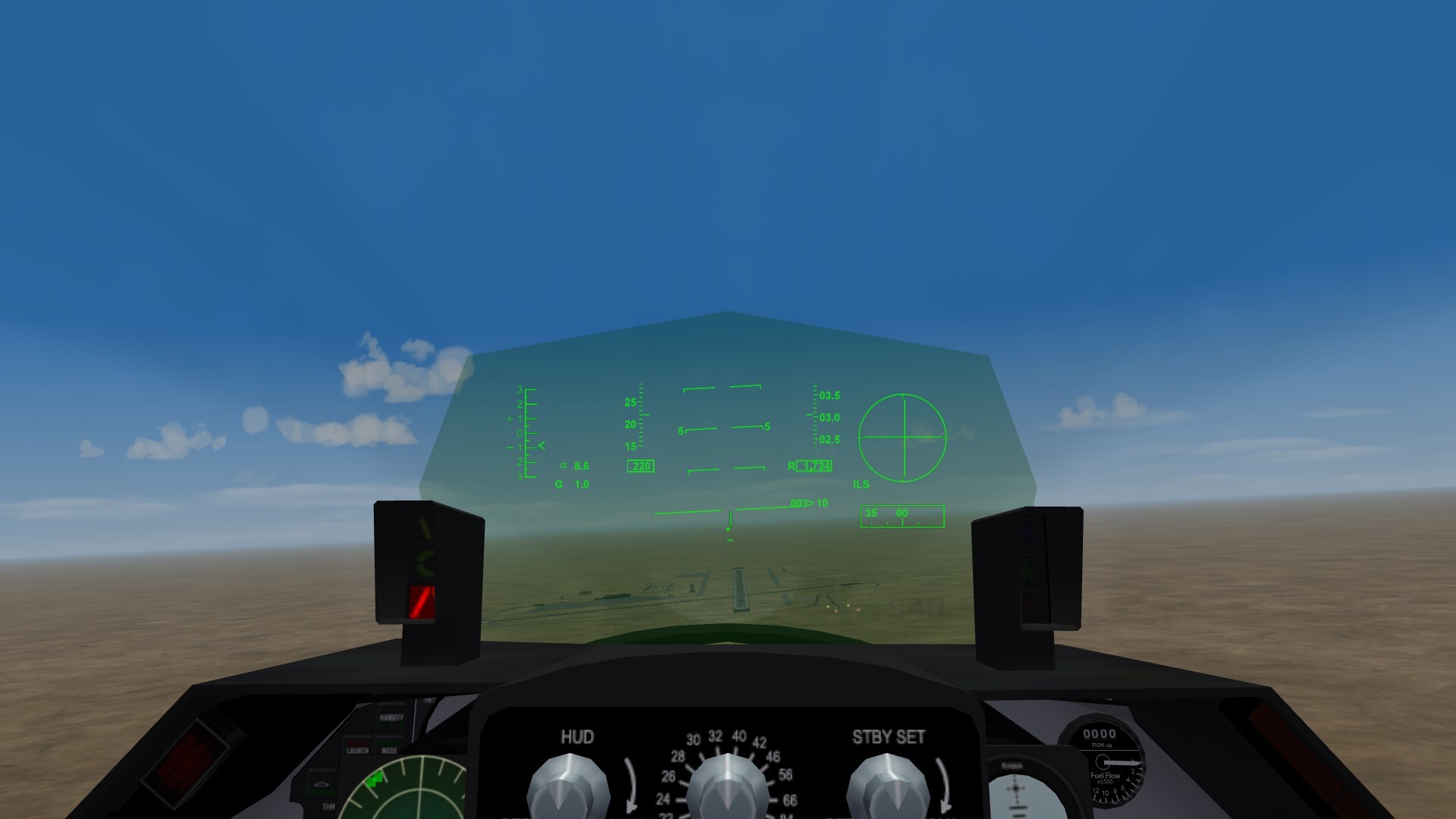
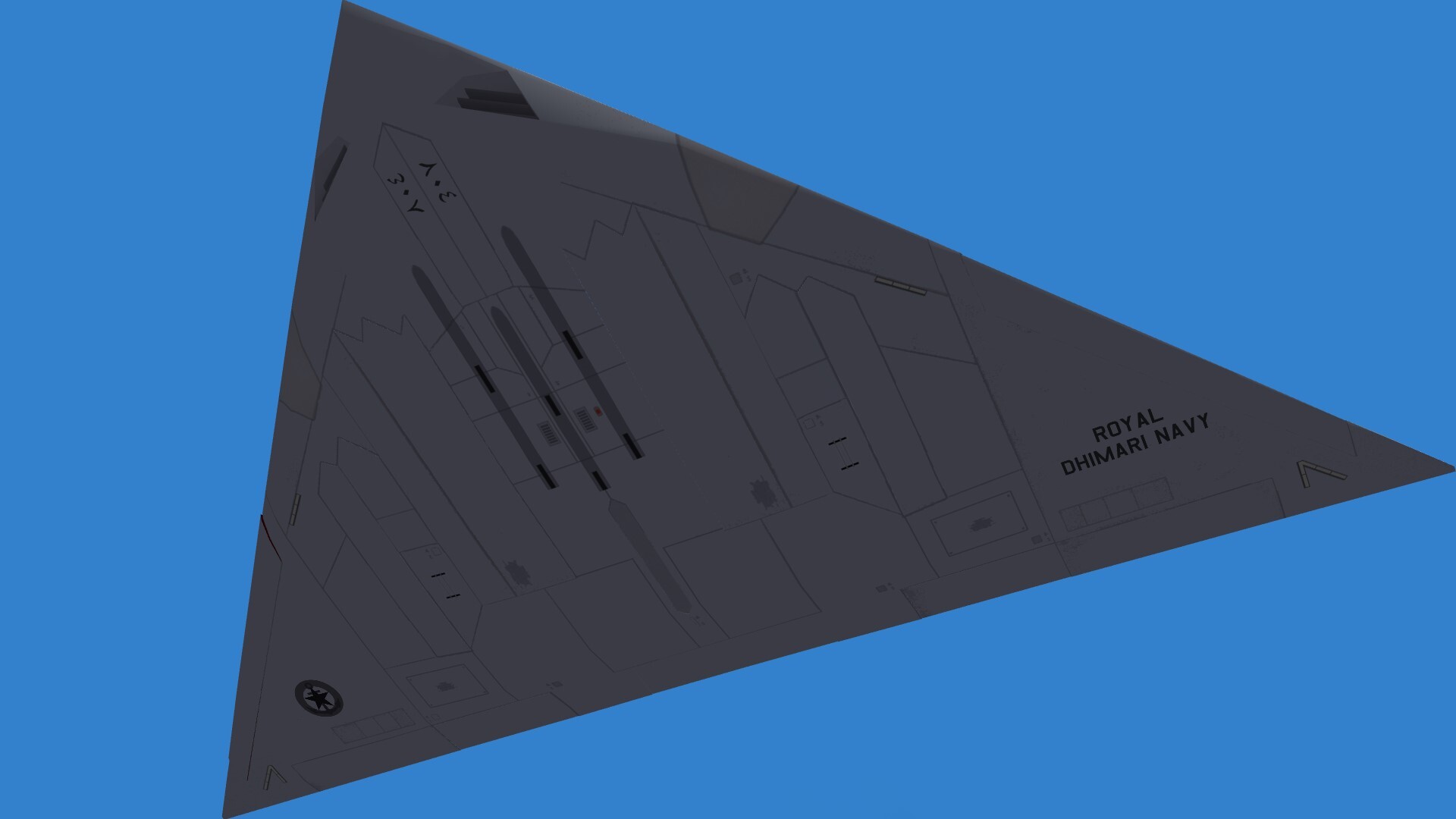
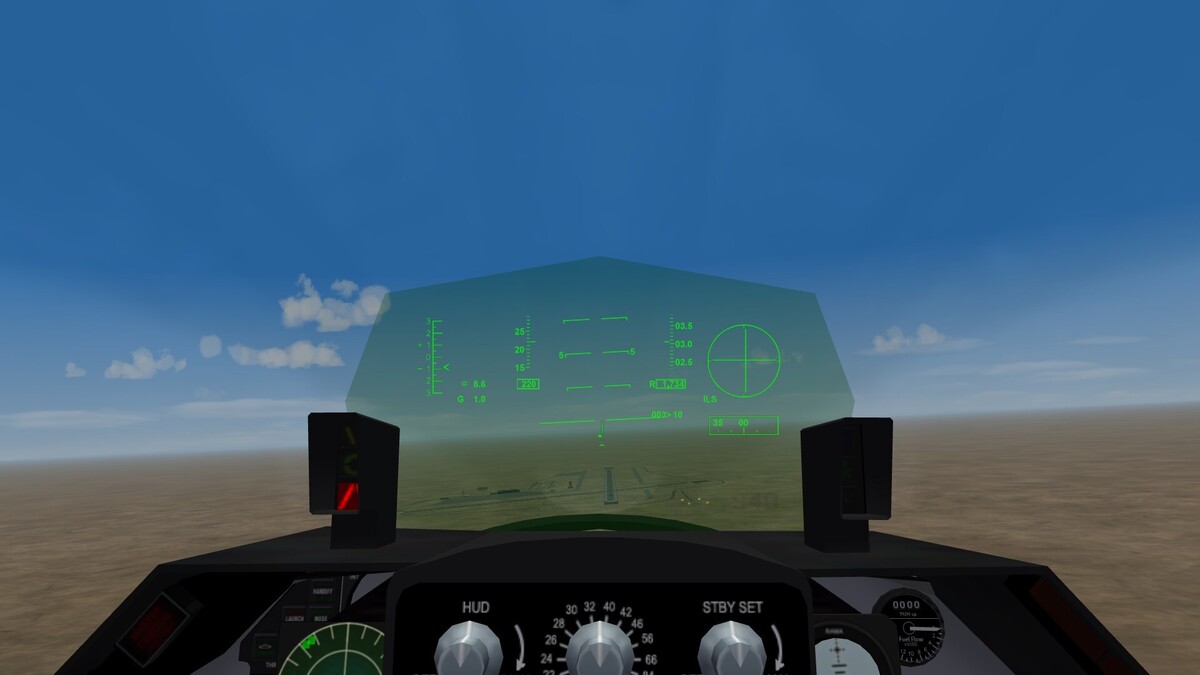
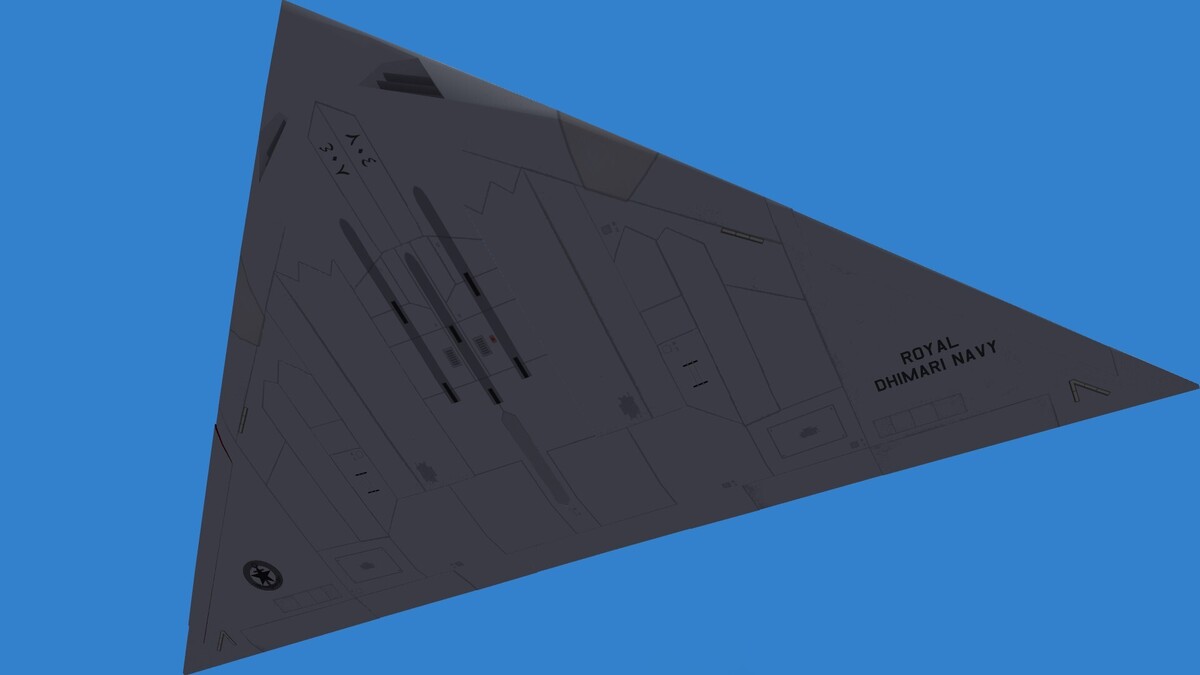
It took me long to start trying stuff with HUDs. I wanted to use all the width available and I'm happy with the result, especially the ILS on the side and the VVS indicator. I did other weird things like punching holes in the belly Old material for both aircraft and cockpit.
-
"OpenCockpit=TRUE" permits to see more of your own aircraft like the fuselage or the nose or the cockpit frame. On the other hand when you're in a cloud or in the fog you see cloud or fog in the cockpit, between you and your dashboard.
- 1 reply
-
- 1
-
-
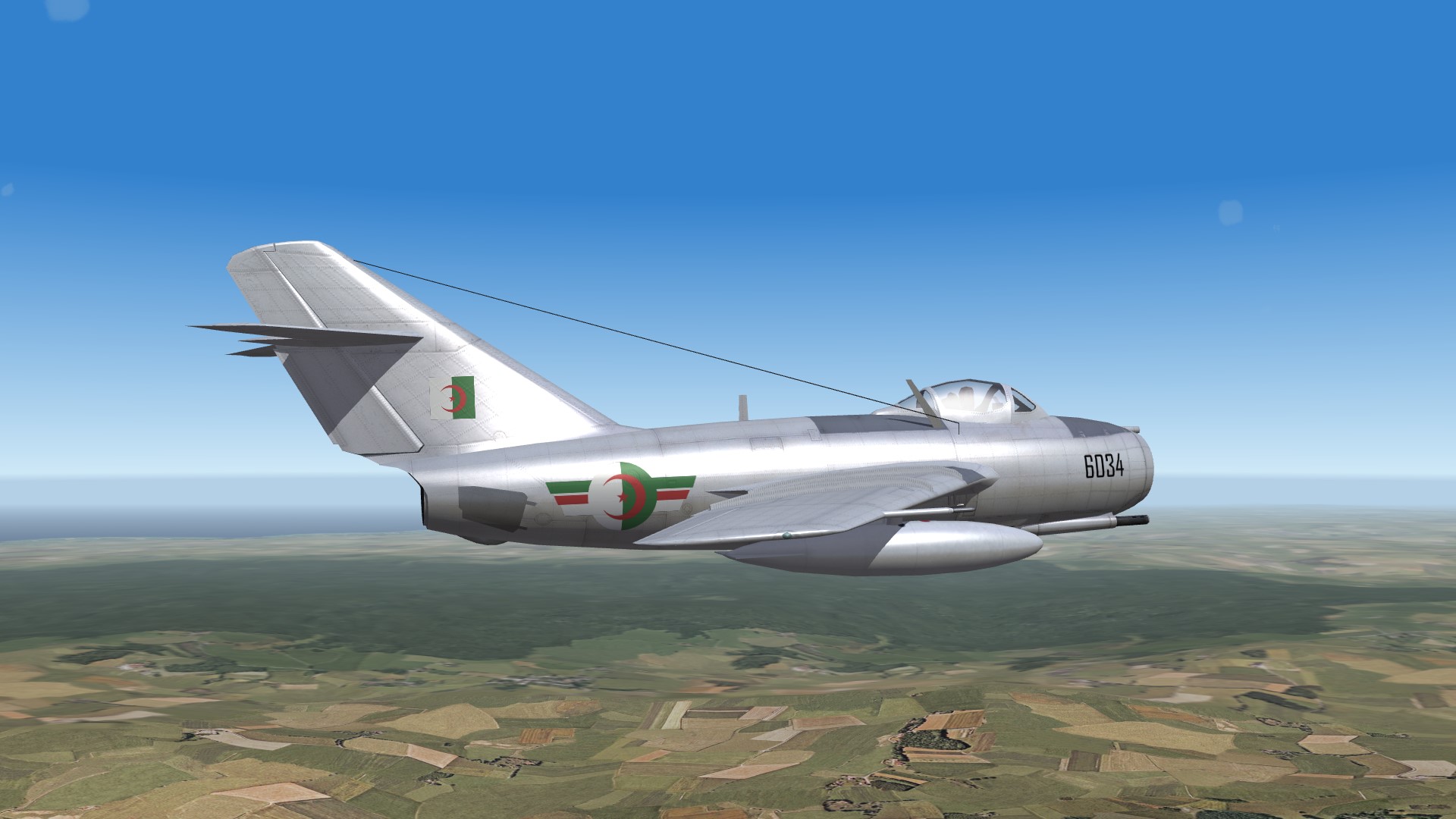
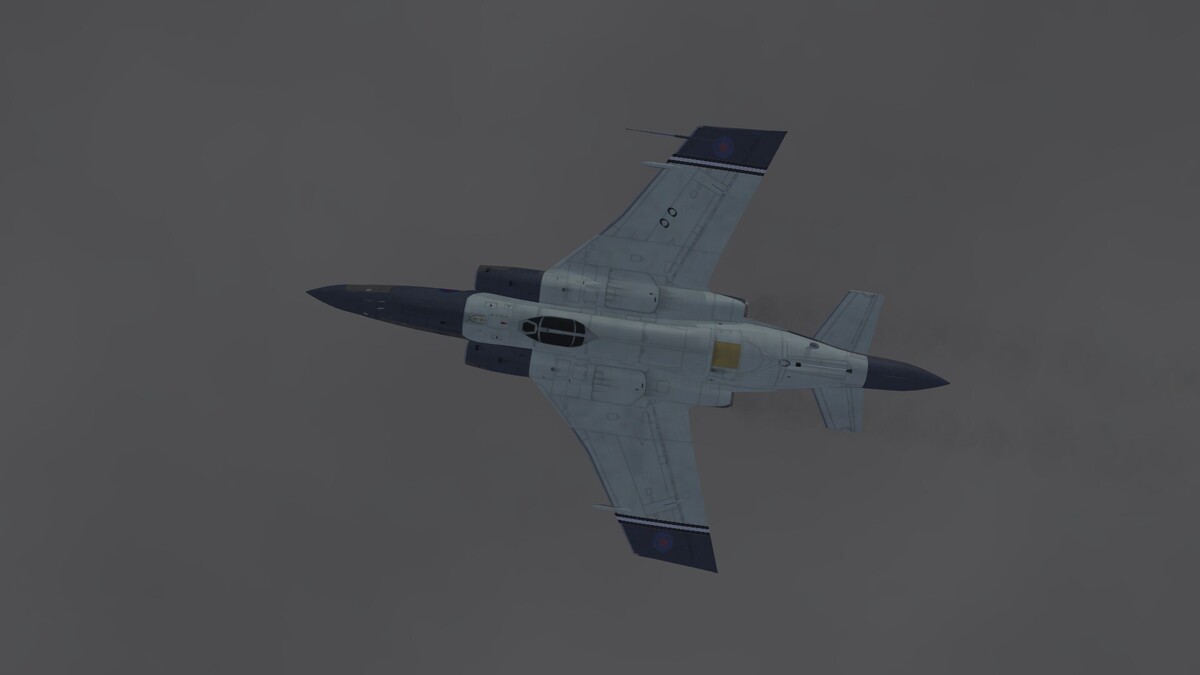
Uuh, it's MiG monday !
-
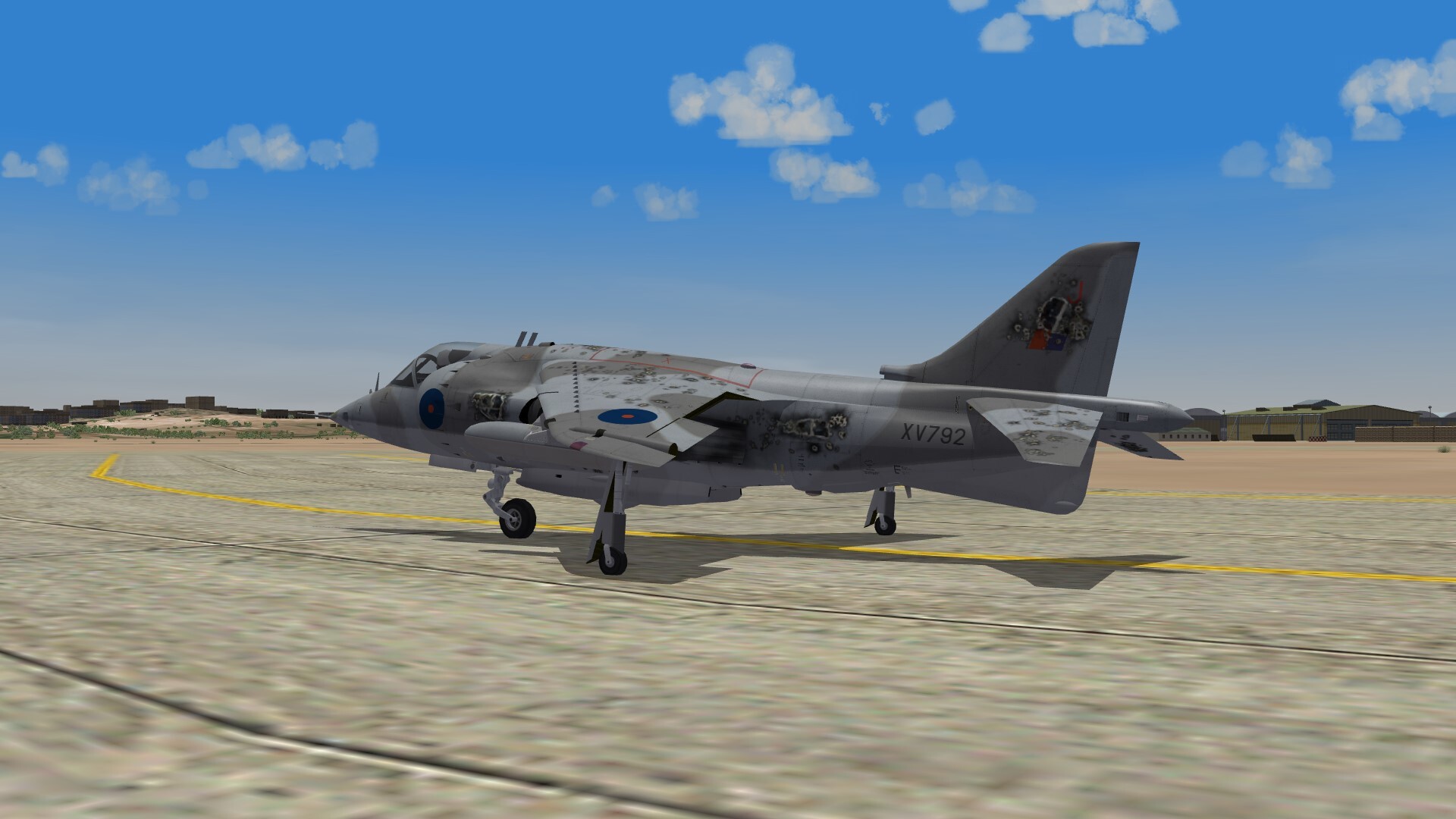
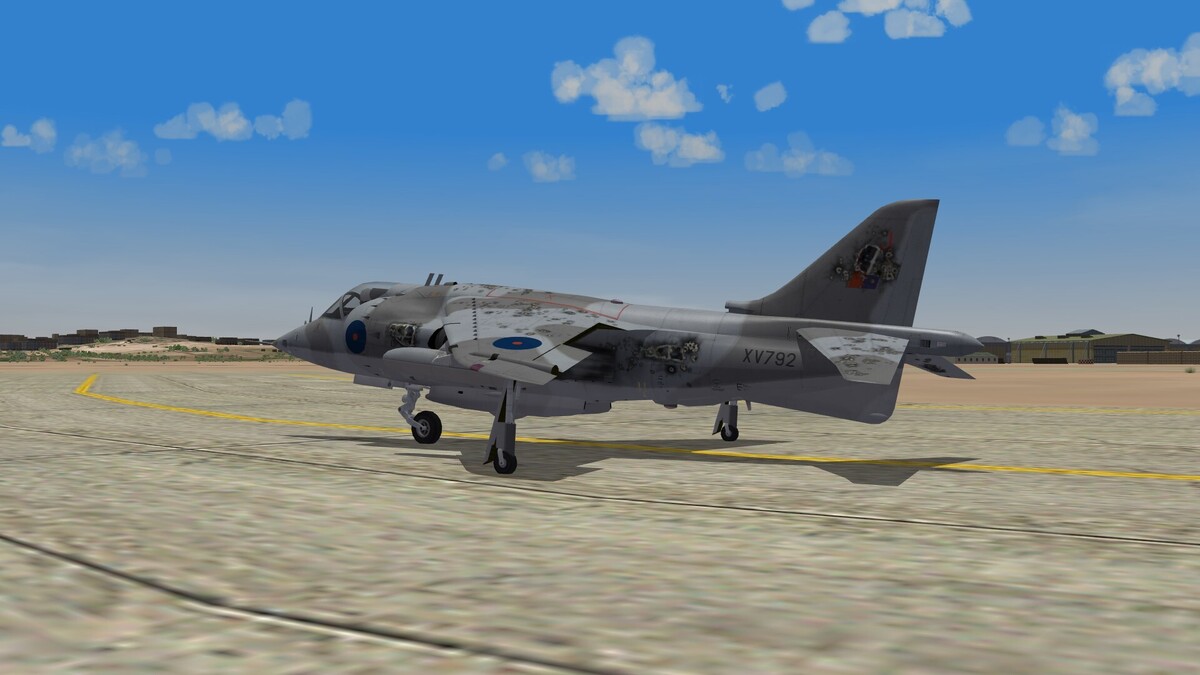
Hit by AAA but RTB safely. Landing gear design approved
-
 Very nice 3D model ! You can make as many F-104 variants as you want they'll be warmly welcomed.
-
Nice one Yakarov
-
In the cockpit ini file it's : [HelmetSensorL] Type=INETERNAL_FUEL_QUANTITY_INDICATOR CounterNodeFormat=HSLdig%d MovementType=ANALOG_COUNTER ValueUnit=LB Scale=100 [HelmetSensorR] Type=INETERNAL_FUEL_QUANTITY_INDICATOR CounterNodeFormat=HSRdig%d MovementType=ANALOG_COUNTER ValueUnit=LB Scale=100 so I guess they're "helmet sensor" thingies.
-
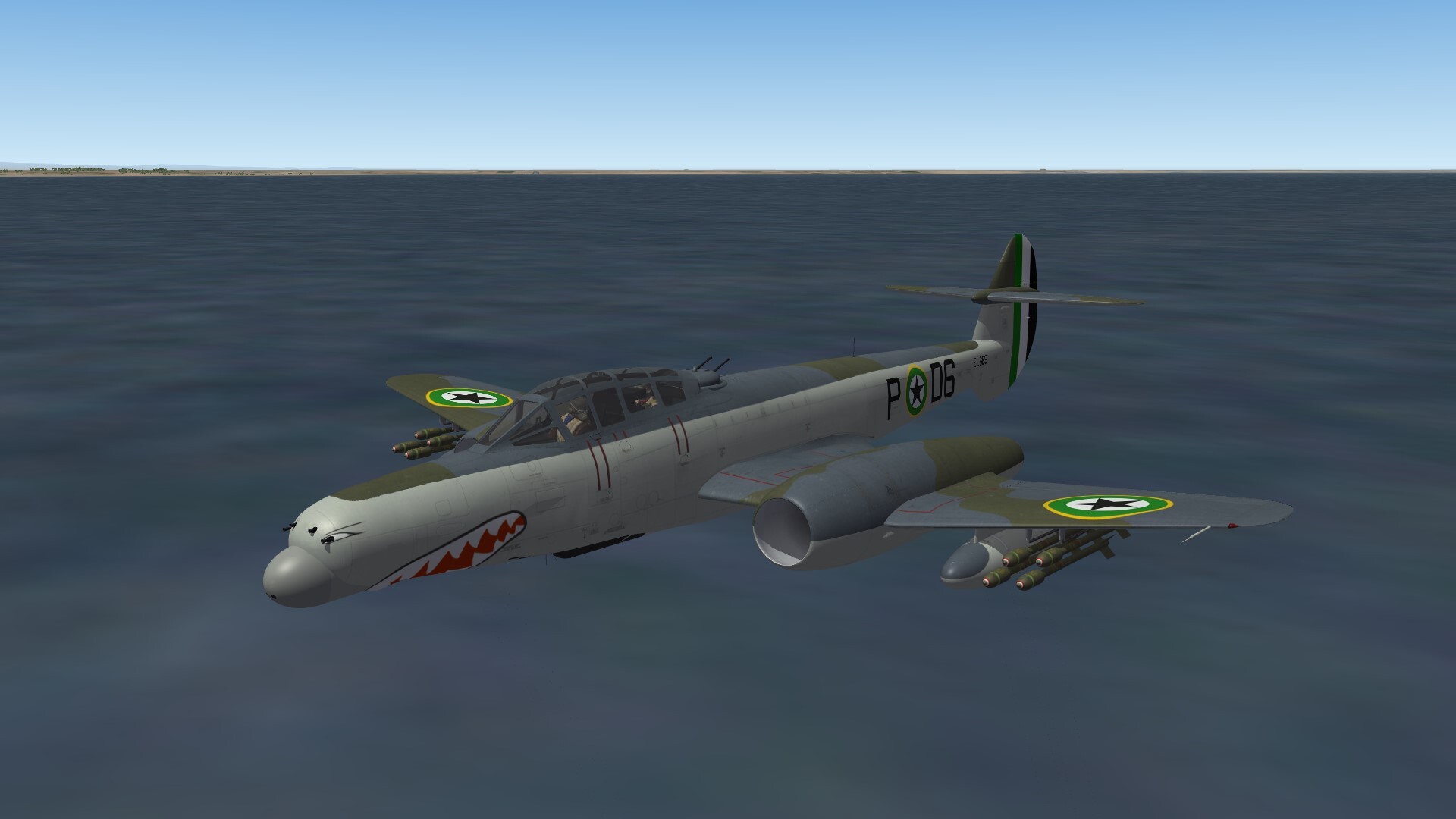
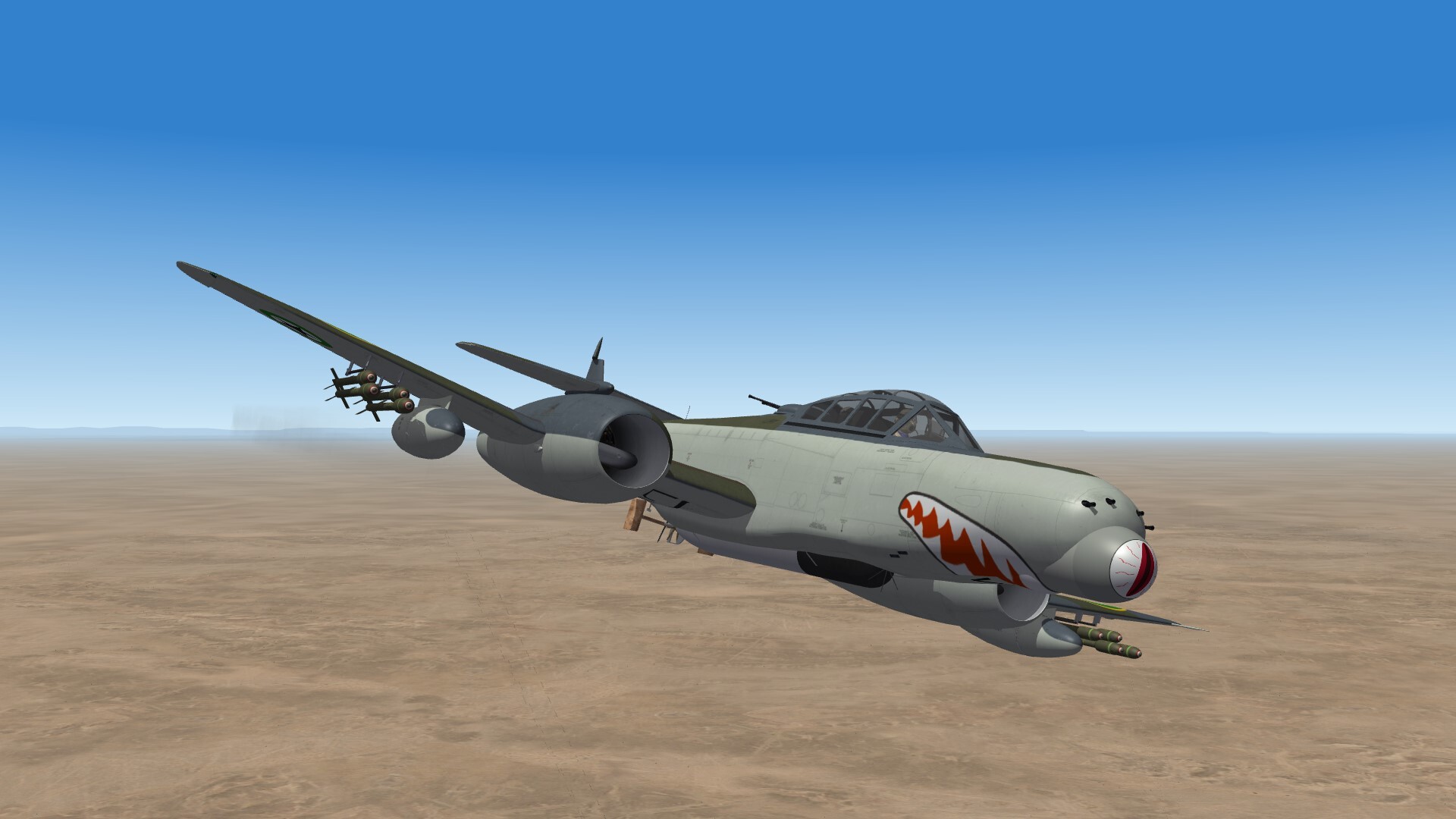
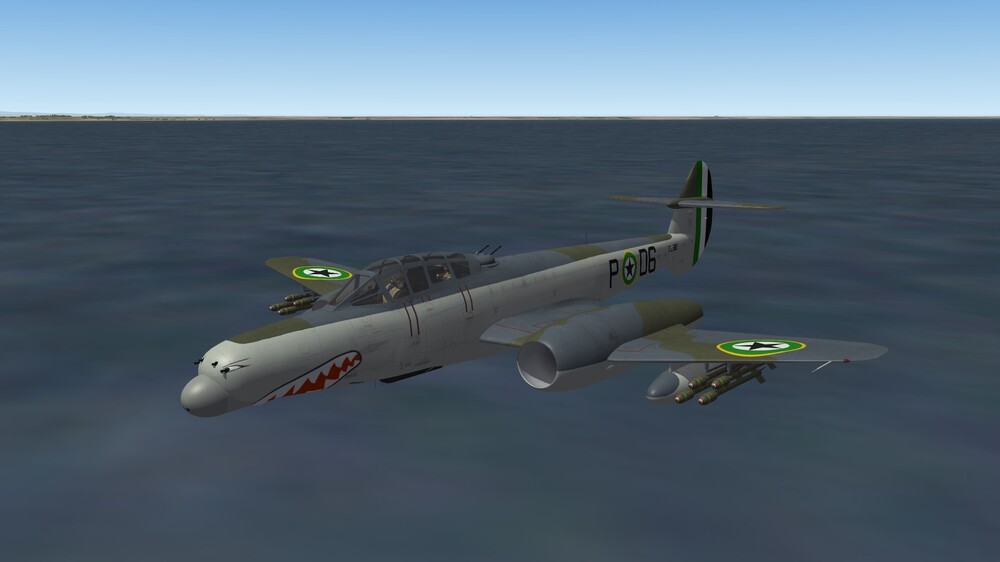
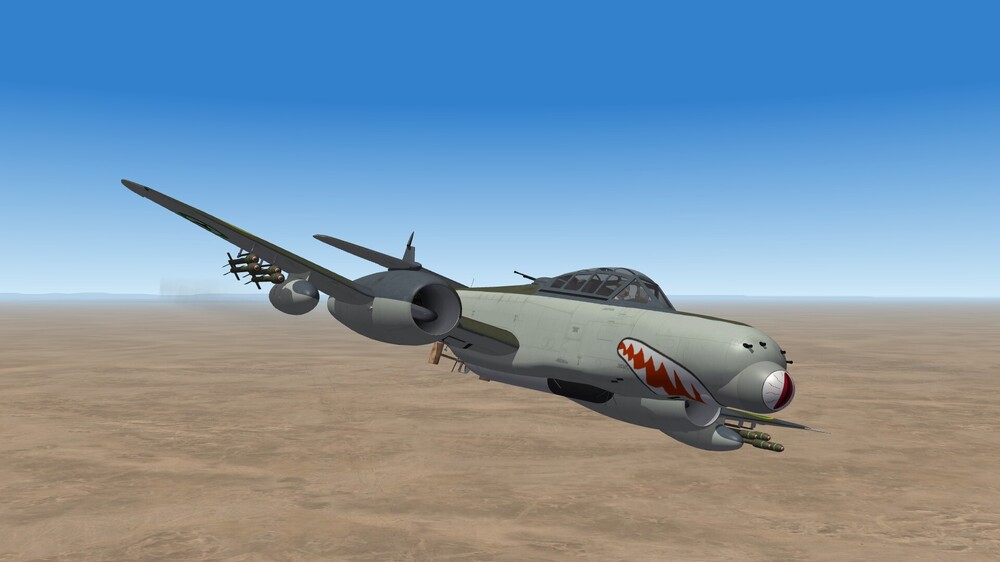
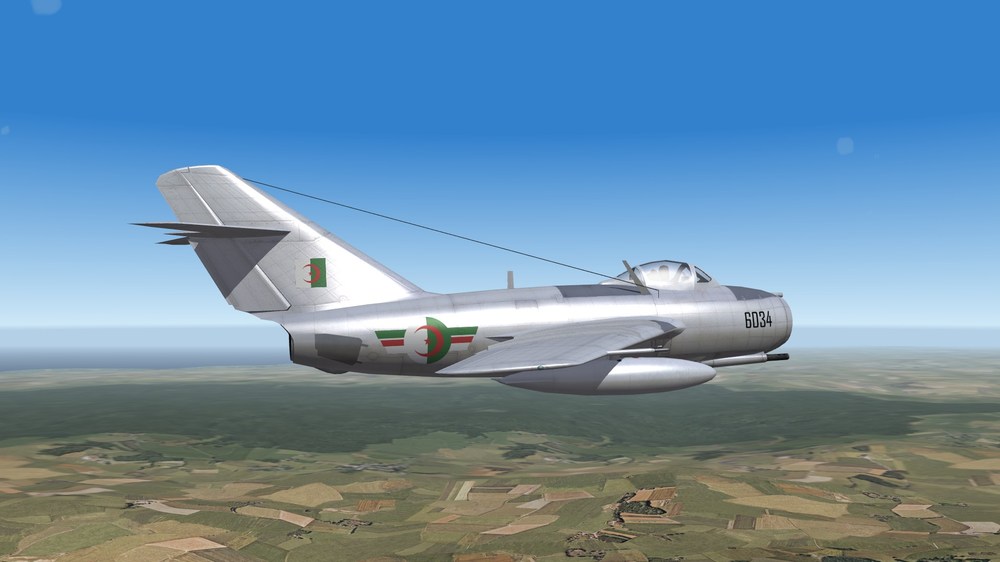
Algeria 1964
- 334 replies
-
- 11
-
-
It's a pleasure to have good news from you Keep on recovering the best you can (even better than before) And in the end we still need you here Take good care !
-
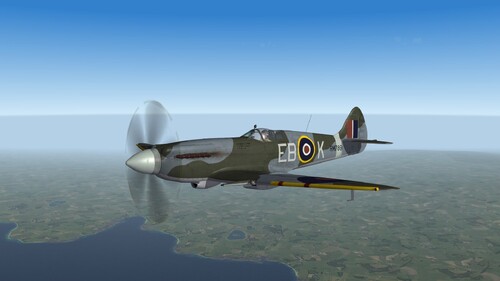
View File Spitfire Mk14 --------------- Spitfire for CombatAce --------------- SF2 version 2021 TurboSquid : original 3D model Snapper21 : source file donated to CA and textures. Wrench : project development origin and inis Starfighter2 : original Spitfire Mk9 cockpit Ravenclaw_007 : rocket ini Logan4 : additionnal 3D parts and model editing to import into TW sims, textures editing, decals and inis. New 3D models for 60lbs rockets and dual rocket pods system ini. Cliff7600 : textures editing, decals and inis, cockpit editing. Thirdwire : textures and inis. These are the models made for CombatAce from the original TurboSquid 3D source file. It is made to be downloaded for free at CombatAce site only, and not to be used in any other way. The models have been designed for a SF2 / ThirdWire use and nothing else. Not to be merged with other files sharing the same original 3D model. - Spitfire Mk14c - Spitfire LF Mk14e Submitter Cliff7600 Submitted 05/19/2025 Category Spitfire
-
Version 1.1.0
73 downloads
--------------- Spitfire for CombatAce --------------- SF2 version 2021 TurboSquid : original 3D model Snapper21 : source file donated to CA and textures. Wrench : project development origin and inis Starfighter2 : original Spitfire Mk9 cockpit Ravenclaw_007 : rocket ini Logan4 : additionnal 3D parts and model editing to import into TW sims, textures editing, decals and inis. New 3D models for 60lbs rockets and dual rocket pods system ini. Cliff7600 : textures editing, decals and inis, cockpit editing. Thirdwire : textures and inis. These are the models made for CombatAce from the original TurboSquid 3D source file. It is made to be downloaded for free at CombatAce site only, and not to be used in any other way. The models have been designed for a SF2 / ThirdWire use and nothing else. Not to be merged with other files sharing the same original 3D model. - Spitfire Mk14c - Spitfire LF Mk14e -
@Wrench In this case you can update it, when it's someone else's release you can't.