Flanker562
-
Posts
13,473 -
Joined
-
Last visited
-
Days Won
64
Content Type
Profiles
Forums
Gallery
Downloads
Store
Everything posted by Flanker562
-
Did some research on the AESA APG-79 and pretty much the only information that came out was that the radar has a max range of 80 miles. This is a bit different from what I thought and have done some modifications for the various aircraft. Block I aircraft now have these stats: [RadarData] AvailableModes=SEARCH,TWS,STT,ACM,GM,TV RangeUnit=NM RangeSetting[1]=5 RangeSetting[2]=10 RangeSetting[3]=20 RangeSetting[4]=40 RangeSetting[5]=80 RadarPosition= MaxElevationAngle=60 MinElevationAngle=-60 MaxAzimuthAngle=60 MinAltitude=20.0 BoresightElevation=0.0 BoresightAzimuth=0.0 ACMMaxPitchAngle=60.0 MinReturn=0.01 MinimumSpeed=25.72 SearchRange=80 SearchStrength=100 TrackRange=80 TrackStrength=100 TWSUpdateTime=0.01 AcquisitionSymbolSpeed=1.0 AcquisitionResetPosX=0.6 AcquisitionResetPosY=0.50 AcquisitionResetTime=2.0 DisplayLimitLeft=29 DisplayLimitRight=226 DisplayLimitTop=46O DisplayLimitBottom=226 Open up the respective AVIONICS.INI and replace it with this for Block I aircraft only. As for the Block II aircraft I gave a little enhancement in range and use this for the Block II aircraft and the EA-18G, and RAAF version to take advantage of the included AIM-120D missiles (It's a "treat"" or just something that may be real or not, I only have access to so much information, and that's mainly Wikipedia and so on: [RadarData] AvailableModes=SEARCH,TWS,STT,ACM,GM,TV RangeUnit=NM RangeSetting[1]=5 RangeSetting[2]=10 RangeSetting[3]=20 RangeSetting[4]=40 RangeSetting[5]=80 RangeSetting[6]=100 RadarPosition= MaxElevationAngle=60 MinElevationAngle=-60 MaxAzimuthAngle=60 MinAltitude=20.0 BoresightElevation=-5.5 BoresightAzimuth=0.0 ACMMaxPitchAngle=47.0 MinReturn=0.01 MinimumSpeed=25.72 SearchRange=100 SearchStrength=170 TrackRange=100 TrackStrength=150 TWSUpdateTime=0.01 AcquisitionSymbolSpeed=2.0 AcquisitionResetPosX=0.6 AcquisitionResetPosY=0.50 AcquisitionResetTime=2.0 DisplayLimitLeft=29 DisplayLimitRight=226 DisplayLimitTop=46 DisplayLimitBottom=226 That's pretty much it. The next upload will have the adjusted radars included.
-
Just so you know you can post this in the Screen Shots portion of the Strike Fighters 2 area: https://combatace.com/forums/forum/318-thirdwire-strike-fighters-2-series-screen-shots/ Nice shot though
-
Problems with SF2 (Windows 11 and black screen)
Flanker562 replied to Eagle114th's topic in General Discussion
I see, as I have issues too with not letting it create an options.ini or version.ini. I used to back them up with my backups and now I don't do that every time I have to reinstall the mods. -
No problem GKABS the same to you Did some research on the AESA APG-79 and pretty much the only information that came out was that the radar has a max range of 80 miles. This is a bit different from what I thought and have done some modifications for the various aircraft. Block I aircraft now have these stats: [RadarData] AvailableModes=SEARCH,TWS,STT,ACM,GM,TV RangeUnit=NM RangeSetting[1]=5 RangeSetting[2]=10 RangeSetting[3]=20 RangeSetting[4]=40 RangeSetting[5]=80 RadarPosition= MaxElevationAngle=60 MinElevationAngle=-60 MaxAzimuthAngle=60 MinAltitude=20.0 BoresightElevation=0.0 BoresightAzimuth=0.0 ACMMaxPitchAngle=60.0 MinReturn=0.01 MinimumSpeed=25.72 SearchRange=80 SearchStrength=100 TrackRange=80 TrackStrength=100 TWSUpdateTime=0.01 AcquisitionSymbolSpeed=1.0 AcquisitionResetPosX=0.6 AcquisitionResetPosY=0.50 AcquisitionResetTime=2.0 DisplayLimitLeft=29 DisplayLimitRight=226 DisplayLimitTop=46O DisplayLimitBottom=226 Open up the respective AVIONICS.INI and replace it with this for Block I aircraft only. As for the Block II aircraft I gave a little enhancement in range and use this for the Block II aircraft and the EA-18G, and RAAF version to take advantage of the included AIM-120D missiles (It's a "treat"" or just something that may be real or not, I only have access to so much information, and that's mainly Wikipedia and so on: [RadarData] AvailableModes=SEARCH,TWS,STT,ACM,GM,TV RangeUnit=NM RangeSetting[1]=5 RangeSetting[2]=10 RangeSetting[3]=20 RangeSetting[4]=40 RangeSetting[5]=80 RangeSetting[6]=100 RadarPosition= MaxElevationAngle=60 MinElevationAngle=-60 MaxAzimuthAngle=60 MinAltitude=20.0 BoresightElevation=-5.5 BoresightAzimuth=0.0 ACMMaxPitchAngle=47.0 MinReturn=0.01 MinimumSpeed=25.72 SearchRange=100 SearchStrength=170 TrackRange=100 TrackStrength=150 TWSUpdateTime=0.01 AcquisitionSymbolSpeed=2.0 AcquisitionResetPosX=0.6 AcquisitionResetPosY=0.50 AcquisitionResetTime=2.0 DisplayLimitLeft=29 DisplayLimitRight=226 DisplayLimitTop=46 DisplayLimitBottom=226 That's pretty much it. The next upload will have the adjusted radars included.
-
Julhelm did the original work and I haven't seen anything yet on the DCS forums. Though it would be cool
-
nvidia panel (3D application) settings for SF2
Flanker562 replied to Eagle114th's topic in General Discussion
Neither have I, and I selected 4x for AA so it looks okay, and works fine.- 20 replies
-
- 1
-

-
- 3d application
- configuration
- (and 2 more)
-
I guessed that was you posting there. I've started to fly the A-10C again and just plinking targets when I feel like it. But usually the names are right, I think it's a different plane for the skin.
-
Might be your card, or you're installing skins that don't belong on that particular plane.
-
nvidia panel (3D application) settings for SF2
Flanker562 replied to Eagle114th's topic in General Discussion
No problem man... -
nvidia panel (3D application) settings for SF2
Flanker562 replied to Eagle114th's topic in General Discussion
Oh. I haven't messed with it and left it at the "default" with little antialiasing and the results are good enough to not tweak it at all. I guess the resolution of the screen helps with that as I have no pixelation or whatnot going on. -
nvidia panel (3D application) settings for SF2
Flanker562 replied to Eagle114th's topic in General Discussion
You just go into the NVIDIA Control Panel and search for SF2, and allow it to use the 3D card. Not much else you can do if that's what you mean.- 20 replies
-
- 1
-

-
- 3d application
- configuration
- (and 2 more)
-
Especially on the blue side, too many Russian SAM/AAA systems around...
- 2 replies
-
- 1
-
-
- m163
- m163-pivads
- (and 2 more)
-
Cool, can't wait to see it done
-
https://forum.dcs.world/topic/218092-szs-fa-18-super-hornet-project/ That's what I'm helping with, so you know.
-
Never mind then... Thanks! This is true
-
That looks awesome Menrva, about time somebody did the Balkans. Now we need what? An Orao jet? Anyway will this be for modern use too?
-
Dodawanie nowych samolotów i kampanii do SF2 w WIN 10
Flanker562 replied to szopik's topic in Mods & Skinning Discussion
-
Talked to my friend and he's going to work on the plane in the spring, mainly work on the textures and remap the textures.
-
They might be locked due to TK's anti-piracy measures. I would think those would be too.
-
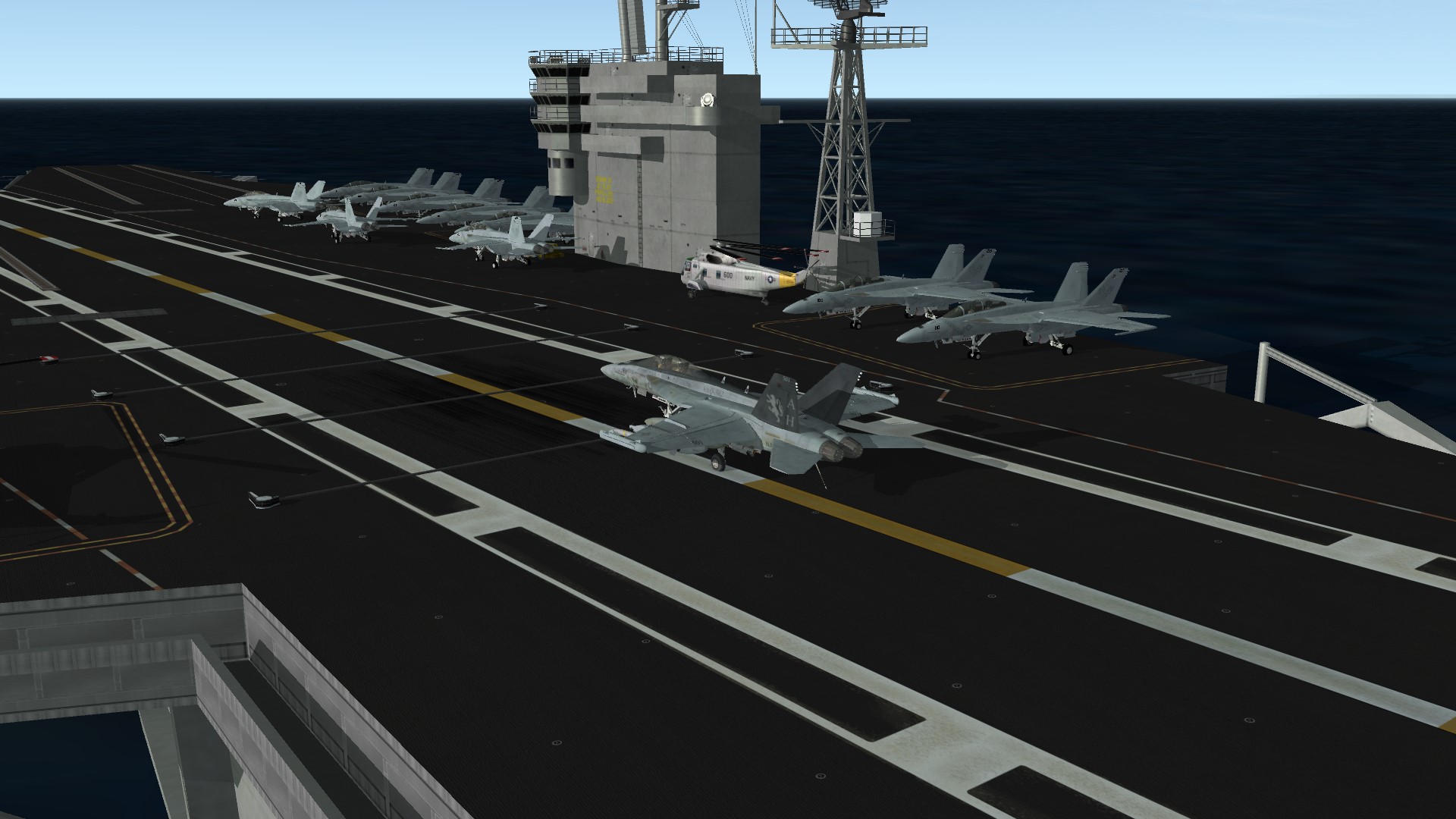
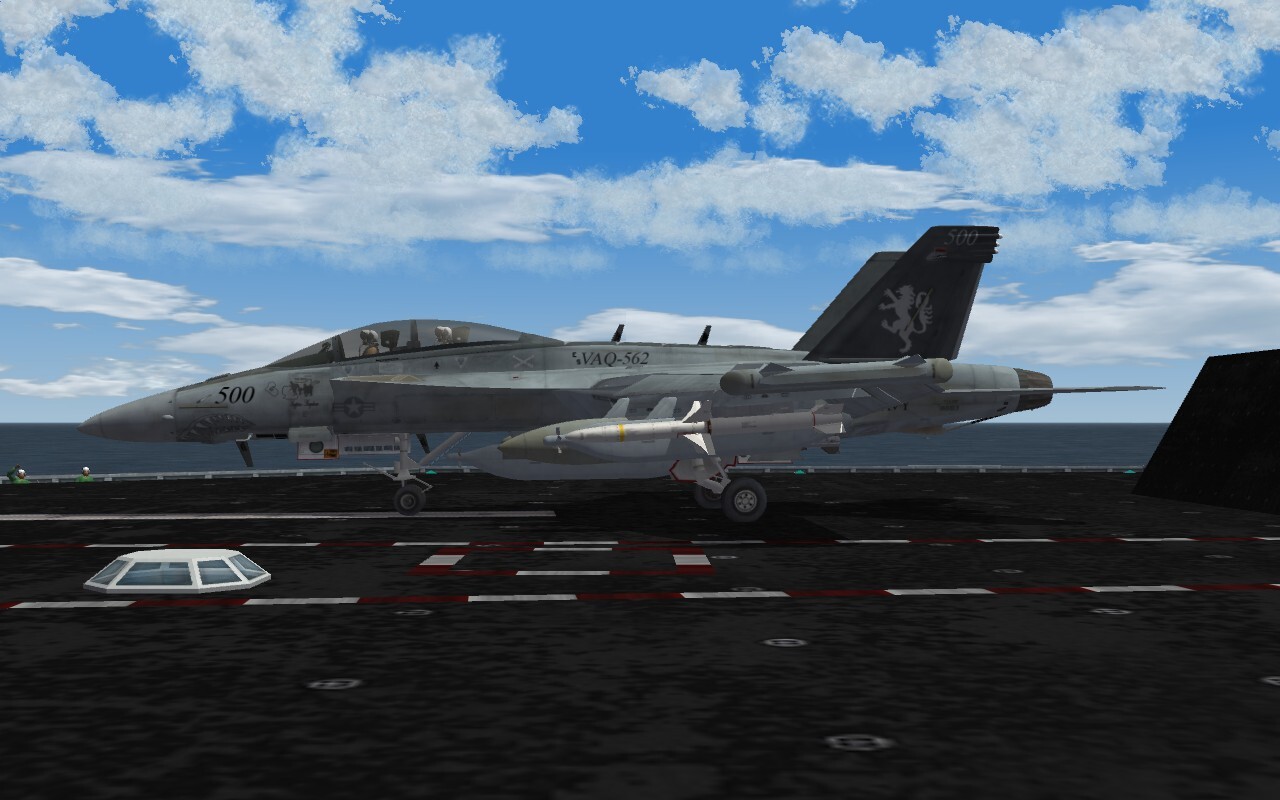
Even Reservists gotta fly and trap
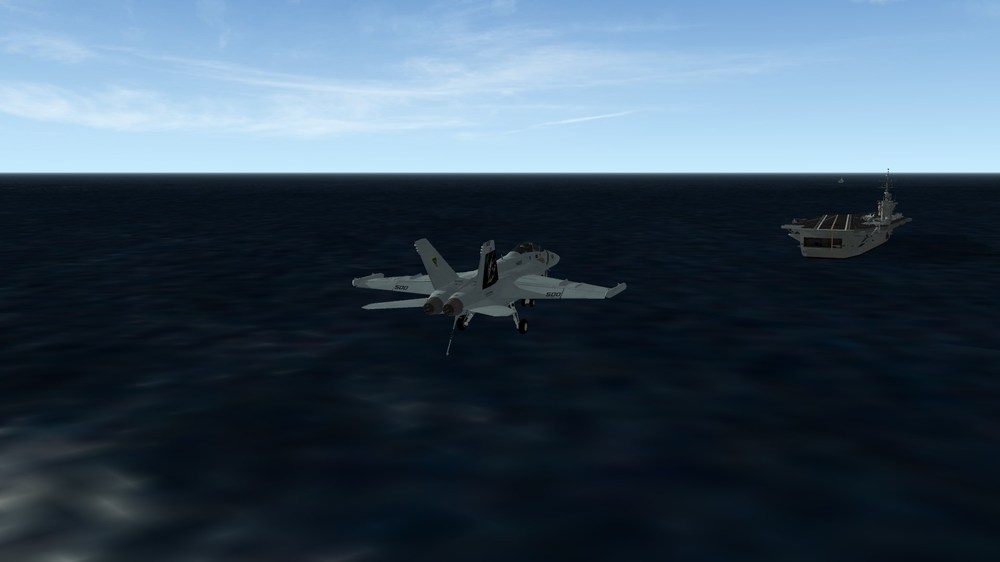
-
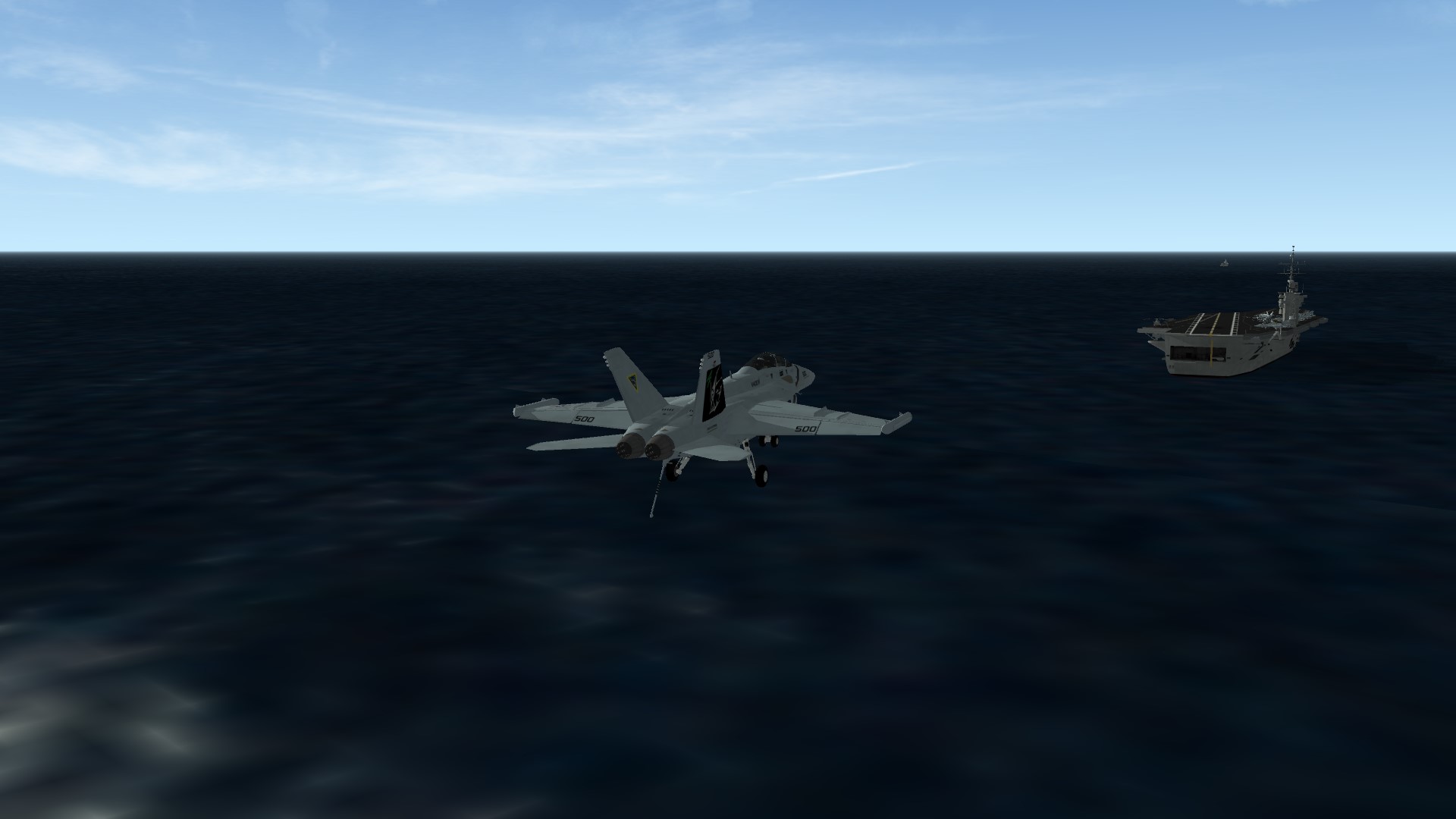
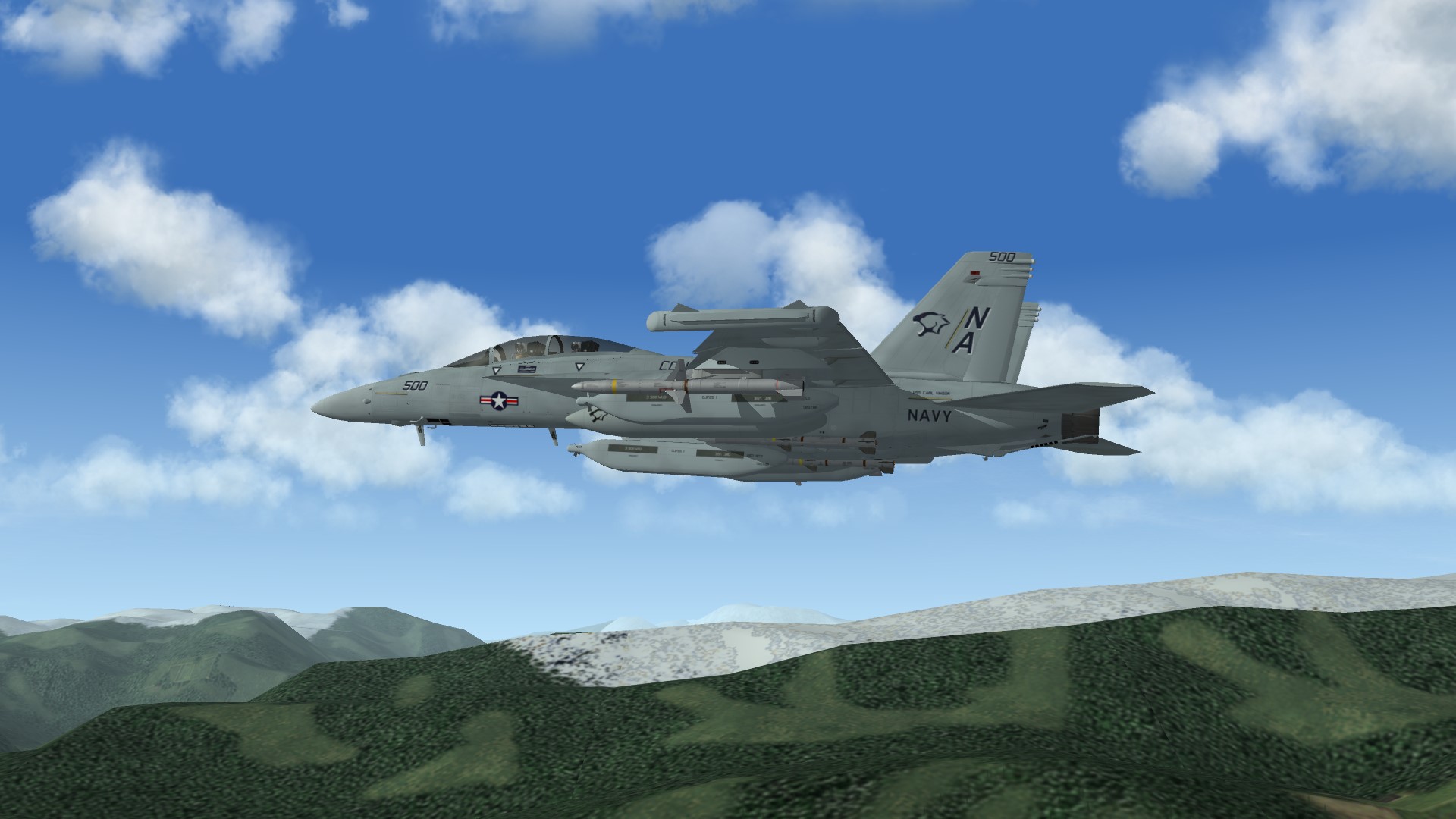
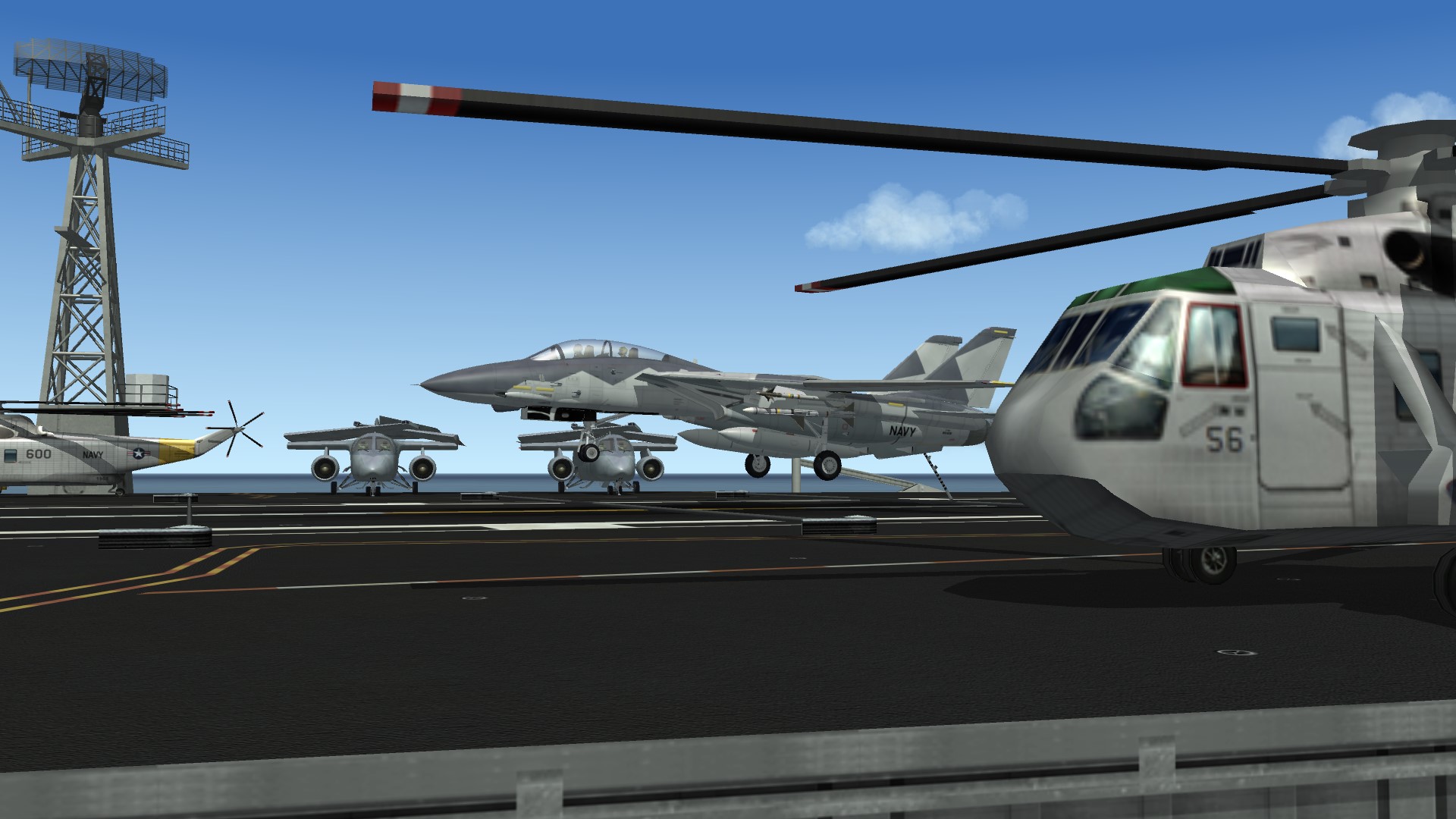
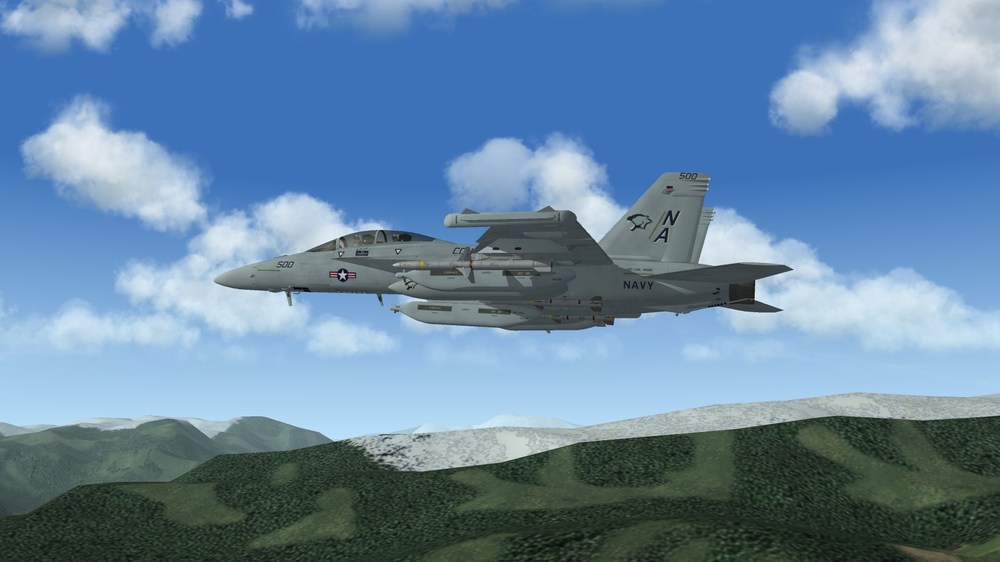
Returning back to the carrier after some low-level flying
-
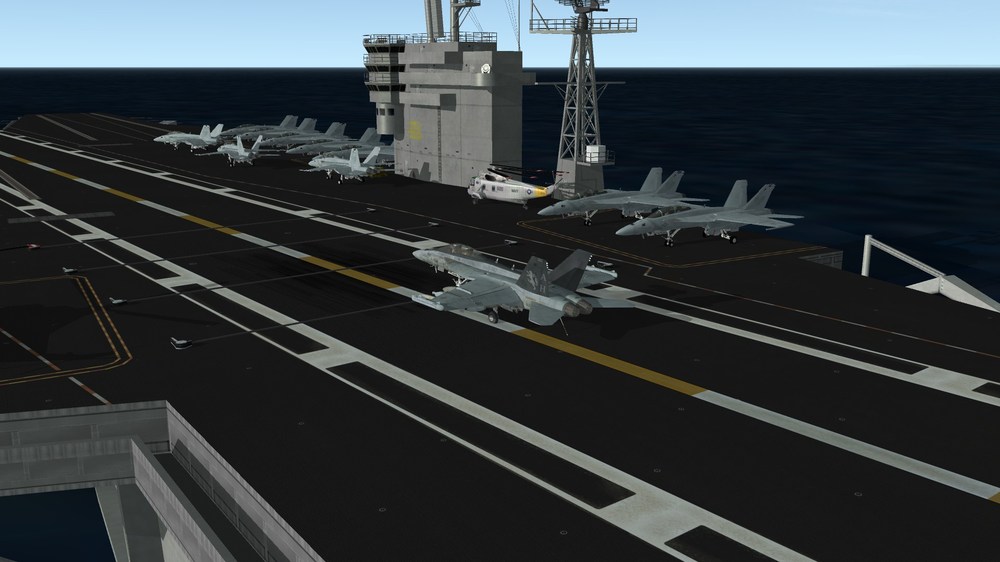
Returning back after a patrol
-
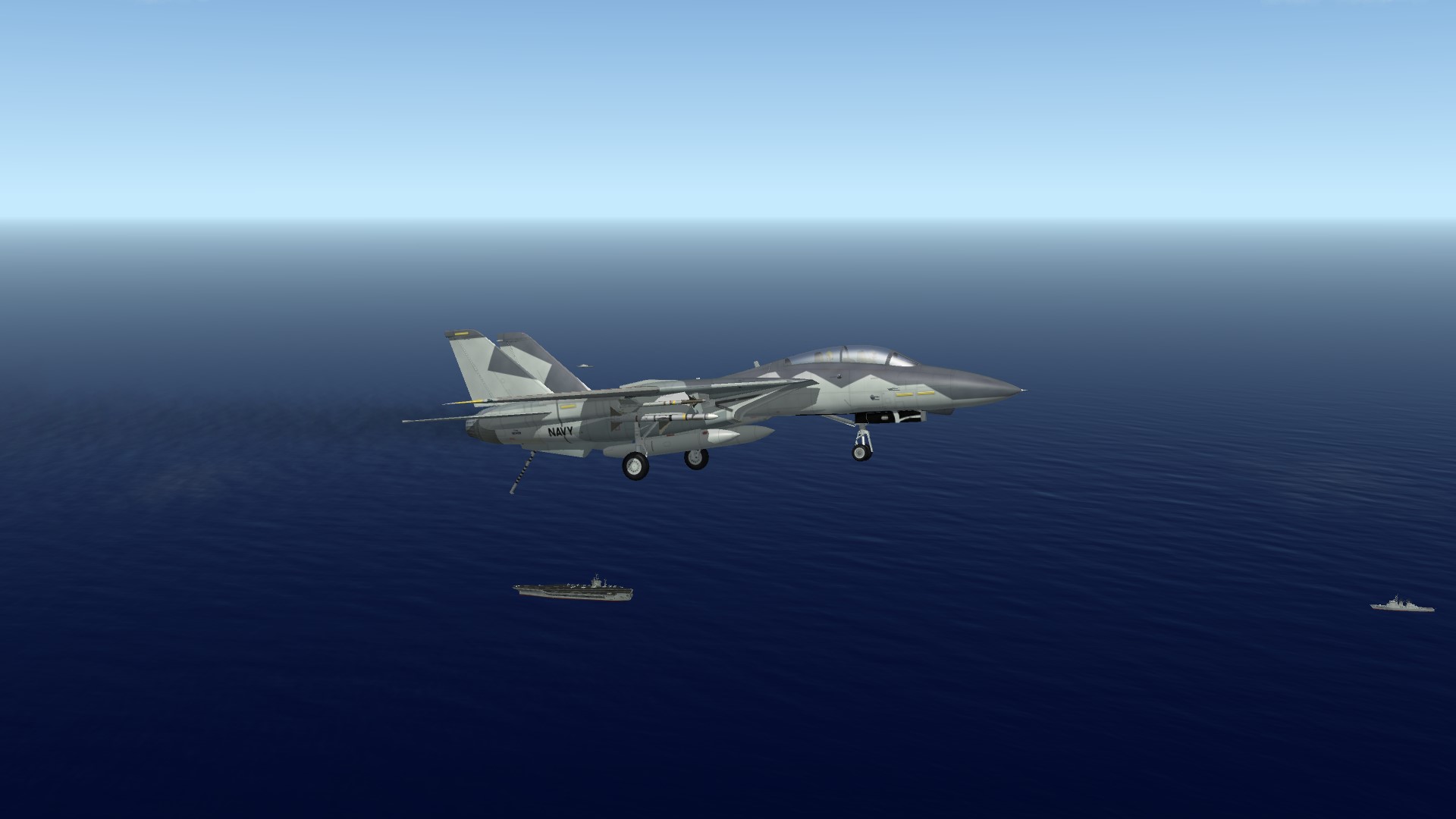
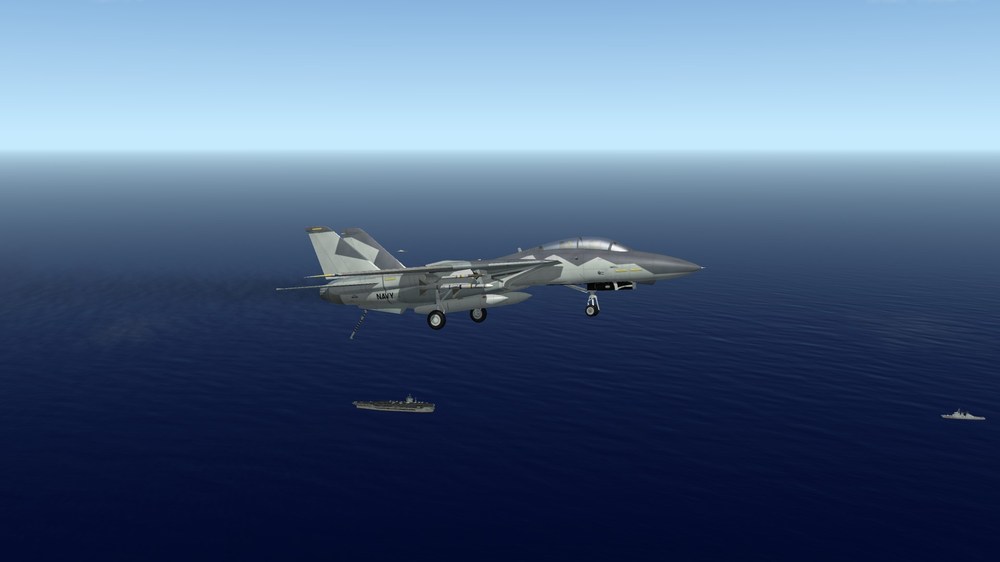
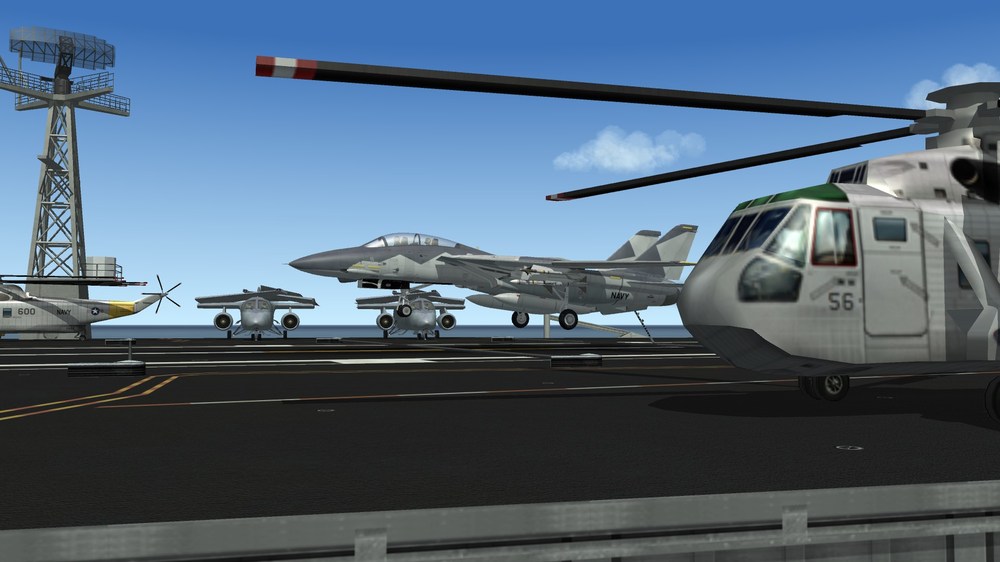
Had a bolter because I forgot to put the hook down. Then again I came back in and caught the wire:
-
No problem man
-
Oh that's what you mean... I never really touch the sound files outside of the game, unless it's in my current search for a better afterburner sound for the Super Hornet pack. But that aside maybe the update did pork the sound files. I think you'll need help from somebody else then as I don't mess with that stuff. I have Windows 11 and for the most part haven't had any issue listening to the sounds in the Sounds in the mod folder. As for the predone ones I haven't touched that.