Wrench
-
Posts
28,320 -
Joined
-
Last visited
-
Days Won
188
Content Type
Profiles
Forums
Gallery
Downloads
Store
Everything posted by Wrench
-
By default -- as has been stated over and over to many people.... EVERY SINGLE ONE OF THE SF2 SERIES MERGES WITH EVER OTHER ONE UPON INSTALLATION. THIS INCLUDES AND PURCHASED DLCs. This means that everything from each individual executable will be / is available in every single one. (example: you can acess the VietnamSEA terrain from withing the SF2I game) You can only create seperate mods folders for the individual games (ie, SF2, SF2I, SF2NA, etc) by running each individual executable (SF2I.exe, SF2E.exe, etc). This creates the individual games, although, again, all things from all games are accessable from within each one You have to start exploring your machine, and start finding the mods folders. Until that happens, there's not a lot we can do
-
Did you NOT read the thread linked above by EricJ, and the one I linked in one of your other threads?? The Mod Folder is automatically created when the game is run. THAT's where you'll find all the bits YOU can modify. IIRC, that thread also explains where it can be found in Winge10. You seem to still be poking around in the CORE FILES INTSALL --- where nothing is accessable and changeable. Start looking in the higher upper relems, like looking for a SavedGames folder, above the C drive
-
RADIO CHATTER MAKES GAME FREEZE AND STUTTER
Wrench replied to JamesWilson's topic in General Discussion
you won't be able to delete them from SF2, as the SPEECH folder does not exist. All voices are drawn from the cat files. Seems like it's time for hardware upgrades. Baff: you had an integrated sound card? (ie: built into the motherboard?) -
RADIO CHATTER MAKES GAME FREEZE AND STUTTER
Wrench replied to JamesWilson's topic in General Discussion
I see in this forum, and the SF1 forum, NOBODY has asked the question: what is your sound card??? (built in to the motherboard, or a seprate unit aka Soundblaster, etc) What TYPE of computer (laptop, desktop?) all these make a difference -
a new mentor will come in handy for anyone (re)doing the Falklands, too
-
not that I've ever seen in 17 years ...
- 7 replies
-
- 1
-

-
- arrow keys
- controls
- (and 8 more)
-
I'd wait on installing the old ODS mod. There's a new one coming. But NA WILL be a must
- 10 replies
-
- 3
-
-
- addons
- desert storm
- (and 8 more)
-
you all know that, even with the 'blue language' we let through, this is still a family site. Talking about your "shock stroke" is pushing the limits ... this isn't YouP0rn or Literotica!!! sorry, guys, just COULDN'T resist!!!
-
The Knowledge Base is your friend... while some info may be slightly dated, the basics area all there. Familarize yourself with the game's folder structure and mechanics BEFORE trying to add things. You'll find it's pretty similar to 1stGens, with some minor exceptions (ie: some folders not being present in the mods folder, that will have to be created by the End User). And the fact the Mods Folder is NOT in the expected place as 1stGens, due to program differences from Win7 and up
-
I'd heard the show was cancelled after 1 season, and replaced with re-runs of Dr. Who =================== Nice screenies, Spinners! Get better soon man!!
-
Buying RAZBAM - A-6 Intruder for the TW series
Wrench replied to KaktusBonus's topic in General Discussion
I doubt an answer will be recieved, but hell, give it a try -
there are many terrains that do that as well ( suck up resources). I should know -- I'm the cause of it!!, object wise) They also increase loading times, usually around the, what it is ... 60-80% mark?? it still sounds like lack of video memory. Unless the laptop is specifically designed for gaming, this has been an issue for the last 17 years that I've been involved with this game.
-
what about using the Metor F.8 cockpit? It's stock, has 2 sets of anunciator gauges, and has a somewhat 1950s steam gauge looks. Been using that one since TK gave it too us. extract the cockpit ini, drop it into the Vulture's folder, and adjust the cockpit position from there. Don't forget to make the main ini read-only, or it'll revert to AI only and wipe out the added statements (of course, everyone knows this already)
-
There are literally 6 more uploads of this type (below) from Paulopanz Christmas week. All are flyable, using a MUCH closer cockpit PLEASE check the download sections! It'll save you a boatload of work!!
-
this has all been done before. a quick check of the D/L sections would have saved you some work, Mac (hell, even I did the DLC 104Cs after they first came out --)
-
thank you! approved and ready for download
-
to answer the 2nd question .... yes == sure they're not DAT birds?
-
or the old fashioned way of having a custom mission, and then manually editing the 'start position' of you aircraft over the specific target area (@ 500-1000m alt), and locating the offset -write it down!!- and then editing the targets ini. (past master of this I am!!! )
-
I was pretty sure we had it in the download sections Russ: can you also upload that to the SF2 Utilites section?? TIA!!
-
Discussion on actual game play should be confined to the Regular Forums (tm). These threads are about the Complete Set, not how to play it. BTW, AGM-84A, C & D have been part of the game since day 1. Extact your WeaponsData.ini and examine it
-
Happy New Year from California!! edit: corrected spelling! should have read "from"
-
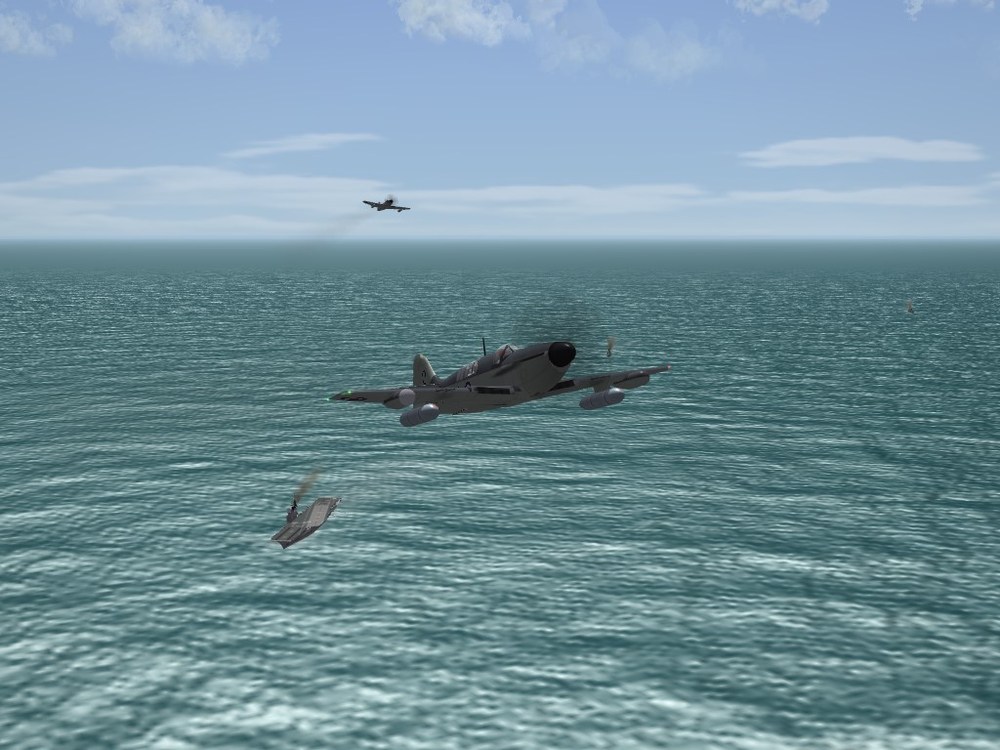
Geary: none of my books show modex numbers on the tailfins, not even at the very top (post-56 when gray/white came in, yes) Good job otherwise. The mapping on those, including the A-1E is a bit on the "odd" side, isn't it!!?? LOL. I have the Osprey KAW Skyraider book, it you need it --- required screenshot
-
Not to worry people, the fool has already been banned --- We now return you to the discussion, already in progress
-
as it's exactly the same as the individually purchased units, there should be no issues with any mods
-
Darude: are you out of your mind??? how stupid are you asking for copyrighted software on an open forum?? We hid your original post, asking for someone to pirate the installers to you; and we just thought that it was a one time brain fart. I guess we were wrong. Same behavior I see on the FB group, too. I'm handing this off. You're done here