-
Available Subscriptions
Strike Fighters by Thirdwire
All SF / WOV / WOE / WOI Simulation Modifications and Add-Ons
Subcategories
-
04/03/2017
SF2 E/NA
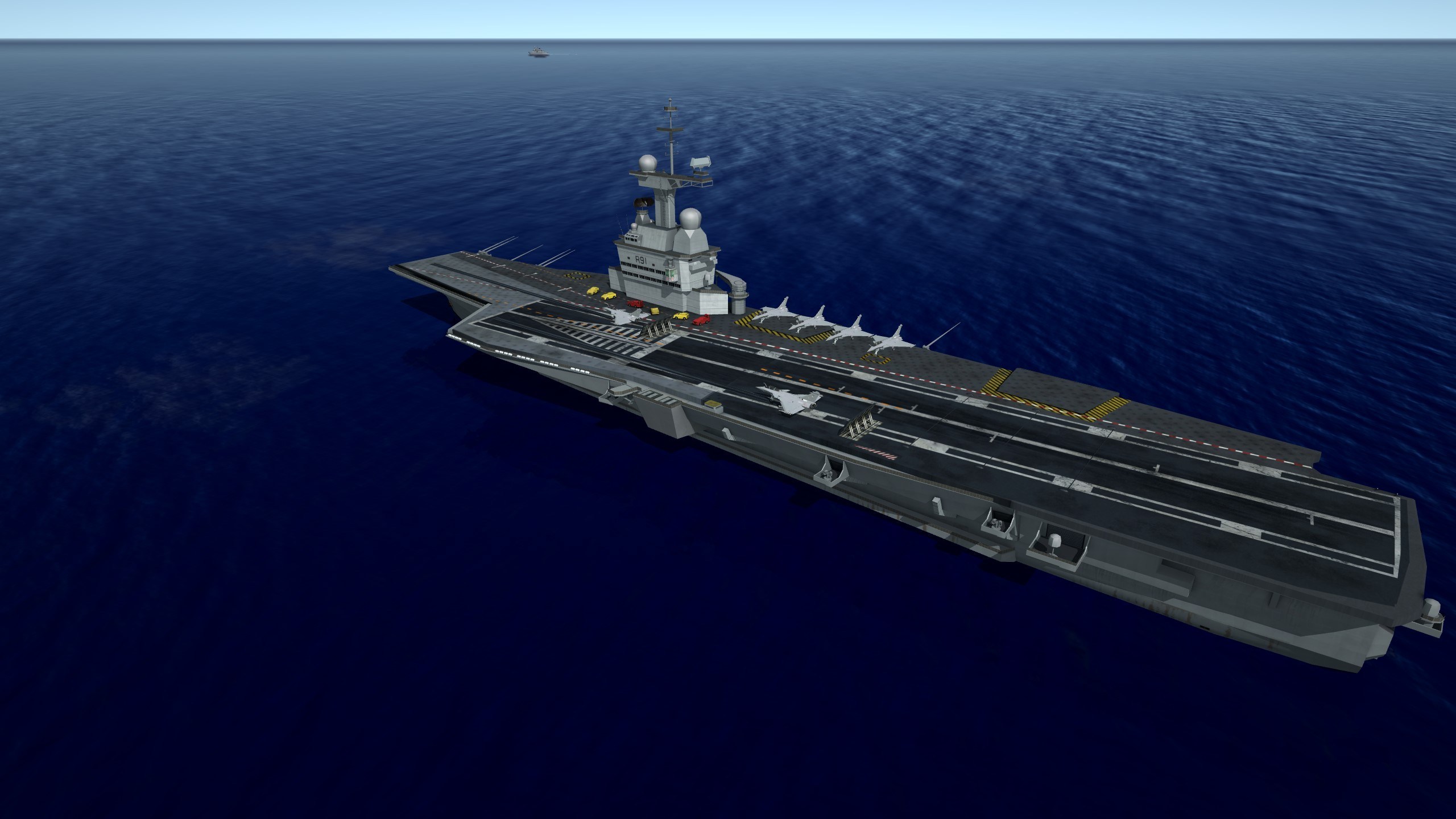
Sail SHIP
General Sail SHIP for the Game !!!!!!!
Ok this is a General Sail Ship...for the terrain's.......and special for the Anatolia ...!!
I hope to enjoy it......
is also incude a 3d Max file......TO MAKE /REMAKE The Model......but it CAN be distrubuted if the original readmes and all other pieces ........etc
and up load it again in the modder's place....max file's
AceSfakia
----------------------------------------------------------------------------------------------------------------------------------
To Install:
For all users: unzip, as I always reccomend, to a temp folder or you desktop, or somewheres else that easy to find.....!!!
----------------------------------------------------------------------------------------------------------------------------------
=For SF2 Series Users:
These are the simple instructions ...
Copy/Paste the Object's main folder into your ....... /Objects/ GroundObjects folder.
-----------------------------------------------------------------------------------------------------------------------------------
----------------------------------------------------------------------------------------------------------------------------------------
Credit's........
Skins: AceSfakia
3D Model: AceSfakia
Data.ini: Acesfakia
Gun's.ini files,Sound's effect's etc :COMBATACE, T W
=======================================================================================================
-This Model is FREEWARE under combatace...... Feel free to use this mod for any future projects as long as proper credit is given..
All copyrights reserved.
This is freeware; it CAN be distrubuted if the original readmes and all other pieces of the package remain intact.
The names of all contributors, modders, suppliers, etc =MUST= be listed in any new readmes.
This package may NOT in any way, shape or form be used in any payware additions.
Any persons wishing to make further modfications, MUST remember to put everyone's name in it..
Source:
Wikipedia
By acesfakia90 1 -
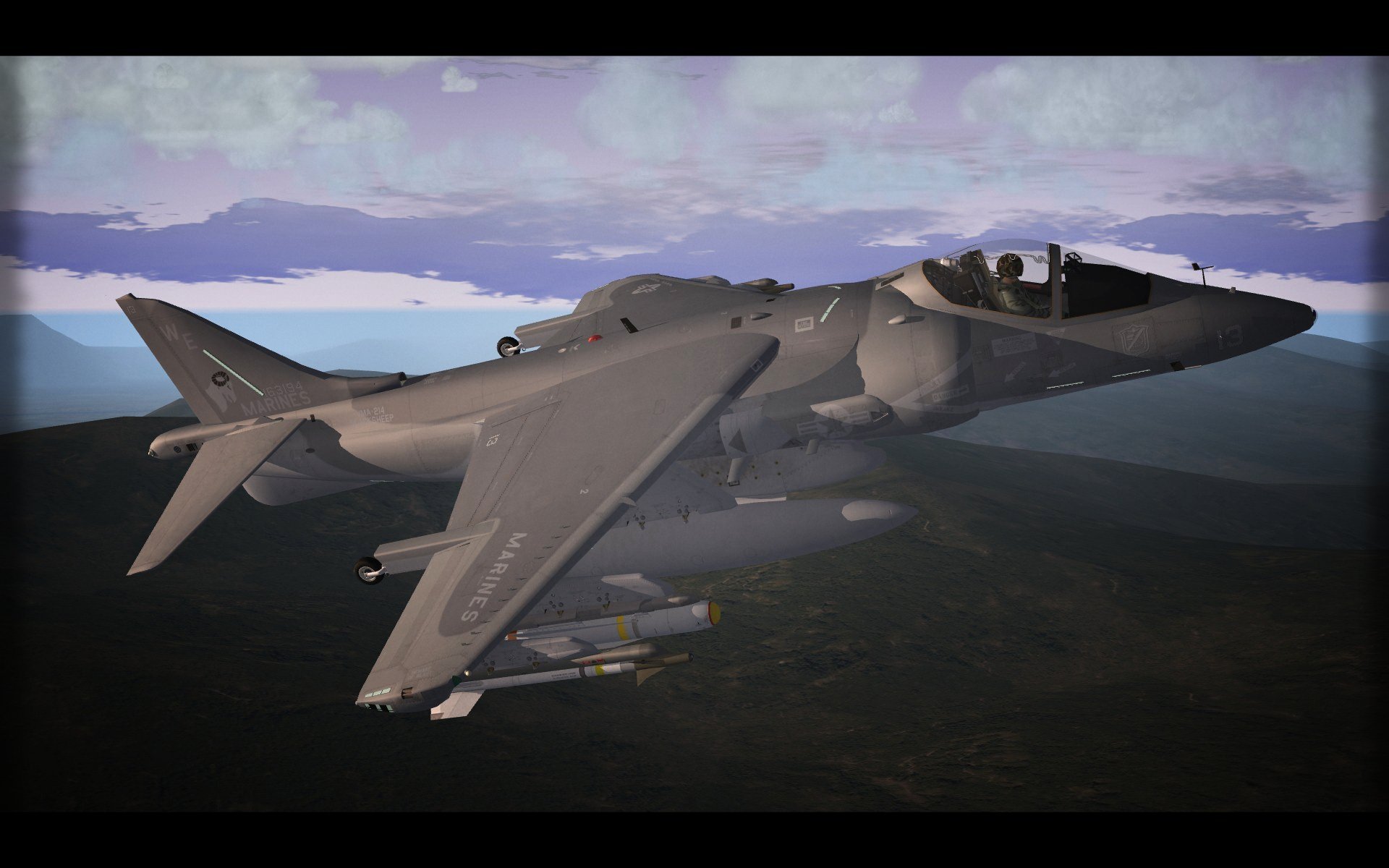
This is a Skinpack for SF2V A-7E.
3 USN Skins
VA-192 Golden Dragons
VA-195 Dambusters
VA-122 Flying Eagles
Thank you COMBAT+ACE.
MAKOTO
By MAKOTO212 0 -
This is full package.
YOU DON"T NEED TO DOWNLOAD ANY PREVIOUS VERSIONS OF MY TORNADO.
THIS PACK INCLUDING THE LATEST VERSION OF JP233 .
YOU DON'T NEED DOWNLOAD STANDALONE VERSION.
KNOWN ISSUES.
Don't arm AI with JP233, They can't use it.
CHANGES (3.2):
1) Added AI modifications that they don't jump like crazy frogs on take off and can hit target using CCIP bombs.
2) New HUD (more real Tornado like) based on ians755's HUD for SF2.
3) Modified ALARMS, they are really fire and forget now.
4) Added new radar range in GM mode, 0.3 Nm , it is pseudo Terrain Avoidance and 1st radar mode when you activate radar.
5) Added 2BR for tanks racks.
INSTALATION :
PLANE:
BACKUP YOUR SKINS. THERE IS ONLY 27th Sqn SKIN IN PACK !!!
Delete old folder Tornado_IDS, use new one ;-)
WEAPONS :
I highly recommend to use WeaponEditor and remove following weapons from list before instalation:
RBL755_2
BL755_2
RBL755
BL755
UK1000LB
UK500LB
Paveway III
Paveway IV
JP233
SG-357
BRU33UK
ALARM
We don't need milions same weapons ;-)
1) Open WoE/Objects/Weapons/WEAPONDATA.ini in notepad.
2) Copy text from weapons.txt in this pack to the end of WEAPONDATA.ini.
3) Correct [WeaponDataxxx] -> xxx for next numbers in list.
4) save WEAPONDATA.ini.
5) delete WoE/Objects/Weapons/WEAPONDATA.DAT file.
6) Run WeaponEditor, open WoE/Objects/Weapons/WEAPONDATA.ini and save it.
This will generate new WEAPONDATA.DAT file.
CREDITS
ravenclaw_007 for BL755
FastCargo for ALARM missile
ianh755 for HUD
Column5.us for NATO fighters.
About rest. I used clean instalation of WoE with NATO fighters I-IV and these 4 planes:
Tornado IDS (which was only in german version there)
Tornado F3 (I used cocpit from this plane and part of HUD)
CF-18 (some small parts of script for HUD, fall line and GM radar skin)
A7D (fall point symbol).
Really have no idea who was author of these parts .... thanks anyway .
By guuruu334 5 -
SEA HiRes Camo A-7D TW For SF2V and SF2E
Credits:
-----------------------------
SEA HiRes Camo Skins by NeverEnough
Hangar and Loading Screens by NeverEnough
A-7E Template by Wrench
Escapac Ejection Seat by THE BANDIDOS-TEAM
USAFNM1 Pilot by X-ray
Installation:
------------------------------
Simply extract the contents of the SEA Pack_A-7D.7z to your desktop or a temporary folder. Then copy/paste the Effects and Objects folder into your Mods\StrikeFighters2, Mods\StrikeFighters2 Europe or Mods\StrikeFighters2 Vietnam folder. If asked to "OVERWRITE" or "Replace The Files In The Destination", click yes.
Shift 0 will open and close the canopy.
USAFCAMO7, USAFCAMO8, and USAFCAMO9 each have different shark jaws and eyes. Two hangar screens are included. If you would like to use A-7D2_Hangar rather than the default A-7D1_Hangar Screen, edit the included A-7D.INI line to read "HangarScreen=A-7D2_HANGAR.JPG" (without the quotes!).
I hope you enjoy!
By NeverEnough194 0 -
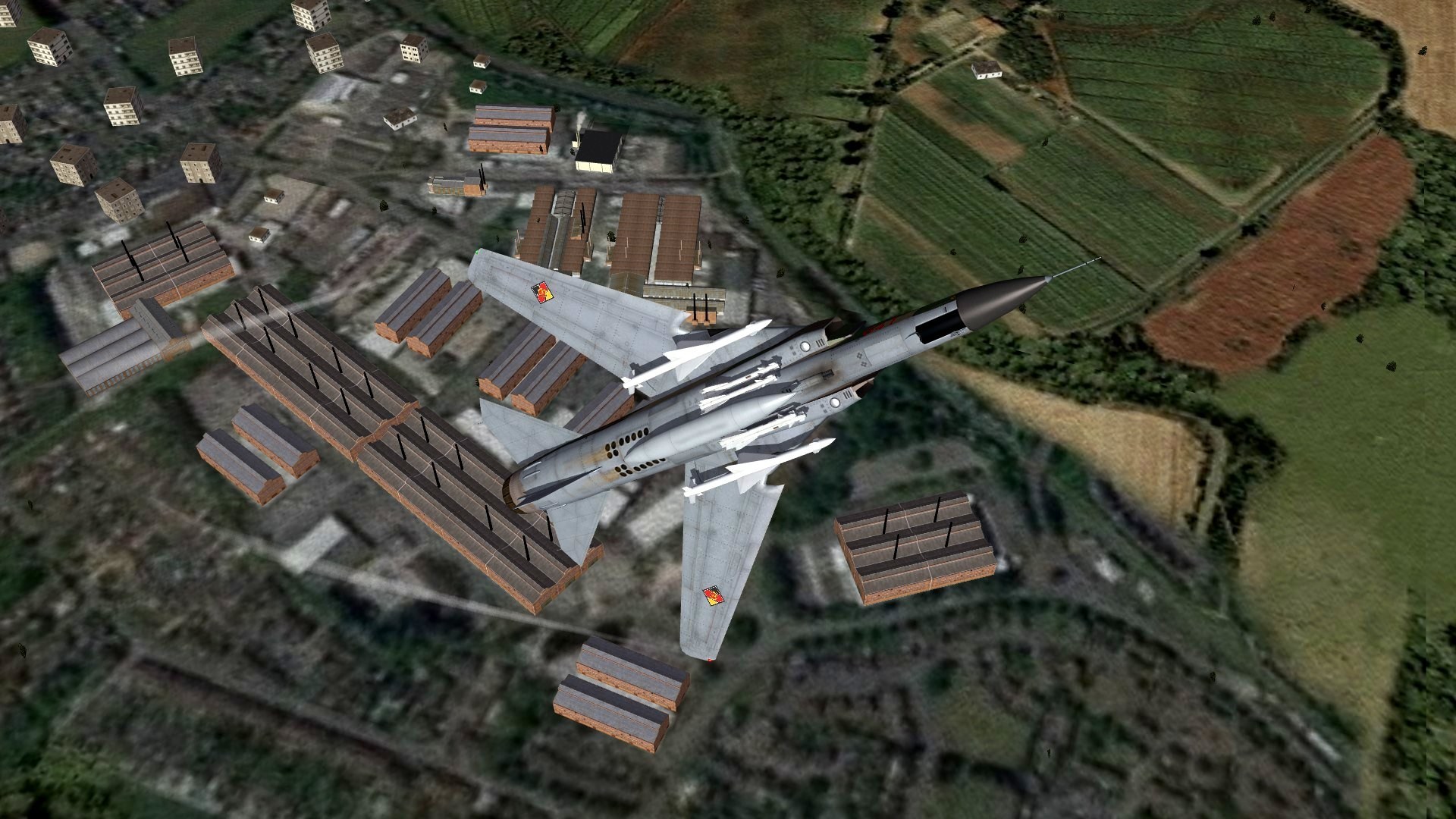
These two East German Mig21-PFM skins are from my personal GermanyCE MOD folder. And I would like to share them with you.
I weathered the skins because the stock ones look to shiny fot my taste.
Drop in your "\Objects\Aircraft\MiG-21PFM" folder and enjoy.
(The stencil are made by Comrad)
By Happy308106 2 -
Mig-21 PFM 80's Camo Skin.
Drop in your "\Objects\Aircraft\MiG-21PFM" folder
(The stencils were made by Comrad)
By Happy308109 0 -
This is a Skinpack for SF2V A-7E.
2 USN Skins
VA-146 Blue Diamonds
VA-147 Argonauts
Thank you COMBAT+ACE.
MAKOTO
By MAKOTO187 0 -
CHANGES IN JP233 3.0
1) New 3D models for JP233 and SG357.
2) Added a little pyro effect.
3) Changed sound SG357.
4) New skin for container.
5) Changed sub-munition positions in container.
INSTALATION:
0) Copy all files from this pack Weapons folder TO --> Woe/Objects/Weapons
1) Open WeaponEditor and delete all older versions of JP233 and SG357, -->SAVE, -->CLOSE
2) Open WoE/Objects/Weapons/WEAPONDATA.ini in notepad.
3) Copy text from weapons.txt in this pack to the end of WEAPONDATA.ini.
4) Correct [WeaponDataxxx] -> xxx for next numbers in list.
5) Save WEAPONDATA.ini.
6) Open WeaponEditor,WoE/Objects/Weapons/WEAPONDATA.ini -->SAVE, -->CLOSE.
By guuruu120 0
-
Download Statistics
14,429
Files12,665
Comments27,051
Reviews