Jump to content

Strike Fighters by Thirdwire

Sub Category  

All SF / WOV / WOE / WOI Simulation Modifications and Add-Ons

Subcategories

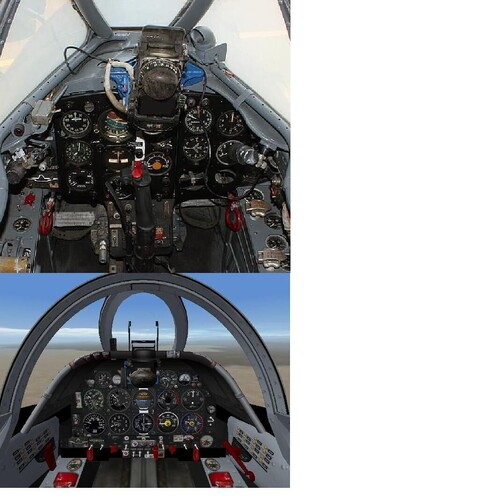
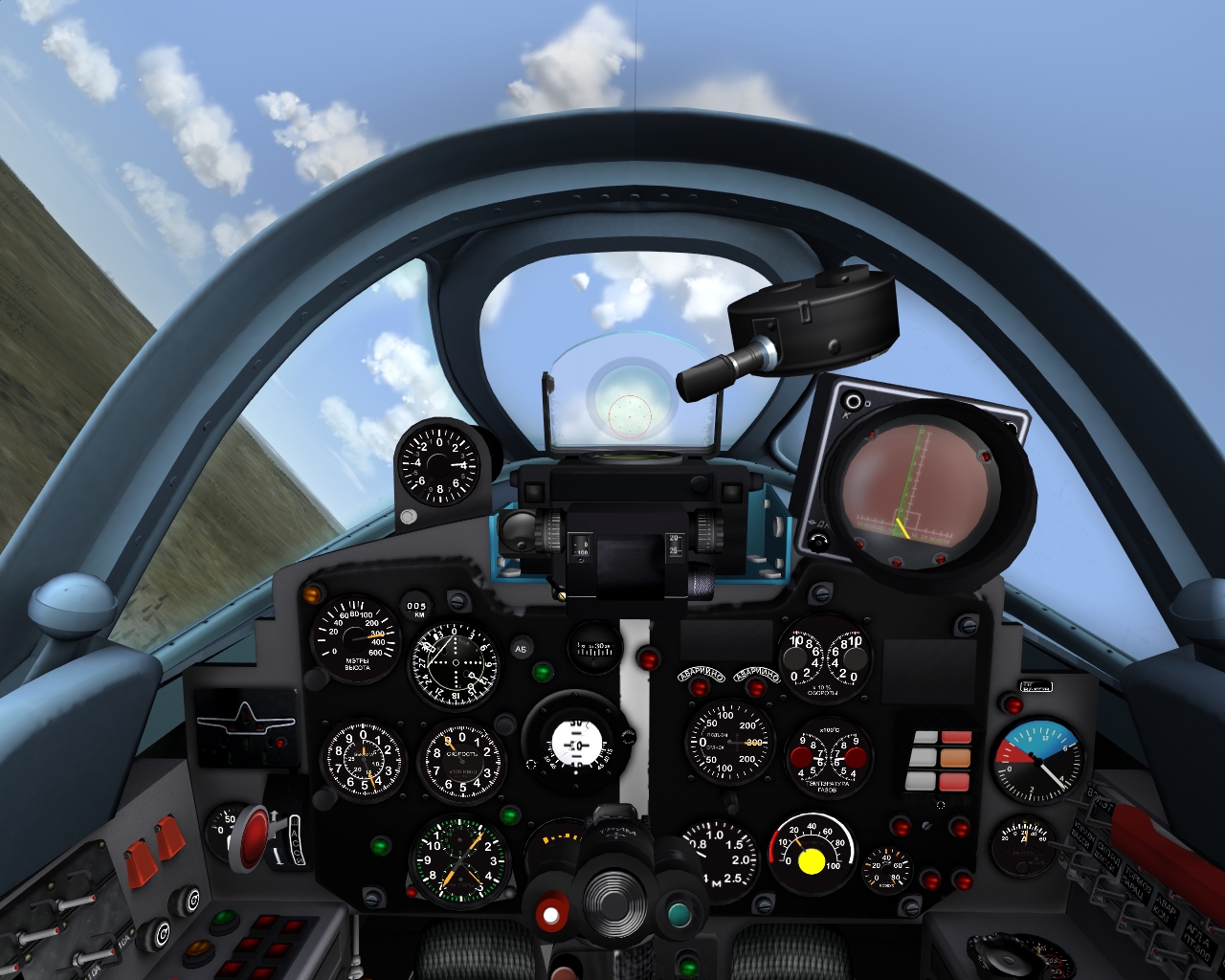
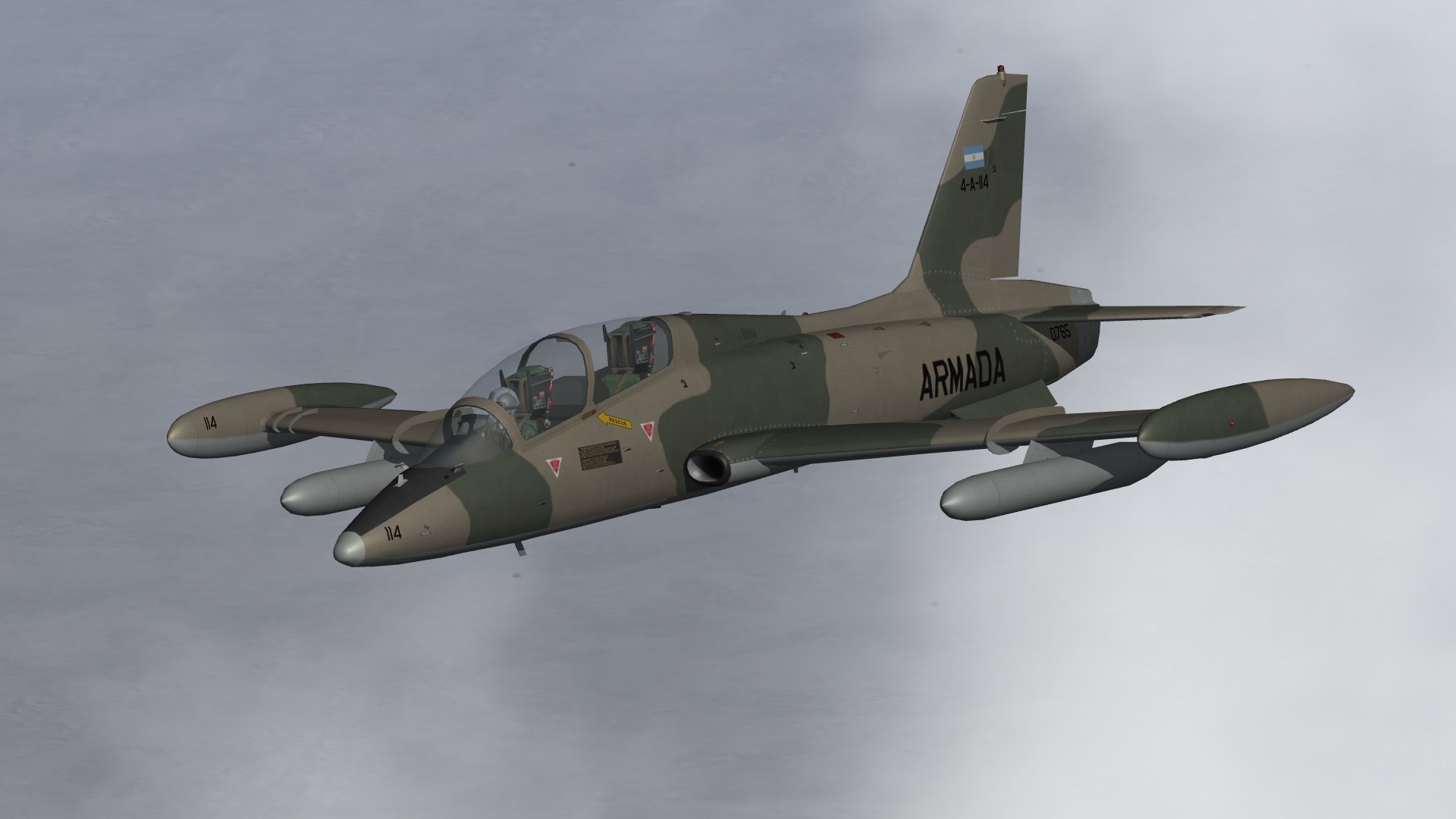
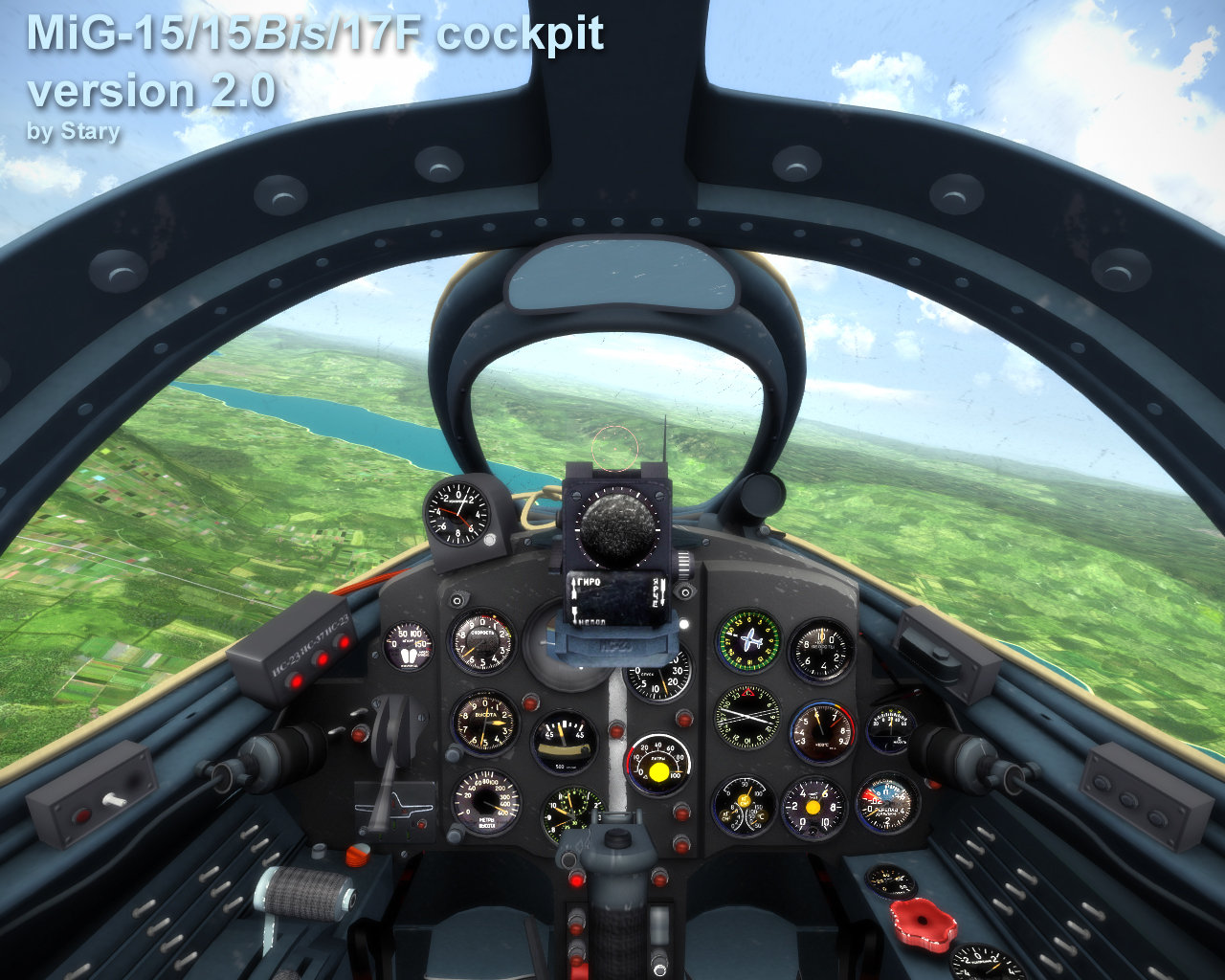
    1. Updated cockpit ini for the ID(io)T Team MB-339A
       
      available here
      http://combatace.com/files/file/12063-aermacchi-mb-339a-for-sf2/
       
      and
      http://combatace.com/files/file/11304-aermacchi-mb-339a-pan/
       
       
      Updated instruments/functions are
       
      - position of the cockpit (minor tweak)
      - gunsight, added gyro function
      - fuelflow gauges, show correct consumption
      - station lights now show correct selected stations
      - g-meter, new calibration, 1 G at level flight
      - mach-indicator new calibration, shows correct mach at all altitudes
      - airspeed-knots new calibration,
      - variometer, new calibration, now shows correct vertical velocity
      177 0
    2. These are what-if desert skins for Ravenclaw's F-4E. They don't work for the stock TW F-4E.
      There's also a wraparound skin for the '78 version by the way.
       
      Installation
       
      First Install Ravenclaw's F-4E.
      Find it here: http://combatace.com/files/file/13932-f-4e-usaf-pack/
       
      Then paste the folders in your Aircraft mod folder.
       
      Credits:
       
      TK for the game obviously
      Ravenclaw for the aircraft and excellent templates.
      109 2
    3. These are desert skins for the stock TW F-4C/D, F-100D_64/68 and F-105D_66.
      The F-4 desert skins don't replace the stock ones in the game, so you can still use both.
      They refer to the same stock decals though.
       
      F-4 skins made with Sundowner's templates.
      F-100D skins made with hgbn's hi-res template.
      F-105D skin made with Sundowner last hi-res template (I included the bump maps)
       
      Installation:
       
      I made separate folders for the various aircraft types in which you'll find the desert skin folder.
      Paste the folder in the corresponding aircraft folder in your mod folder.
       
      That's pretty much it...
       
      Cheers
      253 6
    4. This the 2048-2048 template made to improve the skins of the F-111 Pack.
      Find the skin pack here: http://combatace.com/files/file/14798-f-111-improvedskinpack
       
      I started from the original skins in the pack.
       
      It includes lines, rivets, weathering, stencils, squadron patches, and all the camo stuff.
      I corrected a few mismatches in the original camo skins of the pack.
       
      It also includes the bigger sizes of the patches in case you want to make these into decals instead of going
      for the painted ones directly on the skin (as i did in my skin pack).
       
      So basically feel free to use it for more squadrons or even aussi varks...
      I'm not sure if the skins also fit the EF-111. If so, knock yourselves out.
       
      Credits
      TW for the game.
      Fastcargo and everyone included in the credits of the original F-111 Pack
      Yours truly for the layered template.
      75 0
    5. Since I'm not a fan of too strong panel lines in the skins, I decided to redo the skins of the F-111.
      I redrew the lines, added rivets, also some stencil stuff and the squadron's patches.
       
      The squadrons are the ones of the original F-111 pack, which you need to download first to make these skins work of course.
      Find the pack here:
       
      http://combatace.com/files/file/10425-f-111-super-vark-pack-version-24/
       
      and the FB111A here (unless it's already included in the above pack... don't remember)
       
      http://combatace.com/files/file/9192-sf2-f-111adef-ef-111a-and-fb-111a/
       
       
      For the F-111D I created separate folders for the ones with classic insignia and 1984 versions referring to the more modern insignia.
      So I took the liberty to copy the star.tga included in the F-111A decal folders and added them to the F-111D decal folders.
      (you could easily do that yourself, but... what the heck)
       
      Also, I created a new aircraft folder for a 1986 version of the FB-111A to include the Dark Vark skin with slimers.
      I had change the data.ini file for that. So I went ahead and included that as well.
       
      Another extra is a fictional wrap-up desert skin for the D and E version and a desert skin with grey underside for the F-111F.
       
      Oh, I also made new Bump maps, because I thought the original ones were just too deep... They're in a separate folder.
       
      Anyway to install everything:
       
       
      1. Install the add-on F-111 pack mentioned above. (And keep it aside in case you don't like this and want to go back to the original pack)
      2. Paste the contents of the Objects folder into your Objects folder (in your mod folder).
       
      This includes F-111A/D/E/F and FB-111A and the new FB-111_86 folder.
      The Decals folder only contains the star.tga in the F-111D, so you can have the D version with classic stars.
       
      3.To make the FB-111A_86 work. Copy everything from the original FB-111A aircraft folder and paste them in
      the new FB-111A_86 folder EXCEPT FOR the FB-111A.ini and the FB-111A_data.ini files (as I already made new ones for the FB-111A_86).
      This is important as the new data.ini contains everything to make the slimers work!
      Keep in mind that the FB-111A_86 refers to the FB-111A decal folder. There's no separate folder.
       
      4. If you want the new bump maps, copy the three bmp's from the "new bump maps" folder and paste them in each aircraft folder of the different versions.
       
       
      Credits
      TW for the game.
      Fastcargo and everyone included in the credits of the original add-on aircraft (see above links)
      Yours truly for the skins


      ps: For those who want to improve the skins (and I'm sure there's much room for it) I also uploaded the layered template I made as a separate mod.
      Go look for it.


      ps: For those who want to improve the skins (and I'm sure there's much room for it) I also uploaded the layered template I made as a separate mod.
      Go look for it.
      302 2
    6. SF2 AVG "Flying Tigers" Tomahawk Pak by Baltika
       
      -- Something for the CBI players --
      = For SF2, Full-4/5 Merged (Reccomended/Preferred) =
       
      *There is a possibility that this mod will =NOT= work in SF/Wo* 1stGen game installs, due to the excessive modifications made to fit them into the SF2 environment.*
       
      **Notex2: These aircraft should ONLY be used in a seperate CBI-centric mods folder to prevent them from showing up where, historically, they shouldn't. The Aircraft/GroundObject sets for CBI are substantially different from Central or SouthWest Pacific areas. You'll need the Burma and China WW2 terrains from the 1stGen Terrains Downloads. Be advised, that even though I reworked both terrains some years ago, they need yet another going over to correct many faults; but they ARE perfecly playable as is, with the needed SF2 terrain conversion tweeks that is :)**
       
      This is a re-compilation of Baltika's beautiful P-40B/C Tomahawk "Flying Tigers" Pak for use in CBI-base WW2 installs. This uses Wolf257's Tomahawk as the base aircraft
      It contains 99.9% Historically Accurate ™ serial numbers, Individual aircraft numbers and squadron markings.
      This pak contains:
       
      1st Pursuit "Adam & Eves"
      2nd Pursuit "Panda Bears"
      3rd Pursuit "Hell's Angles"
       
      Like the recently rereleased Tomahawks, it has a new (semi)compliant SF2 FM, and in this case, a new cockpit (albeit NOT correct for P-40s* see Notes below for more explinations). It uses one of Stary's 'Generic Pits', that you can see things in. So, accept this 'poetic licsence'. The original Wolf pit is, however, still included.
       
      It is also HIGHLY advised to add this generic cockpit to the other 2 Tomahawk mods, for SF2 usage.
      Operational service dates for the aircraft have been limited to the actual spread; 12/21/41 - 7/4/42. To that end, Userlist.ini was created to help 'lock them in'. There is no historicl evidence that these Tomahawks, unlike their RAF brethern, ever used any external stores, but research is still ongoing (meaning: I gave them to you anyway, as the D&S book hinted they had them!).
       
      As always, fairly easy to follow, highly detailed install instructions are included. So, please read them. Also, give the "Notes" section a read too. Baltika's original readme for the Flying Tigers Mod is included for historical purposes
       
      Happy Hunting!
      wrench
      kevin stein
       
      ps: is a perfect compaion for the 64 Sentai Oscars recenlty uploaded - and historically correct, too!
      401 0
    7. PC-9A model, PC-9M of the Croatian Air Force, part of the aerogroup "Krila Oluje" (Wings Of Storm) skin, beta...
      24 0
    8. The Tupolev Tu-4 (NATO reporting name: Bull) was a piston-engined Soviet strategic bomber
      that served the Soviet Air Force from the late 1940s to mid 1960s.
      It was a reverse-engineered copy of the U.S.-made Boeing B-29 Superfortress.
       
      What's in:
       
      -Tu-4 main production version, originally designated B-4. PLAAF H-4.
       
      -Tu-4A nuclear capable bomber used to test Soviet RDS-1, RDS-3 and RDS-5 nuclear bombs.
      The standard Tu-4 was not capable of carrying these weapons.
       
      -Tu-4K/KS anti-shipping version, armed with KS-1 Komet missiles carried between the engines under the wings.
       
      -Tu-4R long range reconnaissance.
       
      This work began only as a limited skinwork for bringing to Jon a better bomber to use in Formosa and TSF.
      But after all serials were made, I remade and upgraded all 4 versions.
      Especially the Tu-k now fitted with pylons for KS-1 Kometa and Tu-4A with RDS-3 nuke bomb.
       
      Credits:
       
      - MontyCz for original model
      - Lindr2 for the SF1 version
      - Eburger68 for first SF-2 edits (Nato)
      - new decals, skins and edits are mine.
       
      Install:
       
      As usual all in main mod folder.
       
      I hope this will be usefull in NATO, TSF & Formosa campaigns making ....
       
      Enjoy!
      @paulopanz
      763 2
×
×
  • Create New...

Important Information

By using this site, you agree to our Terms of Use, Privacy Policy, and We have placed cookies on your device to help make this website better. You can adjust your cookie settings, otherwise we'll assume you're okay to continue..